©2018 Acquia Inc. — Confidential and Proprietary©2016 Acquia Inc. — Confidential and Proprietary
Gary Wu, Product Manager
Steve Skidmore, Product Marketing Manager
DAM for Partners
©2018 Acquia Inc. — Confidential and Proprietary
Let’s “Dig In”?
2
What: Quick, 30 minute solution sessions.
Why: Equip partners with the knowledge and
know-how to identify opportunities, pitch
clients, and drive a successful
implementation.
3
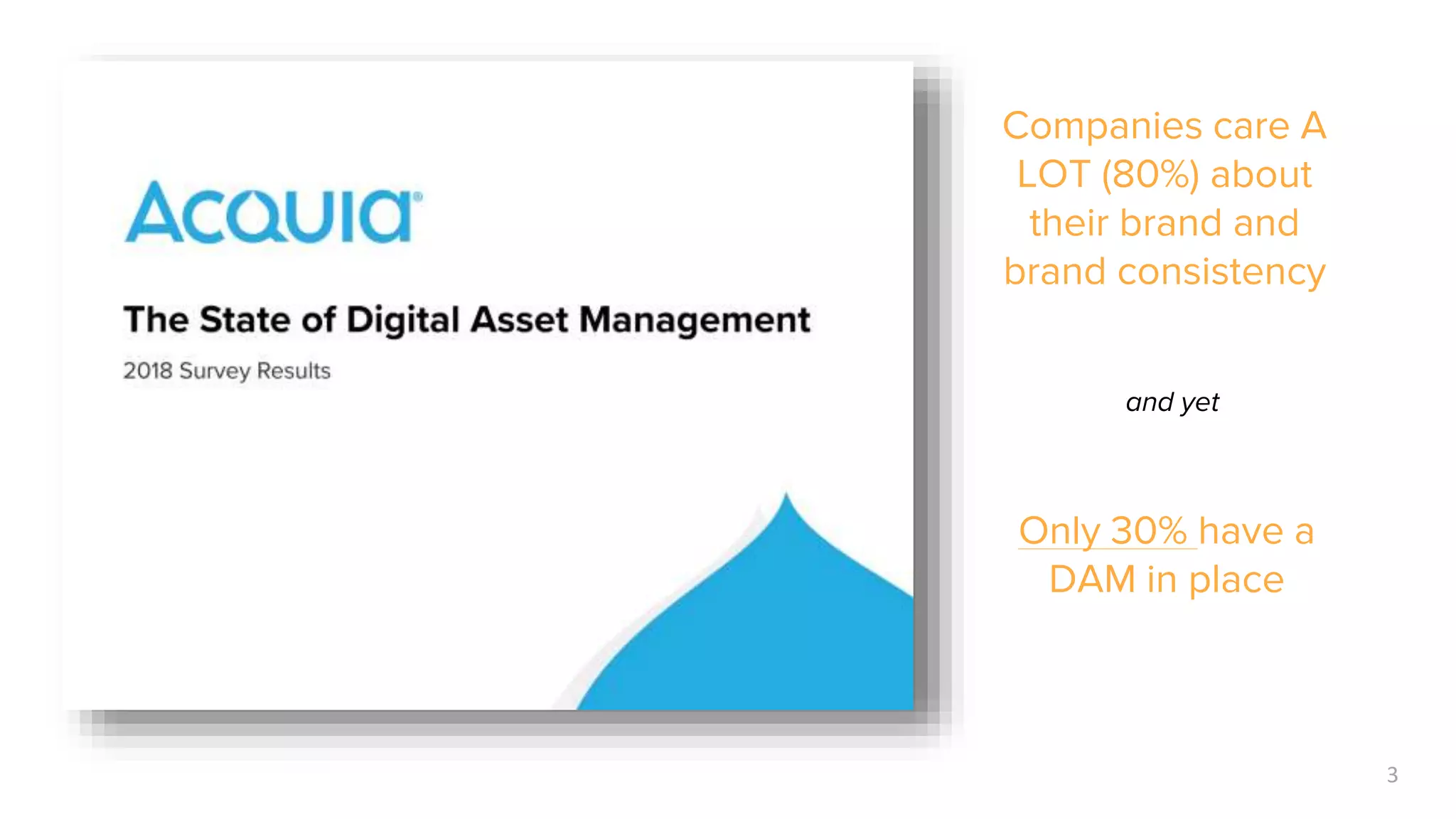
Companies care A
LOT (80%) about
their brand and
brand consistency
and yet
Only 30% have a
DAM in place
Question: How many of your
customers have asked/care
about DAM?
4
©2018 Acquia Inc. — Confidential and Proprietary
Acquia + Partner DAM Wins!
5
+
+
+
+
©2018 Acquia Inc. — Confidential and Proprietary
Let’s Dig In!
⎻ Acquia DAM Refresher
⎻ Components & Packaging
⎻ Opportunities for Partners (yes, you!)
⎻ Quick Demo
⎻ Q & A
©2018 Acquia Inc. — Confidential and Proprietary
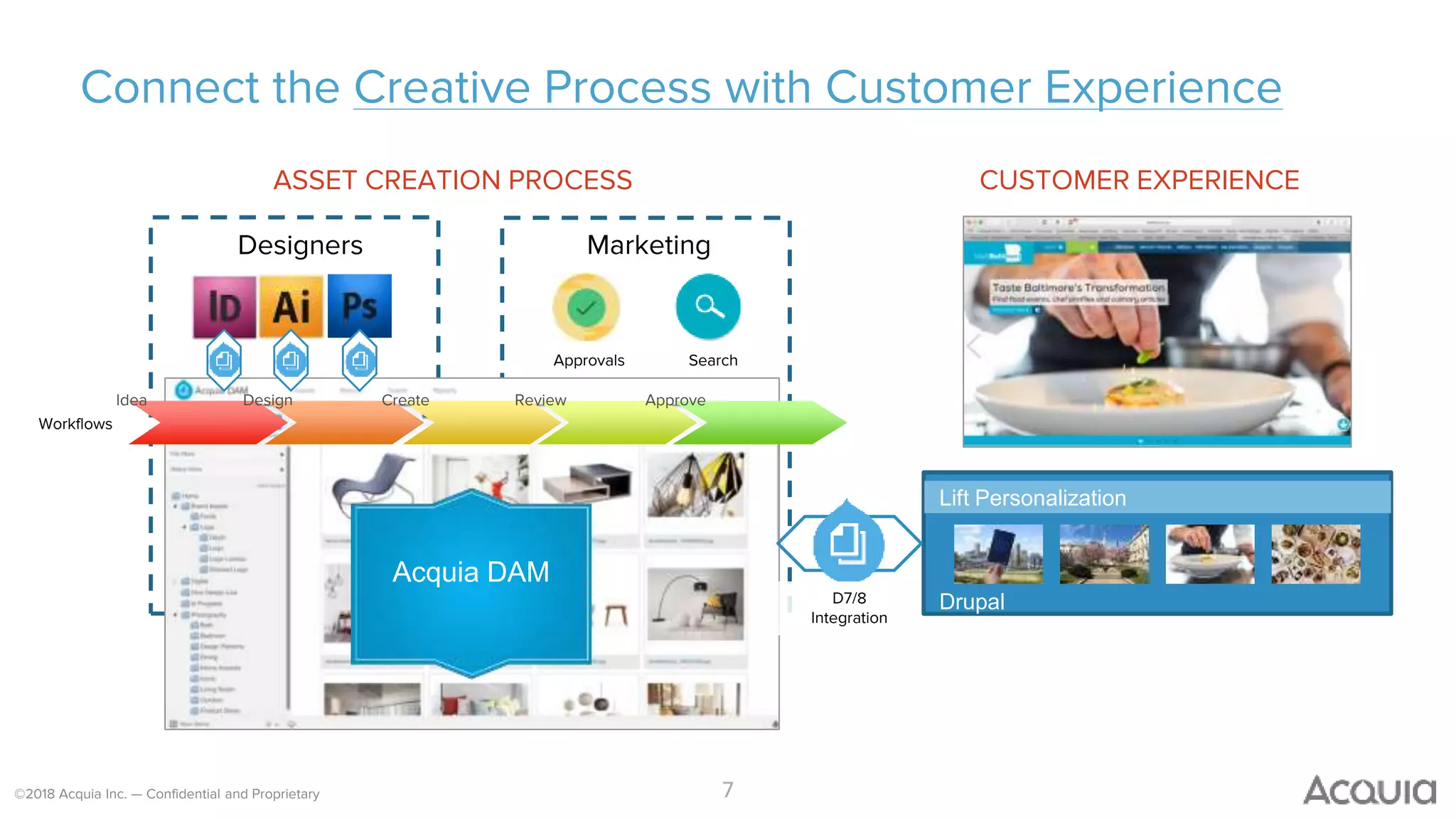
Connect the Creative Process with Customer Experience
7
ASSET CREATION PROCESS
Designers Marketing
Lift Personalization
Drupal
CUSTOMER EXPERIENCE
Idea Design Create Review Approve
D7/8
Integration
Acquia DAM
Approvals Search
Workflows
©2018 Acquia Inc. — Confidential and Proprietary
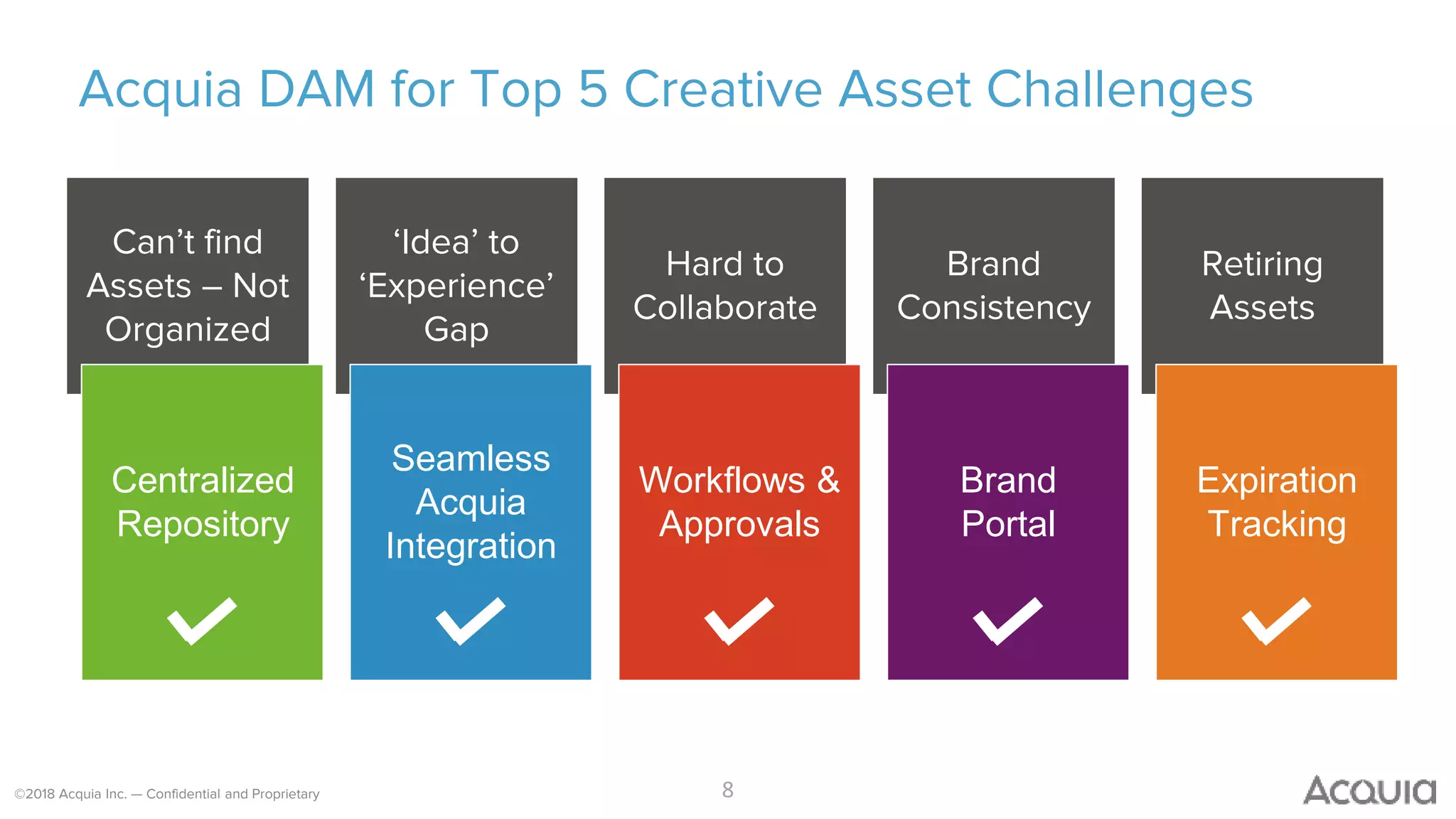
Acquia DAM for Top 5 Creative Asset Challenges
8
Can’t find
Assets – Not
Organized
‘Idea’ to
‘Experience’
Gap
Hard to
Collaborate
Brand
Consistency
Retiring
Assets
Seamless
Acquia
Integration
Centralized
Repository
Workflows &
Approvals
Brand
Portal
Expiration
Tracking
©2018 Acquia Inc. — Confidential and Proprietary
What Makes Acquia DAM Unique?
9
1. Seamlessly connects the Creative Process with Customer
Experiences (ie. Connects Designers with Marketing with Acquia’s
Digital Experience Platform)
2. Acquia DAM is in the Cloud - modern, secure, instant-on
3. Intuitive for creatives and marketers to use with little IT involvement
©2018 Acquia Inc. — Confidential and Proprietary
Four key
capabilities
CENTRALIZED MEDIA LIBRARY
REVIEWS AND WORKFLOWS
BRAND CONNECT PORTALS
ACQUIA DRUPAL INTEGRATION
©2018 Acquia Inc. — Confidential and Proprietary
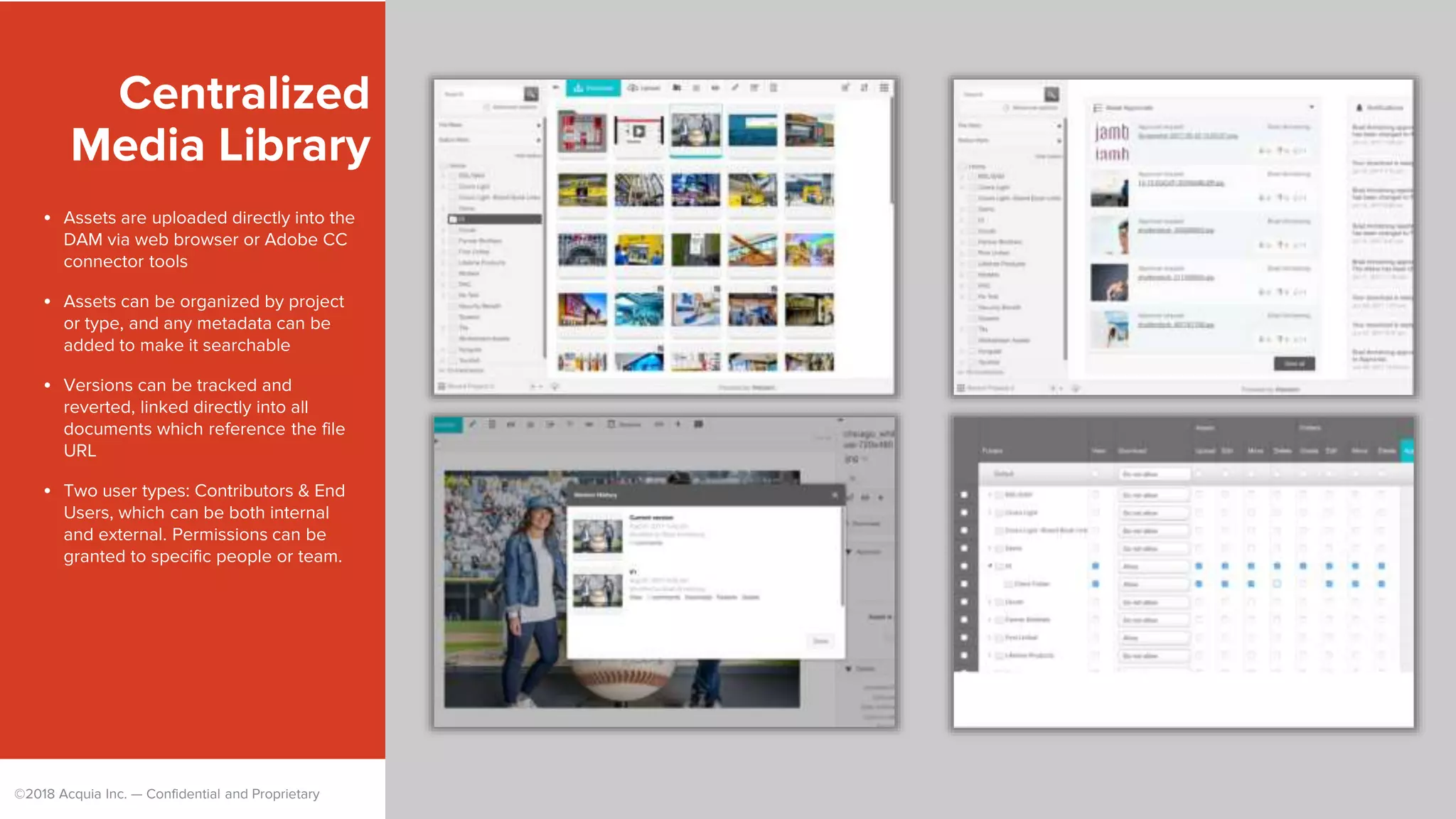
Centralized
Media Library
• Assets are uploaded directly into the
DAM via web browser or Adobe CC
connector tools
• Assets can be organized by project
or type, and any metadata can be
added to make it searchable
• Versions can be tracked and
reverted, linked directly into all
documents which reference the file
URL
• Two user types: Contributors & End
Users, which can be both internal
and external. Permissions can be
granted to specific people or team.
©2018 Acquia Inc. — Confidential and Proprietary
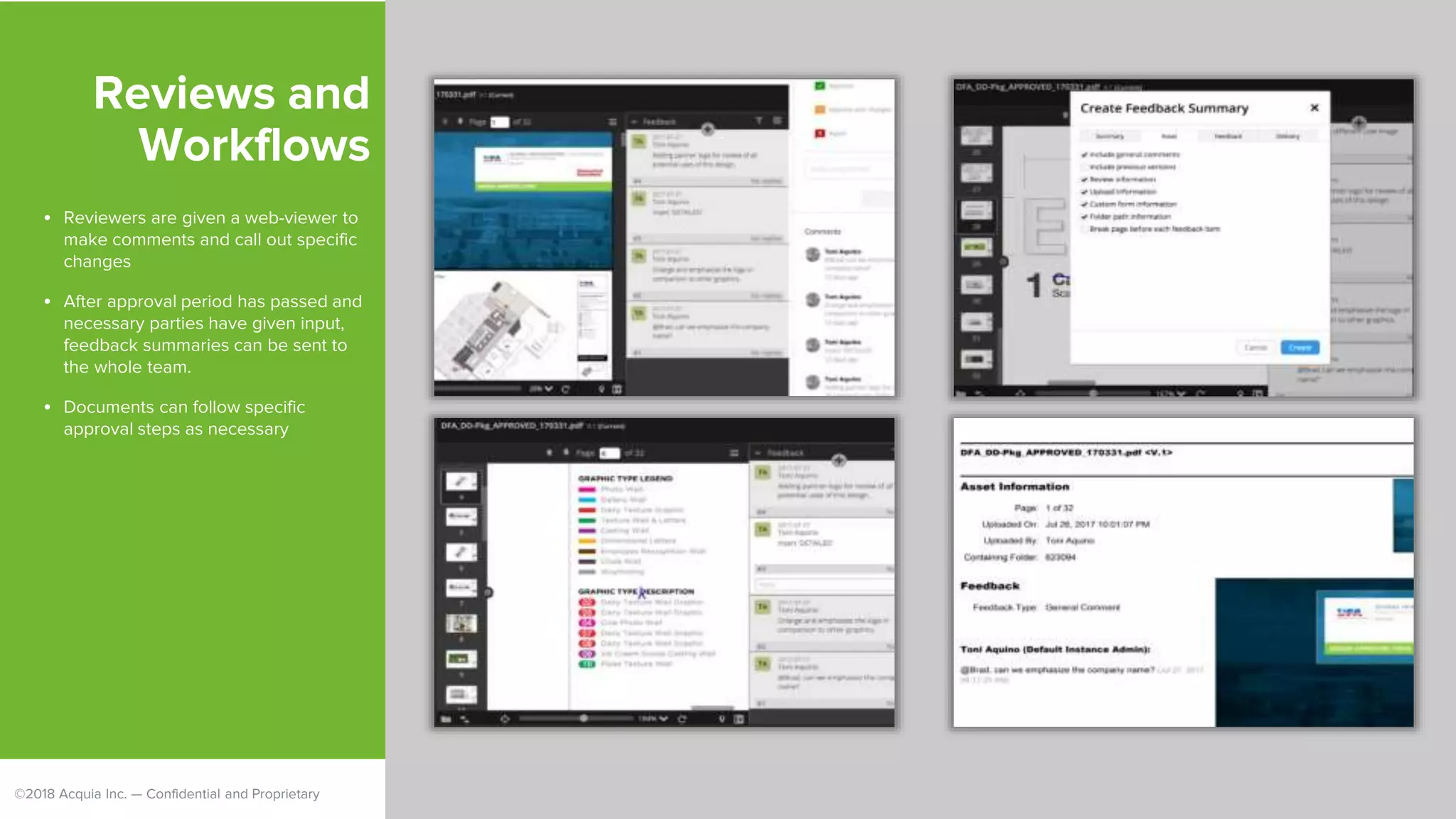
Reviews and
Workflows
• Reviewers are given a web-viewer to
make comments and call out specific
changes
• After approval period has passed and
necessary parties have given input,
feedback summaries can be sent to
the whole team.
• Documents can follow specific
approval steps as necessary
©2018 Acquia Inc. — Confidential and Proprietary
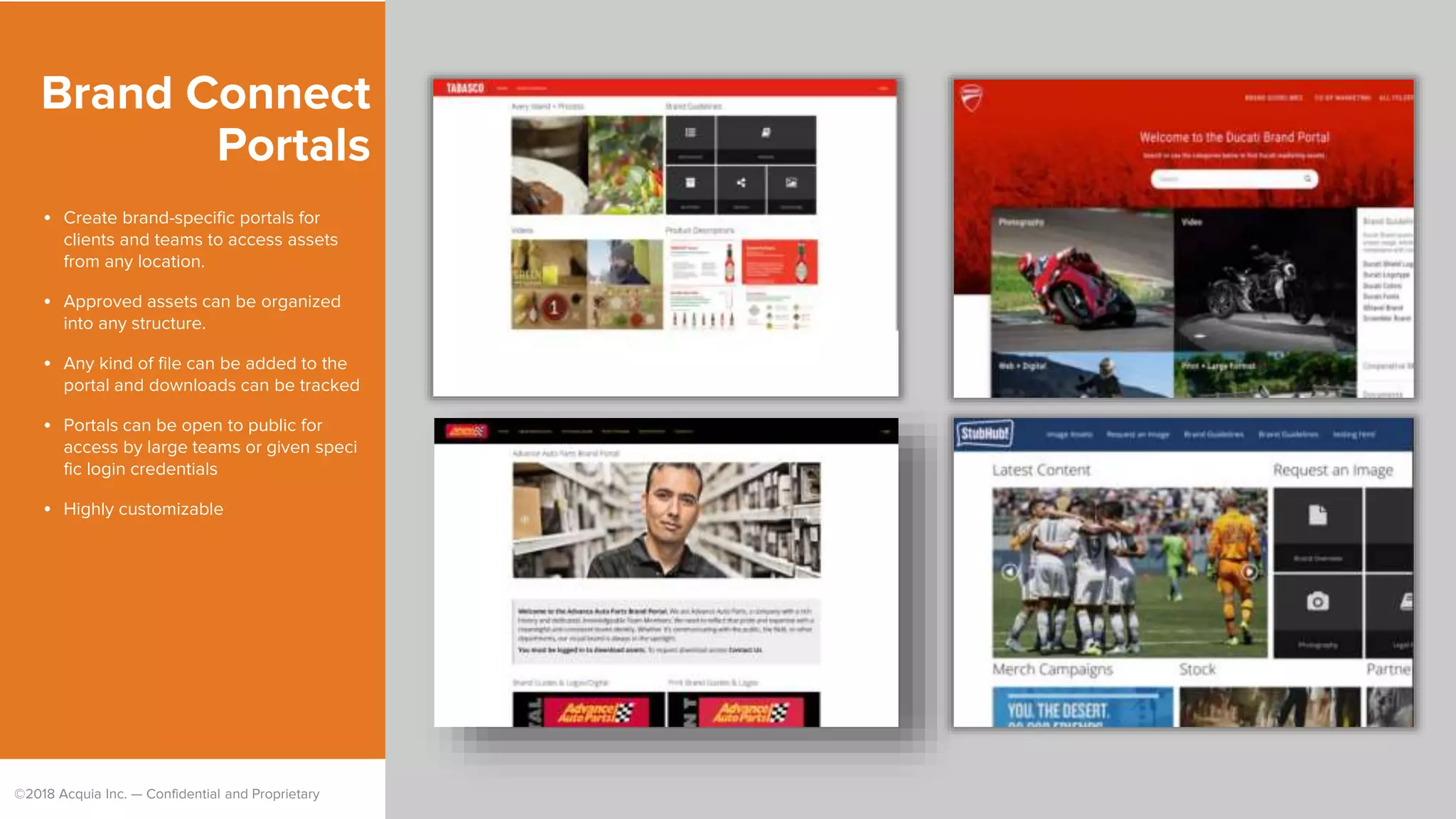
Brand Connect
Portals
• Create brand-specific portals for
clients and teams to access assets
from any location.
• Approved assets can be organized
into any structure.
• Any kind of file can be added to the
portal and downloads can be tracked
• Portals can be open to public for
access by large teams or given speci
fic login credentials
• Highly customizable
©2018 Acquia Inc. — Confidential and Proprietary
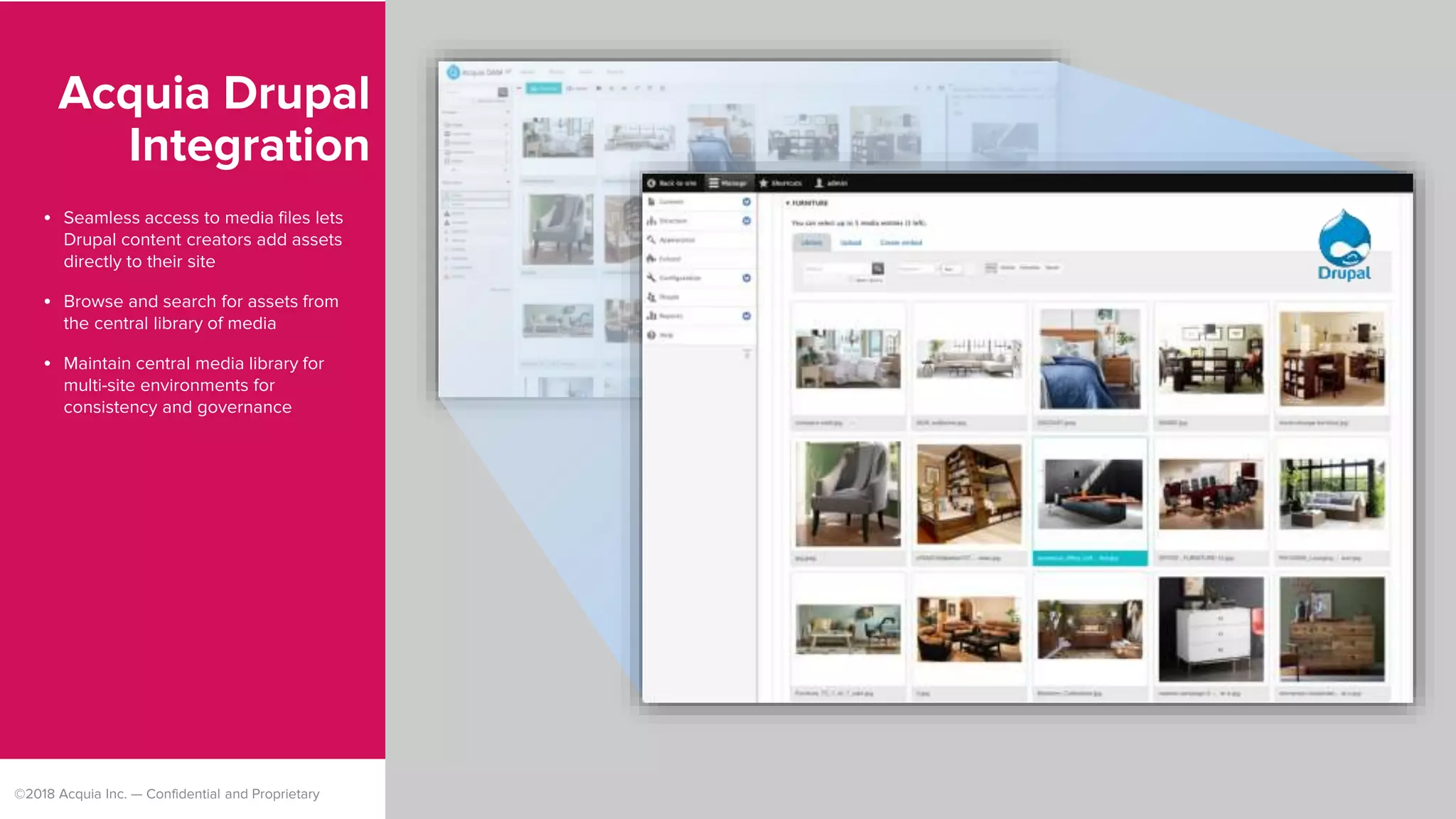
Acquia Drupal
Integration
• Seamless access to media files lets
Drupal content creators add assets
directly to their site
• Browse and search for assets from
the central library of media
• Maintain central media library for
multi-site environments for
consistency and governance
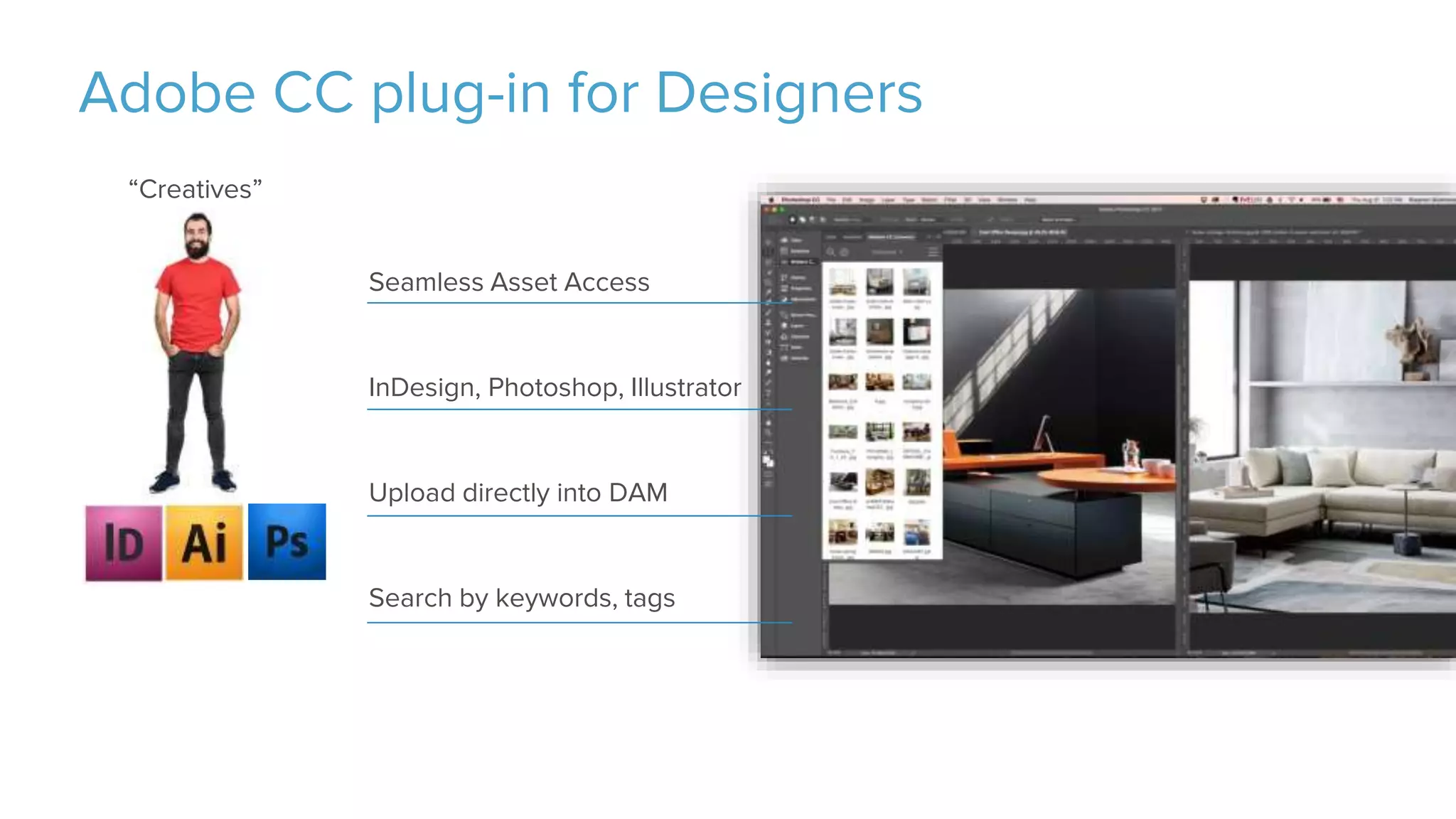
Adobe CC plug-in for Designers
Seamless Asset Access
InDesign, Photoshop, Illustrator
Upload directly into DAM
Search by keywords, tags
“Creatives”
©2018 Acquia Inc. — Confidential and Proprietary
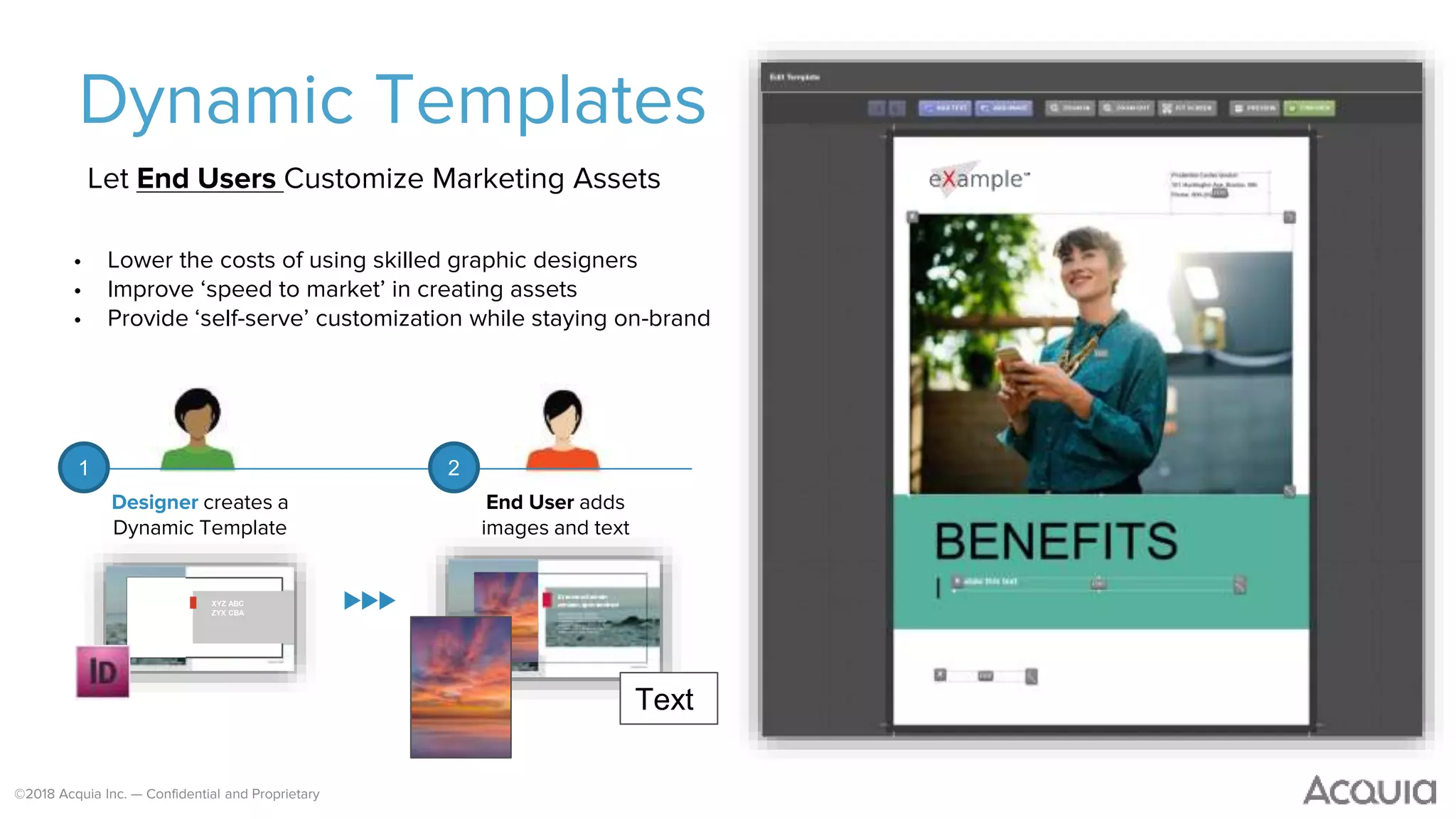
Dynamic Templates
Let End Users Customize Marketing Assets
• Lower the costs of using skilled graphic designers
• Improve ‘speed to market’ in creating assets
• Provide ‘self-serve’ customization while staying on-brand
XYZ ABC
ZYX CBA
Text
Designer creates a
Dynamic Template
End User adds
images and text
1 2
©2018 Acquia Inc. — Confidential and Proprietary
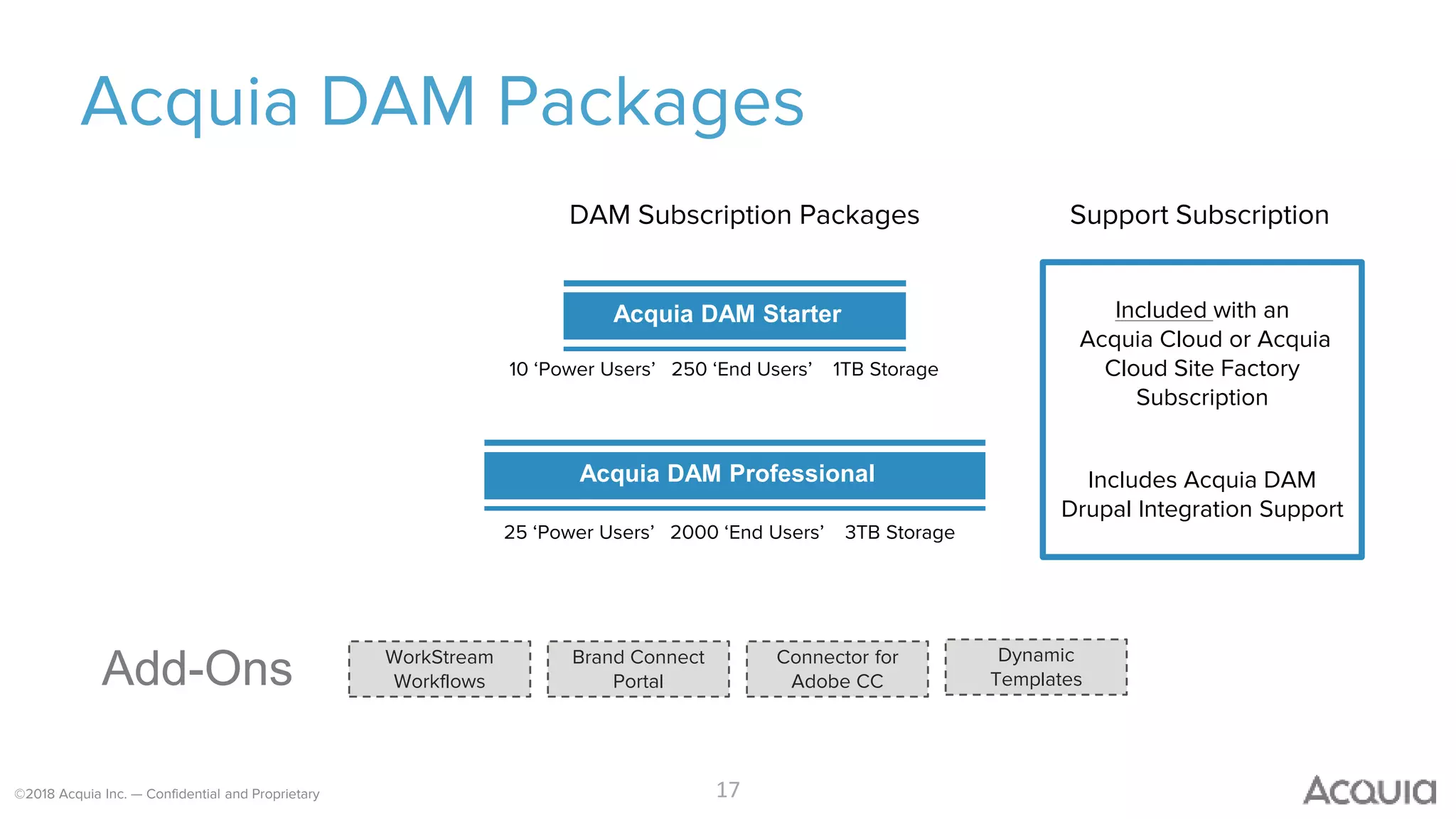
Acquia DAM Packages
17
Acquia DAM Starter
Acquia DAM Professional
Add-Ons Connector for
Adobe CC
Brand Connect
Portal
WorkStream
Workflows
DAM Subscription Packages
Dynamic
Templates
Support Subscription
Included with an
Acquia Cloud or Acquia
Cloud Site Factory
Subscription
Includes Acquia DAM
Drupal Integration Support
10 ‘Power Users’ 250 ‘End Users’ 1TB Storage
25 ‘Power Users’ 2000 ‘End Users’ 3TB Storage
Question: What services do you
currently provide for DAM?
18
©2018 Acquia Inc. — Confidential and Proprietary 19
Let’s talk about YOU!
What’s in it?
©2018 Acquia Inc. — Confidential and Proprietary
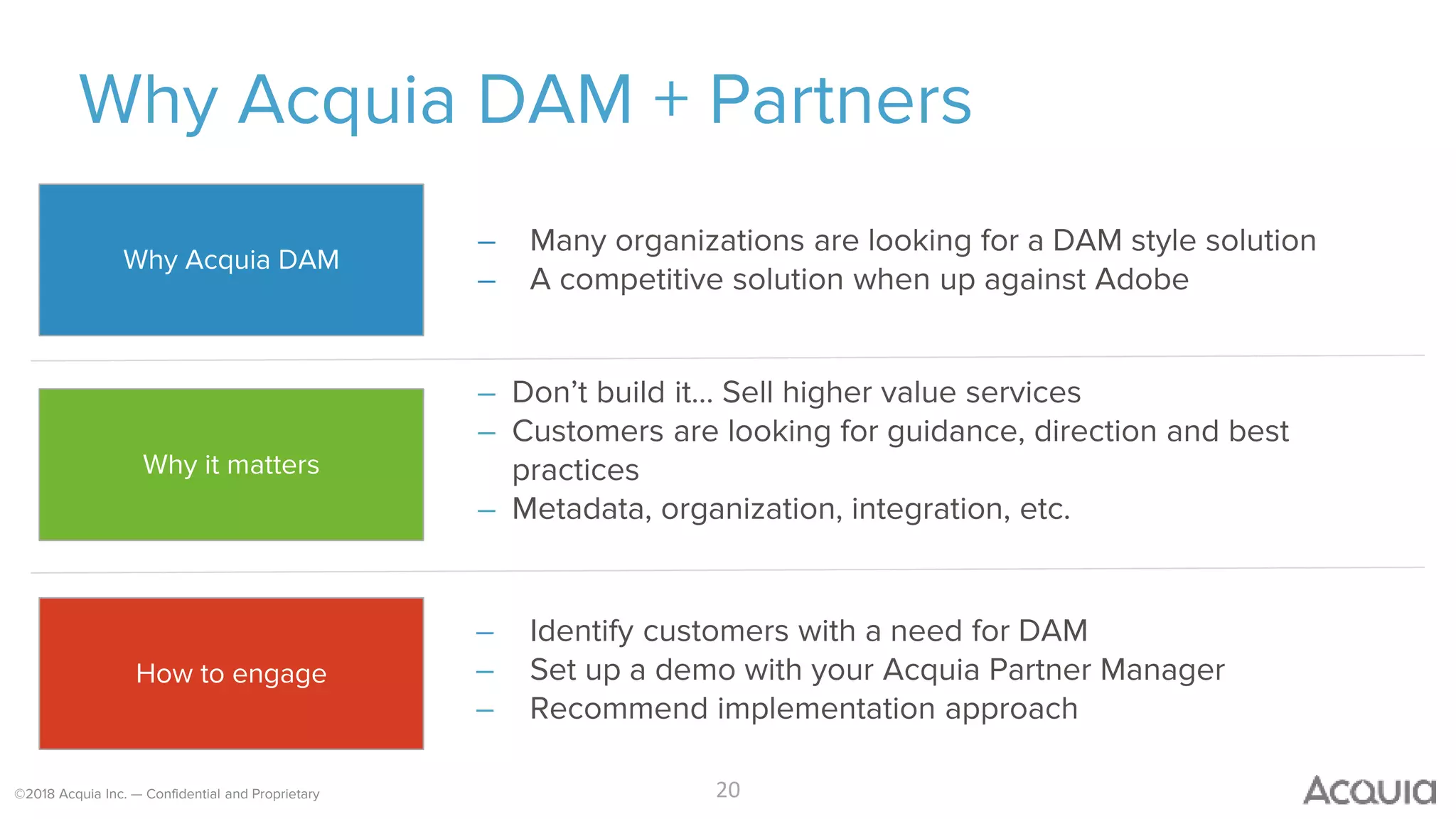
Why Acquia DAM + Partners
– Many organizations are looking for a DAM style solution
– A competitive solution when up against Adobe
20
– Don’t build it… Sell higher value services
– Customers are looking for guidance, direction and best
practices
– Metadata, organization, integration, etc.
– Identify customers with a need for DAM
– Set up a demo with your Acquia Partner Manager
– Recommend implementation approach
Why Acquia DAM
Why it matters
How to engage
©2018 Acquia Inc. — Confidential and Proprietary
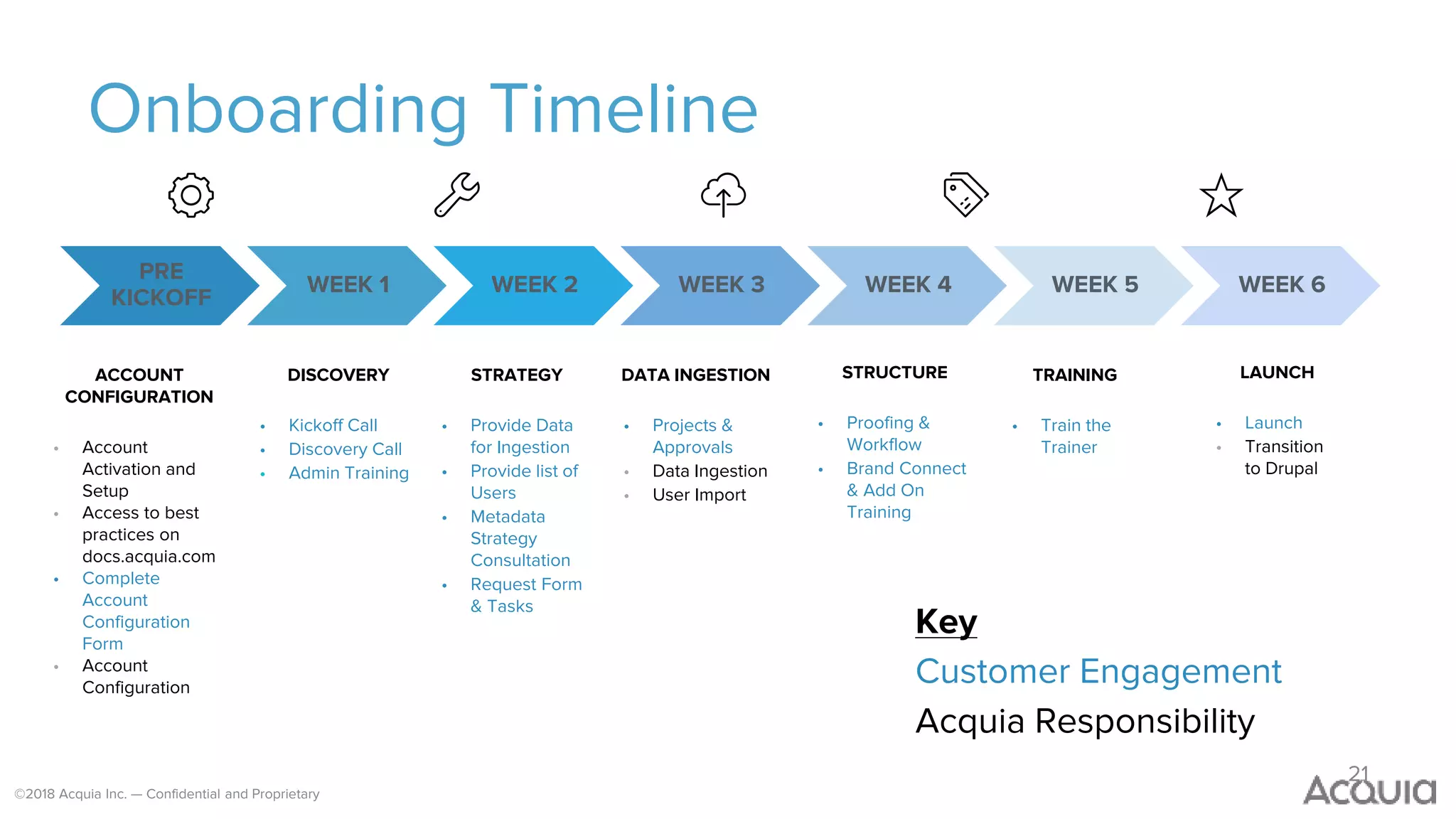
Onboarding Timeline
21
Key
Customer Engagement
Acquia Responsibility
ACCOUNT
CONFIGURATION
• Account
Activation and
Setup
• Access to best
practices on
docs.acquia.com
• Complete
Account
Configuration
Form
• Account
Configuration
DISCOVERY
• Kickoff Call
• Discovery Call
• Admin Training
STRATEGY
• Provide Data
for Ingestion
• Provide list of
Users
• Metadata
Strategy
Consultation
• Request Form
& Tasks
DATA INGESTION
• Projects &
Approvals
• Data Ingestion
• User Import
STRUCTURE
• Proofing &
Workflow
• Brand Connect
& Add On
Training
LAUNCH
• Launch
• Transition
to Drupal
TRAINING
• Train the
Trainer
WEEK 1 WEEK 2 WEEK 3 WEEK 4 WEEK 5 WEEK 6
PRE
KICKOFF
©2018 Acquia Inc. — Confidential and Proprietary
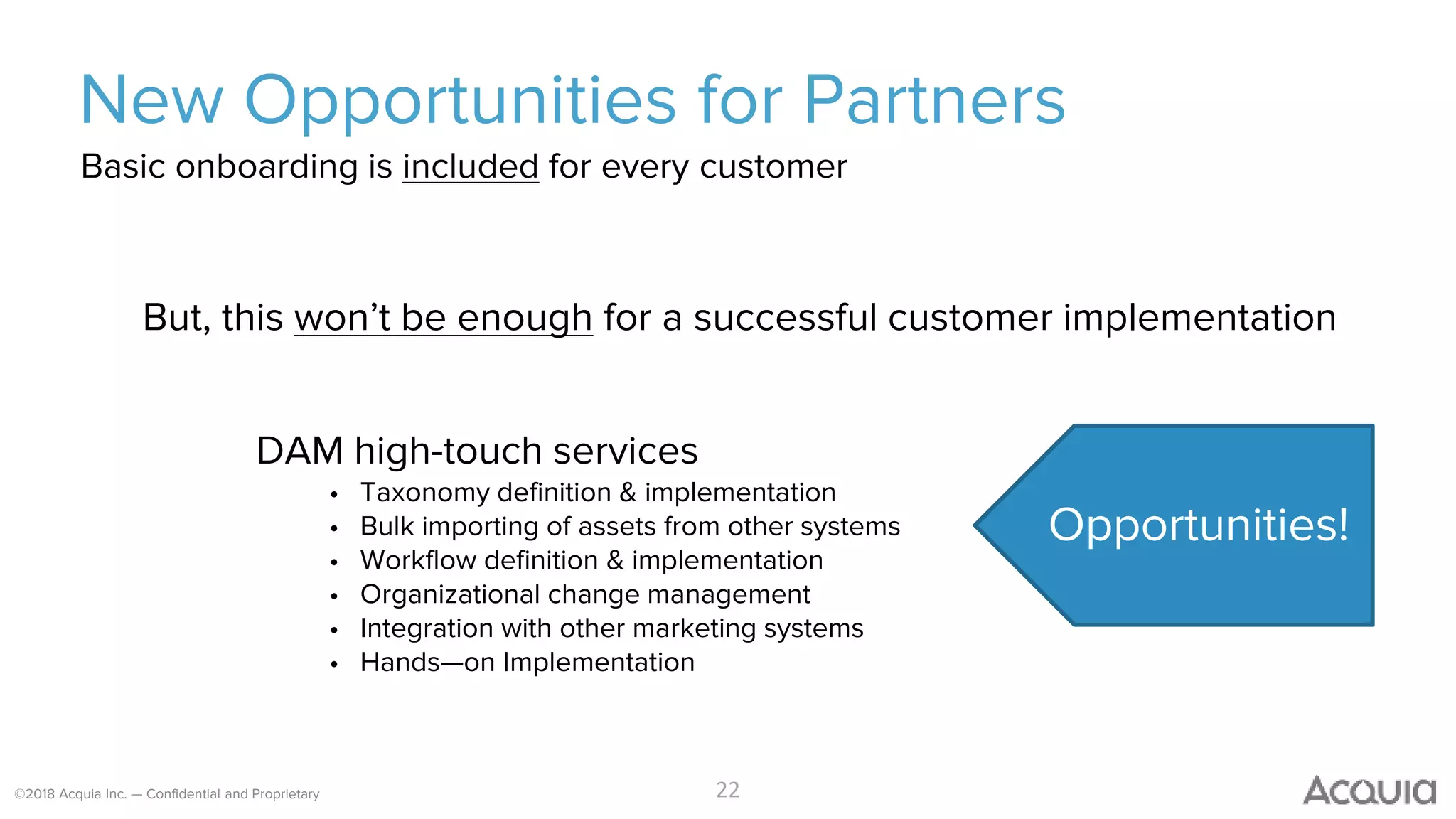
New Opportunities for Partners
But, this won’t be enough for a successful customer implementation
DAM high-touch services
• Taxonomy definition & implementation
• Bulk importing of assets from other systems
• Workflow definition & implementation
• Organizational change management
• Integration with other marketing systems
• Hands—on Implementation
22
Basic onboarding is included for every customer
Opportunities!
©2018 Acquia Inc. — Confidential and Proprietary
Q&A time!
Question: How informative
was this Webinar?
25
©2018 Acquia Inc. — Confidential and Proprietary
Next Steps
– Identify Opp and Register Deal here:
http://go.acquia.com/deal-reg.html
– Connect with Gary & Steve at DAM@acquia.com
– Acquia will provide:
– Recording and Slides
– DAM training & a sandbox
– Marketing assets for you to use
©2018 Acquia Inc. — Confidential and Proprietary
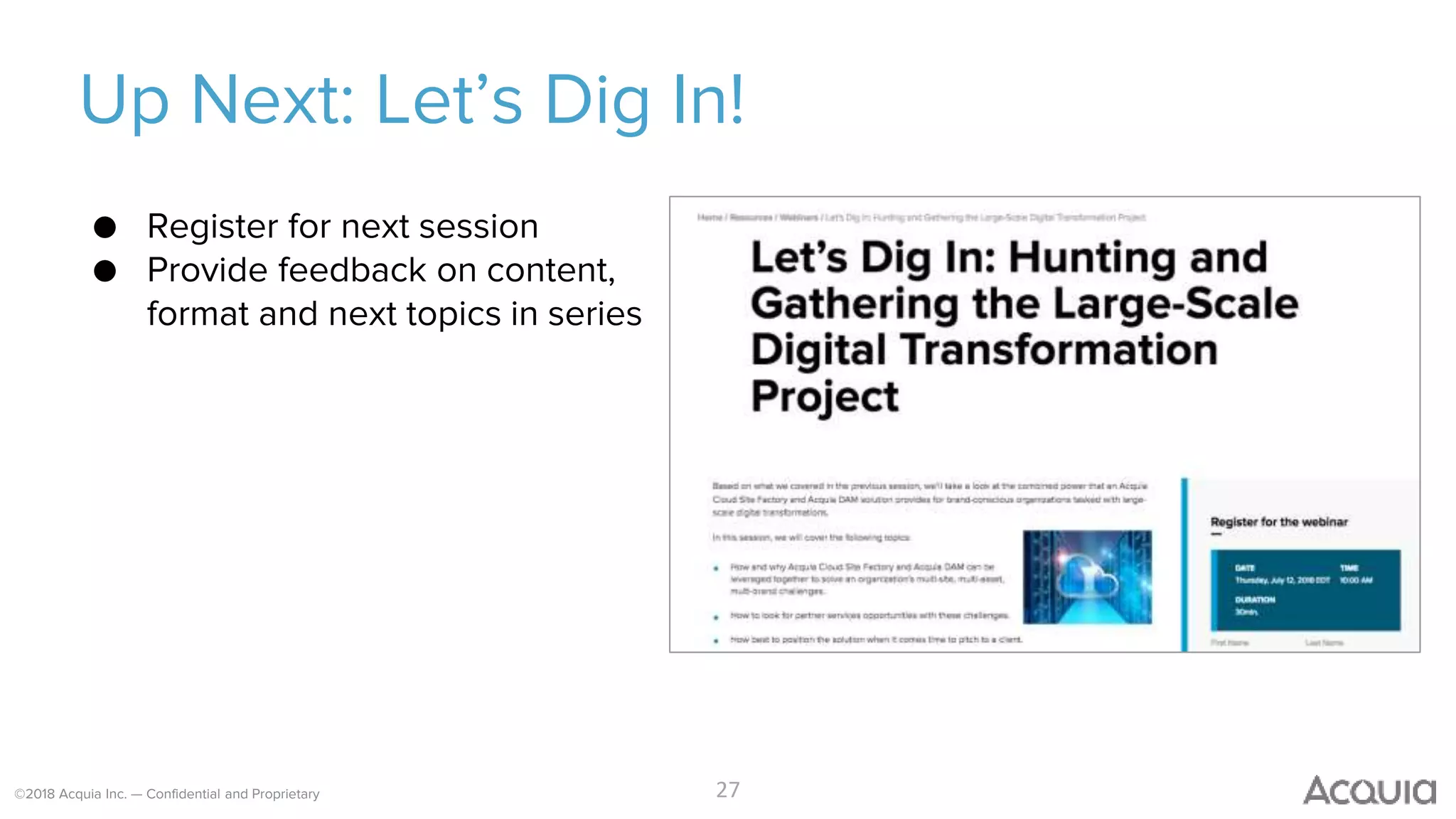
Up Next: Let’s Dig In!
27
● Register for next session
● Provide feedback on content,
format and next topics in series

Let’s Dig In: Building the Foundation for Acquia DAM

  • 1.
    ©2018 Acquia Inc.— Confidential and Proprietary©2016 Acquia Inc. — Confidential and Proprietary Gary Wu, Product Manager Steve Skidmore, Product Marketing Manager DAM for Partners
  • 2.
    ©2018 Acquia Inc.— Confidential and Proprietary Let’s “Dig In”? 2 What: Quick, 30 minute solution sessions. Why: Equip partners with the knowledge and know-how to identify opportunities, pitch clients, and drive a successful implementation.
  • 3.
    3 Companies care A LOT(80%) about their brand and brand consistency and yet Only 30% have a DAM in place
  • 4.
    Question: How manyof your customers have asked/care about DAM? 4
  • 5.
    ©2018 Acquia Inc.— Confidential and Proprietary Acquia + Partner DAM Wins! 5 + + + +
  • 6.
    ©2018 Acquia Inc.— Confidential and Proprietary Let’s Dig In! ⎻ Acquia DAM Refresher ⎻ Components & Packaging ⎻ Opportunities for Partners (yes, you!) ⎻ Quick Demo ⎻ Q & A
  • 7.
    ©2018 Acquia Inc.— Confidential and Proprietary Connect the Creative Process with Customer Experience 7 ASSET CREATION PROCESS Designers Marketing Lift Personalization Drupal CUSTOMER EXPERIENCE Idea Design Create Review Approve D7/8 Integration Acquia DAM Approvals Search Workflows
  • 8.
    ©2018 Acquia Inc.— Confidential and Proprietary Acquia DAM for Top 5 Creative Asset Challenges 8 Can’t find Assets – Not Organized ‘Idea’ to ‘Experience’ Gap Hard to Collaborate Brand Consistency Retiring Assets Seamless Acquia Integration Centralized Repository Workflows & Approvals Brand Portal Expiration Tracking
  • 9.
    ©2018 Acquia Inc.— Confidential and Proprietary What Makes Acquia DAM Unique? 9 1. Seamlessly connects the Creative Process with Customer Experiences (ie. Connects Designers with Marketing with Acquia’s Digital Experience Platform) 2. Acquia DAM is in the Cloud - modern, secure, instant-on 3. Intuitive for creatives and marketers to use with little IT involvement
  • 10.
    ©2018 Acquia Inc.— Confidential and Proprietary Four key capabilities CENTRALIZED MEDIA LIBRARY REVIEWS AND WORKFLOWS BRAND CONNECT PORTALS ACQUIA DRUPAL INTEGRATION
  • 11.
    ©2018 Acquia Inc.— Confidential and Proprietary Centralized Media Library • Assets are uploaded directly into the DAM via web browser or Adobe CC connector tools • Assets can be organized by project or type, and any metadata can be added to make it searchable • Versions can be tracked and reverted, linked directly into all documents which reference the file URL • Two user types: Contributors & End Users, which can be both internal and external. Permissions can be granted to specific people or team.
  • 12.
    ©2018 Acquia Inc.— Confidential and Proprietary Reviews and Workflows • Reviewers are given a web-viewer to make comments and call out specific changes • After approval period has passed and necessary parties have given input, feedback summaries can be sent to the whole team. • Documents can follow specific approval steps as necessary
  • 13.
    ©2018 Acquia Inc.— Confidential and Proprietary Brand Connect Portals • Create brand-specific portals for clients and teams to access assets from any location. • Approved assets can be organized into any structure. • Any kind of file can be added to the portal and downloads can be tracked • Portals can be open to public for access by large teams or given speci fic login credentials • Highly customizable
  • 14.
    ©2018 Acquia Inc.— Confidential and Proprietary Acquia Drupal Integration • Seamless access to media files lets Drupal content creators add assets directly to their site • Browse and search for assets from the central library of media • Maintain central media library for multi-site environments for consistency and governance
  • 15.
    Adobe CC plug-infor Designers Seamless Asset Access InDesign, Photoshop, Illustrator Upload directly into DAM Search by keywords, tags “Creatives”
  • 16.
    ©2018 Acquia Inc.— Confidential and Proprietary Dynamic Templates Let End Users Customize Marketing Assets • Lower the costs of using skilled graphic designers • Improve ‘speed to market’ in creating assets • Provide ‘self-serve’ customization while staying on-brand XYZ ABC ZYX CBA Text Designer creates a Dynamic Template End User adds images and text 1 2
  • 17.
    ©2018 Acquia Inc.— Confidential and Proprietary Acquia DAM Packages 17 Acquia DAM Starter Acquia DAM Professional Add-Ons Connector for Adobe CC Brand Connect Portal WorkStream Workflows DAM Subscription Packages Dynamic Templates Support Subscription Included with an Acquia Cloud or Acquia Cloud Site Factory Subscription Includes Acquia DAM Drupal Integration Support 10 ‘Power Users’ 250 ‘End Users’ 1TB Storage 25 ‘Power Users’ 2000 ‘End Users’ 3TB Storage
  • 18.
    Question: What servicesdo you currently provide for DAM? 18
  • 19.
    ©2018 Acquia Inc.— Confidential and Proprietary 19 Let’s talk about YOU! What’s in it?
  • 20.
    ©2018 Acquia Inc.— Confidential and Proprietary Why Acquia DAM + Partners – Many organizations are looking for a DAM style solution – A competitive solution when up against Adobe 20 – Don’t build it… Sell higher value services – Customers are looking for guidance, direction and best practices – Metadata, organization, integration, etc. – Identify customers with a need for DAM – Set up a demo with your Acquia Partner Manager – Recommend implementation approach Why Acquia DAM Why it matters How to engage
  • 21.
    ©2018 Acquia Inc.— Confidential and Proprietary Onboarding Timeline 21 Key Customer Engagement Acquia Responsibility ACCOUNT CONFIGURATION • Account Activation and Setup • Access to best practices on docs.acquia.com • Complete Account Configuration Form • Account Configuration DISCOVERY • Kickoff Call • Discovery Call • Admin Training STRATEGY • Provide Data for Ingestion • Provide list of Users • Metadata Strategy Consultation • Request Form & Tasks DATA INGESTION • Projects & Approvals • Data Ingestion • User Import STRUCTURE • Proofing & Workflow • Brand Connect & Add On Training LAUNCH • Launch • Transition to Drupal TRAINING • Train the Trainer WEEK 1 WEEK 2 WEEK 3 WEEK 4 WEEK 5 WEEK 6 PRE KICKOFF
  • 22.
    ©2018 Acquia Inc.— Confidential and Proprietary New Opportunities for Partners But, this won’t be enough for a successful customer implementation DAM high-touch services • Taxonomy definition & implementation • Bulk importing of assets from other systems • Workflow definition & implementation • Organizational change management • Integration with other marketing systems • Hands—on Implementation 22 Basic onboarding is included for every customer Opportunities!
  • 23.
    ©2018 Acquia Inc.— Confidential and Proprietary
  • 24.
    ©2018 Acquia Inc.— Confidential and Proprietary Q&A time!
  • 25.
  • 26.
    ©2018 Acquia Inc.— Confidential and Proprietary Next Steps – Identify Opp and Register Deal here: http://go.acquia.com/deal-reg.html – Connect with Gary & Steve at DAM@acquia.com – Acquia will provide: – Recording and Slides – DAM training & a sandbox – Marketing assets for you to use
  • 27.
    ©2018 Acquia Inc.— Confidential and Proprietary Up Next: Let’s Dig In! 27 ● Register for next session ● Provide feedback on content, format and next topics in series