◦ How to solve a problem.
◦ Algorithm & Pseudo code
◦ Good and Bad Algorithm
 At the end of this lecture the student will:
◦ define the term algorithm
◦ state 5 properties of a good algorithm
◦ from a given problem and stated audience, create an
appropriate algorithm using the properties stated above.
 Algorithms
 Pseudo code
 Good vs Bad algorithm
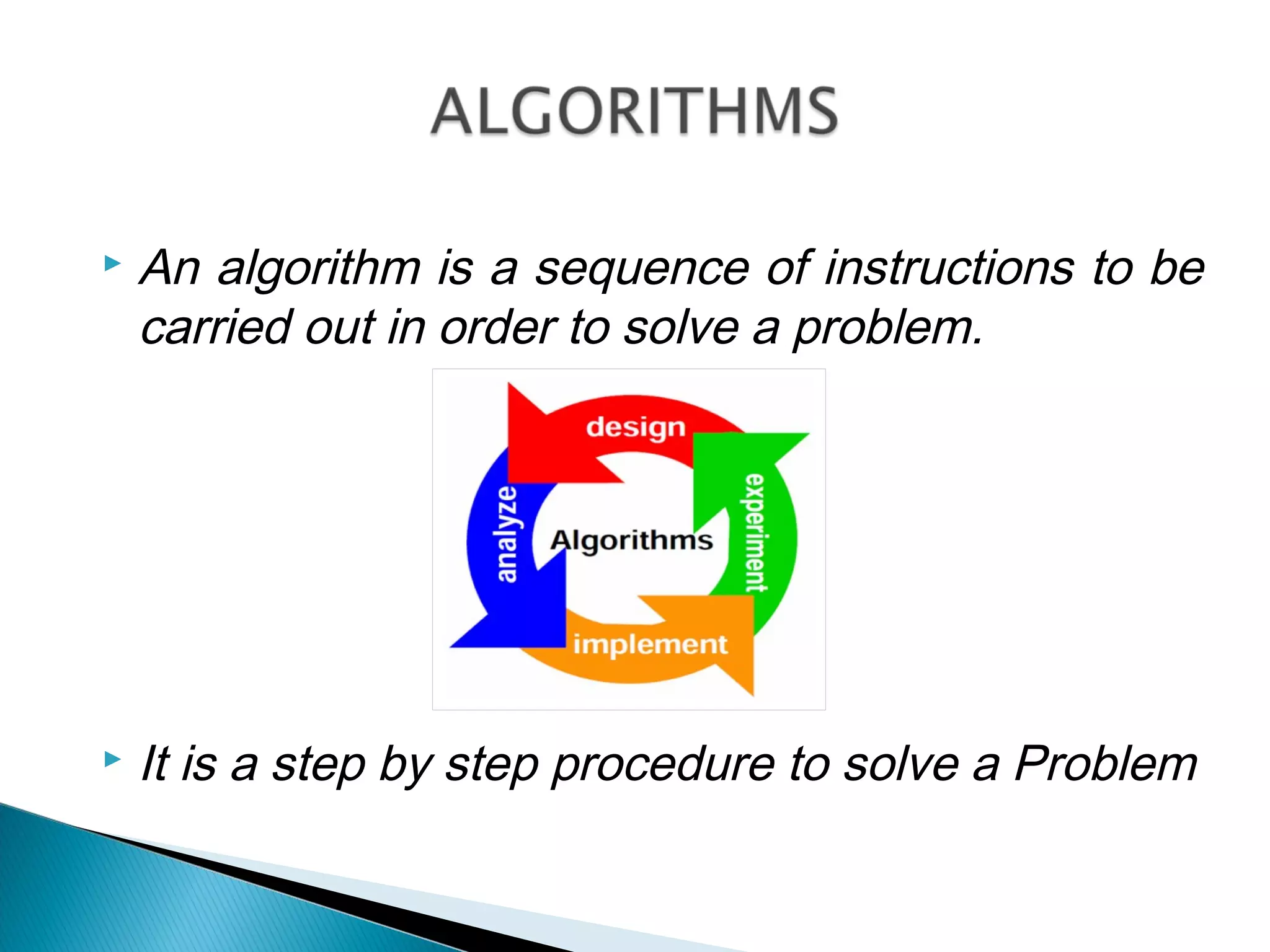
 An algorithm is a sequence of instructions to be
carried out in order to solve a problem.
or
 It is a step by step procedure to solve a Problem
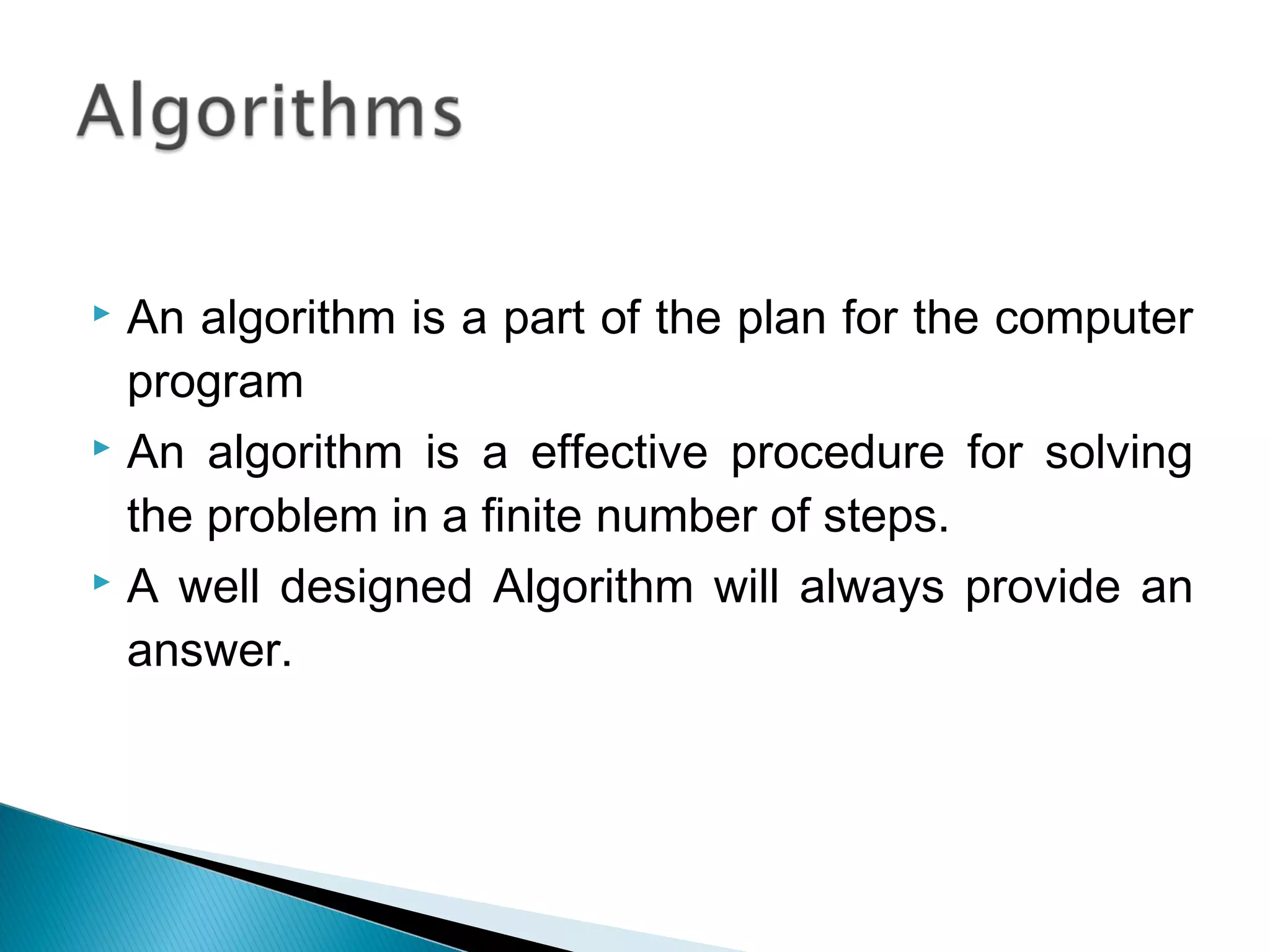
 An algorithm is a part of the plan for the computer
program
 An algorithm is a effective procedure for solving
the problem in a finite number of steps.
 A well designed Algorithm will always provide an
answer.
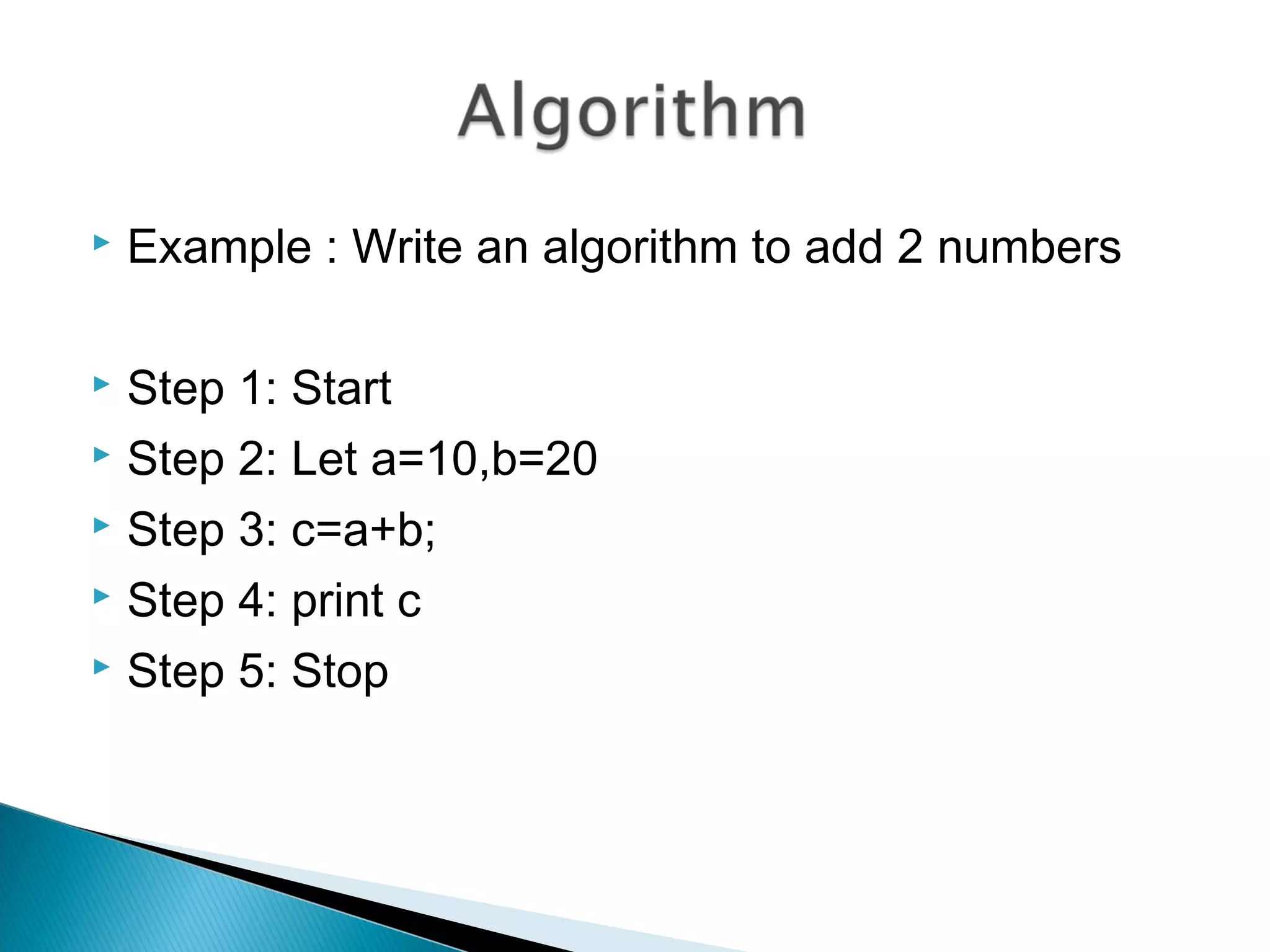
 Example : Write an algorithm to add 2 numbers
 Step 1: Start
 Step 2: Let a=10,b=20
 Step 3: c=a+b;
 Step 4: print c
 Step 5: Stop
 First produce a general algorithm (one can use
pseudocode)
 Refine the algorithm successively to get step by
step detailed algorithm that is very close to a
computer language.
 Pseudocode is an artificial and informal
language that helps programmers develop
algorithms. Pseudocode is very similar to
everyday English.
 Example 1: Write an algorithm to determine a
student’s final grade and indicate whether it is
passing or failing. The final grade is calculated as
the average of four marks.
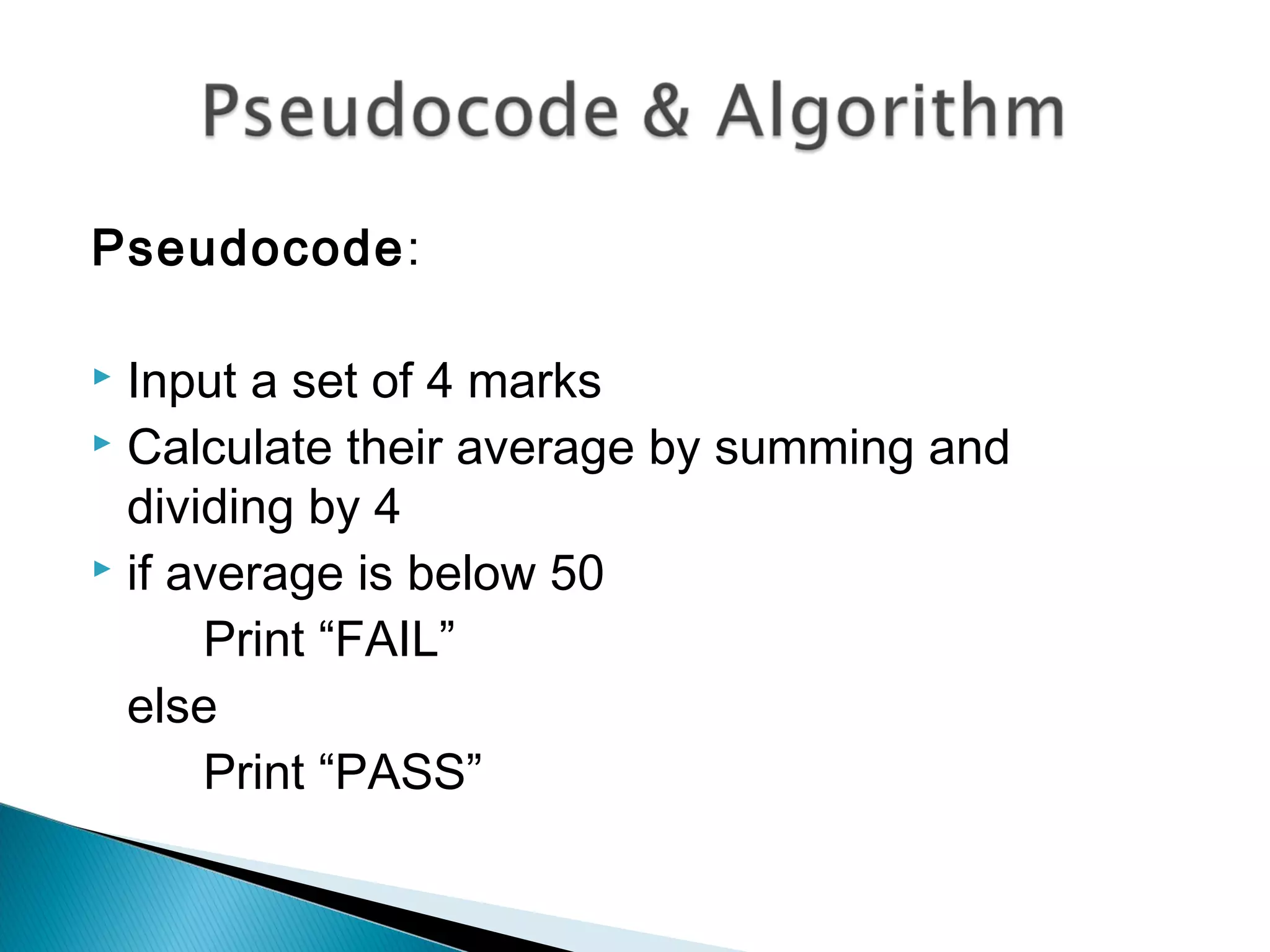
Pseudocode:
 Input a set of 4 marks
 Calculate their average by summing and
dividing by 4
 if average is below 50
Print “FAIL”
else
Print “PASS”
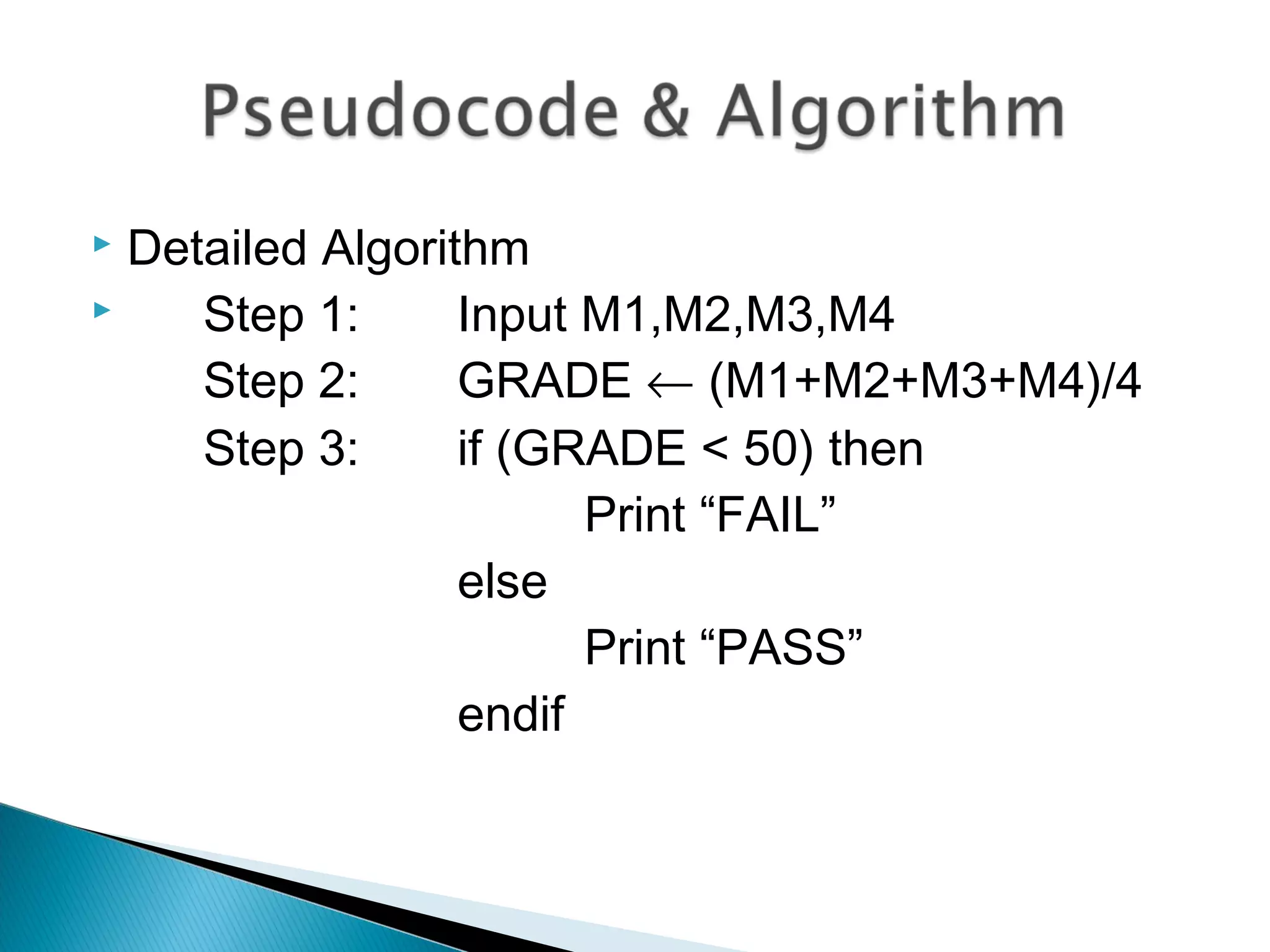
 Detailed Algorithm
 Step 1: Input M1,M2,M3,M4
Step 2: GRADE ← (M1+M2+M3+M4)/4
Step 3: if (GRADE < 50) then
Print “FAIL”
else
Print “PASS”
endif
 All algorithms will have input, perform a process,
and produce output.
 A good algorithm should be:
◦ Simple - relative
◦ Complete – account for all inputs & cases
◦ Correct (Right)
◦ should have appropriate levels of Abstraction. –
grouping steps into a single module
◦ Precise
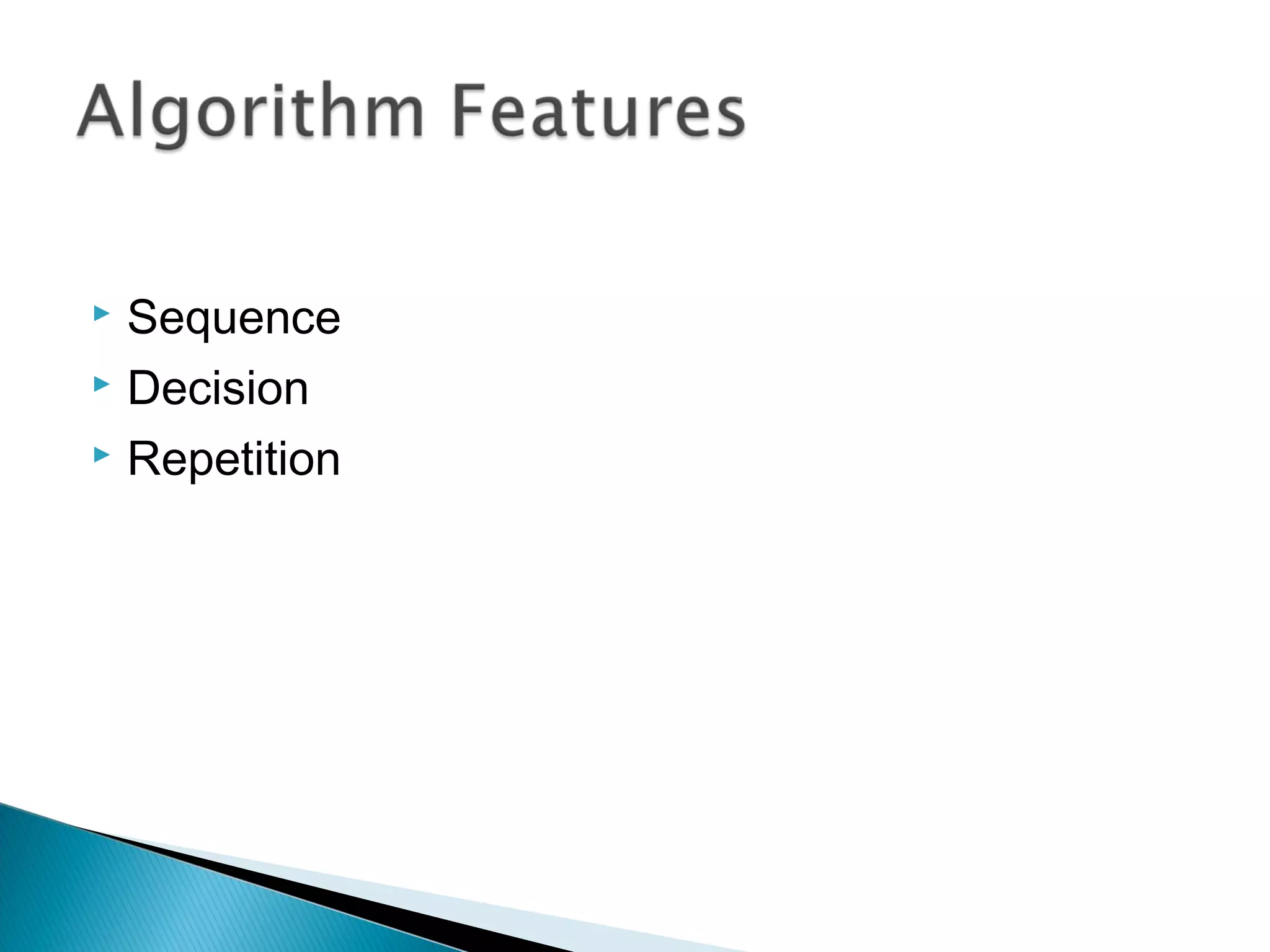
 Sequence
 Decision
 Repetition
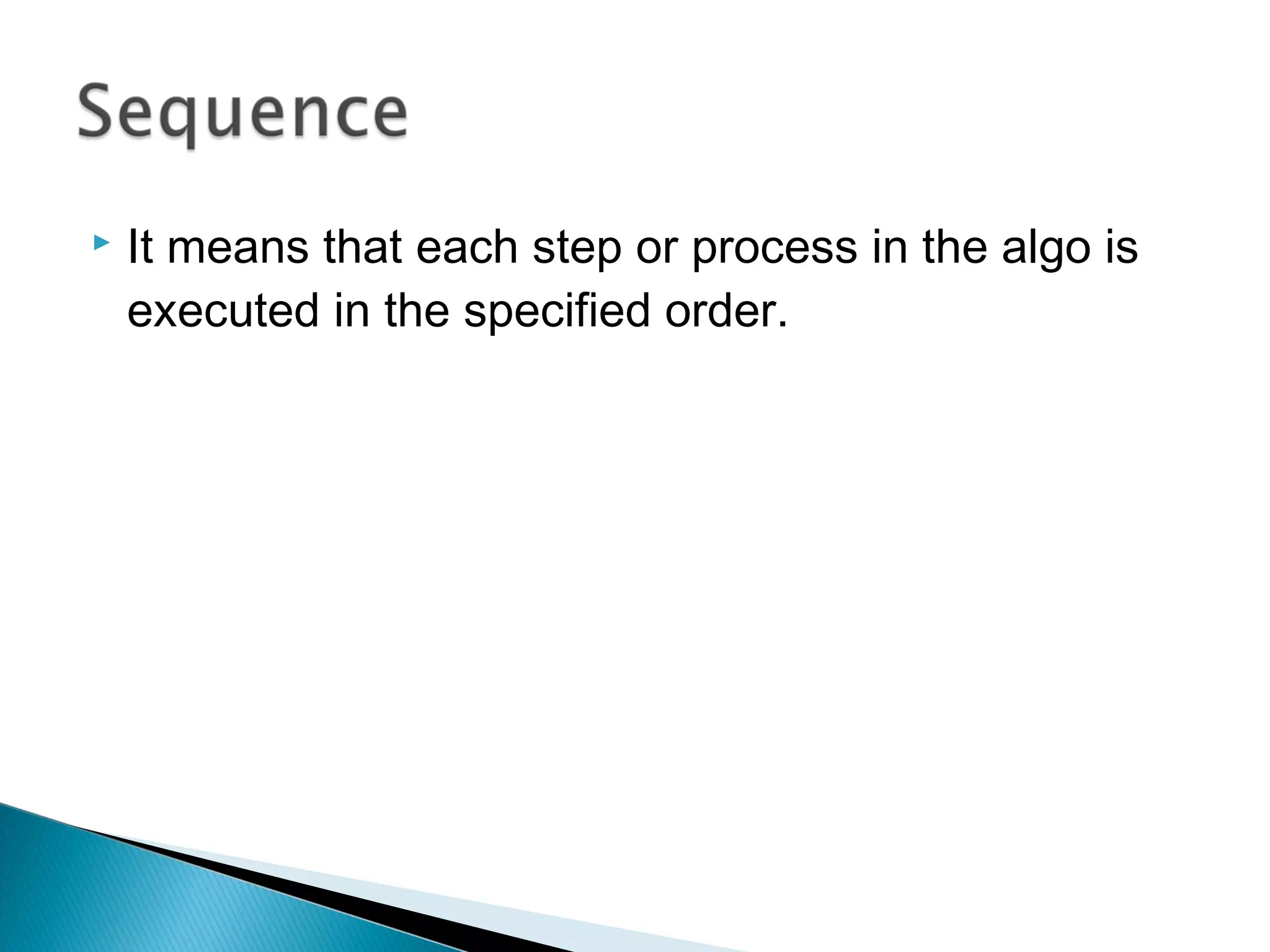
 It means that each step or process in the algo is
executed in the specified order.
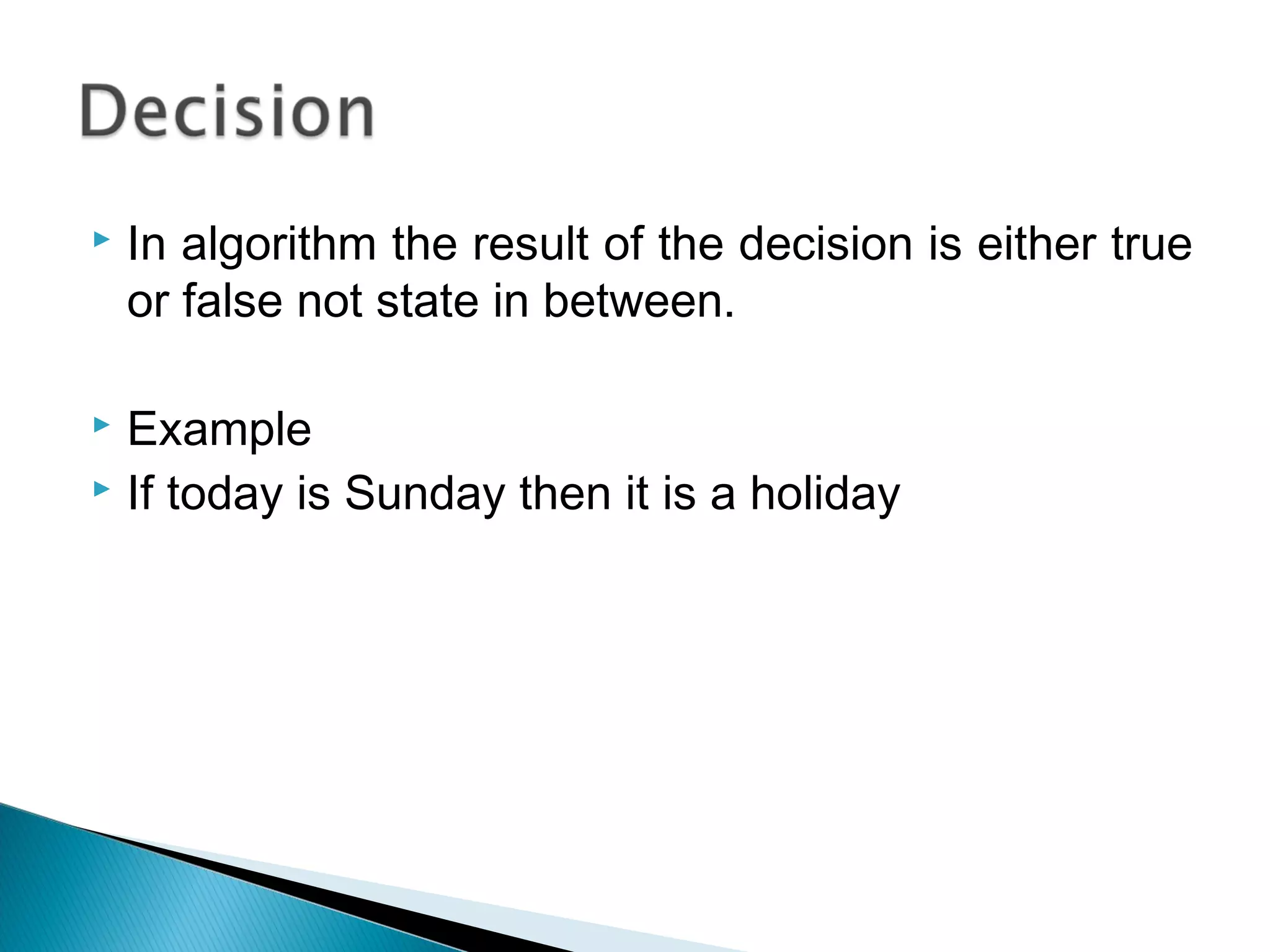
 In algorithm the result of the decision is either true
or false not state in between.
 Example
 If today is Sunday then it is a holiday
 This can be implemented using loops.
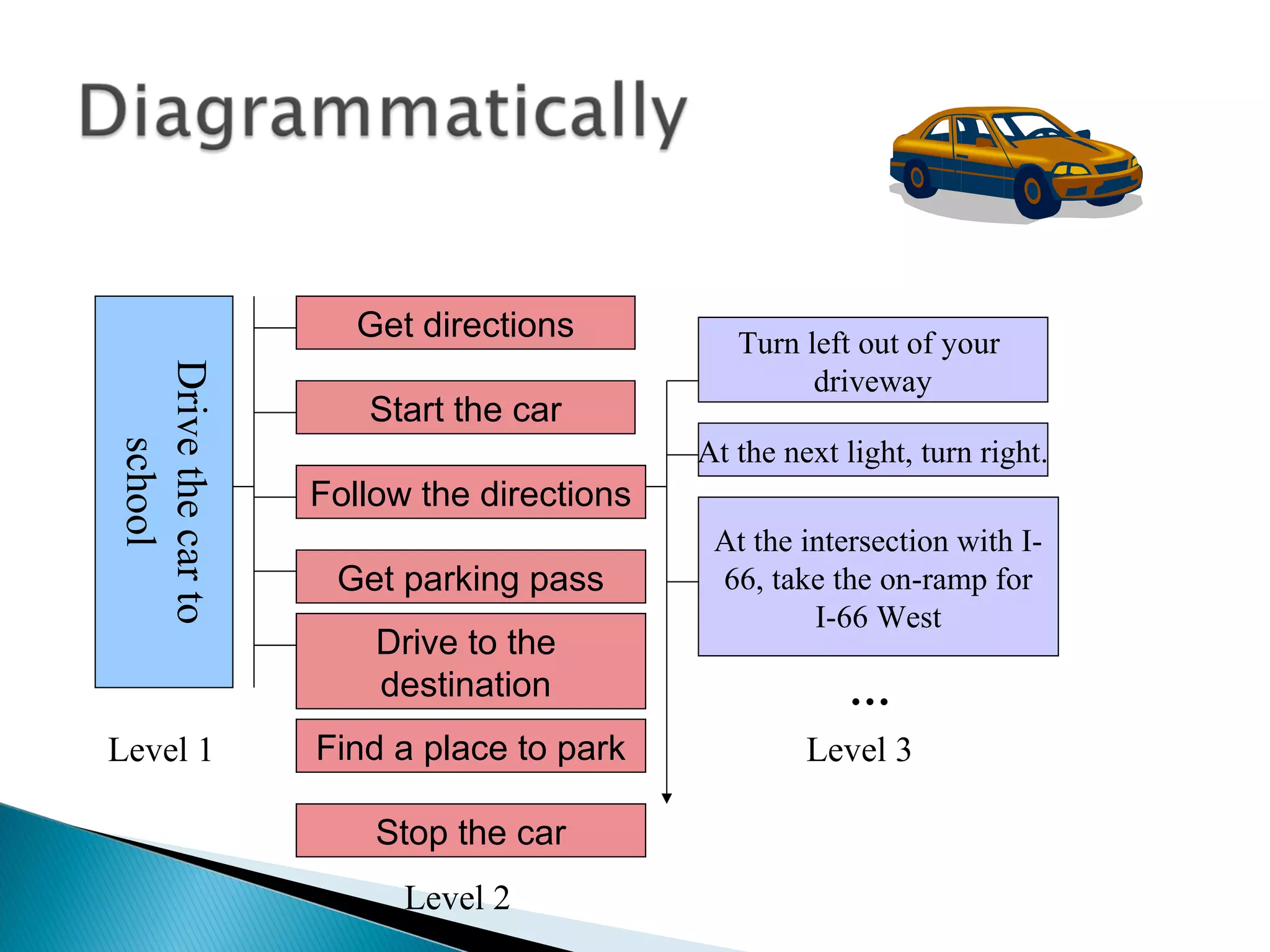
Drivethecarto
school
Get directions
Start the car
Follow the directions
Get parking pass
Drive to the
destination
Turn left out of your
driveway
At the next light, turn right.
At the intersection with I-
66, take the on-ramp for
I-66 West
…
Level 1
Level 2
Level 3Find a place to park
Stop the car
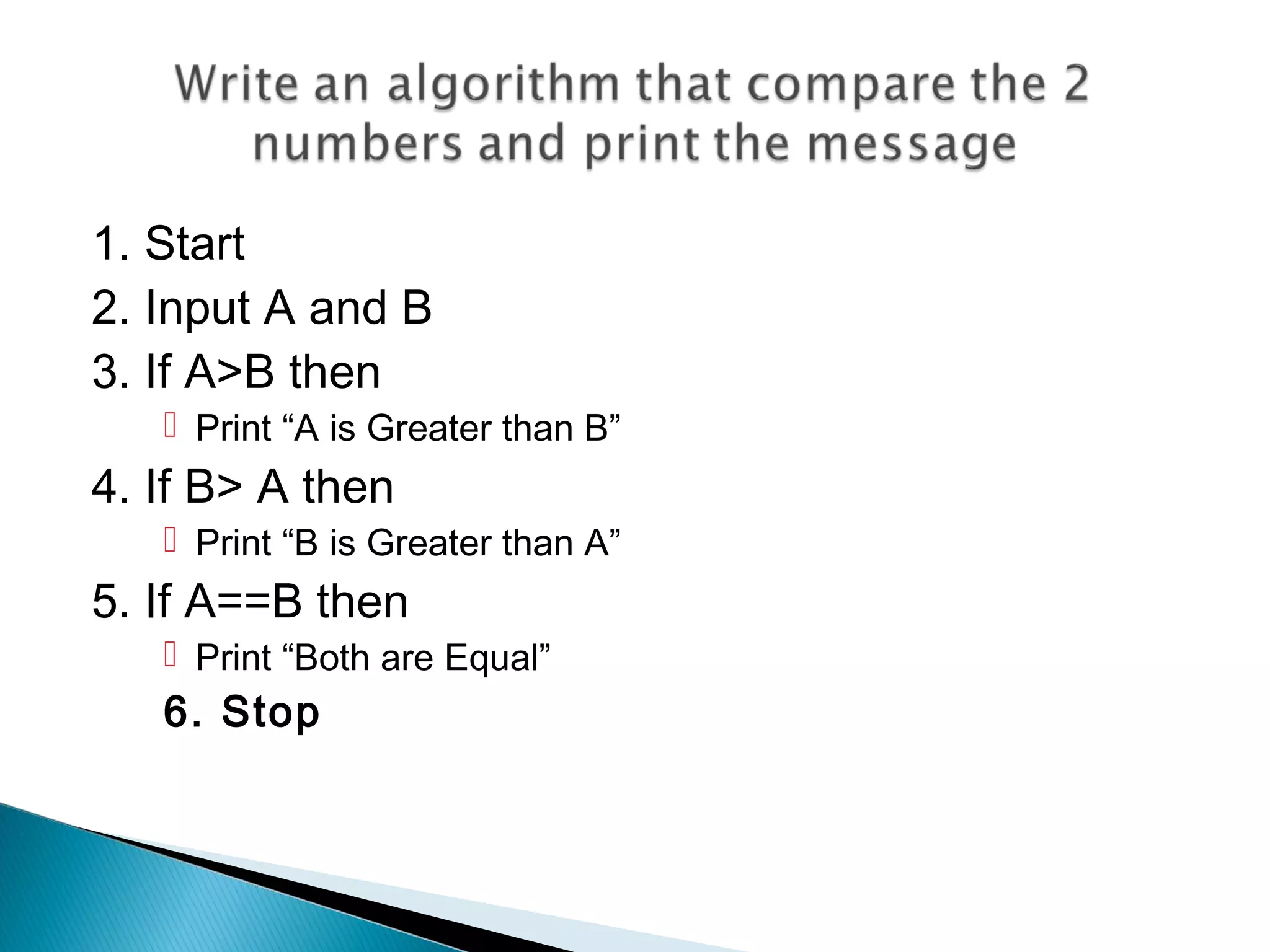
1. Start
2. Input A and B
3. If A>B then
 Print “A is Greater than B”
4. If B> A then
 Print “B is Greater than A”
5. If A==B then
 Print “Both are Equal”
6. Stop
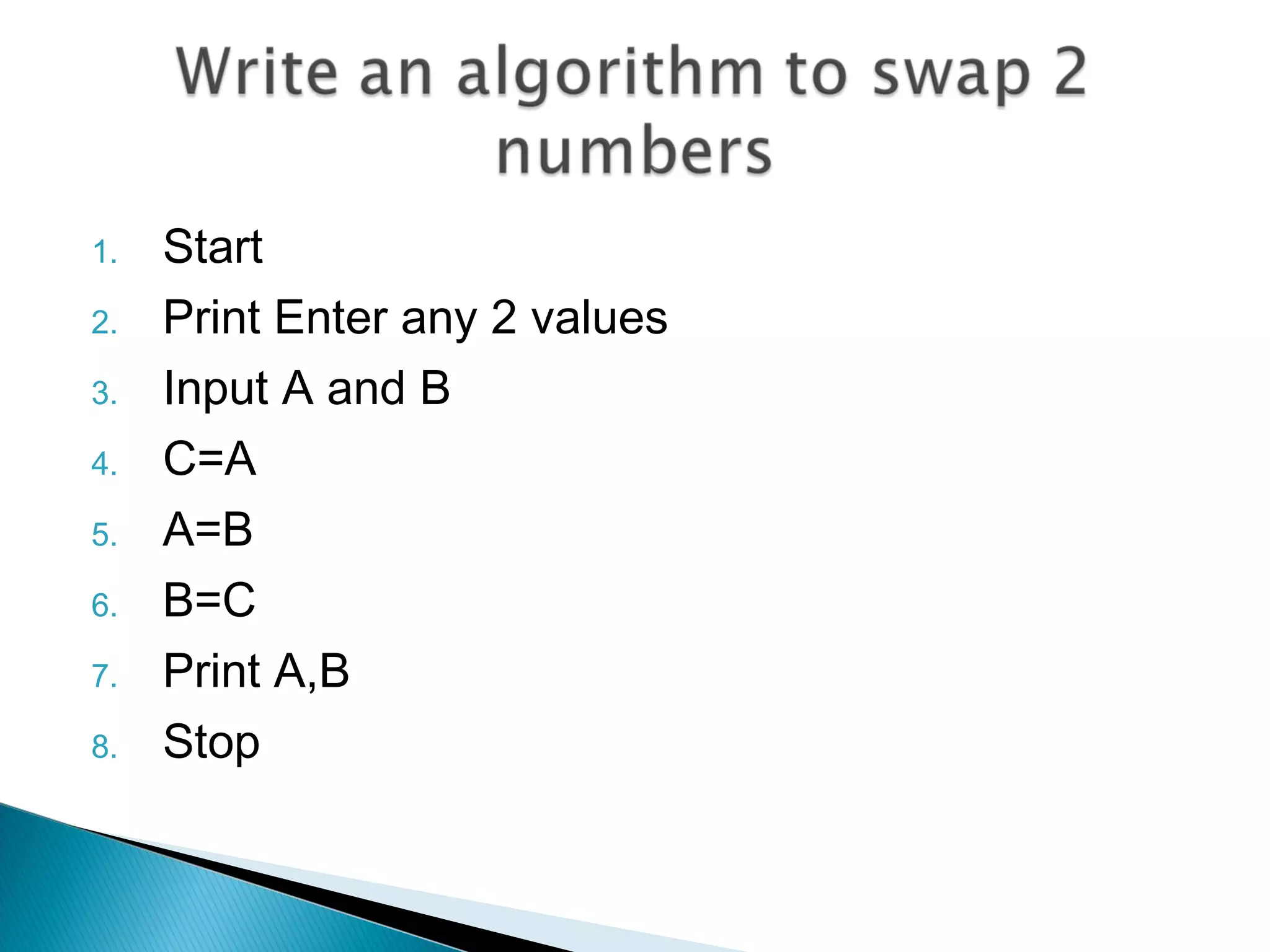
1. Start
2. Print Enter any 2 values
3. Input A and B
4. C=A
5. A=B
6. B=C
7. Print A,B
8. Stop
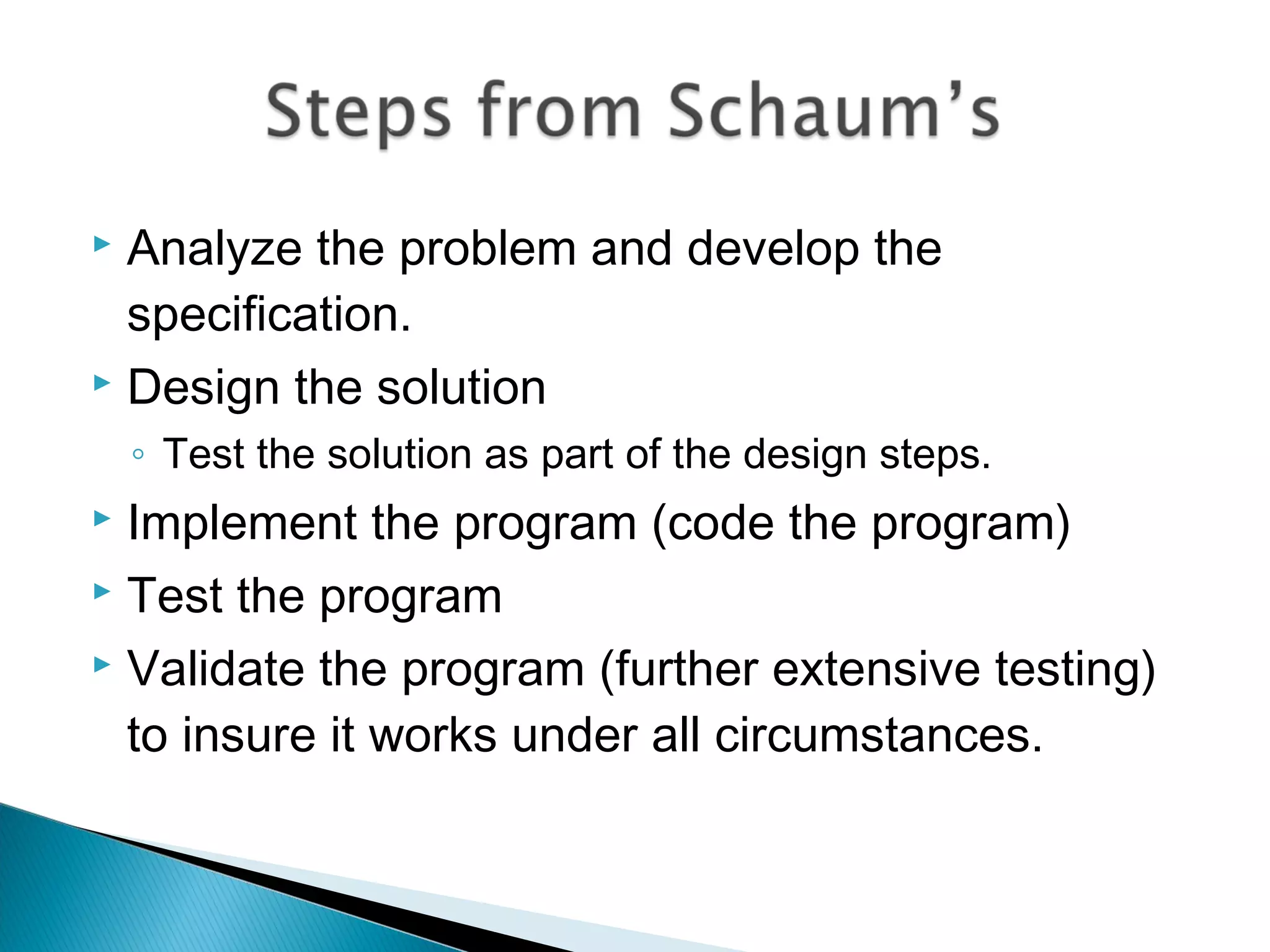
 Analyze the problem and develop the
specification.
 Design the solution
◦ Test the solution as part of the design steps.
 Implement the program (code the program)
 Test the program
 Validate the program (further extensive testing)
to insure it works under all circumstances.
 Now you can easily make an algorithm and that
algorithm must be good one as discussed by
Shaum’s
Q1)_______ is a procedure or step by step process
for solving a problem.
A. Algorithm
B. Flowchart
C. Pseudocode
D. All of these
Q2) According to shaum which is the first step?
A. Designing
B. Testing
C. Validating
D. Analyzing the problem
Q3) The list of coded instructions is called?
A. Algorithm
B. Computer Program
C. Pseudocode
D. All of these
Q4) Algorithms are used for ?
A. Better Programming
B. Efficient Coding
C. Easy testing
D. All of these
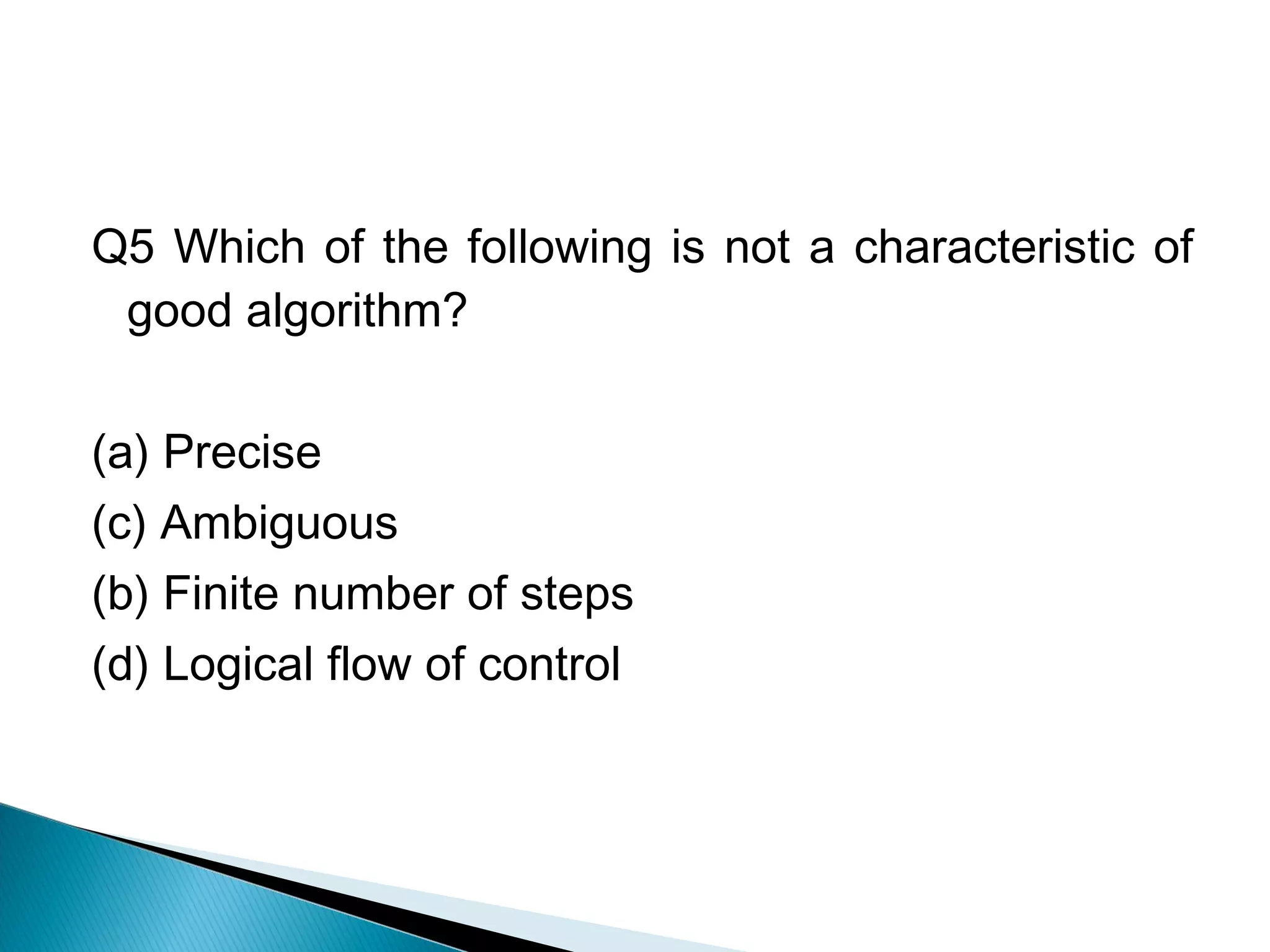
Q5 Which of the following is not a characteristic of
good algorithm?
(a) Precise
(c) Ambiguous
(b) Finite number of steps
(d) Logical flow of control
 Programming in C ‘ ABS PUBLICATIONS’

Lesson 3

  • 2.
    ◦ How tosolve a problem. ◦ Algorithm & Pseudo code ◦ Good and Bad Algorithm
  • 3.
     At theend of this lecture the student will: ◦ define the term algorithm ◦ state 5 properties of a good algorithm ◦ from a given problem and stated audience, create an appropriate algorithm using the properties stated above.
  • 4.
     Algorithms  Pseudocode  Good vs Bad algorithm
  • 5.
     An algorithmis a sequence of instructions to be carried out in order to solve a problem. or  It is a step by step procedure to solve a Problem
  • 6.
     An algorithmis a part of the plan for the computer program  An algorithm is a effective procedure for solving the problem in a finite number of steps.  A well designed Algorithm will always provide an answer.
  • 7.
     Example :Write an algorithm to add 2 numbers  Step 1: Start  Step 2: Let a=10,b=20  Step 3: c=a+b;  Step 4: print c  Step 5: Stop
  • 8.
     First producea general algorithm (one can use pseudocode)  Refine the algorithm successively to get step by step detailed algorithm that is very close to a computer language.  Pseudocode is an artificial and informal language that helps programmers develop algorithms. Pseudocode is very similar to everyday English.
  • 9.
     Example 1:Write an algorithm to determine a student’s final grade and indicate whether it is passing or failing. The final grade is calculated as the average of four marks.
  • 10.
    Pseudocode:  Input aset of 4 marks  Calculate their average by summing and dividing by 4  if average is below 50 Print “FAIL” else Print “PASS”
  • 11.
     Detailed Algorithm Step 1: Input M1,M2,M3,M4 Step 2: GRADE ← (M1+M2+M3+M4)/4 Step 3: if (GRADE < 50) then Print “FAIL” else Print “PASS” endif
  • 12.
     All algorithmswill have input, perform a process, and produce output.  A good algorithm should be: ◦ Simple - relative ◦ Complete – account for all inputs & cases ◦ Correct (Right) ◦ should have appropriate levels of Abstraction. – grouping steps into a single module ◦ Precise
  • 13.
  • 14.
     It meansthat each step or process in the algo is executed in the specified order.
  • 15.
     In algorithmthe result of the decision is either true or false not state in between.  Example  If today is Sunday then it is a holiday
  • 16.
     This canbe implemented using loops.
  • 17.
    Drivethecarto school Get directions Start thecar Follow the directions Get parking pass Drive to the destination Turn left out of your driveway At the next light, turn right. At the intersection with I- 66, take the on-ramp for I-66 West … Level 1 Level 2 Level 3Find a place to park Stop the car
  • 18.
    1. Start 2. InputA and B 3. If A>B then  Print “A is Greater than B” 4. If B> A then  Print “B is Greater than A” 5. If A==B then  Print “Both are Equal” 6. Stop
  • 19.
    1. Start 2. PrintEnter any 2 values 3. Input A and B 4. C=A 5. A=B 6. B=C 7. Print A,B 8. Stop
  • 20.
     Analyze theproblem and develop the specification.  Design the solution ◦ Test the solution as part of the design steps.  Implement the program (code the program)  Test the program  Validate the program (further extensive testing) to insure it works under all circumstances.
  • 21.
     Now youcan easily make an algorithm and that algorithm must be good one as discussed by Shaum’s
  • 22.
    Q1)_______ is aprocedure or step by step process for solving a problem. A. Algorithm B. Flowchart C. Pseudocode D. All of these Q2) According to shaum which is the first step? A. Designing B. Testing C. Validating D. Analyzing the problem
  • 23.
    Q3) The listof coded instructions is called? A. Algorithm B. Computer Program C. Pseudocode D. All of these Q4) Algorithms are used for ? A. Better Programming B. Efficient Coding C. Easy testing D. All of these
  • 24.
    Q5 Which ofthe following is not a characteristic of good algorithm? (a) Precise (c) Ambiguous (b) Finite number of steps (d) Logical flow of control
  • 25.
     Programming inC ‘ ABS PUBLICATIONS’