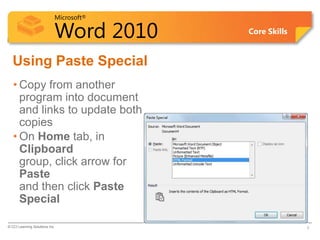
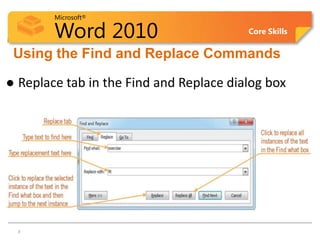
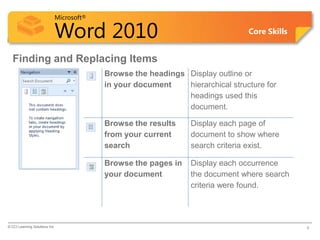
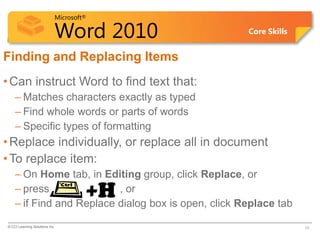
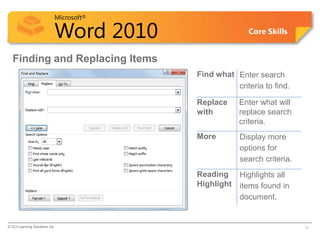
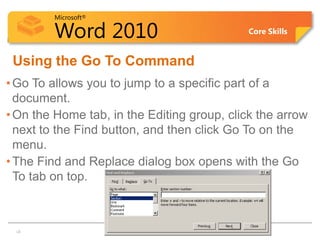
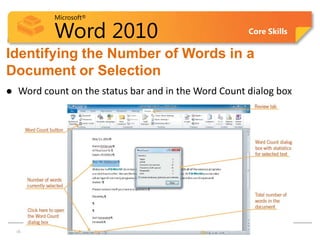
This document provides an overview of lesson 2 in a Microsoft Word 2010 training course. The lesson objectives are to use paste options and paste special, find text or items using browse by, replace text or items, go to commands, and track changes. It describes how to use these features through explanations, screenshots and exercises. The summary restates the key lesson objectives and review questions assess understanding of topics like paste options, paste special, finding and replacing text.