
LESSON 11:
THE COMPUTER AS THE
TEACHER’S TOOL
Lesson 11: The Computer as the Teacher’s Tool
-was introduced by Piaget (1981) and Bruner
(1990).
-they gave stress to knowledge discovery of new
meaning/concepts/principles in the learning
process.
Lesson 11: The Computer as the Teacher’s Tool
-this is an effort to show that the
construction of knowledge is governed by
social, historical and cultural contexts.
Lesson 11: The Computer as the Teacher’s Tool
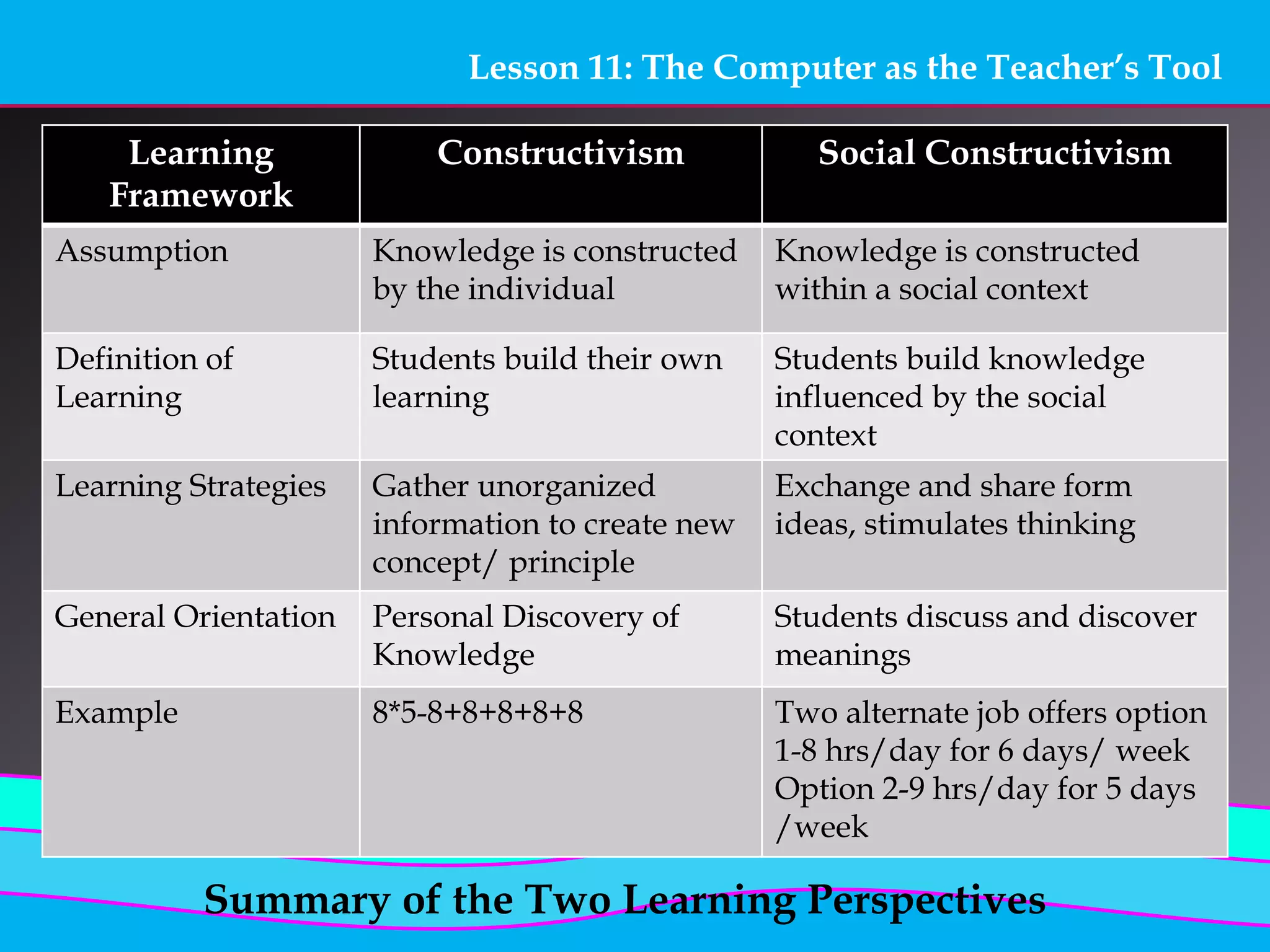
Learning
Framework
Constructivism Social Constructivism
Assumption Knowledge is constructed
by the individual
Knowledge is constructed
within a social context
Definition of
Learning
Students build their own
learning
Students build knowledge
influenced by the social
context
Learning Strategies Gather unorganized
information to create new
concept/ principle
Exchange and share form
ideas, stimulates thinking
General Orientation Personal Discovery of
Knowledge
Students discuss and discover
meanings
Example 8*5-8+8+8+8+8 Two alternate job offers option
1-8 hrs/day for 6 days/ week
Option 2-9 hrs/day for 5 days
/week
Summary of the Two Learning Perspectives
Lesson 11: The Computer as the Teacher’s Tool
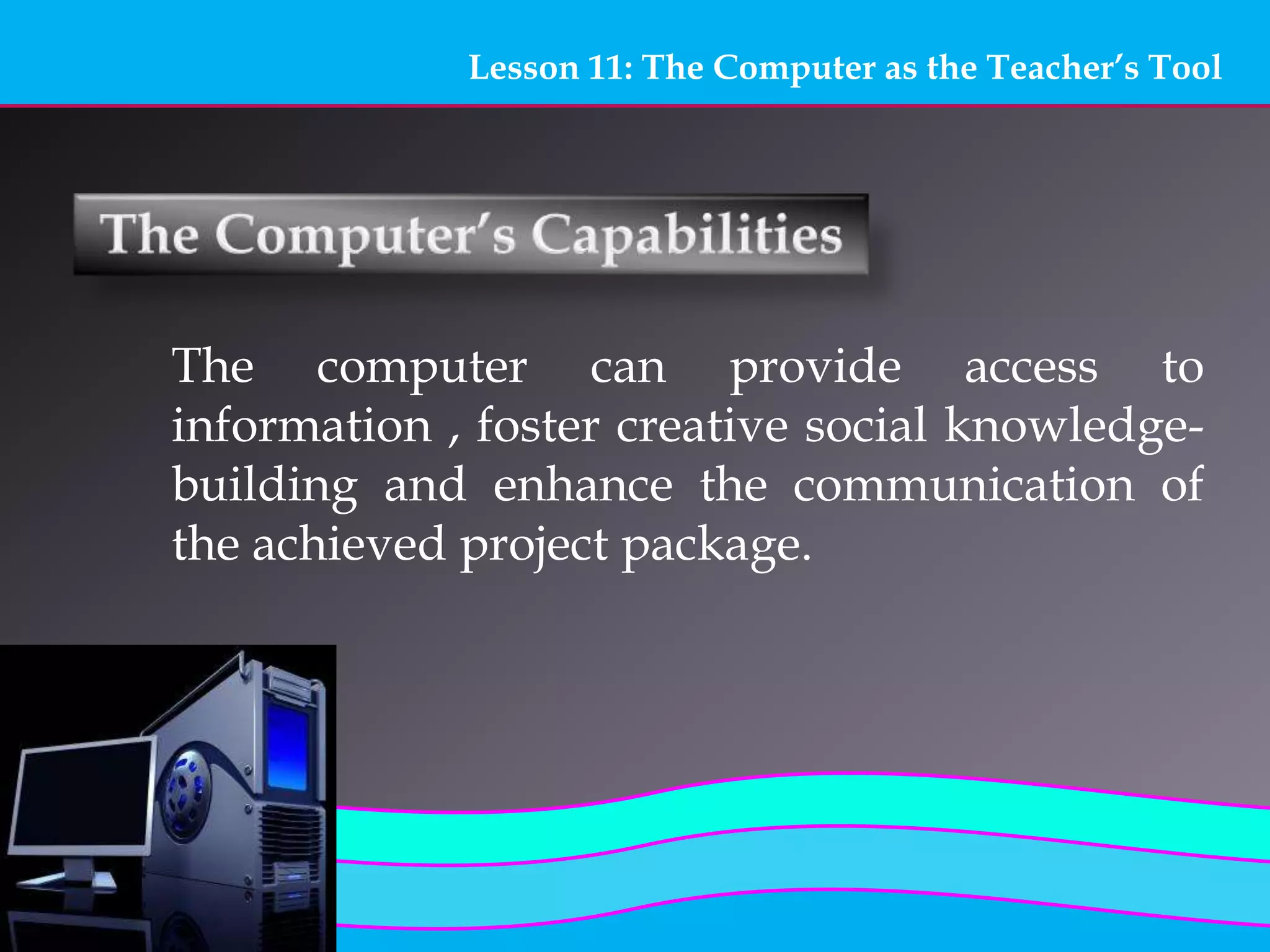
The computer can provide access to
information , foster creative social knowledge-
building and enhance the communication of
the achieved project package.
Lesson 11: The Computer as the Teacher’s Tool
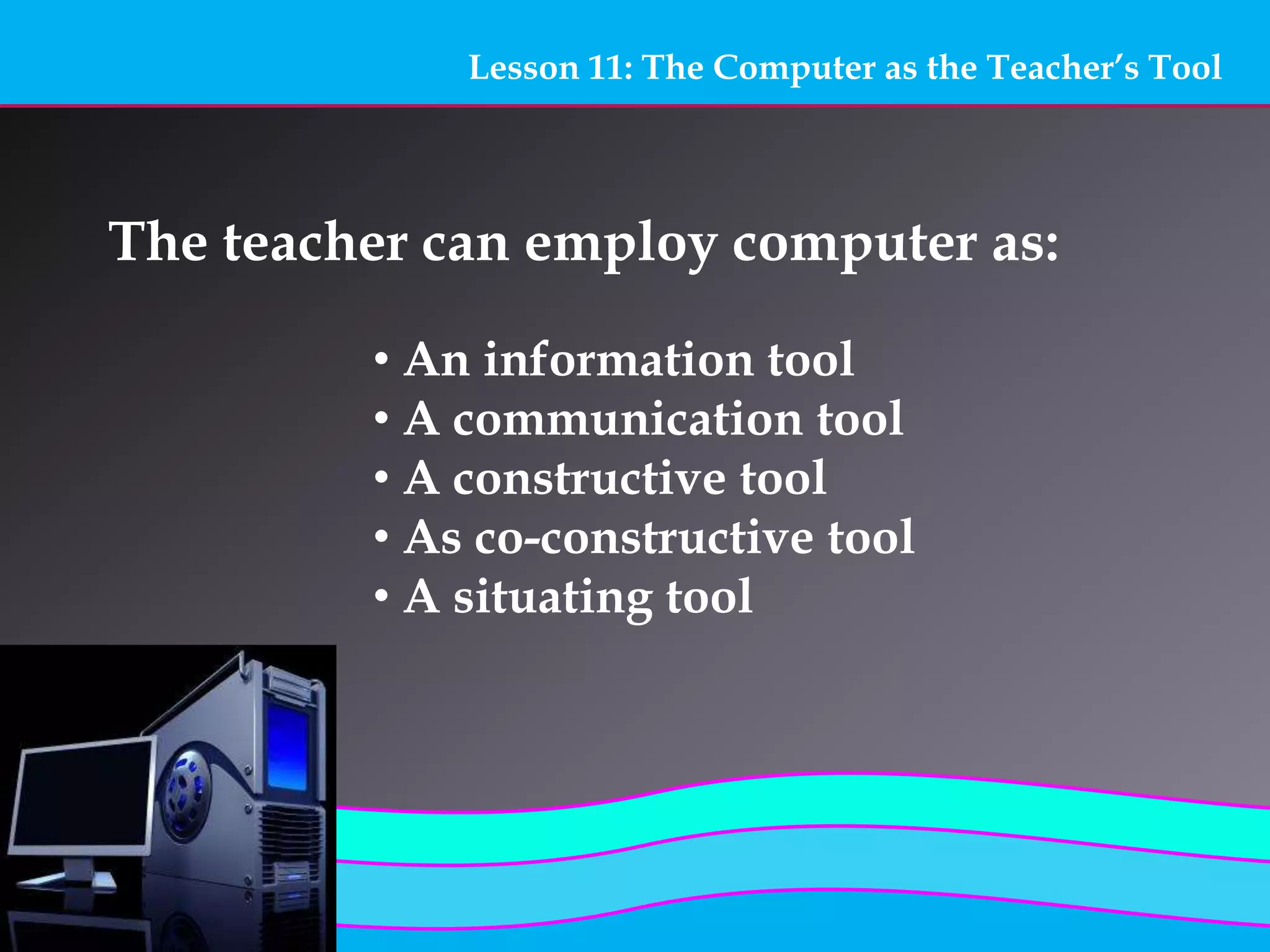
The teacher can employ computer as:
• An information tool
• A communication tool
• A constructive tool
• As co-constructive tool
• A situating tool
Lesson 11: The Computer as the Teacher’s Tool
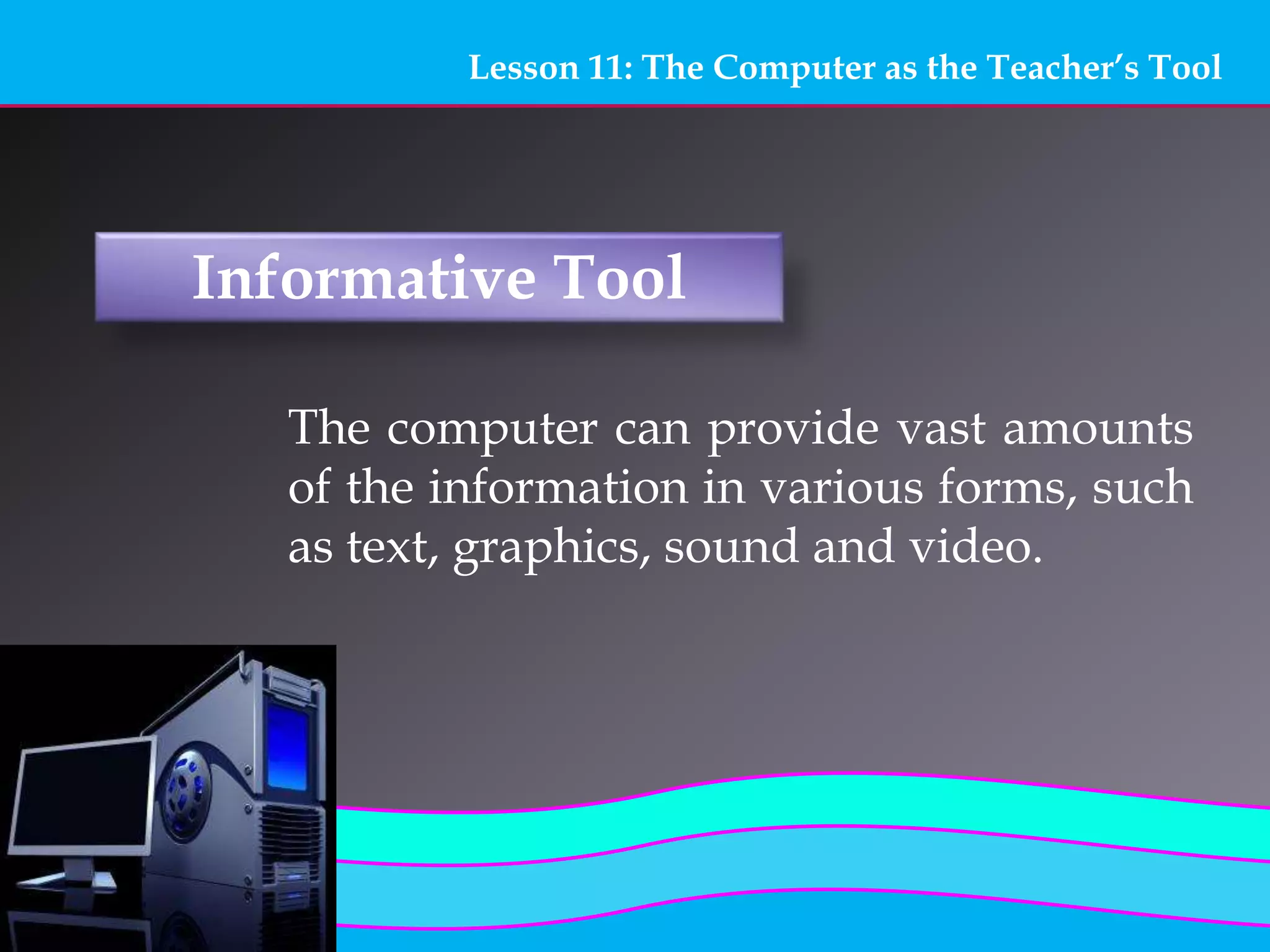
Informative Tool
The computer can provide vast amounts
of the information in various forms, such
as text, graphics, sound and video.
Lesson 11: The Computer as the Teacher’s Tool
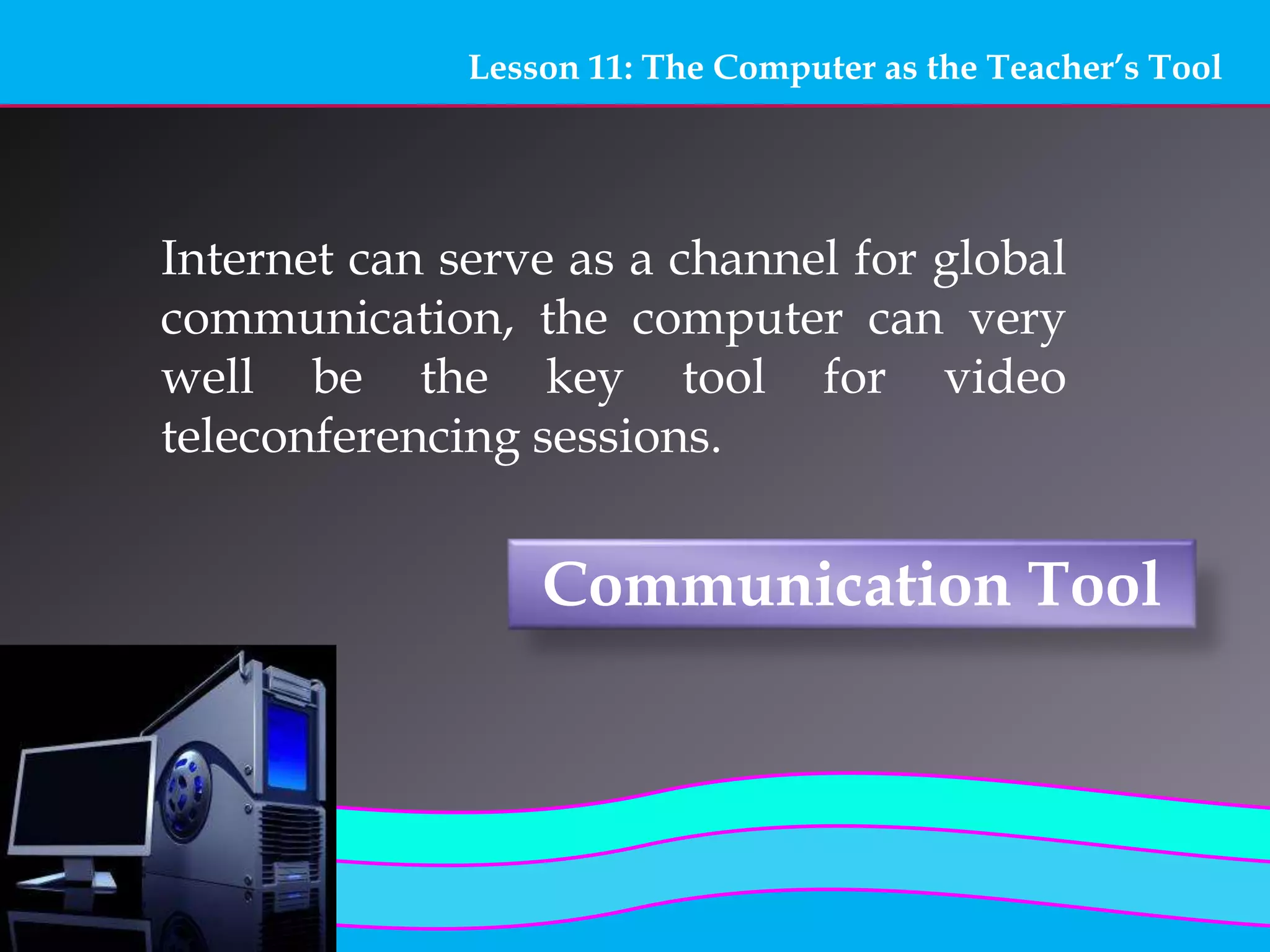
Communication Tool
Internet can serve as a channel for global
communication, the computer can very
well be the key tool for video
teleconferencing sessions.
Lesson 11: The Computer as the Teacher’s Tool
Constructive Tool
The computer itself can be used for
manipulating information, visualizing
one’s understanding and building new
knowledge.
Lesson 11: The Computer as the Teacher’s Tool
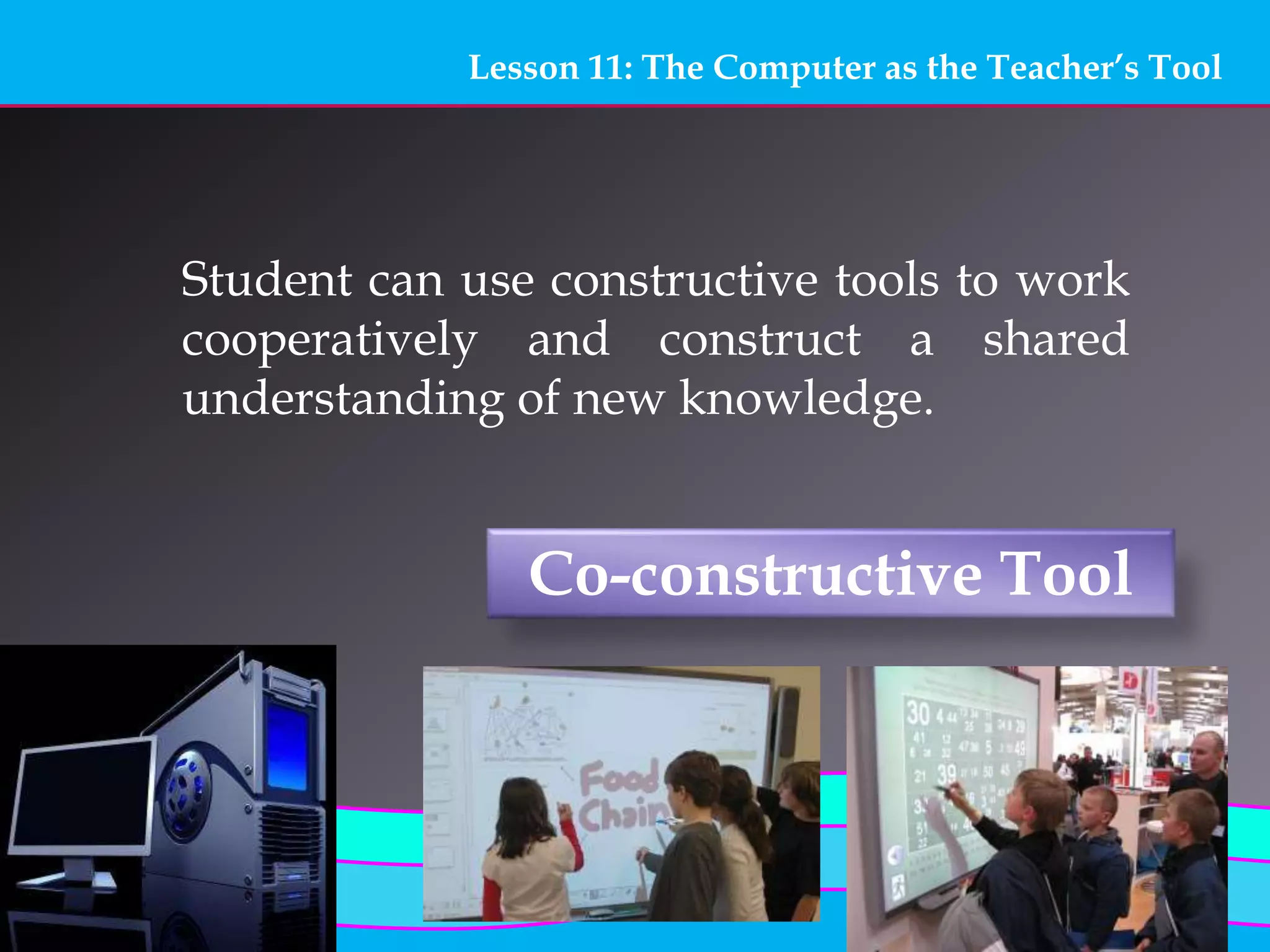
Co-constructive Tool
Student can use constructive tools to work
cooperatively and construct a shared
understanding of new knowledge.
Lesson 11: The Computer as the Teacher’s Tool
Situating Tool
By means of virtual reality (RS) extension
systems, the computer can create 3-D
images on display to give the user the
feeling that are situated in a virtual
environment.
Lesson 11: The Computer as the Teacher’s Tool
THE END! 
Thank you!
Prepared by:
Ringgit Espiritu Aguilar
Angelica Aga Ocampo

Lesson 11 computer as a teacher tool

  • 1.
    LESSON 11: THE COMPUTERAS THE TEACHER’S TOOL
  • 2.
    Lesson 11: TheComputer as the Teacher’s Tool -was introduced by Piaget (1981) and Bruner (1990). -they gave stress to knowledge discovery of new meaning/concepts/principles in the learning process.
  • 3.
    Lesson 11: TheComputer as the Teacher’s Tool -this is an effort to show that the construction of knowledge is governed by social, historical and cultural contexts.
  • 4.
    Lesson 11: TheComputer as the Teacher’s Tool Learning Framework Constructivism Social Constructivism Assumption Knowledge is constructed by the individual Knowledge is constructed within a social context Definition of Learning Students build their own learning Students build knowledge influenced by the social context Learning Strategies Gather unorganized information to create new concept/ principle Exchange and share form ideas, stimulates thinking General Orientation Personal Discovery of Knowledge Students discuss and discover meanings Example 8*5-8+8+8+8+8 Two alternate job offers option 1-8 hrs/day for 6 days/ week Option 2-9 hrs/day for 5 days /week Summary of the Two Learning Perspectives
  • 5.
    Lesson 11: TheComputer as the Teacher’s Tool The computer can provide access to information , foster creative social knowledge- building and enhance the communication of the achieved project package.
  • 6.
    Lesson 11: TheComputer as the Teacher’s Tool The teacher can employ computer as: • An information tool • A communication tool • A constructive tool • As co-constructive tool • A situating tool
  • 7.
    Lesson 11: TheComputer as the Teacher’s Tool Informative Tool The computer can provide vast amounts of the information in various forms, such as text, graphics, sound and video.
  • 8.
    Lesson 11: TheComputer as the Teacher’s Tool Communication Tool Internet can serve as a channel for global communication, the computer can very well be the key tool for video teleconferencing sessions.
  • 9.
    Lesson 11: TheComputer as the Teacher’s Tool Constructive Tool The computer itself can be used for manipulating information, visualizing one’s understanding and building new knowledge.
  • 10.
    Lesson 11: TheComputer as the Teacher’s Tool Co-constructive Tool Student can use constructive tools to work cooperatively and construct a shared understanding of new knowledge.
  • 11.
    Lesson 11: TheComputer as the Teacher’s Tool Situating Tool By means of virtual reality (RS) extension systems, the computer can create 3-D images on display to give the user the feeling that are situated in a virtual environment.
  • 13.
    Lesson 11: TheComputer as the Teacher’s Tool THE END!  Thank you! Prepared by: Ringgit Espiritu Aguilar Angelica Aga Ocampo