Copyright  Oracle Corporation, 1998. All rights reserved.
1
Writing Basic
SQL Statements
1-2 Copyright  Oracle Corporation, 1998. All rights reserved.
Objectives
After completing this lesson, you should
be able to do the following:
• List the capabilities of SQL SELECT
statements
• Execute a basic SELECT statement
• Differentiate between SQL statements
and SQL*Plus commands
1-3 Copyright  Oracle Corporation, 1998. All rights reserved.
Capabilities of SQL SELECT
Statements
Selection Projection
Table 1 Table 2
Table 1 Table 1
Join
1-4 Copyright  Oracle Corporation, 1998. All rights reserved.
Basic SELECT Statement
SELECT [DISTINCT] {*, column [alias],...}
FROM table;
• SELECT identifies what columns.
• FROM identifies which table.
1-5 Copyright  Oracle Corporation, 1998. All rights reserved.
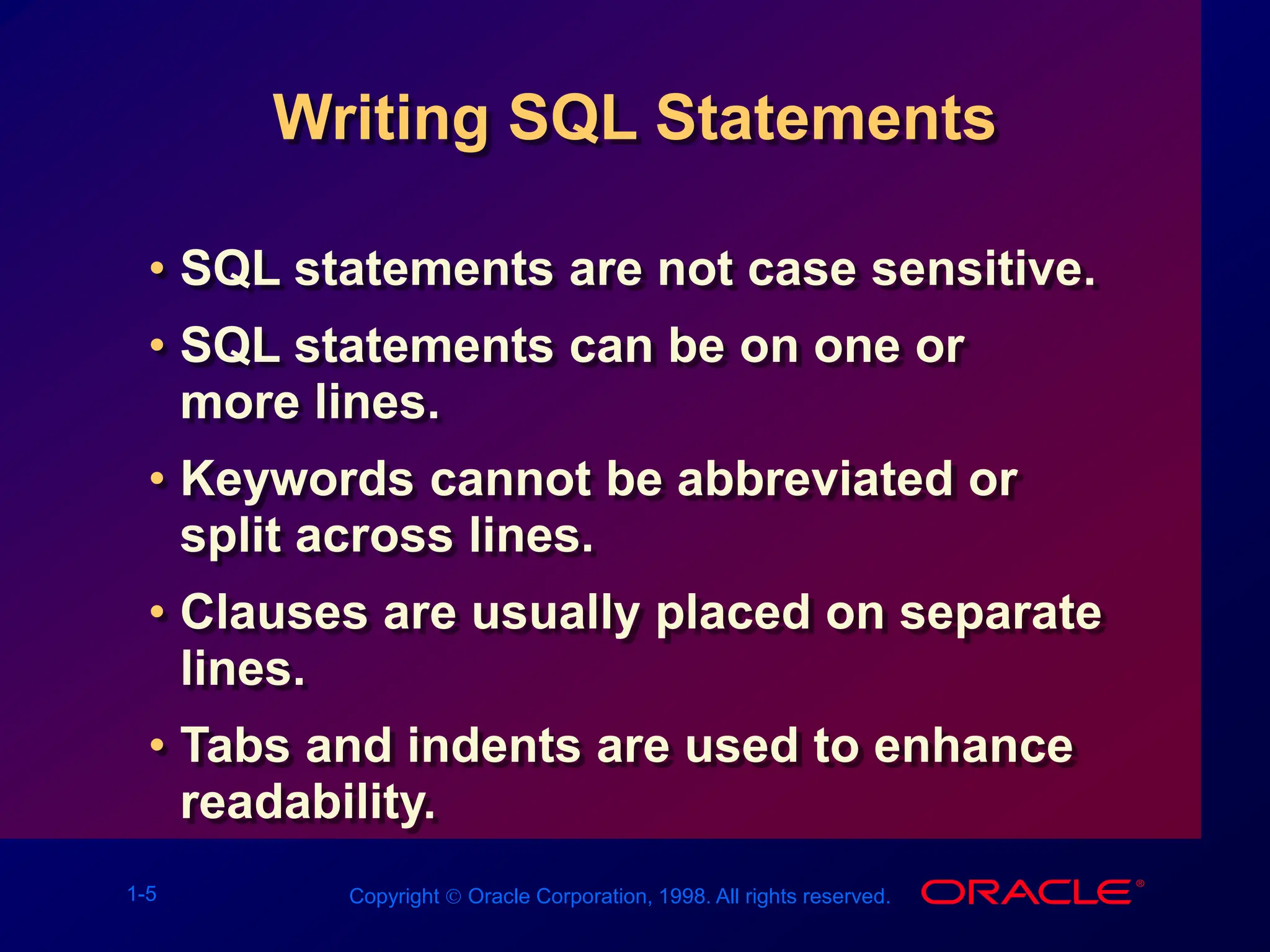
Writing SQL Statements
• SQL statements are not case sensitive.
• SQL statements can be on one or
more lines.
• Keywords cannot be abbreviated or
split across lines.
• Clauses are usually placed on separate
lines.
• Tabs and indents are used to enhance
readability.
1-6 Copyright  Oracle Corporation, 1998. All rights reserved.
Selecting All Columns
DEPTNO DNAME LOC
--------- -------------- -------------
10 ACCOUNTING NEW YORK
20 RESEARCH DALLAS
30 SALES CHICAGO
40 OPERATIONS BOSTON
SQL> SELECT *
2 FROM dept;
1-7 Copyright  Oracle Corporation, 1998. All rights reserved.
Selecting Specific Columns
DEPTNO LOC
--------- -------------
10 NEW YORK
20 DALLAS
30 CHICAGO
40 BOSTON
SQL> SELECT deptno, loc
2 FROM dept;
1-8 Copyright  Oracle Corporation, 1998. All rights reserved.
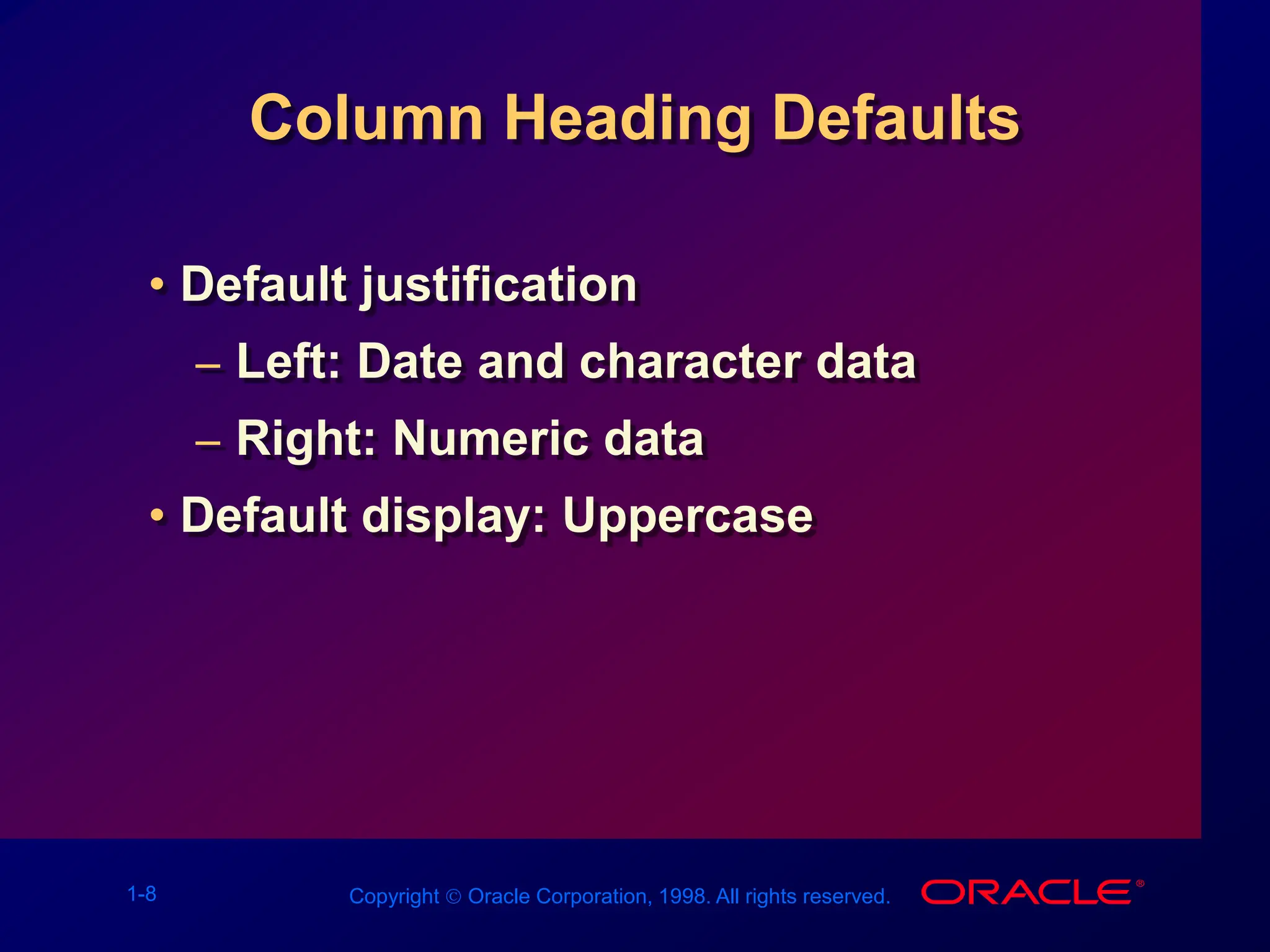
Column Heading Defaults
• Default justification
– Left: Date and character data
– Right: Numeric data
• Default display: Uppercase
1-9 Copyright  Oracle Corporation, 1998. All rights reserved.
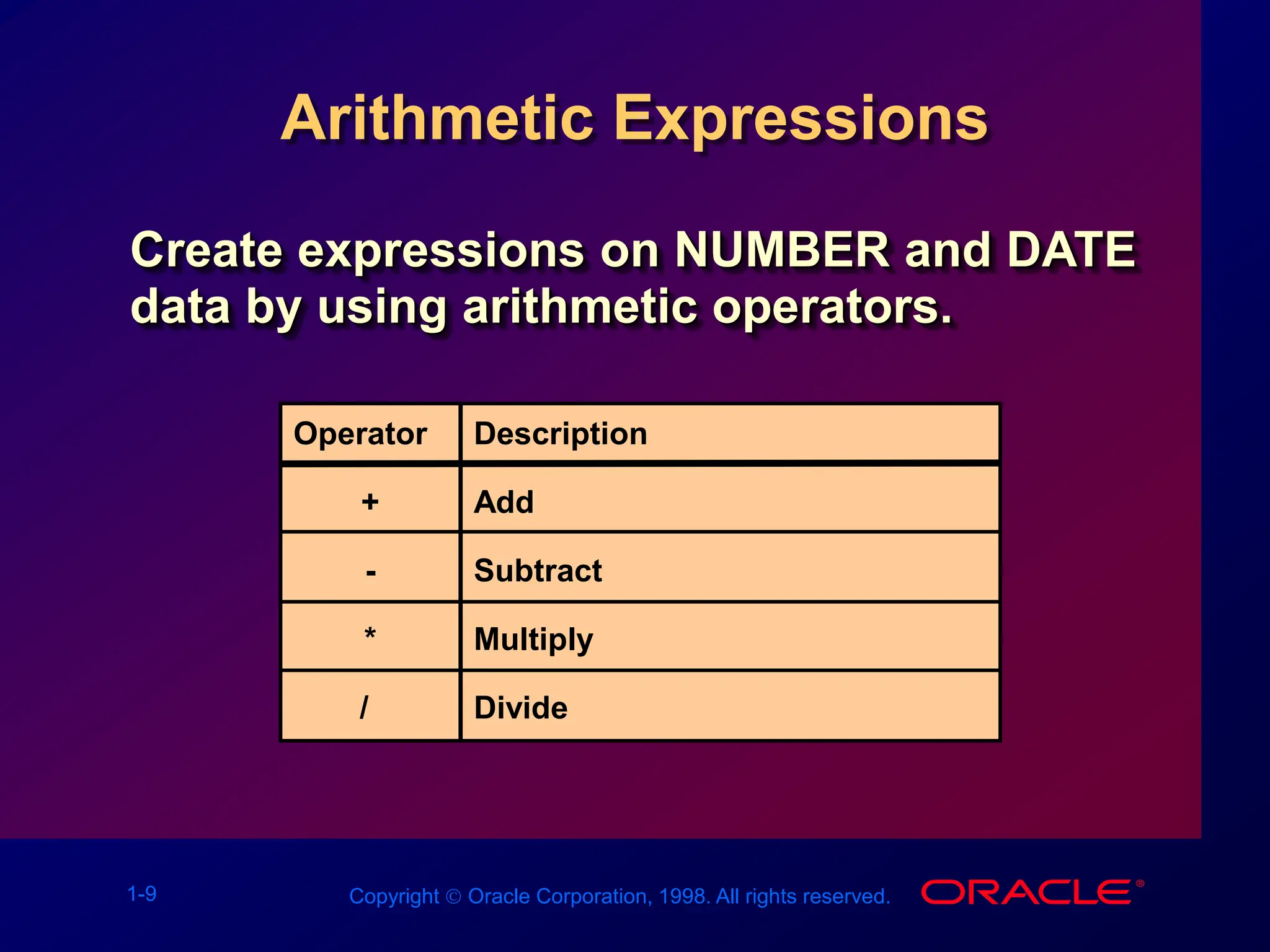
Arithmetic Expressions
Create expressions on NUMBER and DATE
data by using arithmetic operators.
Operator
+
-
*
/
Description
Add
Subtract
Multiply
Divide
1-10 Copyright  Oracle Corporation, 1998. All rights reserved.
Using Arithmetic Operators
SQL> SELECT ename, sal, sal+300
2 FROM emp;
ENAME SAL SAL+300
---------- --------- ---------
KING 5000 5300
BLAKE 2850 3150
CLARK 2450 2750
JONES 2975 3275
MARTIN 1250 1550
ALLEN 1600 1900
...
14 rows selected.
1-11 Copyright  Oracle Corporation, 1998. All rights reserved.
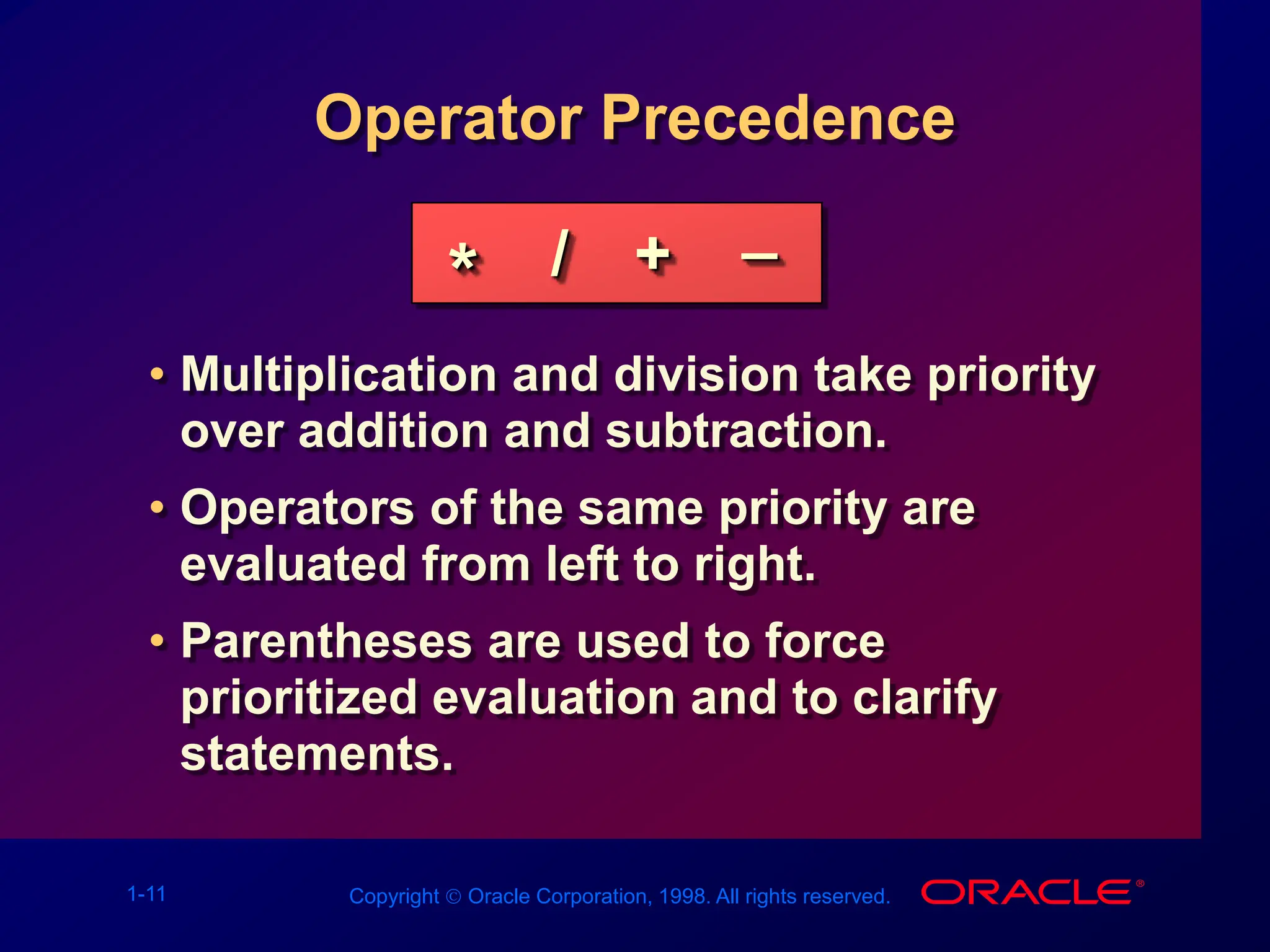
Operator Precedence
• Multiplication and division take priority
over addition and subtraction.
• Operators of the same priority are
evaluated from left to right.
• Parentheses are used to force
prioritized evaluation and to clarify
statements.
* / + _
1-12 Copyright  Oracle Corporation, 1998. All rights reserved.
Operator Precedence
SQL> SELECT ename, sal, 12*sal+100
2 FROM emp;
ENAME SAL 12*SAL+100
---------- --------- ----------
KING 5000 60100
BLAKE 2850 34300
CLARK 2450 29500
JONES 2975 35800
MARTIN 1250 15100
ALLEN 1600 19300
...
14 rows selected.
1-13 Copyright  Oracle Corporation, 1998. All rights reserved.
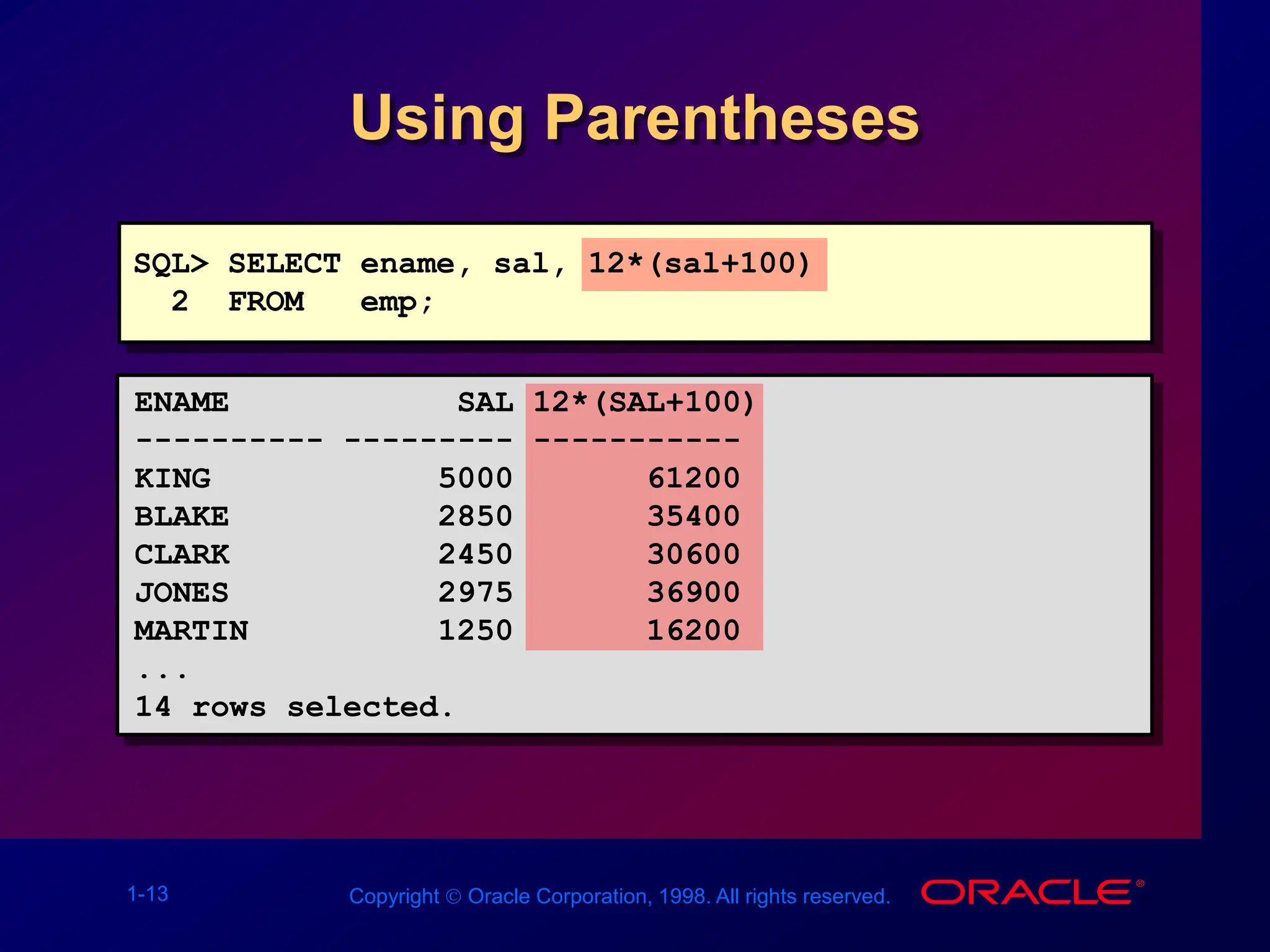
Using Parentheses
SQL> SELECT ename, sal, 12*(sal+100)
2 FROM emp;
ENAME SAL 12*(SAL+100)
---------- --------- -----------
KING 5000 61200
BLAKE 2850 35400
CLARK 2450 30600
JONES 2975 36900
MARTIN 1250 16200
...
14 rows selected.
1-14 Copyright  Oracle Corporation, 1998. All rights reserved.
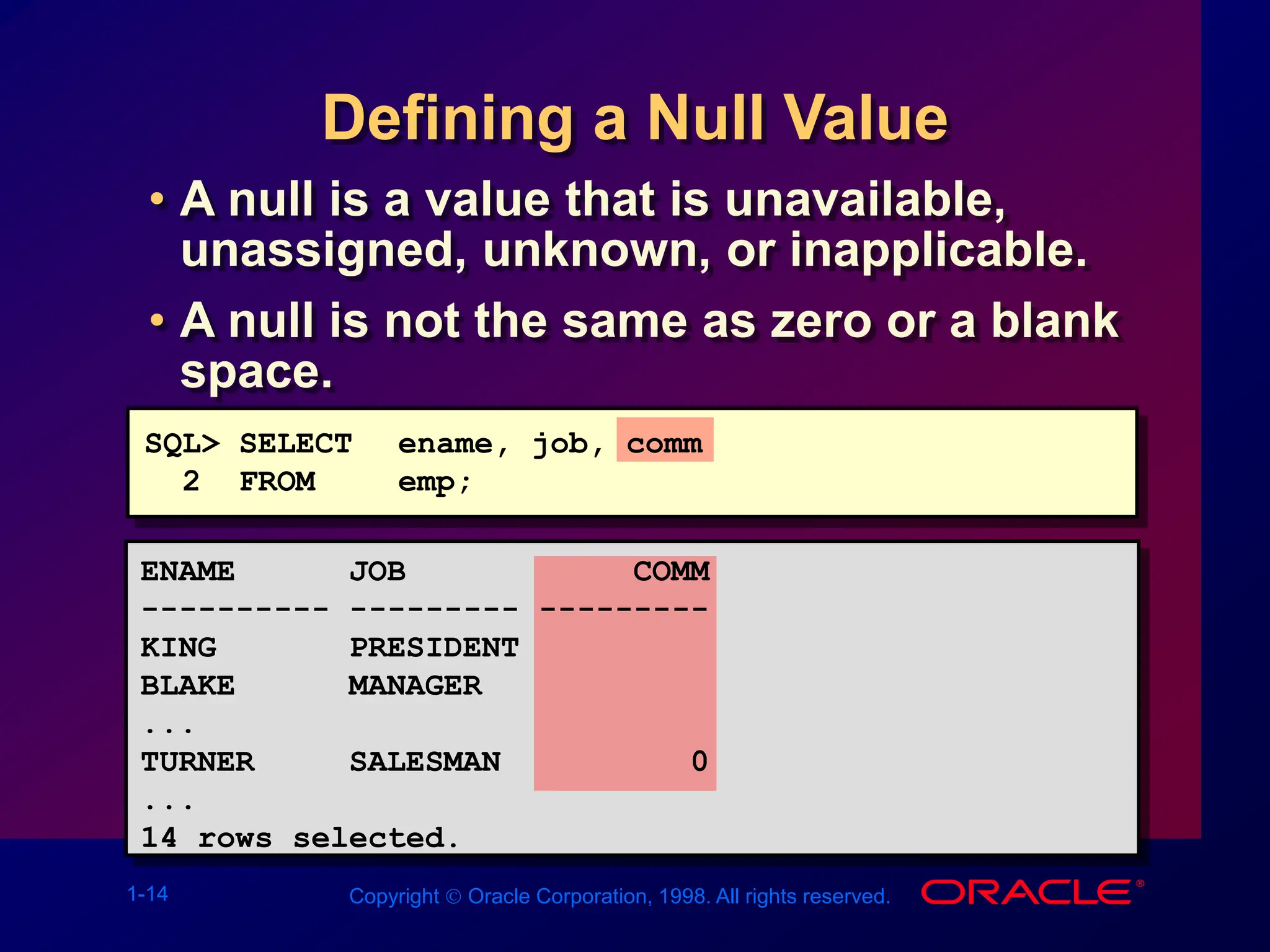
Defining a Null Value
• A null is a value that is unavailable,
unassigned, unknown, or inapplicable.
• A null is not the same as zero or a blank
space.
SQL> SELECT ename, job, comm
2 FROM emp;
ENAME JOB COMM
---------- --------- ---------
KING PRESIDENT
BLAKE MANAGER
...
TURNER SALESMAN 0
...
14 rows selected.
1-15 Copyright  Oracle Corporation, 1998. All rights reserved.
Null Values
in Arithmetic Expressions
Arithmetic expressions containing a null
value evaluate to null.
SQL> select ename, 12*sal+comm
2 from emp
3 WHERE ename='KING';
ENAME 12*SAL+COMM
---------- -----------
KING
1-16 Copyright  Oracle Corporation, 1998. All rights reserved.
Defining a Column Alias
• Renames a column heading
• Is useful with calculations
• Immediately follows column name;
optional AS keyword between column
name and alias
• Requires double quotation marks if it
contains spaces or special characters
or is case sensitive
1-17 Copyright  Oracle Corporation, 1998. All rights reserved.
Using Column Aliases
SQL> SELECT ename AS name, sal salary
2 FROM emp;
NAME SALARY
------------- ---------
...
SQL> SELECT ename "Name",
2 sal*12 "Annual Salary"
3 FROM emp;
Name Annual Salary
------------- -------------
...
1-18 Copyright  Oracle Corporation, 1998. All rights reserved.
Concatenation Operator
• Concatenates columns or character
strings to other columns
• Is represented by two vertical bars (||)
• Creates a resultant column that is a
character expression
1-19 Copyright  Oracle Corporation, 1998. All rights reserved.
Using the Concatenation
Operator
SQL> SELECT ename||job AS "Employees"
2 FROM emp;
Employees
-------------------
KINGPRESIDENT
BLAKEMANAGER
CLARKMANAGER
JONESMANAGER
MARTINSALESMAN
ALLENSALESMAN
...
14 rows selected.
1-20 Copyright  Oracle Corporation, 1998. All rights reserved.
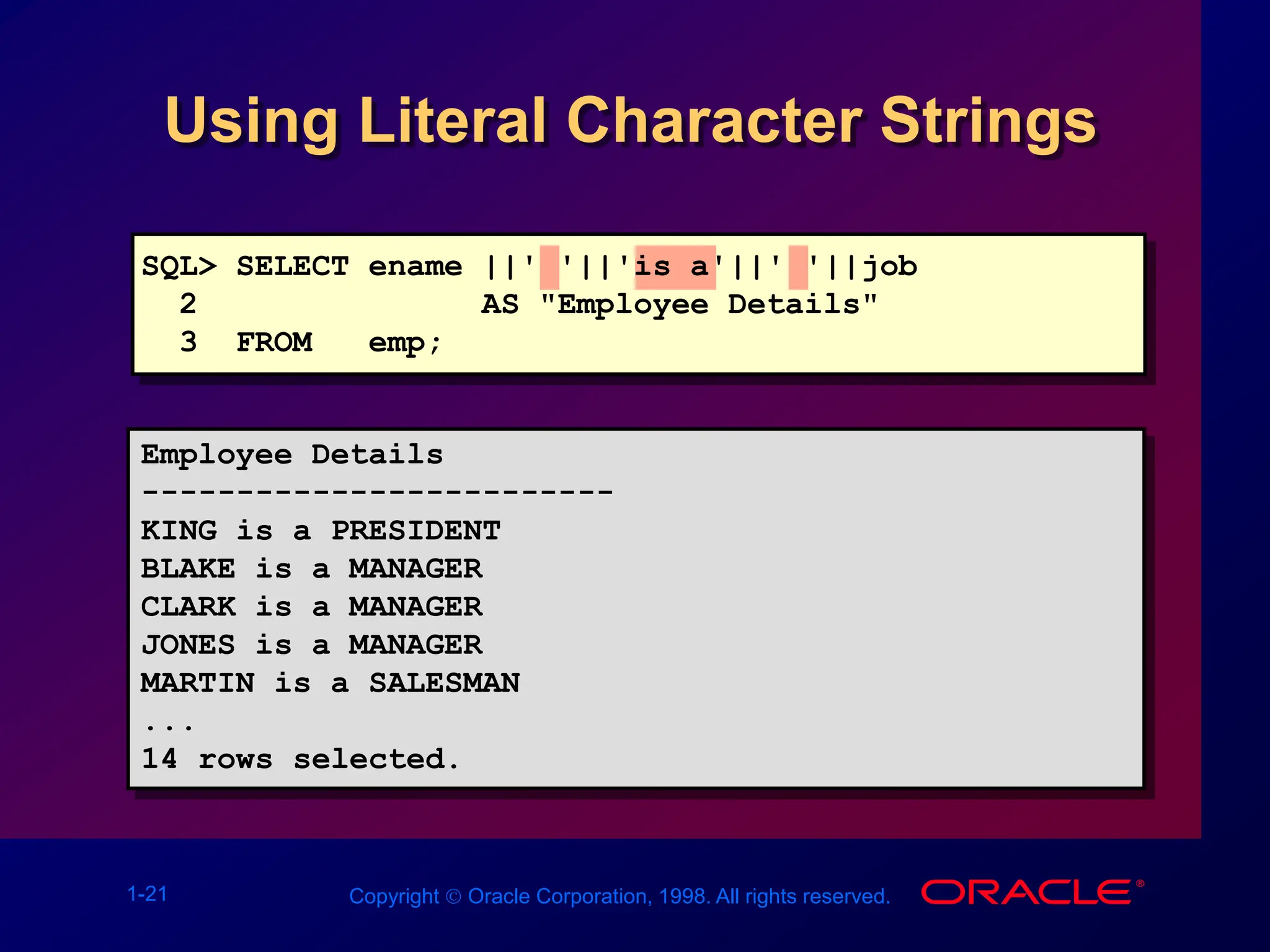
Literal Character Strings
• A literal is a character, expression, or
number included in the SELECT list.
• Date and character literal values must
be enclosed within single quotation
marks.
• Each character string is output once for
each row returned.
1-21 Copyright  Oracle Corporation, 1998. All rights reserved.
Using Literal Character Strings
Employee Details
-------------------------
KING is a PRESIDENT
BLAKE is a MANAGER
CLARK is a MANAGER
JONES is a MANAGER
MARTIN is a SALESMAN
...
14 rows selected.
SQL> SELECT ename ||' '||'is a'||' '||job
2 AS "Employee Details"
3 FROM emp;
1-22 Copyright  Oracle Corporation, 1998. All rights reserved.
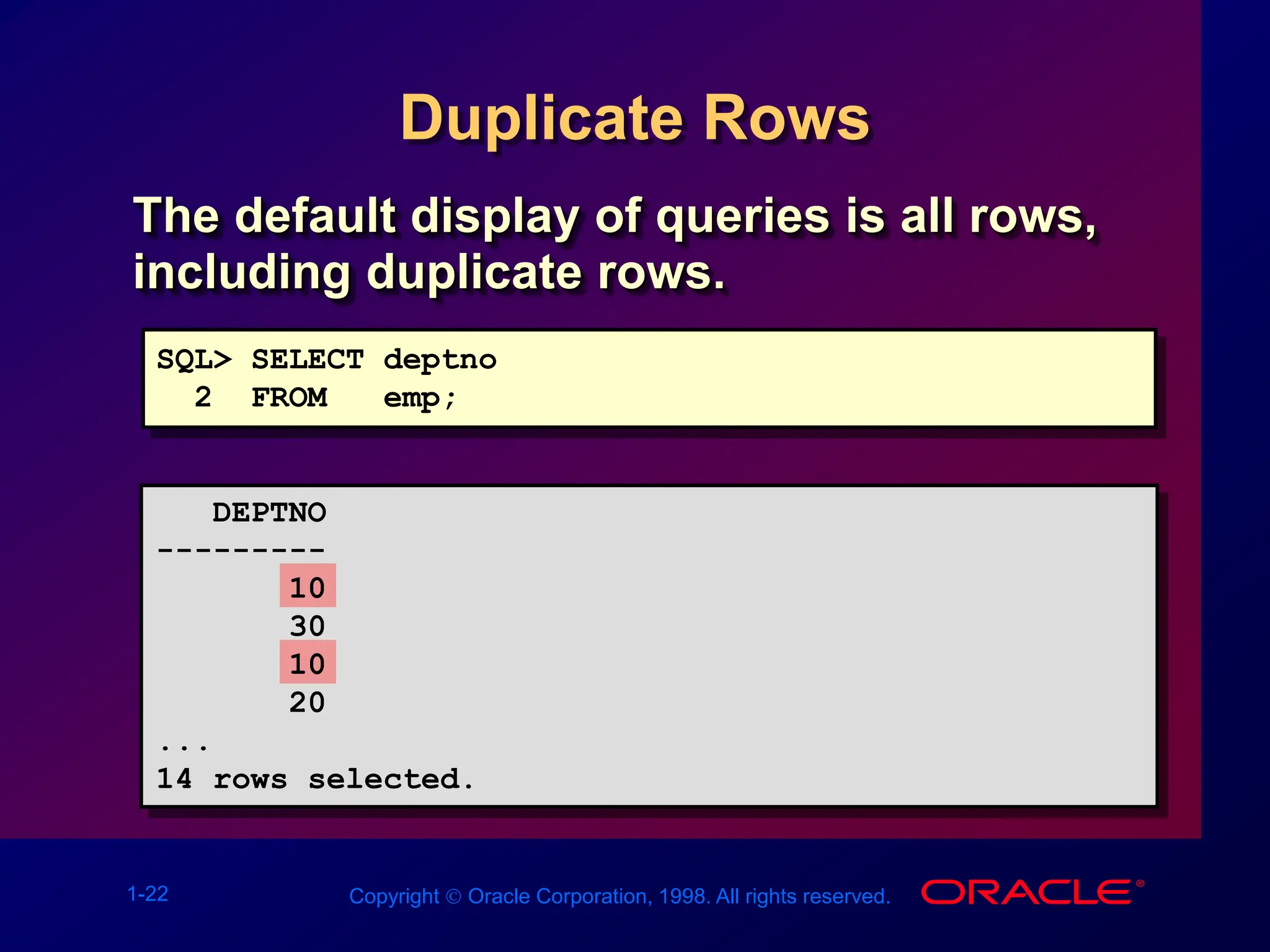
Duplicate Rows
The default display of queries is all rows,
including duplicate rows.
SQL> SELECT deptno
2 FROM emp;
DEPTNO
---------
10
30
10
20
...
14 rows selected.
1-23 Copyright  Oracle Corporation, 1998. All rights reserved.
Eliminating Duplicate Rows
Eliminate duplicate rows by using the
DISTINCT keyword in the SELECT clause.
SQL> SELECT DISTINCT deptno
2 FROM emp;
DEPTNO
---------
10
20
30
1-24 Copyright  Oracle Corporation, 1998. All rights reserved.
SQL and SQL*Plus Interaction
SQL*Plus
SQL Statements
Buffer
SQL Statements
Server
Query Results
SQL*Plus
Commands
Formatted Report
1-25 Copyright  Oracle Corporation, 1998. All rights reserved.
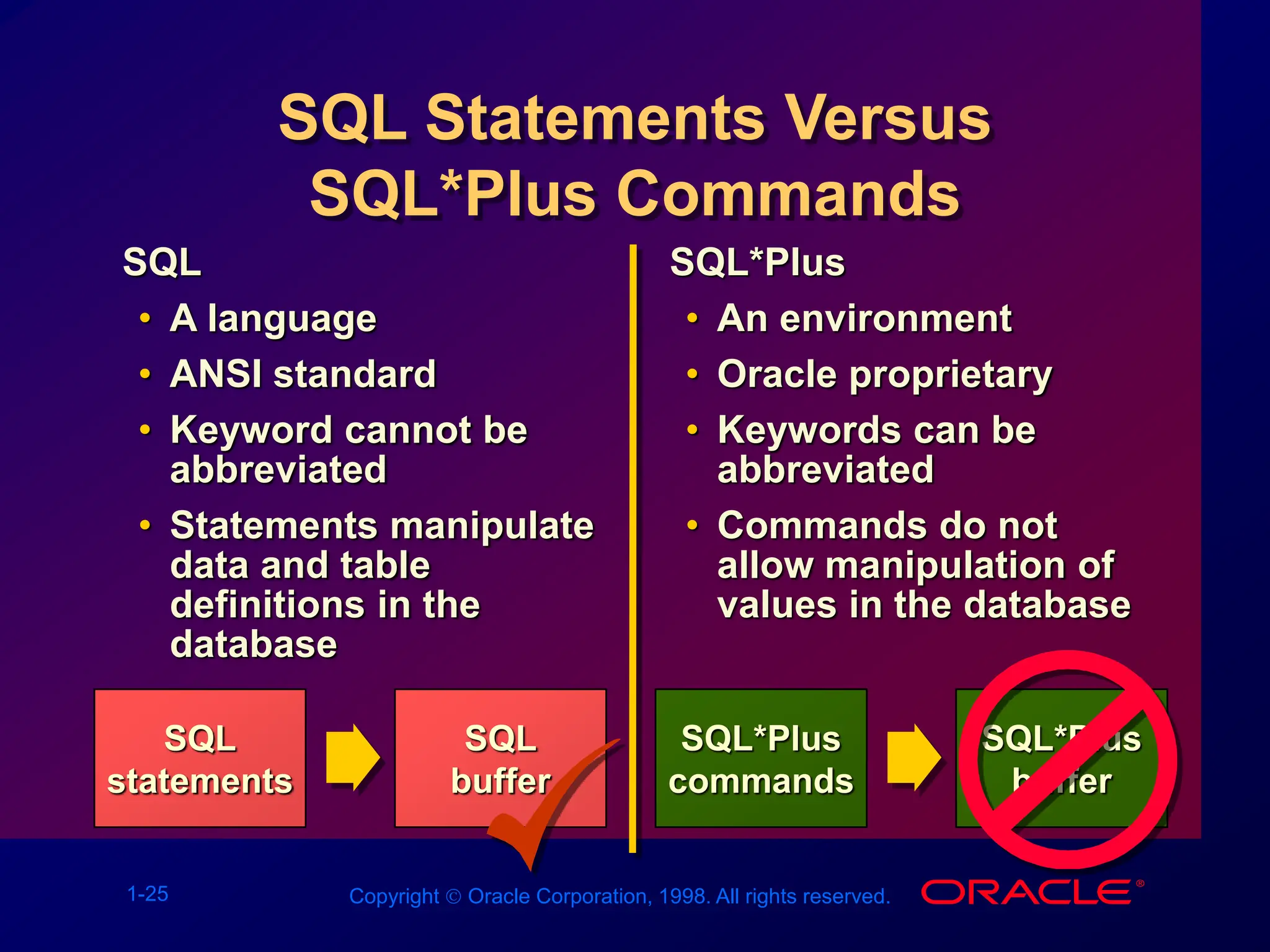
SQL Statements Versus
SQL*Plus Commands
SQL
statements
SQL
• A language
• ANSI standard
• Keyword cannot be
abbreviated
• Statements manipulate
data and table
definitions in the
database
SQL*Plus
• An environment
• Oracle proprietary
• Keywords can be
abbreviated
• Commands do not
allow manipulation of
values in the database
SQL
buffer
SQL*Plus
commands
SQL*Plus
buffer
1-26 Copyright  Oracle Corporation, 1998. All rights reserved.
• Log in to SQL*Plus.
• Describe the table structure.
• Edit your SQL statement.
• Execute SQL from SQL*Plus.
• Save SQL statements to files and
append SQL statements to files.
• Execute saved files.
• Load commands from file to buffer
to edit.
Overview of SQL*Plus
1-27 Copyright  Oracle Corporation, 1998. All rights reserved.
Logging In to SQL*Plus
• From Windows environment:
• From command line:
sqlplus [username[/password
[@database]]]
1-28 Copyright  Oracle Corporation, 1998. All rights reserved.
Displaying Table Structure
Use the SQL*Plus DESCRIBE command to
display the structure of a table.
DESC[RIBE] tablename
1-29 Copyright  Oracle Corporation, 1998. All rights reserved.
Displaying Table Structure
SQL> DESCRIBE dept
Name Null? Type
----------------- -------- ------------
DEPTNO NOT NULL NUMBER(2)
DNAME VARCHAR2(14)
LOC VARCHAR2(13)
1-30 Copyright  Oracle Corporation, 1998. All rights reserved.
SQL*Plus Editing Commands
• A[PPEND] text
• C[HANGE] / old / new
• C[HANGE] / text /
• CL[EAR] BUFF[ER]
• DEL
• DEL n
• DEL m n
1-31 Copyright  Oracle Corporation, 1998. All rights reserved.
SQL*Plus Editing Commands
• I[NPUT]
• I[NPUT] text
• L[IST]
• L[IST] n
• L[IST] m n
• R[UN]
• n
• n text
• 0 text
1-32 Copyright  Oracle Corporation, 1998. All rights reserved.
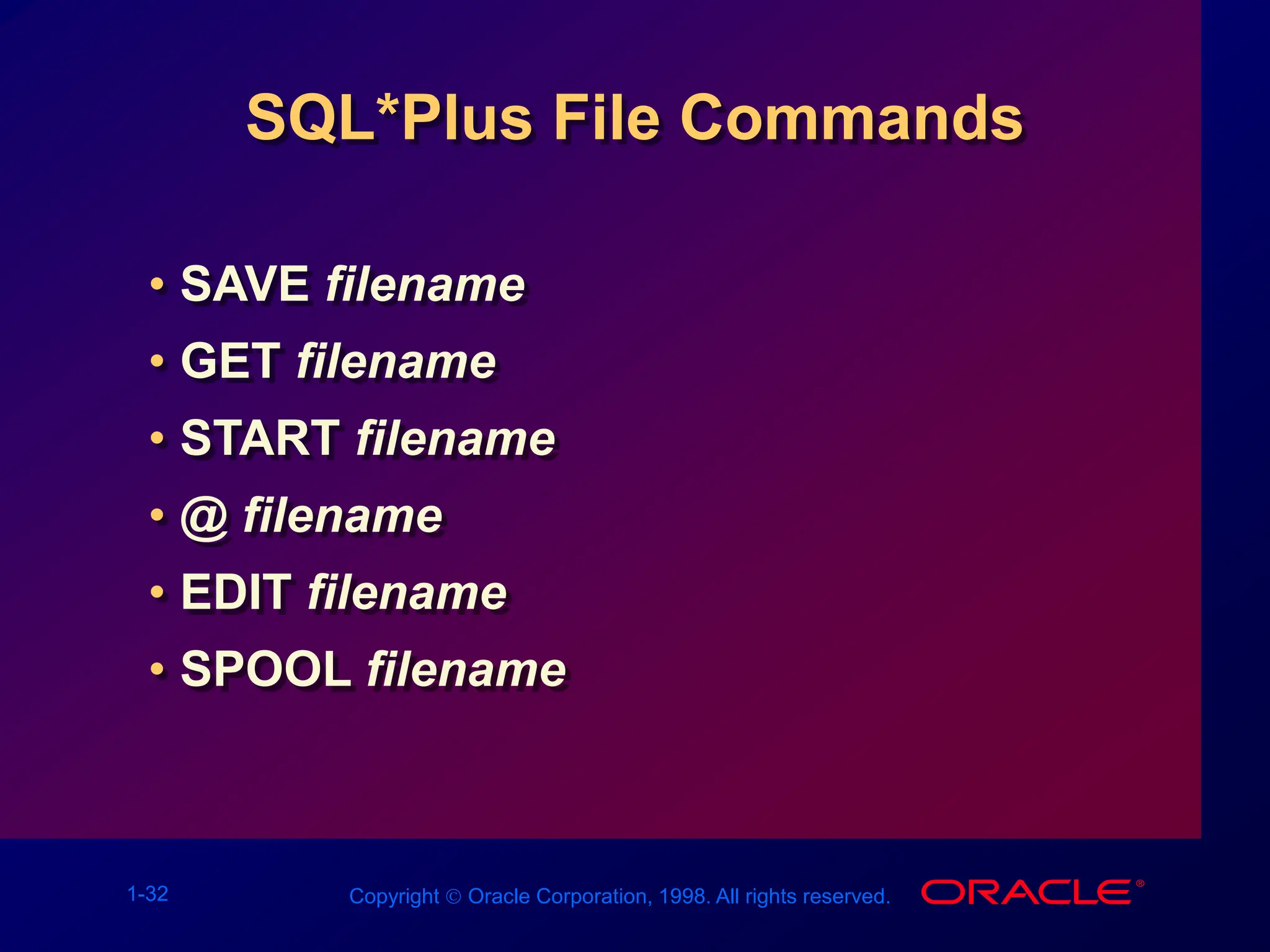
SQL*Plus File Commands
• SAVE filename
• GET filename
• START filename
• @ filename
• EDIT filename
• SPOOL filename
1-33 Copyright  Oracle Corporation, 1998. All rights reserved.
Summary
Use SQL*Plus as an environment to:
• Execute SQL statements
• Edit SQL statements
SELECT [DISTINCT] {*,column [alias],...}
FROM table;
1-34 Copyright  Oracle Corporation, 1998. All rights reserved.
Practice Overview
• Selecting all data from different tables
• Describing the structure of tables
• Performing arithmetic calculations and
specifying column names
• Using SQL*Plus editor

Les01.ppt

  • 1.
    Copyright  OracleCorporation, 1998. All rights reserved. 1 Writing Basic SQL Statements
  • 2.
    1-2 Copyright Oracle Corporation, 1998. All rights reserved. Objectives After completing this lesson, you should be able to do the following: • List the capabilities of SQL SELECT statements • Execute a basic SELECT statement • Differentiate between SQL statements and SQL*Plus commands
  • 3.
    1-3 Copyright Oracle Corporation, 1998. All rights reserved. Capabilities of SQL SELECT Statements Selection Projection Table 1 Table 2 Table 1 Table 1 Join
  • 4.
    1-4 Copyright Oracle Corporation, 1998. All rights reserved. Basic SELECT Statement SELECT [DISTINCT] {*, column [alias],...} FROM table; • SELECT identifies what columns. • FROM identifies which table.
  • 5.
    1-5 Copyright Oracle Corporation, 1998. All rights reserved. Writing SQL Statements • SQL statements are not case sensitive. • SQL statements can be on one or more lines. • Keywords cannot be abbreviated or split across lines. • Clauses are usually placed on separate lines. • Tabs and indents are used to enhance readability.
  • 6.
    1-6 Copyright Oracle Corporation, 1998. All rights reserved. Selecting All Columns DEPTNO DNAME LOC --------- -------------- ------------- 10 ACCOUNTING NEW YORK 20 RESEARCH DALLAS 30 SALES CHICAGO 40 OPERATIONS BOSTON SQL> SELECT * 2 FROM dept;
  • 7.
    1-7 Copyright Oracle Corporation, 1998. All rights reserved. Selecting Specific Columns DEPTNO LOC --------- ------------- 10 NEW YORK 20 DALLAS 30 CHICAGO 40 BOSTON SQL> SELECT deptno, loc 2 FROM dept;
  • 8.
    1-8 Copyright Oracle Corporation, 1998. All rights reserved. Column Heading Defaults • Default justification – Left: Date and character data – Right: Numeric data • Default display: Uppercase
  • 9.
    1-9 Copyright Oracle Corporation, 1998. All rights reserved. Arithmetic Expressions Create expressions on NUMBER and DATE data by using arithmetic operators. Operator + - * / Description Add Subtract Multiply Divide
  • 10.
    1-10 Copyright Oracle Corporation, 1998. All rights reserved. Using Arithmetic Operators SQL> SELECT ename, sal, sal+300 2 FROM emp; ENAME SAL SAL+300 ---------- --------- --------- KING 5000 5300 BLAKE 2850 3150 CLARK 2450 2750 JONES 2975 3275 MARTIN 1250 1550 ALLEN 1600 1900 ... 14 rows selected.
  • 11.
    1-11 Copyright Oracle Corporation, 1998. All rights reserved. Operator Precedence • Multiplication and division take priority over addition and subtraction. • Operators of the same priority are evaluated from left to right. • Parentheses are used to force prioritized evaluation and to clarify statements. * / + _
  • 12.
    1-12 Copyright Oracle Corporation, 1998. All rights reserved. Operator Precedence SQL> SELECT ename, sal, 12*sal+100 2 FROM emp; ENAME SAL 12*SAL+100 ---------- --------- ---------- KING 5000 60100 BLAKE 2850 34300 CLARK 2450 29500 JONES 2975 35800 MARTIN 1250 15100 ALLEN 1600 19300 ... 14 rows selected.
  • 13.
    1-13 Copyright Oracle Corporation, 1998. All rights reserved. Using Parentheses SQL> SELECT ename, sal, 12*(sal+100) 2 FROM emp; ENAME SAL 12*(SAL+100) ---------- --------- ----------- KING 5000 61200 BLAKE 2850 35400 CLARK 2450 30600 JONES 2975 36900 MARTIN 1250 16200 ... 14 rows selected.
  • 14.
    1-14 Copyright Oracle Corporation, 1998. All rights reserved. Defining a Null Value • A null is a value that is unavailable, unassigned, unknown, or inapplicable. • A null is not the same as zero or a blank space. SQL> SELECT ename, job, comm 2 FROM emp; ENAME JOB COMM ---------- --------- --------- KING PRESIDENT BLAKE MANAGER ... TURNER SALESMAN 0 ... 14 rows selected.
  • 15.
    1-15 Copyright Oracle Corporation, 1998. All rights reserved. Null Values in Arithmetic Expressions Arithmetic expressions containing a null value evaluate to null. SQL> select ename, 12*sal+comm 2 from emp 3 WHERE ename='KING'; ENAME 12*SAL+COMM ---------- ----------- KING
  • 16.
    1-16 Copyright Oracle Corporation, 1998. All rights reserved. Defining a Column Alias • Renames a column heading • Is useful with calculations • Immediately follows column name; optional AS keyword between column name and alias • Requires double quotation marks if it contains spaces or special characters or is case sensitive
  • 17.
    1-17 Copyright Oracle Corporation, 1998. All rights reserved. Using Column Aliases SQL> SELECT ename AS name, sal salary 2 FROM emp; NAME SALARY ------------- --------- ... SQL> SELECT ename "Name", 2 sal*12 "Annual Salary" 3 FROM emp; Name Annual Salary ------------- ------------- ...
  • 18.
    1-18 Copyright Oracle Corporation, 1998. All rights reserved. Concatenation Operator • Concatenates columns or character strings to other columns • Is represented by two vertical bars (||) • Creates a resultant column that is a character expression
  • 19.
    1-19 Copyright Oracle Corporation, 1998. All rights reserved. Using the Concatenation Operator SQL> SELECT ename||job AS "Employees" 2 FROM emp; Employees ------------------- KINGPRESIDENT BLAKEMANAGER CLARKMANAGER JONESMANAGER MARTINSALESMAN ALLENSALESMAN ... 14 rows selected.
  • 20.
    1-20 Copyright Oracle Corporation, 1998. All rights reserved. Literal Character Strings • A literal is a character, expression, or number included in the SELECT list. • Date and character literal values must be enclosed within single quotation marks. • Each character string is output once for each row returned.
  • 21.
    1-21 Copyright Oracle Corporation, 1998. All rights reserved. Using Literal Character Strings Employee Details ------------------------- KING is a PRESIDENT BLAKE is a MANAGER CLARK is a MANAGER JONES is a MANAGER MARTIN is a SALESMAN ... 14 rows selected. SQL> SELECT ename ||' '||'is a'||' '||job 2 AS "Employee Details" 3 FROM emp;
  • 22.
    1-22 Copyright Oracle Corporation, 1998. All rights reserved. Duplicate Rows The default display of queries is all rows, including duplicate rows. SQL> SELECT deptno 2 FROM emp; DEPTNO --------- 10 30 10 20 ... 14 rows selected.
  • 23.
    1-23 Copyright Oracle Corporation, 1998. All rights reserved. Eliminating Duplicate Rows Eliminate duplicate rows by using the DISTINCT keyword in the SELECT clause. SQL> SELECT DISTINCT deptno 2 FROM emp; DEPTNO --------- 10 20 30
  • 24.
    1-24 Copyright Oracle Corporation, 1998. All rights reserved. SQL and SQL*Plus Interaction SQL*Plus SQL Statements Buffer SQL Statements Server Query Results SQL*Plus Commands Formatted Report
  • 25.
    1-25 Copyright Oracle Corporation, 1998. All rights reserved. SQL Statements Versus SQL*Plus Commands SQL statements SQL • A language • ANSI standard • Keyword cannot be abbreviated • Statements manipulate data and table definitions in the database SQL*Plus • An environment • Oracle proprietary • Keywords can be abbreviated • Commands do not allow manipulation of values in the database SQL buffer SQL*Plus commands SQL*Plus buffer
  • 26.
    1-26 Copyright Oracle Corporation, 1998. All rights reserved. • Log in to SQL*Plus. • Describe the table structure. • Edit your SQL statement. • Execute SQL from SQL*Plus. • Save SQL statements to files and append SQL statements to files. • Execute saved files. • Load commands from file to buffer to edit. Overview of SQL*Plus
  • 27.
    1-27 Copyright Oracle Corporation, 1998. All rights reserved. Logging In to SQL*Plus • From Windows environment: • From command line: sqlplus [username[/password [@database]]]
  • 28.
    1-28 Copyright Oracle Corporation, 1998. All rights reserved. Displaying Table Structure Use the SQL*Plus DESCRIBE command to display the structure of a table. DESC[RIBE] tablename
  • 29.
    1-29 Copyright Oracle Corporation, 1998. All rights reserved. Displaying Table Structure SQL> DESCRIBE dept Name Null? Type ----------------- -------- ------------ DEPTNO NOT NULL NUMBER(2) DNAME VARCHAR2(14) LOC VARCHAR2(13)
  • 30.
    1-30 Copyright Oracle Corporation, 1998. All rights reserved. SQL*Plus Editing Commands • A[PPEND] text • C[HANGE] / old / new • C[HANGE] / text / • CL[EAR] BUFF[ER] • DEL • DEL n • DEL m n
  • 31.
    1-31 Copyright Oracle Corporation, 1998. All rights reserved. SQL*Plus Editing Commands • I[NPUT] • I[NPUT] text • L[IST] • L[IST] n • L[IST] m n • R[UN] • n • n text • 0 text
  • 32.
    1-32 Copyright Oracle Corporation, 1998. All rights reserved. SQL*Plus File Commands • SAVE filename • GET filename • START filename • @ filename • EDIT filename • SPOOL filename
  • 33.
    1-33 Copyright Oracle Corporation, 1998. All rights reserved. Summary Use SQL*Plus as an environment to: • Execute SQL statements • Edit SQL statements SELECT [DISTINCT] {*,column [alias],...} FROM table;
  • 34.
    1-34 Copyright Oracle Corporation, 1998. All rights reserved. Practice Overview • Selecting all data from different tables • Describing the structure of tables • Performing arithmetic calculations and specifying column names • Using SQL*Plus editor