COMPUTERISATION
is the process of developing, implementing, and using computer systems for activities
such as teaching, accounting, writing, or designing circuits,
the process of taking activities or tasks not previously done on the computer and shifting
them to being done on the computer.
Advantages of computerisation in an organisation
1. Response time is greatly reduced
2. Very large data are stored for information and decision-making
3. Accuracy of information is considerably improved, thereby improving the quality of the
decision
4. Problems are handled more easily by using various operation research models
5. The cost involved in the decision-making process is reduced
6. More secrecy is observed as compared to manual file system
Disadvantages of computerization
1. Unemployment, Different tasks are performed automatically by using
computers. It reduces the need of people and increases unemployment in
society.
2. Wastage of time and energy, Many people use computers without positive
purpose. They play games and chat for a long period of time. It causes
wastage of time and energy. Young generation is now spending a lot of time
on the social media websites like Facebook, Twitter etc or texting their
friends all night through smartphones which is bad for both studies and
their health. And it also has
adverse effects on the social life.
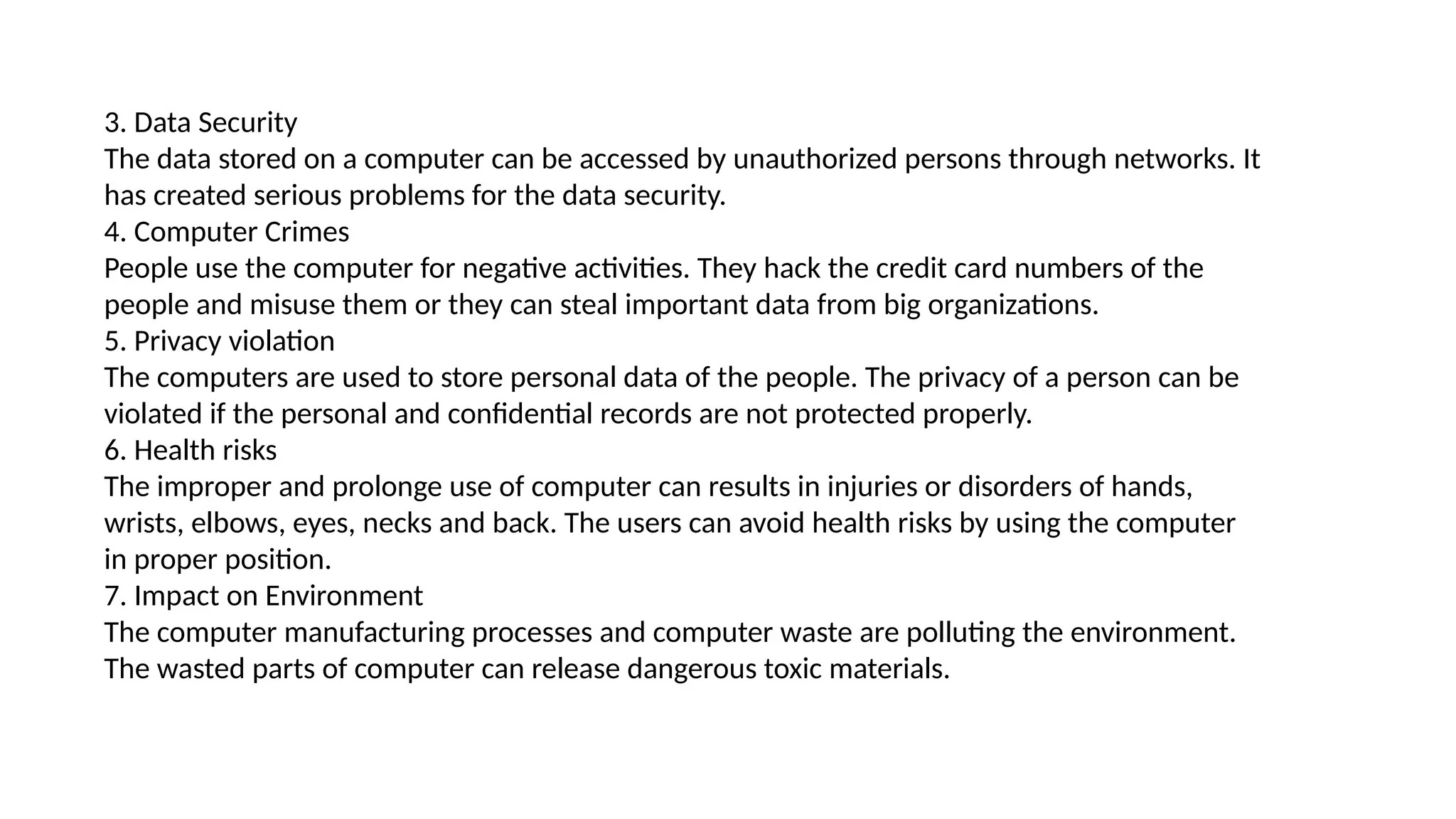
3. Data Security
The data stored on a computer can be accessed by unauthorized persons through networks. It
has created serious problems for the data security.
4. Computer Crimes
People use the computer for negative activities. They hack the credit card numbers of the
people and misuse them or they can steal important data from big organizations.
5. Privacy violation
The computers are used to store personal data of the people. The privacy of a person can be
violated if the personal and confidential records are not protected properly.
6. Health risks
The improper and prolonge use of computer can results in injuries or disorders of hands,
wrists, elbows, eyes, necks and back. The users can avoid health risks by using the computer
in proper position.
7. Impact on Environment
The computer manufacturing processes and computer waste are polluting the environment.
The wasted parts of computer can release dangerous toxic materials.
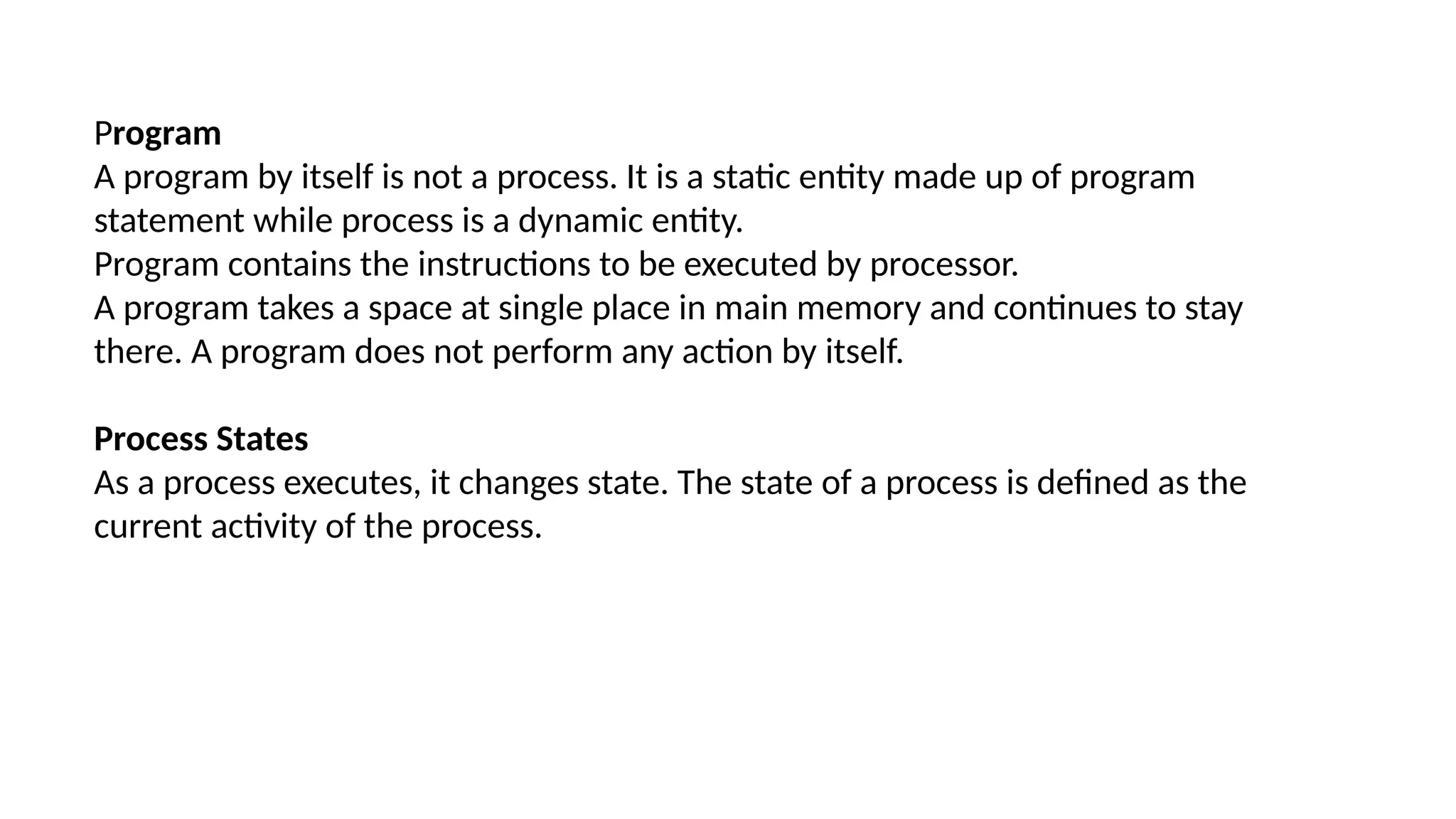
Program
A program by itself is not a process. It is a static entity made up of program
statement while process is a dynamic entity.
Program contains the instructions to be executed by processor.
A program takes a space at single place in main memory and continues to stay
there. A program does not perform any action by itself.
Process States
As a process executes, it changes state. The state of a process is defined as the
current activity of the process.
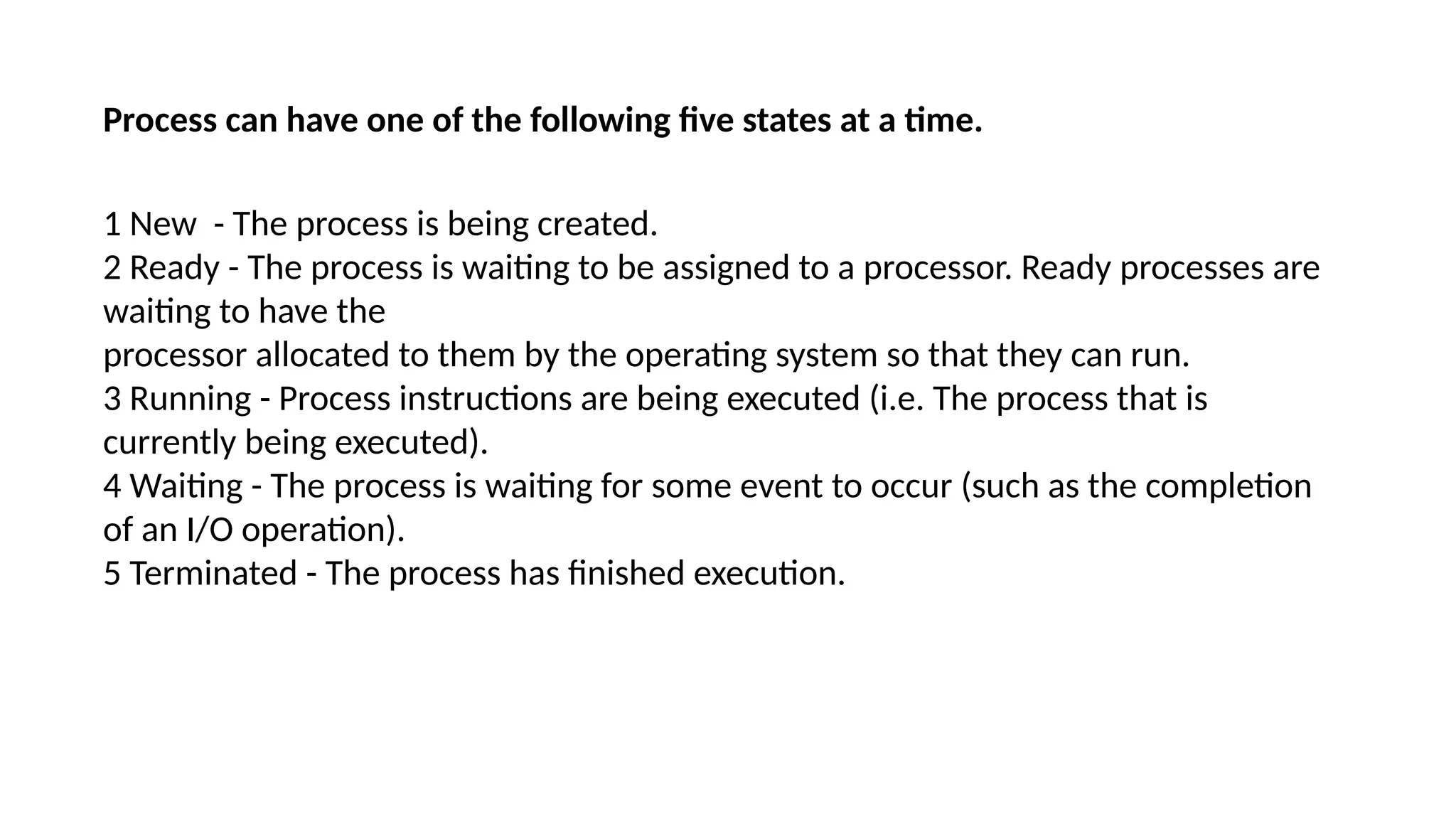
Process can have one of the following five states at a time.
1 New - The process is being created.
2 Ready - The process is waiting to be assigned to a processor. Ready processes are
waiting to have the
processor allocated to them by the operating system so that they can run.
3 Running - Process instructions are being executed (i.e. The process that is
currently being executed).
4 Waiting - The process is waiting for some event to occur (such as the completion
of an I/O operation).
5 Terminated - The process has finished execution.
Process Control Block, PCB
A PCB is a certain store that allows the operation system to locate
key information about a process.
Each process is represented in the operating system by a process
control block (PCB) also called a task control block. PCB is the data
structure used by the operating system. Operating system groups all
information that needs about particular process.
PCB contains many pieces of information associated with a specific
process which are described
PCB INFORMATION
1. Pointer points to another process control block. Pointer is used for maintaining the
scheduling
list.
2 Process State
Process state may be new, ready, running, waiting and so on.
3 Program Counter
Program Counter indicates the address of the next instruction to be executed for this process.
4 CPU registers
CPU registers include general purpose register, stack pointers, index registers and
accumulators etc. number of register and type of register totally depends upon the computer
architecture.
5 Memory management information
This information may include the value of base and limit registers, the page tables, or the
segment tables depending on the memory system used by the operating system. This
information is useful for deallocating the memory when the process terminates.
6 Accounting information
This information includes the amount of CPU and real time used, time limits, job or process 11
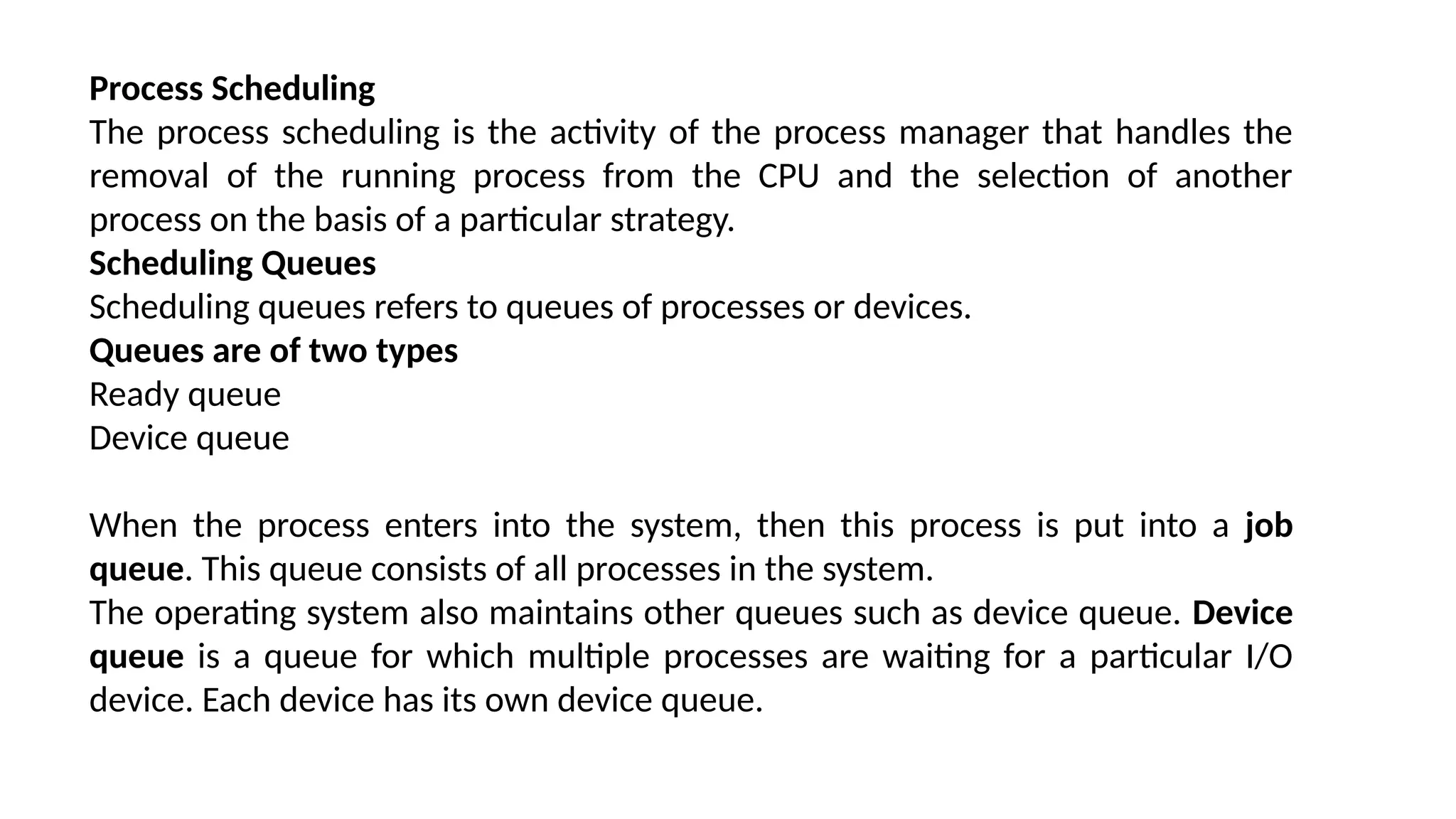
Process Scheduling
The process scheduling is the activity of the process manager that handles the
removal of the running process from the CPU and the selection of another
process on the basis of a particular strategy.
Scheduling Queues
Scheduling queues refers to queues of processes or devices.
Queues are of two types
Ready queue
Device queue
When the process enters into the system, then this process is put into a job
queue. This queue consists of all processes in the system.
The operating system also maintains other queues such as device queue. Device
queue is a queue for which multiple processes are waiting for a particular I/O
device. Each device has its own device queue.
COMPUTER BOOTING
What is Booting?
Booting is the process of starting a computer as initiated via hardware such as a button or by a software command.
Booting is a process or set of operations that loads and hence starts the operating system, starting
from the point when user switches on the power button.
Booting is of two types :
1. Cold booting: When the computer is started after having been switched off.
2. Warm booting: When the operating system alone is restarted after a system crash or freeze.
What is an E-mail?
E-mail stands for Electronic Mail or Electronic Mailer. The most commonly used feature of the
networks in the field of communication is e-mail. It is the transmission of messages from one
computer to another. Communication can take place between two to many users.
The person who has to send a certain message is called the sender and the one who receives it
is called the receiver. In order to have successful communication, each user should have a
unique email address
Types of Email
Informal: It is sent to friends and family. There are no rules for writing an email of this type, and
one can use any language.
Semi-formal: It is sent to colleagues and teammates. We can use simple language here, and the
messages can be casual or friendly in nature.
Formal: It is used to communicate to the government department, schools, businesses, or any
officers. Here certain rules have to be followed like text should be in respectful language. You
shouldn’t add any unwanted things like jokes, funny text etc. Writing a subject is always
mandatory.
What is social networking?
Social networks are websites and apps that allow users and organizations to connect, communicate, share
information and form relationships. People can connect with others in the same area, families, friends, and
those with the same interests. Social networks are one of the most important uses of the internet today.
purpose of social networking
Social networking fulfills the following four main objectives:
Sharing. Friends or family members who are geographically dispersed can connect remotely and share
information, updates, photos and videos.
Learning. Social networks serve as great learning platforms. Consumers can instantly receive breaking news, get
updates regarding friends and family, or learn about what's happening in their community.
Interacting. Social networking enhances user interactions by breaking the barriers of time and distance. With
cloud-based video communication technologies such as WhatsApp or Instagram Live, people can talk face to
face with anyone in the world.
Marketing. Companies may tap into social networking services to enhance brand awareness with the platform's
users, improve customer retention and conversion rates, and promote brand and voice identity.
Lecture FOUR is about the BOOTING system.pptx

Lecture FOUR is about the BOOTING system.pptx

  • 1.
    COMPUTERISATION is the processof developing, implementing, and using computer systems for activities such as teaching, accounting, writing, or designing circuits, the process of taking activities or tasks not previously done on the computer and shifting them to being done on the computer. Advantages of computerisation in an organisation 1. Response time is greatly reduced 2. Very large data are stored for information and decision-making 3. Accuracy of information is considerably improved, thereby improving the quality of the decision 4. Problems are handled more easily by using various operation research models 5. The cost involved in the decision-making process is reduced 6. More secrecy is observed as compared to manual file system
  • 2.
    Disadvantages of computerization 1.Unemployment, Different tasks are performed automatically by using computers. It reduces the need of people and increases unemployment in society. 2. Wastage of time and energy, Many people use computers without positive purpose. They play games and chat for a long period of time. It causes wastage of time and energy. Young generation is now spending a lot of time on the social media websites like Facebook, Twitter etc or texting their friends all night through smartphones which is bad for both studies and their health. And it also has adverse effects on the social life.
  • 3.
    3. Data Security Thedata stored on a computer can be accessed by unauthorized persons through networks. It has created serious problems for the data security. 4. Computer Crimes People use the computer for negative activities. They hack the credit card numbers of the people and misuse them or they can steal important data from big organizations. 5. Privacy violation The computers are used to store personal data of the people. The privacy of a person can be violated if the personal and confidential records are not protected properly. 6. Health risks The improper and prolonge use of computer can results in injuries or disorders of hands, wrists, elbows, eyes, necks and back. The users can avoid health risks by using the computer in proper position. 7. Impact on Environment The computer manufacturing processes and computer waste are polluting the environment. The wasted parts of computer can release dangerous toxic materials.
  • 4.
    Program A program byitself is not a process. It is a static entity made up of program statement while process is a dynamic entity. Program contains the instructions to be executed by processor. A program takes a space at single place in main memory and continues to stay there. A program does not perform any action by itself. Process States As a process executes, it changes state. The state of a process is defined as the current activity of the process.
  • 5.
    Process can haveone of the following five states at a time. 1 New - The process is being created. 2 Ready - The process is waiting to be assigned to a processor. Ready processes are waiting to have the processor allocated to them by the operating system so that they can run. 3 Running - Process instructions are being executed (i.e. The process that is currently being executed). 4 Waiting - The process is waiting for some event to occur (such as the completion of an I/O operation). 5 Terminated - The process has finished execution.
  • 6.
    Process Control Block,PCB A PCB is a certain store that allows the operation system to locate key information about a process. Each process is represented in the operating system by a process control block (PCB) also called a task control block. PCB is the data structure used by the operating system. Operating system groups all information that needs about particular process. PCB contains many pieces of information associated with a specific process which are described
  • 7.
    PCB INFORMATION 1. Pointerpoints to another process control block. Pointer is used for maintaining the scheduling list. 2 Process State Process state may be new, ready, running, waiting and so on. 3 Program Counter Program Counter indicates the address of the next instruction to be executed for this process. 4 CPU registers CPU registers include general purpose register, stack pointers, index registers and accumulators etc. number of register and type of register totally depends upon the computer architecture. 5 Memory management information This information may include the value of base and limit registers, the page tables, or the segment tables depending on the memory system used by the operating system. This information is useful for deallocating the memory when the process terminates. 6 Accounting information This information includes the amount of CPU and real time used, time limits, job or process 11
  • 8.
    Process Scheduling The processscheduling is the activity of the process manager that handles the removal of the running process from the CPU and the selection of another process on the basis of a particular strategy. Scheduling Queues Scheduling queues refers to queues of processes or devices. Queues are of two types Ready queue Device queue When the process enters into the system, then this process is put into a job queue. This queue consists of all processes in the system. The operating system also maintains other queues such as device queue. Device queue is a queue for which multiple processes are waiting for a particular I/O device. Each device has its own device queue.
  • 9.
    COMPUTER BOOTING What isBooting? Booting is the process of starting a computer as initiated via hardware such as a button or by a software command. Booting is a process or set of operations that loads and hence starts the operating system, starting from the point when user switches on the power button. Booting is of two types : 1. Cold booting: When the computer is started after having been switched off. 2. Warm booting: When the operating system alone is restarted after a system crash or freeze.
  • 10.
    What is anE-mail? E-mail stands for Electronic Mail or Electronic Mailer. The most commonly used feature of the networks in the field of communication is e-mail. It is the transmission of messages from one computer to another. Communication can take place between two to many users. The person who has to send a certain message is called the sender and the one who receives it is called the receiver. In order to have successful communication, each user should have a unique email address Types of Email Informal: It is sent to friends and family. There are no rules for writing an email of this type, and one can use any language. Semi-formal: It is sent to colleagues and teammates. We can use simple language here, and the messages can be casual or friendly in nature. Formal: It is used to communicate to the government department, schools, businesses, or any officers. Here certain rules have to be followed like text should be in respectful language. You shouldn’t add any unwanted things like jokes, funny text etc. Writing a subject is always mandatory.
  • 11.
    What is socialnetworking? Social networks are websites and apps that allow users and organizations to connect, communicate, share information and form relationships. People can connect with others in the same area, families, friends, and those with the same interests. Social networks are one of the most important uses of the internet today. purpose of social networking Social networking fulfills the following four main objectives: Sharing. Friends or family members who are geographically dispersed can connect remotely and share information, updates, photos and videos. Learning. Social networks serve as great learning platforms. Consumers can instantly receive breaking news, get updates regarding friends and family, or learn about what's happening in their community. Interacting. Social networking enhances user interactions by breaking the barriers of time and distance. With cloud-based video communication technologies such as WhatsApp or Instagram Live, people can talk face to face with anyone in the world. Marketing. Companies may tap into social networking services to enhance brand awareness with the platform's users, improve customer retention and conversion rates, and promote brand and voice identity.