Information & Communication
Technology (ICT)
Productive Enhancement Software
Package
DIT Part 1
Lecture 13
Copyrights By Tanveer Malik
Introduction of Word Processors
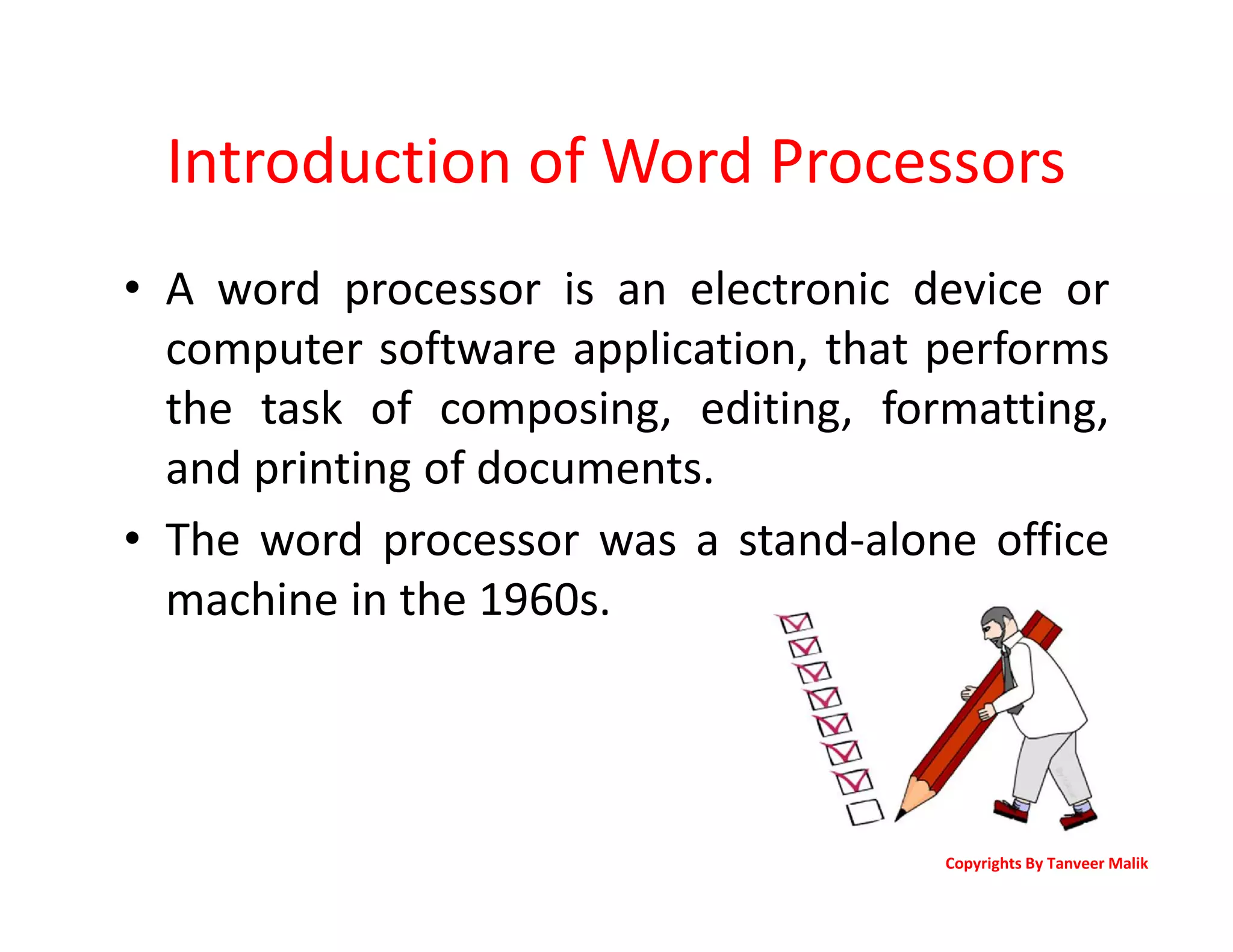
• A word processor is an electronic device or
computer software application, that performs
the task of composing, editing, formatting,
and printing of documents.
• The word processor was a stand-alone office
machine in the 1960s.
Copyrights By Tanveer Malik
Introduction of Word Processors
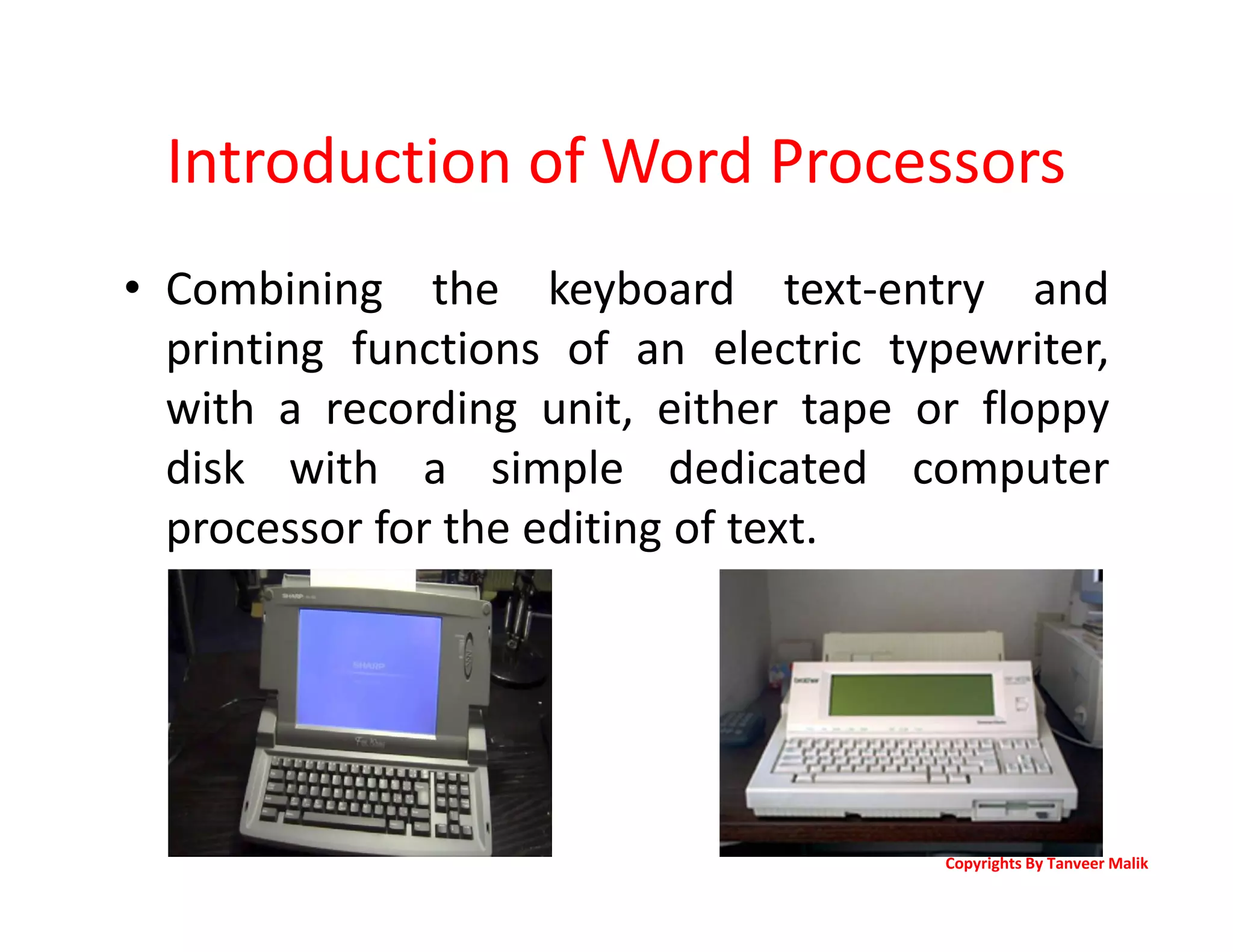
• Combining the keyboard text-entry and
printing functions of an electric typewriter,
with a recording unit, either tape or floppy
disk with a simple dedicated computer
processor for the editing of text.
Copyrights By Tanveer Malik
Introduction of Word Processors
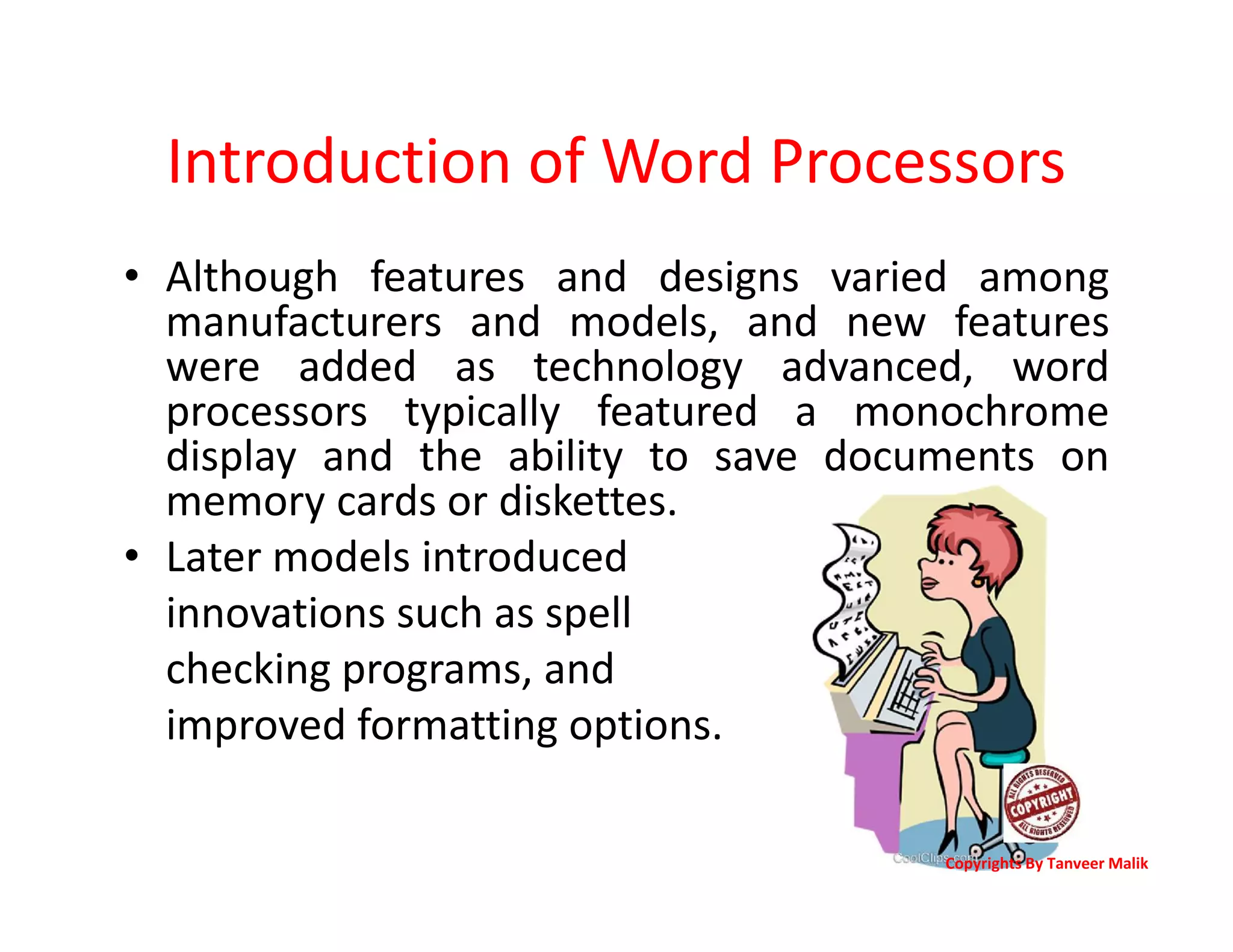
• Although features and designs varied among
manufacturers and models, and new features
were added as technology advanced, word
processors typically featured a monochrome
display and the ability to save documents on
memory cards or diskettes.
• Later models introduced
innovations such as spell
checking programs, and
improved formatting options.
Copyrights By Tanveer Malik
Introduction of Word Processors
• The more versatile combination of personal
computers.
• Printers became commonplace, and computer
software applications for word processing
became popular.
• Most business machine companies stopped
manufacturing dedicated word processor
machines.
Copyrights By Tanveer Malik
Introduction of Word Processors
• Word Processor is a software program capable of
creating, storing, and printing typed documents.
• Today, the word processor is one of the most
frequently used software programs on a
computer, with Microsoft Word being the most
popular word processor.
• Word processors can be used to create multiple
types of files, including Text files (.txt), Rich Text
files (.rtf), HTML files (.htm & .html), and Word
files (.doc & .docx). Some word processors can
also be used to create XML files (.xml).
Copyrights By Tanveer Malik
More advanced features found in recent word
processors include
• Collaborative editing, allowing multiple users to work
on the same document.
• Indexing assistance. (True indexing, as performed by a
professional human indexer, is far beyond current
technology, for the same reasons that fully automated,
literary-quality machine translation is.)
• Creation of tables of contents.
• Management, editing, and positioning of visual
material (illustrations, diagrams), and sometimes
sound files.
• Automatically managed (updated) cross-references to
pages or notes.
Copyrights By Tanveer Malik
More advanced features found in
recent word processors include
• Version control of a document, permitting
reconstruction of its evolution.
• Non-printing comments and annotations.
• Generation of document statistics (characters,
words, readability level, time spent editing by
each user).
• "Styles", which automate consistent
formatting of text body, titles, subtitles,
highlighted text, and so on.
Features of a Word Processor
• Unlike a basic plaintext editor a word
processor offers dozens of additional features
that can give your document or other text a
more professional appearance.
• Below is a listing of some of the most popular
features of a word processor.
• Note: Some more advance text editors can
perform some of these functions.
Copyrights By Tanveer Malik
Features of a Word Processor
• Text formatting - Changing the font, font size, font
color, bold, italicizing, etc.
• Multimedia - Insert clip art, charts, images, pictures,
and video into a document.
• Spelling and Grammar - Have the ability to look for
spelling and grammar errors in a document.
• Adjust the layout - Capable of modifying
the margins and layout of a document.
• Indentation and lists - Set and format tabs, bullet lists,
and number lists.
• Insert tables - Add tables to a document.
Copyrights By Tanveer Malik
Features of a Word Processor
• Header and footer - Being able to adjust and change
text within the header and footer of a document.
• Thesaurus - Look up alternatives to a word without
leaving the program.
• Auto Correct - Automatically correct common errors
(e.g. typing "teh" and having it autocorrected to "the").
• Mailers and labels - Create mailers or print labels.
• Import data - Import and format data
from CSV, database, or another source.
• Macros - Setup macros to perform common tasks.
Copyrights By Tanveer Malik
Examples of Word Processor Programs
• Abiword
• Apple iWork- Pages
• Apple TextEdit - Apple macOS included Word processor
• Corel WordPerfect
• Google Docs (Online and Free)
• LibreOffice -> Writer (Free)
• Microsoft Office -> Microsoft Word
• Microsoft Works (Discontinued)
• OpenOffice -> Writer (Free)
• Sun StarOffice (Discontinued)
Copyrights By Tanveer Malik
Assignment
– Detailed working of
WP software.
Lecture 13

Lecture 13

  • 1.
    Information & Communication Technology(ICT) Productive Enhancement Software Package DIT Part 1 Lecture 13 Copyrights By Tanveer Malik
  • 2.
    Introduction of WordProcessors • A word processor is an electronic device or computer software application, that performs the task of composing, editing, formatting, and printing of documents. • The word processor was a stand-alone office machine in the 1960s. Copyrights By Tanveer Malik
  • 3.
    Introduction of WordProcessors • Combining the keyboard text-entry and printing functions of an electric typewriter, with a recording unit, either tape or floppy disk with a simple dedicated computer processor for the editing of text. Copyrights By Tanveer Malik
  • 4.
    Introduction of WordProcessors • Although features and designs varied among manufacturers and models, and new features were added as technology advanced, word processors typically featured a monochrome display and the ability to save documents on memory cards or diskettes. • Later models introduced innovations such as spell checking programs, and improved formatting options. Copyrights By Tanveer Malik
  • 5.
    Introduction of WordProcessors • The more versatile combination of personal computers. • Printers became commonplace, and computer software applications for word processing became popular. • Most business machine companies stopped manufacturing dedicated word processor machines. Copyrights By Tanveer Malik
  • 6.
    Introduction of WordProcessors • Word Processor is a software program capable of creating, storing, and printing typed documents. • Today, the word processor is one of the most frequently used software programs on a computer, with Microsoft Word being the most popular word processor. • Word processors can be used to create multiple types of files, including Text files (.txt), Rich Text files (.rtf), HTML files (.htm & .html), and Word files (.doc & .docx). Some word processors can also be used to create XML files (.xml). Copyrights By Tanveer Malik
  • 7.
    More advanced featuresfound in recent word processors include • Collaborative editing, allowing multiple users to work on the same document. • Indexing assistance. (True indexing, as performed by a professional human indexer, is far beyond current technology, for the same reasons that fully automated, literary-quality machine translation is.) • Creation of tables of contents. • Management, editing, and positioning of visual material (illustrations, diagrams), and sometimes sound files. • Automatically managed (updated) cross-references to pages or notes. Copyrights By Tanveer Malik
  • 8.
    More advanced featuresfound in recent word processors include • Version control of a document, permitting reconstruction of its evolution. • Non-printing comments and annotations. • Generation of document statistics (characters, words, readability level, time spent editing by each user). • "Styles", which automate consistent formatting of text body, titles, subtitles, highlighted text, and so on.
  • 9.
    Features of aWord Processor • Unlike a basic plaintext editor a word processor offers dozens of additional features that can give your document or other text a more professional appearance. • Below is a listing of some of the most popular features of a word processor. • Note: Some more advance text editors can perform some of these functions. Copyrights By Tanveer Malik
  • 10.
    Features of aWord Processor • Text formatting - Changing the font, font size, font color, bold, italicizing, etc. • Multimedia - Insert clip art, charts, images, pictures, and video into a document. • Spelling and Grammar - Have the ability to look for spelling and grammar errors in a document. • Adjust the layout - Capable of modifying the margins and layout of a document. • Indentation and lists - Set and format tabs, bullet lists, and number lists. • Insert tables - Add tables to a document. Copyrights By Tanveer Malik
  • 11.
    Features of aWord Processor • Header and footer - Being able to adjust and change text within the header and footer of a document. • Thesaurus - Look up alternatives to a word without leaving the program. • Auto Correct - Automatically correct common errors (e.g. typing "teh" and having it autocorrected to "the"). • Mailers and labels - Create mailers or print labels. • Import data - Import and format data from CSV, database, or another source. • Macros - Setup macros to perform common tasks. Copyrights By Tanveer Malik
  • 12.
    Examples of WordProcessor Programs • Abiword • Apple iWork- Pages • Apple TextEdit - Apple macOS included Word processor • Corel WordPerfect • Google Docs (Online and Free) • LibreOffice -> Writer (Free) • Microsoft Office -> Microsoft Word • Microsoft Works (Discontinued) • OpenOffice -> Writer (Free) • Sun StarOffice (Discontinued) Copyrights By Tanveer Malik
  • 13.