Learn the Secrets of Endpoint 
Management Proficiency from Olympus 
Adrian Concannon 
MBT01S @adrianthebritt #CAWorld 
Olympus 
Senior Principal Engineer for Platform Engineering 
ca Opscenter
2 
Abstract 
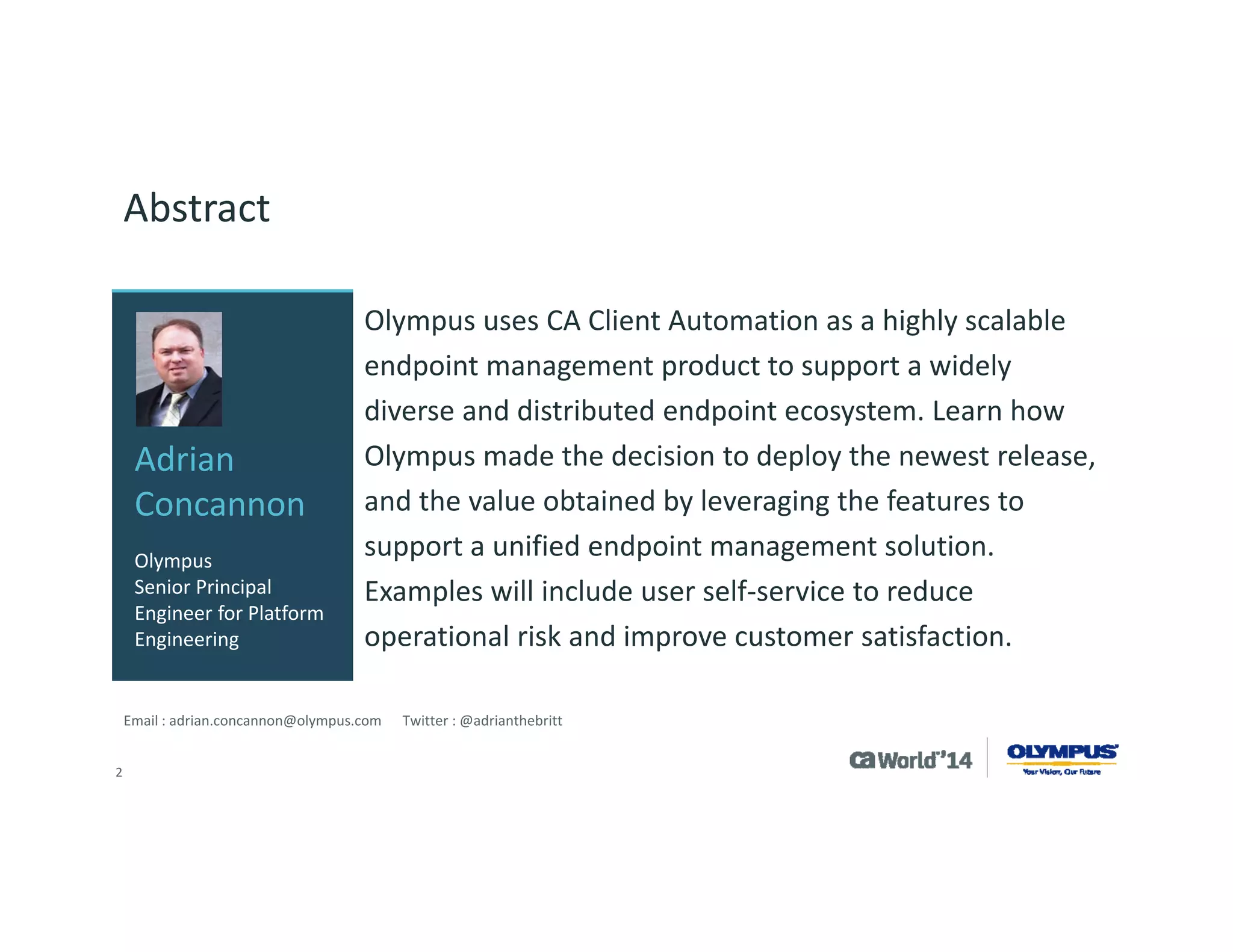
Olympus uses CA Client Automation as a highly scalable endpoint management product to support a widely diverse and distributed endpoint ecosystem. Learn how Olympus made the decision to deploy the newest release, and the value obtained by leveraging the features to support a unified endpoint management solution. Examples will include user self-service to reduce operational risk and improve customer satisfaction. 
Email : adrian.concannon@olympus.com Twitter : @adrianthebritt 
Adrian Concannon 
Olympus Senior Principal Engineer for Platform Engineering
3 
Company Overview 
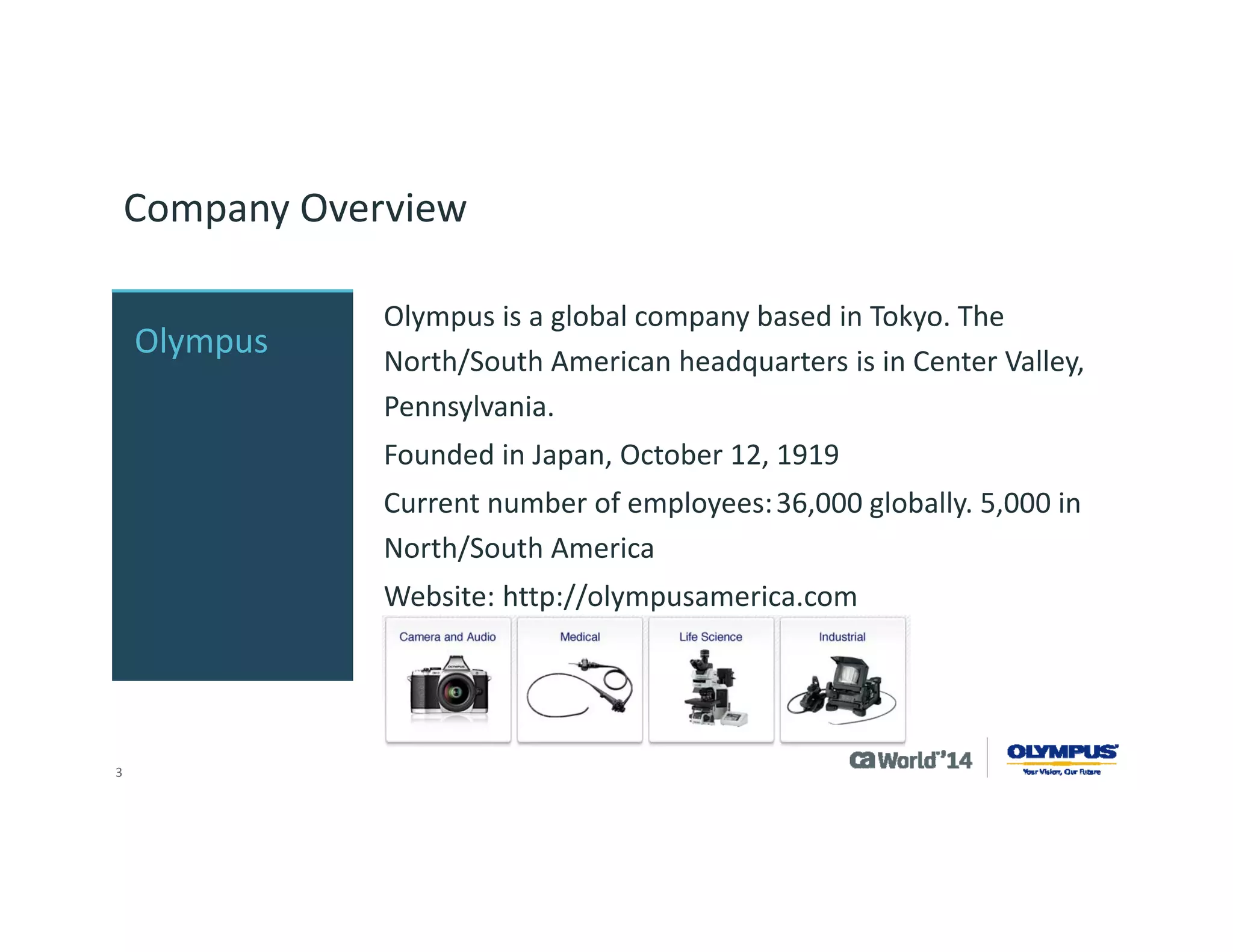
Olympus is a global company based in Tokyo. The North/South American headquarters is in Center Valley, Pennsylvania. 
Founded in Japan, October 12, 1919 
Current number of employees:36,000 globally. 5,000 in North/South America 
Website: http://olympusamerica.com 
Olympus
4 
Agenda 
OLYMPUS STRATEGY & VISION FOR UNIFIED ENDPOINT MANAGEMENT 
REASONS TO UPGRADE 
UPGRADE PROCESS 
NEW FEATURE USE 
AUTOMATION OF OS MIGRATION 
1 
2 
3 
4 
5 
Q&A 
6
5 
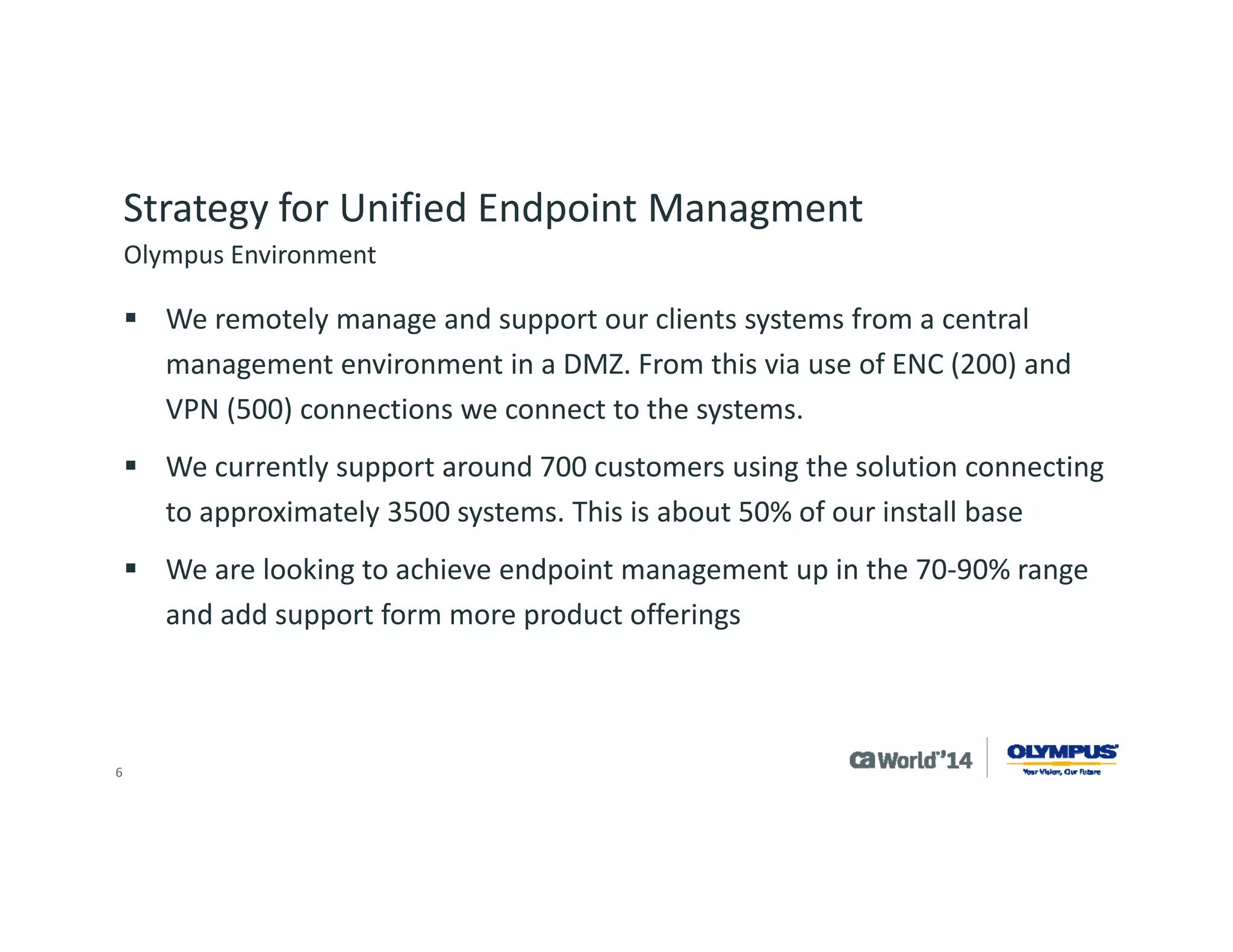
Strategy for Unified Endpoint Management 
We remotely manage and support our clients systems from a central management environment in a DMZ. From this via use of ENC (200) and VPN (500) connections we connect to the systems. 
We currently support around 700 customers using the solution connecting to approximately 3500 systems. This is about 50% of our install base 
We are looking to achieve endpoint management up in the 70-90% range and add support form more product offerings 
Olympus Environment
6 
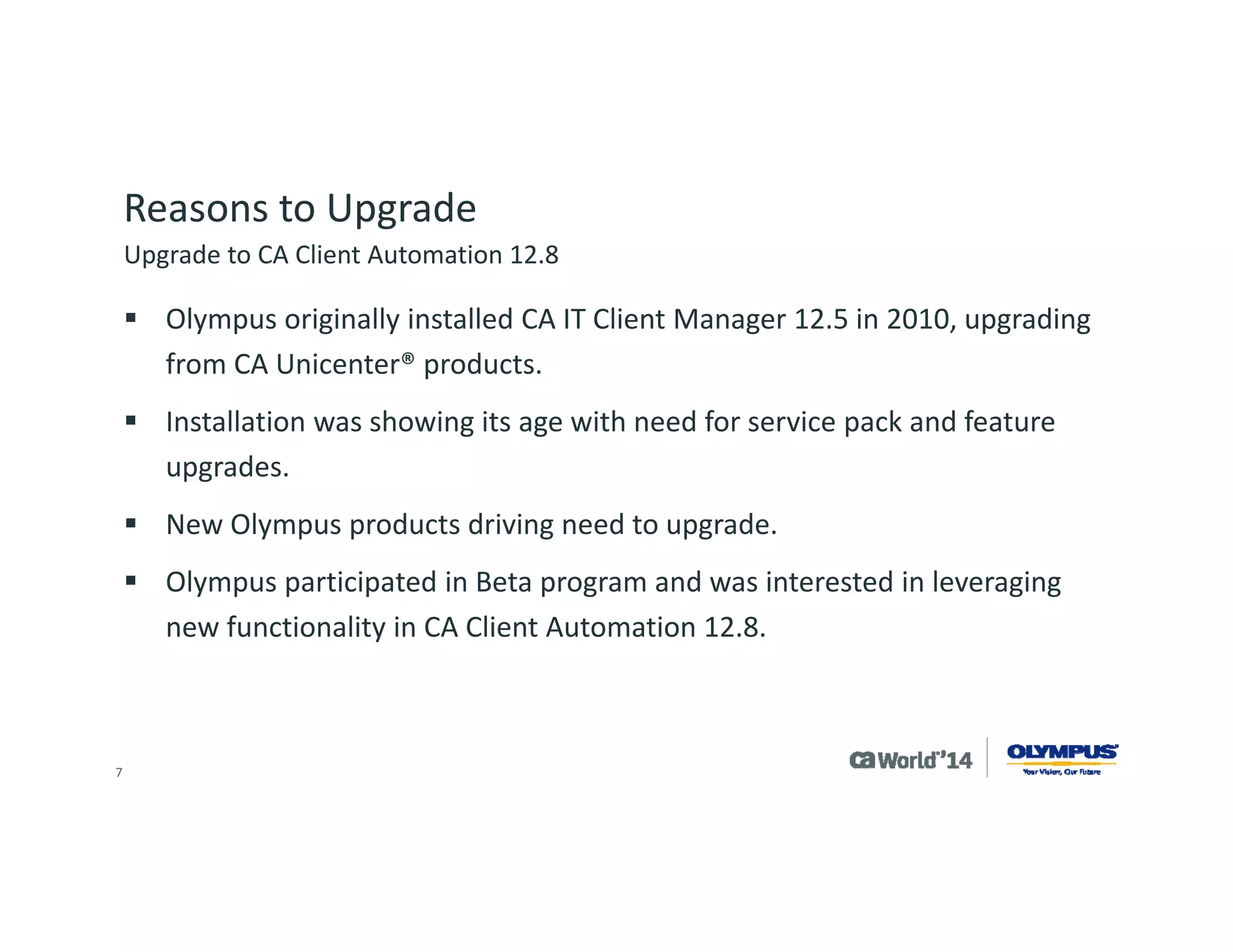
Reasons to Upgrade 
Olympus originally installed CA IT Client Manager 12.5 in 2010, upgrading from CA Unicenter® products. 
Installation was showing its age with need for service pack and feature upgrades. 
New Olympus products driving need to upgrade. 
Olympus participated in Beta program and was interested in leveraging new functionality in CA Client Automation 12.8. 
Upgrade to CA Client Automation 12.8
7 
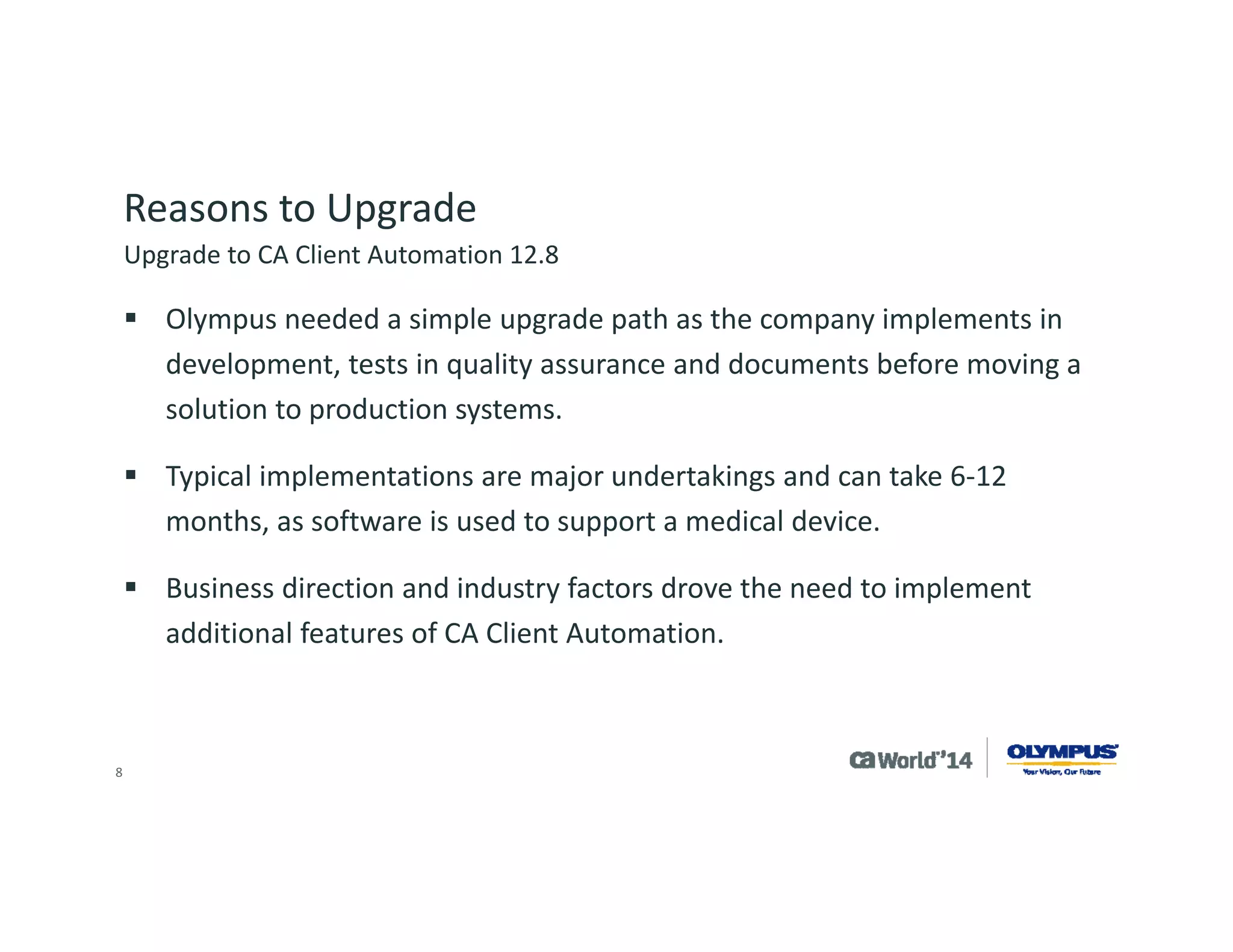
Reasons to Upgrade 
Olympus needed a simple upgrade path as the company implements in development, tests in quality assurance and documents before moving a solution to production systems. 
Typical implementations are major undertakings and can take 6-12 months, as software is used to support a medical device. 
Business direction and industry factors drove the need to implement additional features of CA Client Automation. 
Upgrade to CA Client Automation 12.8
8 
Reasons to Upgrade 
We needed new features: 
Intelligent software signatures ‘IntelliSigs’ and location awareness 
Health monitoring, offline update and new OS support 
We needed to implement existing features: 
OSIM, Desktop Migration Manager, Process automation 
Scalability servers to better utilize software delivery and software catalogs 
Upgrade to CA Client Automation 12.8
9 
Upgrade Process 
Olympus took part in the CA IT Client Manager 12.5 feature pack 1 beta but never took the product into production due to other project priorities. 
Initial planning of project was to upgrade to CA IT Client Manager 12.5 Service Pack 1 and then install CA IT Client Manager feature pack 1 afterwards. 
During the planning process CA Technologies recommended we wait for CA IT Client Manager 12.5 cumulative pack 1 which included CA IT Client Manager 12.5 Service Pack 1 and feature pack 1. 
Upgrade to CA Client Automation 12.8
10 
Upgrade Process 
Olympus tested this upgrade in development and had some issues, then worked with the support team at CA Technologies to resolve the concerns. 
Due to Olympus resource constraints, the project was put on hold. 
Olympus attended the CA Client Automation 12.8 preview program and then beta. 
During beta, the project was restarted and Olympus tested the upgrade from CA IT Client Manager 12.5 to CA Client Automation 12.8. 
Upgrade to CA Client Automation 12.8
11 
Upgrade Process 
During testing, Olympus liked the single upgrade versus two separate steps: 
Saw this as reduced time to implement 
Saw this as a lower risk 
Tested using backup of the production system 
Worked with CA Technologies in the beta period to resolve an issue with upgrading Asset Intelligence 
The added time allowed Olympus to develop: 
Intelligent software signature “IntelliSig” for Olympus products 
Health monitoring of Olympus products 
Planning of OSIM/DMM/PAM for operating system migration in our environment 
Upgrade to CA Client Automation 12.8
12 
Upgrade Process 
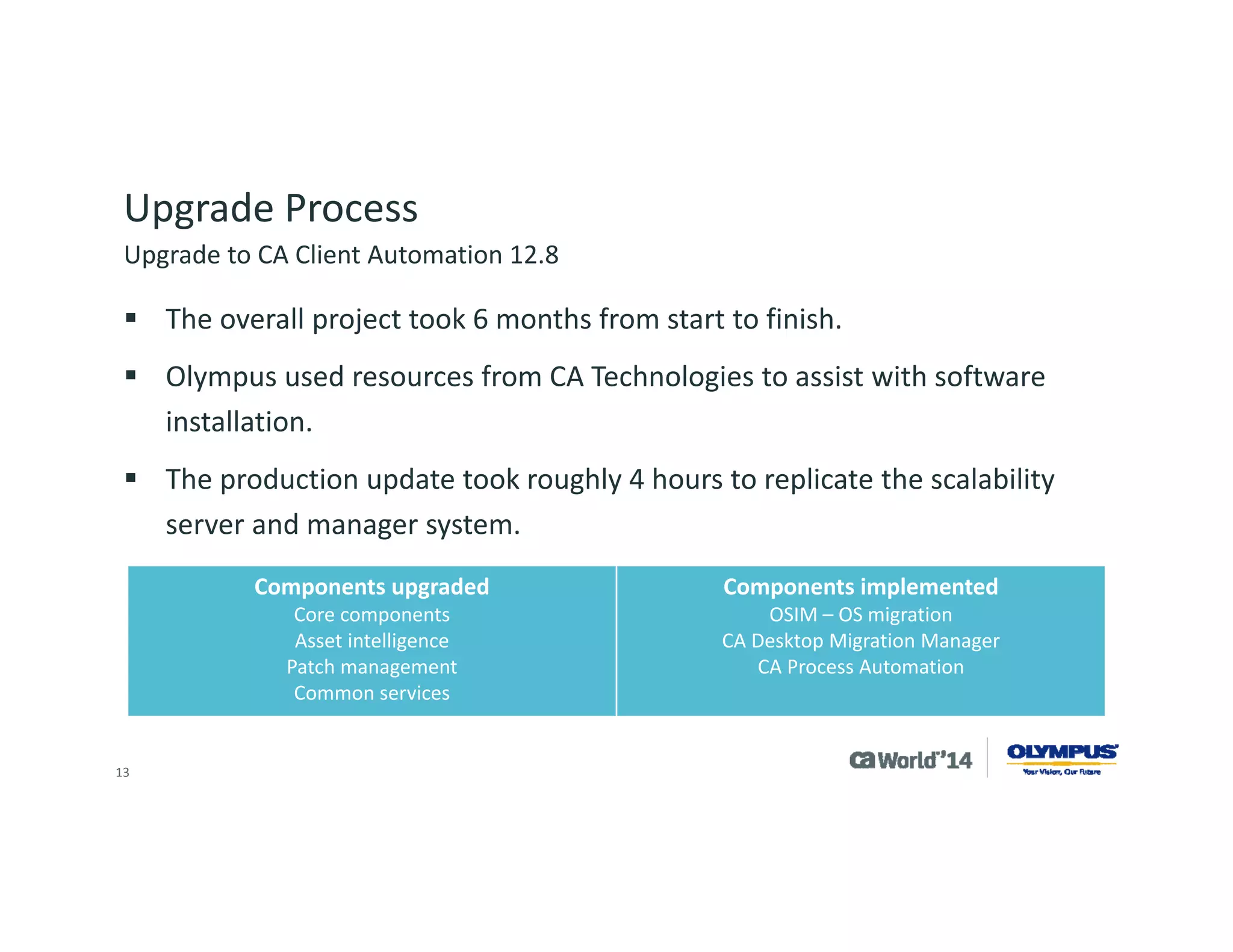
The overall project took 6 months from start to finish. 
Olympus used resources from CA Technologies to assist with software installation. 
The production update took roughly 4 hours to replicate the scalability server and manager system. 
Components upgraded 
Core components 
Asset intelligence 
Patch management 
Common services 
Components implemented 
OSIM –OS migration 
CA Desktop Migration Manager 
CA Process Automation 
Upgrade to CA Client Automation 12.8
13 
New Feature Use 
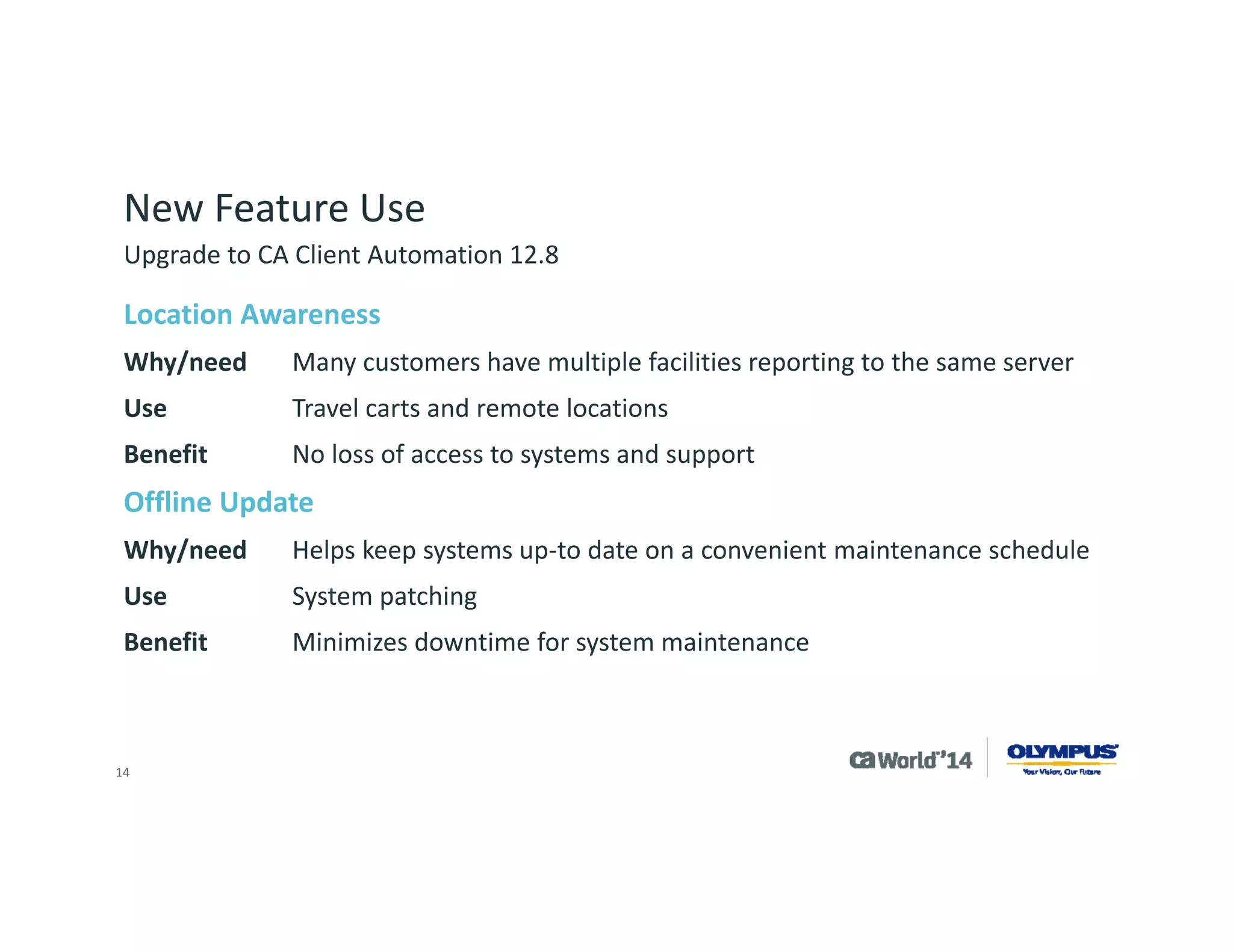
Location Awareness 
Why/needMany customers have multiple facilities reporting to the same server 
UseTravel carts and remote locations 
BenefitNo loss of access to systems and support 
Offline Update 
Why/needHelps keep systems up-to date on a convenient maintenance schedule 
UseSystem patching 
BenefitMinimizes downtime for system maintenance 
Upgrade to CA Client Automation 12.8
14 
New Feature Use 
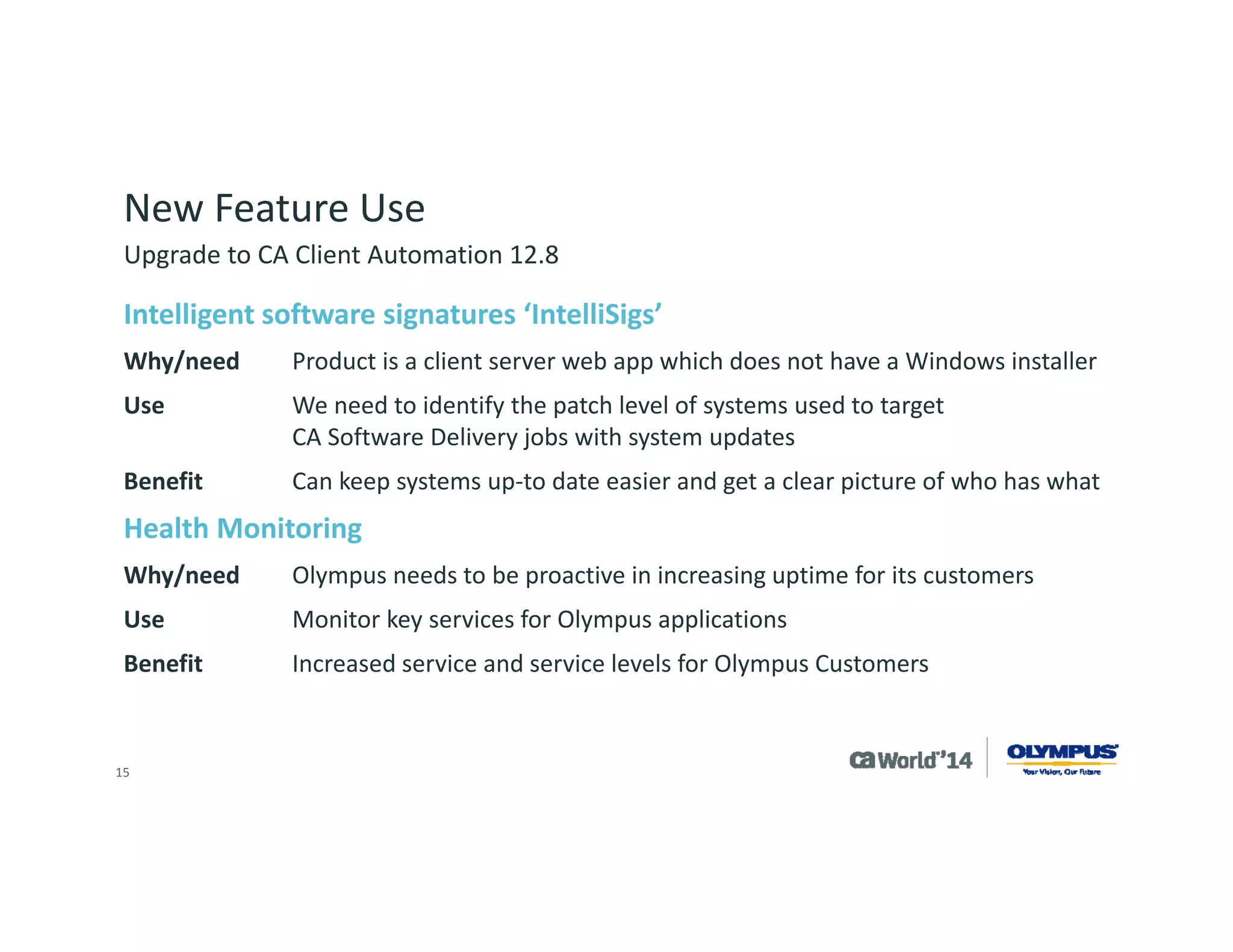
Intelligent software signatures ‘IntelliSigs’ 
Why/needProduct is a client server web app which does not have a Windows installer 
UseWe need to identify the patch level of systems used to target CA Software Delivery jobs with system updates 
BenefitCan keep systems up-to date easier and get a clear picture of who has what 
Health Monitoring 
Why/needOlympus needs to be proactive in increasing uptime for its customers 
UseMonitor key services for Olympus applications 
BenefitIncreased service and service levels for Olympus Customers 
Upgrade to CA Client Automation 12.8
15 
New Feature Use 
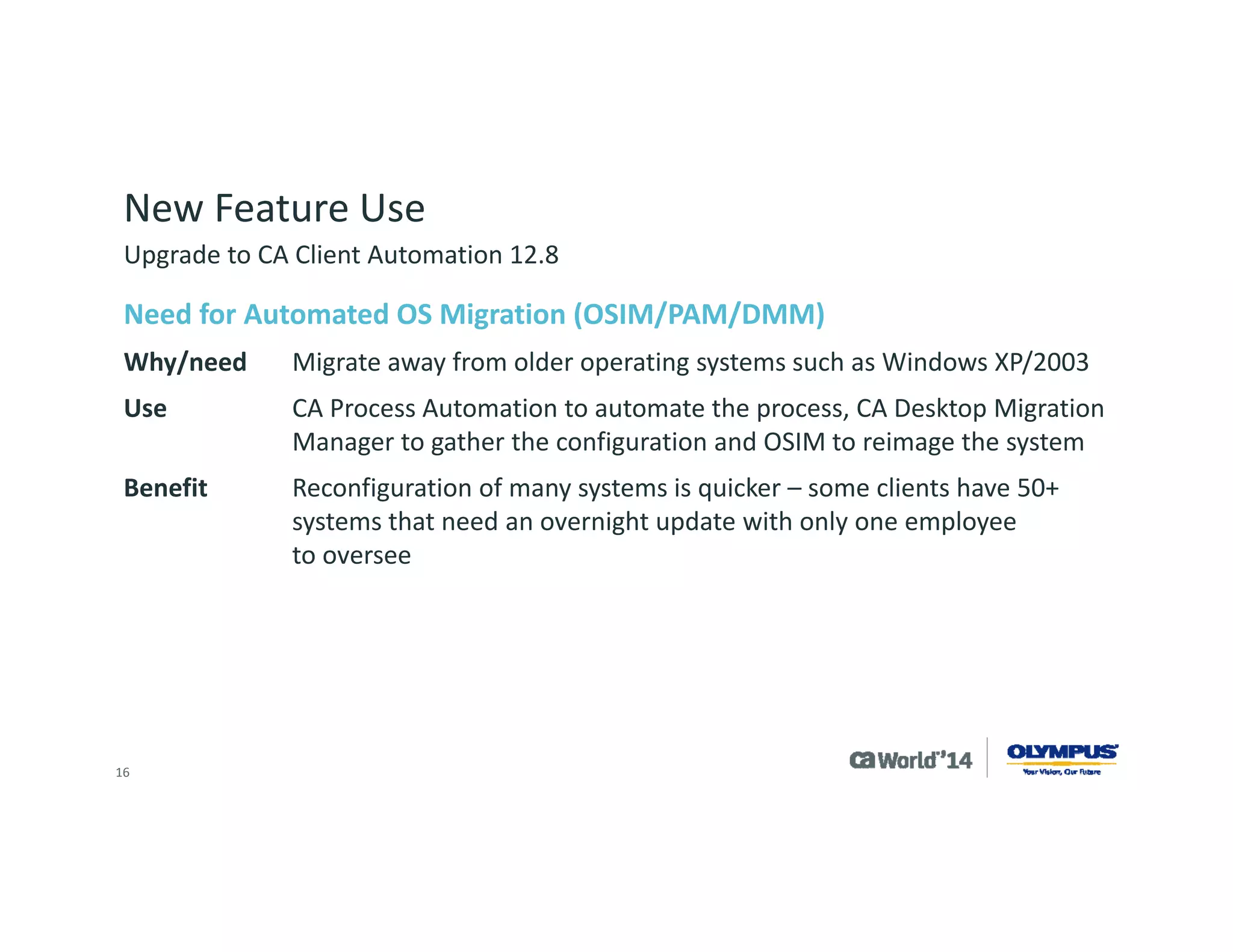
Need for Automated OS Migration (OSIM/PAM/DMM) 
Why/needMigrate away from older operating systems such as Windows XP/2003 
UseCA Process Automation to automate the process, CA Desktop Migration Manager to gather the configuration and OSIM to reimage the system 
BenefitReconfiguration of many systems is quicker –some clients have 50+ systems that need an overnight update with only one employee to oversee 
Upgrade to CA Client Automation 12.8
16 
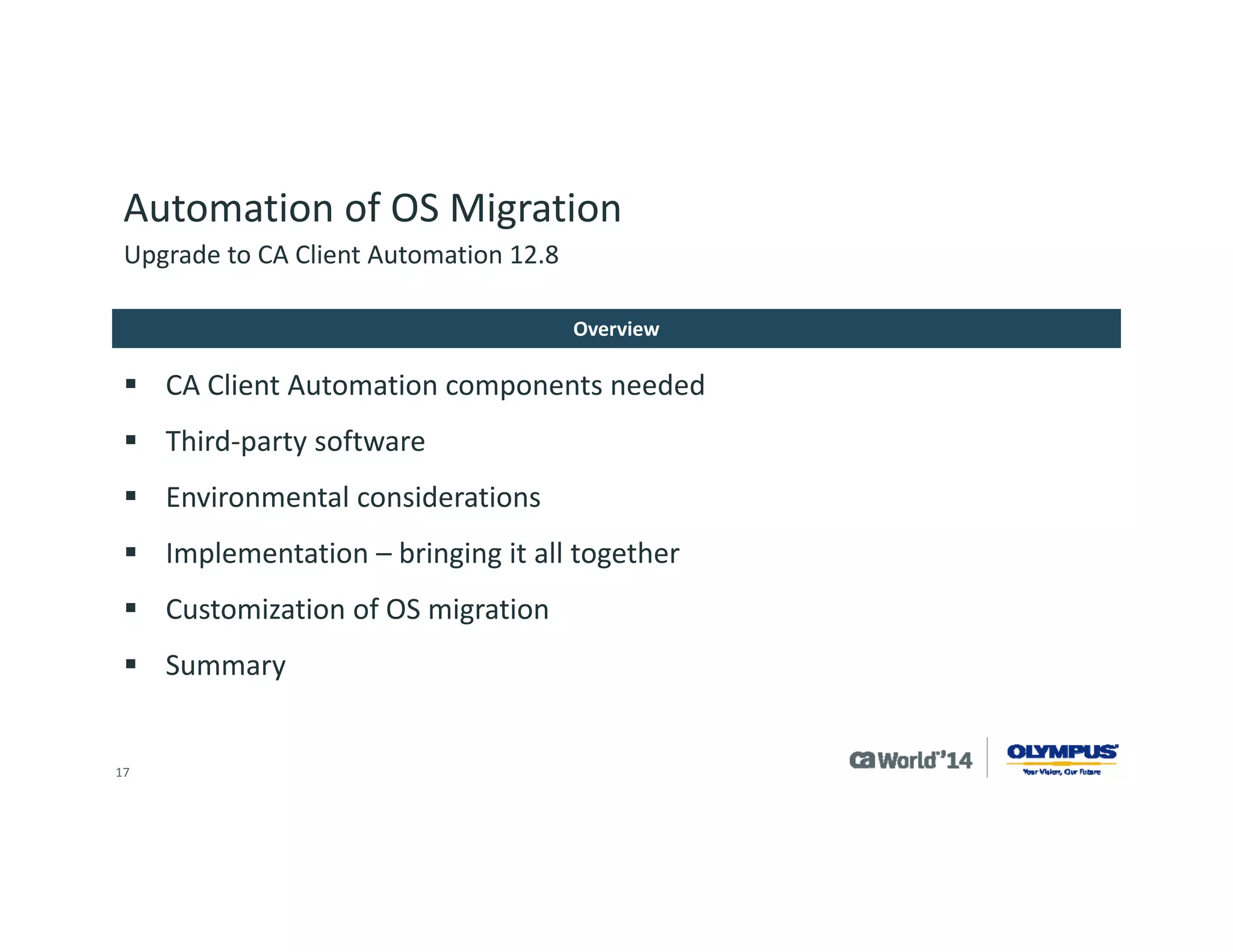
Automation of OS Migration 
CA Client Automation components needed 
Third-party software 
Environmental considerations 
Implementation –bringing it all together 
Customization of OS migration 
Summary 
Overview 
Upgrade to CA Client Automation 12.8
17 
Automation of OS Migration 
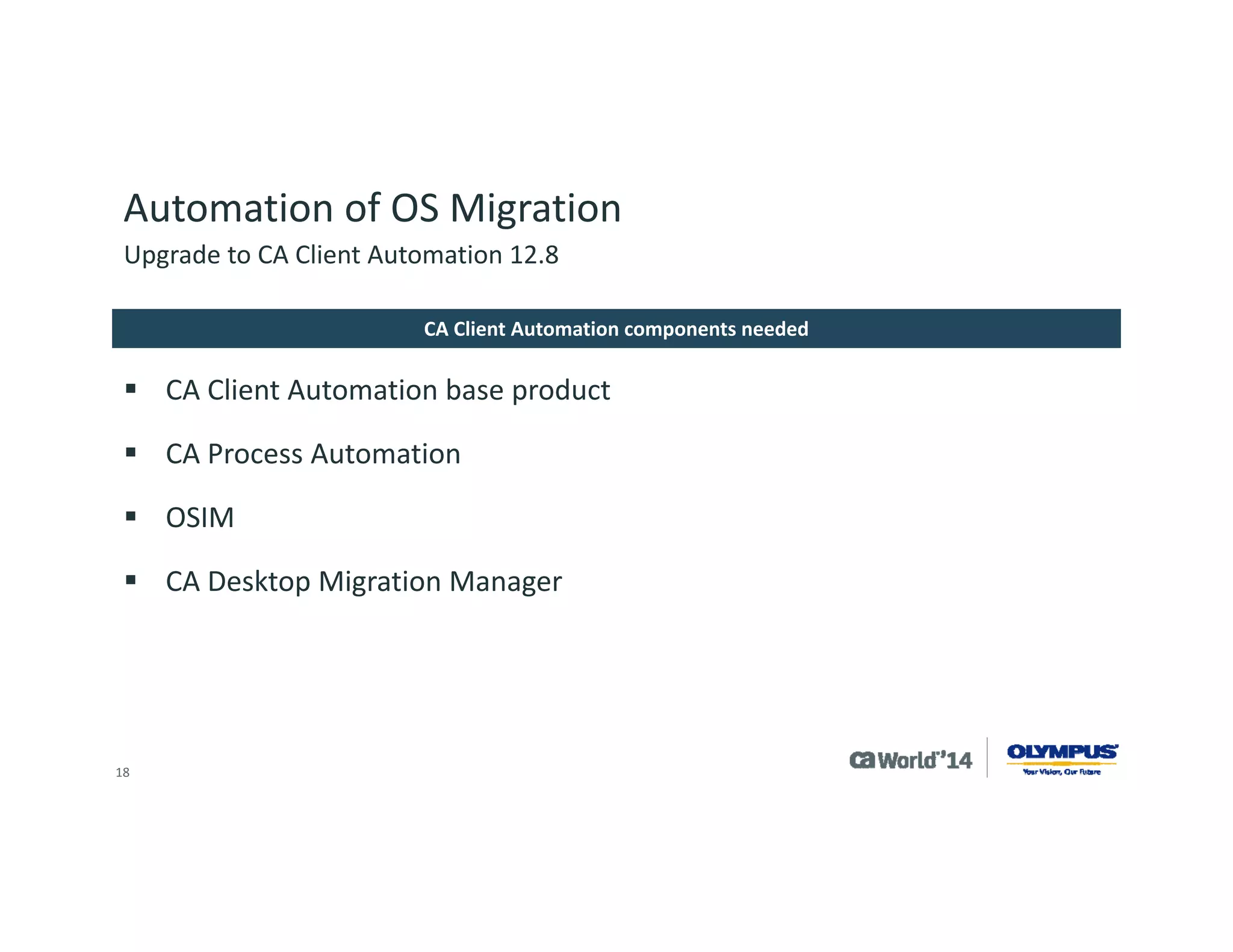
CA Client Automation base product 
CA Process Automation 
OSIM 
CA Desktop Migration Manager 
CA Client Automation components needed 
Upgrade to CA Client Automation 12.8
18 
Automation of OS Migration 
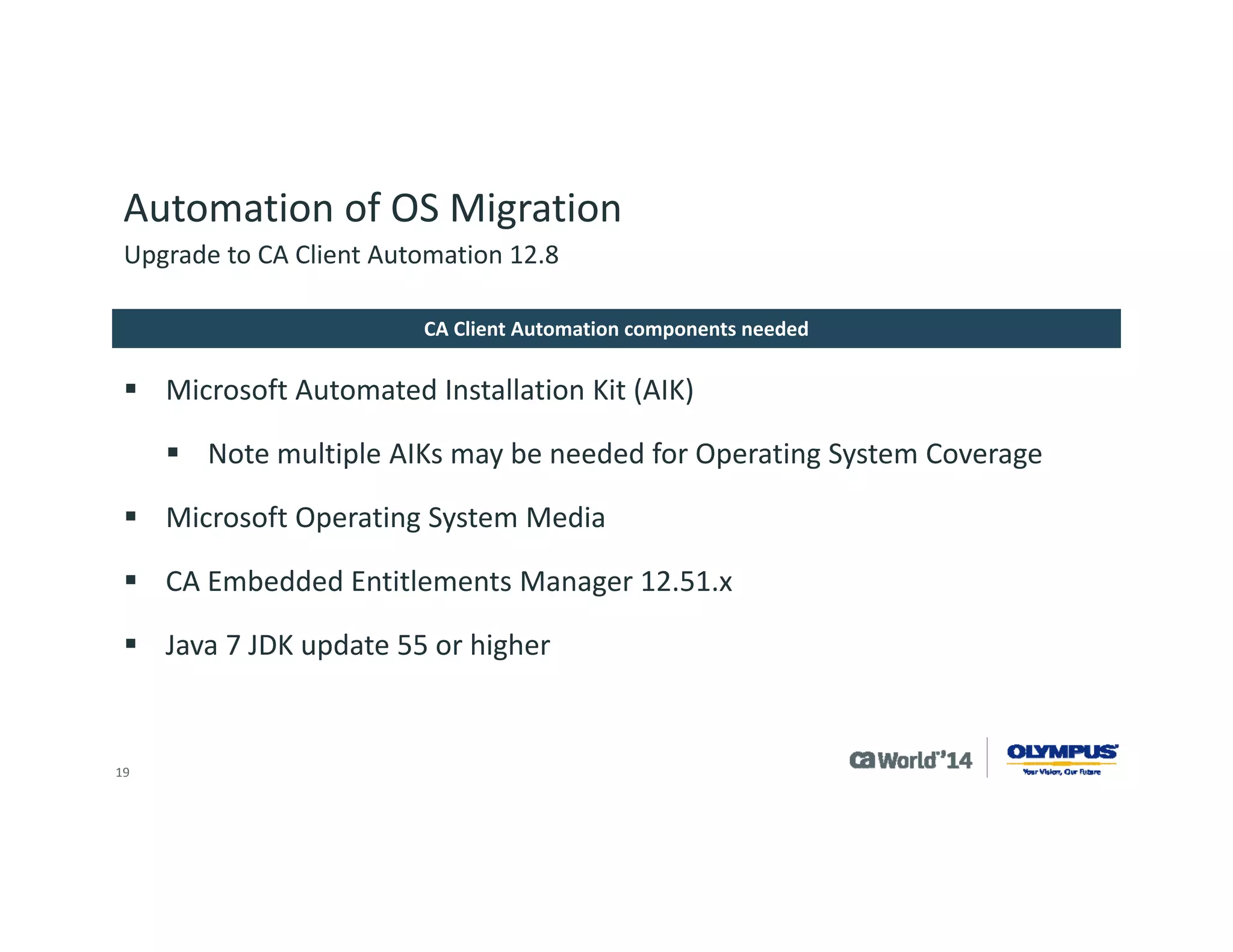
Microsoft Automated Installation Kit (AIK) 
Note multiple AIKs may be needed for Operating System Coverage 
Microsoft Operating System Media 
CA Embedded Entitlements Manager 12.51.x 
Java 7 JDK update 55 or higher 
CA Client Automation components needed 
Upgrade to CA Client Automation 12.8
19 
Automation of OS Migration 
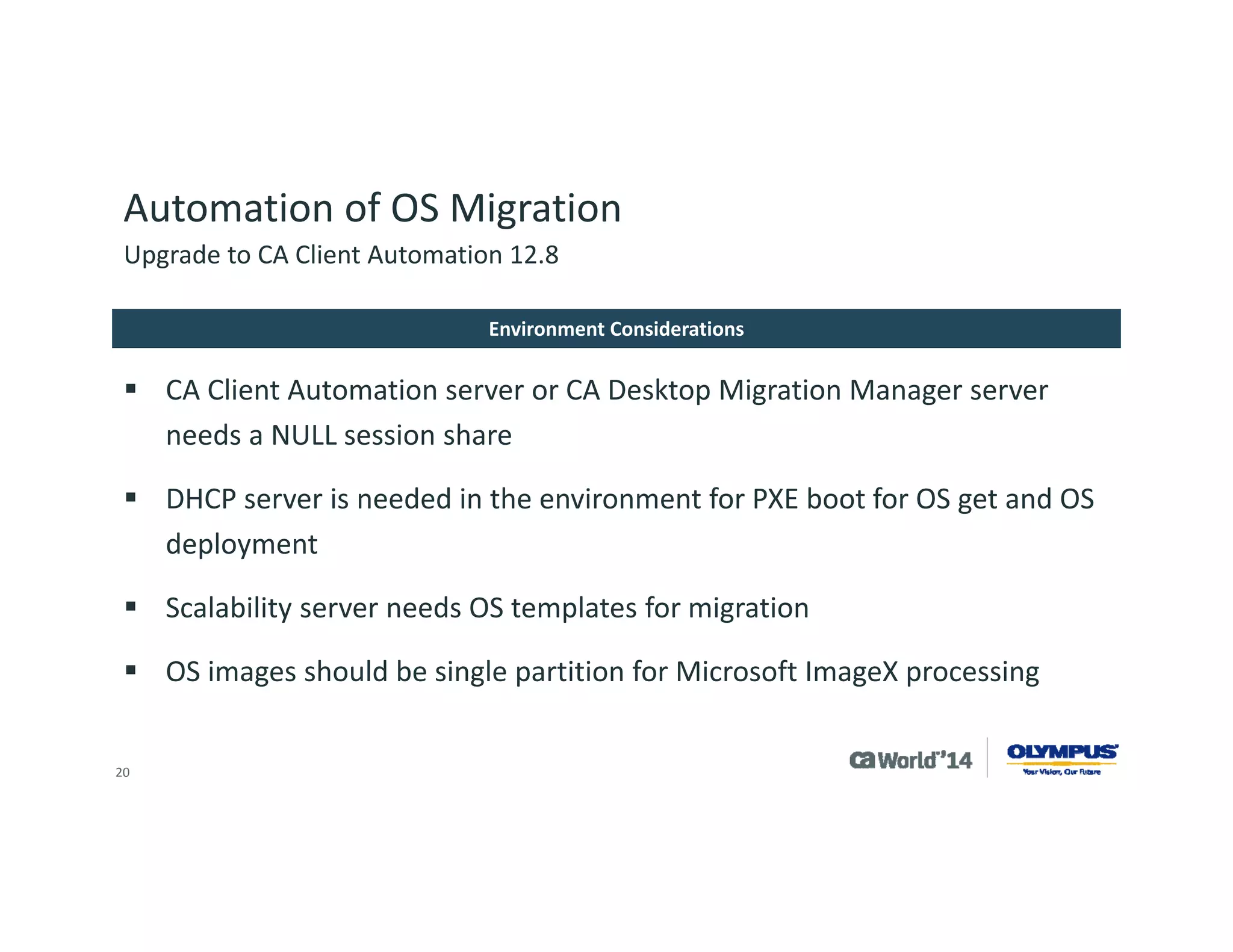
CA Client Automation server or CA Desktop Migration Manager server needs a NULL session share 
DHCP server is needed in the environment for PXE boot for OS get and OS deployment 
Scalability server needs OS templates for migration 
OS images should be single partition for Microsoft ImageXprocessing 
Environment Considerations 
Upgrade to CA Client Automation 12.8
20 
Automation of OS Migration 
Upgrade to CA Client Automation 12.8 
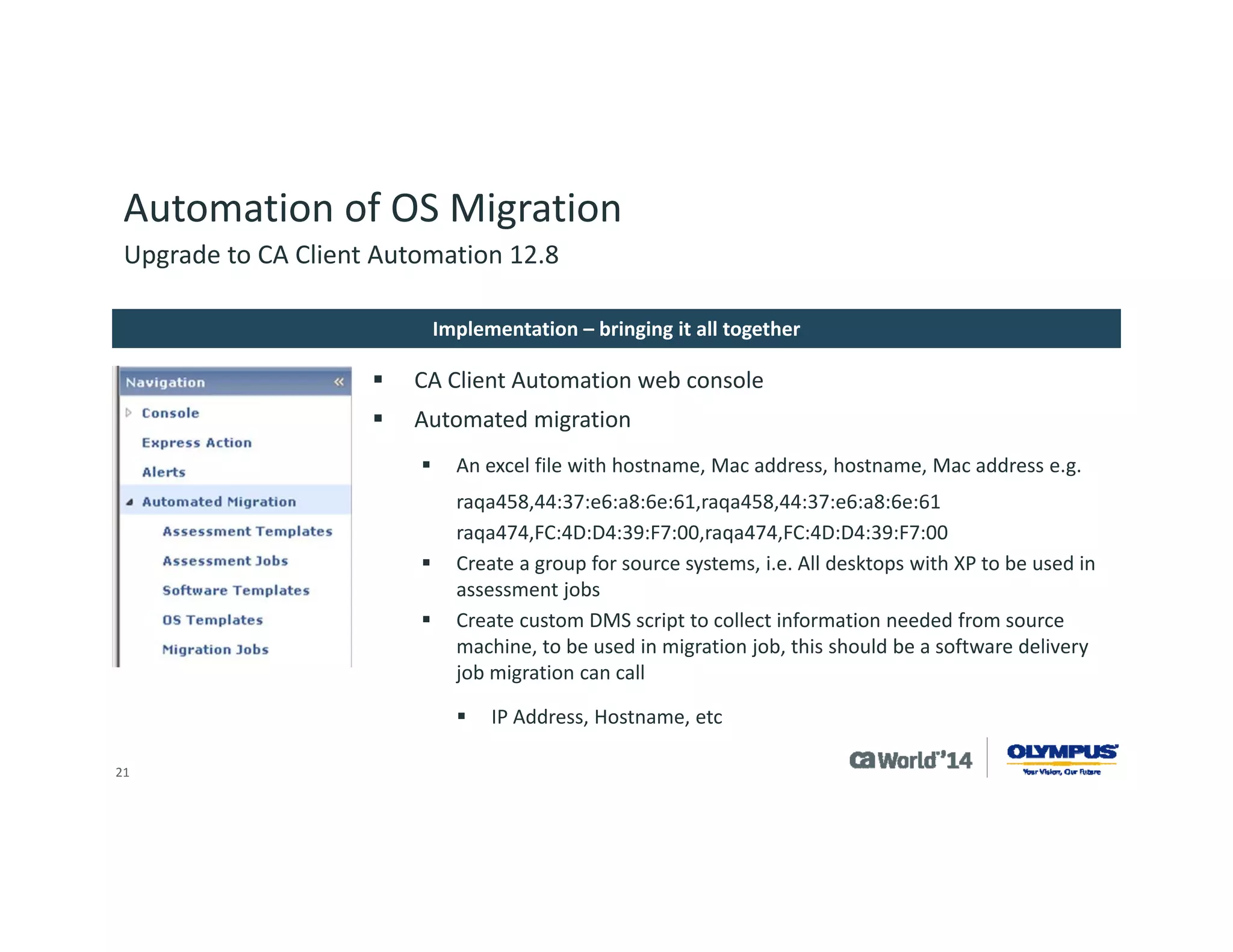
CA Client Automation web console 
Automated migration 
An excel file with hostname, Mac address, hostname, Mac address e.g. 
raqa458,44:37:e6:a8:6e:61,raqa458,44:37:e6:a8:6e:61 
raqa474,FC:4D:D4:39:F7:00,raqa474,FC:4D:D4:39:F7:00 
Create a group for source systems, i.e. All desktops with XP to be used in assessment jobs 
Create custom DMS script to collect information needed from source machine, to be used in migration job, this should be a software delivery job migration can call 
IP Address, Hostname, etc 
Implementation –bringing it all together
21 
Automation of OS Migration 
CAMENU (Program Files (x86)CADSMServerSDBSvarmanagedpccamenu) 
–Edit xml file for your image you created with default settings you wish to use for deployment 
OS Image Script updates 
–(Program Files x86)CADSMServerSDBSvarmanagedpcimagesimagenameimagenameoeminst) 
Edit custom.cmd file with customizations you wish to push to system 
Two folders under this one for custom drivers needed for target system, one for hotfixes for target OS 
ImageXpartition Information 
–Cmdfile in CAMenufolder has information for preparing destination system and loading launching WinPE environment 
–WP1 file in CAMenufolder has information on sysprepof destination drive 
Upgrade to CA Client Automation 12.8 
Customization of OS Migration
22 
Automation of OS Migration 
Olympus is in the progress of planning the rollout of this functionality from the development environment into production 
The main constraint is scalability server space and network bandwidth; suggest testing in individual environment to see what is acceptable during normal operation hours. Recommend at least 1000Mbps connections. 
Our average image size for Windows 7 with our application stack installed in approx6GB. 
Upgrade to CA Client Automation 12.8 
Summary
23 
Summary 
A Few Words to Review 
Plan 
As with all projects, look at what is the desired outcome, determine scope and plan. 
Develop/Test 
Develop customizations you need and test before implementing in production. 
Upgrade 
Work out your upgrade plan and execute. Pre- determine key identifiers to gauge value of upgrade.
24 
CA Unified Endpoint Management
25 
*Offer valid October 1, 2014 through March 31, 2015. See Official Promotion Terms & Conditions 
CA Unified Endpoint Management offers a vantage point for managing devices. This solution combines the power of CA Mobile Device Management (CA MDM) with CA Client Automation into an integrated, unified endpoint management system. IT administrators are empowered to holistically view and manage any endpoints and applications used to access corporate systems and services. 
Offer* 
CA Unified Endpoint Management is on point to help you manage any device, whether personal or company owned or mobile endpoints. Purchase CA Client Automation andreceive CA Mobile Device Management perpetual license at no charge.
26 
For More Information 
To learn more about DevOps, please visit: 
http://bit.ly/1wbjjqX 
Insert appropriate screenshot and textoverlayfrom following“More Info Graphics” slide here; ensure it links to correct page 
DevOps
27 
For Informational Purposes Only 
This presentation provided at CA World 2014 is intended for information purposes only and does not form any type of warranty. Content provided in this presentation has not been reviewed for accuracy and is based on information provided by CA Partners and Customers. 
Terms of this Presentation

Learn the Secrets of Endpoint Management Proficiency From Olympus

  • 1.
    Learn the Secretsof Endpoint Management Proficiency from Olympus Adrian Concannon MBT01S @adrianthebritt #CAWorld Olympus Senior Principal Engineer for Platform Engineering ca Opscenter
  • 2.
    2 Abstract Olympususes CA Client Automation as a highly scalable endpoint management product to support a widely diverse and distributed endpoint ecosystem. Learn how Olympus made the decision to deploy the newest release, and the value obtained by leveraging the features to support a unified endpoint management solution. Examples will include user self-service to reduce operational risk and improve customer satisfaction. Email : adrian.concannon@olympus.com Twitter : @adrianthebritt Adrian Concannon Olympus Senior Principal Engineer for Platform Engineering
  • 3.
    3 Company Overview Olympus is a global company based in Tokyo. The North/South American headquarters is in Center Valley, Pennsylvania. Founded in Japan, October 12, 1919 Current number of employees:36,000 globally. 5,000 in North/South America Website: http://olympusamerica.com Olympus
  • 4.
    4 Agenda OLYMPUSSTRATEGY & VISION FOR UNIFIED ENDPOINT MANAGEMENT REASONS TO UPGRADE UPGRADE PROCESS NEW FEATURE USE AUTOMATION OF OS MIGRATION 1 2 3 4 5 Q&A 6
  • 5.
    5 Strategy forUnified Endpoint Management We remotely manage and support our clients systems from a central management environment in a DMZ. From this via use of ENC (200) and VPN (500) connections we connect to the systems. We currently support around 700 customers using the solution connecting to approximately 3500 systems. This is about 50% of our install base We are looking to achieve endpoint management up in the 70-90% range and add support form more product offerings Olympus Environment
  • 6.
    6 Reasons toUpgrade Olympus originally installed CA IT Client Manager 12.5 in 2010, upgrading from CA Unicenter® products. Installation was showing its age with need for service pack and feature upgrades. New Olympus products driving need to upgrade. Olympus participated in Beta program and was interested in leveraging new functionality in CA Client Automation 12.8. Upgrade to CA Client Automation 12.8
  • 7.
    7 Reasons toUpgrade Olympus needed a simple upgrade path as the company implements in development, tests in quality assurance and documents before moving a solution to production systems. Typical implementations are major undertakings and can take 6-12 months, as software is used to support a medical device. Business direction and industry factors drove the need to implement additional features of CA Client Automation. Upgrade to CA Client Automation 12.8
  • 8.
    8 Reasons toUpgrade We needed new features: Intelligent software signatures ‘IntelliSigs’ and location awareness Health monitoring, offline update and new OS support We needed to implement existing features: OSIM, Desktop Migration Manager, Process automation Scalability servers to better utilize software delivery and software catalogs Upgrade to CA Client Automation 12.8
  • 9.
    9 Upgrade Process Olympus took part in the CA IT Client Manager 12.5 feature pack 1 beta but never took the product into production due to other project priorities. Initial planning of project was to upgrade to CA IT Client Manager 12.5 Service Pack 1 and then install CA IT Client Manager feature pack 1 afterwards. During the planning process CA Technologies recommended we wait for CA IT Client Manager 12.5 cumulative pack 1 which included CA IT Client Manager 12.5 Service Pack 1 and feature pack 1. Upgrade to CA Client Automation 12.8
  • 10.
    10 Upgrade Process Olympus tested this upgrade in development and had some issues, then worked with the support team at CA Technologies to resolve the concerns. Due to Olympus resource constraints, the project was put on hold. Olympus attended the CA Client Automation 12.8 preview program and then beta. During beta, the project was restarted and Olympus tested the upgrade from CA IT Client Manager 12.5 to CA Client Automation 12.8. Upgrade to CA Client Automation 12.8
  • 11.
    11 Upgrade Process During testing, Olympus liked the single upgrade versus two separate steps: Saw this as reduced time to implement Saw this as a lower risk Tested using backup of the production system Worked with CA Technologies in the beta period to resolve an issue with upgrading Asset Intelligence The added time allowed Olympus to develop: Intelligent software signature “IntelliSig” for Olympus products Health monitoring of Olympus products Planning of OSIM/DMM/PAM for operating system migration in our environment Upgrade to CA Client Automation 12.8
  • 12.
    12 Upgrade Process The overall project took 6 months from start to finish. Olympus used resources from CA Technologies to assist with software installation. The production update took roughly 4 hours to replicate the scalability server and manager system. Components upgraded Core components Asset intelligence Patch management Common services Components implemented OSIM –OS migration CA Desktop Migration Manager CA Process Automation Upgrade to CA Client Automation 12.8
  • 13.
    13 New FeatureUse Location Awareness Why/needMany customers have multiple facilities reporting to the same server UseTravel carts and remote locations BenefitNo loss of access to systems and support Offline Update Why/needHelps keep systems up-to date on a convenient maintenance schedule UseSystem patching BenefitMinimizes downtime for system maintenance Upgrade to CA Client Automation 12.8
  • 14.
    14 New FeatureUse Intelligent software signatures ‘IntelliSigs’ Why/needProduct is a client server web app which does not have a Windows installer UseWe need to identify the patch level of systems used to target CA Software Delivery jobs with system updates BenefitCan keep systems up-to date easier and get a clear picture of who has what Health Monitoring Why/needOlympus needs to be proactive in increasing uptime for its customers UseMonitor key services for Olympus applications BenefitIncreased service and service levels for Olympus Customers Upgrade to CA Client Automation 12.8
  • 15.
    15 New FeatureUse Need for Automated OS Migration (OSIM/PAM/DMM) Why/needMigrate away from older operating systems such as Windows XP/2003 UseCA Process Automation to automate the process, CA Desktop Migration Manager to gather the configuration and OSIM to reimage the system BenefitReconfiguration of many systems is quicker –some clients have 50+ systems that need an overnight update with only one employee to oversee Upgrade to CA Client Automation 12.8
  • 16.
    16 Automation ofOS Migration CA Client Automation components needed Third-party software Environmental considerations Implementation –bringing it all together Customization of OS migration Summary Overview Upgrade to CA Client Automation 12.8
  • 17.
    17 Automation ofOS Migration CA Client Automation base product CA Process Automation OSIM CA Desktop Migration Manager CA Client Automation components needed Upgrade to CA Client Automation 12.8
  • 18.
    18 Automation ofOS Migration Microsoft Automated Installation Kit (AIK) Note multiple AIKs may be needed for Operating System Coverage Microsoft Operating System Media CA Embedded Entitlements Manager 12.51.x Java 7 JDK update 55 or higher CA Client Automation components needed Upgrade to CA Client Automation 12.8
  • 19.
    19 Automation ofOS Migration CA Client Automation server or CA Desktop Migration Manager server needs a NULL session share DHCP server is needed in the environment for PXE boot for OS get and OS deployment Scalability server needs OS templates for migration OS images should be single partition for Microsoft ImageXprocessing Environment Considerations Upgrade to CA Client Automation 12.8
  • 20.
    20 Automation ofOS Migration Upgrade to CA Client Automation 12.8 CA Client Automation web console Automated migration An excel file with hostname, Mac address, hostname, Mac address e.g. raqa458,44:37:e6:a8:6e:61,raqa458,44:37:e6:a8:6e:61 raqa474,FC:4D:D4:39:F7:00,raqa474,FC:4D:D4:39:F7:00 Create a group for source systems, i.e. All desktops with XP to be used in assessment jobs Create custom DMS script to collect information needed from source machine, to be used in migration job, this should be a software delivery job migration can call IP Address, Hostname, etc Implementation –bringing it all together
  • 21.
    21 Automation ofOS Migration CAMENU (Program Files (x86)CADSMServerSDBSvarmanagedpccamenu) –Edit xml file for your image you created with default settings you wish to use for deployment OS Image Script updates –(Program Files x86)CADSMServerSDBSvarmanagedpcimagesimagenameimagenameoeminst) Edit custom.cmd file with customizations you wish to push to system Two folders under this one for custom drivers needed for target system, one for hotfixes for target OS ImageXpartition Information –Cmdfile in CAMenufolder has information for preparing destination system and loading launching WinPE environment –WP1 file in CAMenufolder has information on sysprepof destination drive Upgrade to CA Client Automation 12.8 Customization of OS Migration
  • 22.
    22 Automation ofOS Migration Olympus is in the progress of planning the rollout of this functionality from the development environment into production The main constraint is scalability server space and network bandwidth; suggest testing in individual environment to see what is acceptable during normal operation hours. Recommend at least 1000Mbps connections. Our average image size for Windows 7 with our application stack installed in approx6GB. Upgrade to CA Client Automation 12.8 Summary
  • 23.
    23 Summary AFew Words to Review Plan As with all projects, look at what is the desired outcome, determine scope and plan. Develop/Test Develop customizations you need and test before implementing in production. Upgrade Work out your upgrade plan and execute. Pre- determine key identifiers to gauge value of upgrade.
  • 24.
    24 CA UnifiedEndpoint Management
  • 25.
    25 *Offer validOctober 1, 2014 through March 31, 2015. See Official Promotion Terms & Conditions CA Unified Endpoint Management offers a vantage point for managing devices. This solution combines the power of CA Mobile Device Management (CA MDM) with CA Client Automation into an integrated, unified endpoint management system. IT administrators are empowered to holistically view and manage any endpoints and applications used to access corporate systems and services. Offer* CA Unified Endpoint Management is on point to help you manage any device, whether personal or company owned or mobile endpoints. Purchase CA Client Automation andreceive CA Mobile Device Management perpetual license at no charge.
  • 26.
    26 For MoreInformation To learn more about DevOps, please visit: http://bit.ly/1wbjjqX Insert appropriate screenshot and textoverlayfrom following“More Info Graphics” slide here; ensure it links to correct page DevOps
  • 27.
    27 For InformationalPurposes Only This presentation provided at CA World 2014 is intended for information purposes only and does not form any type of warranty. Content provided in this presentation has not been reviewed for accuracy and is based on information provided by CA Partners and Customers. Terms of this Presentation