Learn DigitalPhotographyPresented ByGaPS
Patrick McLaughlinNathan Twerberg
What We’ll Cover:Some Camera BasicsHow the camera changes imagesModesTricks
The BasicsSLR v Point n ShootImage Quality
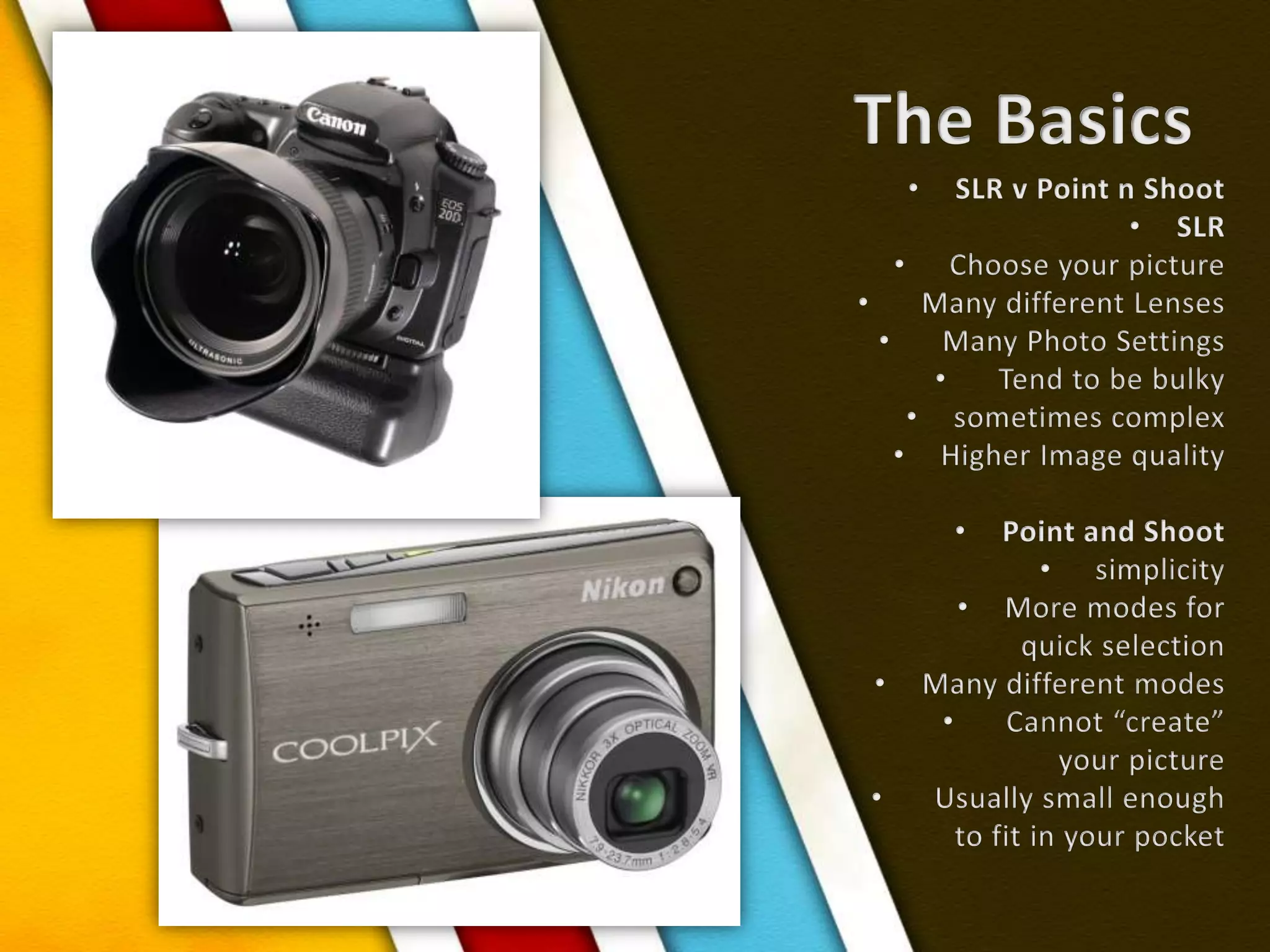
The BasicsSLR v Point n ShootSLR  Choose your picture  Many different Lenses  Many Photo Settings  Tend to be bulkysometimes complexHigher Image qualityPoint and Shoot simplicityMore modes for quick selectionMany different modes  Cannot “create” your picture  Usually small enough to fit in your pocket
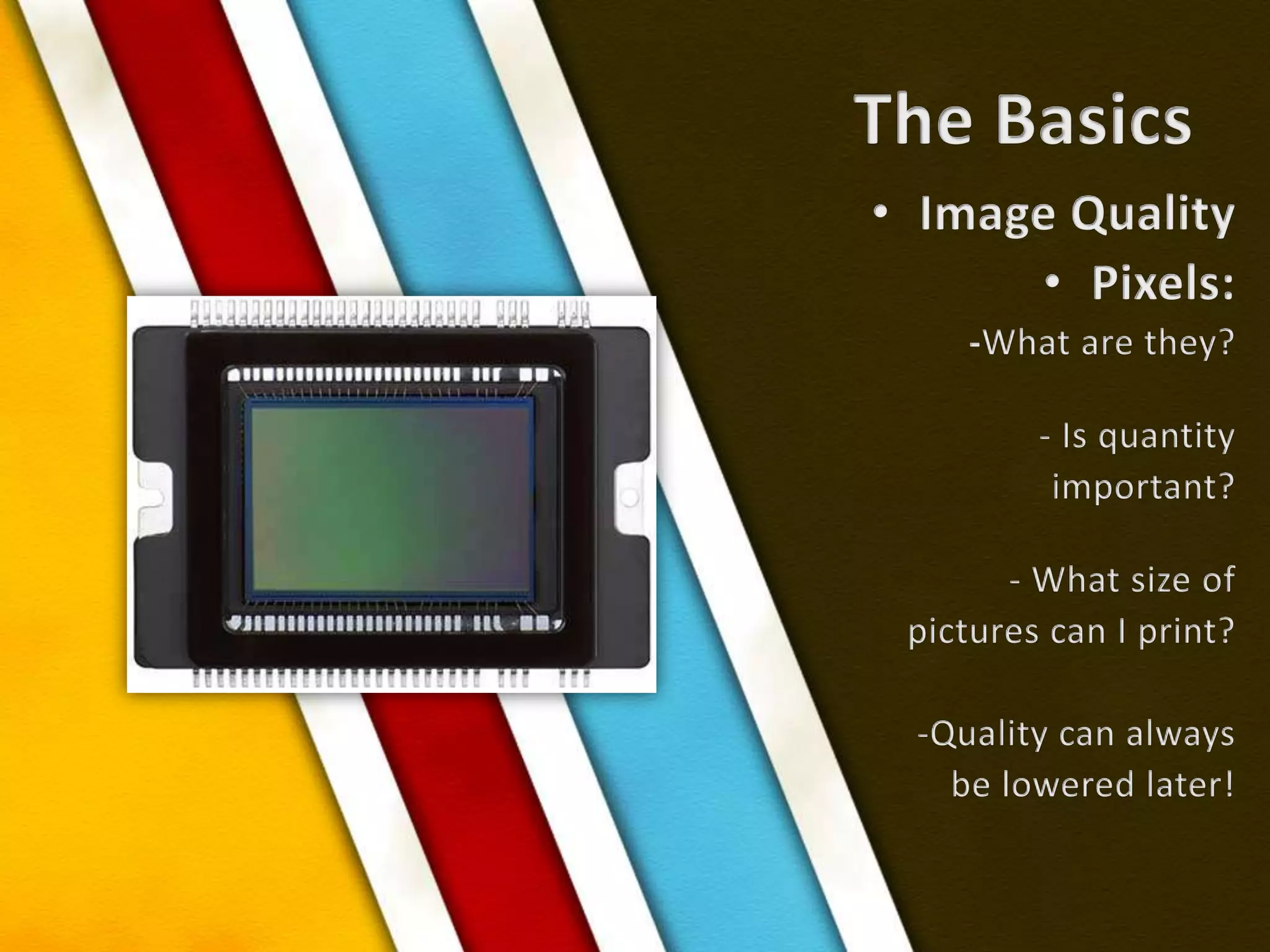
The BasicsImage QualityPixels:-What are they? - Is quantity important? - What size of pictures can I print?-Quality can alwaysbe lowered later!
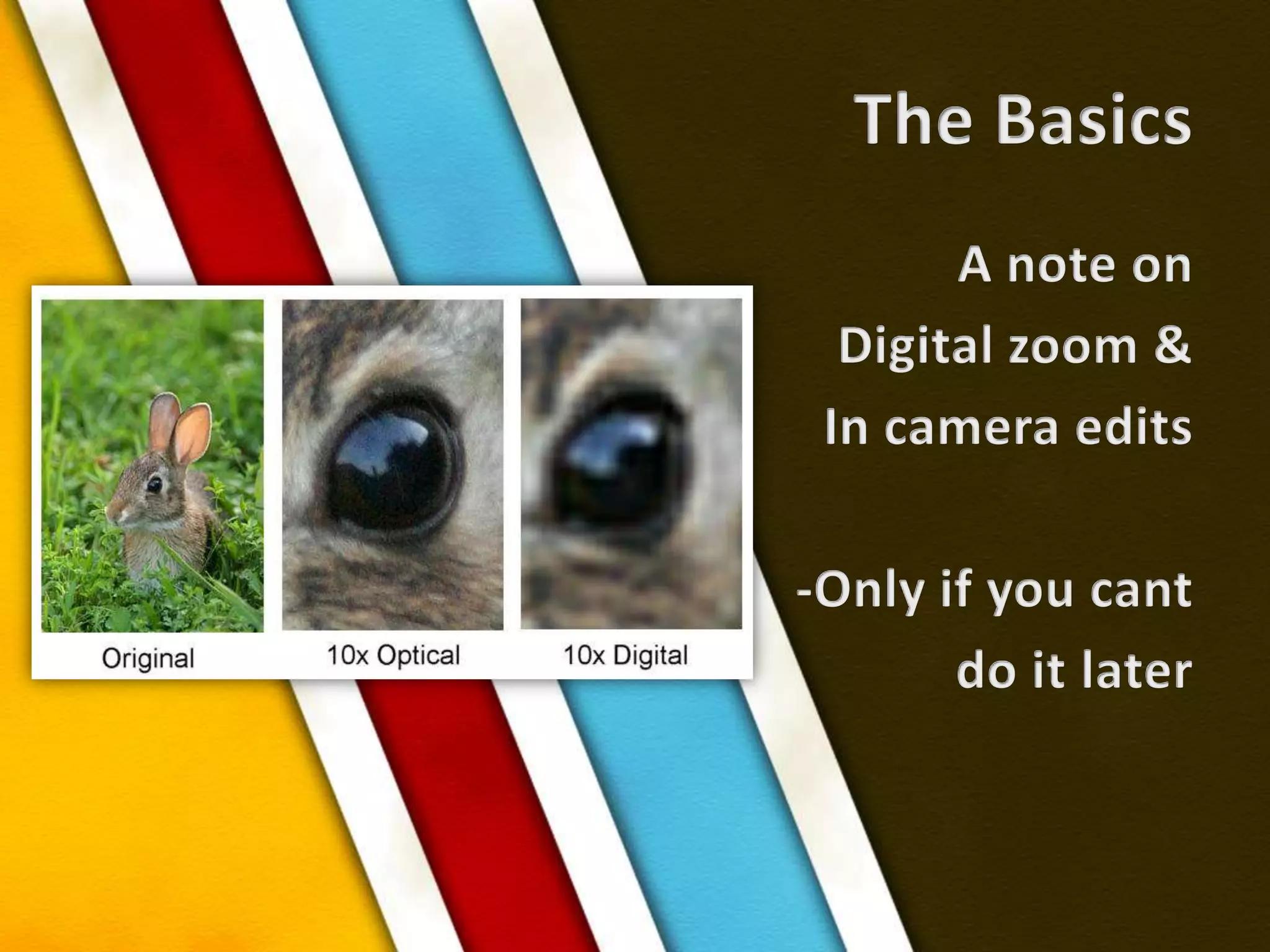
The BasicsA note on Digital zoom &In camera edits-Only if you cant do it later
A Photograph isnothing but a recording of lightWhat AffectsThe Light?
What AffectsThe LightLensesShutter ApertureISOWhite BalanceFlash
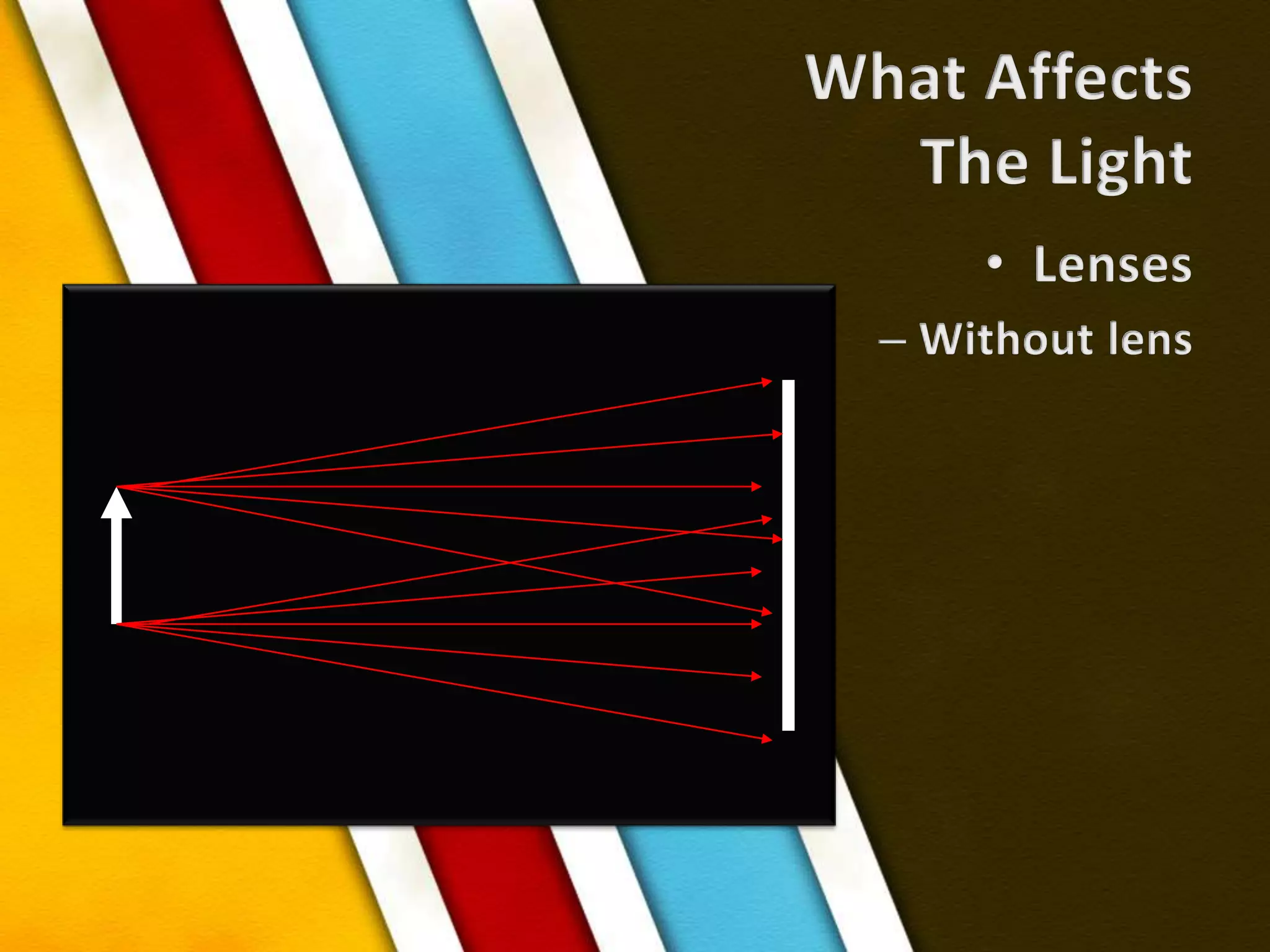
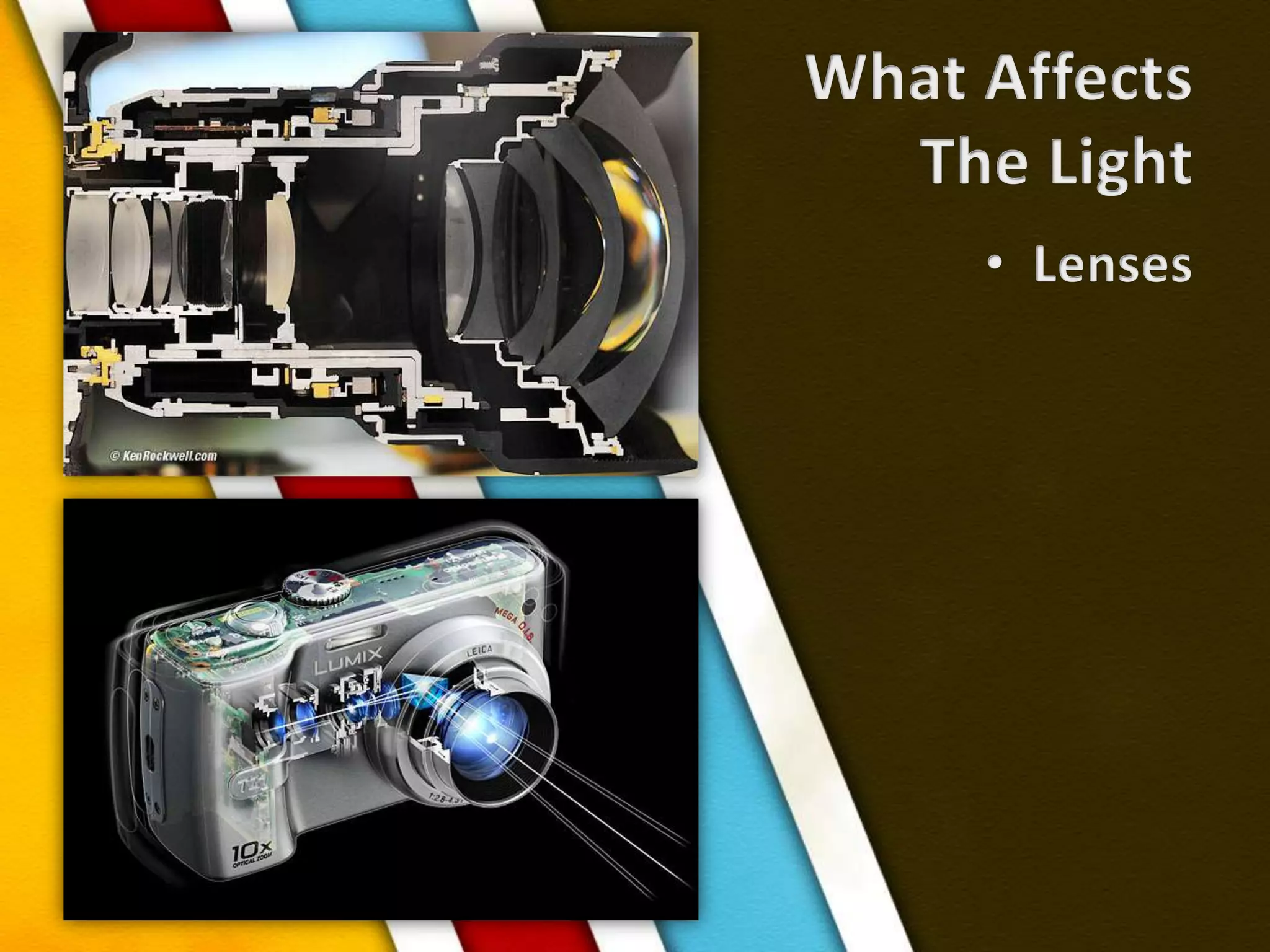
What AffectsThe LightLensesWithout lens
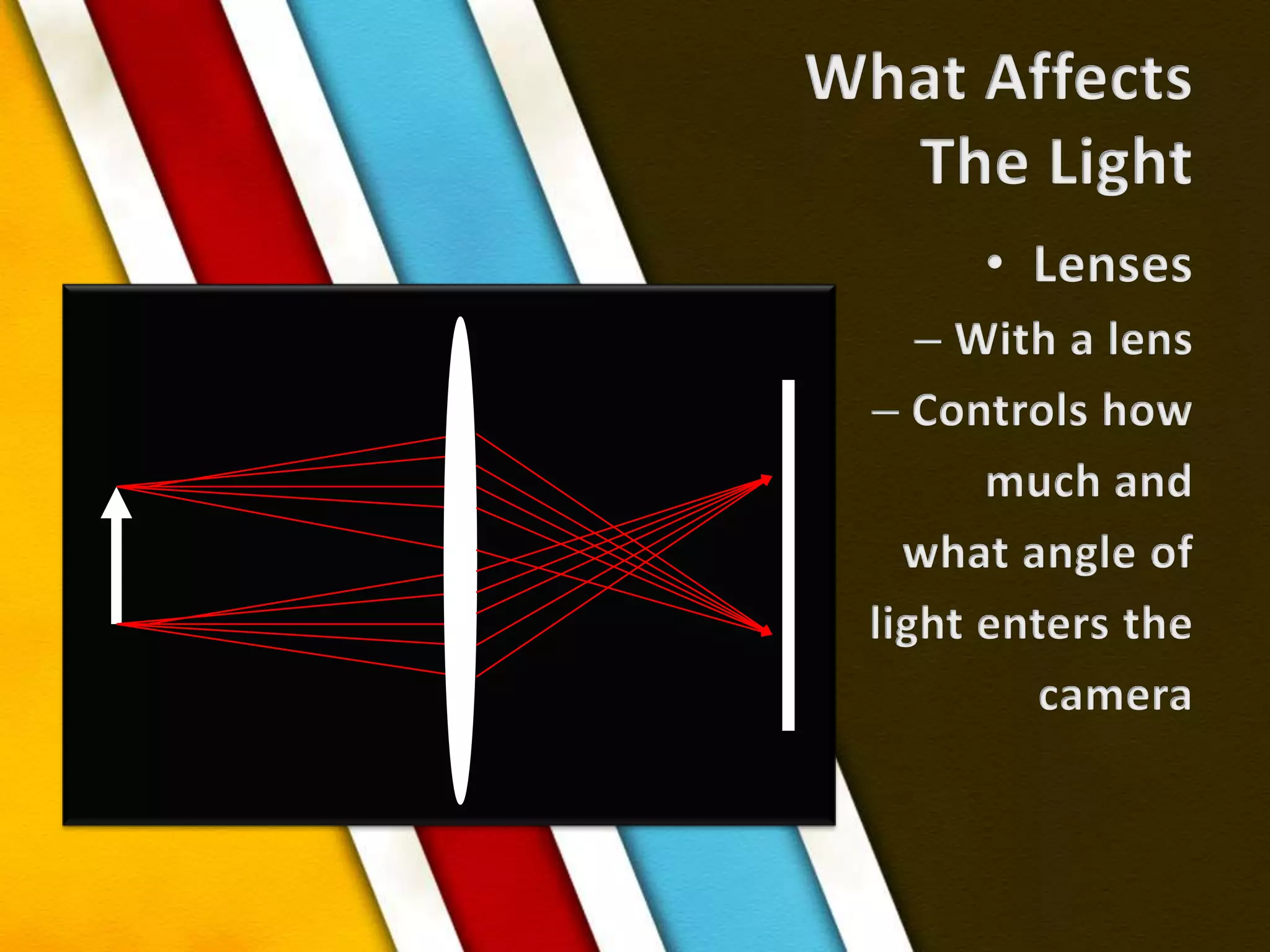
What AffectsThe LightLensesWith a lensControls howmuch andwhat angle of light enters thecamera
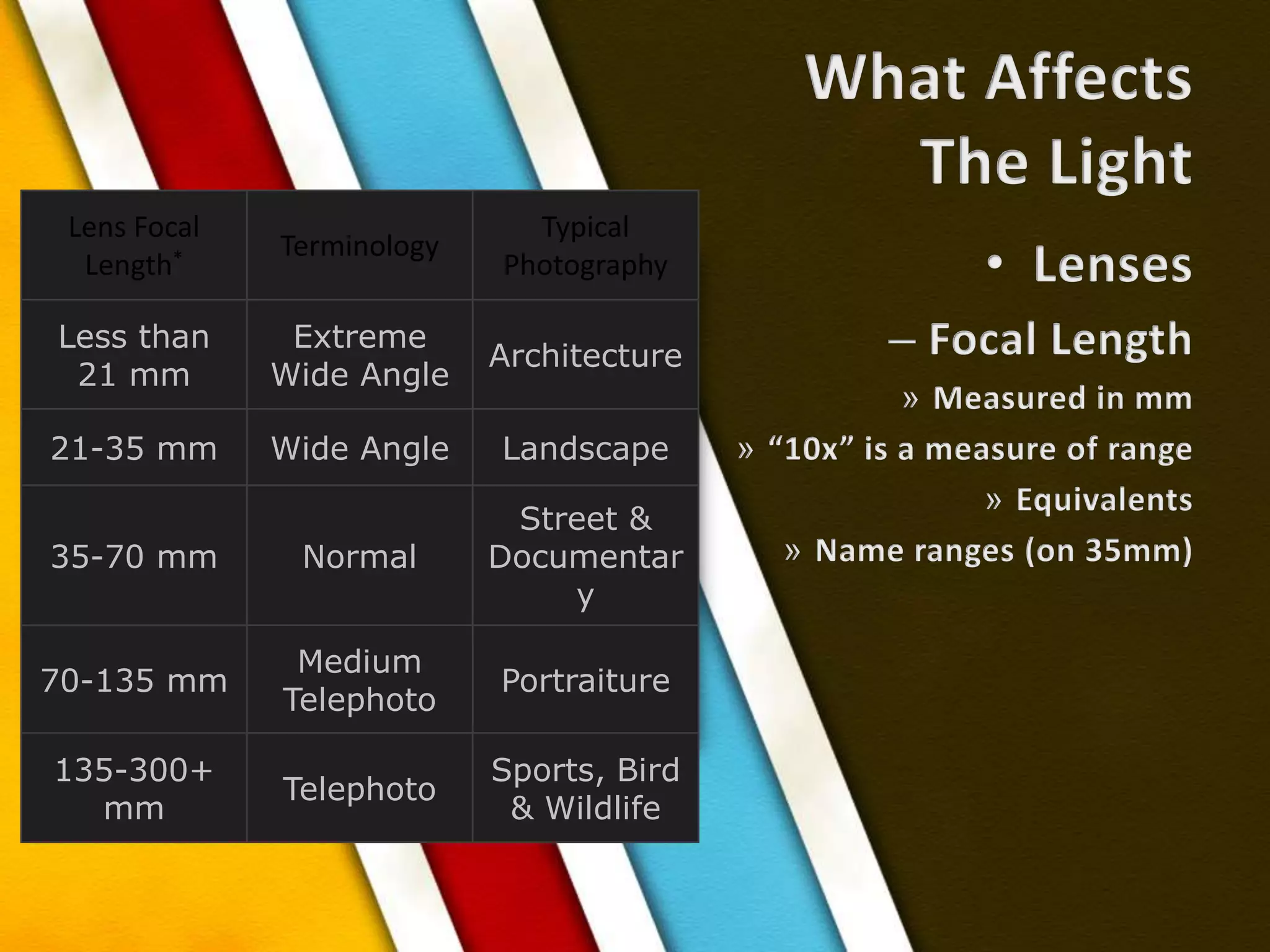
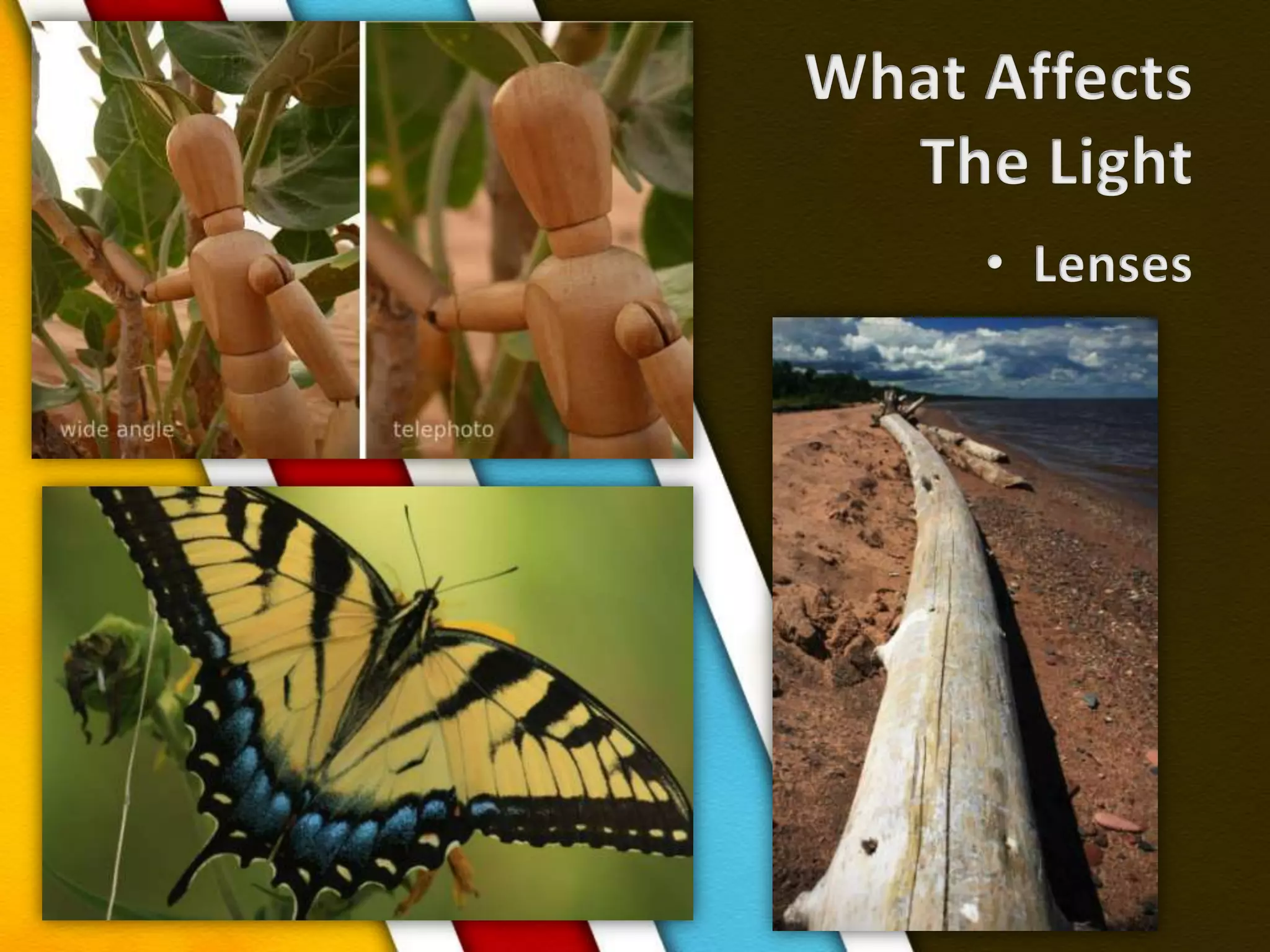
What AffectsThe LightLensesFocal LengthMeasured in mm“10x” is a measure of rangeEquivalentsName ranges (on 35mm)
What AffectsThe LightLenses
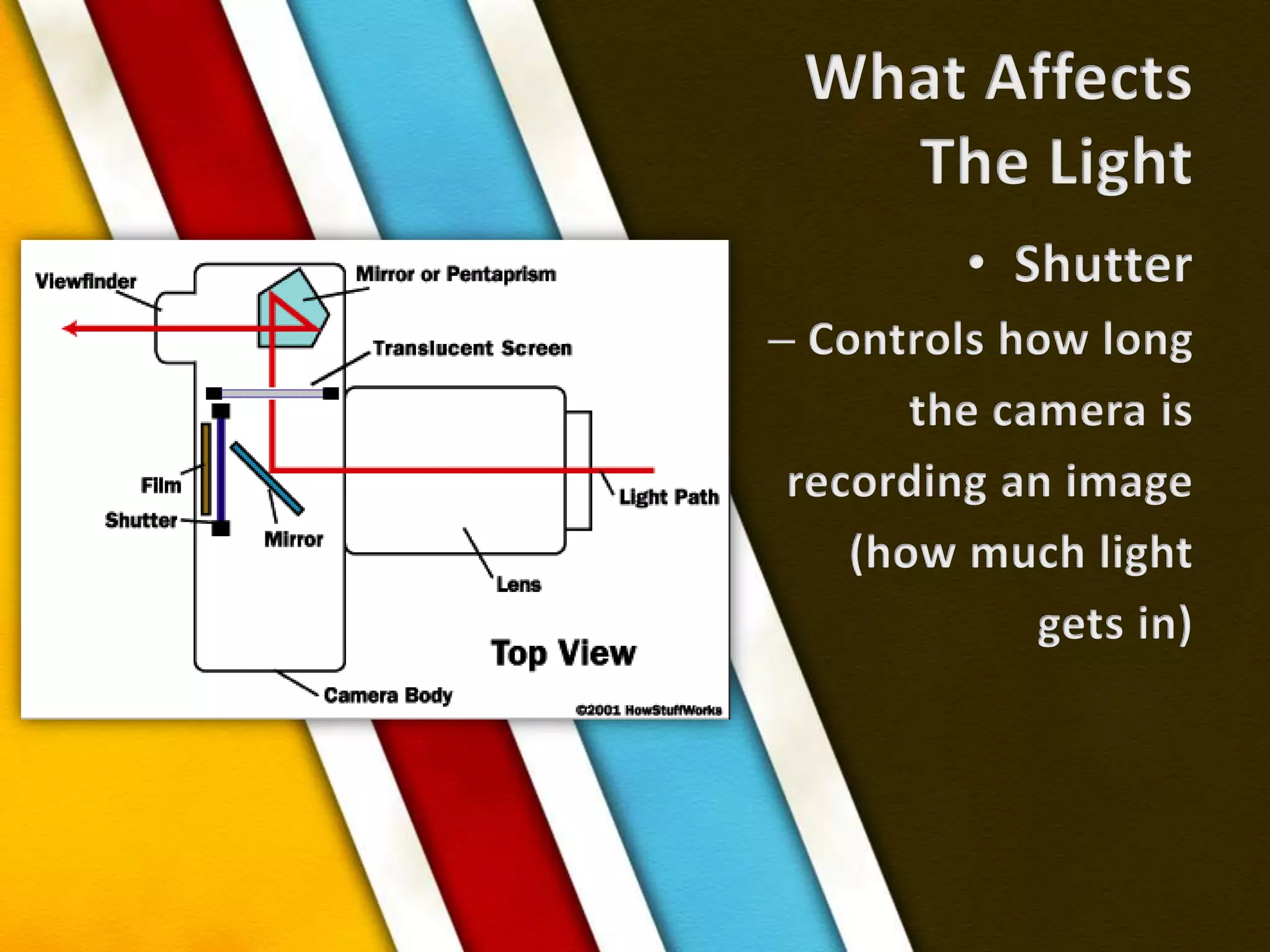
What AffectsThe LightShutterControls how longthe camera is recording an image(how much light gets in)
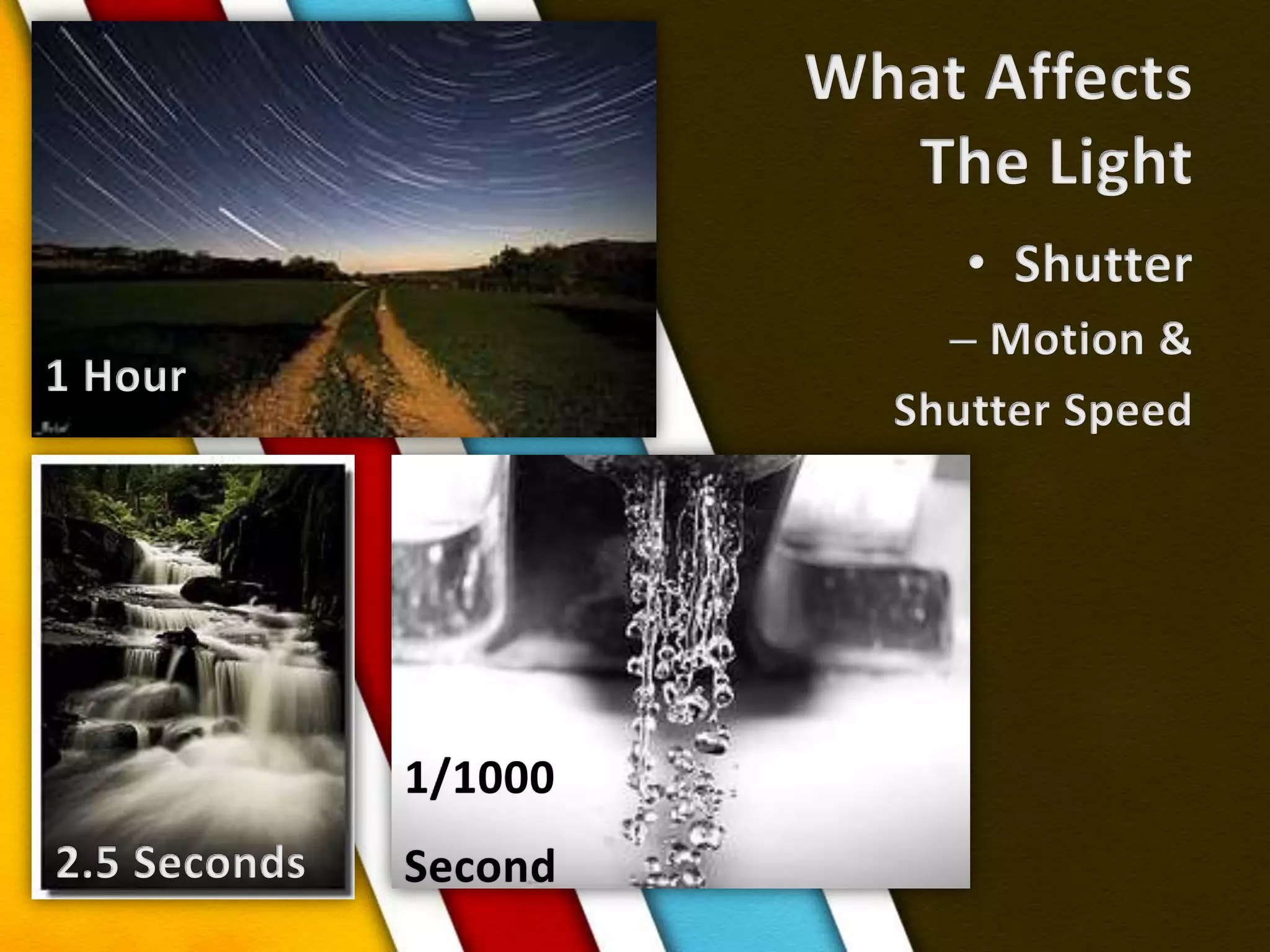
What AffectsThe LightShutterMotion & Shutter Speed1 Hour1/1000Second2.5 Seconds
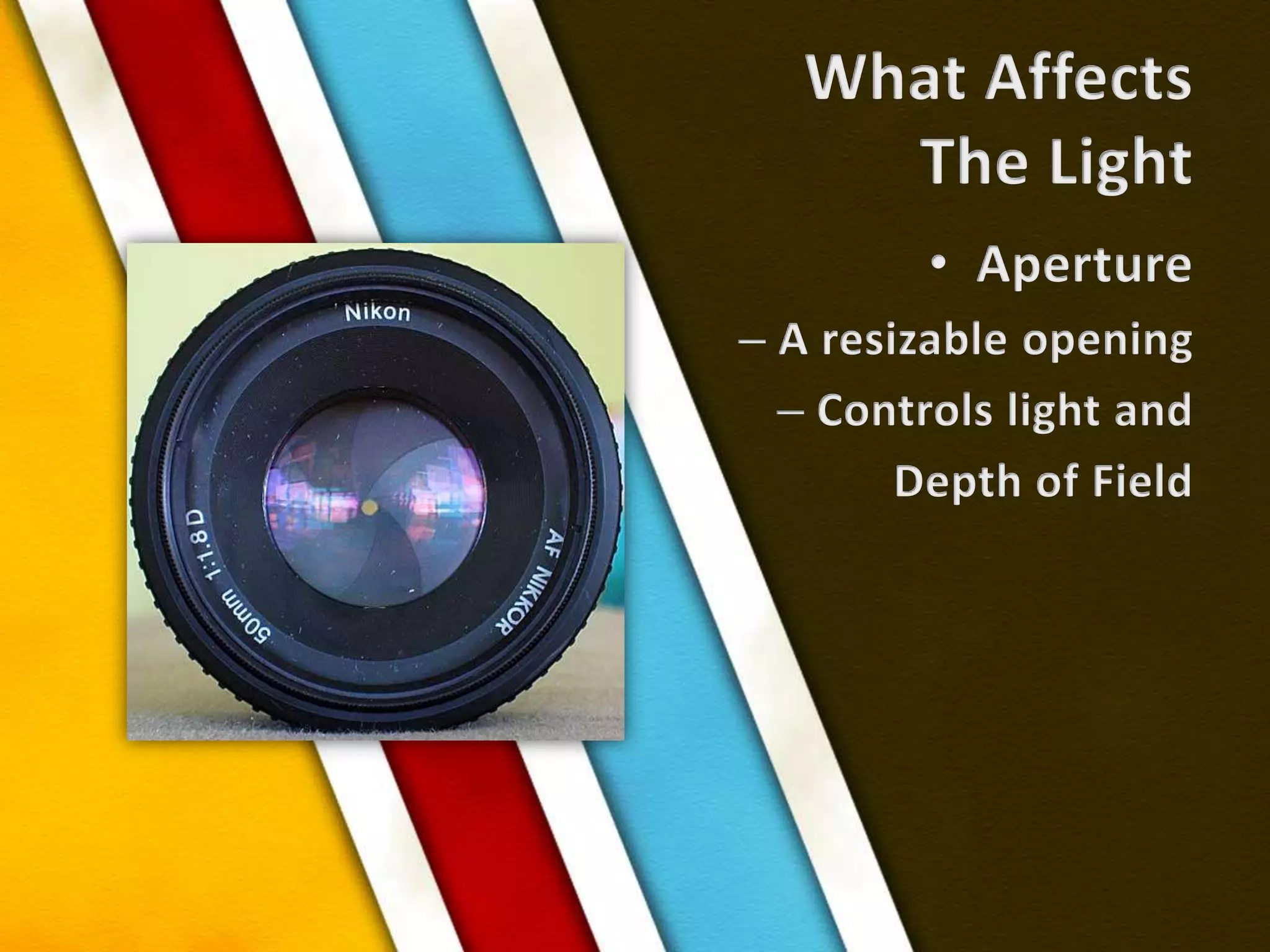
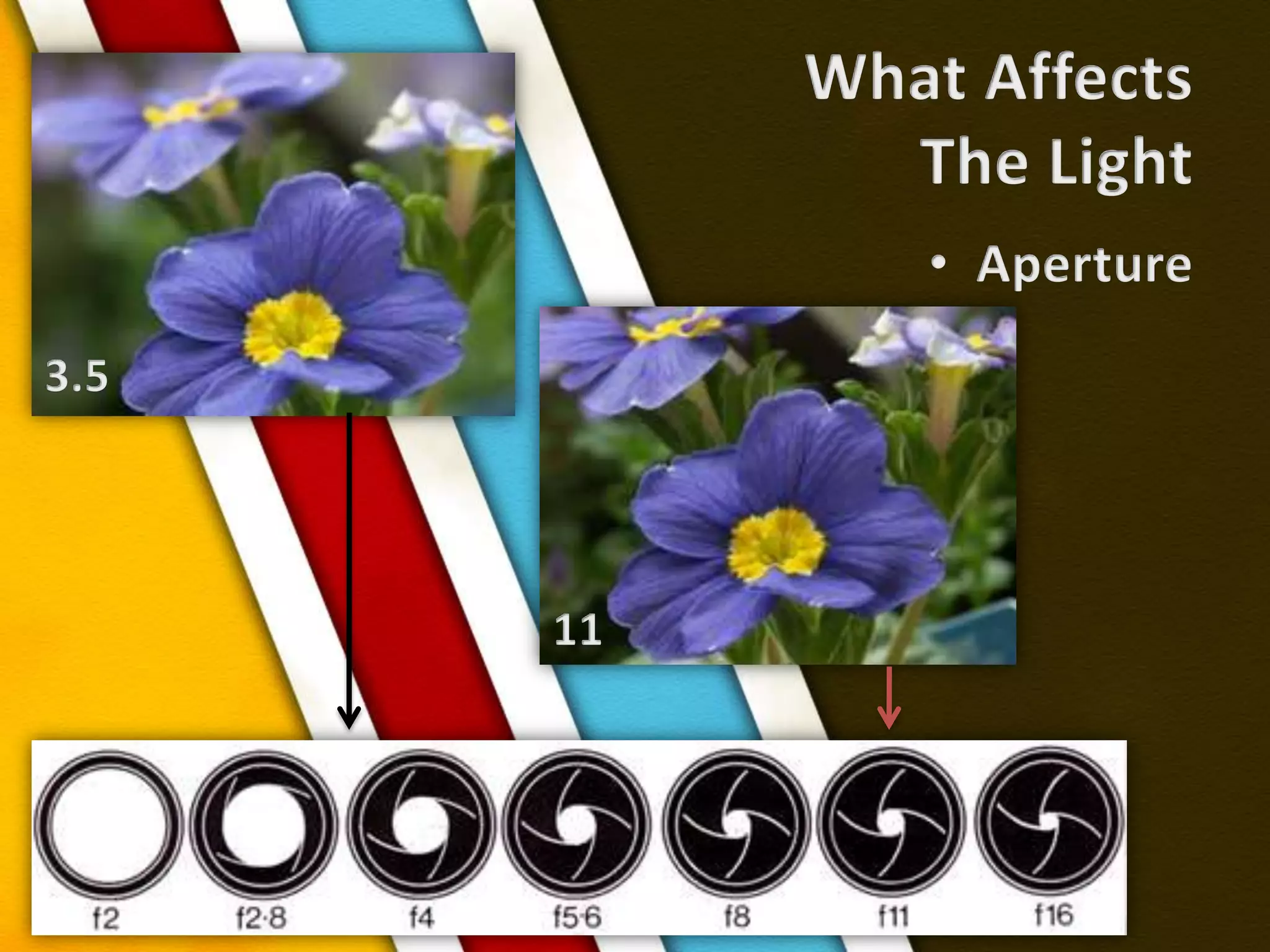
What AffectsThe LightApertureA resizable openingControls light andDepth of Field
What AffectsThe LightAperture3.511
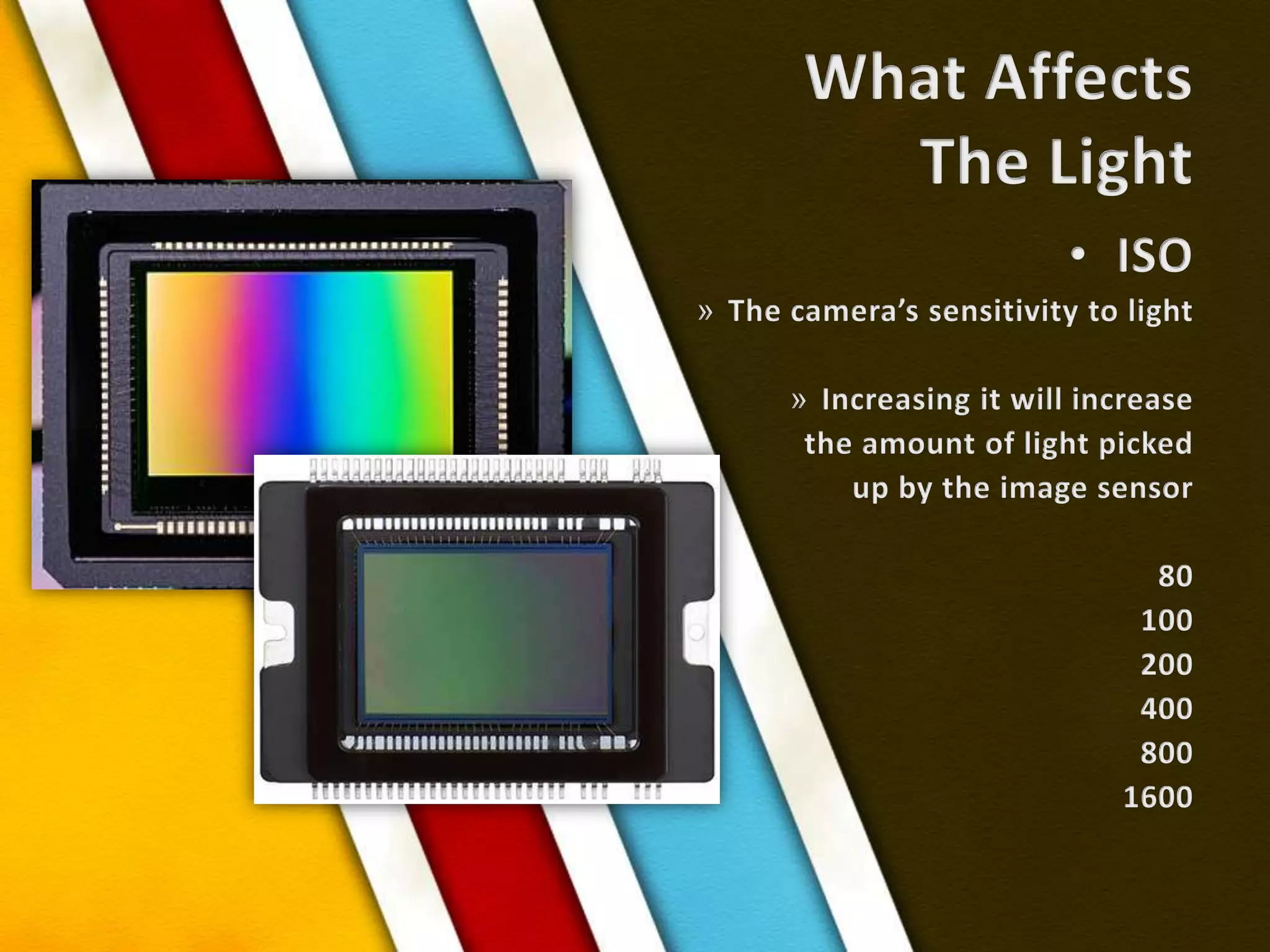
What AffectsThe LightISOThe camera’s sensitivity to lightIncreasing it will increasethe amount of light pickedup by the image sensor801002004008001600
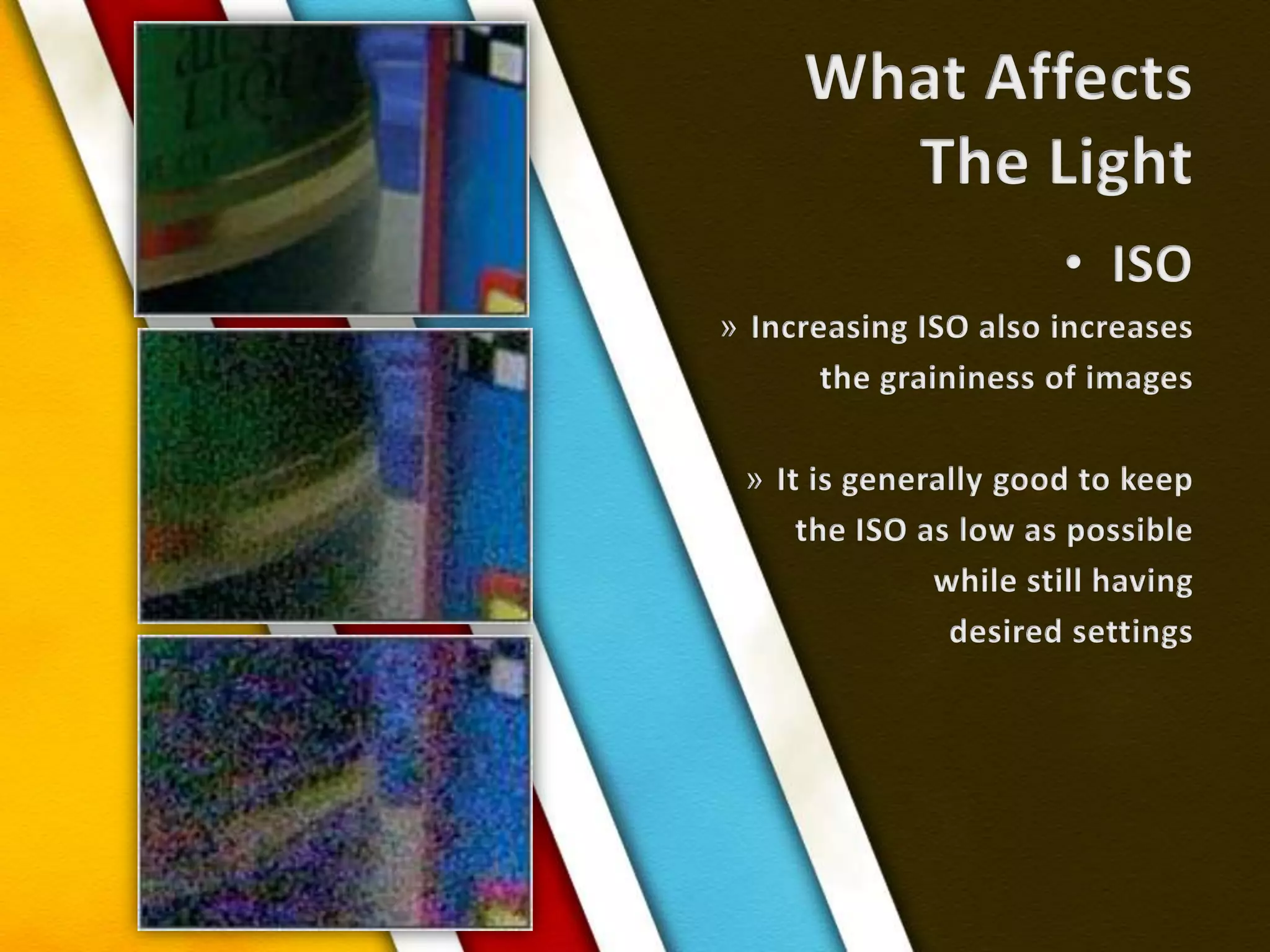
What AffectsThe LightISOIncreasing ISO also increases the graininess of imagesIt is generally good to keep the ISO as low as possiblewhile still having desired settings
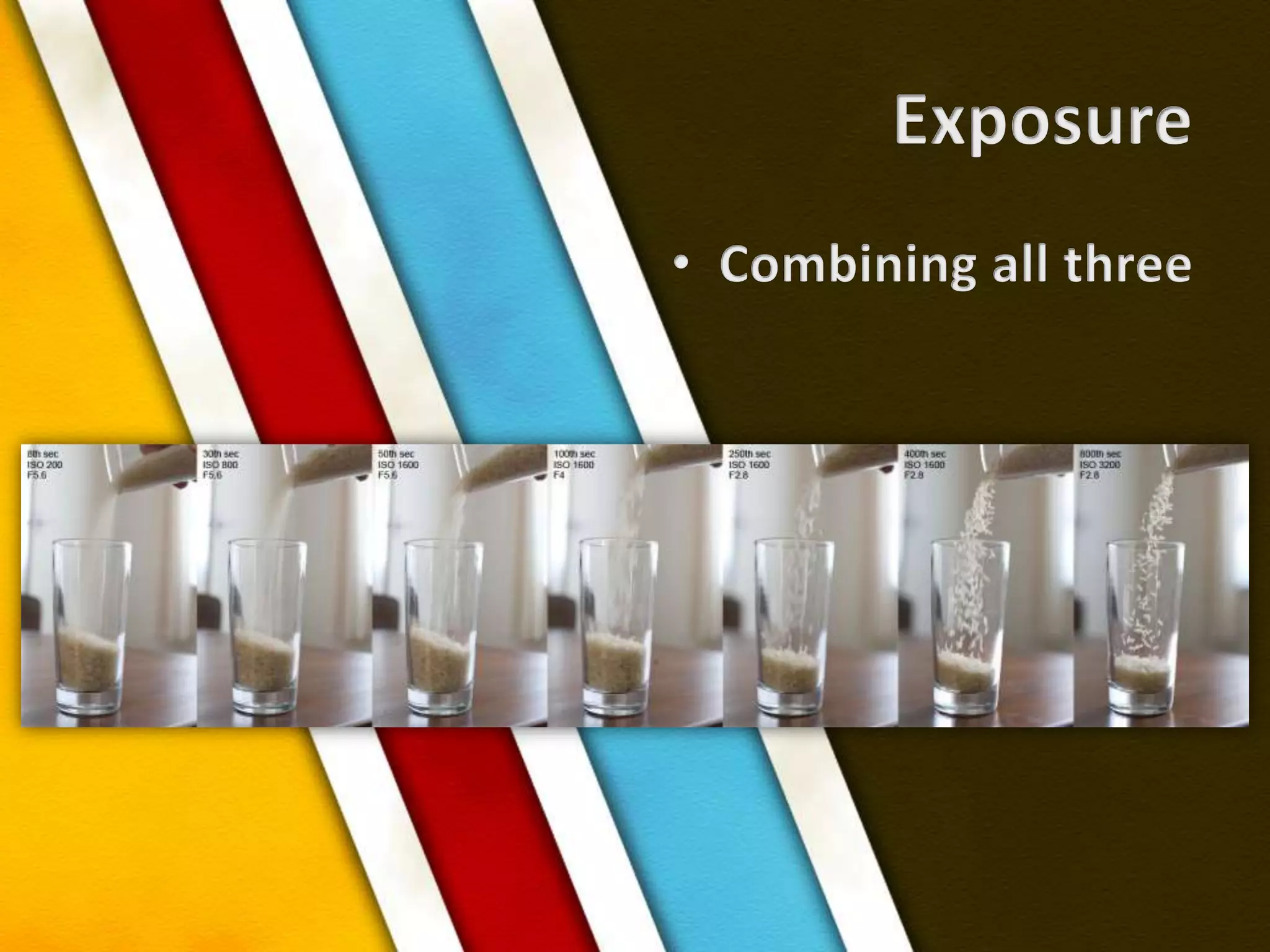
ExposureCombining all three
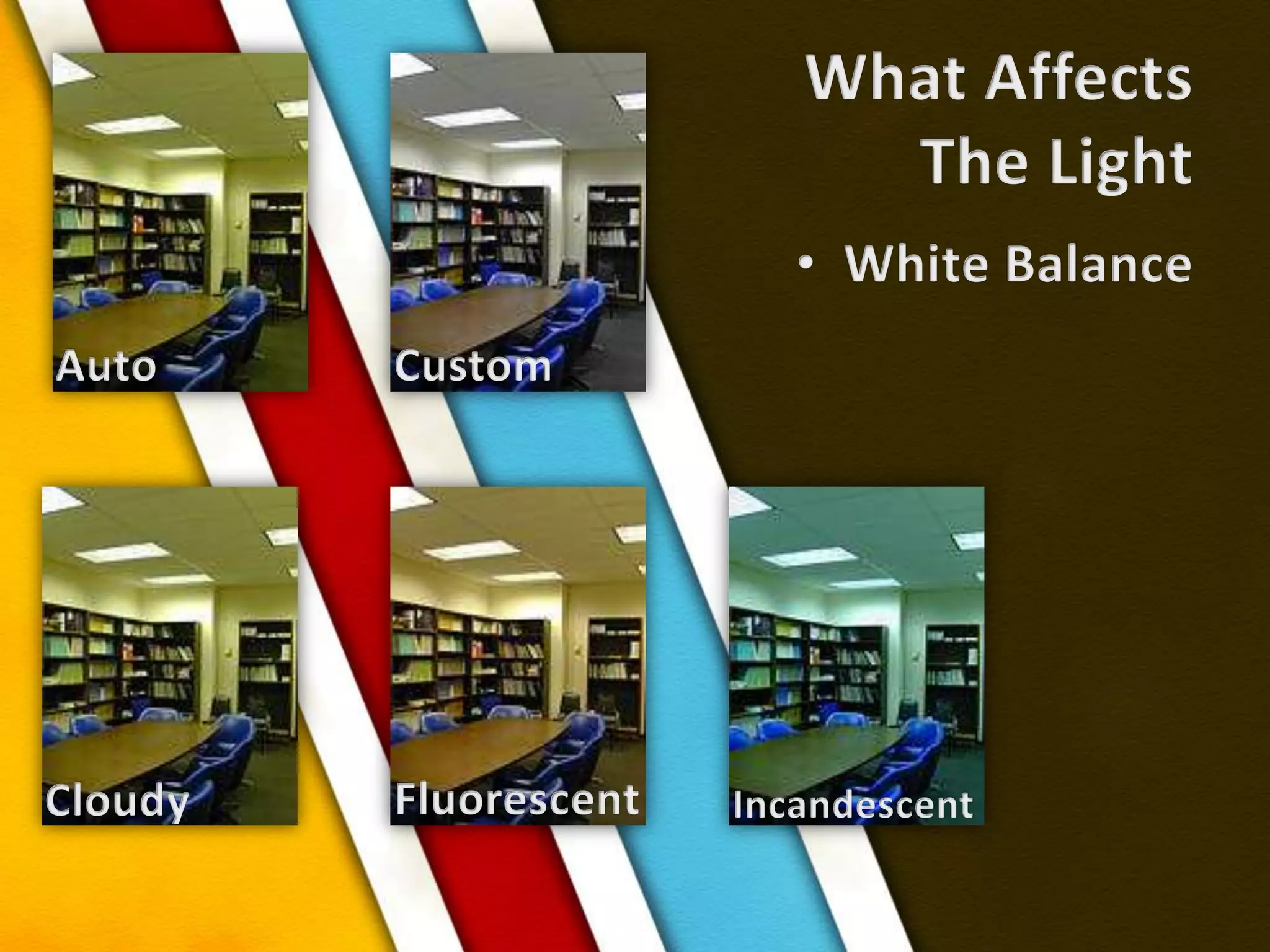
What AffectsThe LightWhite BalanceAutoCustomFluorescentCloudyIncandescent
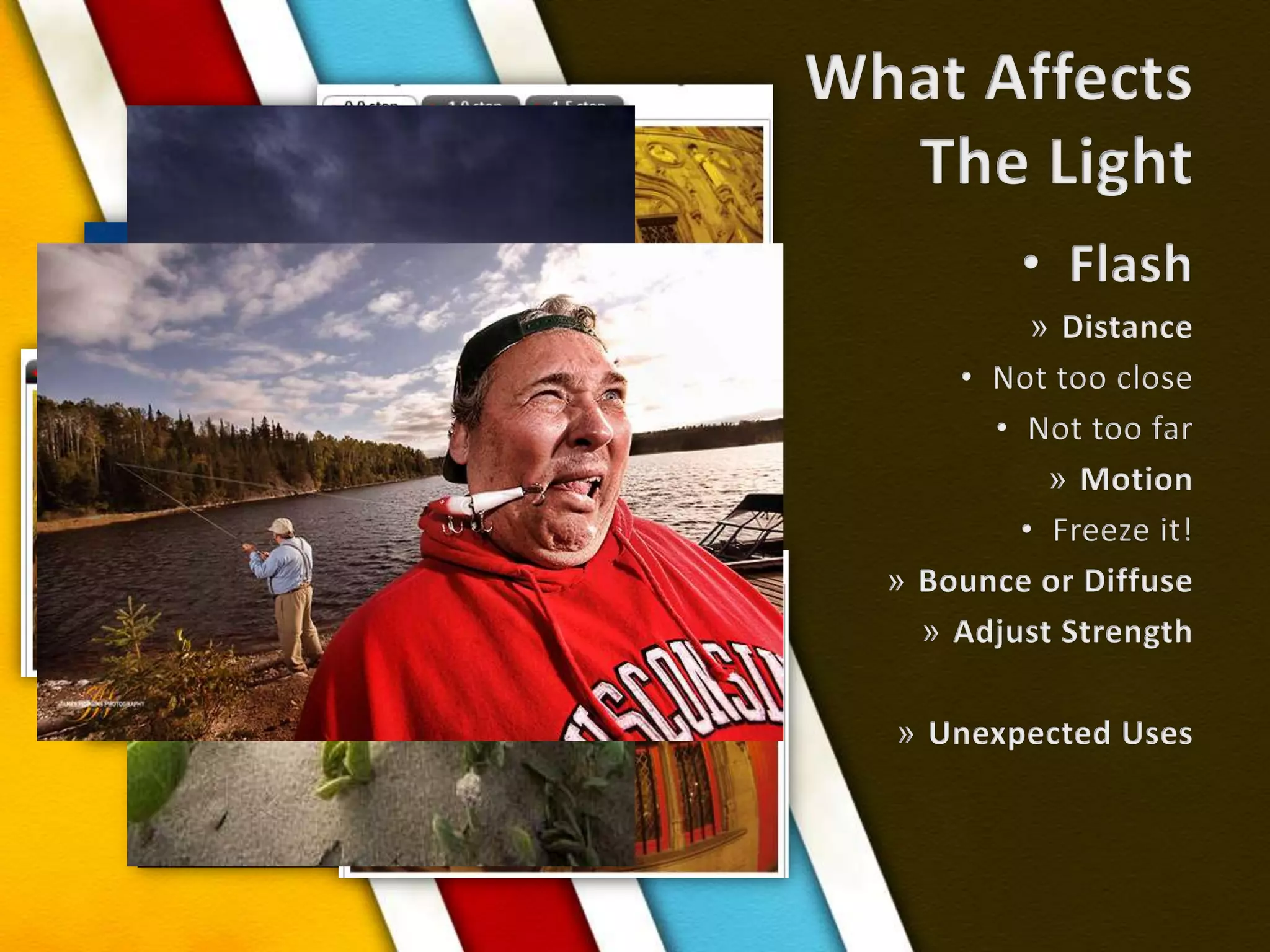
What AffectsThe LightFlashDistanceNot too closeNot too farMotionFreeze it!Bounce or DiffuseAdjust StrengthUnexpected Uses
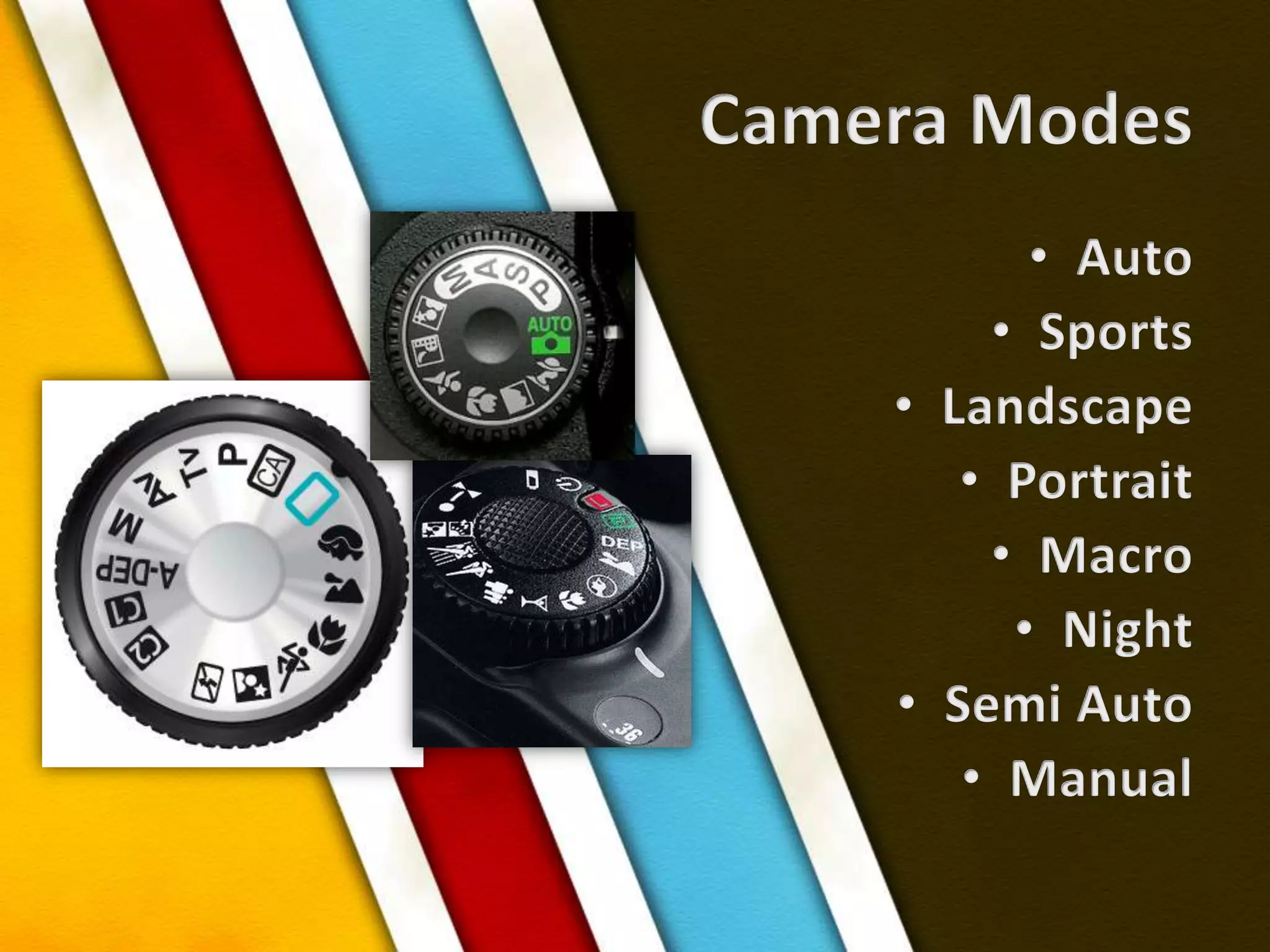
Camera ModesAutoSportsLandscapePortraitMacroNightSemi AutoManual
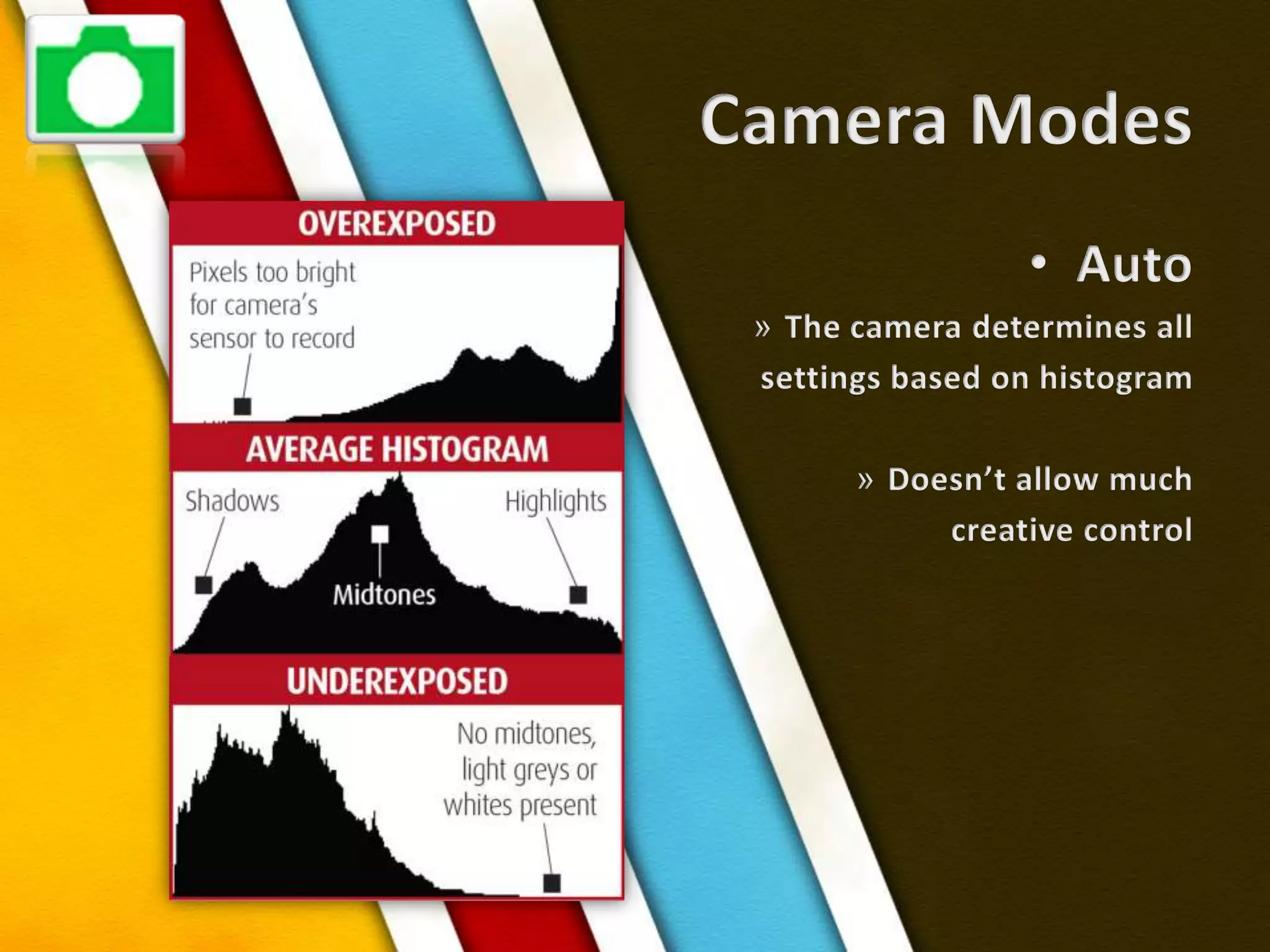
Camera ModesAutoThe camera determines allsettings based on histogramDoesn’t allow muchcreative control
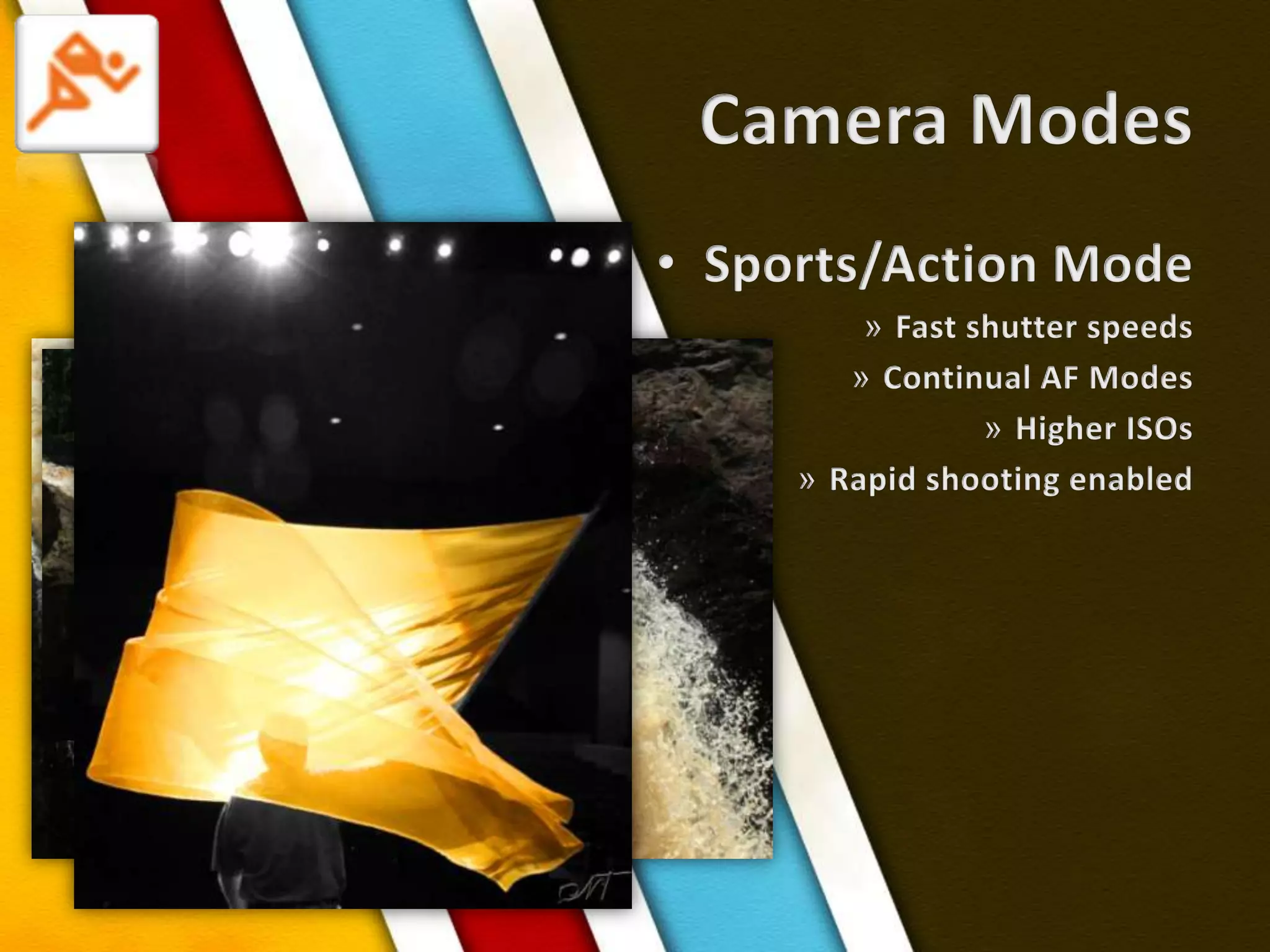
Camera ModesSports/Action ModeFast shutter speeds Continual AF ModesHigher ISOsRapid shooting enabled
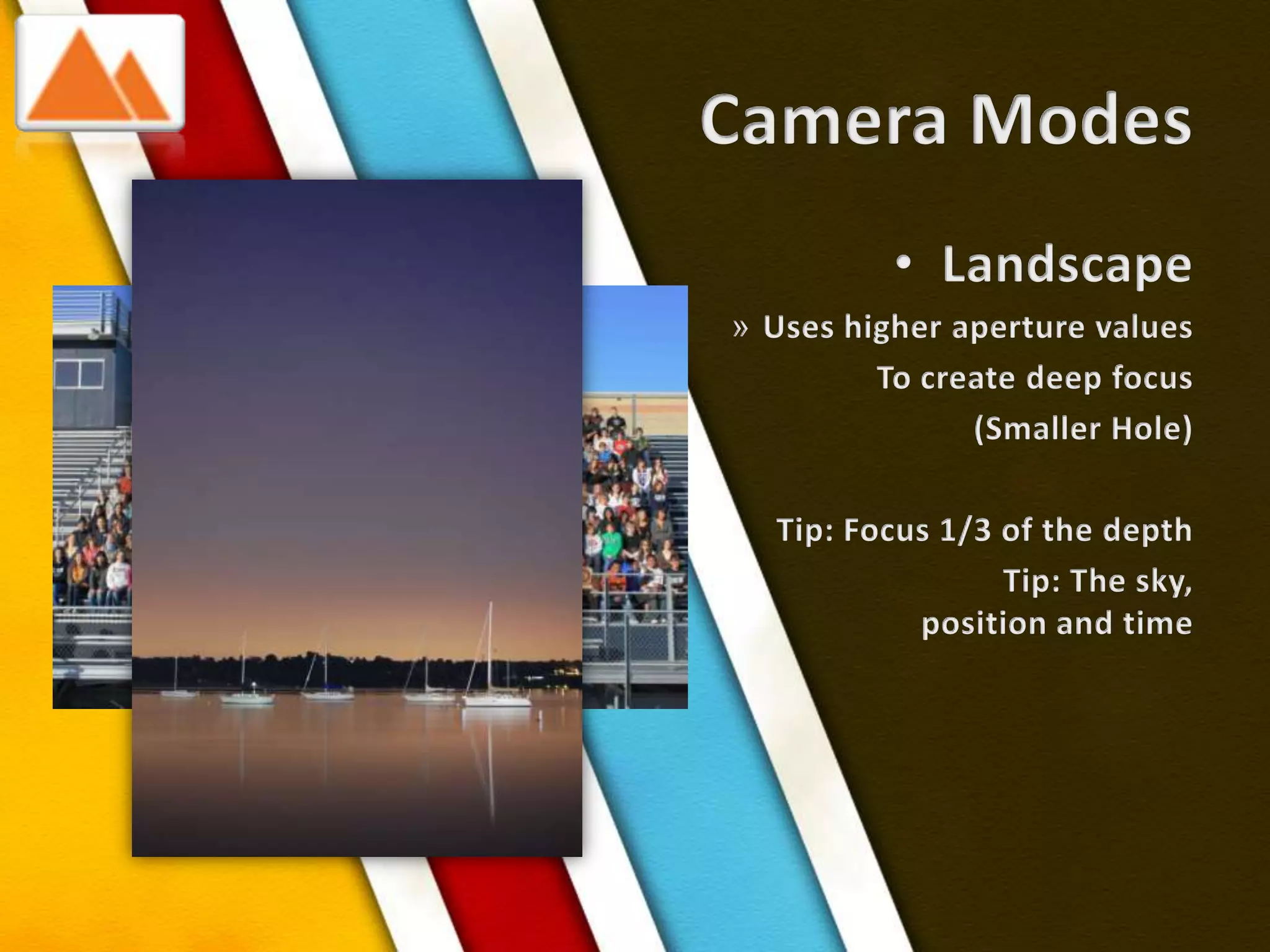
Camera ModesLandscapeUses higher aperture valuesTo create deep focus(Smaller Hole)Tip: Focus 1/3 of the depthTip: The sky, position and time
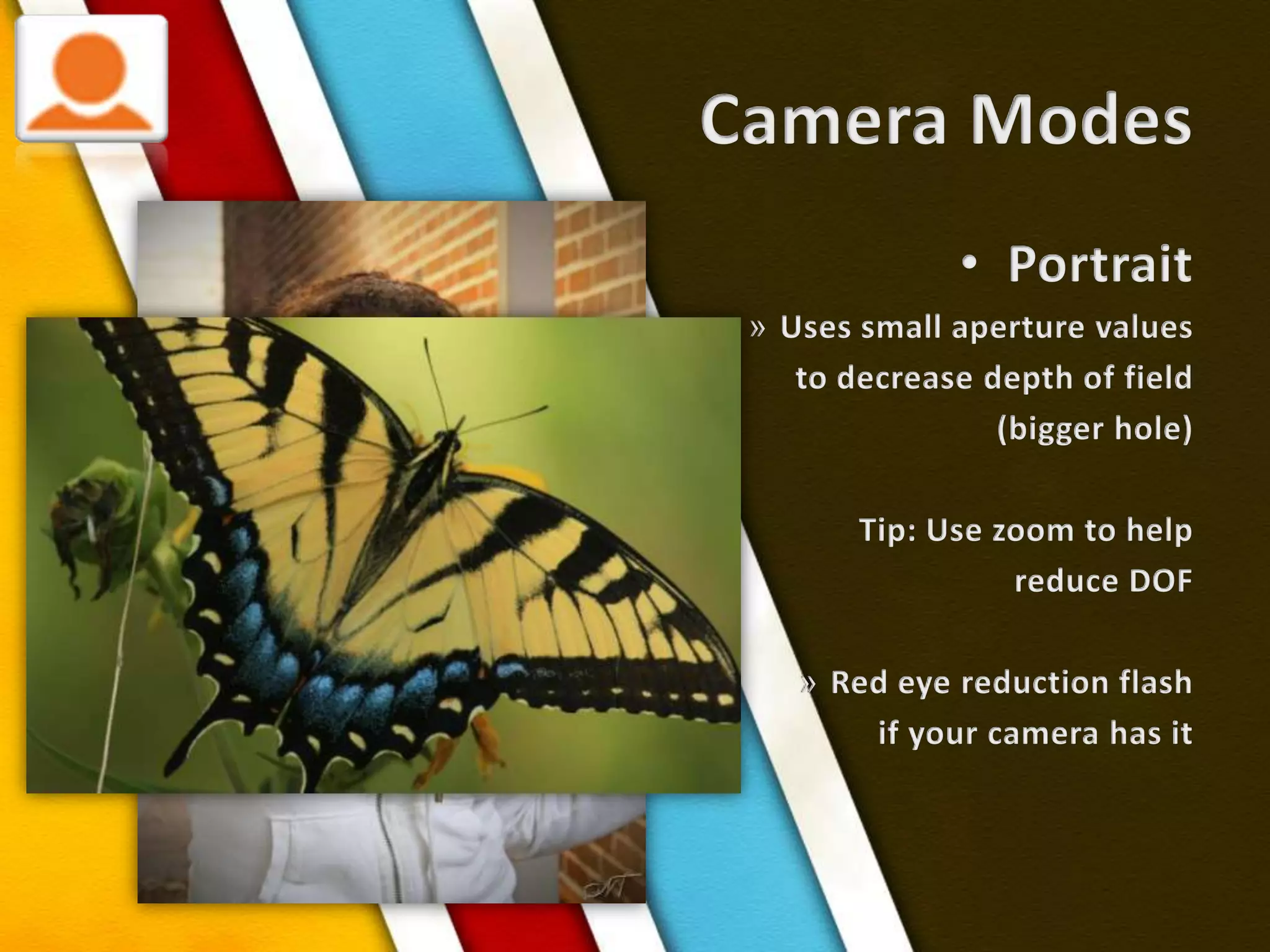
Camera ModesPortraitUses small aperture values to decrease depth of field(bigger hole)Tip: Use zoom to helpreduce DOFRed eye reduction flashif your camera has it
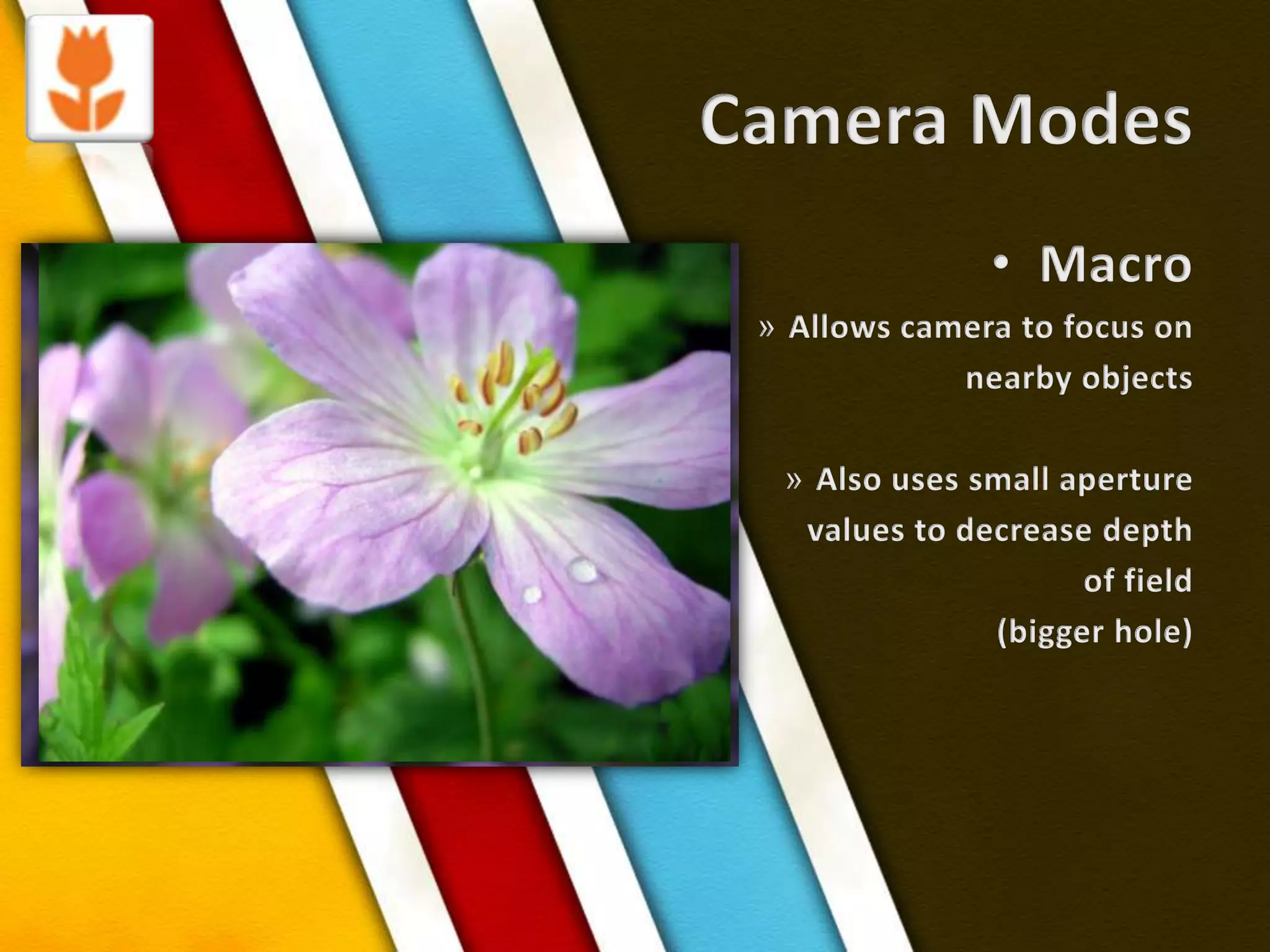
Camera ModesMacroAllows camera to focus on nearby objectsAlso uses small aperture values to decrease depth of field(bigger hole)
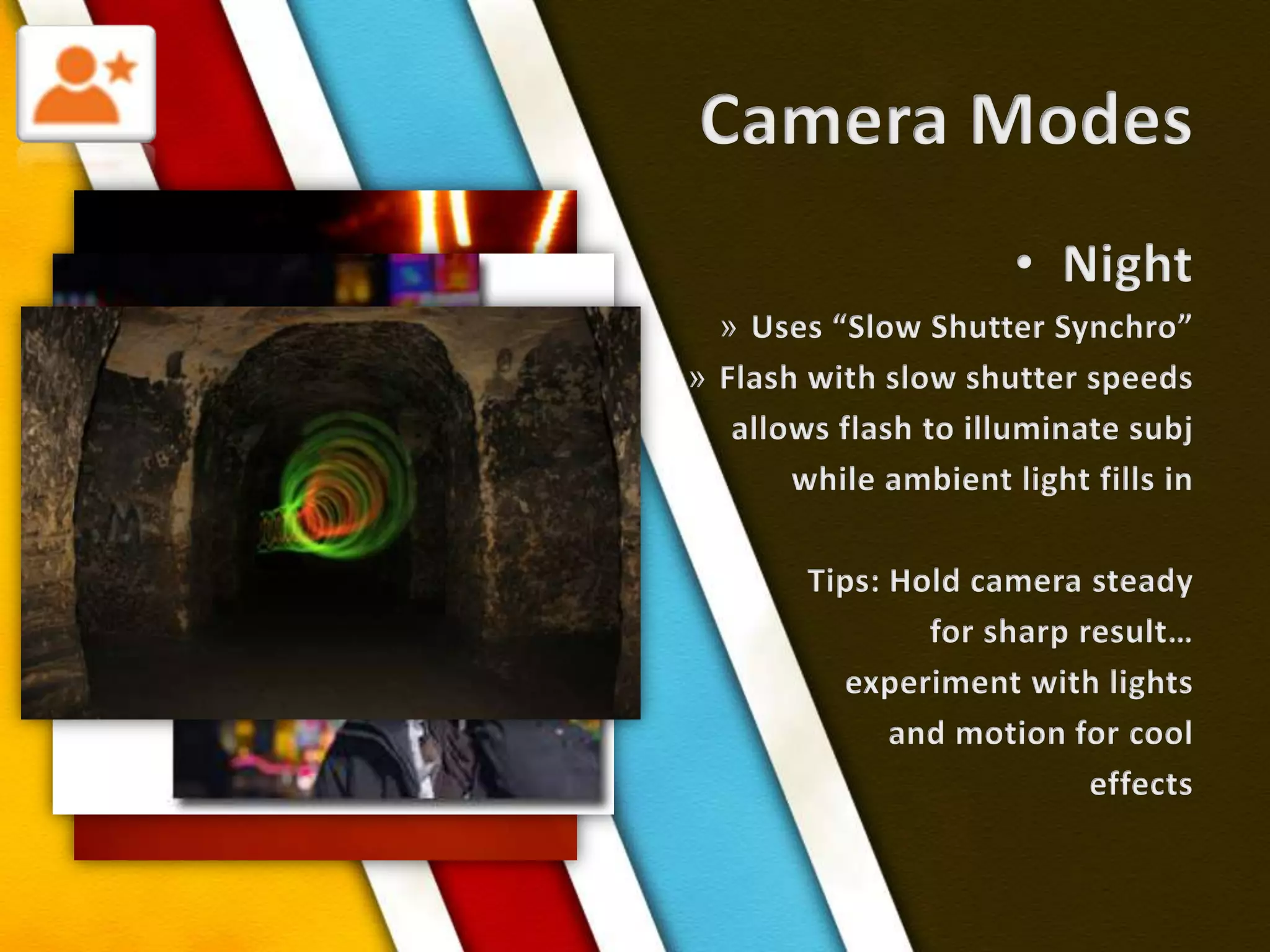
Camera ModesNightUses “Slow Shutter Synchro”Flash with slow shutter speedsallows flash to illuminate subjwhile ambient light fills inTips: Hold camera steadyfor sharp result…experiment with lightsand motion for cooleffects
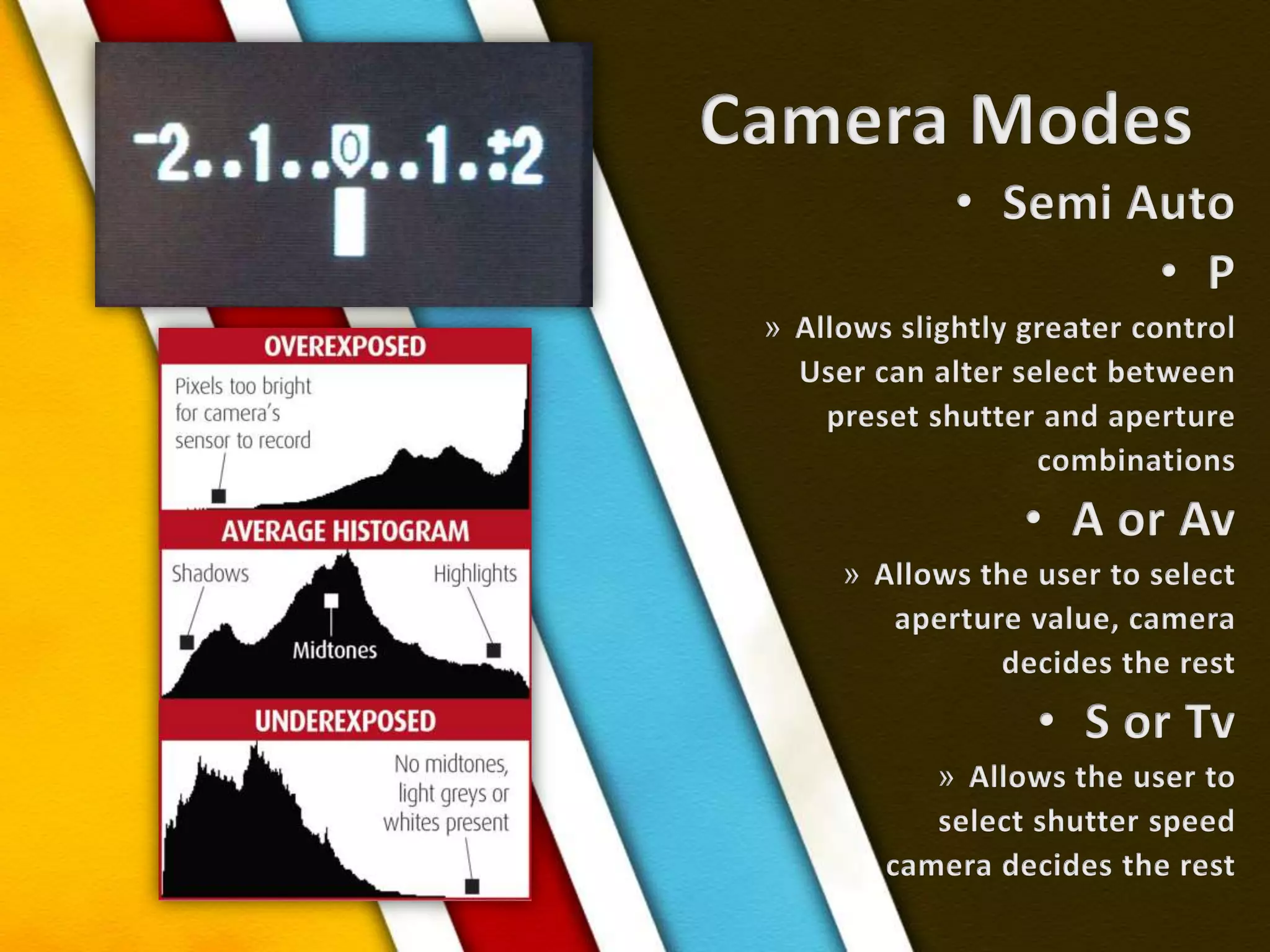
Camera ModesSemi AutoPAllows slightly greater controlUser can alter select betweenpreset shutter and aperture combinationsA or AvAllows the user to select aperture value, cameradecides the rest S or TvAllows the user to select shutter speedcamera decides the rest
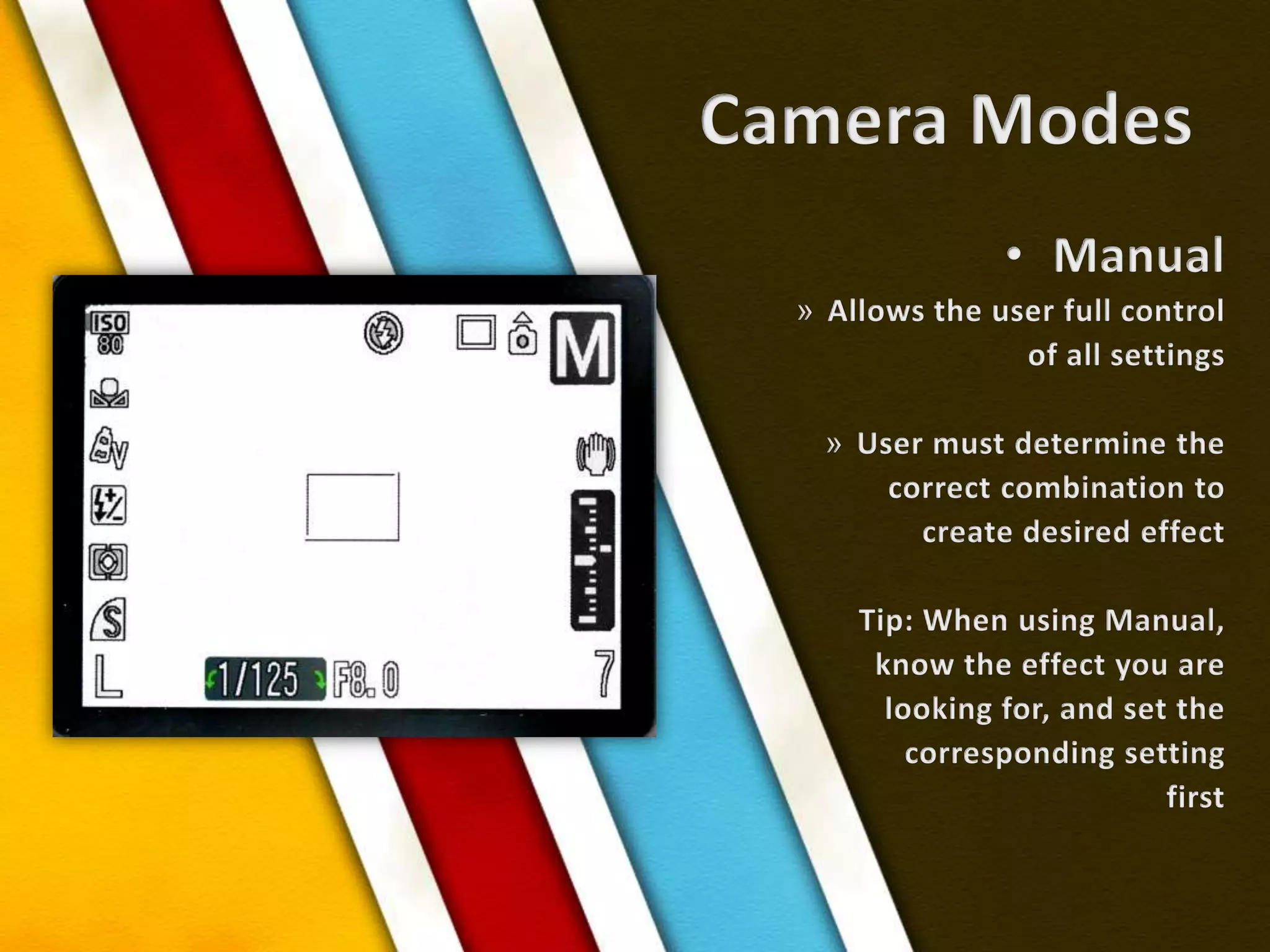
Camera ModesManualAllows the user full control of all settingsUser must determine the correct combination tocreate desired effectTip: When using Manual,know the effect you arelooking for, and set thecorresponding setting first
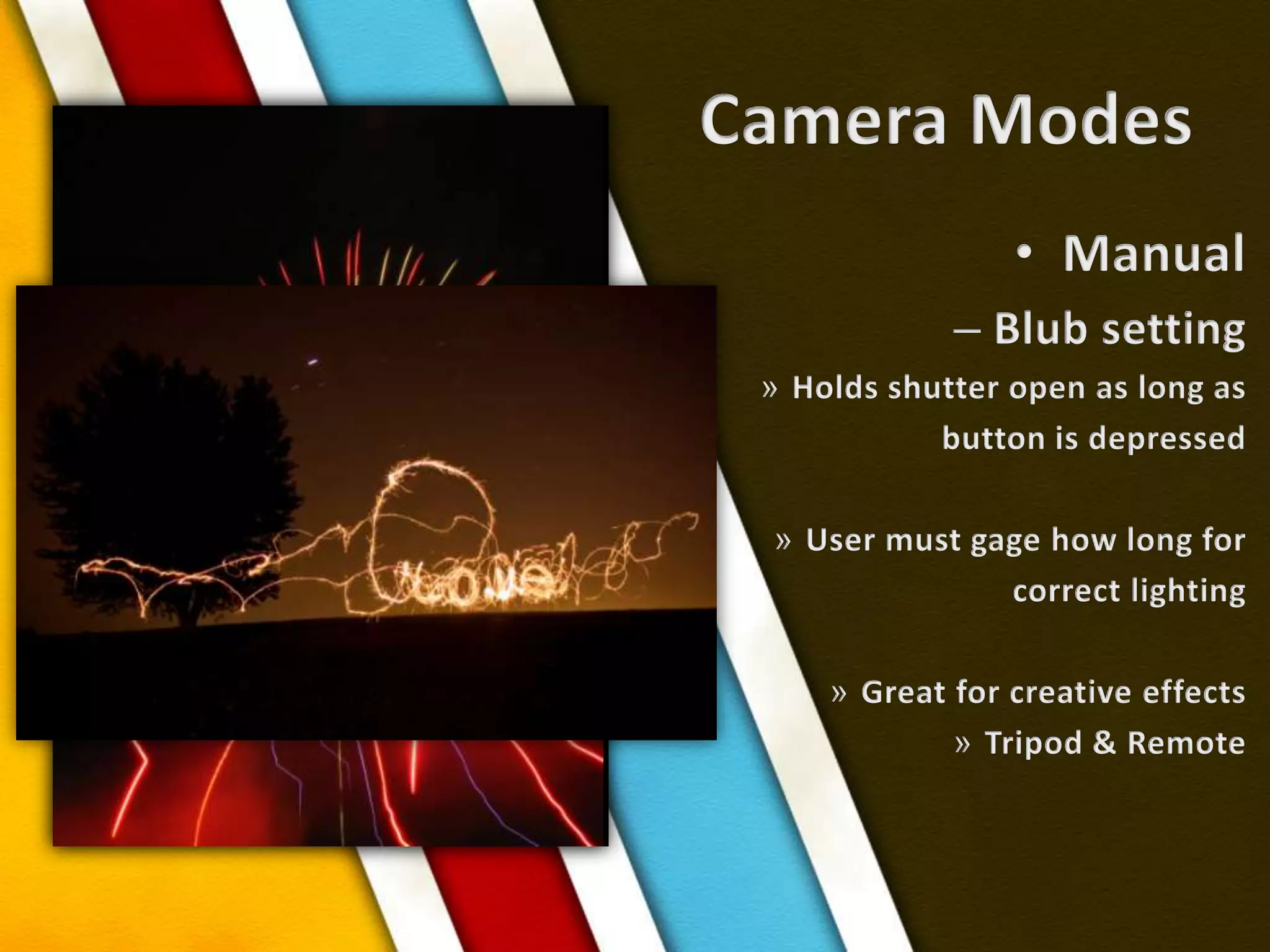
Camera ModesManualBlub settingHolds shutter open as long asbutton is depressedUser must gage how long forcorrect lighting Great for creative effectsTripod & Remote
Tricks!Fill the FrameColor or B&W?The Rule of 1/3sFocus LockLineOrientationDepth of FieldPerspective
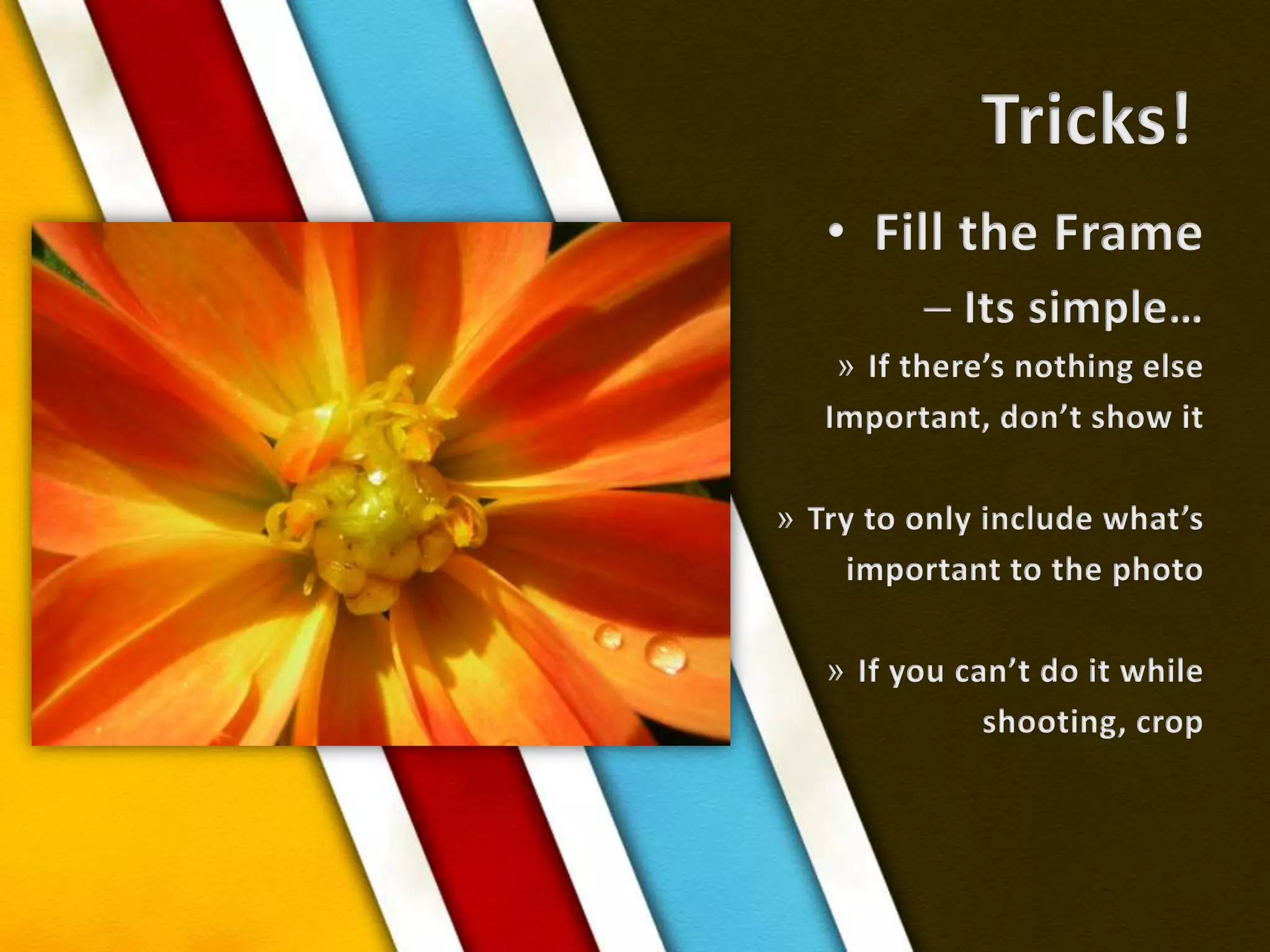
Tricks!Fill the FrameIts simple…If there’s nothing elseImportant, don’t show itTry to only include what’s important to the photoIf you can’t do it while shooting, crop
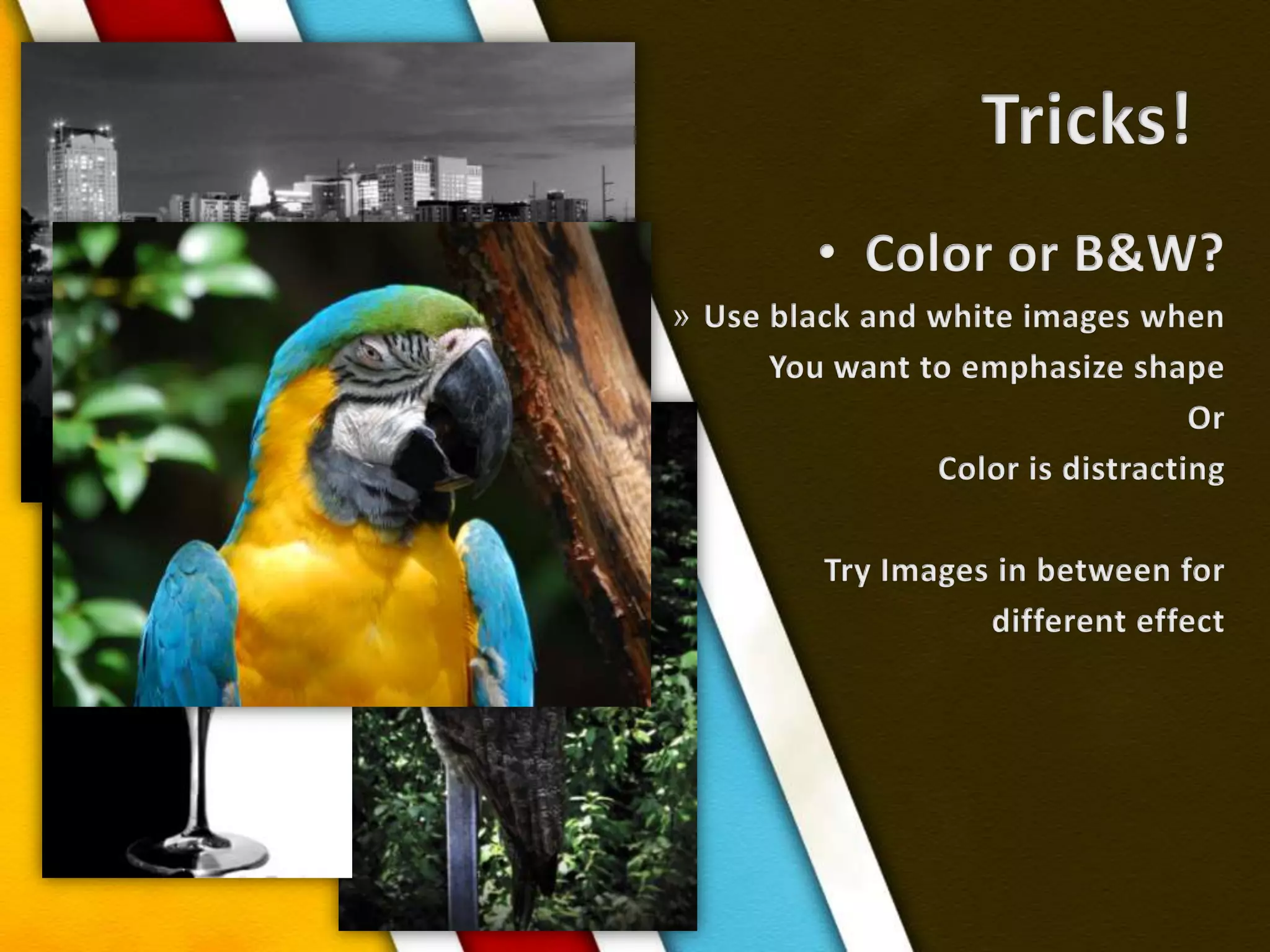
Tricks!Color or B&W?Use black and white images whenYou want to emphasize shapeOrColor is distractingTry Images in between for different effect
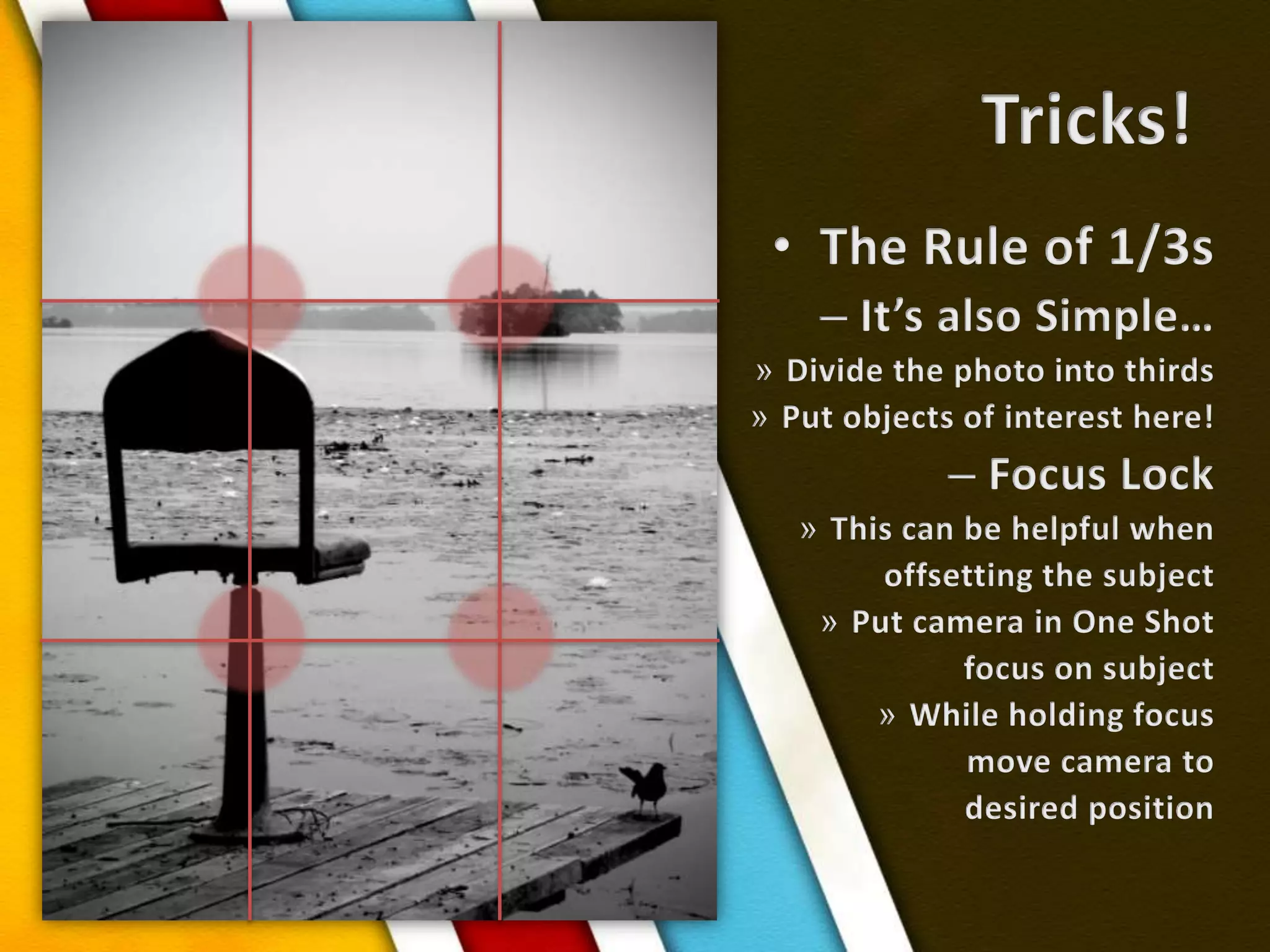
Tricks!The Rule of 1/3sIt’s also Simple…Divide the photo into thirdsPut objects of interest here!Focus LockThis can be helpful whenoffsetting the subjectPut camera in One Shotfocus on subjectWhile holding focusmove camera to desired position
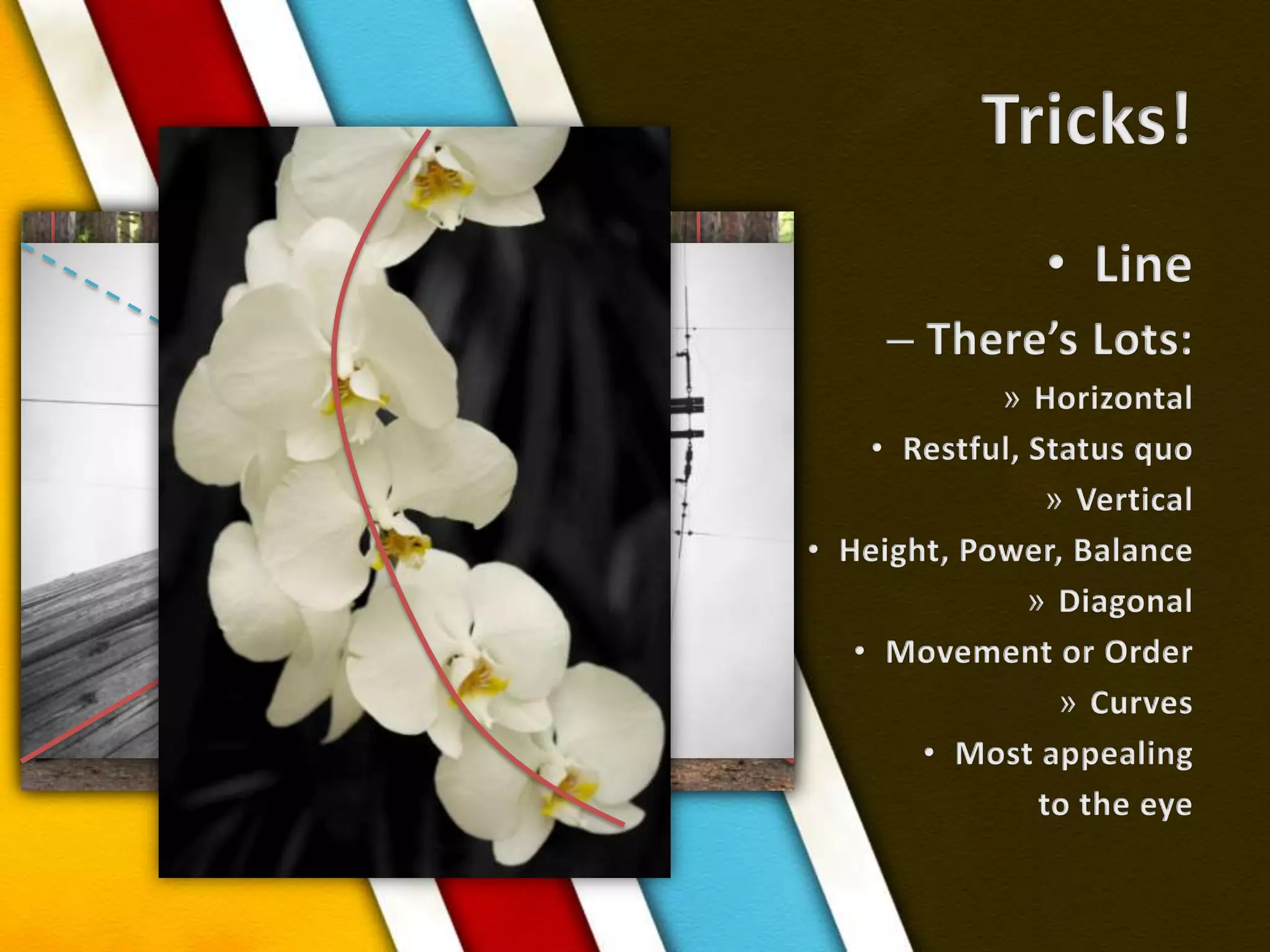
Tricks!LineThere’s Lots:HorizontalRestful, Status quoVerticalHeight, Power, BalanceDiagonalMovement or OrderCurvesMost appealingto the eye
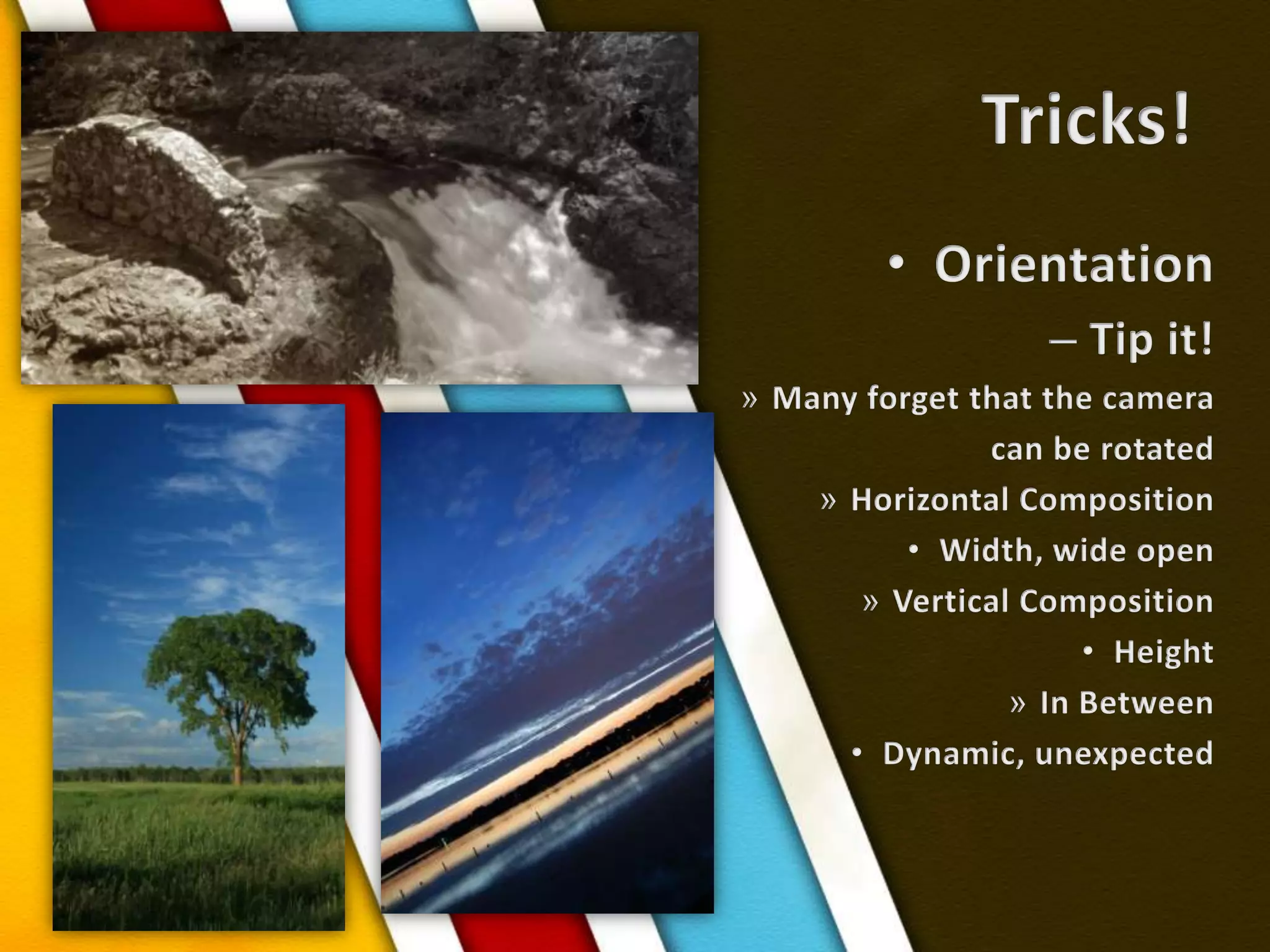
Tricks!OrientationTip it!Many forget that the cameracan be rotatedHorizontal CompositionWidth, wide openVertical CompositionHeightIn BetweenDynamic, unexpected
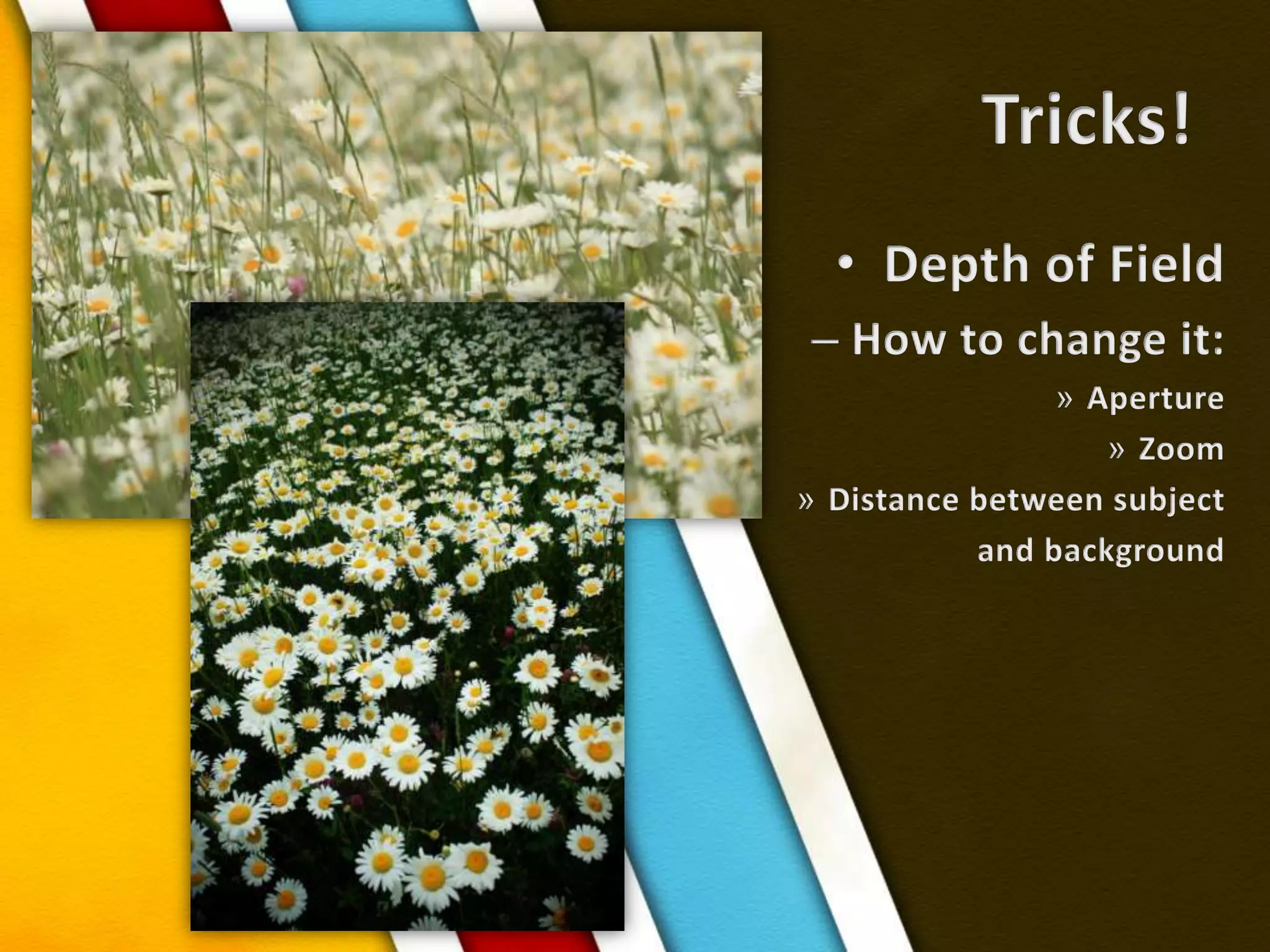
Tricks!Depth of FieldHow to change it:ApertureZoomDistance between subject and background
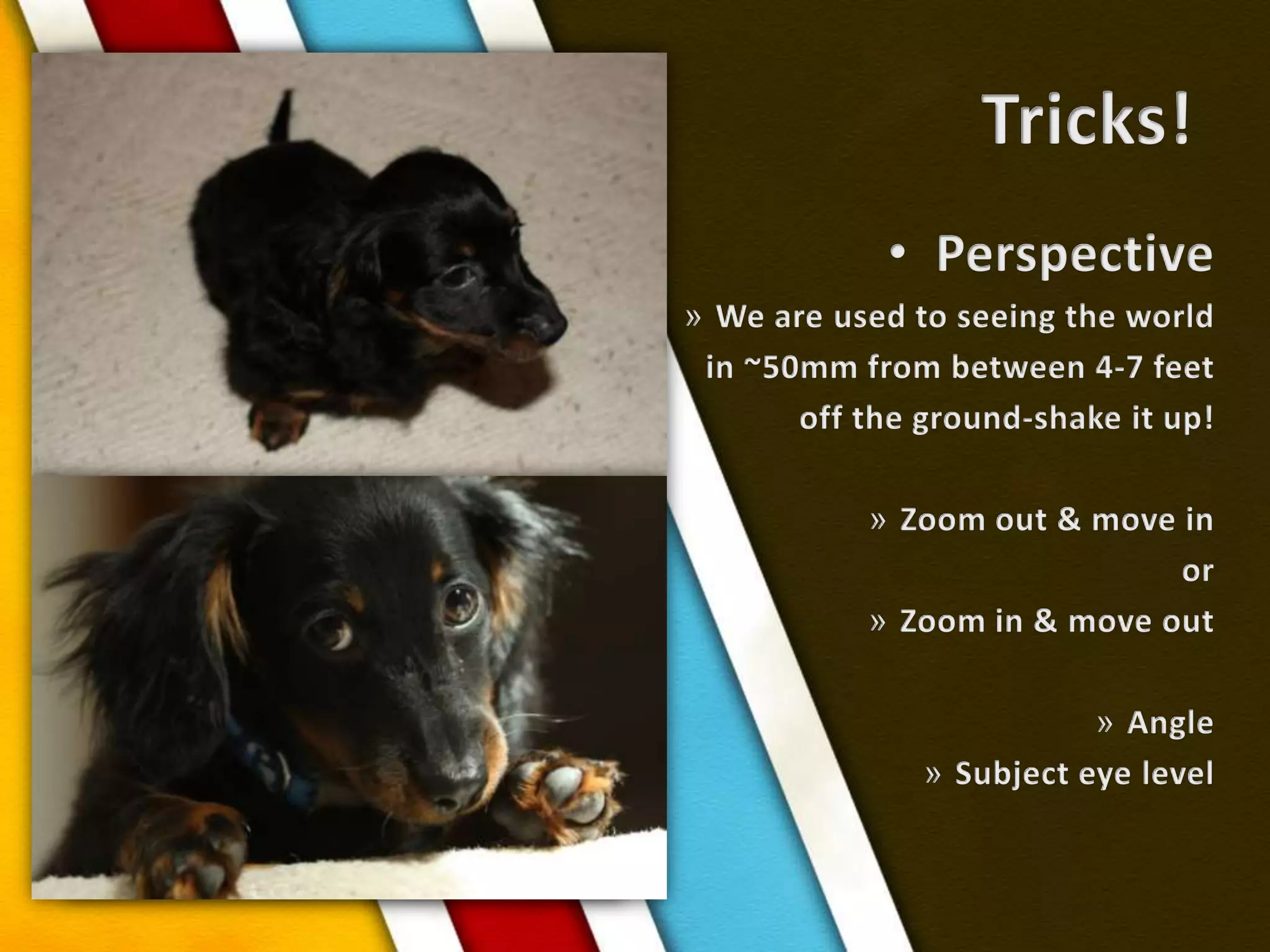
Tricks!PerspectiveWe are used to seeing the world in ~50mm from between 4-7 feet off the ground-shake it up!Zoom out & move inorZoom in & move outAngleSubject eye level
PracticeExercisesExperiment with various functions and featuresAsk questions

Learn Digital Photography