large scale NLP using python's NLTK on Azure
I saw Mr. Washington.
This is your saw… I told you!
Is this really a chainsaw?
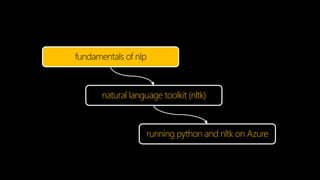
fundamentals of nlp
natural language toolkit (nltk)
running python and nltk on Azure
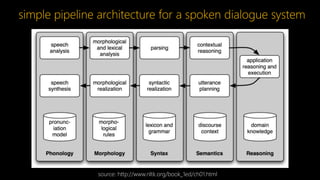
source: http://www.nltk.org/book_1ed/ch01.html
simple pipeline architecture for a spoken dialogue system
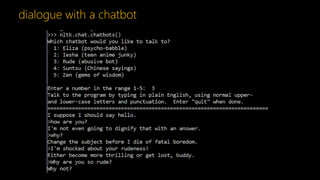
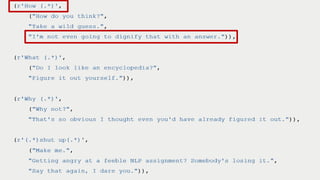
dialogue with a chatbot
identify language
tokenize & tag part of speech (pos)
identify named entities
corpora and lexical resources
corpus is a large body of text
lexical resource is a collection words
associated with additional information
e.g. brown corpus
first million-word electronic corpus of
english, created in 1961 at brown university
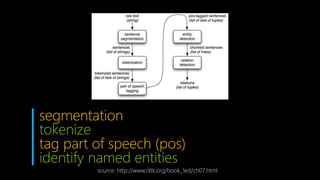
segmentation
tokenize
tag part of speech (pos)
identify named entities
source: http://www.nltk.org/book_1ed/ch07.html
entity detection using chunking
fundamentals of nlp
natural language toolkit (nltk)
running python and nltk on Azure
text as a sequence of words and punctuation
represented as a list
sent = [‘I', ‘love', ‘Dublin', ‘!']
upper_sent = [w.upper() for w in sent]
downloading corpus and lexical resources
nltk.download(‘all’)
nltk.download(‘brown’)
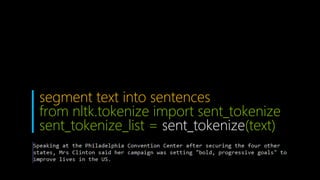
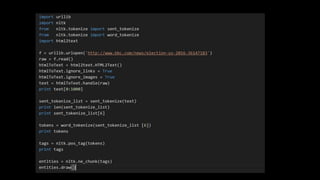
segment text into sentences
from nltk.tokenize import sent_tokenize
sent_tokenize_list = sent_tokenize(text)
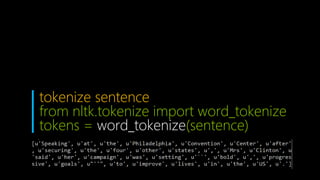
tokenize sentence
from nltk.tokenize import word_tokenize
tokens = word_tokenize(sentence)
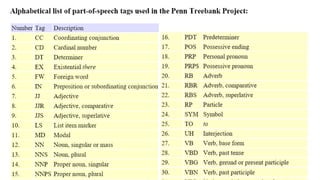
tag part of speech (pos)
tags = nltk.pos_tag(tokens)
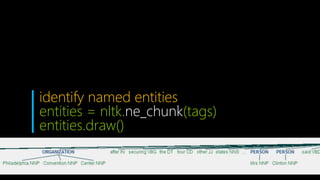
identify named entities
entities = nltk.ne_chunk(tags)
entities.draw()
language recognition
import langid
lang = langid.classify(text)[0]
fundamentals of nlp
natural language toolkit (nltk)
running python and nltk on Azure
azure cloud services
azure webjobs
azure functions
azure cloud services & python
pip’s requirements.txt
PowerShell scripts for setup and launch
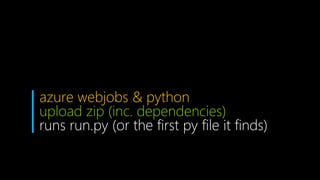
azure webjobs & python
upload zip (inc. dependencies)
runs run.py (or the first py file it finds)
configuration settings
key = os.environ["STORAGE_KEY"]
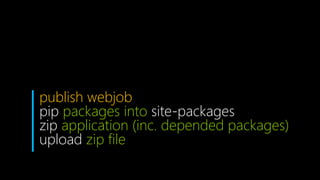
publish webjob
pip packages into site-packages
zip application (inc. depended packages)
upload zip file
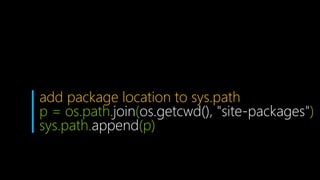
add package location to sys.path
p = os.path.join(os.getcwd(), "site-packages")
sys.path.append(p)
downloading corpus
D:localAppDatanltk_data
if os.getenv("DOWNLOAD", True) == True :
dest = os.environ[“NLTK_DATA_DIR"]
nltk.download('all', dest)
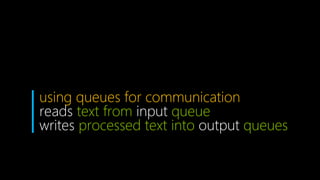
using queues for communication
reads text from input queue
writes processed text into output queues
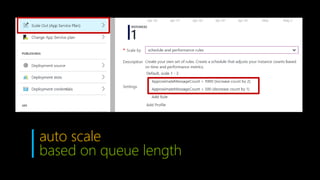
auto scale
based on queue length
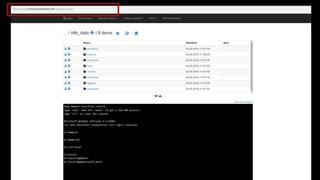
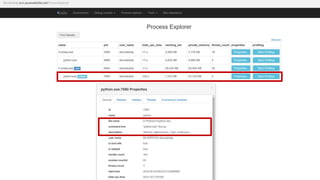
debugging python webjobs
local: vs and webjob simulator
cloud: use kudu (xyz.scm.azurewebsites.net)
and logs
nltk is a great toolkit to perform nlp tasks
azure provides an elastic and scalable
platform to run python nltk jobs
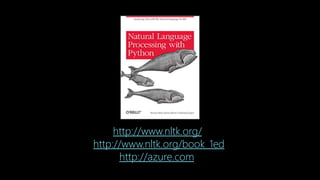
http://www.nltk.org/
http://www.nltk.org/book_1ed
http://azure.com/

Large scale nlp using python's nltk on azure

Editor's Notes

  • #5  Simple Pipeline Architecture for a Spoken Dialogue System: Spoken input (top left) is analyzed, words are recognized, sentences are parsed and interpreted in context, application-specific actions take place (top right); a response is planned, realized as a syntactic structure, then to suitably inflected words, and finally to spoken output; different types of linguistic knowledge inform each stage of the process. Dialogue systems give us an opportunity to mention the commonly assumed pipeline for NLP. Along the top of the diagram, moving from left to right, is a "pipeline" of some language understanding components. These map from speech input via syntactic parsing to some kind of meaning representation. Along the middle, moving from right to left, is the reverse pipeline of components for converting concepts to speech. These components make up the dynamic aspects of the system. At the bottom of the diagram are some representative bodies of static information: the repositories of language-related data that the processing components draw on to do their work