Kubernetes
How to orchestrate Containers
Johannes Maximilian Scheuermann
Karlsruhe, 19.03.2015
Images: http://upload.wikimedia.org/wikipedia/en/thumb/9/9f/Twitter_bird_logo_2012.svg/1267px-
Twitter_bird_logo_2012.svg.png , https://developers.google.com/+/branding-guidelines?hl=de
About me
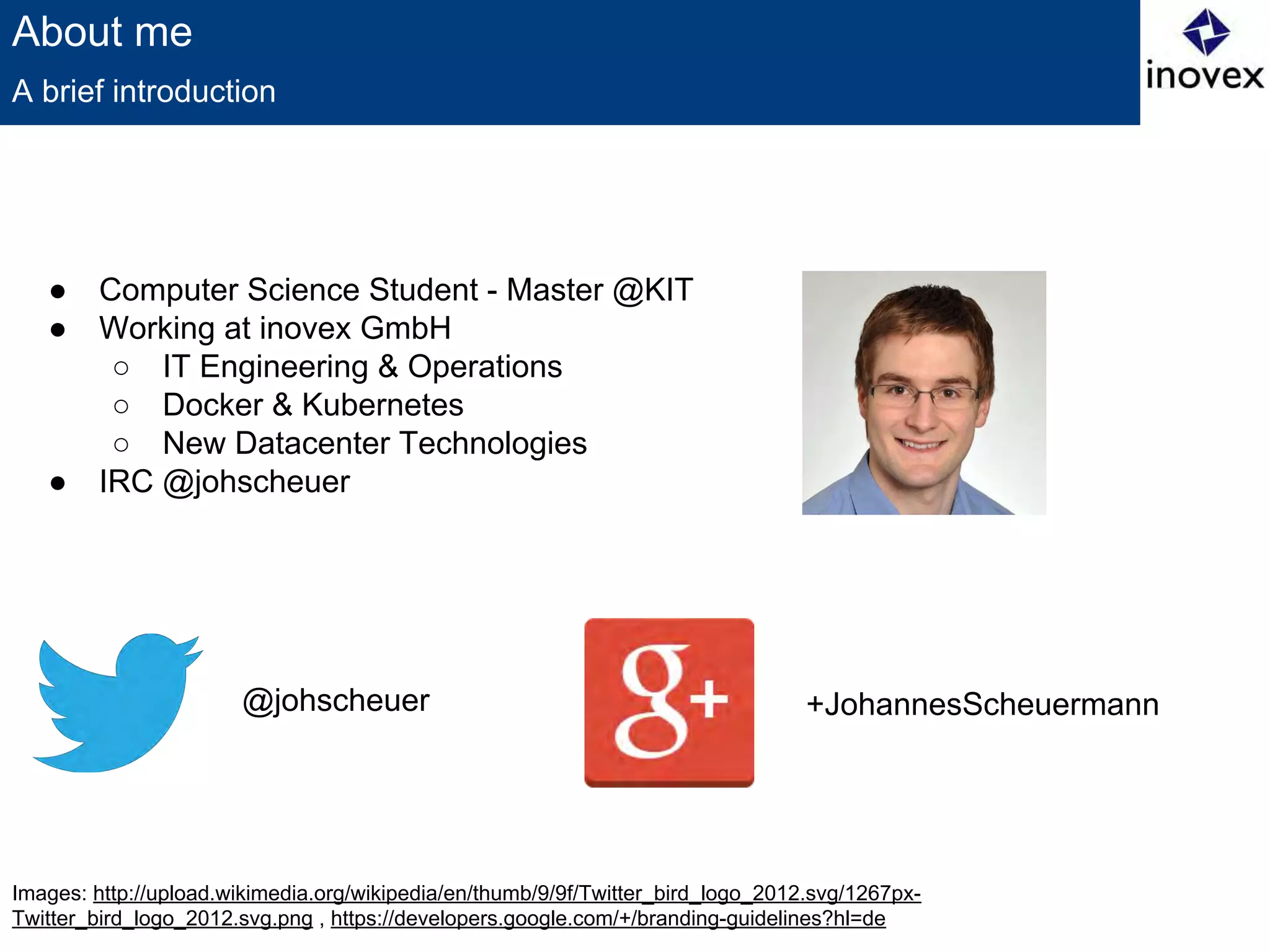
● Computer Science Student - Master @KIT
● Working at inovex GmbH
○ IT Engineering & Operations
○ Docker & Kubernetes
○ New Datacenter Technologies
● IRC @johscheuer
A brief introduction
@johscheuer +JohannesScheuermann
image: http://xkcd.com/908
Orchestration
● Who use Docker?
● Who use Docker productiv?
● Who use Docker (productiv) on more than one machine?
● How do you orchestrate/scale you Containers?
Some Questions
Image: https://github.com/GoogleCloudPlatform/kubernetes/blob/master/logo.png
Kubernetes
● Greek for pilot or helmsman of a ship
● Open Source cluster manager from Google
● Managing containerized applications across a cluster of nodes
● Kubernetes is:
○ lean
○ portable
○ extensible
○ self-healing
● Has Master and Node (Minion) components
● Easy Service deployments, updates and scalability
● Can run basically on every Linux platform
Managing Containers
Kubernetes
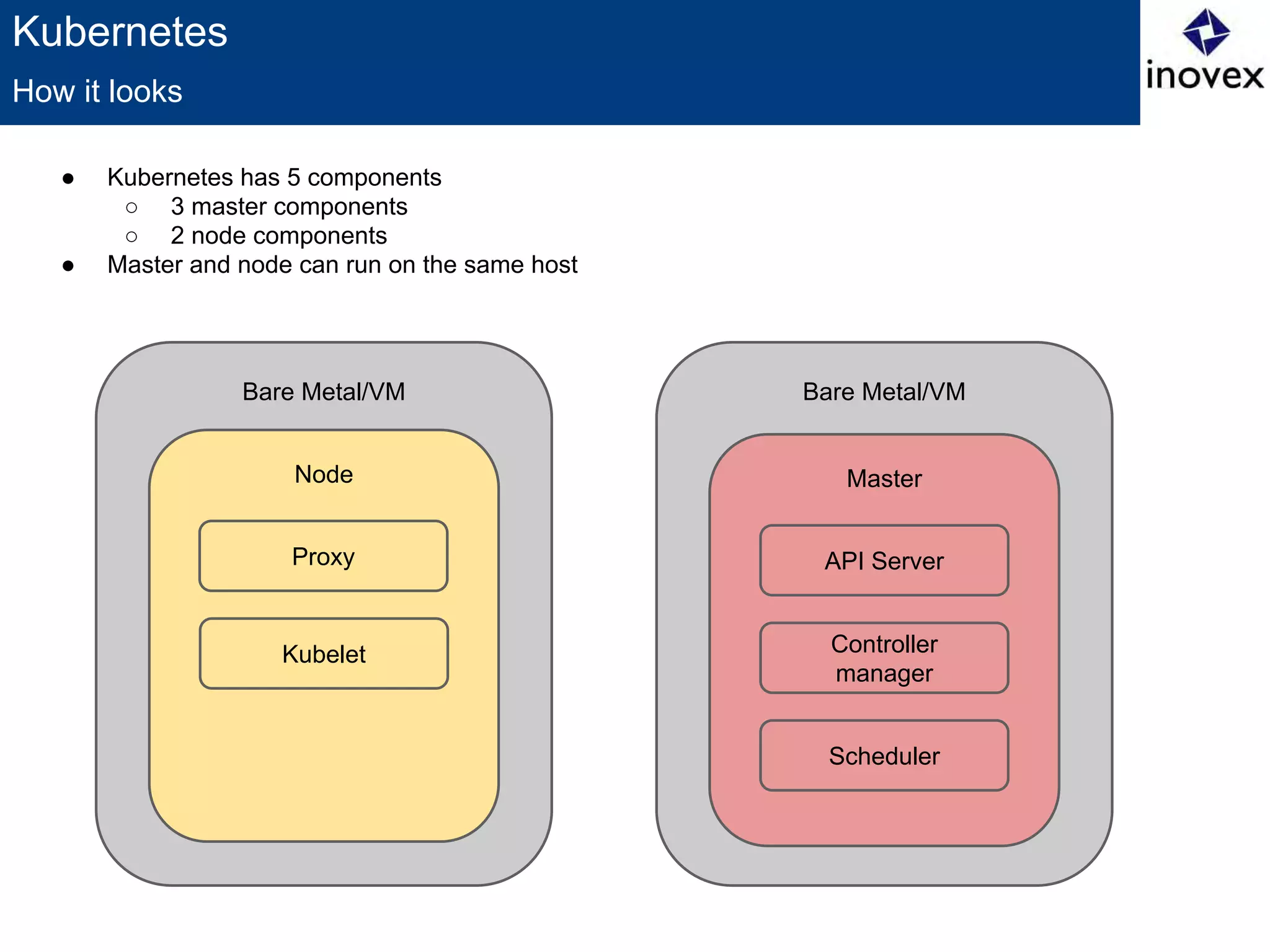
How it looks
Bare Metal/VM
Node
Proxy
Kubelet
Bare Metal/VM
Master
API Server
Controller
manager
Scheduler
● Kubernetes has 5 components
○ 3 master components
○ 2 node components
● Master and node can run on the same host
Kubernetes
● Can be physical or a VM
● Has the services which are necessary to run Pods and to be managed by the
master
○ Includes Docker, kubelet and a network proxy
● Node status describes current status
○ HostIP, Node Phase, Node Condition
● Node is created by cloud providers or from physical or virtual machines
○ Kubernetes only creates a representation
○ After creation it will check whether the node is valid or not
● Node Controller manages Node objects
○ cluster-wide synchronization (create/delete representation)
○ single node life-cycle managment
○ unable to provision nodes
Node (before known as Minion)
Kubernetes
● Clusters, the compute recources on top of which the containers are built.
Kubernetes can run on every Linux-Distro.
● Pods, a colocated group of (Docker) containers with shared volumes. Is the
smallest deployable unit which can be created, scheduled and managed.
You should use a replication controller to create pods.
● Replication controllers, manages the lifecycle of pods. Ensuring that a
specified number of pods are running at any given time by killing or creating
pods as needed.
● Services, provides a single, stable name and address for a set of pods.
They act as basic load balancers.
● Labels, used to organize and select groups of objects based on key:value
pairs.
Concept
Kubernetes
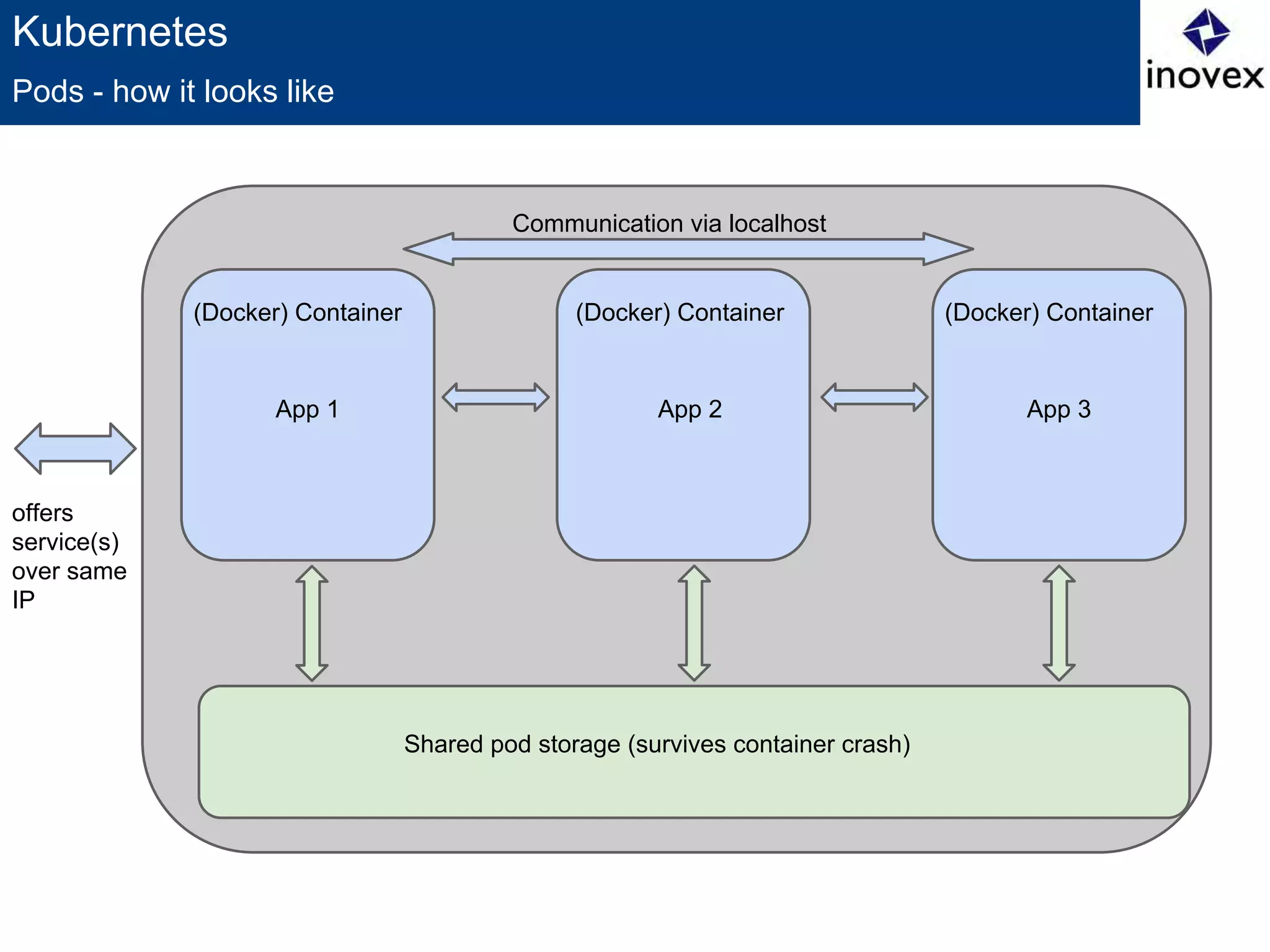
● Logical group/abstraction
● Ephemeral rather than durable
● Shared network and volumes
● Identified by ID or labels
● Should/Can be managed by replication controllers
● Why not just run multiple programs in a single Docker container?
○ Transparency
○ Decoupling Dependencies
○ Ease of use
○ Efficiency
Pods (as in a pod of whales or pea pod)
Kubernetes
Pods - how it looks like
offers
service(s)
over same
IP
Shared pod storage (survives container crash)
App 1
(Docker) Container
App 2
(Docker) Container
App 3
(Docker) Container
Communication via localhost
Kubernetes
{
"id": "myPod",
"kind": "Pod",
"apiVersion": "v1beta1",
"desiredState": {
"manifest": {
"version": "v1beta1",
"id": "myPod",
"containers": [{
"name": "myPod",
"image": "myPod-Container",
"ports": [{"containerPort": 80}]
}]
}
},
"labels": {
"name": "myPod",
"environment": "production"
}
}
How a pod definition lookslike
Kubernetes
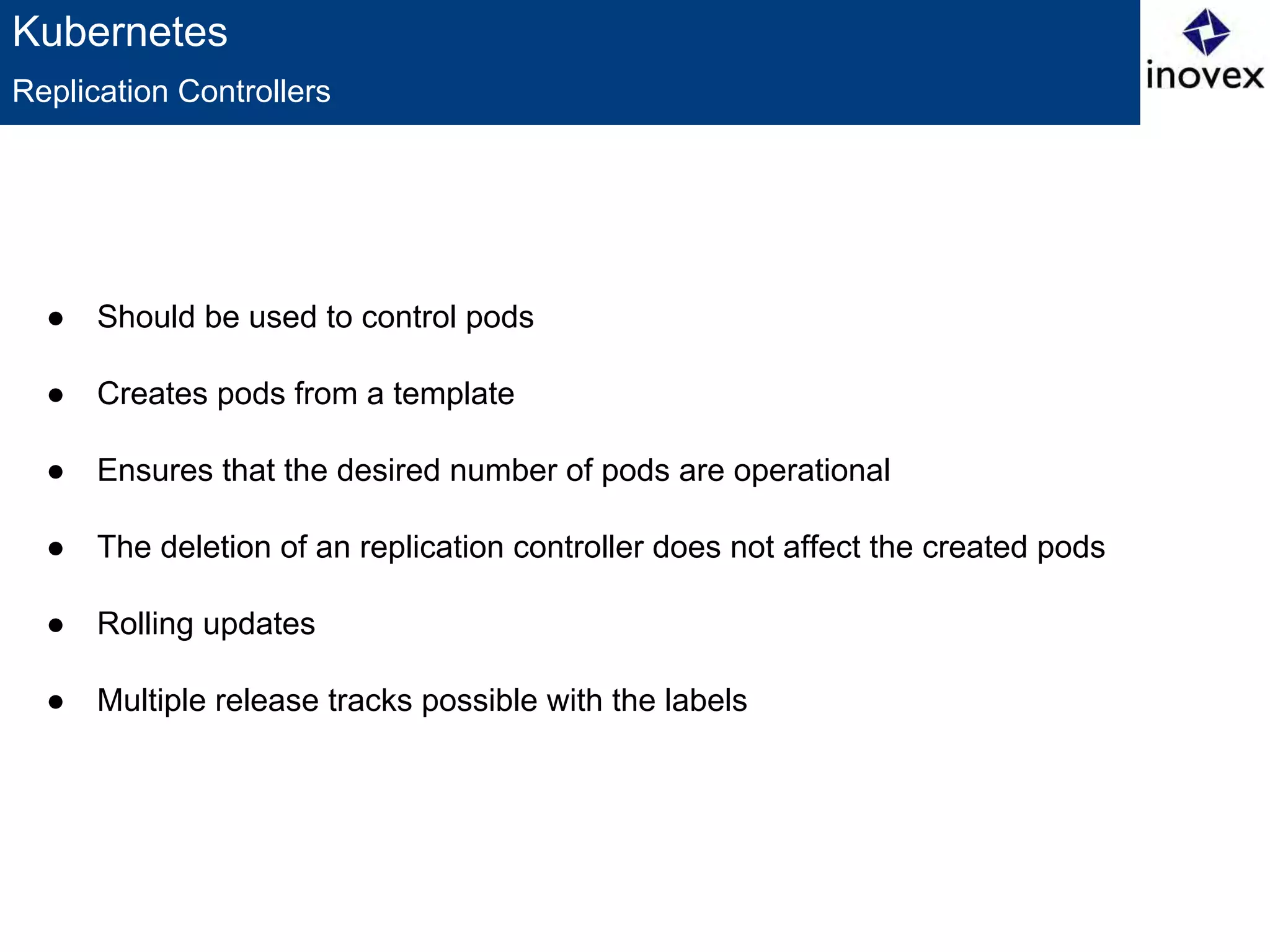
● Should be used to control pods
● Creates pods from a template
● Ensures that the desired number of pods are operational
● The deletion of an replication controller does not affect the created pods
● Rolling updates
● Multiple release tracks possible with the labels
Replication Controllers
Kubernetes
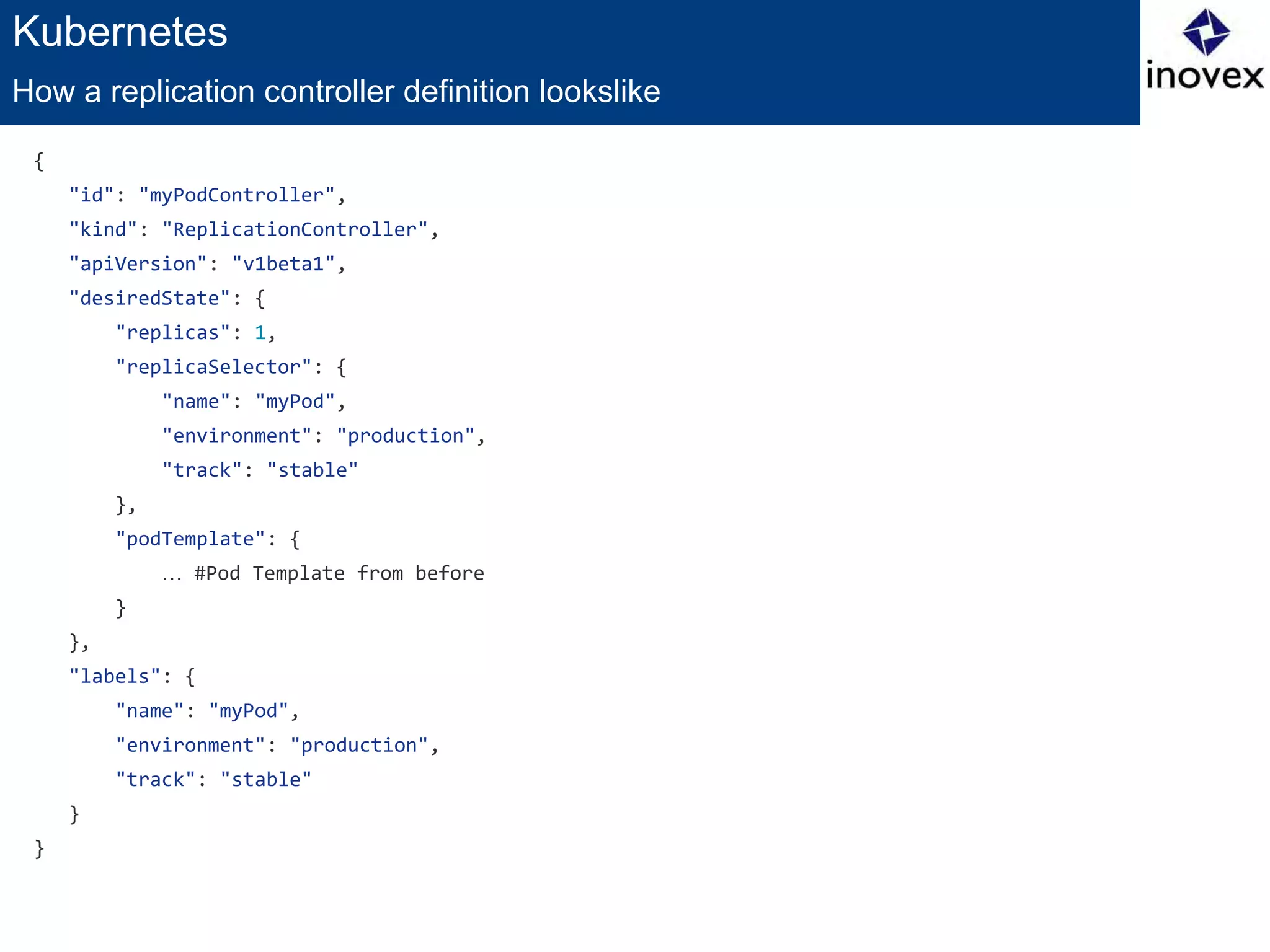
{
"id": "myPodController",
"kind": "ReplicationController",
"apiVersion": "v1beta1",
"desiredState": {
"replicas": 1,
"replicaSelector": {
"name": "myPod",
"environment": "production",
"track": "stable"
},
"podTemplate": {
… #Pod Template from before
}
},
"labels": {
"name": "myPod",
"environment": "production",
"track": "stable"
}
}
How a replication controller definition lookslike
Kubernetes
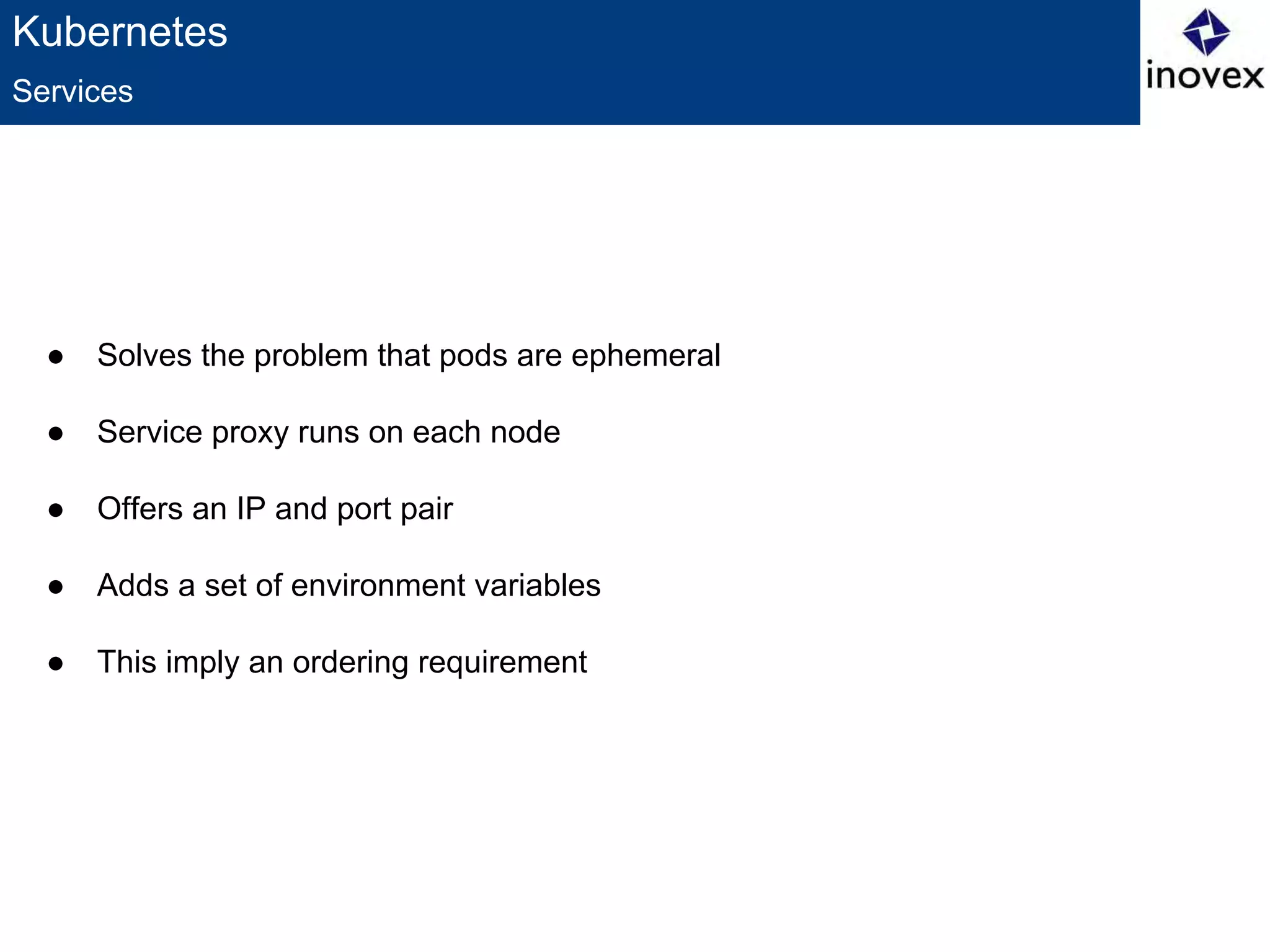
● Solves the problem that pods are ephemeral
● Service proxy runs on each node
● Offers an IP and port pair
● Adds a set of environment variables
● This imply an ordering requirement
Services
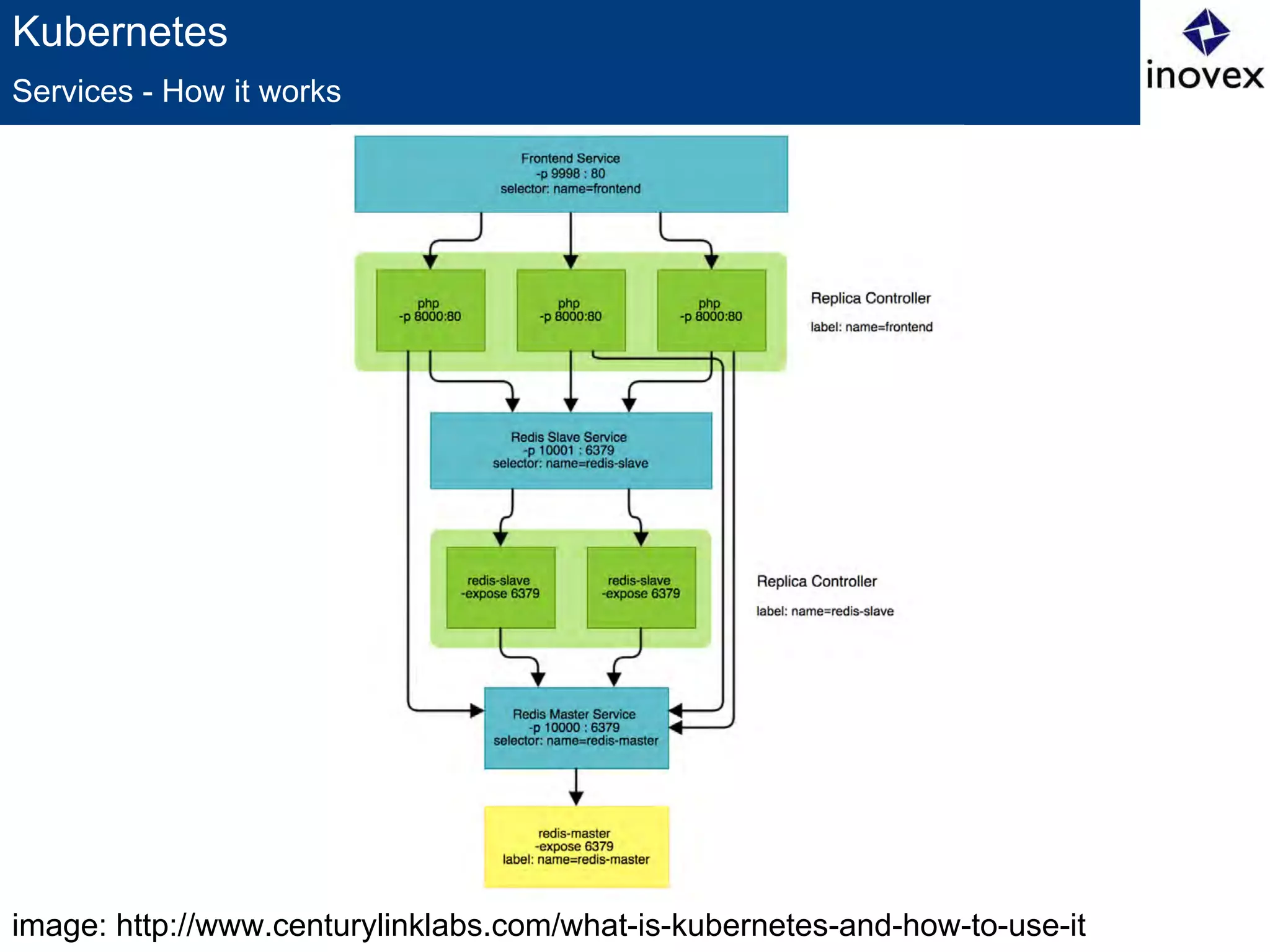
image: http://www.centurylinklabs.com/what-is-kubernetes-and-how-to-use-it
Kubernetes
Services - How it works
Kubernetes
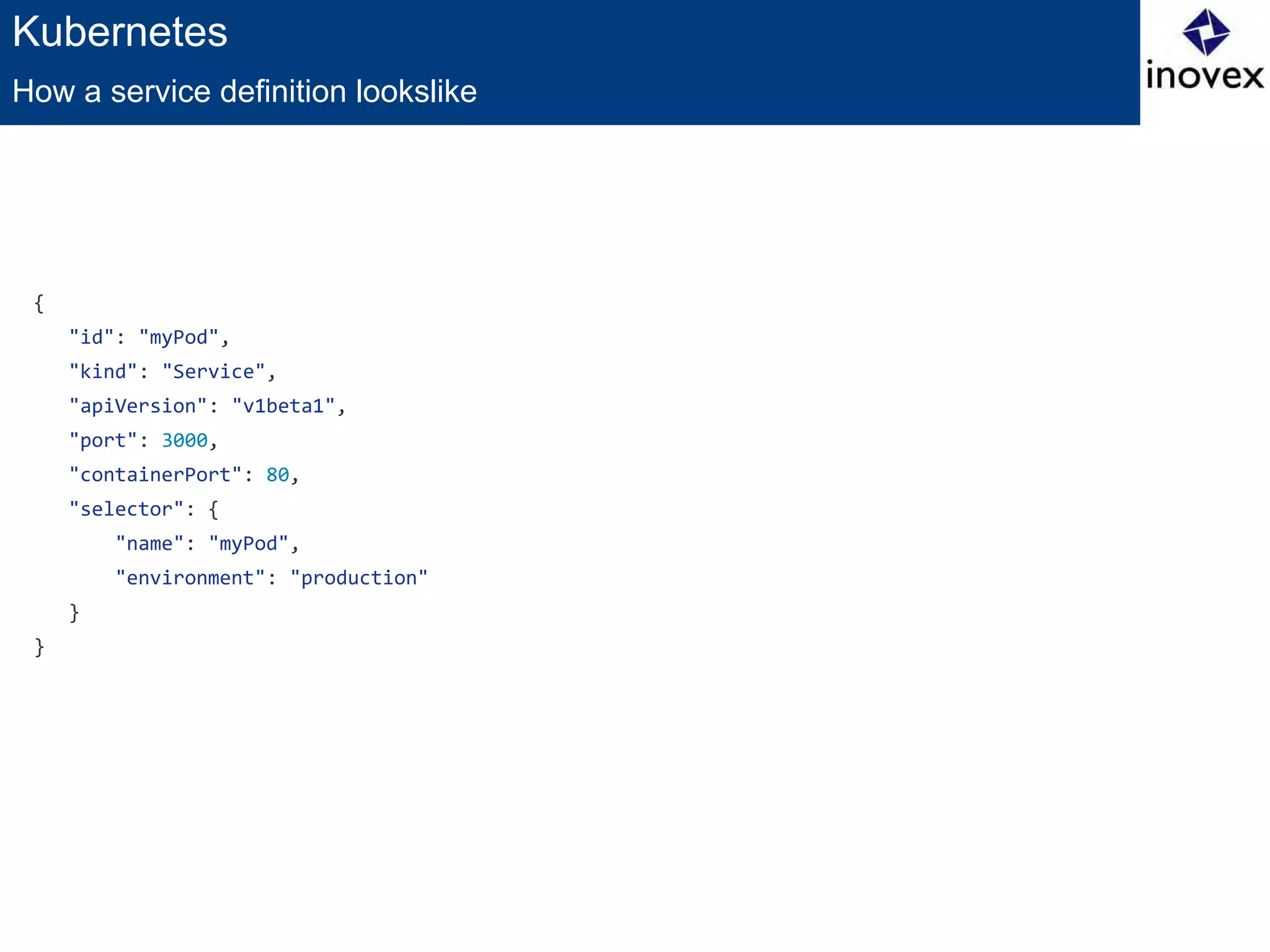
{
"id": "myPod",
"kind": "Service",
"apiVersion": "v1beta1",
"port": 3000,
"containerPort": 80,
"selector": {
"name": "myPod",
"environment": "production"
}
}
How a service definition lookslike
Kubernetes
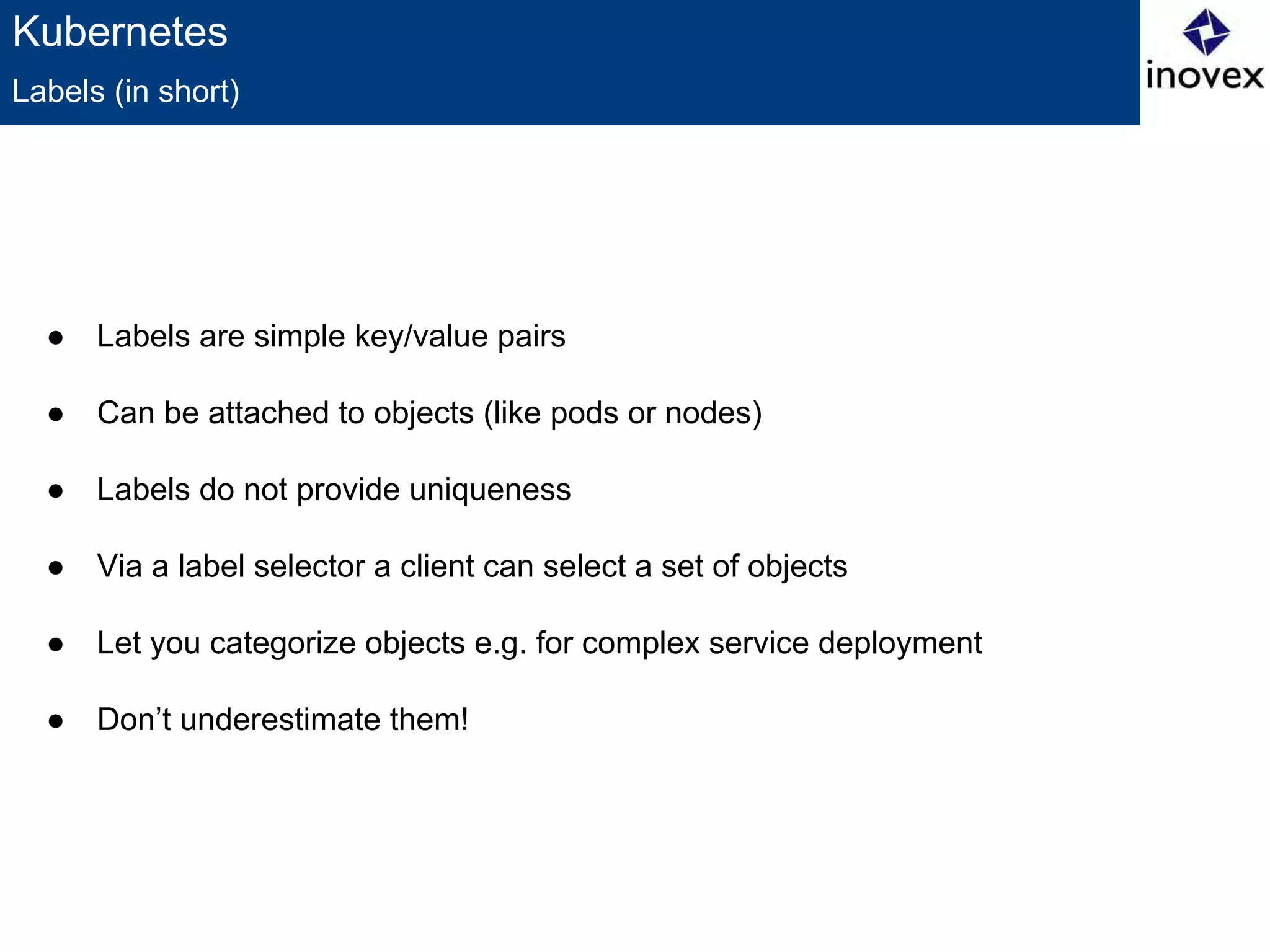
● Labels are simple key/value pairs
● Can be attached to objects (like pods or nodes)
● Labels do not provide uniqueness
● Via a label selector a client can select a set of objects
● Let you categorize objects e.g. for complex service deployment
● Don’t underestimate them!
Labels (in short)
Kubernetes
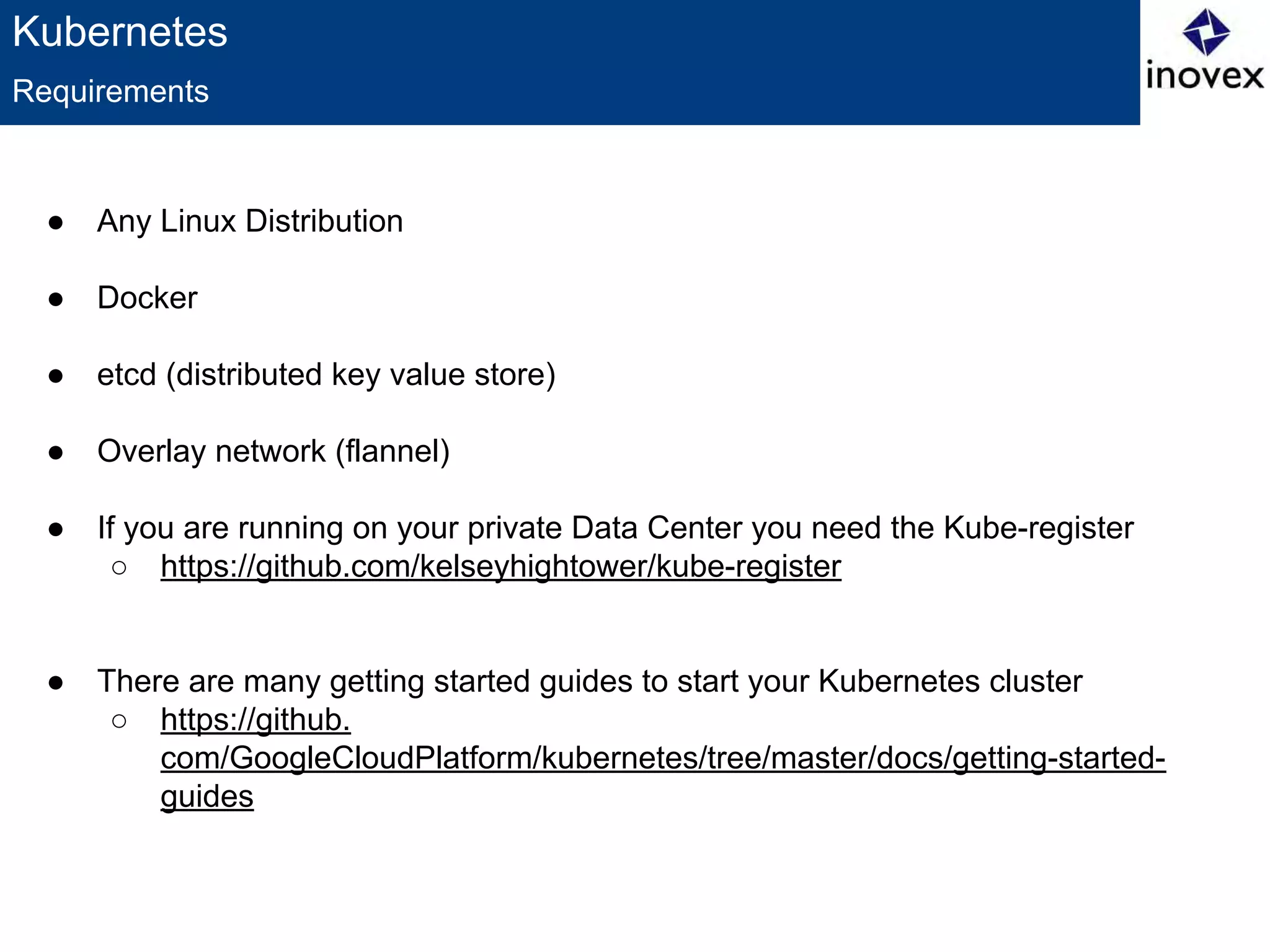
● Any Linux Distribution
● Docker
● etcd (distributed key value store)
● Overlay network (flannel)
● If you are running on your private Data Center you need the Kube-register
○ https://github.com/kelseyhightower/kube-register
● There are many getting started guides to start your Kubernetes cluster
○ https://github.
com/GoogleCloudPlatform/kubernetes/tree/master/docs/getting-started-
guides
Requirements
Kubernetes
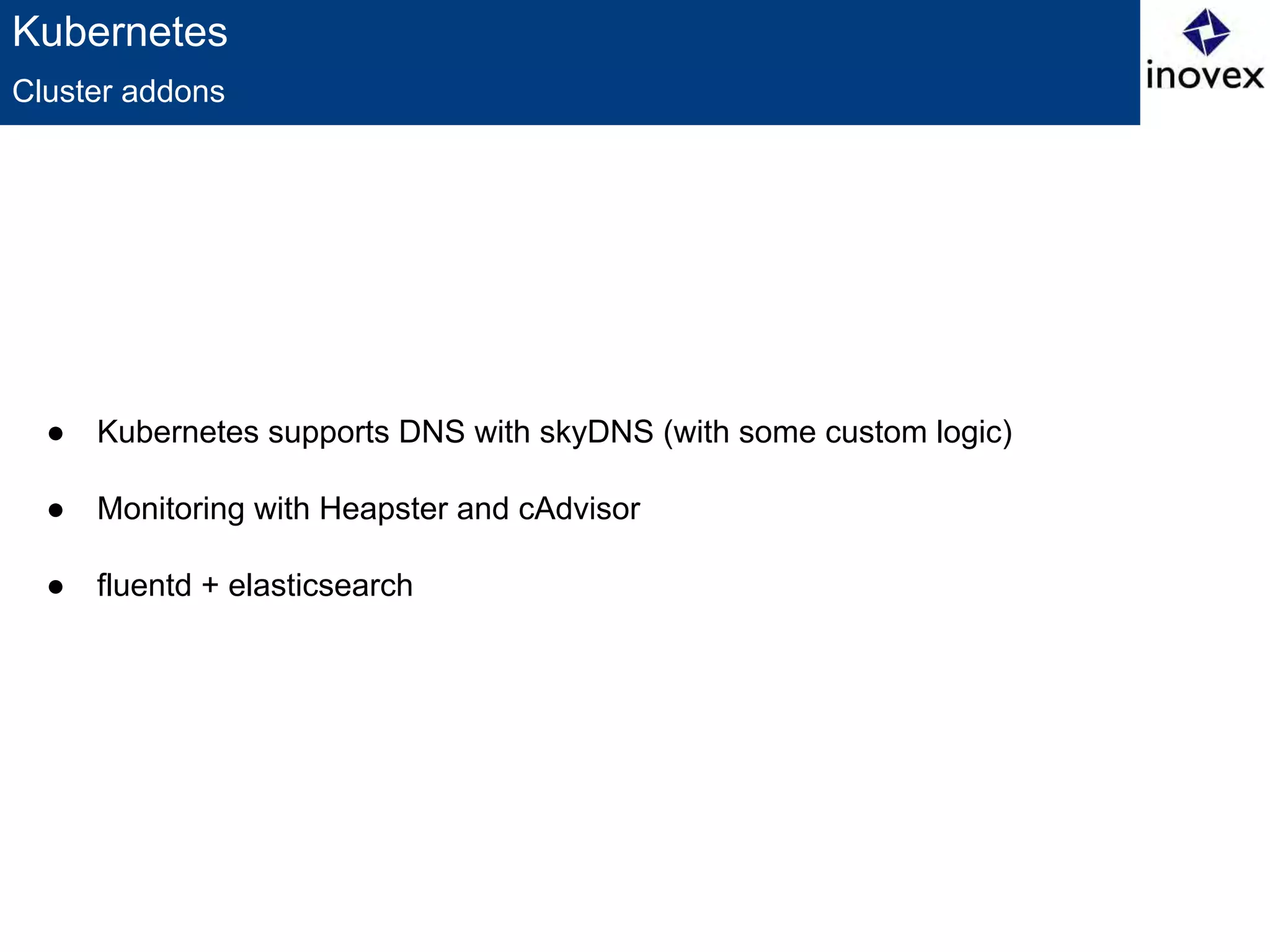
● Kubernetes supports DNS with skyDNS (with some custom logic)
● Monitoring with Heapster and cAdvisor
● fluentd + elasticsearch
Cluster addons
Kubernetes
● You will need an HTTP-Proxy
○ Hipache/Vulcand
● You will need a Provisioning + Config Managment Tool
○ Foreman
○ Puppet/Salt/…
● You will need an overlay Network
○ Kubernetes assign new (public) IP address to each pod
● You should never use image:latest for a container image
● Kubernetes Master is SPOF
● No autoscaler at the moment
● Pod ordering ordering requirement
○ SkyDNS can help
Some challenges
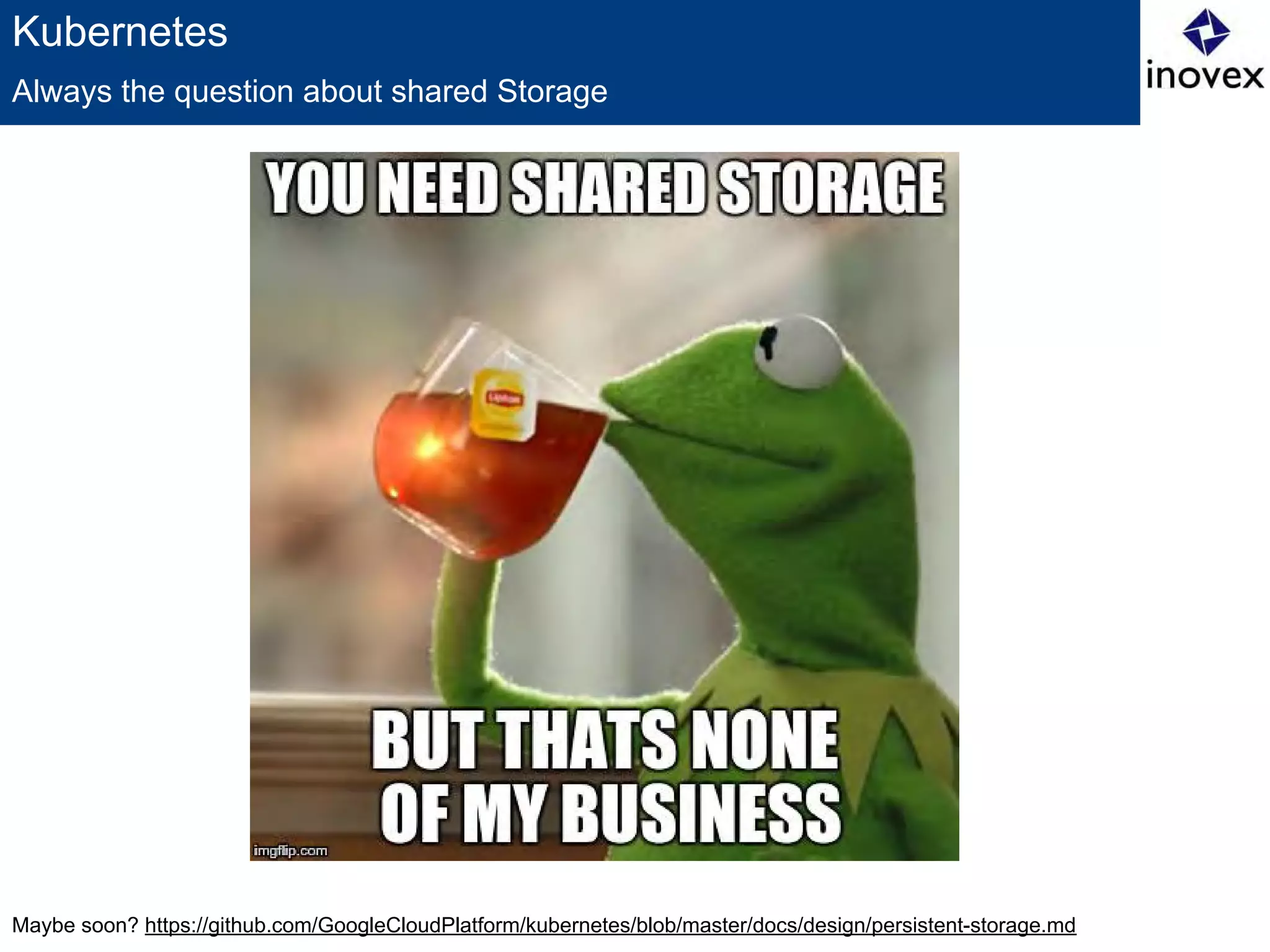
Maybe soon? https://github.com/GoogleCloudPlatform/kubernetes/blob/master/docs/design/persistent-storage.md
Kubernetes
Always the question about shared Storage
Kontakt
Johannes Maximilian Scheuermann
johannes.scheuermann@inovex.de
inovex GmbH
Office Karlsruhe
Ludwig-Erhard-Allee 6
76131 Karlsruhe
Thank you for listening!

Kubernetes - how to orchestrate containers

  • 1.
    Kubernetes How to orchestrateContainers Johannes Maximilian Scheuermann Karlsruhe, 19.03.2015
  • 2.
    Images: http://upload.wikimedia.org/wikipedia/en/thumb/9/9f/Twitter_bird_logo_2012.svg/1267px- Twitter_bird_logo_2012.svg.png ,https://developers.google.com/+/branding-guidelines?hl=de About me ● Computer Science Student - Master @KIT ● Working at inovex GmbH ○ IT Engineering & Operations ○ Docker & Kubernetes ○ New Datacenter Technologies ● IRC @johscheuer A brief introduction @johscheuer +JohannesScheuermann
  • 3.
    image: http://xkcd.com/908 Orchestration ● Whouse Docker? ● Who use Docker productiv? ● Who use Docker (productiv) on more than one machine? ● How do you orchestrate/scale you Containers? Some Questions
  • 4.
    Image: https://github.com/GoogleCloudPlatform/kubernetes/blob/master/logo.png Kubernetes ● Greekfor pilot or helmsman of a ship ● Open Source cluster manager from Google ● Managing containerized applications across a cluster of nodes ● Kubernetes is: ○ lean ○ portable ○ extensible ○ self-healing ● Has Master and Node (Minion) components ● Easy Service deployments, updates and scalability ● Can run basically on every Linux platform Managing Containers
  • 5.
    Kubernetes How it looks BareMetal/VM Node Proxy Kubelet Bare Metal/VM Master API Server Controller manager Scheduler ● Kubernetes has 5 components ○ 3 master components ○ 2 node components ● Master and node can run on the same host
  • 6.
    Kubernetes ● Can bephysical or a VM ● Has the services which are necessary to run Pods and to be managed by the master ○ Includes Docker, kubelet and a network proxy ● Node status describes current status ○ HostIP, Node Phase, Node Condition ● Node is created by cloud providers or from physical or virtual machines ○ Kubernetes only creates a representation ○ After creation it will check whether the node is valid or not ● Node Controller manages Node objects ○ cluster-wide synchronization (create/delete representation) ○ single node life-cycle managment ○ unable to provision nodes Node (before known as Minion)
  • 7.
    Kubernetes ● Clusters, thecompute recources on top of which the containers are built. Kubernetes can run on every Linux-Distro. ● Pods, a colocated group of (Docker) containers with shared volumes. Is the smallest deployable unit which can be created, scheduled and managed. You should use a replication controller to create pods. ● Replication controllers, manages the lifecycle of pods. Ensuring that a specified number of pods are running at any given time by killing or creating pods as needed. ● Services, provides a single, stable name and address for a set of pods. They act as basic load balancers. ● Labels, used to organize and select groups of objects based on key:value pairs. Concept
  • 8.
    Kubernetes ● Logical group/abstraction ●Ephemeral rather than durable ● Shared network and volumes ● Identified by ID or labels ● Should/Can be managed by replication controllers ● Why not just run multiple programs in a single Docker container? ○ Transparency ○ Decoupling Dependencies ○ Ease of use ○ Efficiency Pods (as in a pod of whales or pea pod)
  • 9.
    Kubernetes Pods - howit looks like offers service(s) over same IP Shared pod storage (survives container crash) App 1 (Docker) Container App 2 (Docker) Container App 3 (Docker) Container Communication via localhost
  • 10.
    Kubernetes { "id": "myPod", "kind": "Pod", "apiVersion":"v1beta1", "desiredState": { "manifest": { "version": "v1beta1", "id": "myPod", "containers": [{ "name": "myPod", "image": "myPod-Container", "ports": [{"containerPort": 80}] }] } }, "labels": { "name": "myPod", "environment": "production" } } How a pod definition lookslike
  • 11.
    Kubernetes ● Should beused to control pods ● Creates pods from a template ● Ensures that the desired number of pods are operational ● The deletion of an replication controller does not affect the created pods ● Rolling updates ● Multiple release tracks possible with the labels Replication Controllers
  • 12.
    Kubernetes { "id": "myPodController", "kind": "ReplicationController", "apiVersion":"v1beta1", "desiredState": { "replicas": 1, "replicaSelector": { "name": "myPod", "environment": "production", "track": "stable" }, "podTemplate": { … #Pod Template from before } }, "labels": { "name": "myPod", "environment": "production", "track": "stable" } } How a replication controller definition lookslike
  • 13.
    Kubernetes ● Solves theproblem that pods are ephemeral ● Service proxy runs on each node ● Offers an IP and port pair ● Adds a set of environment variables ● This imply an ordering requirement Services
  • 14.
  • 15.
    Kubernetes { "id": "myPod", "kind": "Service", "apiVersion":"v1beta1", "port": 3000, "containerPort": 80, "selector": { "name": "myPod", "environment": "production" } } How a service definition lookslike
  • 16.
    Kubernetes ● Labels aresimple key/value pairs ● Can be attached to objects (like pods or nodes) ● Labels do not provide uniqueness ● Via a label selector a client can select a set of objects ● Let you categorize objects e.g. for complex service deployment ● Don’t underestimate them! Labels (in short)
  • 17.
    Kubernetes ● Any LinuxDistribution ● Docker ● etcd (distributed key value store) ● Overlay network (flannel) ● If you are running on your private Data Center you need the Kube-register ○ https://github.com/kelseyhightower/kube-register ● There are many getting started guides to start your Kubernetes cluster ○ https://github. com/GoogleCloudPlatform/kubernetes/tree/master/docs/getting-started- guides Requirements
  • 18.
    Kubernetes ● Kubernetes supportsDNS with skyDNS (with some custom logic) ● Monitoring with Heapster and cAdvisor ● fluentd + elasticsearch Cluster addons
  • 19.
    Kubernetes ● You willneed an HTTP-Proxy ○ Hipache/Vulcand ● You will need a Provisioning + Config Managment Tool ○ Foreman ○ Puppet/Salt/… ● You will need an overlay Network ○ Kubernetes assign new (public) IP address to each pod ● You should never use image:latest for a container image ● Kubernetes Master is SPOF ● No autoscaler at the moment ● Pod ordering ordering requirement ○ SkyDNS can help Some challenges
  • 20.
  • 21.
    Kontakt Johannes Maximilian Scheuermann johannes.scheuermann@inovex.de inovexGmbH Office Karlsruhe Ludwig-Erhard-Allee 6 76131 Karlsruhe Thank you for listening!