Kubernetes CI/CD with Helm:
Checking in your deployment configuration as code
Adnan Abdulhussein - @prydonius
Software Engineer, Bitnami
Agenda
Benefits of configuration/infrastructure as code
Managing Kubernetes deployments
Introduction to Helm
Demo CI/CD pipeline with Helm
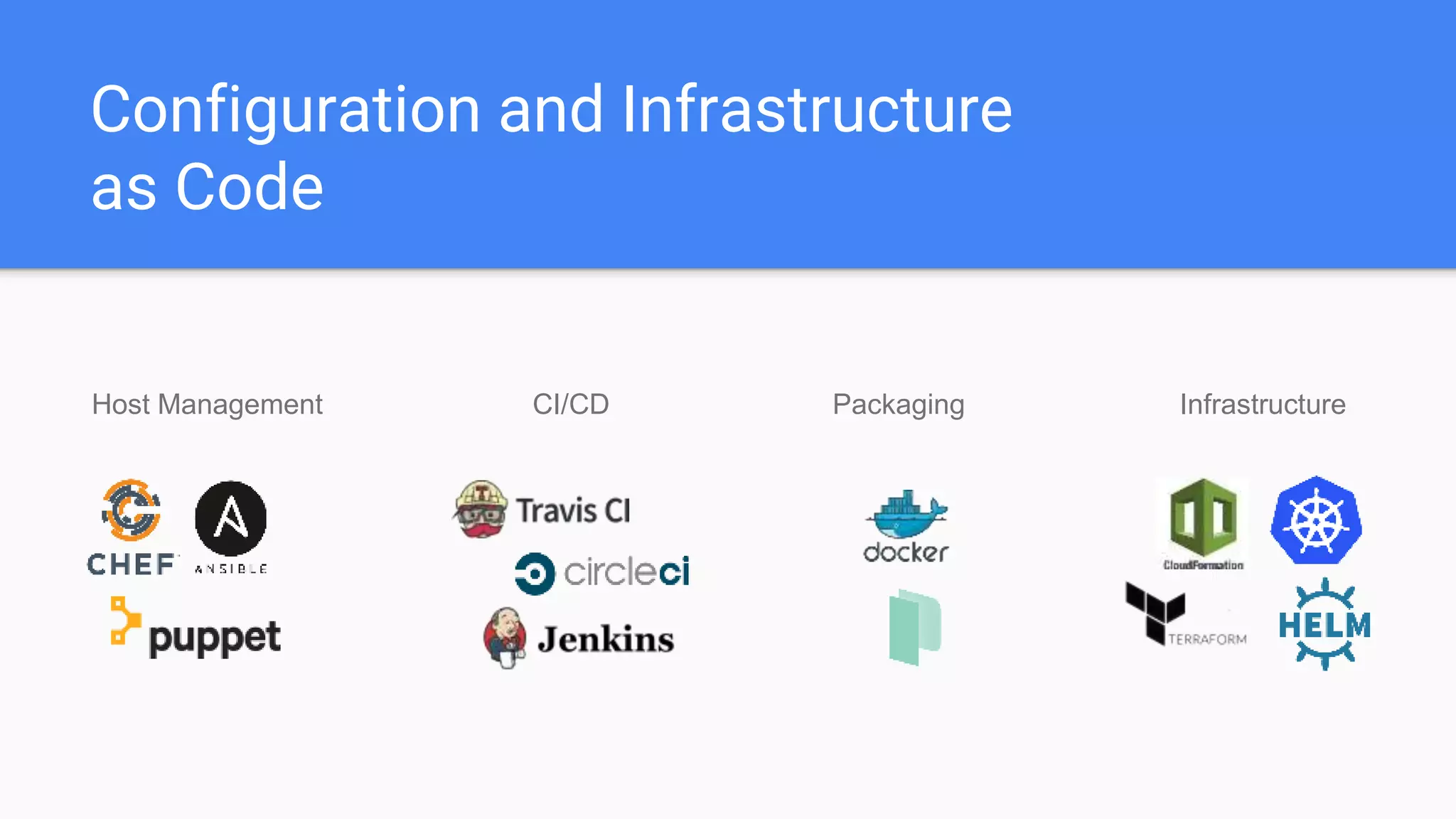
Configuration and Infrastructure
as Code
Host Management CI/CD InfrastructurePackaging
Configuration and Infrastructure
as Code
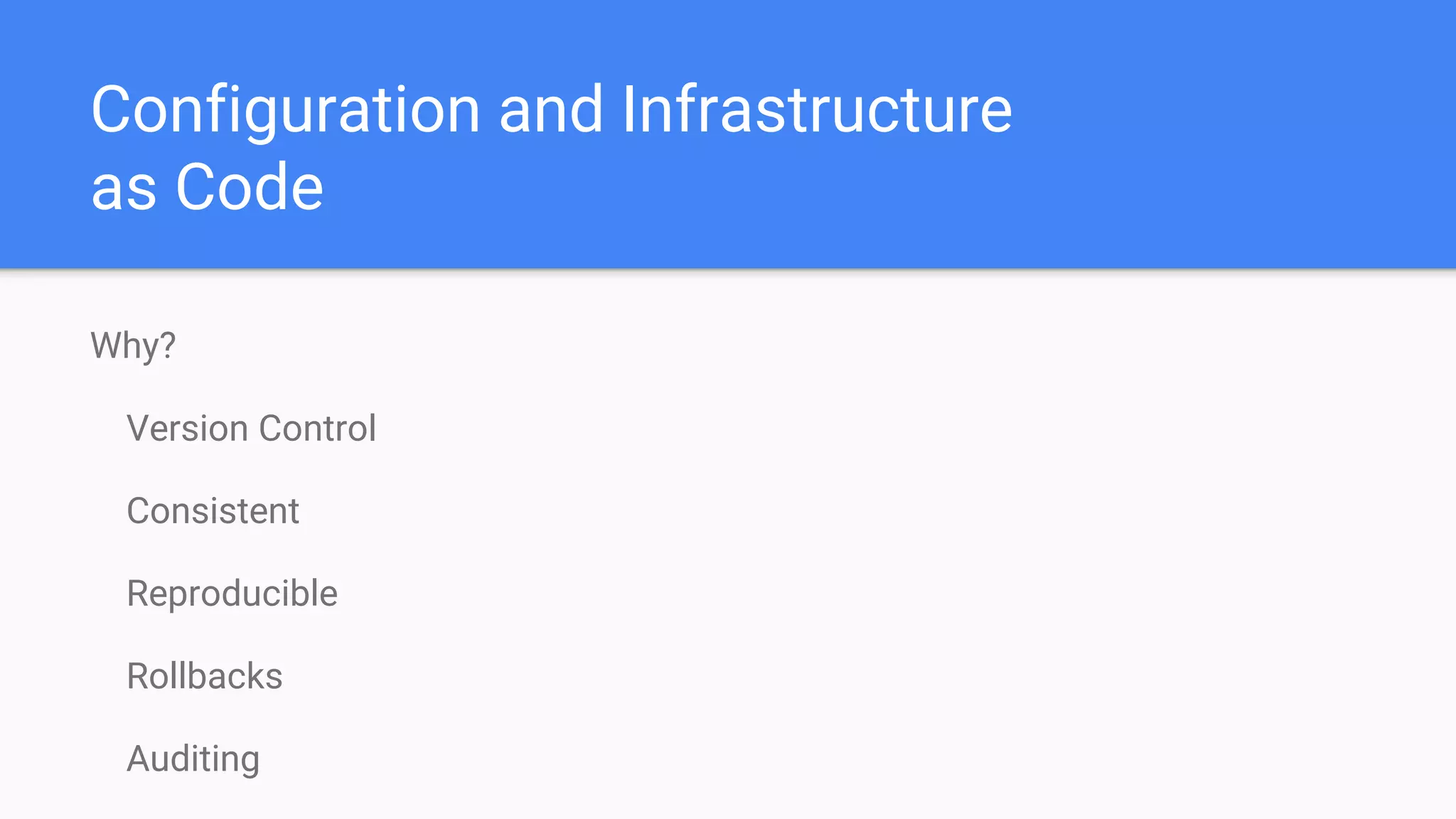
Why?
Version Control
Consistent
Reproducible
Rollbacks
Auditing
Tools
Source Code
Management
CI/CD Platform Deployment Tool
Orchestration
Platform
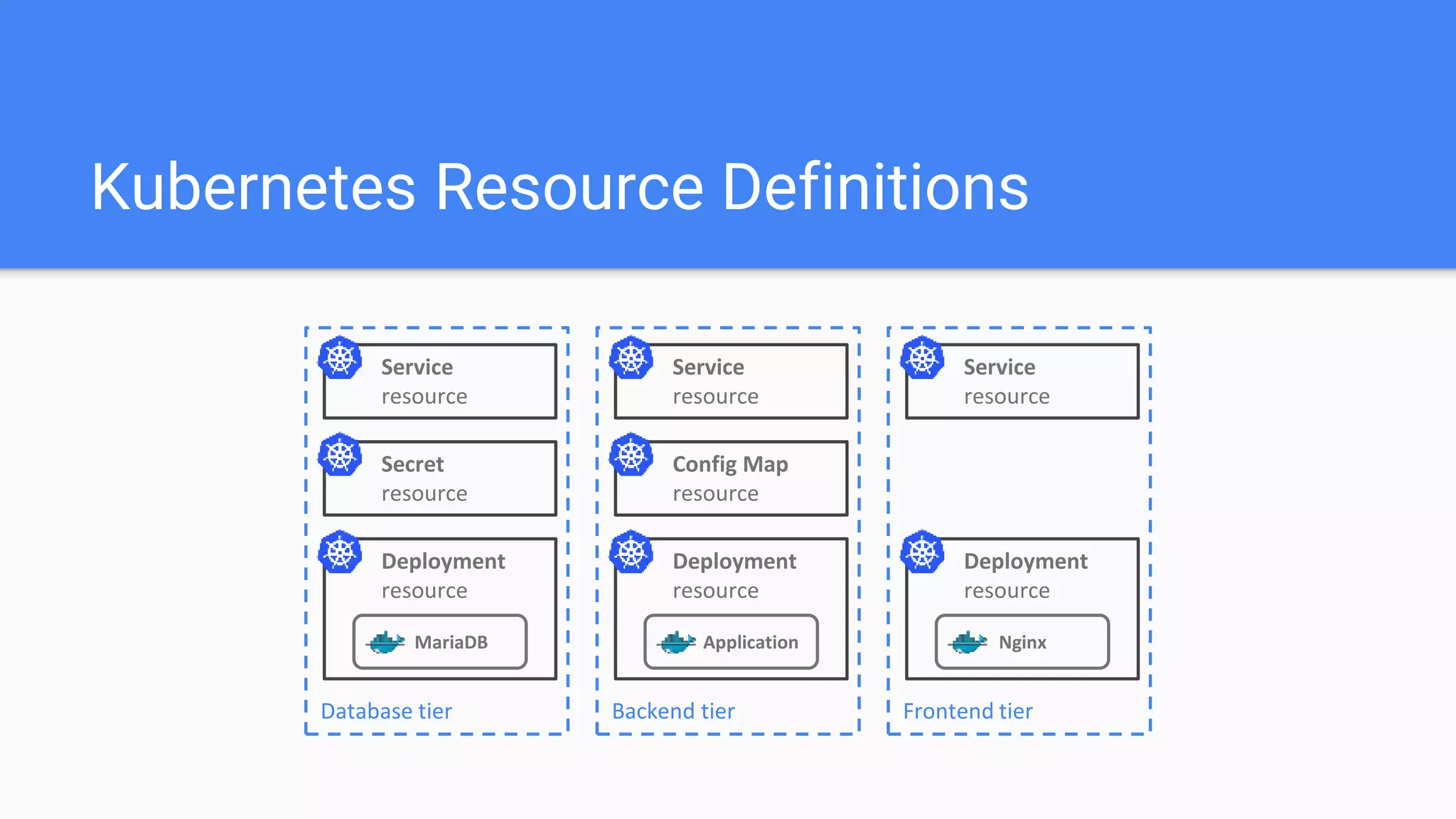
Kubernetes Resource Definitions
MariaDB
Service
resource
Database tier
Secret
resource
Deployment
resource
Application
Service
resource
Backend tier
Config Map
resource
Deployment
resource
Nginx
Service
resource
Frontend tier
Deployment
resource
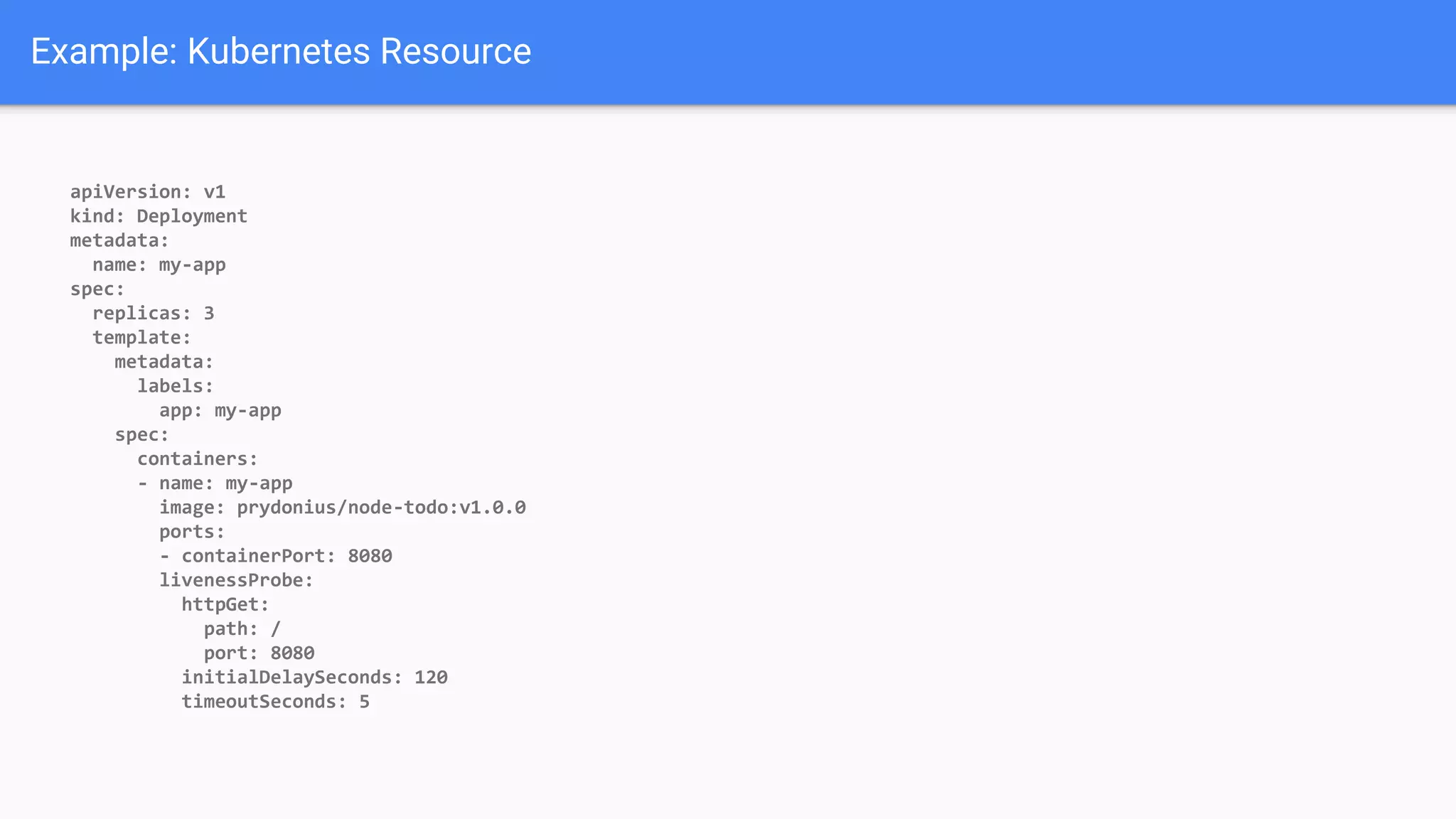
Example: Kubernetes Resource
apiVersion: v1
kind: Deployment
metadata:
name: my-app
spec:
replicas: 3
template:
metadata:
labels:
app: my-app
spec:
containers:
- name: my-app
image: prydonius/node-todo:v1.0.0
ports:
- containerPort: 8080
livenessProbe:
httpGet:
path: /
port: 8080
initialDelaySeconds: 120
timeoutSeconds: 5
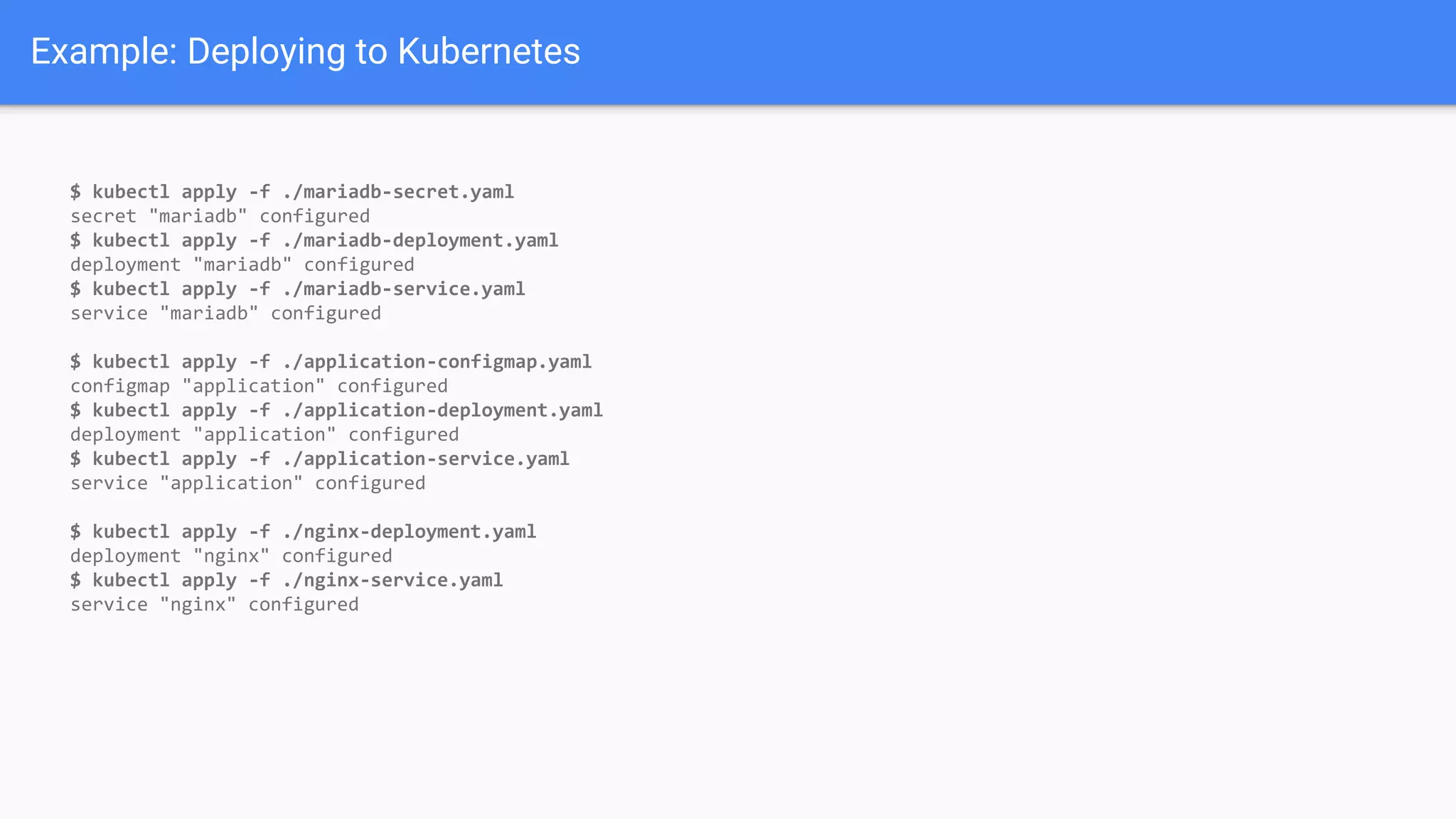
Example: Deploying to Kubernetes
$ kubectl apply -f ./mariadb-secret.yaml
secret "mariadb" configured
$ kubectl apply -f ./mariadb-deployment.yaml
deployment "mariadb" configured
$ kubectl apply -f ./mariadb-service.yaml
service "mariadb" configured
$ kubectl apply -f ./application-configmap.yaml
configmap "application" configured
$ kubectl apply -f ./application-deployment.yaml
deployment "application" configured
$ kubectl apply -f ./application-service.yaml
service "application" configured
$ kubectl apply -f ./nginx-deployment.yaml
deployment "nginx" configured
$ kubectl apply -f ./nginx-service.yaml
service "nginx" configured
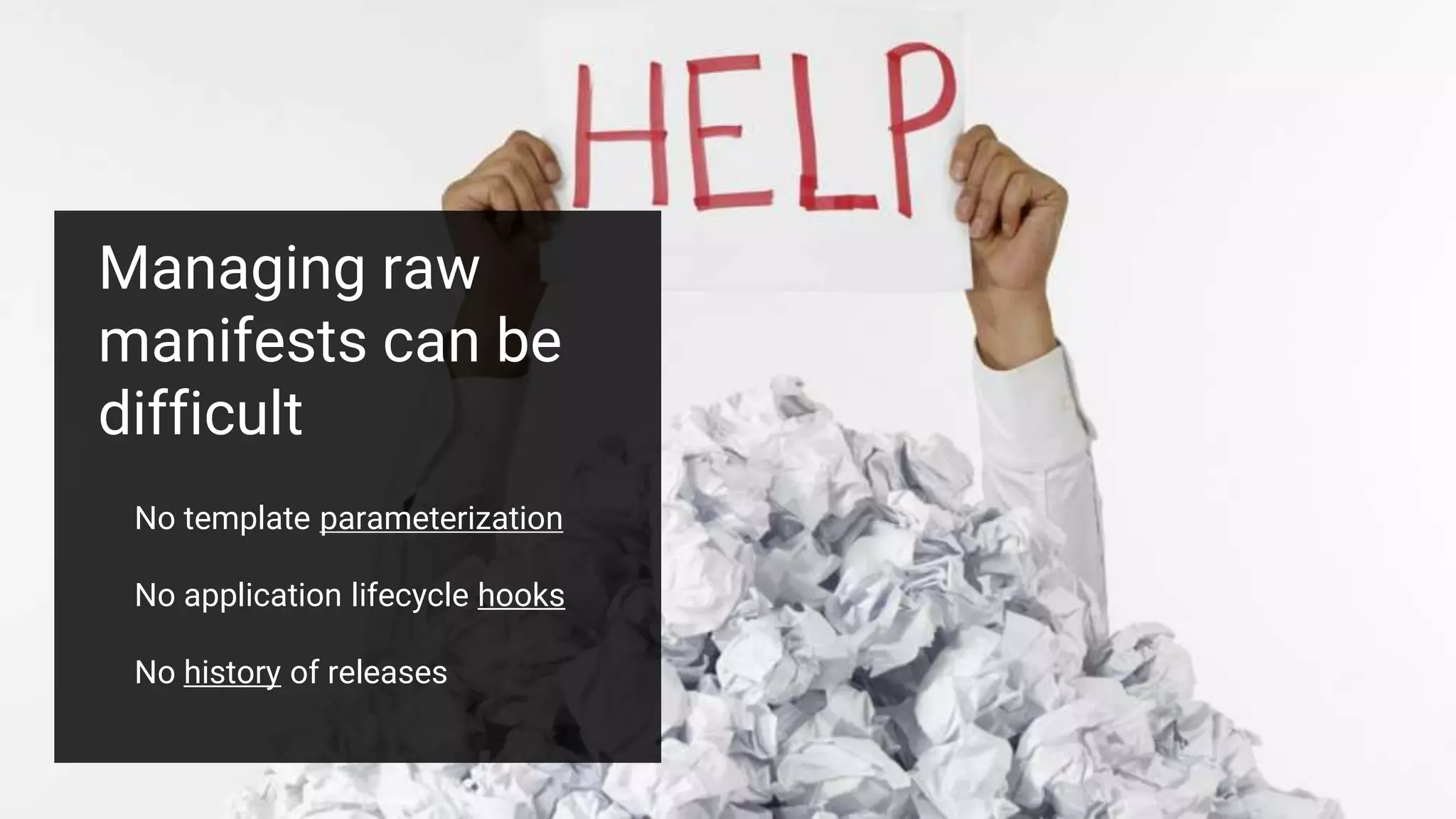
Managing raw
manifests can be
difficult
No template parameterization
No application lifecycle hooks
No history of releases
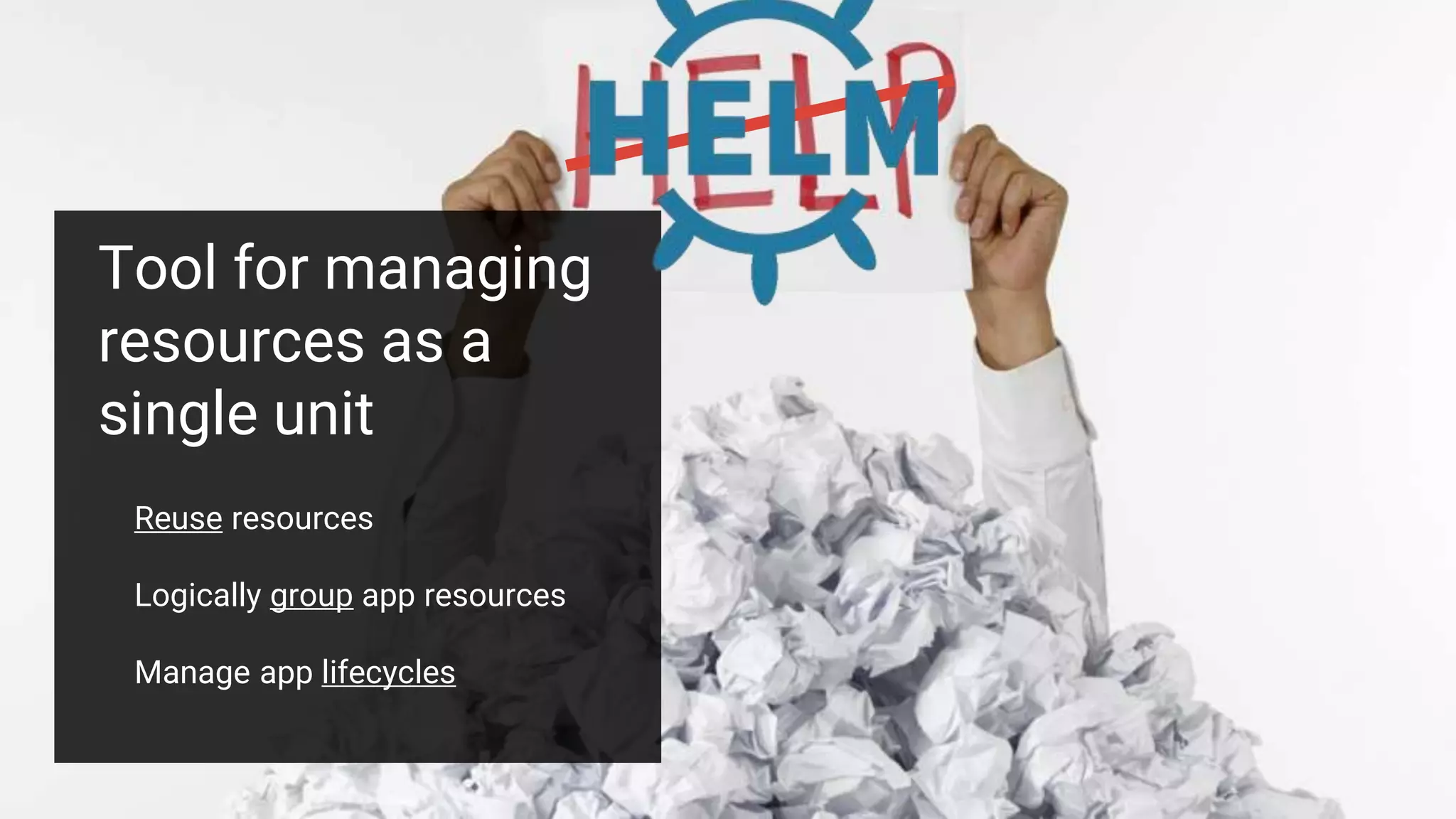
Tool for managing
resources as a
single unit
Reuse resources
Logically group app resources
Manage app lifecycles
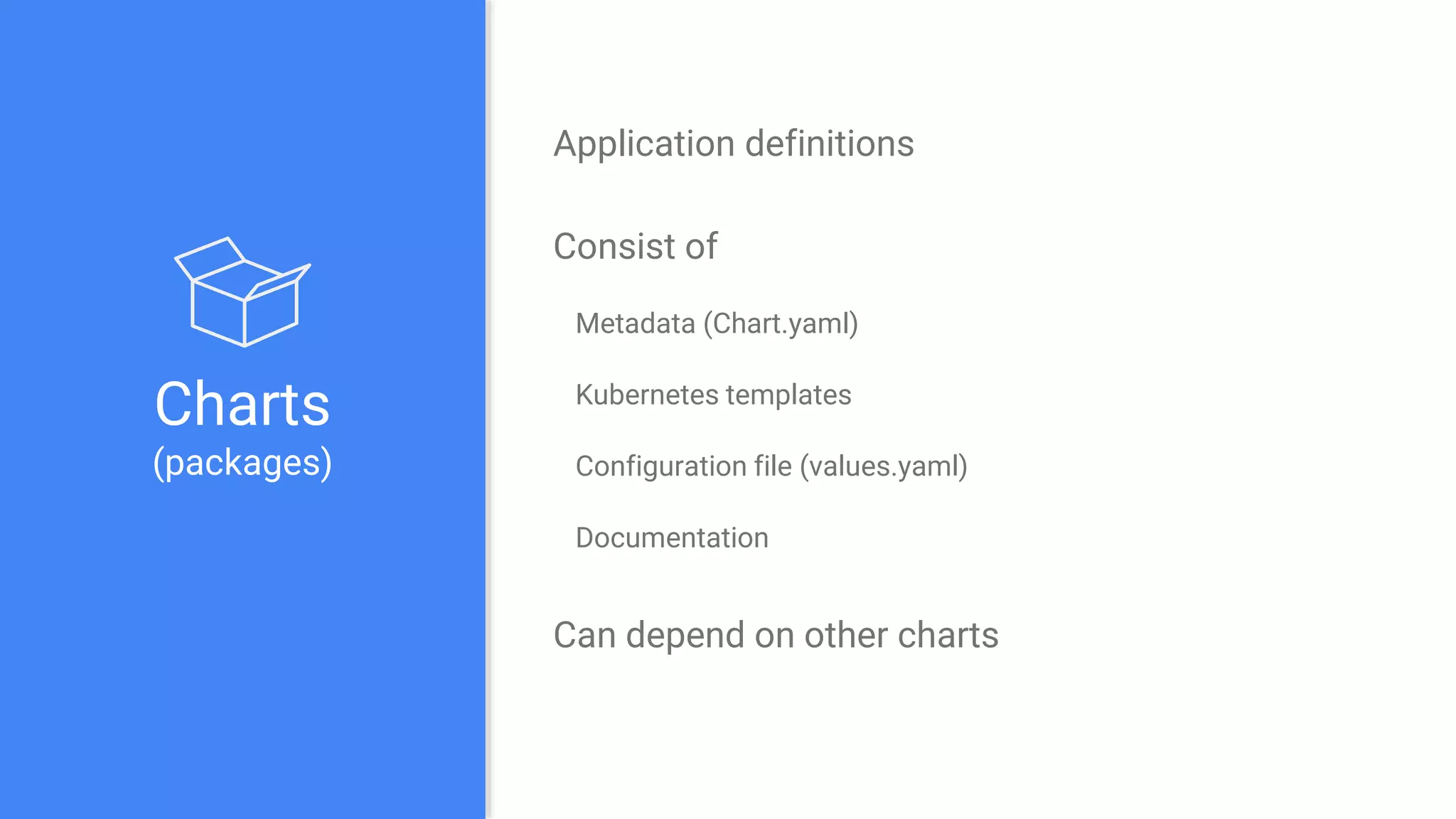
Charts
(packages)
Application definitions
Consist of
Metadata (Chart.yaml)
Kubernetes templates
Configuration file (values.yaml)
Documentation
Can depend on other charts
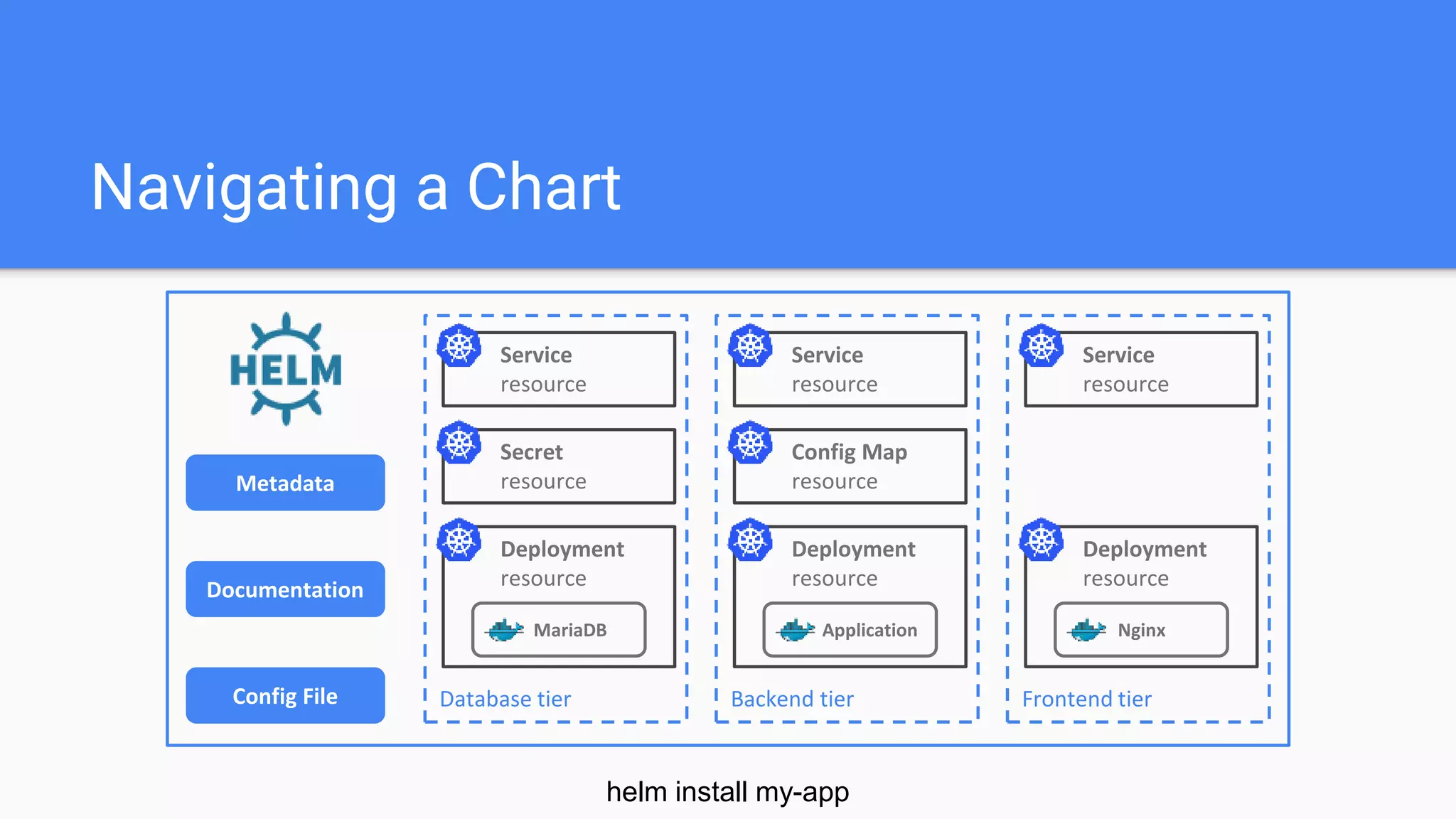
Navigating a Chart
MariaDB
Service
resource
Database tier
Secret
resource
Deployment
resource
Application
Service
resource
Backend tier
Config Map
resource
Deployment
resource
Nginx
Service
resource
Frontend tier
Deployment
resourceDocumentation
Metadata
Config File
helm install my-app
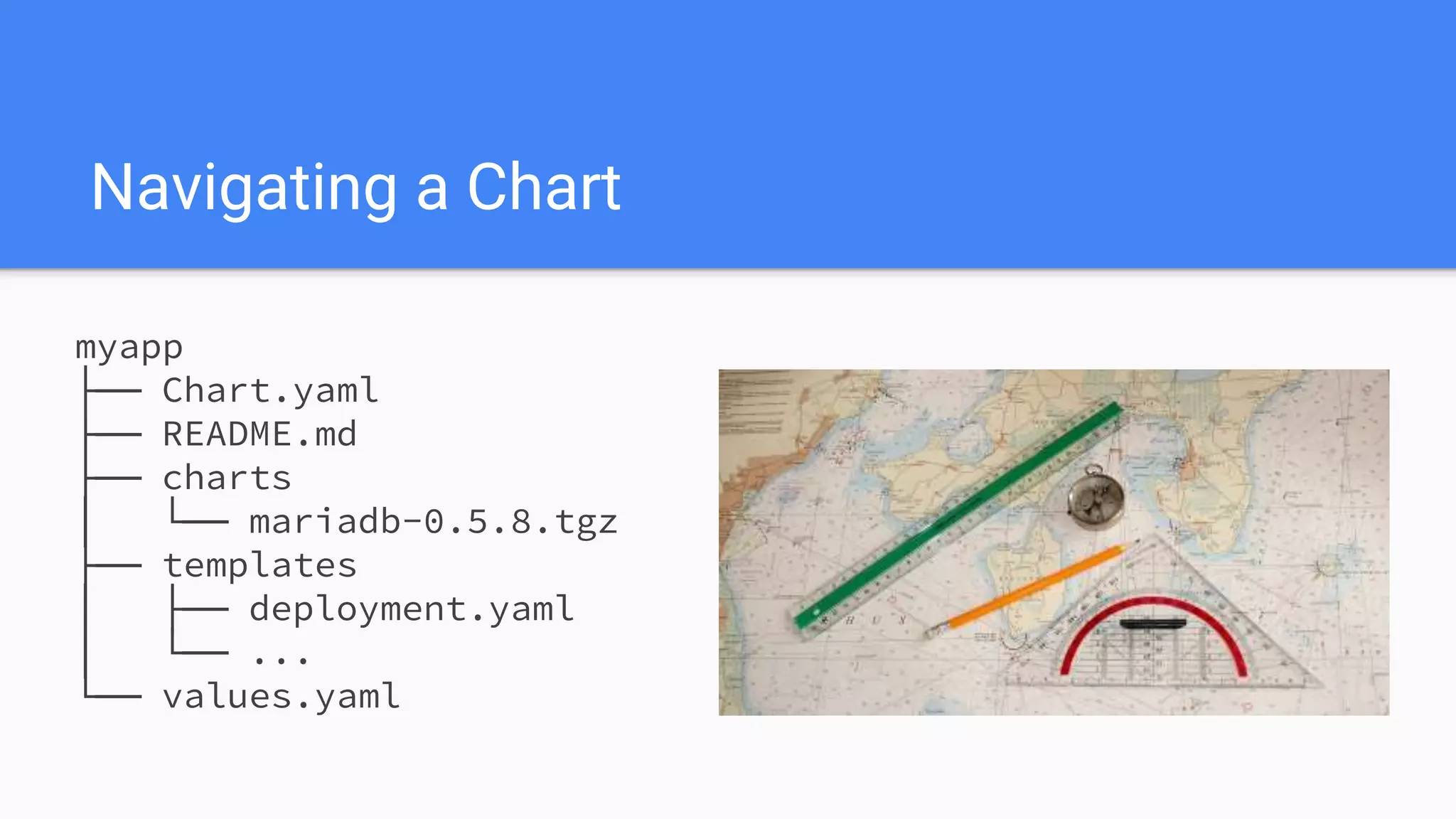
myapp
├── Chart.yaml
├── README.md
├── charts
│ └── mariadb-0.5.8.tgz
├── templates
│ ├── deployment.yaml
│ └── ...
└── values.yaml
Navigating a Chart
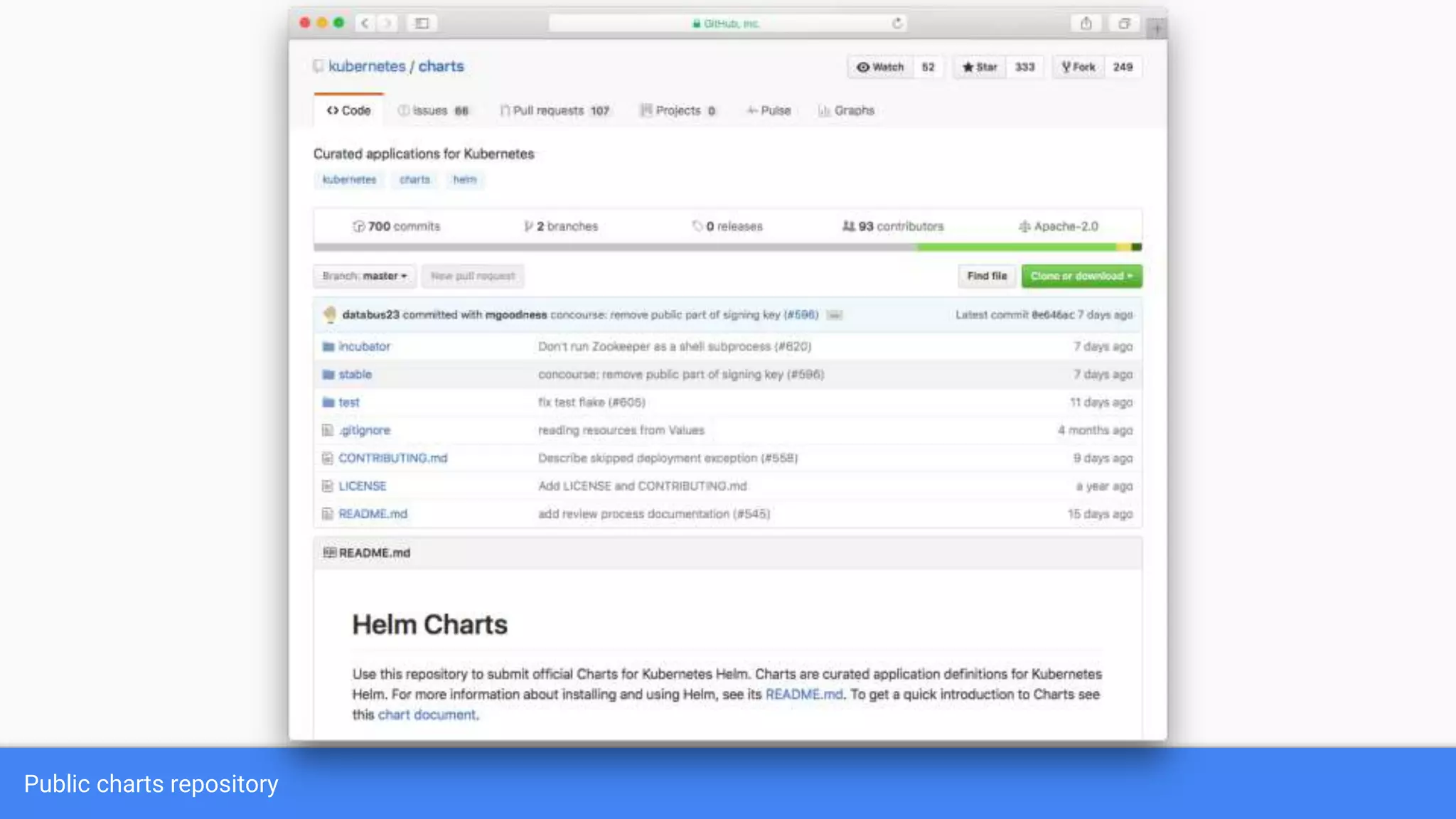
Public charts repository
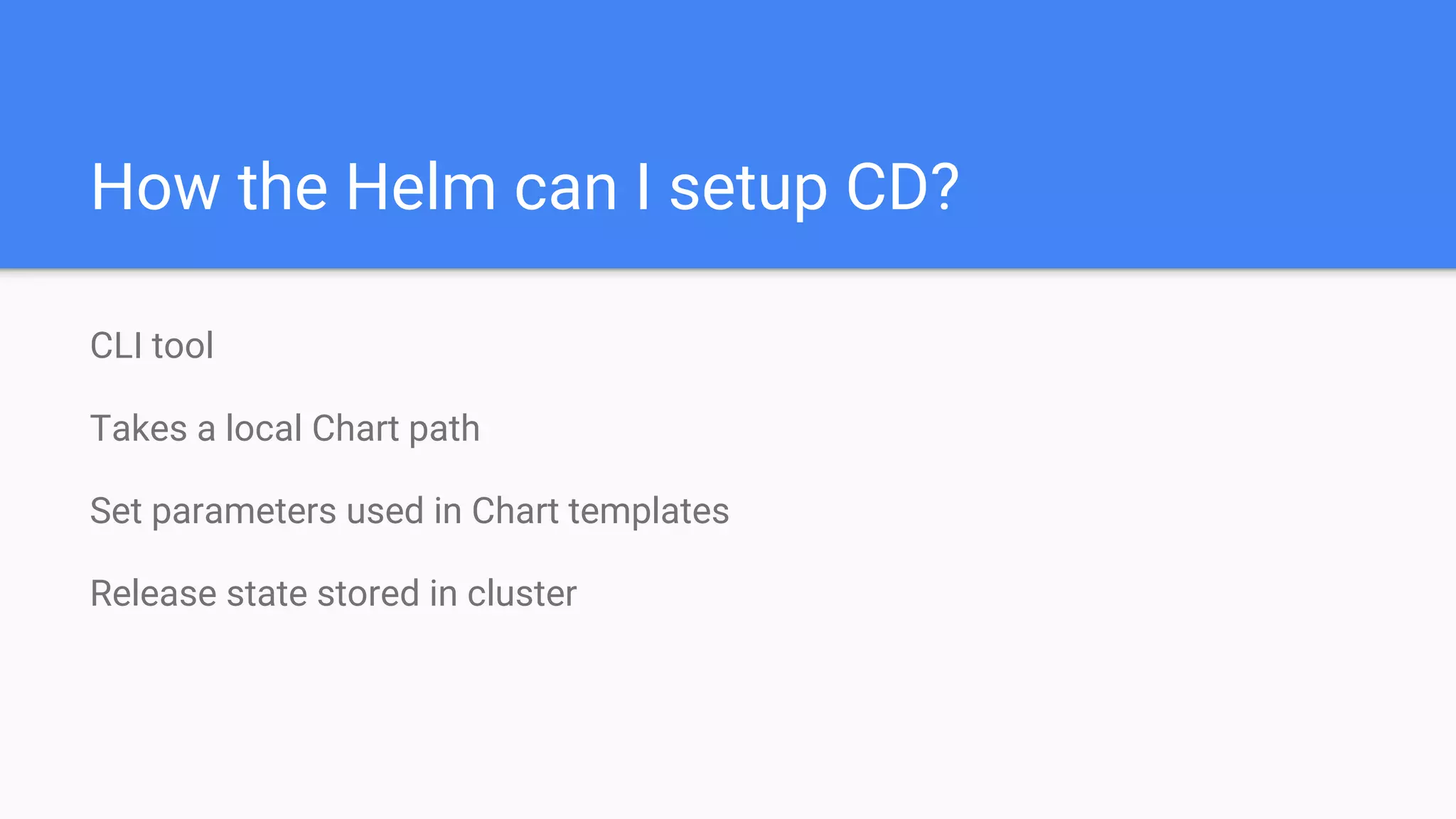
CLI tool
Takes a local Chart path
Set parameters used in Chart templates
Release state stored in cluster
How the Helm can I setup CD?
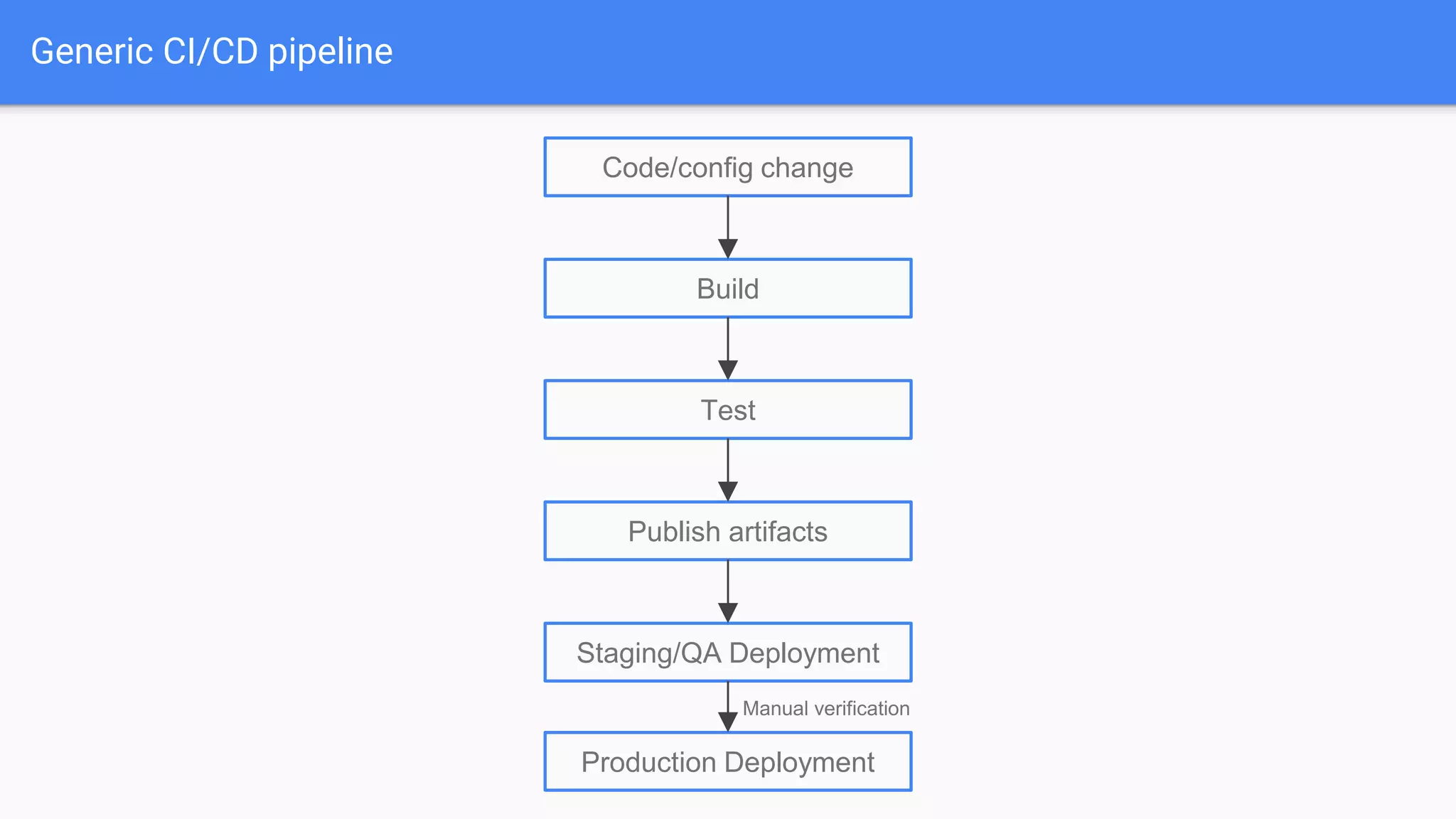
Generic CI/CD pipeline
Code/config change
Build
Test
Publish artifacts
Staging/QA Deployment
Production Deployment
Manual verification
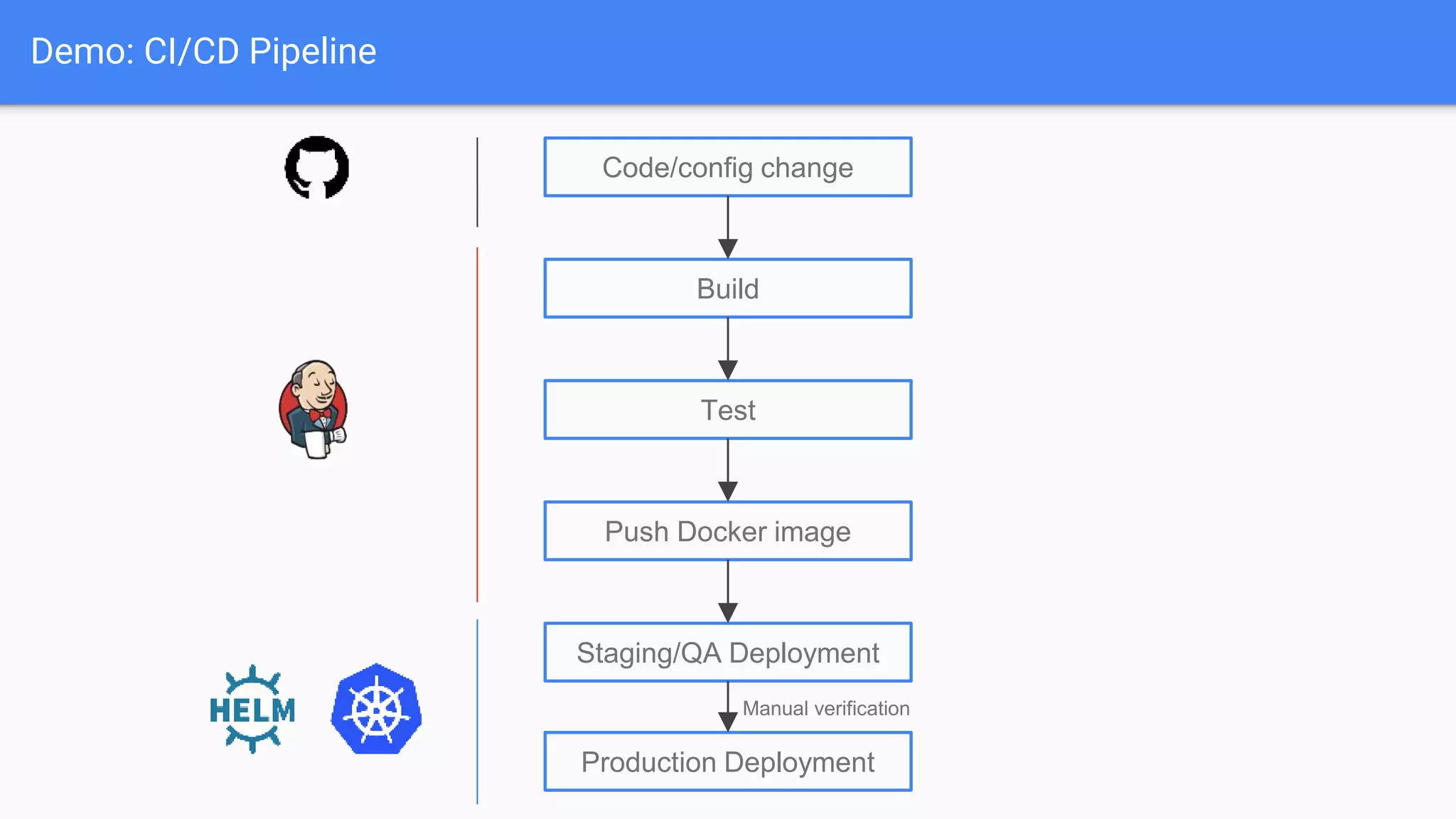
Demo: CI/CD Pipeline
Code/config change
Build
Test
Push Docker image
Staging/QA Deployment
Production Deployment
Manual verification
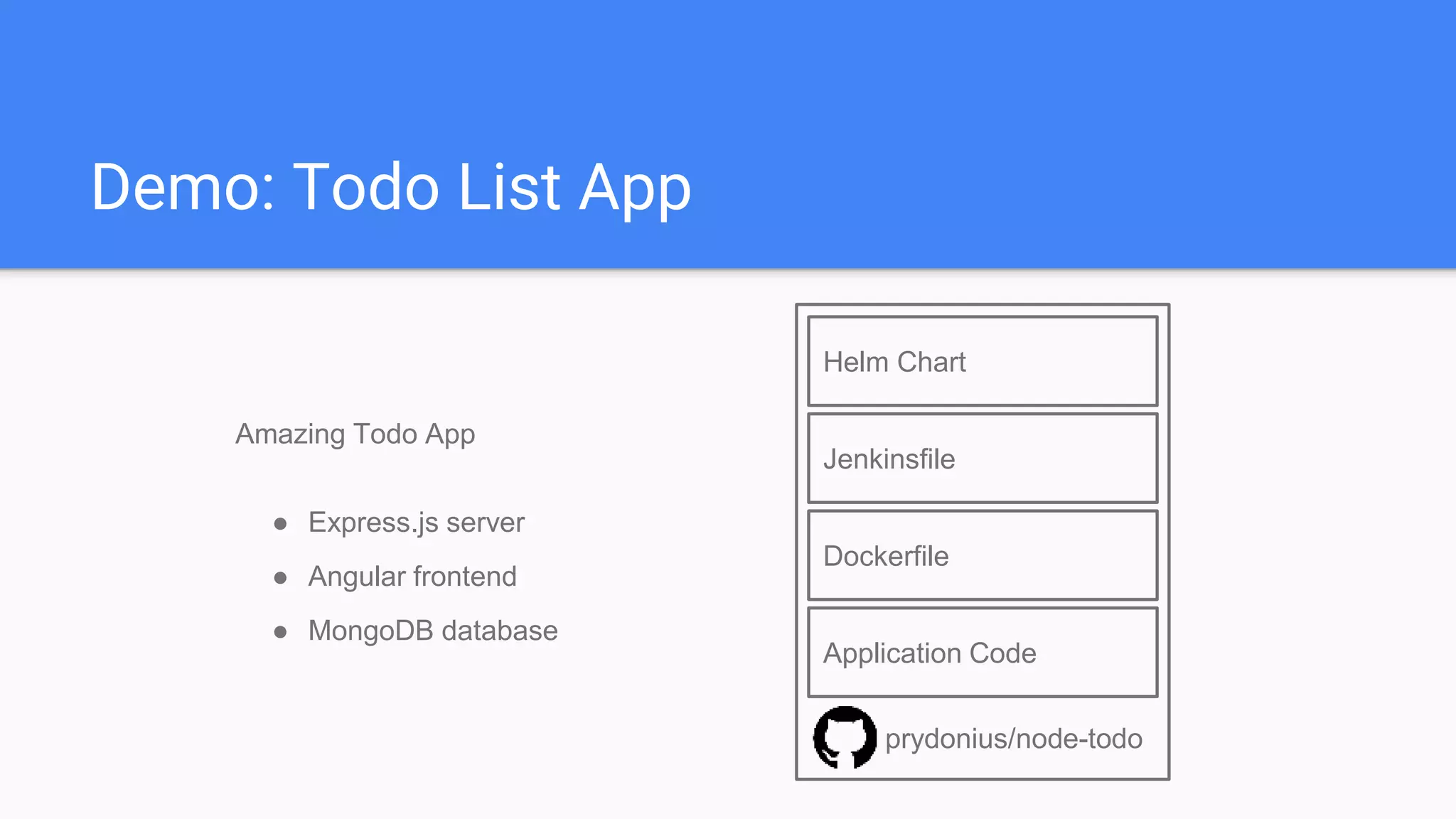
Demo: Todo List App
Application Code
Dockerfile
Jenkinsfile
Helm Chart
prydonius/node-todo
Amazing Todo App
● Express.js server
● Angular frontend
● MongoDB database
Demo
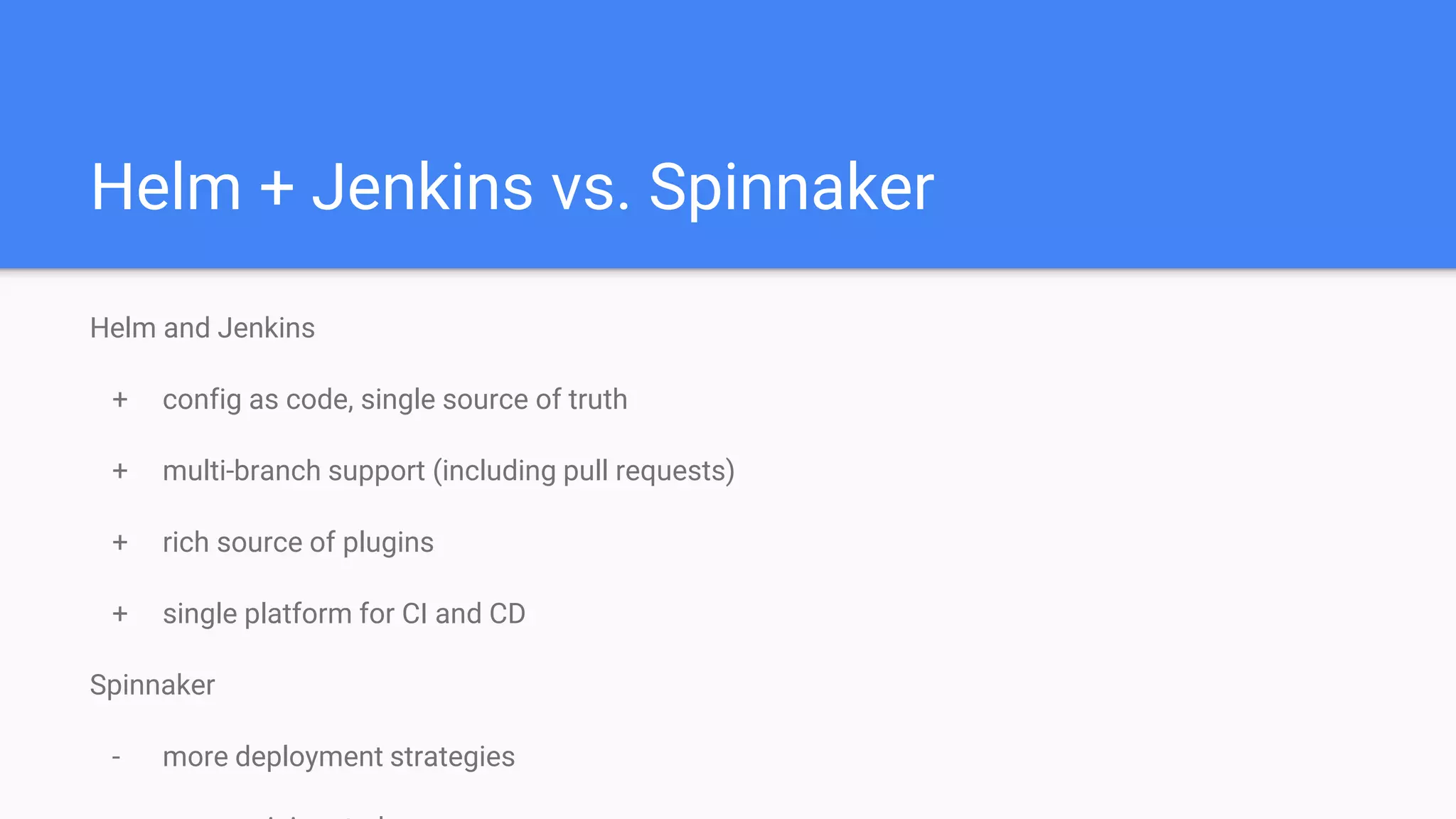
Helm + Jenkins vs. Spinnaker
Helm and Jenkins
+ config as code, single source of truth
+ multi-branch support (including pull requests)
+ rich source of plugins
+ single platform for CI and CD
Spinnaker
- more deployment strategies
Helm Community
Over 100 contributors
1.5 years old
Slack channel: Kubernetes/#Helm
Public dev meetings: Thursdays @ 9:30 pacific
Weekly updates & demos at SIG-Apps meetings: Mondays @ 9am pacific
Join
us!
Thank youTime for questions and (hopefully) answers...

Kubernetes CI/CD with Helm

  • 1.
    Kubernetes CI/CD withHelm: Checking in your deployment configuration as code Adnan Abdulhussein - @prydonius Software Engineer, Bitnami
  • 2.
    Agenda Benefits of configuration/infrastructureas code Managing Kubernetes deployments Introduction to Helm Demo CI/CD pipeline with Helm
  • 3.
    Configuration and Infrastructure asCode Host Management CI/CD InfrastructurePackaging
  • 4.
    Configuration and Infrastructure asCode Why? Version Control Consistent Reproducible Rollbacks Auditing
  • 5.
    Tools Source Code Management CI/CD PlatformDeployment Tool Orchestration Platform
  • 6.
    Kubernetes Resource Definitions MariaDB Service resource Databasetier Secret resource Deployment resource Application Service resource Backend tier Config Map resource Deployment resource Nginx Service resource Frontend tier Deployment resource
  • 7.
    Example: Kubernetes Resource apiVersion:v1 kind: Deployment metadata: name: my-app spec: replicas: 3 template: metadata: labels: app: my-app spec: containers: - name: my-app image: prydonius/node-todo:v1.0.0 ports: - containerPort: 8080 livenessProbe: httpGet: path: / port: 8080 initialDelaySeconds: 120 timeoutSeconds: 5
  • 8.
    Example: Deploying toKubernetes $ kubectl apply -f ./mariadb-secret.yaml secret "mariadb" configured $ kubectl apply -f ./mariadb-deployment.yaml deployment "mariadb" configured $ kubectl apply -f ./mariadb-service.yaml service "mariadb" configured $ kubectl apply -f ./application-configmap.yaml configmap "application" configured $ kubectl apply -f ./application-deployment.yaml deployment "application" configured $ kubectl apply -f ./application-service.yaml service "application" configured $ kubectl apply -f ./nginx-deployment.yaml deployment "nginx" configured $ kubectl apply -f ./nginx-service.yaml service "nginx" configured
  • 9.
    Managing raw manifests canbe difficult No template parameterization No application lifecycle hooks No history of releases
  • 10.
    Tool for managing resourcesas a single unit Reuse resources Logically group app resources Manage app lifecycles
  • 11.
    Charts (packages) Application definitions Consist of Metadata(Chart.yaml) Kubernetes templates Configuration file (values.yaml) Documentation Can depend on other charts
  • 12.
    Navigating a Chart MariaDB Service resource Databasetier Secret resource Deployment resource Application Service resource Backend tier Config Map resource Deployment resource Nginx Service resource Frontend tier Deployment resourceDocumentation Metadata Config File helm install my-app
  • 13.
    myapp ├── Chart.yaml ├── README.md ├──charts │ └── mariadb-0.5.8.tgz ├── templates │ ├── deployment.yaml │ └── ... └── values.yaml Navigating a Chart
  • 14.
  • 15.
    CLI tool Takes alocal Chart path Set parameters used in Chart templates Release state stored in cluster How the Helm can I setup CD?
  • 16.
    Generic CI/CD pipeline Code/configchange Build Test Publish artifacts Staging/QA Deployment Production Deployment Manual verification
  • 17.
    Demo: CI/CD Pipeline Code/configchange Build Test Push Docker image Staging/QA Deployment Production Deployment Manual verification
  • 18.
    Demo: Todo ListApp Application Code Dockerfile Jenkinsfile Helm Chart prydonius/node-todo Amazing Todo App ● Express.js server ● Angular frontend ● MongoDB database
  • 19.
  • 20.
    Helm + Jenkinsvs. Spinnaker Helm and Jenkins + config as code, single source of truth + multi-branch support (including pull requests) + rich source of plugins + single platform for CI and CD Spinnaker - more deployment strategies
  • 21.
    Helm Community Over 100contributors 1.5 years old Slack channel: Kubernetes/#Helm Public dev meetings: Thursdays @ 9:30 pacific Weekly updates & demos at SIG-Apps meetings: Mondays @ 9am pacific Join us!
  • 22.
    Thank youTime forquestions and (hopefully) answers...

Editor's Notes

  • #4 Tools that define configuration or infrastructure as code have existed for a long time, such as Chef and Puppet More recently we've seen this extend to CI pipelines, packaging with Dockerfiles, Packer config, and Infrastructure on clouds with Terraform and AWS CloudFormation, and more recently with Kubernetes and Helm
  • #5 Single source of truth for all configuration Gives you consistency across your deployments and tools Declarative definitions allow for reproducibility Version control comes with goodies
  • #6 In this talk, we'll take a look at how to build a whole CI/CD pipeline out of these tools
  • #7 In Kubernetes, you would define and create multiple resources for each of these tiers Deployment resource - describes what containers to run in the service, how to scale them, healthchecks, resources Service resource - enables service discovery and loadbalancing for your deployments Secret/ConfigMap resource - your application may take in a password or API token that needs to be kept secret Each resource is a declarative definition usually written in YAML or JSON
  • #10  When you want to go and upgrade your templates to release a new version of your application, you need to manually edit these files to change the tag of the docker image or if you want to change configuration in the configmap this is painful and hard to automate after making changes, it's difficult to rollback to a previous state because history is not tracked for every resource if your application needs to run a database migration during an upgrade you need to build tooling to manage this during your release process
  • #11 Helm allows you to reduce boilerplate and reuse resources in intelligent ways e.g. provides a public repository to take common components from Bundling different resources together and reordering into dependencies makes resources easier to manage and update Helm allows you to hook into your deployments and run database migrations at certain points in the deployment process
  • #12 Packages in Helm are called Charts They consist of metadata, templates, config files and docs They can depend on other charts
  • #13 Mostly the same as before, but Helm packages this all as a bundle Also containers metadata, docs, config file for exposing configuration for your app during install-time
  • #15 Laid out into two chart repos: Incubator - great place for sharing and developing ideas, and trying out new k8s alpha features Stable - a place for curated, ready-to-run applications
  • #17 Build - Docker Test - ??? Release artifacts - Image registry Manual verification - Yes no, maybe so? Staging environment Deploy - Production
  • #18 Build - Docker Test - ??? Release artifacts - Image registry Manual verification - Yes no, maybe so? Staging environment Deploy - Production