Confidential
Development
environments in seconds
using containers
Adnan Abdulhussein, @prydonius
Miguel Martinez, @migmartri
What you are going to learn today
• Overview of how to setup a development
environment
• Some background about virtualization
• How to run a development environment using
Docker containers
• How to add new libraries and make changes in
your application code
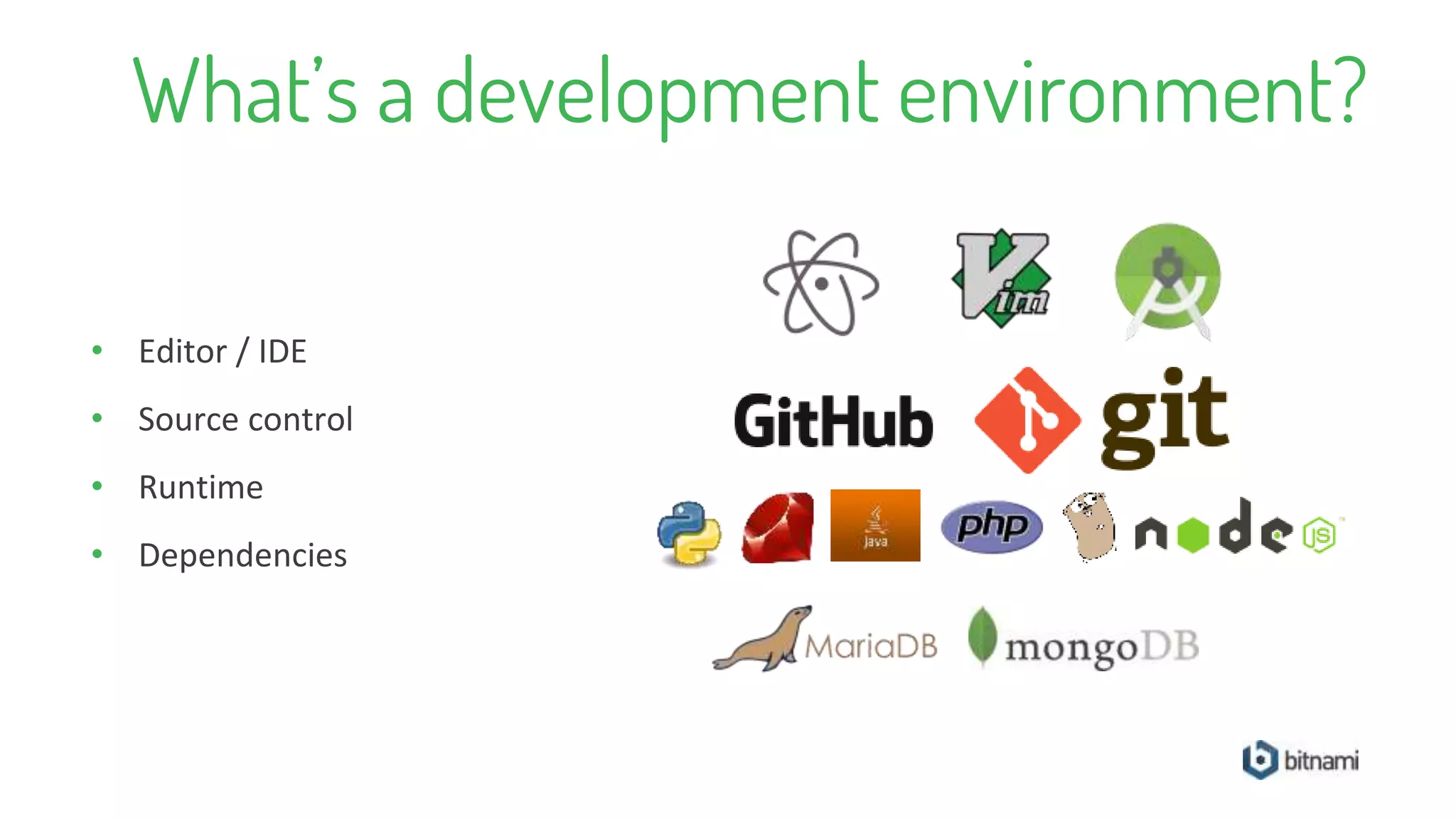
What’s a development environment?
• Editor / IDE
• Source control
• Runtime
• Dependencies
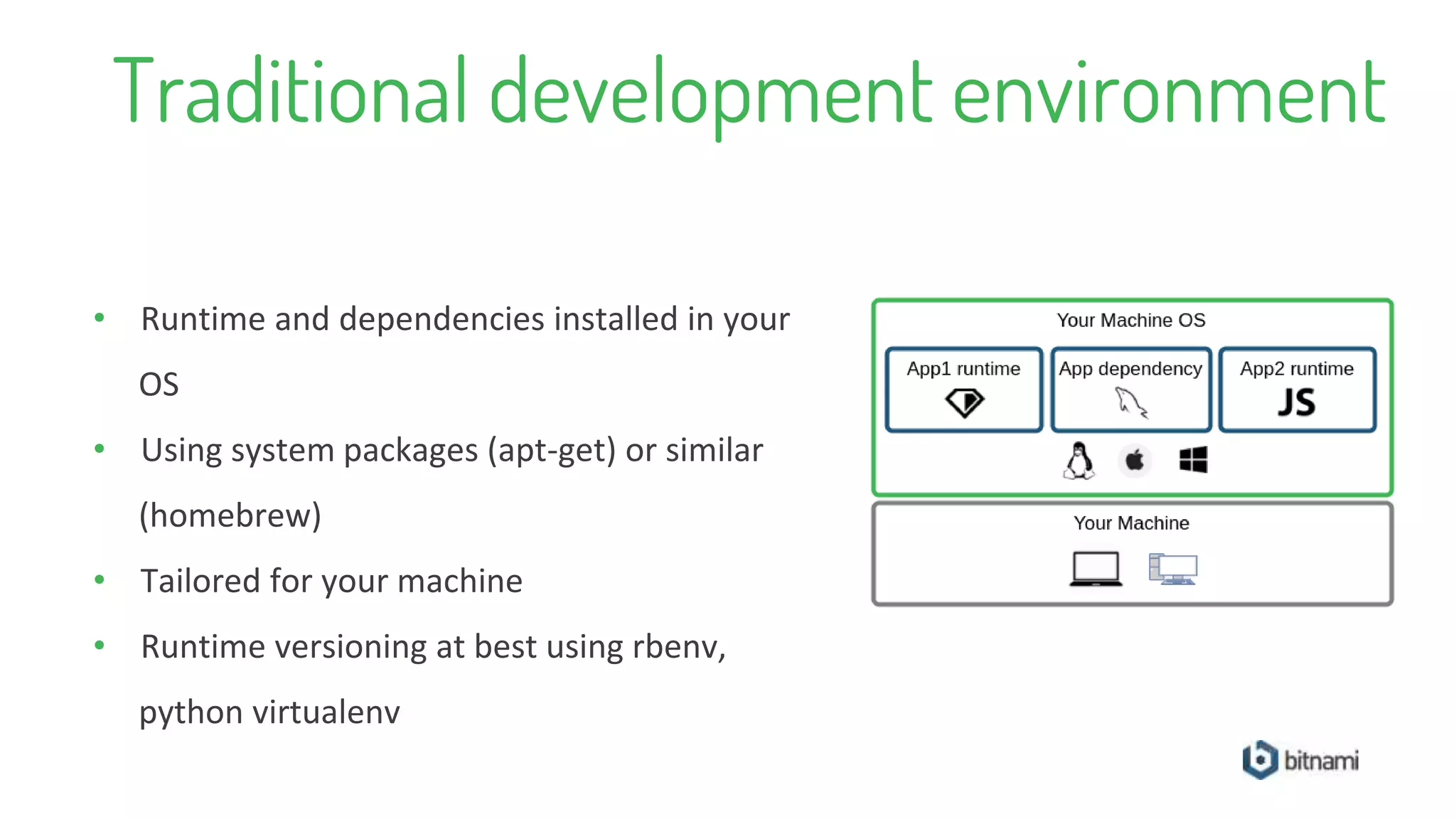
Traditional development environment
• Runtime and dependencies installed in your
OS
• Using system packages (apt-get) or similar
(homebrew)
• Tailored for your machine
• Runtime versioning at best using rbenv,
python virtualenv
Virtualized development environment
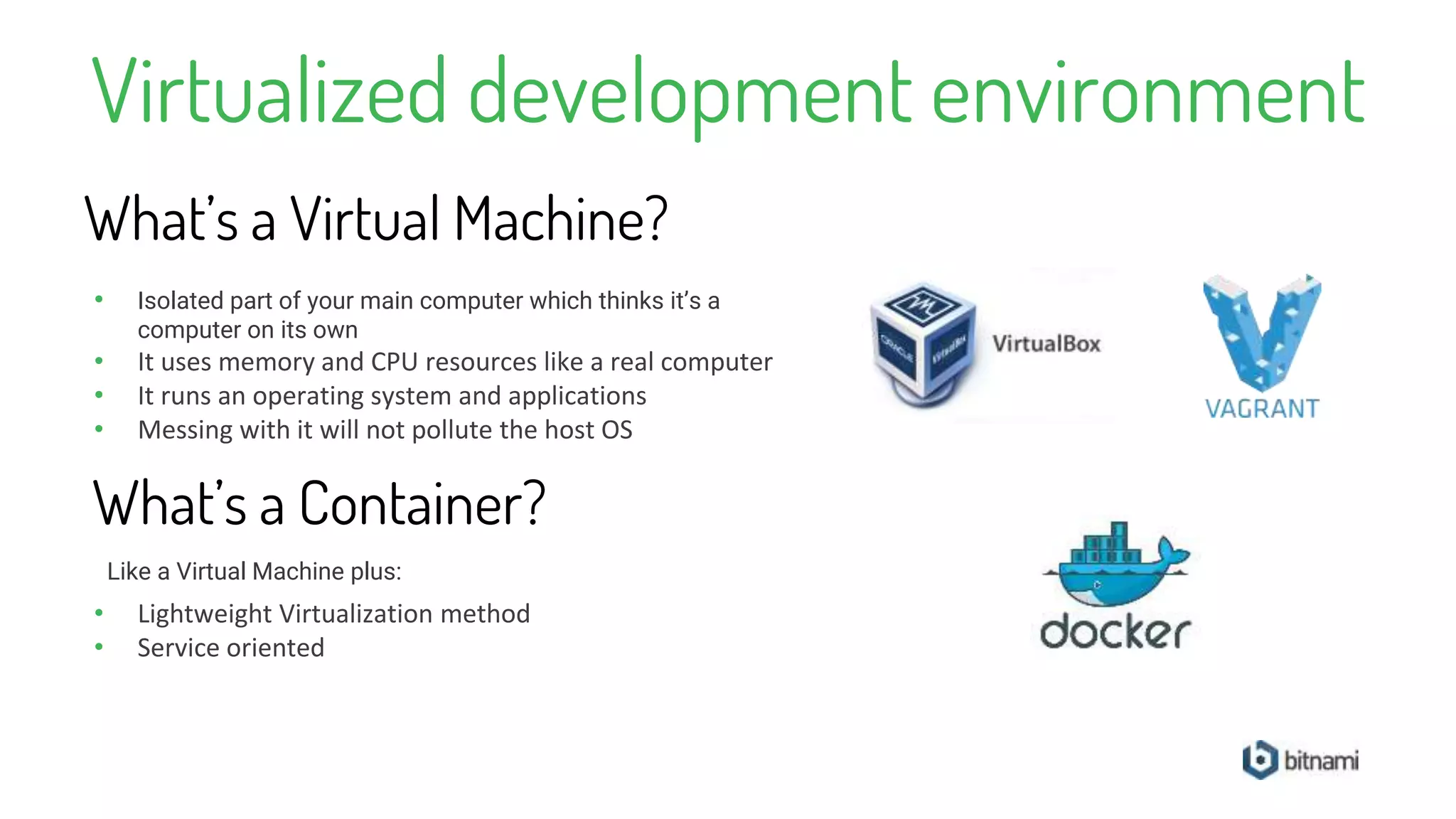
• Isolated part of your main computer which thinks it’s a
computer on its own
• It uses memory and CPU resources like a real computer
• It runs an operating system and applications
• Messing with it will not pollute the host OS
What’s a Virtual Machine?
What’s a Container?
• Lightweight Virtualization method
• Service oriented
Like a Virtual Machine plus:
Virtualized development environment
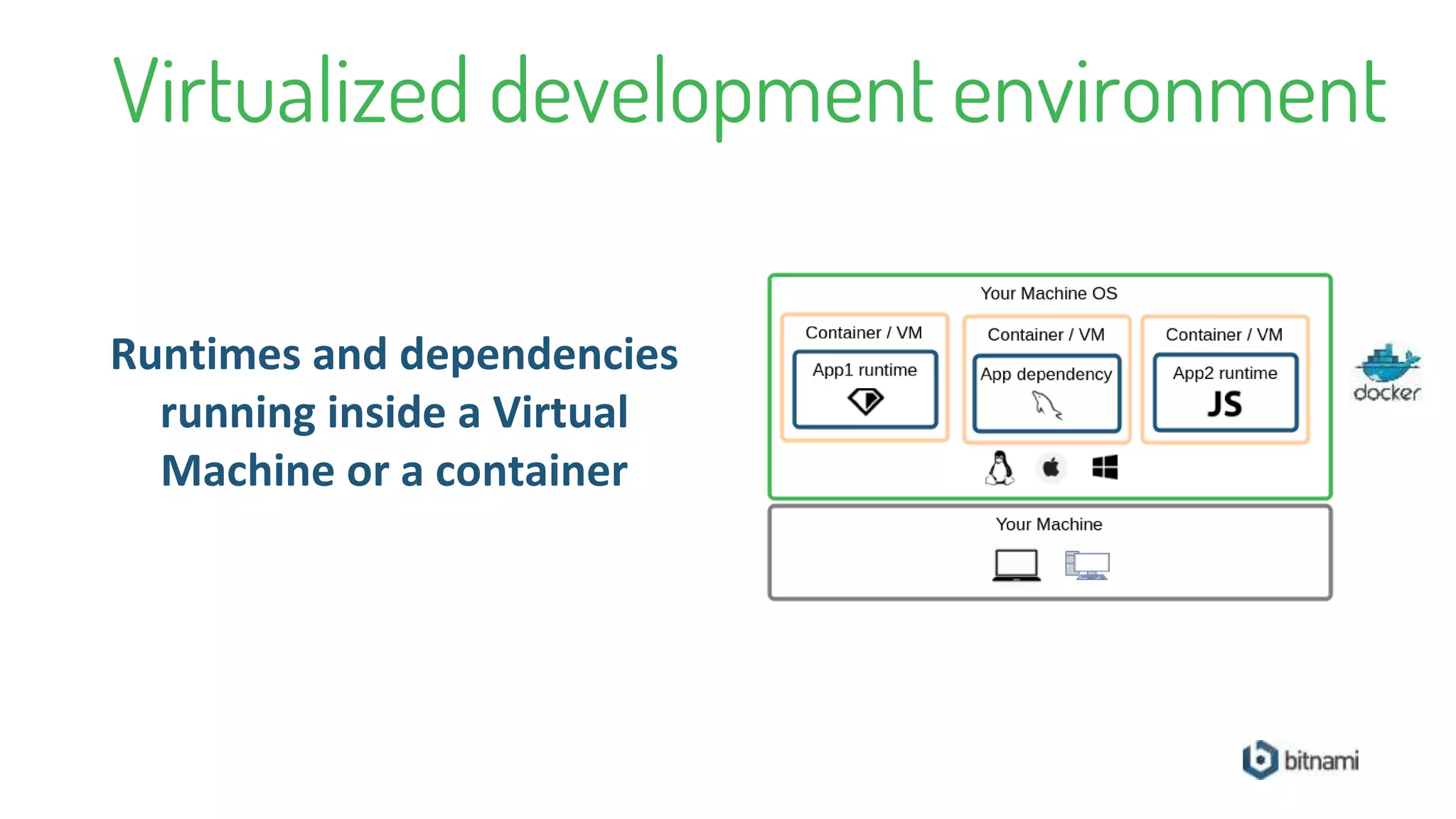
Runtimes and dependencies
running inside a Virtual
Machine or a container
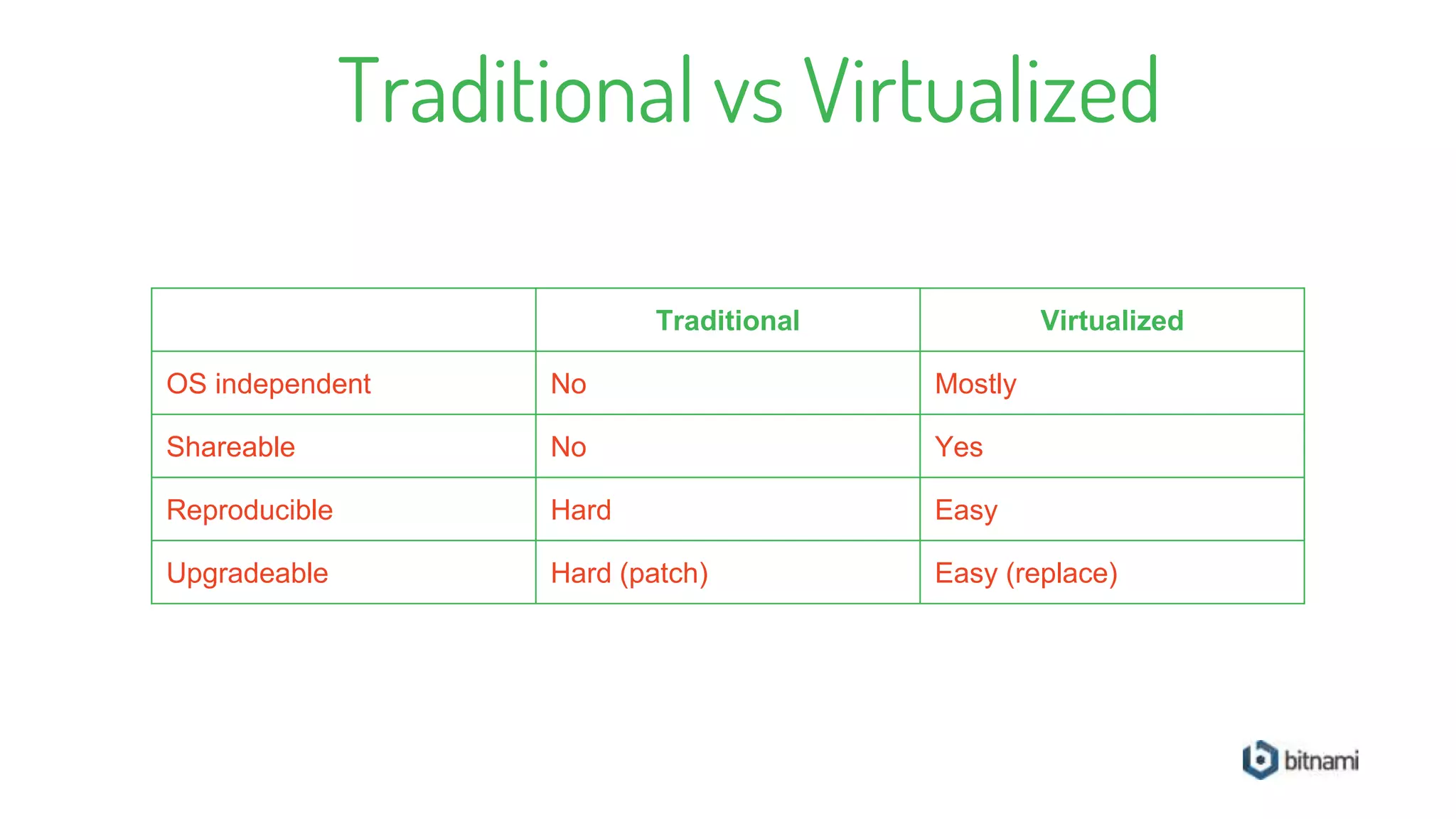
Traditional vs Virtualized
Traditional Virtualized
OS independent No Mostly
Shareable No Yes
Reproducible Hard Easy
Upgradeable Hard (patch) Easy (replace)
What are we going to do?
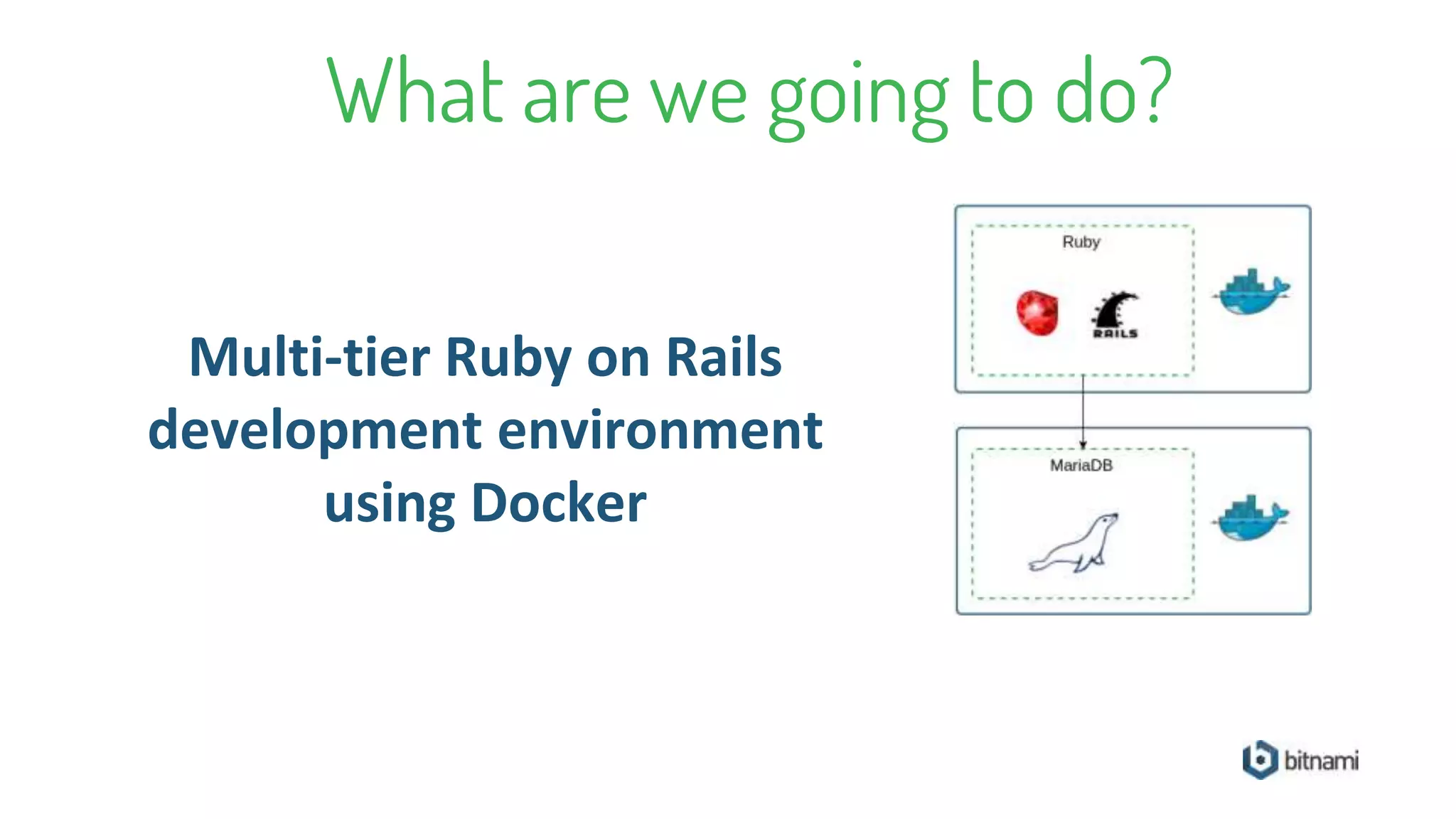
Multi-tier Ruby on Rails
development environment
using Docker
Confidential
Workshop
https://github.com/bitnami/codeday-workshop
or
http://bit.ly/2fMlT5V
Summary
• Run multi-tier applications, i.e database +
NodeJs
• Install dependencies, i.e rubygems, npm
• Run common tasks, i.e rake, gulp
• Share your environment with team members
With a Bitnami developer environment you can
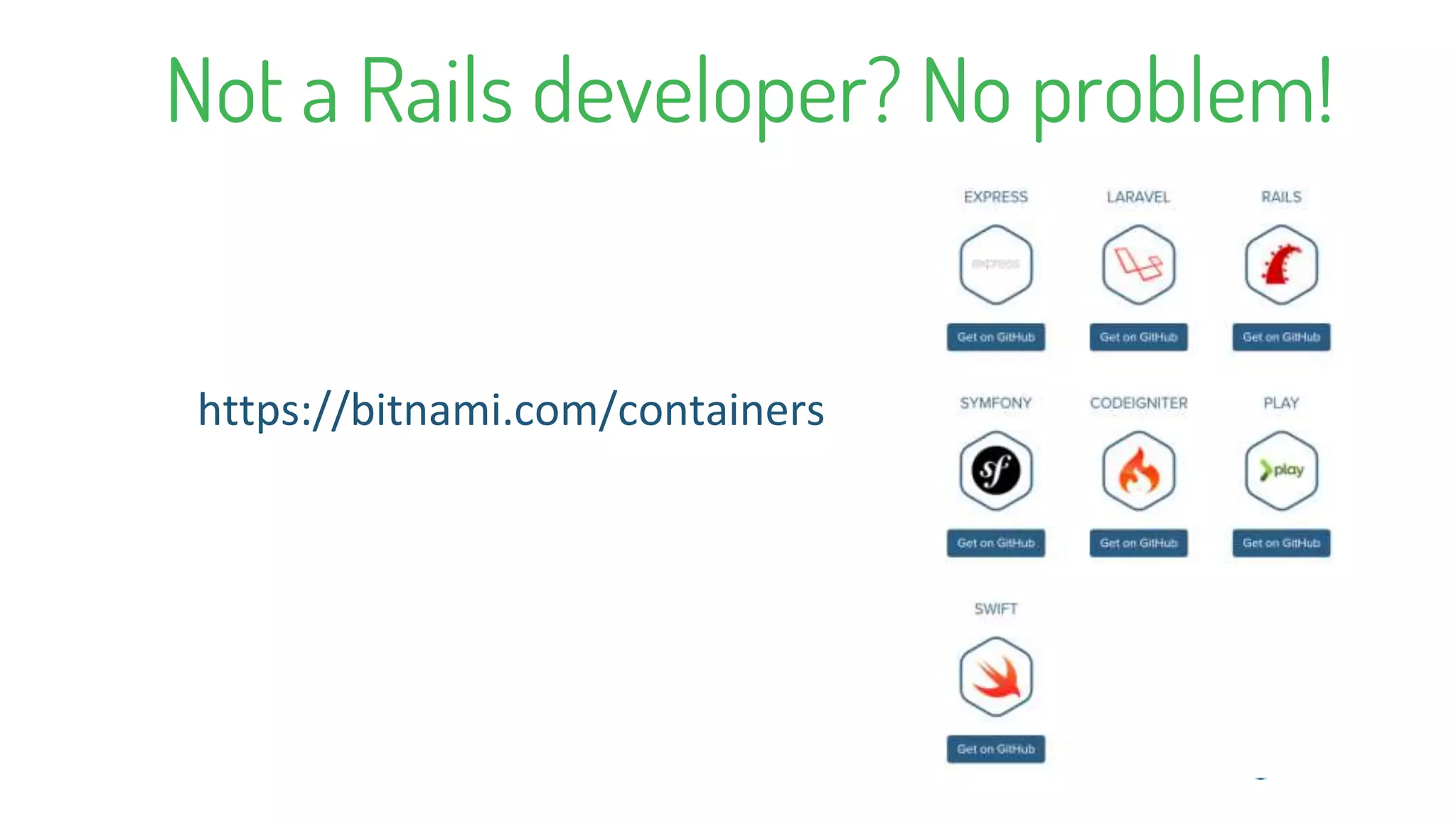
Not a Rails developer? No problem!
https://bitnami.com/containers
Thank You

Development environments in seconds using Bitnami containers