


KQL AND THE CONTENT
SEARCH WEB PART (CSWP)
IT Pro Solutions leveraging SharePoint 2013
search abilities (and KQL,REST and jQuery).
ABOUT ME: PAUL MCCOLLUM
SharePoint Platform Manager at 7-Eleven Inc.
MCITP SharePoint 2010, MCTS SQL Server, SP 2007,WSS
@SharePointShark (www.sharepointyesNO.net)
Programming since 1978
Technology Evangelist/Forecaster
www.everythingUSB.com
www.ohGizmo.com
Solution Architect
JavaScript sub-guru
Intranet Platform Manager/Governance/Solution Architecture
{paul_mccollum}AT{Hotmail}
LEANING INTO A NEW ERA
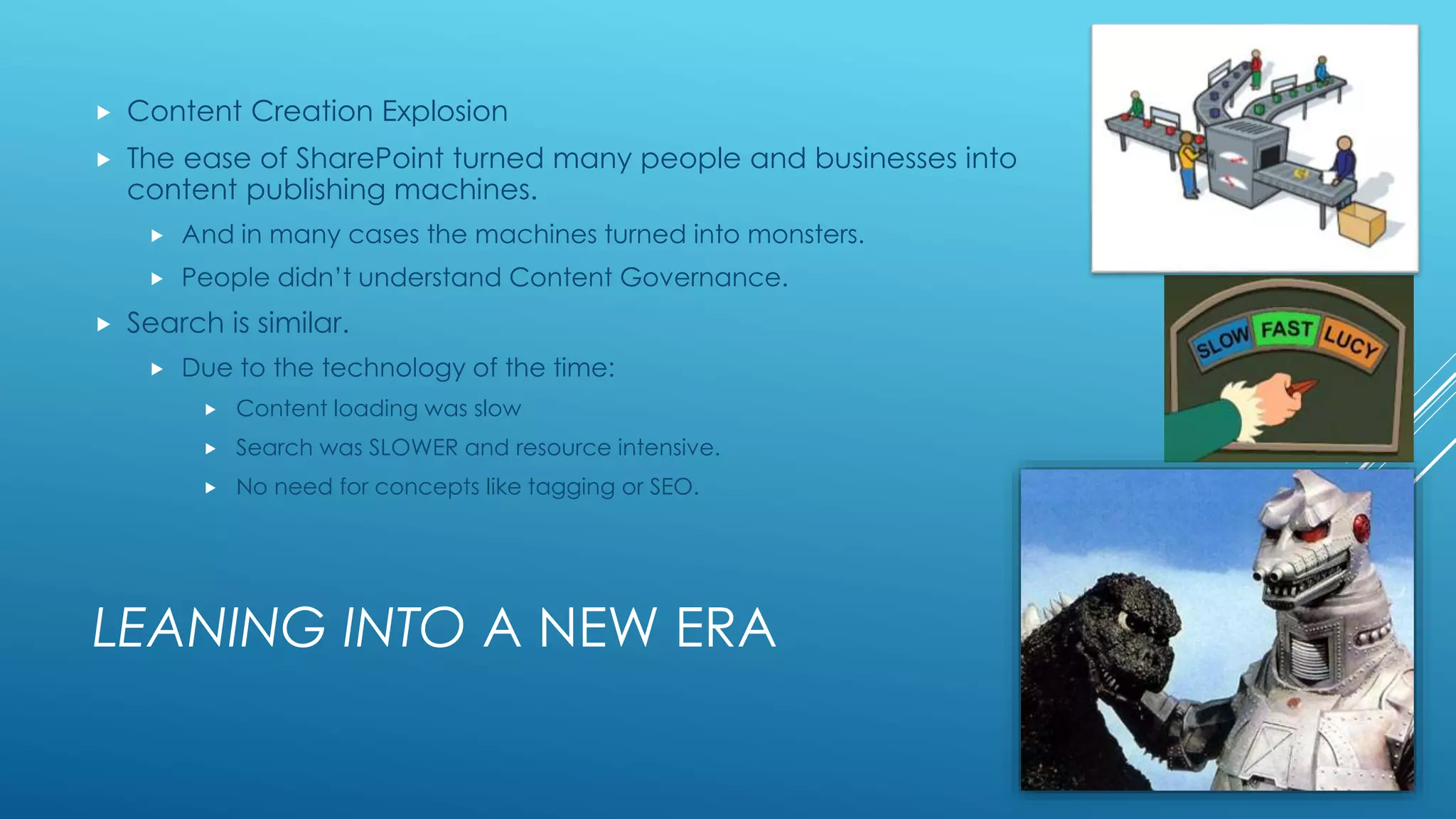
 Content Creation Explosion
 The ease of SharePoint turned many people and businesses into
content publishing machines.
 And in many cases the machines turned into monsters.
 People didn’t understand Content Governance.
 Search is similar.
 Due to the technology of the time:
 Content loading was slow
 Search was SLOWER and resource intensive.
 No need for concepts like tagging or SEO.
BUT…
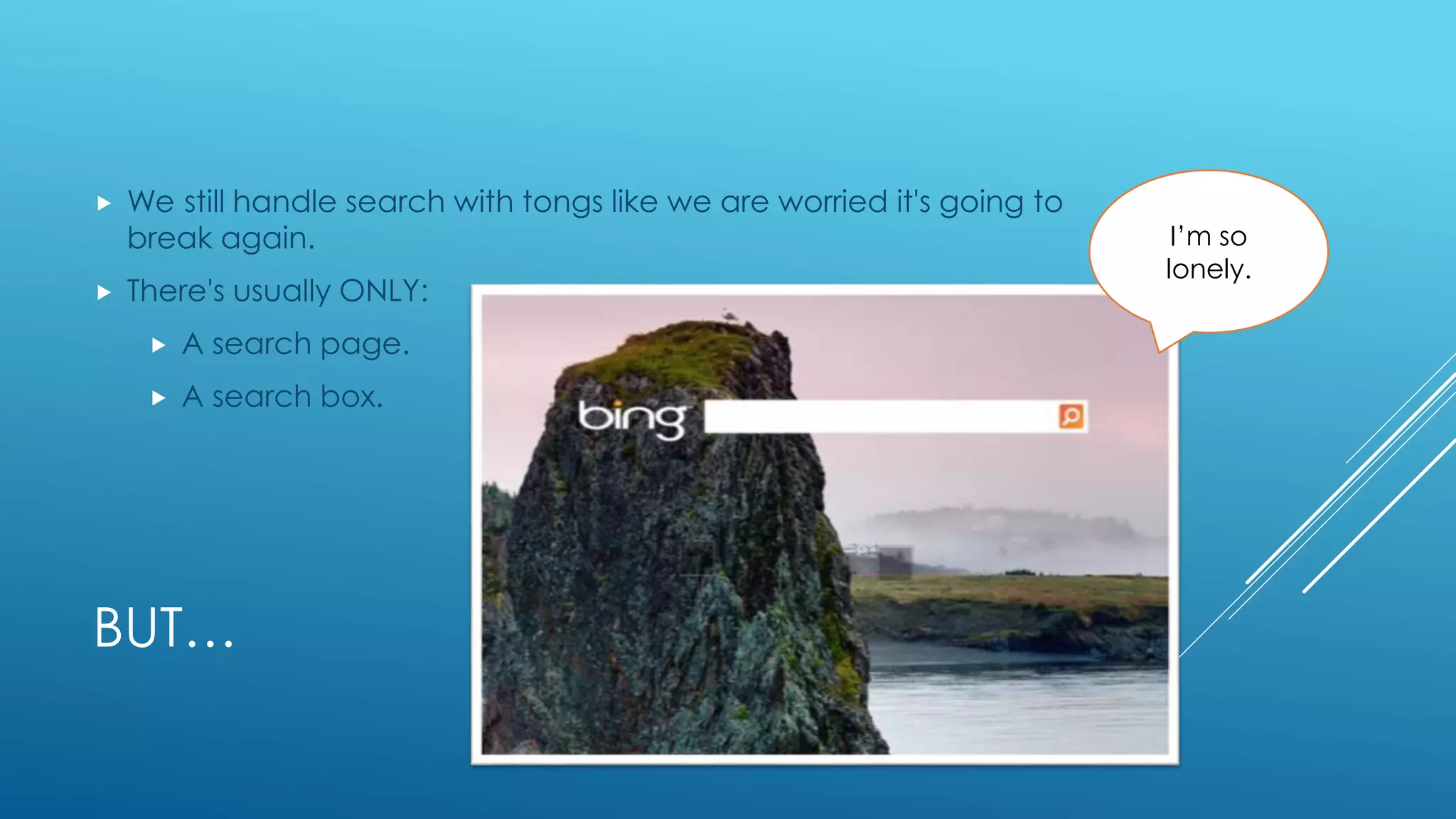
 We still handle search with tongs like we are worried it's going to
break again.
 There's usually ONLY:
 A search page.
 A search box.
I’m so
lonely.
WHY AREN’T WE LEVERAGING
SEARCH MORE?
 Since search data is cached well, the heavy lifting is done by the
crawl.
 Search queries can actually be more performant than those from
native data.
 This gives us a reason to take a second look at content we
surface and see if it could be improved with search data.
 With FAST Search in SharePoint we can now look at Search as a
Primary Data Source
CONTENT SEARCH WEB PART
 The Content Search Web Part is one of the easiest ways to start
“turning the corner” to grab and correlate data to provide more
useful information to the user.
 With CSWP you can very easily coalesce topic based information
and not be as worried about the source or physical location of
the data.
 Currently working in o365 (November 2013)
CSWP, KQL AND DISPLAY TEMPLATES
 Now that we see a little bit of the technology change, we can start
to look at making use of it to power mini-applications.
 Content Search Web Part
 Simple and Wizard driven.
 KQL
 A pseudo-language and syntax to refine search queries beyond the Wizard.
 No more CAML
 Display Templates
 HTML formatting, no XSLT
 Can be extended with JavaScript and jQuery.
 REST Connectors
 Use as a raw data source for apps
 No more CAML
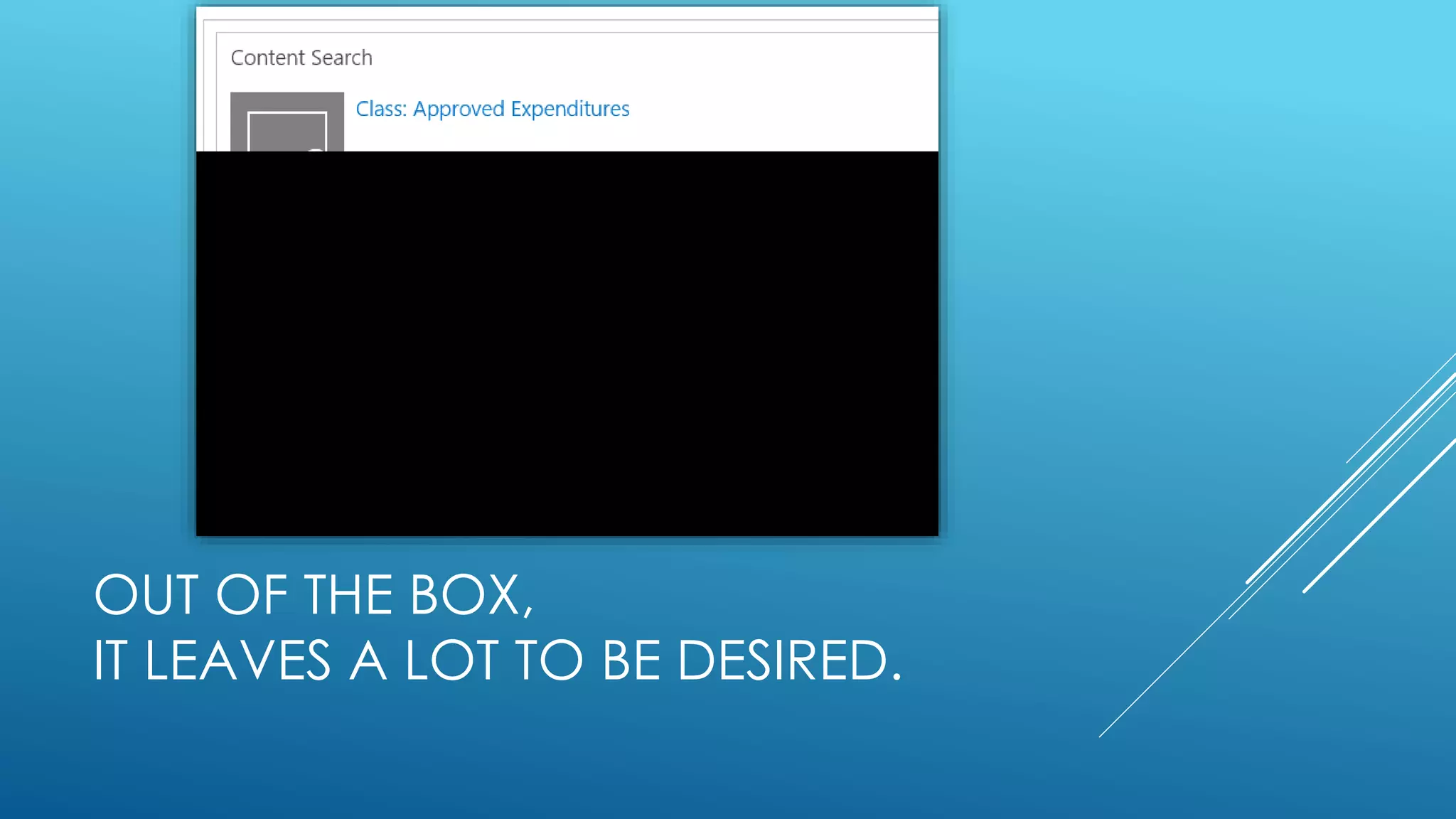
OUT OF THE BOX,
IT LEAVES A LOT TO BE DESIRED.
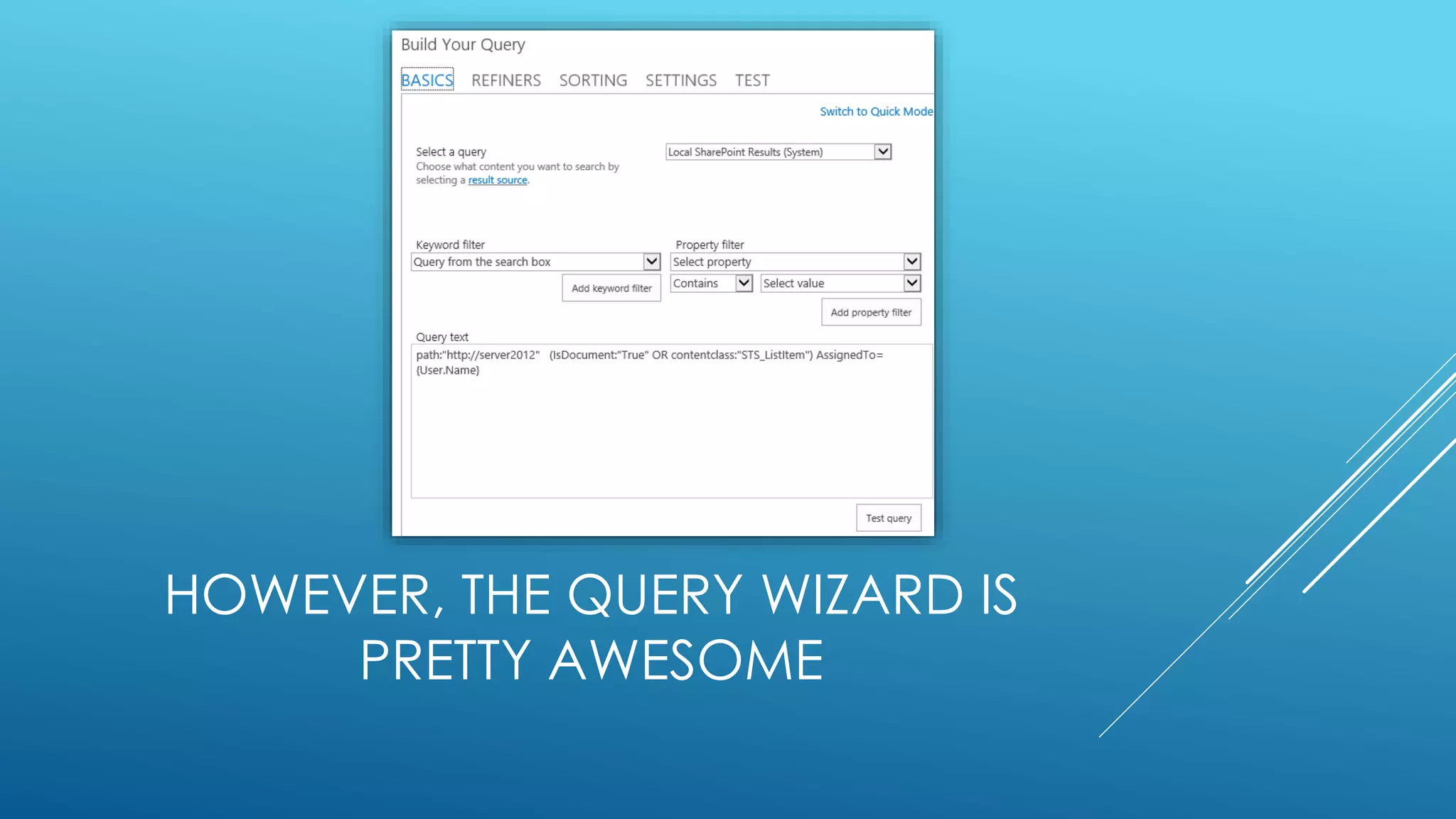
HOWEVER, THE QUERY WIZARD IS
PRETTY AWESOME
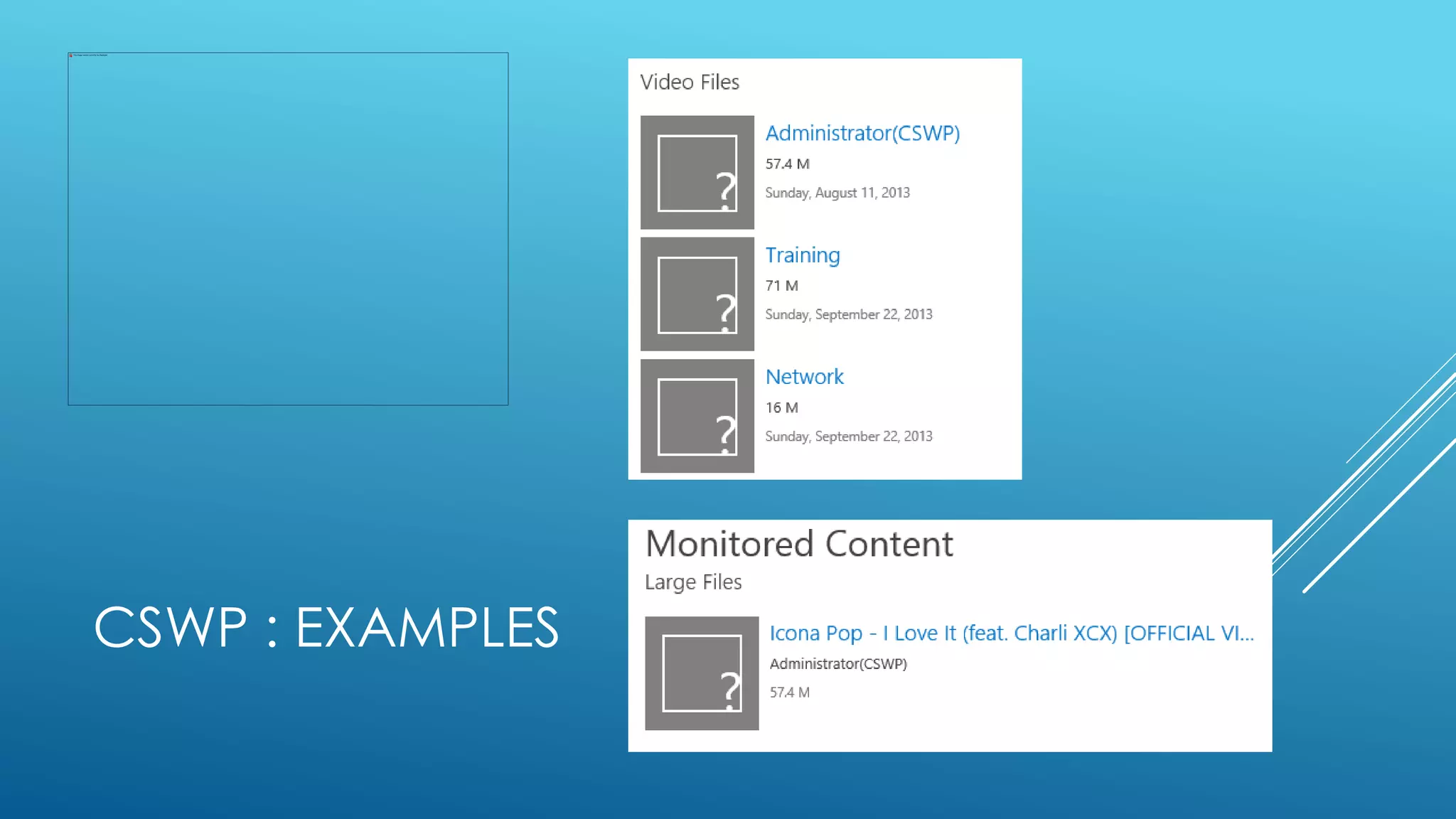
CSWP : EXAMPLES
 Demo: Create CSWPs
CSWP : EXAMPLES
CSWP : VS. WMS
 WMS (Work Management Service)
 Limited
 Fast
 Tied to User Profile, Search and WMS Services
 CSWP
 Flexible
 Predictable
 Only dependent on Search Service
KQL
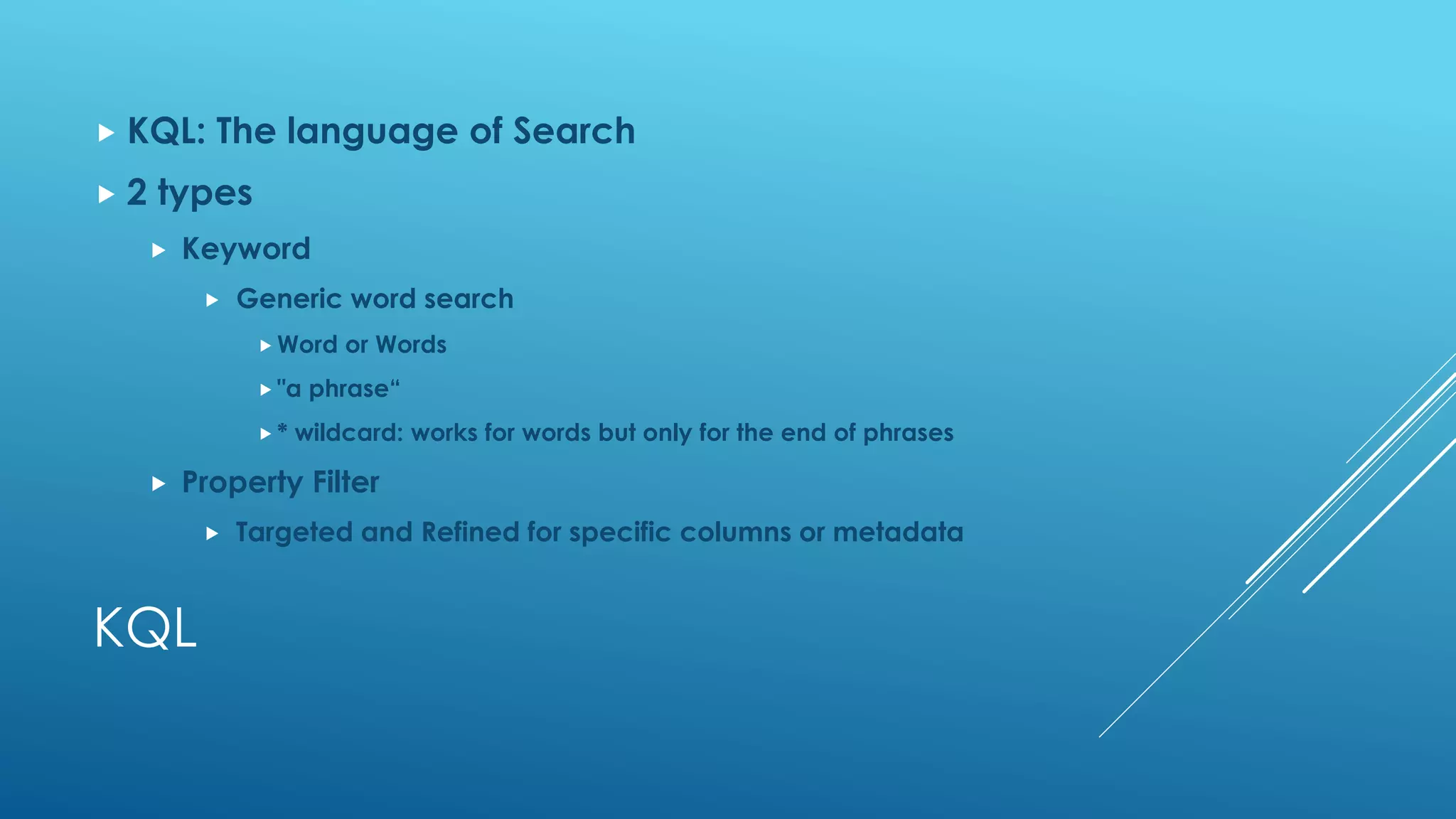
 KQL: The language of Search
 2 types
 Keyword
 Generic word search
 Word or Words
 "a phrase“
 * wildcard: works for words but only for the end of phrases
 Property Filter
 Targeted and Refined for specific columns or metadata
KQL
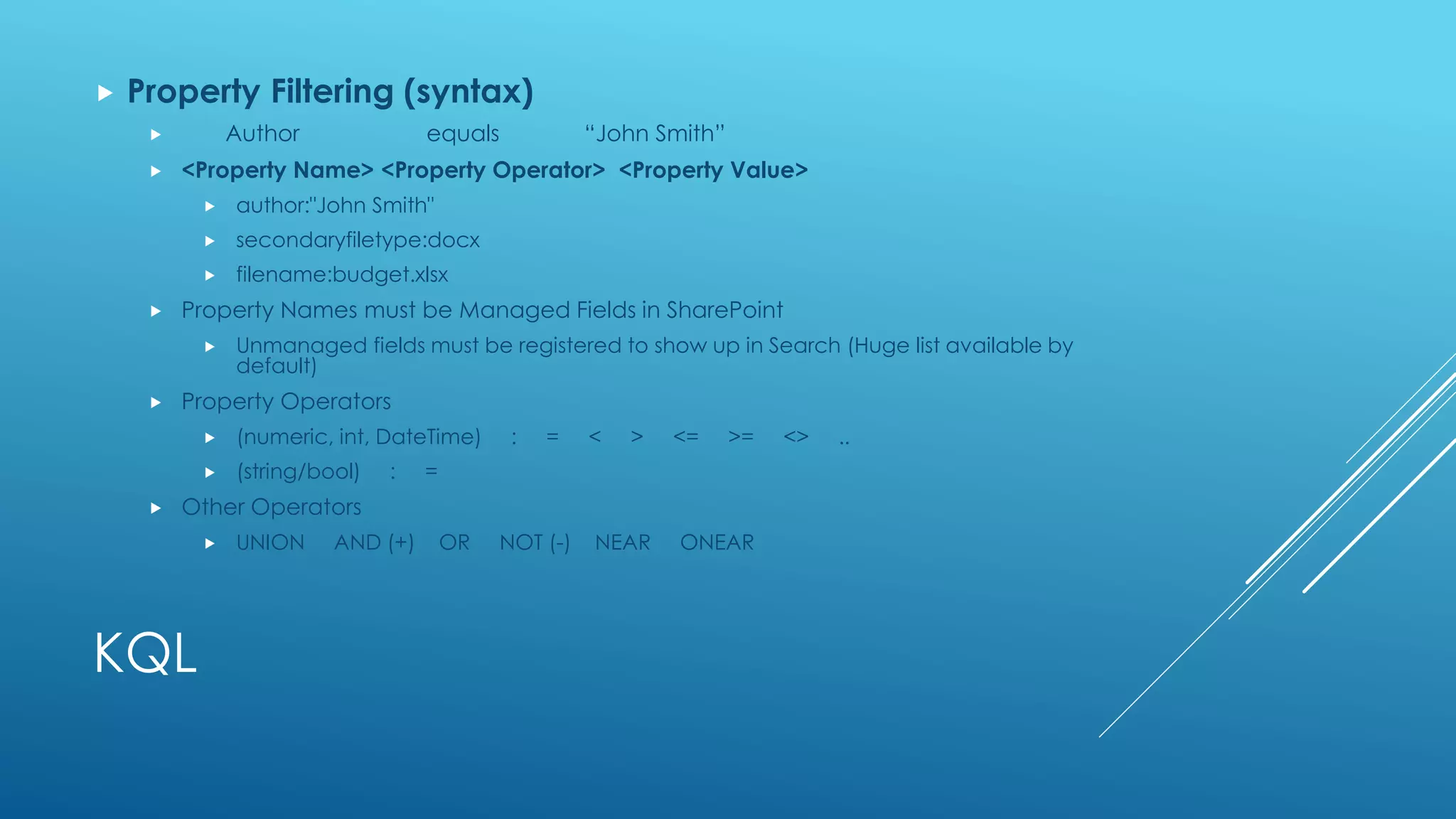
 Property Filtering (syntax)
 Author equals “John Smith”
 <Property Name> <Property Operator> <Property Value>
 author:"John Smith"
 secondaryfiletype:docx
 filename:budget.xlsx
 Property Names must be Managed Fields in SharePoint
 Unmanaged fields must be registered to show up in Search (Huge list available by
default)
 Property Operators
 (numeric, int, DateTime) : = < > <= >= <> ..
 (string/bool) : =
 Other Operators
 UNION AND (+) OR NOT (-) NEAR ONEAR
KQL
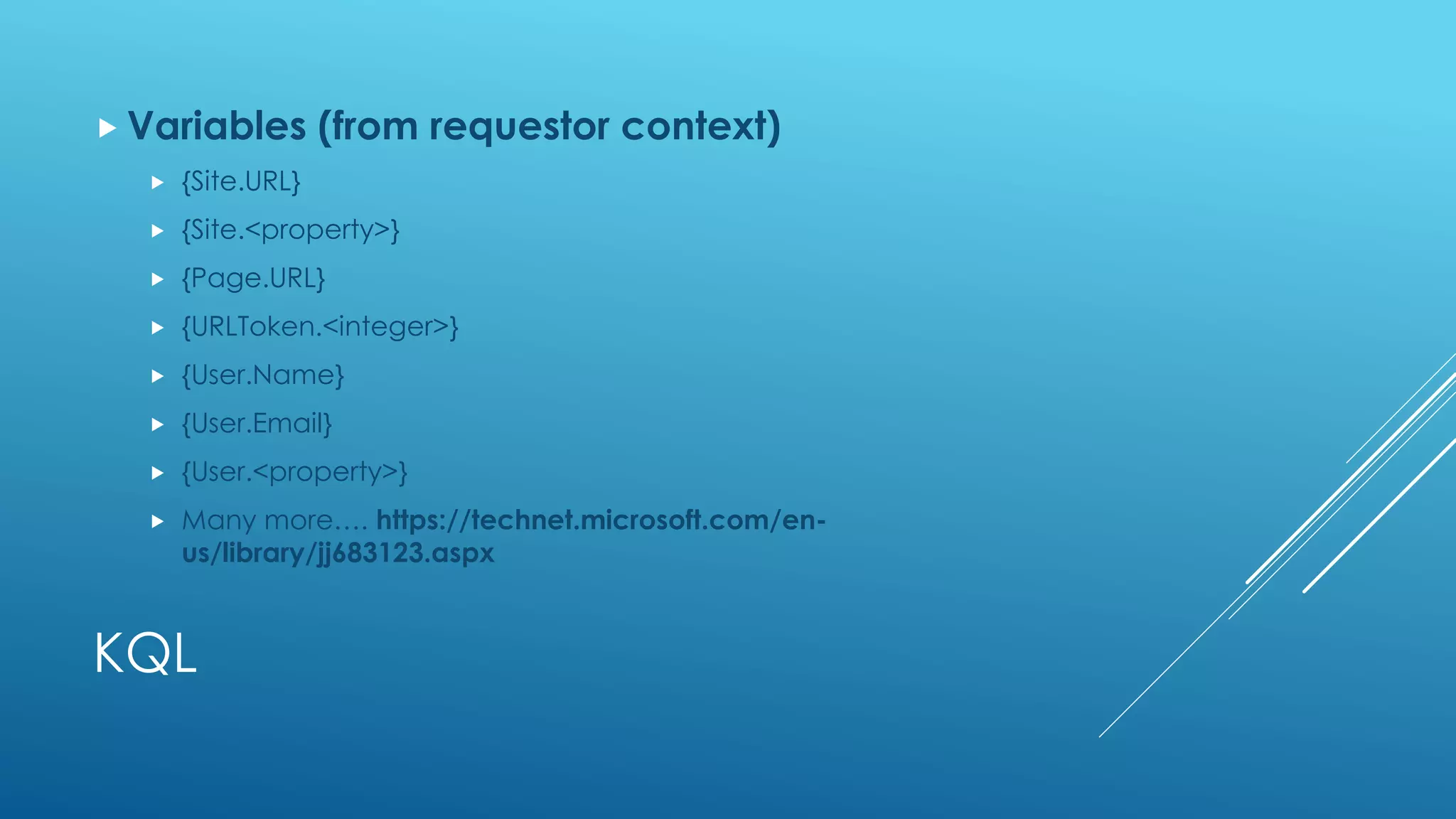
 Variables (from requestor context)
 {Site.URL}
 {Site.<property>}
 {Page.URL}
 {URLToken.<integer>}
 {User.Name}
 {User.Email}
 {User.<property>}
 Many more…. https://technet.microsoft.com/en-
us/library/jj683123.aspx
KQL
 Attributes (from result set)
 https://technet.microsoft.com/en-us/library/jj219630.aspx
KQL
 Demo of KQL and config of CSWP
 THEN *Audience Participation*
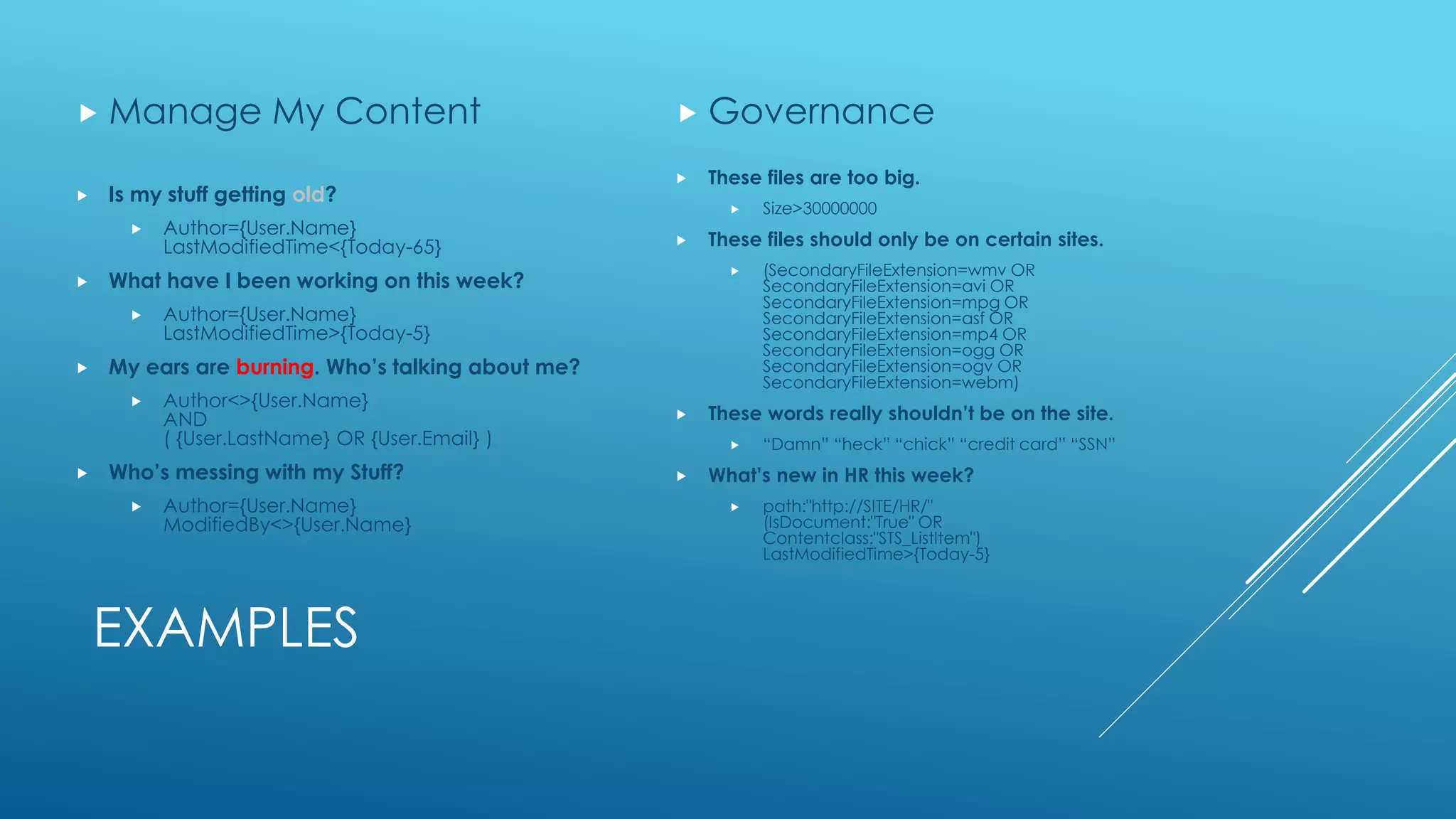
EXAMPLES
 Is my stuff getting old?
 Author={User.Name}
LastModifiedTime<{Today-65}
 What have I been working on this week?
 Author={User.Name}
LastModifiedTime>{Today-5}
 My ears are burning. Who’s talking about me?
 Author<>{User.Name}
AND
( {User.LastName} OR {User.Email} )
 Who’s messing with my Stuff?
 Author={User.Name}
ModifiedBy<>{User.Name}
 Manage My Content
 These files are too big.
 Size>30000000
 These files should only be on certain sites.
 (SecondaryFileExtension=wmv OR
SecondaryFileExtension=avi OR
SecondaryFileExtension=mpg OR
SecondaryFileExtension=asf OR
SecondaryFileExtension=mp4 OR
SecondaryFileExtension=ogg OR
SecondaryFileExtension=ogv OR
SecondaryFileExtension=webm)
 These words really shouldn’t be on the site.
 “Damn” “heck” “chick” “credit card” “SSN”
 What’s new in HR this week?
 path:"http://SITE/HR/"
(IsDocument:"True" OR
Contentclass:"STS_ListItem")
LastModifiedTime>{Today-5}
 Governance
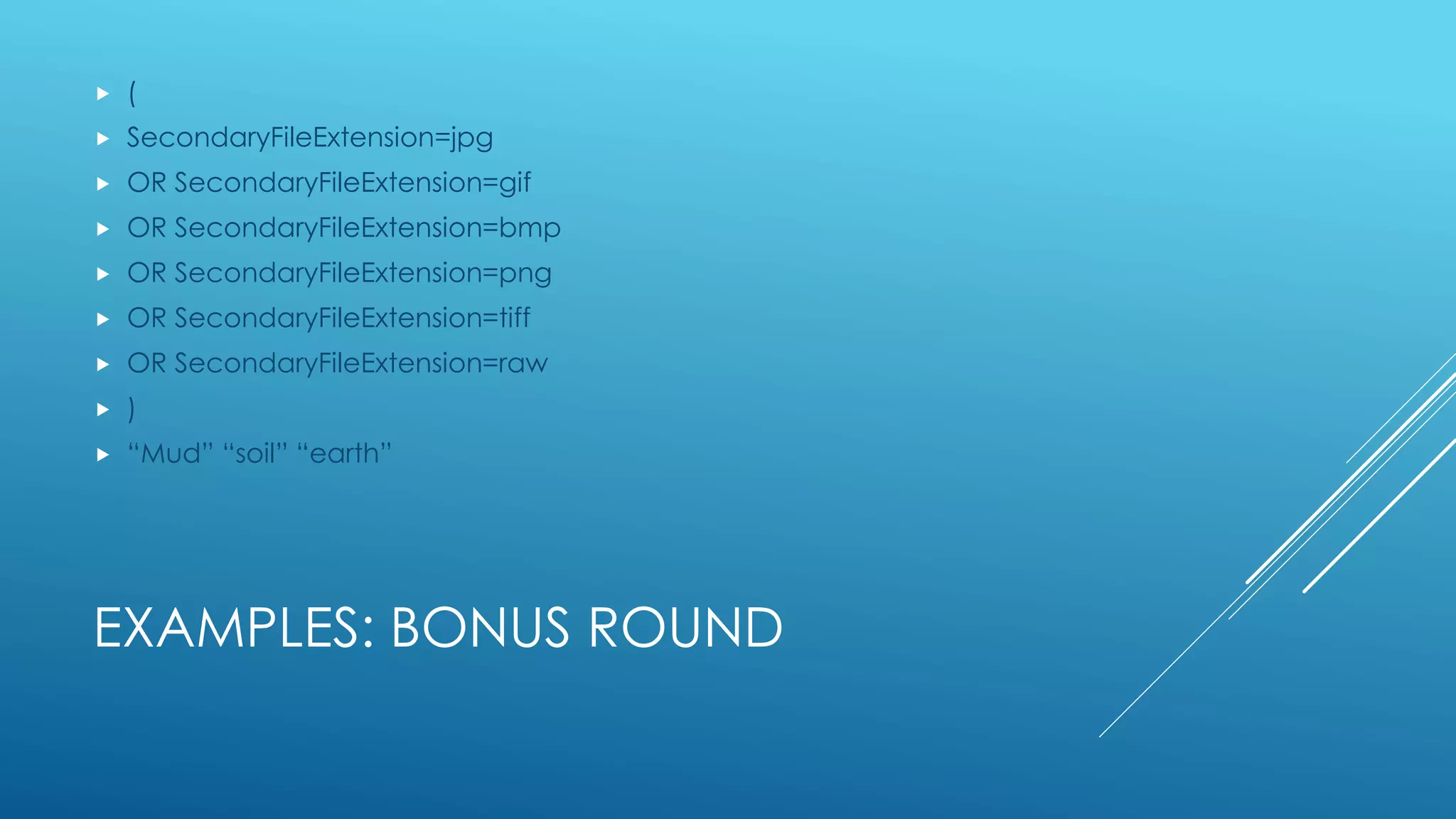
EXAMPLES: BONUS ROUND
 (
 SecondaryFileExtension=jpg
 OR SecondaryFileExtension=gif
 OR SecondaryFileExtension=bmp
 OR SecondaryFileExtension=png
 OR SecondaryFileExtension=tiff
 OR SecondaryFileExtension=raw
 )
 “Mud” “soil” “earth”
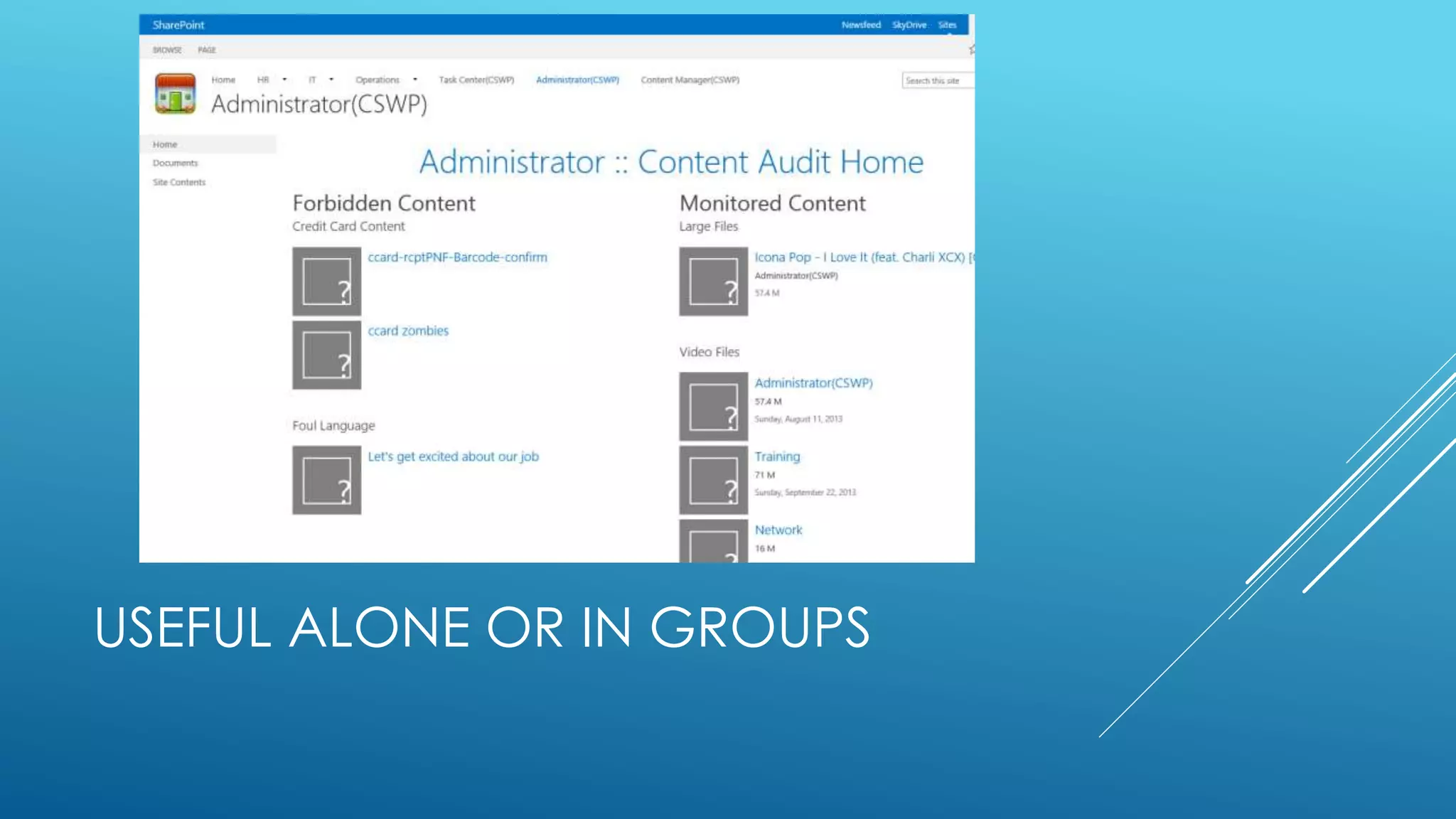
USEFUL ALONE OR IN GROUPS
DISPLAY TEMPLATES : MECHANICS
Display Templates are very similar to the
CQWP XSLT templates.
An Outer Template calls a looping Inner
Template.
No longer XML and XSLT
HTML and JavaScript with ‘Server Side’
Substitution
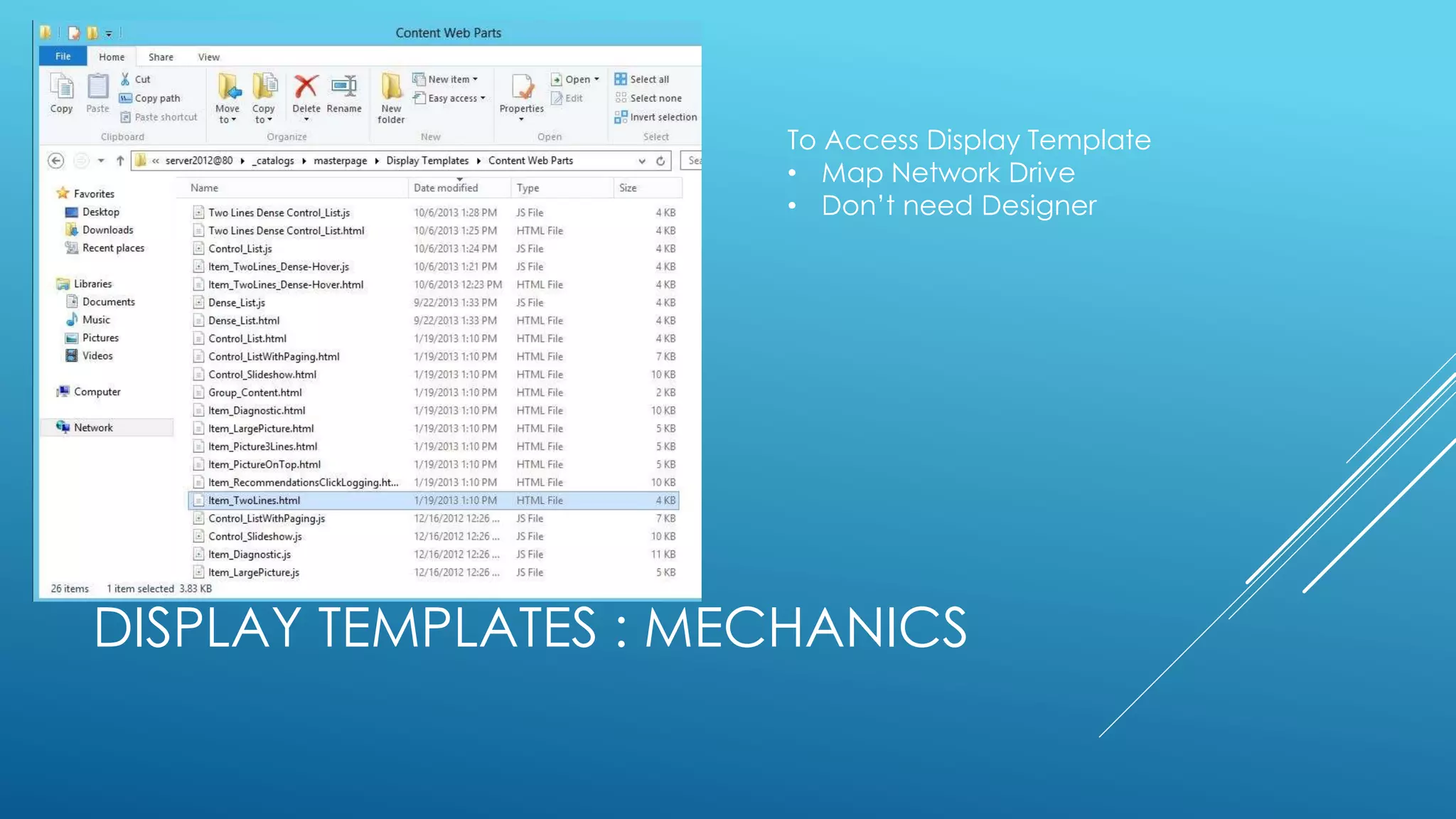
DISPLAY TEMPLATES : MECHANICS
To Access Display Template
• Map Network Drive
• Don’t need Designer
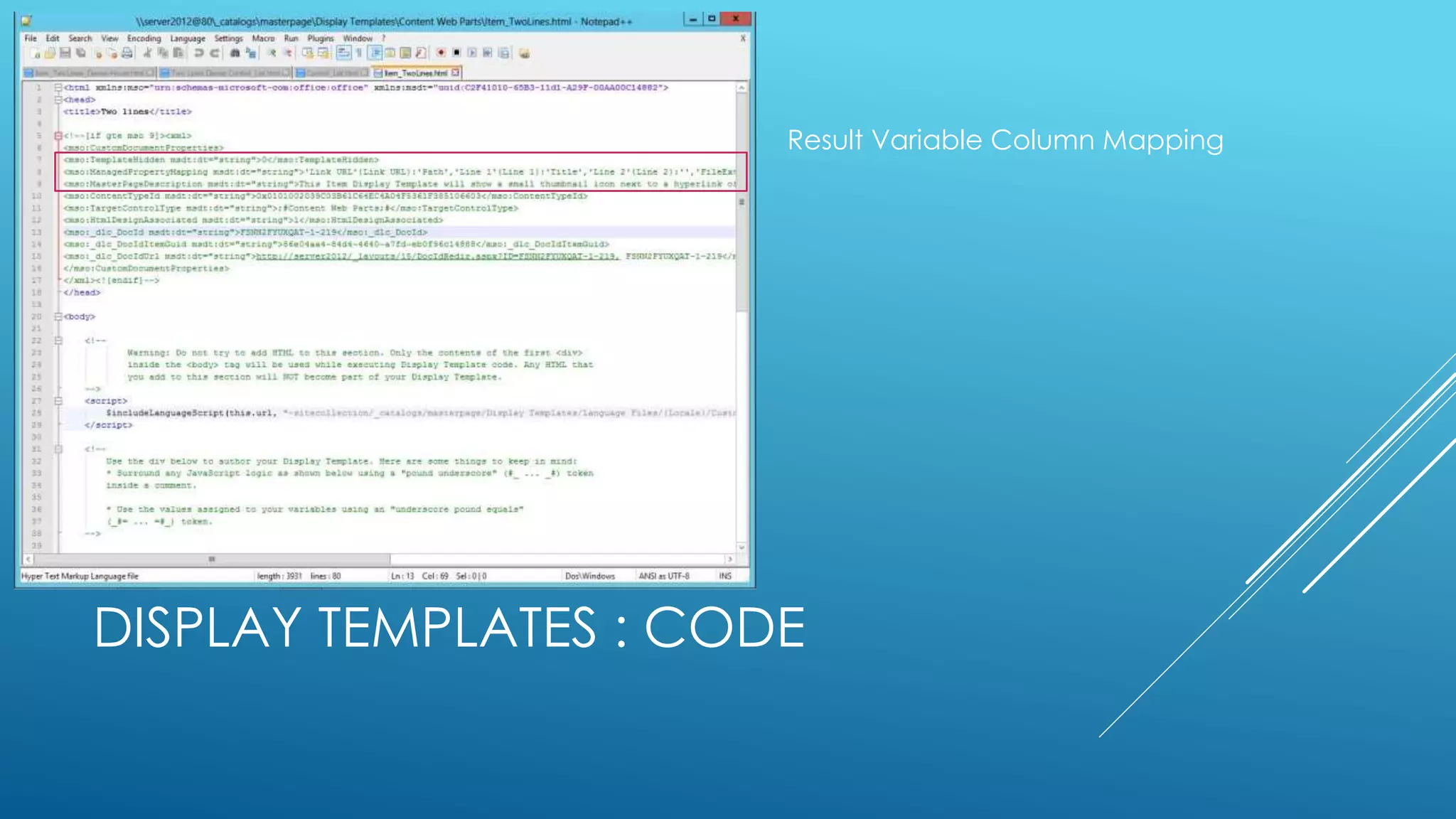
DISPLAY TEMPLATES : CODE
Result Variable Column Mapping
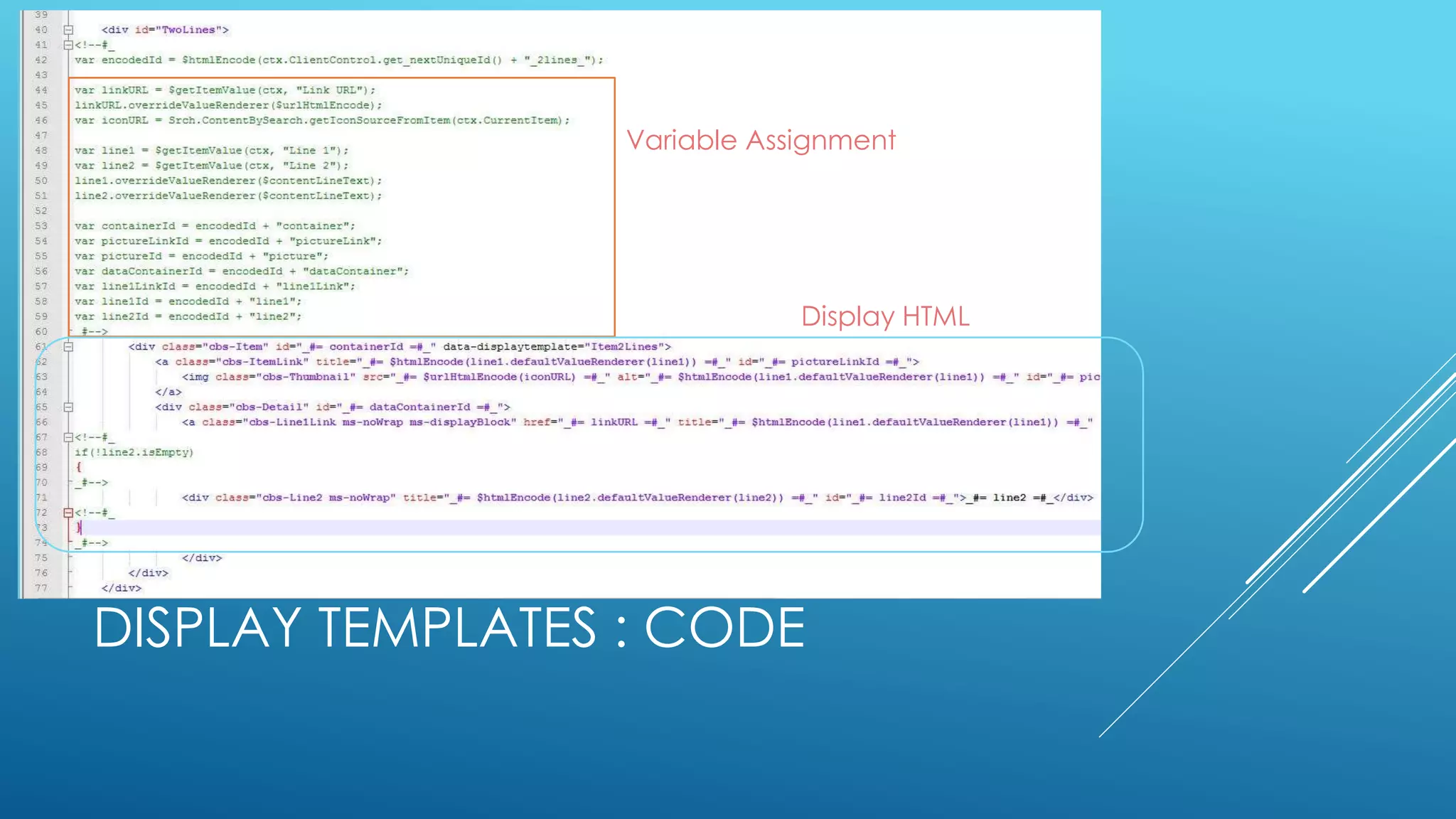
DISPLAY TEMPLATES : CODE
Variable Assignment
Display HTML
DISPLAY TEMPLATES : EXAMPLES
Demo of Display Template alterations
THE REST: WITH REST AND JQUERY
HTML vs .Net
Document Library
Versioning
No Compilation
Content Editor Web Part
Script Web Part
Cloud Friendly
THE REST: WITH REST AND JQUERY
REST, HTML and jQuery
More Power
More Flexibility
Fewer Hoops
THE REST: WITH REST AND JQUERY
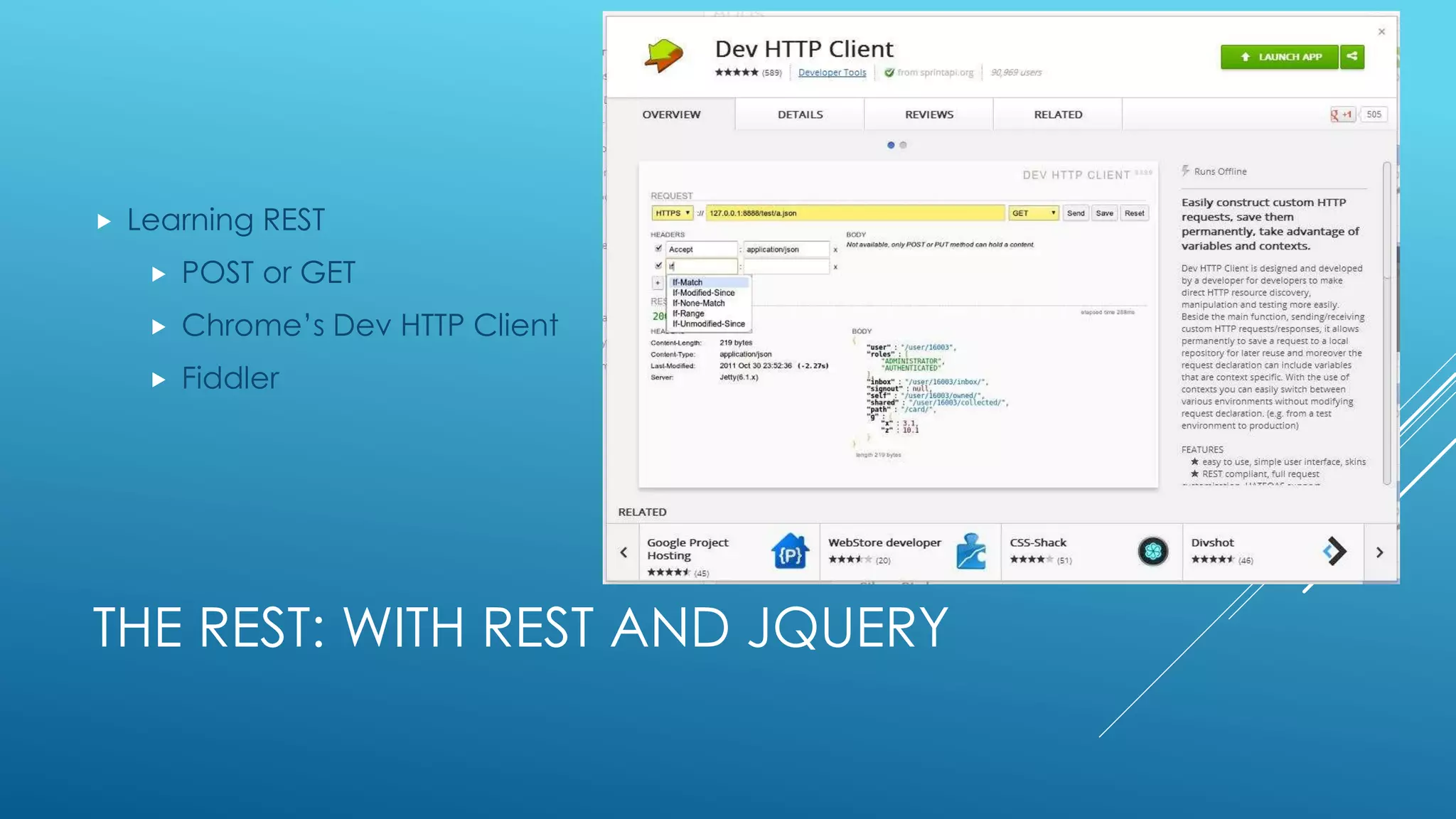
 Learning REST
 POST or GET
 Chrome’s Dev HTTP Client
 Fiddler
THE REST: WITH REST AND JQUERY
jQuery
Ajax
JSON
.each()
THE REST: WITH REST AND JQUERY
Places to get ideas
DynamicDrive.com
JavascriptKit.com
Smashingapps.com
THE REST: WITH REST AND JQUERY
Steps
Create query URL (REST)
Load into Array
Convert to HTML structure (if needed)
Wire-up to flashy plugin
JQUERY APPS : EXAMPLES
 Demo: Create REST Search mini App
RESOURCES
 KQL
 http://msdn.microsoft.com/en-us/library/sharepoint/ee558911.aspx
 http://msdn.microsoft.com/en-us/library/jj163973.aspx
 Search Variables
 http://technet.microsoft.com/en-us/library/jj683123.aspx
 Default Crawled Properties
 http://technet.microsoft.com/en-us/library/jj219630.aspx
 Display Template Reference
 http://technet.microsoft.com/en-us/library/jj944947.aspx
 http://msdn.microsoft.com/en-us/library/jj945138.aspx
 Codeplex sharepoint query tool.
 REST Endpoints
 http://msdn.microsoft.com/en-us/library/office/apps/jj860569.aspx
 REST Programming
 http://www.plusconsulting.com/blog/2013/05/crud-on-list-items-using-rest-services-jquery/
 SharePoint Search REST API overview (http://server/_api/search/query?querytext='sharepoint')
 http://msdn.microsoft.com/EN-US/library/sharepoint/jj163876.aspx
 Working with Result data from REST calls
 http://sharepointfieldnotes.blogspot.com/2013/01/sharepoint-2013-search-with-rest-app.html
 Image Rotator
 http://www.dynamicdrive.com/dynamicindex14/shockwave/index.htm

Kql and the content search web part

  • 1.
    KQL AND THECONTENT SEARCH WEB PART (CSWP) IT Pro Solutions leveraging SharePoint 2013 search abilities (and KQL,REST and jQuery).
  • 2.
    ABOUT ME: PAULMCCOLLUM SharePoint Platform Manager at 7-Eleven Inc. MCITP SharePoint 2010, MCTS SQL Server, SP 2007,WSS @SharePointShark (www.sharepointyesNO.net) Programming since 1978 Technology Evangelist/Forecaster www.everythingUSB.com www.ohGizmo.com Solution Architect JavaScript sub-guru Intranet Platform Manager/Governance/Solution Architecture {paul_mccollum}AT{Hotmail}
  • 3.
    LEANING INTO ANEW ERA  Content Creation Explosion  The ease of SharePoint turned many people and businesses into content publishing machines.  And in many cases the machines turned into monsters.  People didn’t understand Content Governance.  Search is similar.  Due to the technology of the time:  Content loading was slow  Search was SLOWER and resource intensive.  No need for concepts like tagging or SEO.
  • 4.
    BUT…  We stillhandle search with tongs like we are worried it's going to break again.  There's usually ONLY:  A search page.  A search box. I’m so lonely.
  • 5.
    WHY AREN’T WELEVERAGING SEARCH MORE?  Since search data is cached well, the heavy lifting is done by the crawl.  Search queries can actually be more performant than those from native data.  This gives us a reason to take a second look at content we surface and see if it could be improved with search data.  With FAST Search in SharePoint we can now look at Search as a Primary Data Source
  • 6.
    CONTENT SEARCH WEBPART  The Content Search Web Part is one of the easiest ways to start “turning the corner” to grab and correlate data to provide more useful information to the user.  With CSWP you can very easily coalesce topic based information and not be as worried about the source or physical location of the data.  Currently working in o365 (November 2013)
  • 7.
    CSWP, KQL ANDDISPLAY TEMPLATES  Now that we see a little bit of the technology change, we can start to look at making use of it to power mini-applications.  Content Search Web Part  Simple and Wizard driven.  KQL  A pseudo-language and syntax to refine search queries beyond the Wizard.  No more CAML  Display Templates  HTML formatting, no XSLT  Can be extended with JavaScript and jQuery.  REST Connectors  Use as a raw data source for apps  No more CAML
  • 8.
    OUT OF THEBOX, IT LEAVES A LOT TO BE DESIRED.
  • 9.
    HOWEVER, THE QUERYWIZARD IS PRETTY AWESOME
  • 10.
    CSWP : EXAMPLES Demo: Create CSWPs
  • 11.
  • 12.
    CSWP : VS.WMS  WMS (Work Management Service)  Limited  Fast  Tied to User Profile, Search and WMS Services  CSWP  Flexible  Predictable  Only dependent on Search Service
  • 13.
    KQL  KQL: Thelanguage of Search  2 types  Keyword  Generic word search  Word or Words  "a phrase“  * wildcard: works for words but only for the end of phrases  Property Filter  Targeted and Refined for specific columns or metadata
  • 14.
    KQL  Property Filtering(syntax)  Author equals “John Smith”  <Property Name> <Property Operator> <Property Value>  author:"John Smith"  secondaryfiletype:docx  filename:budget.xlsx  Property Names must be Managed Fields in SharePoint  Unmanaged fields must be registered to show up in Search (Huge list available by default)  Property Operators  (numeric, int, DateTime) : = < > <= >= <> ..  (string/bool) : =  Other Operators  UNION AND (+) OR NOT (-) NEAR ONEAR
  • 15.
    KQL  Variables (fromrequestor context)  {Site.URL}  {Site.<property>}  {Page.URL}  {URLToken.<integer>}  {User.Name}  {User.Email}  {User.<property>}  Many more…. https://technet.microsoft.com/en- us/library/jj683123.aspx
  • 16.
    KQL  Attributes (fromresult set)  https://technet.microsoft.com/en-us/library/jj219630.aspx
  • 17.
    KQL  Demo ofKQL and config of CSWP  THEN *Audience Participation*
  • 18.
    EXAMPLES  Is mystuff getting old?  Author={User.Name} LastModifiedTime<{Today-65}  What have I been working on this week?  Author={User.Name} LastModifiedTime>{Today-5}  My ears are burning. Who’s talking about me?  Author<>{User.Name} AND ( {User.LastName} OR {User.Email} )  Who’s messing with my Stuff?  Author={User.Name} ModifiedBy<>{User.Name}  Manage My Content  These files are too big.  Size>30000000  These files should only be on certain sites.  (SecondaryFileExtension=wmv OR SecondaryFileExtension=avi OR SecondaryFileExtension=mpg OR SecondaryFileExtension=asf OR SecondaryFileExtension=mp4 OR SecondaryFileExtension=ogg OR SecondaryFileExtension=ogv OR SecondaryFileExtension=webm)  These words really shouldn’t be on the site.  “Damn” “heck” “chick” “credit card” “SSN”  What’s new in HR this week?  path:"http://SITE/HR/" (IsDocument:"True" OR Contentclass:"STS_ListItem") LastModifiedTime>{Today-5}  Governance
  • 19.
    EXAMPLES: BONUS ROUND (  SecondaryFileExtension=jpg  OR SecondaryFileExtension=gif  OR SecondaryFileExtension=bmp  OR SecondaryFileExtension=png  OR SecondaryFileExtension=tiff  OR SecondaryFileExtension=raw  )  “Mud” “soil” “earth”
  • 20.
    USEFUL ALONE ORIN GROUPS
  • 21.
    DISPLAY TEMPLATES :MECHANICS Display Templates are very similar to the CQWP XSLT templates. An Outer Template calls a looping Inner Template. No longer XML and XSLT HTML and JavaScript with ‘Server Side’ Substitution
  • 22.
    DISPLAY TEMPLATES :MECHANICS To Access Display Template • Map Network Drive • Don’t need Designer
  • 23.
    DISPLAY TEMPLATES :CODE Result Variable Column Mapping
  • 24.
    DISPLAY TEMPLATES :CODE Variable Assignment Display HTML
  • 25.
    DISPLAY TEMPLATES :EXAMPLES Demo of Display Template alterations
  • 26.
    THE REST: WITHREST AND JQUERY HTML vs .Net Document Library Versioning No Compilation Content Editor Web Part Script Web Part Cloud Friendly
  • 27.
    THE REST: WITHREST AND JQUERY REST, HTML and jQuery More Power More Flexibility Fewer Hoops
  • 28.
    THE REST: WITHREST AND JQUERY  Learning REST  POST or GET  Chrome’s Dev HTTP Client  Fiddler
  • 29.
    THE REST: WITHREST AND JQUERY jQuery Ajax JSON .each()
  • 30.
    THE REST: WITHREST AND JQUERY Places to get ideas DynamicDrive.com JavascriptKit.com Smashingapps.com
  • 31.
    THE REST: WITHREST AND JQUERY Steps Create query URL (REST) Load into Array Convert to HTML structure (if needed) Wire-up to flashy plugin
  • 32.
    JQUERY APPS :EXAMPLES  Demo: Create REST Search mini App
  • 33.
    RESOURCES  KQL  http://msdn.microsoft.com/en-us/library/sharepoint/ee558911.aspx http://msdn.microsoft.com/en-us/library/jj163973.aspx  Search Variables  http://technet.microsoft.com/en-us/library/jj683123.aspx  Default Crawled Properties  http://technet.microsoft.com/en-us/library/jj219630.aspx  Display Template Reference  http://technet.microsoft.com/en-us/library/jj944947.aspx  http://msdn.microsoft.com/en-us/library/jj945138.aspx  Codeplex sharepoint query tool.  REST Endpoints  http://msdn.microsoft.com/en-us/library/office/apps/jj860569.aspx  REST Programming  http://www.plusconsulting.com/blog/2013/05/crud-on-list-items-using-rest-services-jquery/  SharePoint Search REST API overview (http://server/_api/search/query?querytext='sharepoint')  http://msdn.microsoft.com/EN-US/library/sharepoint/jj163876.aspx  Working with Result data from REST calls  http://sharepointfieldnotes.blogspot.com/2013/01/sharepoint-2013-search-with-rest-app.html  Image Rotator  http://www.dynamicdrive.com/dynamicindex14/shockwave/index.htm