Kotlin for Android
Erinda Jaupaj
@ErindaJaupi
SPECK
&
TECH
Few words about Kotlin
● Programming language
● Targets JVM, Android and Javascript
● Fully interoperable with Java
● Developed by Jetbrains
● https://kotlinlang.org/
Why do we need Kotlin
● Android is stuck on Java 6
○ No streams
○ No lambdas
○ No try-with-resources
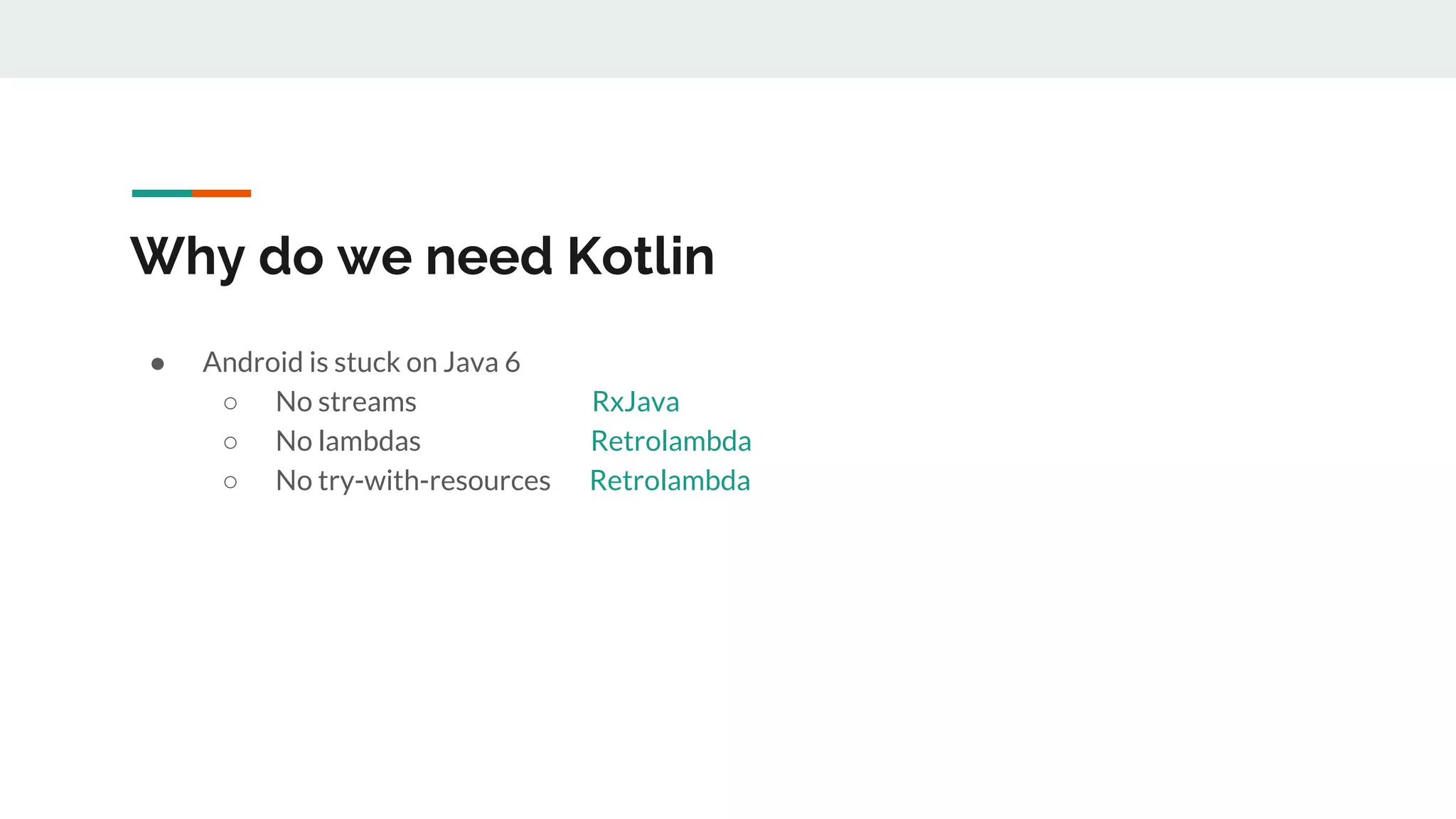
Why do we need Kotlin
● Android is stuck on Java 6
○ No streams RxJava
○ No lambdas Retrolambda
○ No try-with-resources Retrolambda
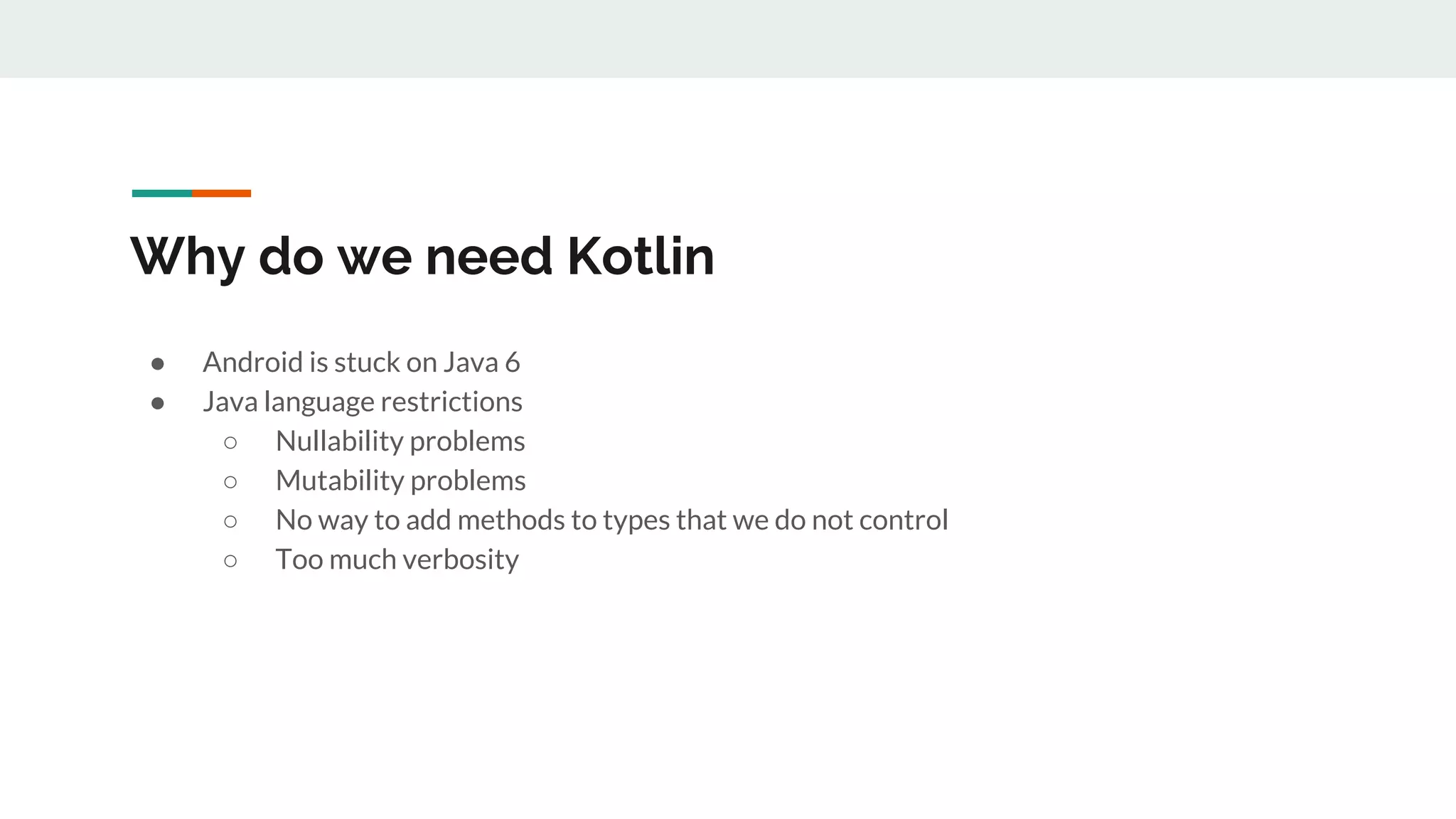
Why do we need Kotlin
● Android is stuck on Java 6
● Java language restrictions
○ Nullability problems
○ Mutability problems
○ No way to add methods to types that we do not control
○ Too much verbosity
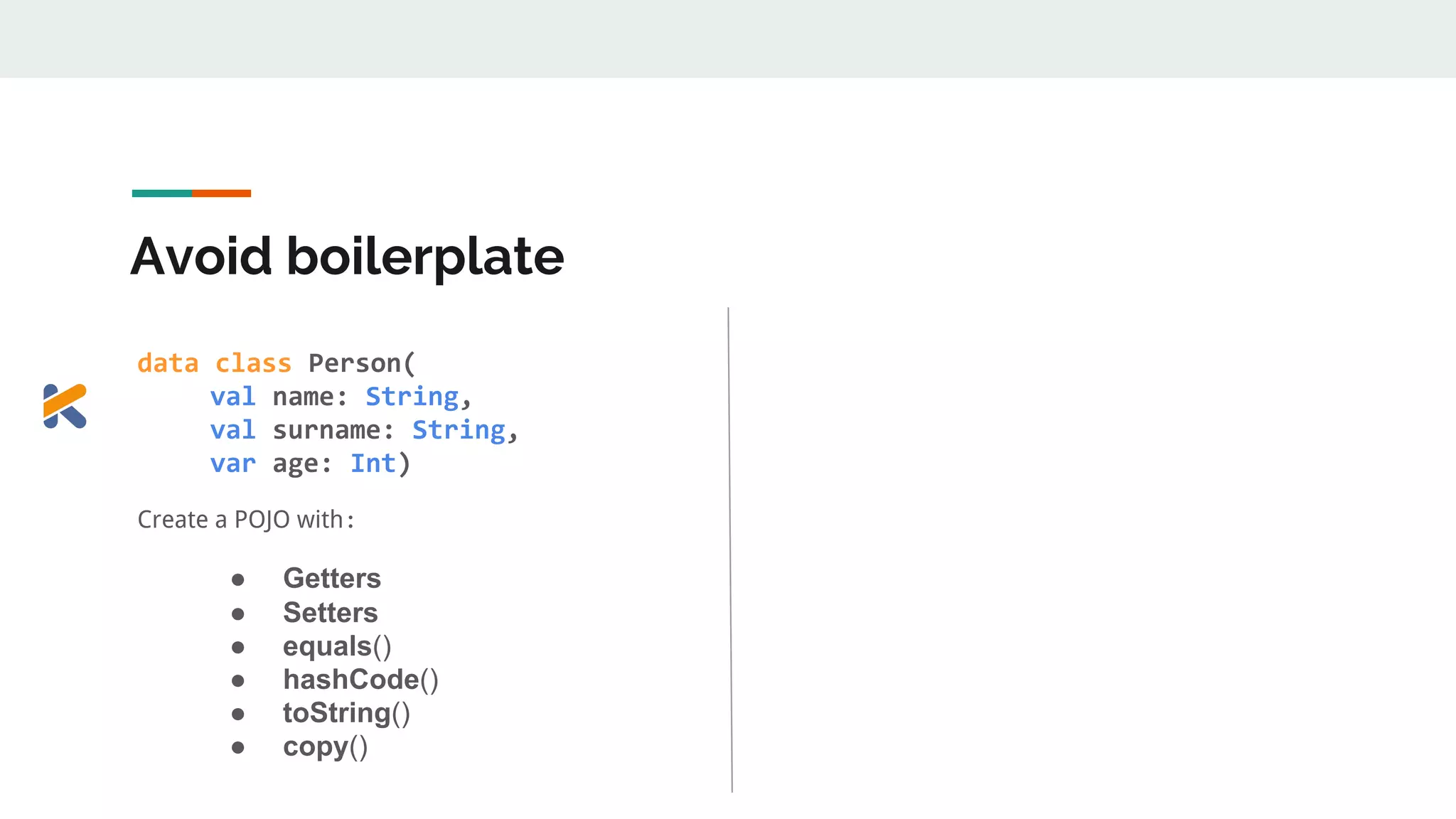
Avoid boilerplate
data class Person(
val name: String,
val surname: String,
var age: Int)
Create a POJO with:
● Getters
● Setters
● equals()
● hashCode()
● toString()
● copy()
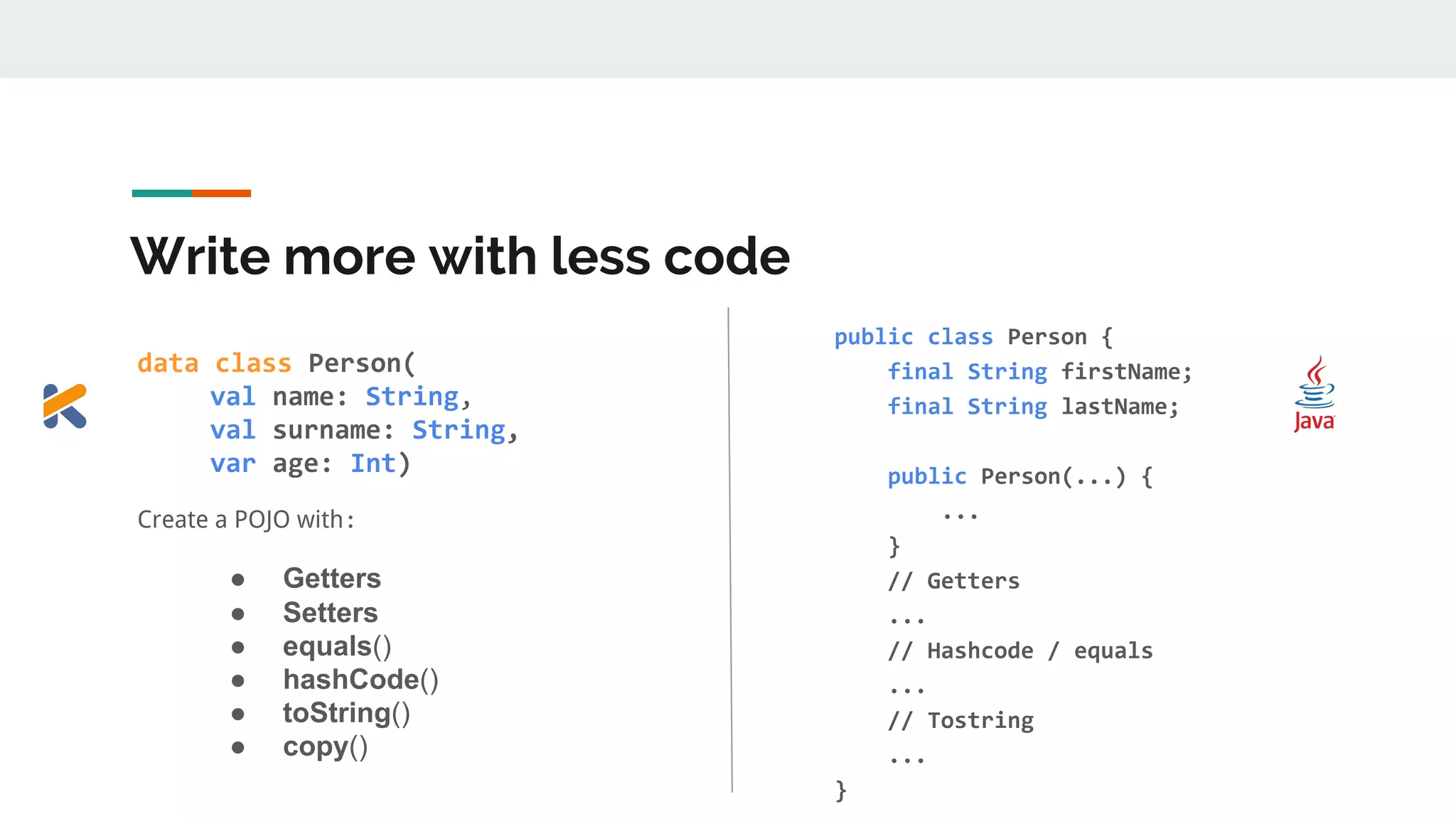
Write more with less code
data class Person(
val name: String,, ,
val surname: String,,
var age: Int)
Create a POJO with:
● Getters
● Setters
● equals()
● hashCode()
● toString()
● copy()
public class Person {
final String firstName;
final String lastName;
public Person(...) {
...
}
// Getters
...
// Hashcode / equals
...
// Tostring
...
}
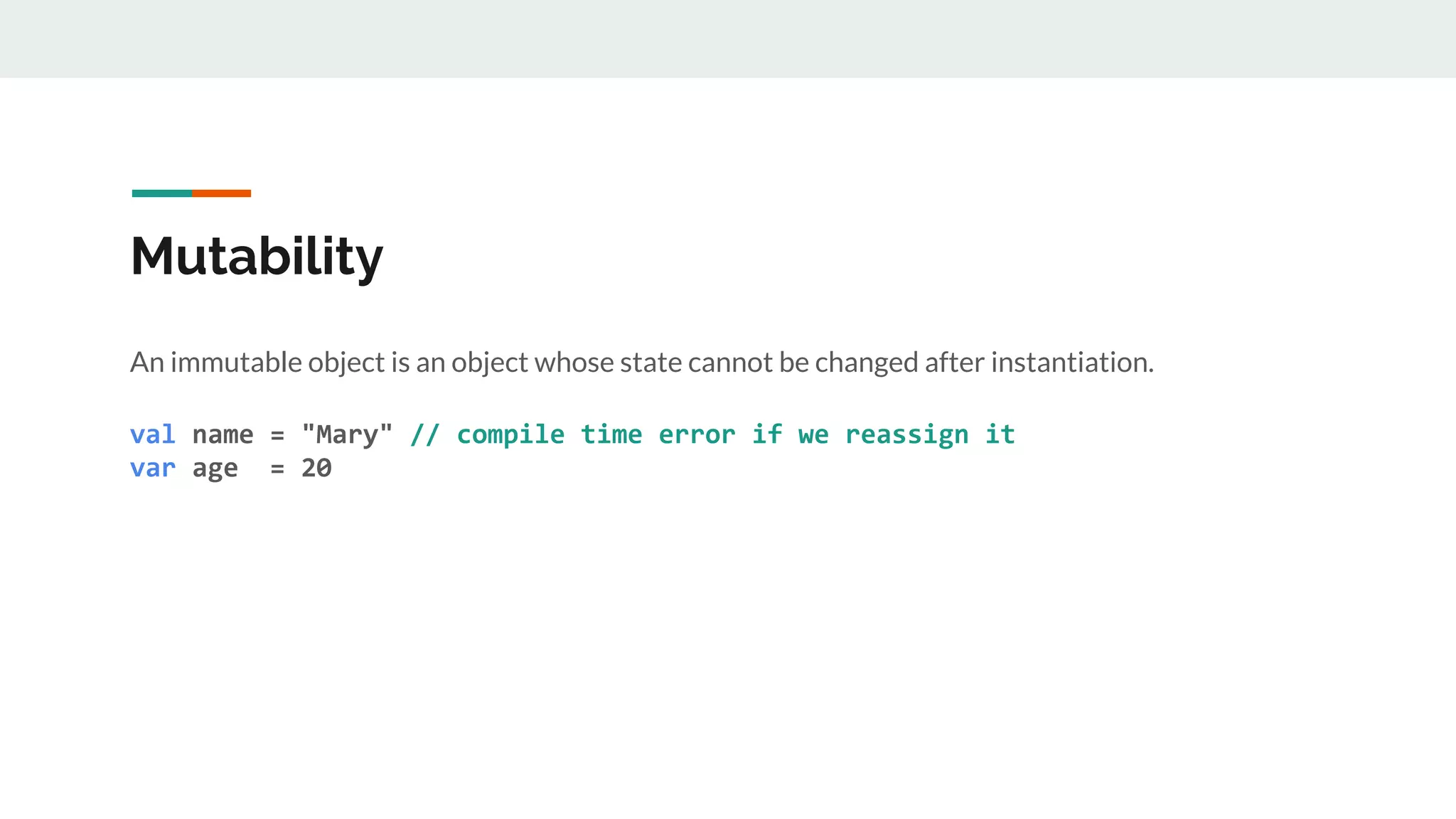
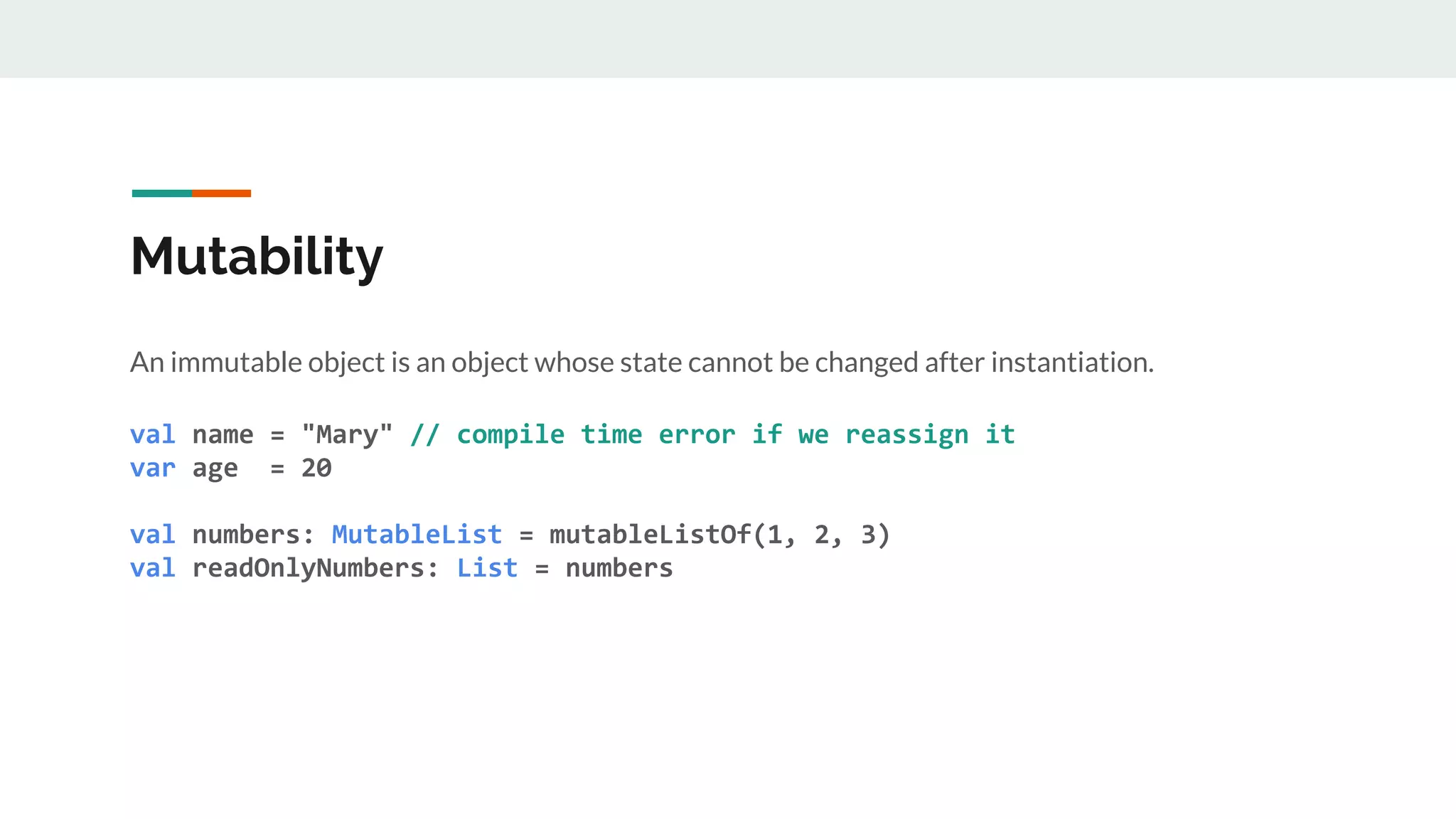
Mutability
An immutable object is an object whose state cannot be changed after instantiation.
val name = "Mary" // compile time error if we reassign it
var age = 20
Mutability
An immutable object is an object whose state cannot be changed after instantiation.
val name = "Mary" // compile time error if we reassign it
var age = 20
val numbers: MutableList = mutableListOf(1, 2, 3)
val readOnlyNumbers: List = numbers
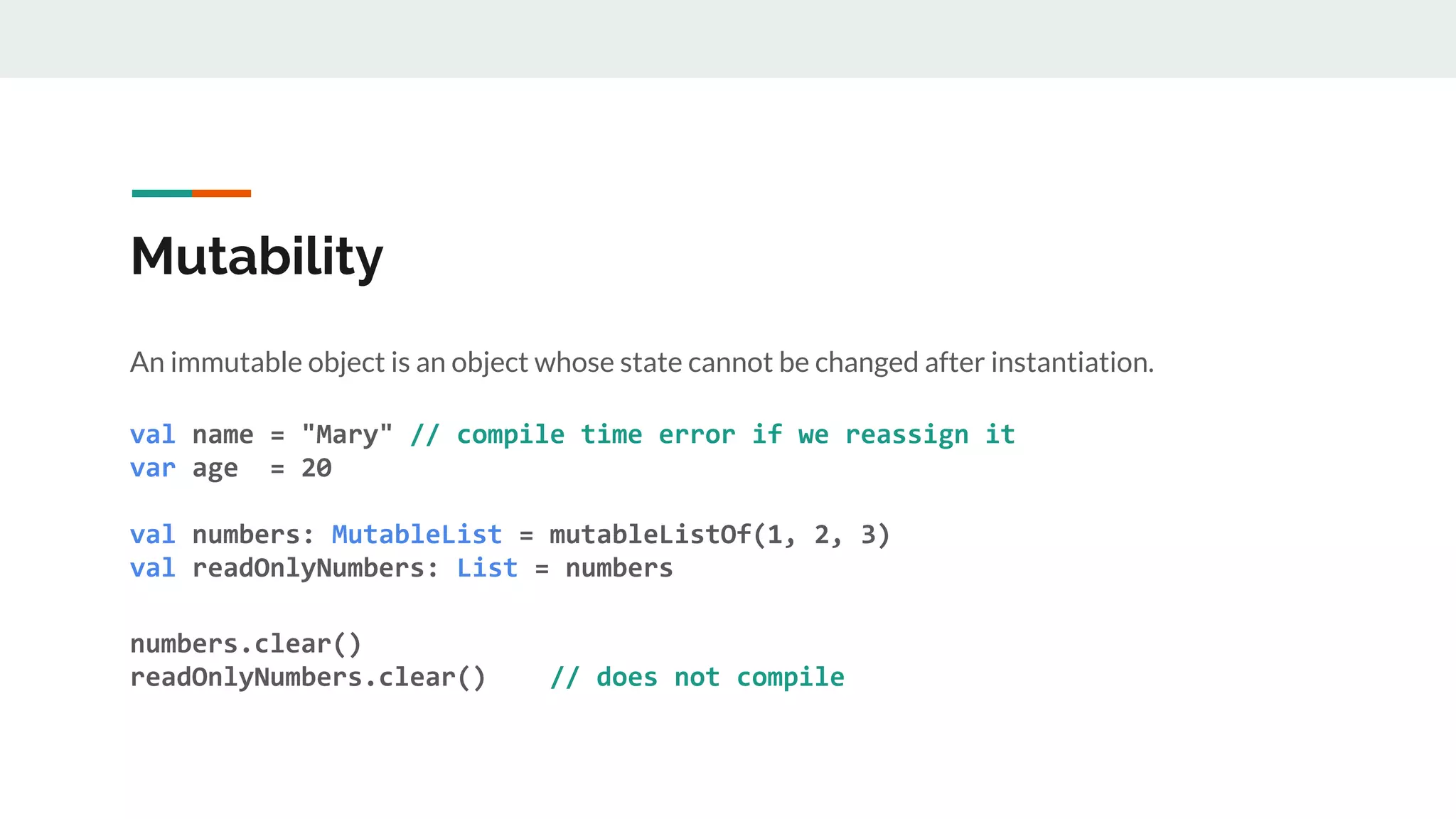
Mutability
An immutable object is an object whose state cannot be changed after instantiation.
val name = "Mary" // compile time error if we reassign it
var age = 20
val numbers: MutableList = mutableListOf(1, 2, 3)
val readOnlyNumbers: List = numbers
numbers.clear()
readOnlyNumbers.clear() // does not compile
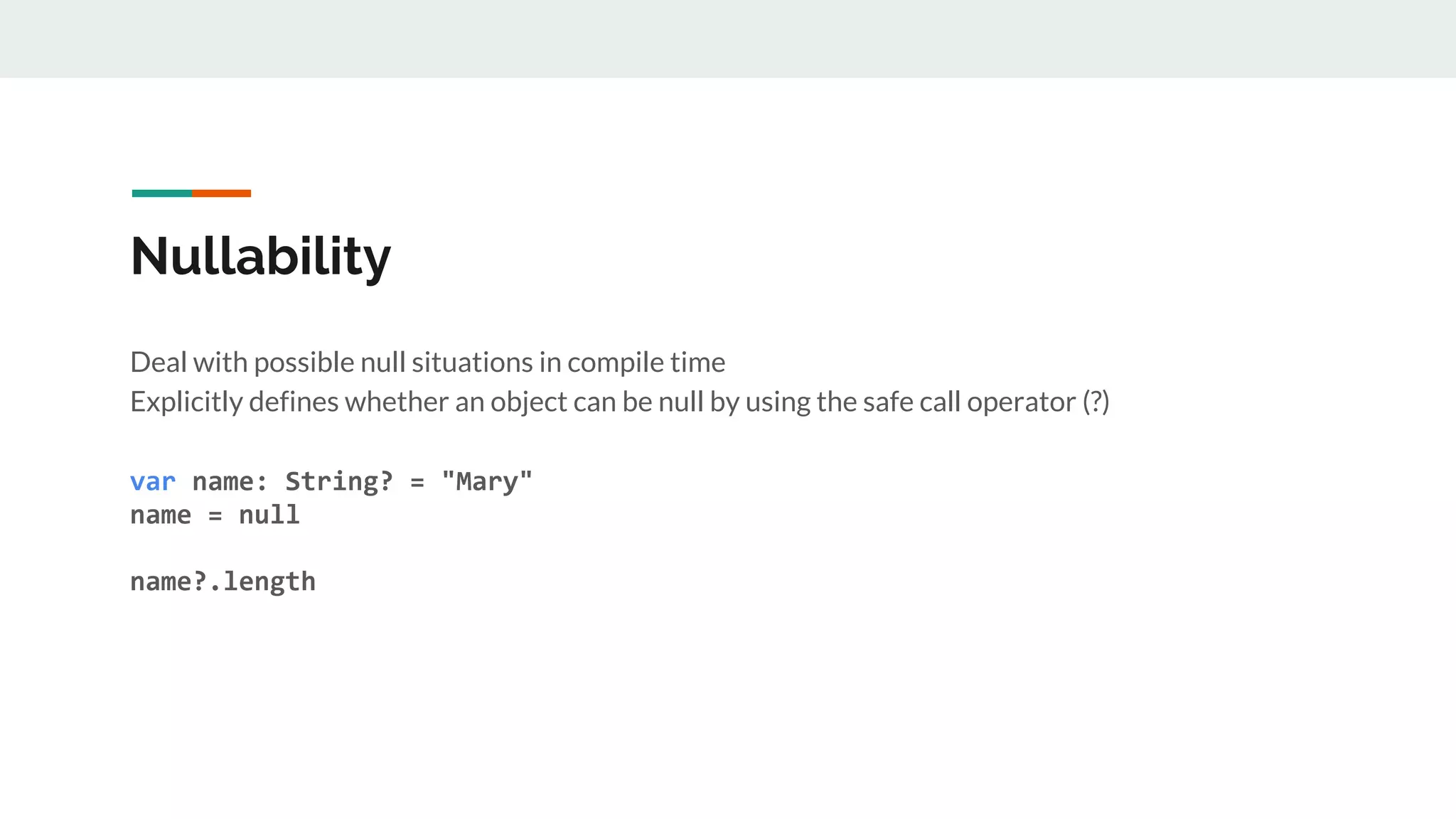
Nullability
Deal with possible null situations in compile time
Explicitly defines whether an object can be null by using the safe call operator (?)
var name: String? = "Mary"
name = null
name?.length
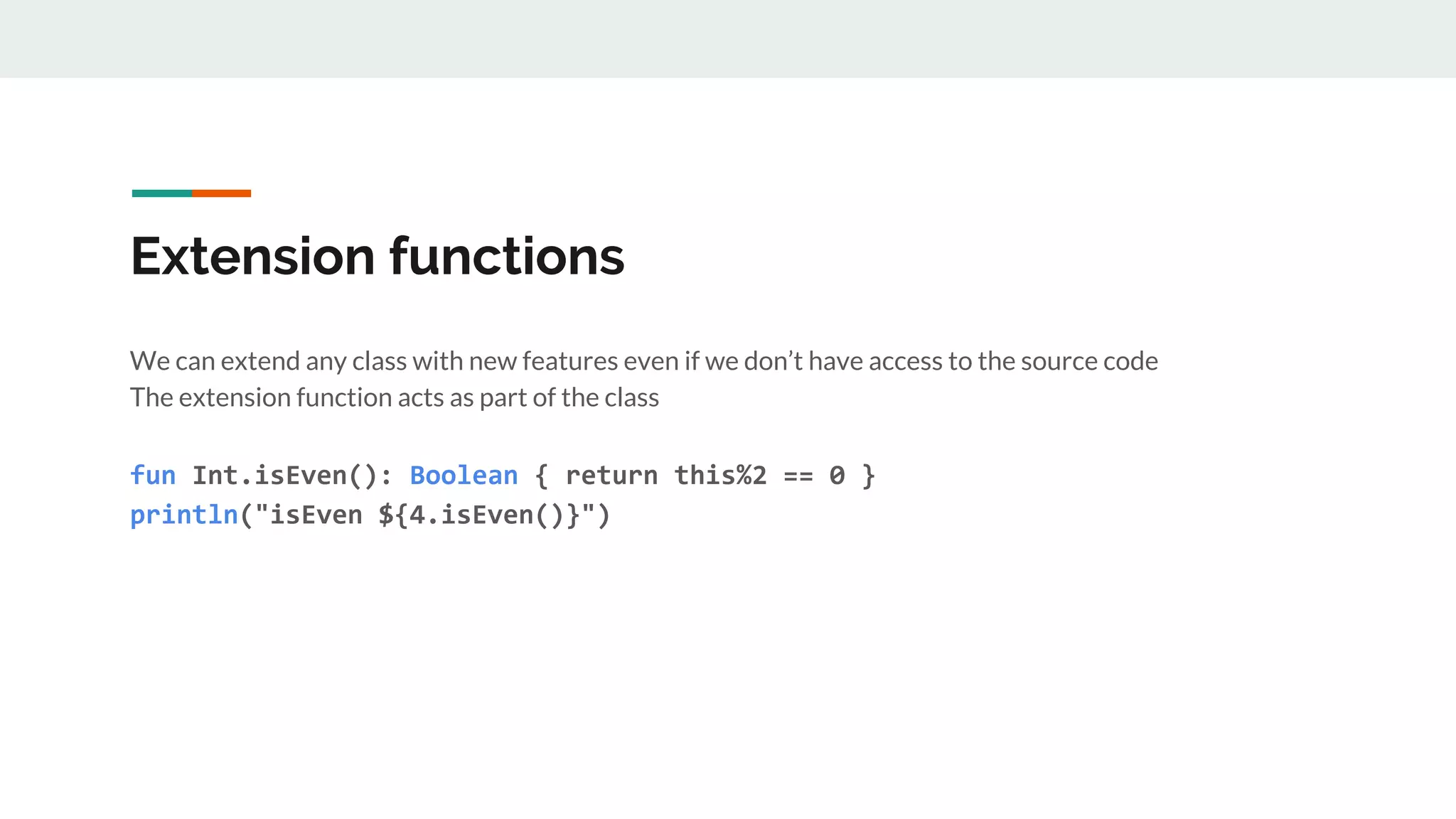
Extension functions
We can extend any class with new features even if we don’t have access to the source code
The extension function acts as part of the class
fun Int.isEven(): Boolean { return this%2 == 0 }
println("isEven ${4.isEven()}")
Extension functions
● do not modify the original class
● the function is added as a static import
● can be declared in any file
● common practice: create files which include a set of related functions
Interoperable
● Do not have to convert everything at once
● You can convert little portions
● Write kotlin code over the existing Java code
Kotlin Android Extension
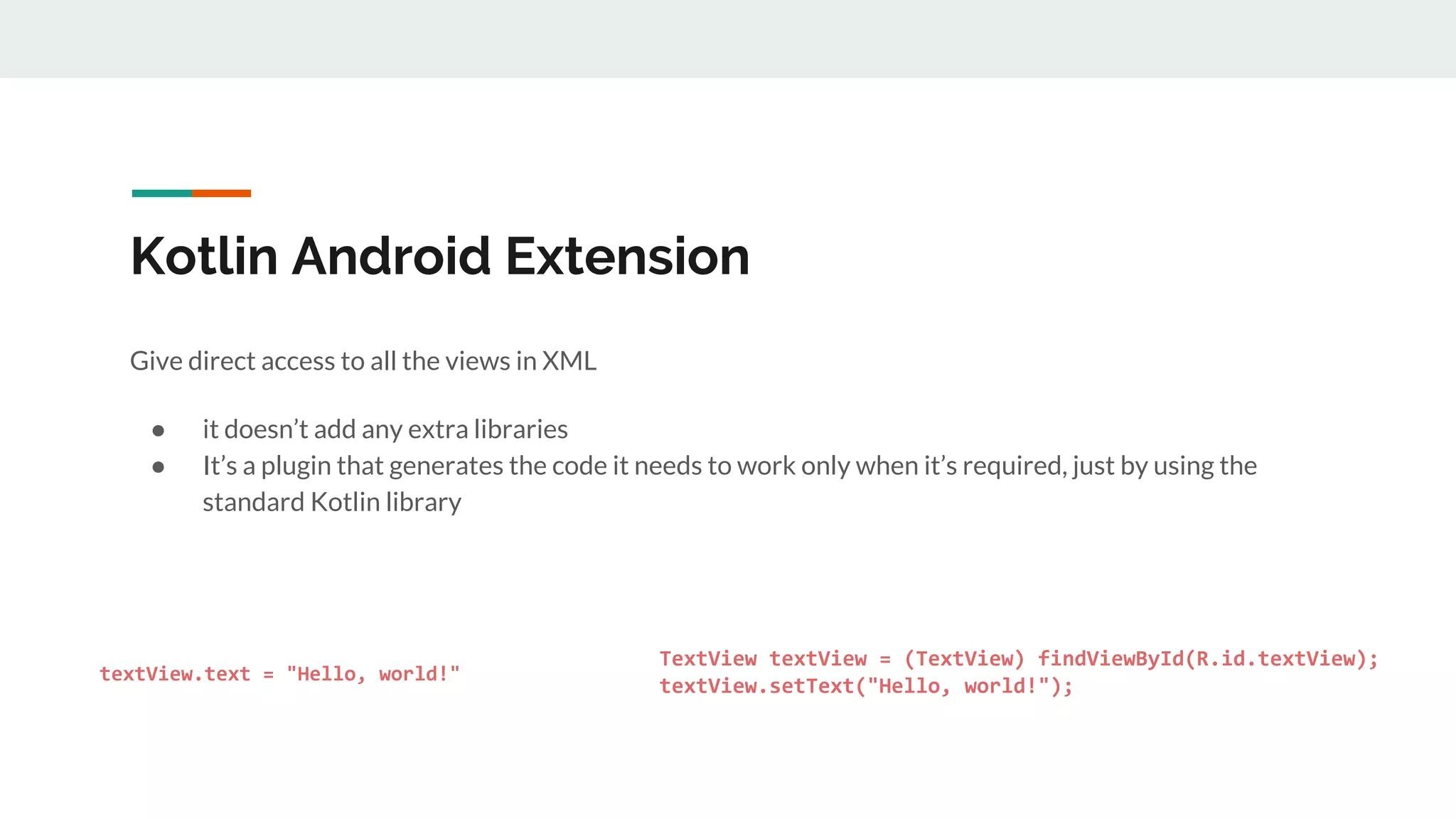
Give direct access to all the views in XML
● it doesn’t add any extra libraries
● It’s a plugin that generates the code it needs to work only when it’s required, just by using the
standard Kotlin library
textView.text = "Hello, world!"
}
}
TextView textView = (TextView) findViewById(R.id.textView);
textView.setText("Hello, world!");
}
}
Anko
● powerful library developed by JetBrains
● main purpose is the generation of UI layouts by using code instead of XML
● avoid lots of boilerplate
○ navigation between activities
○ creation of fragments
○ database access
○ alerts creation
magic behind many Anko features => Extension functions
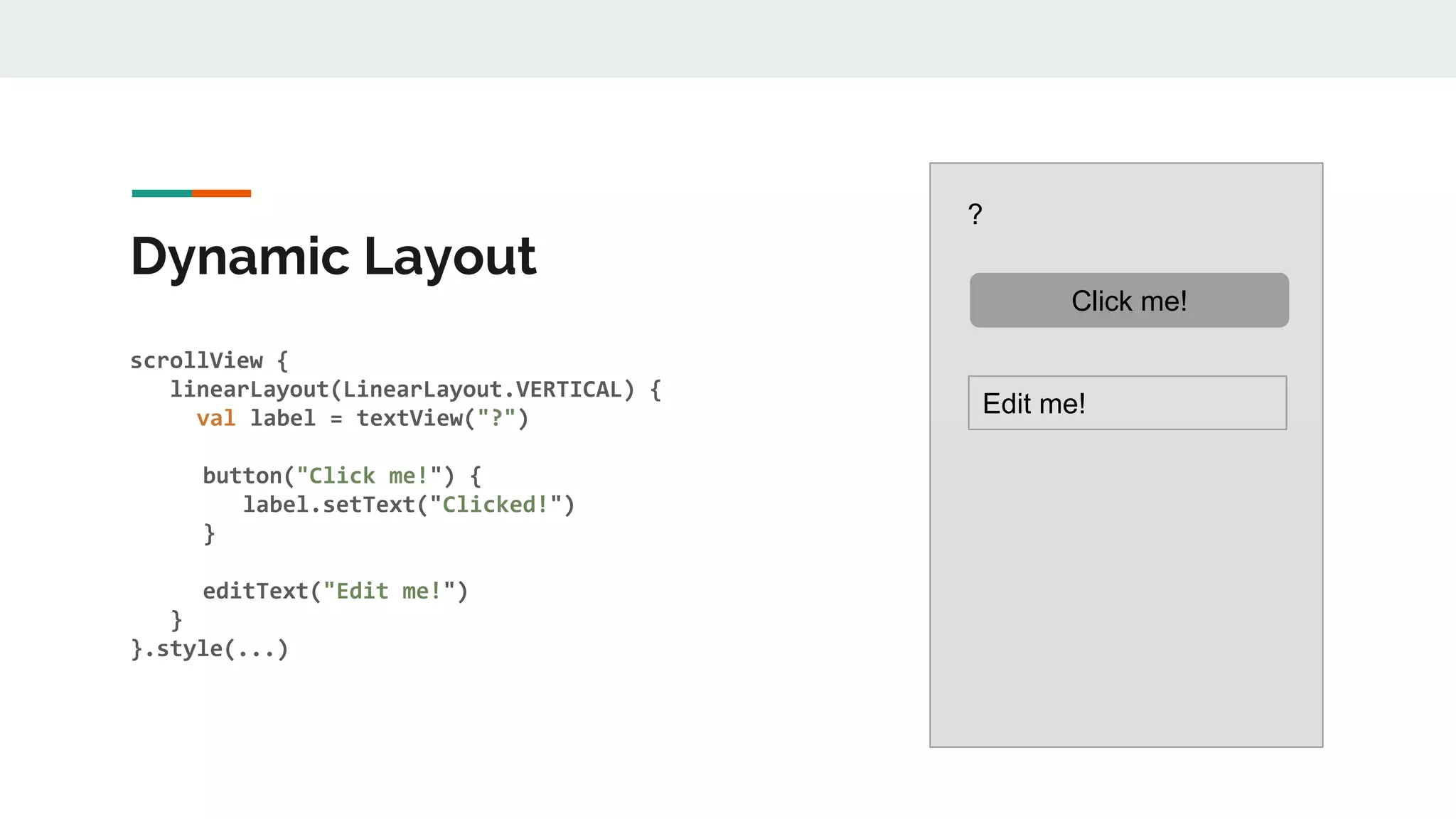
Dynamic Layout
scrollView {
linearLayout(LinearLayout.VERTICAL) {
val label = textView("?")
button("Click me!") {
label.setText("Clicked!")
}
editText("Edit me!")
}
}.style(...)
?
Click me!
Edit me!
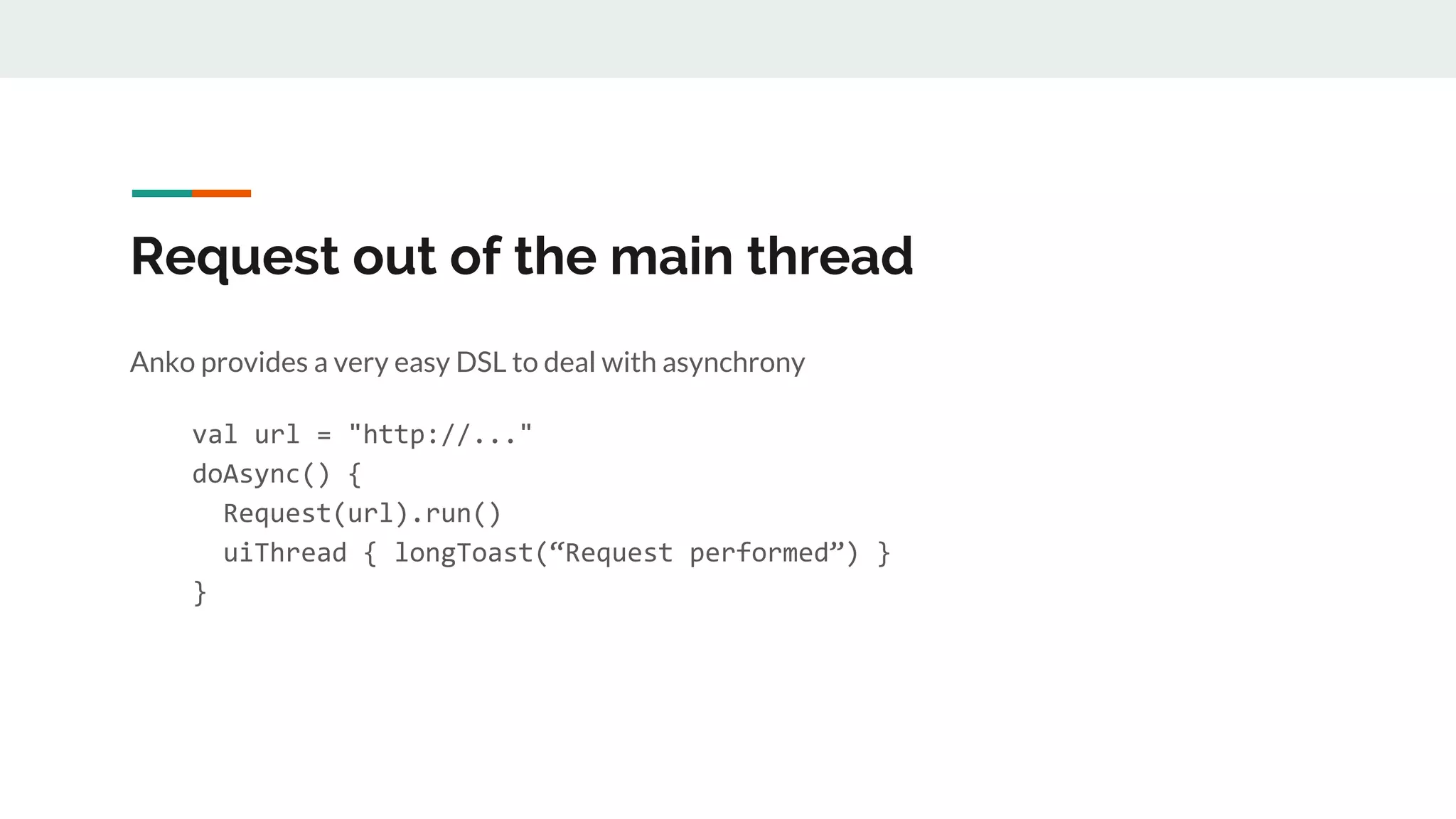
Request out of the main thread
Anko provides a very easy DSL to deal with asynchrony
val url = "http://..."
doAsync() {
Request(url).run()
uiThread { longToast(“Request performed”) }
}
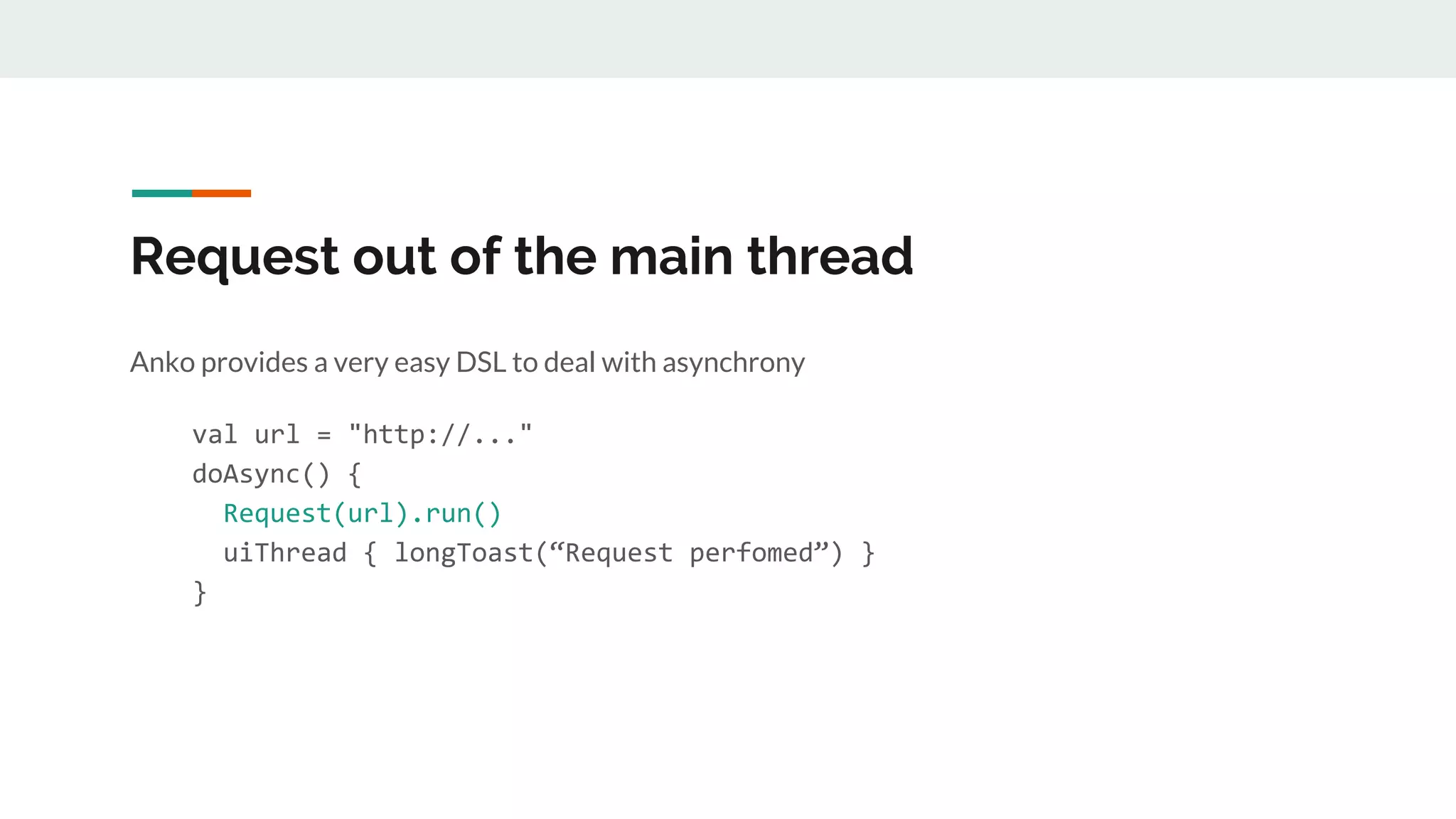
Request out of the main thread
Anko provides a very easy DSL to deal with asynchrony
val url = "http://..."
doAsync() {
Request(url).run()
uiThread { longToast(“Request perfomed”) }
}
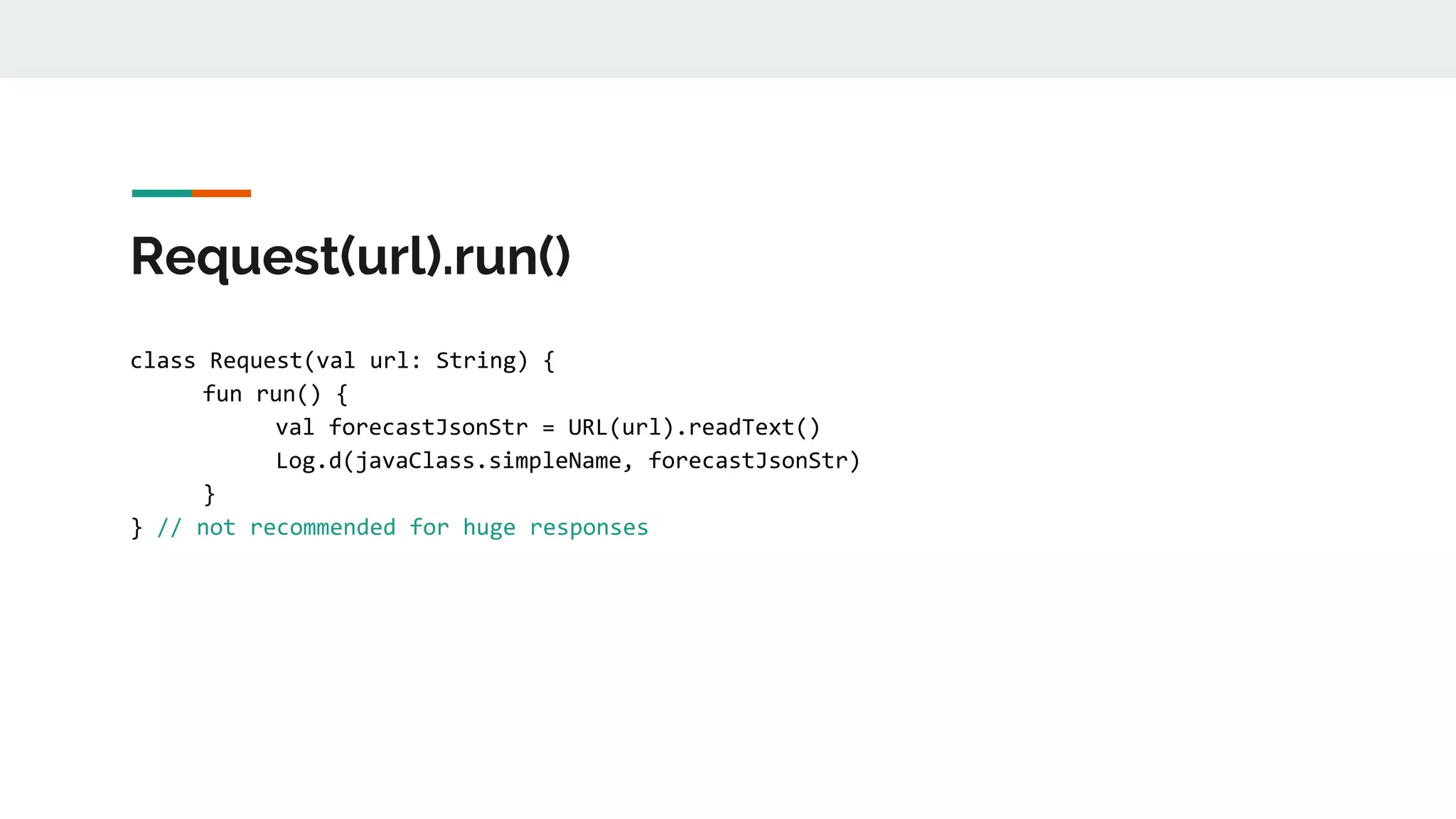
Request(url).run()
class Request(val url: String) {
fun run() {
val forecastJsonStr = URL(url).readText()
Log.d(javaClass.simpleName, forecastJsonStr)
}
} // not recommended for huge responses
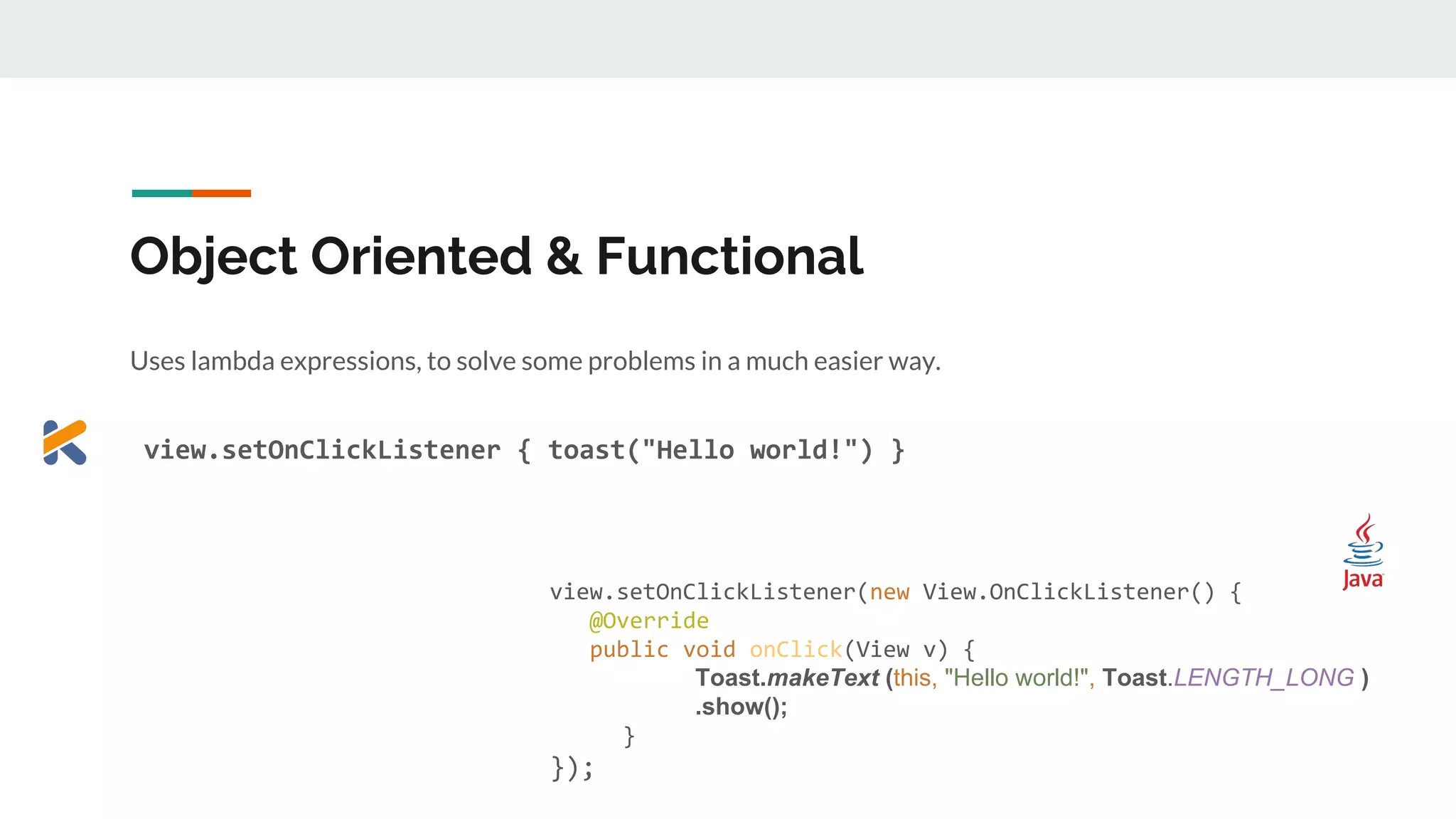
Object Oriented & Functional
Uses lambda expressions, to solve some problems in a much easier way.
view.setOnClickListener { toast("Hello world!") }
View view = (View) findViewById(R.id.view);
view.setOnClickListener(new View.OnClickListener() {
@Override
public void onClick(View v) {
Toast.makeText (this, "Hello world!", Toast.LENGTH_LONG )
.show();
}
});
A deeper look with an example
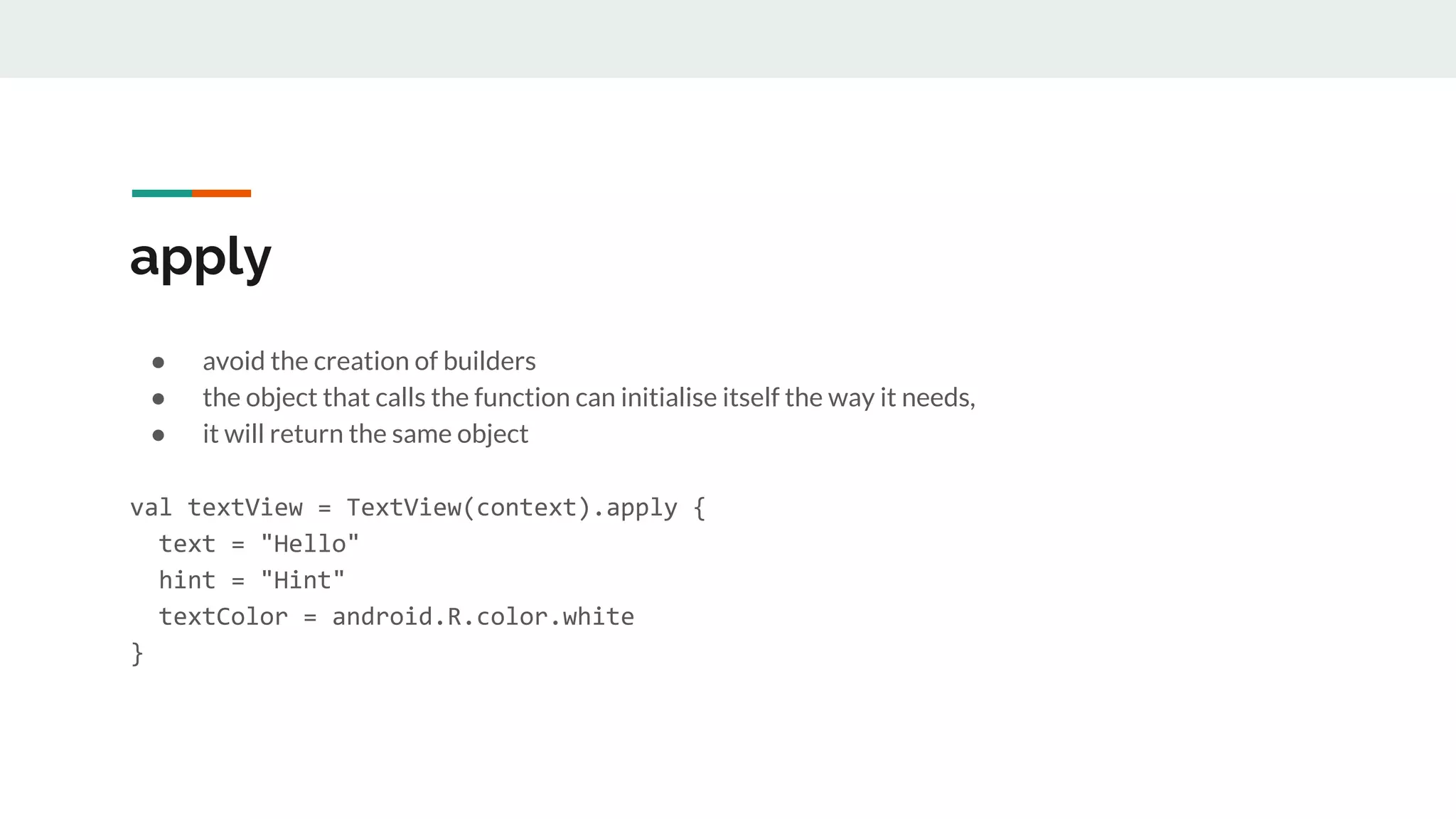
apply
● avoid the creation of builders
● the object that calls the function can initialise itself the way it needs,
● it will return the same object
val textView = TextView(context).apply {
text = "Hello"
hint = "Hint"
textColor = android.R.color.white
}
apply
enum class Orientation { VERTICAL, HORIZONTAL }
class LayoutStyle {
var orientation = HORIZONTAL
}
fun main(args: Array<String>) {
val layout = LayoutStyle().apply { orientation = VERTICAL }
}
enum Orientation { VERTICAL, HORIZONTAL; }
public class LayoutStyle {
private Orientation orientation = HORIZONTAL;
public Orientation getOrientation() {
return orientation;
}
public void setOrientation(Orientation orientation) {
this.orientation = orientation;
}
public static void main(String[] args) {
LayoutStyle layout = new LayoutStyle();
layout.setOrientation(VERTICAL);
}
}
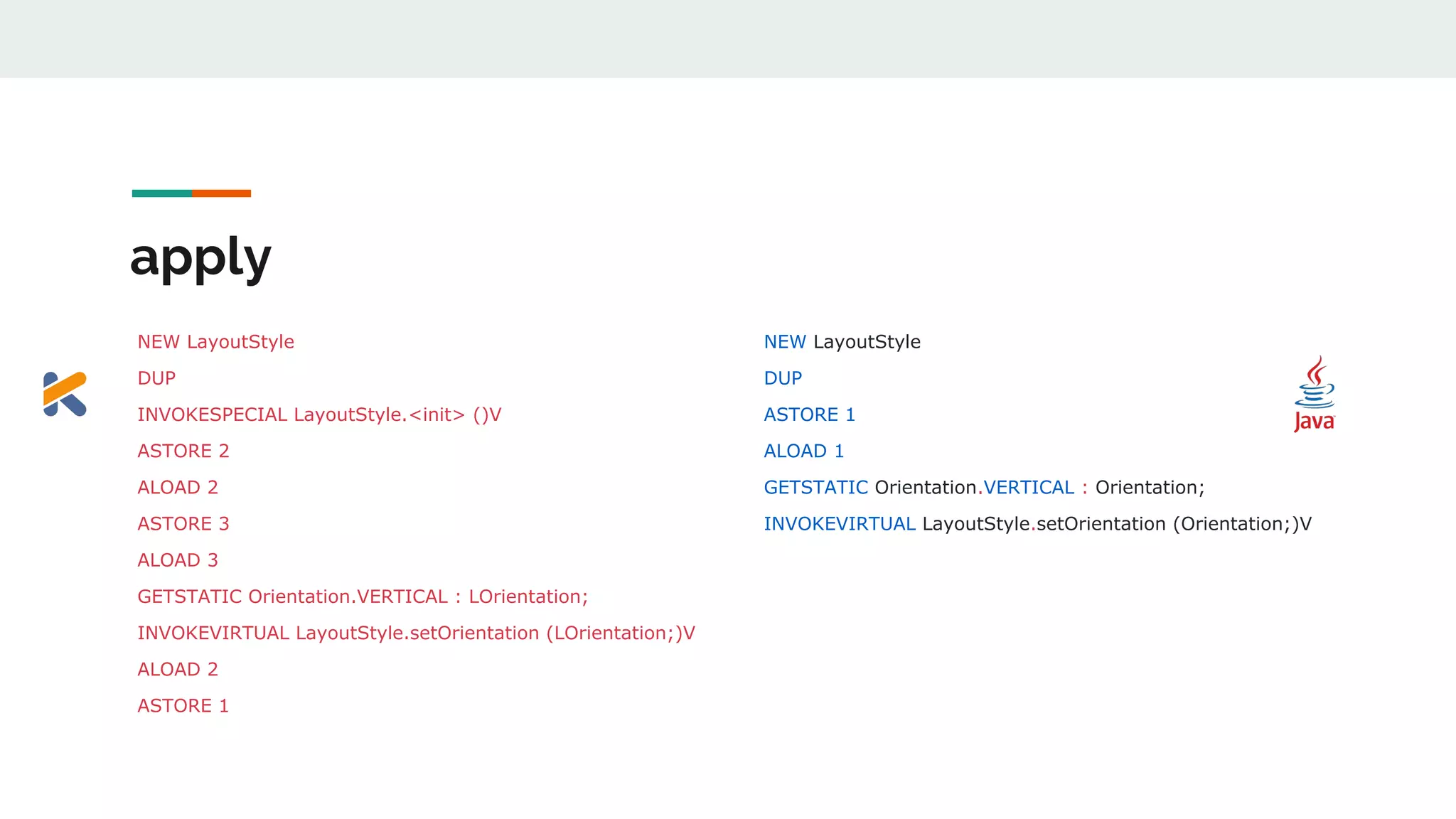
apply
NEW LayoutStyle
DUP
INVOKESPECIAL LayoutStyle.<init> ()V
ASTORE 2
ALOAD 2
ASTORE 3
ALOAD 3
GETSTATIC Orientation.VERTICAL : LOrientation;
INVOKEVIRTUAL LayoutStyle.setOrientation (LOrientation;)V
ALOAD 2
ASTORE 1
NEW LayoutStyle
DUP
ASTORE 1
ALOAD 1
GETSTATIC Orientation.VERTICAL : Orientation;
INVOKEVIRTUAL LayoutStyle.setOrientation (Orientation;)V
apply
● Create a new instance of LayoutStyle and duplicate it on the stack
● Call the constructor with zero parameters
● Do a bunch of store/load
● Push the Orientation.VERTICAL value to the stack
● Invoke setOrientation, which pops the object and the value from the stack
Thank you!
https://antonioleiva.com/kotlin-android-developers-book/
https://www.youtube.com/watch?v=X1RVYt2QKQE
https://www.youtube.com/watch?v=H_oGi8uuDpA&list=PLGzvAU7OKxapj1YdCAjGv4ss9rqeMJMd4&index=3

Kotlin for Android Development

  • 1.
    Kotlin for Android ErindaJaupaj @ErindaJaupi SPECK & TECH
  • 2.
    Few words aboutKotlin ● Programming language ● Targets JVM, Android and Javascript ● Fully interoperable with Java ● Developed by Jetbrains ● https://kotlinlang.org/
  • 3.
    Why do weneed Kotlin ● Android is stuck on Java 6 ○ No streams ○ No lambdas ○ No try-with-resources
  • 4.
    Why do weneed Kotlin ● Android is stuck on Java 6 ○ No streams RxJava ○ No lambdas Retrolambda ○ No try-with-resources Retrolambda
  • 5.
    Why do weneed Kotlin ● Android is stuck on Java 6 ● Java language restrictions ○ Nullability problems ○ Mutability problems ○ No way to add methods to types that we do not control ○ Too much verbosity
  • 6.
    Avoid boilerplate data classPerson( val name: String, val surname: String, var age: Int) Create a POJO with: ● Getters ● Setters ● equals() ● hashCode() ● toString() ● copy()
  • 7.
    Write more withless code data class Person( val name: String,, , val surname: String,, var age: Int) Create a POJO with: ● Getters ● Setters ● equals() ● hashCode() ● toString() ● copy() public class Person { final String firstName; final String lastName; public Person(...) { ... } // Getters ... // Hashcode / equals ... // Tostring ... }
  • 8.
    Mutability An immutable objectis an object whose state cannot be changed after instantiation. val name = "Mary" // compile time error if we reassign it var age = 20
  • 9.
    Mutability An immutable objectis an object whose state cannot be changed after instantiation. val name = "Mary" // compile time error if we reassign it var age = 20 val numbers: MutableList = mutableListOf(1, 2, 3) val readOnlyNumbers: List = numbers
  • 10.
    Mutability An immutable objectis an object whose state cannot be changed after instantiation. val name = "Mary" // compile time error if we reassign it var age = 20 val numbers: MutableList = mutableListOf(1, 2, 3) val readOnlyNumbers: List = numbers numbers.clear() readOnlyNumbers.clear() // does not compile
  • 11.
    Nullability Deal with possiblenull situations in compile time Explicitly defines whether an object can be null by using the safe call operator (?) var name: String? = "Mary" name = null name?.length
  • 12.
    Extension functions We canextend any class with new features even if we don’t have access to the source code The extension function acts as part of the class fun Int.isEven(): Boolean { return this%2 == 0 } println("isEven ${4.isEven()}")
  • 13.
    Extension functions ● donot modify the original class ● the function is added as a static import ● can be declared in any file ● common practice: create files which include a set of related functions
  • 14.
    Interoperable ● Do nothave to convert everything at once ● You can convert little portions ● Write kotlin code over the existing Java code
  • 15.
    Kotlin Android Extension Givedirect access to all the views in XML ● it doesn’t add any extra libraries ● It’s a plugin that generates the code it needs to work only when it’s required, just by using the standard Kotlin library textView.text = "Hello, world!" } } TextView textView = (TextView) findViewById(R.id.textView); textView.setText("Hello, world!"); } }
  • 16.
    Anko ● powerful librarydeveloped by JetBrains ● main purpose is the generation of UI layouts by using code instead of XML ● avoid lots of boilerplate ○ navigation between activities ○ creation of fragments ○ database access ○ alerts creation magic behind many Anko features => Extension functions
  • 17.
    Dynamic Layout scrollView { linearLayout(LinearLayout.VERTICAL){ val label = textView("?") button("Click me!") { label.setText("Clicked!") } editText("Edit me!") } }.style(...) ? Click me! Edit me!
  • 18.
    Request out ofthe main thread Anko provides a very easy DSL to deal with asynchrony val url = "http://..." doAsync() { Request(url).run() uiThread { longToast(“Request performed”) } }
  • 19.
    Request out ofthe main thread Anko provides a very easy DSL to deal with asynchrony val url = "http://..." doAsync() { Request(url).run() uiThread { longToast(“Request perfomed”) } }
  • 20.
    Request(url).run() class Request(val url:String) { fun run() { val forecastJsonStr = URL(url).readText() Log.d(javaClass.simpleName, forecastJsonStr) } } // not recommended for huge responses
  • 21.
    Object Oriented &Functional Uses lambda expressions, to solve some problems in a much easier way. view.setOnClickListener { toast("Hello world!") } View view = (View) findViewById(R.id.view); view.setOnClickListener(new View.OnClickListener() { @Override public void onClick(View v) { Toast.makeText (this, "Hello world!", Toast.LENGTH_LONG ) .show(); } });
  • 22.
    A deeper lookwith an example
  • 23.
    apply ● avoid thecreation of builders ● the object that calls the function can initialise itself the way it needs, ● it will return the same object val textView = TextView(context).apply { text = "Hello" hint = "Hint" textColor = android.R.color.white }
  • 24.
    apply enum class Orientation{ VERTICAL, HORIZONTAL } class LayoutStyle { var orientation = HORIZONTAL } fun main(args: Array<String>) { val layout = LayoutStyle().apply { orientation = VERTICAL } } enum Orientation { VERTICAL, HORIZONTAL; } public class LayoutStyle { private Orientation orientation = HORIZONTAL; public Orientation getOrientation() { return orientation; } public void setOrientation(Orientation orientation) { this.orientation = orientation; } public static void main(String[] args) { LayoutStyle layout = new LayoutStyle(); layout.setOrientation(VERTICAL); } }
  • 25.
    apply NEW LayoutStyle DUP INVOKESPECIAL LayoutStyle.<init>()V ASTORE 2 ALOAD 2 ASTORE 3 ALOAD 3 GETSTATIC Orientation.VERTICAL : LOrientation; INVOKEVIRTUAL LayoutStyle.setOrientation (LOrientation;)V ALOAD 2 ASTORE 1 NEW LayoutStyle DUP ASTORE 1 ALOAD 1 GETSTATIC Orientation.VERTICAL : Orientation; INVOKEVIRTUAL LayoutStyle.setOrientation (Orientation;)V
  • 26.
    apply ● Create anew instance of LayoutStyle and duplicate it on the stack ● Call the constructor with zero parameters ● Do a bunch of store/load ● Push the Orientation.VERTICAL value to the stack ● Invoke setOrientation, which pops the object and the value from the stack
  • 27.