JavaServer Faces 2.0 Overview Roger Kitain JSF Co-Specification Lead mailto:Roger.Kitain@Sun.Com http://www.java.net/blogs/rogerk/ https://twitter.com/rogerk09
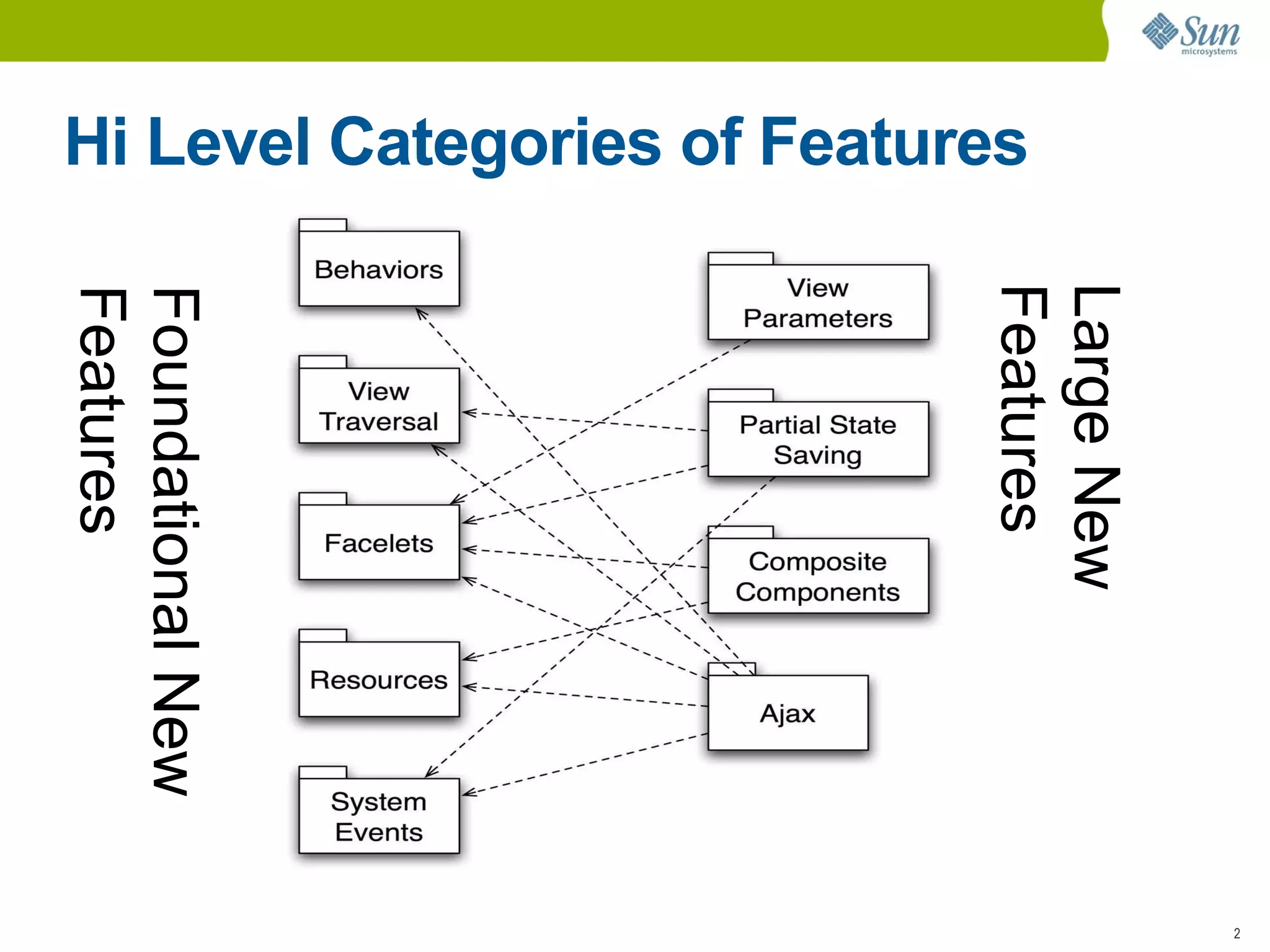
Hi Level Categories of Features Foundational New  Features Large New  Features
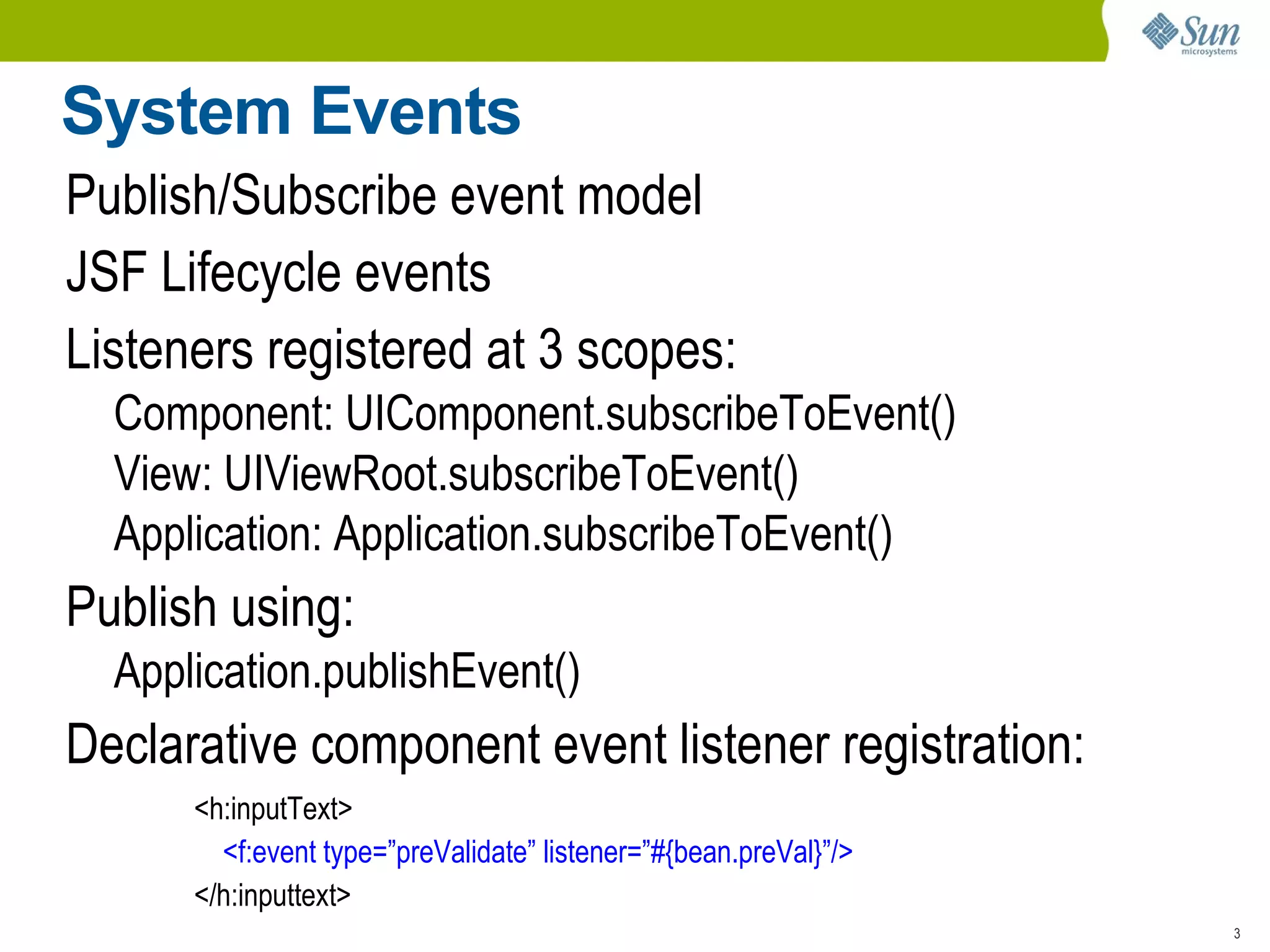
System Events Publish/Subscribe event model
JSF Lifecycle events
Listeners registered at 3 scopes: Component: UIComponent.subscribeToEvent()
View: UIViewRoot.subscribeToEvent()
Application: Application.subscribeToEvent() Publish using: Application.publishEvent() Declarative component event listener registration: <h:inputText> <f:event type=”preValidate” listener=”#{bean.preVal}”/> </h:inputtext>
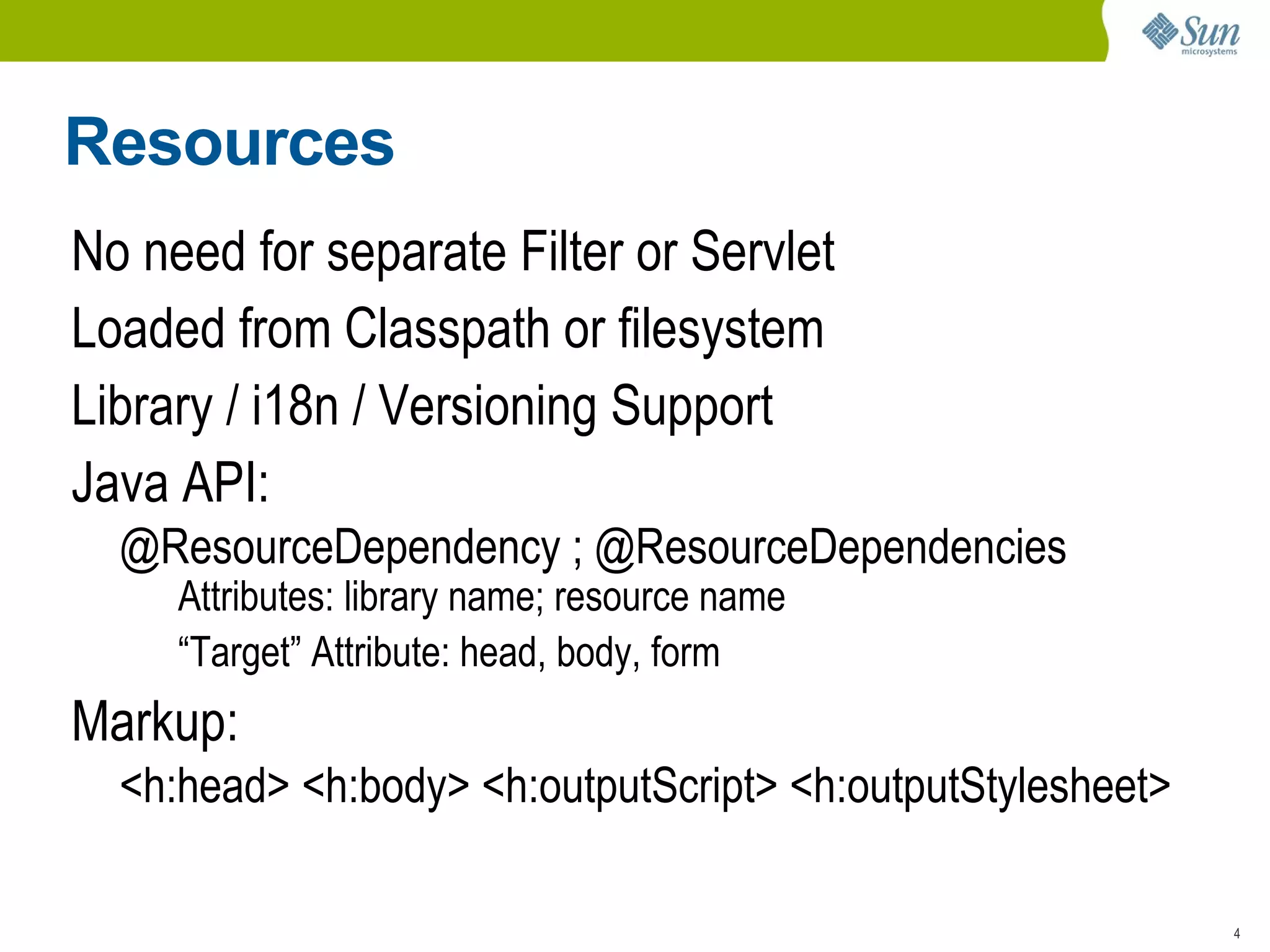
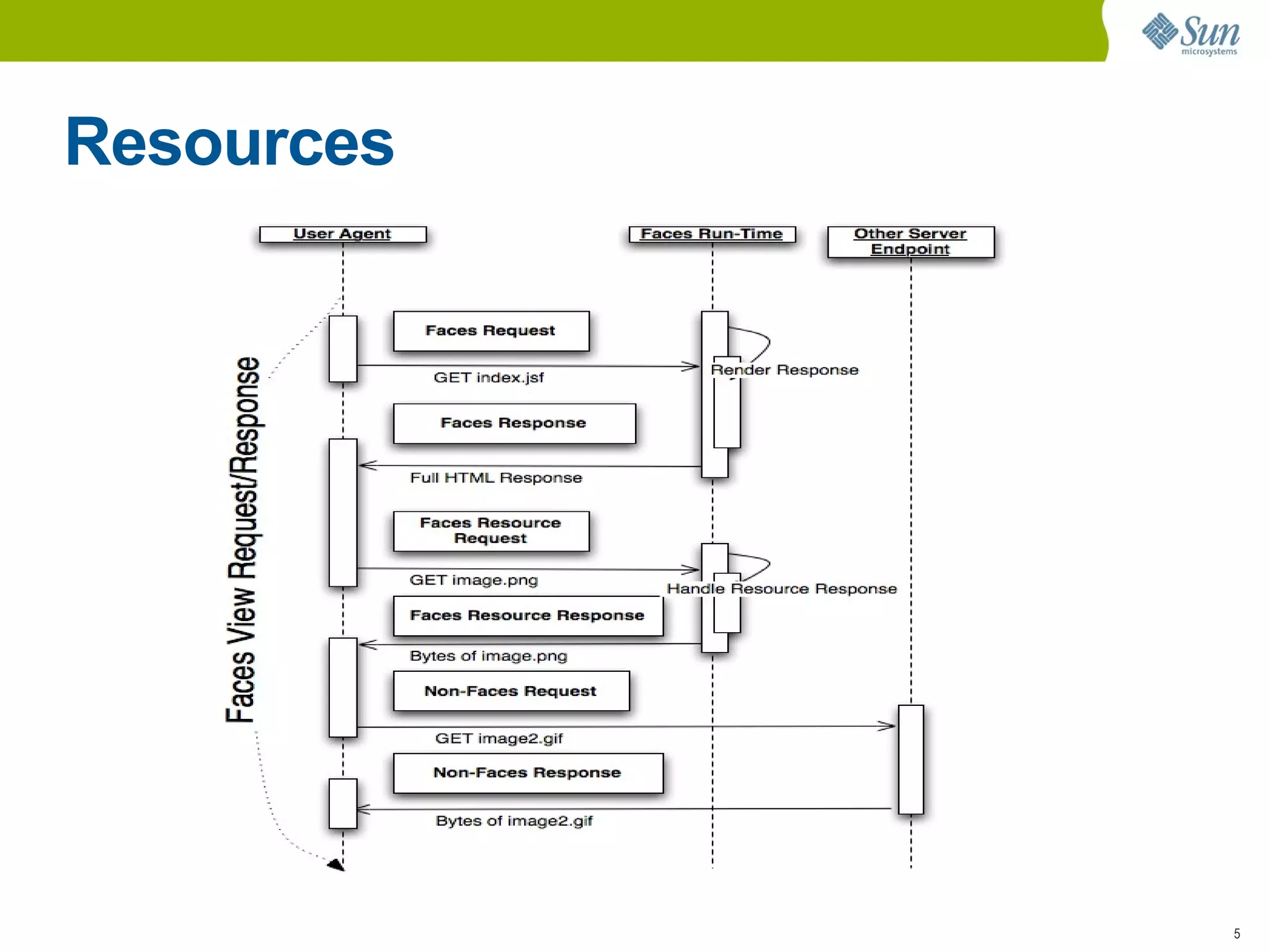
Resources No need for separate Filter or Servlet
Loaded from Classpath or filesystem
Library / i18n / Versioning Support
Java API: @ResourceDependency ; @ResourceDependencies Attributes: library name; resource name
“ Target” Attribute: head, body, form Markup: <h:head> <h:body> <h:outputScript> <h:outputStylesheet>
Resources
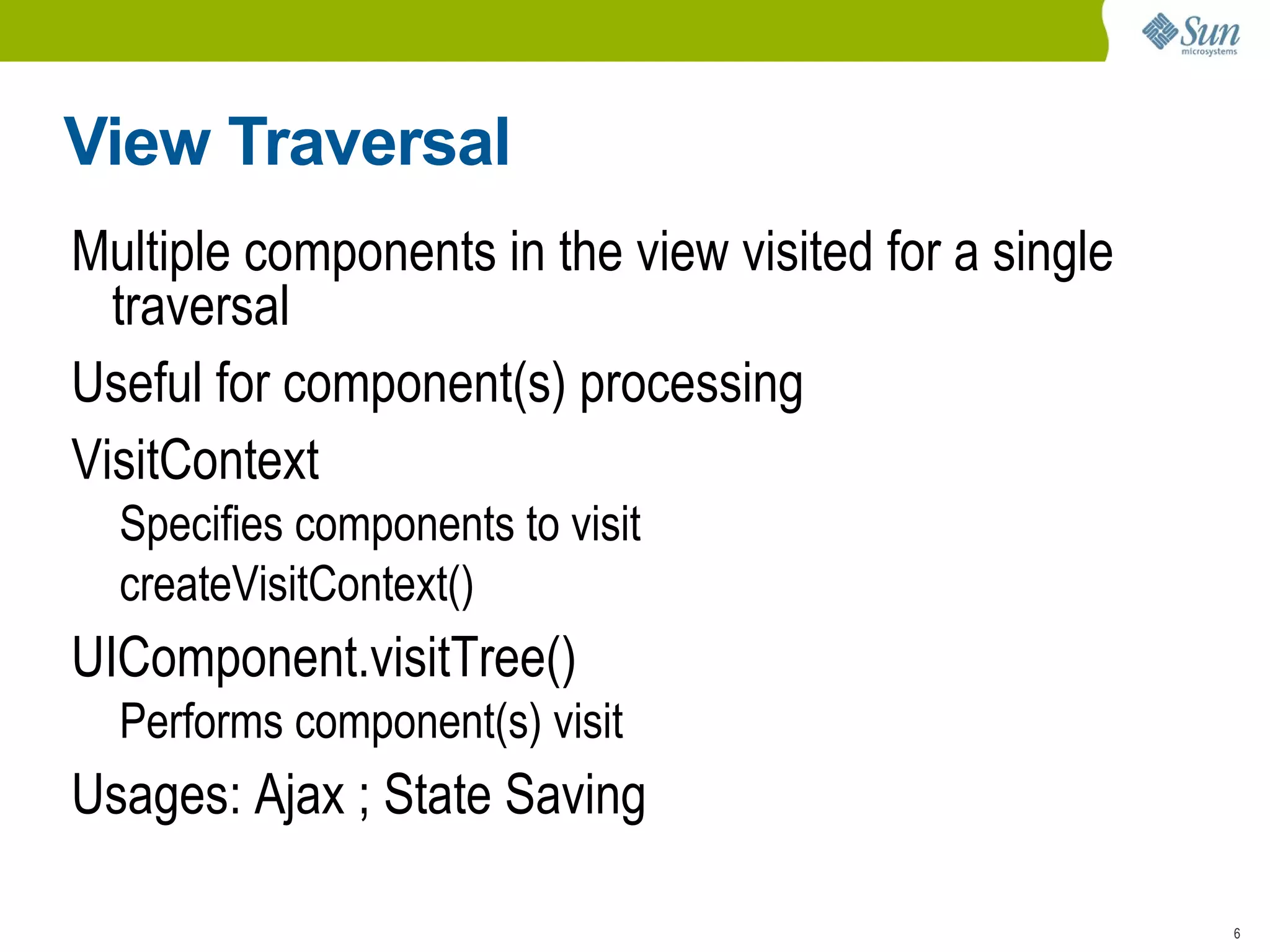
View Traversal Multiple components in the view visited for a single traversal
Useful for component(s) processing
VisitContext Specifies components to visit
createVisitContext() UIComponent.visitTree() Performs component(s) visit Usages: Ajax ; State Saving
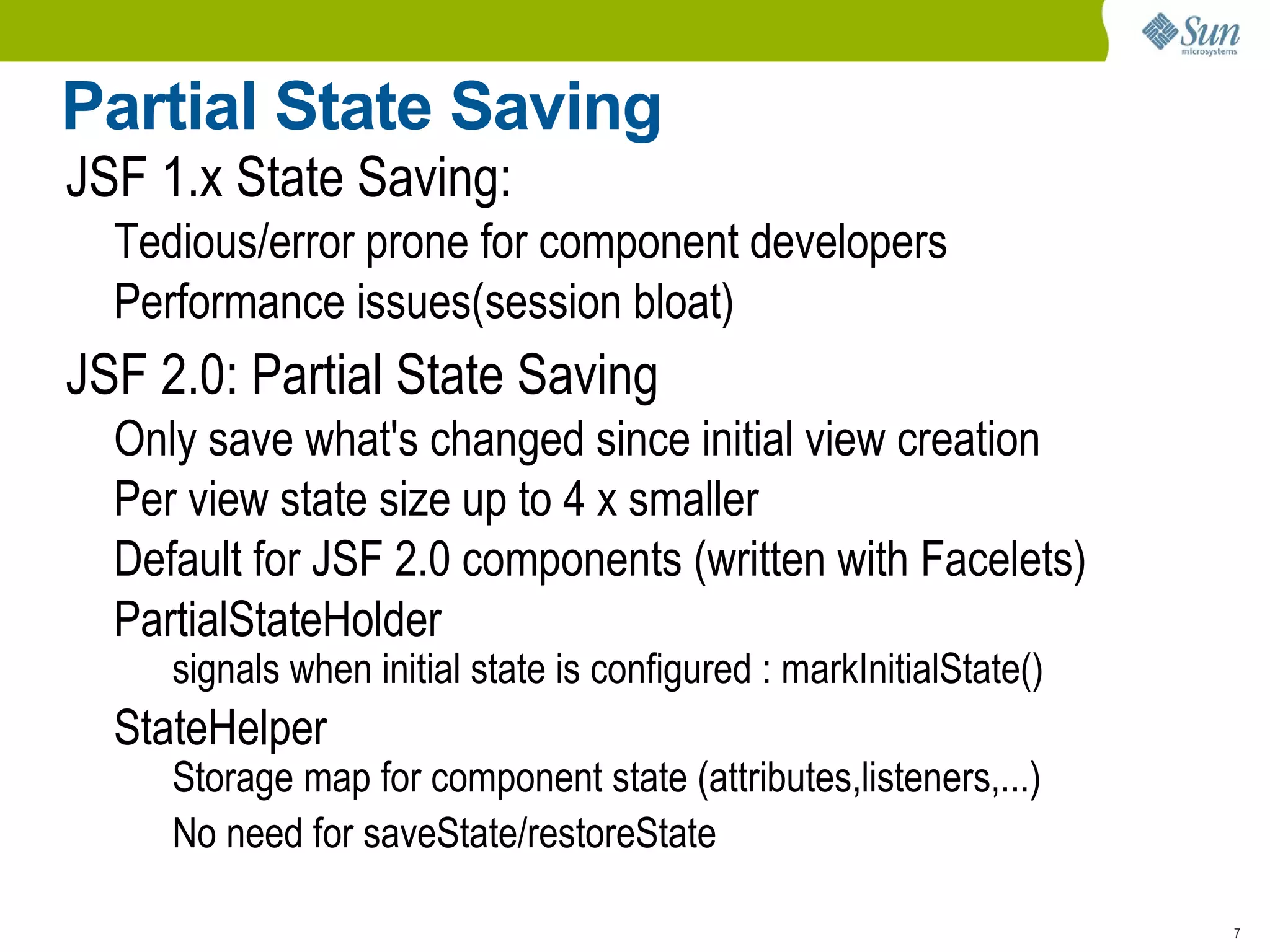
Partial State Saving JSF 1.x State Saving: Tedious/error prone for component developers
Performance issues(session bloat) JSF 2.0: Partial State Saving Only save what's changed since initial view creation
Per view state size up to 4 x smaller
Default for JSF 2.0 components (written with Facelets)
PartialStateHolder signals when initial state is configured : markInitialState() StateHelper Storage map for component state (attributes,listeners,...)
No need for saveState/restoreState
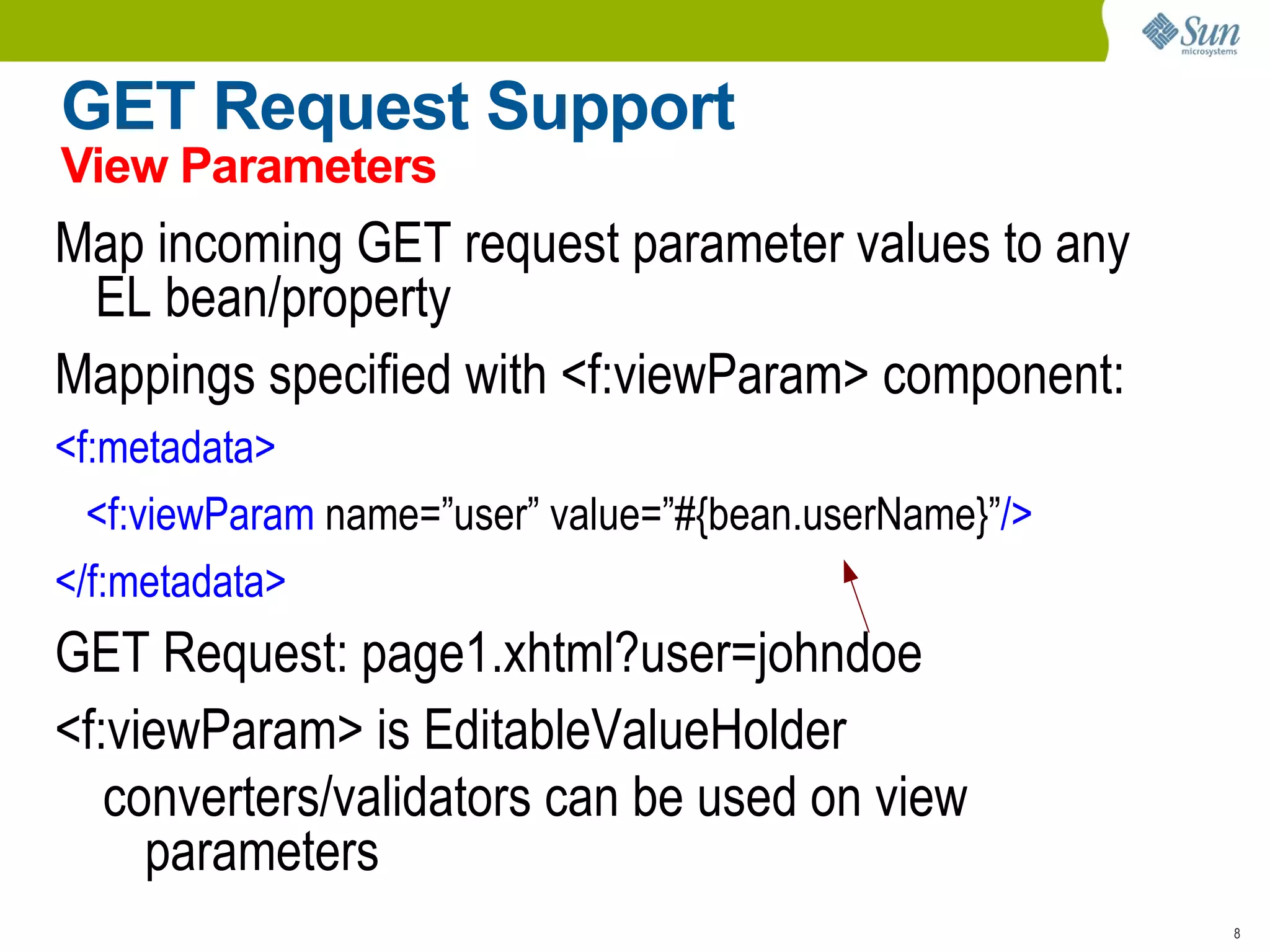
GET Request Support View Parameters Map incoming GET request parameter values to any EL bean/property
Mappings specified with <f:viewParam> component: <f:metadata> <f:viewParam  name=”user” value=”#{bean.userName}” /> </f:metadata> GET Request: page1.xhtml?user=johndoe
<f:viewParam> is EditableValueHolder converters/validators can be used on view parameters
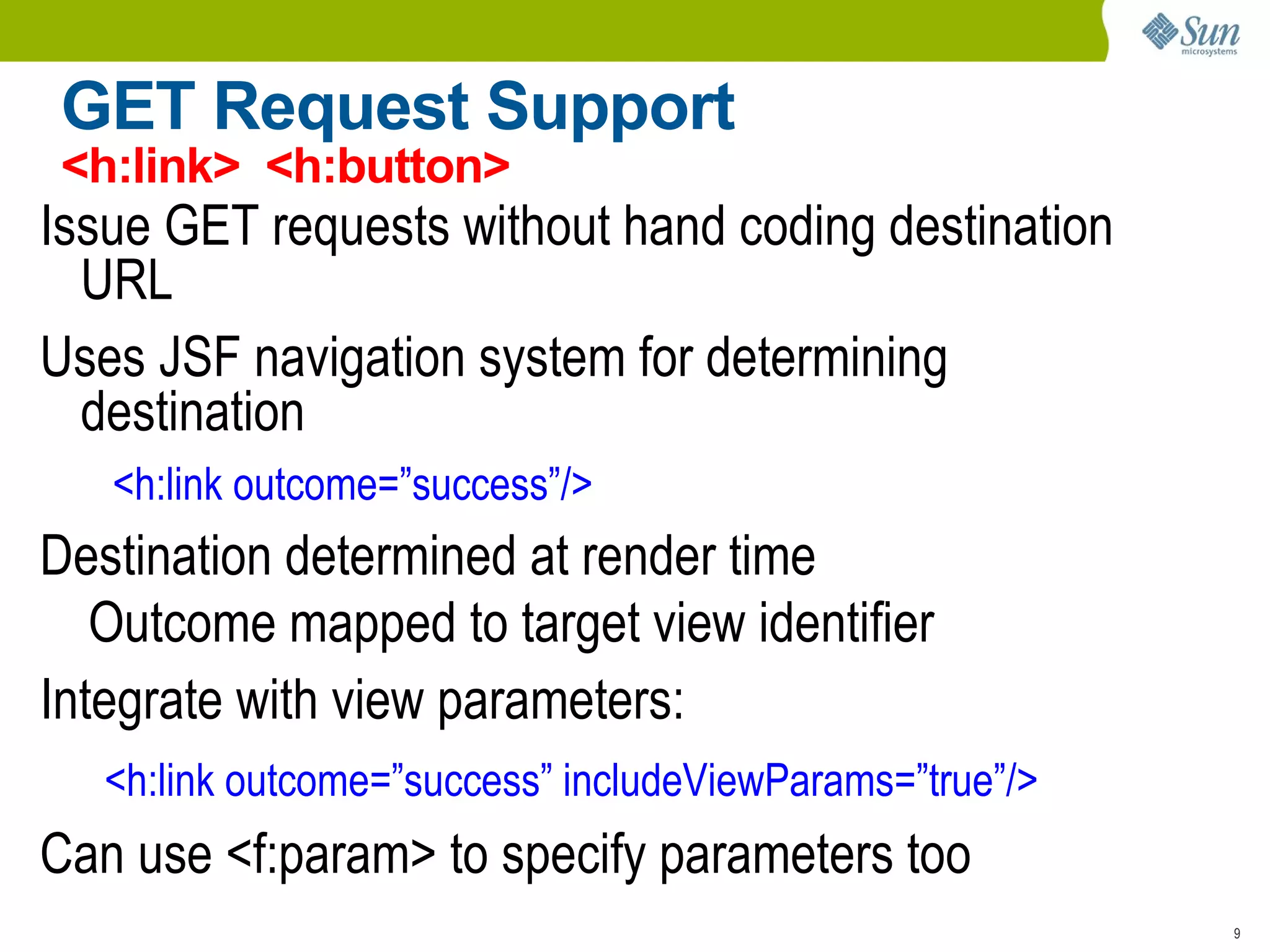
GET Request Support <h:link>  <h:button> Issue GET requests without hand coding destination URL
Uses JSF navigation system for determining destination <h:link outcome=”success”/> Destination determined at render time Outcome mapped to target view identifier Integrate with view parameters: <h:link outcome=”success” includeViewParams=”true”/> Can use <f:param> to specify parameters too
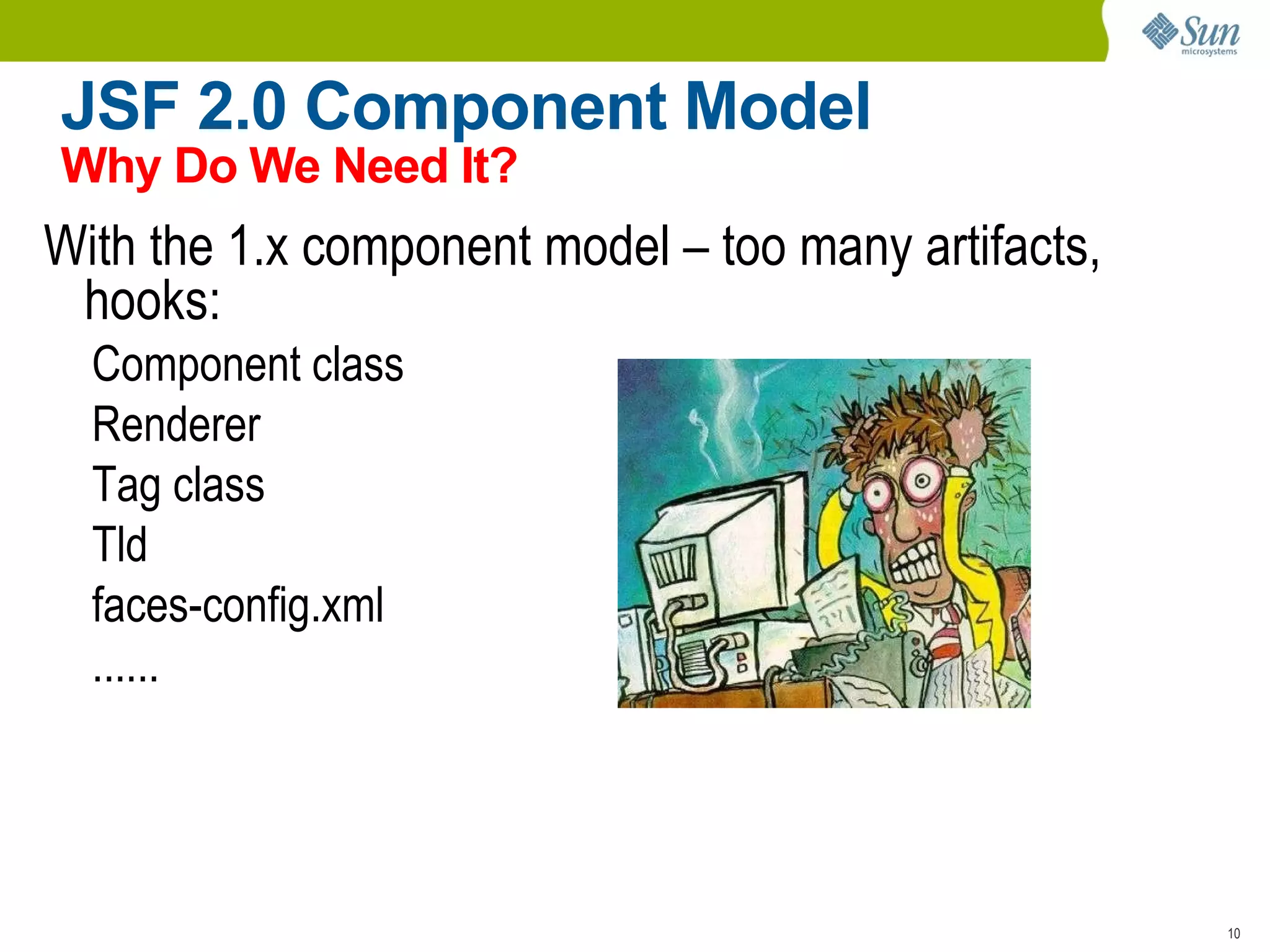
JSF 2.0 Component Model Why Do We Need It? With the 1.x component model – too many artifacts, hooks: Component class
Renderer
Tag class
Tld
faces-config.xml
......
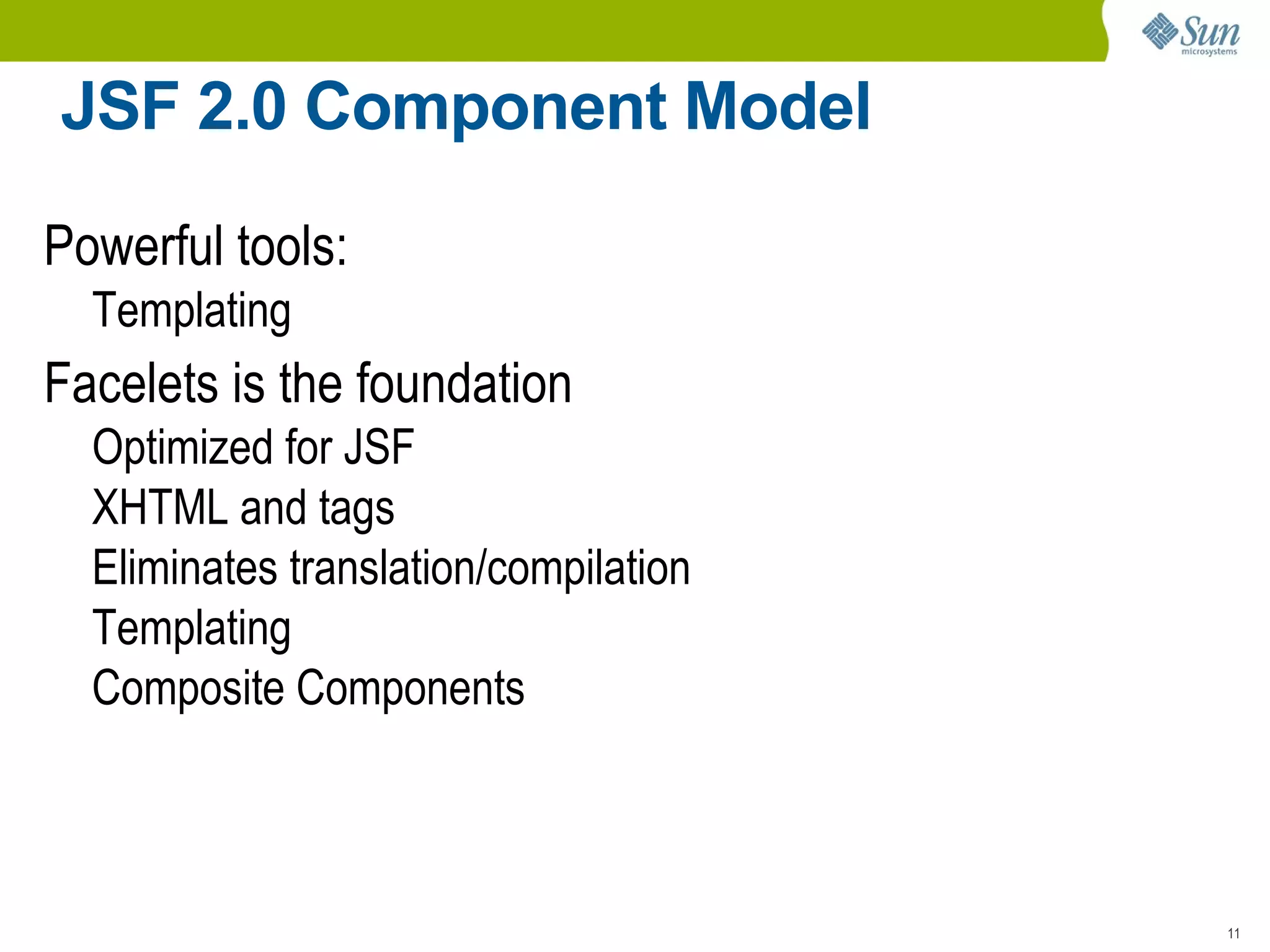
JSF 2.0 Component Model Powerful tools:  Templating Facelets is the foundation Optimized for JSF

JSF 2.0 (JavaEE Webinar)

  • 1.
    JavaServer Faces 2.0Overview Roger Kitain JSF Co-Specification Lead mailto:Roger.Kitain@Sun.Com http://www.java.net/blogs/rogerk/ https://twitter.com/rogerk09
  • 2.
    Hi Level Categoriesof Features Foundational New Features Large New Features
  • 3.
  • 4.
  • 5.
    Listeners registered at3 scopes: Component: UIComponent.subscribeToEvent()
  • 6.
  • 7.
    Application: Application.subscribeToEvent() Publishusing: Application.publishEvent() Declarative component event listener registration: <h:inputText> <f:event type=”preValidate” listener=”#{bean.preVal}”/> </h:inputtext>
  • 8.
    Resources No needfor separate Filter or Servlet
  • 9.
    Loaded from Classpathor filesystem
  • 10.
    Library / i18n/ Versioning Support
  • 11.
    Java API: @ResourceDependency; @ResourceDependencies Attributes: library name; resource name
  • 12.
    “ Target” Attribute:head, body, form Markup: <h:head> <h:body> <h:outputScript> <h:outputStylesheet>
  • 13.
  • 14.
    View Traversal Multiplecomponents in the view visited for a single traversal
  • 15.
  • 16.
  • 17.
    createVisitContext() UIComponent.visitTree() Performscomponent(s) visit Usages: Ajax ; State Saving
  • 18.
    Partial State SavingJSF 1.x State Saving: Tedious/error prone for component developers
  • 19.
    Performance issues(session bloat)JSF 2.0: Partial State Saving Only save what's changed since initial view creation
  • 20.
    Per view statesize up to 4 x smaller
  • 21.
    Default for JSF2.0 components (written with Facelets)
  • 22.
    PartialStateHolder signals wheninitial state is configured : markInitialState() StateHelper Storage map for component state (attributes,listeners,...)
  • 23.
    No need forsaveState/restoreState
  • 24.
    GET Request SupportView Parameters Map incoming GET request parameter values to any EL bean/property
  • 25.
    Mappings specified with<f:viewParam> component: <f:metadata> <f:viewParam name=”user” value=”#{bean.userName}” /> </f:metadata> GET Request: page1.xhtml?user=johndoe
  • 26.
    <f:viewParam> is EditableValueHolderconverters/validators can be used on view parameters
  • 27.
    GET Request Support<h:link> <h:button> Issue GET requests without hand coding destination URL
  • 28.
    Uses JSF navigationsystem for determining destination <h:link outcome=”success”/> Destination determined at render time Outcome mapped to target view identifier Integrate with view parameters: <h:link outcome=”success” includeViewParams=”true”/> Can use <f:param> to specify parameters too
  • 29.
    JSF 2.0 ComponentModel Why Do We Need It? With the 1.x component model – too many artifacts, hooks: Component class
  • 30.
  • 31.
  • 32.
  • 33.
  • 34.
  • 35.
    JSF 2.0 ComponentModel Powerful tools: Templating Facelets is the foundation Optimized for JSF
  • 36.
  • 37.
  • 38.
  • 39.
  • 40.
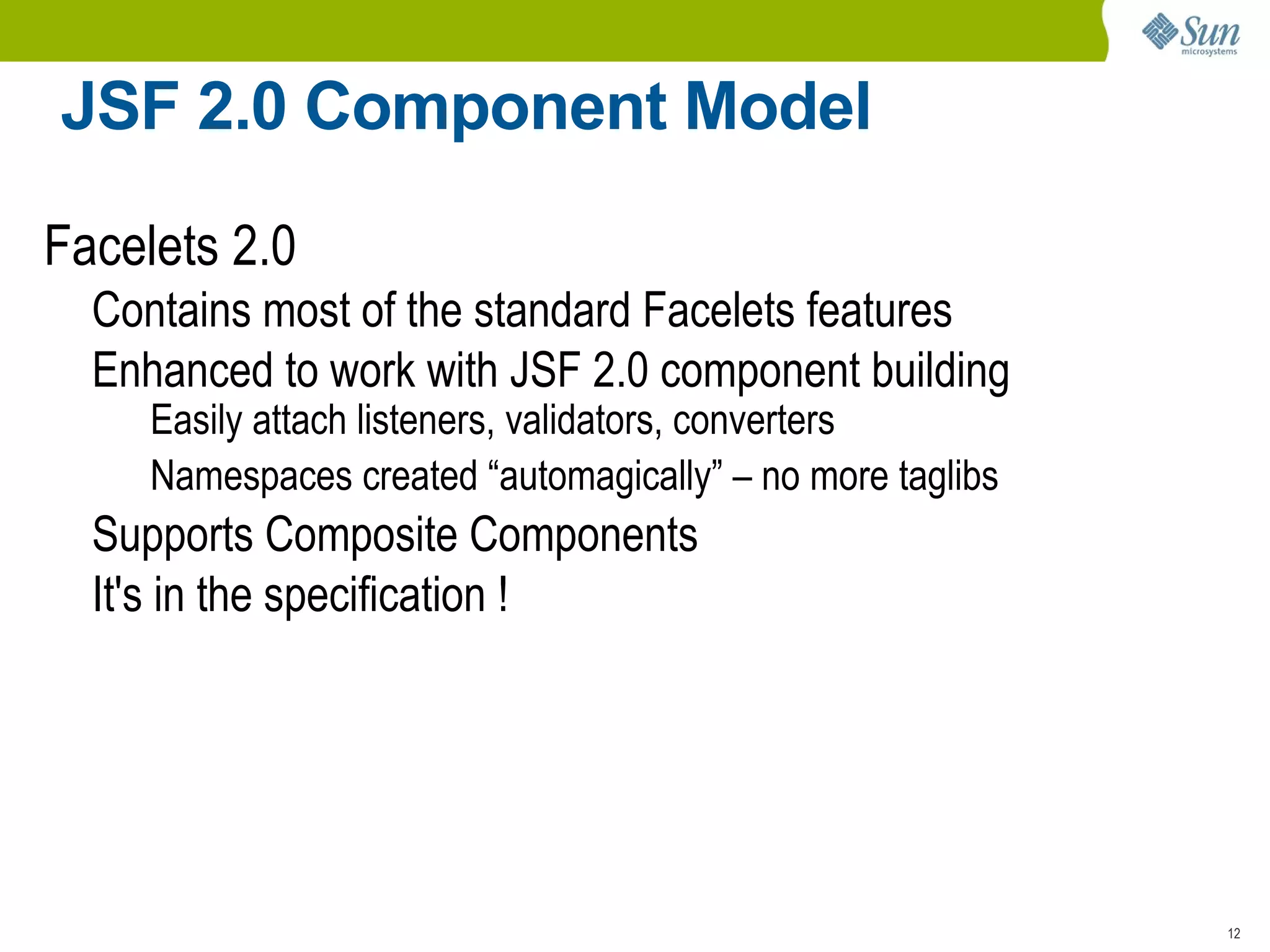
    JSF 2.0 ComponentModel Facelets 2.0 Contains most of the standard Facelets features
  • 41.
    Enhanced to workwith JSF 2.0 component building Easily attach listeners, validators, converters
  • 42.
    Namespaces created “automagically”– no more taglibs Supports Composite Components
  • 43.
    It's in thespecification !
  • 44.
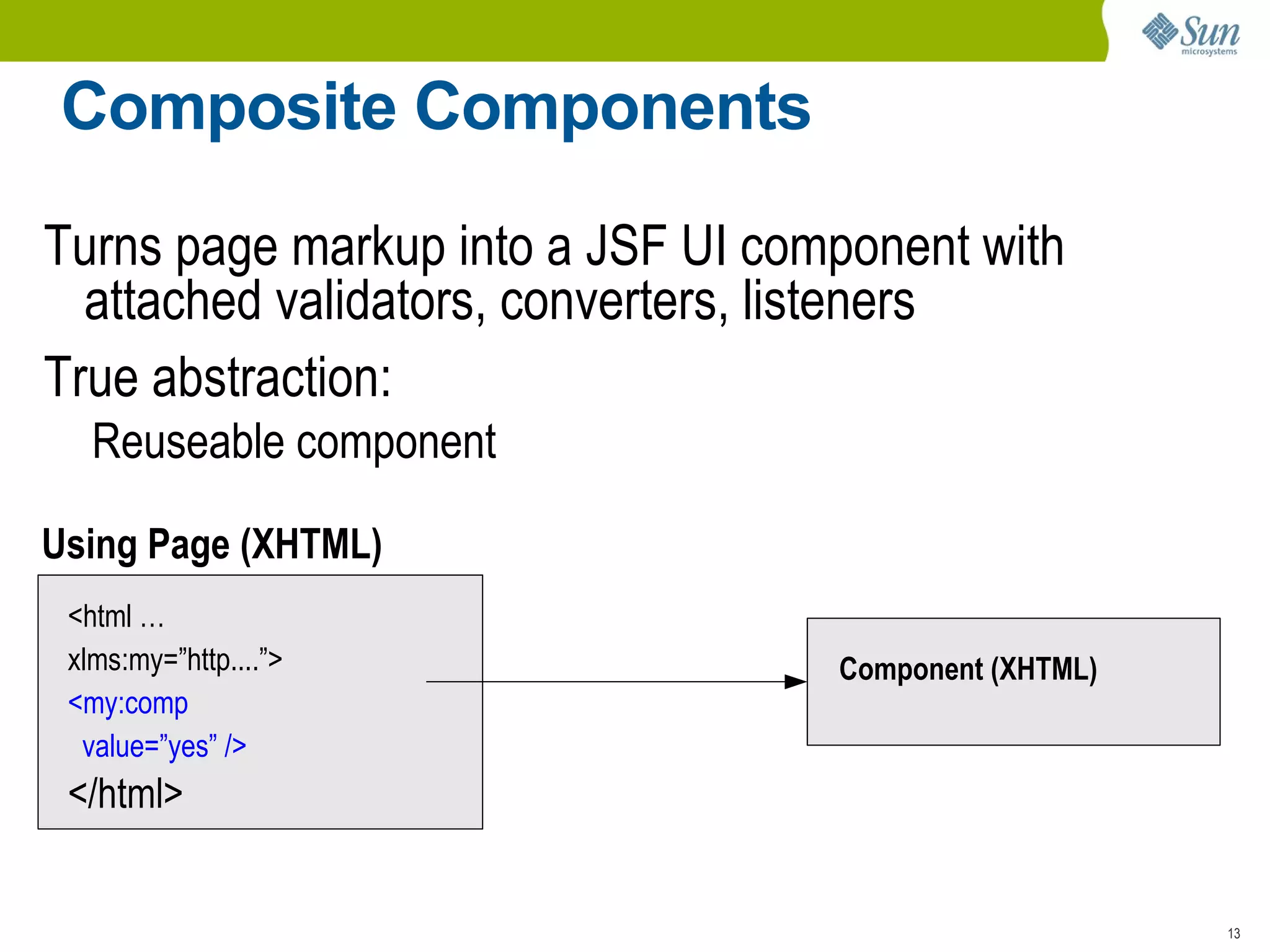
    Composite Components Turnspage markup into a JSF UI component with attached validators, converters, listeners
  • 45.
    True abstraction: Reuseablecomponent Using Page (XHTML) <html … xlms:my=”http....”> <my:comp value=”yes” /> </html> Component (XHTML)
  • 46.
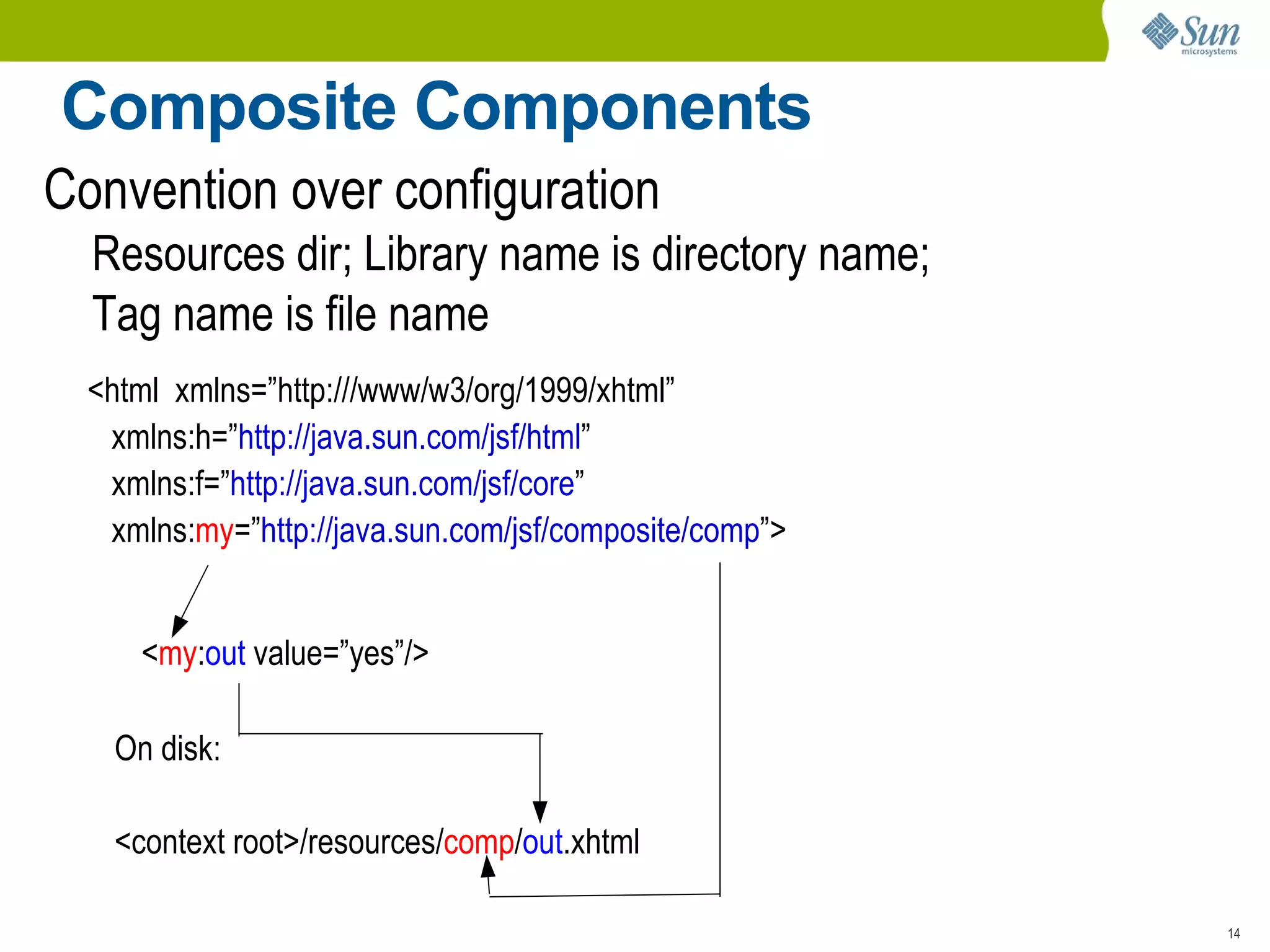
    Composite Components Conventionover configuration Resources dir; Library name is directory name;
  • 47.
    Tag name isfile name <html xmlns=”http:///www/w3/org/1999/xhtml” xmlns:h=” http://java.sun.com/jsf/html ” xmlns:f=” http://java.sun.com/jsf/core ” xmlns: my =” http://java.sun.com/jsf/composite/comp ”> < my : out value=”yes”/> On disk: <context root>/resources/ comp / out .xhtml
  • 48.
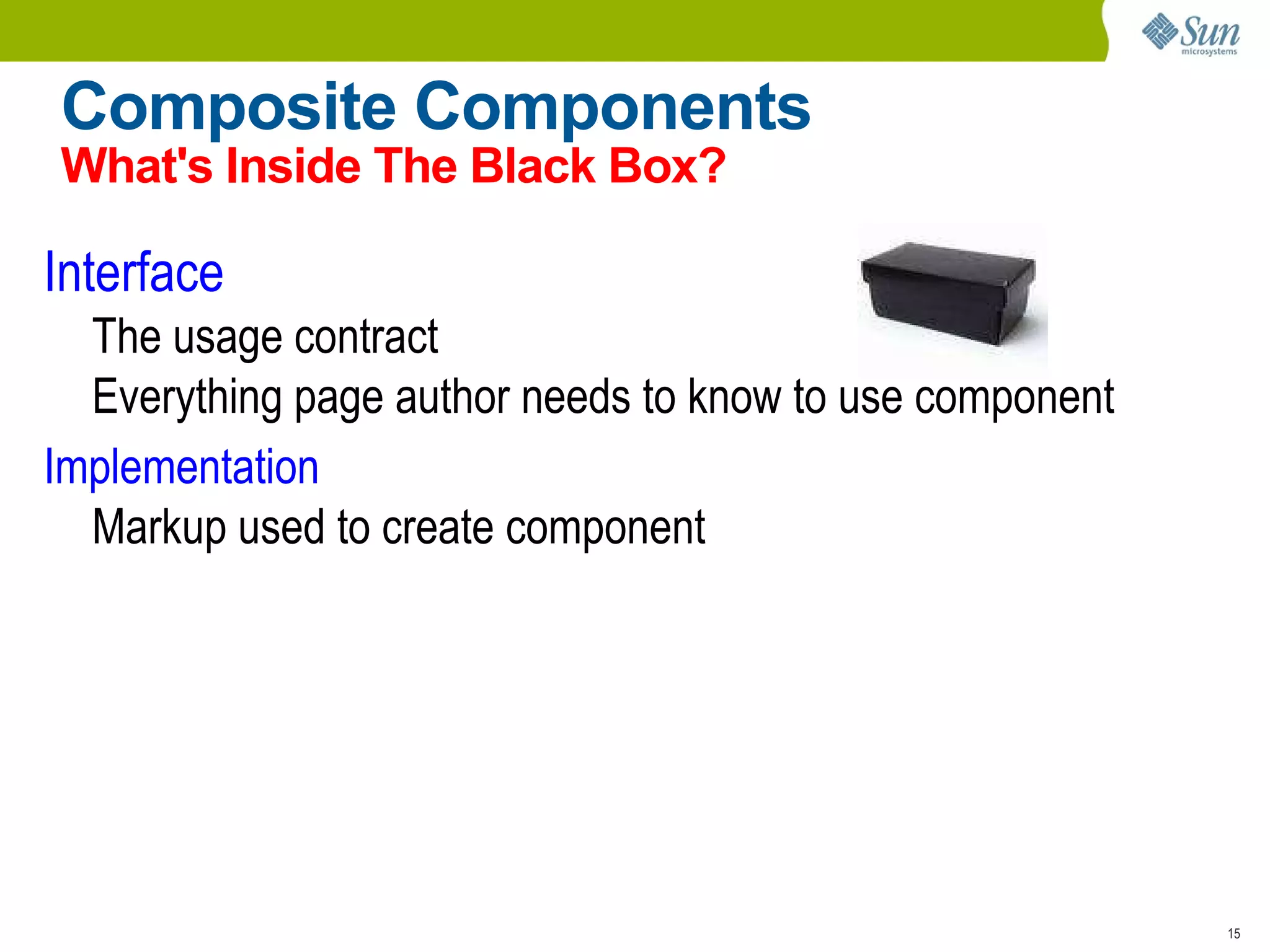
    Composite Components What'sInside The Black Box? Interface The usage contract
  • 49.
    Everything page authorneeds to know to use component Implementation Markup used to create component
  • 50.
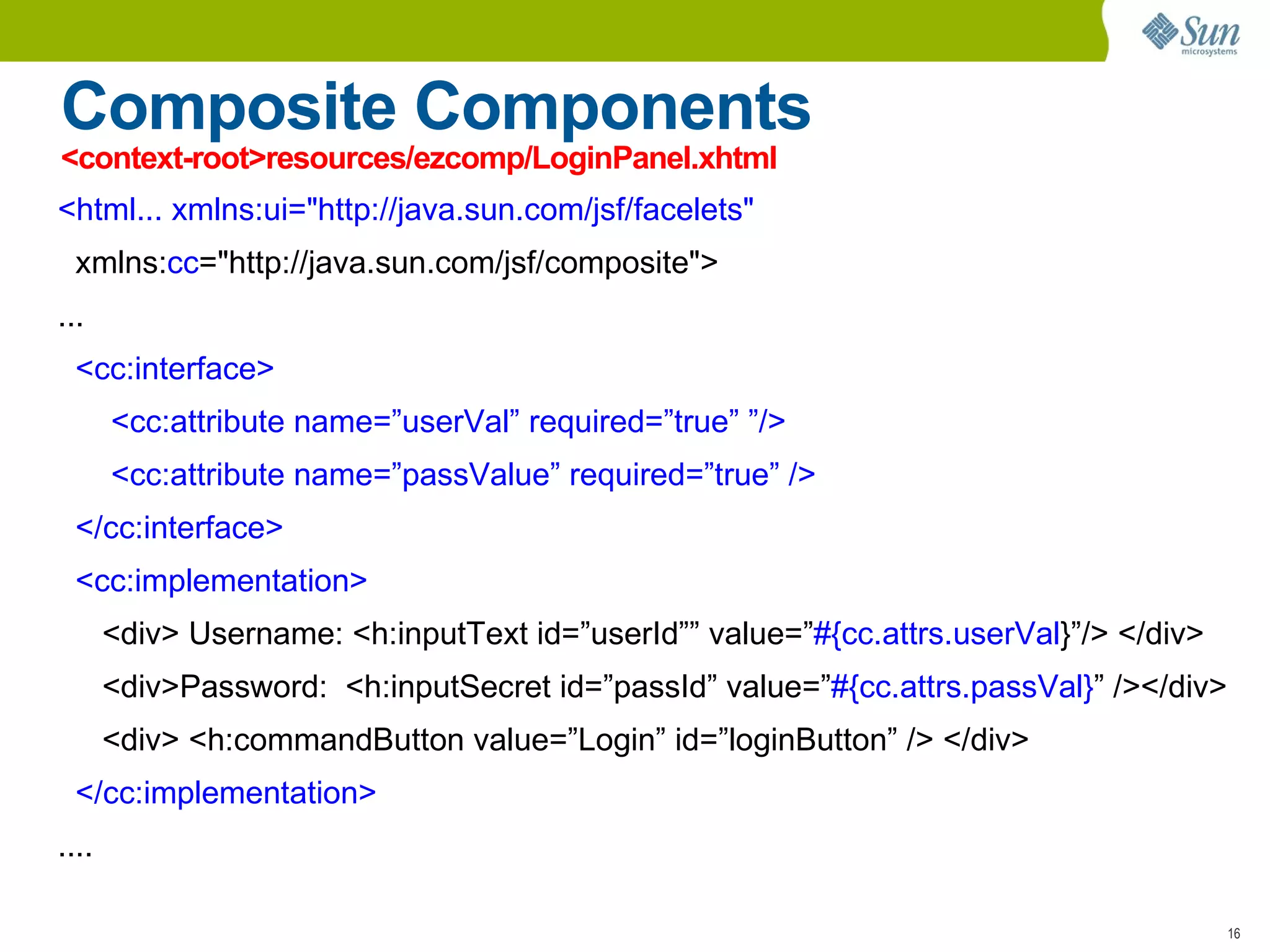
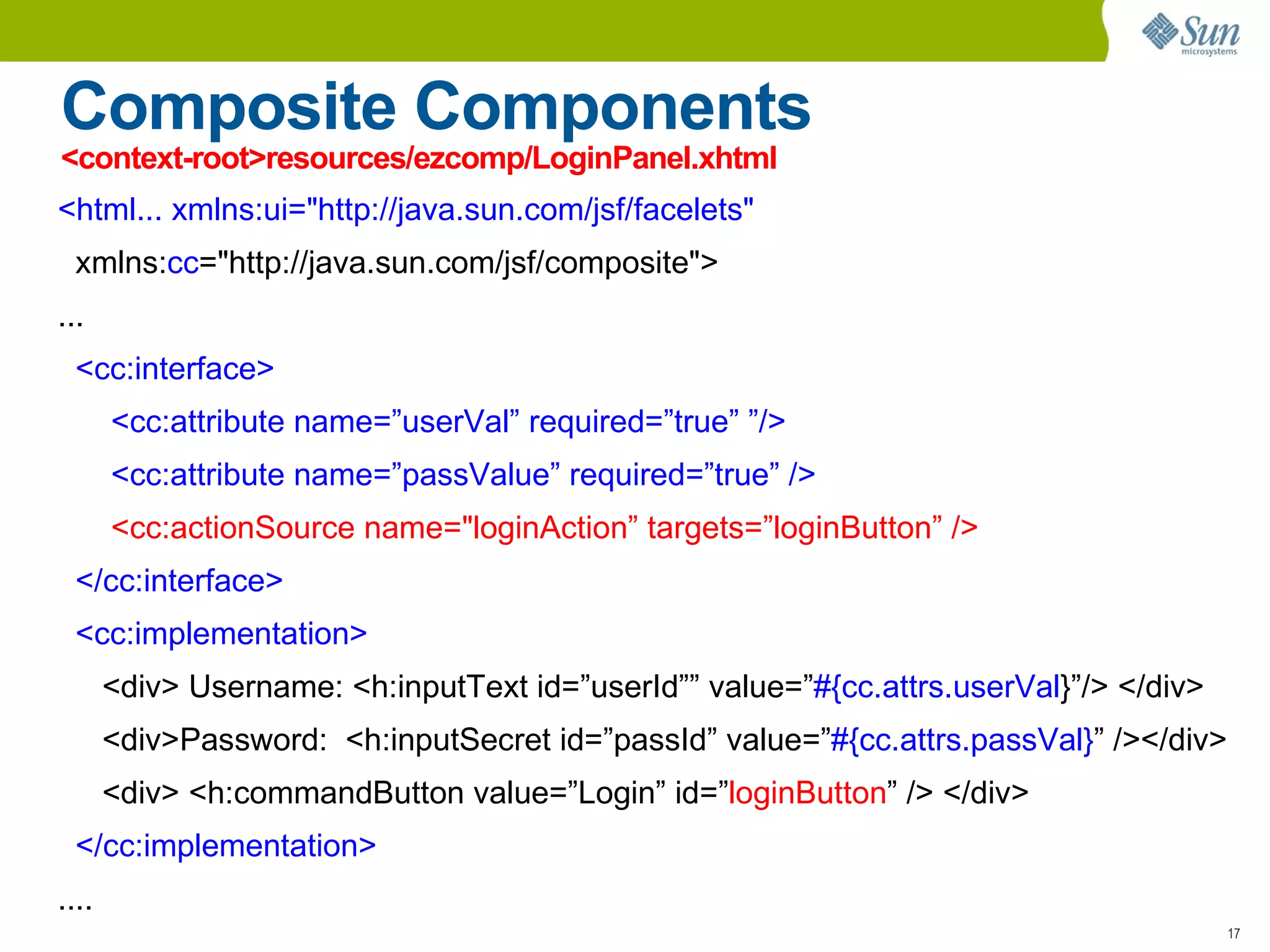
    Composite Components <context-root>resources/ezcomp/LoginPanel.xhtml<html... xmlns:ui=&quot;http://java.sun.com/jsf/facelets&quot; xmlns: cc =&quot;http://java.sun.com/jsf/composite&quot;> ... <cc:interface> <cc:attribute name=”userVal” required=”true” ”/> <cc:attribute name=”passValue” required=”true” /> </cc:interface> <cc:implementation> <div> Username: <h:inputText id=”userId”” value=” #{cc.attrs.userVal }”/> </div> <div>Password: <h:inputSecret id=”passId” value=” #{cc.attrs.passVal} ” /></div> <div> <h:commandButton value=”Login” id=”loginButton” /> </div> </cc:implementation> ....
  • 51.
    Composite Components <context-root>resources/ezcomp/LoginPanel.xhtml<html... xmlns:ui=&quot;http://java.sun.com/jsf/facelets&quot; xmlns: cc =&quot;http://java.sun.com/jsf/composite&quot;> ... <cc:interface> <cc:attribute name=”userVal” required=”true” ”/> <cc:attribute name=”passValue” required=”true” /> <cc:actionSource name=&quot;loginAction” targets=”loginButton” /> </cc:interface> <cc:implementation> <div> Username: <h:inputText id=”userId”” value=” #{cc.attrs.userVal }”/> </div> <div>Password: <h:inputSecret id=”passId” value=” #{cc.attrs.passVal} ” /></div> <div> <h:commandButton value=”Login” id=” loginButton ” /> </div> </cc:implementation> ....
  • 52.
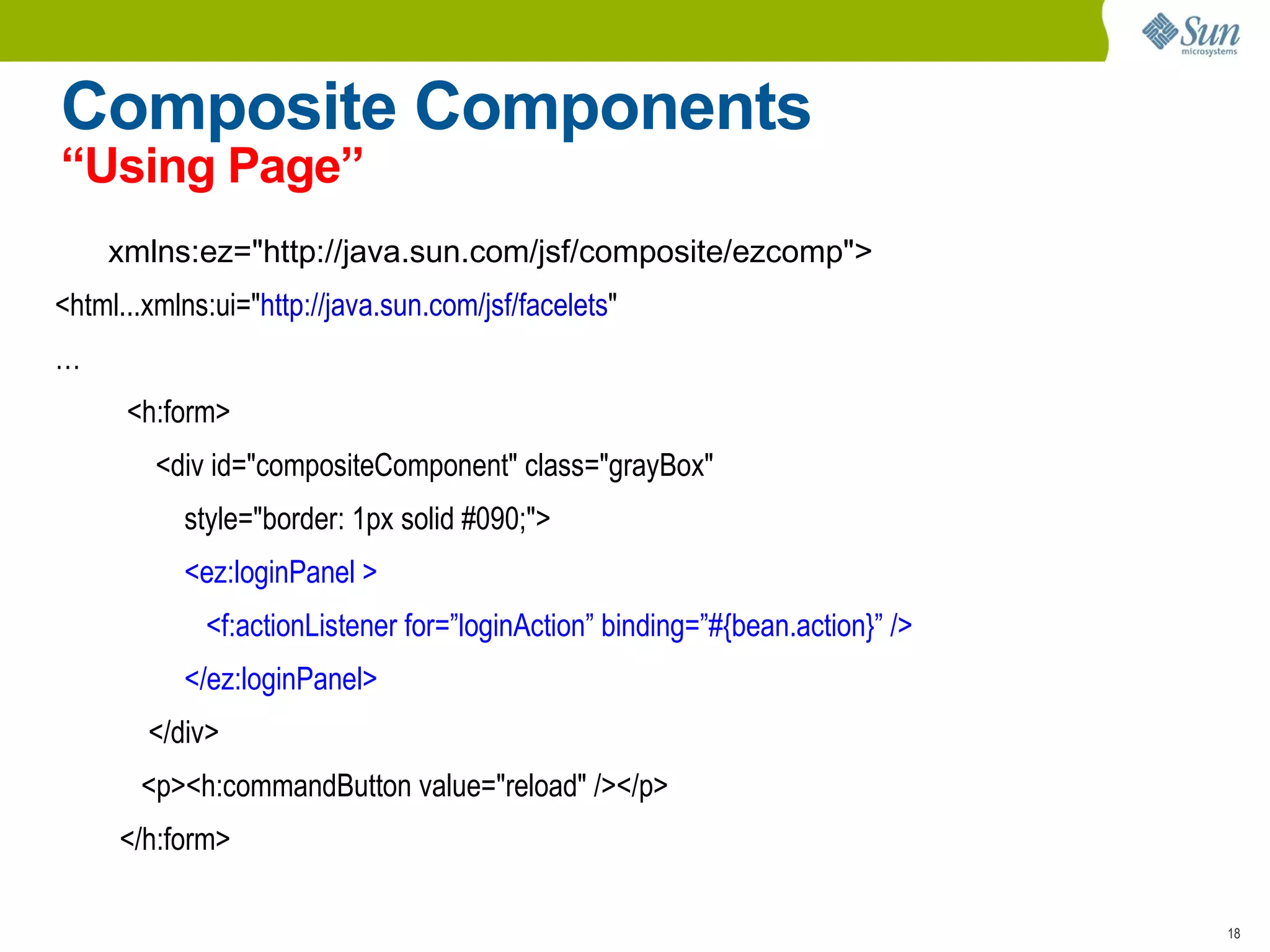
    Composite Components “UsingPage” xmlns:ez=&quot; http://java.sun.com/jsf/composite/ezcomp &quot;> <html...xmlns:ui=&quot; http://java.sun.com/jsf/facelets &quot; … <h:form> <div id=&quot;compositeComponent&quot; class=&quot;grayBox&quot; style=&quot;border: 1px solid #090;&quot;> <ez:loginPanel > <f:actionListener for=”loginAction” binding=”#{bean.action}” /> </ez:loginPanel> </div> <p><h:commandButton value=&quot;reload&quot; /></p> </h:form>
  • 53.
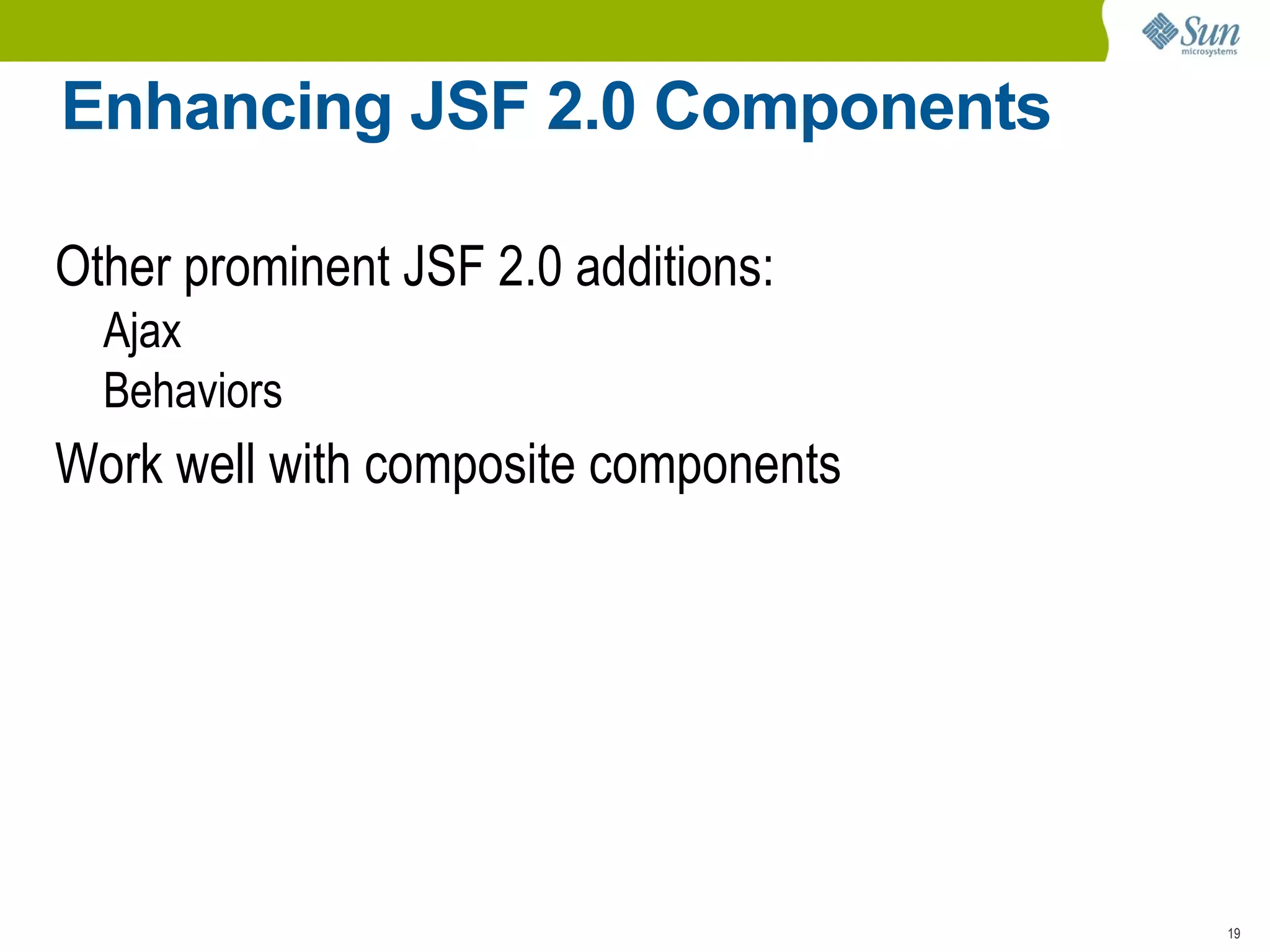
    Enhancing JSF 2.0Components Other prominent JSF 2.0 additions: Ajax
  • 54.
    Behaviors Work wellwith composite components
  • 55.
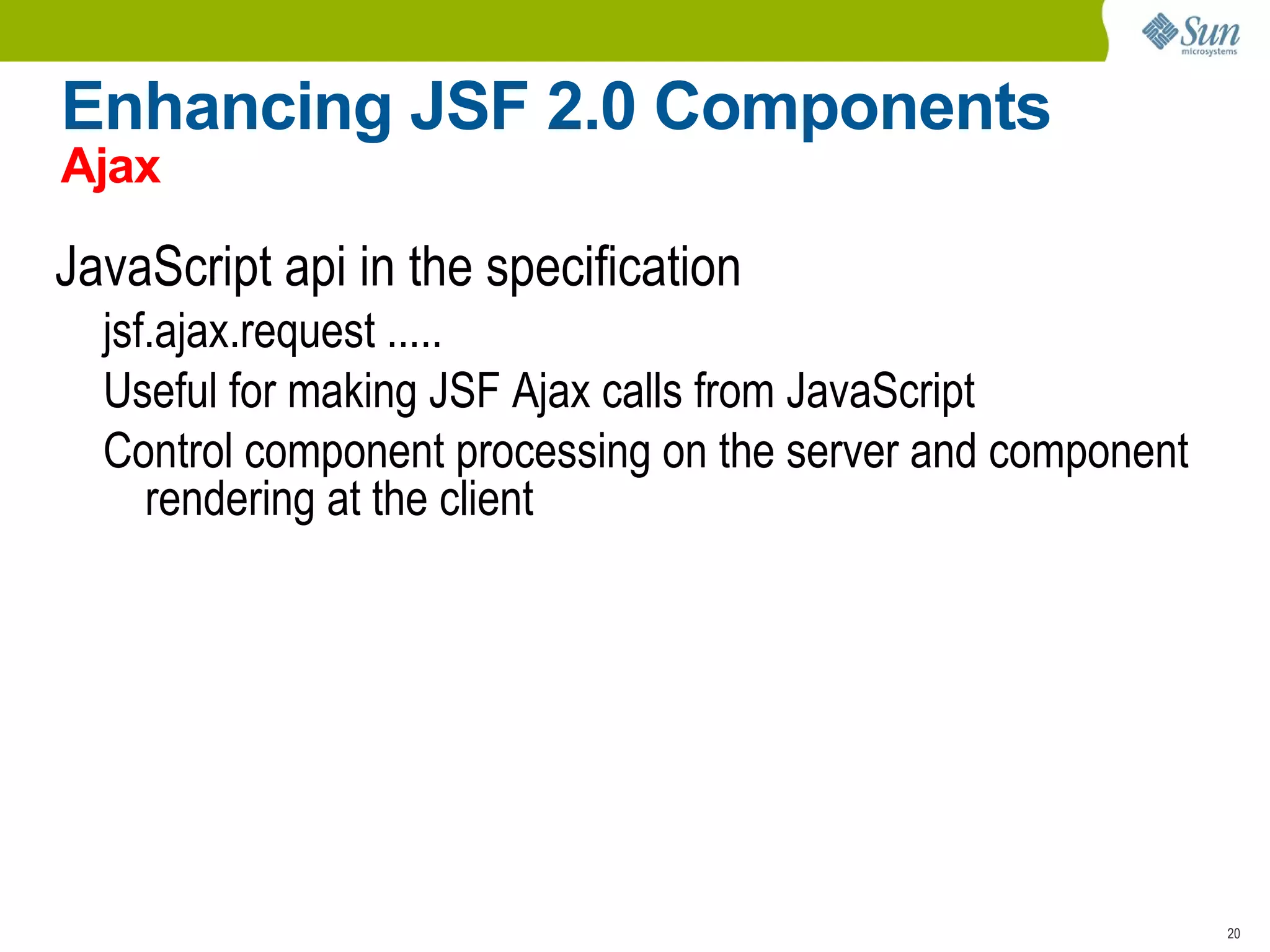
    Enhancing JSF 2.0Components Ajax JavaScript api in the specification jsf.ajax.request .....
  • 56.
    Useful for makingJSF Ajax calls from JavaScript
  • 57.
    Control component processingon the server and component rendering at the client
  • 58.
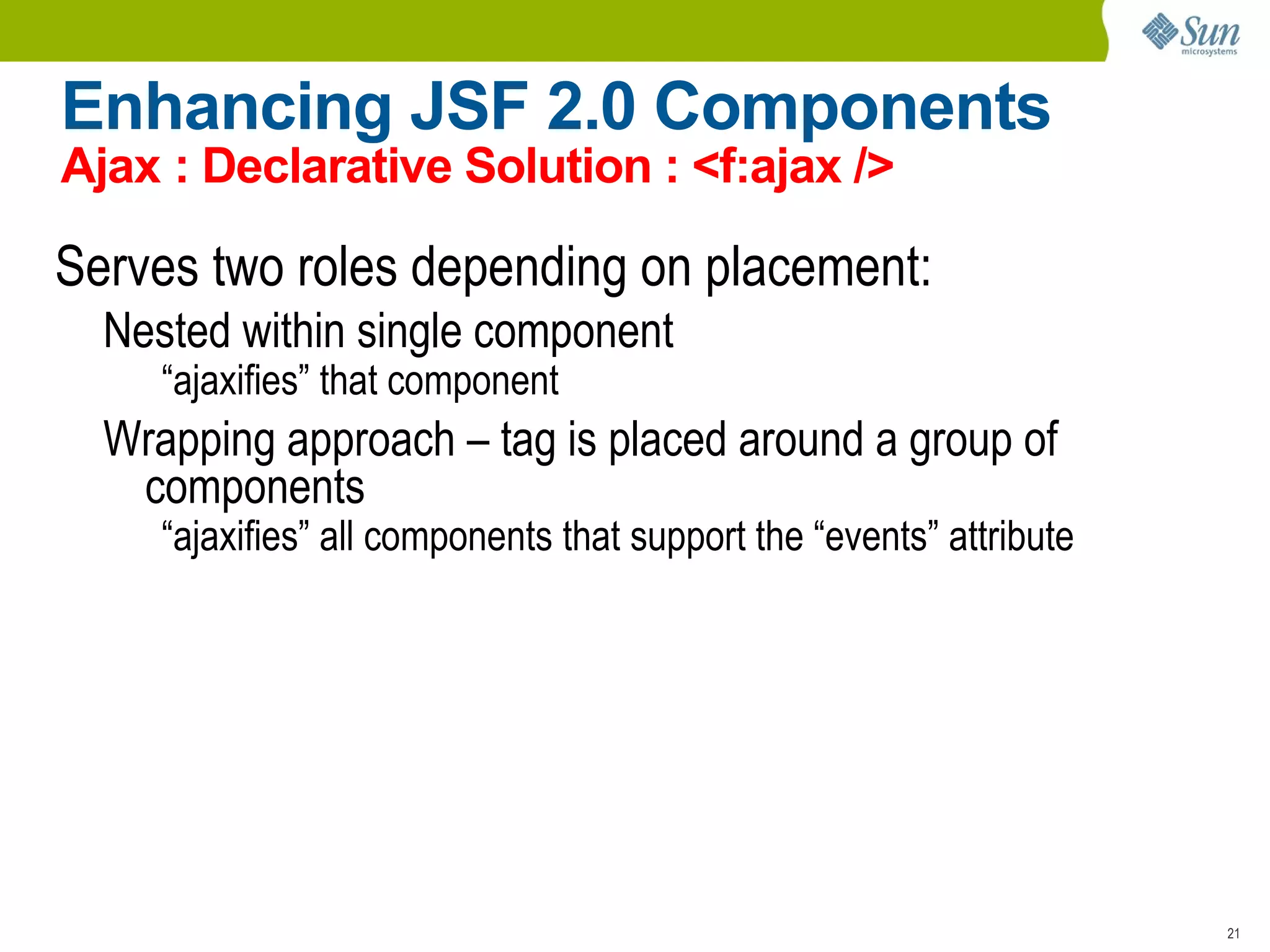
    Enhancing JSF 2.0Components Ajax : Declarative Solution : <f:ajax /> Serves two roles depending on placement: Nested within single component “ ajaxifies” that component Wrapping approach – tag is placed around a group of components “ ajaxifies” all components that support the “events” attribute
  • 59.
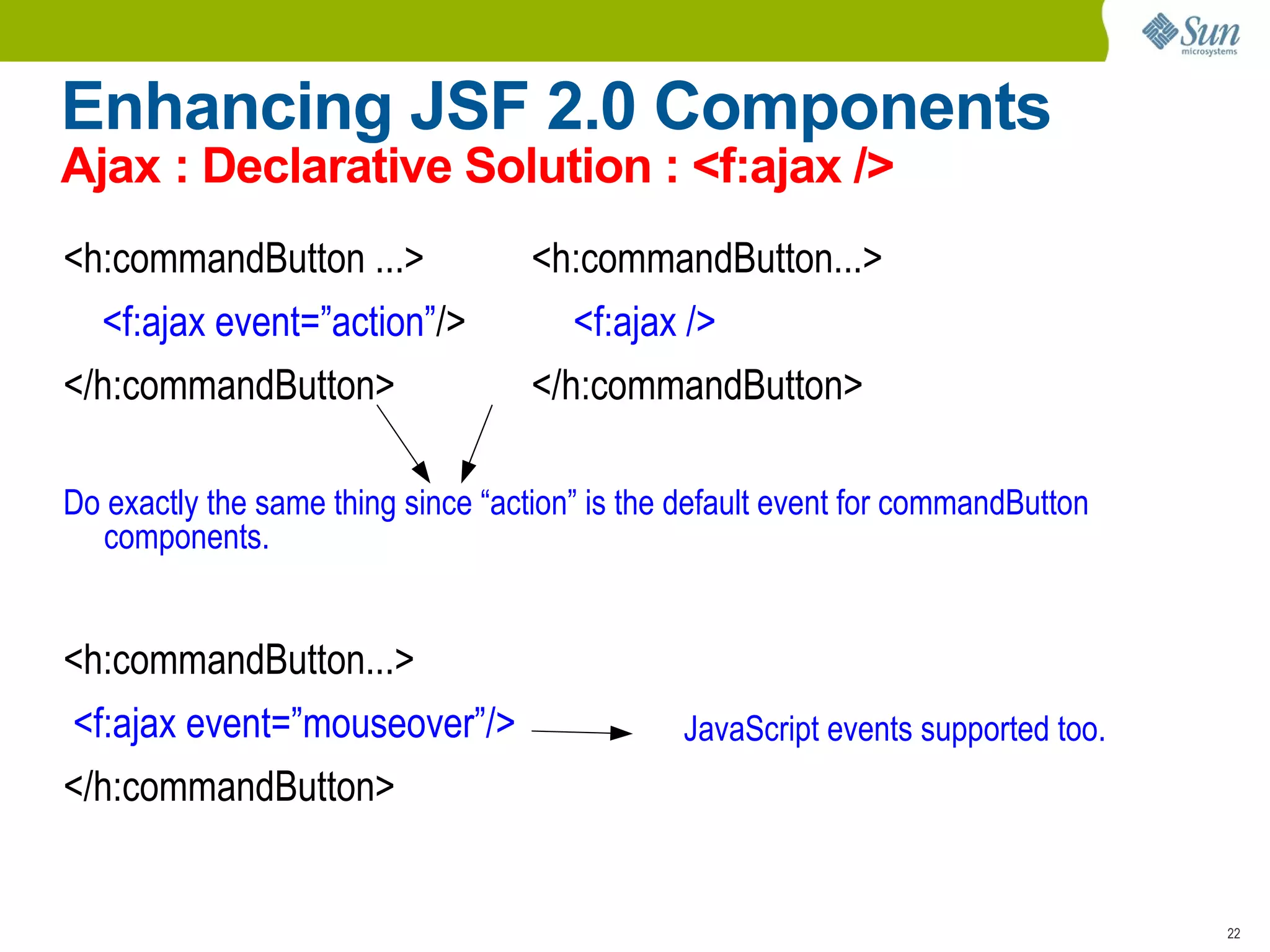
    Enhancing JSF 2.0Components Ajax : Declarative Solution : <f:ajax /> <h:commandButton ...> <h:commandButton...> <f:ajax event=”action” /> <f:ajax /> </h:commandButton> </h:commandButton> Do exactly the same thing since “action” is the default event for commandButton components. <h:commandButton...> <f:ajax event=”mouseover”/> </h:commandButton> JavaScript events supported too.
  • 60.
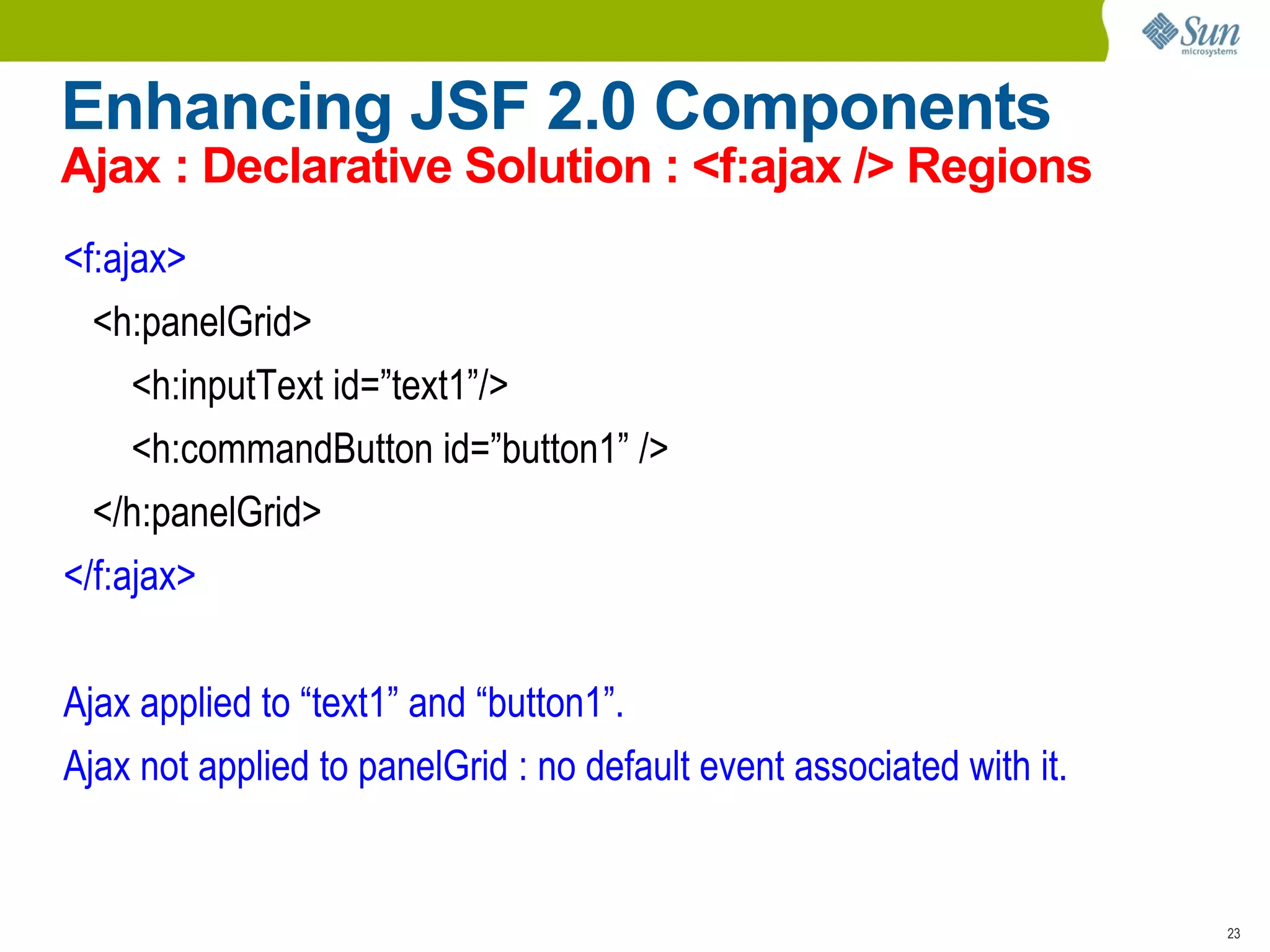
    Enhancing JSF 2.0Components Ajax : Declarative Solution : <f:ajax /> Regions <f:ajax> <h:panelGrid> <h:inputText id=”text1”/> <h:commandButton id=”button1” /> </h:panelGrid> </f:ajax> Ajax applied to “text1” and “button1”. Ajax not applied to panelGrid : no default event associated with it.
  • 61.
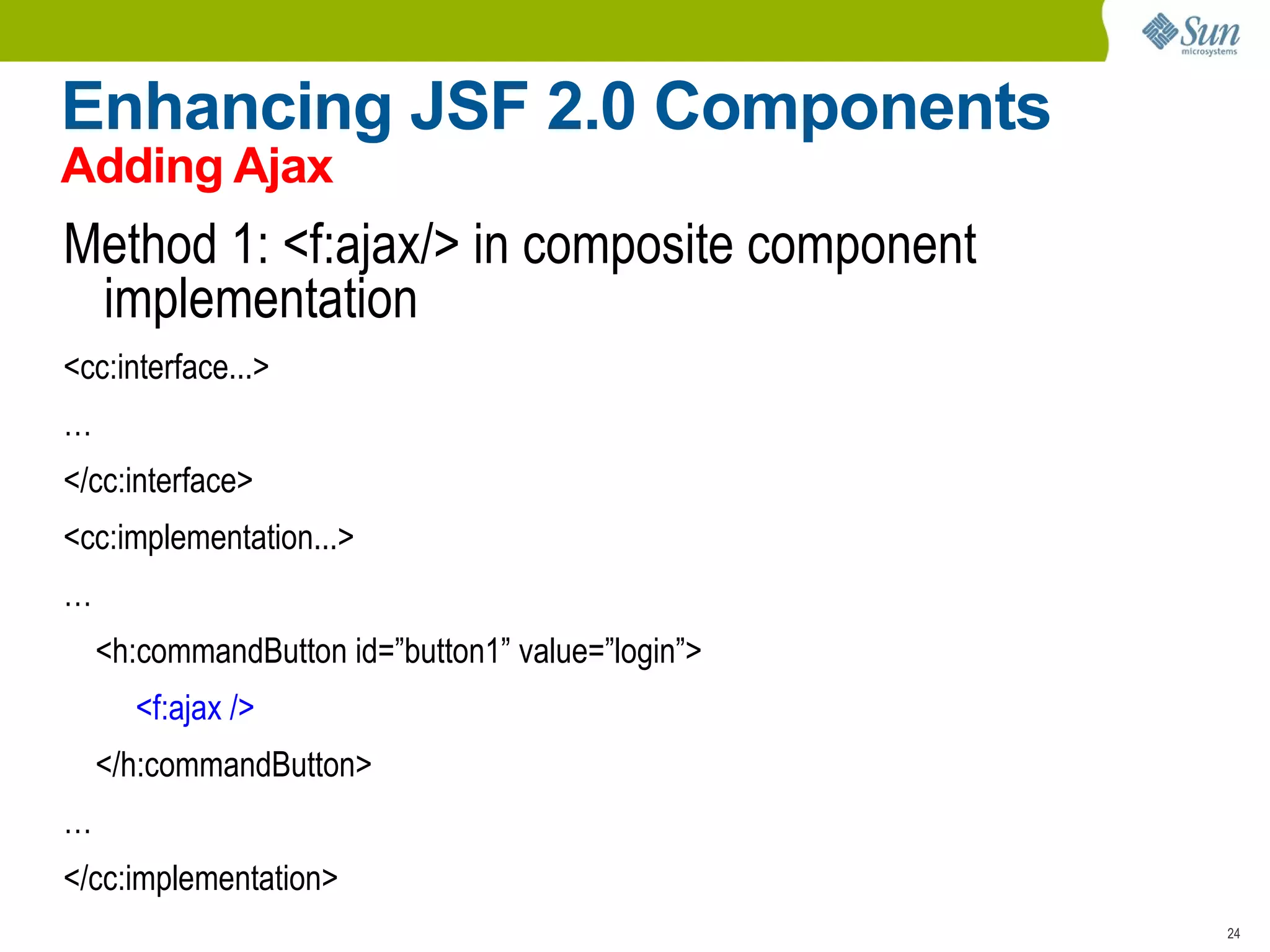
    Enhancing JSF 2.0Components Adding Ajax Method 1: <f:ajax/> in composite component implementation <cc:interface...> … </cc:interface> <cc:implementation...> … <h:commandButton id=”button1” value=”login”> <f:ajax /> </h:commandButton> … </cc:implementation>
  • 62.
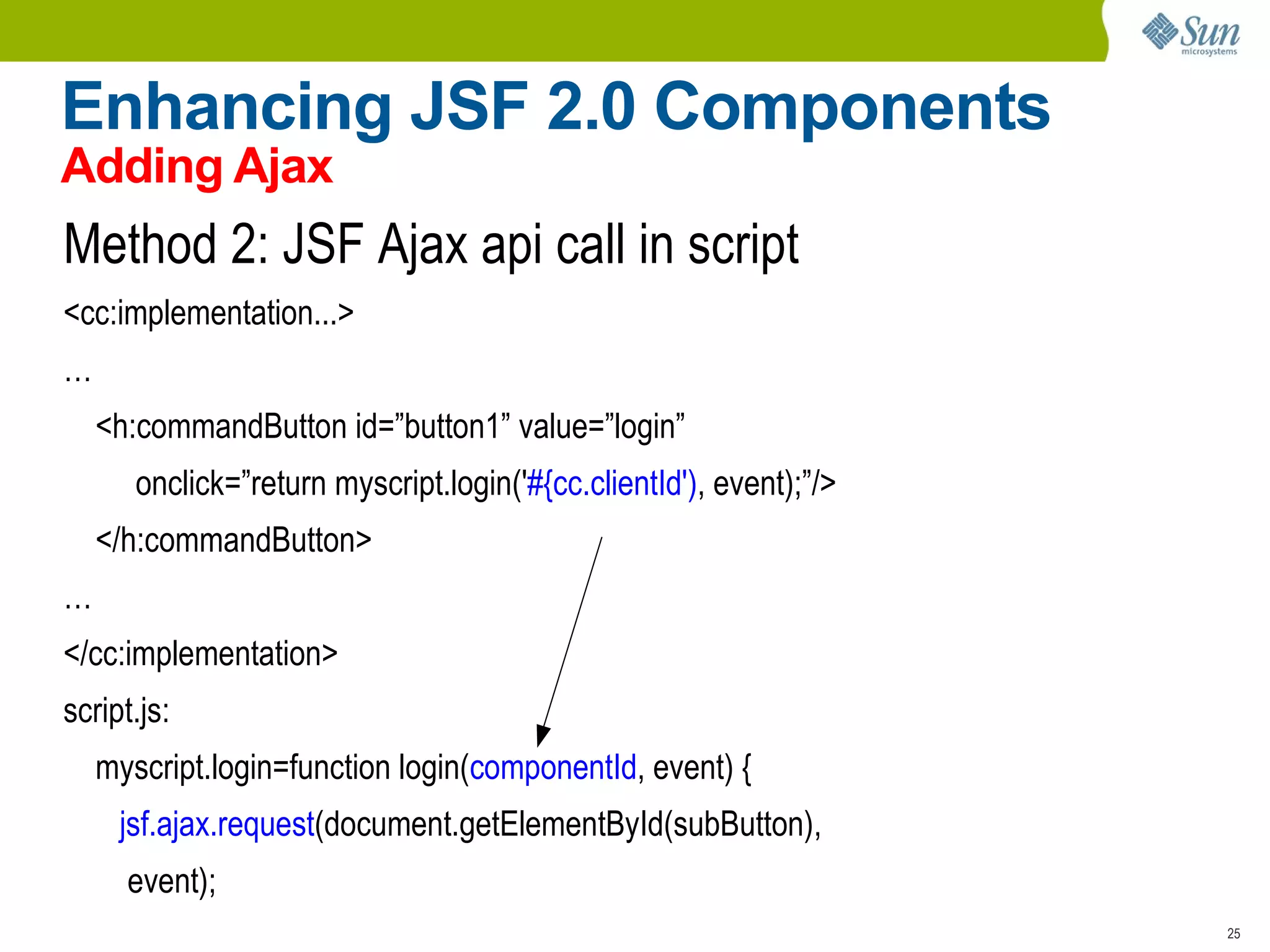
    Enhancing JSF 2.0Components Adding Ajax Method 2: JSF Ajax api call in script <cc:implementation...> … <h:commandButton id=”button1” value=”login” onclick=”return myscript.login(' #{cc.clientId') , event);”/> </h:commandButton> … </cc:implementation> script.js: myscript.login=function login( componentId , event) { jsf.ajax.request (document.getElementById(subButton), event);
  • 63.
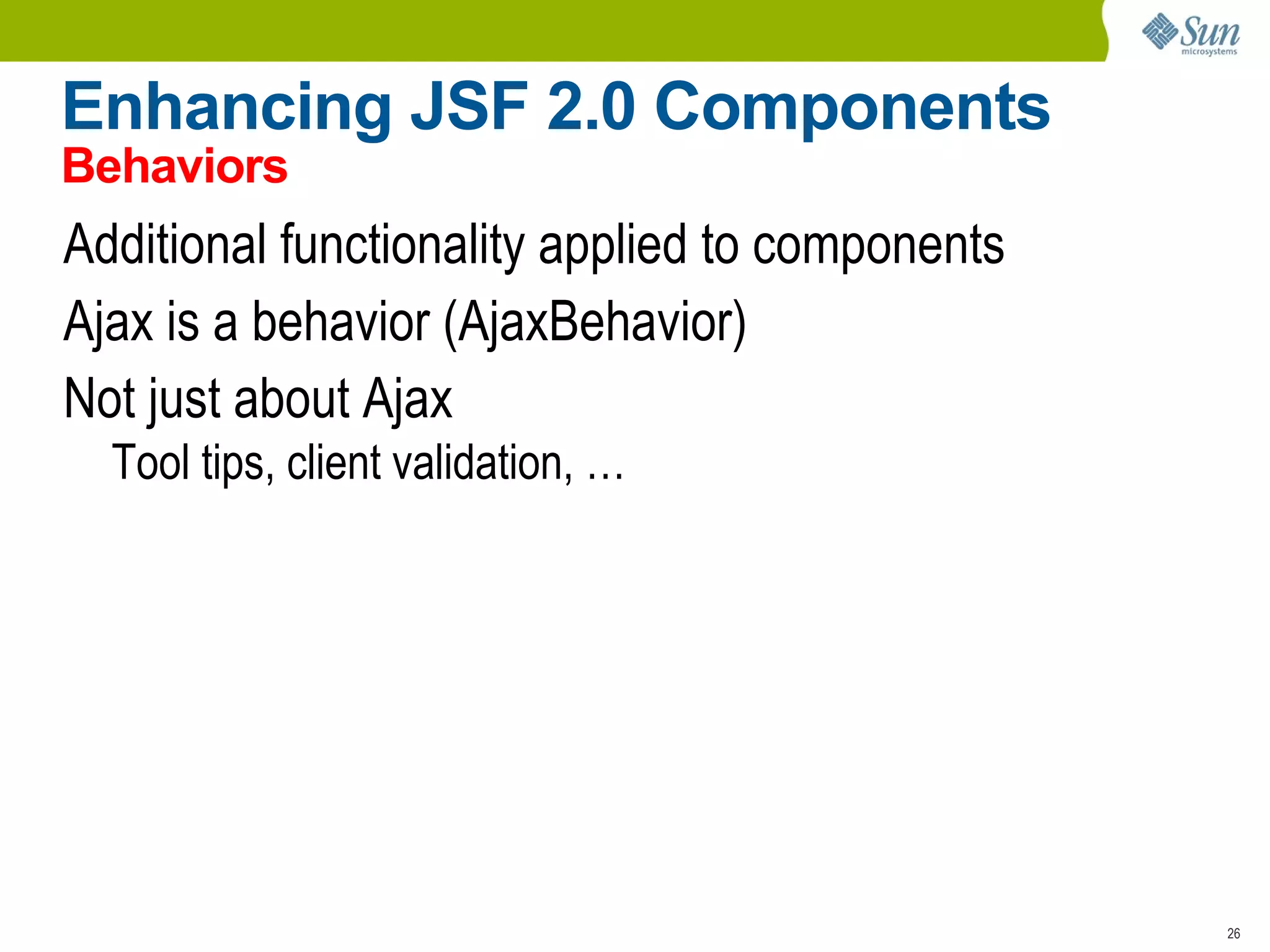
    Enhancing JSF 2.0Components Behaviors Additional functionality applied to components
  • 64.
    Ajax is abehavior (AjaxBehavior)
  • 65.
    Not just aboutAjax Tool tips, client validation, …
  • 66.
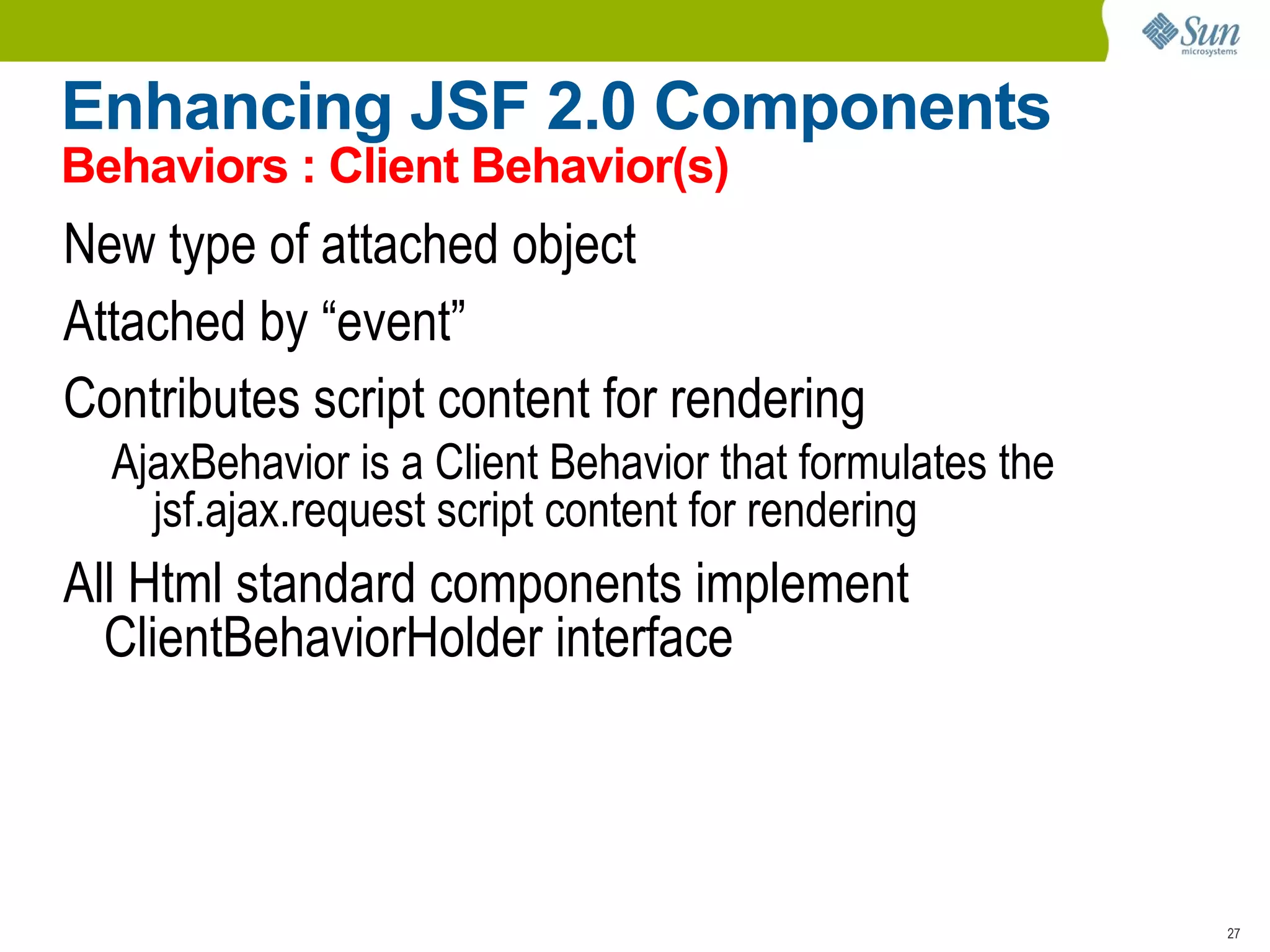
    Enhancing JSF 2.0Components Behaviors : Client Behavior(s) New type of attached object
  • 67.
  • 68.
    Contributes script contentfor rendering AjaxBehavior is a Client Behavior that formulates the jsf.ajax.request script content for rendering All Html standard components implement ClientBehaviorHolder interface
  • 69.
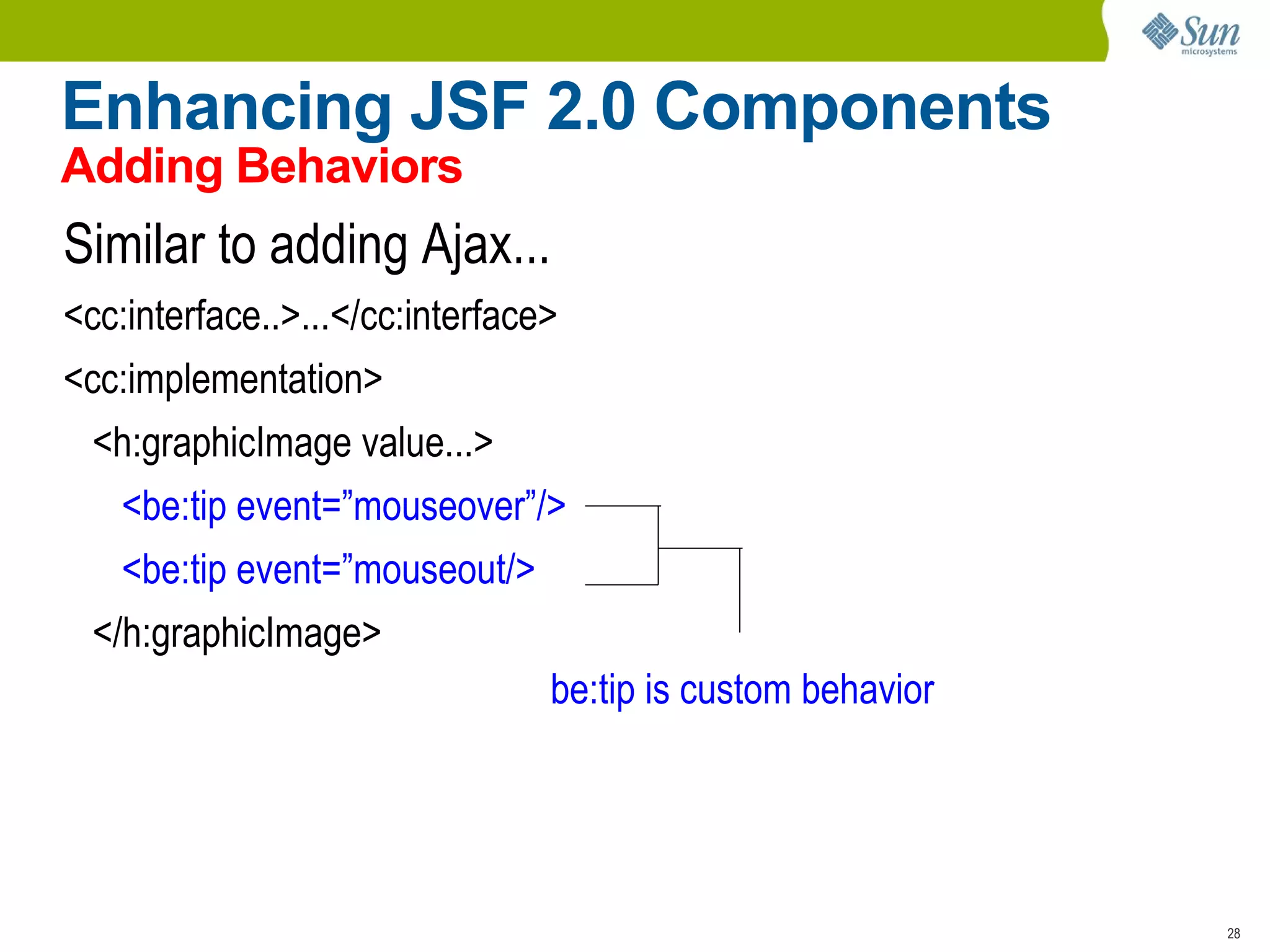
    Enhancing JSF 2.0Components Adding Behaviors Similar to adding Ajax... <cc:interface..>...</cc:interface> <cc:implementation> <h:graphicImage value...> <be:tip event=”mouseover”/> <be:tip event=”mouseout/> </h:graphicImage> be:tip is custom behavior
  • 70.
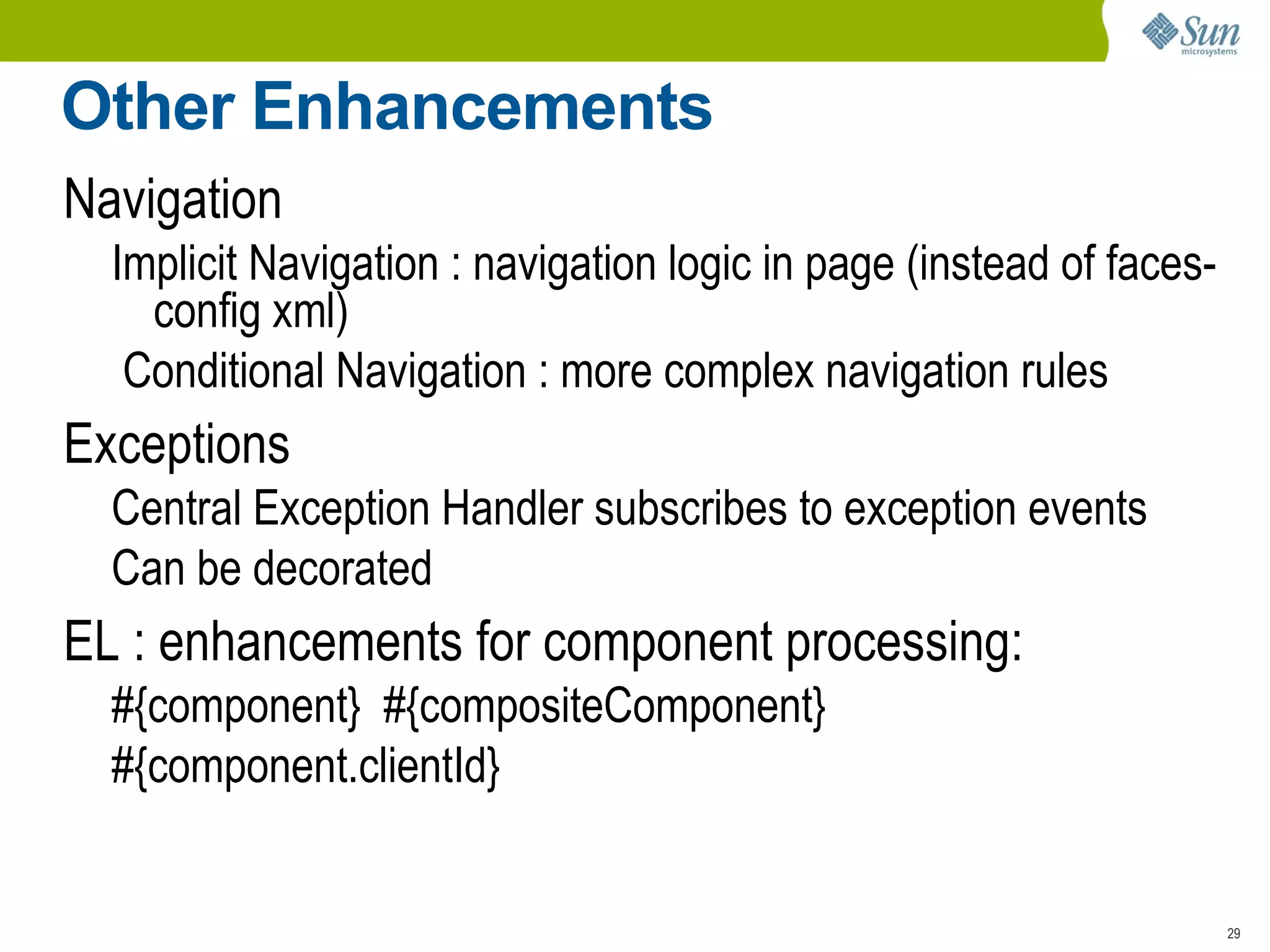
    Other Enhancements NavigationImplicit Navigation : navigation logic in page (instead of faces-config xml)
  • 71.
    Conditional Navigation :more complex navigation rules Exceptions Central Exception Handler subscribes to exception events
  • 72.
    Can be decoratedEL : enhancements for component processing: #{component} #{compositeComponent}
  • 73.
  • 74.
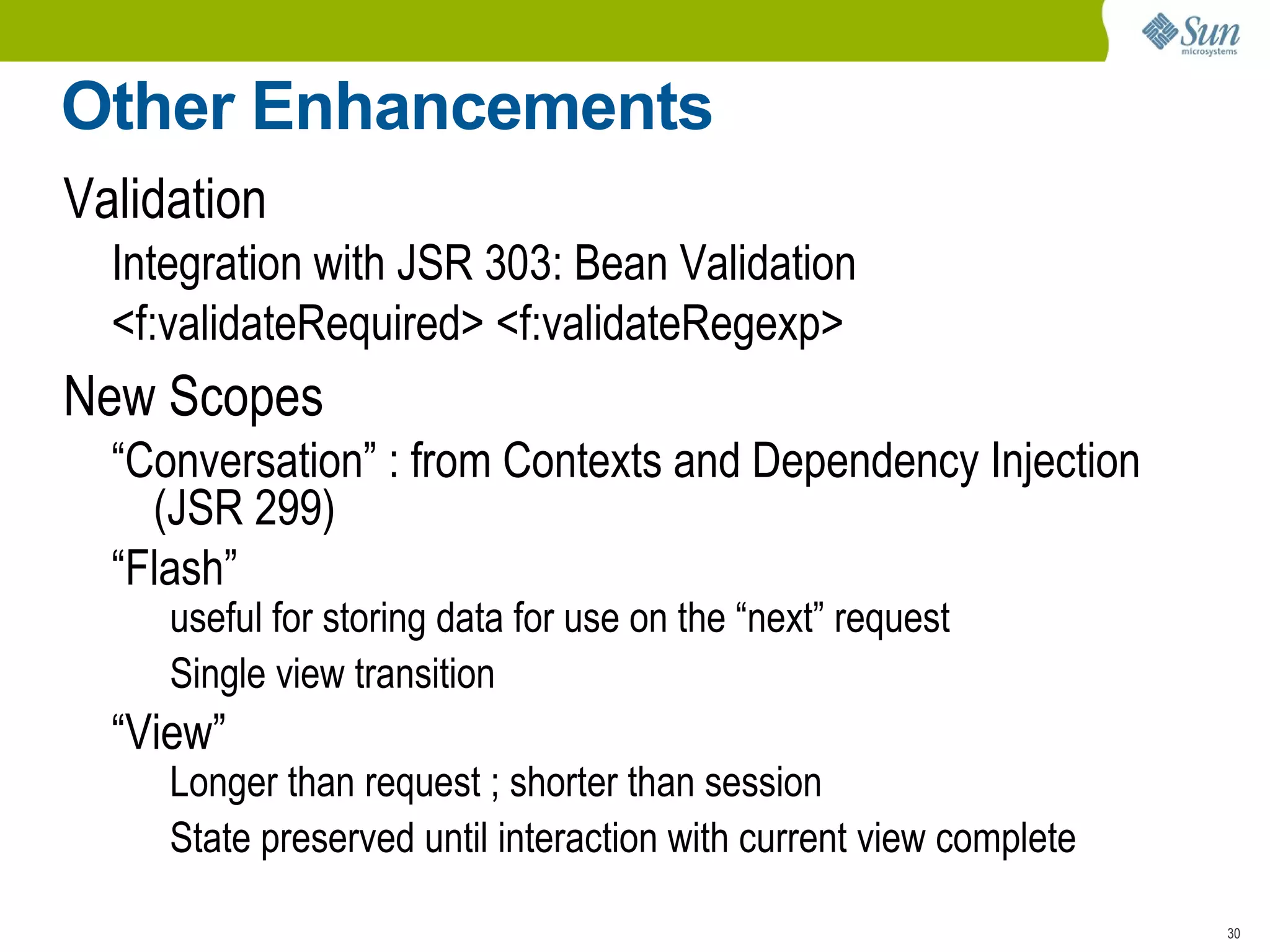
    Other Enhancements ValidationIntegration with JSR 303: Bean Validation
  • 75.
    <f:validateRequired> <f:validateRegexp> NewScopes “Conversation” : from Contexts and Dependency Injection (JSR 299)
  • 76.
    “Flash” useful forstoring data for use on the “next” request
  • 77.
    Single view transition“ View” Longer than request ; shorter than session
  • 78.
    State preserved untilinteraction with current view complete
  • 79.
  • 80.
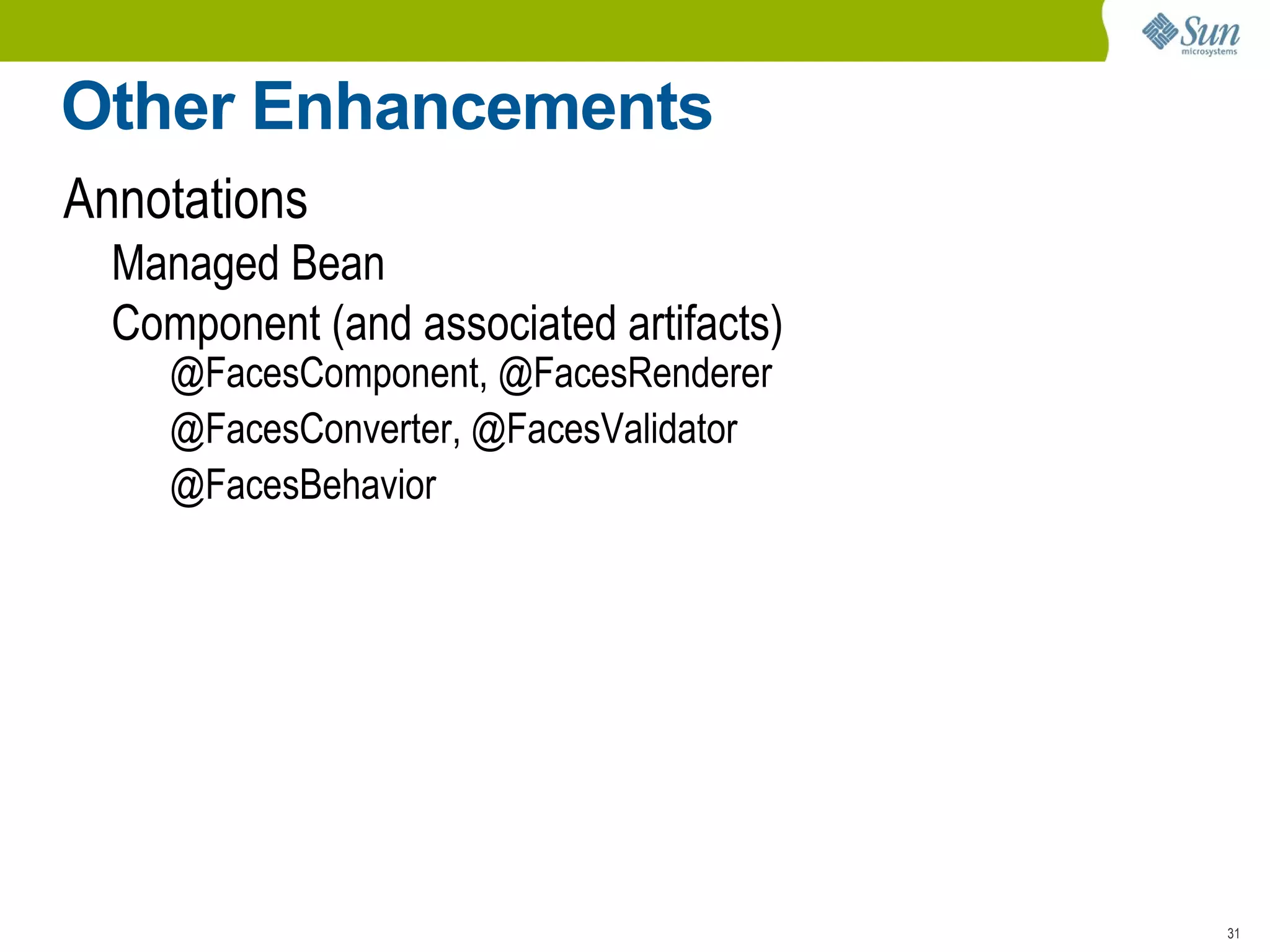
    Component (and associatedartifacts) @FacesComponent, @FacesRenderer
  • 81.
  • 82.
  • 83.
    Summary Java EE6 GlassFish v3 JSF 2.0 : Big improvements address community needs Easier component development
  • 84.
    Ajax : DynamicComponents
  • 85.
  • 86.
  • 87.
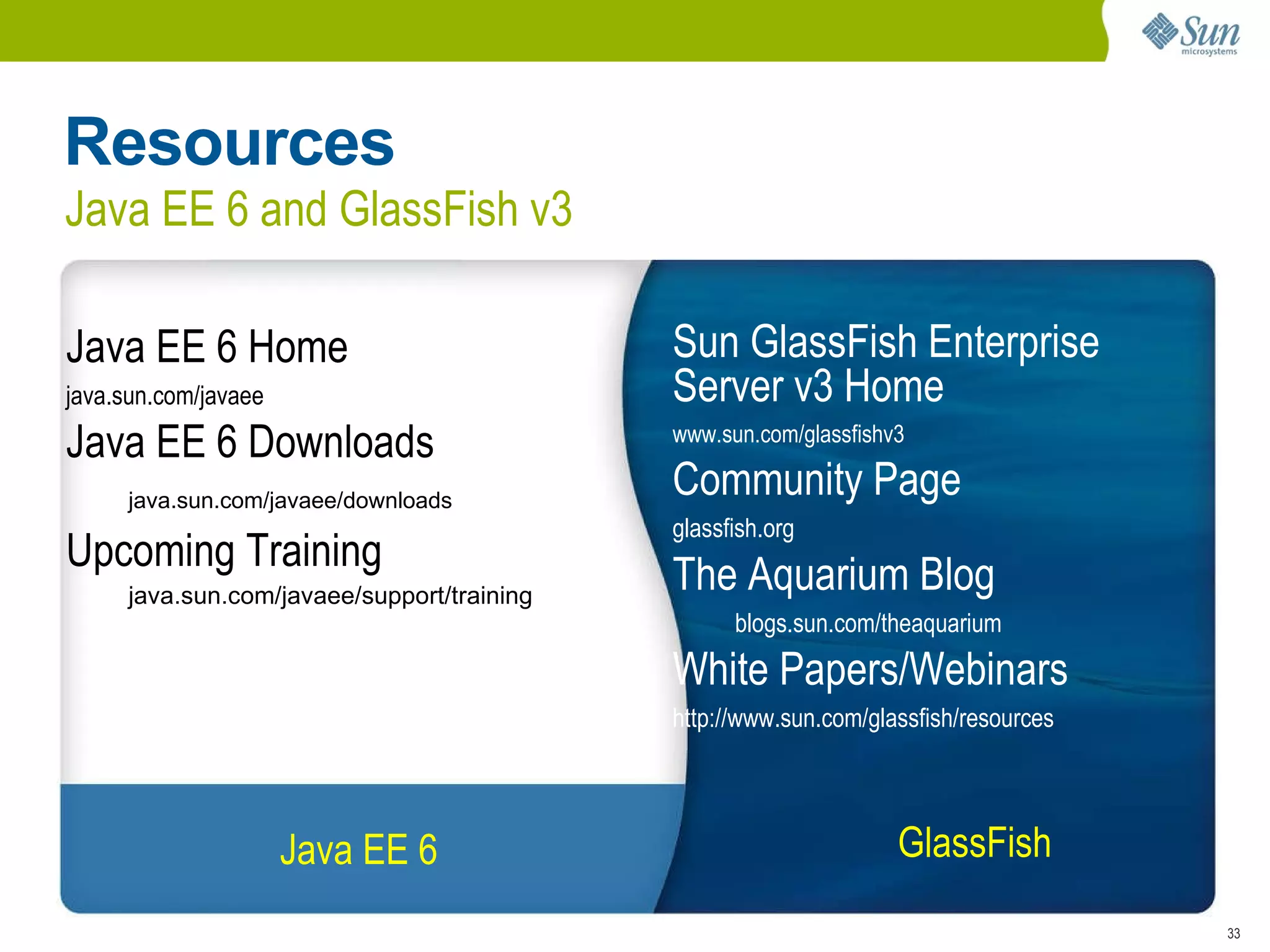
    Resources Java EE6 and GlassFish v3 Java EE 6 Java EE 6 Home
  • 88.
  • 89.
    Java EE 6Downloads java.sun.com/javaee/downloads Upcoming Training java.sun.com/javaee/support/training Sun GlassFish Enterprise Server v3 Home www.sun.com/glassfishv3 Community Page glassfish.org The Aquarium Blog blogs.sun.com/theaquarium White Papers/Webinars
  • 90.
  • 91.
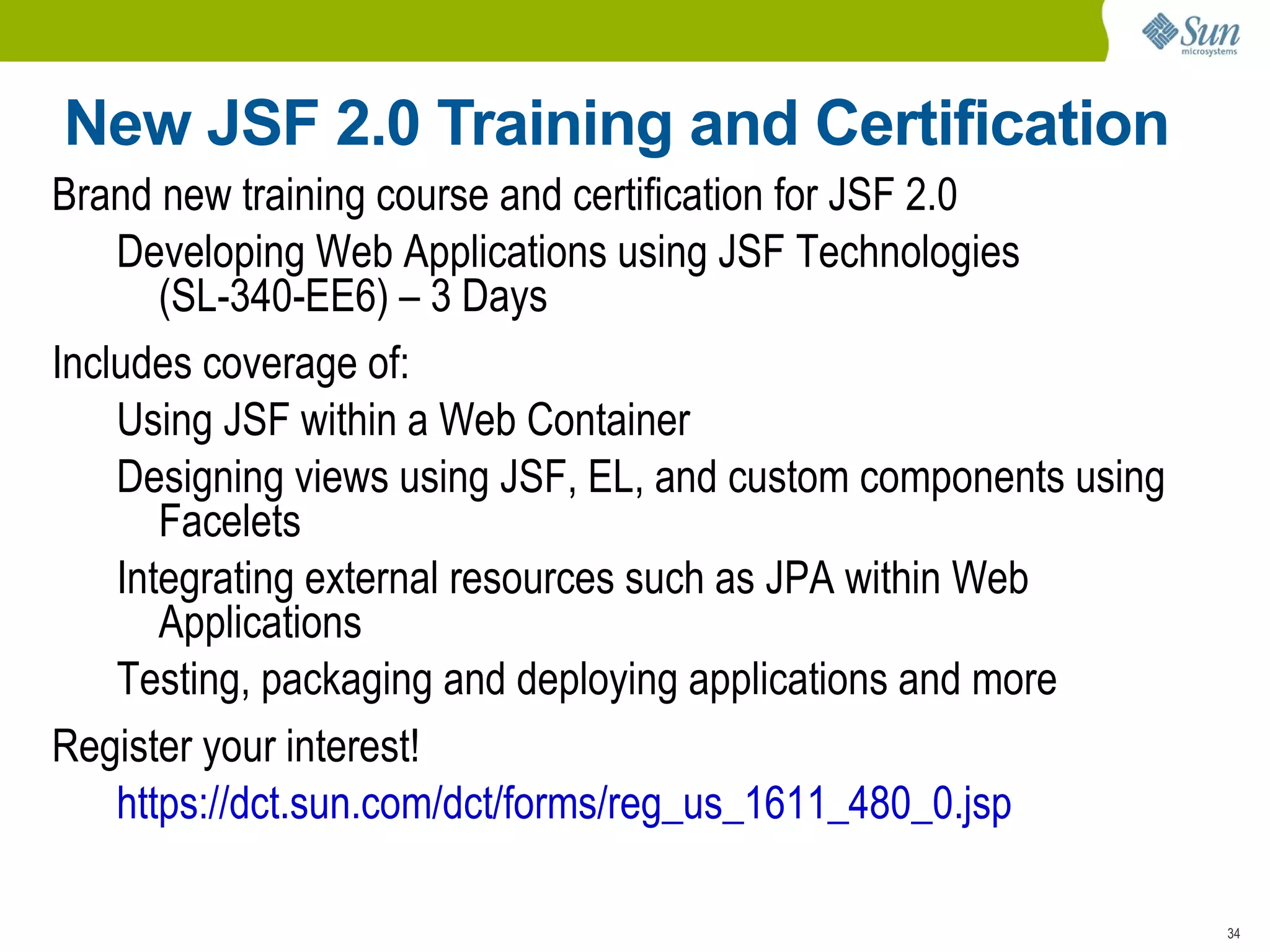
    New JSF 2.0Training and Certification Java EE 6 GlassFish v3 Brand new training course and certification for JSF 2.0 Developing Web Applications using JSF Technologies (SL-340-EE6) – 3 Days Includes coverage of: Using JSF within a Web Container
  • 92.
    Designing views usingJSF, EL, and custom components using Facelets
  • 93.
    Integrating external resourcessuch as JPA within Web Applications
  • 94.
    Testing, packaging anddeploying applications and more Register your interest! https://dct.sun.com/dct/forms/reg_us_1611_480_0.jsp
  • 95.

Editor's Notes

  • #33 Open Source from Sun allows a combined vision of the stack - Open Source provides the quality gained from thousands of developers reviewing and testing the quality of the product, the innovations which are determined by the community who builds what they need not what a vendor desires or has been driven by a few major customers, allows customers full transparency into the source code to determine extensions and how to leverage code to full use, and last , open source allows customers to pay at the point of their value of the product – at production time not at the intial stages of development. Closed source solutions are a drain on the enterprise by costing up front extensive license fees plus uncontrolled annual maintenance fees, tools which improve productivity are often complex and they plus extensions built by the vendor lead to planned lock in.
  • #34 Small subset of EJB 3.1 API required by Java EE Platform 6 Web Profile Broadens the availability of EJB technology Without losing portability Any 3.1 Lite application can be deployed to Web Profile and Full Java EE 6 Platform Made possible by simplified .war packaging
  • #35 Open Source from Sun allows a combined vision of the stack - Open Source provides the quality gained from thousands of developers reviewing and testing the quality of the product, the innovations which are determined by the community who builds what they need not what a vendor desires or has been driven by a few major customers, allows customers full transparency into the source code to determine extensions and how to leverage code to full use, and last , open source allows customers to pay at the point of their value of the product – at production time not at the intial stages of development. Closed source solutions are a drain on the enterprise by costing up front extensive license fees plus uncontrolled annual maintenance fees, tools which improve productivity are often complex and they plus extensions built by the vendor lead to planned lock in.