All Rights Reserved © Joget Inc
Joget Workflow v5
Preparing Development Environment
http://facebook.com/jogetworkflow
http://twitter.com/jogetworkflow
Last Revised on May 2016Joget Inc Internal Use Only
All Rights Reserved © Joget Inc
Prerequisites
1. Basic application development management know-
hows. (i.e. svn/versioning, Maven project etc)
Joget Inc Internal Use Only
All Rights Reserved © Joget Inc
Content
1. Introduction
2. Prepare development tools
3. Checking out source code
4. Prepare dependency libraries
5. Building from source
Joget Inc Internal Use Only
All Rights Reserved © Joget Inc
Chapter 1
Introduction
Joget Inc Internal Use Only
All Rights Reserved © Joget Inc
Introduction
• In this module, we will be learning about the followings:
– Prepare development tools
– Checking out source code
– Prepare dependency libraries
– Building from source
• Alternatively, you may also refer to
https://dev.joget.org/community/display/KBv5/Joget+Workflow+Source+Code
or YouTube https://www.youtube.com/watch?v=5k-mqaaT5RQ
Joget Inc Internal Use Only
All Rights Reserved © Joget Inc
Chapter 2
Prepare development tools
Joget Inc Internal Use Only
All Rights Reserved © Joget Inc
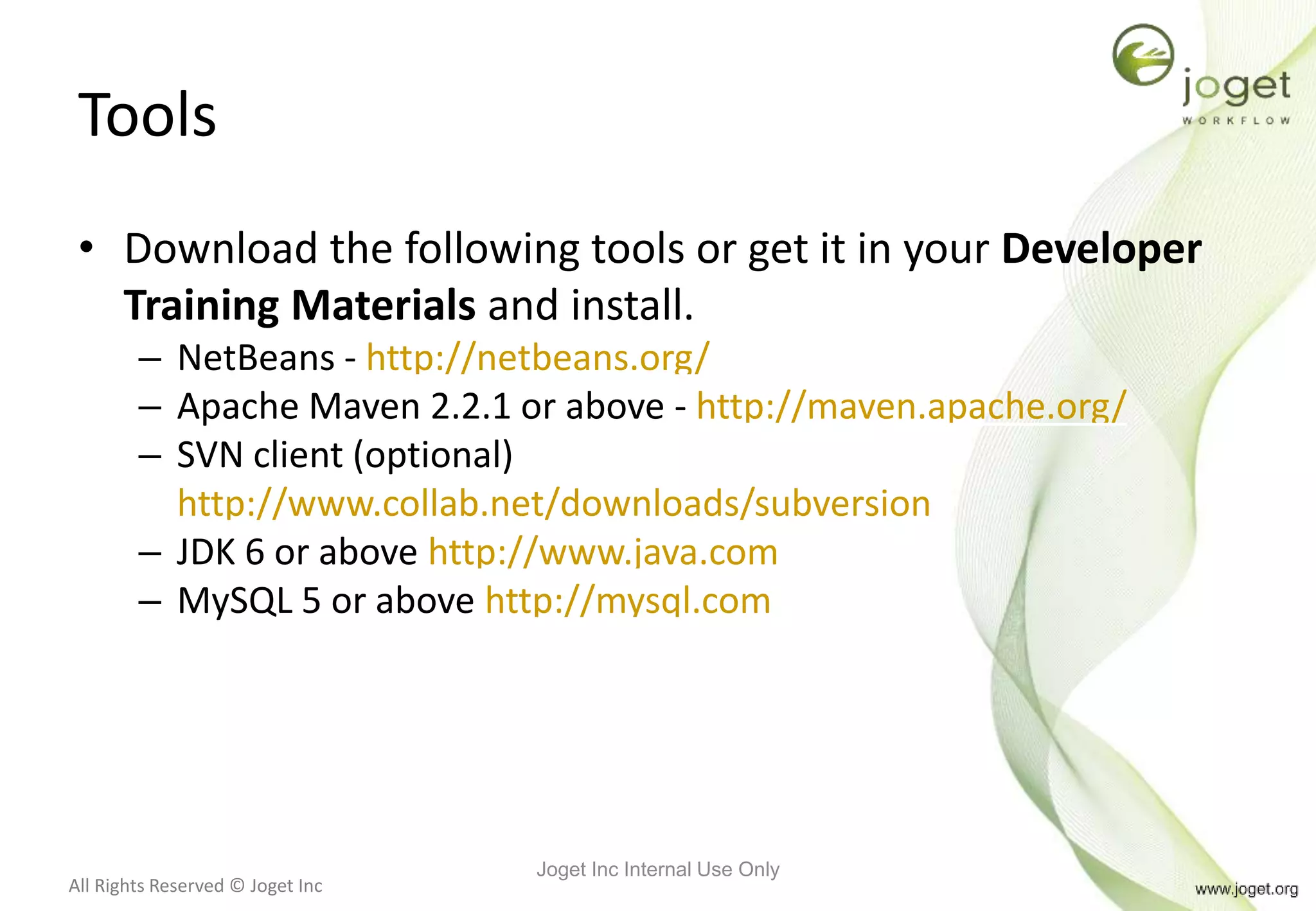
Tools
• Download the following tools or get it in your Developer
Training Materials and install.
– NetBeans - http://netbeans.org/
– Apache Maven 2.2.1 or above - http://maven.apache.org/
– SVN client (optional)
http://www.collab.net/downloads/subversion
– JDK 6 or above http://www.java.com
– MySQL 5 or above http://mysql.com
Joget Inc Internal Use Only
All Rights Reserved © Joget Inc
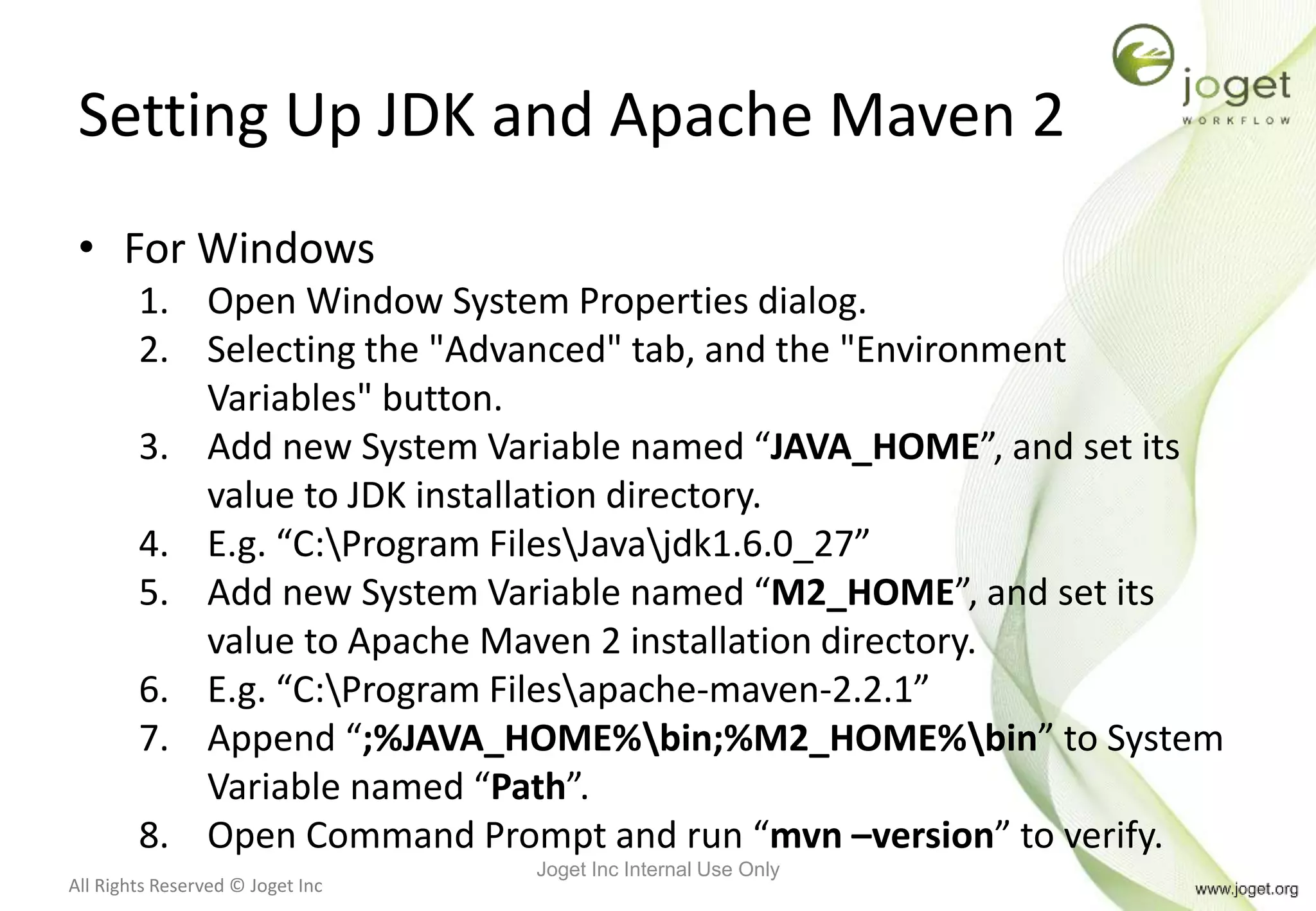
Setting Up JDK and Apache Maven 2
• For Windows
1. Open Window System Properties dialog.
2. Selecting the "Advanced" tab, and the "Environment
Variables" button.
3. Add new System Variable named “JAVA_HOME”, and set its
value to JDK installation directory.
4. E.g. “C:Program FilesJavajdk1.6.0_27”
5. Add new System Variable named “M2_HOME”, and set its
value to Apache Maven 2 installation directory.
6. E.g. “C:Program Filesapache-maven-2.2.1”
7. Append “;%JAVA_HOME%bin;%M2_HOME%bin” to System
Variable named “Path”.
8. Open Command Prompt and run “mvn –version” to verify.
Joget Inc Internal Use Only
All Rights Reserved © Joget Inc
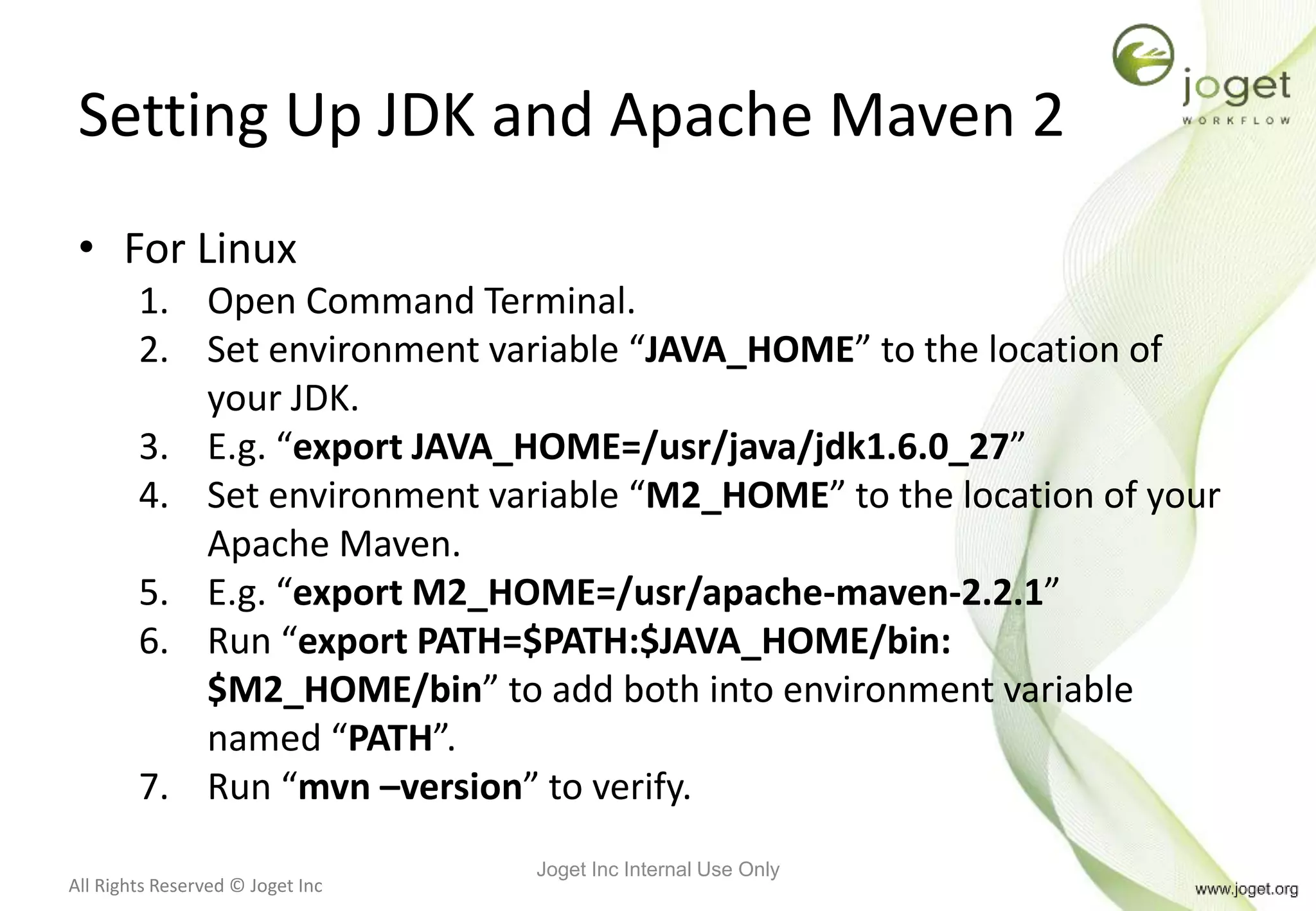
Setting Up JDK and Apache Maven 2
• For Linux
1. Open Command Terminal.
2. Set environment variable “JAVA_HOME” to the location of
your JDK.
3. E.g. “export JAVA_HOME=/usr/java/jdk1.6.0_27”
4. Set environment variable “M2_HOME” to the location of your
Apache Maven.
5. E.g. “export M2_HOME=/usr/apache-maven-2.2.1”
6. Run “export PATH=$PATH:$JAVA_HOME/bin:
$M2_HOME/bin” to add both into environment variable
named “PATH”.
7. Run “mvn –version” to verify.
Joget Inc Internal Use Only
All Rights Reserved © Joget Inc
Chapter Review
• Install and set up required development tools.
Joget Inc Internal Use Only
All Rights Reserved © Joget Inc
Chapter 3
Checking out source code
Joget Inc Internal Use Only
All Rights Reserved © Joget Inc
Getting and Building Joget Workflow
Source Code
Checkout the source from public mirror at GitHub at
https://github.com/jogetworkflow/jw-community/tree/5.0-SNAPSHOT
Assuming you are using the CollabNet client, in the directory
you created for Joget Workflow source, run
svn co https://github.com/jogetworkflow/jw-community/tree/5.0-SNAPSHOT
to check out code from GitHub.
Joget Inc Internal Use Only
All Rights Reserved © Joget Inc
Chapter 4
Prepare dependency libraries
Joget Inc Internal Use Only
All Rights Reserved © Joget Inc
Install Third Party Libraries
• Unzip the “16-install-libraries.zip” or obtain it from
http://dev.joget.org/community/display/KBv5/Joget+Workflow+Source+Code
• In the exacted folder, run "install_linux.sh" for Linux and Mac or run
"install_win.bat" for Windows.
Joget Inc Internal Use Only
All Rights Reserved © Joget Inc
Sample output
• C:Jogetinstall-librariesinstall-libraries>install_win.bat
• C:Jogetinstall-librariesinstall-libraries>./apache-ant-1.7.1/bin/ant.bat -f lib/setup-maven_win.xml
• Buildfile: libsetup-maven_win.xml
• setup-maven:
• [exec] [INFO] Scanning for projects...
• [exec] [INFO]
• [exec] [INFO]
• [exec] [INFO] --- maven-install-plugin:2.4:install-file (default-cli) @ standalone-pom ---
• [exec] [INFO] Installing E:DocDownloadsinstall-librariesinstall-librarieslibsqljdbc-4.0.jar to
C:Usersuser.m2repositorycommicrosoftsqljdbc4.0sqljdbc-4.0.jar
• [exec] [INFO] ------------------------------------------------------------------------
• [exec] [INFO] BUILD SUCCESS
• [exec] [INFO] ------------------------------------------------------------------------
• [exec] [INFO] Total time: 1.035 s
• [exec] [INFO] Finished at: 2016-02-01T15:18:06+08:00
• [exec] [INFO] Final Memory: 6M/243M
• [exec] [INFO] ------------------------------------------------------------------------
• [exec] [INFO] Scanning for projects...
• [exec] [INFO]
• [exec] [INFO] Using the builder org.apache.maven.lifecycle.internal.builder.singlethreaded.SingleThreadedBuilder with a thread count of 1
• [exec] [INFO]
• [exec] [INFO] ------------------------------------------------------------------------
• [exec] [INFO] Building Maven Stub Project (No POM) 1
• [exec] [INFO] ------------------------------------------------------------------------ [exec] [INFO] --- maven-install-plugin:2.4:install-file (default-cli) @
standalone-pom ---
• [exec] [INFO] Installing C:Jogetinstall-librariesinstall-librarieslibojdbc6-12.1.0.2.jar to
C:Usersuser.m2repositorycomoracleojdbc612.1.0.2ojdbc6-12.1.0.2.jar
• [exec] [INFO] ------------------------------------------------------------------------
• [exec] [INFO] BUILD SUCCESS
Joget Inc Internal Use Only
All Rights Reserved © Joget Inc
Chapter 5
Building from source
Joget Inc Internal Use Only
All Rights Reserved © Joget Inc
Preparing Test Database
• Before you can build the project, you will need to
configure the Datasource profile to a active Joget
database for the test cases to run.
• You may re-use your existing Joget’s database for this
purpose.
• Locate your home folder and create a “wflow” folder.
• (To find out your current user folder on Windows, execute
• echo %HOMEPATH%)
• Copy the “wflow” folder’s app_datasource.properties and
app_datasource-default.properties files from your existing Joget
installation folder into the new “wflow” folder.
Joget Inc Internal Use Only
All Rights Reserved © Joget Inc
Building from source
• Navigate to /wflow-app from your command
prompt/terminal and execute the following:-
mvn install
• A full build cycle may take up to 10 minutes to complete
depending on your machine’s performance and the
Internet connectivity.
Joget Inc Internal Use Only
All Rights Reserved © Joget Inc
Module Review
1. Introduction
2. Prepare development tools
3. Checking out source code
4. Prepare dependency libraries
5. Building from source
Joget Inc Internal Use Only
All Rights Reserved © Joget Inc
Recommended Further Learning
• Extend the usability of Joget by building a plugin.
Joget Inc Internal Use Only
All Rights Reserved © Joget Inc
Stay Connected with Joget Workflow
• http://www.joget.org
• http://community.joget.org
• http://twitter.com/jogetworkflow
• http://facebook.com/jogetworkflow
• http://youtube.com/jogetworkflow
• http://slideshare.net/joget
Joget Inc Internal Use Only

Joget Workflow v5 Training Slides - Module 16 - Preparing Development Environment

  • 1.
    All Rights Reserved© Joget Inc Joget Workflow v5 Preparing Development Environment http://facebook.com/jogetworkflow http://twitter.com/jogetworkflow Last Revised on May 2016Joget Inc Internal Use Only
  • 2.
    All Rights Reserved© Joget Inc Prerequisites 1. Basic application development management know- hows. (i.e. svn/versioning, Maven project etc) Joget Inc Internal Use Only
  • 3.
    All Rights Reserved© Joget Inc Content 1. Introduction 2. Prepare development tools 3. Checking out source code 4. Prepare dependency libraries 5. Building from source Joget Inc Internal Use Only
  • 4.
    All Rights Reserved© Joget Inc Chapter 1 Introduction Joget Inc Internal Use Only
  • 5.
    All Rights Reserved© Joget Inc Introduction • In this module, we will be learning about the followings: – Prepare development tools – Checking out source code – Prepare dependency libraries – Building from source • Alternatively, you may also refer to https://dev.joget.org/community/display/KBv5/Joget+Workflow+Source+Code or YouTube https://www.youtube.com/watch?v=5k-mqaaT5RQ Joget Inc Internal Use Only
  • 6.
    All Rights Reserved© Joget Inc Chapter 2 Prepare development tools Joget Inc Internal Use Only
  • 7.
    All Rights Reserved© Joget Inc Tools • Download the following tools or get it in your Developer Training Materials and install. – NetBeans - http://netbeans.org/ – Apache Maven 2.2.1 or above - http://maven.apache.org/ – SVN client (optional) http://www.collab.net/downloads/subversion – JDK 6 or above http://www.java.com – MySQL 5 or above http://mysql.com Joget Inc Internal Use Only
  • 8.
    All Rights Reserved© Joget Inc Setting Up JDK and Apache Maven 2 • For Windows 1. Open Window System Properties dialog. 2. Selecting the "Advanced" tab, and the "Environment Variables" button. 3. Add new System Variable named “JAVA_HOME”, and set its value to JDK installation directory. 4. E.g. “C:Program FilesJavajdk1.6.0_27” 5. Add new System Variable named “M2_HOME”, and set its value to Apache Maven 2 installation directory. 6. E.g. “C:Program Filesapache-maven-2.2.1” 7. Append “;%JAVA_HOME%bin;%M2_HOME%bin” to System Variable named “Path”. 8. Open Command Prompt and run “mvn –version” to verify. Joget Inc Internal Use Only
  • 9.
    All Rights Reserved© Joget Inc Setting Up JDK and Apache Maven 2 • For Linux 1. Open Command Terminal. 2. Set environment variable “JAVA_HOME” to the location of your JDK. 3. E.g. “export JAVA_HOME=/usr/java/jdk1.6.0_27” 4. Set environment variable “M2_HOME” to the location of your Apache Maven. 5. E.g. “export M2_HOME=/usr/apache-maven-2.2.1” 6. Run “export PATH=$PATH:$JAVA_HOME/bin: $M2_HOME/bin” to add both into environment variable named “PATH”. 7. Run “mvn –version” to verify. Joget Inc Internal Use Only
  • 10.
    All Rights Reserved© Joget Inc Chapter Review • Install and set up required development tools. Joget Inc Internal Use Only
  • 11.
    All Rights Reserved© Joget Inc Chapter 3 Checking out source code Joget Inc Internal Use Only
  • 12.
    All Rights Reserved© Joget Inc Getting and Building Joget Workflow Source Code Checkout the source from public mirror at GitHub at https://github.com/jogetworkflow/jw-community/tree/5.0-SNAPSHOT Assuming you are using the CollabNet client, in the directory you created for Joget Workflow source, run svn co https://github.com/jogetworkflow/jw-community/tree/5.0-SNAPSHOT to check out code from GitHub. Joget Inc Internal Use Only
  • 13.
    All Rights Reserved© Joget Inc Chapter 4 Prepare dependency libraries Joget Inc Internal Use Only
  • 14.
    All Rights Reserved© Joget Inc Install Third Party Libraries • Unzip the “16-install-libraries.zip” or obtain it from http://dev.joget.org/community/display/KBv5/Joget+Workflow+Source+Code • In the exacted folder, run "install_linux.sh" for Linux and Mac or run "install_win.bat" for Windows. Joget Inc Internal Use Only
  • 15.
    All Rights Reserved© Joget Inc Sample output • C:Jogetinstall-librariesinstall-libraries>install_win.bat • C:Jogetinstall-librariesinstall-libraries>./apache-ant-1.7.1/bin/ant.bat -f lib/setup-maven_win.xml • Buildfile: libsetup-maven_win.xml • setup-maven: • [exec] [INFO] Scanning for projects... • [exec] [INFO] • [exec] [INFO] • [exec] [INFO] --- maven-install-plugin:2.4:install-file (default-cli) @ standalone-pom --- • [exec] [INFO] Installing E:DocDownloadsinstall-librariesinstall-librarieslibsqljdbc-4.0.jar to C:Usersuser.m2repositorycommicrosoftsqljdbc4.0sqljdbc-4.0.jar • [exec] [INFO] ------------------------------------------------------------------------ • [exec] [INFO] BUILD SUCCESS • [exec] [INFO] ------------------------------------------------------------------------ • [exec] [INFO] Total time: 1.035 s • [exec] [INFO] Finished at: 2016-02-01T15:18:06+08:00 • [exec] [INFO] Final Memory: 6M/243M • [exec] [INFO] ------------------------------------------------------------------------ • [exec] [INFO] Scanning for projects... • [exec] [INFO] • [exec] [INFO] Using the builder org.apache.maven.lifecycle.internal.builder.singlethreaded.SingleThreadedBuilder with a thread count of 1 • [exec] [INFO] • [exec] [INFO] ------------------------------------------------------------------------ • [exec] [INFO] Building Maven Stub Project (No POM) 1 • [exec] [INFO] ------------------------------------------------------------------------ [exec] [INFO] --- maven-install-plugin:2.4:install-file (default-cli) @ standalone-pom --- • [exec] [INFO] Installing C:Jogetinstall-librariesinstall-librarieslibojdbc6-12.1.0.2.jar to C:Usersuser.m2repositorycomoracleojdbc612.1.0.2ojdbc6-12.1.0.2.jar • [exec] [INFO] ------------------------------------------------------------------------ • [exec] [INFO] BUILD SUCCESS Joget Inc Internal Use Only
  • 16.
    All Rights Reserved© Joget Inc Chapter 5 Building from source Joget Inc Internal Use Only
  • 17.
    All Rights Reserved© Joget Inc Preparing Test Database • Before you can build the project, you will need to configure the Datasource profile to a active Joget database for the test cases to run. • You may re-use your existing Joget’s database for this purpose. • Locate your home folder and create a “wflow” folder. • (To find out your current user folder on Windows, execute • echo %HOMEPATH%) • Copy the “wflow” folder’s app_datasource.properties and app_datasource-default.properties files from your existing Joget installation folder into the new “wflow” folder. Joget Inc Internal Use Only
  • 18.
    All Rights Reserved© Joget Inc Building from source • Navigate to /wflow-app from your command prompt/terminal and execute the following:- mvn install • A full build cycle may take up to 10 minutes to complete depending on your machine’s performance and the Internet connectivity. Joget Inc Internal Use Only
  • 19.
    All Rights Reserved© Joget Inc Module Review 1. Introduction 2. Prepare development tools 3. Checking out source code 4. Prepare dependency libraries 5. Building from source Joget Inc Internal Use Only
  • 20.
    All Rights Reserved© Joget Inc Recommended Further Learning • Extend the usability of Joget by building a plugin. Joget Inc Internal Use Only
  • 21.
    All Rights Reserved© Joget Inc Stay Connected with Joget Workflow • http://www.joget.org • http://community.joget.org • http://twitter.com/jogetworkflow • http://facebook.com/jogetworkflow • http://youtube.com/jogetworkflow • http://slideshare.net/joget Joget Inc Internal Use Only