Download free for 30 days
Sign in
Upload
Language (EN)
Support
Business
Mobile
Social Media
Marketing
Technology
Art & Photos
Career
Design
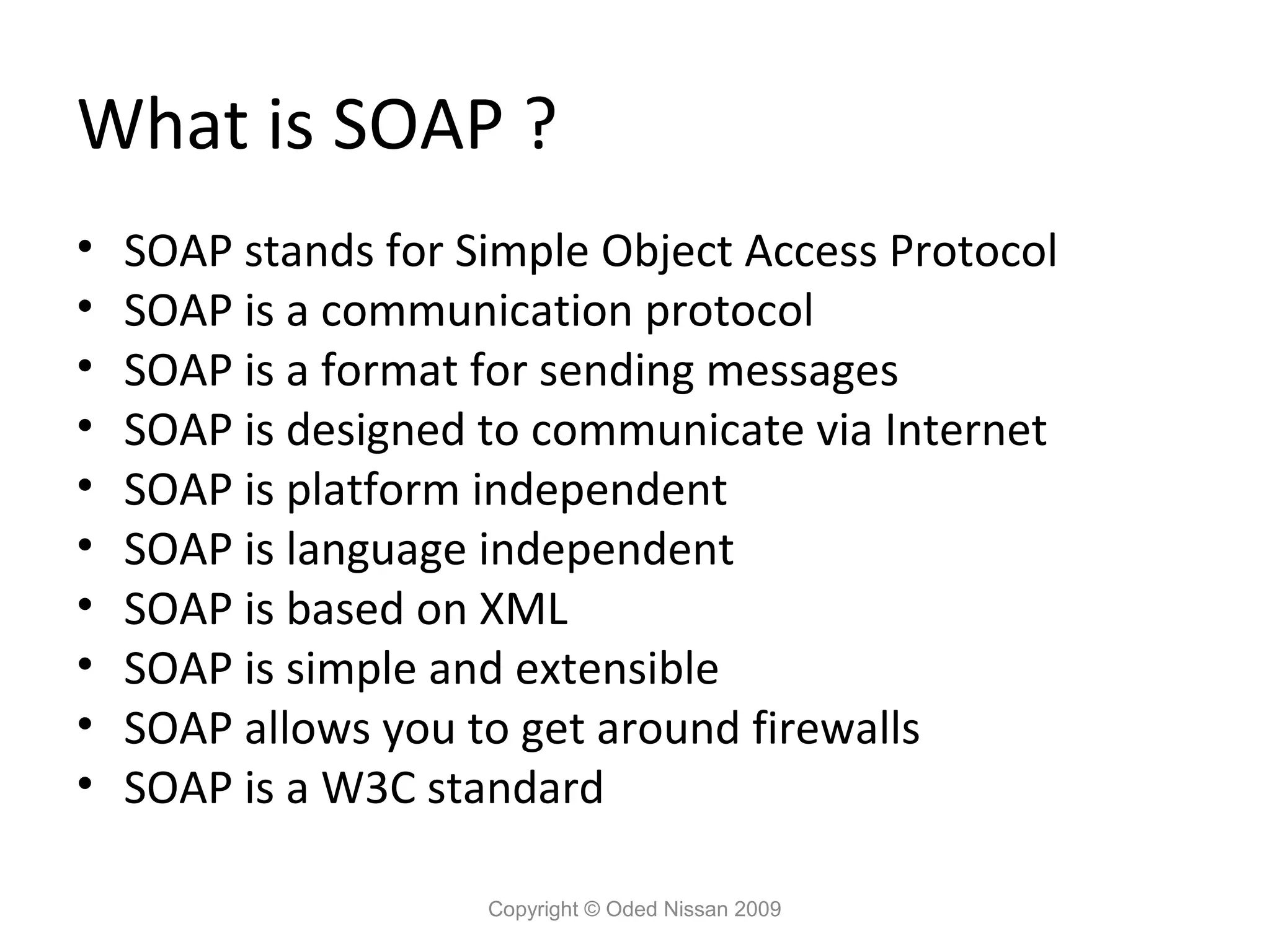
Education
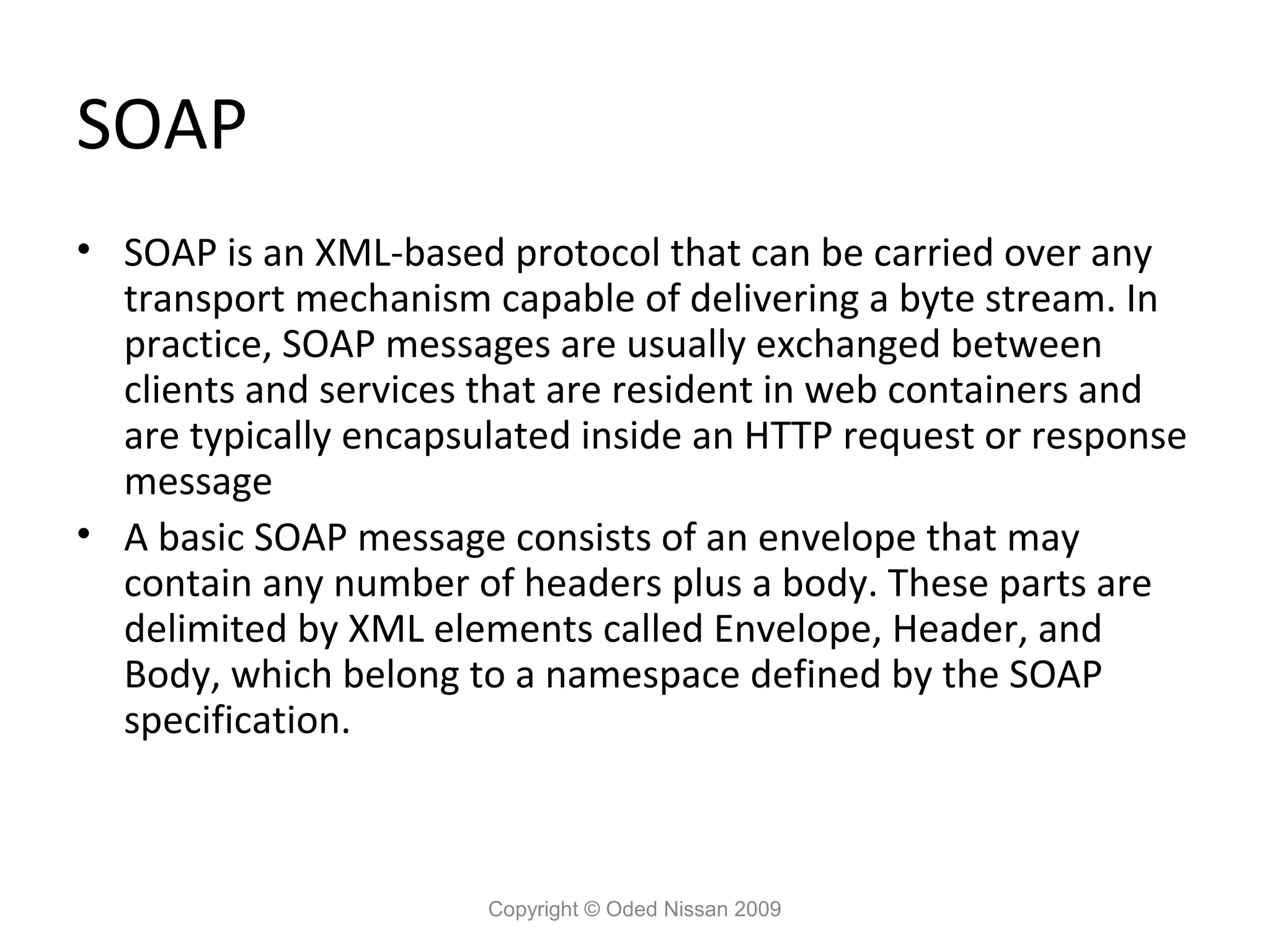
Presentations & Public Speaking
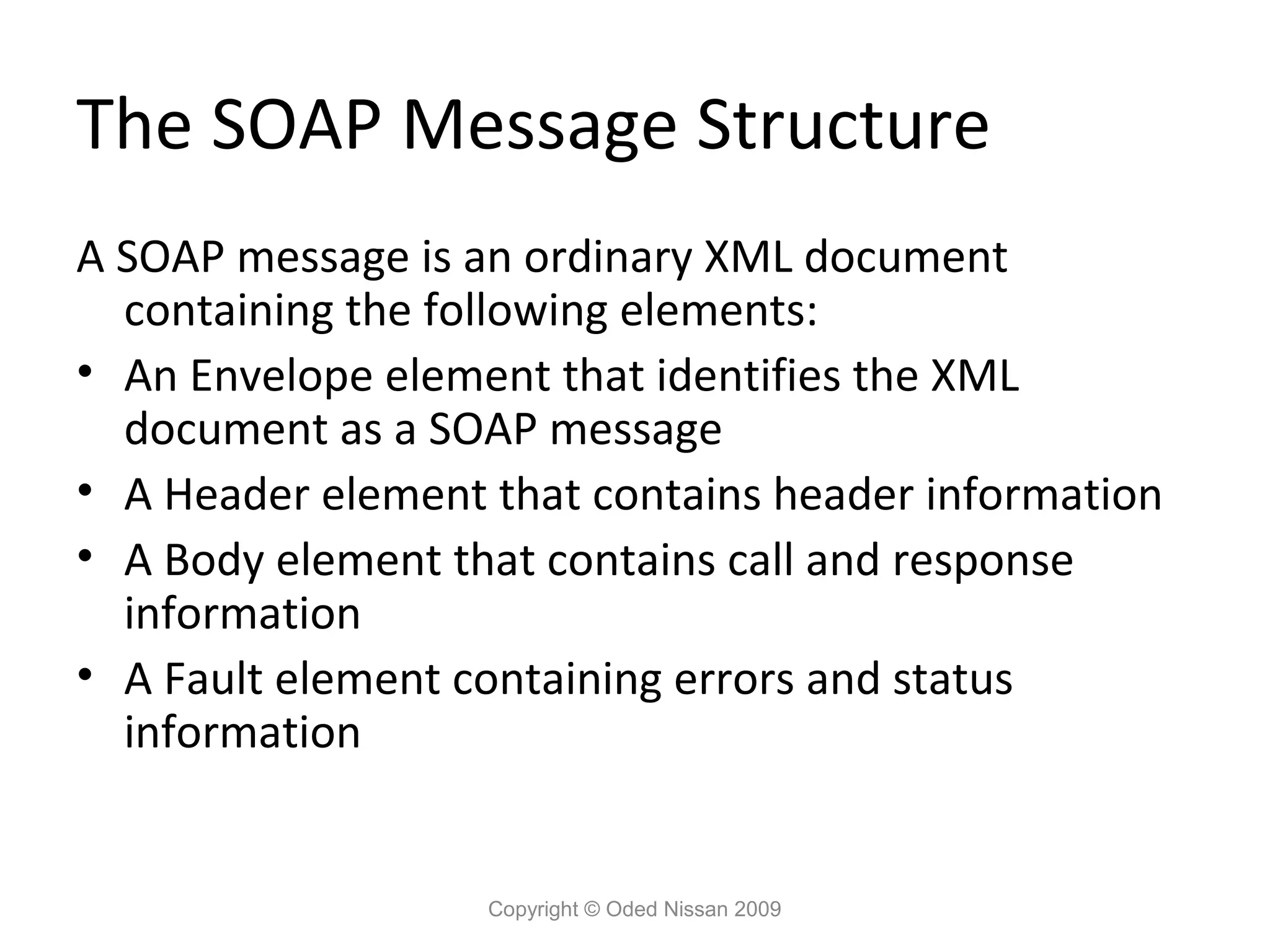
Government & Nonprofit
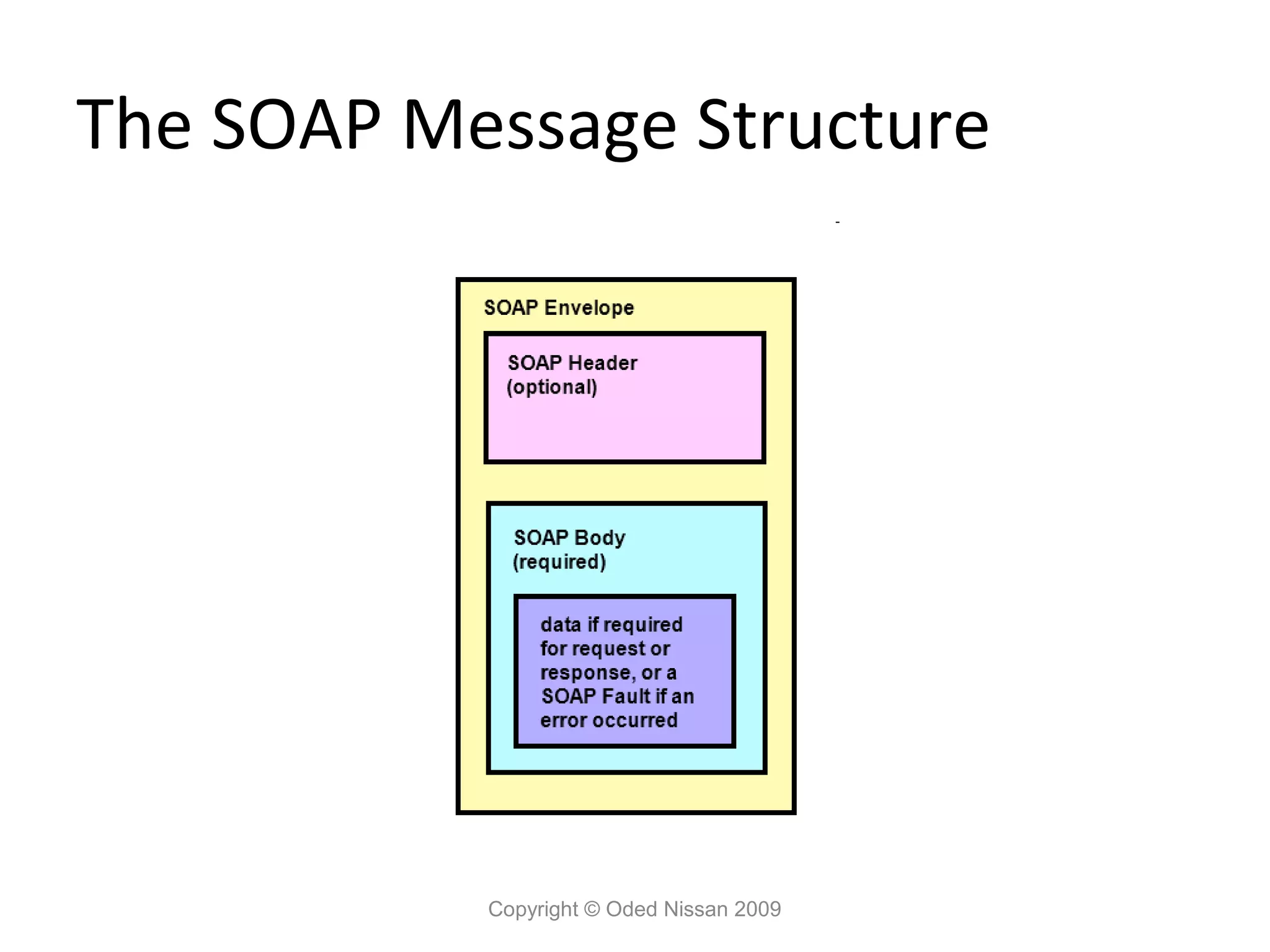
Healthcare
Internet
Law
Leadership & Management
Automotive
Engineering
Software
Recruiting & HR
Retail
Sales
Services
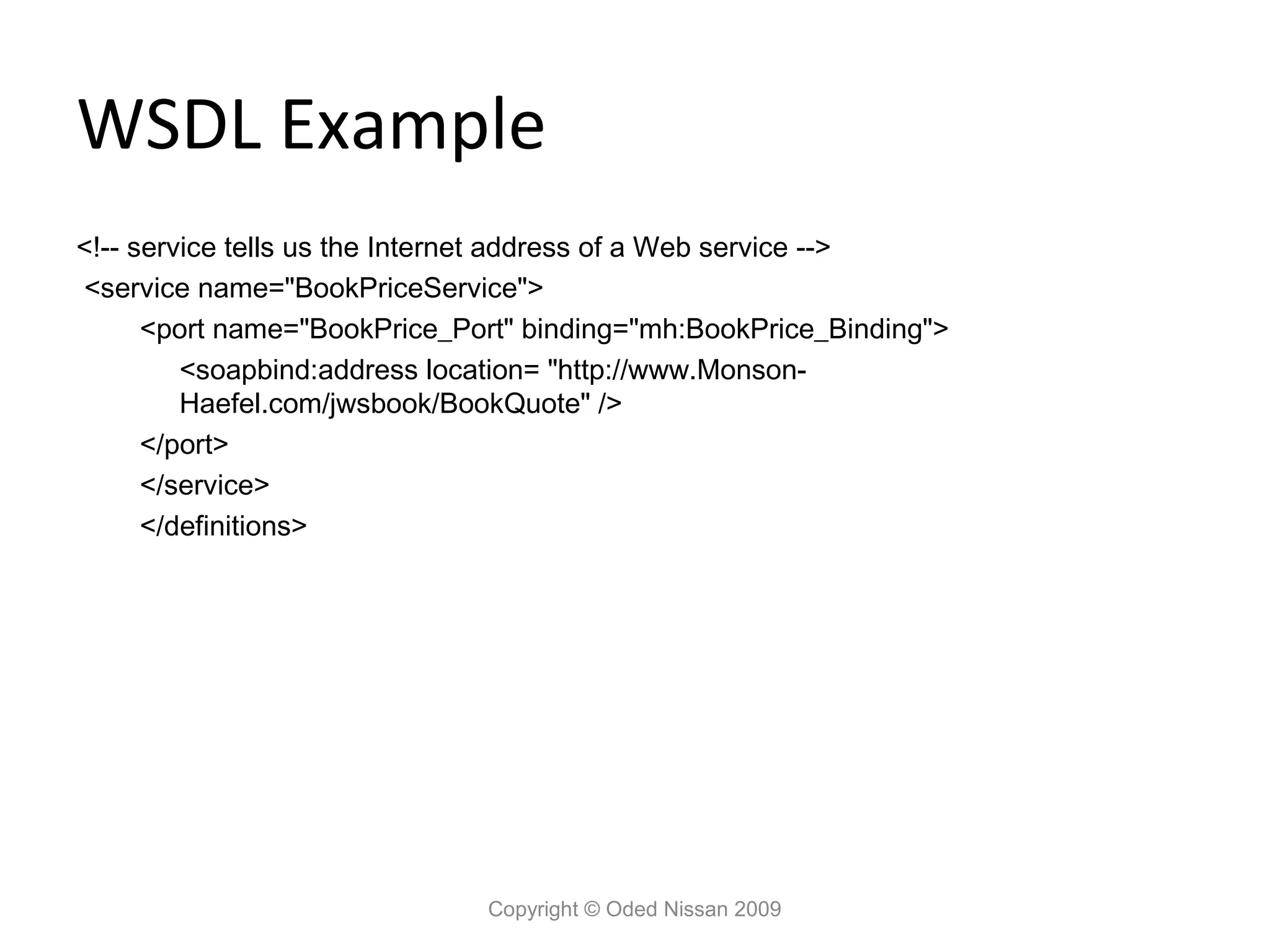
Science
Small Business & Entrepreneurship
Food
Environment
Economy & Finance
Data & Analytics
Investor Relations
Sports
Spiritual
News & Politics
Travel
Self Improvement
Real Estate
Entertainment & Humor
Health & Medicine
Devices & Hardware
Lifestyle
Change Language
Language
English
Español
Português
Français
Deutsche
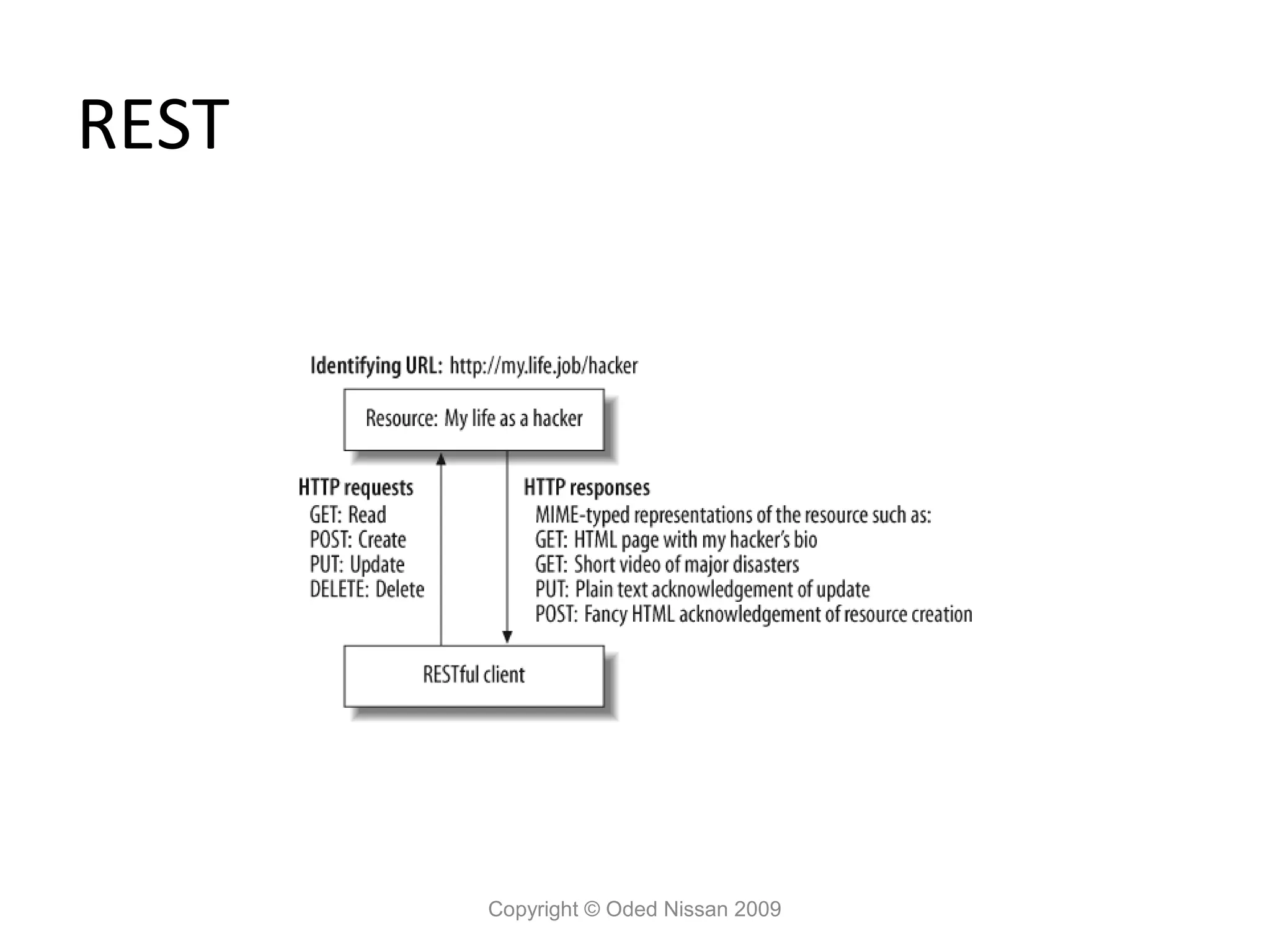
Cancel
Save
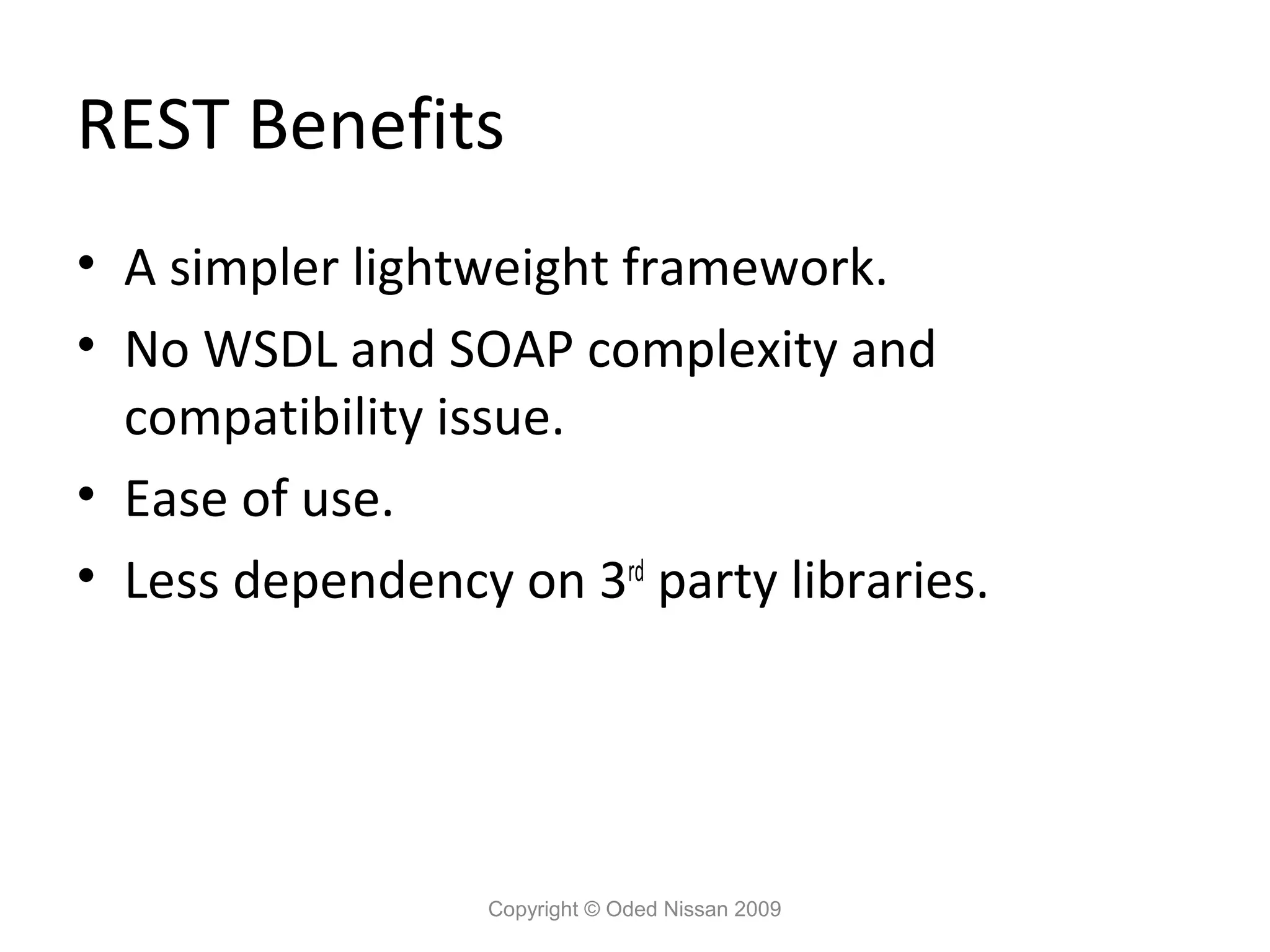
Submit search
EN
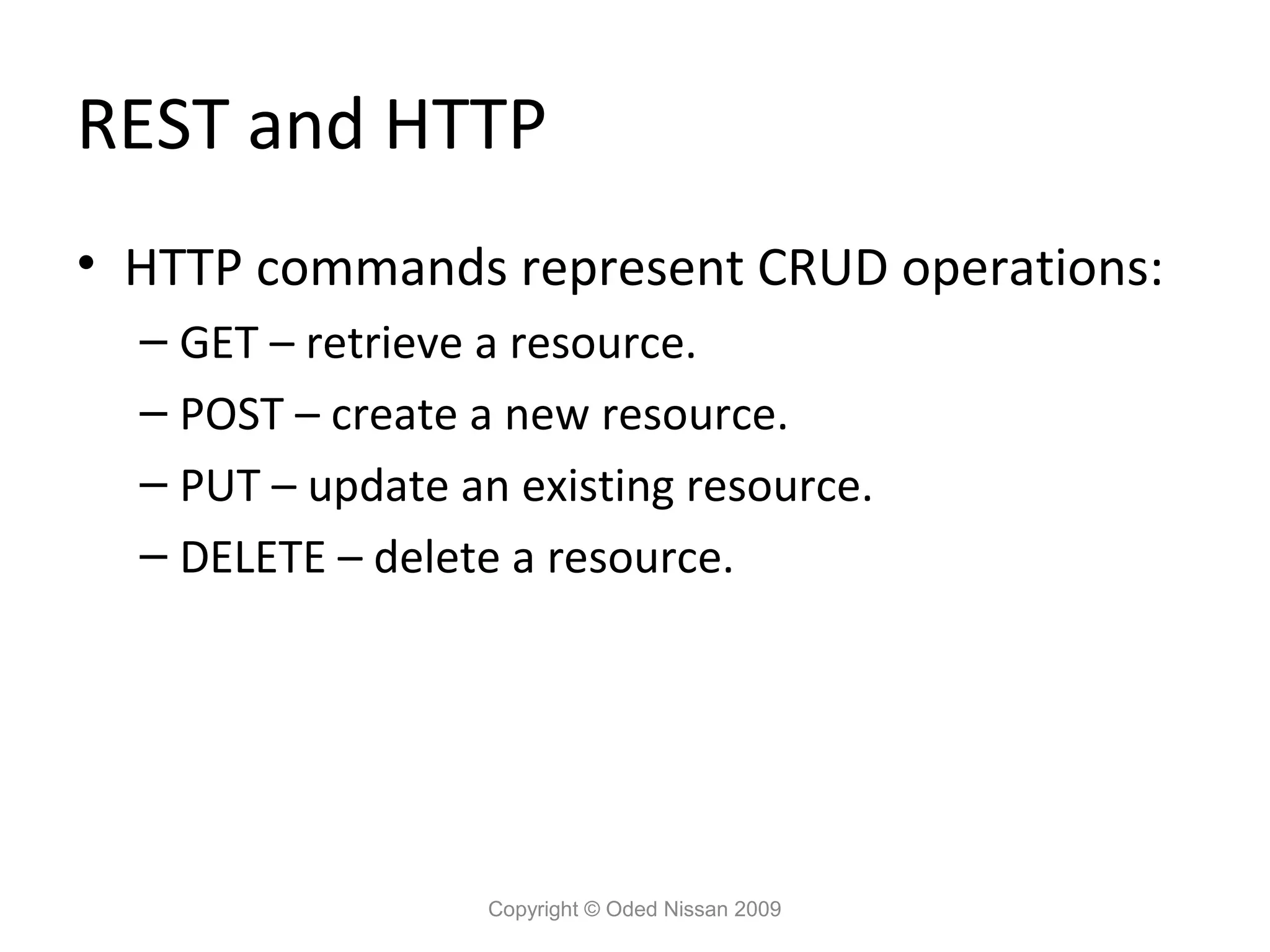
Uploaded by
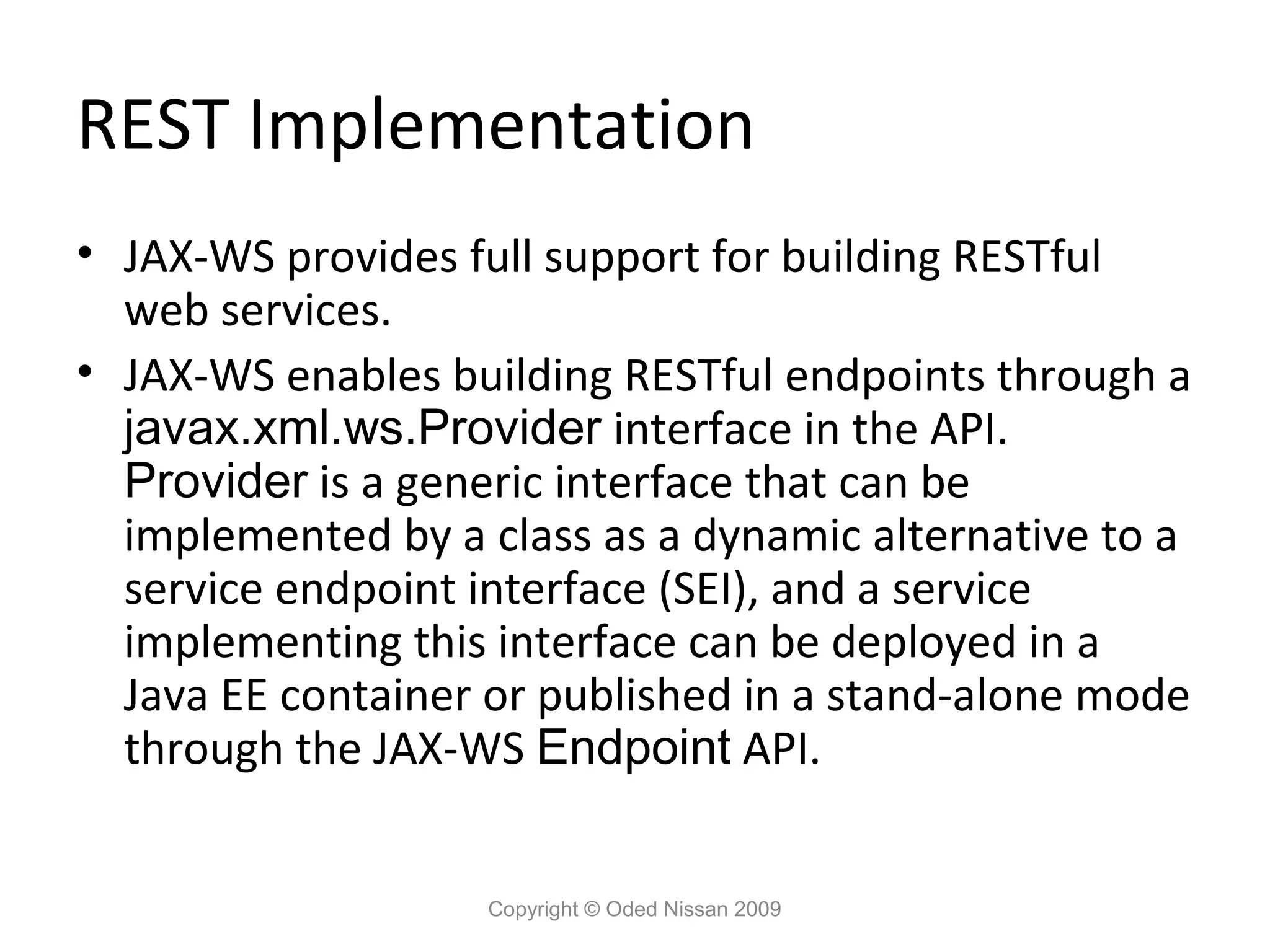
odedns
PPT, PDF
1,524 views
Jee course web services
AI-enhanced description
Develop supporting classes.
Technology
◦
Related topics:
Web Service Insights
•
Read more
1
Save
Share
Embed
Embed presentation
Download
Downloaded 135 times
1
/ 71
2
/ 71
3
/ 71
4
/ 71
5
/ 71
6
/ 71
7
/ 71
8
/ 71
9
/ 71
10
/ 71
11
/ 71
12
/ 71
13
/ 71
14
/ 71
15
/ 71
16
/ 71
17
/ 71
18
/ 71
19
/ 71
20
/ 71
21
/ 71
22
/ 71
23
/ 71
24
/ 71
25
/ 71
26
/ 71
27
/ 71
28
/ 71
29
/ 71
30
/ 71
31
/ 71
32
/ 71
33
/ 71
34
/ 71
35
/ 71
36
/ 71
37
/ 71
38
/ 71
39
/ 71
40
/ 71
41
/ 71
42
/ 71
43
/ 71
44
/ 71
45
/ 71
46
/ 71
47
/ 71
48
/ 71
49
/ 71
50
/ 71
51
/ 71
52
/ 71
53
/ 71
54
/ 71
55
/ 71
56
/ 71
57
/ 71
58
/ 71
59
/ 71
60
/ 71
61
/ 71
62
/ 71
63
/ 71
64
/ 71
65
/ 71
66
/ 71
67
/ 71
68
/ 71
69
/ 71
70
/ 71
71
/ 71
More Related Content
PPT
WebServices SOAP WSDL and UDDI
by
Rajkattamuri
PPT
Java web services
by
kumar gaurav
PPTX
SOA standards
by
Kumar
PDF
Java Web Services
by
Jussi Pohjolainen
PDF
Java API for XML Web Services (JAX-WS)
by
Peter R. Egli
PDF
Web services
by
Michael Weiss
PPTX
Overview of java web services
by
Todd Benson (I.T. SPECIALIST and I.T. SECURITY)
PPTX
Web service
by
Vaithiyanathan Govindarajan
WebServices SOAP WSDL and UDDI
by
Rajkattamuri
Java web services
by
kumar gaurav
SOA standards
by
Kumar
Java Web Services
by
Jussi Pohjolainen
Java API for XML Web Services (JAX-WS)
by
Peter R. Egli
Web services
by
Michael Weiss
Overview of java web services
by
Todd Benson (I.T. SPECIALIST and I.T. SECURITY)
Web service
by
Vaithiyanathan Govindarajan
What's hot
PPT
WSDL
by
Akshay Ballarpure
PPTX
Web services - A Practical Approach
by
Madhaiyan Muthu
PDF
Web Services
by
Katrien Verbert
PPTX
Soap and restful webservice
by
Dong Ngoc
PDF
Web Service Implementation Using ASP.NET
by
Ponraj
PPT
Introduction of WebServices
by
Khasim Saheb
PPTX
Develop ASP.Net Web Service
by
Safaa Farouk
PDF
Introduction to Web Services
by
Ioannis Baltopoulos
PPT
Introduction to web services and how to in php
by
Amit Kumar Singh
PPTX
UDDI in Mule Esb
by
Anand kalla
DOC
COLD FUSION TUTORIAL
by
rcc1964
PPTX
Web Service Basics and NWS Setup
by
Northeastern University
ODP
Web service Introduction
by
Madhukar Kumar
PPTX
Web services
by
aspnet123
PPTX
Webservice Testing
by
Rachana Khedekar
PPTX
A CMD Core Model for CLARIN Web Services
by
Menzo Windhouwer
PDF
Java Platform and IDE Netbeans 6.7 for Developing Enterprise and Web Applicat...
by
SSA KPI
PPT
Web Services Presentation - Introduction, Vulnerabilities, & Countermeasures
by
Praetorian
PDF
Intro To Asp
by
Adil Jafri
PPTX
Web Services - Architecture and SOAP (part 1)
by
Martin Necasky
WSDL
by
Akshay Ballarpure
Web services - A Practical Approach
by
Madhaiyan Muthu
Web Services
by
Katrien Verbert
Soap and restful webservice
by
Dong Ngoc
Web Service Implementation Using ASP.NET
by
Ponraj
Introduction of WebServices
by
Khasim Saheb
Develop ASP.Net Web Service
by
Safaa Farouk
Introduction to Web Services
by
Ioannis Baltopoulos
Introduction to web services and how to in php
by
Amit Kumar Singh
UDDI in Mule Esb
by
Anand kalla
COLD FUSION TUTORIAL
by
rcc1964
Web Service Basics and NWS Setup
by
Northeastern University
Web service Introduction
by
Madhukar Kumar
Web services
by
aspnet123
Webservice Testing
by
Rachana Khedekar
A CMD Core Model for CLARIN Web Services
by
Menzo Windhouwer
Java Platform and IDE Netbeans 6.7 for Developing Enterprise and Web Applicat...
by
SSA KPI
Web Services Presentation - Introduction, Vulnerabilities, & Countermeasures
by
Praetorian
Intro To Asp
by
Adil Jafri
Web Services - Architecture and SOAP (part 1)
by
Martin Necasky
Viewers also liked
PPT
Designing JEE Application Structure
by
odedns
PPTX
Top 50 java ee 7 best practices [con5669]
by
Ryan Cuprak
ODP
Java EE Pattern: Entity Control Boundary Pattern and Java EE
by
Brockhaus Consulting GmbH
PPTX
50 EJB 3 Best Practices in 50 Minutes - JavaOne 2014
by
Ryan Cuprak
ODP
Java EE Pattern: The Boundary Layer
by
Brockhaus Consulting GmbH
PDF
Java Web Application Security with Java EE, Spring Security and Apache Shiro ...
by
Matt Raible
PDF
Crash Introduction to Modern Java Data Access: Understanding JPA, Hibernate, ...
by
Vladimir Bacvanski, PhD
PPT
WebSphere 6.1 Admin Course 1
by
odedns
PPTX
API workshop: Introduction to APIs (TC Camp)
by
Tom Johnson
PDF
APIs and Services for Fleet Management - Talks given @ APIDays Berlin and Ba...
by
Toralf Richter
PDF
Java Web Application Security - Denver JUG 2013
by
Matt Raible
PDF
Developing, Testing and Scaling with Apache Camel - UberConf 2015
by
Matt Raible
PPTX
Significance of metrics
by
David Karlsen
Designing JEE Application Structure
by
odedns
Top 50 java ee 7 best practices [con5669]
by
Ryan Cuprak
Java EE Pattern: Entity Control Boundary Pattern and Java EE
by
Brockhaus Consulting GmbH
50 EJB 3 Best Practices in 50 Minutes - JavaOne 2014
by
Ryan Cuprak
Java EE Pattern: The Boundary Layer
by
Brockhaus Consulting GmbH
Java Web Application Security with Java EE, Spring Security and Apache Shiro ...
by
Matt Raible
Crash Introduction to Modern Java Data Access: Understanding JPA, Hibernate, ...
by
Vladimir Bacvanski, PhD
WebSphere 6.1 Admin Course 1
by
odedns
API workshop: Introduction to APIs (TC Camp)
by
Tom Johnson
APIs and Services for Fleet Management - Talks given @ APIDays Berlin and Ba...
by
Toralf Richter
Java Web Application Security - Denver JUG 2013
by
Matt Raible
Developing, Testing and Scaling with Apache Camel - UberConf 2015
by
Matt Raible
Significance of metrics
by
David Karlsen
Similar to Jee course web services
PPT
webservicearchitecture-150614164814-lva1-app6892.ppt
by
Matrix823409
PPT
Web service architecture
by
Muhammad Shahroz Anwar
PPTX
UNIT II-WEB SERVICES (WS) AND PRIMITIVE
by
VahidhabanuY
PPT
SOAP, WSDL and UDDI
by
Shahid Shaik
PDF
Web Services (SOAP, WSDL, UDDI)
by
Peter R. Egli
PDF
Introduction to SOAP
by
Hayati Guvence
PPT
WebServices
by
Rajkattamuri
PPTX
2_soap-wsdl-uddi_fundamentals_of service oriented architecture.pptx
by
MaithiliDivecha
PPTX
Web services overview
by
SRM Institute of Science & Technology, Tiruchirappalli
PPTX
extinsible markup language module 2 and all
by
syed88429
PPT
Developmeant and deployment of webservice
by
Freelance android developer
PPTX
SOAP--Simple Object Access Protocol
by
Masud Rahman
PPTX
Xml web services
by
Raghu nath
PPTX
Web-Services!.pptx
by
ssuserae0316
PPT
WebServices introduction in Mule
by
F K
PPT
Web Services
by
F K
PPT
Web services
by
Balas Kandhan
PPT
Web services for developer
by
Rafiq Ahmed
PPT
Mule webservices in detail
by
Shahid Shaik
PPTX
Web service- Guest Lecture at National Wokshop
by
Nishikant Taksande
webservicearchitecture-150614164814-lva1-app6892.ppt
by
Matrix823409
Web service architecture
by
Muhammad Shahroz Anwar
UNIT II-WEB SERVICES (WS) AND PRIMITIVE
by
VahidhabanuY
SOAP, WSDL and UDDI
by
Shahid Shaik
Web Services (SOAP, WSDL, UDDI)
by
Peter R. Egli
Introduction to SOAP
by
Hayati Guvence
WebServices
by
Rajkattamuri
2_soap-wsdl-uddi_fundamentals_of service oriented architecture.pptx
by
MaithiliDivecha
Web services overview
by
SRM Institute of Science & Technology, Tiruchirappalli
extinsible markup language module 2 and all
by
syed88429
Developmeant and deployment of webservice
by
Freelance android developer
SOAP--Simple Object Access Protocol
by
Masud Rahman
Xml web services
by
Raghu nath
Web-Services!.pptx
by
ssuserae0316
WebServices introduction in Mule
by
F K
Web Services
by
F K
Web services
by
Balas Kandhan
Web services for developer
by
Rafiq Ahmed
Mule webservices in detail
by
Shahid Shaik
Web service- Guest Lecture at National Wokshop
by
Nishikant Taksande
More from odedns
PPTX
Introduction to spring
by
odedns
PPT
JEE Course - EJB
by
odedns
PPT
JEE Course - JEE Overview
by
odedns
PPT
JEE Course - The Web Tier
by
odedns
PPT
WebSphere 6.1 admin Course 2
by
odedns
PPT
WebSphere 6.1 admin Course 3
by
odedns
Introduction to spring
by
odedns
JEE Course - EJB
by
odedns
JEE Course - JEE Overview
by
odedns
JEE Course - The Web Tier
by
odedns
WebSphere 6.1 admin Course 2
by
odedns
WebSphere 6.1 admin Course 3
by
odedns
Recently uploaded
PDF
December Patch Tuesday
by
Ivanti
PDF
Session 1 - Solving Semi-Structured Documents with Document Understanding
by
DianaGray10
PDF
Unser Jahresrückblick – MarvelClient in 2025
by
panagenda
PDF
Six Shifts For 2026 (And The Next Six Years)
by
David Armano
PDF
Generative AI in UiPath: Mastering the Generative Extractor for Intelligent D...
by
DianaGray10
PDF
Empowering Productivity with Clever Prompts and Intelligent Agents
by
Uni Systems S.M.S.A.
PDF
Security Technologys: Access Control, Firewall, VPN
by
ShielaLasala
PDF
How Mobile Apps Are Shaping the Future of Digital Innovation
by
William Taylor
PPTX
Basics of Identity Access Management In mordern Infrastructure
by
PrinceXavier18
PPTX
The Landscape of Computer Software Development Companies
by
Yash Singh
PPTX
Unit-4-ARTIFICIAL NEURAL NETWORKS.pptx ANN ppt Artificial neural network
by
ssuserd4481a
PDF
Energy Storage Landscape Clean Energy Ministerial
by
SurajitBanerjee38
PDF
The major tech developments for 2026 by Pluralsight, a research and training ...
by
Chris Skinner
PPTX
cybercrime in Information security .pptx
by
ismaeelsahib032
PPTX
Chapter 3 Introduction to number system.pptx
by
GetachewAbera9
PPTX
The Future of IT Service Management AI Automation & Beyond.pptx
by
Chetu
PPTX
Ethics in AI - Artificial Intelligence Fundamentals.pptx
by
emenyiblessing
PDF
Safeguarding AI-Based Financial Infrastructure
by
Yasir Naveed Riaz
PPTX
Ritesh_kumar_Aatmanirbhar Bharat: Make in India, Make for the World.pptx
by
riteshrkgs2008
PDF
Accelerating Responsible AI Adoption in Public Sector and Private Organizations.
by
Yasir Naveed Riaz
December Patch Tuesday
by
Ivanti
Session 1 - Solving Semi-Structured Documents with Document Understanding
by
DianaGray10
Unser Jahresrückblick – MarvelClient in 2025
by
panagenda
Six Shifts For 2026 (And The Next Six Years)
by
David Armano
Generative AI in UiPath: Mastering the Generative Extractor for Intelligent D...
by
DianaGray10
Empowering Productivity with Clever Prompts and Intelligent Agents
by
Uni Systems S.M.S.A.
Security Technologys: Access Control, Firewall, VPN
by
ShielaLasala
How Mobile Apps Are Shaping the Future of Digital Innovation
by
William Taylor
Basics of Identity Access Management In mordern Infrastructure
by
PrinceXavier18
The Landscape of Computer Software Development Companies
by
Yash Singh
Unit-4-ARTIFICIAL NEURAL NETWORKS.pptx ANN ppt Artificial neural network
by
ssuserd4481a
Energy Storage Landscape Clean Energy Ministerial
by
SurajitBanerjee38
The major tech developments for 2026 by Pluralsight, a research and training ...
by
Chris Skinner
cybercrime in Information security .pptx
by
ismaeelsahib032
Chapter 3 Introduction to number system.pptx
by
GetachewAbera9
The Future of IT Service Management AI Automation & Beyond.pptx
by
Chetu
Ethics in AI - Artificial Intelligence Fundamentals.pptx
by
emenyiblessing
Safeguarding AI-Based Financial Infrastructure
by
Yasir Naveed Riaz
Ritesh_kumar_Aatmanirbhar Bharat: Make in India, Make for the World.pptx
by
riteshrkgs2008
Accelerating Responsible AI Adoption in Public Sector and Private Organizations.
by
Yasir Naveed Riaz
Jee course web services
1.
Web Services
Copyright © Oded Nissan 2009
2.
Web Services • Overview •
The Web Services Architecture. • Web Services Development – Exercises • Restful Web Services • Streaming API for XML (StAX) • Summary Copyright © Oded Nissan 2009
3.
Overview Copyright © Oded
Nissan 2009
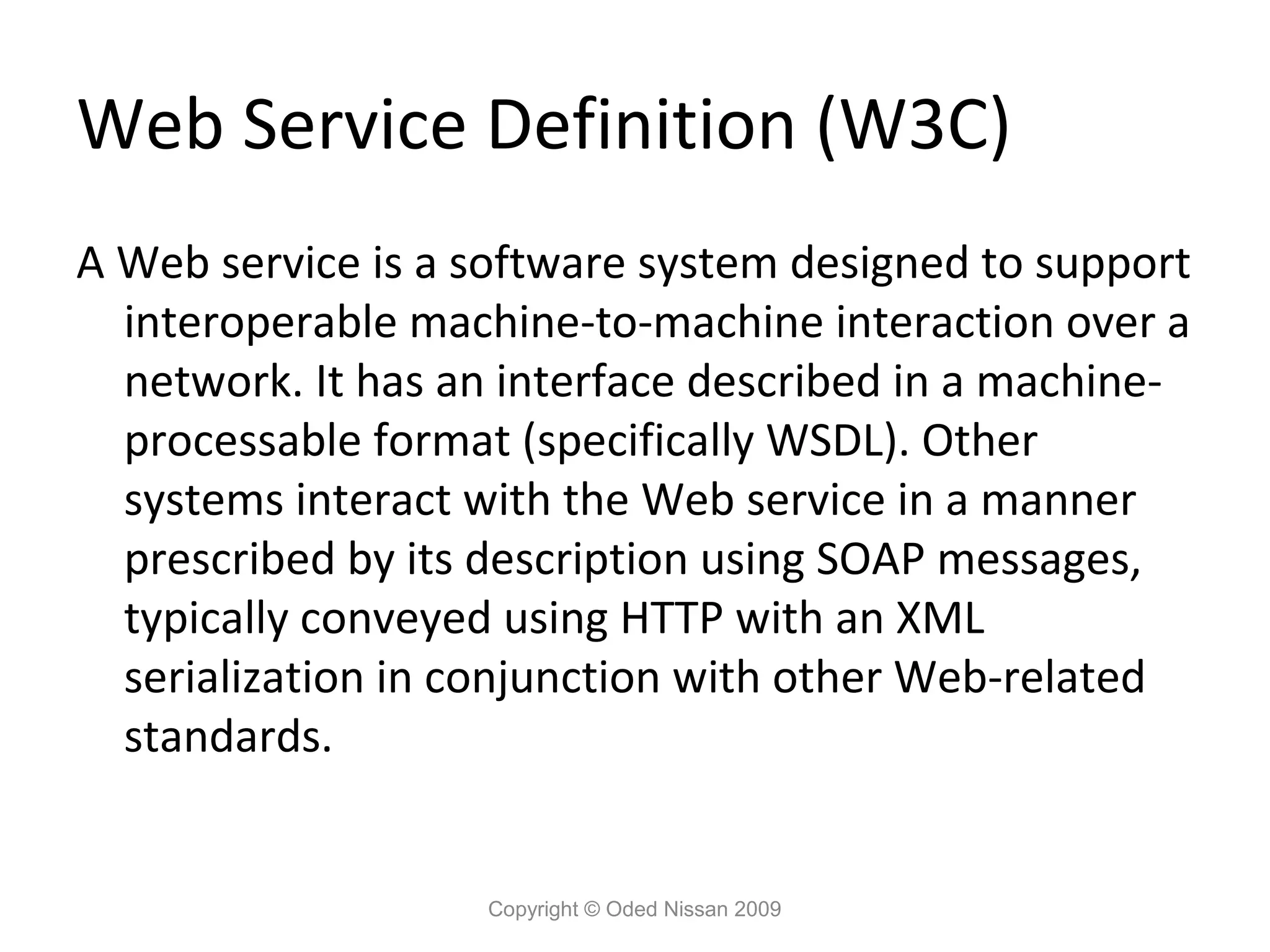
4.
Web Service Definition
(W3C) A Web service is a software system designed to support interoperable machine-to-machine interaction over a network. It has an interface described in a machine- processable format (specifically WSDL). Other systems interact with the Web service in a manner prescribed by its description using SOAP messages, typically conveyed using HTTP with an XML serialization in conjunction with other Web-related standards. Copyright © Oded Nissan 2009
5.
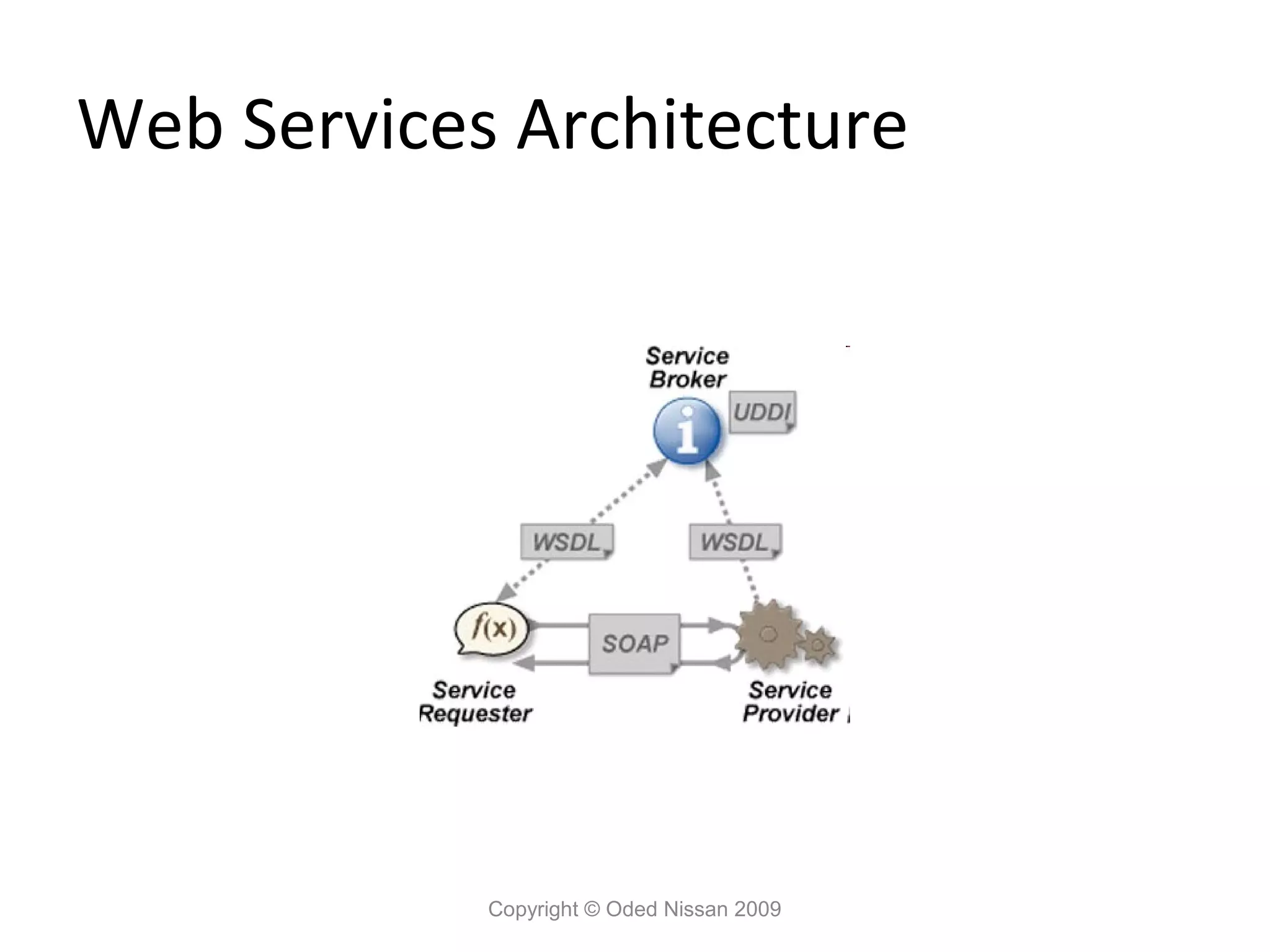
Web Services • Provide
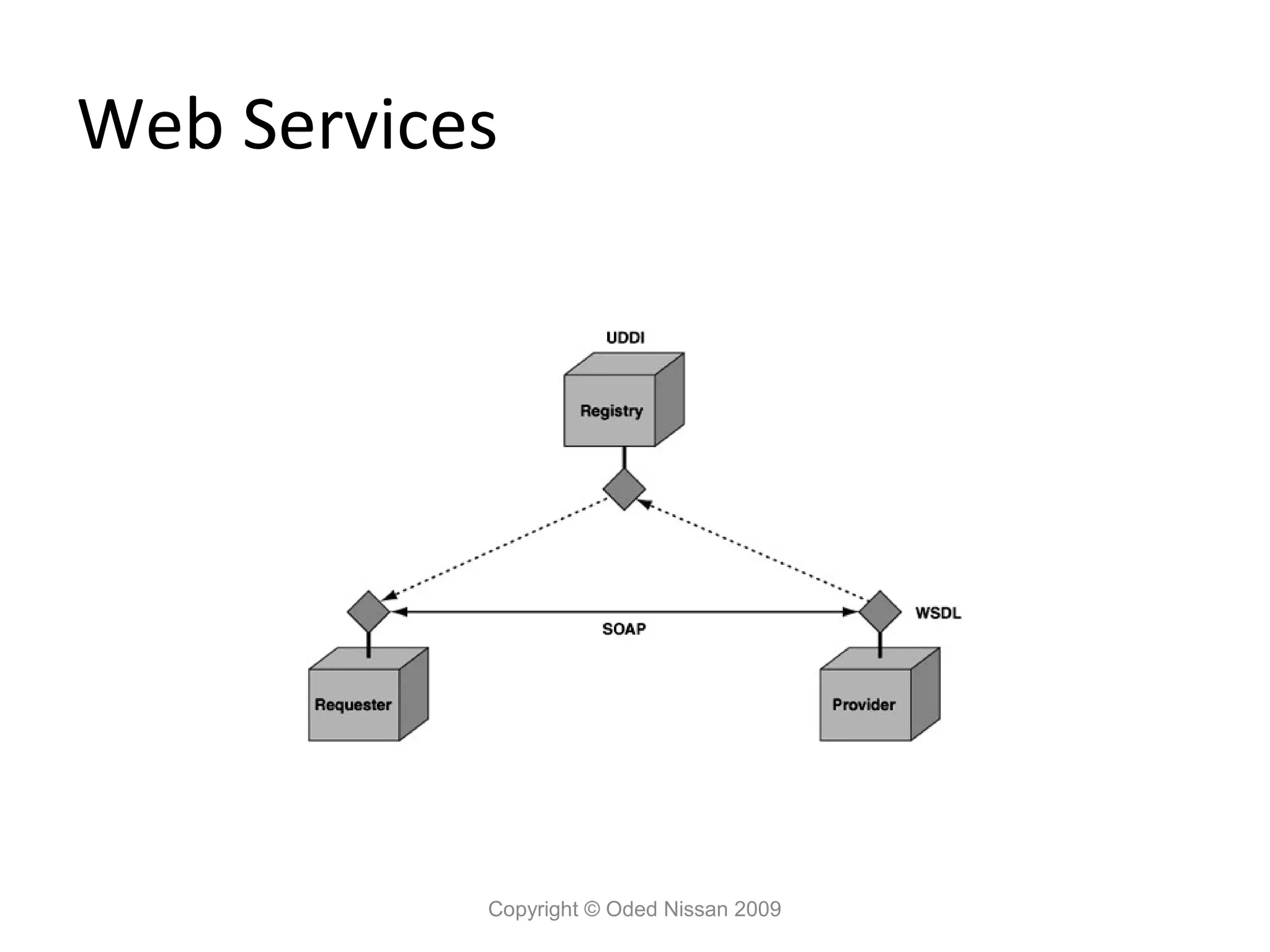
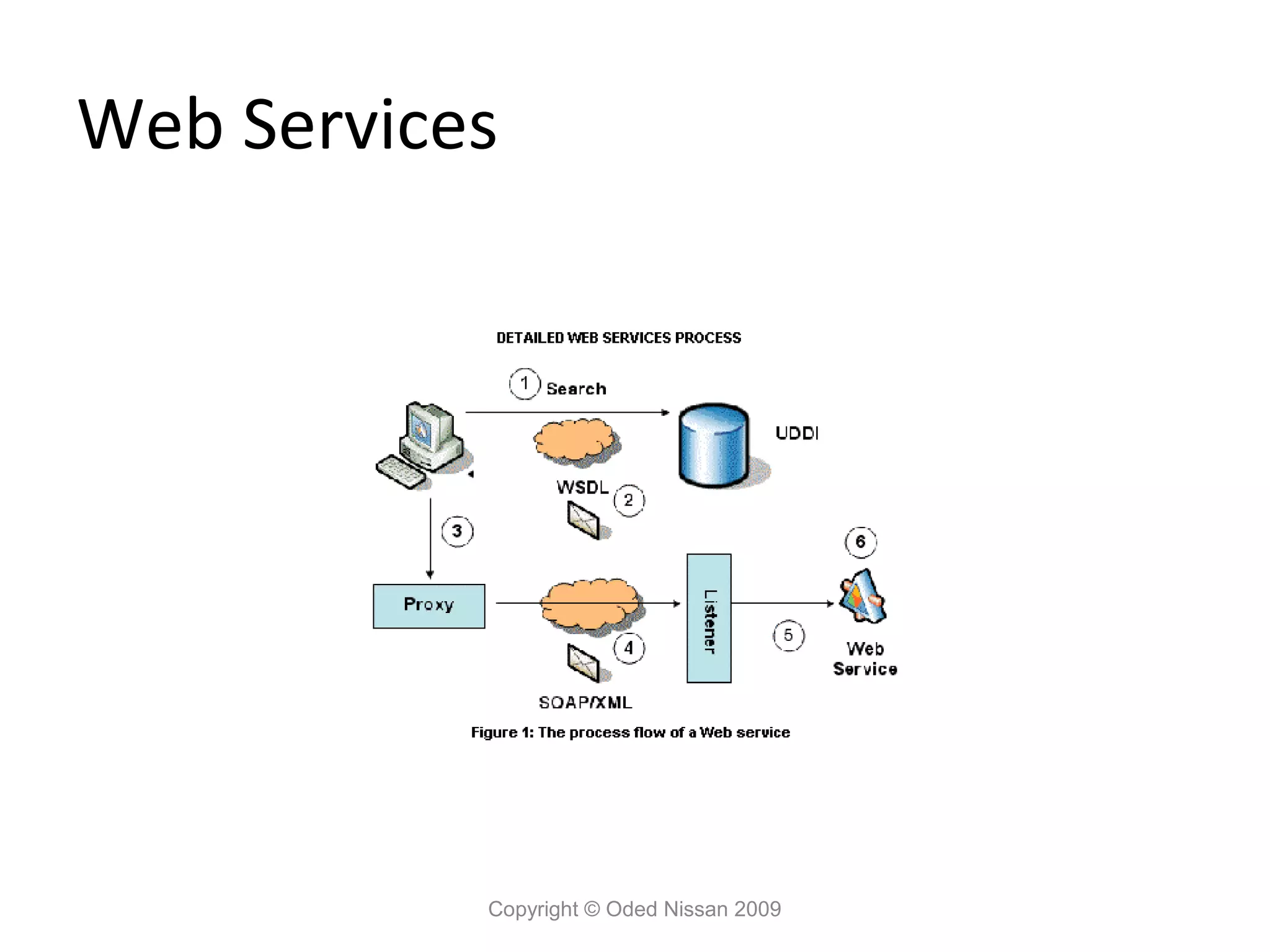
a way to connect heterogonous systems in a Language neutral, platform neutral manner. • Use the HTTP protocol to pass messages in the SOAP protocol. • Described by a Web Services Description language (WSDL) document. • Vendors provide tools to generate web service clients from a WSDL. • Web services can be registered and looked up in a UDDI directory. Copyright © Oded Nissan 2009
6.
Web Services
Copyright © Oded Nissan 2009
7.
Web Services
Copyright © Oded Nissan 2009
8.
Why do we
need Web Services? • Interoperability between heterogeneous systems. • Self describing. • Automatic discovery • Use of standard platform neural protocols. • Scalable Copyright © Oded Nissan 2009
9.
When should we
use Web Services ? • When we need to access heterogeneous systems. • When we expect our service to be accessed by different heterogeneous systems. • When we want to define a simple standard API for our services that does not require proprietary client libraries. Copyright © Oded Nissan 2009
10.
The Web Services
Architecture Copyright © Oded Nissan 2009
11.
Web Service Platform
Elements • HTTP – used as the transfer protocol. • SOAP (Simple Object Access Protocol) • UDDI (Universal Description, Discovery and Integration) • WSDL (Web Services Description Language) Copyright © Oded Nissan 2009
12.
Web Services Architecture
Copyright © Oded Nissan 2009
13.
What is SOAP
? • SOAP stands for Simple Object Access Protocol • SOAP is a communication protocol • SOAP is a format for sending messages • SOAP is designed to communicate via Internet • SOAP is platform independent • SOAP is language independent • SOAP is based on XML • SOAP is simple and extensible • SOAP allows you to get around firewalls • SOAP is a W3C standard Copyright © Oded Nissan 2009
14.
SOAP • SOAP is
an XML-based protocol that can be carried over any transport mechanism capable of delivering a byte stream. In practice, SOAP messages are usually exchanged between clients and services that are resident in web containers and are typically encapsulated inside an HTTP request or response message • A basic SOAP message consists of an envelope that may contain any number of headers plus a body. These parts are delimited by XML elements called Envelope, Header, and Body, which belong to a namespace defined by the SOAP specification. Copyright © Oded Nissan 2009
15.
The SOAP Message
Structure A SOAP message is an ordinary XML document containing the following elements: • An Envelope element that identifies the XML document as a SOAP message • A Header element that contains header information • A Body element that contains call and response information • A Fault element containing errors and status information Copyright © Oded Nissan 2009
16.
The SOAP Message
Structure Copyright © Oded Nissan 2009
17.
The SOAP Envelope
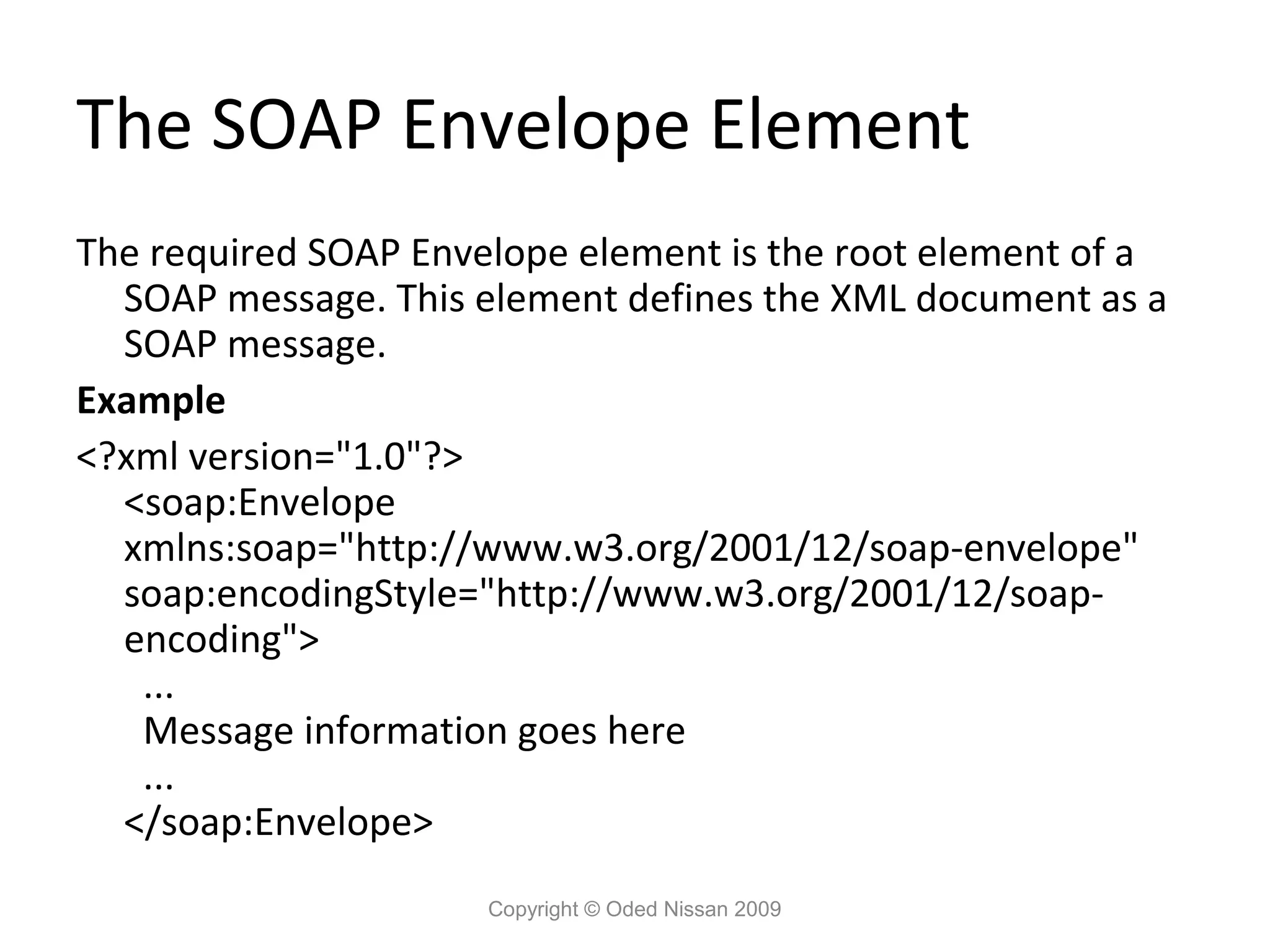
Element The required SOAP Envelope element is the root element of a SOAP message. This element defines the XML document as a SOAP message. Example <?xml version="1.0"?> <soap:Envelope xmlns:soap="http://www.w3.org/2001/12/soap-envelope" soap:encodingStyle="http://www.w3.org/2001/12/soap- encoding"> ... Message information goes here ... </soap:Envelope> Copyright © Oded Nissan 2009
18.
The SOAP Header
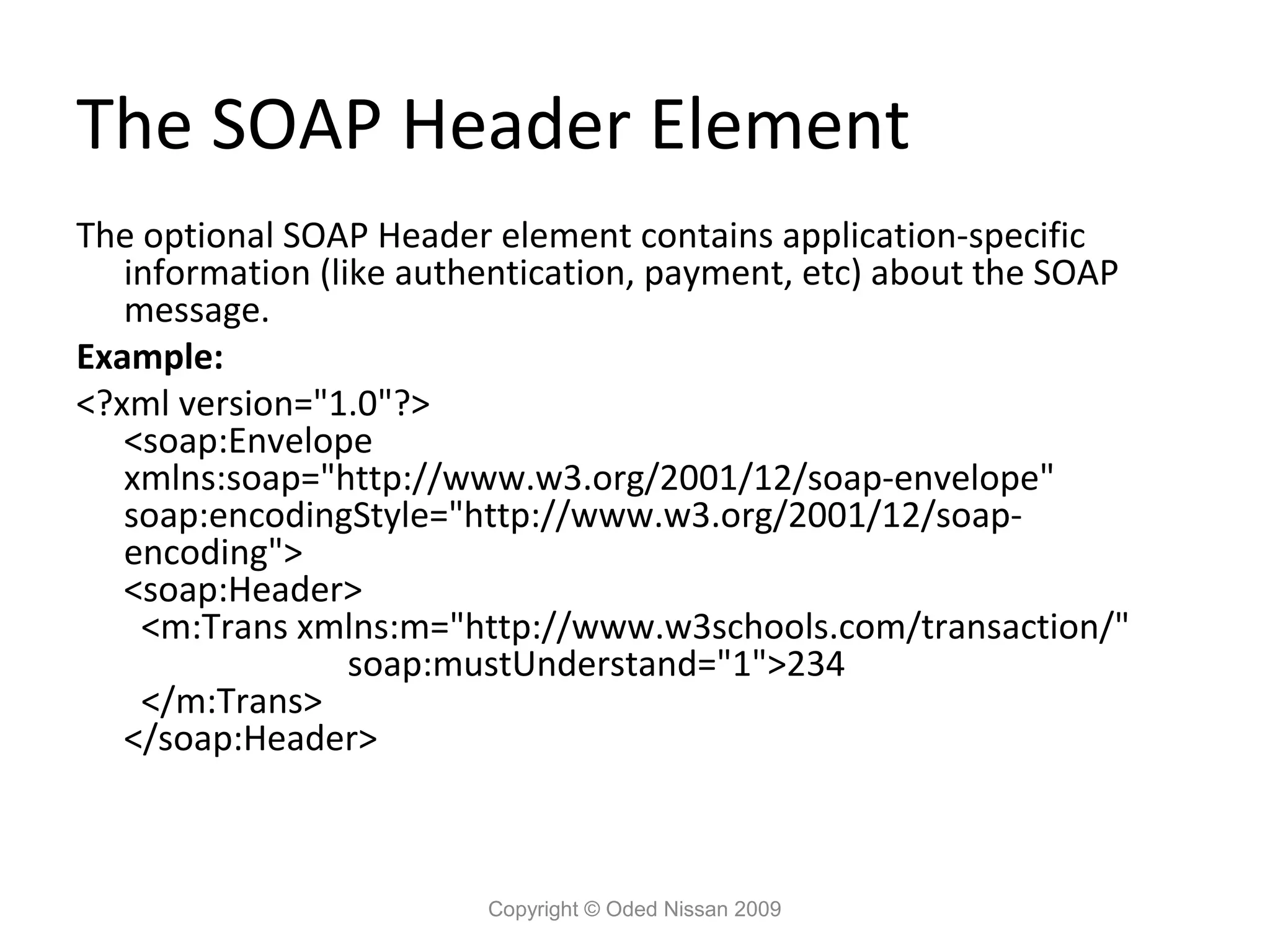
Element The optional SOAP Header element contains application-specific information (like authentication, payment, etc) about the SOAP message. Example: <?xml version="1.0"?> <soap:Envelope xmlns:soap="http://www.w3.org/2001/12/soap-envelope" soap:encodingStyle="http://www.w3.org/2001/12/soap- encoding"> <soap:Header> <m:Trans xmlns:m="http://www.w3schools.com/transaction/" soap:mustUnderstand="1">234 </m:Trans> </soap:Header> Copyright © Oded Nissan 2009
19.
The SOAP Body
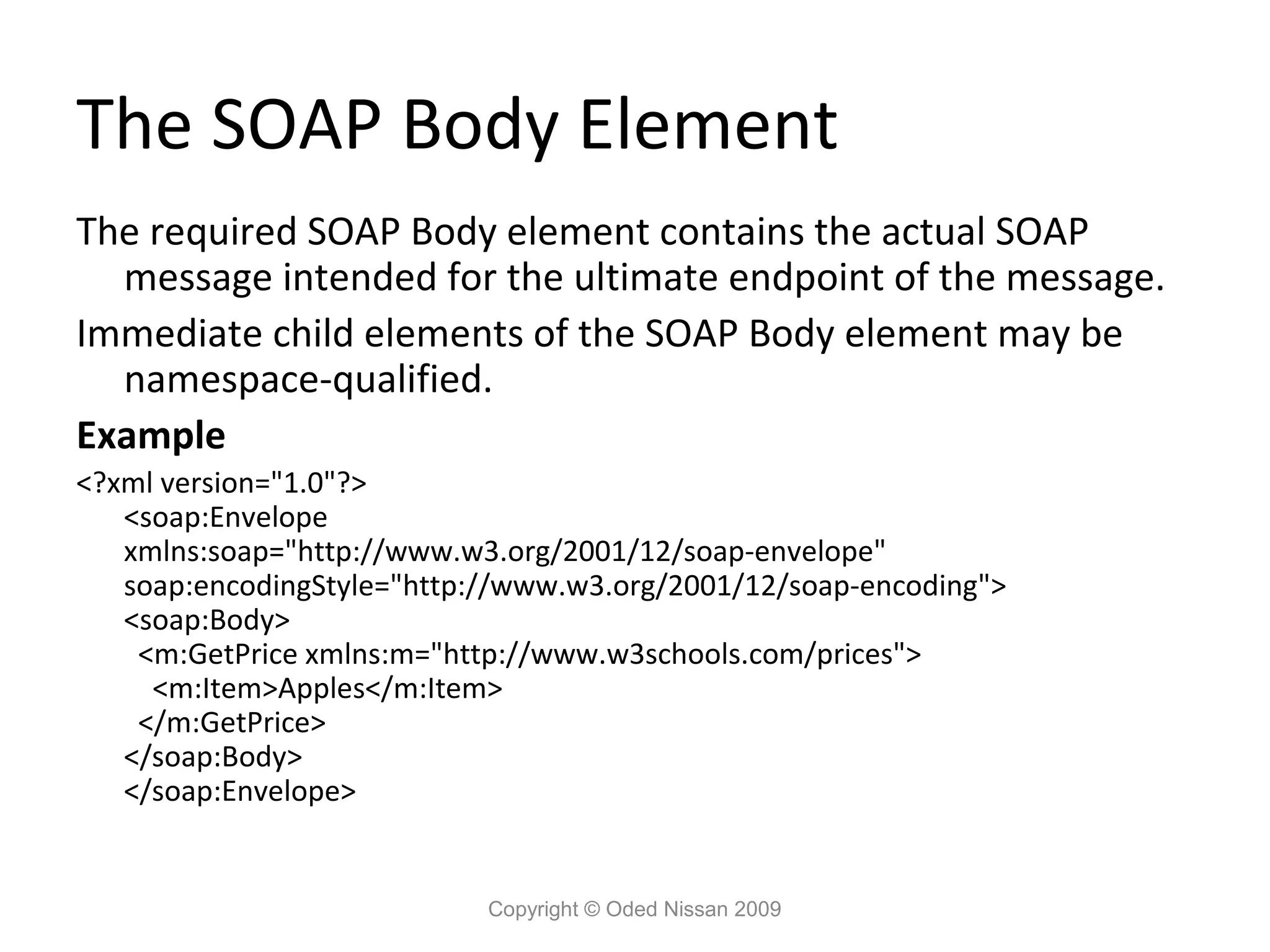
Element The required SOAP Body element contains the actual SOAP message intended for the ultimate endpoint of the message. Immediate child elements of the SOAP Body element may be namespace-qualified. Example <?xml version="1.0"?> <soap:Envelope xmlns:soap="http://www.w3.org/2001/12/soap-envelope" soap:encodingStyle="http://www.w3.org/2001/12/soap-encoding"> <soap:Body> <m:GetPrice xmlns:m="http://www.w3schools.com/prices"> <m:Item>Apples</m:Item> </m:GetPrice> </soap:Body> </soap:Envelope> Copyright © Oded Nissan 2009
20.
The SOAP fault
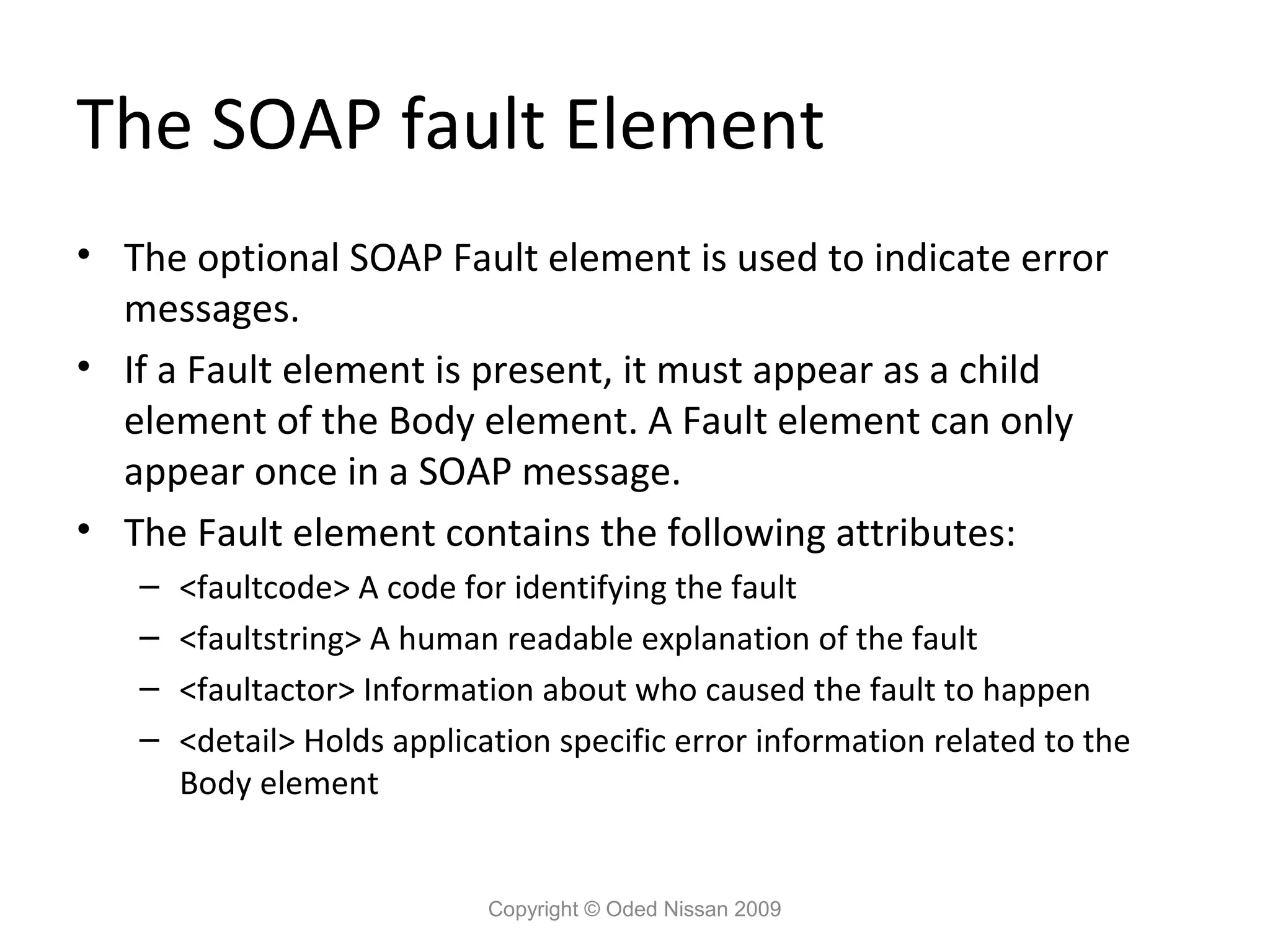
Element • The optional SOAP Fault element is used to indicate error messages. • If a Fault element is present, it must appear as a child element of the Body element. A Fault element can only appear once in a SOAP message. • The Fault element contains the following attributes: – <faultcode> A code for identifying the fault – <faultstring> A human readable explanation of the fault – <faultactor> Information about who caused the fault to happen – <detail> Holds application specific error information related to the Body element Copyright © Oded Nissan 2009
21.
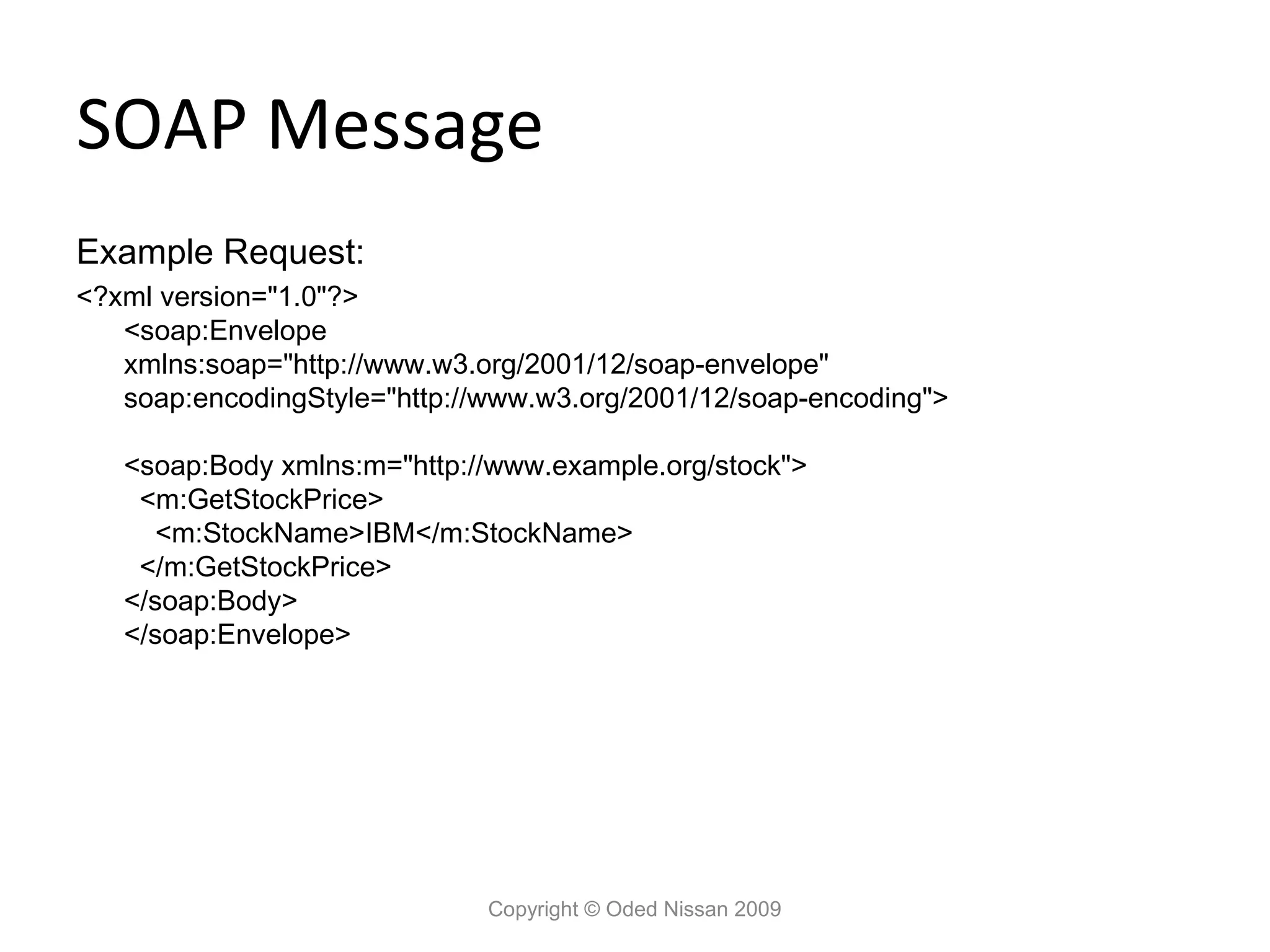
SOAP Message Example Request: <?xml
version="1.0"?> <soap:Envelope xmlns:soap="http://www.w3.org/2001/12/soap-envelope" soap:encodingStyle="http://www.w3.org/2001/12/soap-encoding"> <soap:Body xmlns:m="http://www.example.org/stock"> <m:GetStockPrice> <m:StockName>IBM</m:StockName> </m:GetStockPrice> </soap:Body> </soap:Envelope> Copyright © Oded Nissan 2009
22.
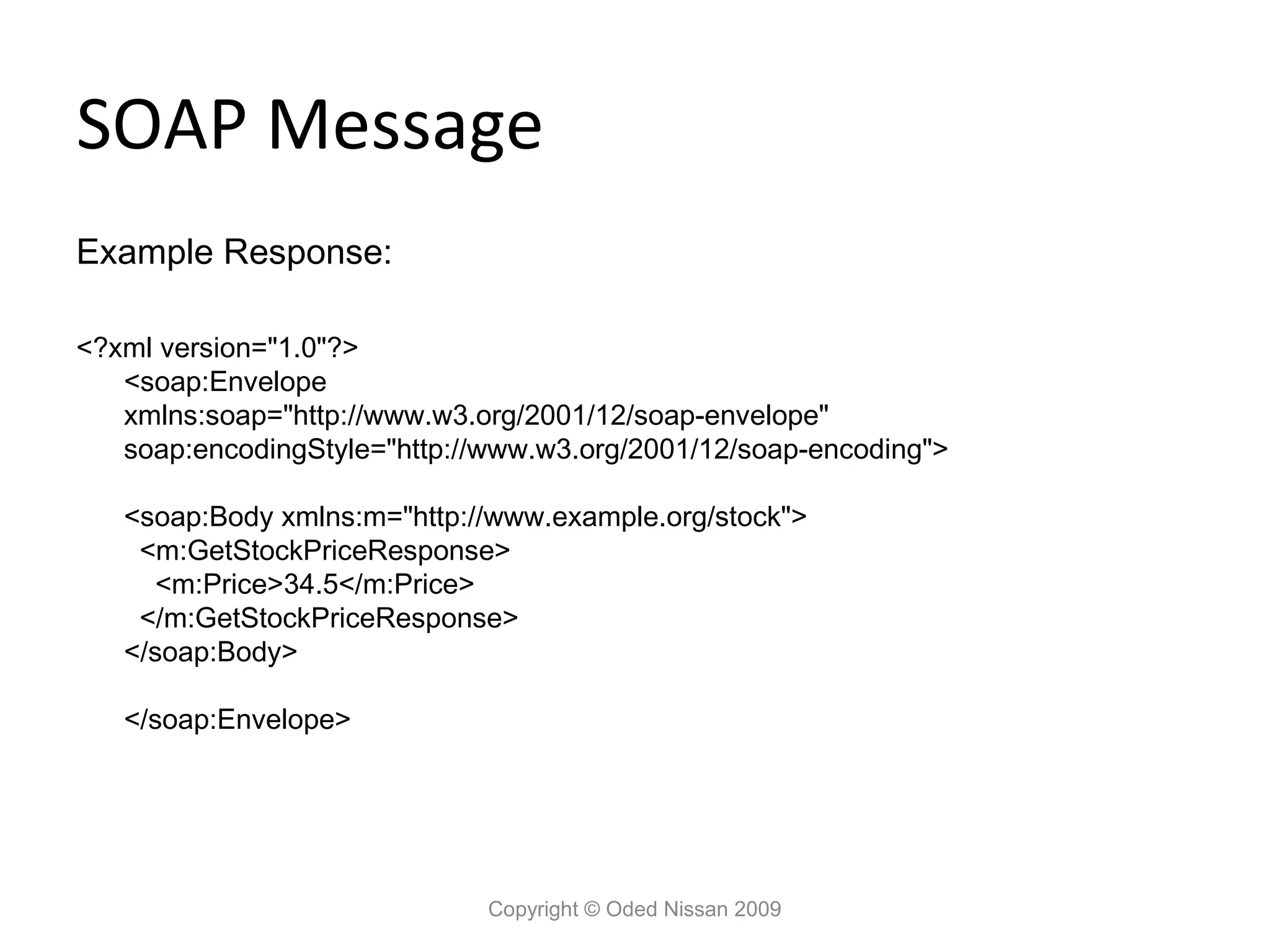
SOAP Message Example Response: <?xml
version="1.0"?> <soap:Envelope xmlns:soap="http://www.w3.org/2001/12/soap-envelope" soap:encodingStyle="http://www.w3.org/2001/12/soap-encoding"> <soap:Body xmlns:m="http://www.example.org/stock"> <m:GetStockPriceResponse> <m:Price>34.5</m:Price> </m:GetStockPriceResponse> </soap:Body> </soap:Envelope> Copyright © Oded Nissan 2009
23.
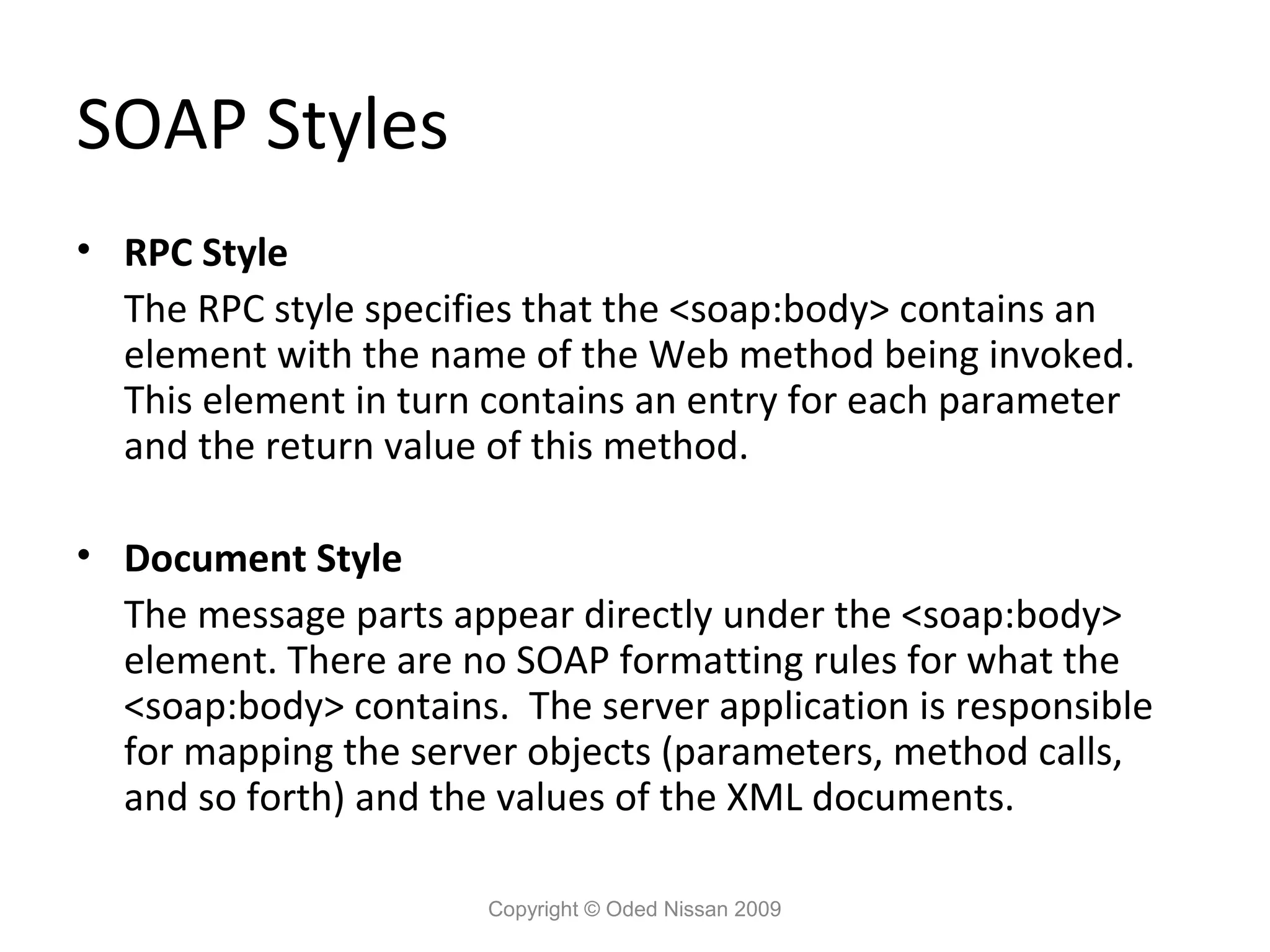
SOAP Styles • RPC
Style The RPC style specifies that the <soap:body> contains an element with the name of the Web method being invoked. This element in turn contains an entry for each parameter and the return value of this method. • Document Style The message parts appear directly under the <soap:body> element. There are no SOAP formatting rules for what the <soap:body> contains. The server application is responsible for mapping the server objects (parameters, method calls, and so forth) and the values of the XML documents. Copyright © Oded Nissan 2009
24.
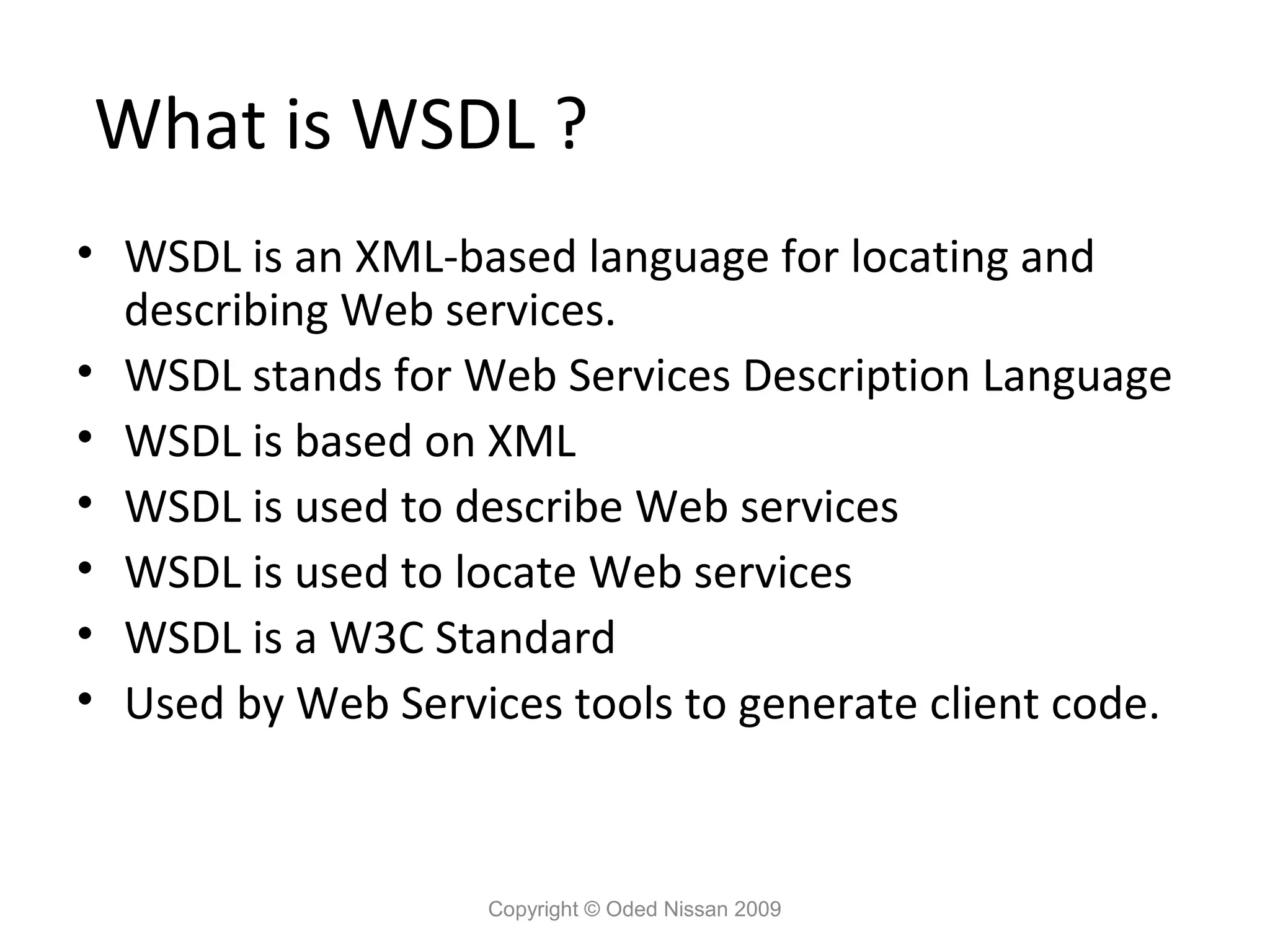
What is WSDL
? • WSDL is an XML-based language for locating and describing Web services. • WSDL stands for Web Services Description Language • WSDL is based on XML • WSDL is used to describe Web services • WSDL is used to locate Web services • WSDL is a W3C Standard • Used by Web Services tools to generate client code. Copyright © Oded Nissan 2009
25.
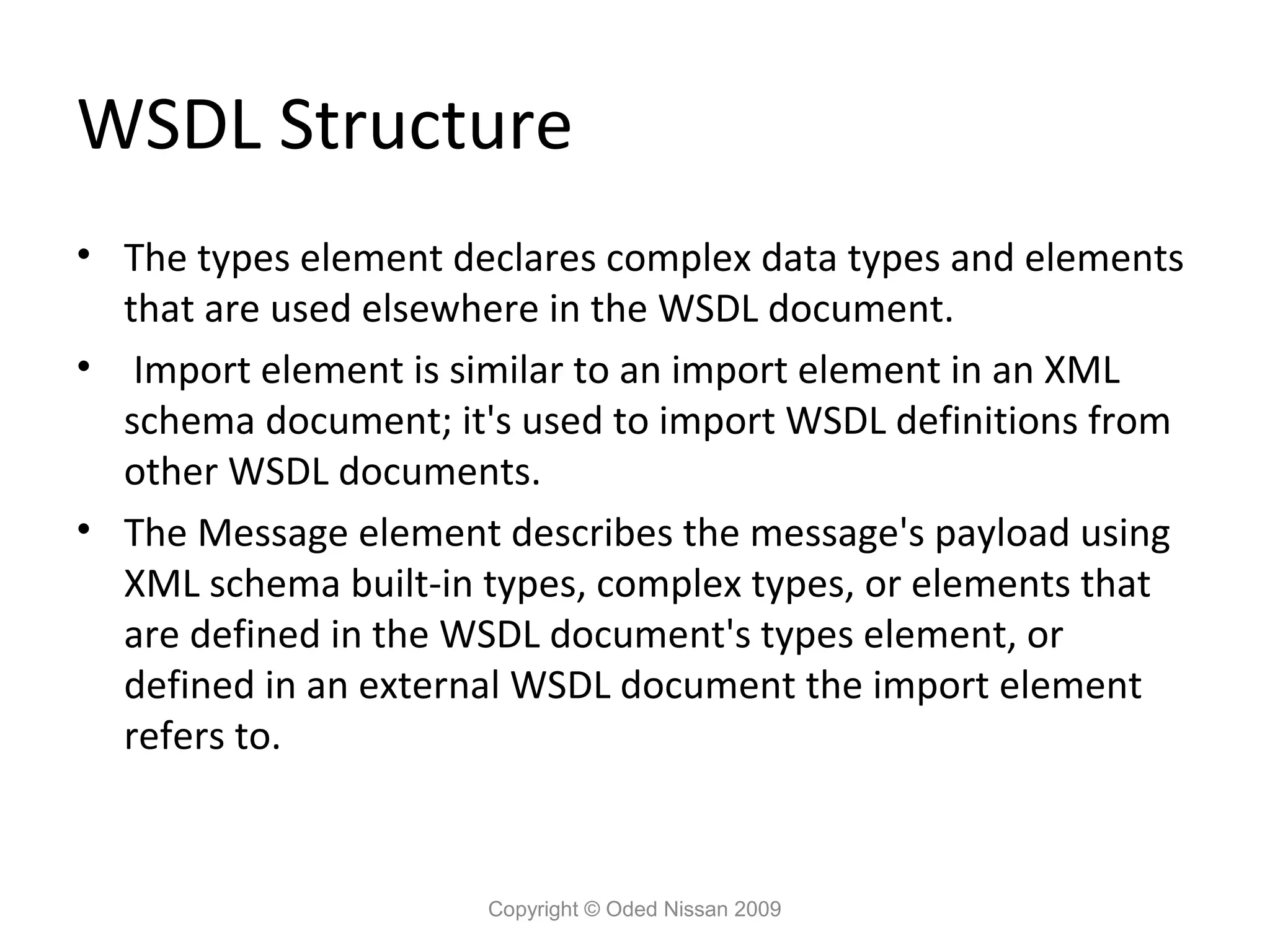
WSDL Structure • The
types element declares complex data types and elements that are used elsewhere in the WSDL document. • Import element is similar to an import element in an XML schema document; it's used to import WSDL definitions from other WSDL documents. • The Message element describes the message's payload using XML schema built-in types, complex types, or elements that are defined in the WSDL document's types element, or defined in an external WSDL document the import element refers to. Copyright © Oded Nissan 2009
26.
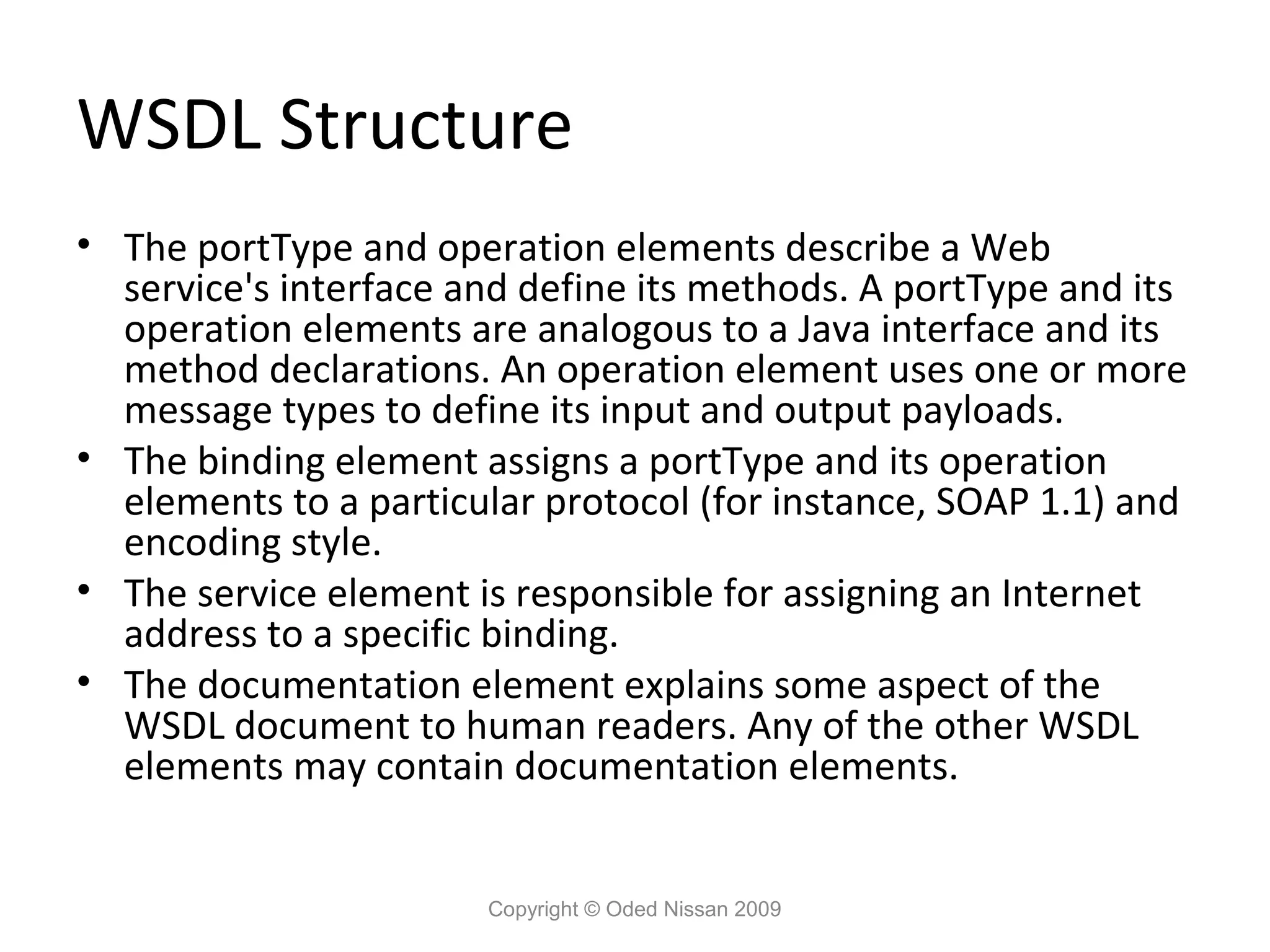
WSDL Structure • The
portType and operation elements describe a Web service's interface and define its methods. A portType and its operation elements are analogous to a Java interface and its method declarations. An operation element uses one or more message types to define its input and output payloads. • The binding element assigns a portType and its operation elements to a particular protocol (for instance, SOAP 1.1) and encoding style. • The service element is responsible for assigning an Internet address to a specific binding. • The documentation element explains some aspect of the WSDL document to human readers. Any of the other WSDL elements may contain documentation elements. Copyright © Oded Nissan 2009
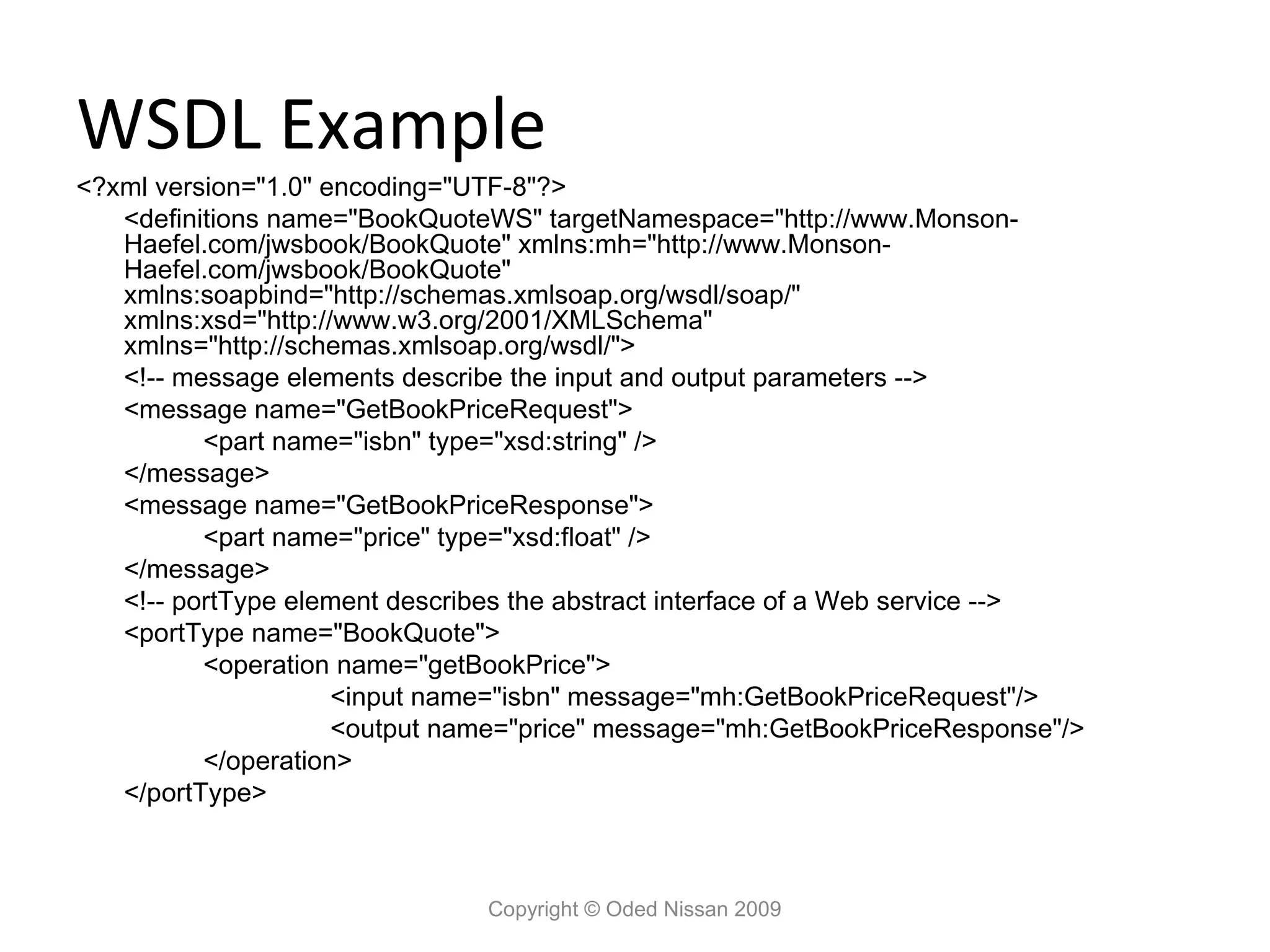
27.
WSDL Example <?xml version="1.0"
encoding="UTF-8"?> <definitions name="BookQuoteWS" targetNamespace="http://www.Monson- Haefel.com/jwsbook/BookQuote" xmlns:mh="http://www.Monson- Haefel.com/jwsbook/BookQuote" xmlns:soapbind="http://schemas.xmlsoap.org/wsdl/soap/" xmlns:xsd="http://www.w3.org/2001/XMLSchema" xmlns="http://schemas.xmlsoap.org/wsdl/"> <!-- message elements describe the input and output parameters --> <message name="GetBookPriceRequest"> <part name="isbn" type="xsd:string" /> </message> <message name="GetBookPriceResponse"> <part name="price" type="xsd:float" /> </message> <!-- portType element describes the abstract interface of a Web service --> <portType name="BookQuote"> <operation name="getBookPrice"> <input name="isbn" message="mh:GetBookPriceRequest"/> <output name="price" message="mh:GetBookPriceResponse"/> </operation> </portType> Copyright © Oded Nissan 2009
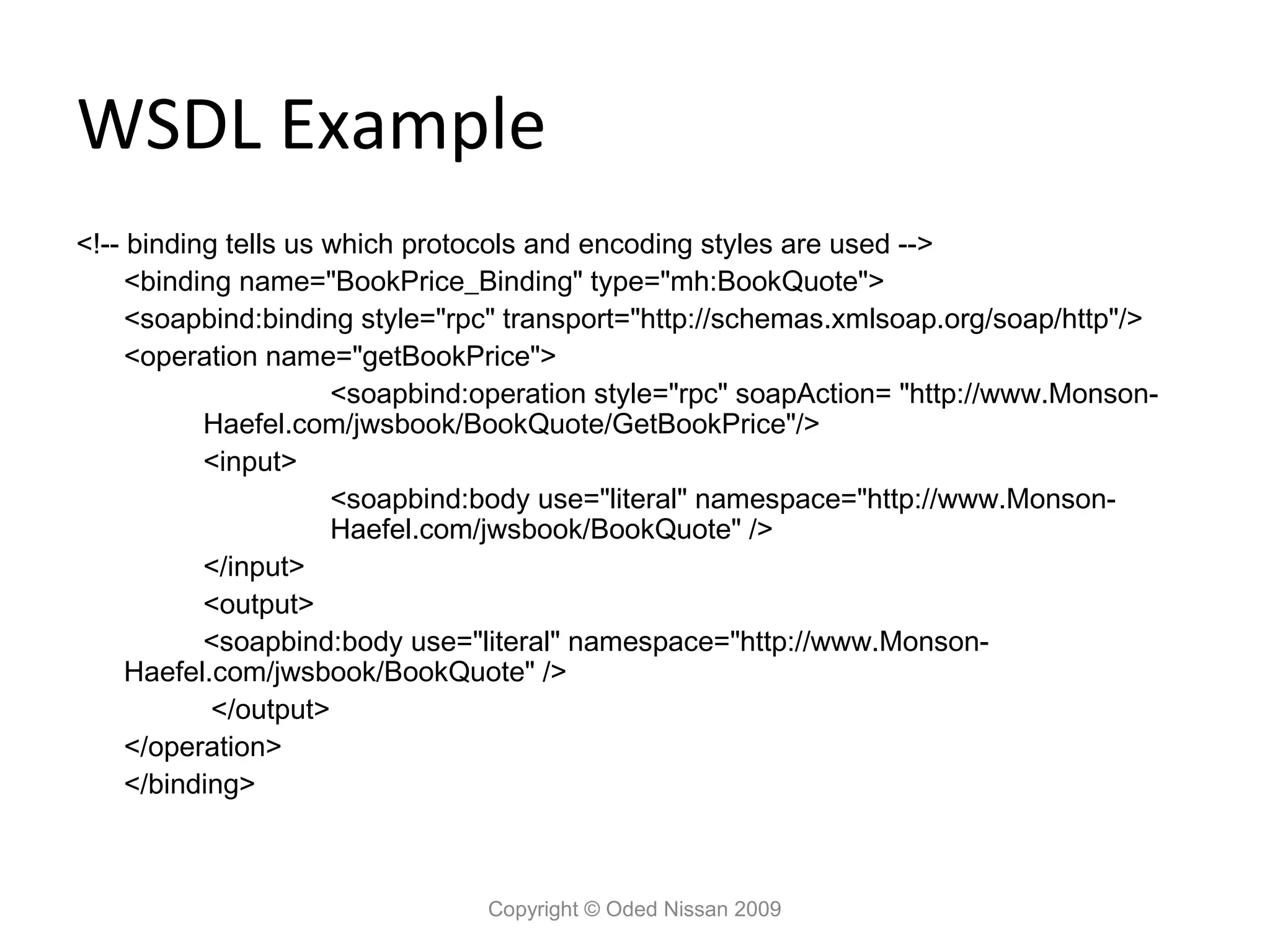
28.
WSDL Example <!-- binding
tells us which protocols and encoding styles are used --> <binding name="BookPrice_Binding" type="mh:BookQuote"> <soapbind:binding style="rpc" transport="http://schemas.xmlsoap.org/soap/http"/> <operation name="getBookPrice"> <soapbind:operation style="rpc" soapAction= "http://www.Monson- Haefel.com/jwsbook/BookQuote/GetBookPrice"/> <input> <soapbind:body use="literal" namespace="http://www.Monson- Haefel.com/jwsbook/BookQuote" /> </input> <output> <soapbind:body use="literal" namespace="http://www.Monson- Haefel.com/jwsbook/BookQuote" /> </output> </operation> </binding> Copyright © Oded Nissan 2009
29.
WSDL Example <!-- service
tells us the Internet address of a Web service --> <service name="BookPriceService"> <port name="BookPrice_Port" binding="mh:BookPrice_Binding"> <soapbind:address location= "http://www.Monson- Haefel.com/jwsbook/BookQuote" /> </port> </service> </definitions> Copyright © Oded Nissan 2009
30.
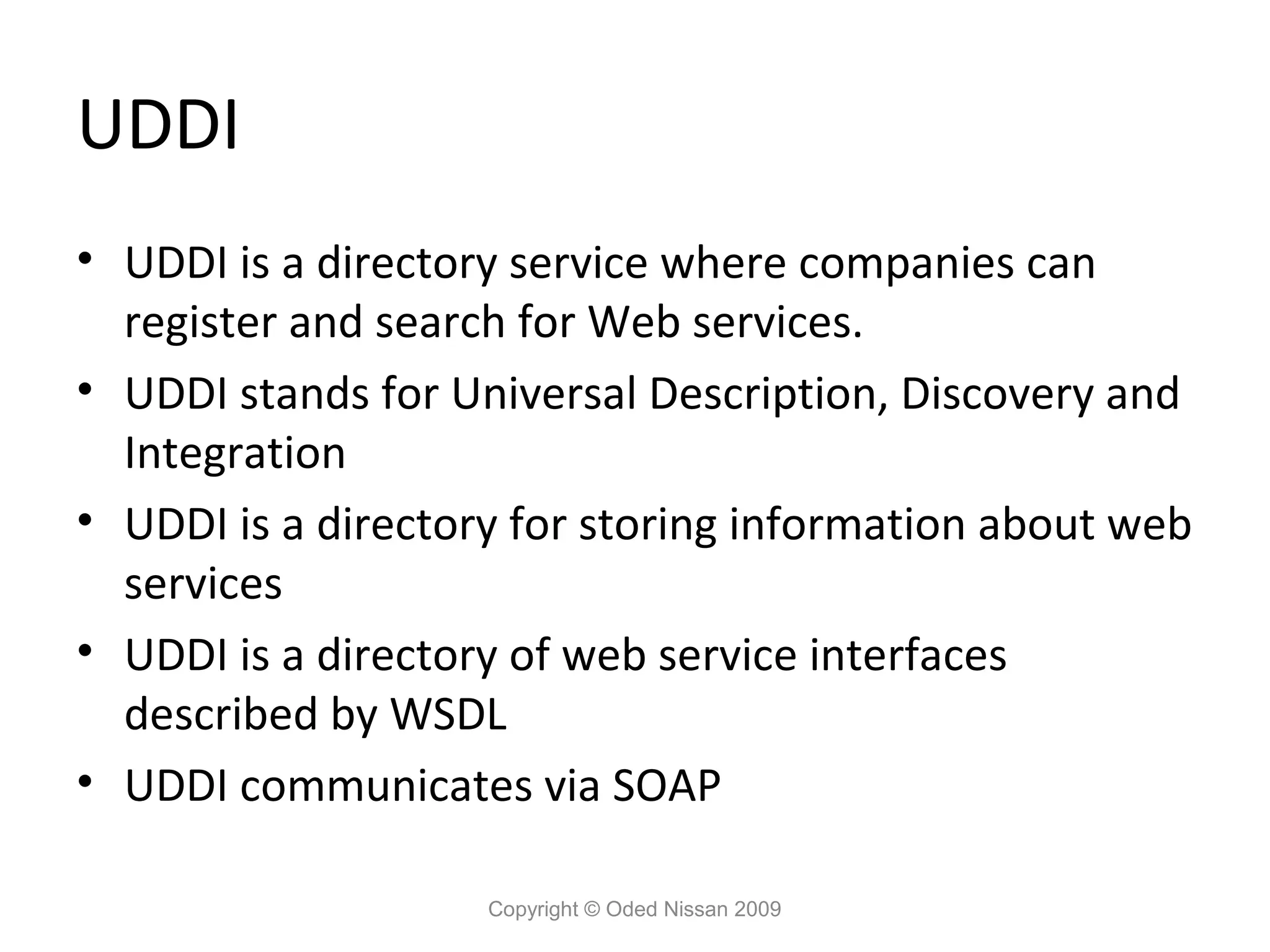
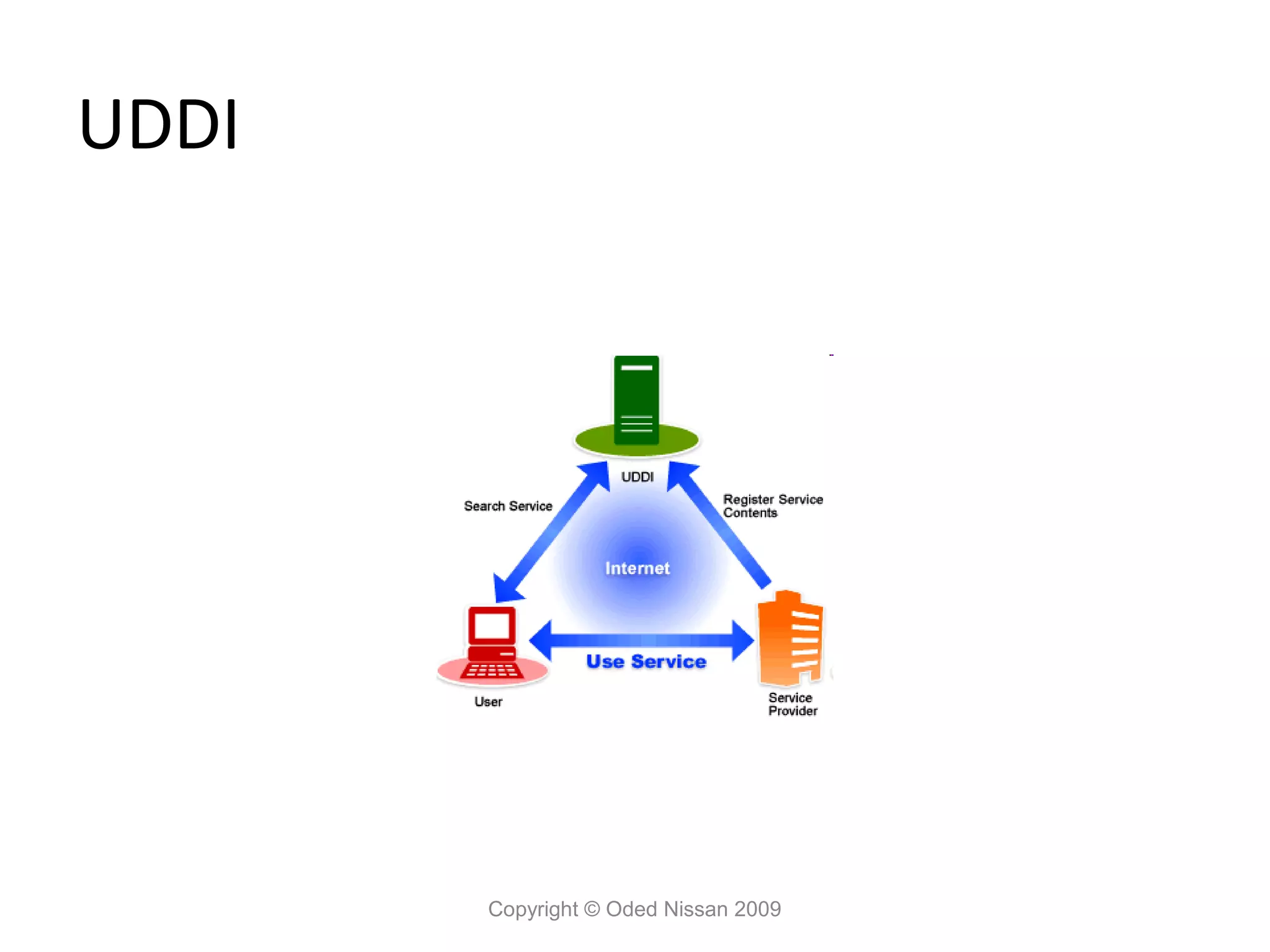
UDDI • UDDI is
a directory service where companies can register and search for Web services. • UDDI stands for Universal Description, Discovery and Integration • UDDI is a directory for storing information about web services • UDDI is a directory of web service interfaces described by WSDL • UDDI communicates via SOAP Copyright © Oded Nissan 2009
31.
UDDI
Copyright © Oded Nissan 2009
32.
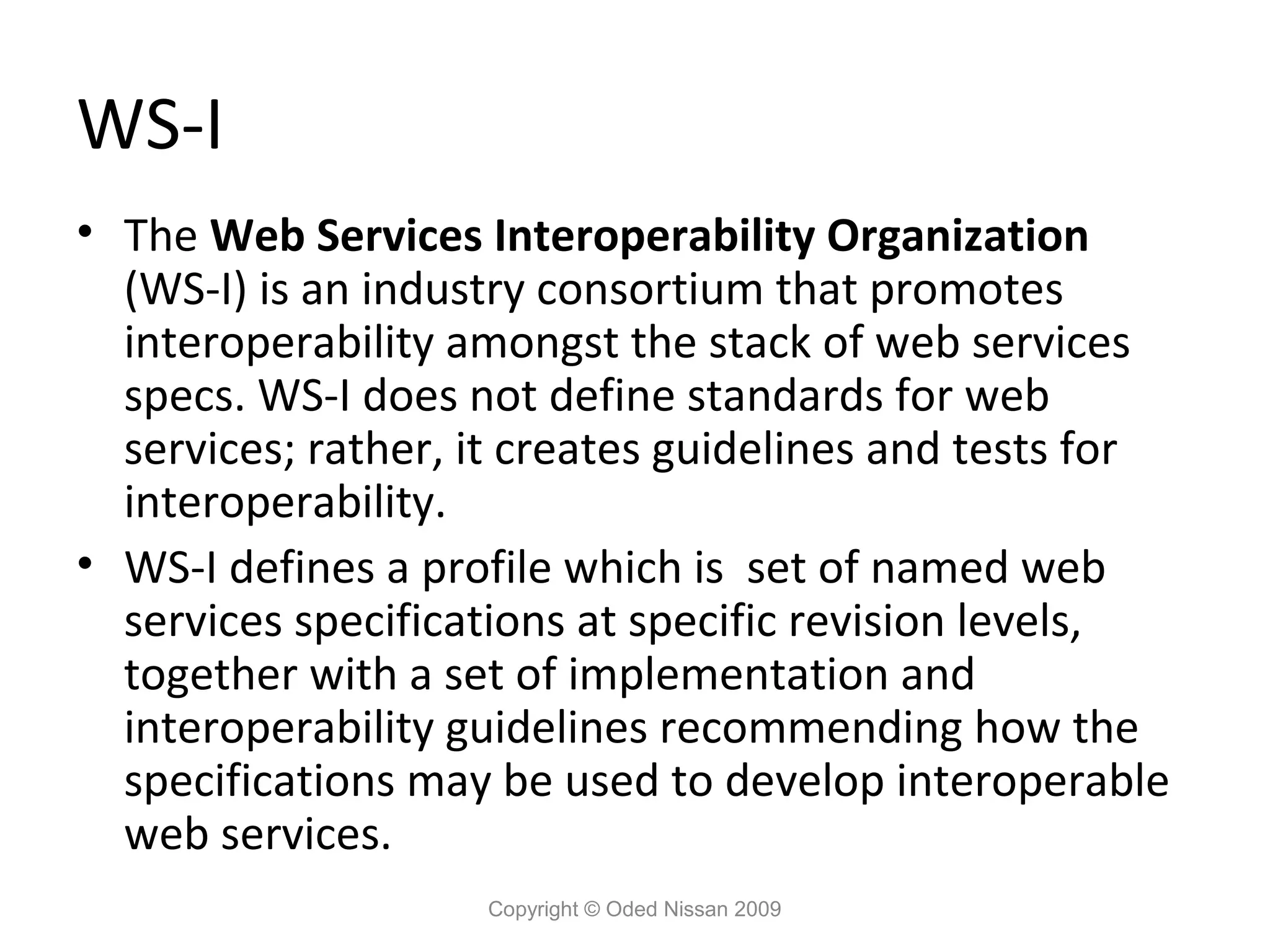
WS-I • The Web
Services Interoperability Organization (WS-I) is an industry consortium that promotes interoperability amongst the stack of web services specs. WS-I does not define standards for web services; rather, it creates guidelines and tests for interoperability. • WS-I defines a profile which is set of named web services specifications at specific revision levels, together with a set of implementation and interoperability guidelines recommending how the specifications may be used to develop interoperable web services. Copyright © Oded Nissan 2009
33.
WS-I Basic Profile •
The Basic Profile is the heart of web services interoperability, vendors need to be compliant with the Basic Profile in order to assure interoperability. • The Basic Profile is needed because the specifications are too broad. The Basic Profile coordinates the use of technologies like XML, SOAP, WSDL, and UDDI. • The Basic Profile is currently at version 1.1 of the spec. Version 2.0 is currently being written. Copyright © Oded Nissan 2009
34.
The Java Web
Services Stack • Web Services are a W3C standard. The Java implementation however, varies. • In order to implement Web Services, Java must use Java specific APIs. These APIs have been standardized in the Java world but are not part of the Web Services spec. • The current Java Web Services implementation standard is JAX-WS 2.0 Copyright © Oded Nissan 2009
35.
The Java Web
Services Stack • Some popular Java Web Services implementations: – Axis (Apache) – supports the older standards. – Axis2 (Apache) – supports JAX-WS and REST. – JBoss-WS – Metro (Glassfish) Copyright © Oded Nissan 2009
36.
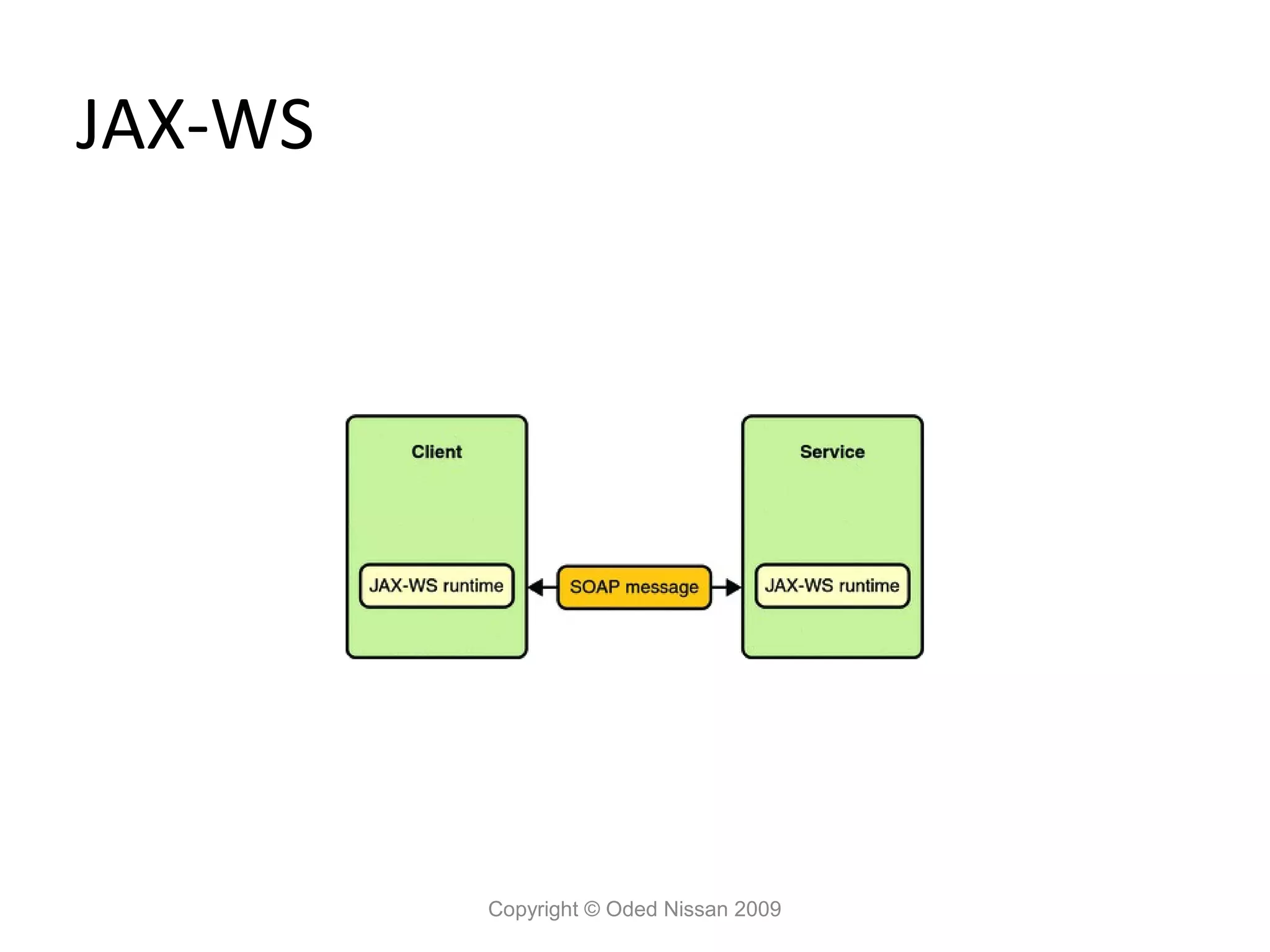
JAX-WS (Java API
for XML Web Services) • JAX-WS is a technology for building web services and clients that communicate using XML. JAX-WS allows developers to write message-oriented as well as RPC- oriented web services. • The JAX-WS runtime system converts the API calls and responses to and from SOAP messages, so the developer does not need to parse the SOAP messages. • JAX-WS replaces JAX-RPC in the JEE 5 standard. Copyright © Oded Nissan 2009
37.
JAX-WS
Copyright © Oded Nissan 2009
38.
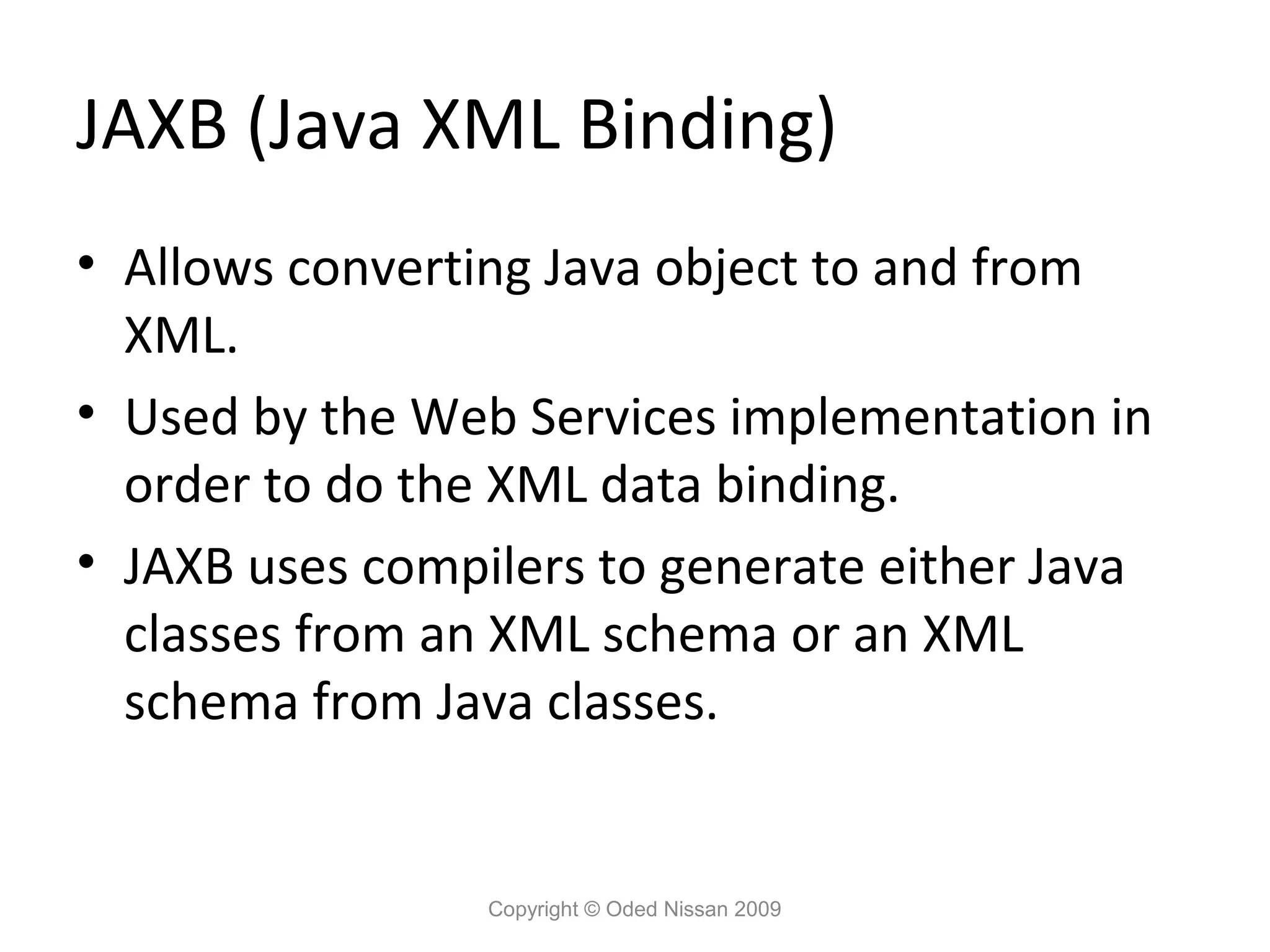
JAXB (Java XML
Binding) • Allows converting Java object to and from XML. • Used by the Web Services implementation in order to do the XML data binding. • JAXB uses compilers to generate either Java classes from an XML schema or an XML schema from Java classes. Copyright © Oded Nissan 2009
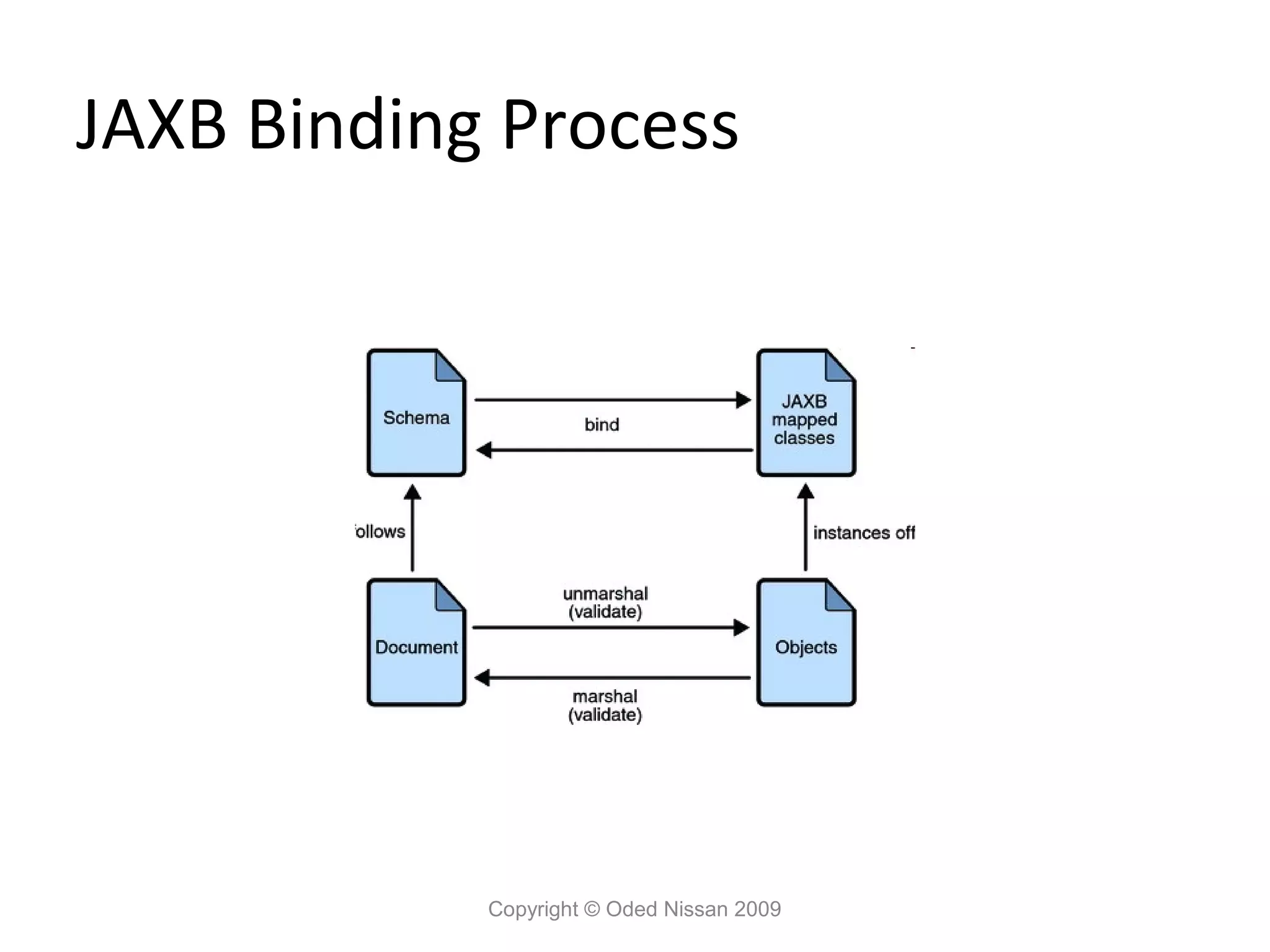
39.
JAXB Binding Process
Copyright © Oded Nissan 2009
40.
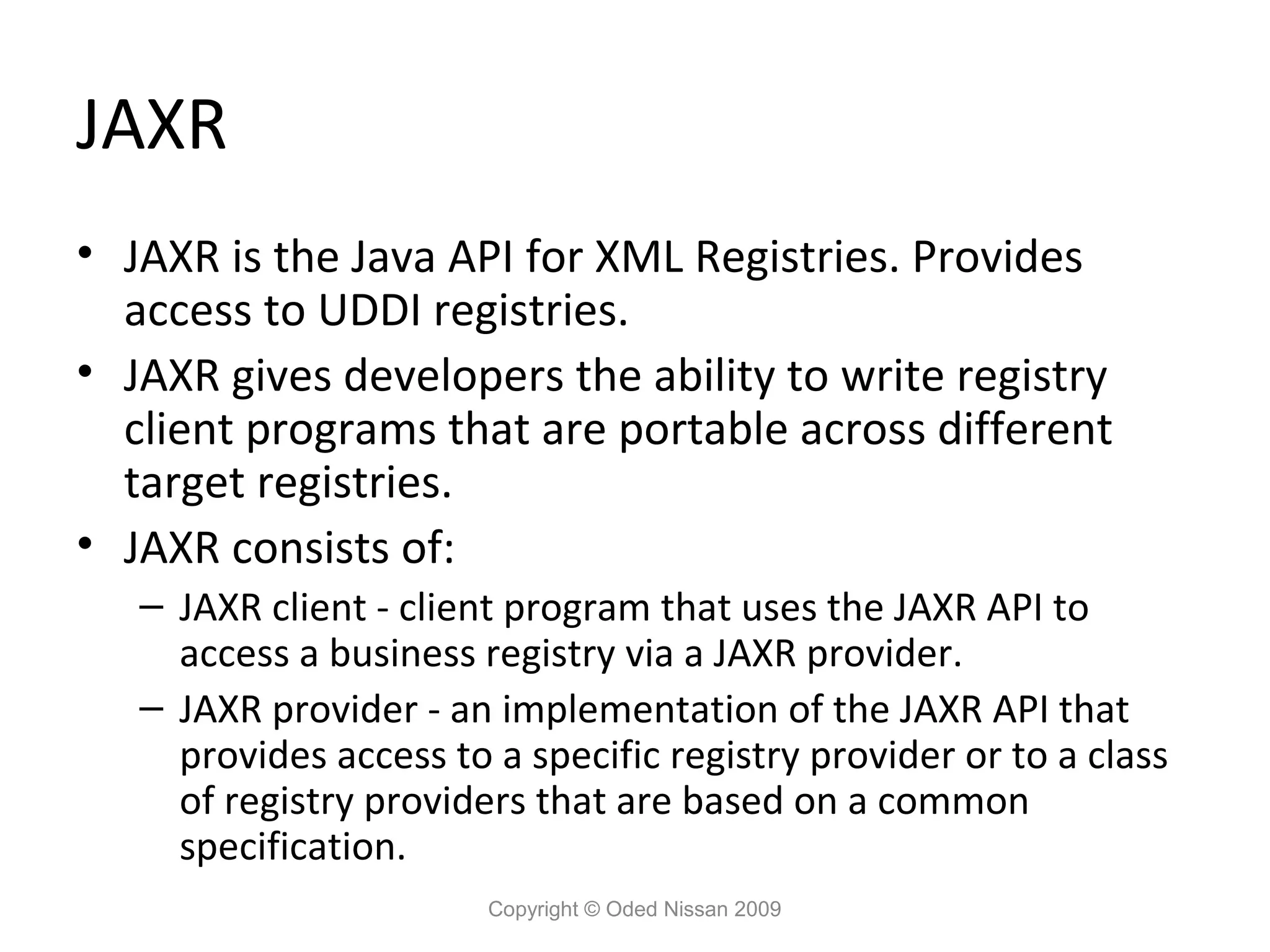
JAXR • JAXR is
the Java API for XML Registries. Provides access to UDDI registries. • JAXR gives developers the ability to write registry client programs that are portable across different target registries. • JAXR consists of: – JAXR client - client program that uses the JAXR API to access a business registry via a JAXR provider. – JAXR provider - an implementation of the JAXR API that provides access to a specific registry provider or to a class of registry providers that are based on a common specification. Copyright © Oded Nissan 2009
41.
SaaJ • SOAP with
Attachments API for Java • Use this API when you want to write SOAP messages directly rather than use JAX-WS. • Using SaaJ we can create a dynamic Web Services client without the need to generate stubs from a WSDL document. • The SaaJ API extends the DOM API for parsing XML. Copyright © Oded Nissan 2009
42.
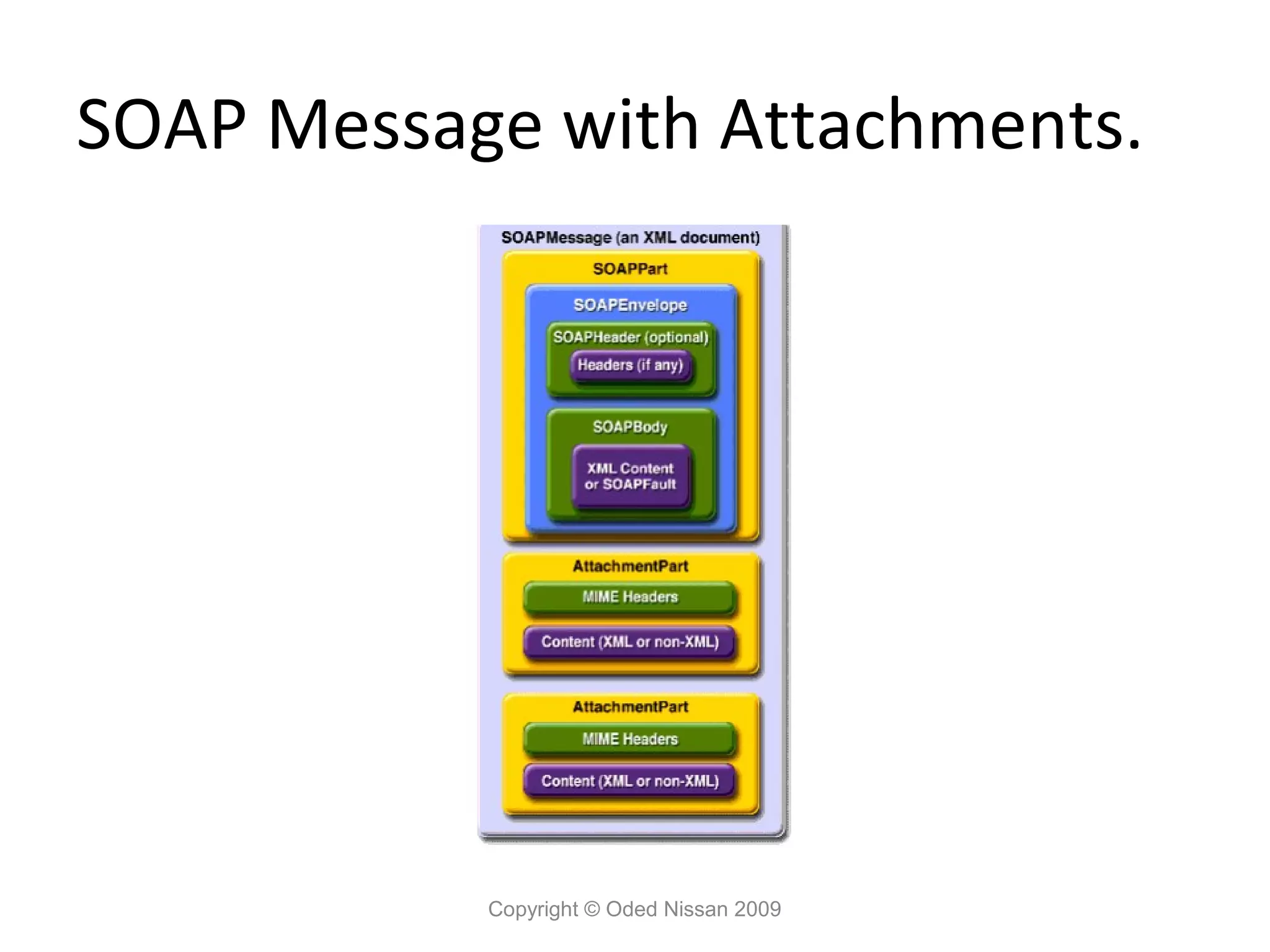
SOAP Message with
Attachments. Copyright © Oded Nissan 2009
43.
Web Services Development
Copyright © Oded Nissan 2009
44.
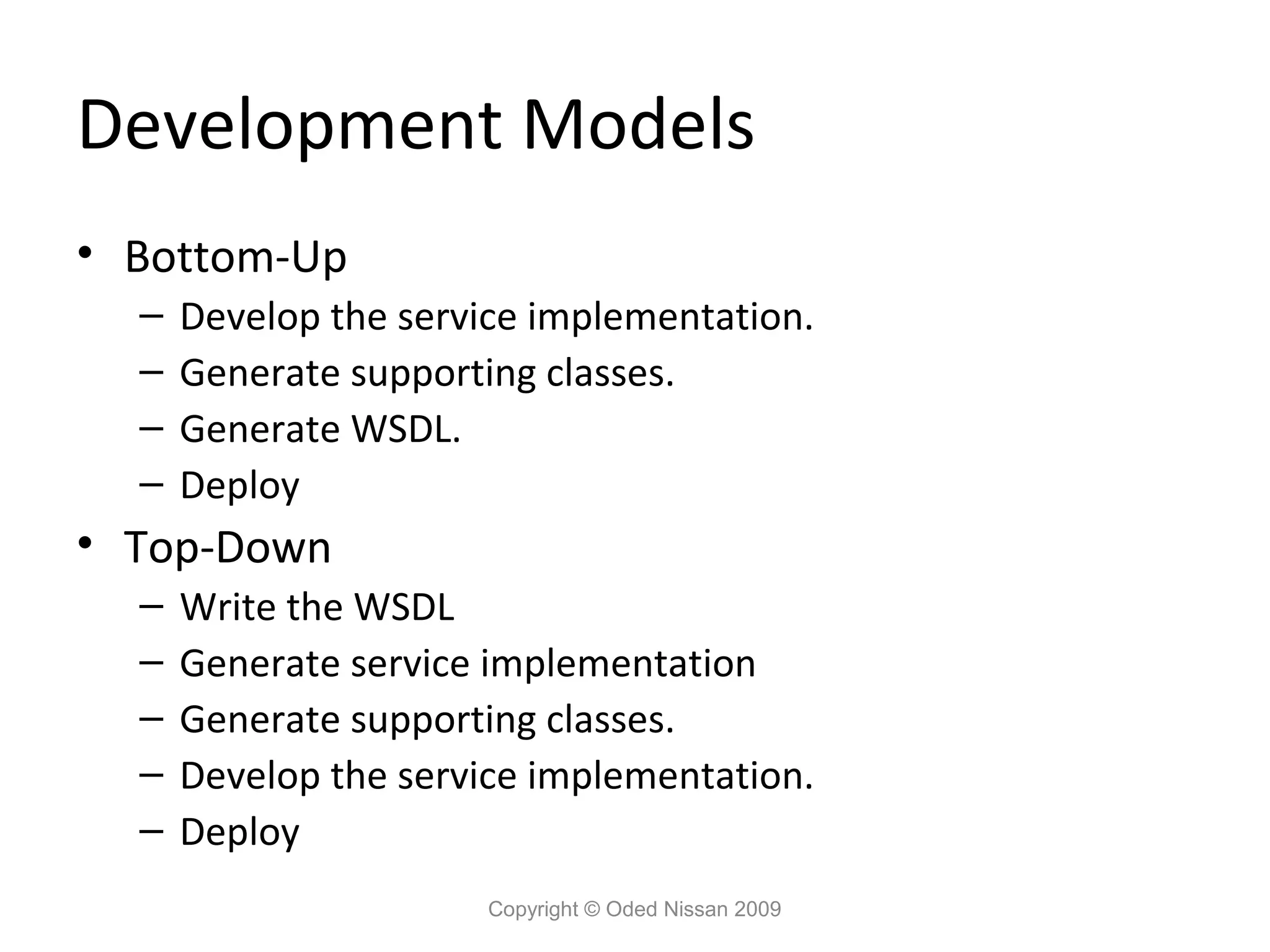
Development Models • Bottom-Up
– Develop the service implementation. – Generate supporting classes. – Generate WSDL. – Deploy • Top-Down – Write the WSDL – Generate service implementation – Generate supporting classes. – Develop the service implementation. – Deploy Copyright © Oded Nissan 2009
45.
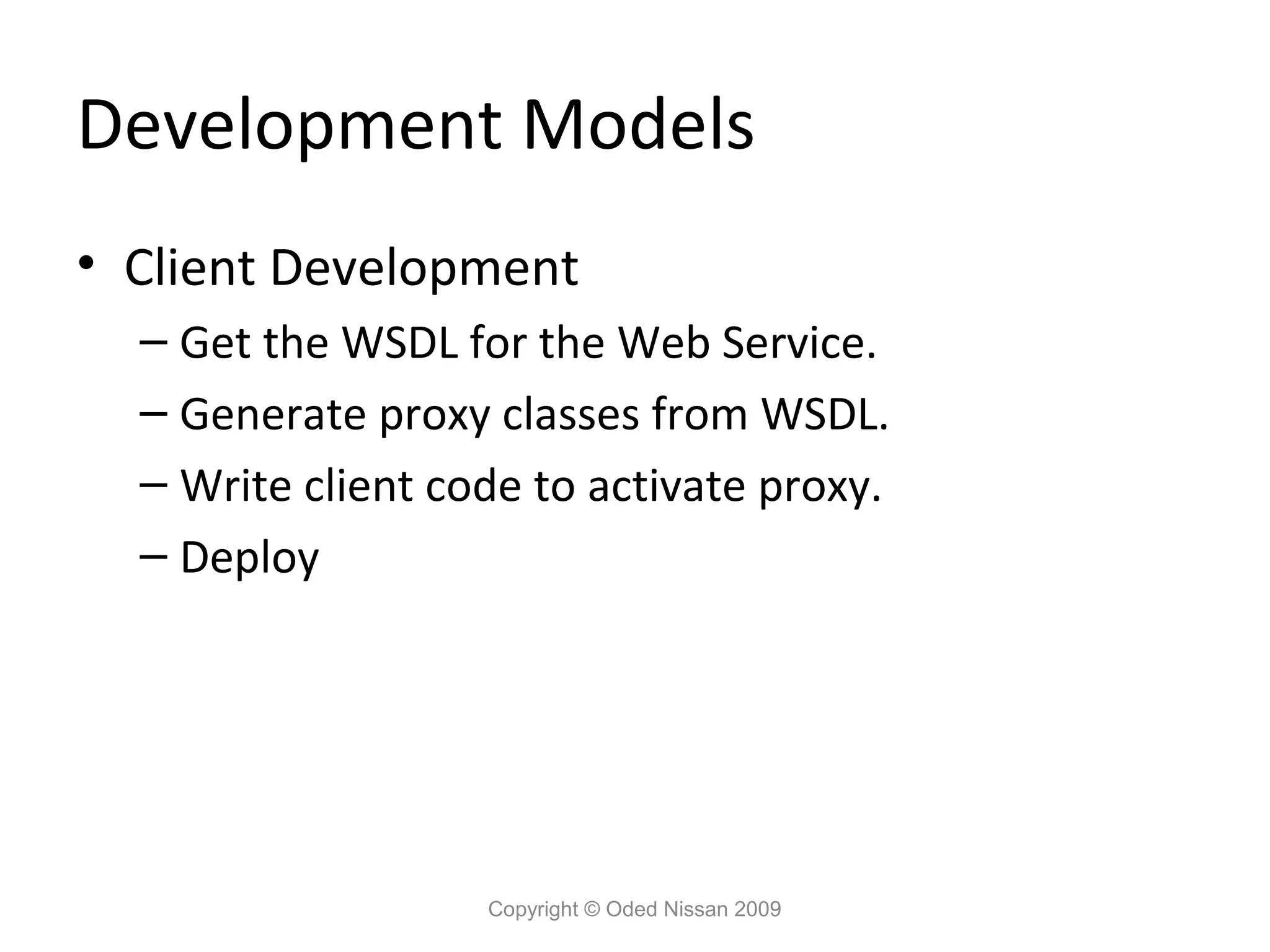
Development Models • Client
Development – Get the WSDL for the Web Service. – Generate proxy classes from WSDL. – Write client code to activate proxy. – Deploy Copyright © Oded Nissan 2009
46.
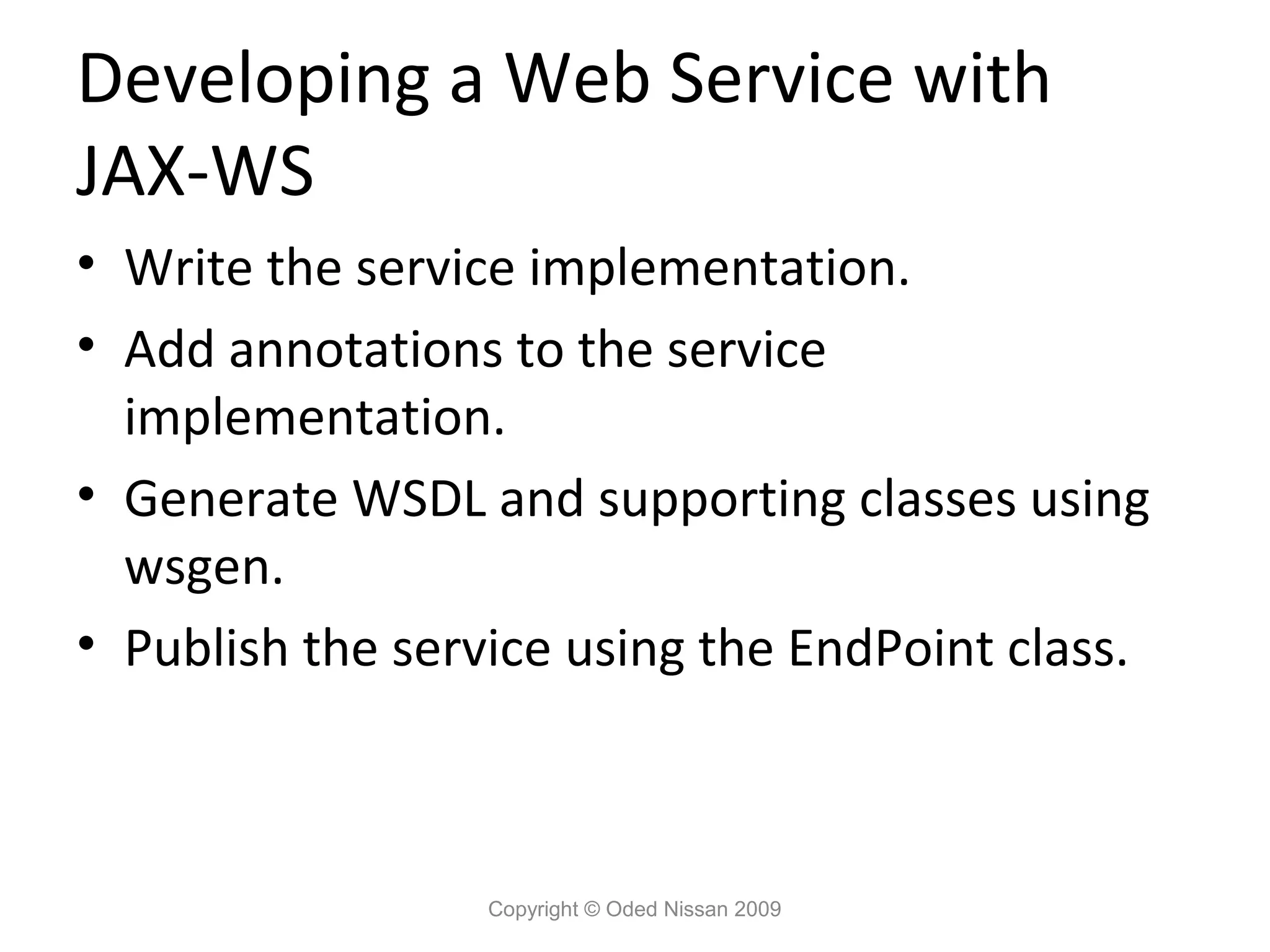
Developing a Web
Service with JAX-WS • Write the service implementation. • Add annotations to the service implementation. • Generate WSDL and supporting classes using wsgen. • Publish the service using the EndPoint class. Copyright © Oded Nissan 2009
47.
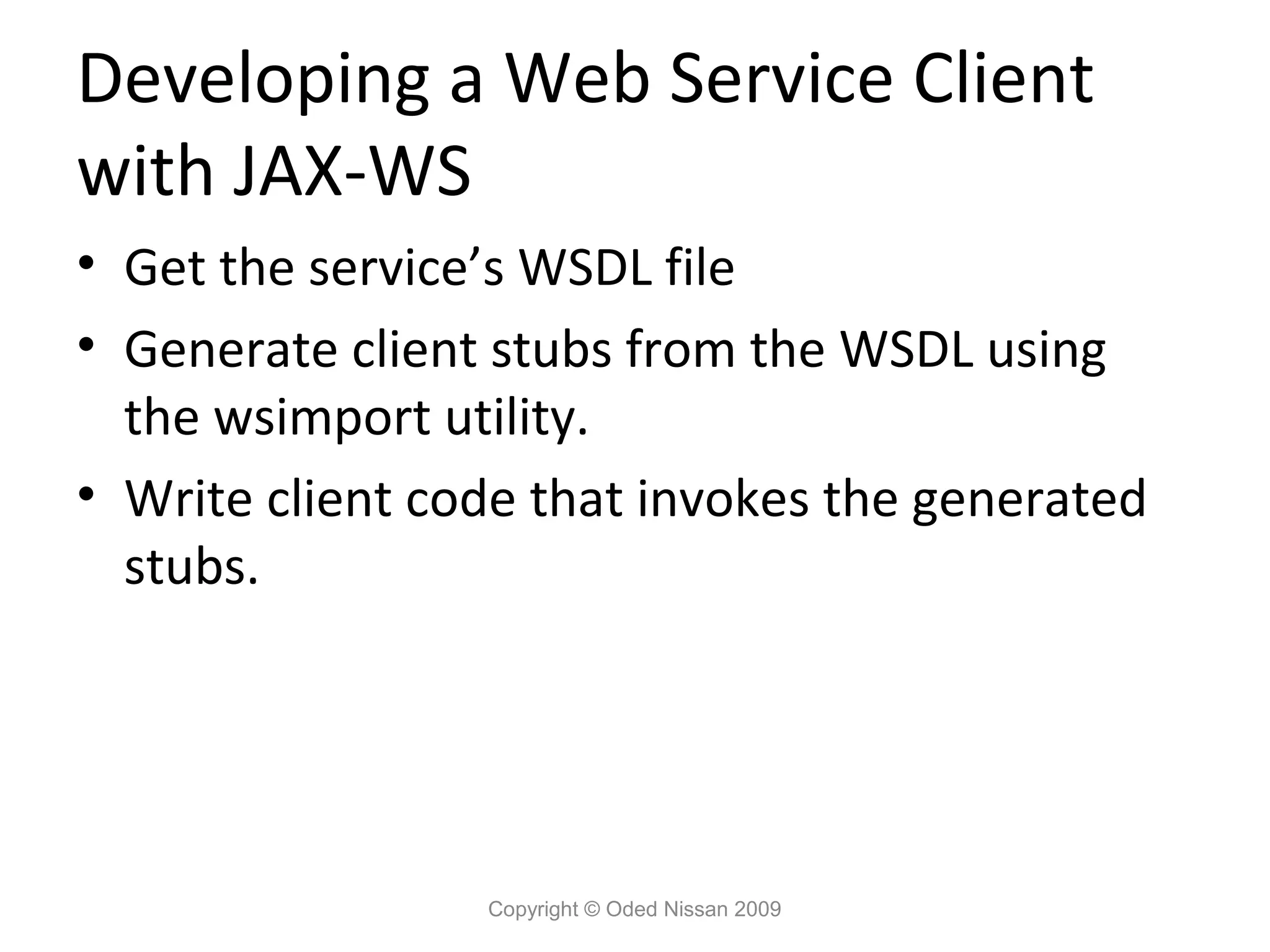
Developing a Web
Service Client with JAX-WS • Get the service’s WSDL file • Generate client stubs from the WSDL using the wsimport utility. • Write client code that invokes the generated stubs. Copyright © Oded Nissan 2009
48.
Developing a Web
Service with JAX-WS Examine code sample in Eclipse… Copyright © Oded Nissan 2009
49.
Exercise Copyright © Oded
Nissan 2009
50.
Restful Web Services
Copyright © Oded Nissan 2009
51.
What is REST
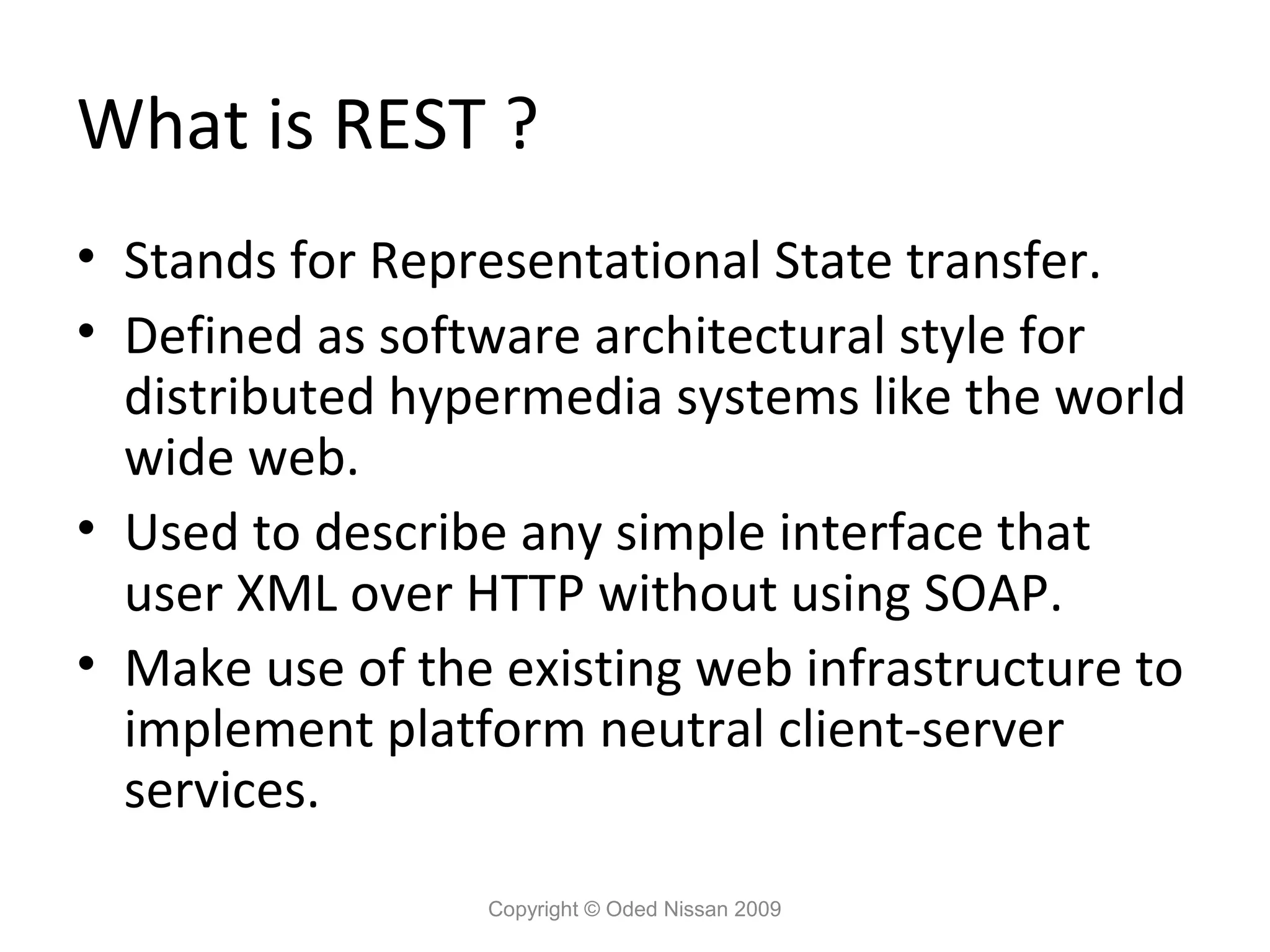
? • Stands for Representational State transfer. • Defined as software architectural style for distributed hypermedia systems like the world wide web. • Used to describe any simple interface that user XML over HTTP without using SOAP. • Make use of the existing web infrastructure to implement platform neutral client-server services. Copyright © Oded Nissan 2009
52.
REST Features • Use
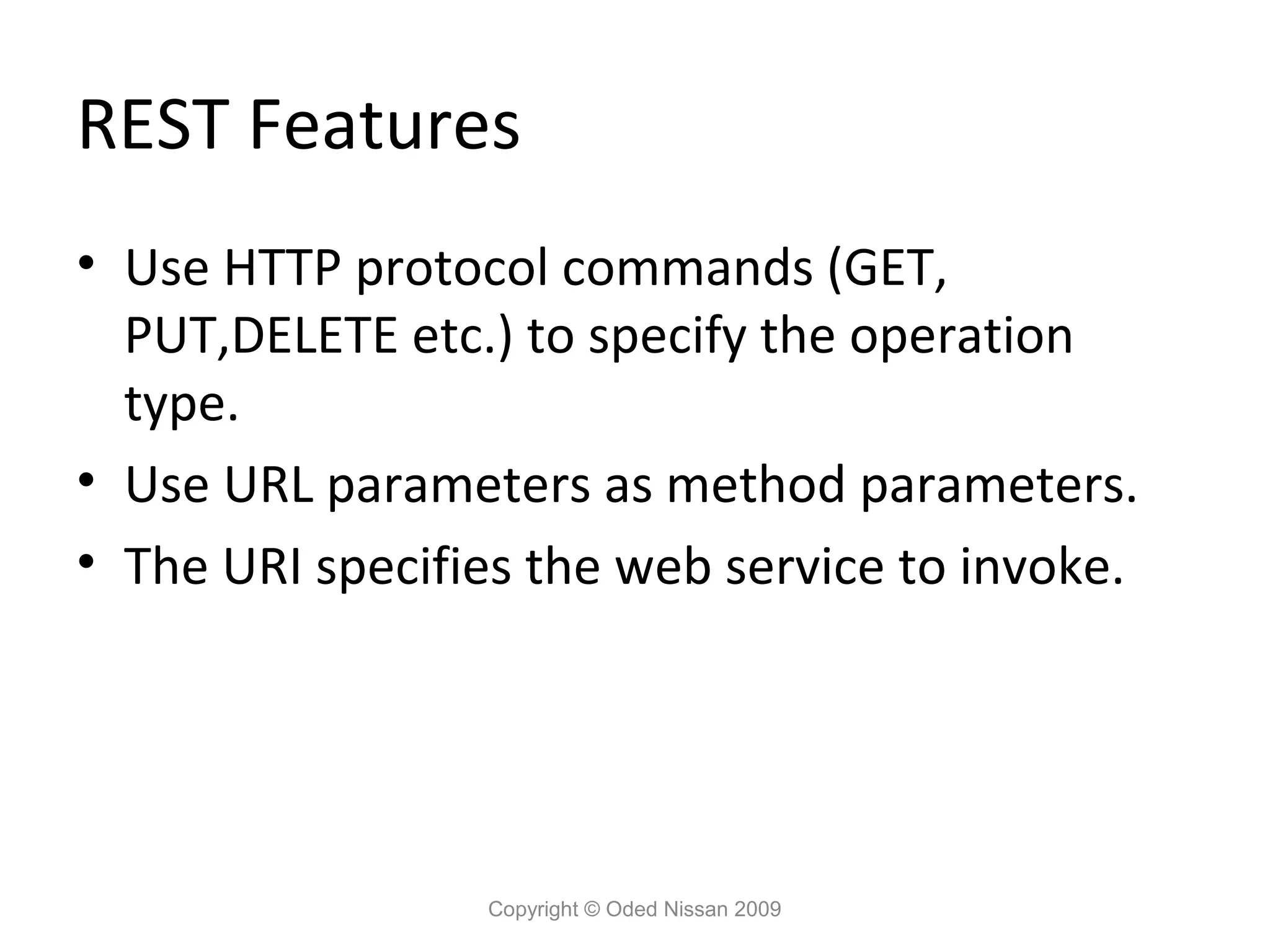
HTTP protocol commands (GET, PUT,DELETE etc.) to specify the operation type. • Use URL parameters as method parameters. • The URI specifies the web service to invoke. Copyright © Oded Nissan 2009
53.
REST Benefits • A
simpler lightweight framework. • No WSDL and SOAP complexity and compatibility issue. • Ease of use. • Less dependency on 3rd party libraries. Copyright © Oded Nissan 2009
54.
REST
Copyright © Oded Nissan 2009
55.
REST and HTTP •
HTTP commands represent CRUD operations: – GET – retrieve a resource. – POST – create a new resource. – PUT – update an existing resource. – DELETE – delete a resource. Copyright © Oded Nissan 2009
56.
REST Implementation • JAX-WS
provides full support for building RESTful web services. • JAX-WS enables building RESTful endpoints through a javax.xml.ws.Provider interface in the API. Provider is a generic interface that can be implemented by a class as a dynamic alternative to a service endpoint interface (SEI), and a service implementing this interface can be deployed in a Java EE container or published in a stand-alone mode through the JAX-WS Endpoint API. Copyright © Oded Nissan 2009
57.
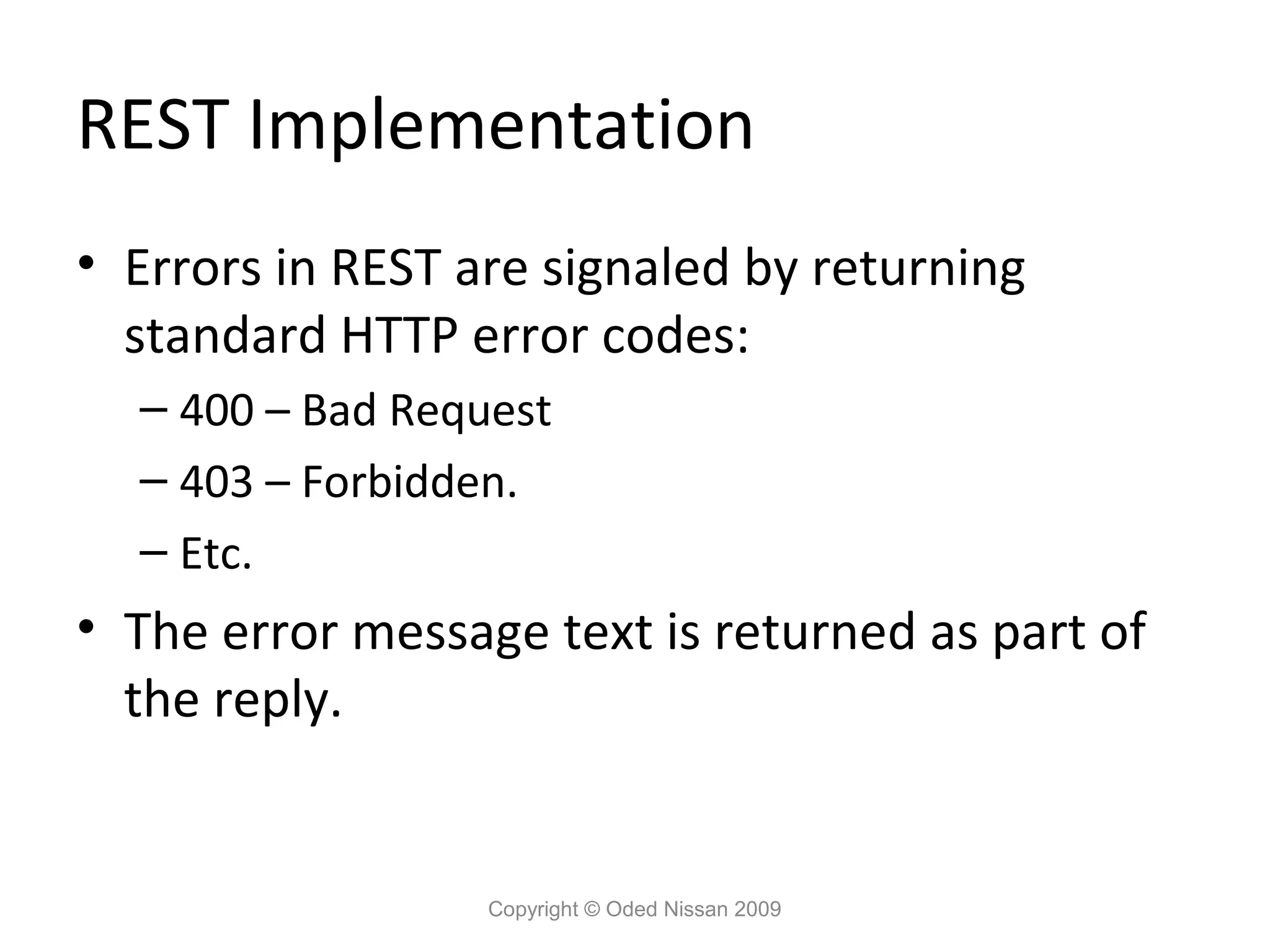
REST Implementation • Errors
in REST are signaled by returning standard HTTP error codes: – 400 – Bad Request – 403 – Forbidden. – Etc. • The error message text is returned as part of the reply. Copyright © Oded Nissan 2009
58.
REST Web Service
Example @WebServiceProvider @ServiceMode(value=Service.Mode.PAYLOAD) public class MyProvider implements Provider<Source> { public Source invoke(Source source) { String replyElement = new String("<p>hello world</p>"); StreamSource reply = new StreamSource( new StringReader(replyElement)); return reply; } public static void main(String args[]) { Endpoint e = Endpoint.create( HTTPBinding.HTTP_BINDING, new MyProvider()); e.publish("http://127.0.0.1:8084/hello/world"); // Run forever e.stop(); } } Copyright © Oded Nissan 2009
59.
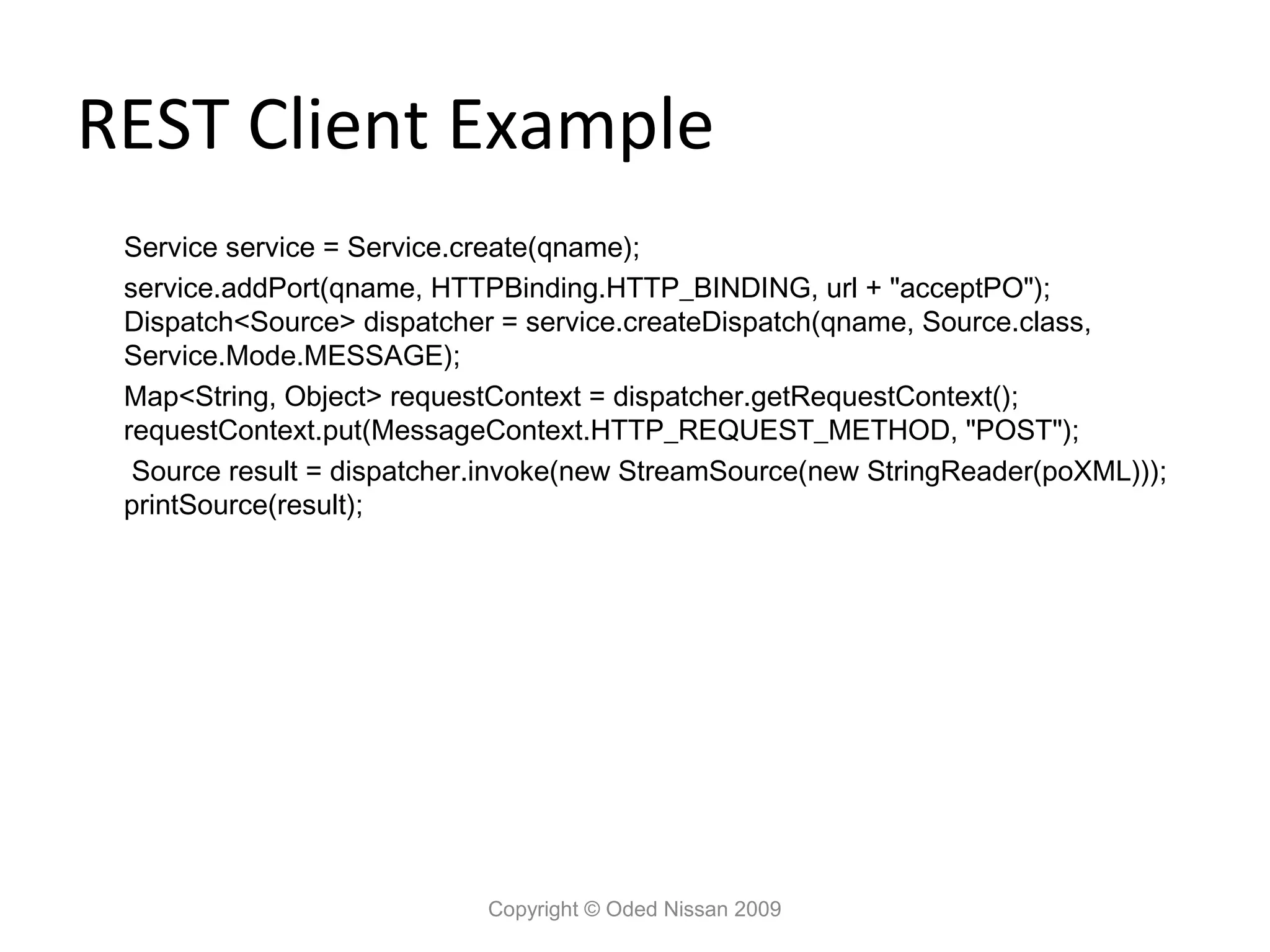
REST Client Example
Service service = Service.create(qname); service.addPort(qname, HTTPBinding.HTTP_BINDING, url + "acceptPO"); Dispatch<Source> dispatcher = service.createDispatch(qname, Source.class, Service.Mode.MESSAGE); Map<String, Object> requestContext = dispatcher.getRequestContext(); requestContext.put(MessageContext.HTTP_REQUEST_METHOD, "POST"); Source result = dispatcher.invoke(new StreamSource(new StringReader(poXML))); printSource(result); Copyright © Oded Nissan 2009
60.
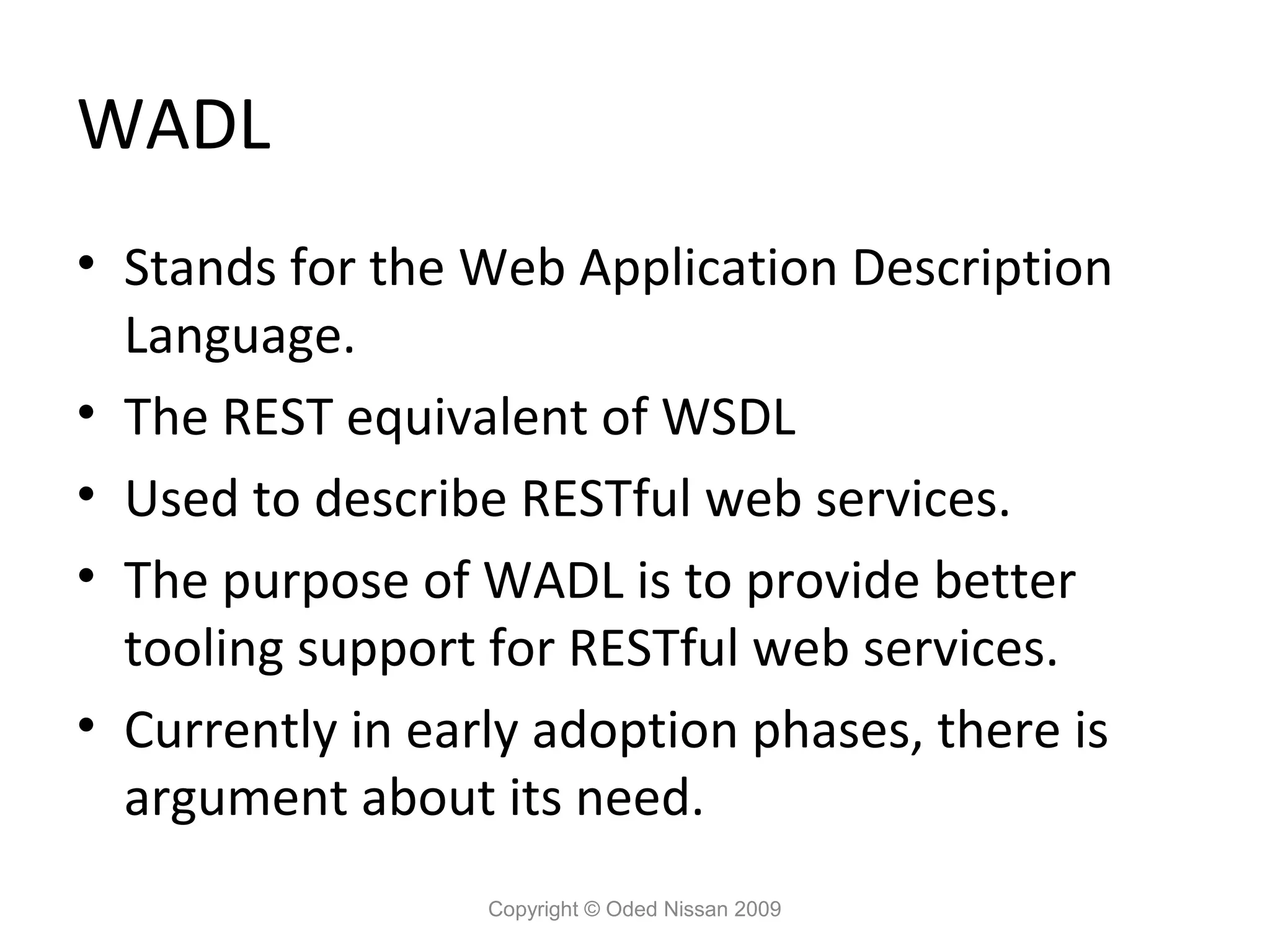
WADL • Stands for
the Web Application Description Language. • The REST equivalent of WSDL • Used to describe RESTful web services. • The purpose of WADL is to provide better tooling support for RESTful web services. • Currently in early adoption phases, there is argument about its need. Copyright © Oded Nissan 2009
61.
Streaming API for
XML Copyright © Oded Nissan 2009
62.
Streaming API for
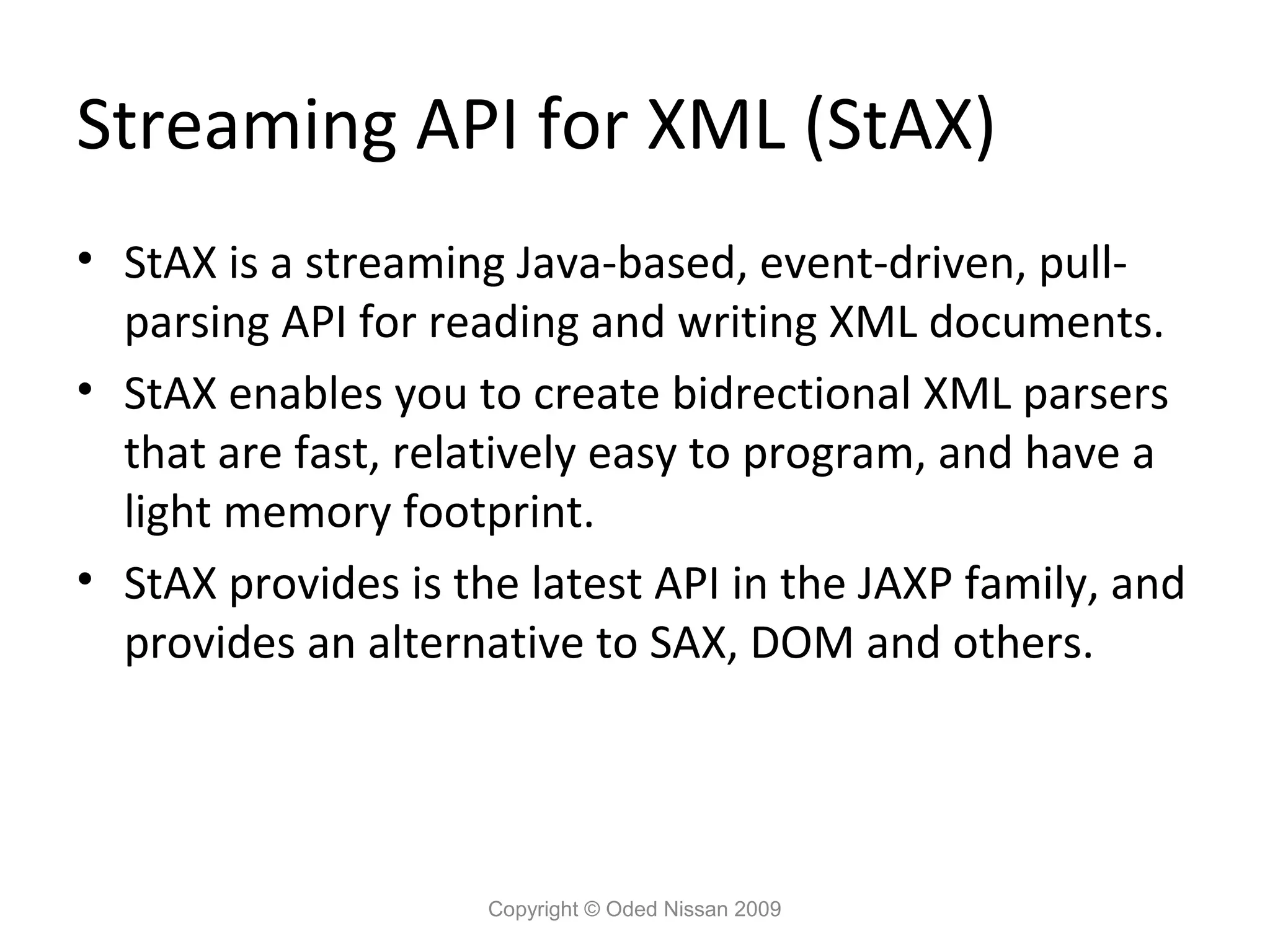
XML (StAX) • StAX is a streaming Java-based, event-driven, pull- parsing API for reading and writing XML documents. • StAX enables you to create bidrectional XML parsers that are fast, relatively easy to program, and have a light memory footprint. • StAX provides is the latest API in the JAXP family, and provides an alternative to SAX, DOM and others. Copyright © Oded Nissan 2009
63.
Streaming vs DOM •
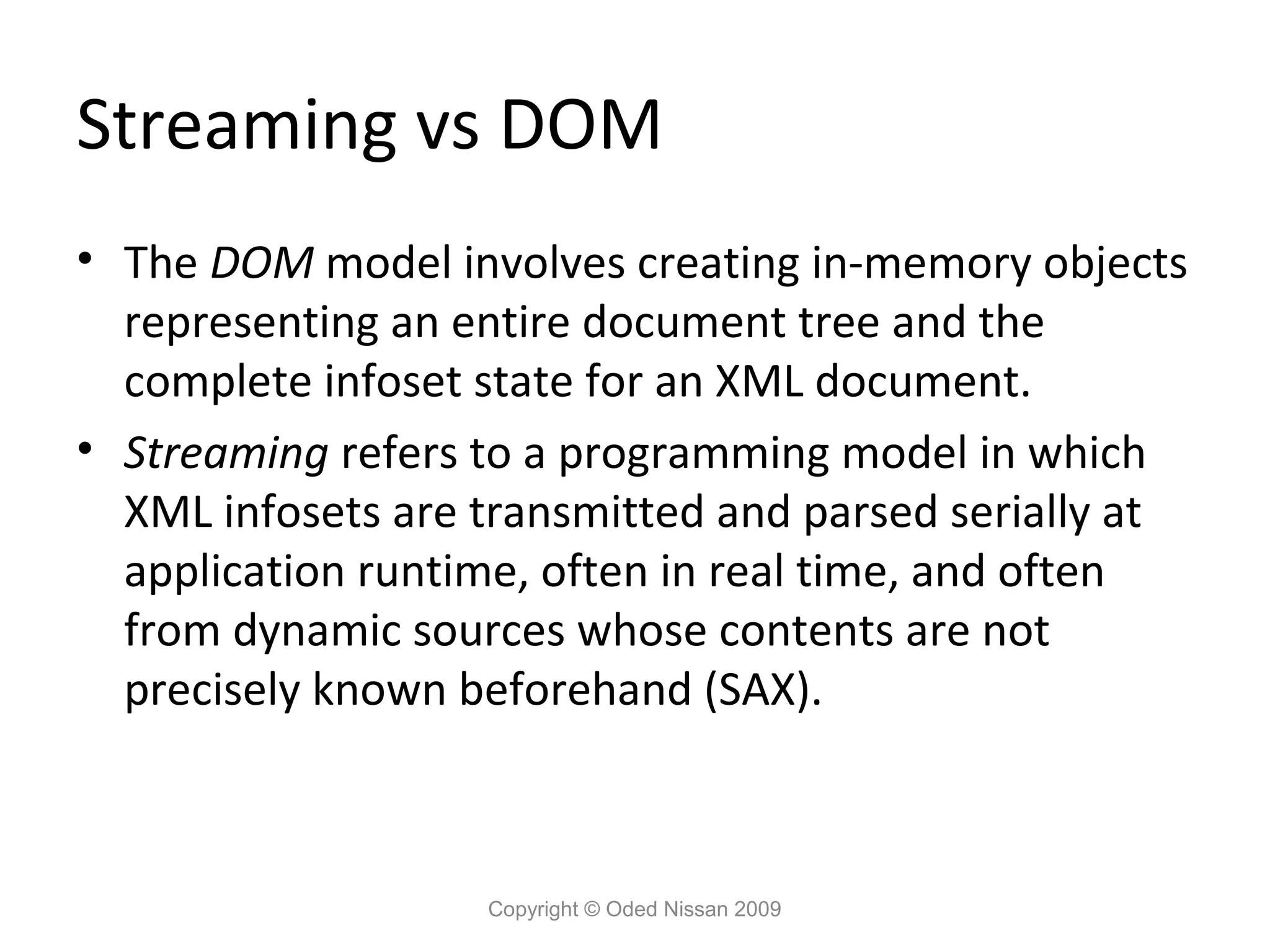
The DOM model involves creating in-memory objects representing an entire document tree and the complete infoset state for an XML document. • Streaming refers to a programming model in which XML infosets are transmitted and parsed serially at application runtime, often in real time, and often from dynamic sources whose contents are not precisely known beforehand (SAX). Copyright © Oded Nissan 2009
64.
Pull Parsing and
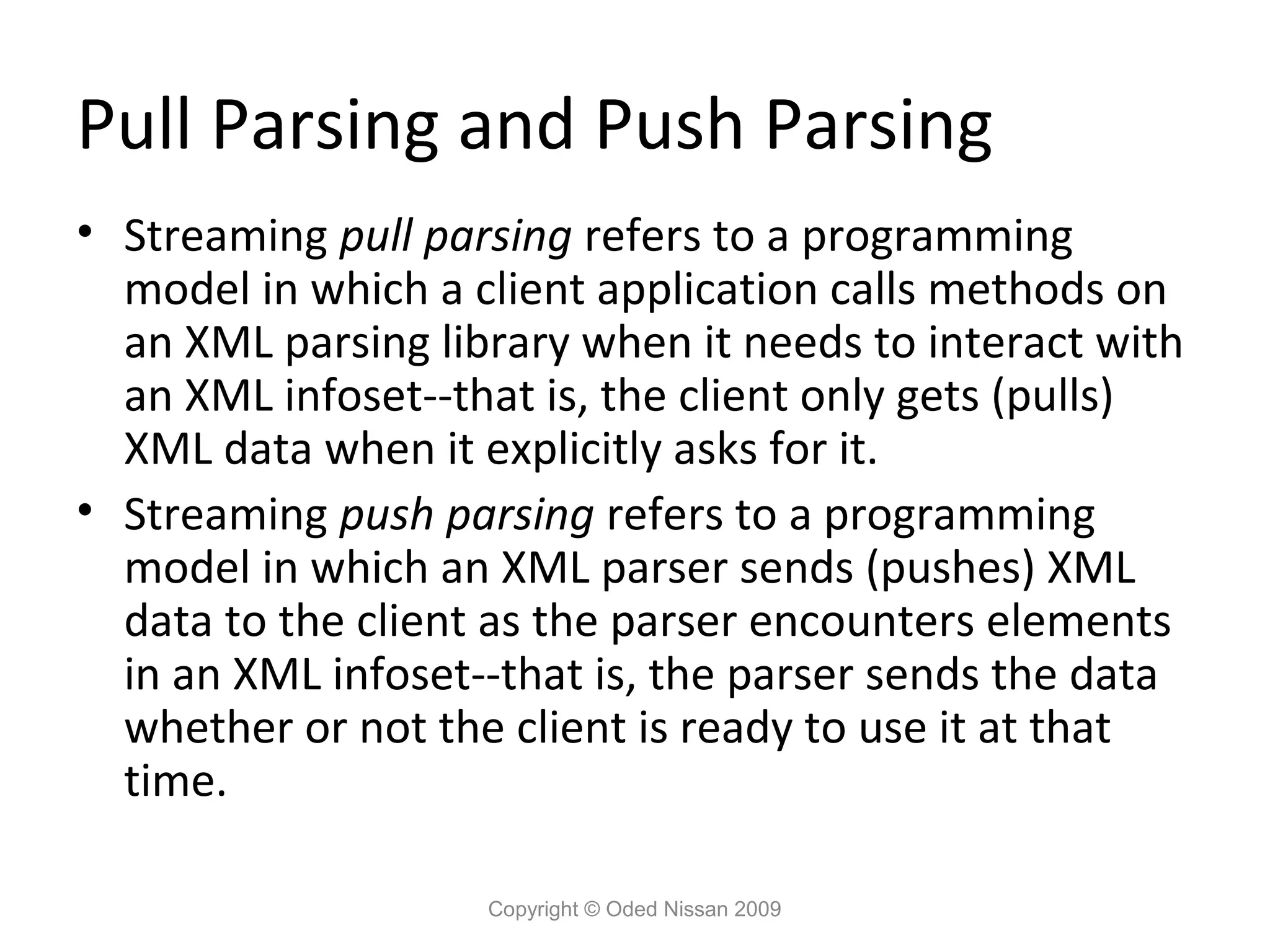
Push Parsing • Streaming pull parsing refers to a programming model in which a client application calls methods on an XML parsing library when it needs to interact with an XML infoset--that is, the client only gets (pulls) XML data when it explicitly asks for it. • Streaming push parsing refers to a programming model in which an XML parser sends (pushes) XML data to the client as the parser encounters elements in an XML infoset--that is, the parser sends the data whether or not the client is ready to use it at that time. Copyright © Oded Nissan 2009
65.
StAX and SAX •
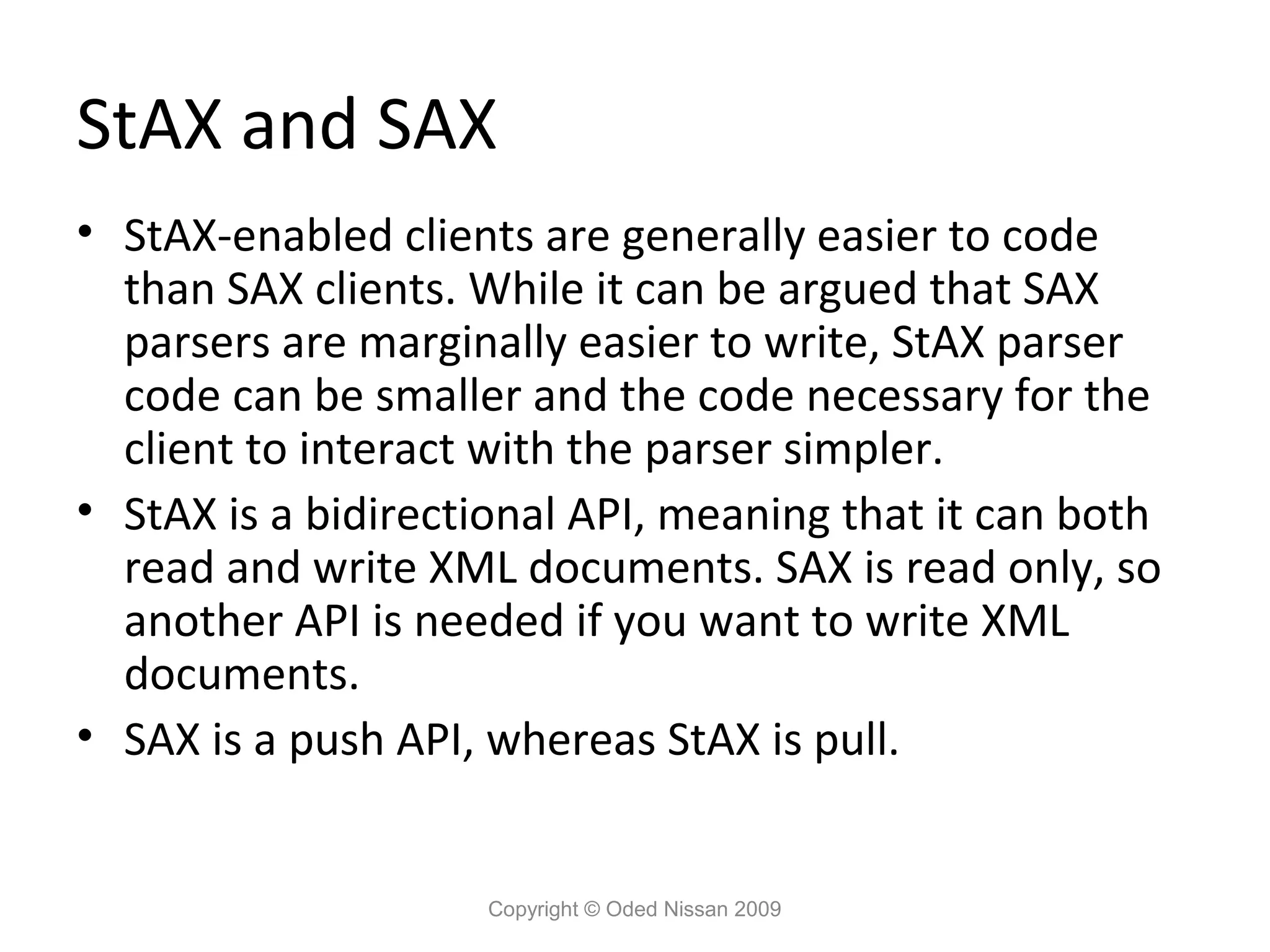
StAX-enabled clients are generally easier to code than SAX clients. While it can be argued that SAX parsers are marginally easier to write, StAX parser code can be smaller and the code necessary for the client to interact with the parser simpler. • StAX is a bidirectional API, meaning that it can both read and write XML documents. SAX is read only, so another API is needed if you want to write XML documents. • SAX is a push API, whereas StAX is pull. Copyright © Oded Nissan 2009
66.
The StAX Cursor
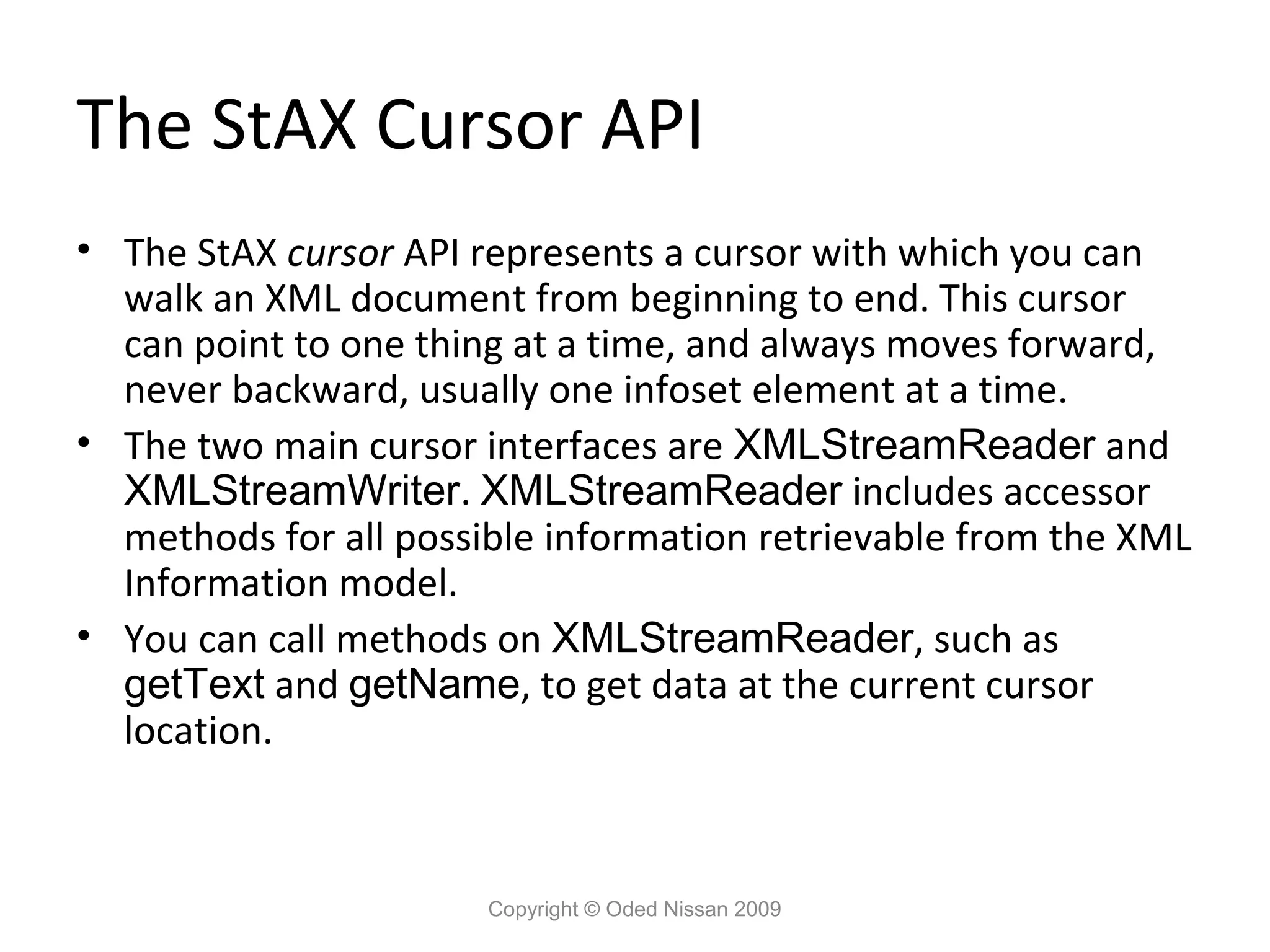
API • The StAX cursor API represents a cursor with which you can walk an XML document from beginning to end. This cursor can point to one thing at a time, and always moves forward, never backward, usually one infoset element at a time. • The two main cursor interfaces are XMLStreamReader and XMLStreamWriter. XMLStreamReader includes accessor methods for all possible information retrievable from the XML Information model. • You can call methods on XMLStreamReader, such as getText and getName, to get data at the current cursor location. Copyright © Oded Nissan 2009
67.
The StAX Cursor
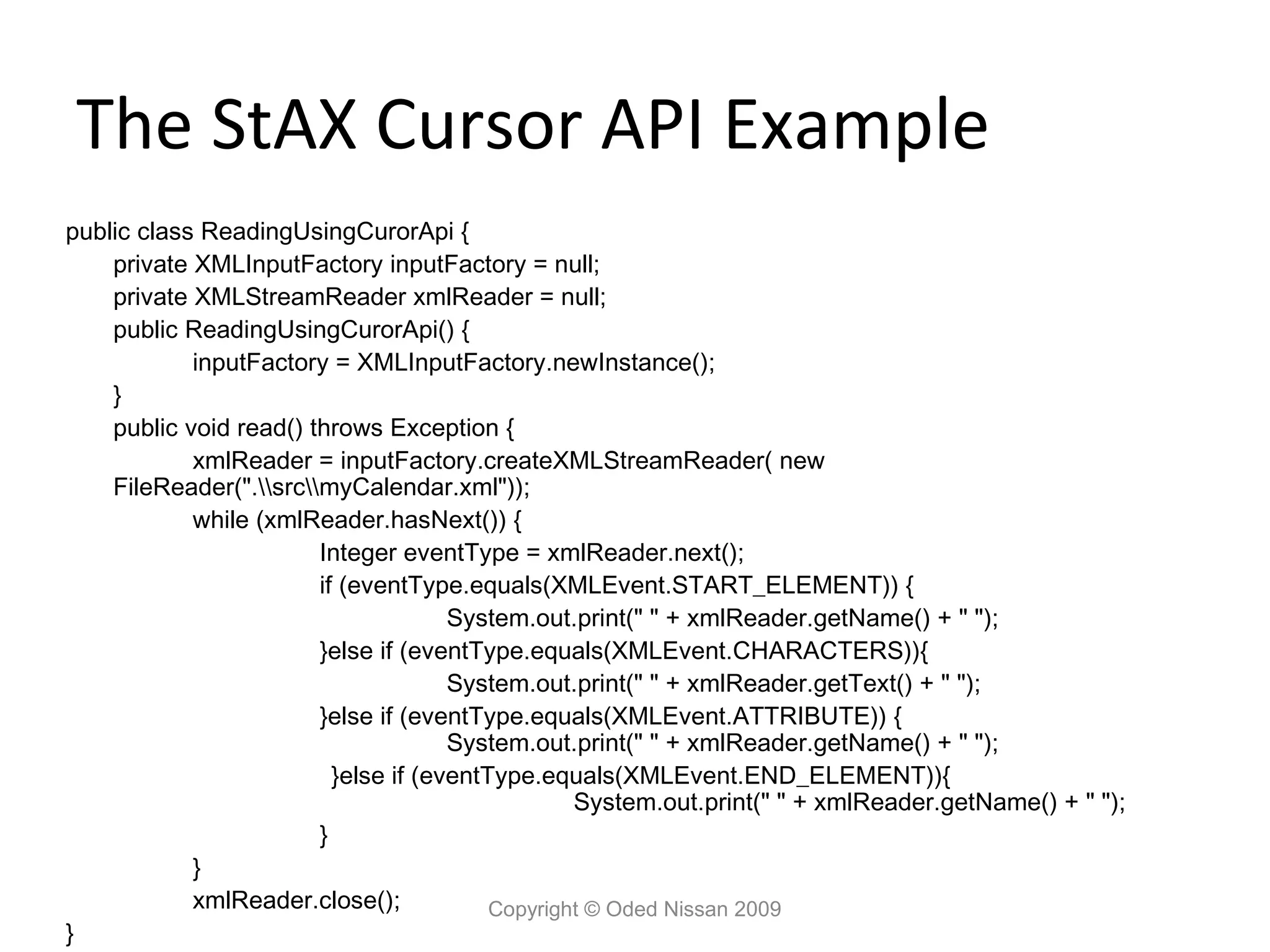
API Example public class ReadingUsingCurorApi { private XMLInputFactory inputFactory = null; private XMLStreamReader xmlReader = null; public ReadingUsingCurorApi() { inputFactory = XMLInputFactory.newInstance(); } public void read() throws Exception { xmlReader = inputFactory.createXMLStreamReader( new FileReader(".srcmyCalendar.xml")); while (xmlReader.hasNext()) { Integer eventType = xmlReader.next(); if (eventType.equals(XMLEvent.START_ELEMENT)) { System.out.print(" " + xmlReader.getName() + " "); }else if (eventType.equals(XMLEvent.CHARACTERS)){ System.out.print(" " + xmlReader.getText() + " "); }else if (eventType.equals(XMLEvent.ATTRIBUTE)) { System.out.print(" " + xmlReader.getName() + " "); }else if (eventType.equals(XMLEvent.END_ELEMENT)){ System.out.print(" " + xmlReader.getName() + " "); } } xmlReader.close(); Copyright © Oded Nissan 2009 }
68.
The StAX Iterator
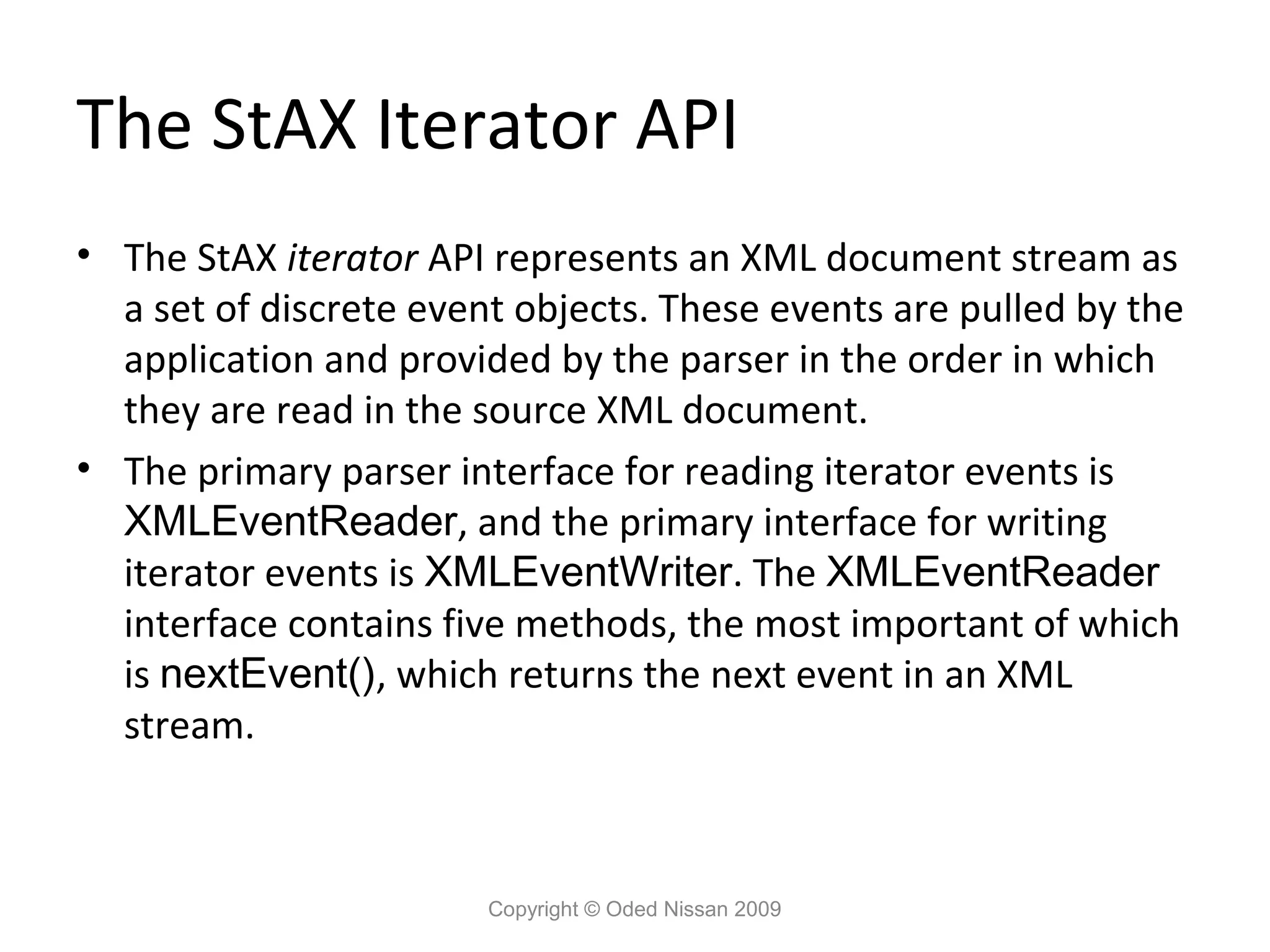
API • The StAX iterator API represents an XML document stream as a set of discrete event objects. These events are pulled by the application and provided by the parser in the order in which they are read in the source XML document. • The primary parser interface for reading iterator events is XMLEventReader, and the primary interface for writing iterator events is XMLEventWriter. The XMLEventReader interface contains five methods, the most important of which is nextEvent(), which returns the next event in an XML stream. Copyright © Oded Nissan 2009
69.
The StAX Iterator
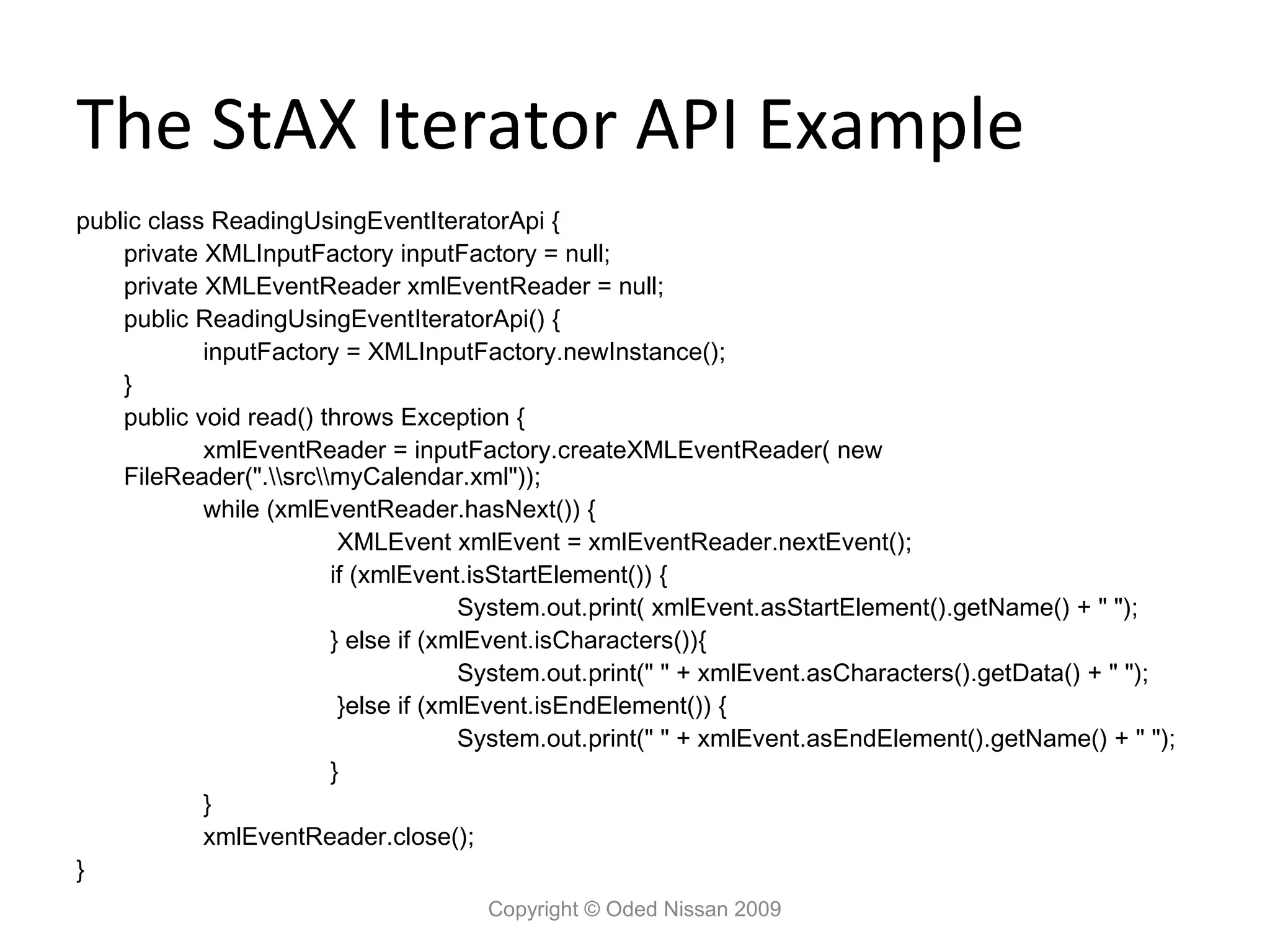
API Example public class ReadingUsingEventIteratorApi { private XMLInputFactory inputFactory = null; private XMLEventReader xmlEventReader = null; public ReadingUsingEventIteratorApi() { inputFactory = XMLInputFactory.newInstance(); } public void read() throws Exception { xmlEventReader = inputFactory.createXMLEventReader( new FileReader(".srcmyCalendar.xml")); while (xmlEventReader.hasNext()) { XMLEvent xmlEvent = xmlEventReader.nextEvent(); if (xmlEvent.isStartElement()) { System.out.print( xmlEvent.asStartElement().getName() + " "); } else if (xmlEvent.isCharacters()){ System.out.print(" " + xmlEvent.asCharacters().getData() + " "); }else if (xmlEvent.isEndElement()) { System.out.print(" " + xmlEvent.asEndElement().getName() + " "); } } xmlEventReader.close(); } Copyright © Oded Nissan 2009
70.
Choosing between the
Cursor API and the Iterator API • The cursor API produces smaller more efficient code. • The cursor API has better performance. • If you want to create XML processing pipelines, use the iterator API. • The iterator API allows modifying the event stream. • In general, if you do not have a strong preference one way or the other, using the iterator API is recommended because it is more flexible and extensible. Copyright © Oded Nissan 2009
71.
Summary • What did
we discuss ? – Overview – The Web Services Architecture. – Web Services Development – Restful Web Services – Streaming API for XML Copyright © Oded Nissan 2009
Download

![REST Web Service Example
@WebServiceProvider
@ServiceMode(value=Service.Mode.PAYLOAD)
public class MyProvider implements Provider<Source> {
public Source invoke(Source source)
{
String replyElement = new String("<p>hello world</p>");
StreamSource reply = new StreamSource( new StringReader(replyElement)); return
reply;
}
public static void main(String args[]) {
Endpoint e = Endpoint.create( HTTPBinding.HTTP_BINDING, new MyProvider());
e.publish("http://127.0.0.1:8084/hello/world");
// Run forever
e.stop();
}
}
Copyright © Oded Nissan 2009](https://image.slidesharecdn.com/jeecoursewebservices-120904005030-phpapp02/75/Jee-course-web-services-58-2048.jpg)


![Top 50 java ee 7 best practices [con5669]](https://cdn.slidesharecdn.com/ss_thumbnails/top50javaee7bestpracticescon5669-160927041126-thumbnail.jpg?width=640&height=640&fit=bounds)


