AD05
Java を活用した
マイクロサービスのための
Kubernetes 活用
寺田 佳央
マイクロソフト コーポレーション
デベロッパー・リレーション クラウド + AI
シニア・クラウド・デベロッパー・アドボケイト
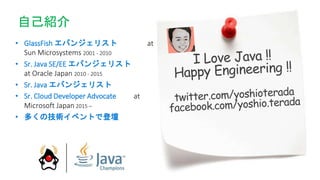
• GlassFish エバンジェリスト at
Sun Microsystems 2001 - 2010
• Sr. Java SE/EE エバンジェリスト
at Oracle Japan 2010 - 2015
• Sr. Java エバンジェリスト
• Sr. Cloud Developer Advocate at
Microsoft Japan 2015 –
• 多くの技術イベントで登壇
自己紹介
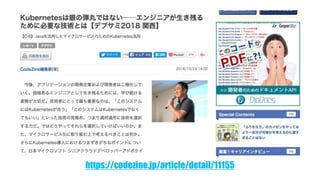
https://codezine.jp/article/detail/11155
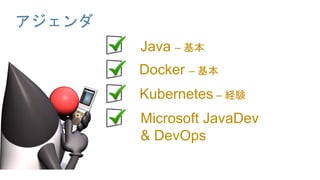
アジェンダ
Java – 基本
Docker – 基本
Kubernetes – 経験
Microsoft JavaDev
& DevOps
新しい技術に触れる際には
様々なトラブルにあいますが
それを乗り越えてより良い
「製品・サービス・社会」
をつくっていきましょう
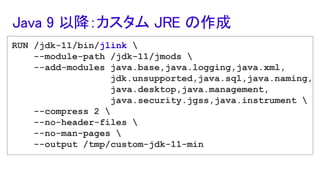
RUN /jdk-11/bin/jlink 
--module-path /jdk-11/jmods 
--add-modules java.base,java.logging,java.xml,
jdk.unsupported,java.sql,java.naming,
java.desktop,java.management,
java.security.jgss,java.instrument 
--compress 2 
--no-header-files 
--no-man-pages 
--output /tmp/custom-jdk-11-min
Java 9 以降:カスタム JRE の作成
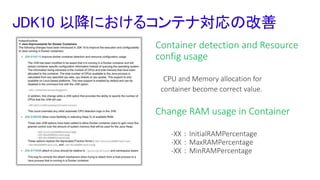
JDK10 以降におけるコンテナ対応の改善
Container detection and Resource
config usage
CPU and Memory allocation for
container become correct value.
Change RAM usage in Container
-XX:InitialRAMPercentage
-XX:MaxRAMPercentage
-XX:MinRAMPercentage
JDK 11について
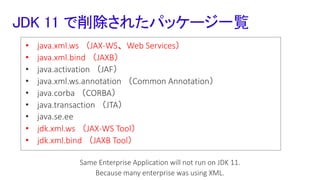
• java.xml.ws (JAX-WS、Web Services)
• java.xml.bind (JAXB)
• java.activation (JAF)
• java.xml.ws.annotation (Common Annotation)
• java.corba (CORBA)
• java.transaction (JTA)
• java.se.ee
• jdk.xml.ws (JAX-WS Tool)
• jdk.xml.bind (JAXB Tool)
JDK 11 で削除されたパッケージ一覧
Same Enterprise Application will not run on JDK 11.
Because many enterprise was using XML.
それでも JDK 11 へ
移行していきましょう!!
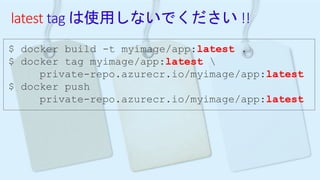
latest tag は使用しないでください !!
$ docker build -t myimage/app:latest .
$ docker tag myimage/app:latest 
private-repo.azurecr.io/myimage/app:latest
$ docker push
private-repo.azurecr.io/myimage/app:latest
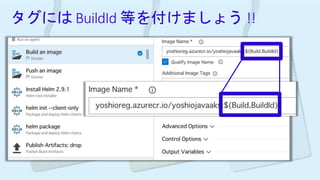
タグには BuildId 等を付けましょう !!
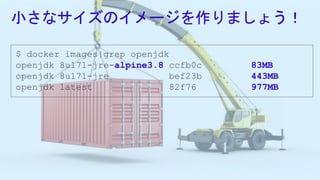
小さなサイズのイメージを作りましょう!
$ docker images|grep openjdk
openjdk 8u171-jre-alpine3.8 ccfb0c 83MB
openjdk 8u171-jre bef23b 443MB
openjdk latest 82f76 977MB
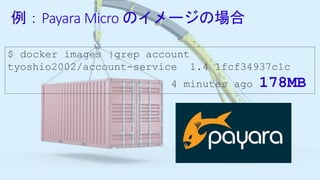
例:Payara Micro のイメージの場合
$ docker images |grep account
tyoshio2002/account-service 1.4 1fcf34937c1c
4 minutes ago 178MB
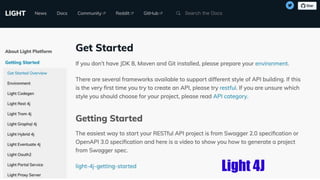
Light 4J
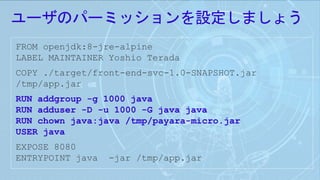
ユーザのパーミッションを設定しましょう
FROM openjdk:8-jre-alpine
LABEL MAINTAINER Yoshio Terada
COPY ./target/front-end-svc-1.0-SNAPSHOT.jar
/tmp/app.jar
RUN addgroup -g 1000 java
RUN adduser -D -u 1000 -G java java
RUN chown java:java /tmp/payara-micro.jar
USER java
EXPOSE 8080
ENTRYPOINT java -jar /tmp/app.jar
k8s は銀の弾丸ではありません !!
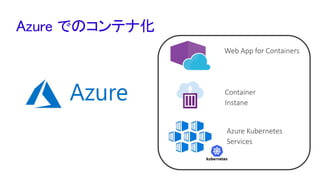
Azure でのコンテナ化
Web App for Containers
Container
Instane
Azure Kubernetes
Services
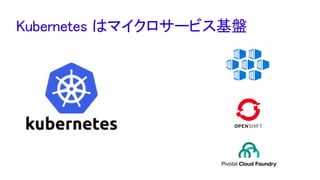
Kubernetes はマイクロサービス基盤
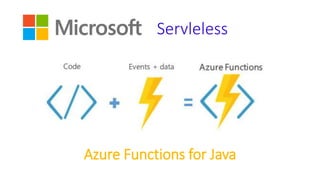
Azure Functions for Java
Servleless
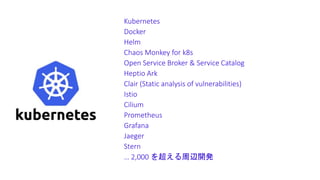
k8s の進化は速い!!
Kubernetes
Docker
Helm
Chaos Monkey for k8s
Open Service Broker & Service Catalog
Heptio Ark
Clair (Static analysis of vulnerabilities)
Istio
Cilium
Prometheus
Grafana
Jaeger
Stern
… 2,000 を超える周辺開発
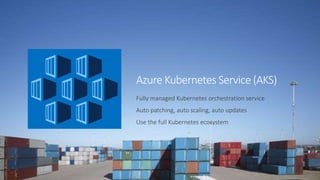
Azure Kubernetes Service (AKS)
Fully managed Kubernetes orchestration service
Auto patching, auto scaling, auto updates
Use the full Kubernetes ecosystem
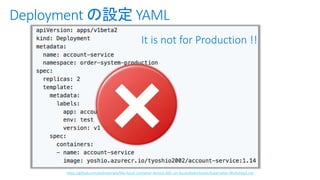
It is not for Production !!
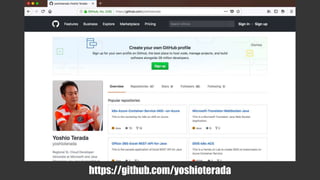
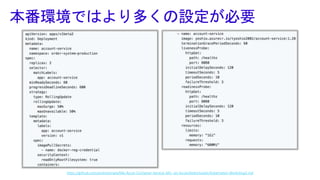
https://github.com/yoshioterada/k8s-Azure-Container-Service-AKS--on-Azure/blob/master/Kubernetes-Workshop3.md
Deployment の設定 YAML
Hello World
はかんたん!!
Azure Stack: an extension of Azure
At the edge and
disconnected
Cloud application
model on-premises
Meet every regulatory
requirement
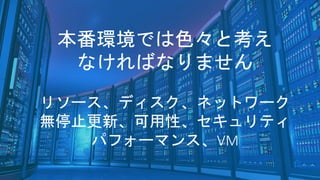
本番環境では色々と考え
なければなりません
リソース、ディスク、ネットワーク
無停止更新、可用性、セキュリティ
パフォーマンス、VM
https://github.com/yoshioterada/k8s-Azure-Container-Service-AKS--on-Azure/blob/master/Kubernetes-Workshop3.md
本番環境ではより多くの設定が必要
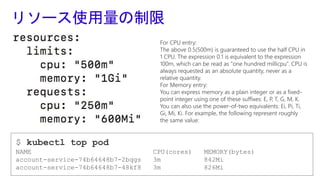
リソース使用量の制限
$ kubectl top pod
NAME CPU(cores) MEMORY(bytes)
account-service-74b64648b7-2bqgs 3m 842Mi
account-service-74b64648b7-48kf8 3m 826Mi
For CPU entry:
The above 0.5(500m) is guaranteed to use the half CPU in
1 CPU. The expression 0.1 is equivalent to the expression
100m, which can be read as “one hundred millicpu”. CPU is
always requested as an absolute quantity, never as a
relative quantity.
For Memory entry:
You can express memory as a plain integer or as a fixed-
point integer using one of these suffixes: E, P, T, G, M, K.
You can also use the power-of-two equivalents: Ei, Pi, Ti,
Gi, Mi, Ki. For example, the following represent roughly
the same value:
Service
V1 Pod
Account
Service
V1 Pod
Account
Service
V2 Pod
Account
Service
V2 Pod
Account
Service
Account
Service
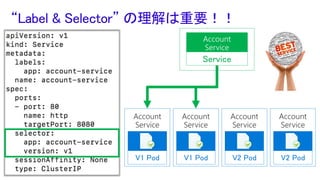
“Label & Selector” の理解は重要!!
k8s デプロイのデモ
Persistence Volume
は極力使わないでください !!
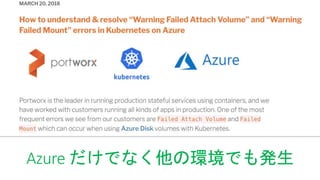
Azure だけでなく他の環境でも発生
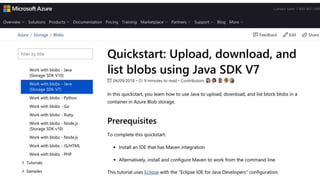
SDK を使用したファイル
保存・更新機能実装のススメ
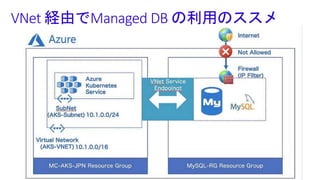
VNet 経由でManaged DB の利用のススメ
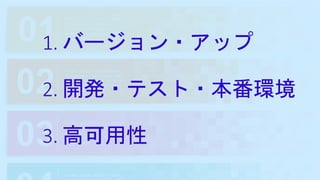
1. バージョン・アップ
2. 開発・テスト・本番環境
3. 高可用性
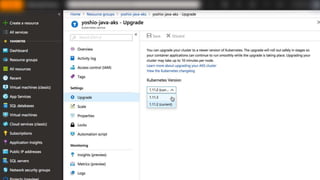
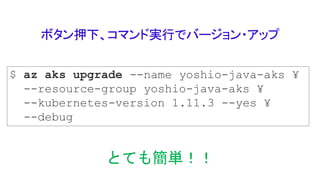
ボタン押下、コマンド実行でバージョン・アップ
$ az aks upgrade --name yoshio-java-aks ¥
--resource-group yoshio-java-aks ¥
--kubernetes-version 1.11.3 --yes ¥
--debug
とても簡単!!
Please Wait !!
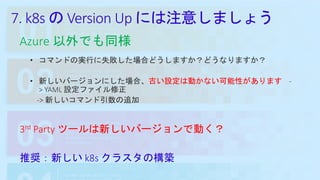
7. k8s の Version Up には注意しましょう
Azure 以外でも同様
• コマンドの実行に失敗した場合どうしますか?どうなりますか?
• 新しいバージョンにした場合、古い設定は動かない可能性があります -
> YAML 設定ファイル修正
-> 新しいコマンド引数の追加
3rd Party ツールは新しいバージョンで動く?
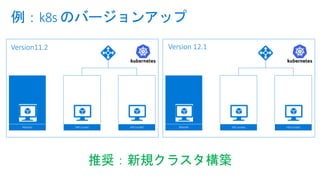
推奨:新しい k8s クラスタの構築
例:k8s のバージョンアップ
Master VM (node) VM (node)
Version11.2
Master VM (node) VM (node)
Version 12.1
推奨:新規クラスタ構築
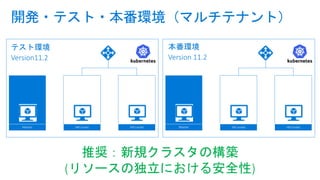
開発・テスト・本番環境(マルチテナント)
Master VM (node) VM (node)
テスト環境
Version11.2
Master VM (node) VM (node)
本番環境
Version 11.2
推奨:新規クラスタの構築
(リソースの独立における安全性)
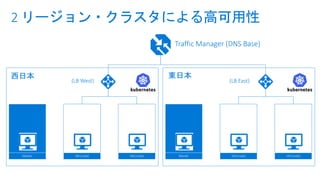
2 リージョン・クラスタによる高可用性
Master VM (node) VM (node) Master VM (node) VM (node)
西日本 東日本
Traffic Manager (DNS Base)
(LB West) (LB East)
トラブルは発生します
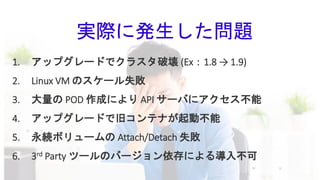
1. アップグレードでクラスタ破壊 (Ex:1.8 → 1.9)
2. Linux VM のスケール失敗
3. 大量の POD 作成により API サーバにアクセス不能
4. アップグレードで旧コンテナが起動不能
5. 永続ボリュームの Attach/Detach 失敗
6. 3rd Party ツールのバージョン依存による導入不可
実際に発生した問題
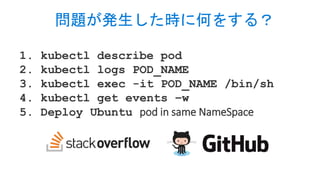
1. kubectl describe pod
2. kubectl logs POD_NAME
3. kubectl exec -it POD_NAME /bin/sh
4. kubectl get events –w
5. Deploy Ubuntu pod in same NameSpace
問題が発生した時に何をする?
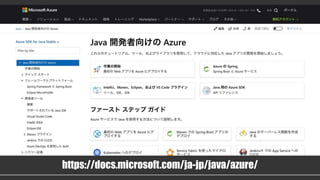
Java サポート on Microsoft Azure
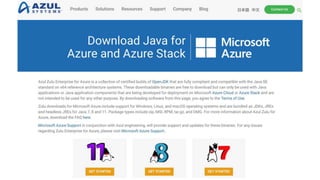
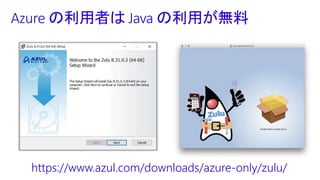
Azure の利用者は Java の利用が無料
https://www.azul.com/downloads/azure-only/zulu/
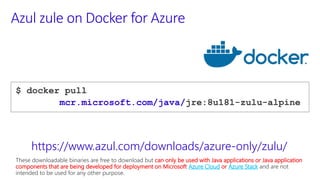
Azul zule on Docker for Azure
$ docker pull
mcr.microsoft.com/java/jre:8u181-zulu-alpine
https://www.azul.com/downloads/azure-only/zulu/
These downloadable binaries are free to download but can only be used with Java applications or Java application
components that are being developed for deployment on Microsoft Azure Cloud or Azure Stack and are not
intended to be used for any other purpose.
DevOps 環境の構築に
どの位時間を掛けてます?
私の場合、過去
2-3 日を費やしてました
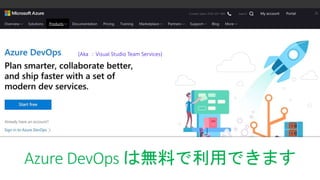
(Aka :Visual Studio Team Services)
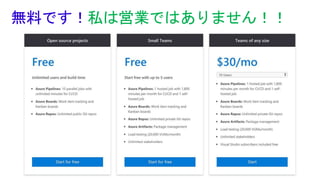
Azure DevOps は無料で利用できます
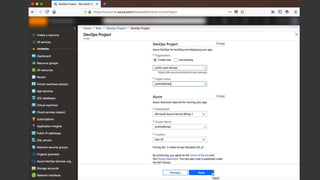
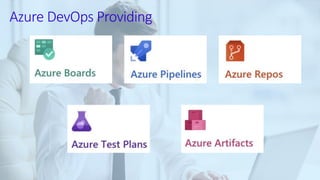
Azure DevOps Providing
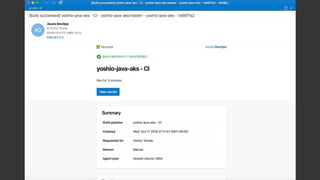
Just only
Few Click !!
無料です!私は営業ではありません!!
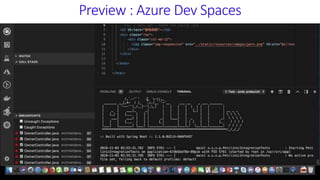
Azure Dev SpacesPreview : Azure Dev Spaces
新しい技術に触れる際には
様々なトラブルにあいますが
それを乗り越えてより良い
「製品・サービス・社会」
をつくっていきましょう
Engineer can change
the World !!
Microsoft Java
Microsoft Corporation
Sr. Cloud Developer Advocate
Java Champion
Yoshio Terada
Information
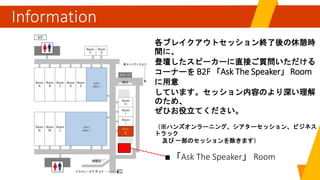
「Ask The Speaker」
各ブレイクアウトセッション終了後の休憩時
間に、
登壇したスピーカーに直接ご質問いただける
コーナーを B2F 「Ask The Speaker」 Room
に用意
しています。セッション内容のより深い理解
のため、
ぜひお役立てください。
(※ハンズオンラーニング、シアターセッション、ビジネス
トラック
及び 一部のセッションを除きます)
EXPO
AREA 1
EXPO
AREA 2
Room
K
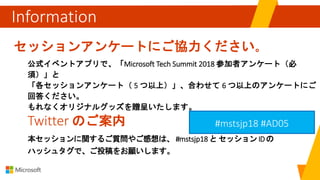
セッションアンケートにご協力ください。
公式イベントアプリで、「Microsoft Tech Summit 2018 参加者アンケート(必
須)」と
「各セッションアンケート( 5 つ以上)」、合わせて 6 つ以上のアンケートにご
回答ください。
もれなくオリジナルグッズを贈呈いたします。
Information
Twitter のご案内
本セッションに関するご質問やご感想は、 #mstsjp18 とセッション IDの
ハッシュタグで、ご投稿をお願いします。
#mstsjp18

Java on Kubernetes on Azure