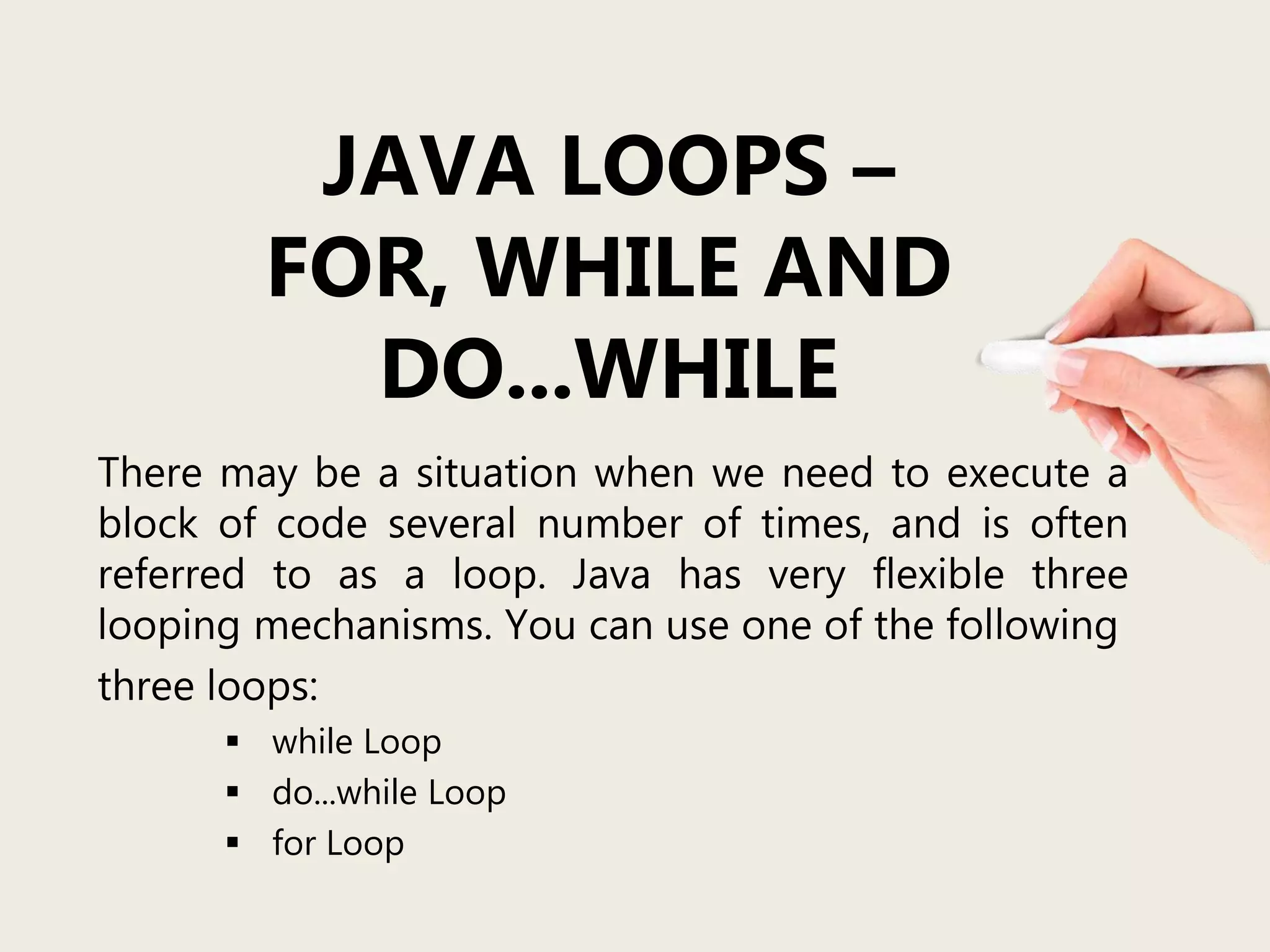
JAVA LOOPS –
FOR, WHILE AND
DO...WHILE
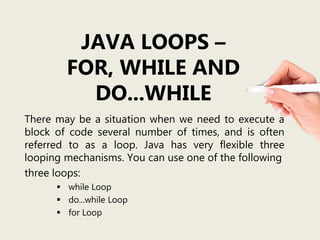
There may be a situation when we need to execute a
block of code several number of times, and is often
referred to as a loop. Java has very flexible three
looping mechanisms. You can use one of the following
three loops:
 while Loop
 do...while Loop
 for Loop
Importance of
Repeat loops
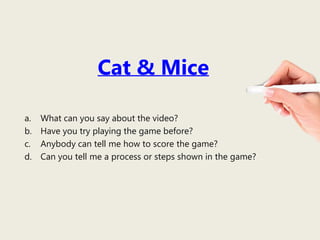
Cat & Mice
a. What can you say about the video?
b. Have you try playing the game before?
c. Anybody can tell me how to score the game?
d. Can you tell me a process or steps shown in the game?
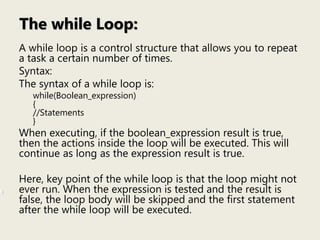
The while Loop:
A while loop is a control structure that allows you to repeat
a task a certain number of times.
Syntax:
The syntax of a while loop is:
while(Boolean_expression)
{
//Statements
}
When executing, if the boolean_expression result is true,
then the actions inside the loop will be executed. This will
continue as long as the expression result is true.
Here, key point of the while loop is that the loop might not
ever run. When the expression is tested and the result is
false, the loop body will be skipped and the first statement
after the while loop will be executed.
public class Test {
public static void main(String args[]) {
int x = 10;
while( x < 20 ) {
System.out.print("value of x : " + x );
x++;
System.out.print("n");
}
}
}
This would produce the following result:
value of x : 10
value of x : 11
value of x : 12
value of x : 13
value of x : 14
value of x : 15
value of x : 16
value of x : 17
value of x : 18
value of x : 19
Example:
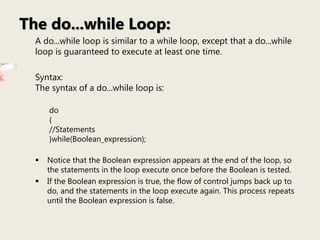
A do...while loop is similar to a while loop, except that a do...while
loop is guaranteed to execute at least one time.
Syntax:
The syntax of a do...while loop is:
do
{
//Statements
}while(Boolean_expression);
 Notice that the Boolean expression appears at the end of the loop, so
the statements in the loop execute once before the Boolean is tested.
 If the Boolean expression is true, the flow of control jumps back up to
do, and the statements in the loop execute again. This process repeats
until the Boolean expression is false.
The do...while Loop:
public class Test {
public static void main(String args[]){
int x = 10;
do{
System.out.print("value of x : " + x );
x++;
System.out.print("n");
}while( x < 20 );
}
}
This would produce the following result:
value of x : 10
value of x : 11
value of x : 12
value of x : 13
value of x : 14
value of x : 15
value of x : 16
value of x : 17
value of x : 18
value of x : 19
Example:
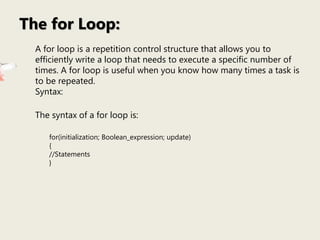
A for loop is a repetition control structure that allows you to
efficiently write a loop that needs to execute a specific number of
times. A for loop is useful when you know how many times a task is
to be repeated.
Syntax:
The syntax of a for loop is:
for(initialization; Boolean_expression; update)
{
//Statements
}
The for Loop:
public class Test {
public static void main(String args[]) {
for(int x = 10; x < 20; x = x+1) {
System.out.println("value of x : " + x );
}
}
}
This would produce the following result:
value of x : 10
value of x : 11
value of x : 12
value of x : 13
value of x : 14
value of x : 15
value of x : 16
value of x : 17
value of x : 18
value of x : 19
Example:
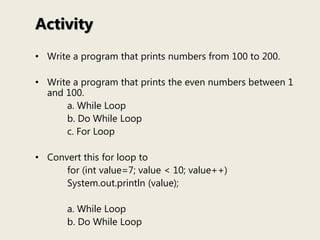
Activity
• Write a program that prints numbers from 100 to 200.
• Write a program that prints the even numbers between 1
and 100.
a. While Loop
b. Do While Loop
c. For Loop
• Convert this for loop to
for (int value=7; value < 10; value++)
System.out.println (value);
a. While Loop
b. Do While Loop

Java loops for, while and do...while

  • 1.
    JAVA LOOPS – FOR,WHILE AND DO...WHILE There may be a situation when we need to execute a block of code several number of times, and is often referred to as a loop. Java has very flexible three looping mechanisms. You can use one of the following three loops:  while Loop  do...while Loop  for Loop
  • 2.
  • 3.
    Cat & Mice a.What can you say about the video? b. Have you try playing the game before? c. Anybody can tell me how to score the game? d. Can you tell me a process or steps shown in the game?
  • 4.
    The while Loop: Awhile loop is a control structure that allows you to repeat a task a certain number of times. Syntax: The syntax of a while loop is: while(Boolean_expression) { //Statements } When executing, if the boolean_expression result is true, then the actions inside the loop will be executed. This will continue as long as the expression result is true. Here, key point of the while loop is that the loop might not ever run. When the expression is tested and the result is false, the loop body will be skipped and the first statement after the while loop will be executed.
  • 5.
    public class Test{ public static void main(String args[]) { int x = 10; while( x < 20 ) { System.out.print("value of x : " + x ); x++; System.out.print("n"); } } } This would produce the following result: value of x : 10 value of x : 11 value of x : 12 value of x : 13 value of x : 14 value of x : 15 value of x : 16 value of x : 17 value of x : 18 value of x : 19 Example:
  • 6.
    A do...while loopis similar to a while loop, except that a do...while loop is guaranteed to execute at least one time. Syntax: The syntax of a do...while loop is: do { //Statements }while(Boolean_expression);  Notice that the Boolean expression appears at the end of the loop, so the statements in the loop execute once before the Boolean is tested.  If the Boolean expression is true, the flow of control jumps back up to do, and the statements in the loop execute again. This process repeats until the Boolean expression is false. The do...while Loop:
  • 7.
    public class Test{ public static void main(String args[]){ int x = 10; do{ System.out.print("value of x : " + x ); x++; System.out.print("n"); }while( x < 20 ); } } This would produce the following result: value of x : 10 value of x : 11 value of x : 12 value of x : 13 value of x : 14 value of x : 15 value of x : 16 value of x : 17 value of x : 18 value of x : 19 Example:
  • 8.
    A for loopis a repetition control structure that allows you to efficiently write a loop that needs to execute a specific number of times. A for loop is useful when you know how many times a task is to be repeated. Syntax: The syntax of a for loop is: for(initialization; Boolean_expression; update) { //Statements } The for Loop:
  • 9.
    public class Test{ public static void main(String args[]) { for(int x = 10; x < 20; x = x+1) { System.out.println("value of x : " + x ); } } } This would produce the following result: value of x : 10 value of x : 11 value of x : 12 value of x : 13 value of x : 14 value of x : 15 value of x : 16 value of x : 17 value of x : 18 value of x : 19 Example:
  • 10.
    Activity • Write aprogram that prints numbers from 100 to 200. • Write a program that prints the even numbers between 1 and 100. a. While Loop b. Do While Loop c. For Loop • Convert this for loop to for (int value=7; value < 10; value++) System.out.println (value); a. While Loop b. Do While Loop