Java Beans
What are Java Beans?


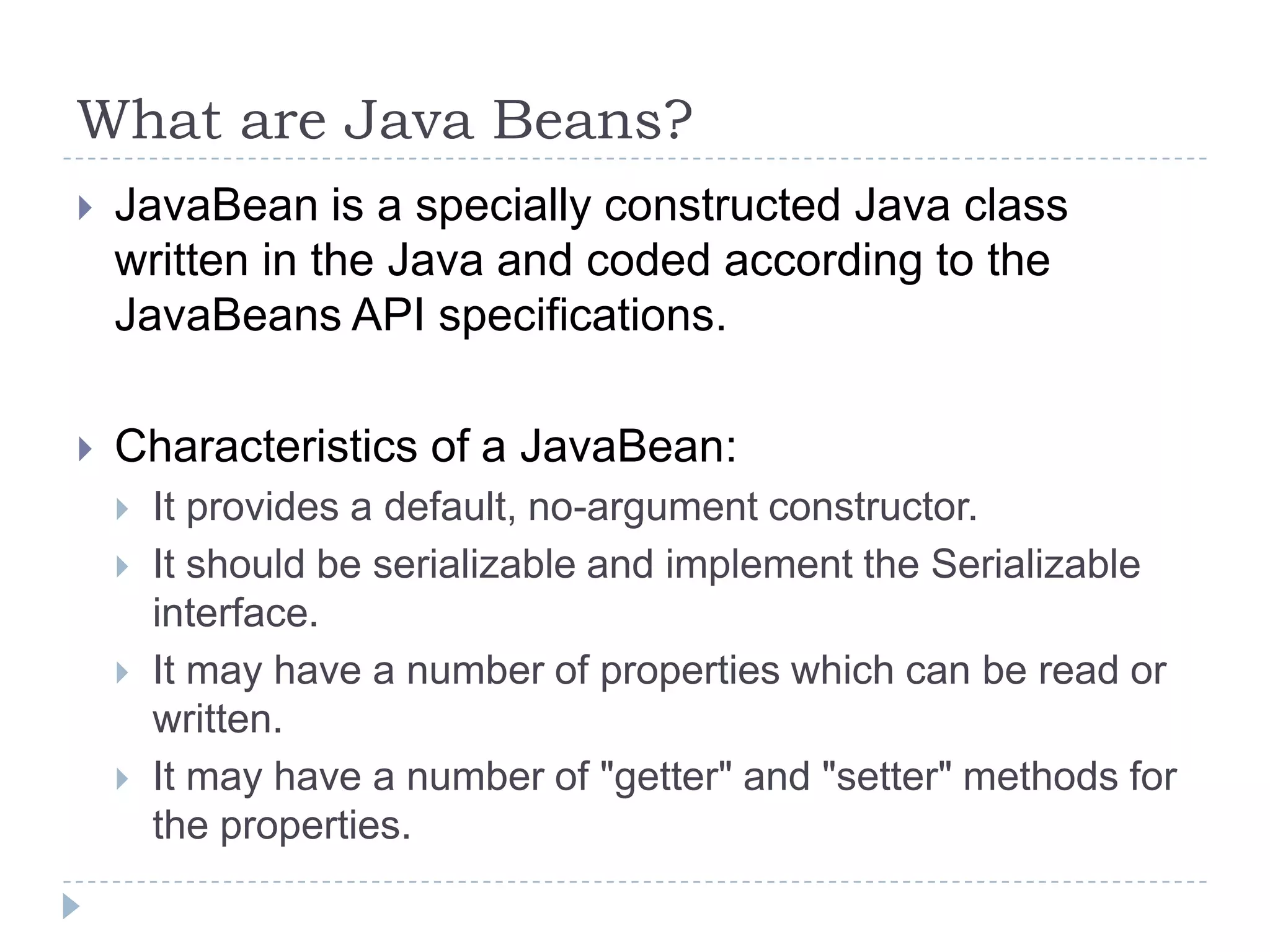
JavaBean is a specially constructed Java class
written in the Java and coded according to the
JavaBeans API specifications.



Characteristics of a JavaBean:







It provides a default, no-argument constructor.
It should be serializable and implement the Serializable
interface.
It may have a number of properties which can be read or
written.
It may have a number of "getter" and "setter" methods for
the properties.
JavaBeans Properties


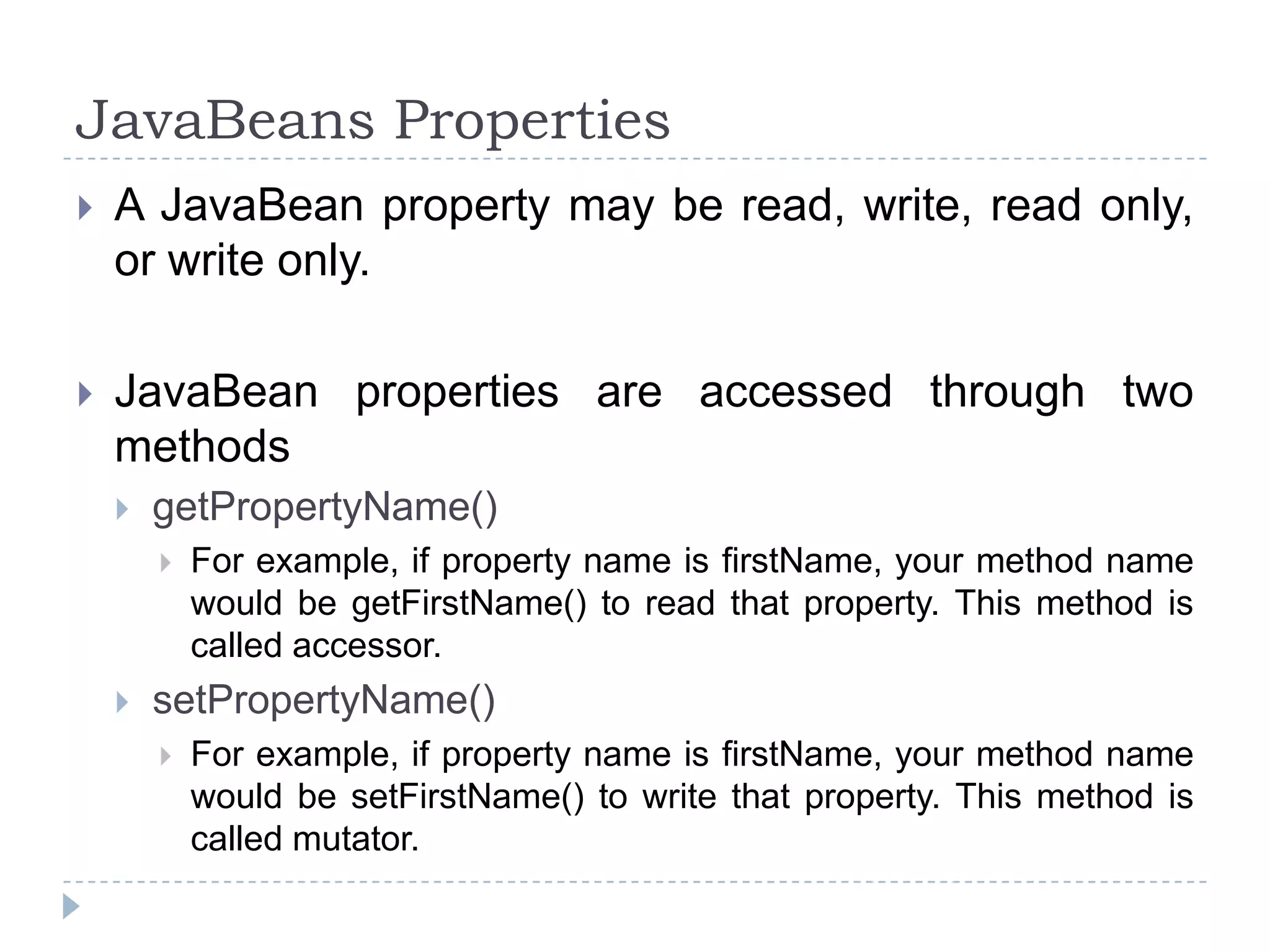
A JavaBean property may be read, write, read only,
or write only.



JavaBean properties are accessed through two
methods


getPropertyName()




For example, if property name is firstName, your method name
would be getFirstName() to read that property. This method is
called accessor.

setPropertyName()


For example, if property name is firstName, your method name
would be setFirstName() to write that property. This method is
called mutator.
Expression Language (EL)


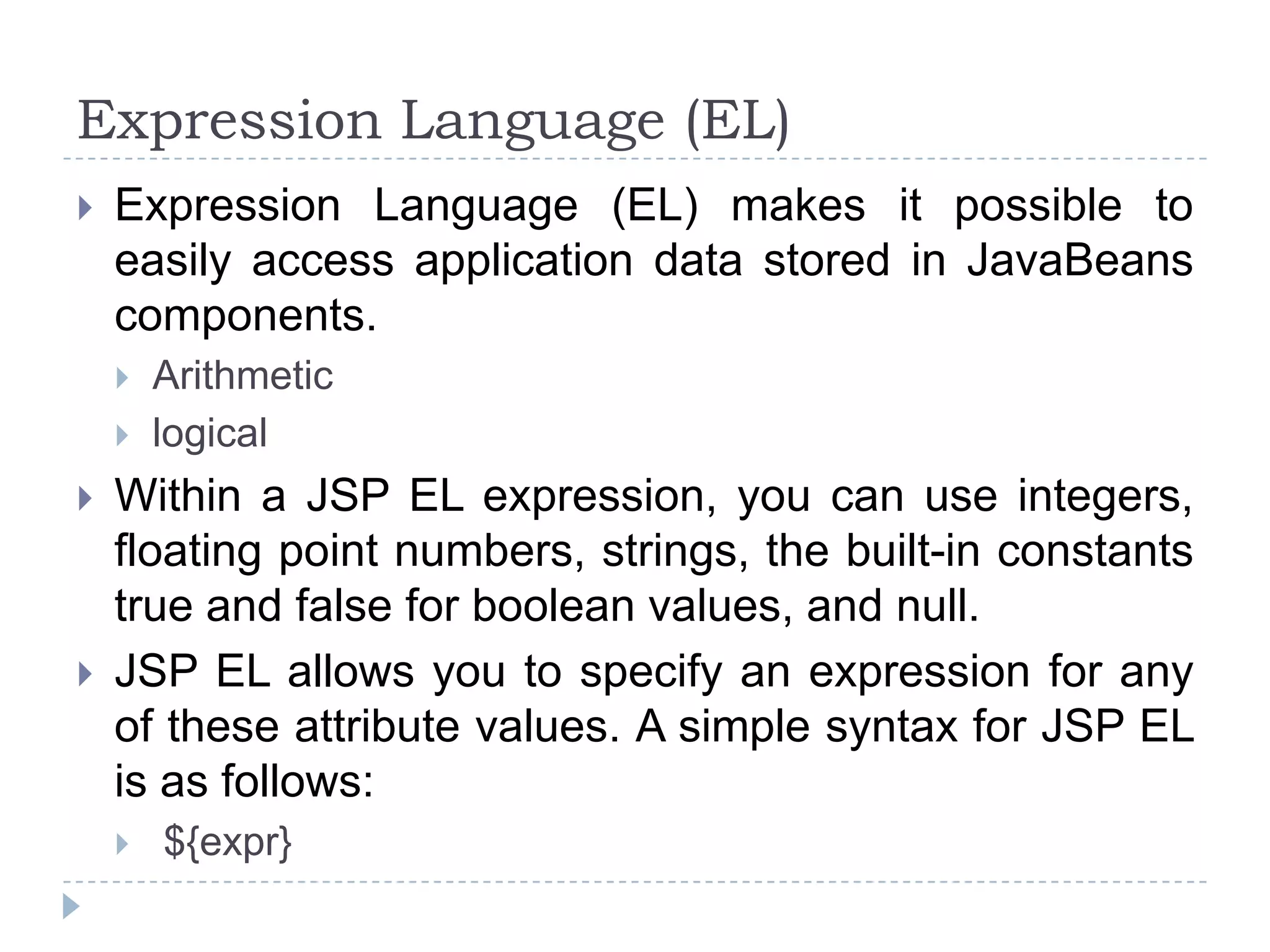
Expression Language (EL) makes it possible to
easily access application data stored in JavaBeans
components.







Arithmetic
logical

Within a JSP EL expression, you can use integers,
floating point numbers, strings, the built-in constants
true and false for boolean values, and null.
JSP EL allows you to specify an expression for any
of these attribute values. A simple syntax for JSP EL
is as follows:


${expr}
Expression Language (EL)


Here expr specifies the expression itself. The most
common operators in JSP EL are . and []. These two
operators allow you to access various attributes of Java
Beans and built-in JSP objects.



For example above syntax <jsp:setProperty> tag can be
written with an expression like:




<jsp:setProperty name="box" property="perimeter"
value="${2*box.width+2*box.height}"/>

When the JSP compiler sees the ${} form in an attribute,
it generates code to evaluate the expression and
substitutes the value of expression.
Expression Language (EL)


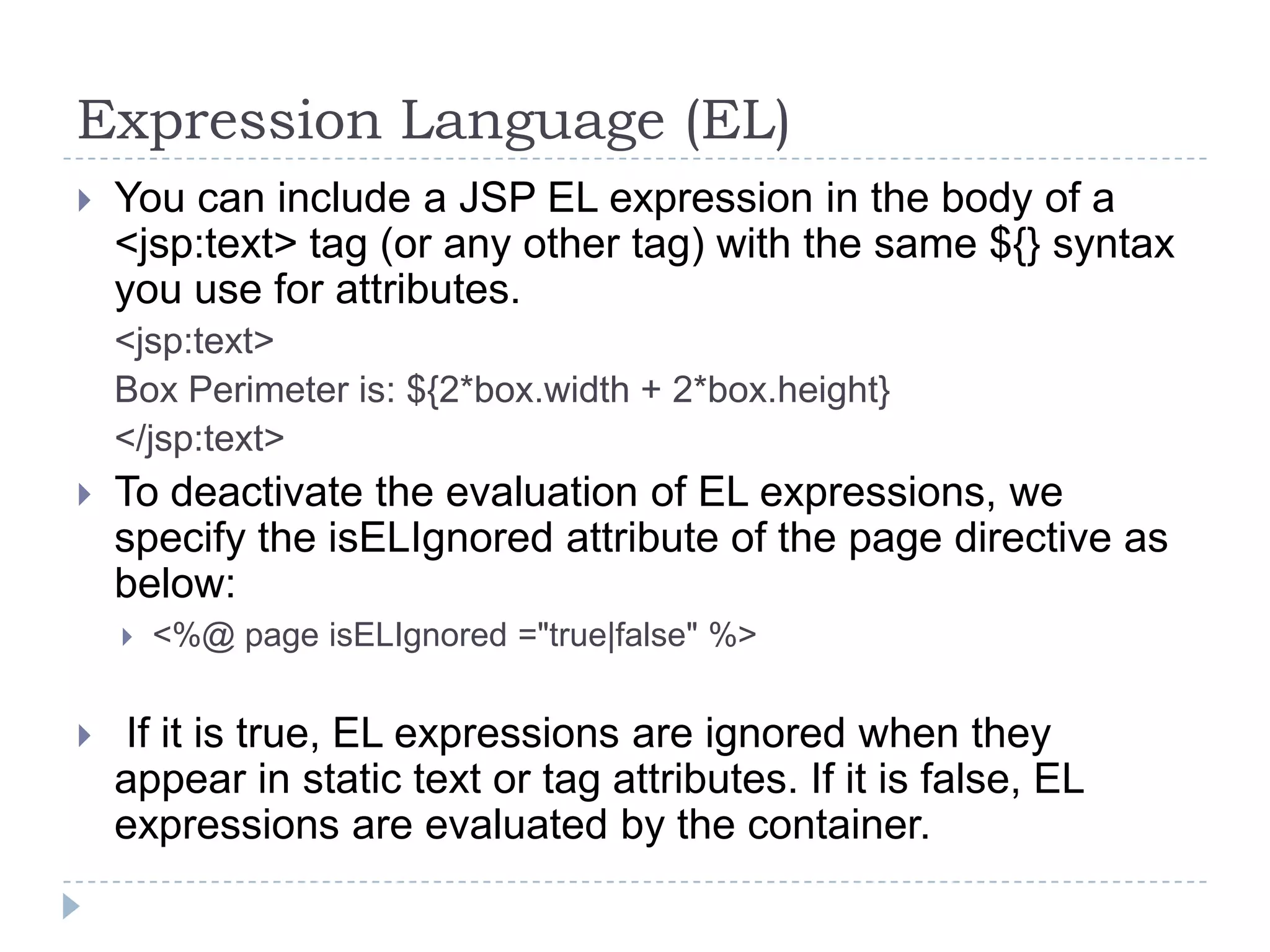
You can include a JSP EL expression in the body of a
<jsp:text> tag (or any other tag) with the same ${} syntax
you use for attributes.
<jsp:text>
Box Perimeter is: ${2*box.width + 2*box.height}
</jsp:text>



To deactivate the evaluation of EL expressions, we
specify the isELIgnored attribute of the page directive as
below:




<%@ page isELIgnored ="true|false" %>

If it is true, EL expressions are ignored when they
appear in static text or tag attributes. If it is false, EL
expressions are evaluated by the container.
Operators in EL
Operator

Description

.

Access a bean property or Map entry

[]

Access an array or List element

()

Group a sub-expression to change the evaluation order

+

Addition

-

Subtraction or negation of a value

*

Multiplication

/ or div

Division

%

Modulo (remainder)

== or eq

Test for equality

!= or ne

Test for inequality

< or lt

Test for less than

> or gt

Test for greater than

<= or le

Test for less than or equal

>= or gt

Test for greater than or equal
Operators in EL
Operator

Description

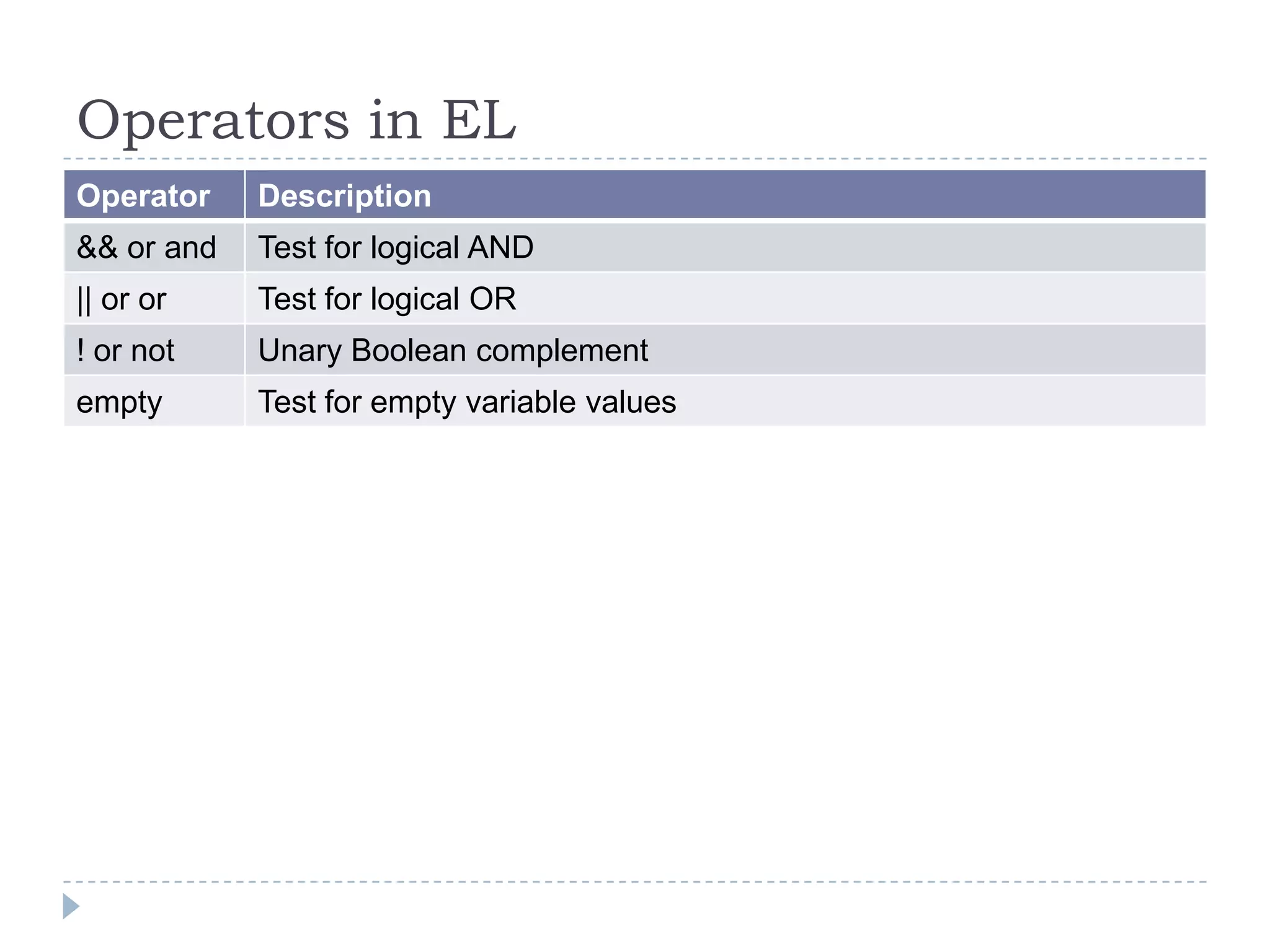
&& or and

Test for logical AND

|| or or

Test for logical OR

! or not

Unary Boolean complement

empty

Test for empty variable values

Java beans

  • 1.
  • 2.
    What are JavaBeans?  JavaBean is a specially constructed Java class written in the Java and coded according to the JavaBeans API specifications.  Characteristics of a JavaBean:     It provides a default, no-argument constructor. It should be serializable and implement the Serializable interface. It may have a number of properties which can be read or written. It may have a number of "getter" and "setter" methods for the properties.
  • 3.
    JavaBeans Properties  A JavaBeanproperty may be read, write, read only, or write only.  JavaBean properties are accessed through two methods  getPropertyName()   For example, if property name is firstName, your method name would be getFirstName() to read that property. This method is called accessor. setPropertyName()  For example, if property name is firstName, your method name would be setFirstName() to write that property. This method is called mutator.
  • 4.
    Expression Language (EL)  ExpressionLanguage (EL) makes it possible to easily access application data stored in JavaBeans components.     Arithmetic logical Within a JSP EL expression, you can use integers, floating point numbers, strings, the built-in constants true and false for boolean values, and null. JSP EL allows you to specify an expression for any of these attribute values. A simple syntax for JSP EL is as follows:  ${expr}
  • 5.
    Expression Language (EL)  Hereexpr specifies the expression itself. The most common operators in JSP EL are . and []. These two operators allow you to access various attributes of Java Beans and built-in JSP objects.  For example above syntax <jsp:setProperty> tag can be written with an expression like:   <jsp:setProperty name="box" property="perimeter" value="${2*box.width+2*box.height}"/> When the JSP compiler sees the ${} form in an attribute, it generates code to evaluate the expression and substitutes the value of expression.
  • 6.
    Expression Language (EL)  Youcan include a JSP EL expression in the body of a <jsp:text> tag (or any other tag) with the same ${} syntax you use for attributes. <jsp:text> Box Perimeter is: ${2*box.width + 2*box.height} </jsp:text>  To deactivate the evaluation of EL expressions, we specify the isELIgnored attribute of the page directive as below:   <%@ page isELIgnored ="true|false" %> If it is true, EL expressions are ignored when they appear in static text or tag attributes. If it is false, EL expressions are evaluated by the container.
  • 7.
    Operators in EL Operator Description . Accessa bean property or Map entry [] Access an array or List element () Group a sub-expression to change the evaluation order + Addition - Subtraction or negation of a value * Multiplication / or div Division % Modulo (remainder) == or eq Test for equality != or ne Test for inequality < or lt Test for less than > or gt Test for greater than <= or le Test for less than or equal >= or gt Test for greater than or equal
  • 8.
    Operators in EL Operator Description &&or and Test for logical AND || or or Test for logical OR ! or not Unary Boolean complement empty Test for empty variable values