Connor Sheehan & Scott Matejka
Basic Info.
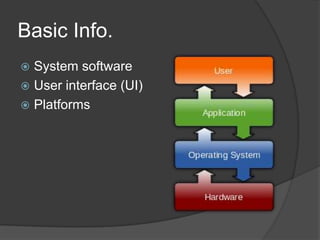
 System software
 User interface (UI)
 Platforms
OS Tasks
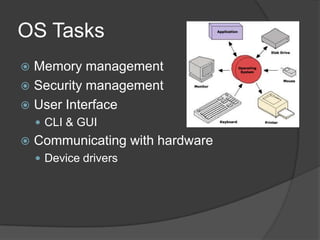
 Memory management
 Security management
 User Interface
     CLI & GUI
   Communicating with hardware
     Device drivers
Platforms
 ‘Windows running on x86 hardware’
 Software compatibility
     Cross-platform
Types of OS’s
 Real Time
 Multi-user
 Multi-tasking & Single-tasking
 Distributed
 Embedded
Common OS’s
Microsoft Windows
 Most common OS
 Latest version – Windows 8
OS X
 OS for Macs
 Latest version – Mountain Lion
UNIX
 Used in supercomputers/mainframes
 TiVO
Linux
 Free & Open-source
 Ubuntu and Mint
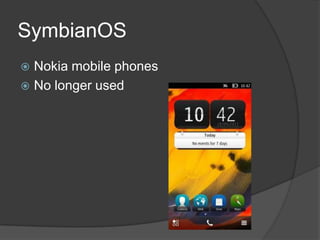
SymbianOS
 Nokia mobile phones
 No longer used
Android
 Google
 Linux-based
 Smartphones
Selecting and Installing an
OS
   Standard boot:
     Compatibility and requirements
     Format hard disk
     Install and activate
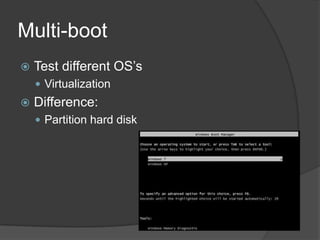
Multi-boot
   Test different OS’s
     Virtualization
   Difference:
     Partition hard disk
Bibliography
 Google Images
 Wikipedia
 www.apple.com
 www.microsoft.com
 www.android.com

Itgs os presentation