Environment isolation with
Docker
Alex Medvedev (fduch)
Software Architect at Alpari
alex.medwedew@gmail.com
Twitter: @alex_medwedew
1
2
Docker in a nutshell
What is Docker
● Open-source project provides ability to develop, test and run applications
in exactly the same operation-system-level environment
● Isolates application environment in software containers
● Containers just like VM’s but much thinner and much faster
3
Where you can use Docker?
● Linux-based systems (natively): Ubuntu, Debian, Arch Linux, Fedora,
RedHat, etc
● Mac OS X using lightweight VM
● Windows 7, 8.1 using lightweight VM
● Cloud Platforms: Amazon EC2, Google Cloud, Microsoft Azure etc
4
Docker parts
● Docker daemon with REST-like api that runs containers
● Docker Hub stores versioned container templates - images
5
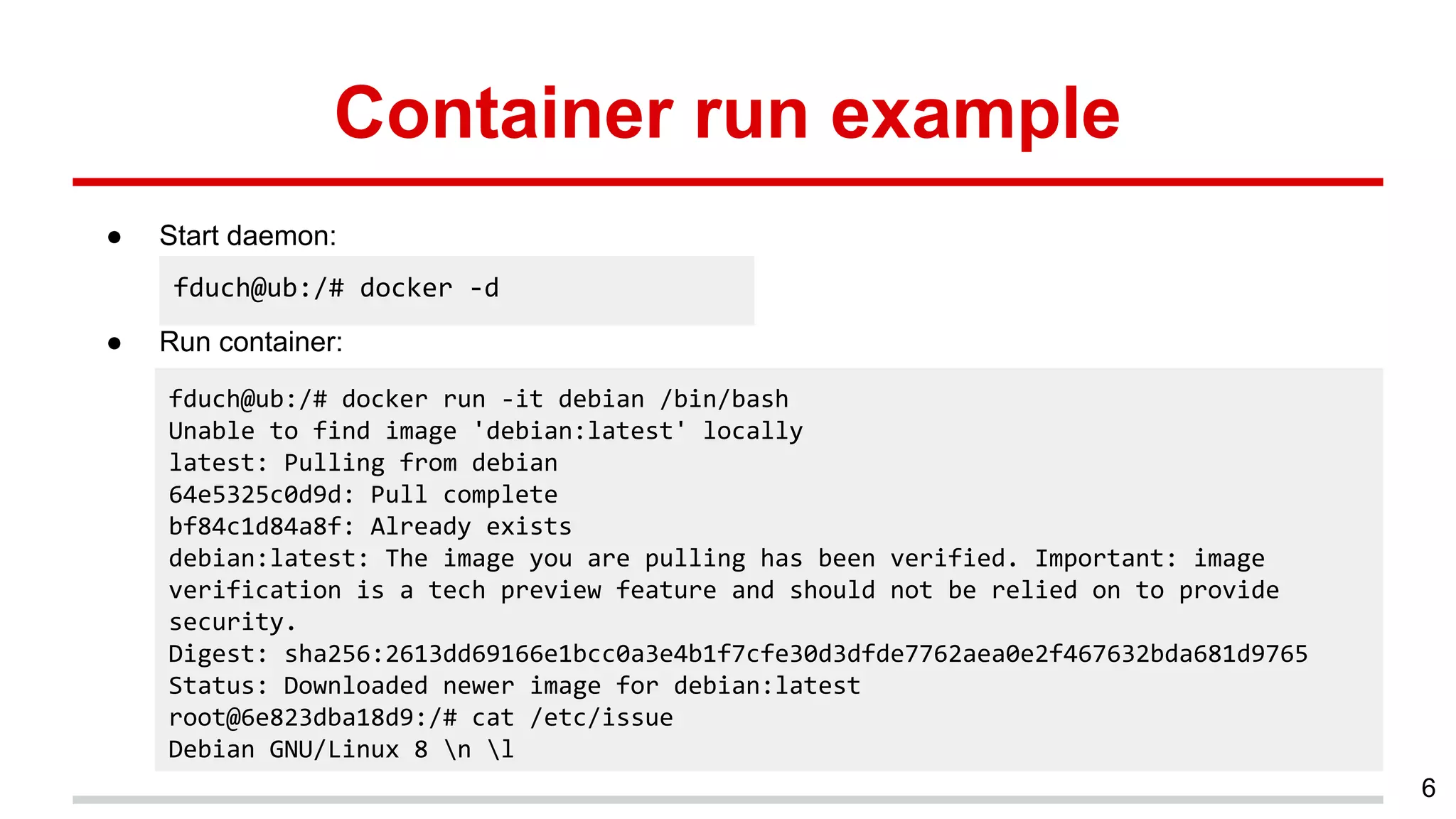
Container run example
● Start daemon:
● Run container:
6
fduch@ub:/# docker -d
fduch@ub:/# docker run -it debian /bin/bash
Unable to find image 'debian:latest' locally
latest: Pulling from debian
64e5325c0d9d: Pull complete
bf84c1d84a8f: Already exists
debian:latest: The image you are pulling has been verified. Important: image
verification is a tech preview feature and should not be relied on to provide
security.
Digest: sha256:2613dd69166e1bcc0a3e4b1f7cfe30d3dfde7762aea0e2f467632bda681d9765
Status: Downloaded newer image for debian:latest
root@6e823dba18d9:/# cat /etc/issue
Debian GNU/Linux 8 n l
Dockerfile
Strict-format file defines all the steps to take to
build the image
7
8
Isolation of Symfony 2
application in Docker container
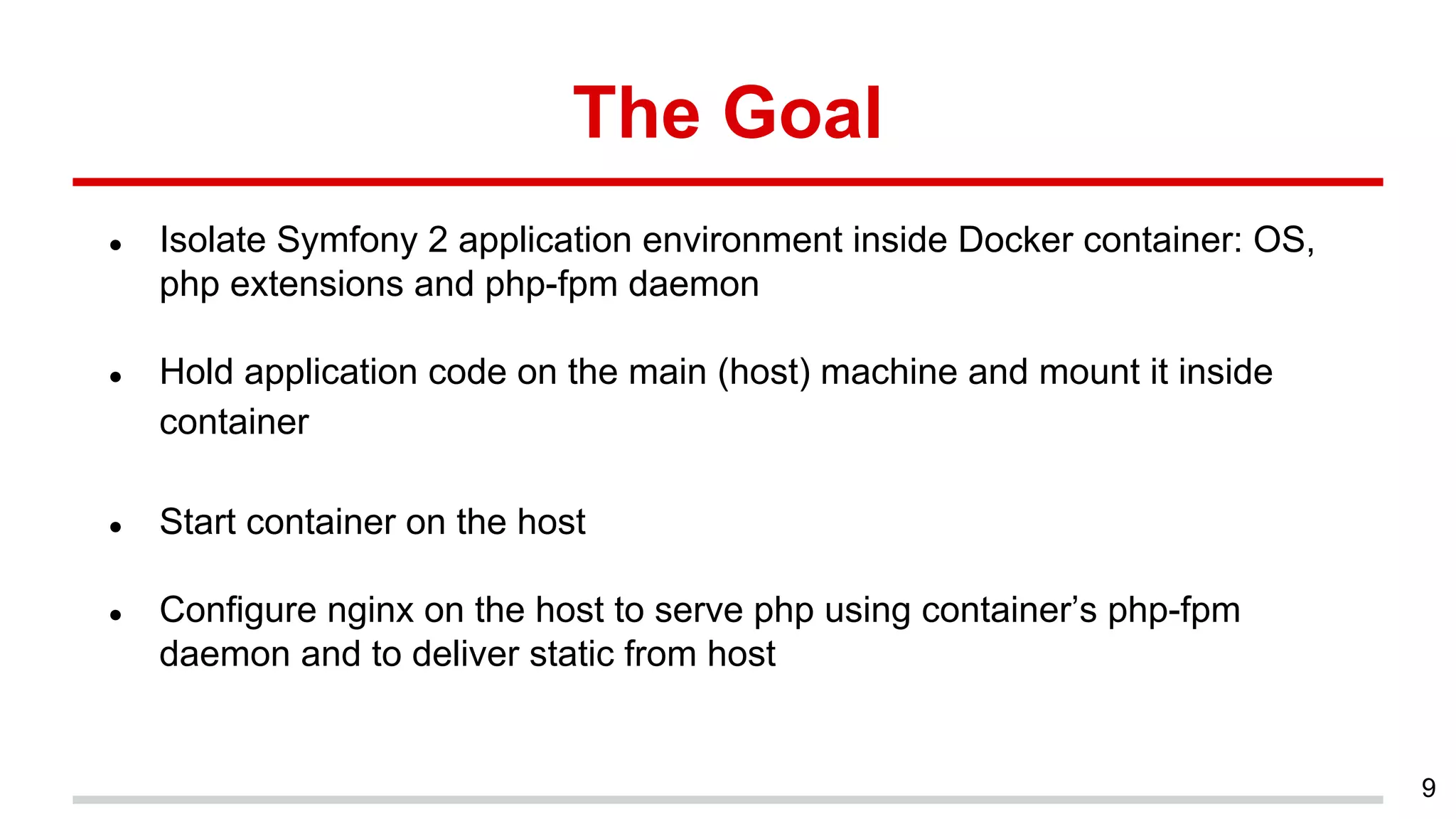
The Goal
● Isolate Symfony 2 application environment inside Docker container: OS,
php extensions and php-fpm daemon
● Hold application code on the main (host) machine and mount it inside
container
● Start container on the host
● Configure nginx on the host to serve php using container’s php-fpm
daemon and to deliver static from host
9
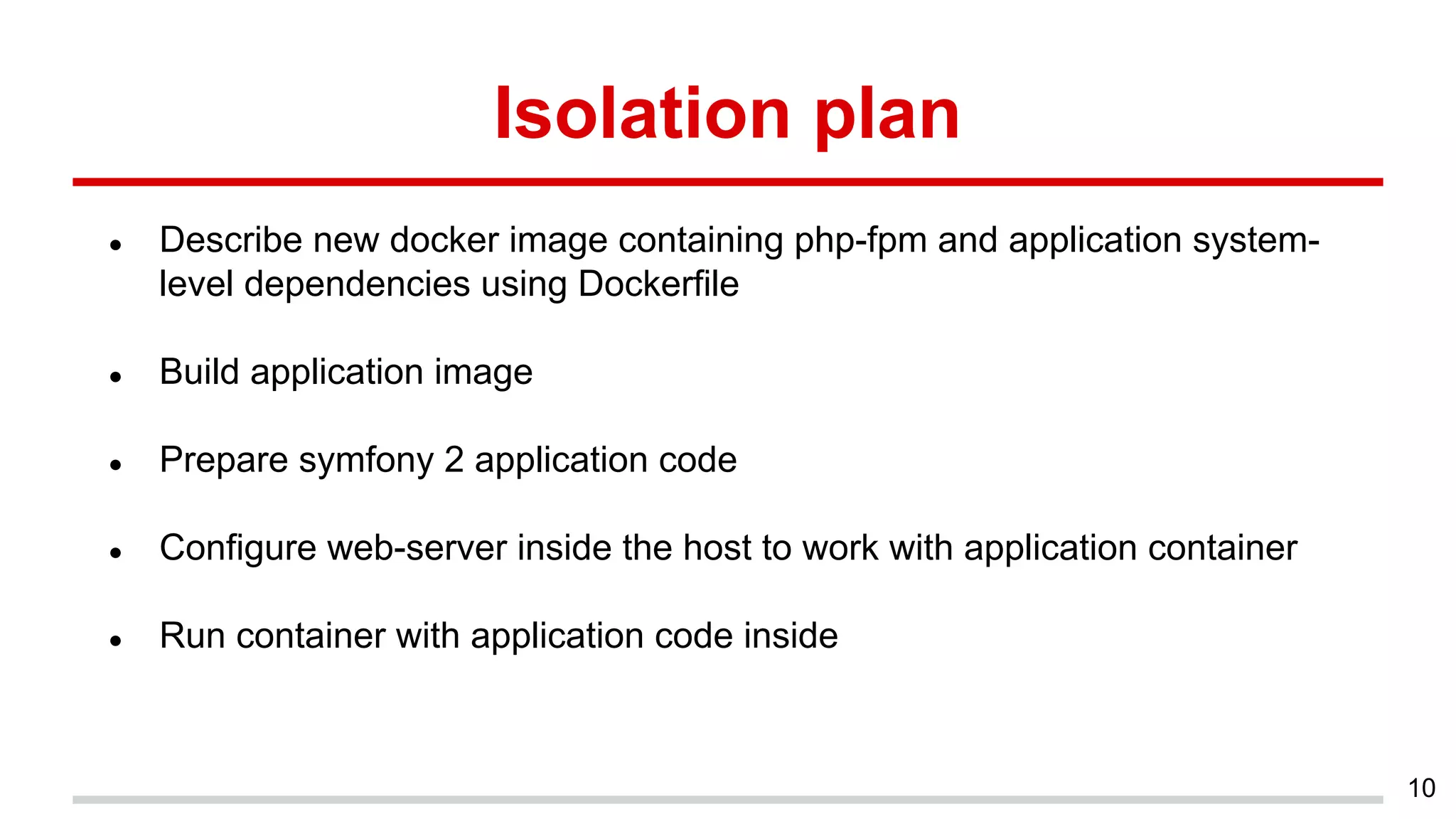
Isolation plan
● Describe new docker image containing php-fpm and application system-
level dependencies using Dockerfile
● Build application image
● Prepare symfony 2 application code
● Configure web-server inside the host to work with application container
● Run container with application code inside
10
Symfony 2 Dockerfile
11
FROM debian:jessie
MAINTAINER fduch <alex.medwedew@gmail.com>
RUN apt-get update 
&& apt-get -y install php5-cli php5-json php5-intl php5-fpm php5-memcache php5-ldap php-apc
php5-mysql php5 
&& rm -r /var/lib/apt/lists/*
VOLUME /var/www/app.local
COPY ["./entrypoint.sh", "/entrypoint.sh"]
ENTRYPOINT ["/entrypoint.sh"]
EXPOSE 9090
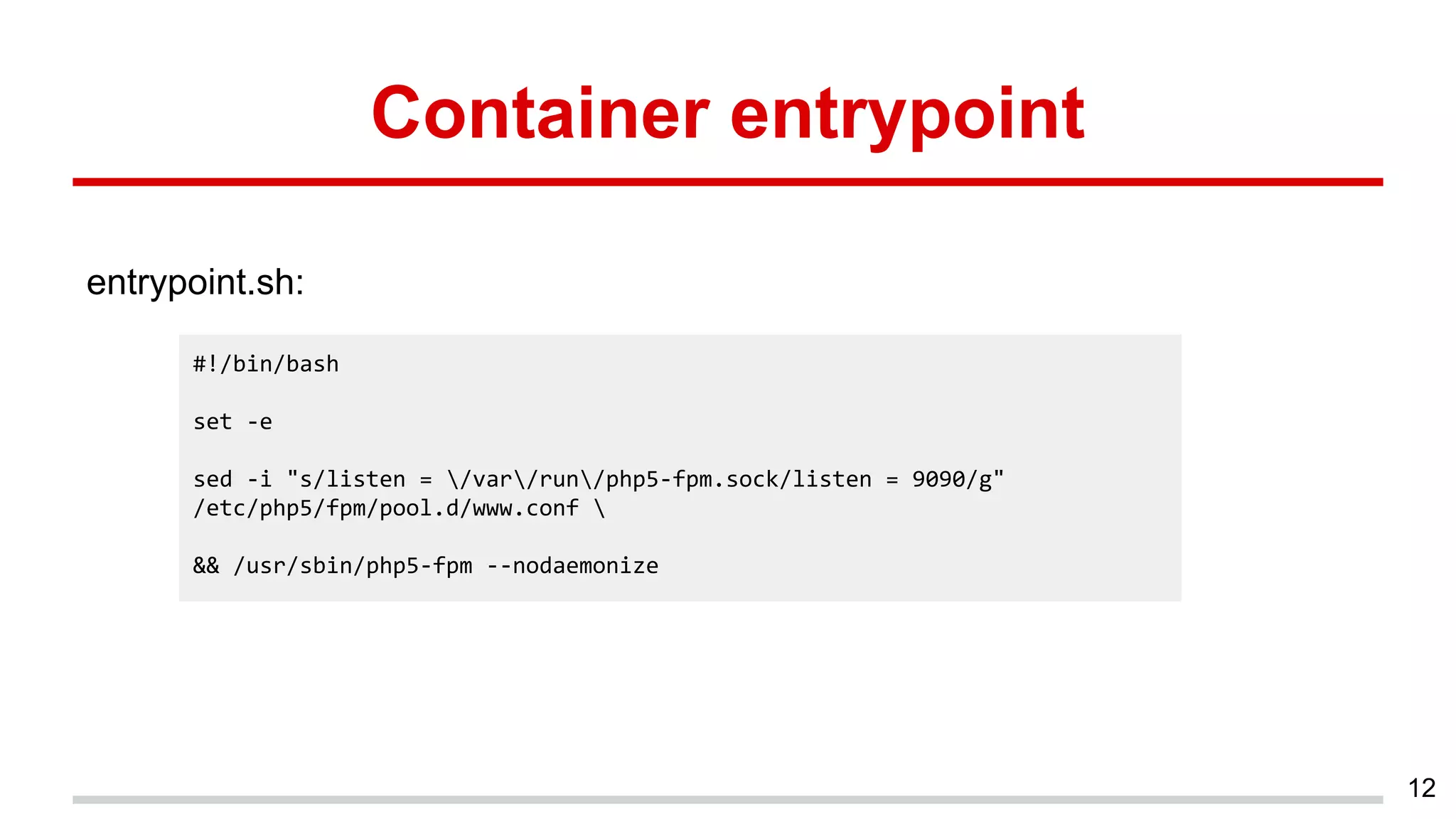
Container entrypoint
entrypoint.sh:
12
#!/bin/bash
set -e
sed -i "s/listen = /var/run/php5-fpm.sock/listen = 9090/g"
/etc/php5/fpm/pool.d/www.conf 
&& /usr/sbin/php5-fpm --nodaemonize
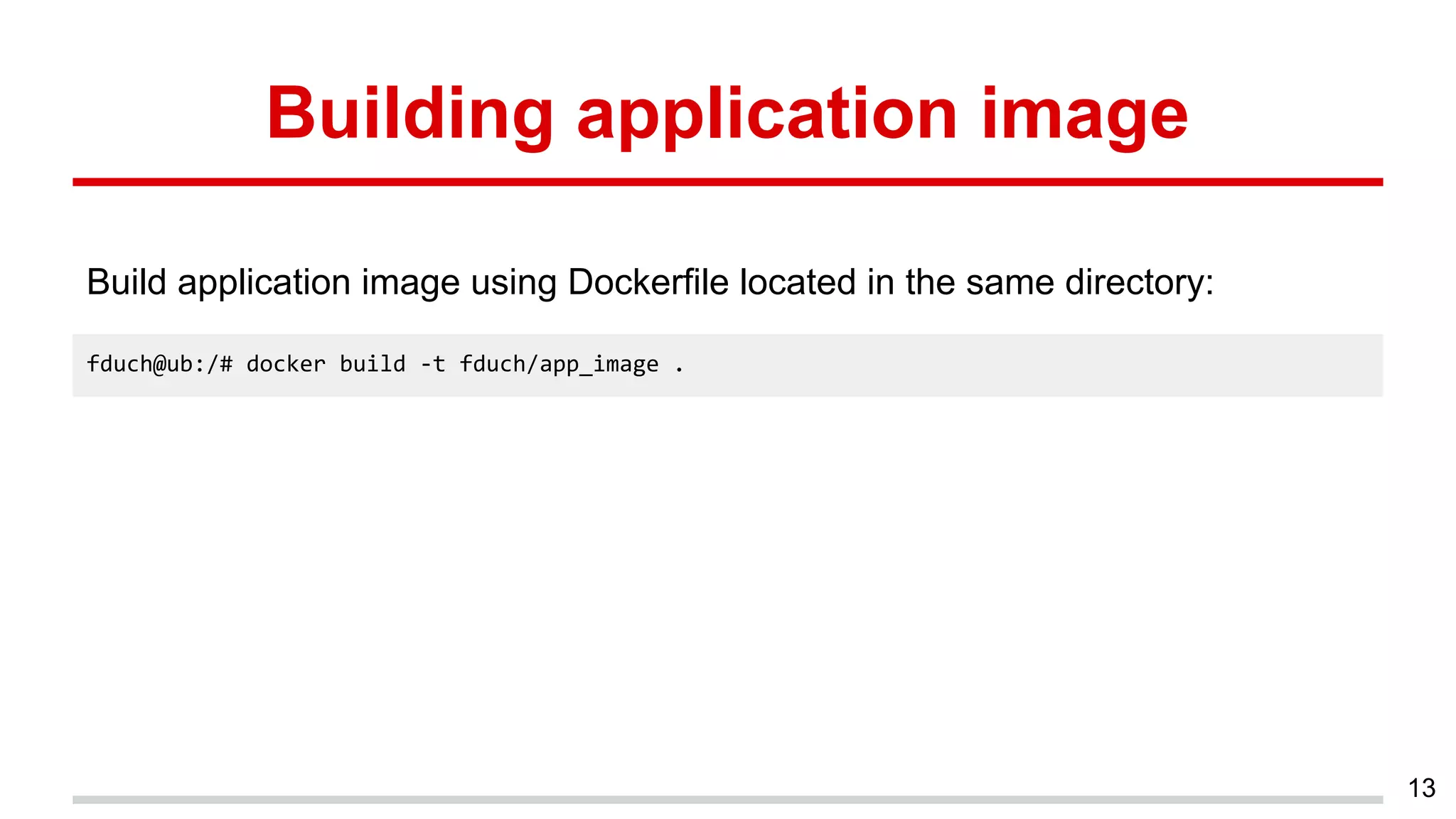
Building application image
Build application image using Dockerfile located in the same directory:
13
fduch@ub:/# docker build -t fduch/app_image .
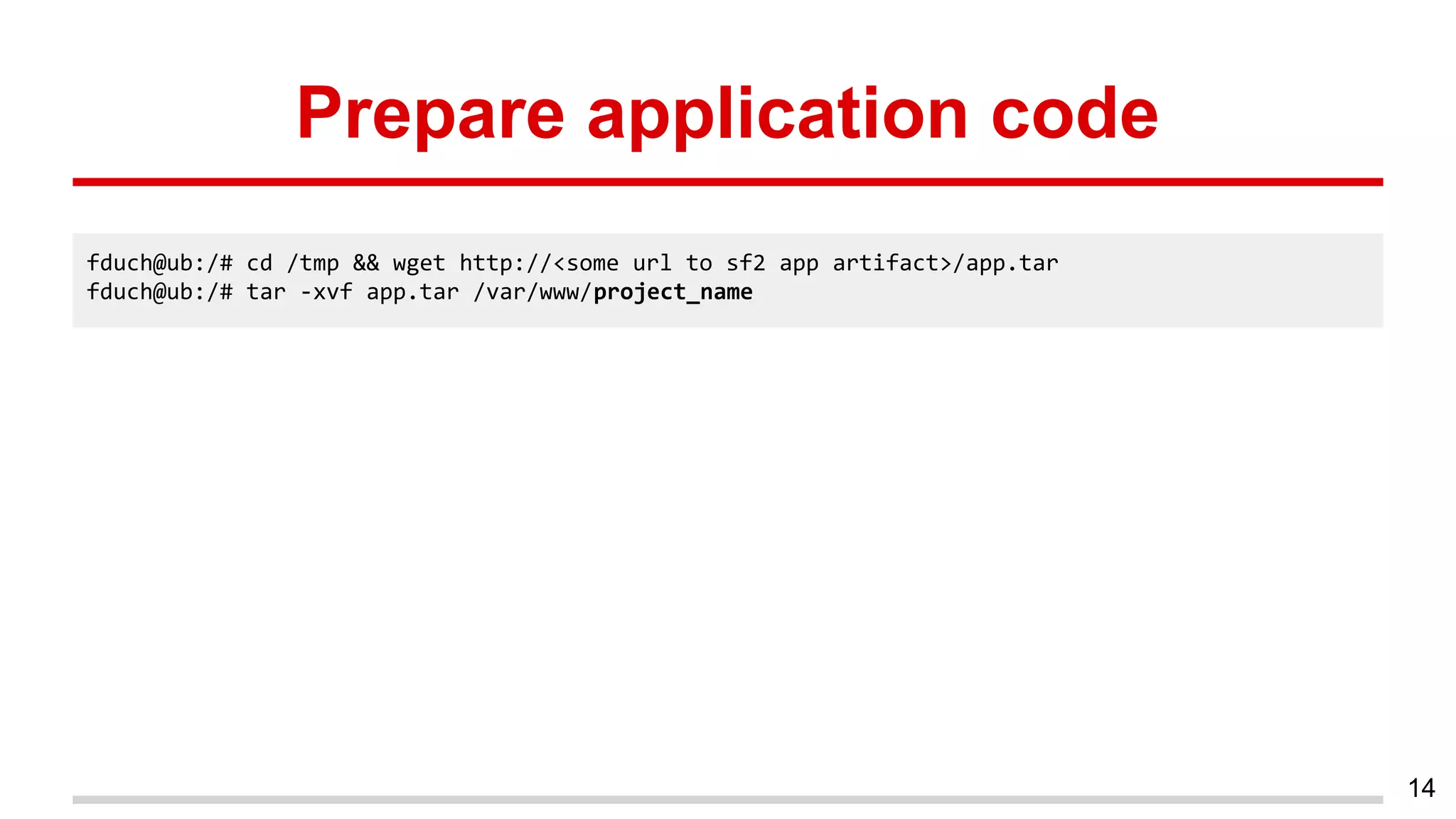
Prepare application code
14
fduch@ub:/# cd /tmp && wget http://<some url to sf2 app artifact>/app.tar
fduch@ub:/# tar -xvf app.tar /var/www/project_name
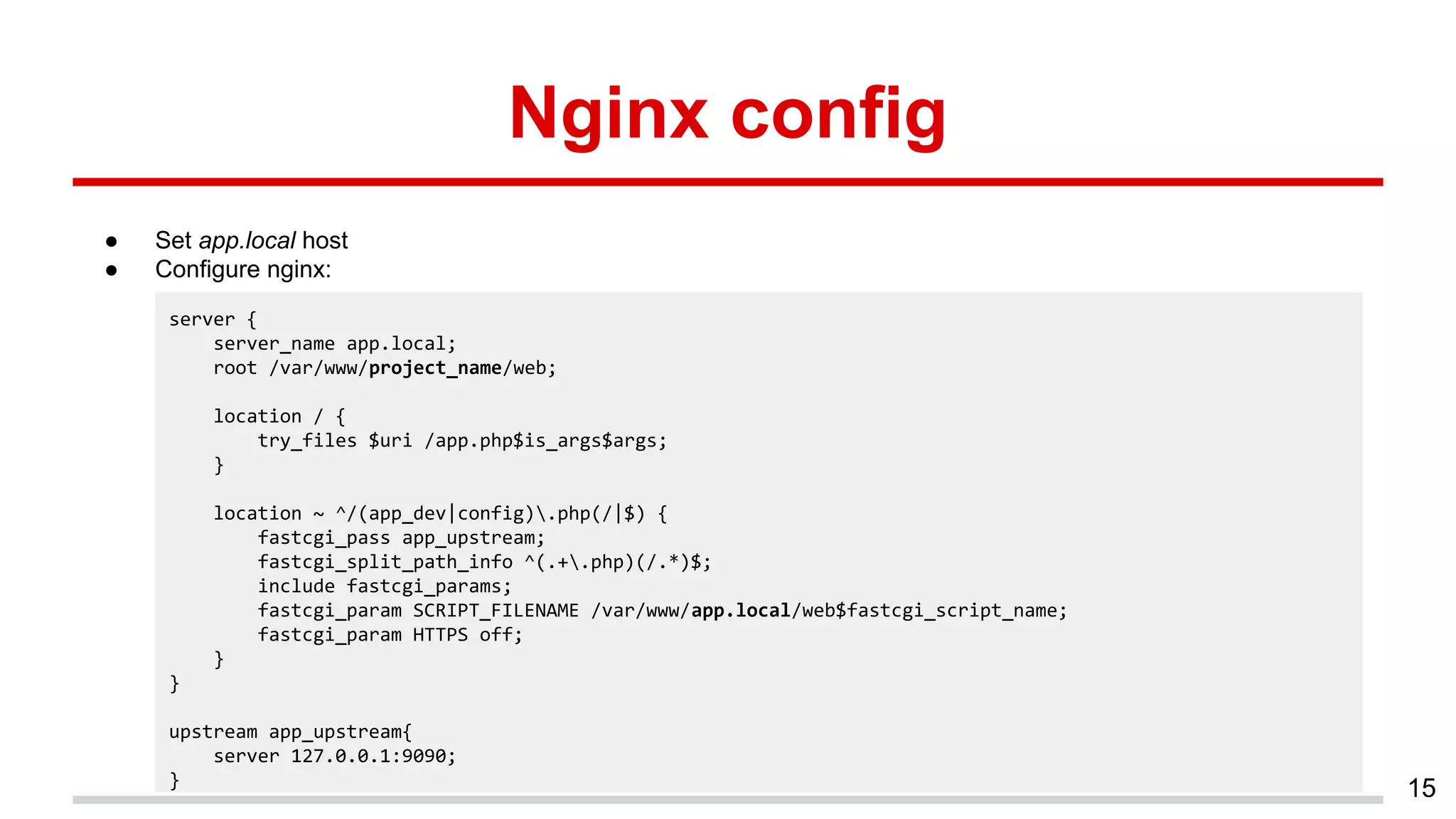
Nginx config
● Set app.local host
● Configure nginx:
15
server {
server_name app.local;
root /var/www/project_name/web;
location / {
try_files $uri /app.php$is_args$args;
}
location ~ ^/(app_dev|config).php(/|$) {
fastcgi_pass app_upstream;
fastcgi_split_path_info ^(.+.php)(/.*)$;
include fastcgi_params;
fastcgi_param SCRIPT_FILENAME /var/www/app.local/web$fastcgi_script_name;
fastcgi_param HTTPS off;
}
}
upstream app_upstream{
server 127.0.0.1:9090;
}
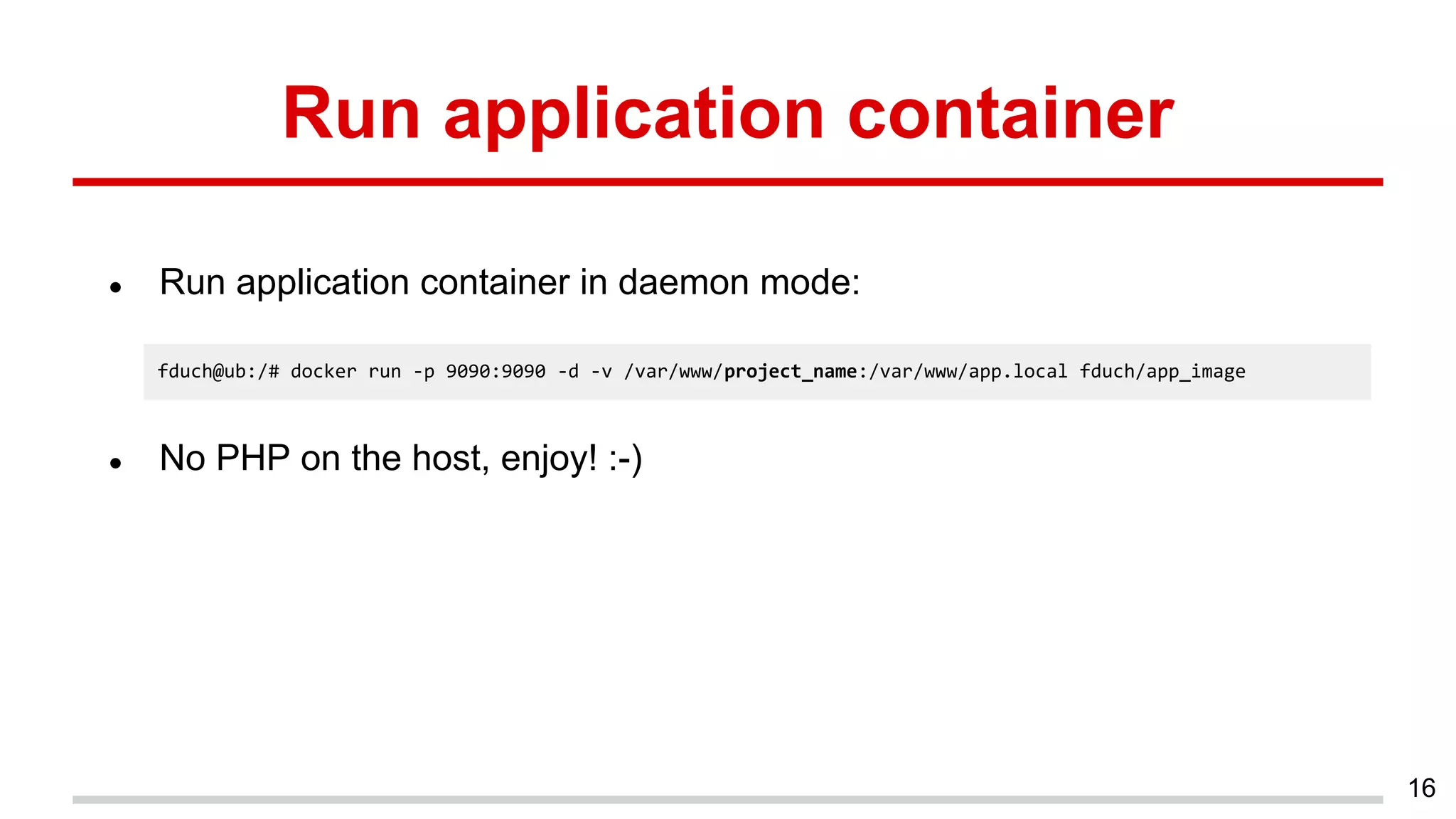
Run application container
● Run application container in daemon mode:
● No PHP on the host, enjoy! :-)
16
fduch@ub:/# docker run -p 9090:9090 -d -v /var/www/project_name:/var/www/app.local fduch/app_image
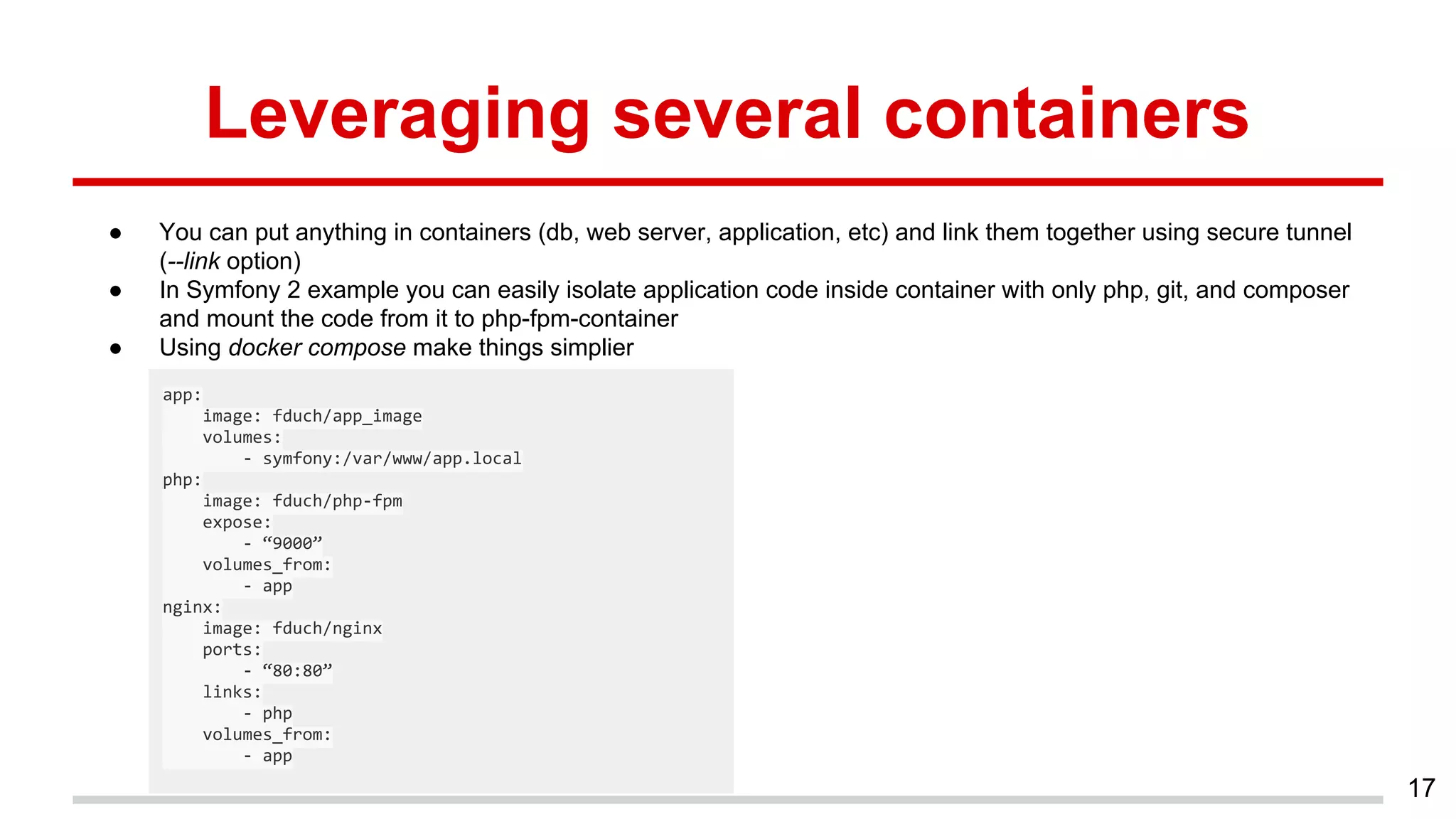
Leveraging several containers
● You can put anything in containers (db, web server, application, etc) and link them together using secure tunnel
(--link option)
● In Symfony 2 example you can easily isolate application code inside container with only php, git, and composer
and mount the code from it to php-fpm-container
● Using docker compose make things simplier
17
app:
image: fduch/app_image
volumes:
- symfony:/var/www/app.local
php:
image: fduch/php-fpm
expose:
- “9000”
volumes_from:
- app
nginx:
image: fduch/nginx
ports:
- “80:80”
links:
- php
volumes_from:
- app
18
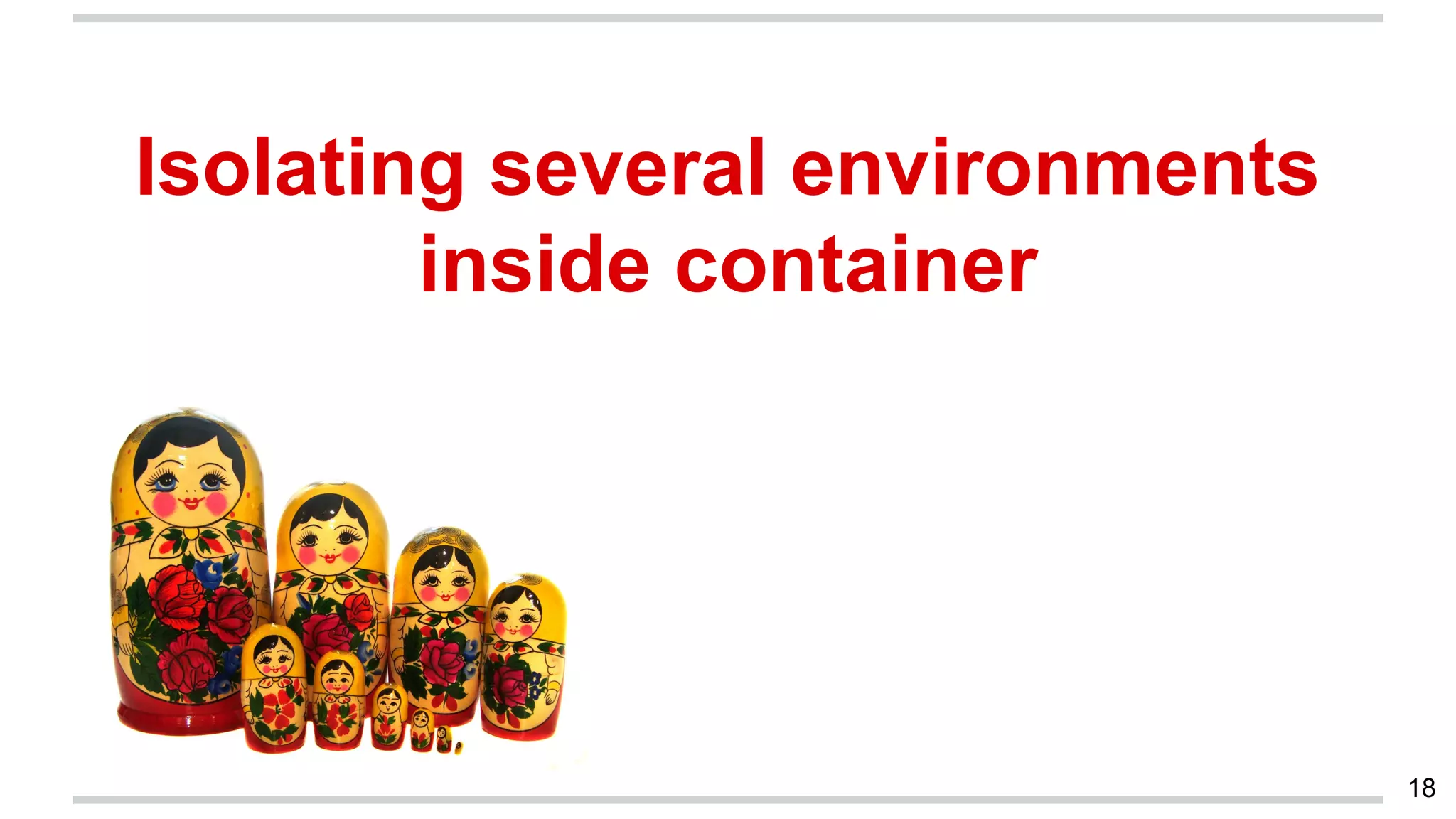
Isolating several environments
inside container
Why you need run container inside the other one?
● Dev VPS’s which probably can be containers (not only Docker but for
example LXC) itself with the swarm of applications to develop
● CI stages (agents are containers)
● Fun :-)
19
20
Not now about this!
Thanks!
Alex Medvedev (fduch)
Software Architect at Alpari
alex.medwedew@gmail.com
Twitter: @alex_medwedew
21

Environment isolation with Docker (Alex Medvedev, Alpari)

  • 1.
    Environment isolation with Docker AlexMedvedev (fduch) Software Architect at Alpari alex.medwedew@gmail.com Twitter: @alex_medwedew 1
  • 2.
    2 Docker in anutshell
  • 3.
    What is Docker ●Open-source project provides ability to develop, test and run applications in exactly the same operation-system-level environment ● Isolates application environment in software containers ● Containers just like VM’s but much thinner and much faster 3
  • 4.
    Where you canuse Docker? ● Linux-based systems (natively): Ubuntu, Debian, Arch Linux, Fedora, RedHat, etc ● Mac OS X using lightweight VM ● Windows 7, 8.1 using lightweight VM ● Cloud Platforms: Amazon EC2, Google Cloud, Microsoft Azure etc 4
  • 5.
    Docker parts ● Dockerdaemon with REST-like api that runs containers ● Docker Hub stores versioned container templates - images 5
  • 6.
    Container run example ●Start daemon: ● Run container: 6 fduch@ub:/# docker -d fduch@ub:/# docker run -it debian /bin/bash Unable to find image 'debian:latest' locally latest: Pulling from debian 64e5325c0d9d: Pull complete bf84c1d84a8f: Already exists debian:latest: The image you are pulling has been verified. Important: image verification is a tech preview feature and should not be relied on to provide security. Digest: sha256:2613dd69166e1bcc0a3e4b1f7cfe30d3dfde7762aea0e2f467632bda681d9765 Status: Downloaded newer image for debian:latest root@6e823dba18d9:/# cat /etc/issue Debian GNU/Linux 8 n l
  • 7.
    Dockerfile Strict-format file definesall the steps to take to build the image 7
  • 8.
    8 Isolation of Symfony2 application in Docker container
  • 9.
    The Goal ● IsolateSymfony 2 application environment inside Docker container: OS, php extensions and php-fpm daemon ● Hold application code on the main (host) machine and mount it inside container ● Start container on the host ● Configure nginx on the host to serve php using container’s php-fpm daemon and to deliver static from host 9
  • 10.
    Isolation plan ● Describenew docker image containing php-fpm and application system- level dependencies using Dockerfile ● Build application image ● Prepare symfony 2 application code ● Configure web-server inside the host to work with application container ● Run container with application code inside 10
  • 11.
    Symfony 2 Dockerfile 11 FROMdebian:jessie MAINTAINER fduch <alex.medwedew@gmail.com> RUN apt-get update && apt-get -y install php5-cli php5-json php5-intl php5-fpm php5-memcache php5-ldap php-apc php5-mysql php5 && rm -r /var/lib/apt/lists/* VOLUME /var/www/app.local COPY ["./entrypoint.sh", "/entrypoint.sh"] ENTRYPOINT ["/entrypoint.sh"] EXPOSE 9090
  • 12.
    Container entrypoint entrypoint.sh: 12 #!/bin/bash set -e sed-i "s/listen = /var/run/php5-fpm.sock/listen = 9090/g" /etc/php5/fpm/pool.d/www.conf && /usr/sbin/php5-fpm --nodaemonize
  • 13.
    Building application image Buildapplication image using Dockerfile located in the same directory: 13 fduch@ub:/# docker build -t fduch/app_image .
  • 14.
    Prepare application code 14 fduch@ub:/#cd /tmp && wget http://<some url to sf2 app artifact>/app.tar fduch@ub:/# tar -xvf app.tar /var/www/project_name
  • 15.
    Nginx config ● Setapp.local host ● Configure nginx: 15 server { server_name app.local; root /var/www/project_name/web; location / { try_files $uri /app.php$is_args$args; } location ~ ^/(app_dev|config).php(/|$) { fastcgi_pass app_upstream; fastcgi_split_path_info ^(.+.php)(/.*)$; include fastcgi_params; fastcgi_param SCRIPT_FILENAME /var/www/app.local/web$fastcgi_script_name; fastcgi_param HTTPS off; } } upstream app_upstream{ server 127.0.0.1:9090; }
  • 16.
    Run application container ●Run application container in daemon mode: ● No PHP on the host, enjoy! :-) 16 fduch@ub:/# docker run -p 9090:9090 -d -v /var/www/project_name:/var/www/app.local fduch/app_image
  • 17.
    Leveraging several containers ●You can put anything in containers (db, web server, application, etc) and link them together using secure tunnel (--link option) ● In Symfony 2 example you can easily isolate application code inside container with only php, git, and composer and mount the code from it to php-fpm-container ● Using docker compose make things simplier 17 app: image: fduch/app_image volumes: - symfony:/var/www/app.local php: image: fduch/php-fpm expose: - “9000” volumes_from: - app nginx: image: fduch/nginx ports: - “80:80” links: - php volumes_from: - app
  • 18.
  • 19.
    Why you needrun container inside the other one? ● Dev VPS’s which probably can be containers (not only Docker but for example LXC) itself with the swarm of applications to develop ● CI stages (agents are containers) ● Fun :-) 19
  • 20.
  • 21.
    Thanks! Alex Medvedev (fduch) SoftwareArchitect at Alpari alex.medwedew@gmail.com Twitter: @alex_medwedew 21