For Web Developers and Designers 
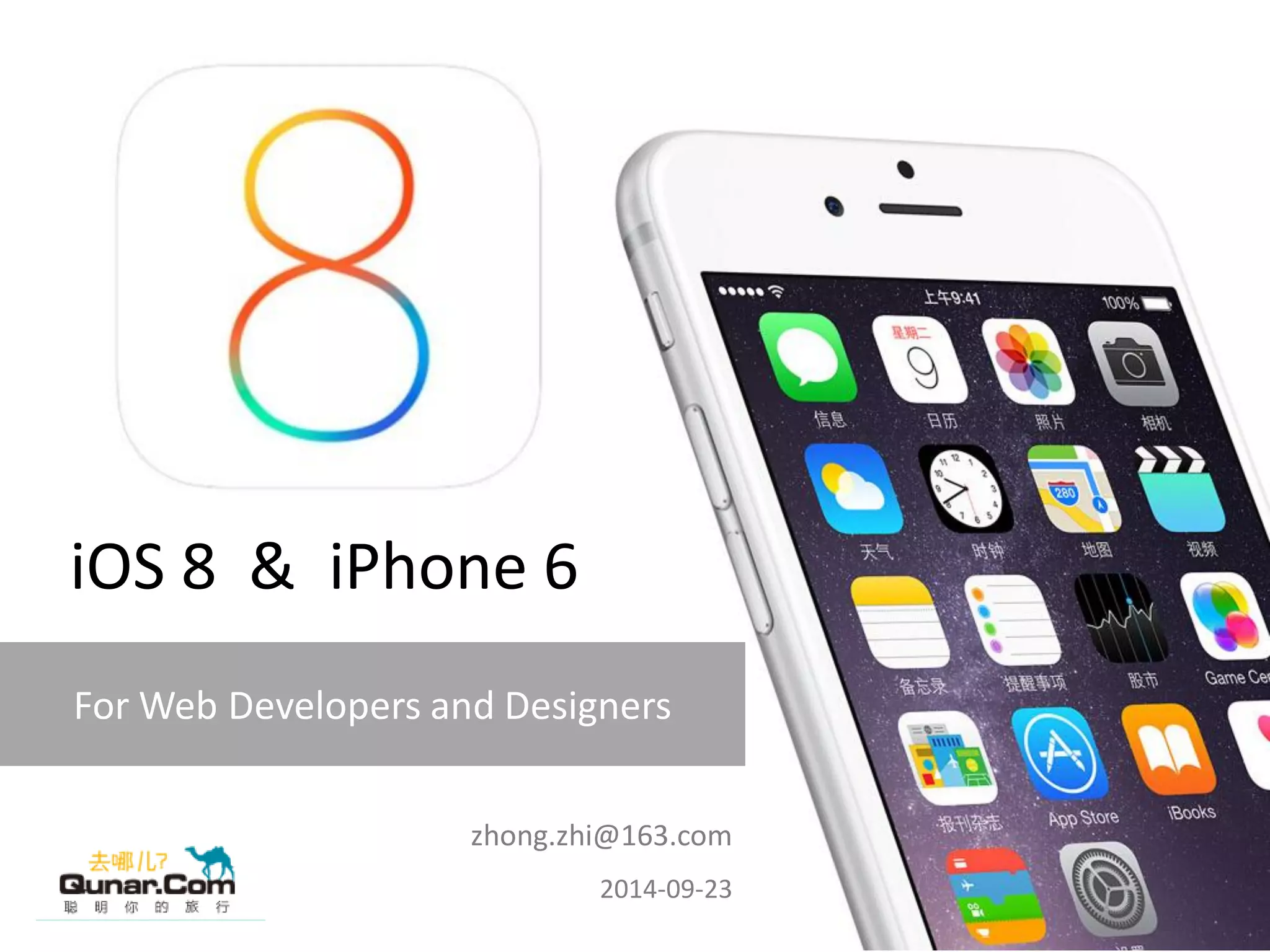
iOS 8 & iPhone 6 
zhong.zhi@163.com 2014-09-23
iPhone 6 and iPhone 6 Plus 
New API support 
New Safari features 
Going Native with iOS 8 
Safari extensions 
New web design features 
Contents
1 
iPhone6 and iPhone 6 Plus
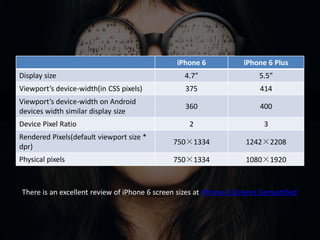
iPhone 6 screens overview 
There is an excellent review of iPhone 6 screen sizes at iPhone 6 Screens Demystified
iPhone 6 screens overview 
iPhone 6 
iPhone 6 Plus 
Display size 
4.7” 
5.5” 
Viewport’s device-width(in CSS pixels) 
375 
414 
Viewport’s device-width on Android devices width similar display size 
360 
400 
Device Pixel Ratio 
2 
3 
Rendered Pixels(default viewport size * dpr) 
750×1334 
1242×2208 
Physical pixels 
750×1334 
1080×1920 
There is an excellent review of iPhone 6 screen sizes at iPhone 6 Screens Demystified
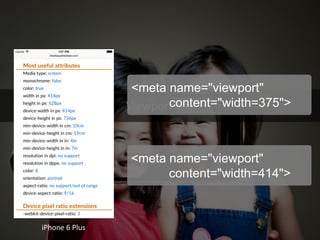
Viewport size 
iPhone 6 Plus
Viewport size 
<meta name="viewport" 
content="width=375"> 
<meta name="viewport" 
content="width=414"> 
iPhone 6 Plus
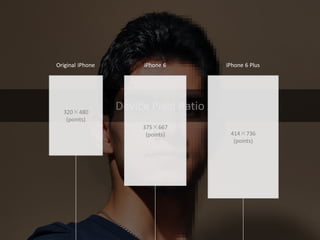
Device Pixel Ratio
Device Pixel Ratio 
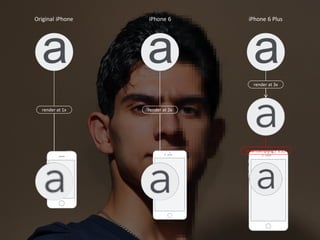
320×480 
(points) 
375×667 
(points) 
414×736 
(points) 
Original iPhone 
iPhone 6 
iPhone 6 Plus
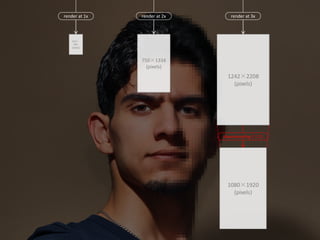
render at 1x 
render at 2x 
render at 3x 
320×480 
(pixels) 
750×1334 
(pixels) 
1242×2208 
(pixels) 
1080×1920 
(pixels) 
downsampling / 1.15
render at 1x 
render at 2x 
render at 3x 
Original iPhone 
iPhone 6 
iPhone 6 Plus 
downsampling / 1.15
Icon sizes
Icon sizes 
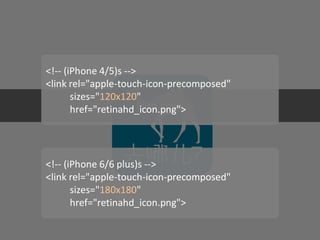
<!-- (iPhone 4/5)s --> <link rel="apple-touch-icon-precomposed" sizes="120x120" href="retinahd_icon.png"> 
<!-- (iPhone 6/6 plus)s --> 
<link rel="apple-touch-icon-precomposed" 
sizes="180x180" 
href="retinahd_icon.png">
Launch Images
Launch Images 
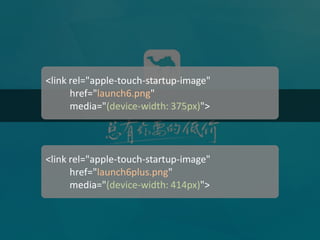
<link rel="apple-touch-startup-image" 
href="launch6.png" 
media="(device-width: 375px)"> 
<link rel="apple-touch-startup-image" 
href="launch6plus.png" 
media="(device-width: 414px)">
2 
New API support
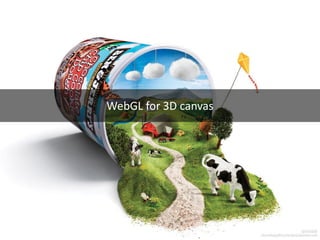
WebGL for 3D canvas
WebGL for 3D canvas 
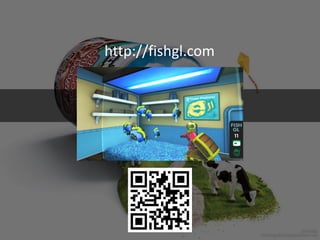
http://fishgl.com
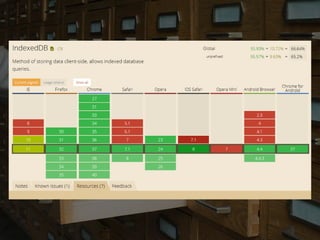
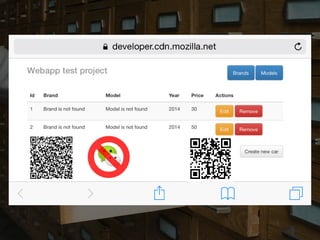
Support IndexedDB
Support IndexedDB 
var db; 
var request = window.indexedDB.open("newDatabase", 1); 
request.onerror = function(event) { 
console.log("error: "); 
}; 
request.onsuccess = function(event) { 
db = request.result; 
console.log("success: "+ db); 
}; 
request.onupgradeneeded = function(event) { 
}
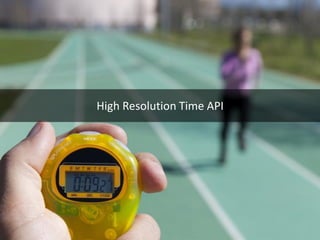
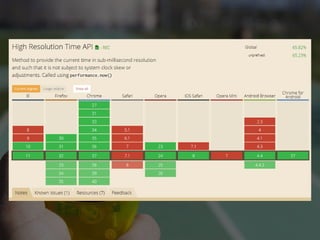
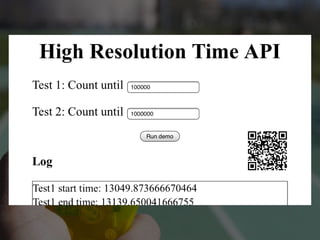
High Resolution Time API
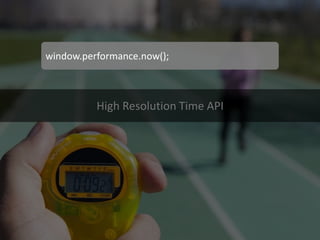
High Resolution Time API 
window.performance.now();
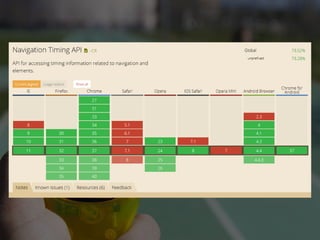
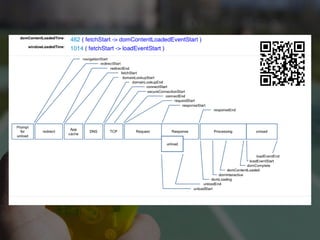
Navigation Timing API 
window.addEventListener("load", function() { 
setTimeout(function() { 
var timing = window.performance.timing; 
var userTime = timing.loadEventEnd - timing.navigationStart; 
var dns = timing.domainLookupEnd - timing.domainLookupStart; 
var connection = timing.connectEnd - timing.connectStart; 
var requestTime = timing.responseEnd - timing.requestStart; 
var fetchTime = timing.responseEnd - timing.fetchStart; 
// use timing data 
}, 0); 
}, false);
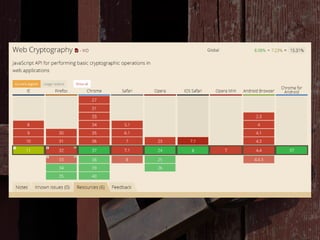
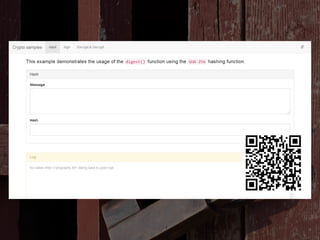
Web Cryptography API
Web Cryptography API 
var data = new Uint8Array([0x00, 0x01, 0x02, 0x03, 0x04]); 
var op = window.polycrypt.digest("SHA-256", data); 
op.oncomplete = function(e) { 
console.log( "Hash returned: " + e.target.result.toString() ); 
}
3 
New Safari features 
Safari on iOS 8 has new features that might affect how our websites are rendered.
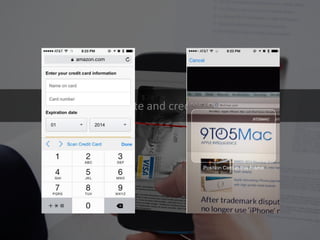
Autocomplete and credit card scan
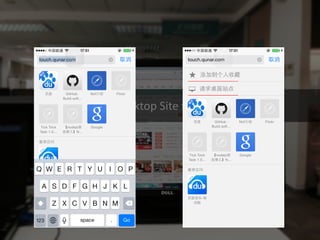
Request the Desktop Site for Any Webpage
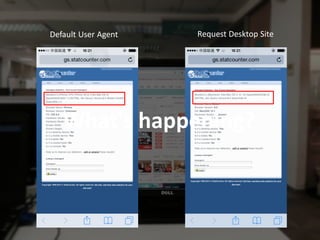
Request Desktop Site 
Default User Agent 
What's happening?
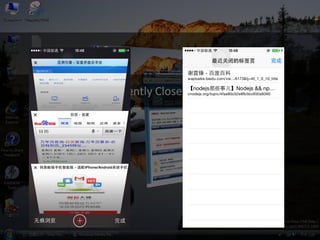
Access Recently Closed Tabs Faster
Create a Separate Window for Private Browsing
Create a Separate Window for Private Browsing 
iOS 7 
iOS 8
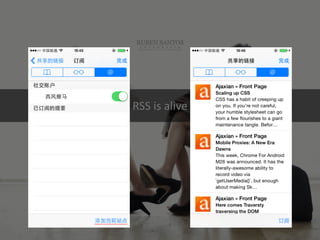
RSS is alive
RSS is alive
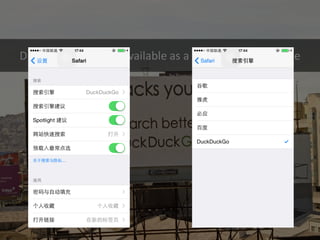
DuckDuckGo is now available as a default search engine
4 
Going Native with iOS 8
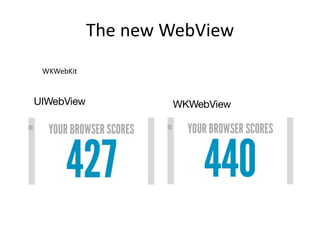
The new WebView 
WKWebKit
5 
Safari extensions
6 
New web design features
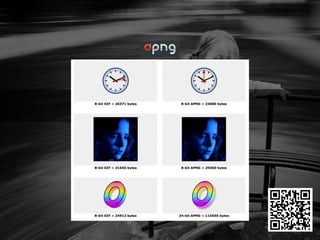
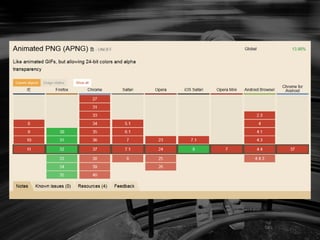
Animated PNG
Animated PNG
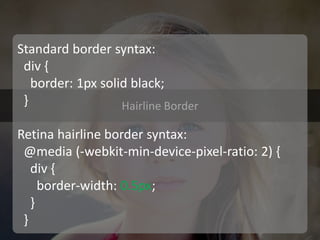
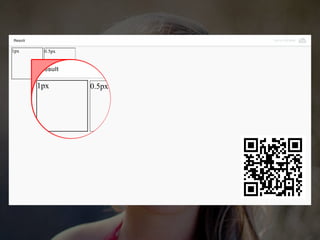
Hairline Border
Hairline Border 
Standard border syntax: div { border: 1px solid black; } Retina hairline border syntax: @media (-webkit-min-device-pixel-ratio: 2) { div { border-width: 0.5px; } }
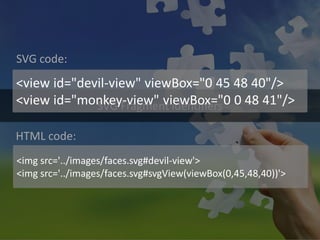
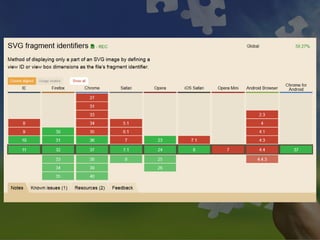
SVG Fragment identifiers
SVG Fragment identifiers 
<view id="devil-view" viewBox="0 45 48 40"/> 
<view id="monkey-view" viewBox="0 0 48 41"/> 
<img src='../images/faces.svg#devil-view'> 
<img src='../images/faces.svg#svgView(viewBox(0,45,48,40))'> 
SVG code: 
HTML code:
http://www.broken-links.com/tests/svg/fragment-identifiers.php
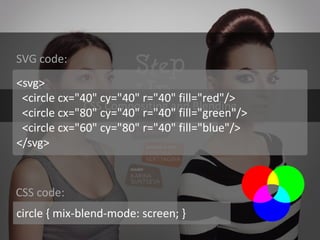
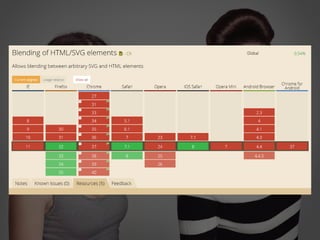
CSS Compositing and Blending
CSS Compositing and Blending 
<svg> <circle cx="40" cy="40" r="40" fill="red"/> <circle cx="80" cy="40" r="40" fill="green"/> <circle cx="60" cy="80" r="40" fill="blue"/> </svg> 
circle { mix-blend-mode: screen; } 
SVG code: 
CSS code:
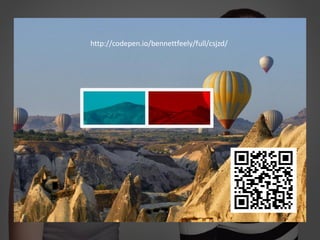
http://codepen.io/bennettfeely/full/csjzd/ 
http://codepen.io/bennettfeely/full/csjzd/
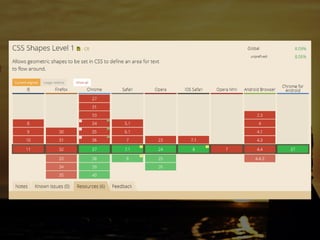
CSS Shapes
http://codepen.io/adobe/full/Brtdz
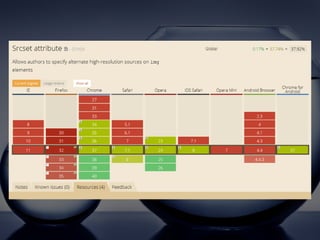
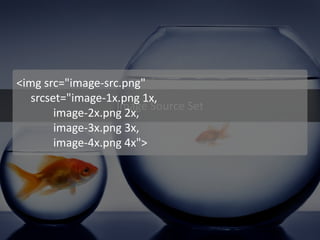
Image Source Set
Image Source Set 
<img src="image-src.png" 
srcset="image-1x.png 1x, 
image-2x.png 2x, 
image-3x.png 3x, 
image-4x.png 4x">
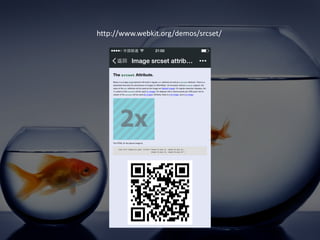
http://www.webkit.org/demos/srcset/
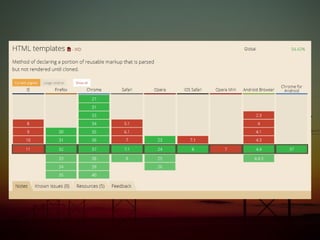
HTML Template Support
HTML Template Support 
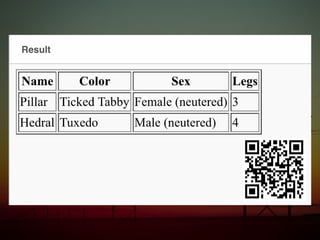
<template id="row"> <tr><td><td> </template> 
var template = document.querySelector('#row'); var clone = template.content.cloneNode(true); var cells = clone.querySelectorAll('td'); cells[0].textContent = 'Joe'; cells[1].textContent = 'red'; 
HTML code: 
JavaScript code:
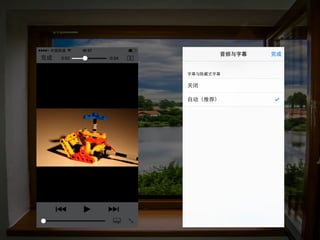
Full Screen API for video elements
Full Screen API for video elements 
document.querySelector("video").webkitEnterFullScreen()
iOS 8 and iPhone 6 for web developers and designers

iOS 8 and iPhone 6 for web developers and designers