I/O Hardware
Operating System
Lecture Topics
 OBJECTIVE
 Principal of I/O Hardware
 Polling
 I/O Devices
 Direct Memory Access
 Device Controllers
 Summary
OBJECTIVE
 Explore the structure of an operating system’s I/O
subsystem.
 Discuss the principles of I/O hardware and its complexity.
PRINCIPAL OF I/O HARDWARE
 Computers operate a great many kinds of devices. General types include
storage devices (disks, tapes), transmission devices (network cards,
modems), and human-interface devices (screen, keyboard, mouse).
 A device communicates with a computer system by sending signals over a
cable or even through the air. The device communicates with the machine
via a connection point termed a port (for example, a serial port). If one or
more devices use a common set of wires, the connection is called a bus.
 When device A has a cable that plugs into device B, and device B has a
cable that plugs into device C, and device C plugs into a port on the
computer, this arrangement is called a daisy chain. It usually operates as a
bus.
PRINCIPAL OF I/O HARDWARE
 A controller is a collection of electronics that can operate a port, a bus, or a
device. A serial-port controller is an example of a simple device controller.
It is a single chip in the computer that controls the signals on the wires of
a serial port.
 An I/O port typically consists of four registers, called the status, control,
data-in, and data-out registers.
 The status register contains bits that can be read by the host. These bits
indicate states such as whether the current command has completed,
whether a byte is available to be read from the data-in register, and whether
there has been a device error.
PRINCIPAL OF I/O HARDWARE
 The control register can be written by the host to start a command or to
change the mode of a device. For instance, a certain bit in the control
register of a serial port chooses between full-duplex and half-duplex
communication, another enables parity checking, a third bit sets the word
length to 7 or 8 bits, and other bits select one of the speeds supported by the
serial port.
 The data-in register is read by the host to get input, and the data out register
is written by the host to send output.
 The data registers are typically 1 to 4 bytes. Some controllers have FIFO
chips that can hold several bytes of input or output data to expand the
capacity of the controller beyond the size of the data register.
PRINCIPAL OF I/O HARDWARE
 A FIFO chip can hold a small burst of data until the device or host is able to
receive those data.
Polling
 Incomplete protocol for interaction between the host and a controller can be
intricate, but the basic handshaking notion is simple.
 The controller indicates its state through the busy bit in the status register.
(Recall that to set a bit means to write a 1 into the bit, and to clear a bit
means to write a 0 into it.)
 The controller sets the busy bit when it is busy working, and clears the busy
bit when it is ready to accept the next command. The host signals its
wishes via the command-ready bit in the command register. The host sets
the command-ready bit when a command is available for the controller to
execute.
Polling
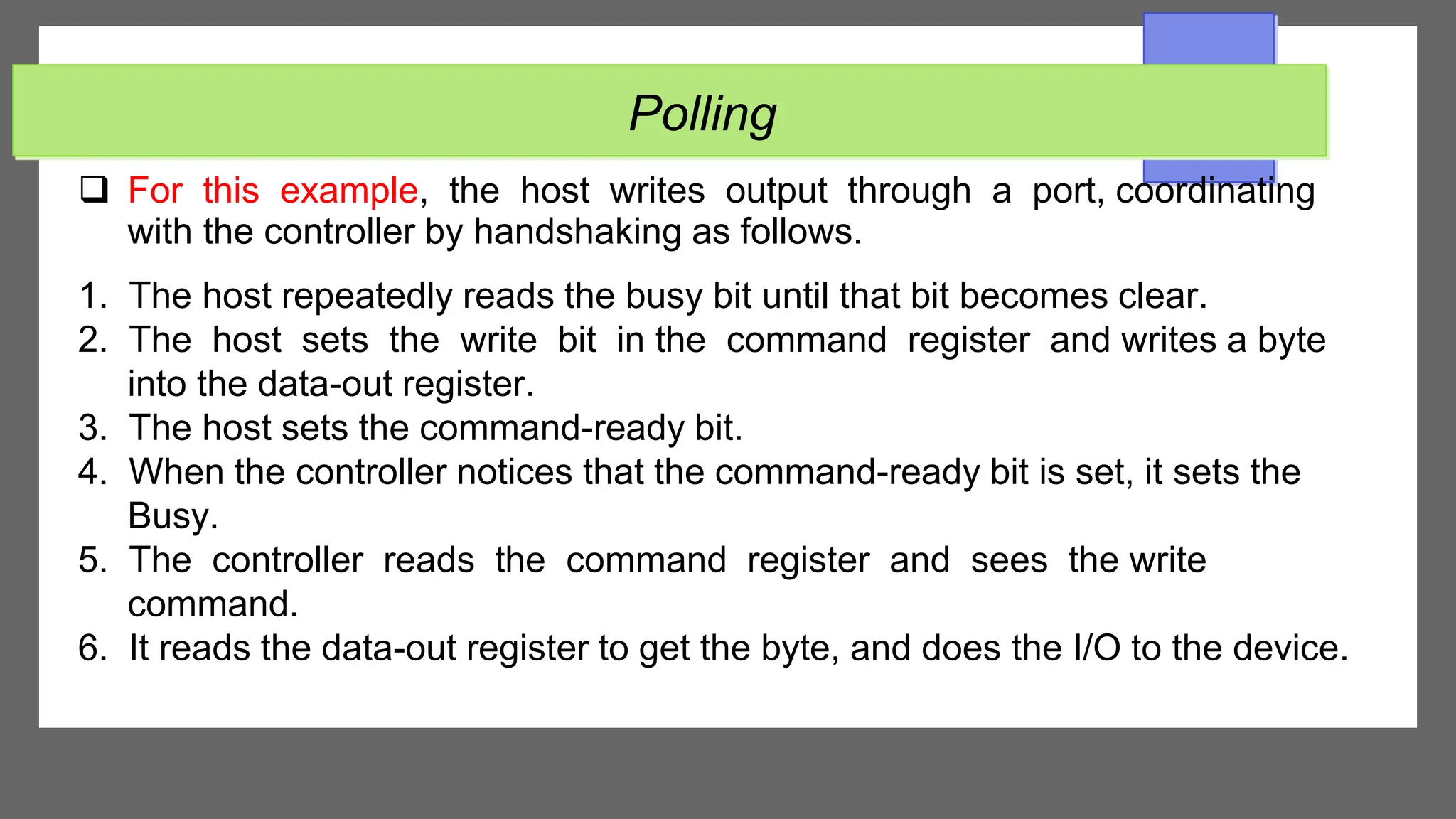
 For this example, the host writes output through a port, coordinating
with the controller by handshaking as follows.
1. The host repeatedly reads the busy bit until that bit becomes clear.
2. The host sets the write bit in the command register and writes a byte
into the data-out register.
3. The host sets the command-ready bit.
4. When the controller notices that the command-ready bit is set, it sets the
Busy.
5. The controller reads the command register and sees the write
command.
6. It reads the data-out register to get the byte, and does the I/O to the device.
Polling
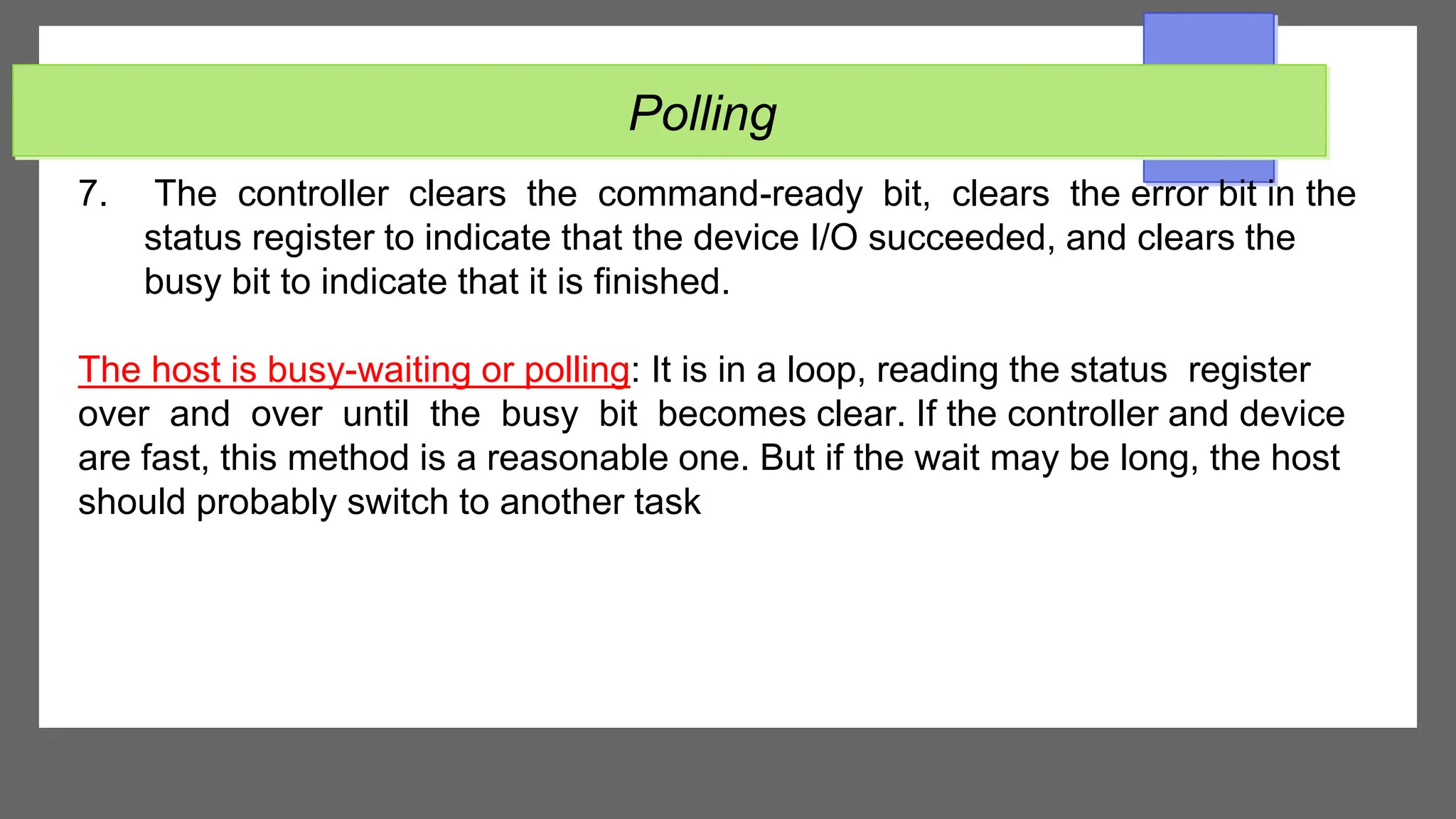
7. The controller clears the command-ready bit, clears the error bit in the
status register to indicate that the device I/O succeeded, and clears the
busy bit to indicate that it is finished.
The host is busy-waiting or polling: It is in a loop, reading the status register
over and over until the busy bit becomes clear. If the controller and device
are fast, this method is a reasonable one. But if the wait may be long, the host
should probably switch to another task
I/O Devices
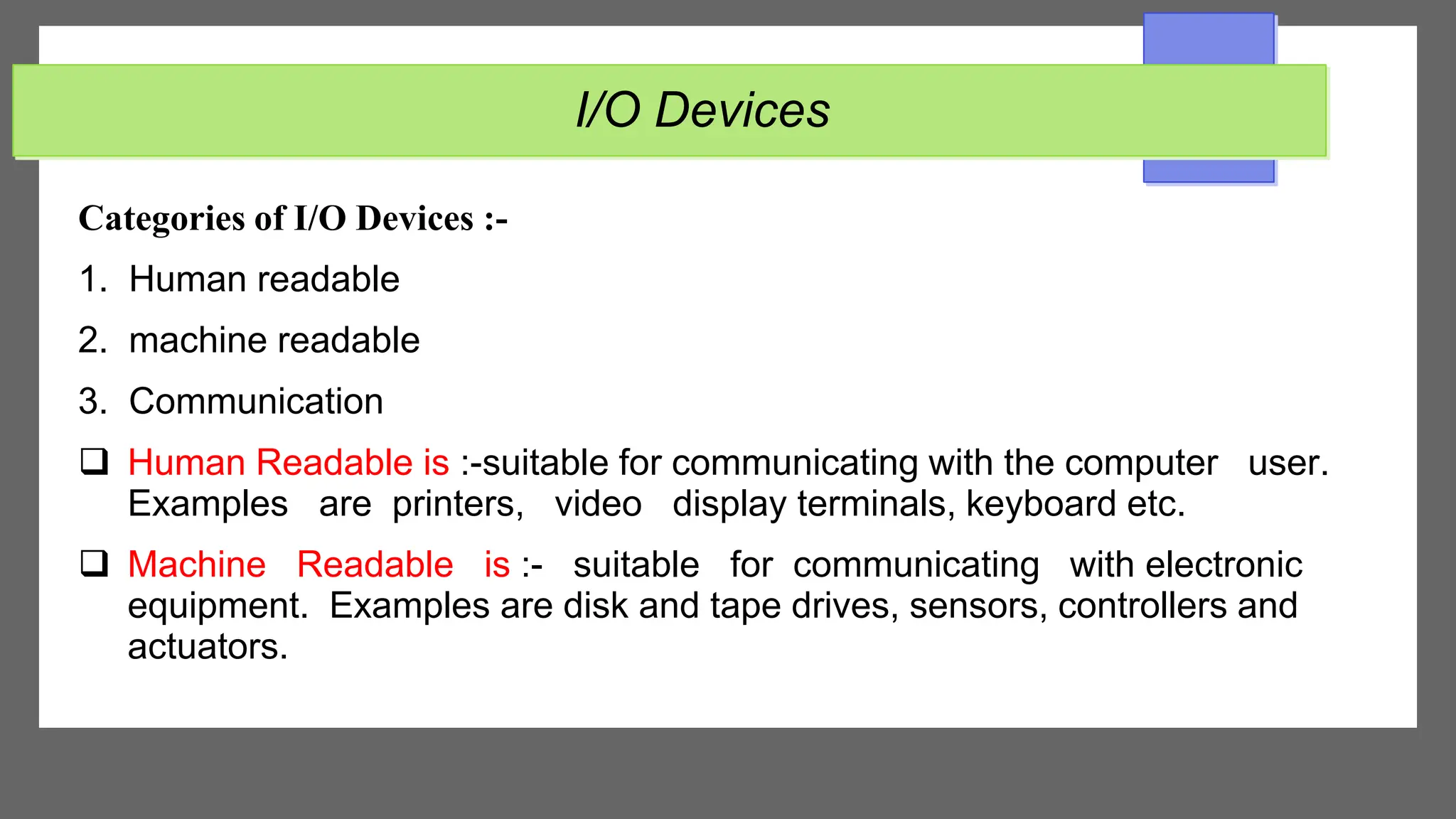
Categories of I/O Devices :-
1. Human readable
2. machine readable
3. Communication
 Human Readable is :-suitable for communicating with the computer user.
Examples are printers, video display terminals, keyboard etc.
 Machine Readable is :- suitable for communicating with electronic
equipment. Examples are disk and tape drives, sensors, controllers and
actuators.
I/O Devices
 Communication is suitable for communicating with remote devices.
Examples are digital line drivers and modems.
Differences between I/O Devices
1. Data rate : there may be differences of several orders of magnitude between the data
transfer rates.
2. Application: Different devices have different use in the system.
3. Complexity of Control: A disk is much more complex whereas printer requires
simple control interface.
4. Unit of transfer: Data may be transferred as a stream of bytes or characters or in
larger blocks.
5. Data representation: Different data encoding schemes are used for different
devices.
6. Error Conditions: The nature of errors differs widely from one device to another.
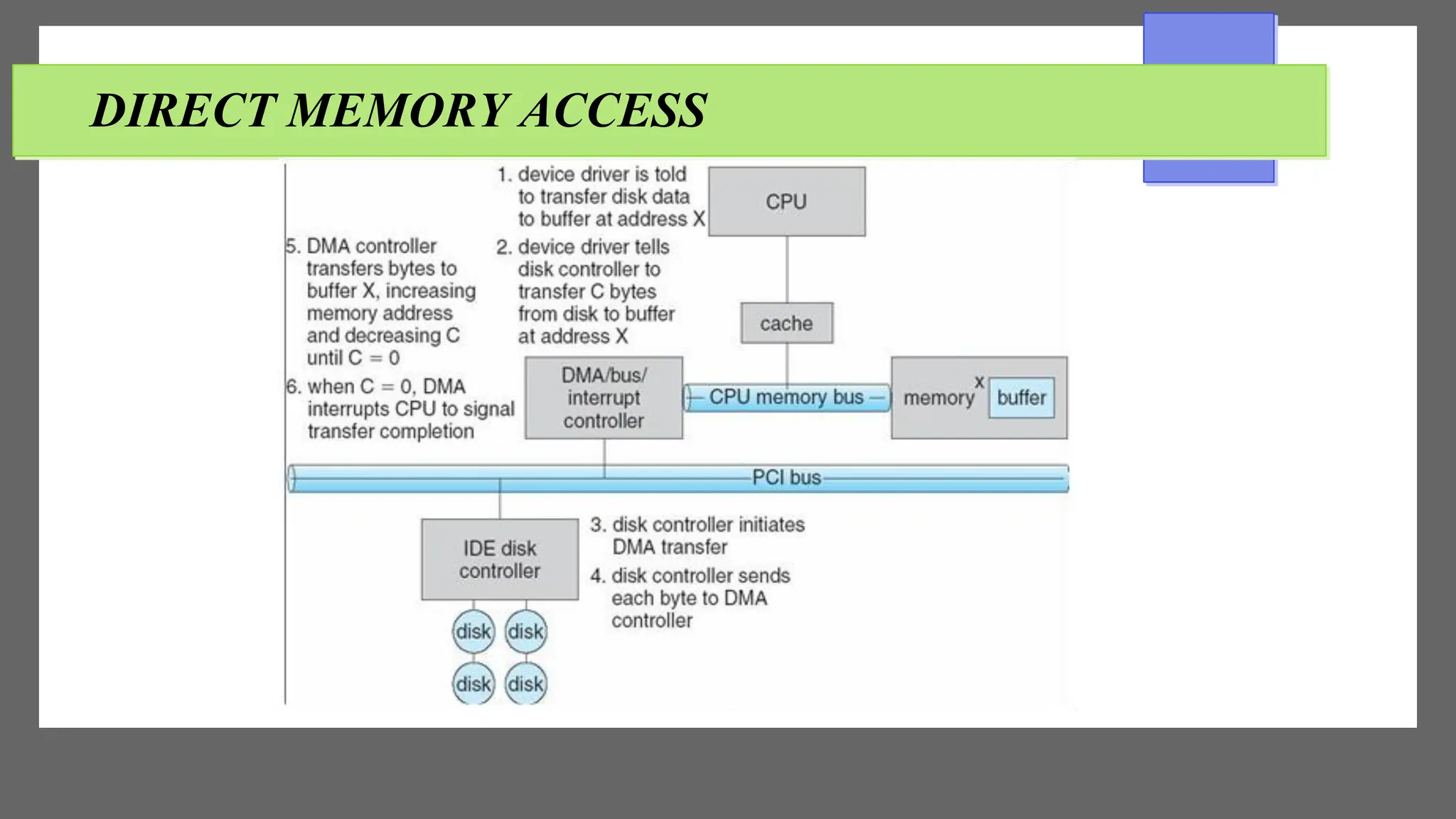
DIRECT MEMORY ACCESS
 A special control unit may be provided to allow transfer of a block of data
directly between an external device and the main memory, without continuous
intervention by the processor. This approach is called Direct Memory
Access(DMA).
 DMA can be used with either polling or interrupt software.
DMA is particularly useful on devices like disks, where many bytes of
information can be transferred in single I/O operations. When used in
conjunction with an interrupt, the CPU is notified only after the entire block of
data has been transferred. For each byte or word transferred, it must
provide the memory address and all the bus signals that control the data
transfer.
DIRECT MEMORY ACCESS
 Interaction with a device controller is managed through a device driver.
 Device drivers are part of the operating system, but not necessarily part
of the OS kernel. The operating system provides a simplified view of the
device to user applications (e.g., character devices vs. block devices in
UNIX). In some operating systems (e.g., Linux), devices are also accessible
through the /dev file system
 In some cases, the operating system buffers data that are transferred
between a device and a user space program (disk cache, network
buffer). This usually increases performance, but not always.
DIRECT MEMORY ACCESS
DEVICE CONTROLLERS
A computer system contains a multitude of I/O devices and their respective
controllers:
● network card
● graphics adapter
● disk controller
● DVD-ROM controller
● serial port
● USB
● sound card
Summary
 The basic hardware elements involved in I/O buses, device controllers, and
the device themselves. The work of moving data between devices and main
memory is performed by the CPU as programmed I/O or is offloaded to a
DMA controller. The kernel module that controls a device driver.
 The system call interface provided to applications is designed to
handle several basic categories of hardware, including block devices,
character devices, memory mapped files, network sockets, and programmed
interval timers. The system calls usually block the processes that issue them,
but non blocking and asynchronous calls are used by the kernel itself and by
applications that must not sleep while waiting for an I/O operation to
complete
Summary
 The kernel’s I/O subsystem provides numerous services. Among these are
I/O scheduling, buffering, caching. Spooling, device reservation, and error
handling.

IOhardware_operting_systems_2022_libya.pdf

  • 1.
  • 2.
    Lecture Topics  OBJECTIVE Principal of I/O Hardware  Polling  I/O Devices  Direct Memory Access  Device Controllers  Summary
  • 3.
    OBJECTIVE  Explore thestructure of an operating system’s I/O subsystem.  Discuss the principles of I/O hardware and its complexity.
  • 4.
    PRINCIPAL OF I/OHARDWARE  Computers operate a great many kinds of devices. General types include storage devices (disks, tapes), transmission devices (network cards, modems), and human-interface devices (screen, keyboard, mouse).  A device communicates with a computer system by sending signals over a cable or even through the air. The device communicates with the machine via a connection point termed a port (for example, a serial port). If one or more devices use a common set of wires, the connection is called a bus.  When device A has a cable that plugs into device B, and device B has a cable that plugs into device C, and device C plugs into a port on the computer, this arrangement is called a daisy chain. It usually operates as a bus.
  • 5.
    PRINCIPAL OF I/OHARDWARE  A controller is a collection of electronics that can operate a port, a bus, or a device. A serial-port controller is an example of a simple device controller. It is a single chip in the computer that controls the signals on the wires of a serial port.  An I/O port typically consists of four registers, called the status, control, data-in, and data-out registers.  The status register contains bits that can be read by the host. These bits indicate states such as whether the current command has completed, whether a byte is available to be read from the data-in register, and whether there has been a device error.
  • 6.
    PRINCIPAL OF I/OHARDWARE  The control register can be written by the host to start a command or to change the mode of a device. For instance, a certain bit in the control register of a serial port chooses between full-duplex and half-duplex communication, another enables parity checking, a third bit sets the word length to 7 or 8 bits, and other bits select one of the speeds supported by the serial port.  The data-in register is read by the host to get input, and the data out register is written by the host to send output.  The data registers are typically 1 to 4 bytes. Some controllers have FIFO chips that can hold several bytes of input or output data to expand the capacity of the controller beyond the size of the data register.
  • 7.
    PRINCIPAL OF I/OHARDWARE  A FIFO chip can hold a small burst of data until the device or host is able to receive those data.
  • 8.
    Polling  Incomplete protocolfor interaction between the host and a controller can be intricate, but the basic handshaking notion is simple.  The controller indicates its state through the busy bit in the status register. (Recall that to set a bit means to write a 1 into the bit, and to clear a bit means to write a 0 into it.)  The controller sets the busy bit when it is busy working, and clears the busy bit when it is ready to accept the next command. The host signals its wishes via the command-ready bit in the command register. The host sets the command-ready bit when a command is available for the controller to execute.
  • 9.
    Polling  For thisexample, the host writes output through a port, coordinating with the controller by handshaking as follows. 1. The host repeatedly reads the busy bit until that bit becomes clear. 2. The host sets the write bit in the command register and writes a byte into the data-out register. 3. The host sets the command-ready bit. 4. When the controller notices that the command-ready bit is set, it sets the Busy. 5. The controller reads the command register and sees the write command. 6. It reads the data-out register to get the byte, and does the I/O to the device.
  • 10.
    Polling 7. The controllerclears the command-ready bit, clears the error bit in the status register to indicate that the device I/O succeeded, and clears the busy bit to indicate that it is finished. The host is busy-waiting or polling: It is in a loop, reading the status register over and over until the busy bit becomes clear. If the controller and device are fast, this method is a reasonable one. But if the wait may be long, the host should probably switch to another task
  • 11.
    I/O Devices Categories ofI/O Devices :- 1. Human readable 2. machine readable 3. Communication  Human Readable is :-suitable for communicating with the computer user. Examples are printers, video display terminals, keyboard etc.  Machine Readable is :- suitable for communicating with electronic equipment. Examples are disk and tape drives, sensors, controllers and actuators.
  • 12.
    I/O Devices  Communicationis suitable for communicating with remote devices. Examples are digital line drivers and modems.
  • 13.
    Differences between I/ODevices 1. Data rate : there may be differences of several orders of magnitude between the data transfer rates. 2. Application: Different devices have different use in the system. 3. Complexity of Control: A disk is much more complex whereas printer requires simple control interface. 4. Unit of transfer: Data may be transferred as a stream of bytes or characters or in larger blocks. 5. Data representation: Different data encoding schemes are used for different devices. 6. Error Conditions: The nature of errors differs widely from one device to another.
  • 14.
    DIRECT MEMORY ACCESS A special control unit may be provided to allow transfer of a block of data directly between an external device and the main memory, without continuous intervention by the processor. This approach is called Direct Memory Access(DMA).  DMA can be used with either polling or interrupt software. DMA is particularly useful on devices like disks, where many bytes of information can be transferred in single I/O operations. When used in conjunction with an interrupt, the CPU is notified only after the entire block of data has been transferred. For each byte or word transferred, it must provide the memory address and all the bus signals that control the data transfer.
  • 15.
    DIRECT MEMORY ACCESS Interaction with a device controller is managed through a device driver.  Device drivers are part of the operating system, but not necessarily part of the OS kernel. The operating system provides a simplified view of the device to user applications (e.g., character devices vs. block devices in UNIX). In some operating systems (e.g., Linux), devices are also accessible through the /dev file system  In some cases, the operating system buffers data that are transferred between a device and a user space program (disk cache, network buffer). This usually increases performance, but not always.
  • 16.
  • 17.
    DEVICE CONTROLLERS A computersystem contains a multitude of I/O devices and their respective controllers: ● network card ● graphics adapter ● disk controller ● DVD-ROM controller ● serial port ● USB ● sound card
  • 18.
    Summary  The basichardware elements involved in I/O buses, device controllers, and the device themselves. The work of moving data between devices and main memory is performed by the CPU as programmed I/O or is offloaded to a DMA controller. The kernel module that controls a device driver.  The system call interface provided to applications is designed to handle several basic categories of hardware, including block devices, character devices, memory mapped files, network sockets, and programmed interval timers. The system calls usually block the processes that issue them, but non blocking and asynchronous calls are used by the kernel itself and by applications that must not sleep while waiting for an I/O operation to complete
  • 19.
    Summary  The kernel’sI/O subsystem provides numerous services. Among these are I/O scheduling, buffering, caching. Spooling, device reservation, and error handling.