

Connecting your Profile to the Portal 
By 
Email : info@quontrasolutions.com 
Call : 020-3734-1498 
WebSite : www.quontrasolutions.com
- A bit about User Profiles in SharePoint 
- Birds eye view of the User Profile Service 
- A bit of Infrastructure (yay!) 
- Synchronization options for getting UPS data in and out of SharePoint 
- UPS as a base layer for social features & My Sites 
- A bit of SkyDrive therapy

 
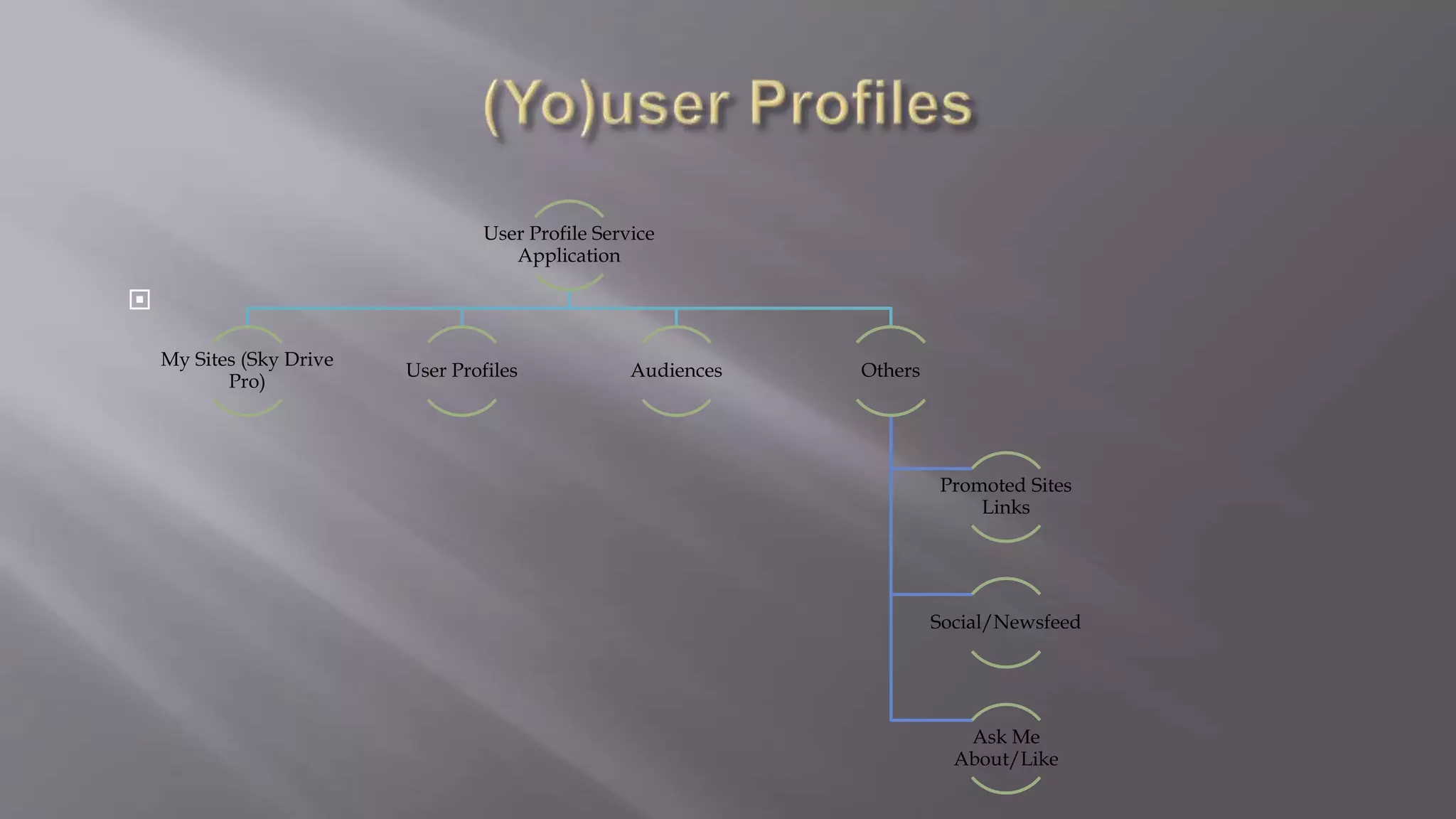
User Profile Service 
Application 
My Sites (Sky Drive 
Pro) 
User Profiles Audiences Others 
Promoted Sites 
Links 
Social/Newsfeed 
Ask Me 
About/Like
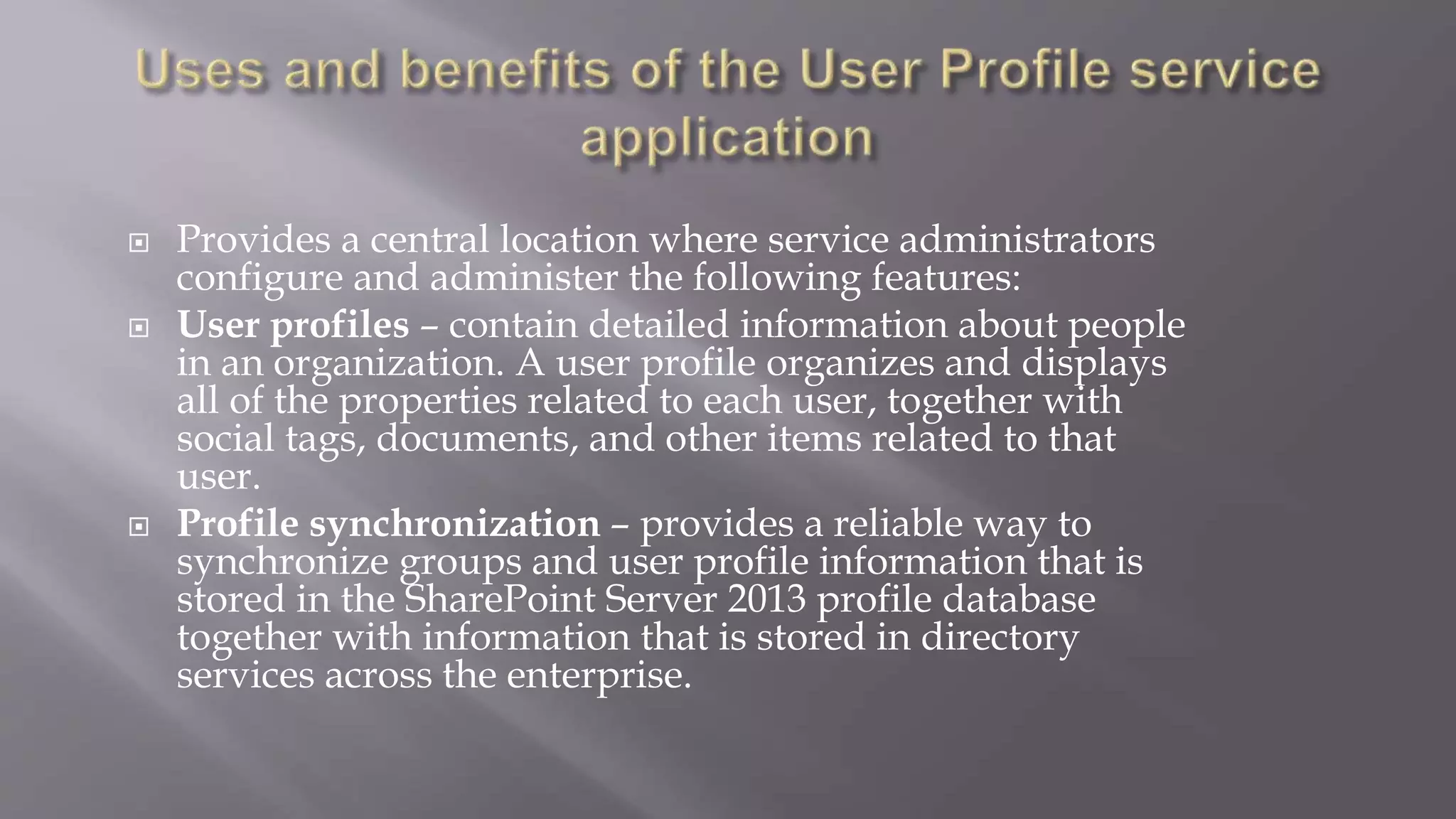
 Provides a central location where service administrators 
configure and administer the following features: 
 User profiles – contain detailed information about people 
in an organization. A user profile organizes and displays 
all of the properties related to each user, together with 
social tags, documents, and other items related to that 
user. 
 Profile synchronization – provides a reliable way to 
synchronize groups and user profile information that is 
stored in the SharePoint Server 2013 profile database 
together with information that is stored in directory 
services across the enterprise.
 Audiences – target content to users based on their job or task, as 
defined by their membership in a SharePoint Server group or 
distribution list, by the organizational reporting structure, or by the 
public properties in their user profiles.. 
 My Site – a personal site that gives users in your organization a 
central location to manage and store documents, links, and 
information about colleagues. 
 Social tags and notes – enables users to add social tags to 
documents to SharePoint Server items. Users can also leave notes on 
profile pages of a My Site or any SharePoint Server page. 
 Newsfeed - is the user’s social hub where he or she can see updates 
from the people, documents, sites, and tags that the user is 
following
 When you create a User Profile service application, 
SharePoint Server creates three databases for storing user 
profile information and associated data: 
 Profile database – used to store user profile information. 
 Synchronization database – used to store configuration 
and staging information for synchronizing profile data 
from external sources such as the Active Directory 
Domain Services (AD DS). 
 Social tagging database – used to store social tags and 
notes created by users. Each social tag and note is 
associated with a profile ID.
 The User Profile service application relies on other service 
applications to implement the full range of social computing 
features in SharePoint Server. These related service 
applications include the following: 
 Managed metadata service – makes it possible to use 
managed metadata and share content types across site 
collections and web applications. 
Search Service application – needed to enable the People 
Search feature. 
Business Connectivity Services – makes it possible to 
populate the properties of existing user profiles from a 
business system during profile synchronization.

 
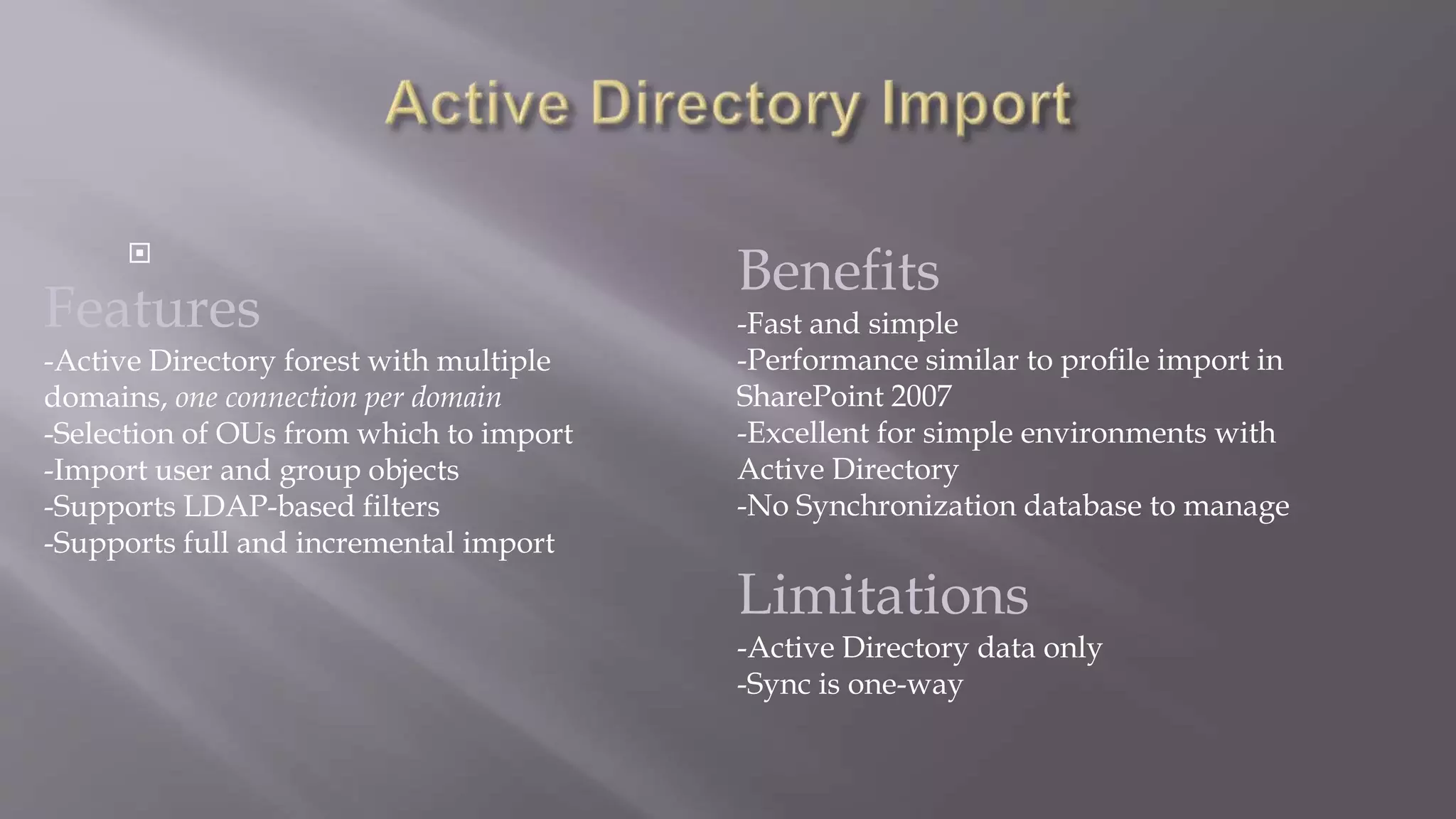
Features 
-Active Directory forest with multiple 
domains, one connection per domain 
-Selection of OUs from which to import 
-Import user and group objects 
-Supports LDAP-based filters 
-Supports full and incremental import 
Benefits 
-Fast and simple 
-Performance similar to profile import in 
SharePoint 2007 
-Excellent for simple environments with 
Active Directory 
-No Synchronization database to manage 
Limitations 
-Active Directory data only 
-Sync is one-way

 
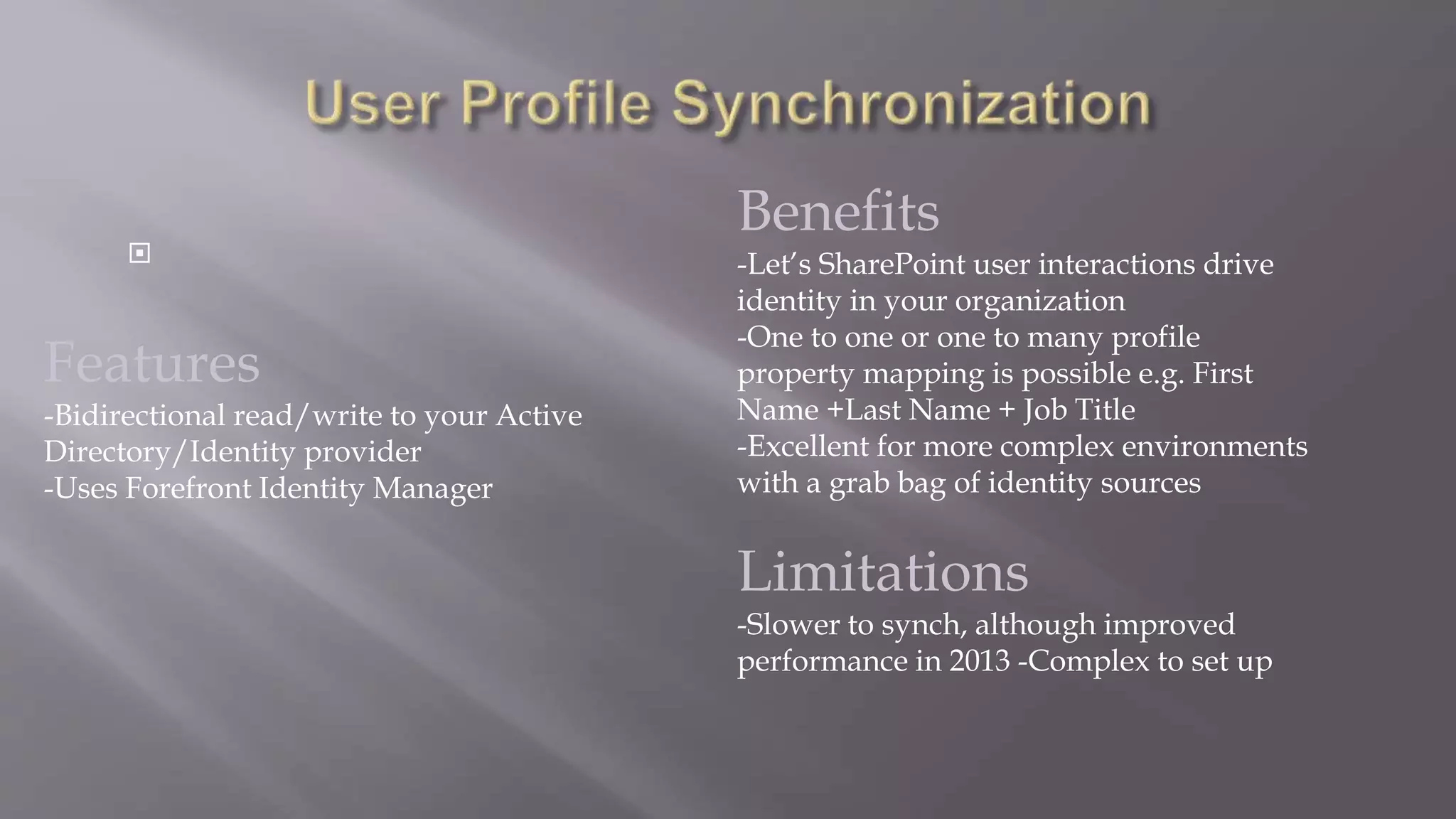
Features 
-Bidirectional read/write to your Active 
Directory/Identity provider 
-Uses Forefront Identity Manager 
Benefits 
-Let’s SharePoint user interactions drive 
identity in your organization 
-One to one or one to many profile 
property mapping is possible e.g. First 
Name +Last Name + Job Title 
-Excellent for more complex environments 
with a grab bag of identity sources 
Limitations 
-Slower to synch, although improved 
performance in 2013 -Complex to set up

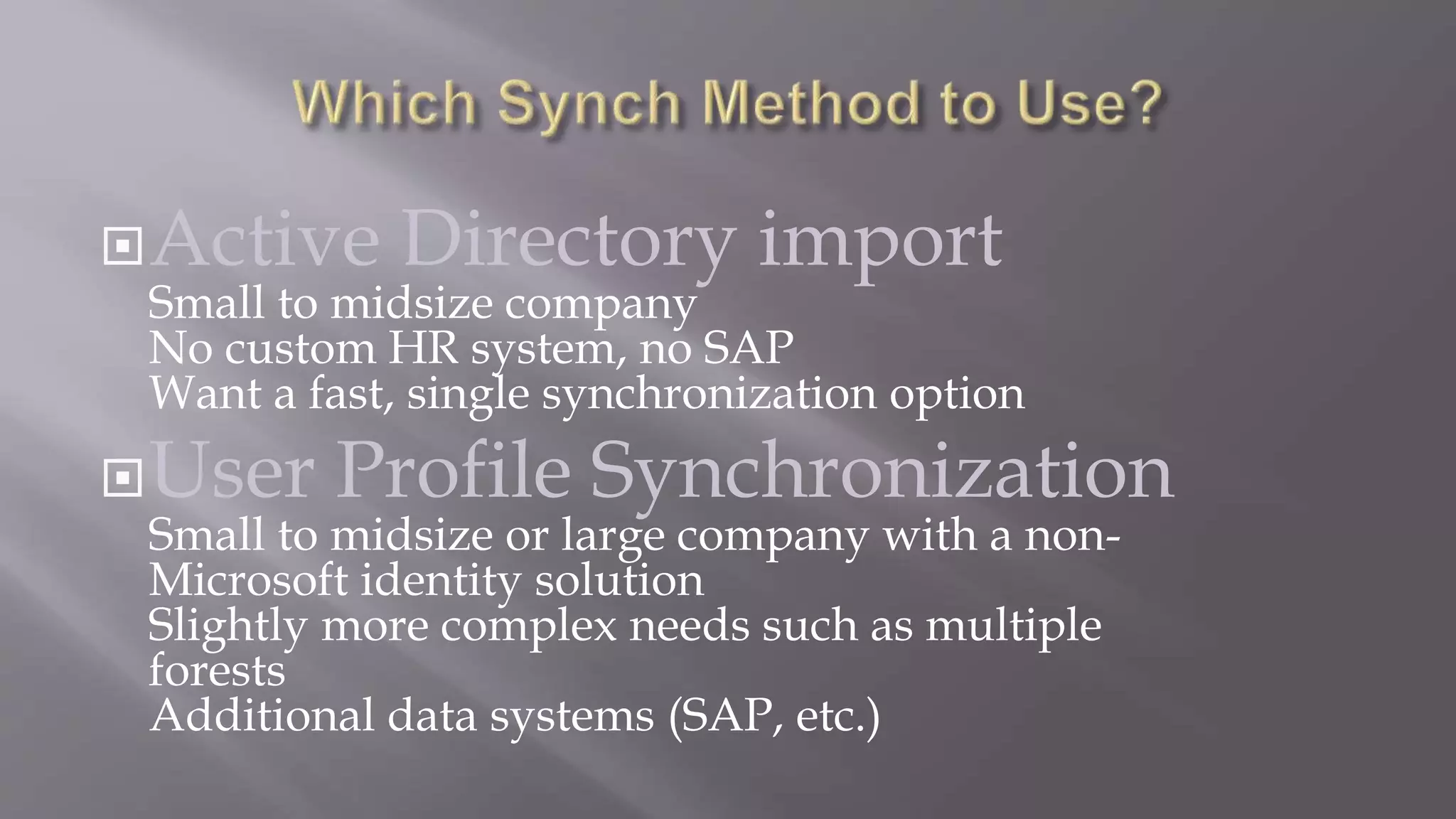
Active Directory import 
Small to midsize company 
No custom HR system, no SAP 
Want a fast, single synchronization option 
User Profile Synchronization 
Small to midsize or large company with a non- 
Microsoft identity solution 
Slightly more complex needs such as multiple 
forests 
Additional data systems (SAP, etc.)
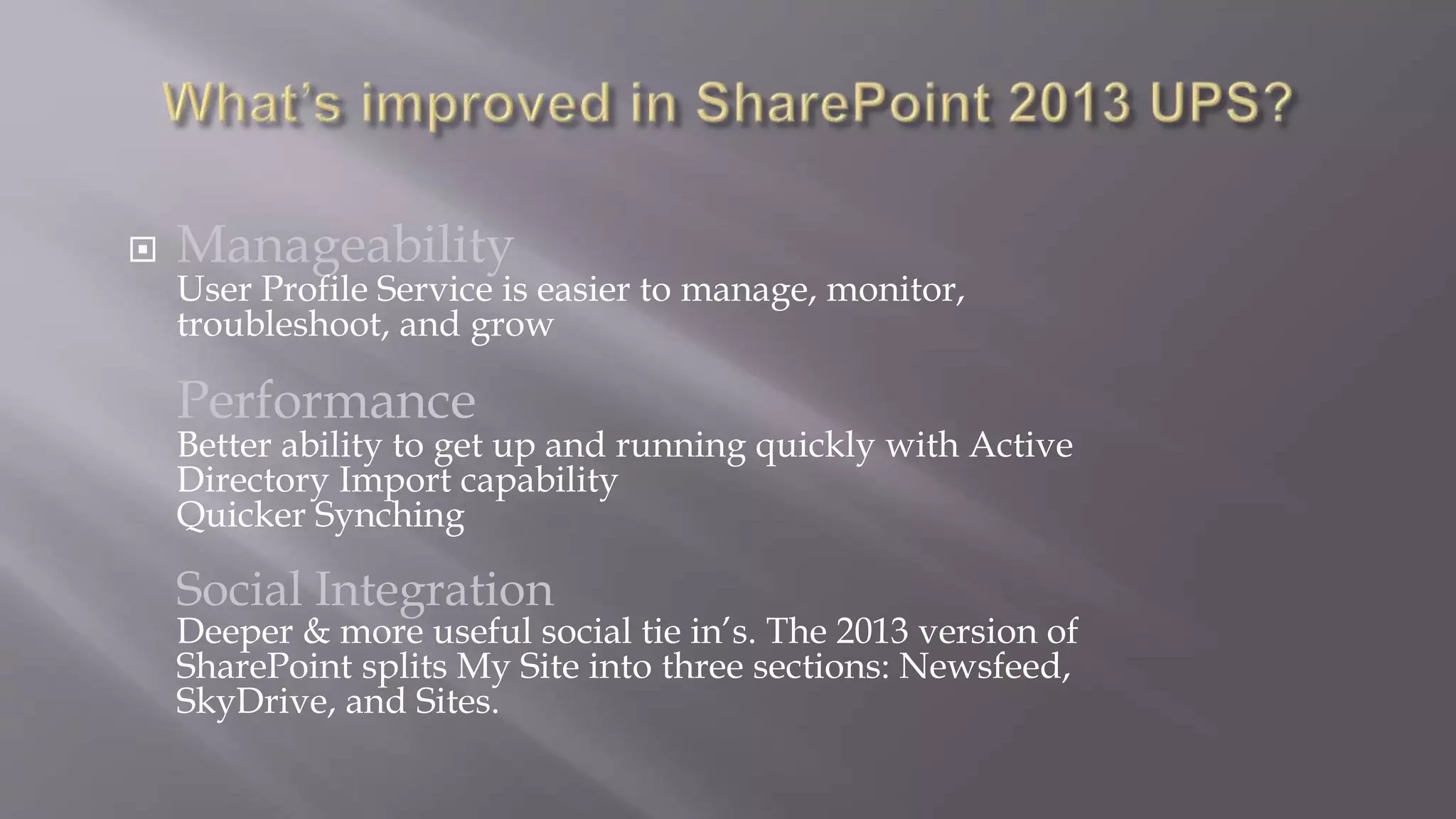
 Manageability 
User Profile Service is easier to manage, monitor, 
troubleshoot, and grow 
Performance 
Better ability to get up and running quickly with Active 
Directory Import capability 
Quicker Synching 
Social Integration 
Deeper & more useful social tie in’s. The 2013 version of 
SharePoint splits My Site into three sections: Newsfeed, 
SkyDrive, and Sites.
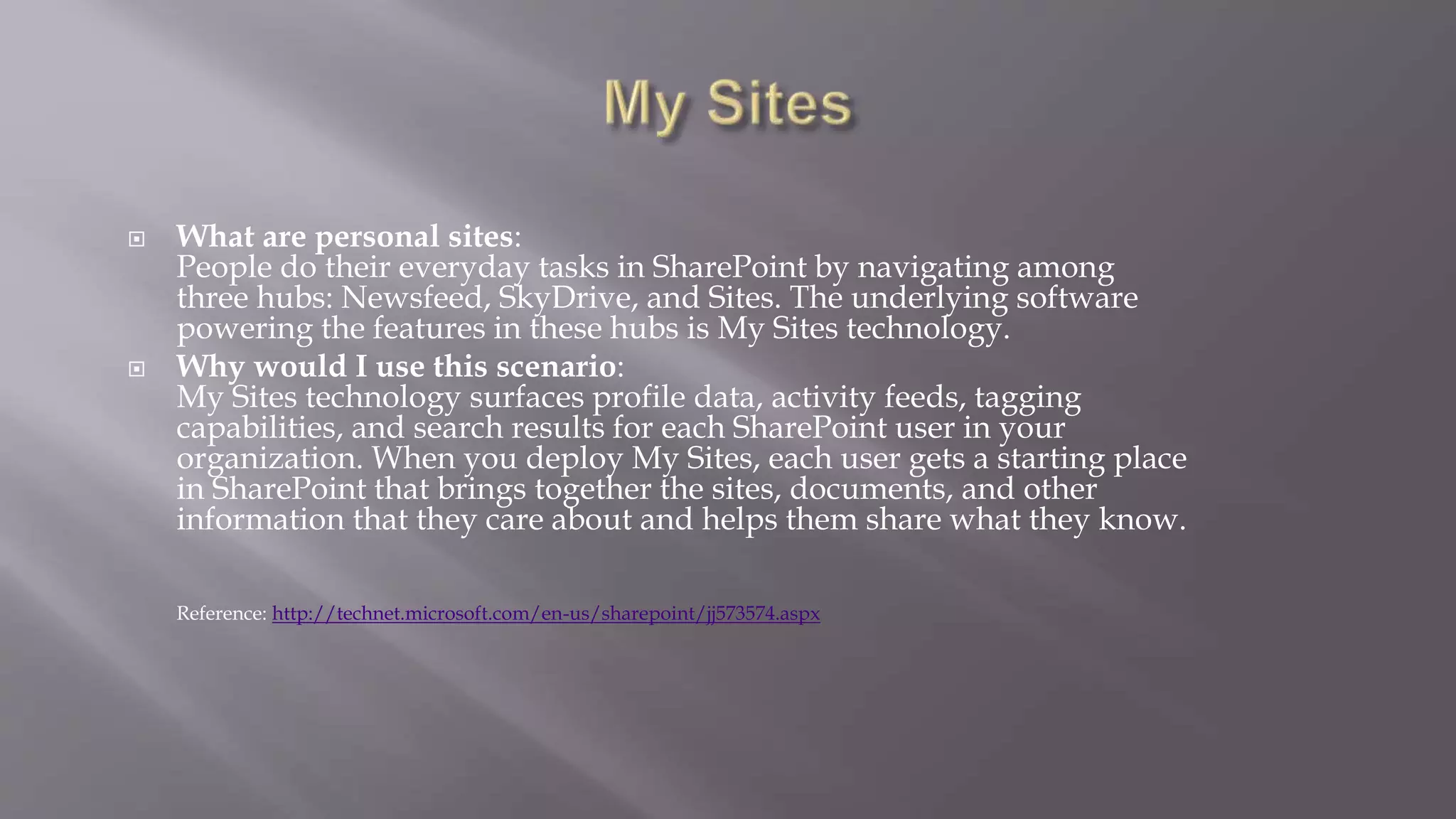
 What are personal sites: 
People do their everyday tasks in SharePoint by navigating among 
three hubs: Newsfeed, SkyDrive, and Sites. The underlying software 
powering the features in these hubs is My Sites technology. 
 Why would I use this scenario: 
My Sites technology surfaces profile data, activity feeds, tagging 
capabilities, and search results for each SharePoint user in your 
organization. When you deploy My Sites, each user gets a starting place 
in SharePoint that brings together the sites, documents, and other 
information that they care about and helps them share what they know. 
Reference: http://technet.microsoft.com/en-us/sharepoint/jj573574.aspx
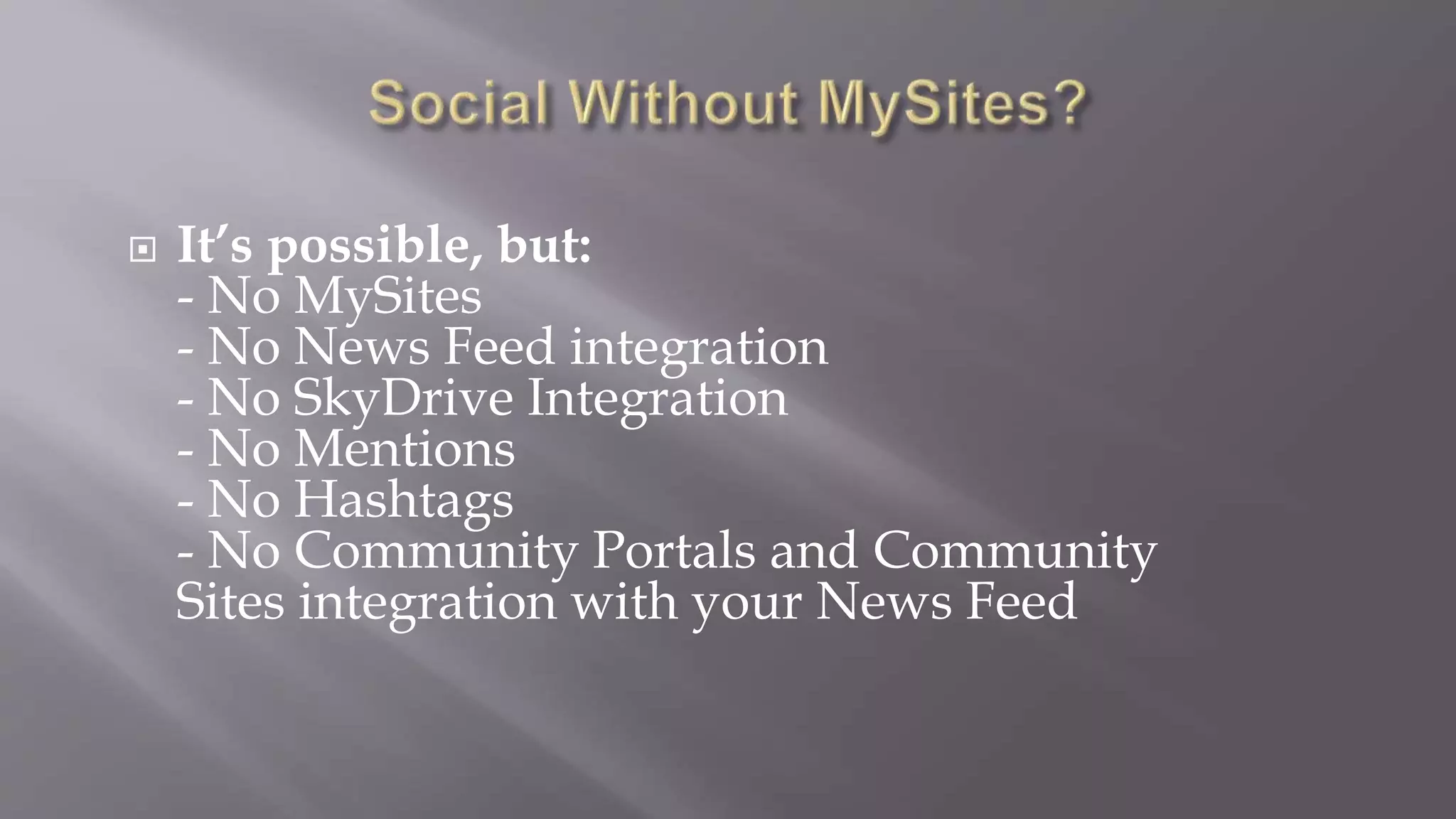
 It’s possible, but: 
- No MySites 
- No News Feed integration 
- No SkyDrive Integration 
- No Mentions 
- No Hashtags 
- No Community Portals and Community 
Sites integration with your News Feed
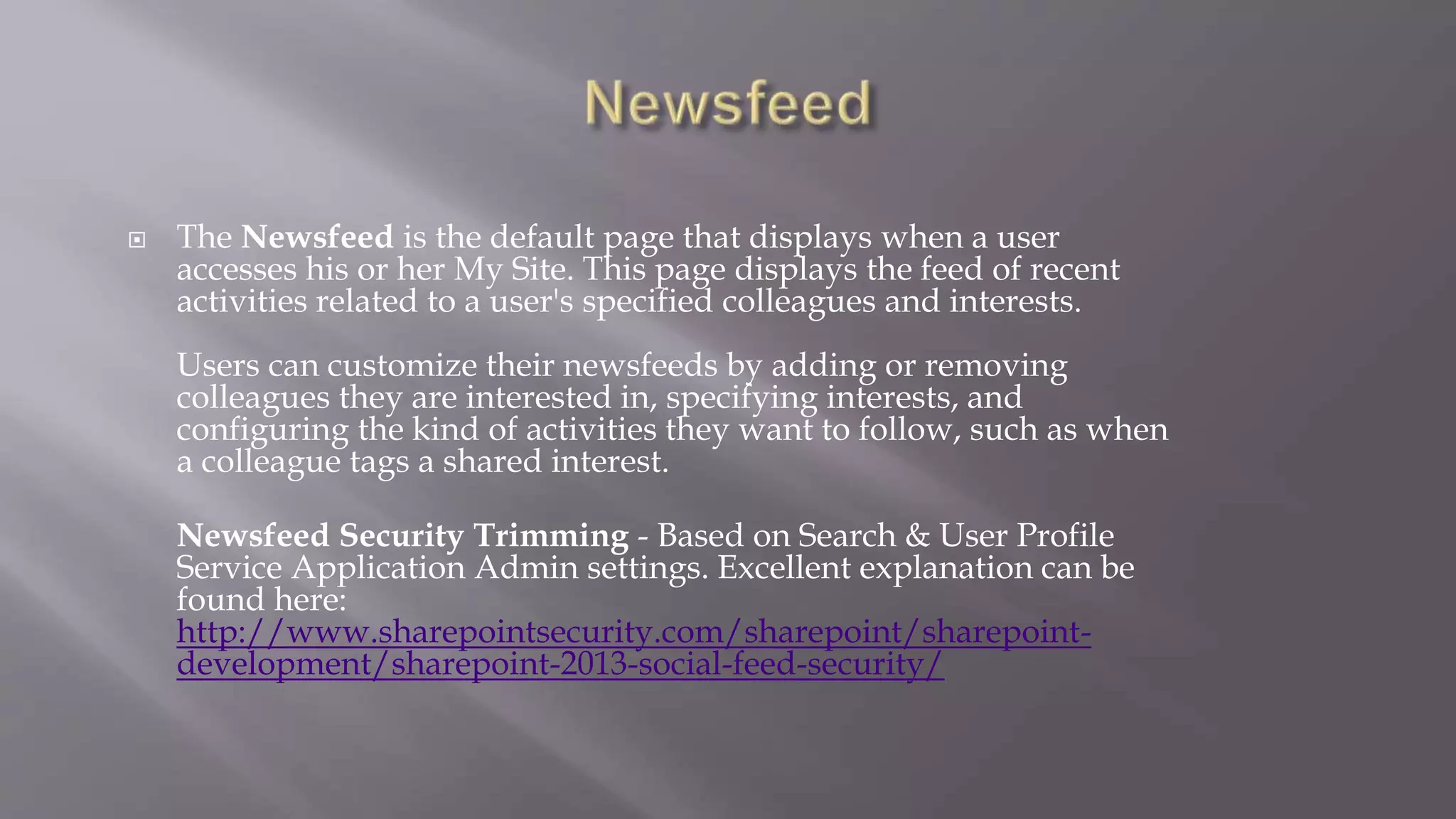
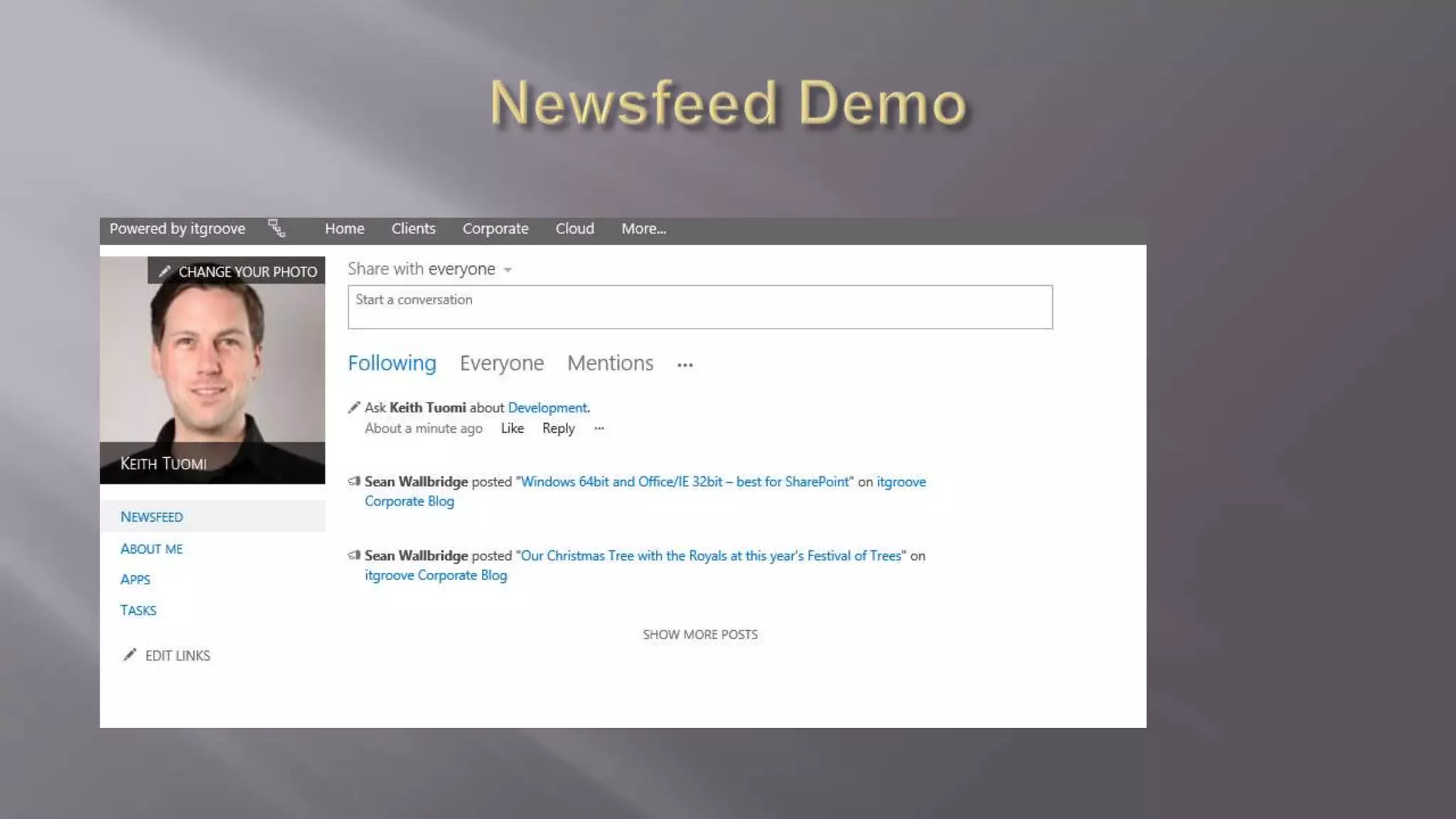
 The Newsfeed is the default page that displays when a user 
accesses his or her My Site. This page displays the feed of recent 
activities related to a user's specified colleagues and interests. 
Users can customize their newsfeeds by adding or removing 
colleagues they are interested in, specifying interests, and 
configuring the kind of activities they want to follow, such as when 
a colleague tags a shared interest. 
Newsfeed Security Trimming - Based on Search & User Profile 
Service Application Admin settings. Excellent explanation can be 
found here: 
http://www.sharepointsecurity.com/sharepoint/sharepoint-development/ 
sharepoint-2013-social-feed-security/
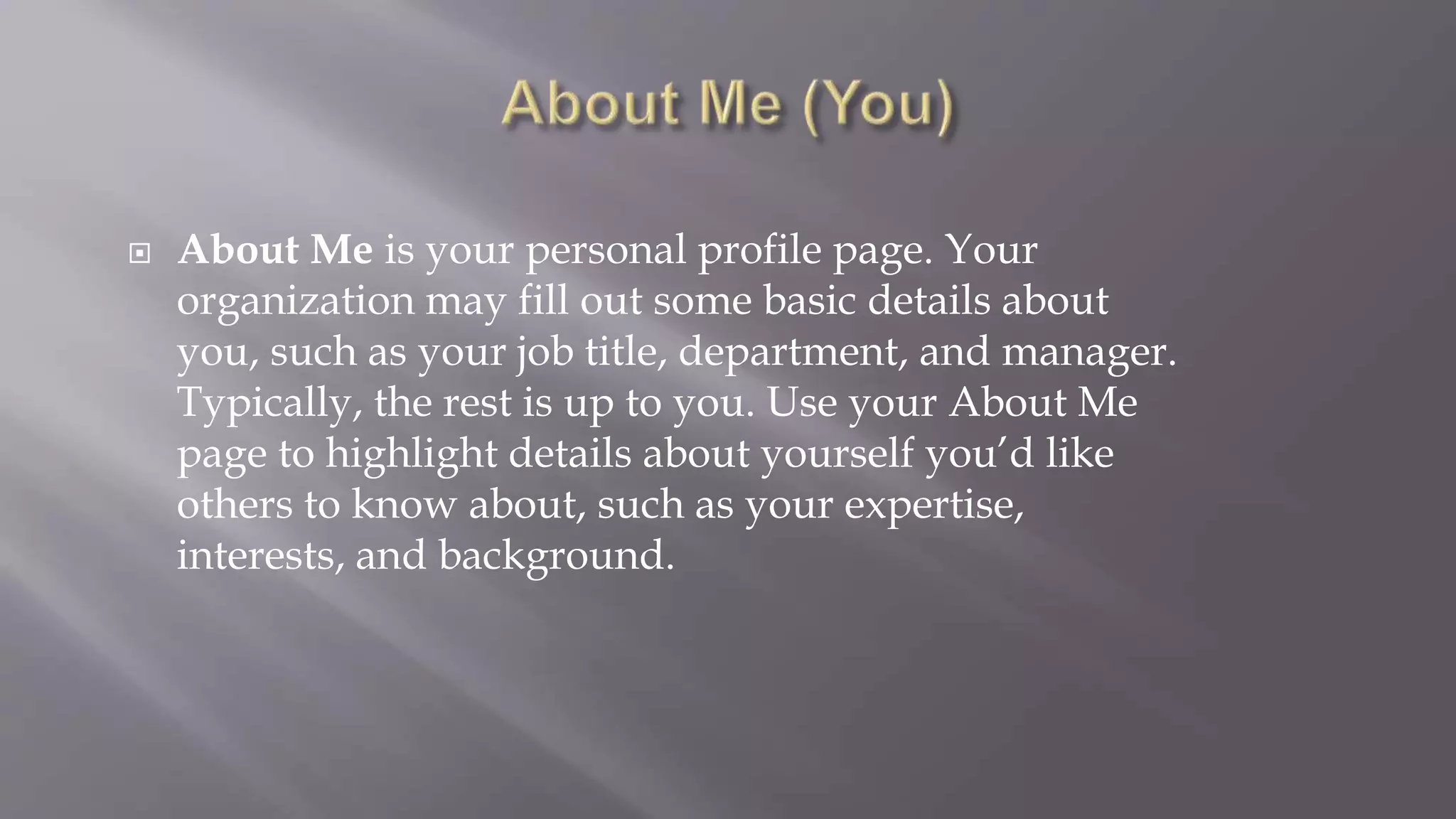
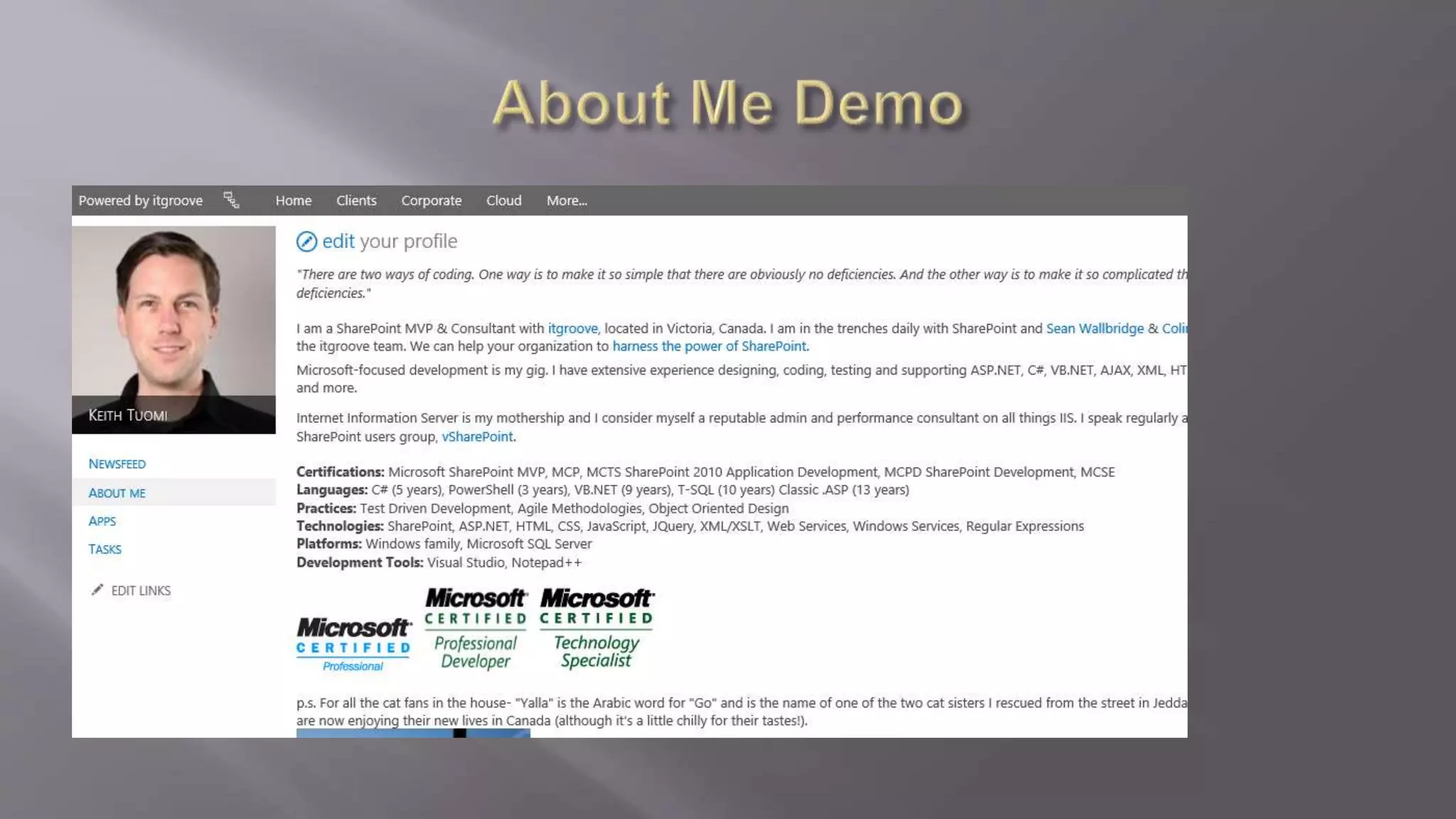
 About Me is your personal profile page. Your 
organization may fill out some basic details about 
you, such as your job title, department, and manager. 
Typically, the rest is up to you. Use your About Me 
page to highlight details about yourself you’d like 
others to know about, such as your expertise, 
interests, and background.
 The Newsfeed is the default page that displays when a user 
accesses his or her My Site. This page displays the feed of recent 
activities related to a user's specified colleagues and interests. 
Users can customize their newsfeeds by adding or removing 
colleagues they are interested in, specifying interests, and 
configuring the kind of activities they want to follow, such as when 
a colleague tags a shared interest. 
Newsfeed Security Trimming - Based on Search & User Profile 
Service Application Admin settings. Excellent explanation can be 
found here: 
http://www.sharepointsecurity.com/sharepoint/sharepoint-development/ 
sharepoint-2013-social-feed-security/
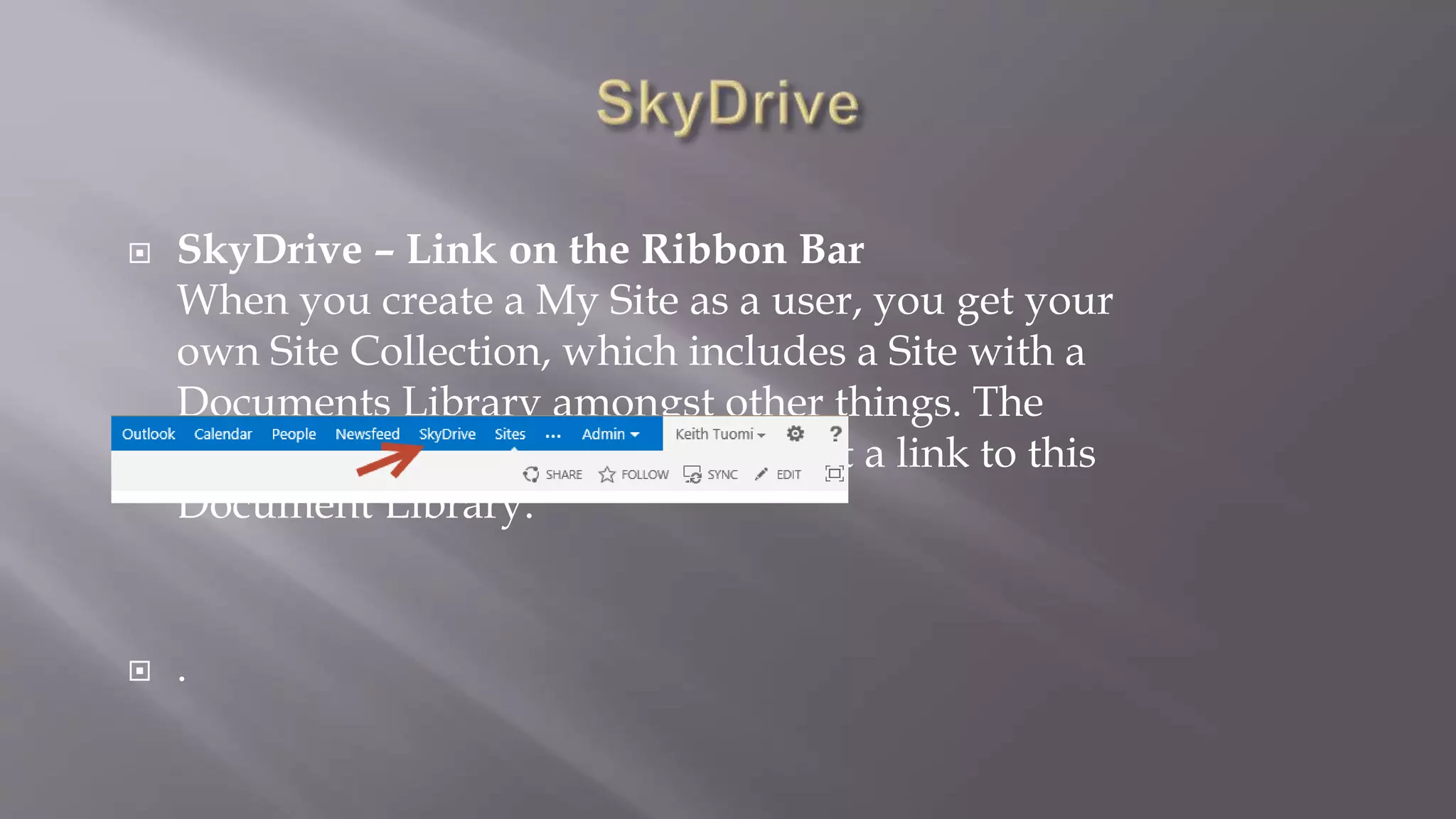
 SkyDrive – Link on the Ribbon Bar 
When you create a My Site as a user, you get your 
own Site Collection, which includes a Site with a 
Documents Library amongst other things. The 
SkyDrive hyperlink at the top is just a link to this 
Document Library. 
 .
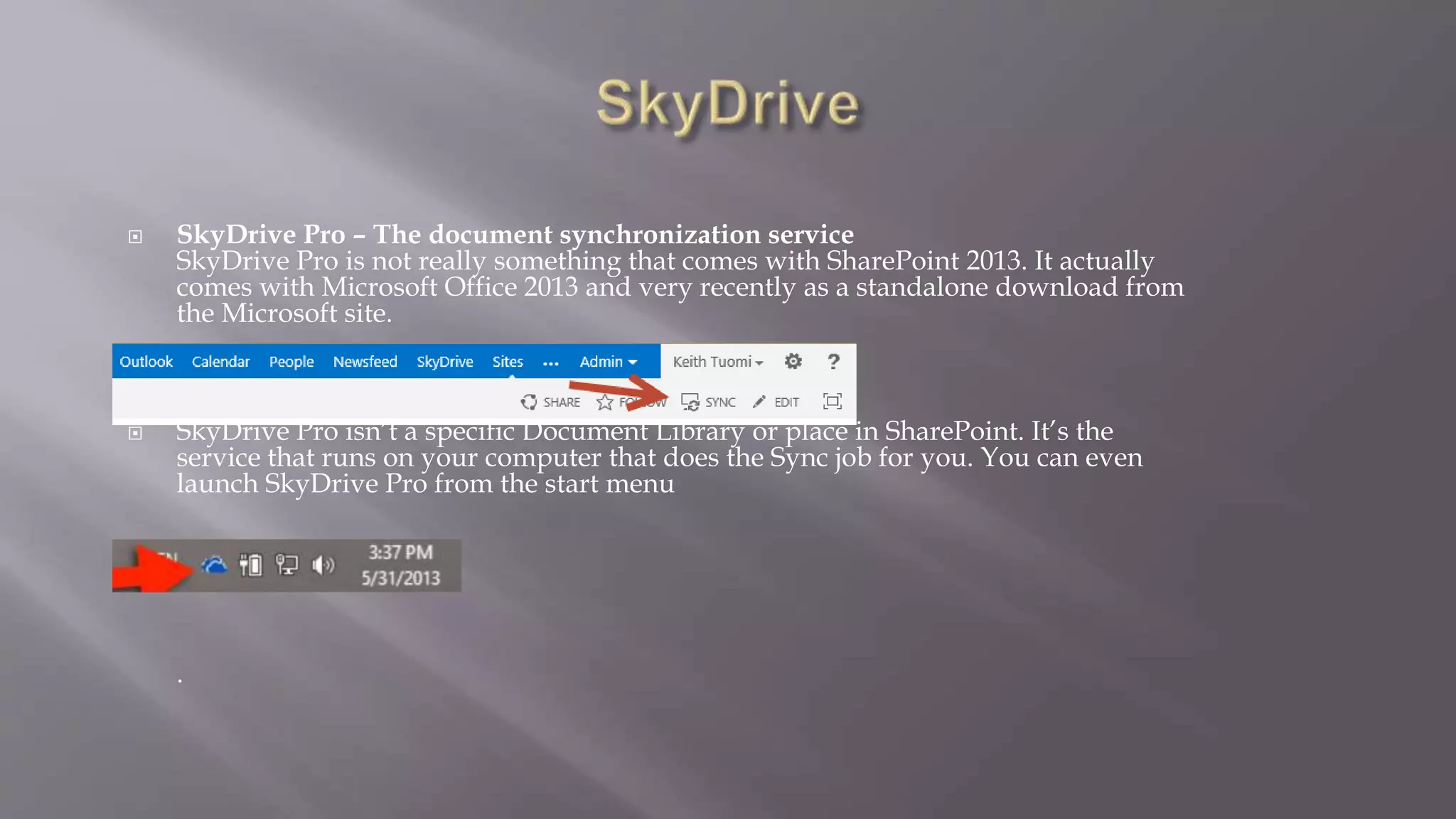
 SkyDrive Pro – The document synchronization service 
SkyDrive Pro is not really something that comes with SharePoint 2013. It actually 
comes with Microsoft Office 2013 and very recently as a standalone download from 
the Microsoft site. 
 SkyDrive Pro isn’t a specific Document Library or place in SharePoint. It’s the 
service that runs on your computer that does the Sync job for you. You can even 
launch SkyDrive Pro from the start menu 
 
.
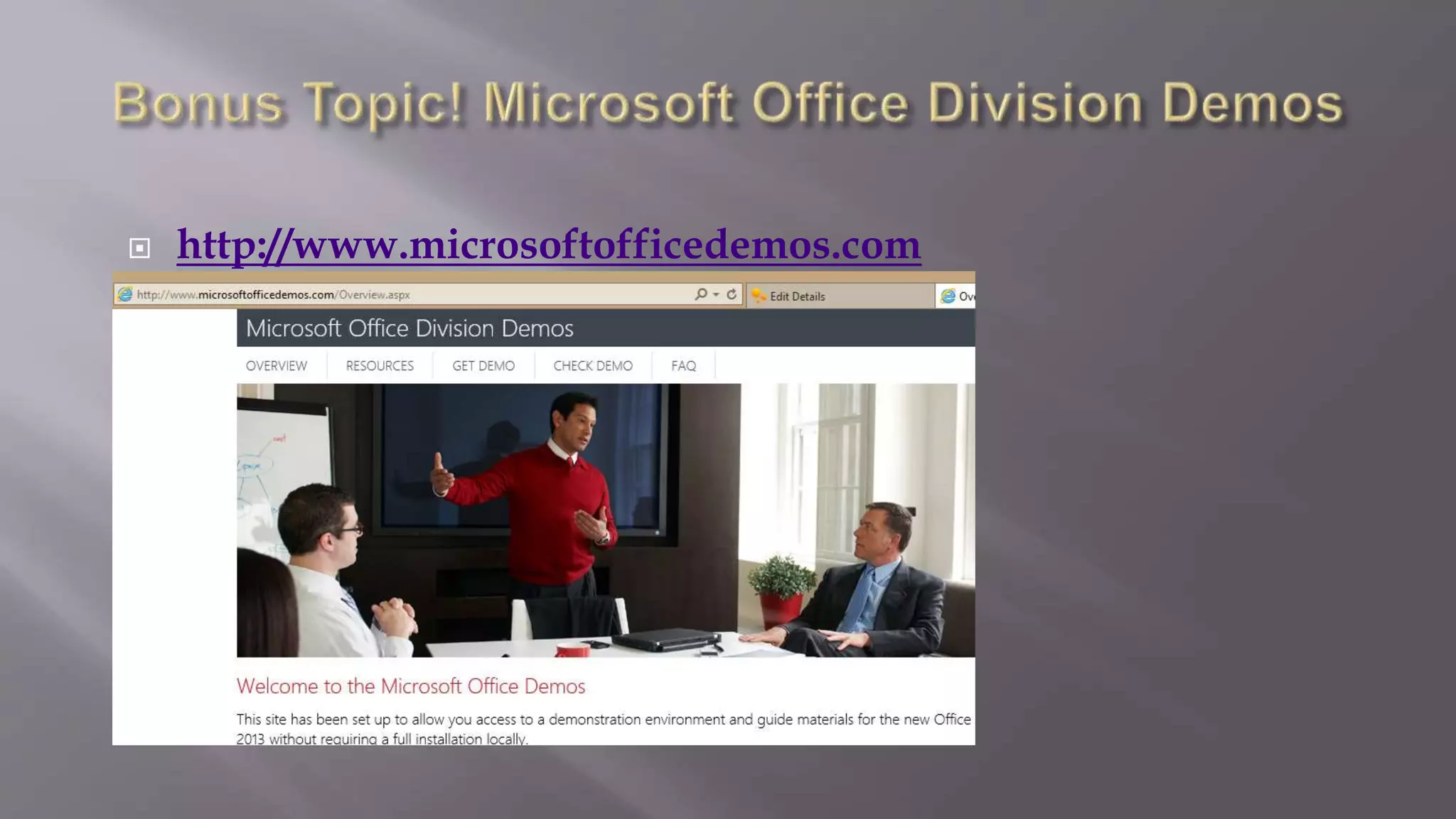
 http://www.microsoftofficedemos.com 
 
 
.
Introduction to the sharepoint 2013 userprofile service By Quontra

Introduction to the sharepoint 2013 userprofile service By Quontra

  • 1.
    Connecting your Profileto the Portal By Email : info@quontrasolutions.com Call : 020-3734-1498 WebSite : www.quontrasolutions.com
  • 2.
    - A bitabout User Profiles in SharePoint - Birds eye view of the User Profile Service - A bit of Infrastructure (yay!) - Synchronization options for getting UPS data in and out of SharePoint - UPS as a base layer for social features & My Sites - A bit of SkyDrive therapy
  • 3.
  • 4.
     User ProfileService Application My Sites (Sky Drive Pro) User Profiles Audiences Others Promoted Sites Links Social/Newsfeed Ask Me About/Like
  • 5.
     Provides acentral location where service administrators configure and administer the following features:  User profiles – contain detailed information about people in an organization. A user profile organizes and displays all of the properties related to each user, together with social tags, documents, and other items related to that user.  Profile synchronization – provides a reliable way to synchronize groups and user profile information that is stored in the SharePoint Server 2013 profile database together with information that is stored in directory services across the enterprise.
  • 6.
     Audiences –target content to users based on their job or task, as defined by their membership in a SharePoint Server group or distribution list, by the organizational reporting structure, or by the public properties in their user profiles..  My Site – a personal site that gives users in your organization a central location to manage and store documents, links, and information about colleagues.  Social tags and notes – enables users to add social tags to documents to SharePoint Server items. Users can also leave notes on profile pages of a My Site or any SharePoint Server page.  Newsfeed - is the user’s social hub where he or she can see updates from the people, documents, sites, and tags that the user is following
  • 7.
     When youcreate a User Profile service application, SharePoint Server creates three databases for storing user profile information and associated data:  Profile database – used to store user profile information.  Synchronization database – used to store configuration and staging information for synchronizing profile data from external sources such as the Active Directory Domain Services (AD DS).  Social tagging database – used to store social tags and notes created by users. Each social tag and note is associated with a profile ID.
  • 8.
     The UserProfile service application relies on other service applications to implement the full range of social computing features in SharePoint Server. These related service applications include the following:  Managed metadata service – makes it possible to use managed metadata and share content types across site collections and web applications. Search Service application – needed to enable the People Search feature. Business Connectivity Services – makes it possible to populate the properties of existing user profiles from a business system during profile synchronization.
  • 9.
  • 10.
     Features -ActiveDirectory forest with multiple domains, one connection per domain -Selection of OUs from which to import -Import user and group objects -Supports LDAP-based filters -Supports full and incremental import Benefits -Fast and simple -Performance similar to profile import in SharePoint 2007 -Excellent for simple environments with Active Directory -No Synchronization database to manage Limitations -Active Directory data only -Sync is one-way
  • 11.
  • 12.
     Features -Bidirectionalread/write to your Active Directory/Identity provider -Uses Forefront Identity Manager Benefits -Let’s SharePoint user interactions drive identity in your organization -One to one or one to many profile property mapping is possible e.g. First Name +Last Name + Job Title -Excellent for more complex environments with a grab bag of identity sources Limitations -Slower to synch, although improved performance in 2013 -Complex to set up
  • 13.
  • 14.
    Active Directory import Small to midsize company No custom HR system, no SAP Want a fast, single synchronization option User Profile Synchronization Small to midsize or large company with a non- Microsoft identity solution Slightly more complex needs such as multiple forests Additional data systems (SAP, etc.)
  • 15.
     Manageability UserProfile Service is easier to manage, monitor, troubleshoot, and grow Performance Better ability to get up and running quickly with Active Directory Import capability Quicker Synching Social Integration Deeper & more useful social tie in’s. The 2013 version of SharePoint splits My Site into three sections: Newsfeed, SkyDrive, and Sites.
  • 16.
     What arepersonal sites: People do their everyday tasks in SharePoint by navigating among three hubs: Newsfeed, SkyDrive, and Sites. The underlying software powering the features in these hubs is My Sites technology.  Why would I use this scenario: My Sites technology surfaces profile data, activity feeds, tagging capabilities, and search results for each SharePoint user in your organization. When you deploy My Sites, each user gets a starting place in SharePoint that brings together the sites, documents, and other information that they care about and helps them share what they know. Reference: http://technet.microsoft.com/en-us/sharepoint/jj573574.aspx
  • 17.
     It’s possible,but: - No MySites - No News Feed integration - No SkyDrive Integration - No Mentions - No Hashtags - No Community Portals and Community Sites integration with your News Feed
  • 18.
     The Newsfeedis the default page that displays when a user accesses his or her My Site. This page displays the feed of recent activities related to a user's specified colleagues and interests. Users can customize their newsfeeds by adding or removing colleagues they are interested in, specifying interests, and configuring the kind of activities they want to follow, such as when a colleague tags a shared interest. Newsfeed Security Trimming - Based on Search & User Profile Service Application Admin settings. Excellent explanation can be found here: http://www.sharepointsecurity.com/sharepoint/sharepoint-development/ sharepoint-2013-social-feed-security/
  • 20.
     About Meis your personal profile page. Your organization may fill out some basic details about you, such as your job title, department, and manager. Typically, the rest is up to you. Use your About Me page to highlight details about yourself you’d like others to know about, such as your expertise, interests, and background.
  • 21.
     The Newsfeedis the default page that displays when a user accesses his or her My Site. This page displays the feed of recent activities related to a user's specified colleagues and interests. Users can customize their newsfeeds by adding or removing colleagues they are interested in, specifying interests, and configuring the kind of activities they want to follow, such as when a colleague tags a shared interest. Newsfeed Security Trimming - Based on Search & User Profile Service Application Admin settings. Excellent explanation can be found here: http://www.sharepointsecurity.com/sharepoint/sharepoint-development/ sharepoint-2013-social-feed-security/
  • 22.
     SkyDrive –Link on the Ribbon Bar When you create a My Site as a user, you get your own Site Collection, which includes a Site with a Documents Library amongst other things. The SkyDrive hyperlink at the top is just a link to this Document Library.  .
  • 23.
     SkyDrive Pro– The document synchronization service SkyDrive Pro is not really something that comes with SharePoint 2013. It actually comes with Microsoft Office 2013 and very recently as a standalone download from the Microsoft site.  SkyDrive Pro isn’t a specific Document Library or place in SharePoint. It’s the service that runs on your computer that does the Sync job for you. You can even launch SkyDrive Pro from the start menu  .
  • 24.

Editor's Notes

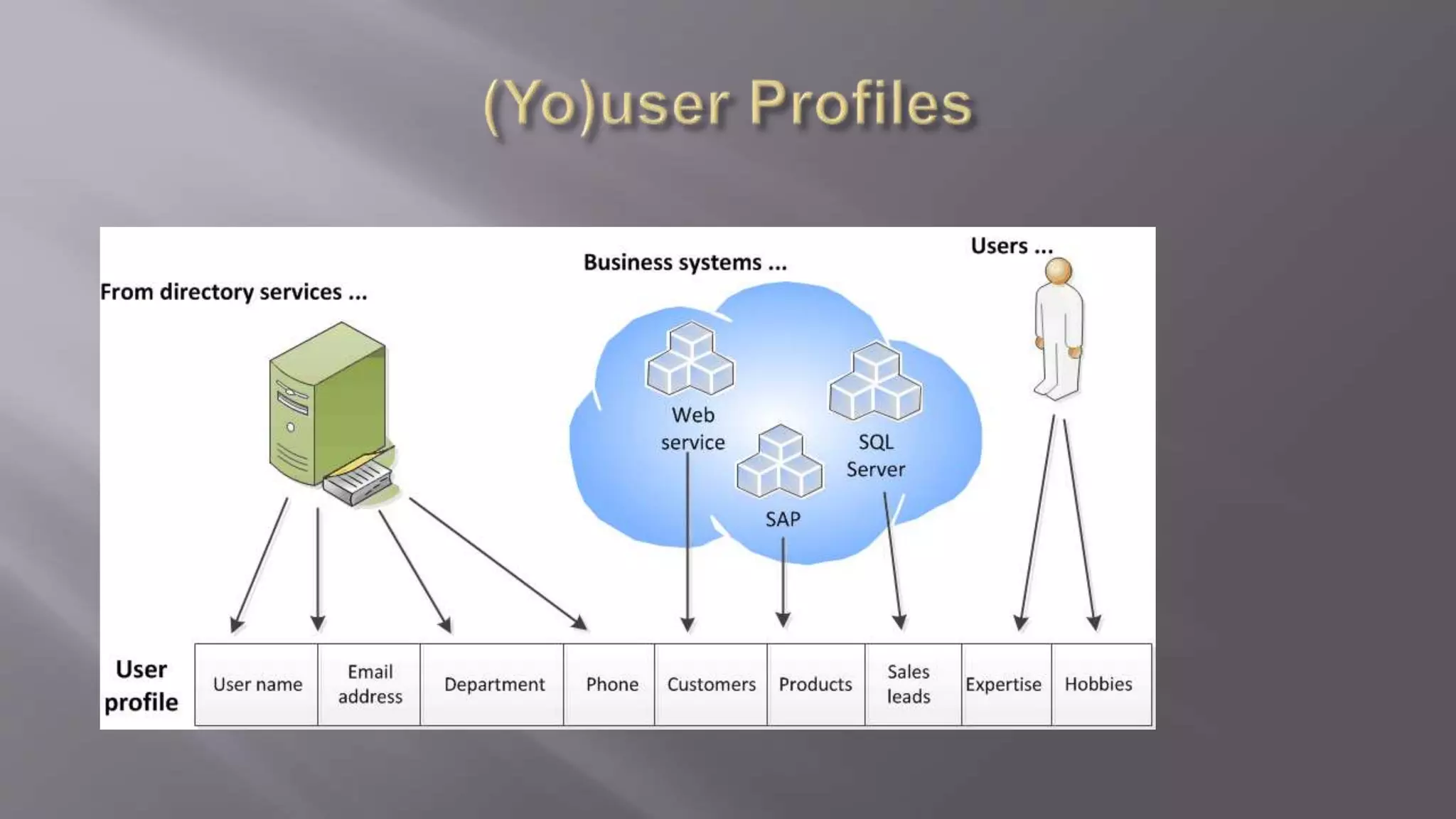
  • #3 A user profile is composed of a set of user properties. Each user property provides an item of information related to a user. User property values can come from directory services, business systems, or user input. You can configure some properties so that they can be exported to a directory service. Many of the decisions that you make in planning user profiles are about which user properties to include and how their values are set
  • #4 A user profile is composed of a set of user properties. Each user property provides an item of information related to a user. User property values can come from directory services, business systems, or user input. You can configure some properties so that they can be exported to a directory service. Many of the decisions that you make in planning user profiles are about which user properties to include and how their values are set
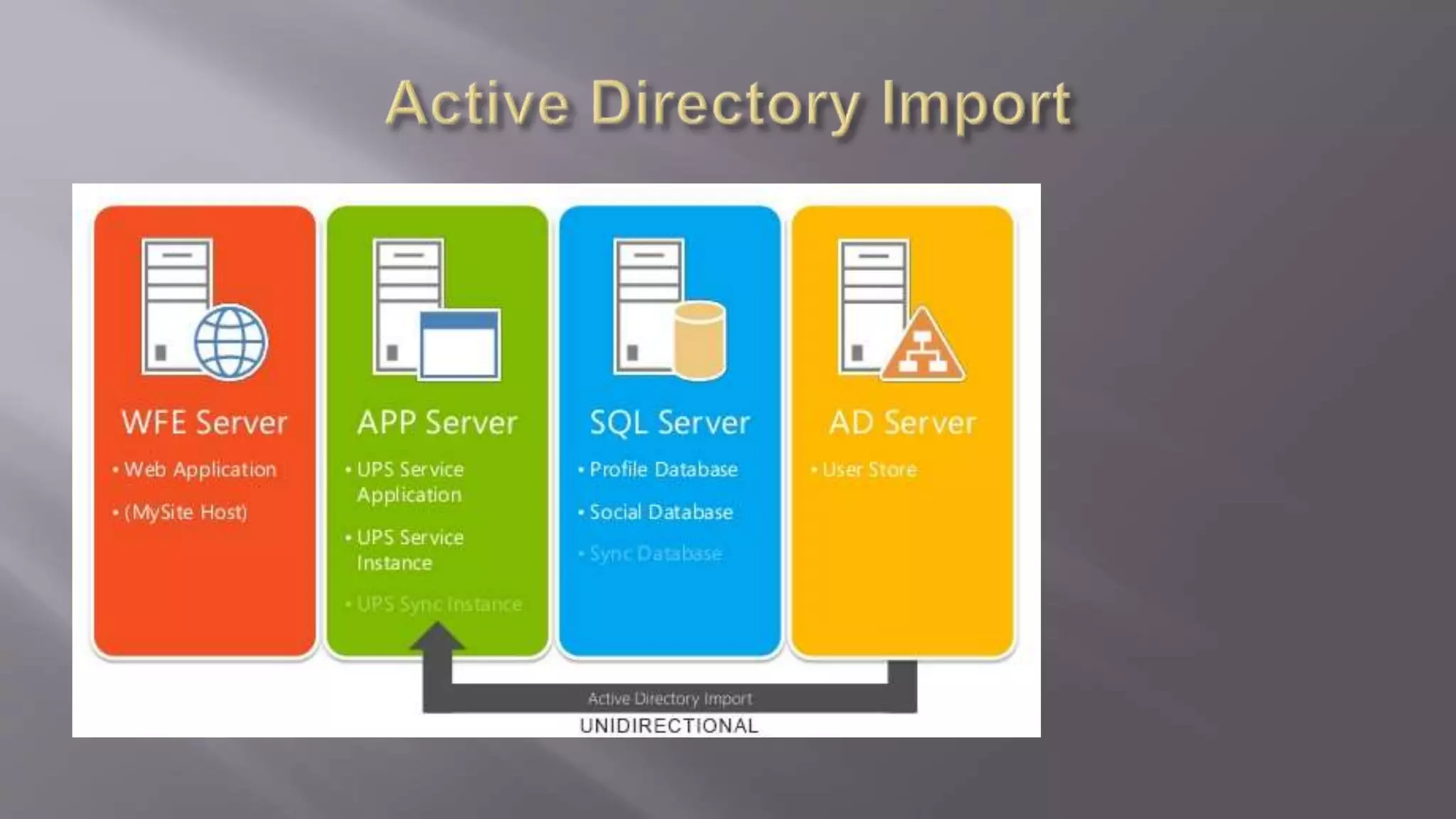
  • #11 Reminiscent of SharePoint 2007 Unidirectional Import SharePoint service without the use of FIM Upgradeable to User Profile Synch - One time! Import users & groups LDAP filter capability Multiple domain support (one connect/domain)
  • #12 Reminiscent of SharePoint 2007 Unidirectional Import SharePoint service without the use of FIM Upgradeable to User Profile Synch - One time! Import users & groups LDAP filter capability Multiple domain support (one connect/domain)
  • #13 Reminiscent of SharePoint 2007 Unidirectional Import SharePoint service without the use of FIM Upgradeable to User Profile Synch - One time! Import users & groups LDAP filter capability Multiple domain support (one connect/domain)
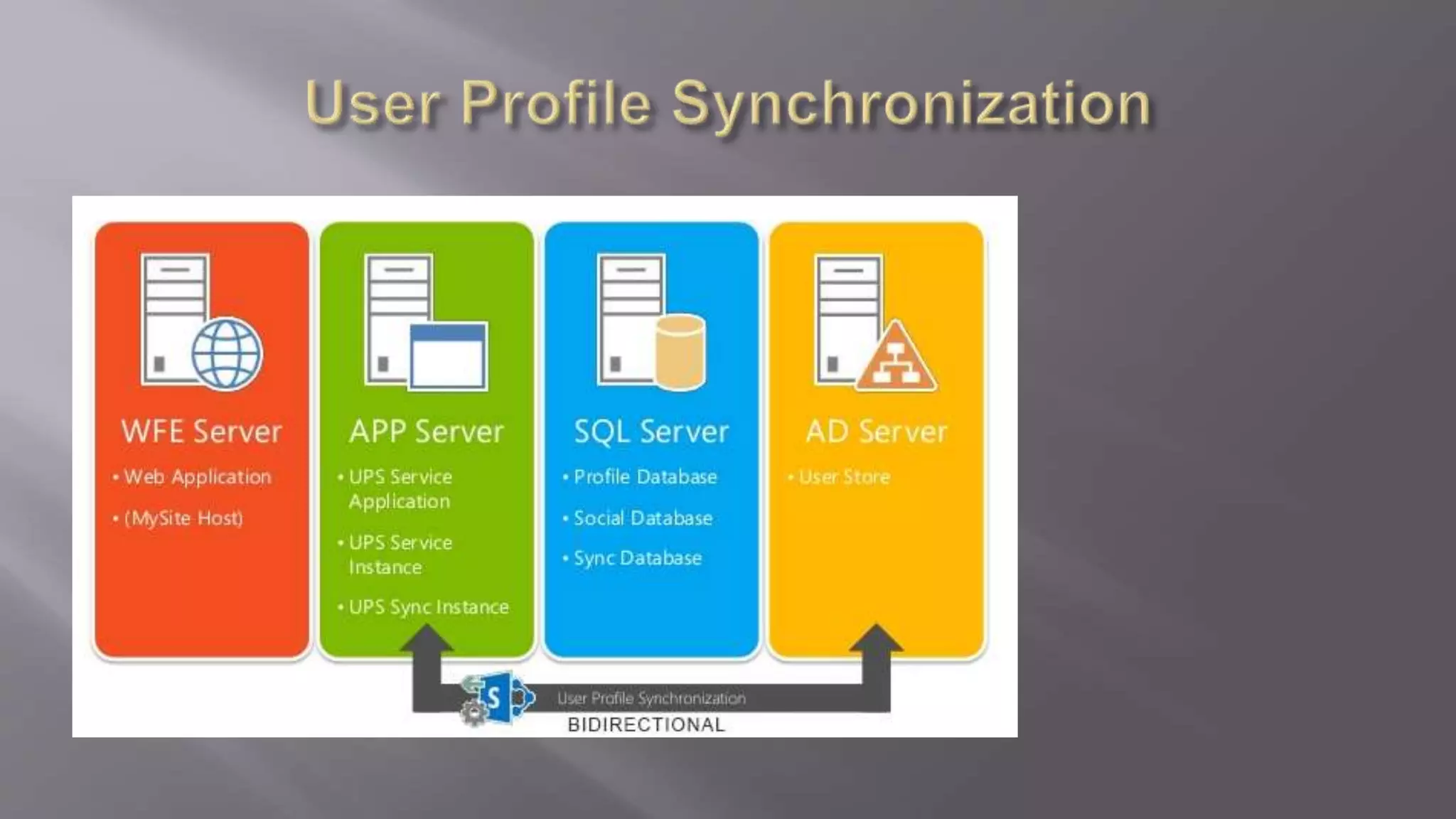
  • #14 Mostly unchanged from SharePoint 2010 Bidirectional synchronization Powered by Forefront Identity Manager
  • #15 Mostly unchanged from SharePoint 2010 Bidirectional synchronization Powered by Forefront Identity Manager