
Presented by Michele Martin, Independent Workforce & Learning Consultant Wachovia Regional Foundation Grantee Conference May 11, 2010 Social Media Strategies
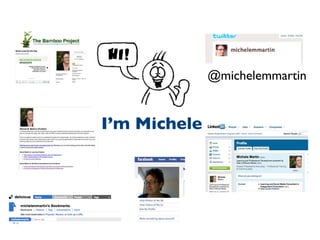
@michelemmartin I’m Michele
Define social media Discuss why social media tools are critical for your tool box Explore some examples The Plan
Is this how you feel about social media?
What’s the big deal?
 
 
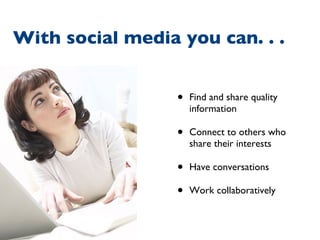
Find and share quality information Connect to others who share their interests Have conversations Work collaboratively With social media you can. . .
Listen  Participate in online conversations Tell their stories Create awareness Build community Raise money Learn Social media helps organizations. . .
What  is  social media?
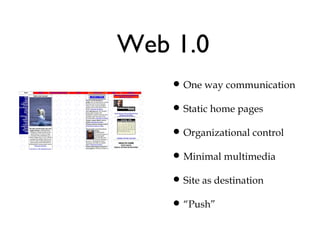
Web 1.0 One way communication Static home pages Organizational control Minimal multimedia Site as destination “ Push”
 
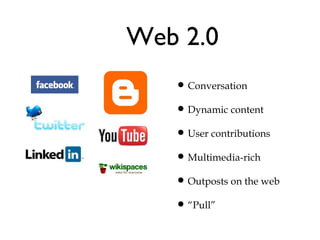
Web 2.0 Conversation Dynamic content User contributions Multimedia-rich Outposts on the web “ Pull”
 
Social media is  not . . .
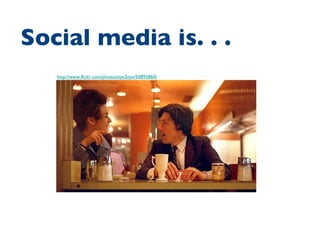
http://www.flickr.com/photos/eye2eye/50892860/ Social media is. . .
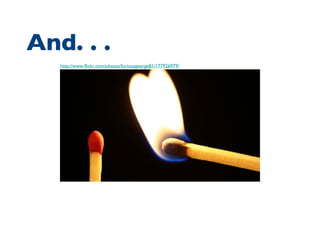
http://www.flickr.com/photos/furiousgeorge81/177926979/ And. . .
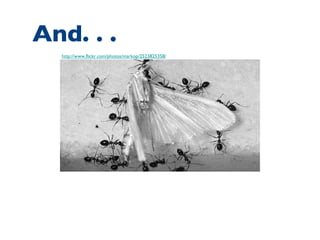
http://www.flickr.com/photos/markop/2523825358/ And. . .
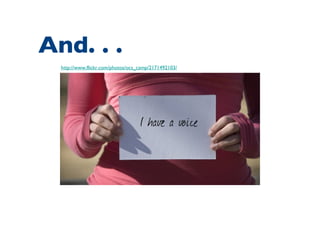
http://www.flickr.com/photos/ocs_camp/2171492103/ And. . .
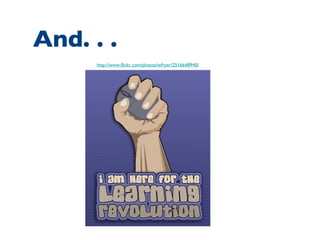
http://www.flickr.com/photos/wfryer/2516648940/ And. . .
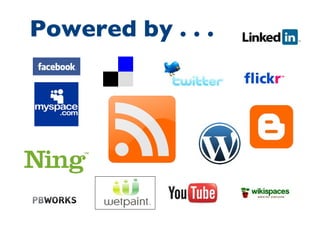
Powered by . . .
How is social media being used?
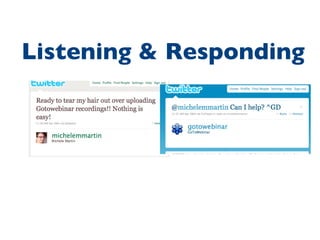
Listening & Responding
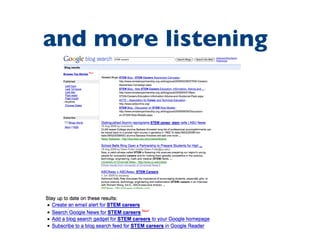
and more listening
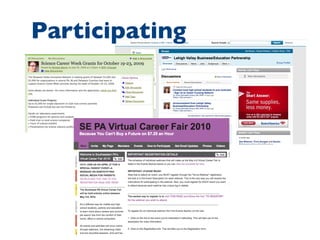
Participating
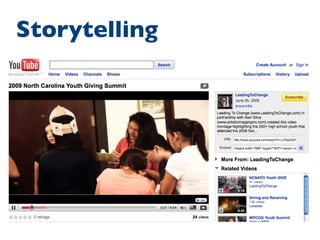
Storytelling
 
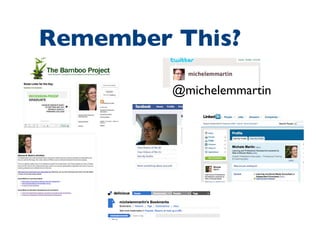
@michelemmartin Remember This?
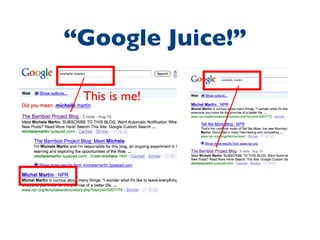
This is me! “ Google Juice!”
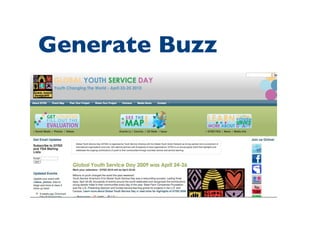
Generate Buzz
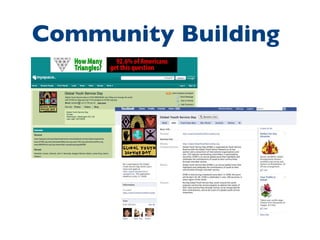
Community Building
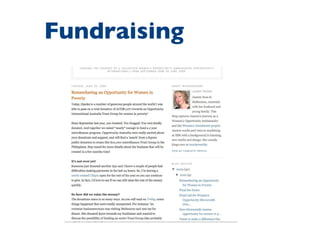
Fundraising
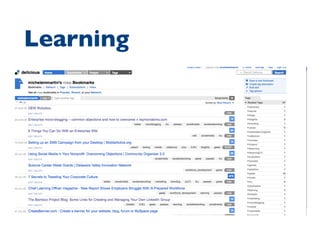
Learning


WHAT ARE THE TOOLS?
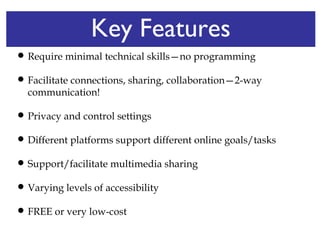
Key Features Require minimal technical skills—no programming Facilitate connections, sharing, collaboration—2-way communication! Privacy and control settings  Different platforms support different online goals/tasks Support/facilitate multimedia sharing Varying levels of accessibility FREE or very low-cost
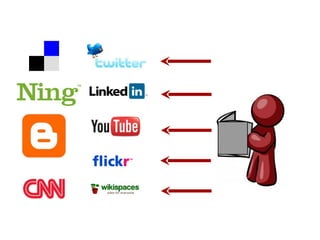
You must listen first. . .
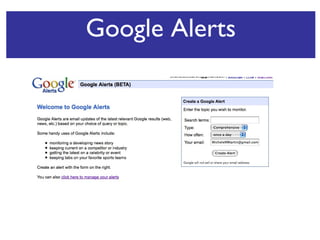
Google Alerts
+
 
 
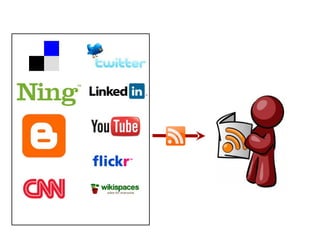
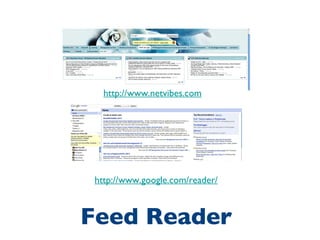
Feed Reader http://www.netvibes.com http://www.google.com/reader/
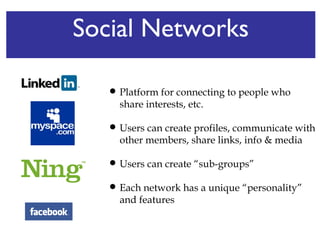
Social Networks Platform for connecting to people who share interests, etc.  Users can create profiles, communicate with other members, share links, info & media Users can create “sub-groups”  Each network has a unique “personality” and features
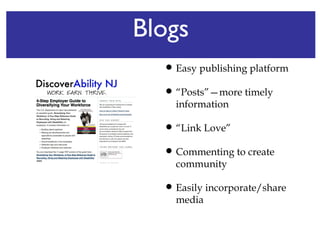
Blogs Easy publishing platform “ Posts”—more timely information “ Link Love”  Commenting to create community Easily incorporate/share media
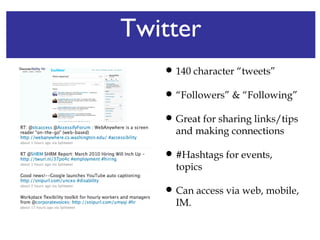
Twitter 140 character “tweets” “ Followers” & “Following” Great for sharing links/tips and making connections #Hashtags for events, topics Can access via web, mobile, IM.
Photo/Video Sharing Platform for sharing/finding media Can create community around media Can access via web, on smart phones. Embed/linking/download features
Wikis Easy-to-use publishing platform More flexible than a blog Good for collaborative projects Can embed media, documents
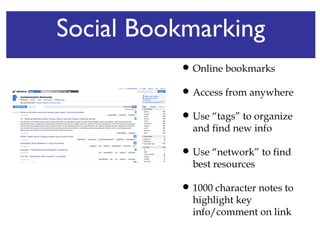
Social Bookmarking Online bookmarks Access from anywhere Use “tags” to organize and find new info Use “network” to find best resources  1000 character notes to highlight key info/comment on link
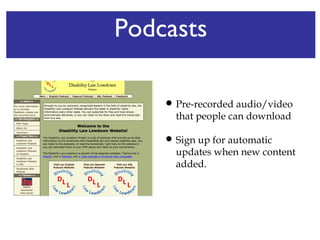
Podcasts Pre-recorded audio/video that people can download Sign up for automatic updates when new content added.
Screencasts Record computer screen with narration Embed in blogs, wikis Good for tutorials, demos Integrate with other tools, such as Google documents for quizzes.
What are the rules?
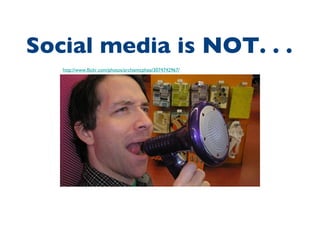
http://www.flickr.com/photos/archiemcphee/3074742967/ Social media is NOT. . .
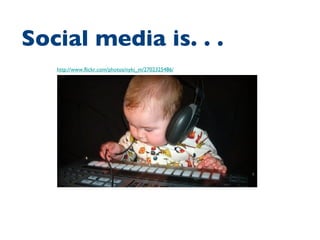
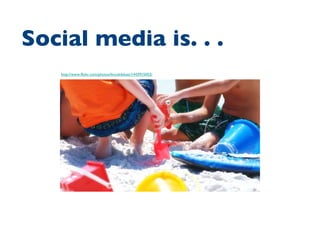
http://www.flickr.com/photos/nyki_m/2702325486/ Social media is. . .
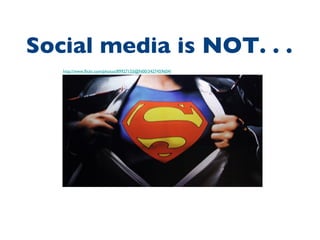
http://www.flickr.com/photos/89927155@N00/3427459604/ Social media is NOT. . .
http://www.flickr.com/photos/lincolnblues/1443915052/ Social media is. . .
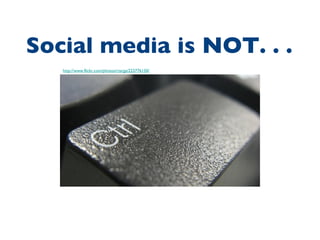
http://www.flickr.com/photos/rtarga/223776150/ Social media is NOT. . .
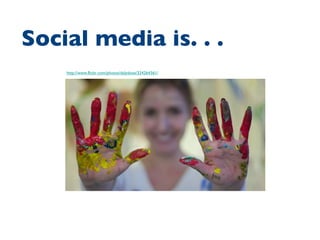
http://www.flickr.com/photos/dalydose/324264361/ Social media is. . .
http://www.flickr.com/photos/robino/511879296/ Social media is NOT. . .
http://www.flickr.com/photos/grantmac/2639135945/ Social media is. . .
http://www.flickr.com/photos/fixe/3202648604/ Social media is NOT. . .
http://www.flickr.com/photos/joelmarkwitt/2987625115/ Social media is. . .
How could YOU be using social media?
Find me at: www.michelemmartin.com [email_address] Twitter: @michelemmartin
Resources WeAreMedia.org: The Social Media Starter Kit for Nonprofits http://www.wearemedia.org / Social Media for Nonprofits  by Primal Media http://www.slideshare.net/PrimalMedia/social-media-non-profits

Introduction to Social Media

Editor's Notes

  • #11 Social media allows people with basic computer skills to tell their stories using publishing tools such as blogs , video logs , pho to sharing , podcasting (a udio stories br oadcast fr om the web or downloaded to a computer) and wikis (collaboratively edited web page s). T hey can also help us filter and organize the overwhelming amount of information on the web. Social media tools make it easier to create and distribute content and discuss the things we care about.