Introduction to Flutter
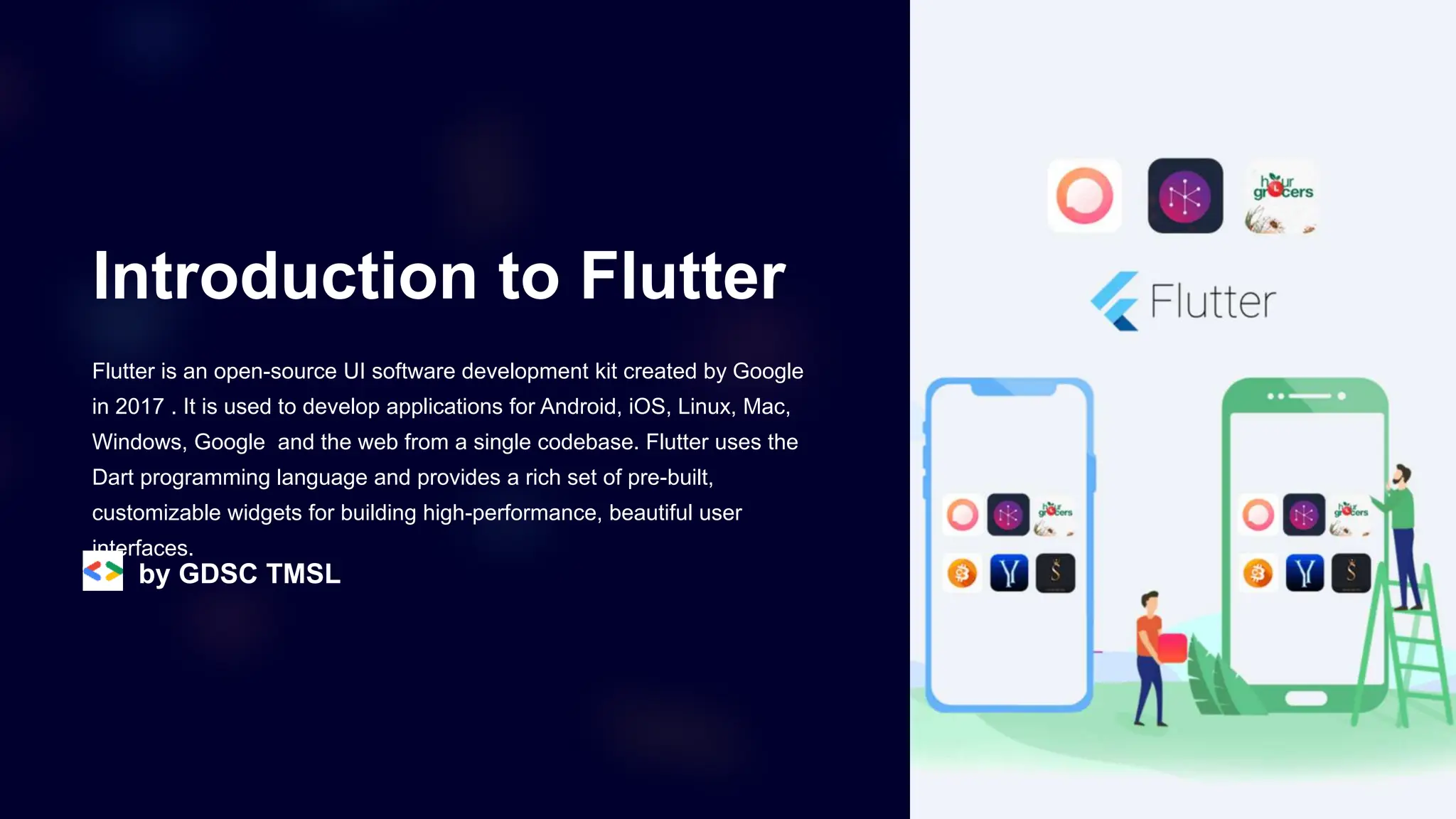
Flutter is an open-source UI software development kit created by Google
in 2017 . It is used to develop applications for Android, iOS, Linux, Mac,
Windows, Google and the web from a single codebase. Flutter uses the
Dart programming language and provides a rich set of pre-built,
customizable widgets for building high-performance, beautiful user
interfaces.
by GDSC TMSL
What is Flutter?
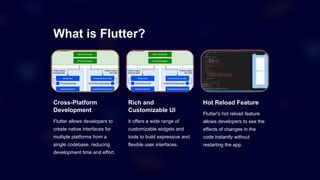
Cross-Platform
Development
Flutter allows developers to
create native interfaces for
multiple platforms from a
single codebase, reducing
development time and effort.
Rich and
Customizable UI
It offers a wide range of
customizable widgets and
tools to build expressive and
flexible user interfaces.
Hot Reload Feature
Flutter's hot reload feature
allows developers to see the
effects of changes in the
code instantly without
restarting the app.
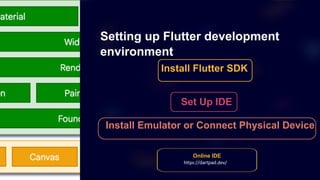
Setting up Flutter development
environment
Install Flutter SDK
Set Up IDE
Install Emulator or Connect Physical Device
Online IDE
https://dartpad.dev/
Introduction to Dart programming
language
1 Object-Oriented
Dart is an object-oriented language with classes and interfaces, making it
suitable for building scalable and structured applications.
2 Strongly Typed
It is a statically typed language, providing type safety and efficient execution
by catching potential errors at compile time.
3 Asynchronous Programming
Dart supports asynchronous operations with features like Futures and
Streams, enabling the development of responsive and non-blocking apps.
Flutter basics: Widgets and UI
Widgets
Flutter widgets are the
basic building blocks for
constructing the user
interface of an application.
They are customizable and
can be combined to create
complex UI designs.
Material Design
Flutter implements Material
Design, providing ready-to-
use, beautiful UI
components for developing
apps with a consistent
visual language.
Cupertino Style
For iOS & Android apps,
Flutter offers Cupertino
widgets that mimic the iOS
design aesthetics and
behaviors. This ensures a
native and familiar
experience for iOS users.
Understanding Flutter's
Stateless & Stateful
Widgets
Flutter provides two fundamental types of widgets for building user
interfaces: Stateless and Stateful widgets. Stateless widgets are
immutable and don't maintain any internal state, while Stateful widgets
can change over time. Learn how to use these widgets effectively to
create dynamic and interactive UIs in Flutter.
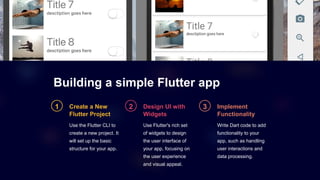
Building a simple Flutter app
1 Create a New
Flutter Project
Use the Flutter CLI to
create a new project. It
will set up the basic
structure for your app.
2 Design UI with
Widgets
Use Flutter's rich set
of widgets to design
the user interface of
your app, focusing on
the user experience
and visual appeal.
3 Implement
Functionality
Write Dart code to add
functionality to your
app, such as handling
user interactions and
data processing.
Hands-on-Session
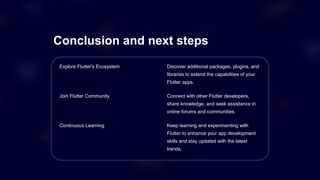
Conclusion and next steps
Explore Flutter's Ecosystem Discover additional packages, plugins, and
libraries to extend the capabilities of your
Flutter apps.
Join Flutter Community Connect with other Flutter developers,
share knowledge, and seek assistance in
online forums and communities.
Continuous Learning Keep learning and experimenting with
Flutter to enhance your app development
skills and stay updated with the latest
trends.
Thank you

Introduction to Android Application Development with Flutter.pptx

  • 1.
    Introduction to Flutter Flutteris an open-source UI software development kit created by Google in 2017 . It is used to develop applications for Android, iOS, Linux, Mac, Windows, Google and the web from a single codebase. Flutter uses the Dart programming language and provides a rich set of pre-built, customizable widgets for building high-performance, beautiful user interfaces. by GDSC TMSL
  • 2.
    What is Flutter? Cross-Platform Development Flutterallows developers to create native interfaces for multiple platforms from a single codebase, reducing development time and effort. Rich and Customizable UI It offers a wide range of customizable widgets and tools to build expressive and flexible user interfaces. Hot Reload Feature Flutter's hot reload feature allows developers to see the effects of changes in the code instantly without restarting the app.
  • 3.
    Setting up Flutterdevelopment environment Install Flutter SDK Set Up IDE Install Emulator or Connect Physical Device Online IDE https://dartpad.dev/
  • 4.
    Introduction to Dartprogramming language 1 Object-Oriented Dart is an object-oriented language with classes and interfaces, making it suitable for building scalable and structured applications. 2 Strongly Typed It is a statically typed language, providing type safety and efficient execution by catching potential errors at compile time. 3 Asynchronous Programming Dart supports asynchronous operations with features like Futures and Streams, enabling the development of responsive and non-blocking apps.
  • 5.
    Flutter basics: Widgetsand UI Widgets Flutter widgets are the basic building blocks for constructing the user interface of an application. They are customizable and can be combined to create complex UI designs. Material Design Flutter implements Material Design, providing ready-to- use, beautiful UI components for developing apps with a consistent visual language. Cupertino Style For iOS & Android apps, Flutter offers Cupertino widgets that mimic the iOS design aesthetics and behaviors. This ensures a native and familiar experience for iOS users.
  • 6.
    Understanding Flutter's Stateless &Stateful Widgets Flutter provides two fundamental types of widgets for building user interfaces: Stateless and Stateful widgets. Stateless widgets are immutable and don't maintain any internal state, while Stateful widgets can change over time. Learn how to use these widgets effectively to create dynamic and interactive UIs in Flutter.
  • 7.
    Building a simpleFlutter app 1 Create a New Flutter Project Use the Flutter CLI to create a new project. It will set up the basic structure for your app. 2 Design UI with Widgets Use Flutter's rich set of widgets to design the user interface of your app, focusing on the user experience and visual appeal. 3 Implement Functionality Write Dart code to add functionality to your app, such as handling user interactions and data processing.
  • 8.
  • 9.
    Conclusion and nextsteps Explore Flutter's Ecosystem Discover additional packages, plugins, and libraries to extend the capabilities of your Flutter apps. Join Flutter Community Connect with other Flutter developers, share knowledge, and seek assistance in online forums and communities. Continuous Learning Keep learning and experimenting with Flutter to enhance your app development skills and stay updated with the latest trends.
  • 10.