Introduction to
Docker
Table of contents
• Who is it for?
• Status Quo
• What is a container?
• What is Docker?
• Docker toolbox
• Deployment with docker
Who is it for?
Devs DevOps
Any language
Any database
Any OS
Any crazy thing
Any server
Any OS
Any machine
Any cloud
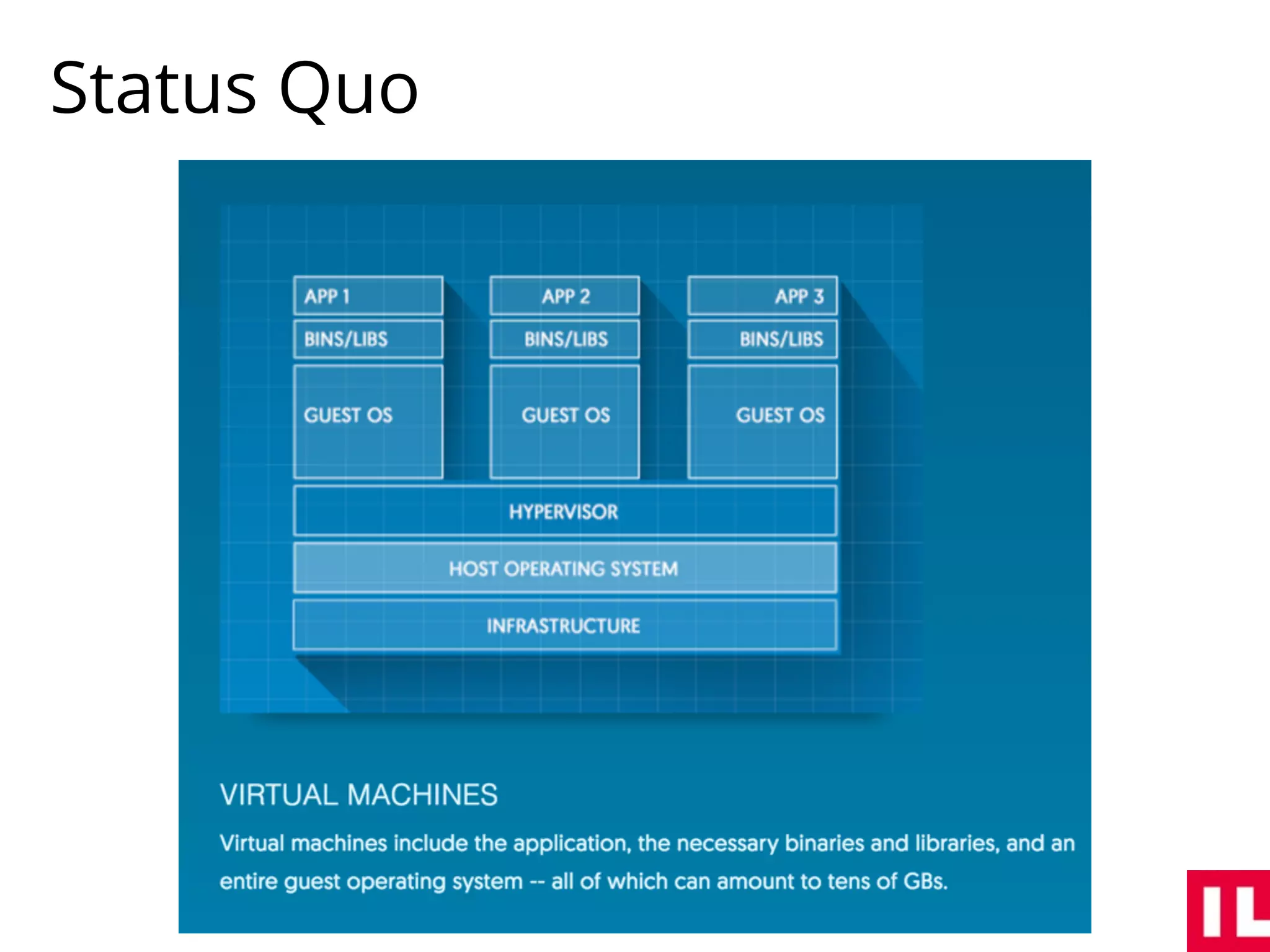
Status Quo
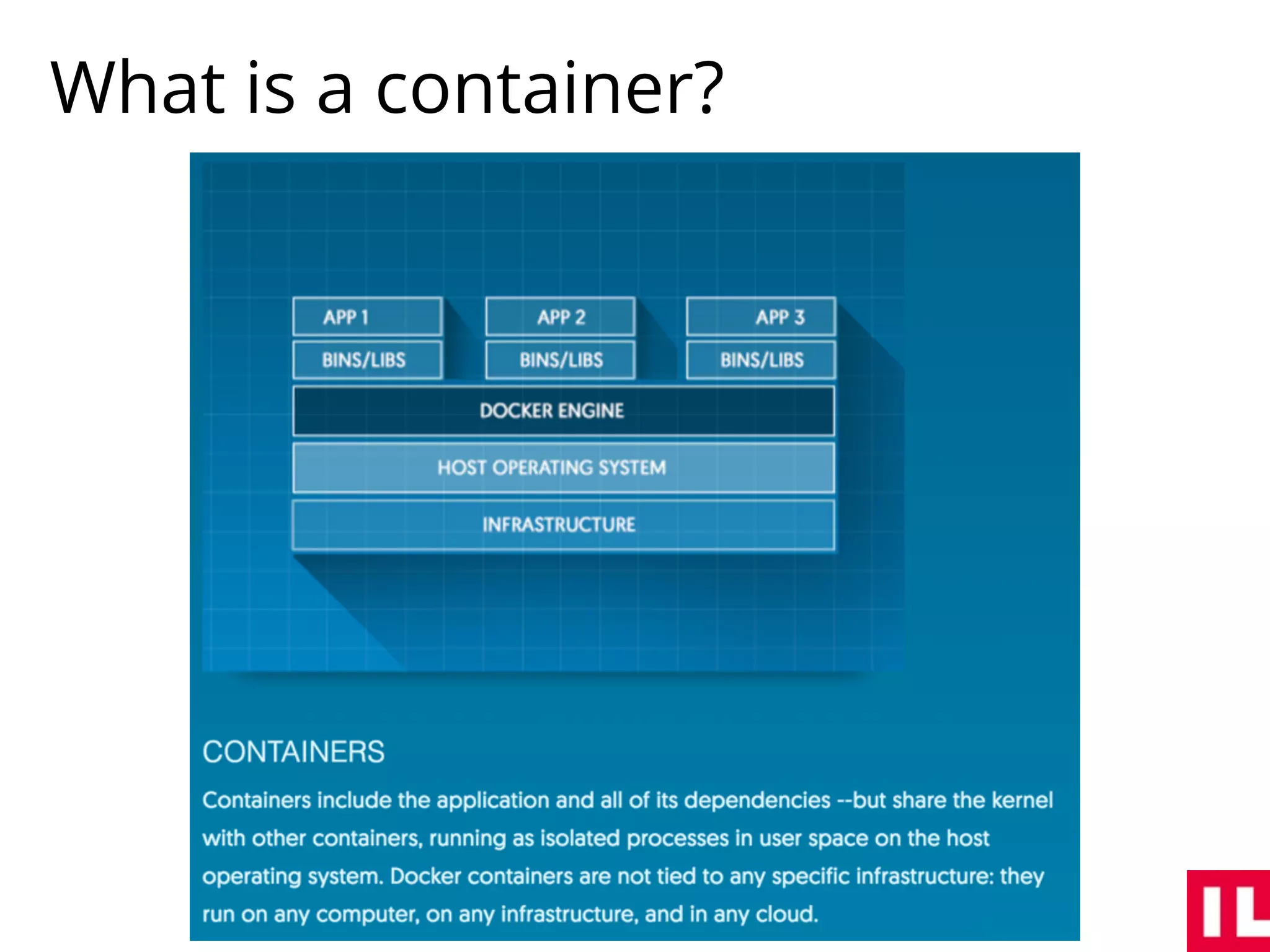
What is a container?
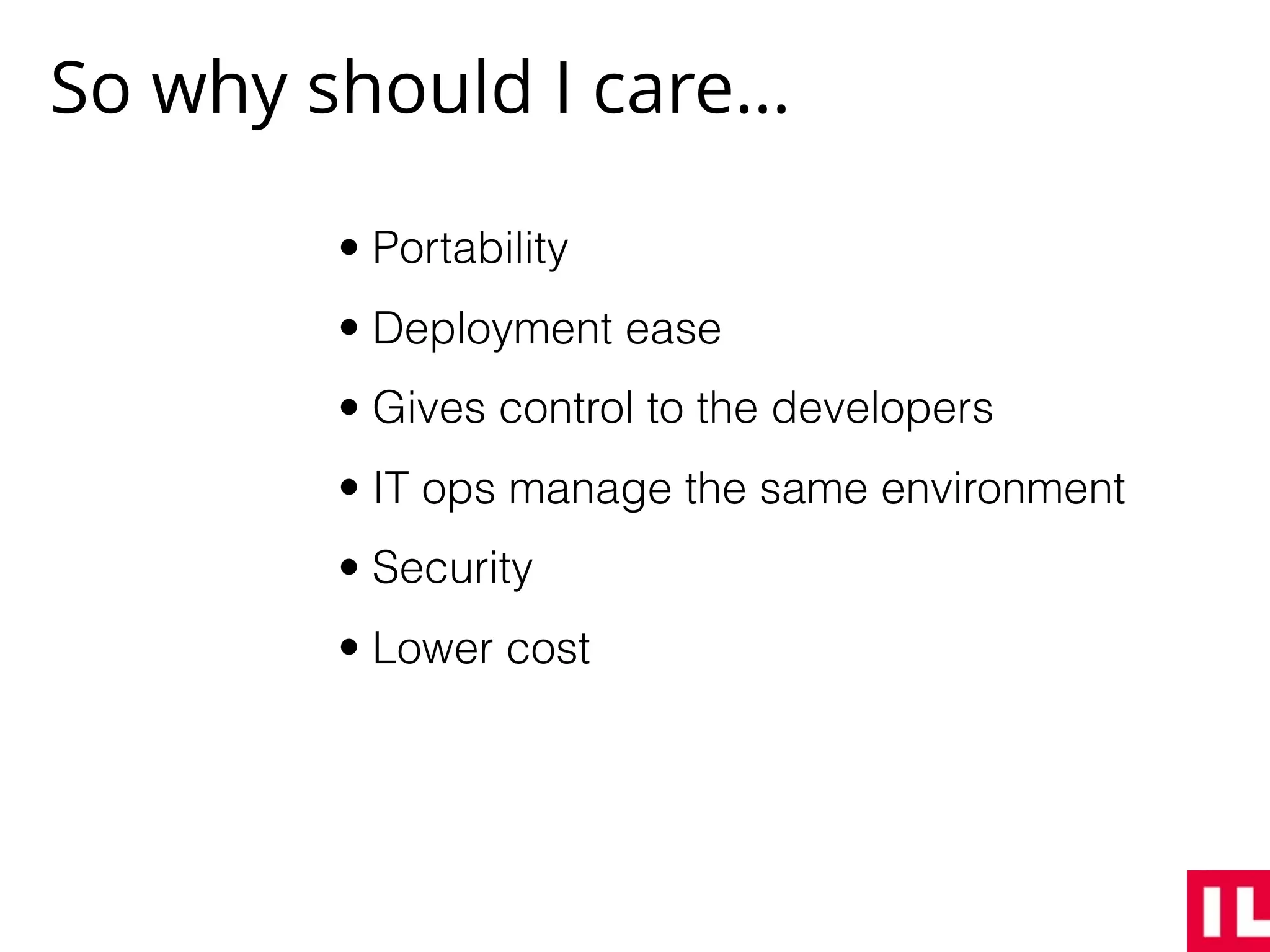
So why should I care…
• Portability
• Deployment ease
• Gives control to the developers
• IT ops manage the same environment
• Security
• Lower cost
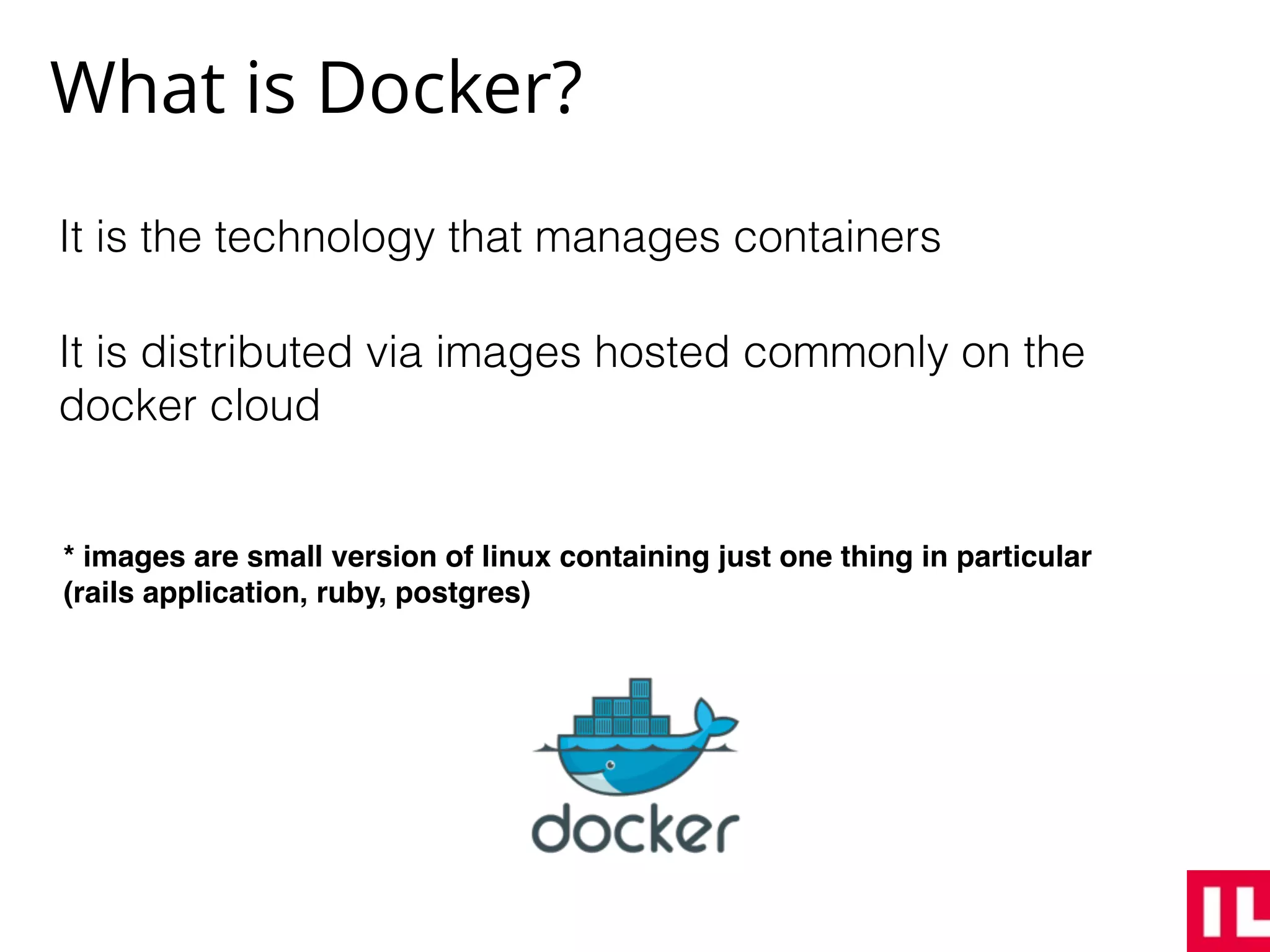
What is Docker?
It is the technology that manages containers
It is distributed via images hosted commonly on the
docker cloud
* images are small version of linux containing just one thing in particular
(rails application, ruby, postgres)
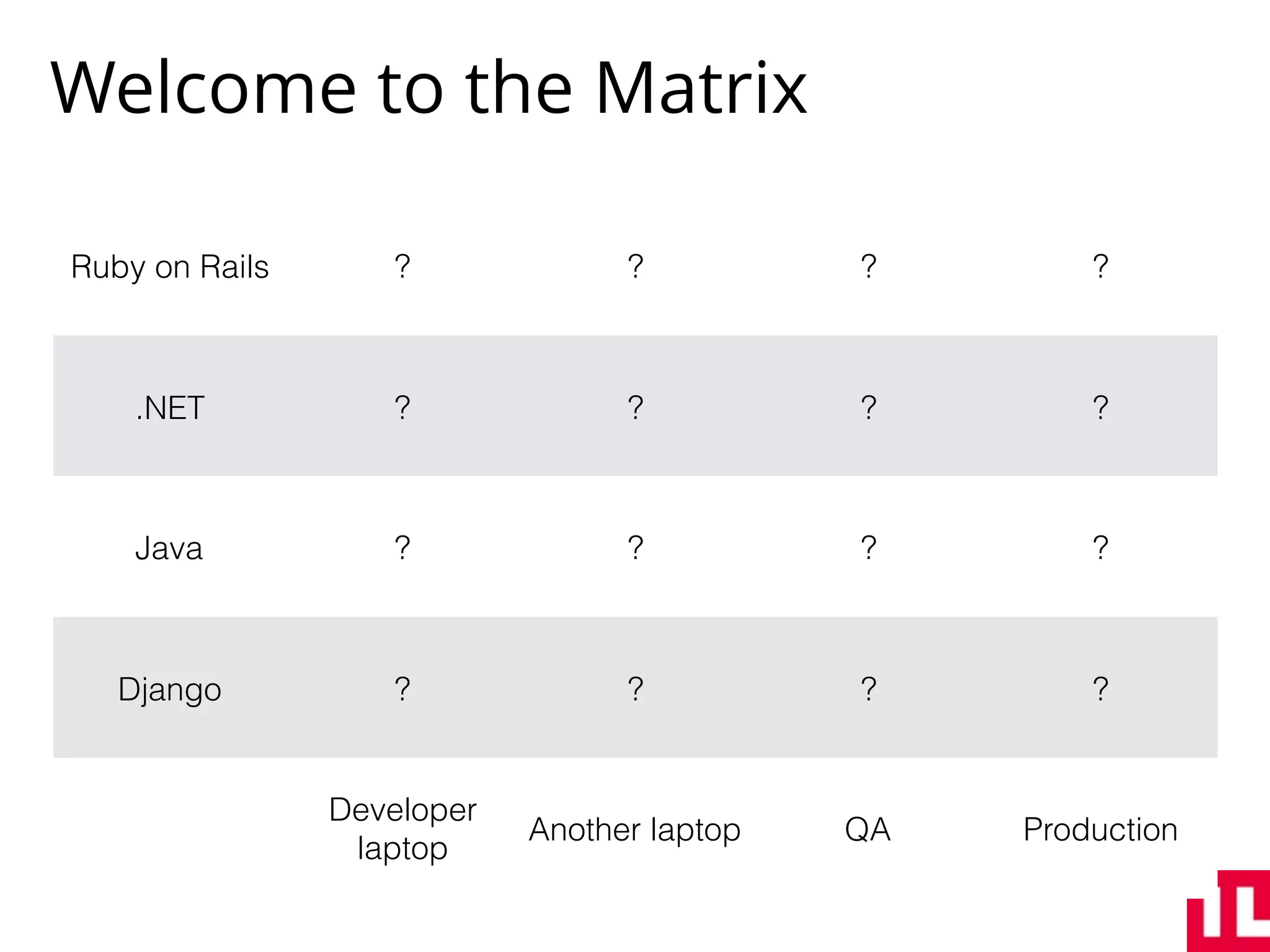
Welcome to the Matrix
Ruby on Rails ? ? ? ?
.NET ? ? ? ?
Java ? ? ? ?
Django ? ? ? ?
Developer
laptop
Another laptop QA Production
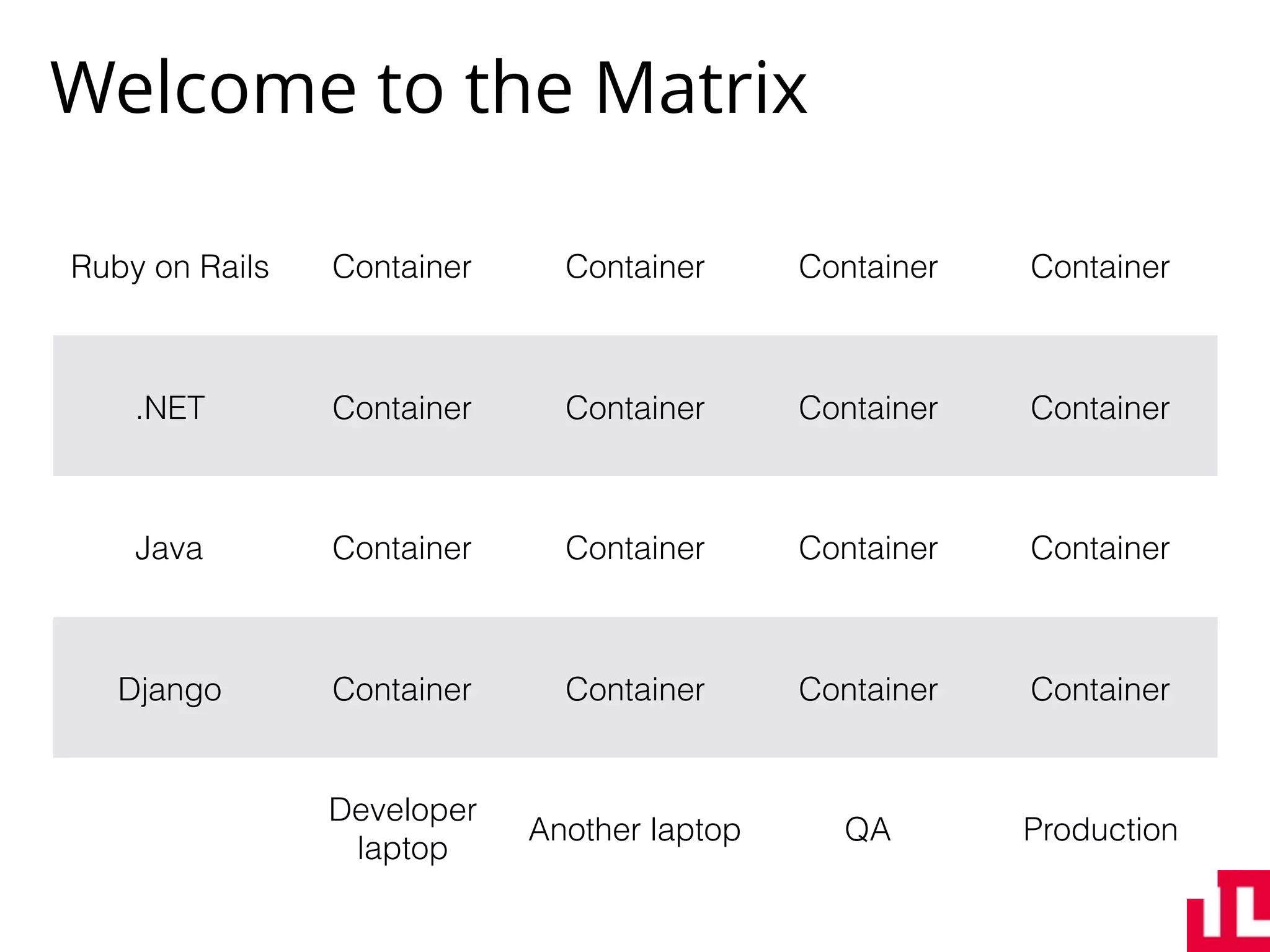
Welcome to the Matrix
Ruby on Rails Container Container Container Container
.NET Container Container Container Container
Java Container Container Container Container
Django Container Container Container Container
Developer
laptop
Another laptop QA Production
Demo time
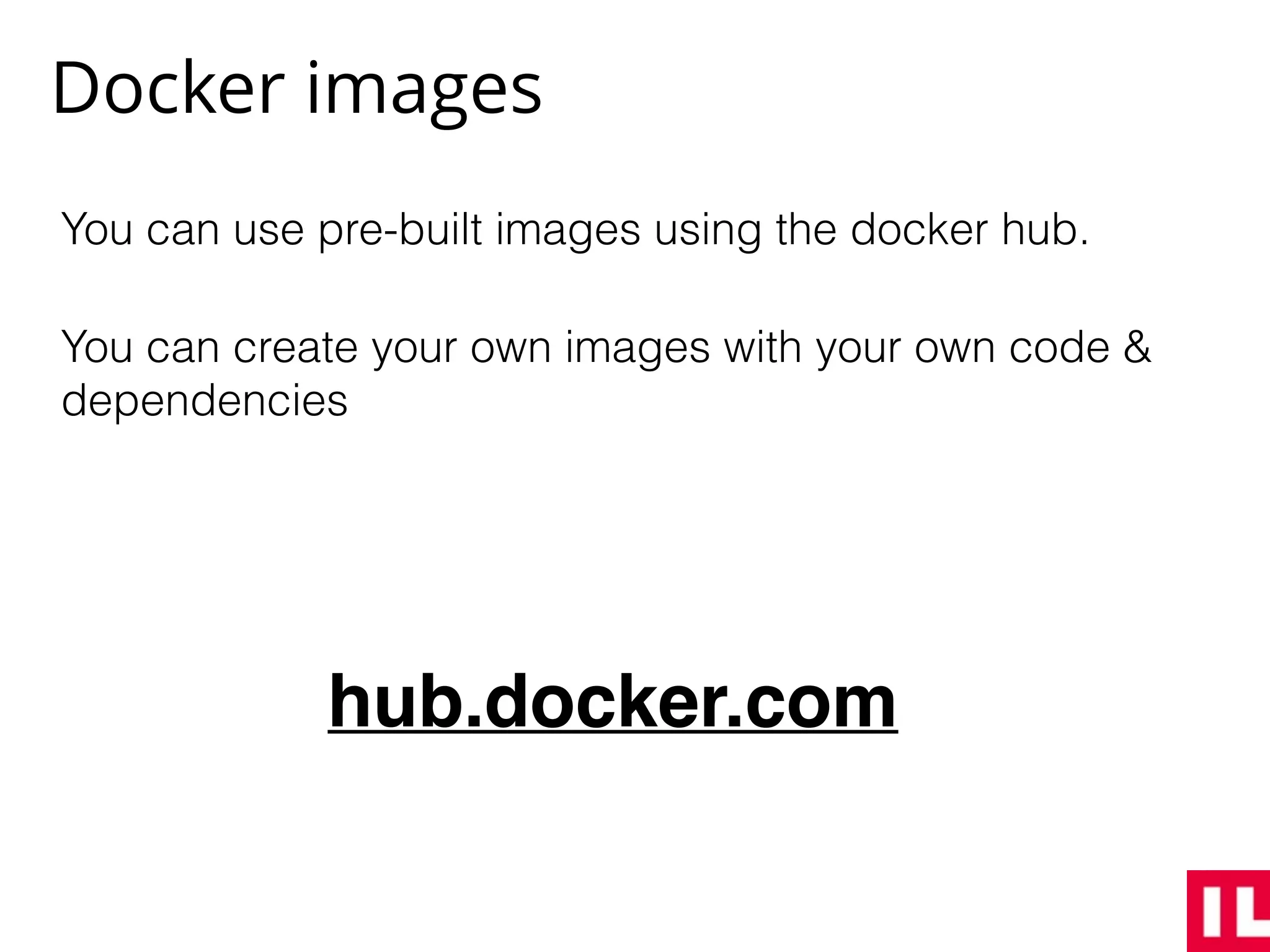
Docker images
You can use pre-built images using the docker hub.
You can create your own images with your own code &
dependencies
hub.docker.com
A custom image - Dockerfile
FROM ruby:2.2.3
MAINTAINER Abraham Kuri <kurenn@icalialabs.com>
ENV PATH=/usr/src/app/bin:$PATH RAILS_ENV=production RACK_ENV=production
ADD . /usr/src/app
WORKDIR /usr/src/app
# Clean up un-needed files:
RUN mv config/database.yml.url-example config/database.yml 
&& rm -rf .dockerignore Dockerfile tmp/cache/* tmp/pids/* log/* dev-entrypoint.sh
docker-compose.yml *.env .env examples
# Run bundle install
RUN bundle install --deployment --without development test
# Precompile assets for production
RUN DATABASE_URL=postgres://postgres:c@postgres.example.com:5432/blah 
rake assets:precompile
EXPOSE 3000
CMD ["rails", "server", "-p", "3000", "-b", "0.0.0.0"]
The Docker Toolkit
• Docker Engine
• Compose
• Machine
• Kitematic
* https://www.docker.com/products/docker-toolbox
Docker compose
Helps you orchestrate multiple containers with ease:
• Create containers
• Run multiple containers
• Remove containers
It uses YAML to describe all our needs
* http://bit.ly/2b8wmaH
Deployment with Docker
As long as you have Docker running on the remote
server you will be able to run any image.
You can orchestrate containers with docker-compose
for production.
There are two big tools to manage not just containers
but hosts as well:
• Rancher OS (free, open source)
• Docker registry (paid, docker license)
* https://github.com/kurenn/docker-rails
Thanks!
Questions?
@kurenn

Introducción a contenedores Docker

  • 1.
  • 2.
    Table of contents •Who is it for? • Status Quo • What is a container? • What is Docker? • Docker toolbox • Deployment with docker
  • 3.
    Who is itfor? Devs DevOps Any language Any database Any OS Any crazy thing Any server Any OS Any machine Any cloud
  • 4.
  • 5.
    What is acontainer?
  • 6.
    So why shouldI care… • Portability • Deployment ease • Gives control to the developers • IT ops manage the same environment • Security • Lower cost
  • 7.
    What is Docker? Itis the technology that manages containers It is distributed via images hosted commonly on the docker cloud * images are small version of linux containing just one thing in particular (rails application, ruby, postgres)
  • 8.
    Welcome to theMatrix Ruby on Rails ? ? ? ? .NET ? ? ? ? Java ? ? ? ? Django ? ? ? ? Developer laptop Another laptop QA Production
  • 10.
    Welcome to theMatrix Ruby on Rails Container Container Container Container .NET Container Container Container Container Java Container Container Container Container Django Container Container Container Container Developer laptop Another laptop QA Production
  • 11.
  • 12.
    Docker images You canuse pre-built images using the docker hub. You can create your own images with your own code & dependencies hub.docker.com
  • 13.
    A custom image- Dockerfile FROM ruby:2.2.3 MAINTAINER Abraham Kuri <kurenn@icalialabs.com> ENV PATH=/usr/src/app/bin:$PATH RAILS_ENV=production RACK_ENV=production ADD . /usr/src/app WORKDIR /usr/src/app # Clean up un-needed files: RUN mv config/database.yml.url-example config/database.yml && rm -rf .dockerignore Dockerfile tmp/cache/* tmp/pids/* log/* dev-entrypoint.sh docker-compose.yml *.env .env examples # Run bundle install RUN bundle install --deployment --without development test # Precompile assets for production RUN DATABASE_URL=postgres://postgres:c@postgres.example.com:5432/blah rake assets:precompile EXPOSE 3000 CMD ["rails", "server", "-p", "3000", "-b", "0.0.0.0"]
  • 15.
    The Docker Toolkit •Docker Engine • Compose • Machine • Kitematic * https://www.docker.com/products/docker-toolbox
  • 16.
    Docker compose Helps youorchestrate multiple containers with ease: • Create containers • Run multiple containers • Remove containers It uses YAML to describe all our needs * http://bit.ly/2b8wmaH
  • 17.
    Deployment with Docker Aslong as you have Docker running on the remote server you will be able to run any image. You can orchestrate containers with docker-compose for production. There are two big tools to manage not just containers but hosts as well: • Rancher OS (free, open source) • Docker registry (paid, docker license) * https://github.com/kurenn/docker-rails
  • 18.