Dieter Reuter @quintus23m
Senior Consultant, SEAL Systems
Stefan Scherer @stefscherer
Software Engineer, SEAL Systems
Building a Docker Swarm on ARM
Hardware
Pi’s
Switch
Power supply
Agenda
Software
SD card image
flash
docker-machine
Demo
docker-compose
• Education
• Learning cloud principles
• Hands-on cluster
Why?
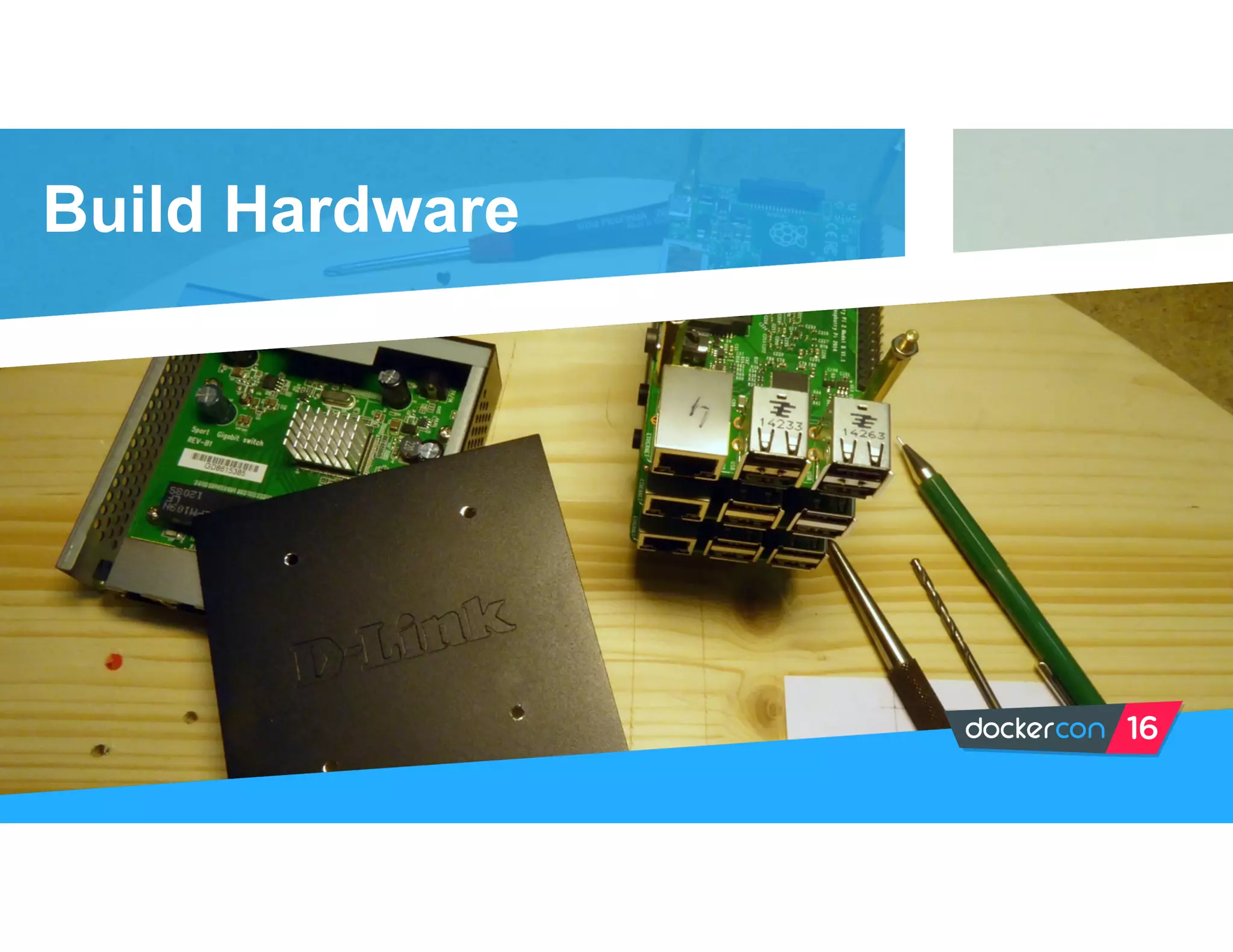
Build Hardware
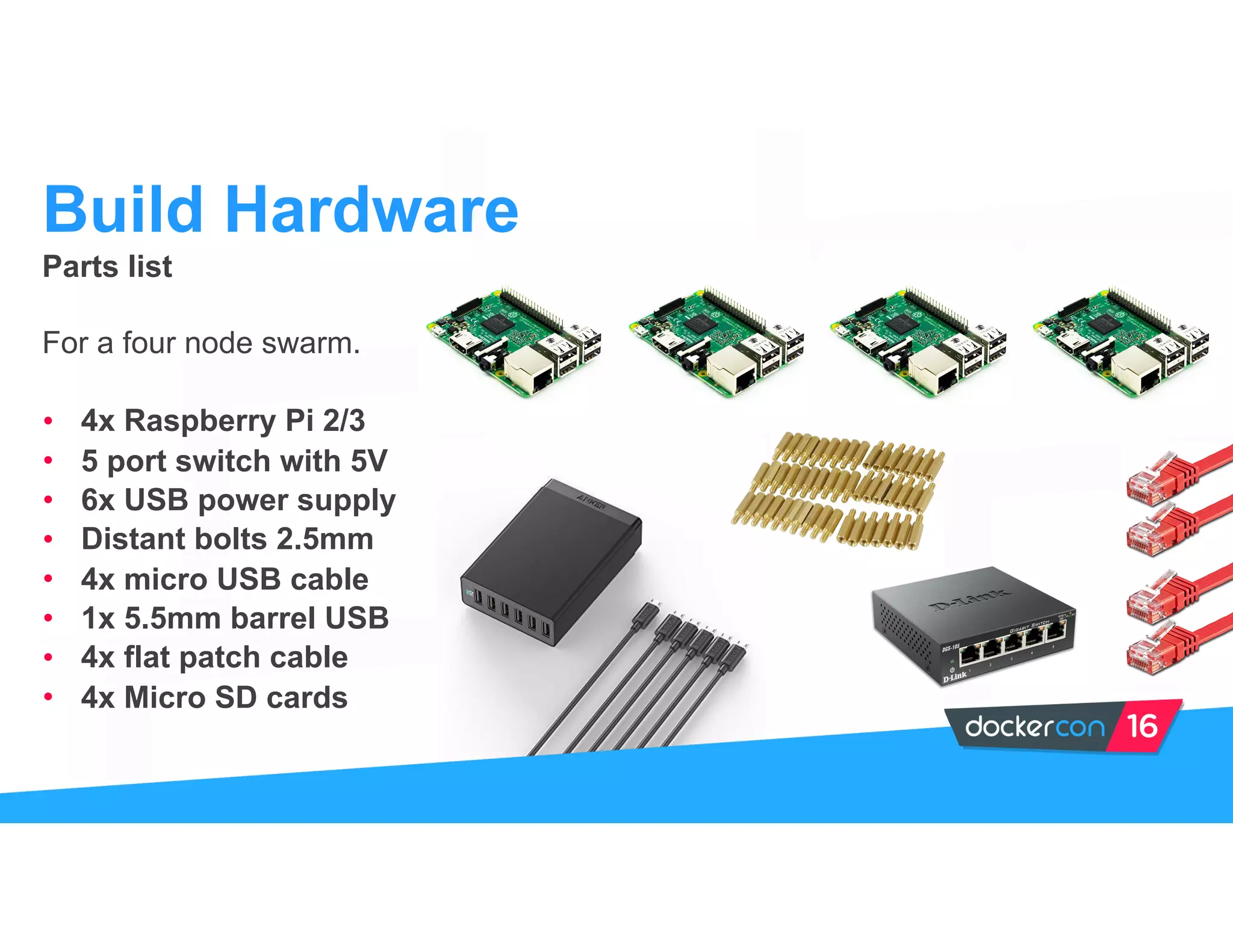
Parts list
For a four node swarm.
• 4x Raspberry Pi 2/3
• 5 port switch with 5V
• 6x USB power supply
• Distant bolts 2.5mm
• 4x micro USB cable
• 1x 5.5mm barrel USB
• 4x flat patch cable
• 4x Micro SD cards
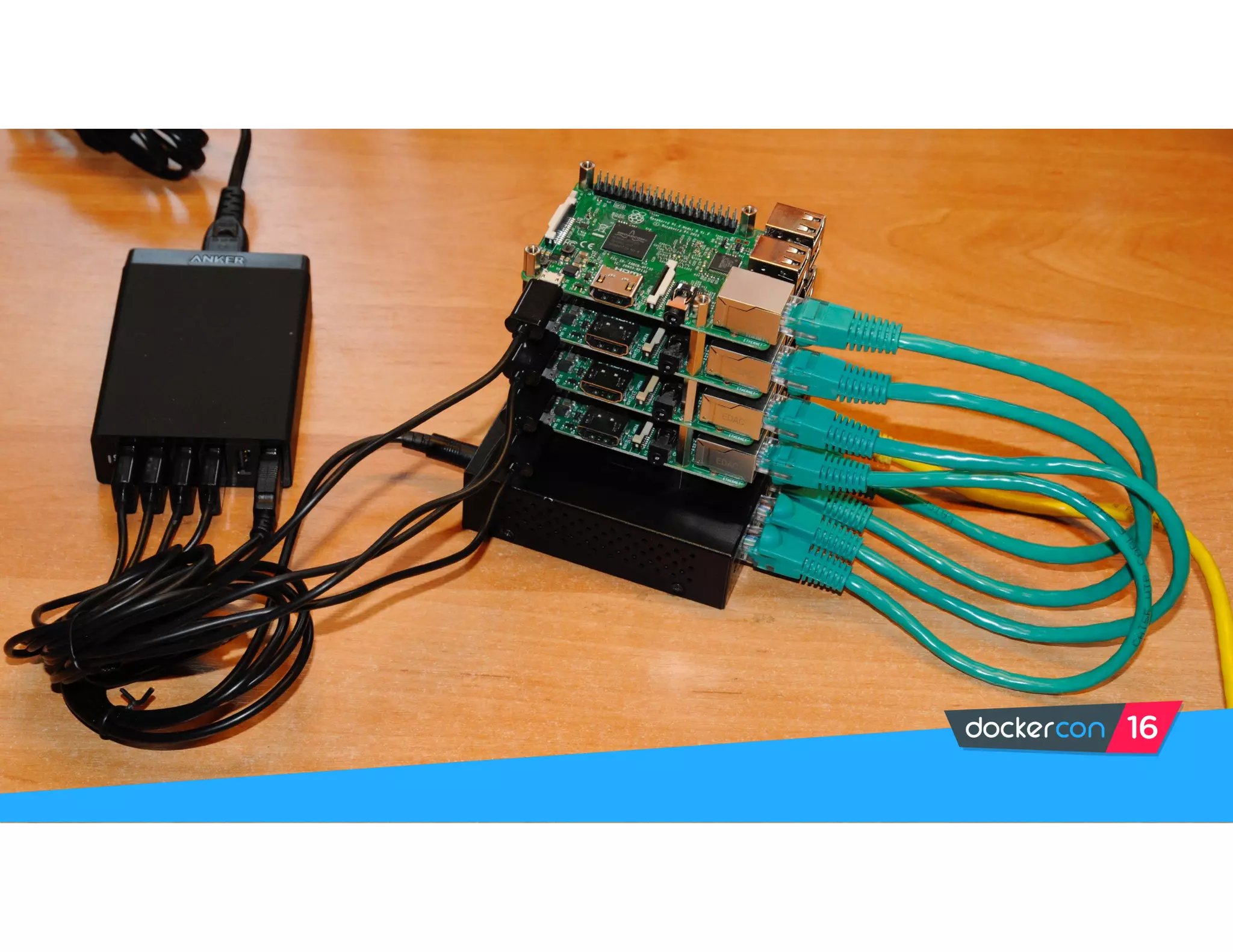
Build Hardware
HypriotOS
Get started with Docker
in 5 minutes
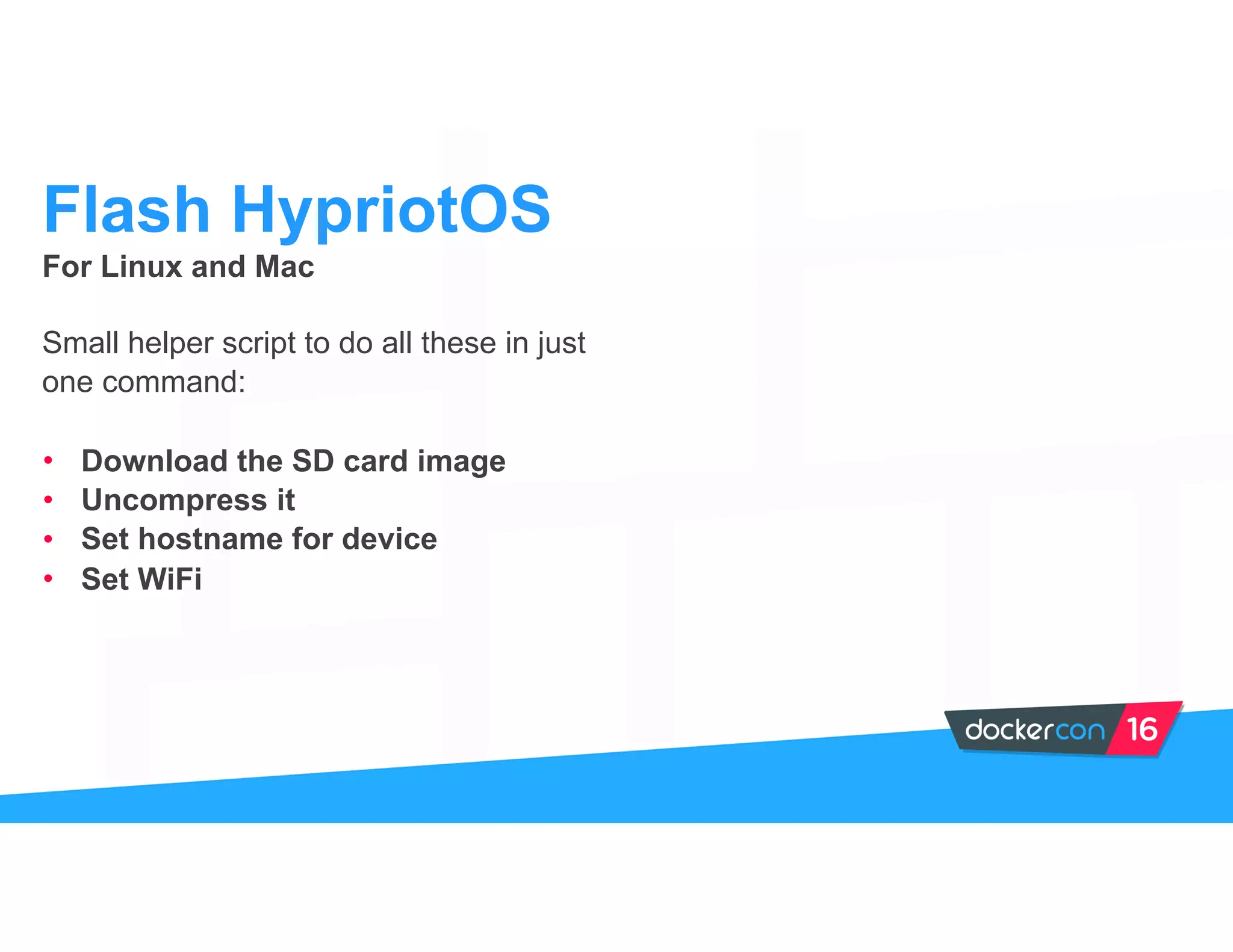
For Linux and Mac
Small helper script to do all these in just
one command:
• Download the SD card image
• Uncompress it
• Set hostname for device
• Set WiFi
Flash HypriotOS
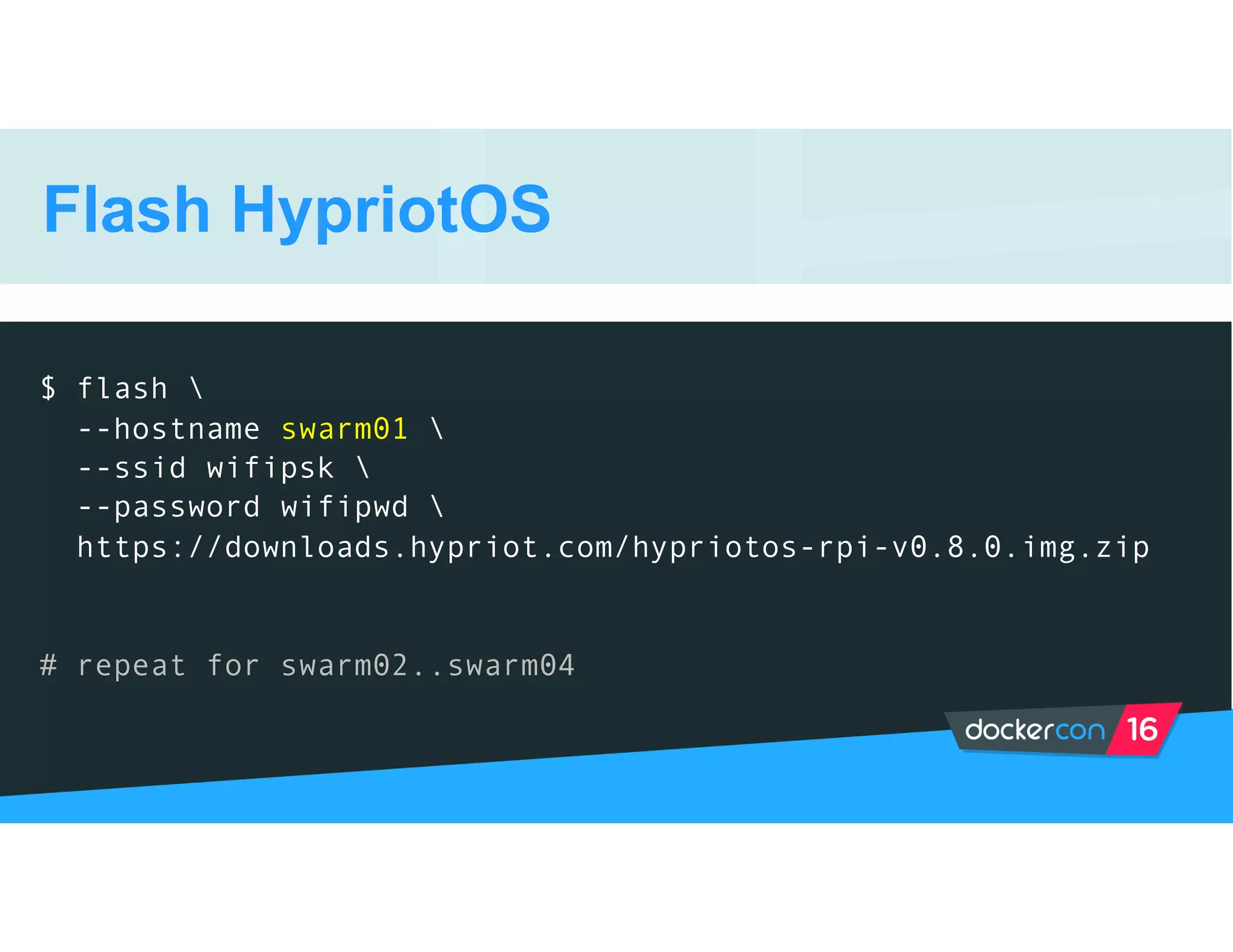
Flash HypriotOS
$ flash 
--hostname swarm01 
--ssid wifipsk 
--password wifipwd 
https://downloads.hypriot.com/hypriotos-rpi-v0.8.0.img.zip
# repeat for swarm02..swarm04
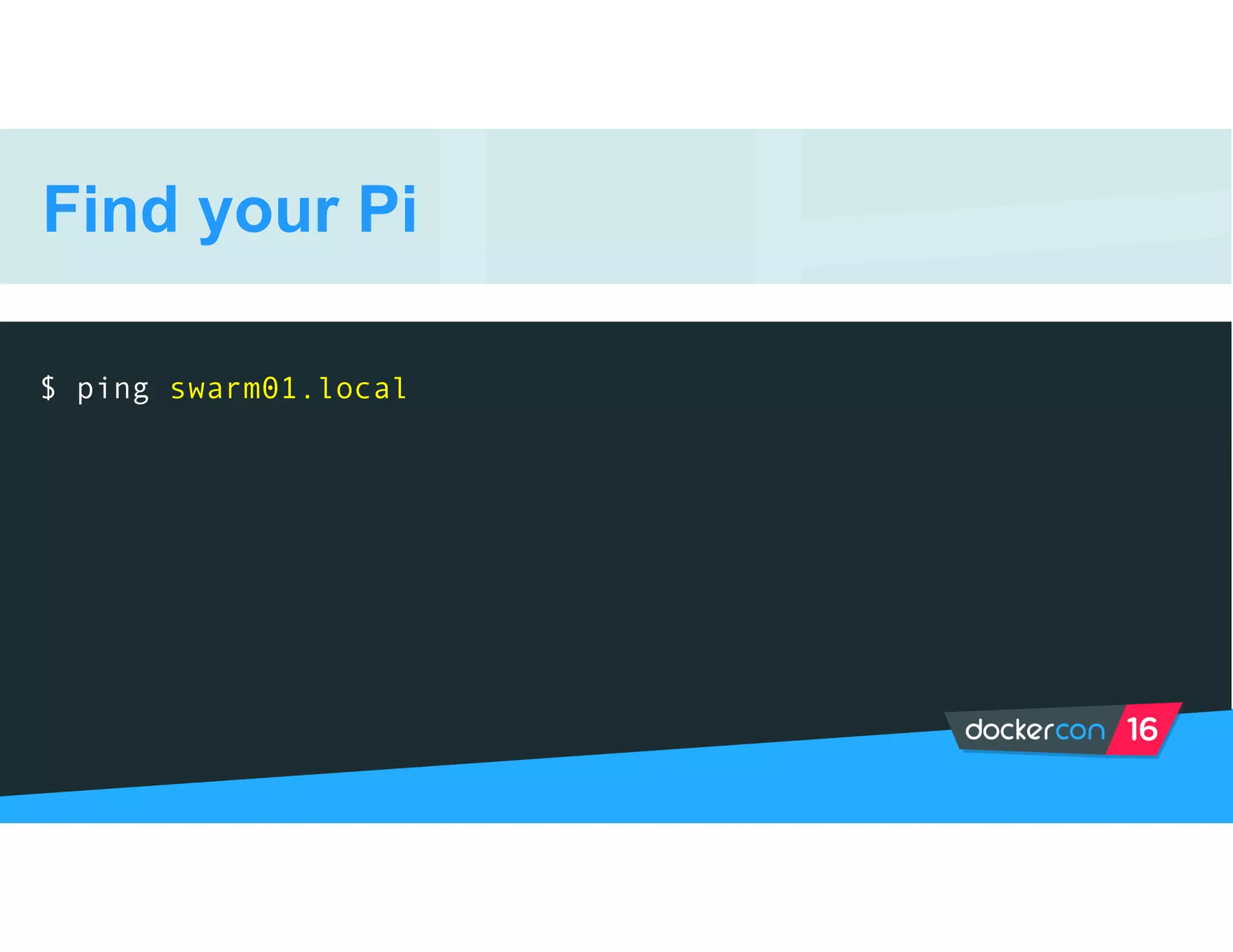
Find your Pi
$ ping swarm01.local
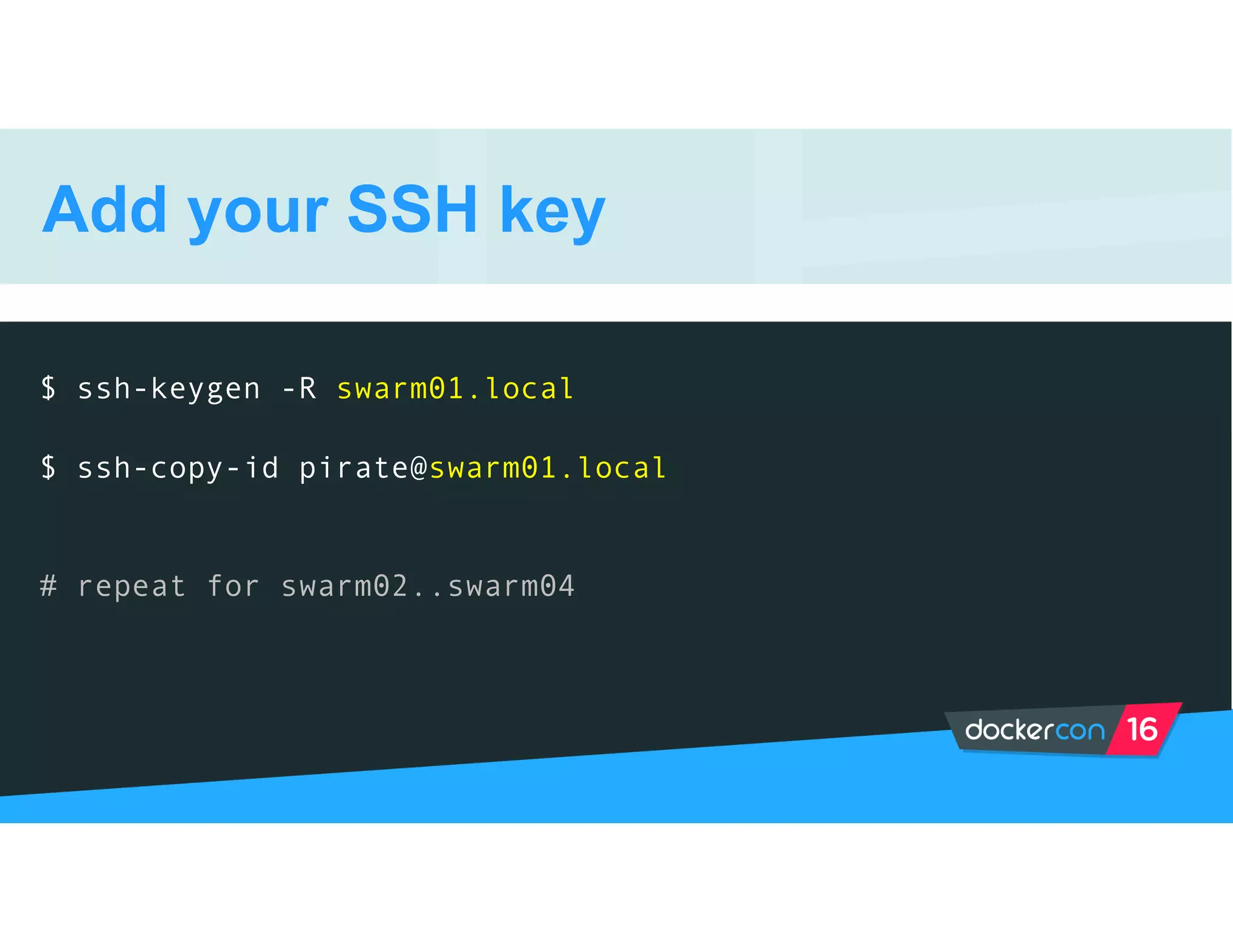
Add your SSH key
$ ssh-keygen -R swarm01.local

$ ssh-copy-id pirate@swarm01.local
# repeat for swarm02..swarm04
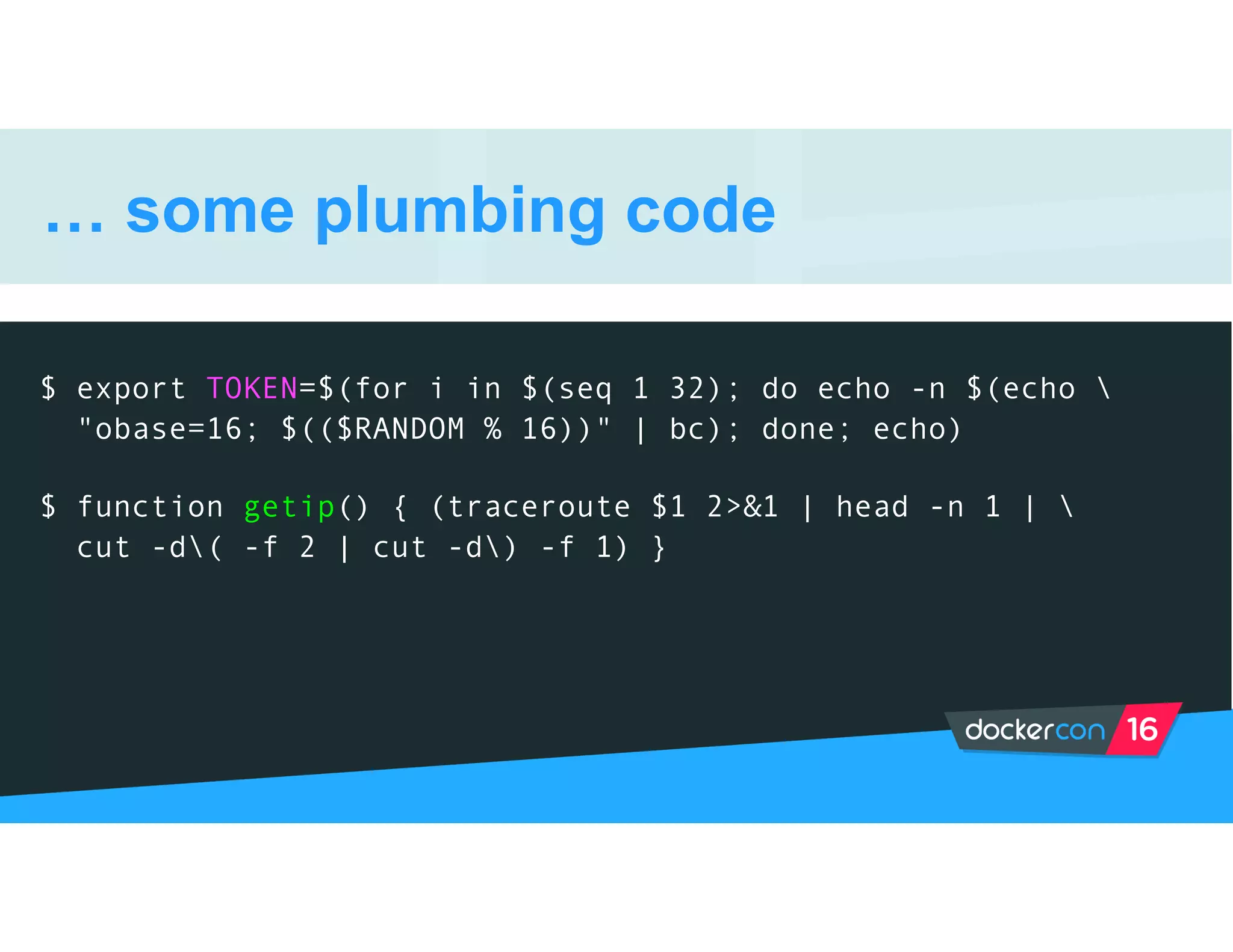
… some plumbing code
$ export TOKEN=$(for i in $(seq 1 32); do echo -n $(echo 
"obase=16; $(($RANDOM % 16))" | bc); done; echo)
$ function getip() { (traceroute $1 2>&1 | head -n 1 | 
cut -d( -f 2 | cut -d) -f 1) }
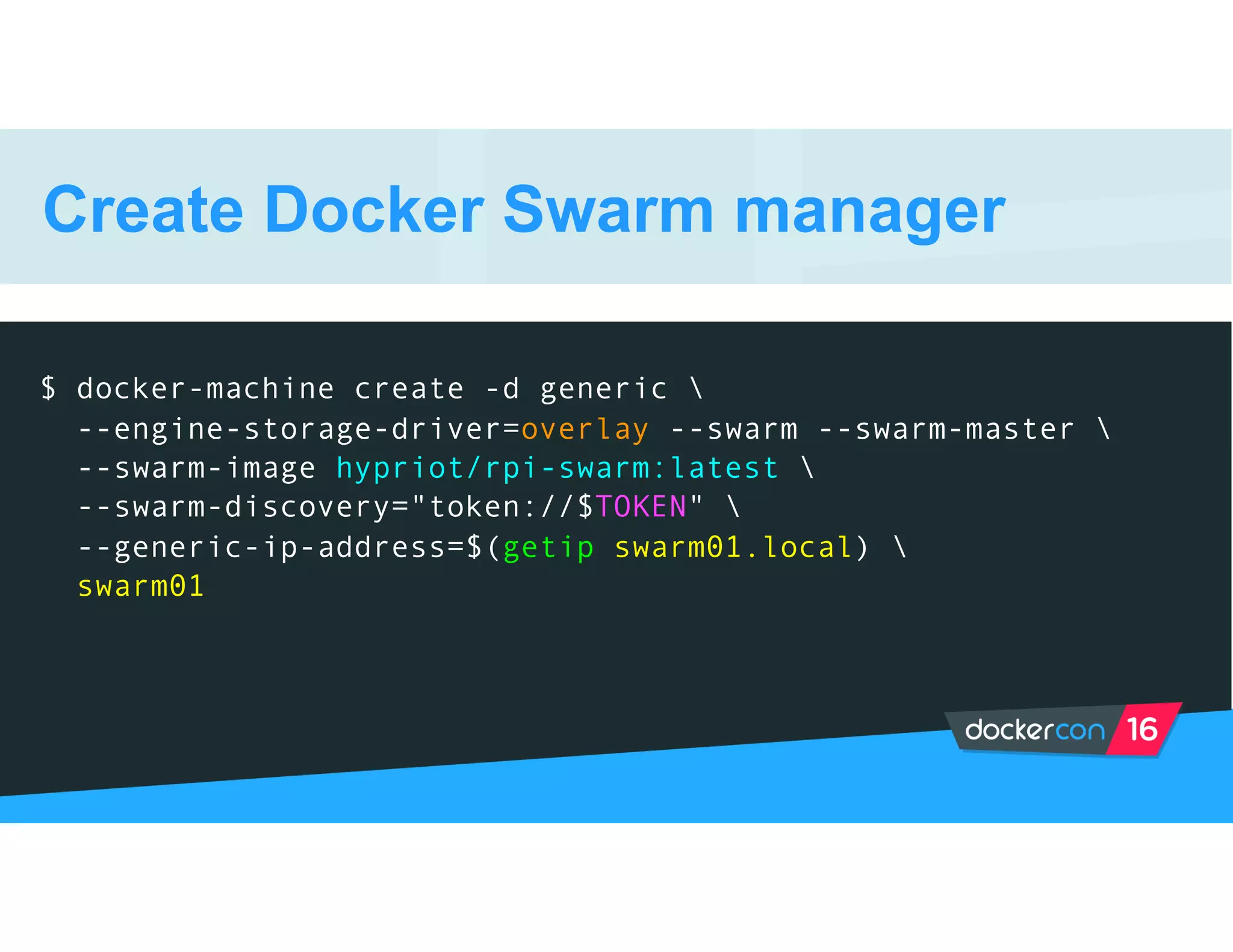
Create Docker Swarm manager
$ docker-machine create -d generic 
--engine-storage-driver=overlay --swarm --swarm-master 
--swarm-image hypriot/rpi-swarm:latest 
--swarm-discovery="token://$TOKEN" 
--generic-ip-address=$(getip swarm01.local) 
swarm01
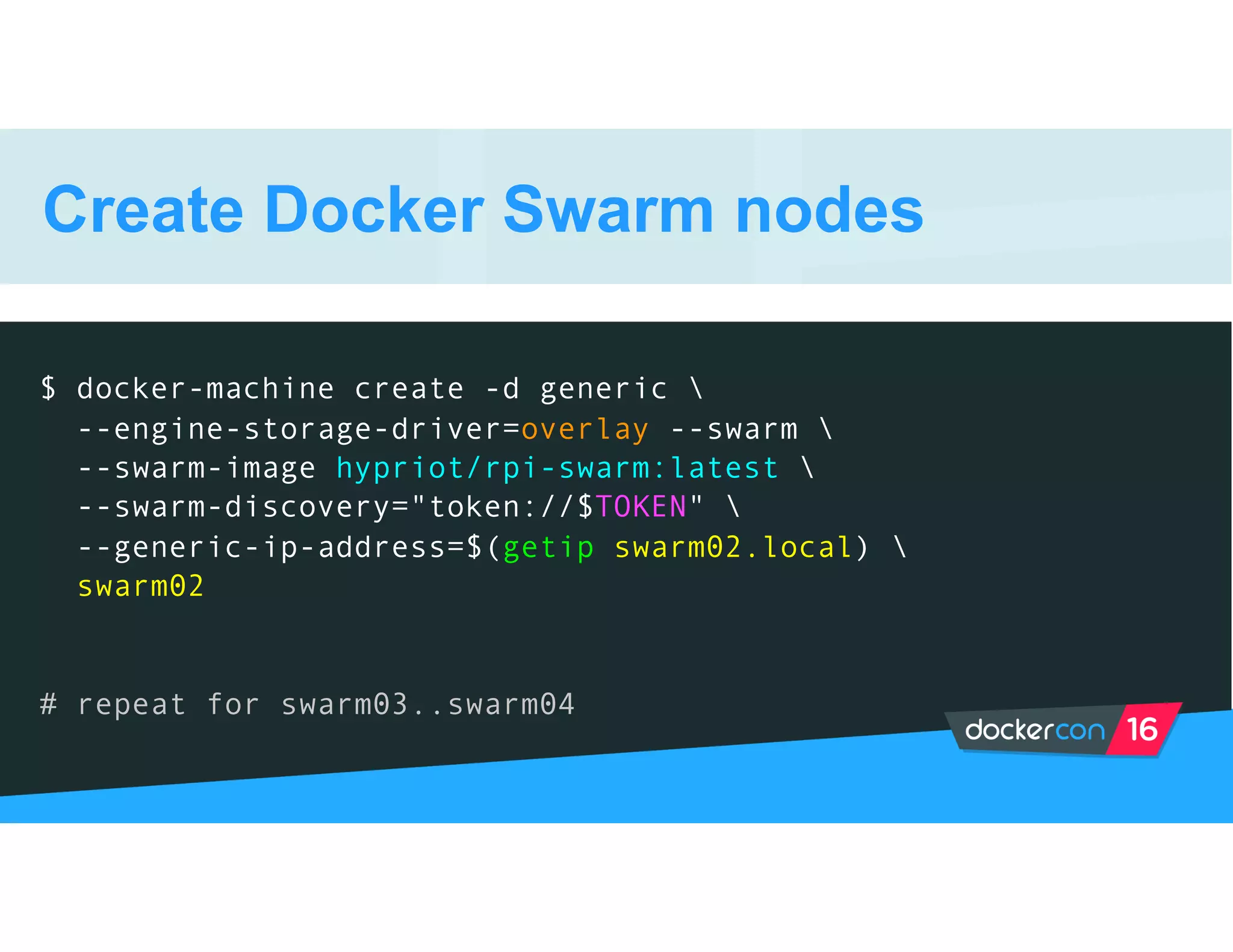
Create Docker Swarm nodes
$ docker-machine create -d generic 
--engine-storage-driver=overlay --swarm 
--swarm-image hypriot/rpi-swarm:latest 
--swarm-discovery="token://$TOKEN" 
--generic-ip-address=$(getip swarm02.local) 
swarm02
# repeat for swarm03..swarm04
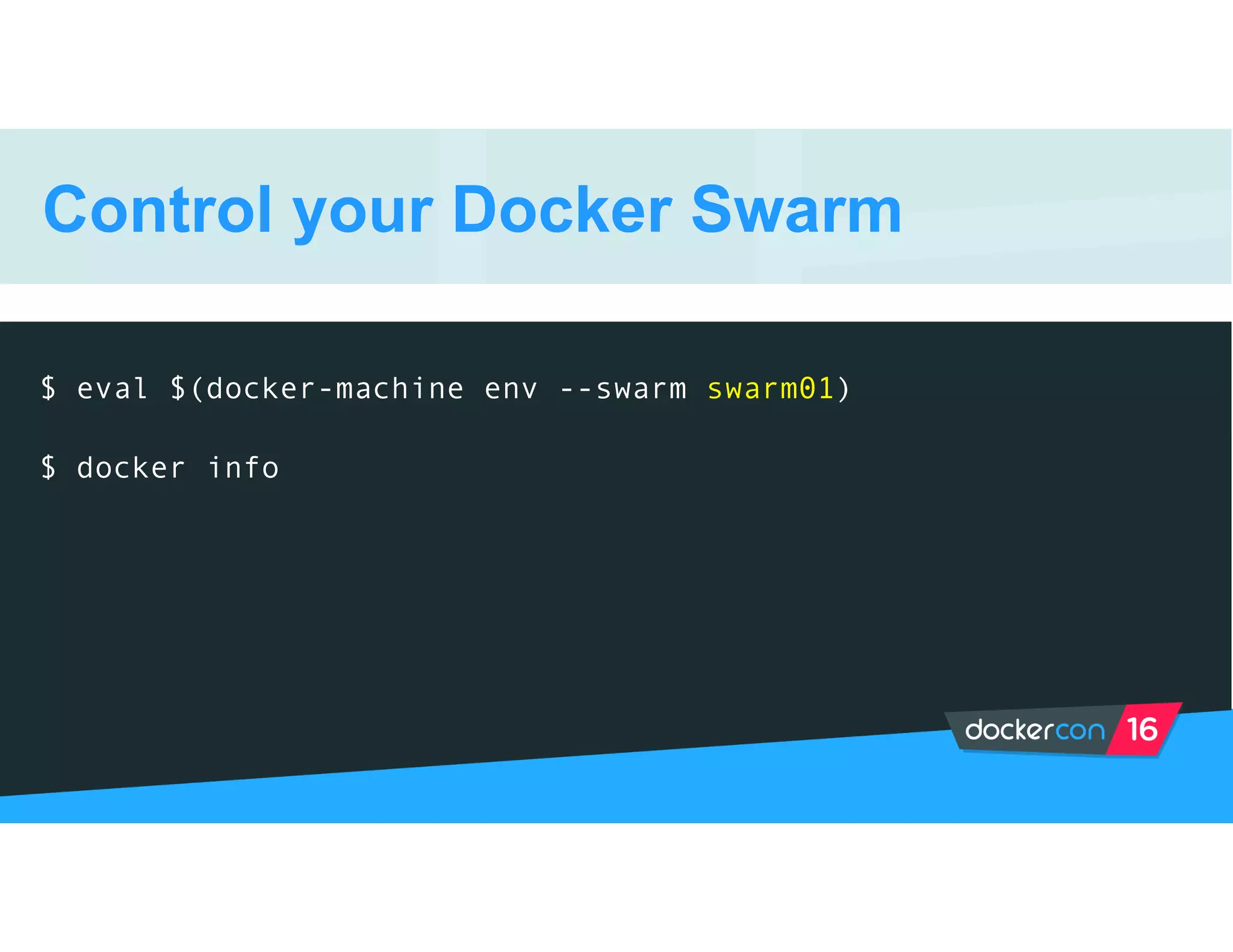
Control your Docker Swarm
$ eval $(docker-machine env --swarm swarm01)
$ docker info
Demo Time
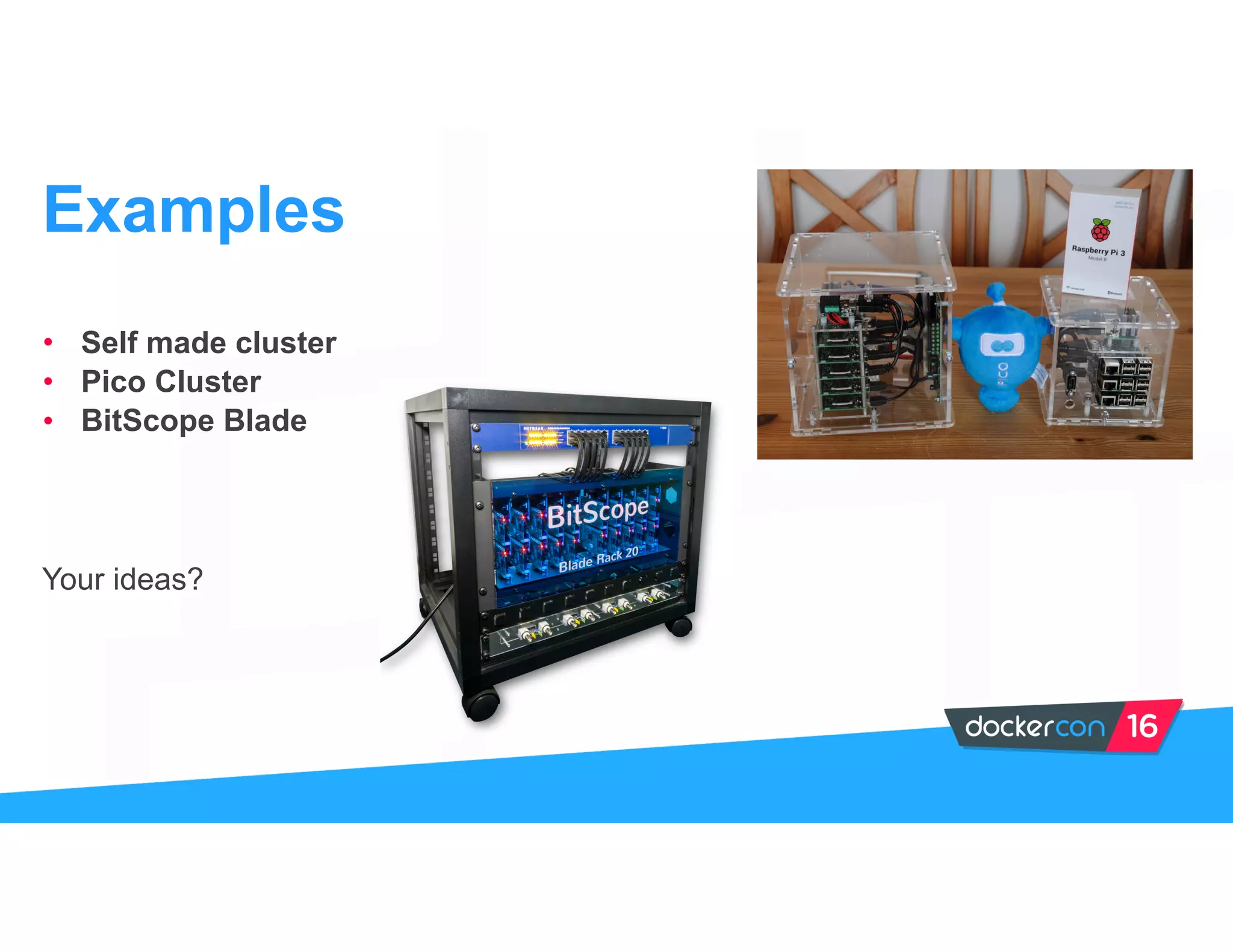
• Self made cluster
• Pico Cluster
• BitScope Blade
Your ideas?
Examples
• http://blog.hypriot.com
• http://picocluster.com
• http://bitscope.com/product/blade
Further Links
Thank you!
@quintus23m
@stefscherer
@HypriotTweets

Building a Docker Swarm cluster on ARM by Dieter Reuter and Stefan Scherer

  • 1.
    Dieter Reuter @quintus23m SeniorConsultant, SEAL Systems Stefan Scherer @stefscherer Software Engineer, SEAL Systems Building a Docker Swarm on ARM
  • 2.
    Hardware Pi’s Switch Power supply Agenda Software SD cardimage flash docker-machine Demo docker-compose
  • 3.
    • Education • Learningcloud principles • Hands-on cluster Why?
  • 4.
  • 5.
    Parts list For afour node swarm. • 4x Raspberry Pi 2/3 • 5 port switch with 5V • 6x USB power supply • Distant bolts 2.5mm • 4x micro USB cable • 1x 5.5mm barrel USB • 4x flat patch cable • 4x Micro SD cards Build Hardware
  • 7.
    HypriotOS Get started withDocker in 5 minutes
  • 8.
    For Linux andMac Small helper script to do all these in just one command: • Download the SD card image • Uncompress it • Set hostname for device • Set WiFi Flash HypriotOS
  • 9.
    Flash HypriotOS $ flash --hostname swarm01 --ssid wifipsk --password wifipwd https://downloads.hypriot.com/hypriotos-rpi-v0.8.0.img.zip # repeat for swarm02..swarm04
  • 10.
    Find your Pi $ping swarm01.local
  • 11.
    Add your SSHkey $ ssh-keygen -R swarm01.local
 $ ssh-copy-id pirate@swarm01.local # repeat for swarm02..swarm04
  • 12.
    … some plumbingcode $ export TOKEN=$(for i in $(seq 1 32); do echo -n $(echo "obase=16; $(($RANDOM % 16))" | bc); done; echo) $ function getip() { (traceroute $1 2>&1 | head -n 1 | cut -d( -f 2 | cut -d) -f 1) }
  • 13.
    Create Docker Swarmmanager $ docker-machine create -d generic --engine-storage-driver=overlay --swarm --swarm-master --swarm-image hypriot/rpi-swarm:latest --swarm-discovery="token://$TOKEN" --generic-ip-address=$(getip swarm01.local) swarm01
  • 14.
    Create Docker Swarmnodes $ docker-machine create -d generic --engine-storage-driver=overlay --swarm --swarm-image hypriot/rpi-swarm:latest --swarm-discovery="token://$TOKEN" --generic-ip-address=$(getip swarm02.local) swarm02 # repeat for swarm03..swarm04
  • 15.
    Control your DockerSwarm $ eval $(docker-machine env --swarm swarm01) $ docker info
  • 16.
  • 17.
    • Self madecluster • Pico Cluster • BitScope Blade Your ideas? Examples
  • 18.
    • http://blog.hypriot.com • http://picocluster.com •http://bitscope.com/product/blade Further Links
  • 19.