Introduction to Docker
About me
Frederik Mogensen
Software Pilot at Trifork
Focus on Docker, orchestration and ci/cd
Agenda
Containers are NOT VMs
Working with Docker (Build, Ship, Run)
Container Architecture
But Why?
Multi-container applications
Docker Compose
Docker Swarm
Getting started
Q & A
Containers are not VMs
5
Docker containers are NOT VMs
• Easy connection to make
• Fundamentally different architectures
• Fundamentally different benefits
6
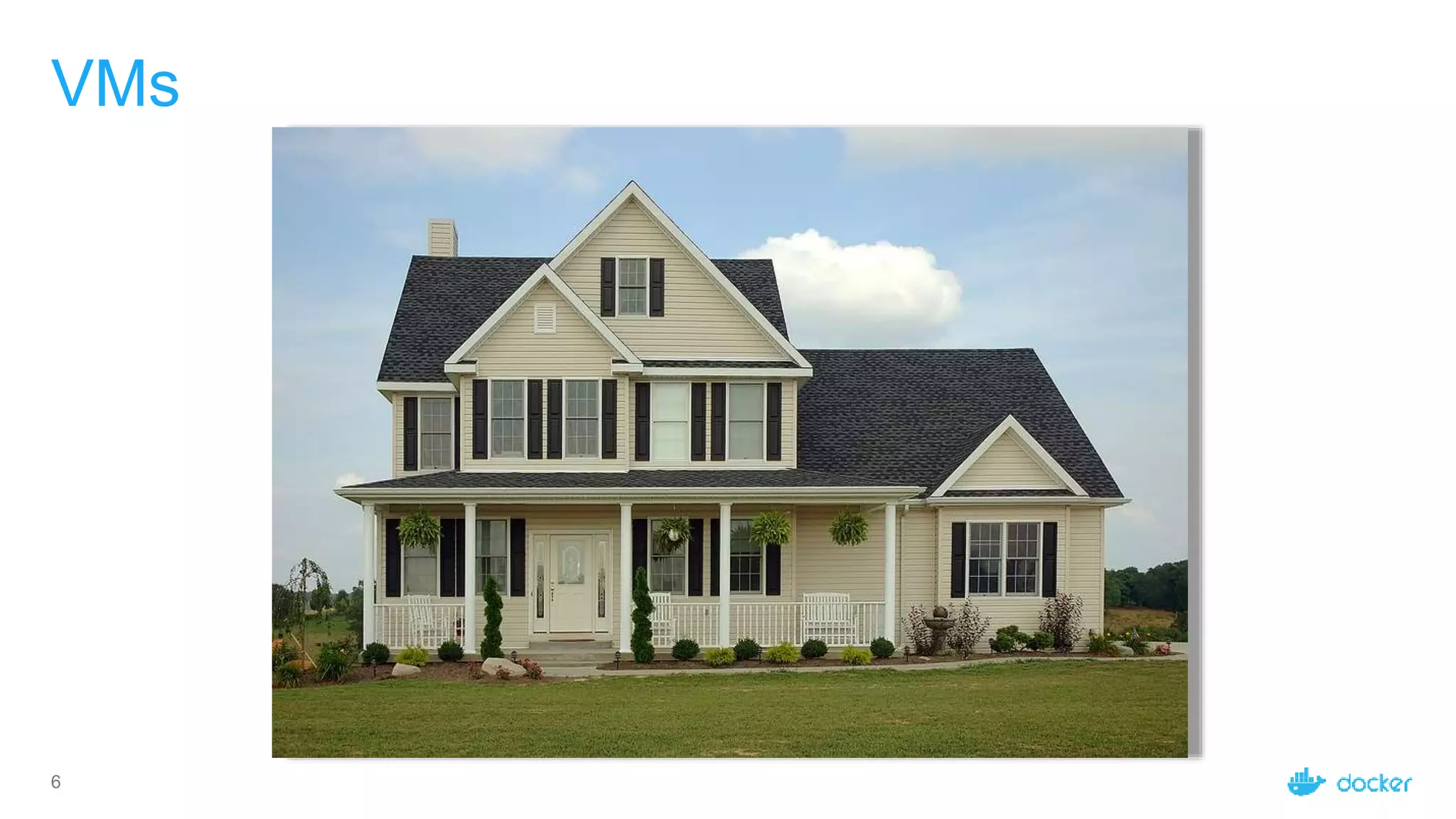
VMs
7
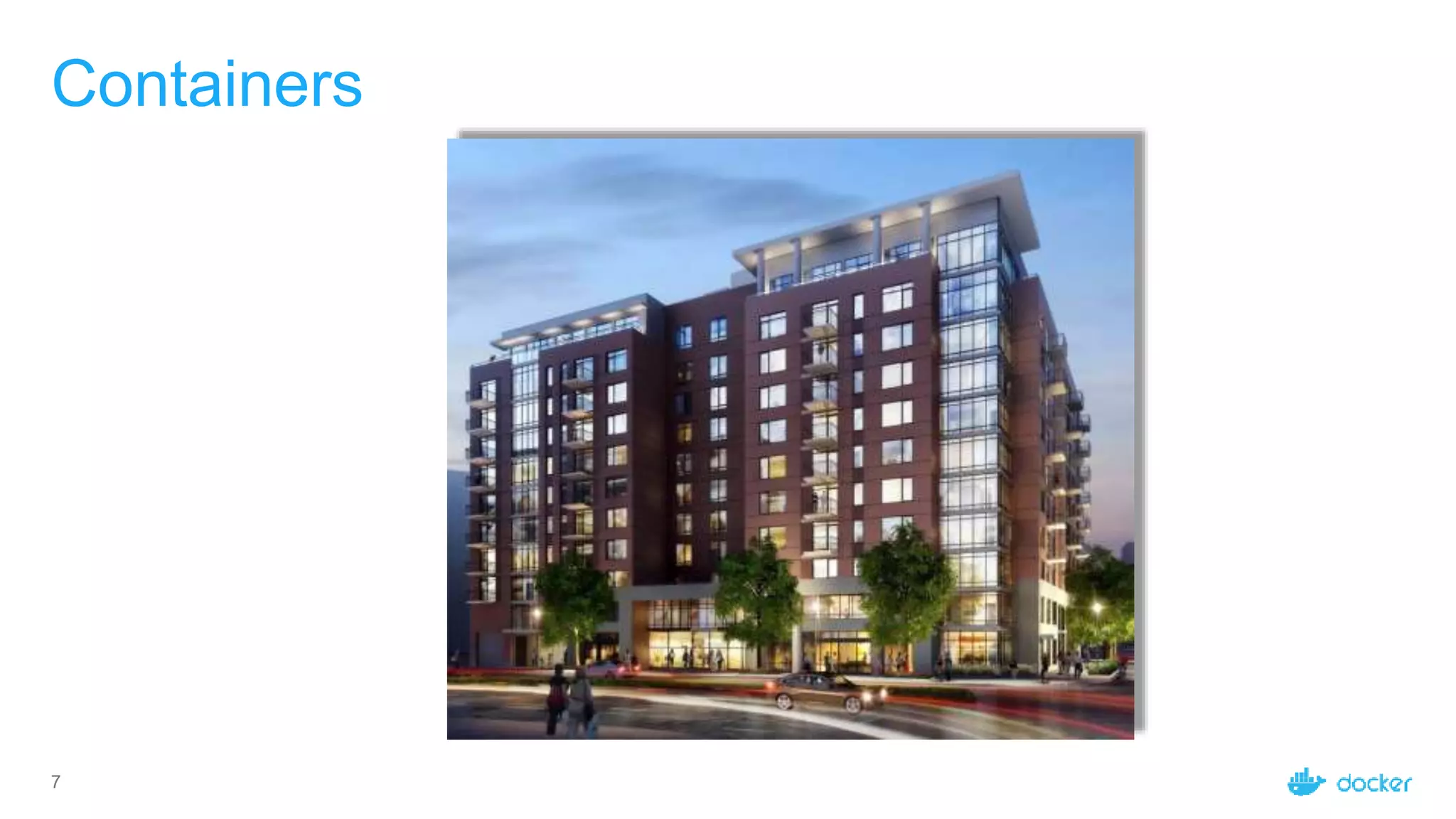
Containers
8
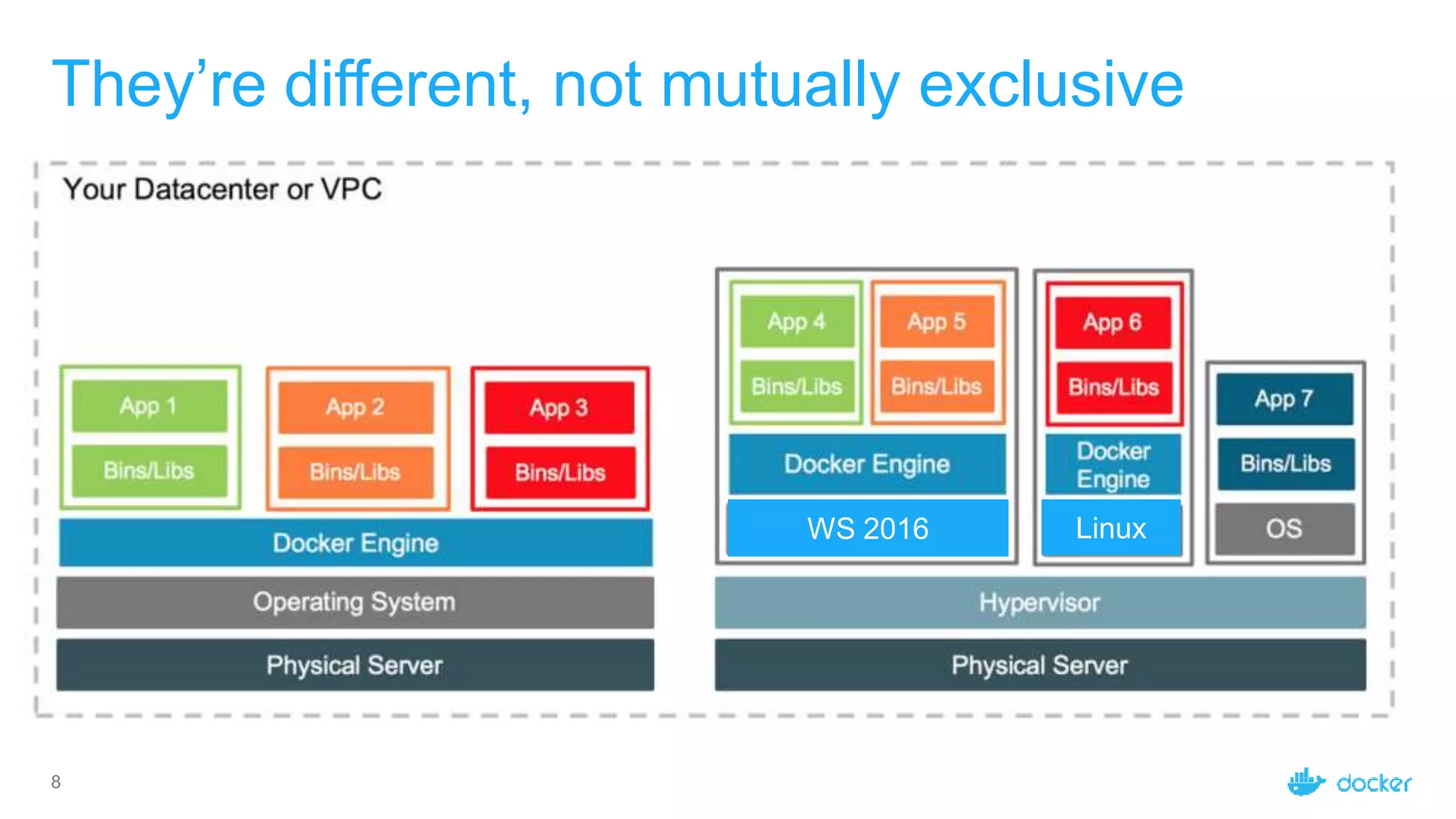
They’re different, not mutually exclusive
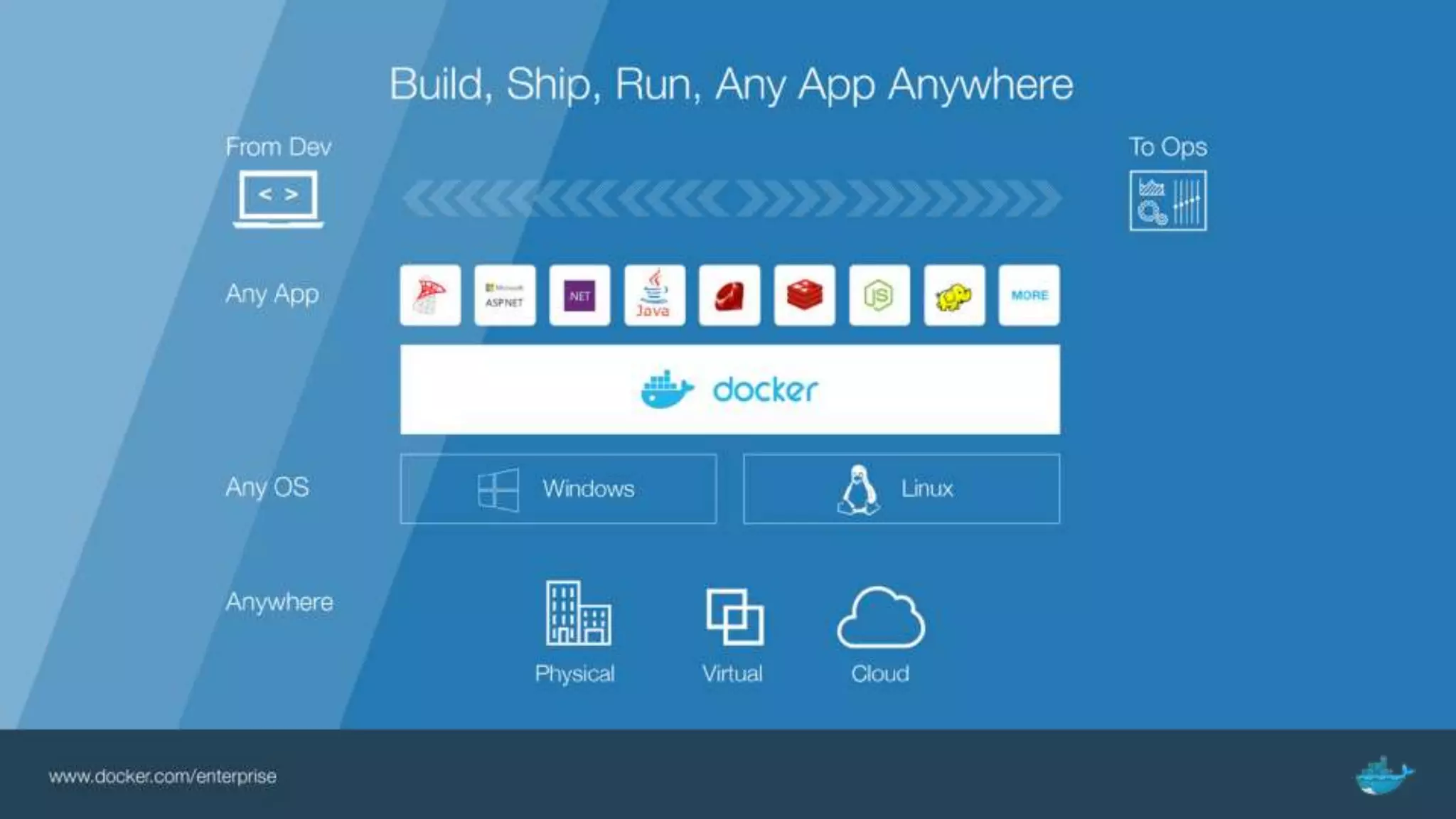
Build, Ship, and Run
11
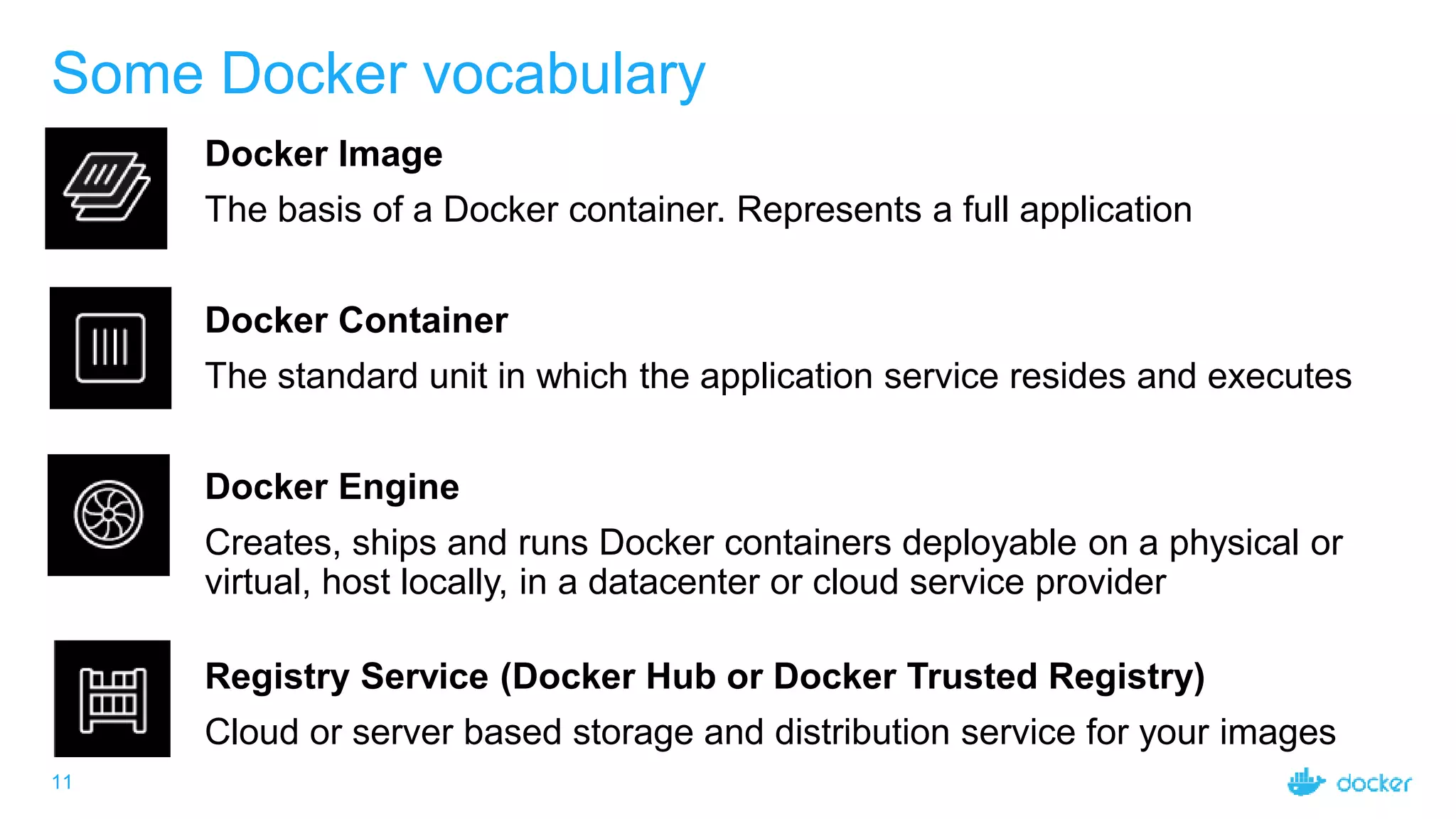
Some Docker vocabulary
Docker Image
The basis of a Docker container. Represents a full application
Docker Container
The standard unit in which the application service resides and executes
Docker Engine
Creates, ships and runs Docker containers deployable on a physical or
virtual, host locally, in a datacenter or cloud service provider
Registry Service (Docker Hub or Docker Trusted Registry)
Cloud or server based storage and distribution service for your images
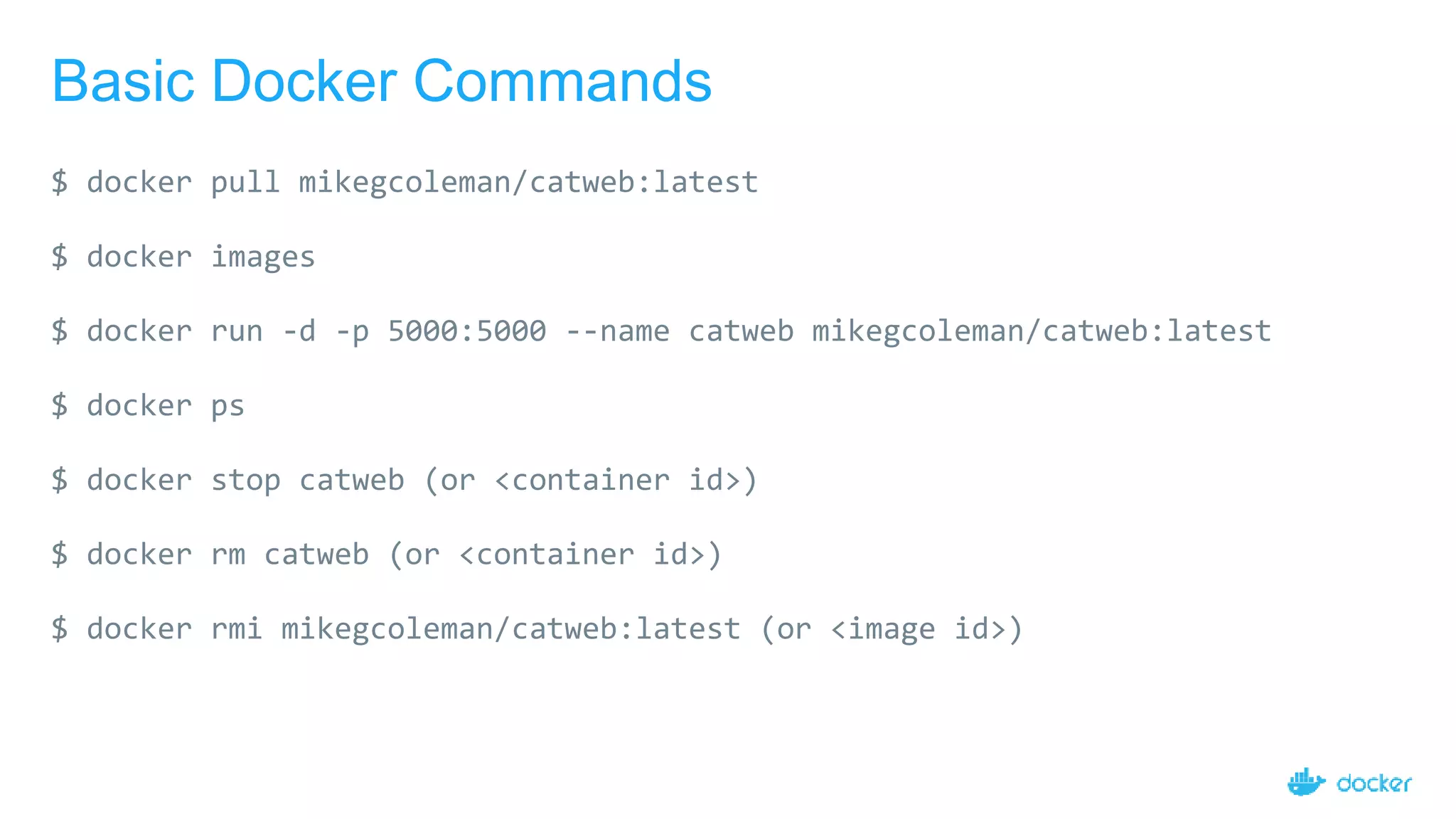
Basic Docker Commands
$ docker pull mikegcoleman/catweb:latest
$ docker images
$ docker run -d -p 5000:5000 --name catweb mikegcoleman/catweb:latest
$ docker ps
$ docker stop catweb (or <container id>)
$ docker rm catweb (or <container id>)
$ docker rmi mikegcoleman/catweb:latest (or <image id>)
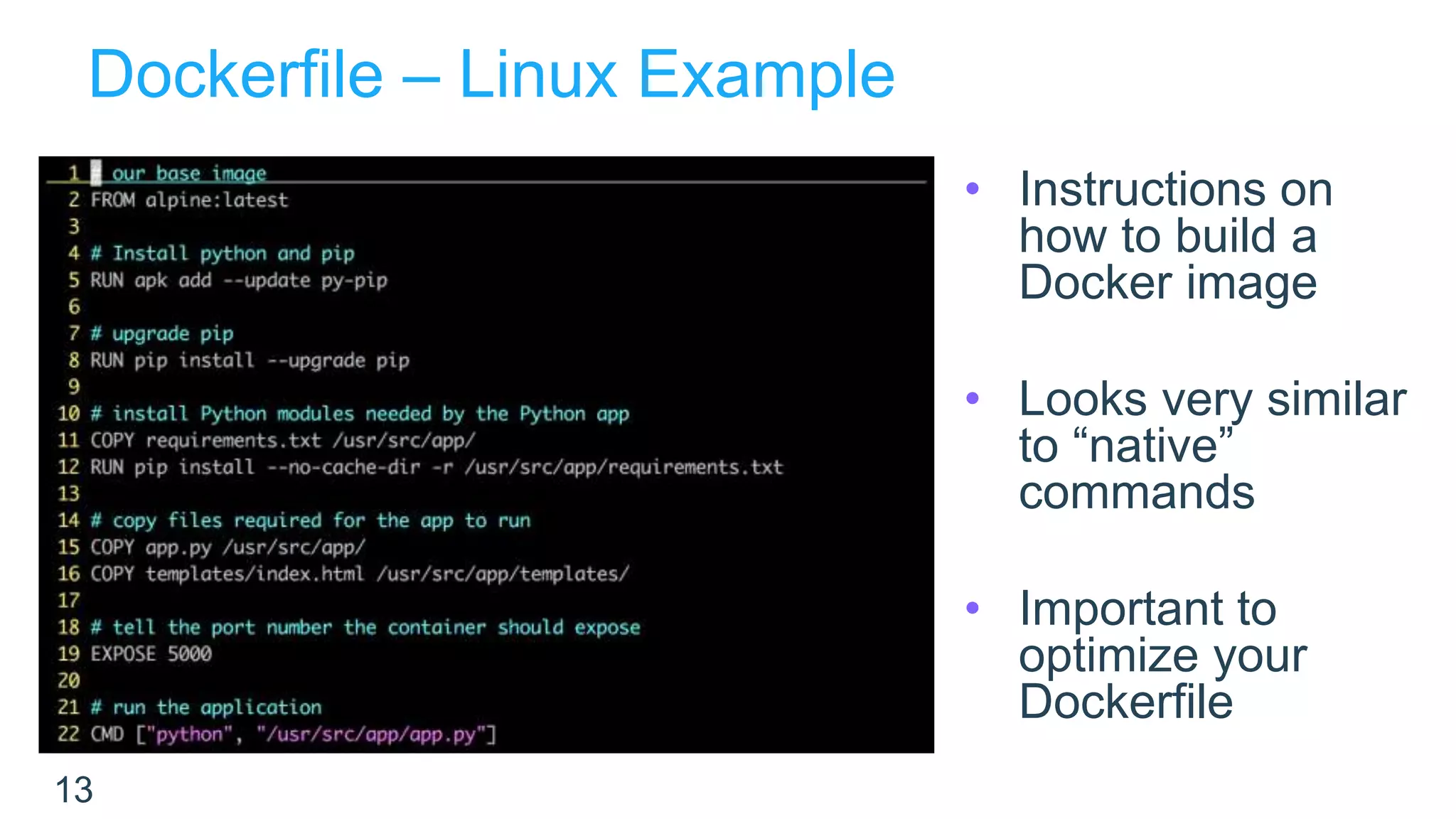
Dockerfile – Linux Example
13
• Instructions on
how to build a
Docker image
• Looks very similar
to “native”
commands
• Important to
optimize your
Dockerfile
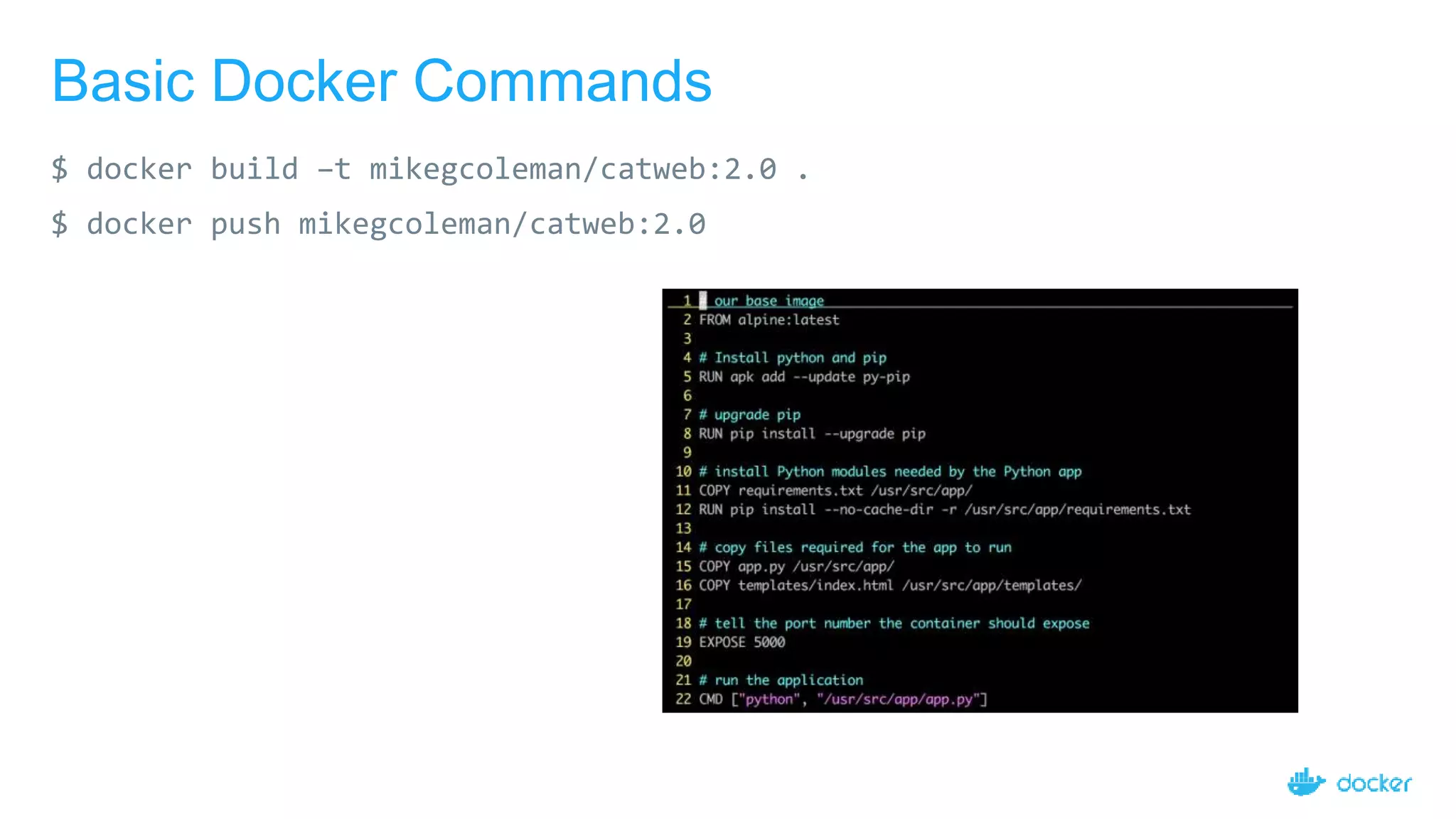
Basic Docker Commands
$ docker build –t mikegcoleman/catweb:2.0 .
$ docker push mikegcoleman/catweb:2.0
15
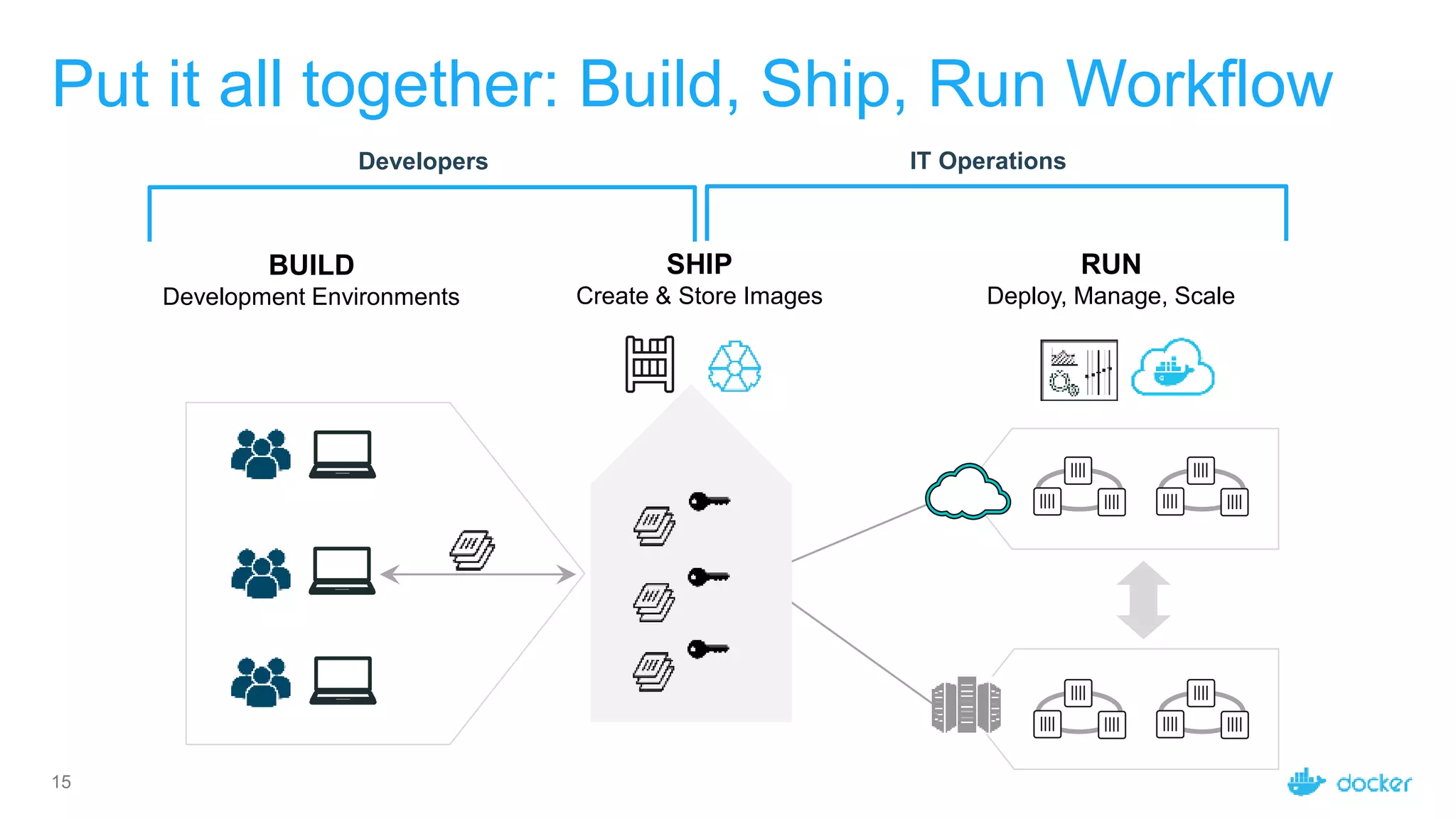
Put it all together: Build, Ship, Run Workflow
Developers IT Operations
BUILD
Development Environments
SHIP
Create & Store Images
RUN
Deploy, Manage, Scale
Docker Container Architecture
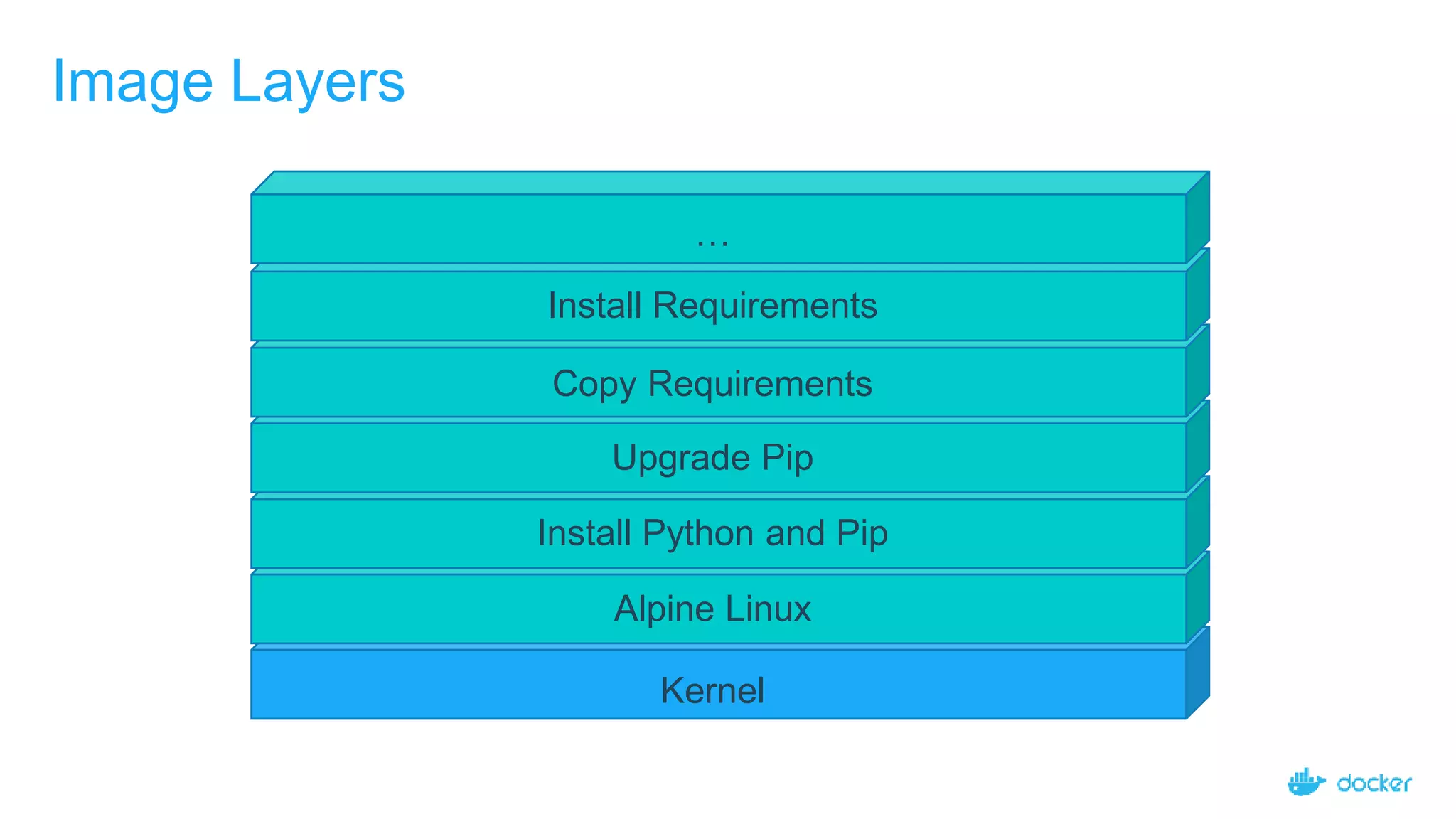
Image Layers
Kernel
Alpine Linux
Install Python and Pip
Upgrade Pip
Copy Requirements
Install Requirements
…
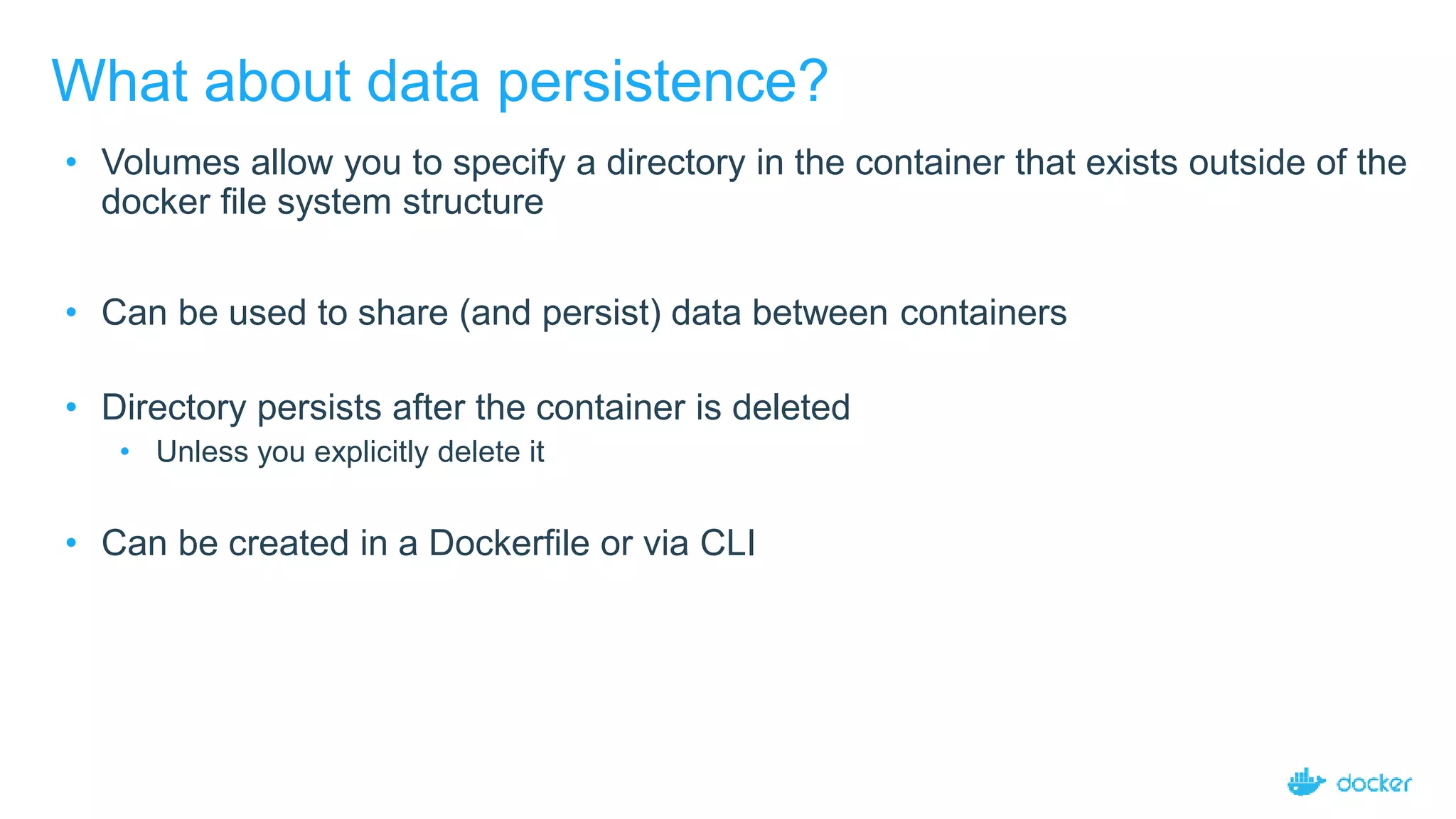
What about data persistence?
• Volumes allow you to specify a directory in the container that exists outside of the
docker file system structure
• Can be used to share (and persist) data between containers
• Directory persists after the container is deleted
• Unless you explicitly delete it
• Can be created in a Dockerfile or via CLI
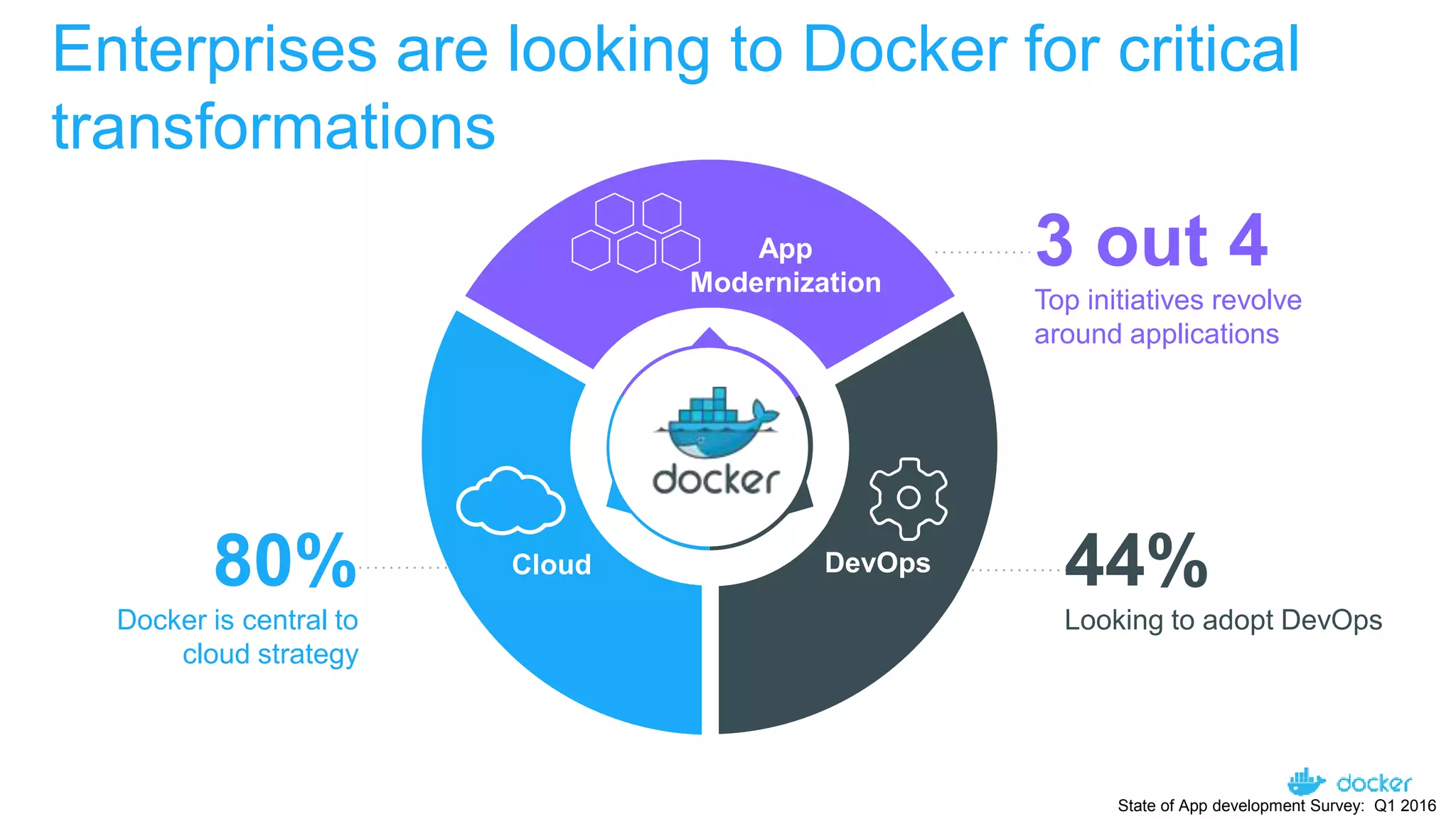
Enterprises are looking to Docker for critical

transformations
80%
Docker is central to
cloud strategy
Docker Survey: State of App development : Q1 - 2016
3 out 4
Top initiatives revolve
around applications
44%
Looking to adopt DevOps
App
Modernization
DevOpsCloud
State of App development Survey: Q1 2016
25
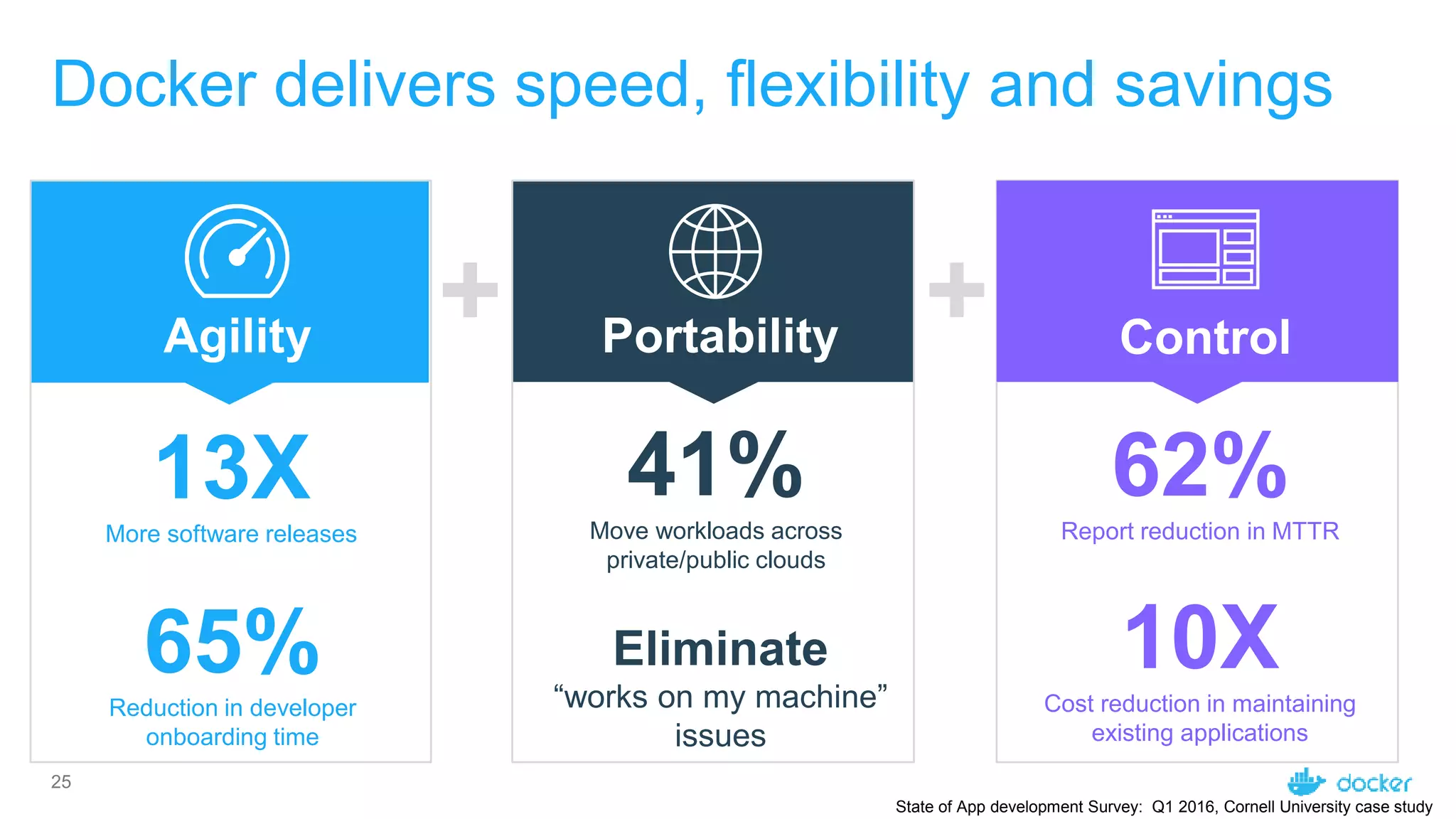
Docker delivers speed, flexibility and savings
+ +Agility Portability Control
State of App development Survey: Q1 2016, Cornell University case study
13XMore software releases
62%Report reduction in MTTR
10XCost reduction in maintaining
existing applications
Eliminate
“works on my machine”
issues
41%Move workloads across
private/public clouds
65%Reduction in developer
onboarding time
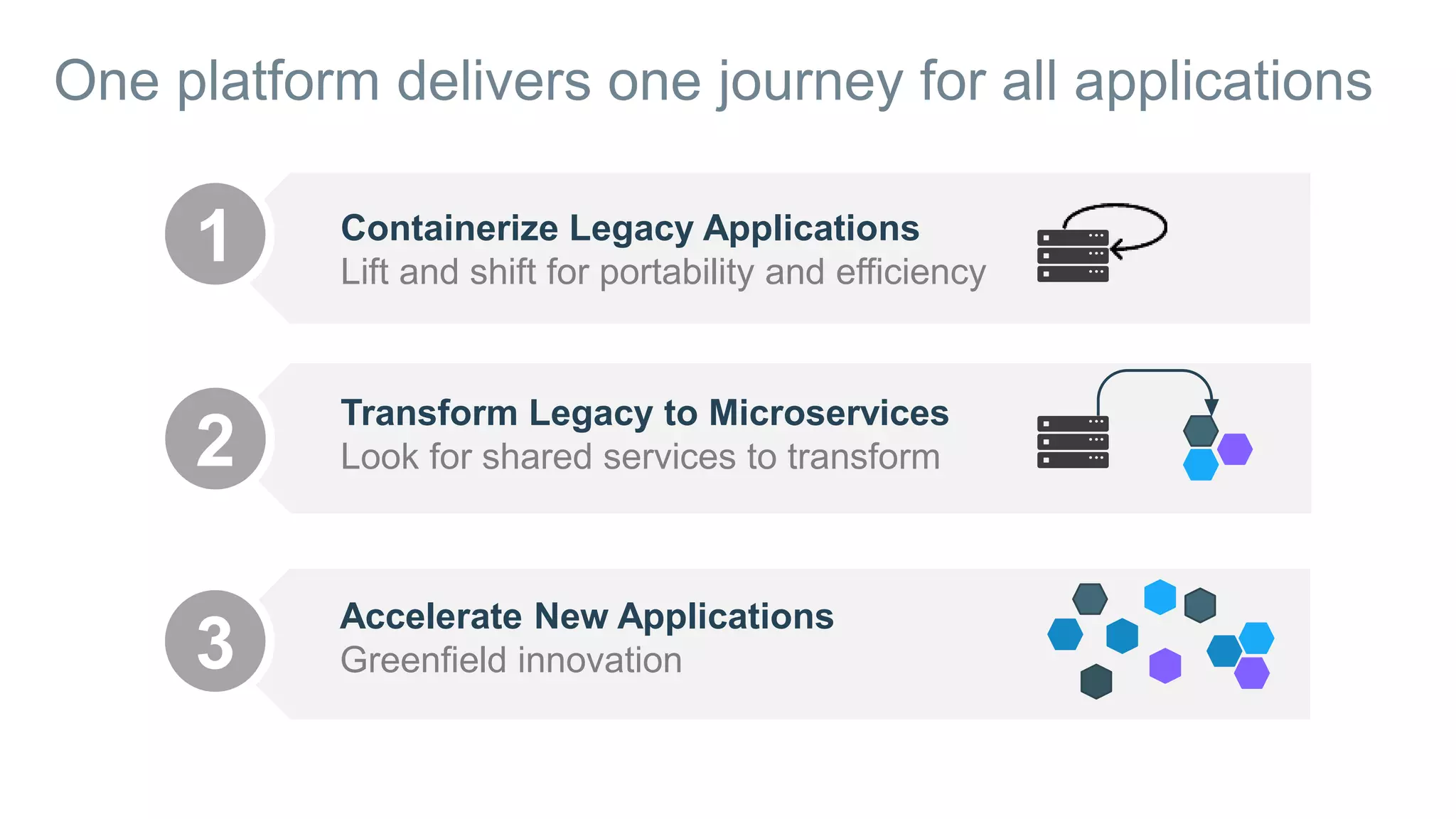
One platform delivers one journey for all applications
1 Containerize Legacy Applications
Lift and shift for portability and efficiency
2
3
Transform Legacy to Microservices
Look for shared services to transform
Accelerate New Applications
Greenfield innovation
Defining and running multi-container Docker applications
29
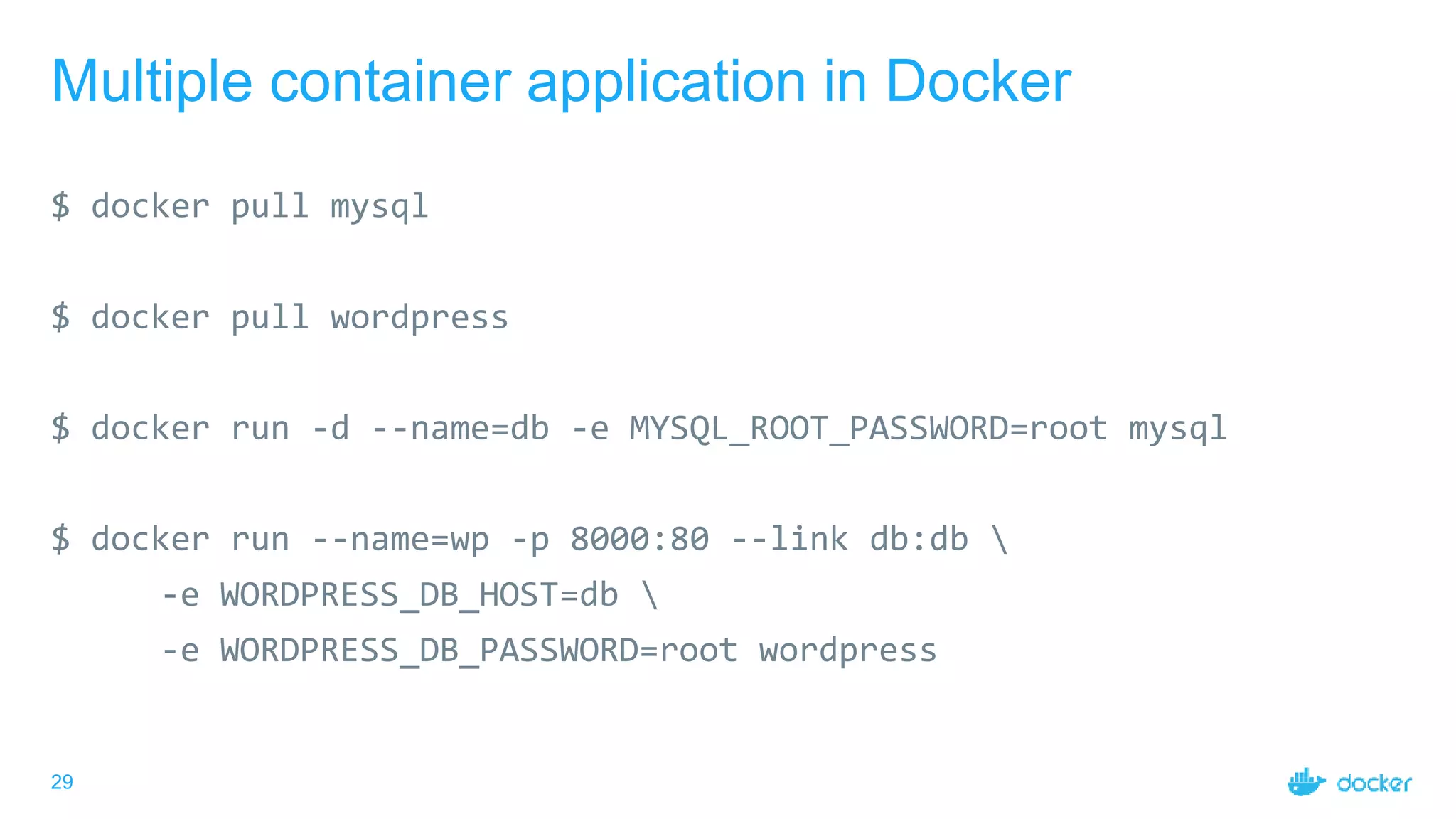
Multiple container application in Docker
$ docker pull mysql
$ docker pull wordpress
$ docker run -d --name=db -e MYSQL_ROOT_PASSWORD=root mysql
$ docker run --name=wp -p 8000:80 --link db:db 
-e WORDPRESS_DB_HOST=db 
-e WORDPRESS_DB_PASSWORD=root wordpress
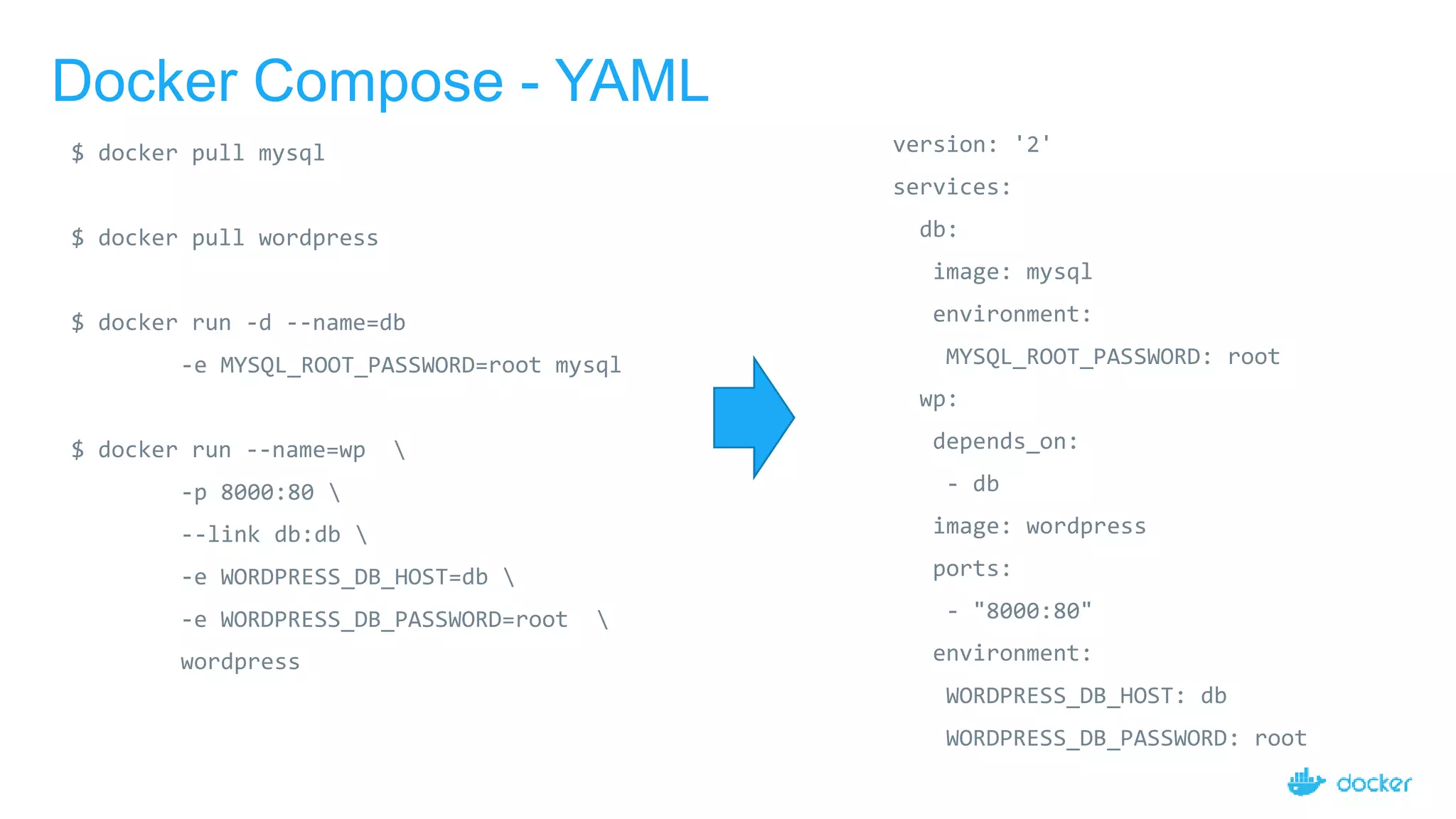
Docker Compose - YAML
version: '2'
services:
db:
image: mysql
environment:
MYSQL_ROOT_PASSWORD: root
wp:
depends_on:
- db
image: wordpress
ports:
- "8000:80"
environment:
WORDPRESS_DB_HOST: db
WORDPRESS_DB_PASSWORD: root
$ docker pull mysql
$ docker pull wordpress
$ docker run -d --name=db
-e MYSQL_ROOT_PASSWORD=root mysql
$ docker run --name=wp 
-p 8000:80 
--link db:db 
-e WORDPRESS_DB_HOST=db 
-e WORDPRESS_DB_PASSWORD=root 
wordpress
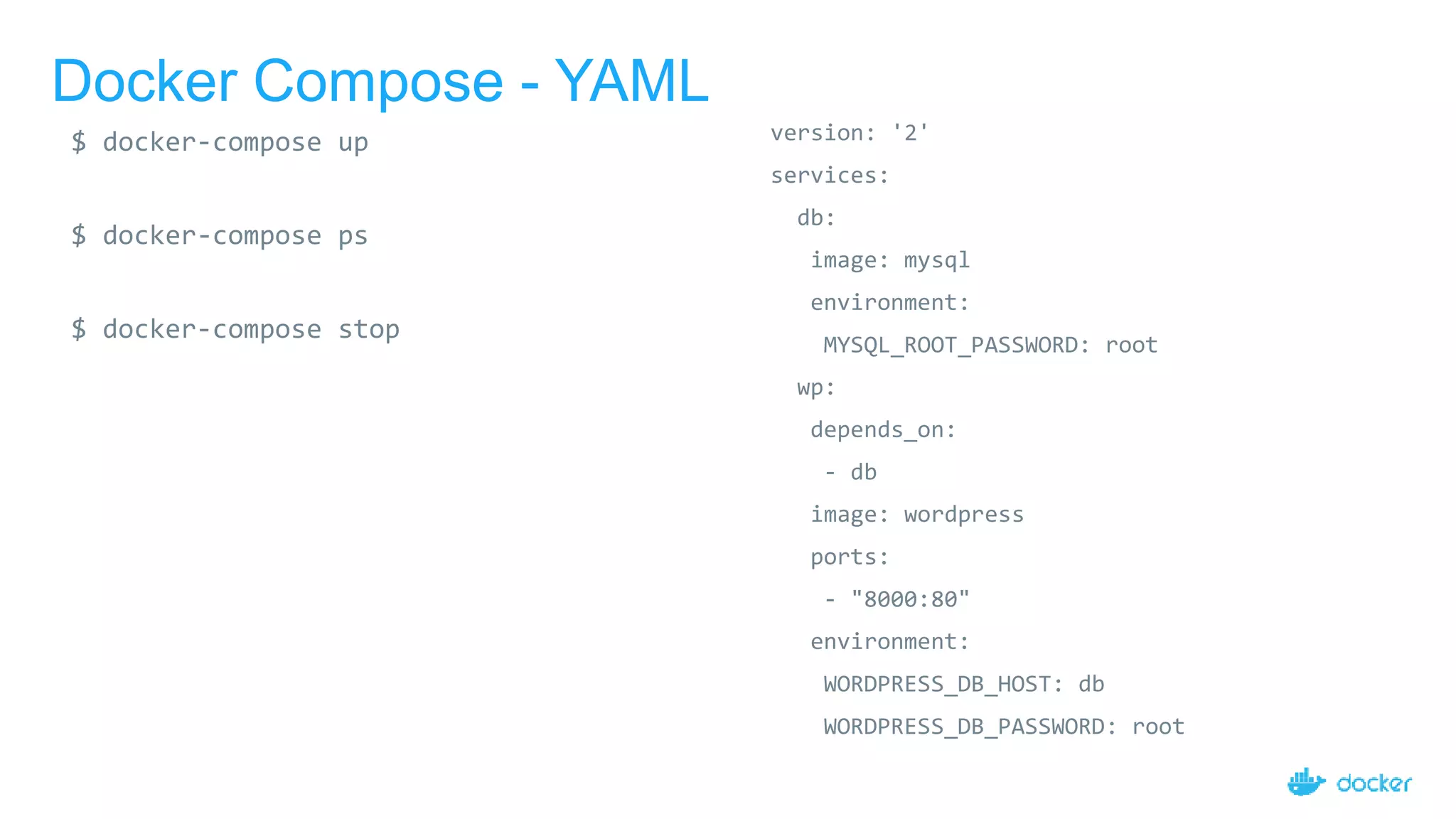
Docker Compose - YAML
version: '2'
services:
db:
image: mysql
environment:
MYSQL_ROOT_PASSWORD: root
wp:
depends_on:
- db
image: wordpress
ports:
- "8000:80"
environment:
WORDPRESS_DB_HOST: db
WORDPRESS_DB_PASSWORD: root
$ docker-compose up
$ docker-compose ps
$ docker-compose stop
Setting up a basic docker cluster
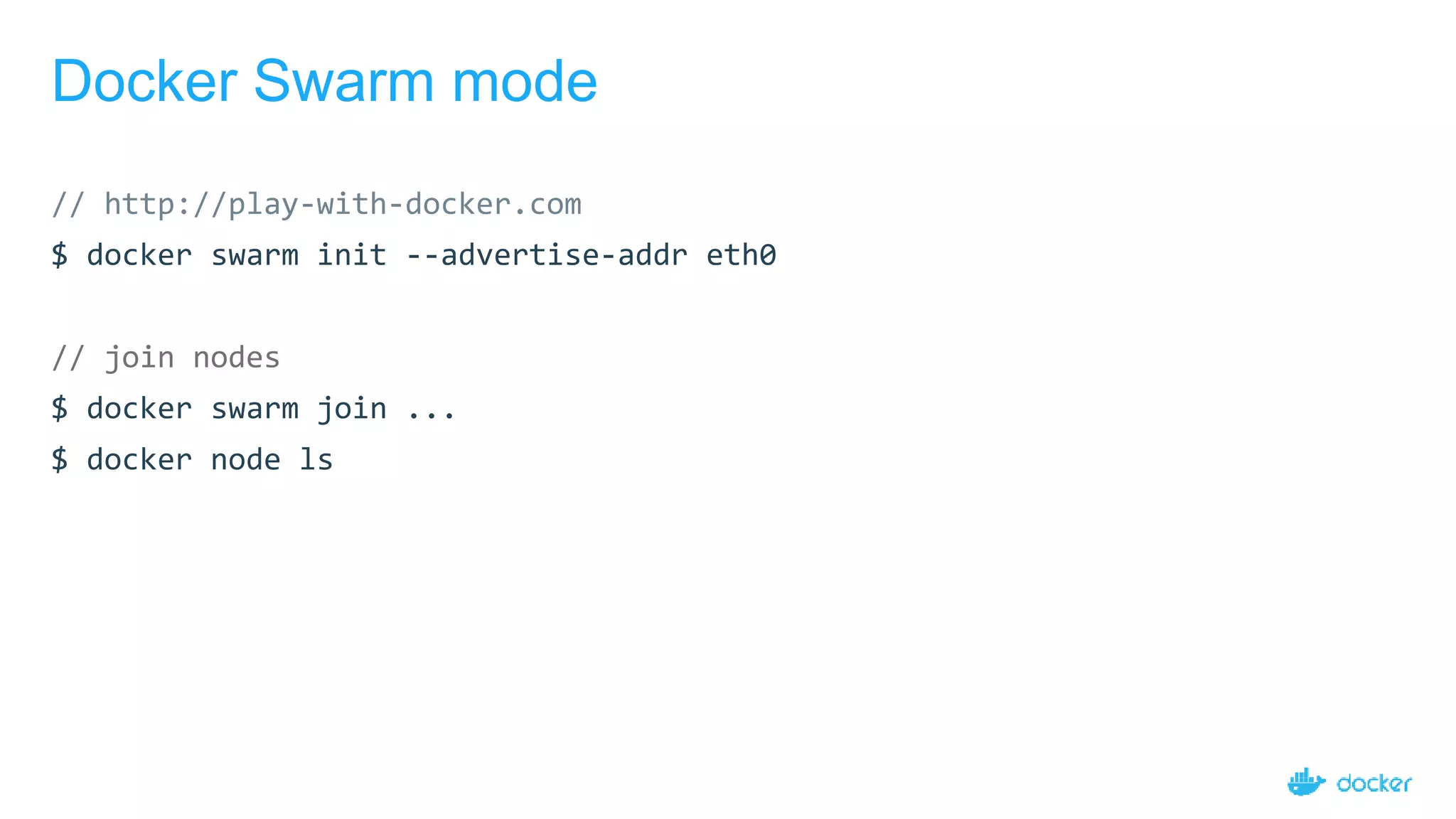
Docker Swarm mode
// http://play-with-docker.com
$ docker swarm init --advertise-addr eth0
// join nodes
$ docker swarm join ...
$ docker node ls
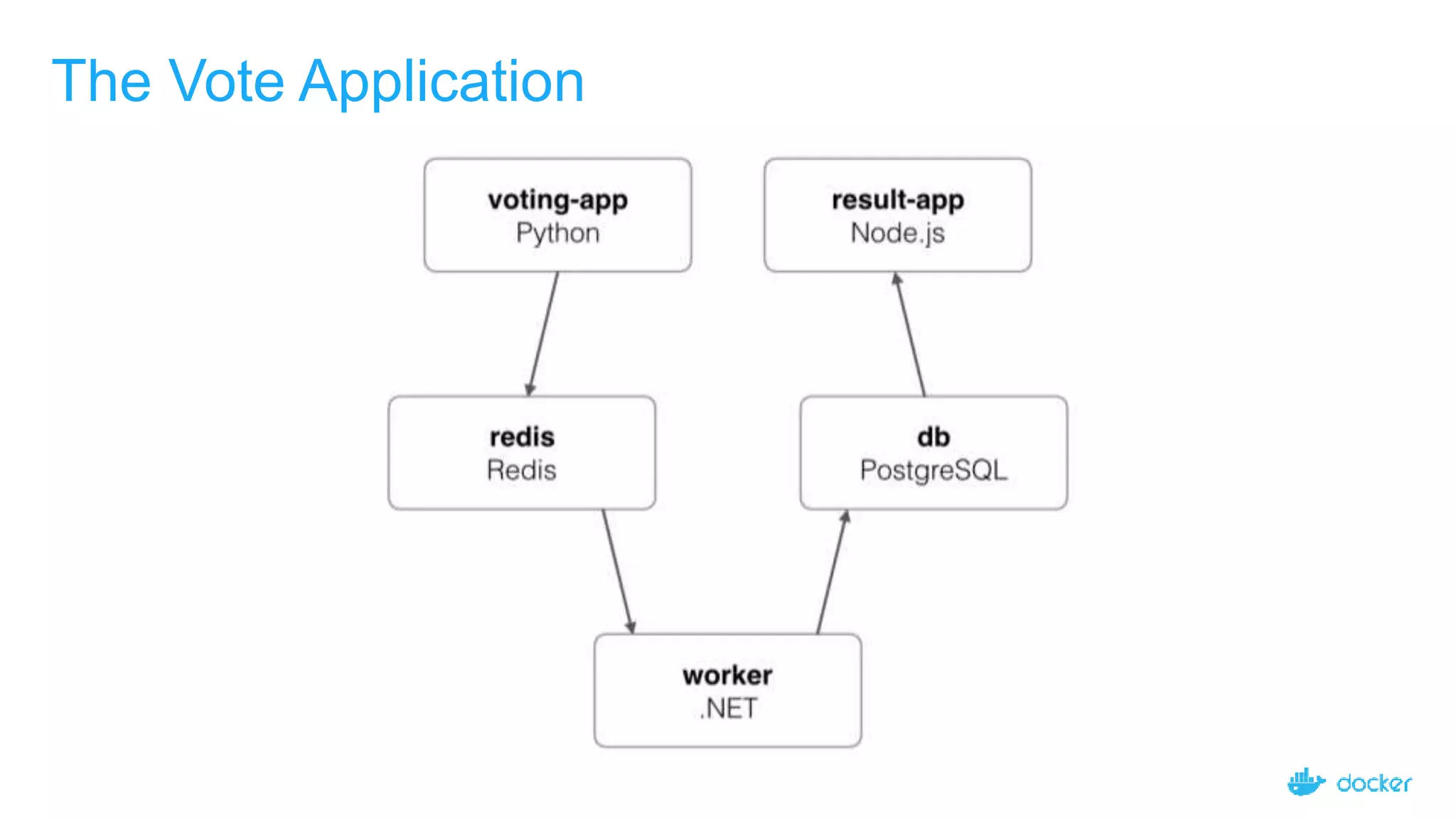
The Vote Application
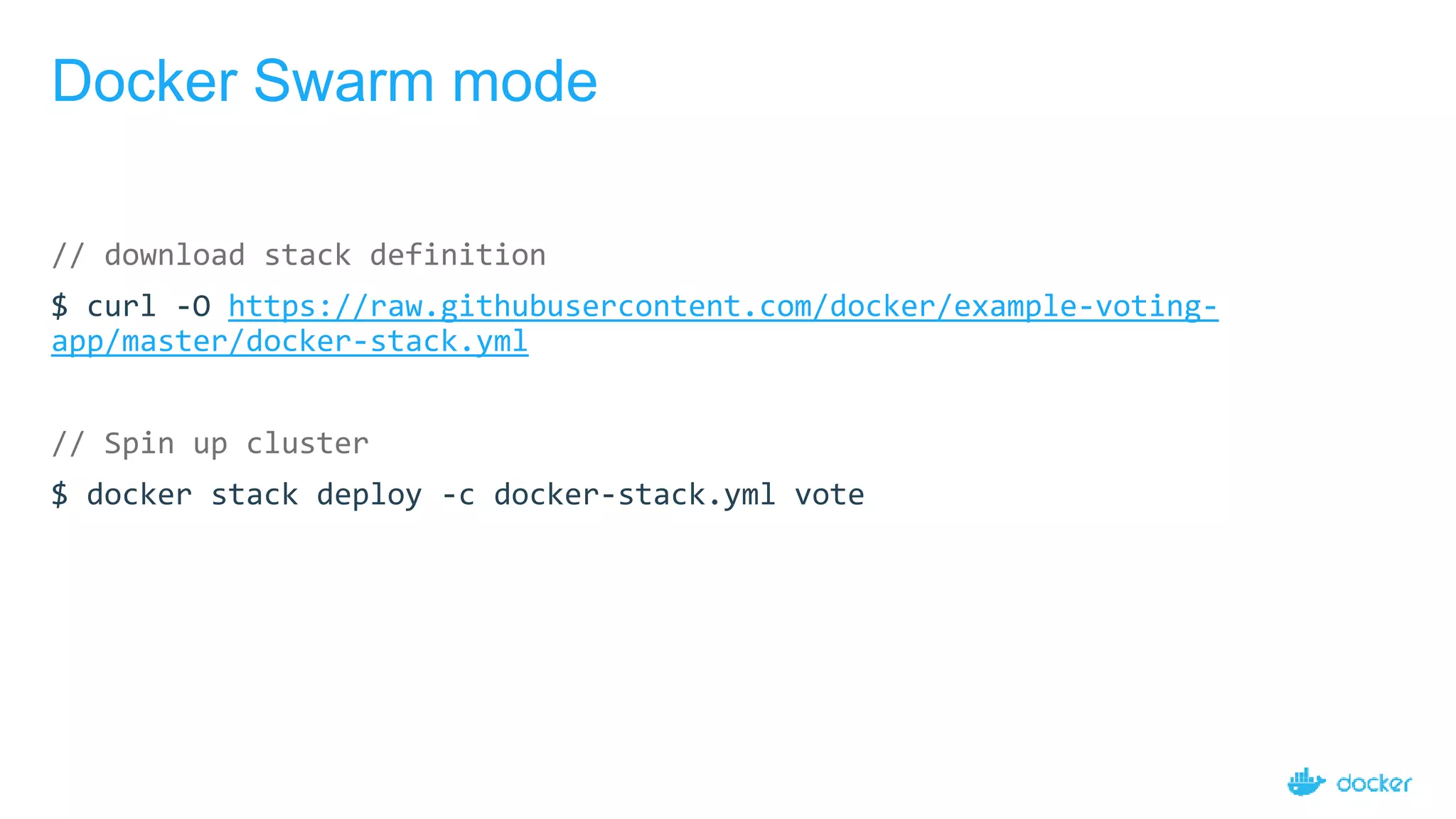
Docker Swarm mode
// download stack definition
$ curl -O https://raw.githubusercontent.com/docker/example-voting-
app/master/docker-stack.yml
// Spin up cluster
$ docker stack deploy -c docker-stack.yml vote
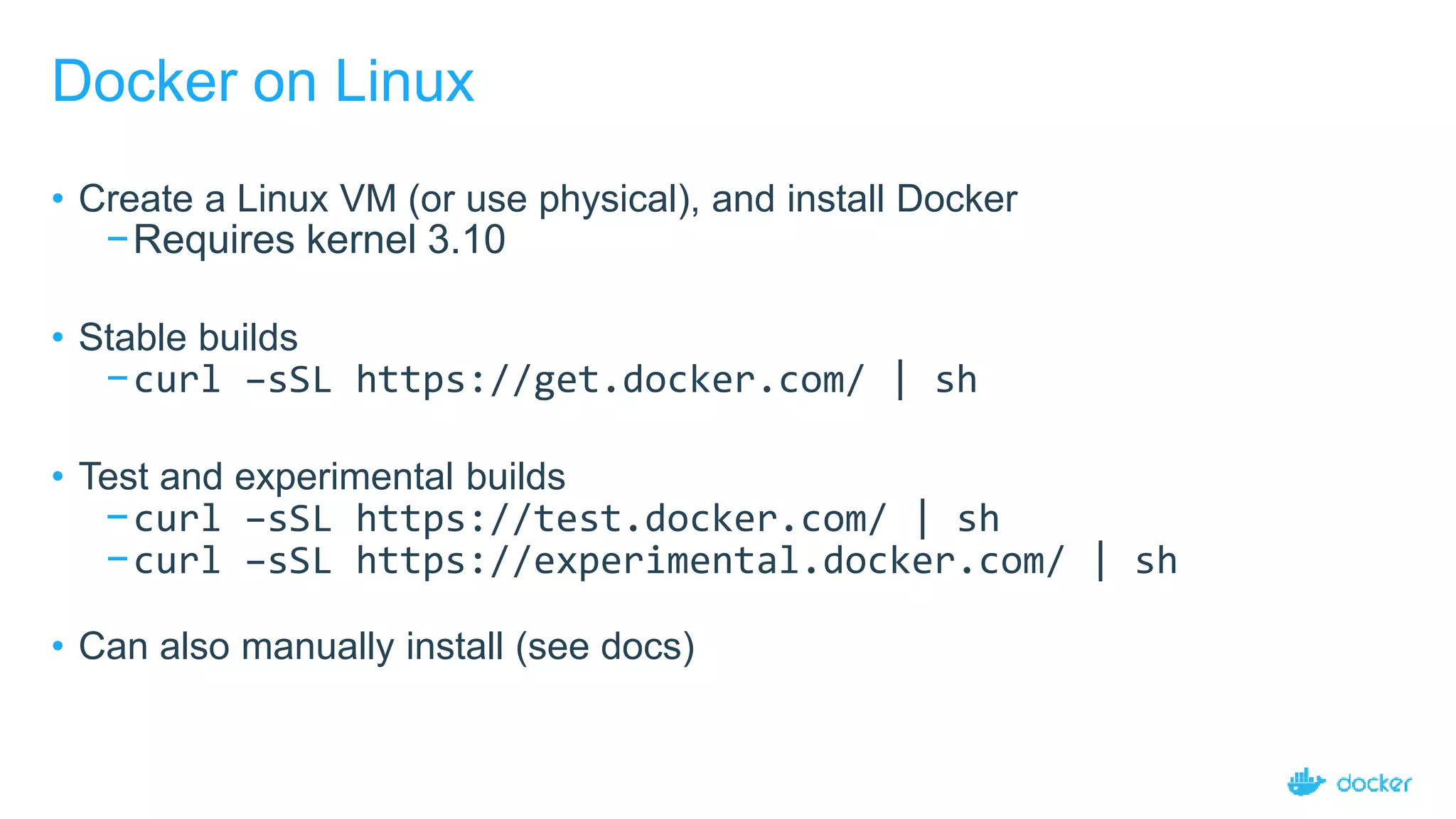
Docker on Linux
• Create a Linux VM (or use physical), and install Docker
−Requires kernel 3.10
• Stable builds
−curl –sSL https://get.docker.com/ | sh
• Test and experimental builds
−curl –sSL https://test.docker.com/ | sh
−curl –sSL https://experimental.docker.com/ | sh
• Can also manually install (see docs)
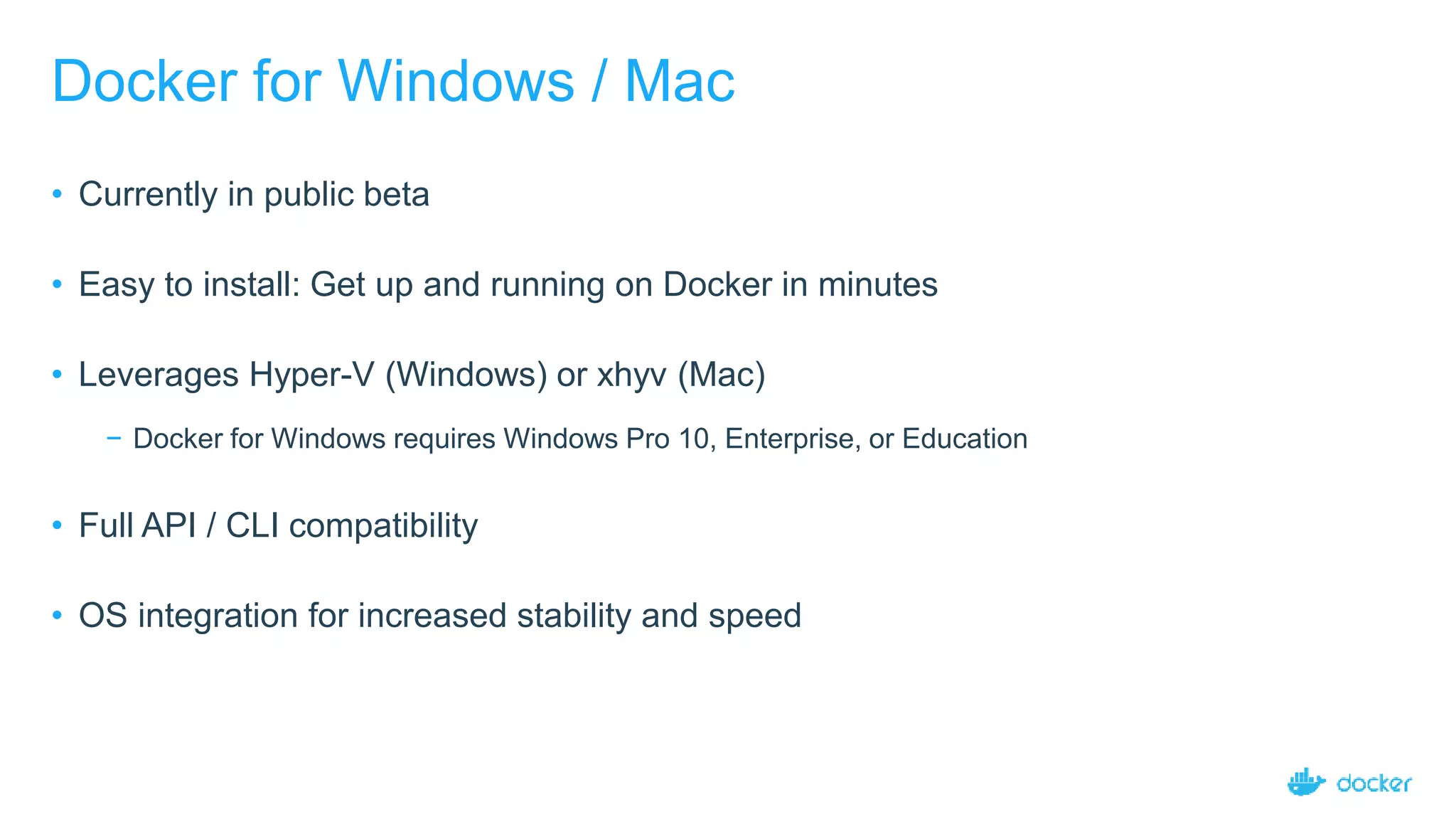
Docker for Windows / Mac
• Currently in public beta
• Easy to install: Get up and running on Docker in minutes
• Leverages Hyper-V (Windows) or xhyv (Mac)
− Docker for Windows requires Windows Pro 10, Enterprise, or Education
• Full API / CLI compatibility
• OS integration for increased stability and speed
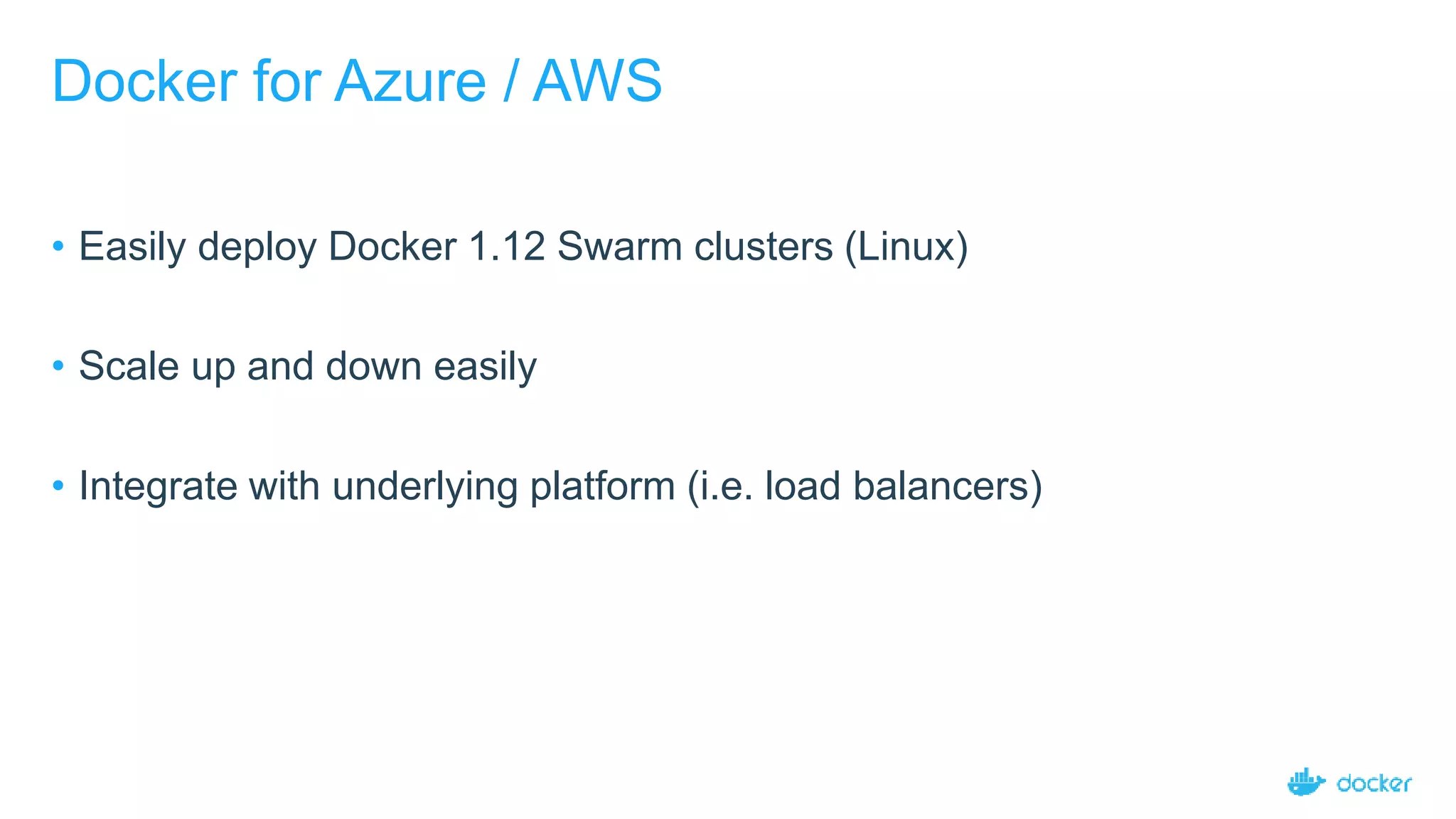
Docker for Azure / AWS
• Easily deploy Docker 1.12 Swarm clusters (Linux)
• Scale up and down easily
• Integrate with underlying platform (i.e. load balancers)
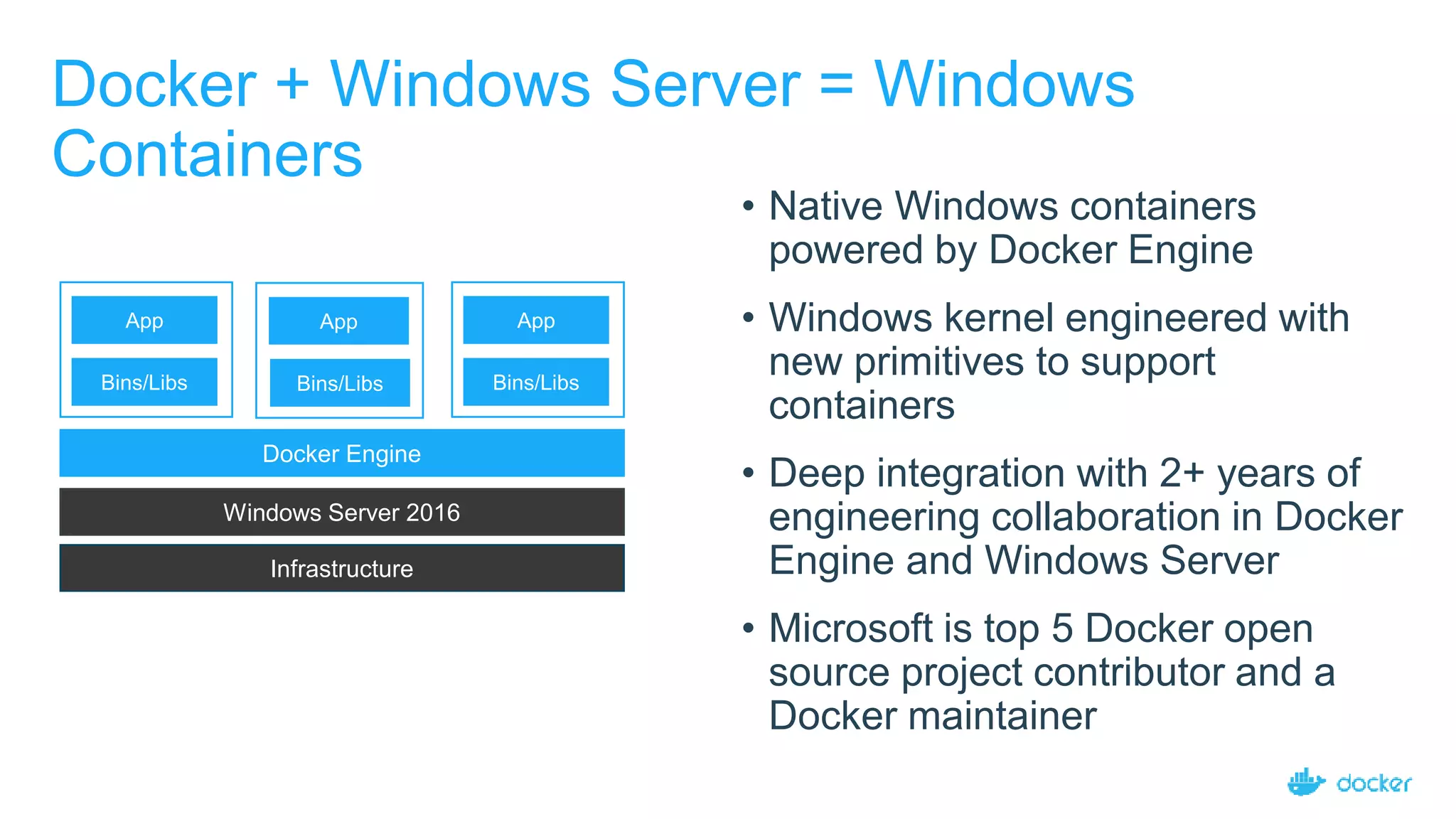
Docker + Windows Server = Windows
Containers
• Native Windows containers
powered by Docker Engine
• Windows kernel engineered with
new primitives to support
containers
• Deep integration with 2+ years of
engineering collaboration in Docker
Engine and Windows Server
• Microsoft is top 5 Docker open
source project contributor and a
Docker maintainer
Infrastructure
Windows Server 2016
Bins/Libs
App
Docker Engine
Bins/Libs
App
Bins/Libs
App
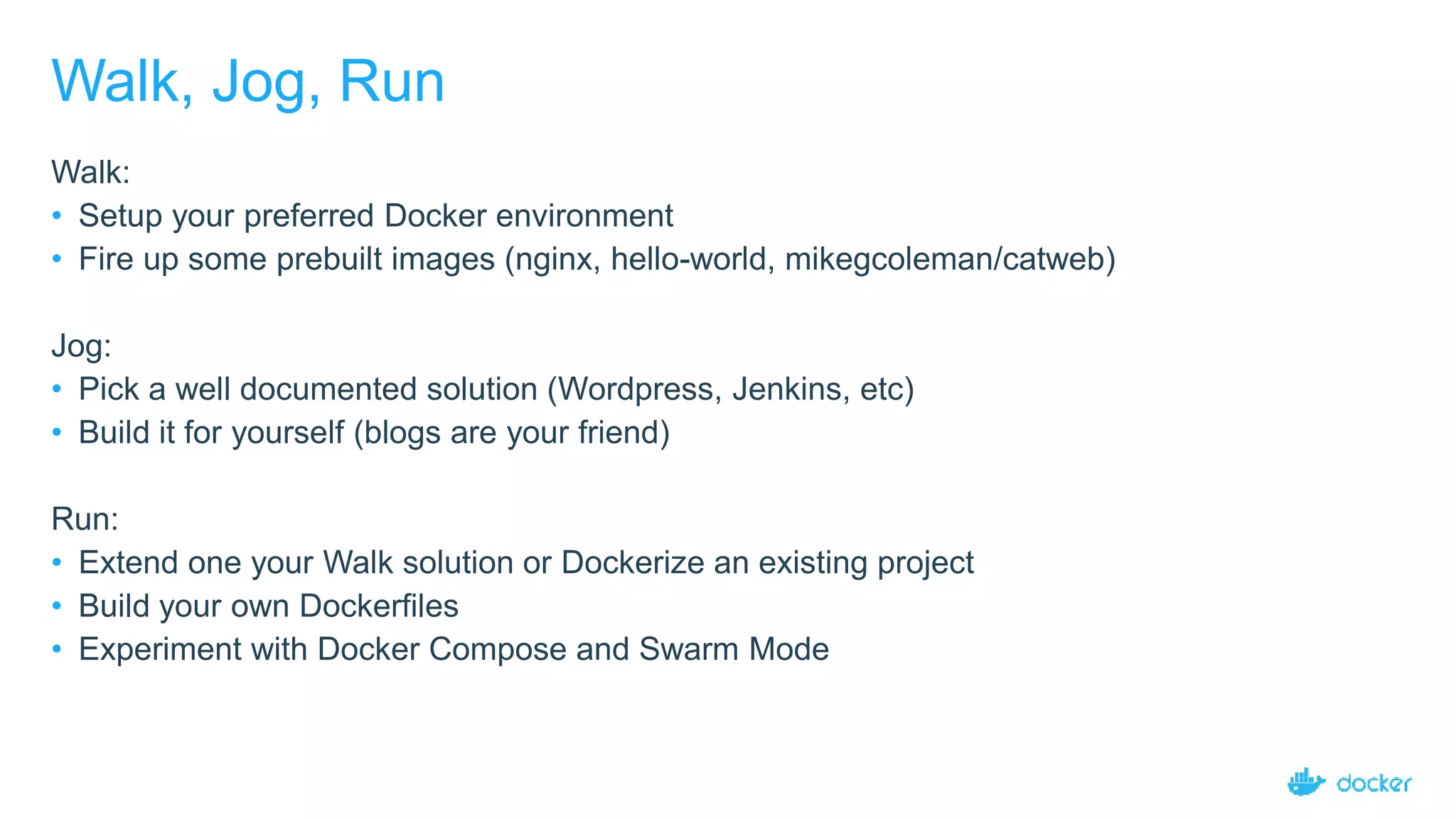
Walk, Jog, Run
Walk:
• Setup your preferred Docker environment
• Fire up some prebuilt images (nginx, hello-world, mikegcoleman/catweb)
Jog:
• Pick a well documented solution (Wordpress, Jenkins, etc)
• Build it for yourself (blogs are your friend)
Run:
• Extend one your Walk solution or Dockerize an existing project
• Build your own Dockerfiles
• Experiment with Docker Compose and Swarm Mode
Where to go from here?
https://github.com/docker/labs
https://prakhar.me/docker-curriculum/
https://europe-2017.dockercon.com/
Thank You.
Questions?
Introduction to docker

Introduction to docker

  • 1.
  • 2.
    About me Frederik Mogensen SoftwarePilot at Trifork Focus on Docker, orchestration and ci/cd
  • 3.
    Agenda Containers are NOTVMs Working with Docker (Build, Ship, Run) Container Architecture But Why? Multi-container applications Docker Compose Docker Swarm Getting started Q & A
  • 4.
  • 5.
    5 Docker containers areNOT VMs • Easy connection to make • Fundamentally different architectures • Fundamentally different benefits
  • 6.
  • 7.
  • 8.
    8 They’re different, notmutually exclusive
  • 9.
  • 11.
    11 Some Docker vocabulary DockerImage The basis of a Docker container. Represents a full application Docker Container The standard unit in which the application service resides and executes Docker Engine Creates, ships and runs Docker containers deployable on a physical or virtual, host locally, in a datacenter or cloud service provider Registry Service (Docker Hub or Docker Trusted Registry) Cloud or server based storage and distribution service for your images
  • 12.
    Basic Docker Commands $docker pull mikegcoleman/catweb:latest $ docker images $ docker run -d -p 5000:5000 --name catweb mikegcoleman/catweb:latest $ docker ps $ docker stop catweb (or <container id>) $ docker rm catweb (or <container id>) $ docker rmi mikegcoleman/catweb:latest (or <image id>)
  • 13.
    Dockerfile – LinuxExample 13 • Instructions on how to build a Docker image • Looks very similar to “native” commands • Important to optimize your Dockerfile
  • 14.
    Basic Docker Commands $docker build –t mikegcoleman/catweb:2.0 . $ docker push mikegcoleman/catweb:2.0
  • 15.
    15 Put it alltogether: Build, Ship, Run Workflow Developers IT Operations BUILD Development Environments SHIP Create & Store Images RUN Deploy, Manage, Scale
  • 16.
  • 17.
    Image Layers Kernel Alpine Linux InstallPython and Pip Upgrade Pip Copy Requirements Install Requirements …
  • 18.
    What about datapersistence? • Volumes allow you to specify a directory in the container that exists outside of the docker file system structure • Can be used to share (and persist) data between containers • Directory persists after the container is deleted • Unless you explicitly delete it • Can be created in a Dockerfile or via CLI
  • 20.
    Enterprises are lookingto Docker for critical transformations 80% Docker is central to cloud strategy Docker Survey: State of App development : Q1 - 2016 3 out 4 Top initiatives revolve around applications 44% Looking to adopt DevOps App Modernization DevOpsCloud State of App development Survey: Q1 2016
  • 21.
    25 Docker delivers speed,flexibility and savings + +Agility Portability Control State of App development Survey: Q1 2016, Cornell University case study 13XMore software releases 62%Report reduction in MTTR 10XCost reduction in maintaining existing applications Eliminate “works on my machine” issues 41%Move workloads across private/public clouds 65%Reduction in developer onboarding time
  • 22.
    One platform deliversone journey for all applications 1 Containerize Legacy Applications Lift and shift for portability and efficiency 2 3 Transform Legacy to Microservices Look for shared services to transform Accelerate New Applications Greenfield innovation
  • 23.
    Defining and runningmulti-container Docker applications
  • 24.
    29 Multiple container applicationin Docker $ docker pull mysql $ docker pull wordpress $ docker run -d --name=db -e MYSQL_ROOT_PASSWORD=root mysql $ docker run --name=wp -p 8000:80 --link db:db -e WORDPRESS_DB_HOST=db -e WORDPRESS_DB_PASSWORD=root wordpress
  • 25.
    Docker Compose -YAML version: '2' services: db: image: mysql environment: MYSQL_ROOT_PASSWORD: root wp: depends_on: - db image: wordpress ports: - "8000:80" environment: WORDPRESS_DB_HOST: db WORDPRESS_DB_PASSWORD: root $ docker pull mysql $ docker pull wordpress $ docker run -d --name=db -e MYSQL_ROOT_PASSWORD=root mysql $ docker run --name=wp -p 8000:80 --link db:db -e WORDPRESS_DB_HOST=db -e WORDPRESS_DB_PASSWORD=root wordpress
  • 26.
    Docker Compose -YAML version: '2' services: db: image: mysql environment: MYSQL_ROOT_PASSWORD: root wp: depends_on: - db image: wordpress ports: - "8000:80" environment: WORDPRESS_DB_HOST: db WORDPRESS_DB_PASSWORD: root $ docker-compose up $ docker-compose ps $ docker-compose stop
  • 27.
    Setting up abasic docker cluster
  • 28.
    Docker Swarm mode //http://play-with-docker.com $ docker swarm init --advertise-addr eth0 // join nodes $ docker swarm join ... $ docker node ls
  • 29.
  • 30.
    Docker Swarm mode //download stack definition $ curl -O https://raw.githubusercontent.com/docker/example-voting- app/master/docker-stack.yml // Spin up cluster $ docker stack deploy -c docker-stack.yml vote
  • 32.
    Docker on Linux •Create a Linux VM (or use physical), and install Docker −Requires kernel 3.10 • Stable builds −curl –sSL https://get.docker.com/ | sh • Test and experimental builds −curl –sSL https://test.docker.com/ | sh −curl –sSL https://experimental.docker.com/ | sh • Can also manually install (see docs)
  • 33.
    Docker for Windows/ Mac • Currently in public beta • Easy to install: Get up and running on Docker in minutes • Leverages Hyper-V (Windows) or xhyv (Mac) − Docker for Windows requires Windows Pro 10, Enterprise, or Education • Full API / CLI compatibility • OS integration for increased stability and speed
  • 34.
    Docker for Azure/ AWS • Easily deploy Docker 1.12 Swarm clusters (Linux) • Scale up and down easily • Integrate with underlying platform (i.e. load balancers)
  • 35.
    Docker + WindowsServer = Windows Containers • Native Windows containers powered by Docker Engine • Windows kernel engineered with new primitives to support containers • Deep integration with 2+ years of engineering collaboration in Docker Engine and Windows Server • Microsoft is top 5 Docker open source project contributor and a Docker maintainer Infrastructure Windows Server 2016 Bins/Libs App Docker Engine Bins/Libs App Bins/Libs App
  • 36.
    Walk, Jog, Run Walk: •Setup your preferred Docker environment • Fire up some prebuilt images (nginx, hello-world, mikegcoleman/catweb) Jog: • Pick a well documented solution (Wordpress, Jenkins, etc) • Build it for yourself (blogs are your friend) Run: • Extend one your Walk solution or Dockerize an existing project • Build your own Dockerfiles • Experiment with Docker Compose and Swarm Mode
  • 37.
    Where to gofrom here? https://github.com/docker/labs https://prakhar.me/docker-curriculum/ https://europe-2017.dockercon.com/
  • 38.