McGraw-Hill Technology Education Copyright   © 2006 by The McGraw-Hill Companies, Inc. All rights reserved.
Chapter 3A Using the Keyboard And Mouse
The Keyboard The most common input device Must be proficient with keyboard Skill is called keyboarding
The Keyboard How keyboard works Keyboard controller detects a key press Controller sends a code to the CPU Code represents the key pressed Controller notifies the operating system Operating system responds Controller repeats the letter if held
The Mouse All modern computers have a variant Allows users to select objects Pointer moved by the mouse Mechanical mouse Rubber ball determines direction and speed The ball often requires cleaning
The Mouse Optical mouse Light shown onto mouse pad Reflection determines speed and direction Requires little maintenance
The Mouse Interacting with a mouse Actions involve pointing to an object Clicking selects the object Clicking and holding drags the object Releasing an object is a drop Right clicking activates the shortcut menu Modern mice include a scroll wheel
The Mouse Benefits Pointer positioning is fast Menu interaction is easy Users can draw electronically
The Mouse Mouse button configuration Configured for a right-handed user Can be reconfigured Between 1 and 6 buttons  Extra buttons are configurable
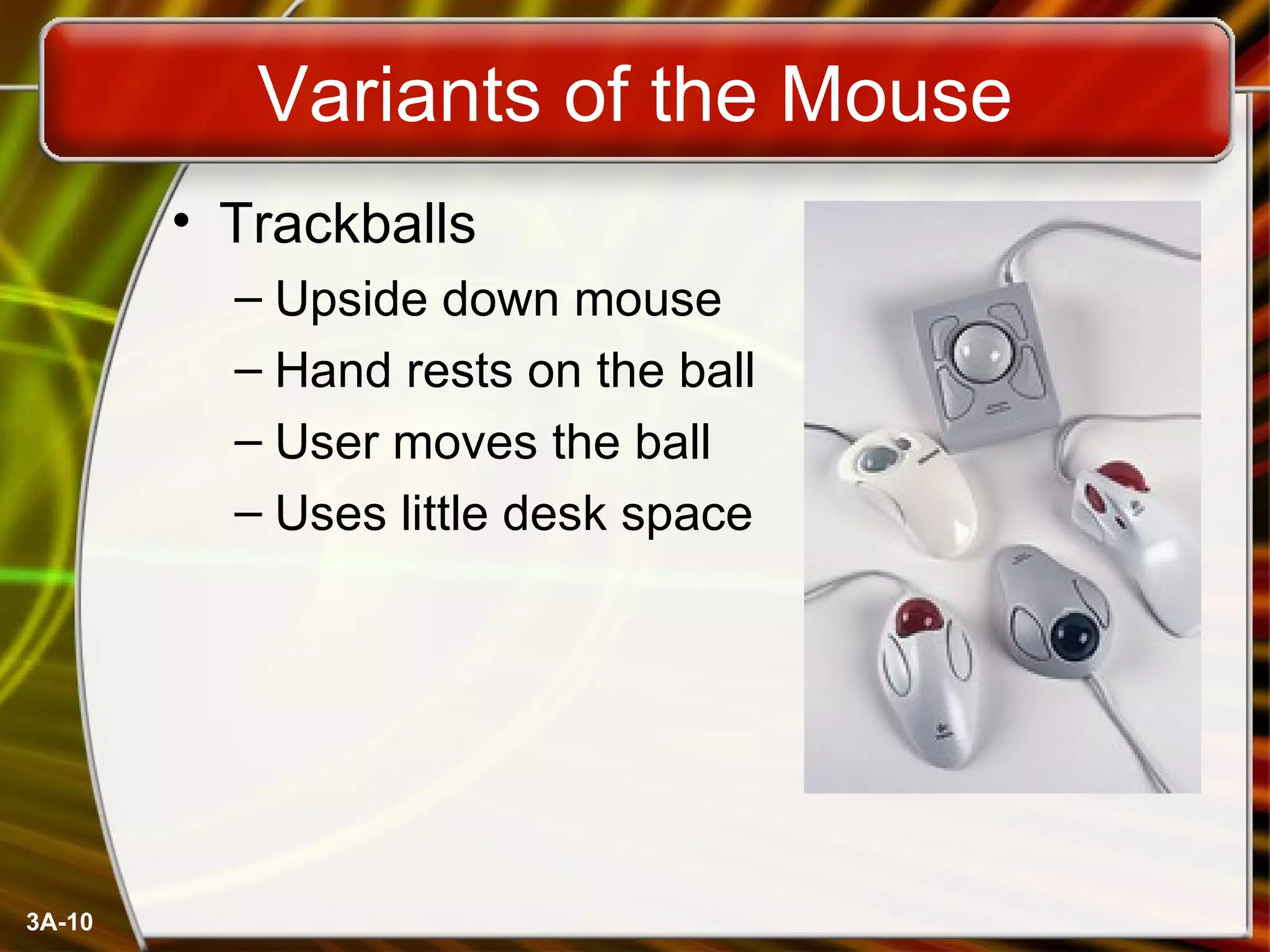
Variants of the Mouse Trackballs Upside down mouse Hand rests on the ball User moves the ball Uses little desk space
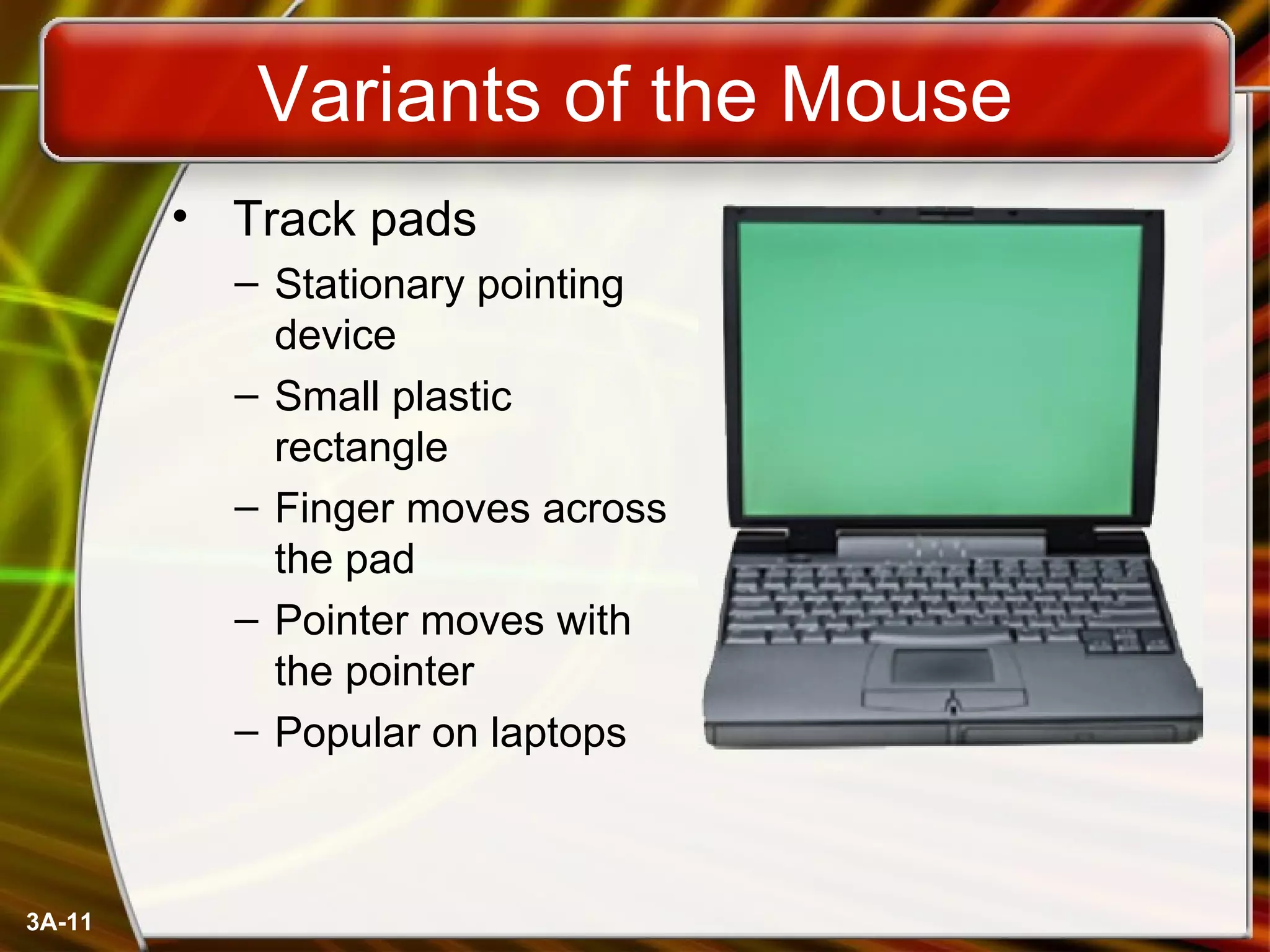
Variants of the Mouse Track pads Stationary pointing device Small plastic rectangle Finger moves across the pad Pointer moves with the pointer Popular on laptops
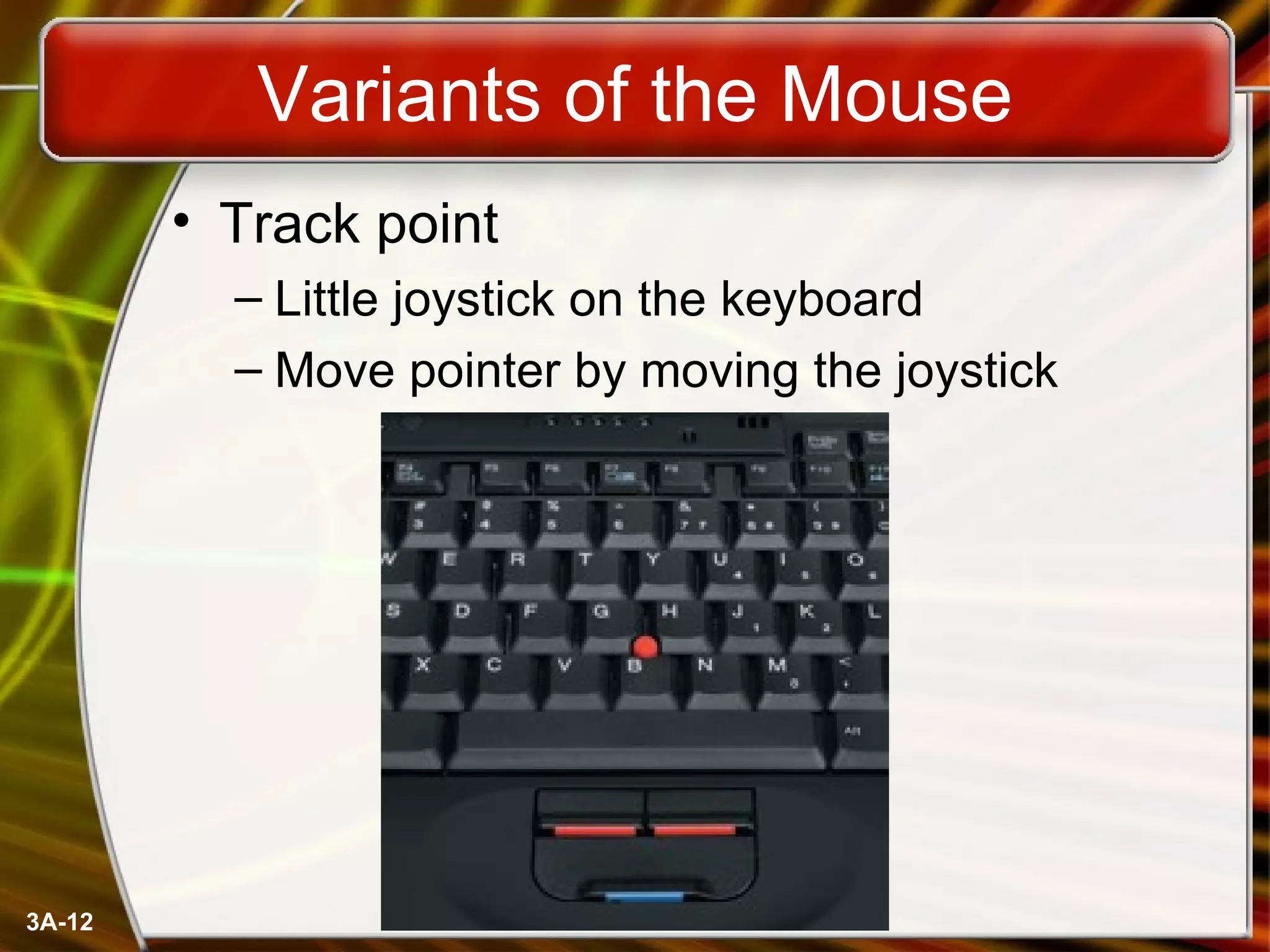
Variants of the Mouse Track point Little joystick on the keyboard Move pointer by moving the joystick
Ergonomics and Input Devices Ergonomics Study of human and tool interaction Concerned with physical interaction Attempts to improve safety and comfort
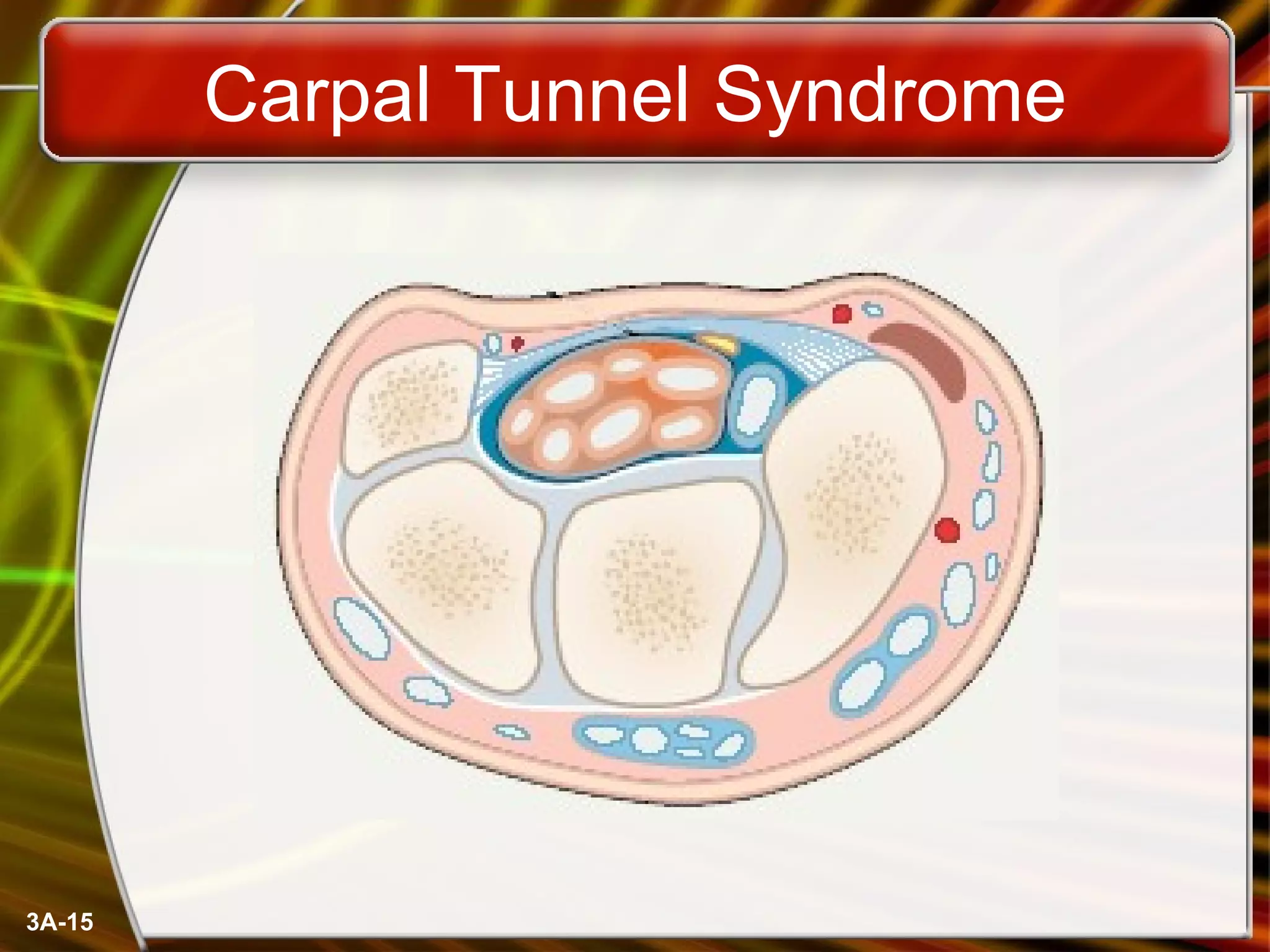
Ergonomics and Input Devices Repetitive Strain Injury (RSI) Caused by continuous misuse of the body Many professions suffer from RSI Carpal Tunnel Syndrome Carpal tunnel is a passage in the wrist Holds nerves and tendons Prolonged keyboarding swells tendons
Carpal Tunnel Syndrome
Ergonomics and Input Devices Office hardware suggestions Office chairs should have Adjustable armrests and height Armrests Lower back support Desks should have Have a keyboard tray Keep hands at keyboard height Place the monitor at eye level
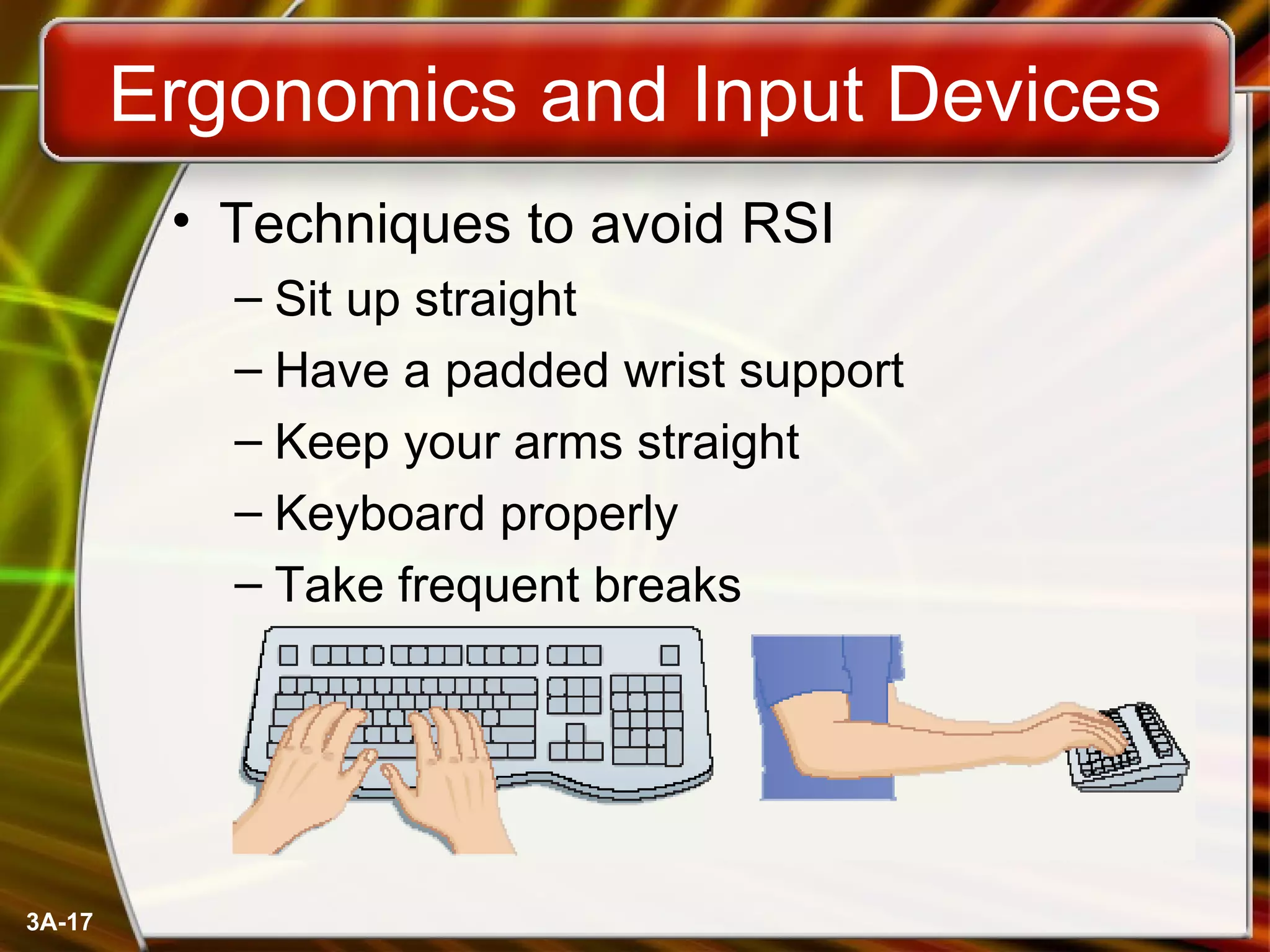
Ergonomics and Input Devices Techniques to avoid RSI Sit up straight Have a padded wrist support Keep your arms straight Keyboard properly Take frequent breaks
Chapter 3A End of Chapter

Intro Ch 03 A

  • 1.
    McGraw-Hill Technology EducationCopyright © 2006 by The McGraw-Hill Companies, Inc. All rights reserved.
  • 2.
    Chapter 3A Usingthe Keyboard And Mouse
  • 3.
    The Keyboard Themost common input device Must be proficient with keyboard Skill is called keyboarding
  • 4.
    The Keyboard Howkeyboard works Keyboard controller detects a key press Controller sends a code to the CPU Code represents the key pressed Controller notifies the operating system Operating system responds Controller repeats the letter if held
  • 5.
    The Mouse Allmodern computers have a variant Allows users to select objects Pointer moved by the mouse Mechanical mouse Rubber ball determines direction and speed The ball often requires cleaning
  • 6.
    The Mouse Opticalmouse Light shown onto mouse pad Reflection determines speed and direction Requires little maintenance
  • 7.
    The Mouse Interactingwith a mouse Actions involve pointing to an object Clicking selects the object Clicking and holding drags the object Releasing an object is a drop Right clicking activates the shortcut menu Modern mice include a scroll wheel
  • 8.
    The Mouse BenefitsPointer positioning is fast Menu interaction is easy Users can draw electronically
  • 9.
    The Mouse Mousebutton configuration Configured for a right-handed user Can be reconfigured Between 1 and 6 buttons Extra buttons are configurable
  • 10.
    Variants of theMouse Trackballs Upside down mouse Hand rests on the ball User moves the ball Uses little desk space
  • 11.
    Variants of theMouse Track pads Stationary pointing device Small plastic rectangle Finger moves across the pad Pointer moves with the pointer Popular on laptops
  • 12.
    Variants of theMouse Track point Little joystick on the keyboard Move pointer by moving the joystick
  • 13.
    Ergonomics and InputDevices Ergonomics Study of human and tool interaction Concerned with physical interaction Attempts to improve safety and comfort
  • 14.
    Ergonomics and InputDevices Repetitive Strain Injury (RSI) Caused by continuous misuse of the body Many professions suffer from RSI Carpal Tunnel Syndrome Carpal tunnel is a passage in the wrist Holds nerves and tendons Prolonged keyboarding swells tendons
  • 15.
  • 16.
    Ergonomics and InputDevices Office hardware suggestions Office chairs should have Adjustable armrests and height Armrests Lower back support Desks should have Have a keyboard tray Keep hands at keyboard height Place the monitor at eye level
  • 17.
    Ergonomics and InputDevices Techniques to avoid RSI Sit up straight Have a padded wrist support Keep your arms straight Keyboard properly Take frequent breaks
  • 18.
    Chapter 3A Endof Chapter