The human brain …

… tricks us whenever it can!
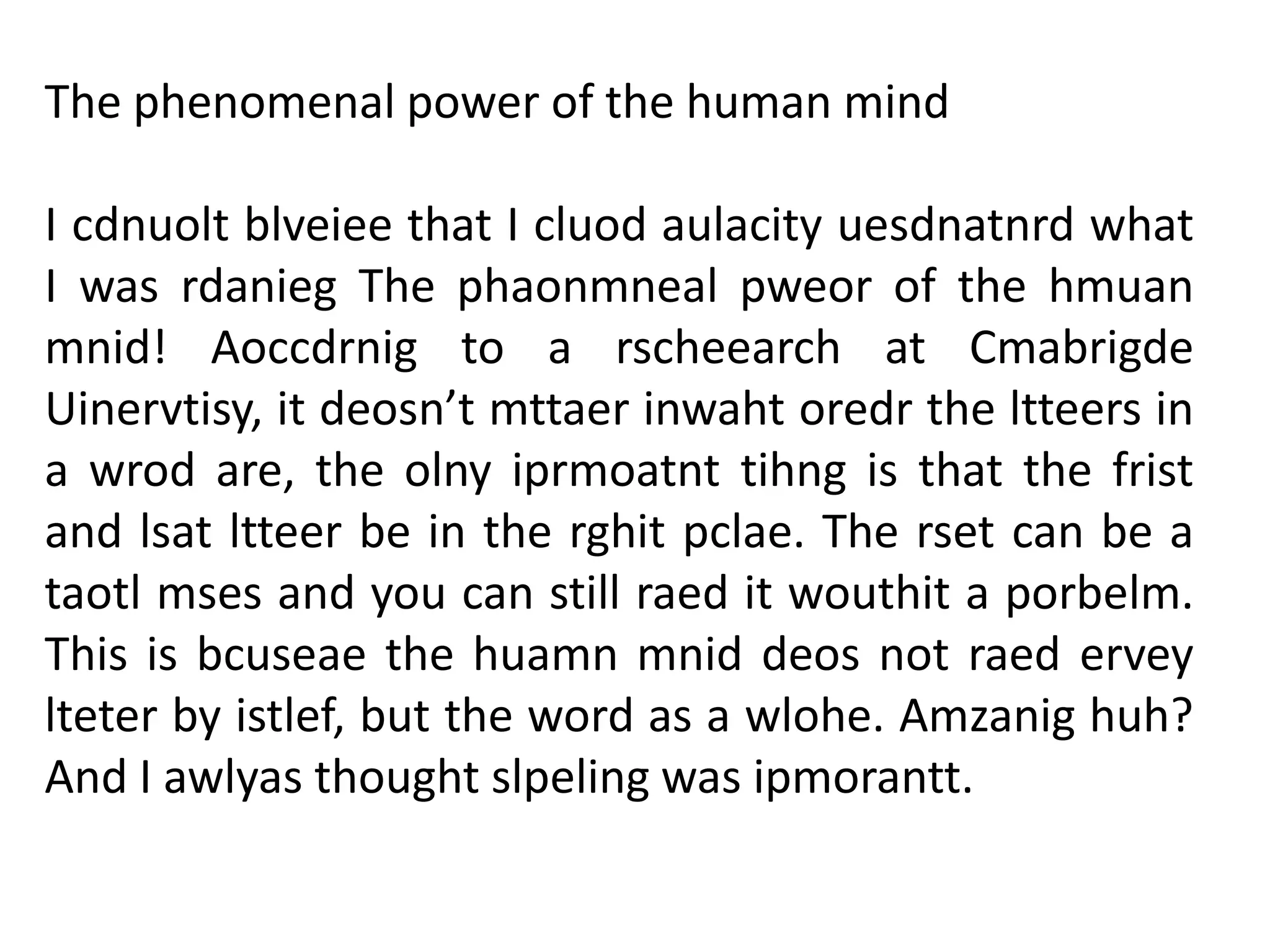
The phenomenal power of the human mind
I cdnuolt blveiee that I cluod aulacity uesdnatnrd what
I was rdanieg The phaonmneal pweor of the hmuan
mnid! Aoccdrnig to a rscheearch at Cmabrigde
Uinervtisy, it deosn’t mttaer inwaht oredr the ltteers in
a wrod are, the olny iprmoatnt tihng is that the frist
and lsat ltteer be in the rghit pclae. The rset can be a
taotl mses and you can still raed it wouthit a porbelm.
This is bcuseae the huamn mnid deos not raed ervey
lteter by istlef, but the word as a wlohe. Amzanig huh?

And I awlyas thought slpeling was ipmorantt.
“Fix me I’m Scrambled”
Mechanics:
1. Each group will be given 6 scrambled words.
2. You are given 10 minutes to fixed those letters
and give your idea on what the word means.
3. You can write your answer on the paper.
4. Each scrambled letters is worth 2 points.
5. Lastly, we will deduct a point for the noisiest
group.
Internet Terms and Definitions
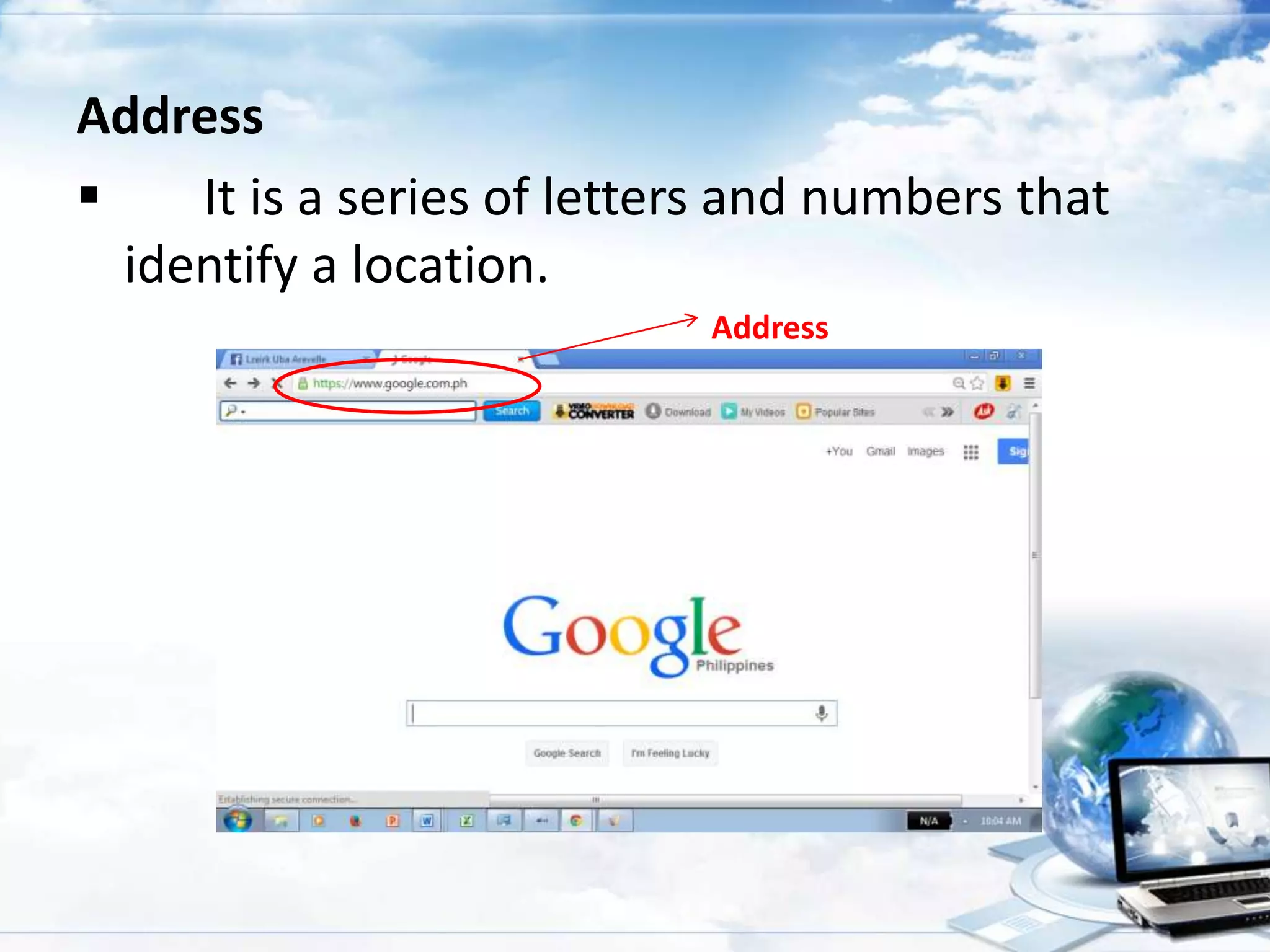
Address

It is a series of letters and numbers that
identify a location.
Address
Cyberspace
 Refers to all computer networks on the
internet.
Homepage
 The web page that your browser is set to use
when it starts up, or the main page of any
website.
Filtering Software
 Different methods to screen unwanted
internet contents including
Whitelisting
Blacklisting
Monitoring Activity
Keyword recognition
Navigate
 The act of moving from page to page and
website to website online.

Piracy
 illegally copying copyrighted software, music
or movies.
Spam (electronic junk mail)
 It is an unwanted email from someone we
don’t know.
Virus
 A computer program that can destroy files or
make you computer “crash”.
Website
 A collection of “pages” or files linked together
and available on the world Wide Web.
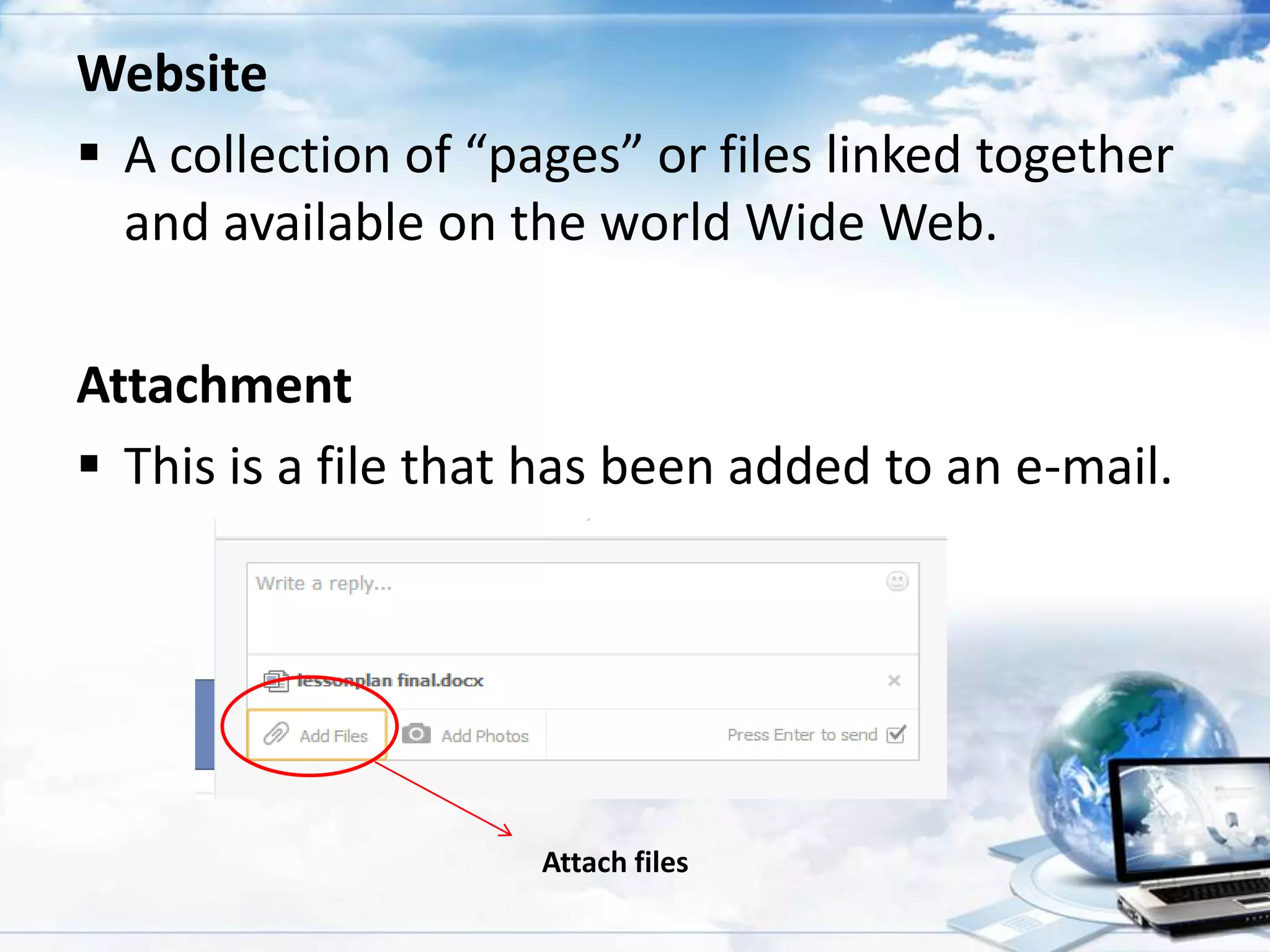
Attachment
 This is a file that has been added to an e-mail.

Attach files
Chat
 A real-time communication over the internet.
Hardcopy
 This is the printed/paper copy of a file from the
computer.
Blocking Software
 A computer programs that block access to
websites or other services available over the
internet.
Cyber bullying
 Sending or posting harmful or cruel text or
images using the internet or other digital
communication devices.
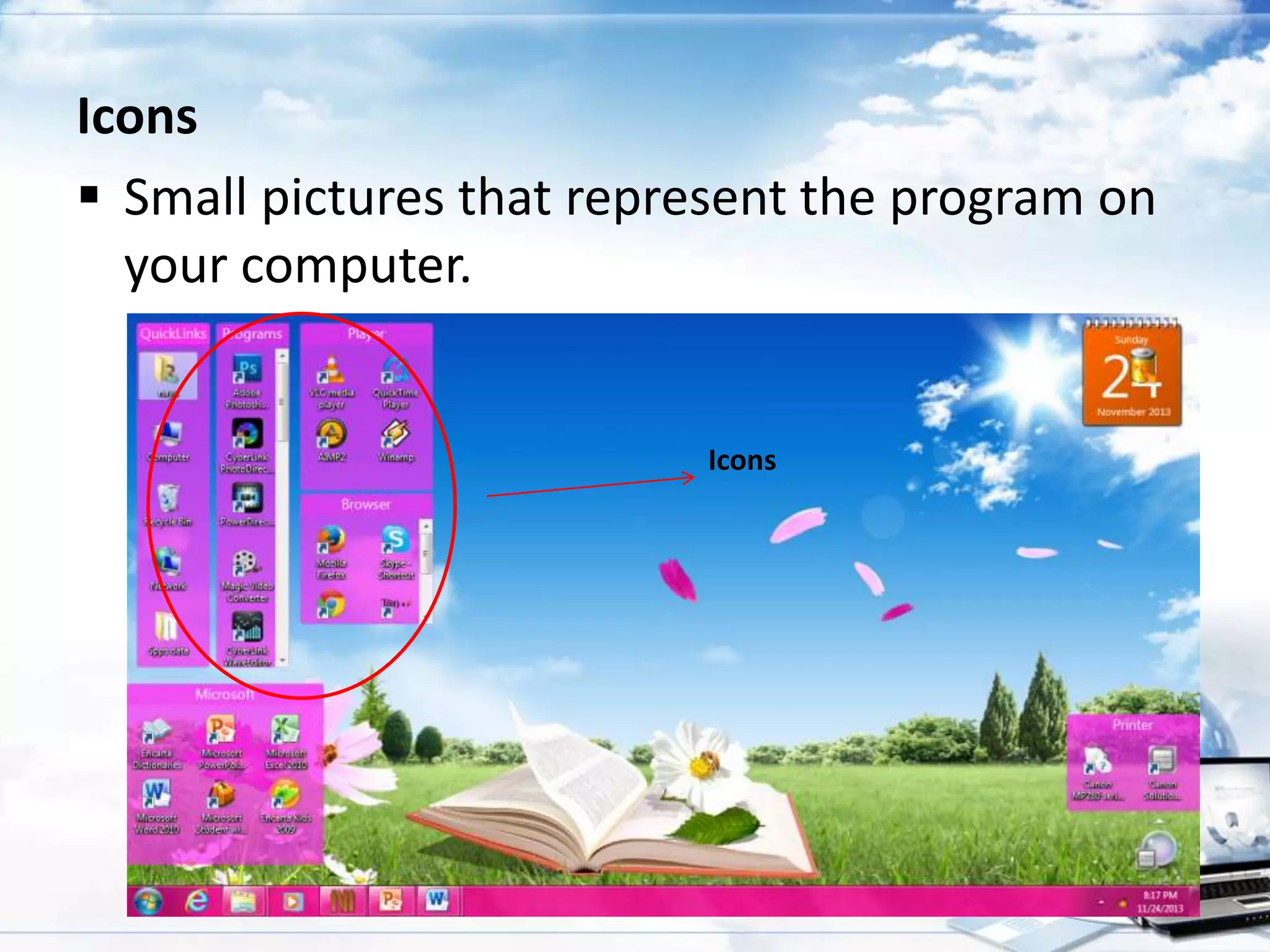
Icons
 Small pictures that represent the program on
your computer.

Icons
Online
 Another way to describe having access to the
internet or actively using the internet.
Post
 To leave a message on a newsgroup or bulletin
board.

Query
 A request for information about certain topic.
 It is what you put in the box when you type
something into the search engine.
Blog (Web Log)
 Usually defines as a personal or noncommercial
web site that uses a dated log format.
Emoticons
 An animated faces that express different emotions.
Internet
 A network of millions of computers from all over
the world.
Outbox
 This is where all of the messages that you send
are kept.
Server
 A special software package that connects to a
network and provides data.
Surf
 To search for information on the web in a random
, non-linear way.
Bookmark
 A way to quickly access a favorite web site by
saving it in your browser.
Hacker
 A popular term for someone who accesses
computer information either legally or
illegally.
Internet Service Provider (ISP)
 A company that provides internet access to
customers.
Globe Telecom
Smart
Sun
Bayan Telecommunications Holdings Corporation
Offline
 Refers to not being connected to the internet.
Webmaster
 A person responsible for administering a web
site.
World Wide Web
 An infinite number of games, web sites and other
things all connected to each other through a links
on the internet.
Browser
 A program that allows users to view web
pages.
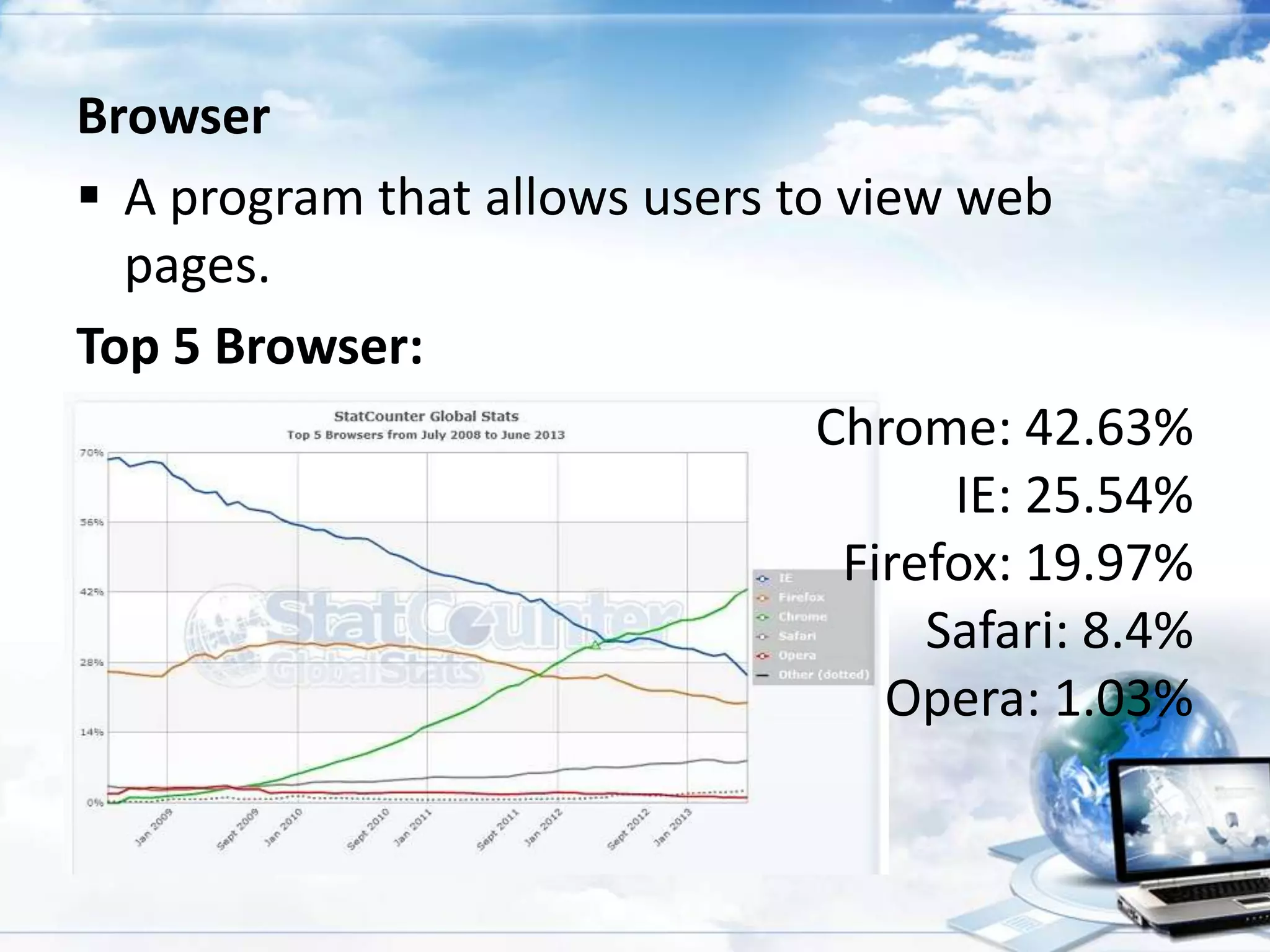
Top 5 Browser:
Chrome: 42.63%
IE: 25.54%
Firefox: 19.97%
Safari: 8.4%
Opera: 1.03%
Hardcopy
 This is the printed / paper copy of a file from
your computer.
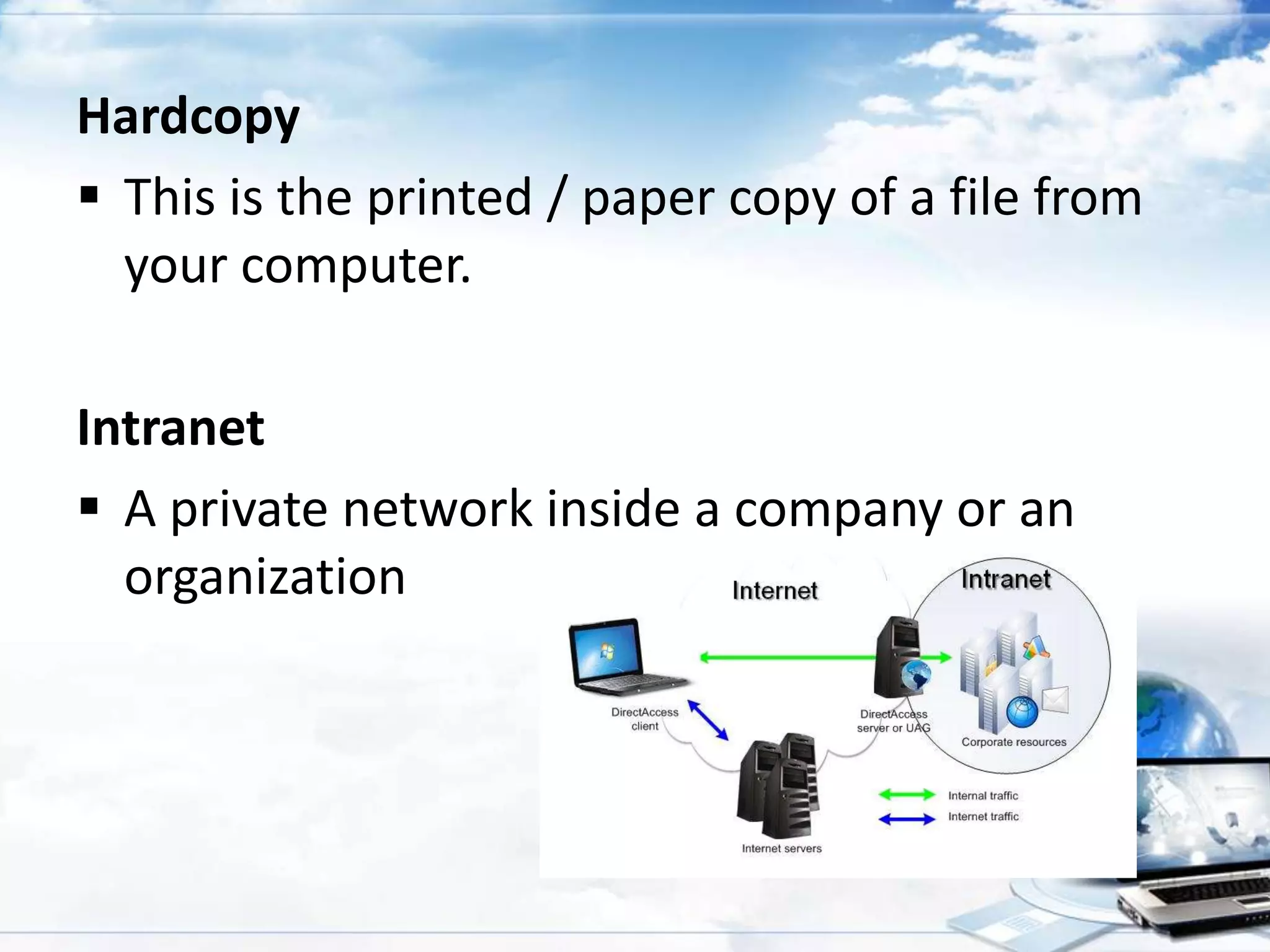
Intranet
 A private network inside a company or an
organization
Social Networking sites
 It is web site specifically focused on the
building and verifying of social network for
whatever purpose.
Best social networking sites:
Spamming
 A mass mailing sent as Instant Messages to
users.
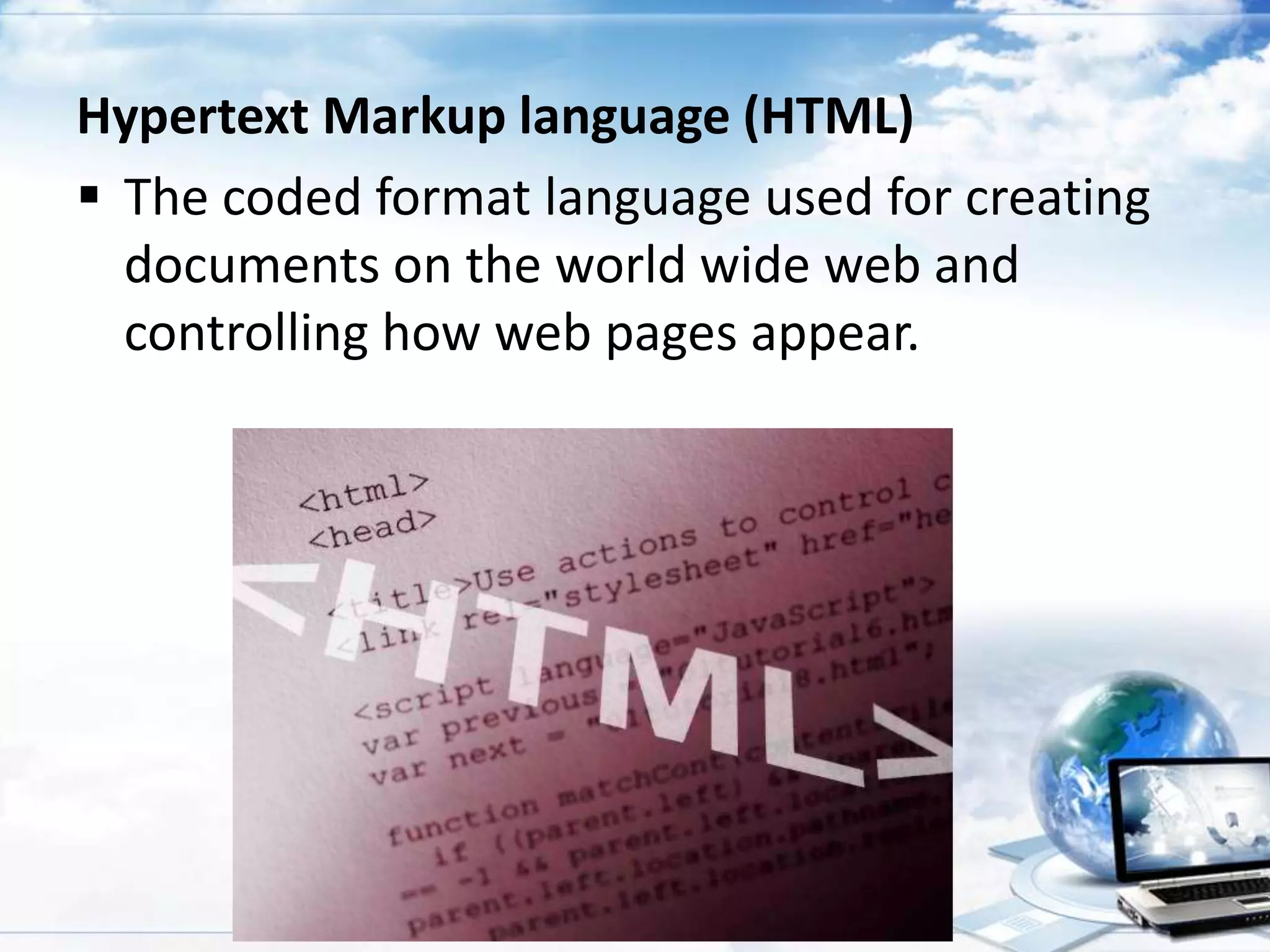
Hypertext Markup language (HTML)
 The coded format language used for creating
documents on the world wide web and
controlling how web pages appear.
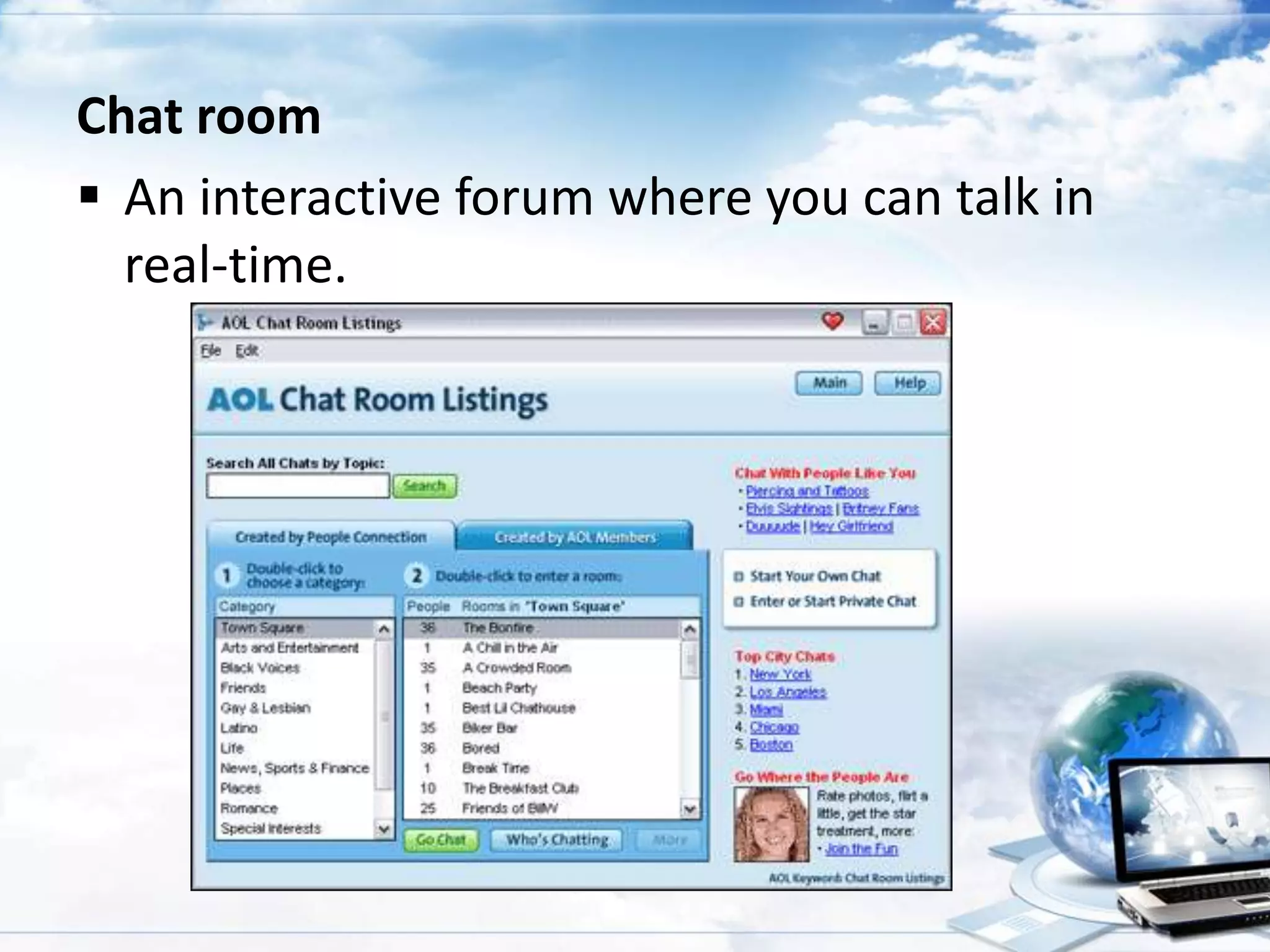
Chat room
 An interactive forum where you can talk in
real-time.
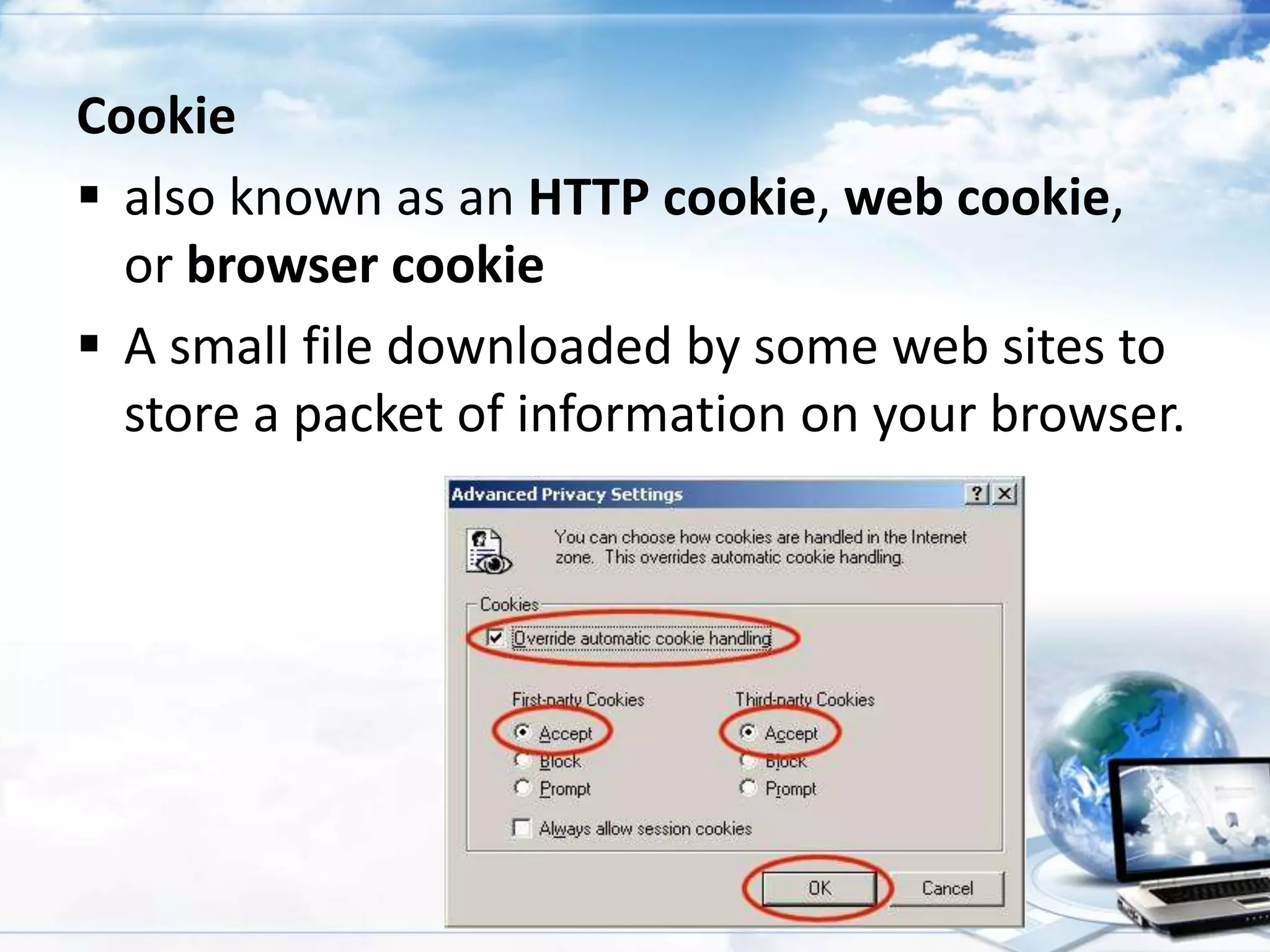
Cookie
 also known as an HTTP cookie, web cookie,
or browser cookie
 A small file downloaded by some web sites to
store a packet of information on your browser.
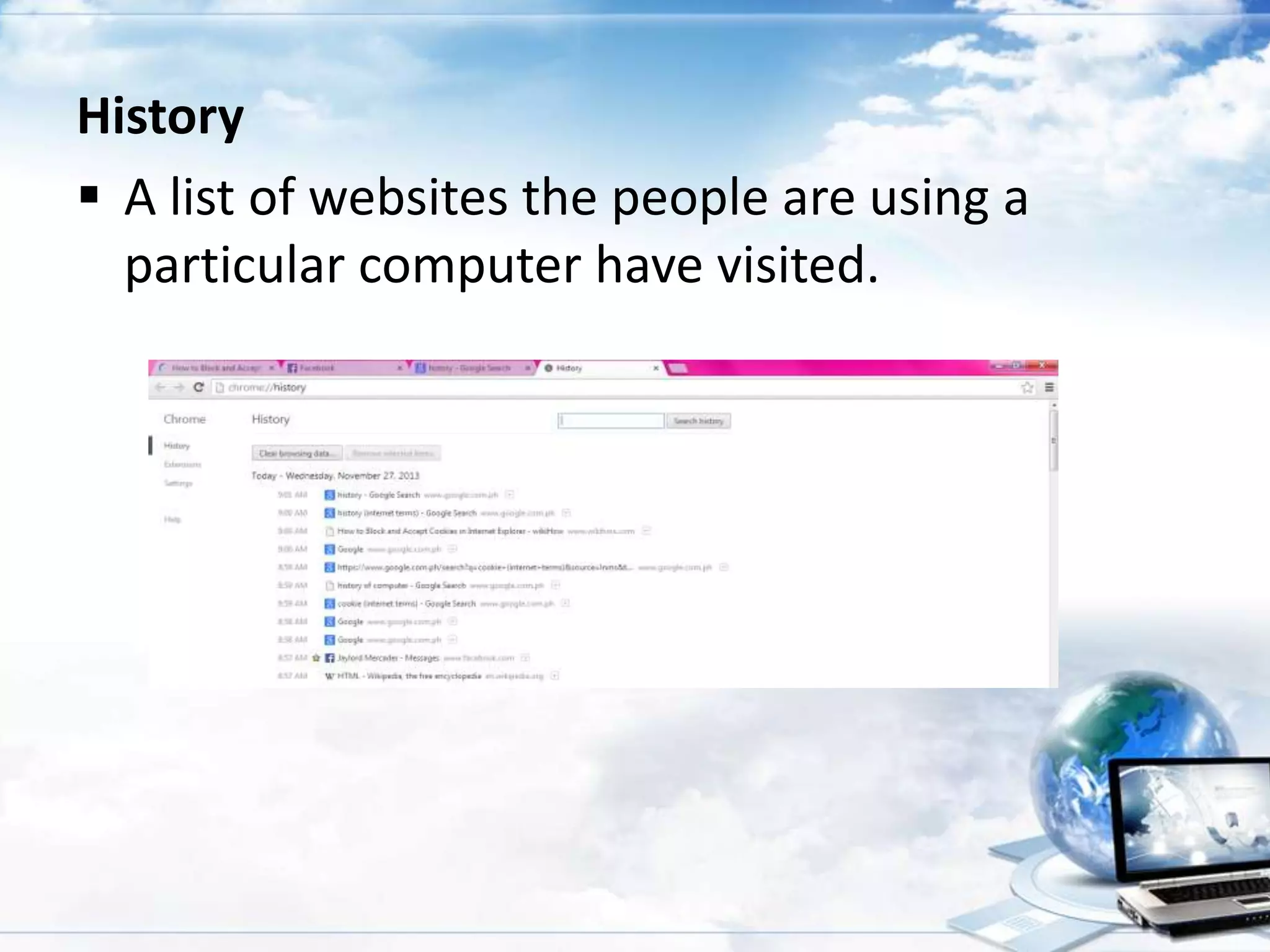
History
 A list of websites the people are using a
particular computer have visited.
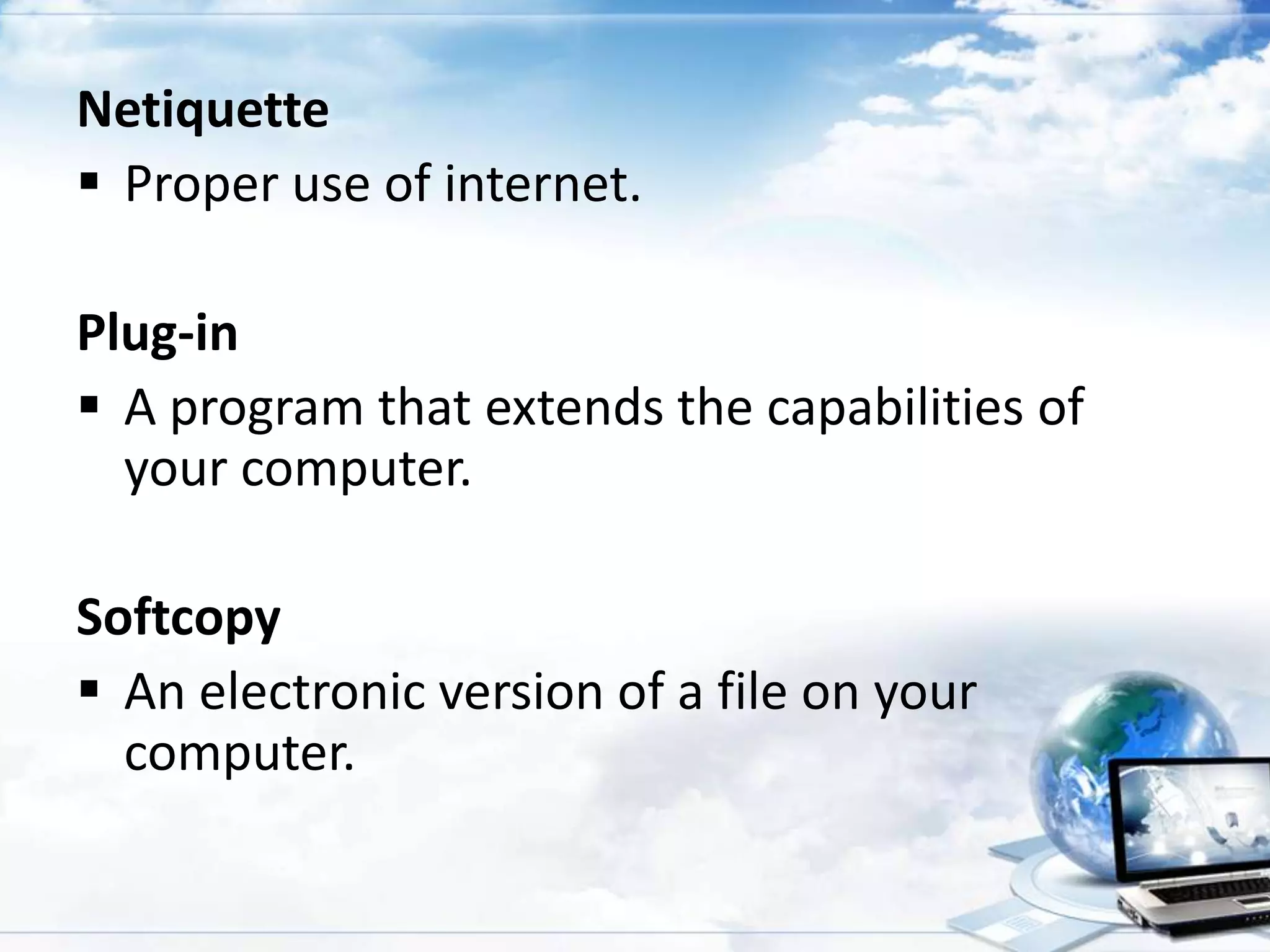
Netiquette
 Proper use of internet.
Plug-in
 A program that extends the capabilities of
your computer.
Softcopy
 An electronic version of a file on your
computer.
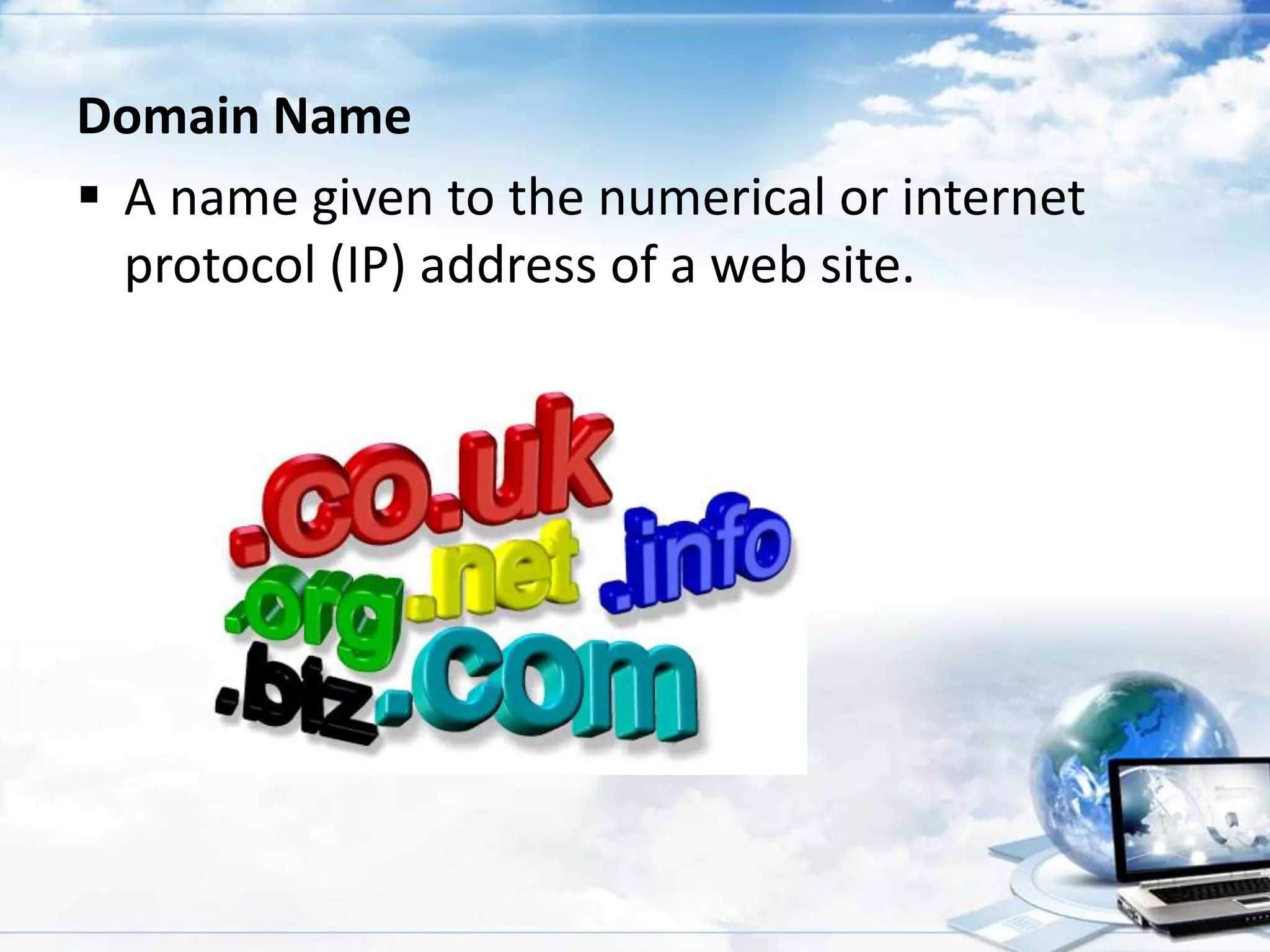
Domain Name
 A name given to the numerical or internet
protocol (IP) address of a web site.
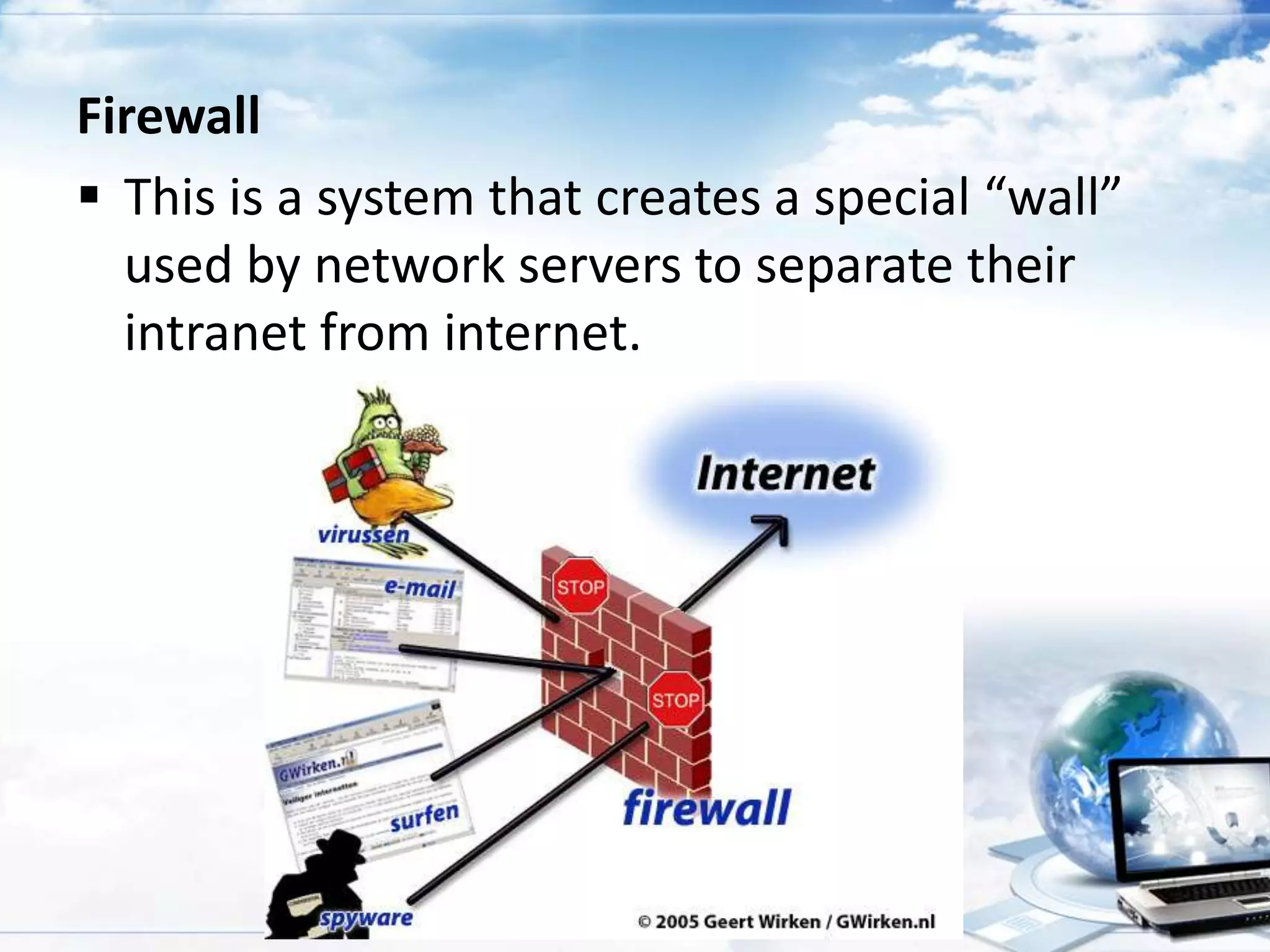
Firewall
 This is a system that creates a special “wall”
used by network servers to separate their
intranet from internet.
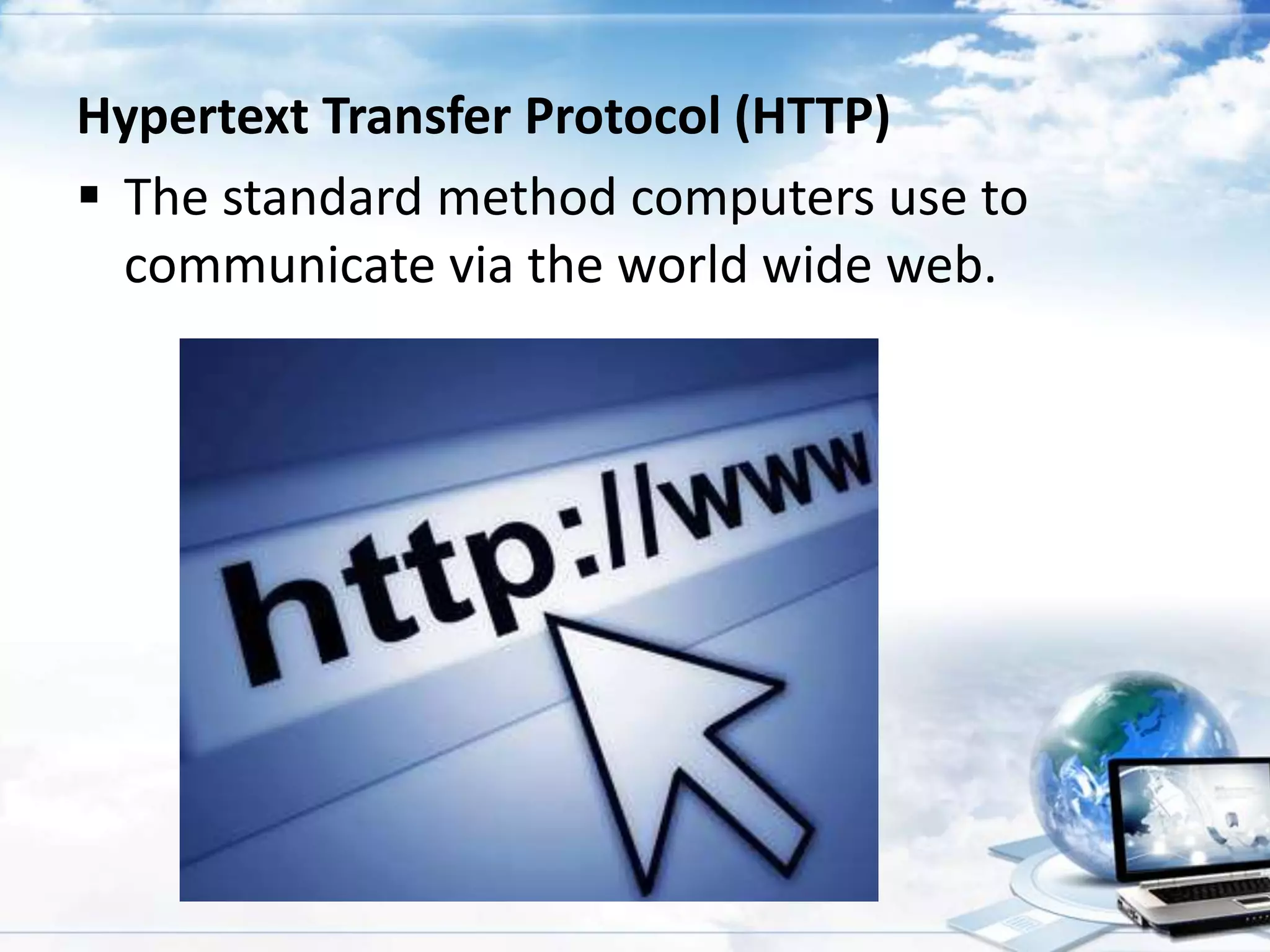
Hypertext Transfer Protocol (HTTP)
 The standard method computers use to
communicate via the world wide web.
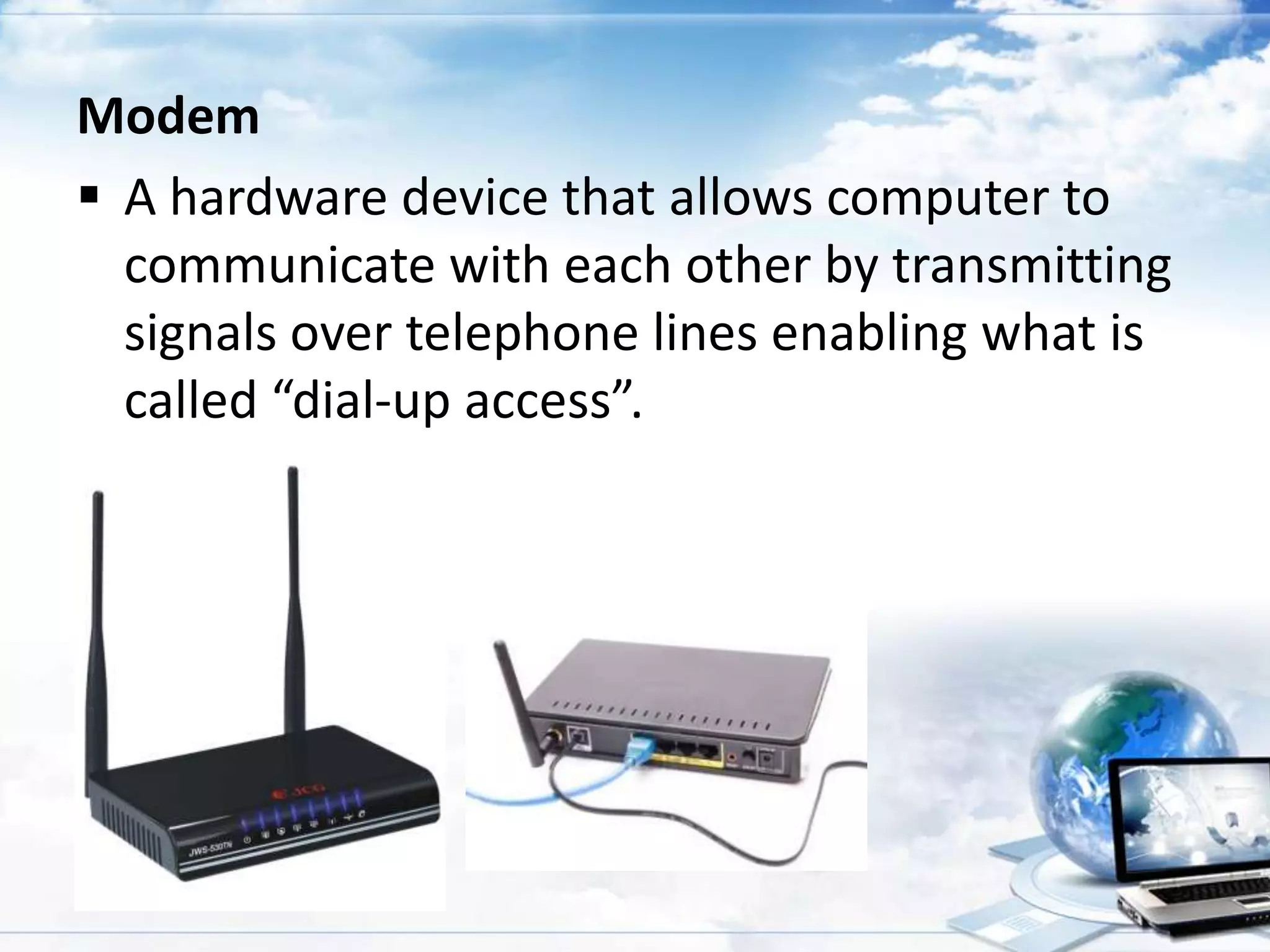
Modem
 A hardware device that allows computer to
communicate with each other by transmitting
signals over telephone lines enabling what is
called “dial-up access”.
Pharming
 An online scam that attacks the browser’s
address bar.
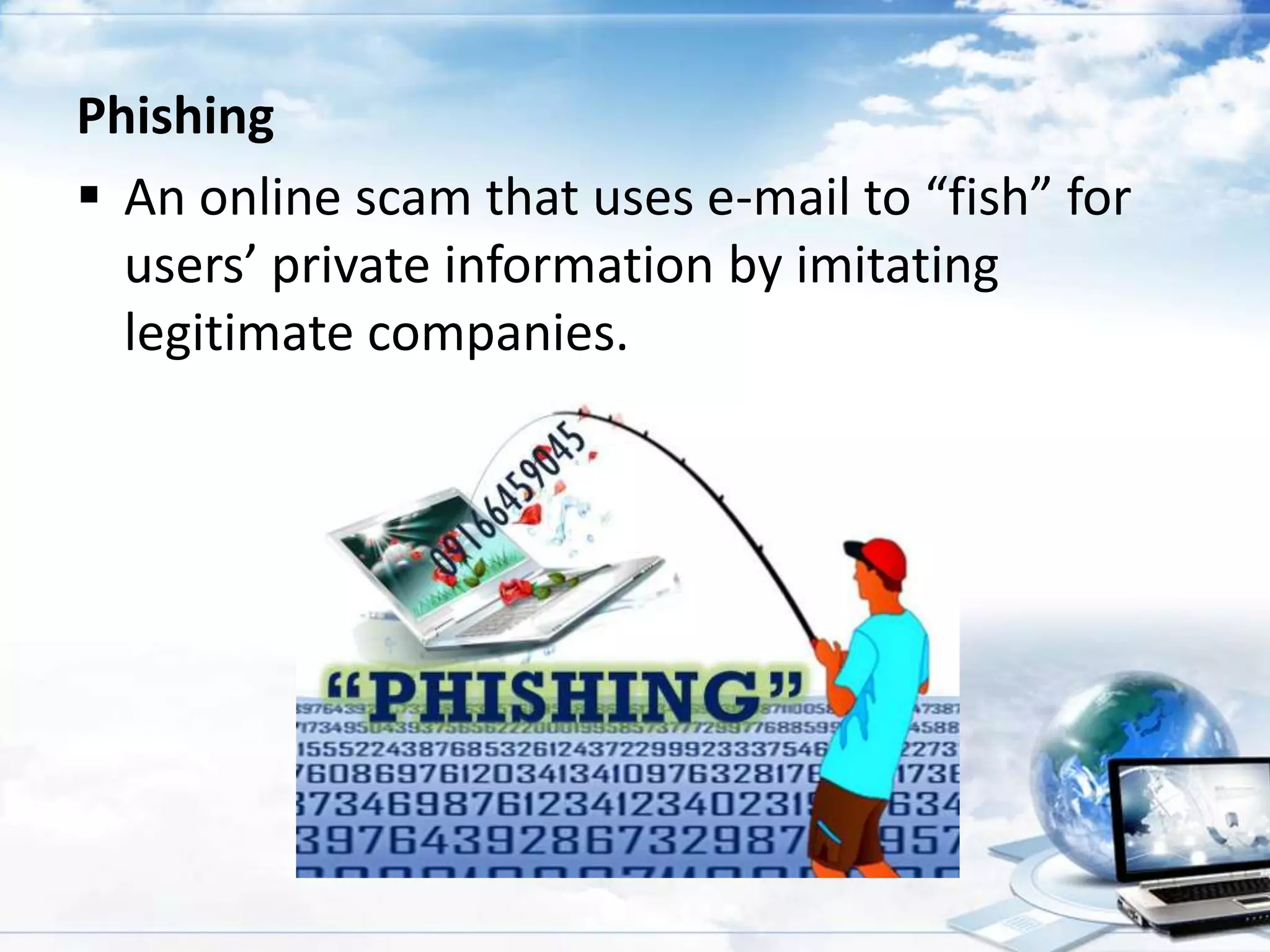
Phishing
 An online scam that uses e-mail to “fish” for
users’ private information by imitating
legitimate companies.
Streaming (media)
 The exchange of video clips, sounds or other
types of media over the internet.

Transmission Control Protocol/ internet Protocol
(TCP/IP)
 The protocol or conventions that computers
use to communicate over the internet.
Uniform Resource Locator (URL)
 The specific location or address of material on
the internet.
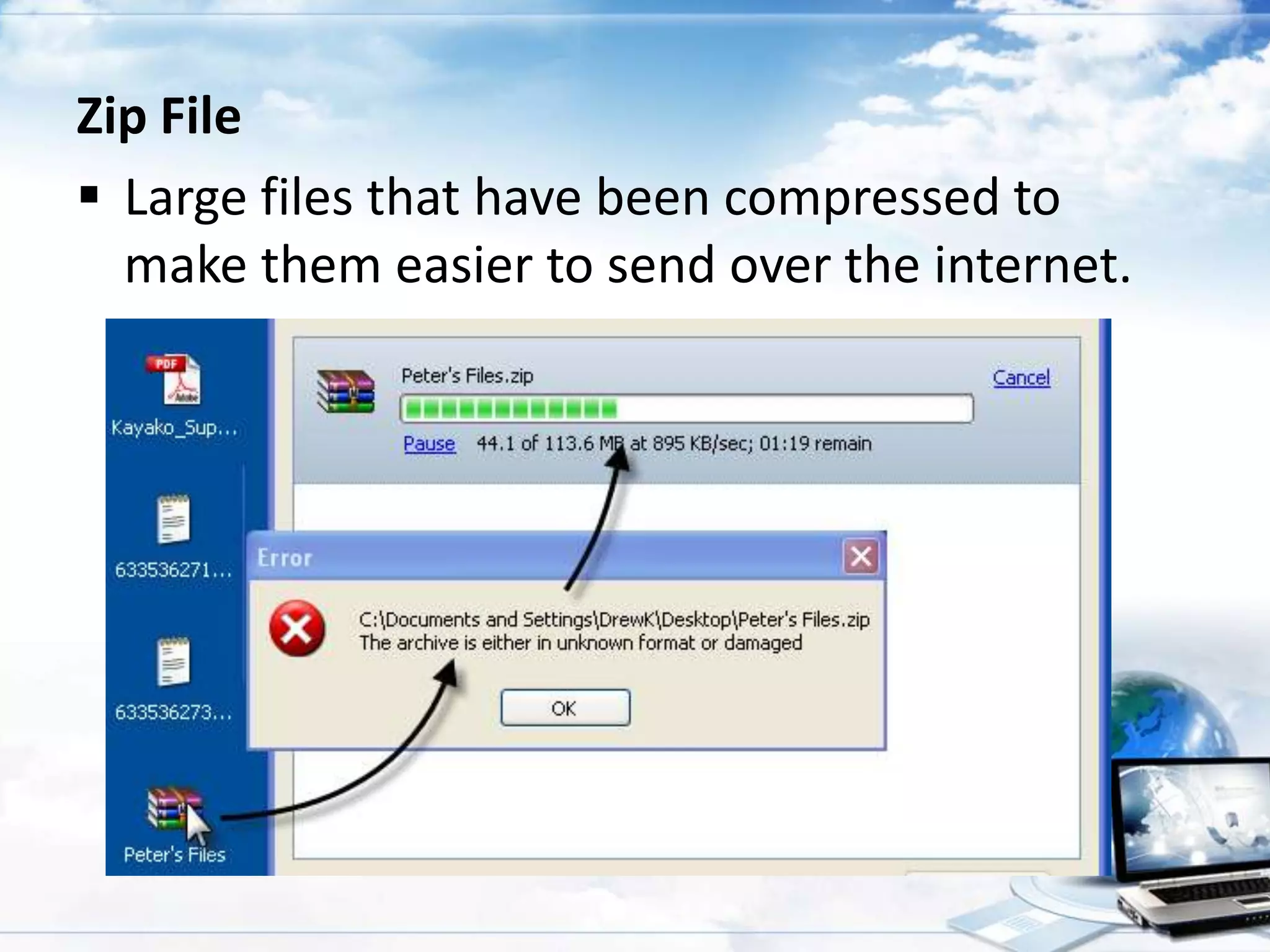
Zip File
 Large files that have been compressed to
make them easier to send over the internet.
Assignment: ¼ sheet of paper.

1. What is Internet Protocol?
Internet terms and definitions

Internet terms and definitions

  • 1.
    The human brain… … tricks us whenever it can!
  • 2.
    The phenomenal powerof the human mind I cdnuolt blveiee that I cluod aulacity uesdnatnrd what I was rdanieg The phaonmneal pweor of the hmuan mnid! Aoccdrnig to a rscheearch at Cmabrigde Uinervtisy, it deosn’t mttaer inwaht oredr the ltteers in a wrod are, the olny iprmoatnt tihng is that the frist and lsat ltteer be in the rghit pclae. The rset can be a taotl mses and you can still raed it wouthit a porbelm. This is bcuseae the huamn mnid deos not raed ervey lteter by istlef, but the word as a wlohe. Amzanig huh? And I awlyas thought slpeling was ipmorantt.
  • 3.
    “Fix me I’mScrambled”
  • 4.
    Mechanics: 1. Each groupwill be given 6 scrambled words. 2. You are given 10 minutes to fixed those letters and give your idea on what the word means. 3. You can write your answer on the paper. 4. Each scrambled letters is worth 2 points. 5. Lastly, we will deduct a point for the noisiest group.
  • 5.
    Internet Terms andDefinitions
  • 6.
    Address  It is aseries of letters and numbers that identify a location. Address
  • 7.
    Cyberspace  Refers toall computer networks on the internet. Homepage  The web page that your browser is set to use when it starts up, or the main page of any website.
  • 8.
    Filtering Software  Differentmethods to screen unwanted internet contents including Whitelisting Blacklisting Monitoring Activity Keyword recognition
  • 9.
    Navigate  The actof moving from page to page and website to website online. Piracy  illegally copying copyrighted software, music or movies.
  • 10.
    Spam (electronic junkmail)  It is an unwanted email from someone we don’t know. Virus  A computer program that can destroy files or make you computer “crash”.
  • 11.
    Website  A collectionof “pages” or files linked together and available on the world Wide Web. Attachment  This is a file that has been added to an e-mail. Attach files
  • 12.
    Chat  A real-timecommunication over the internet. Hardcopy  This is the printed/paper copy of a file from the computer. Blocking Software  A computer programs that block access to websites or other services available over the internet.
  • 13.
    Cyber bullying  Sendingor posting harmful or cruel text or images using the internet or other digital communication devices.
  • 14.
    Icons  Small picturesthat represent the program on your computer. Icons
  • 15.
    Online  Another wayto describe having access to the internet or actively using the internet. Post  To leave a message on a newsgroup or bulletin board. Query  A request for information about certain topic.  It is what you put in the box when you type something into the search engine.
  • 16.
    Blog (Web Log) Usually defines as a personal or noncommercial web site that uses a dated log format. Emoticons  An animated faces that express different emotions. Internet  A network of millions of computers from all over the world.
  • 17.
    Outbox  This iswhere all of the messages that you send are kept. Server  A special software package that connects to a network and provides data. Surf  To search for information on the web in a random , non-linear way.
  • 18.
    Bookmark  A wayto quickly access a favorite web site by saving it in your browser. Hacker  A popular term for someone who accesses computer information either legally or illegally.
  • 19.
    Internet Service Provider(ISP)  A company that provides internet access to customers. Globe Telecom Smart Sun Bayan Telecommunications Holdings Corporation
  • 20.
    Offline  Refers tonot being connected to the internet. Webmaster  A person responsible for administering a web site. World Wide Web  An infinite number of games, web sites and other things all connected to each other through a links on the internet.
  • 21.
    Browser  A programthat allows users to view web pages. Top 5 Browser: Chrome: 42.63% IE: 25.54% Firefox: 19.97% Safari: 8.4% Opera: 1.03%
  • 22.
    Hardcopy  This isthe printed / paper copy of a file from your computer. Intranet  A private network inside a company or an organization
  • 23.
    Social Networking sites It is web site specifically focused on the building and verifying of social network for whatever purpose. Best social networking sites:
  • 24.
    Spamming  A massmailing sent as Instant Messages to users.
  • 25.
    Hypertext Markup language(HTML)  The coded format language used for creating documents on the world wide web and controlling how web pages appear.
  • 26.
    Chat room  Aninteractive forum where you can talk in real-time.
  • 27.
    Cookie  also knownas an HTTP cookie, web cookie, or browser cookie  A small file downloaded by some web sites to store a packet of information on your browser.
  • 28.
    History  A listof websites the people are using a particular computer have visited.
  • 29.
    Netiquette  Proper useof internet. Plug-in  A program that extends the capabilities of your computer. Softcopy  An electronic version of a file on your computer.
  • 30.
    Domain Name  Aname given to the numerical or internet protocol (IP) address of a web site.
  • 31.
    Firewall  This isa system that creates a special “wall” used by network servers to separate their intranet from internet.
  • 32.
    Hypertext Transfer Protocol(HTTP)  The standard method computers use to communicate via the world wide web.
  • 33.
    Modem  A hardwaredevice that allows computer to communicate with each other by transmitting signals over telephone lines enabling what is called “dial-up access”.
  • 34.
    Pharming  An onlinescam that attacks the browser’s address bar.
  • 35.
    Phishing  An onlinescam that uses e-mail to “fish” for users’ private information by imitating legitimate companies.
  • 36.
    Streaming (media)  Theexchange of video clips, sounds or other types of media over the internet. Transmission Control Protocol/ internet Protocol (TCP/IP)  The protocol or conventions that computers use to communicate over the internet.
  • 37.
    Uniform Resource Locator(URL)  The specific location or address of material on the internet.
  • 38.
    Zip File  Largefiles that have been compressed to make them easier to send over the internet.
  • 40.
    Assignment: ¼ sheetof paper. 1. What is Internet Protocol?