Intermediate PowerPoint Virtual Village
This is part II You should already be able to: Create a presentation based on a template Format and edit a presentation Work with clip art Add simple animation Save your work
Using help Help menu Or click F1 Search for a topic Browse table of contents
Working with clip art Already on some slide layouts If not, select Insert, Picture, Clip Art to launch Clip Art Gallery Search by keyword or browse Can look online Resizing clip art
Is PowerPoint evil? Being able to do something doesn’t mean you should
Background – Bad Avoid backgrounds that are distracting or difficult to read from Always be consistent with the background that you use
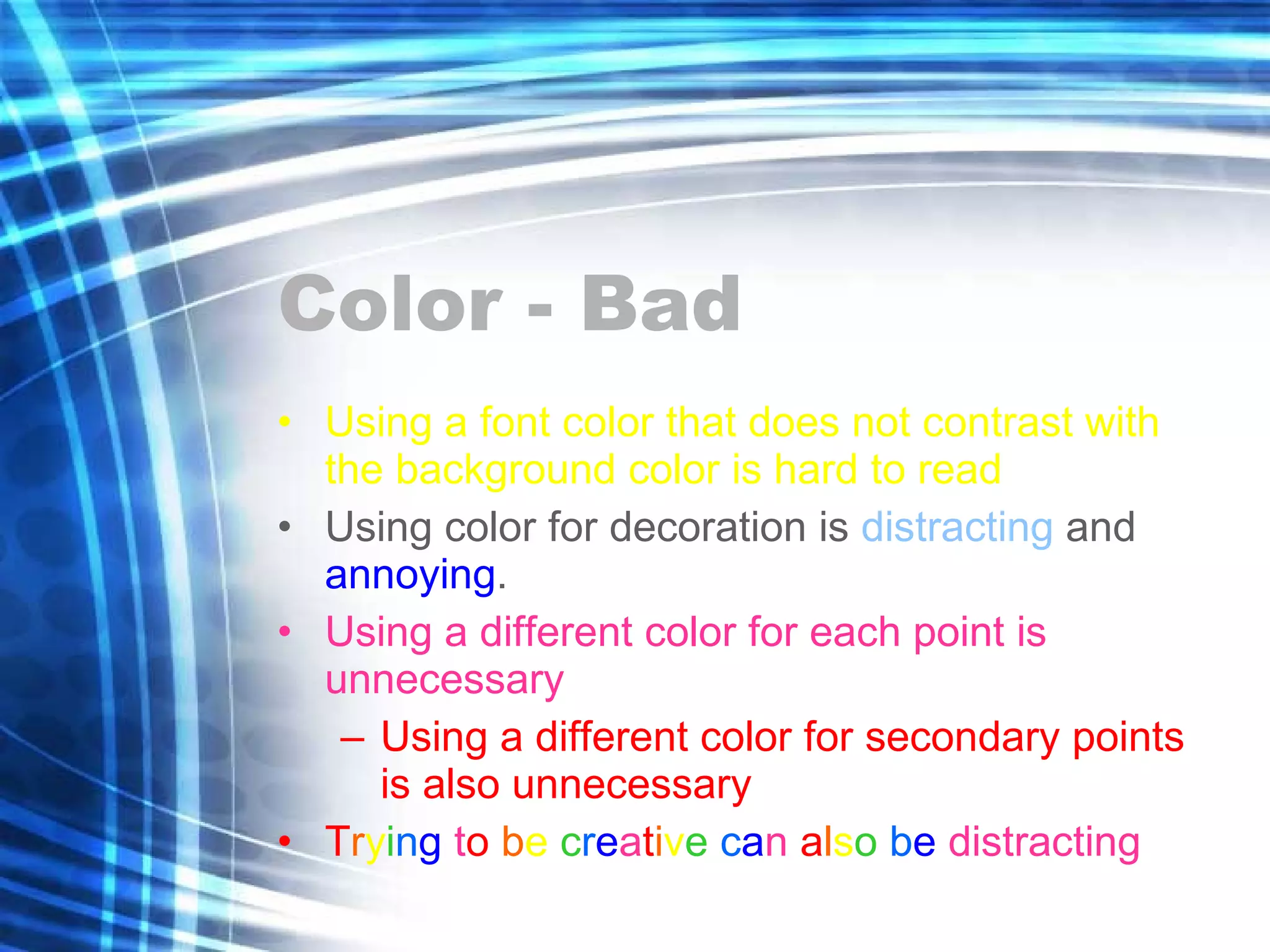
Color - Bad Using a font color that does not contrast with the background color is hard to read  Using color for decoration is  distracting  and  annoying . Using a different color for each point is unnecessary Using a different color for secondary points is also unnecessary T r y i n g  t o   b e  c r e a t i v e   c a n  a l s o   b e  distracting
Gettysburg Cemetery Dedication Abraham Lincoln
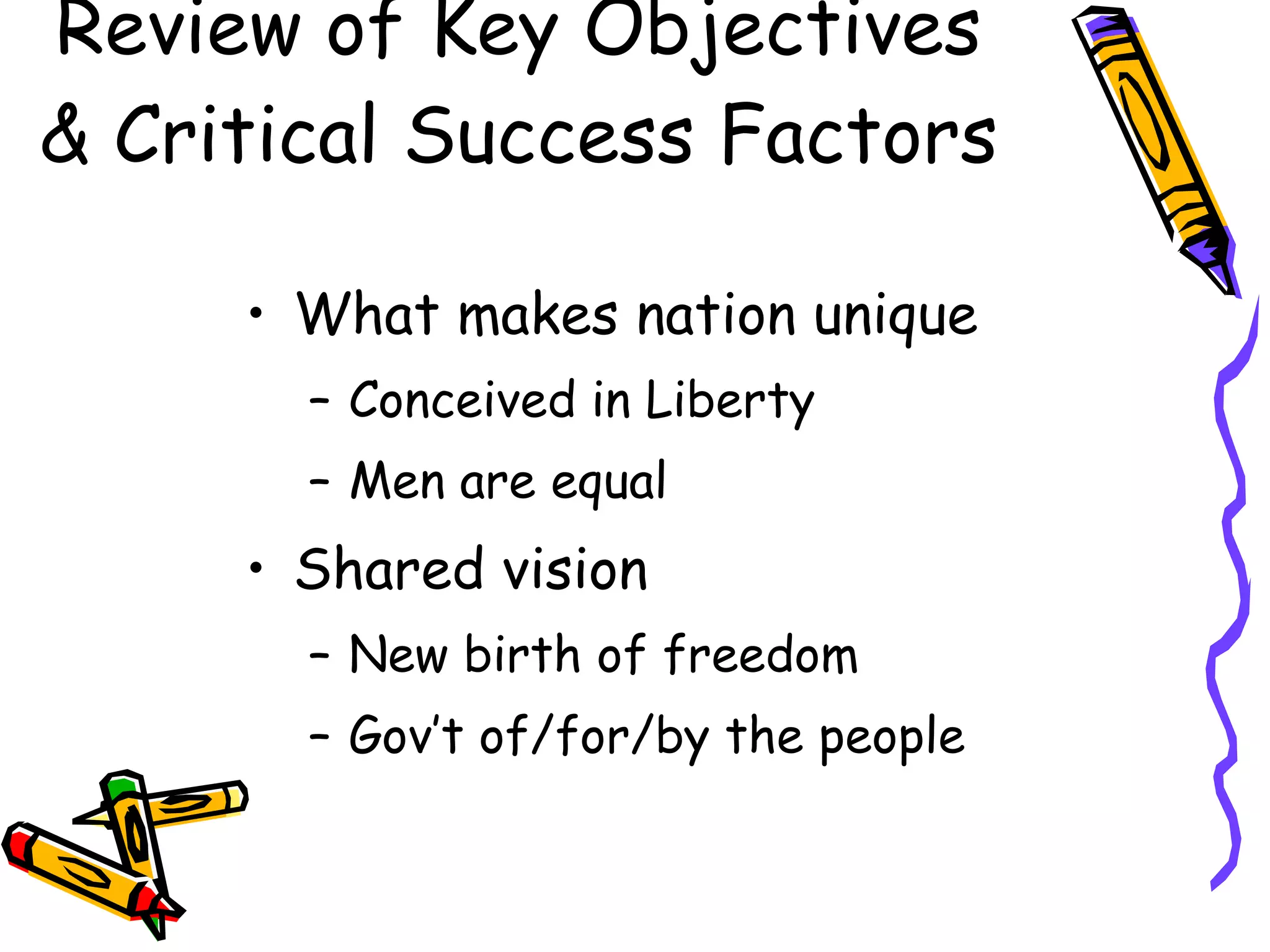
Review of Key Objectives & Critical Success Factors What makes nation unique Conceived in Liberty Men are equal Shared vision New birth of freedom Gov’t of/for/by the people
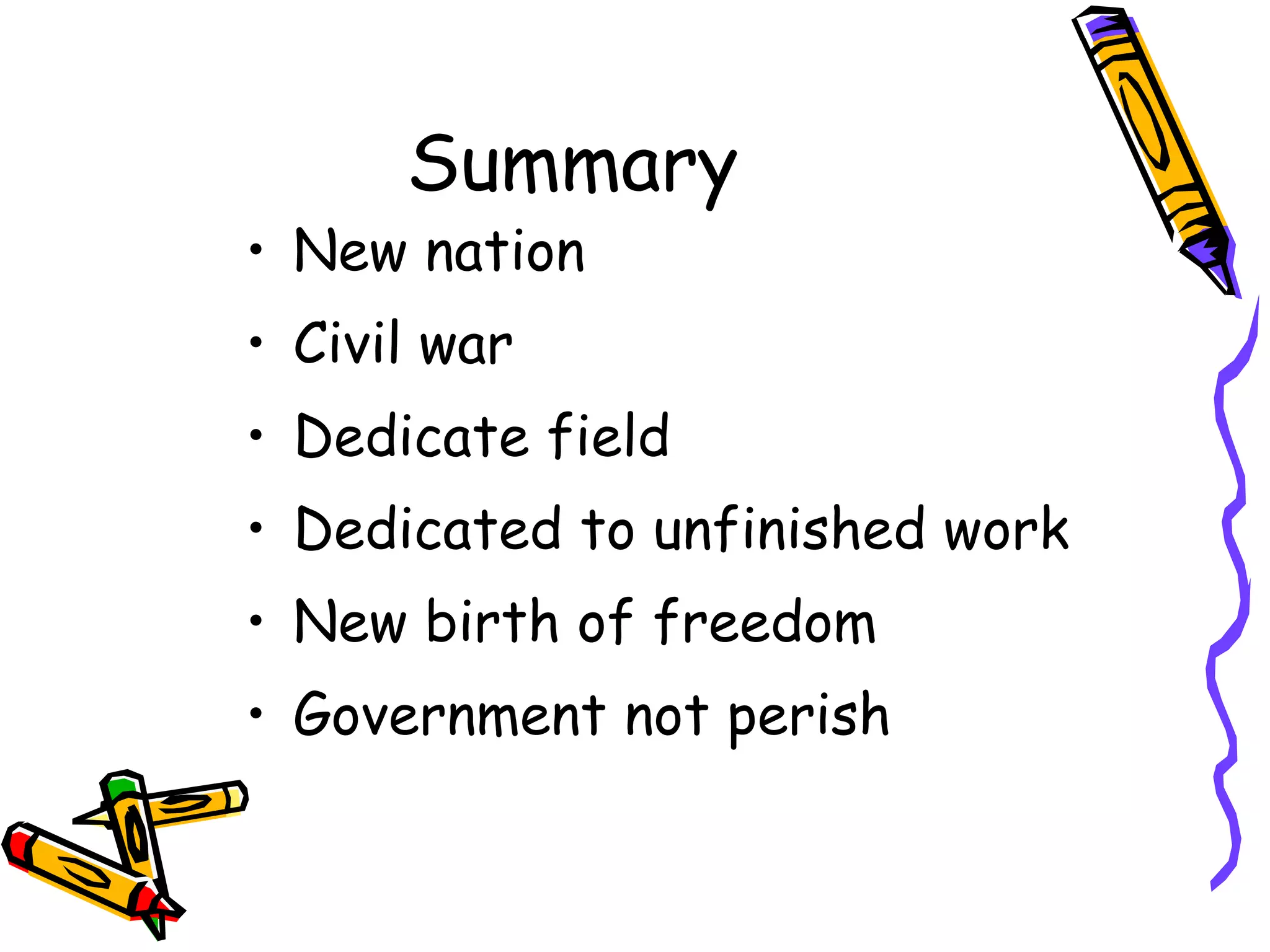
Summary New nation Civil war Dedicate field Dedicated to unfinished work New birth of freedom Government not perish
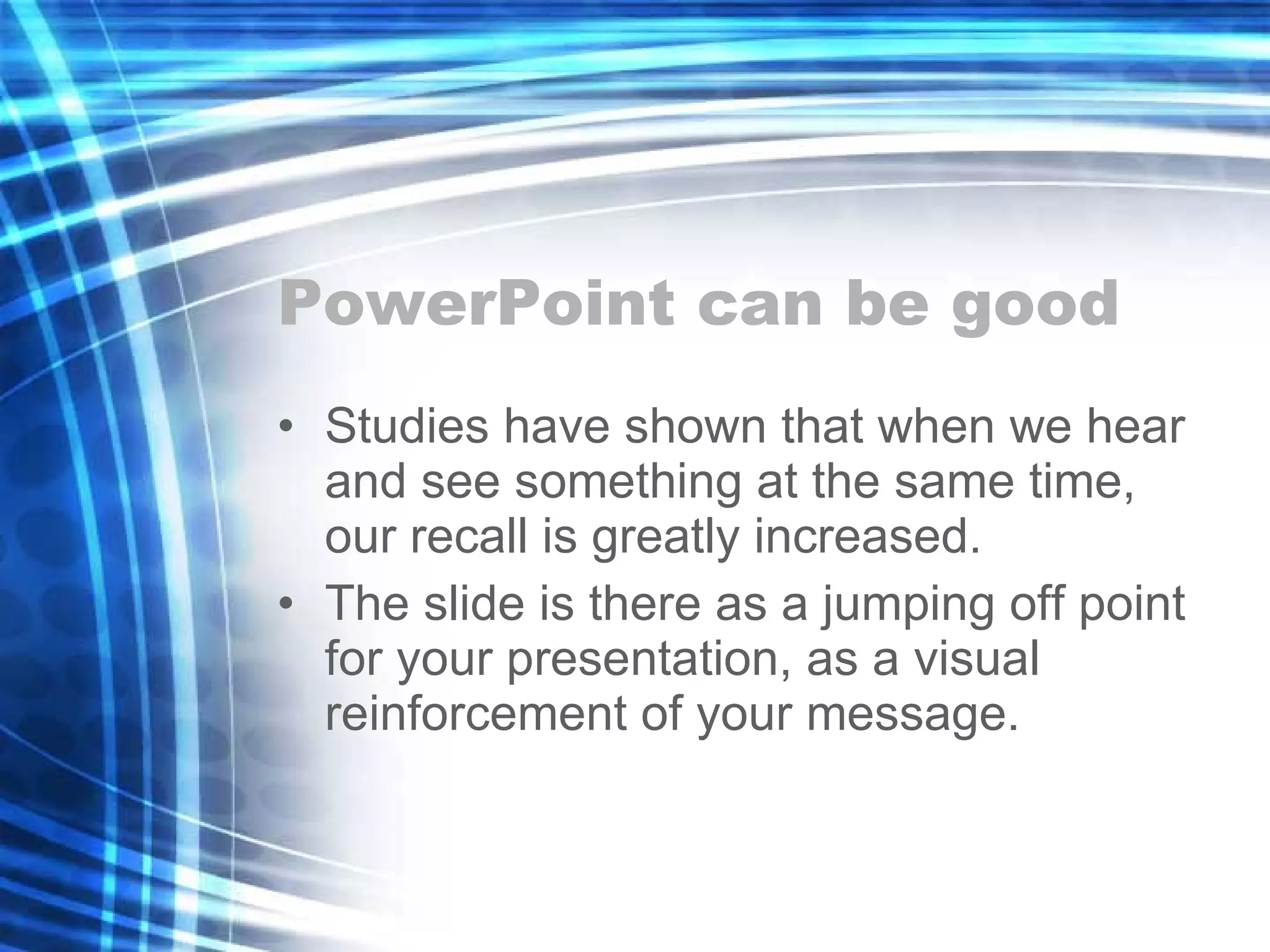
PowerPoint can be good Studies have shown that when we hear and see something at the same time, our recall is greatly increased. The slide is there as a jumping off point for your presentation, as a visual reinforcement of your message.
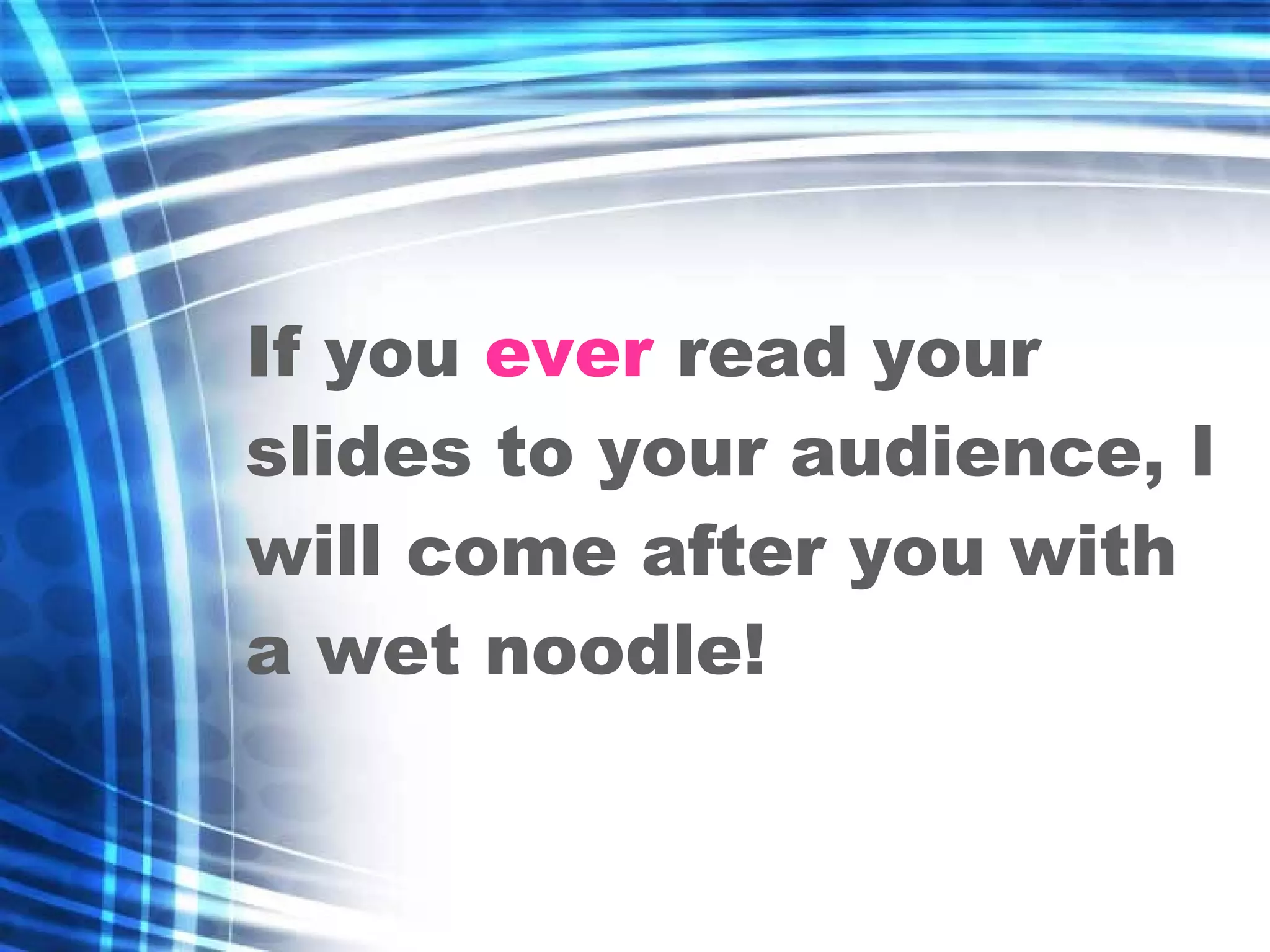
If you  ever  read your slides to your audience, I will come after you with a wet noodle!
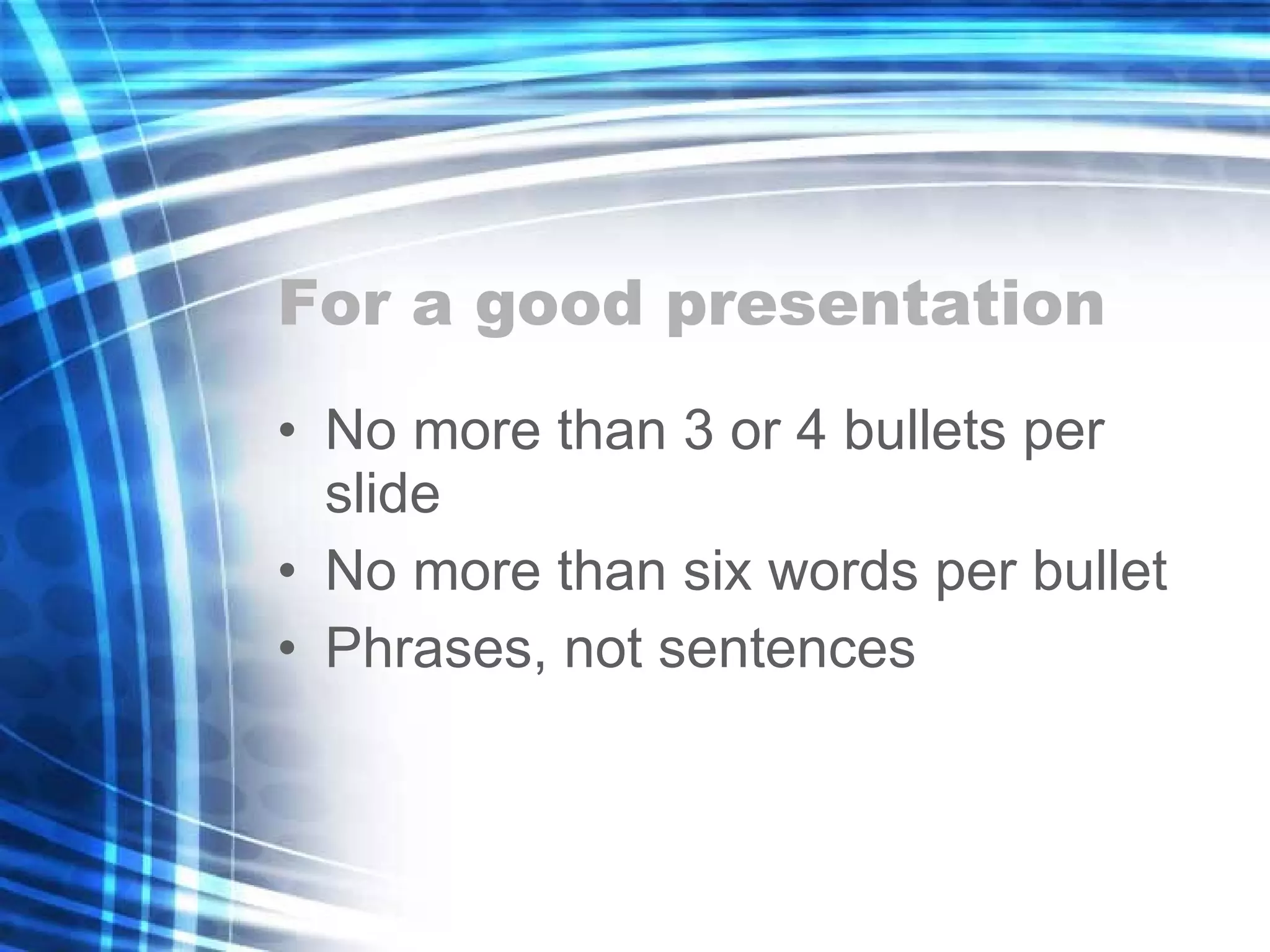
For a good presentation No more than 3 or 4 bullets per slide No more than six words per bullet Phrases, not sentences
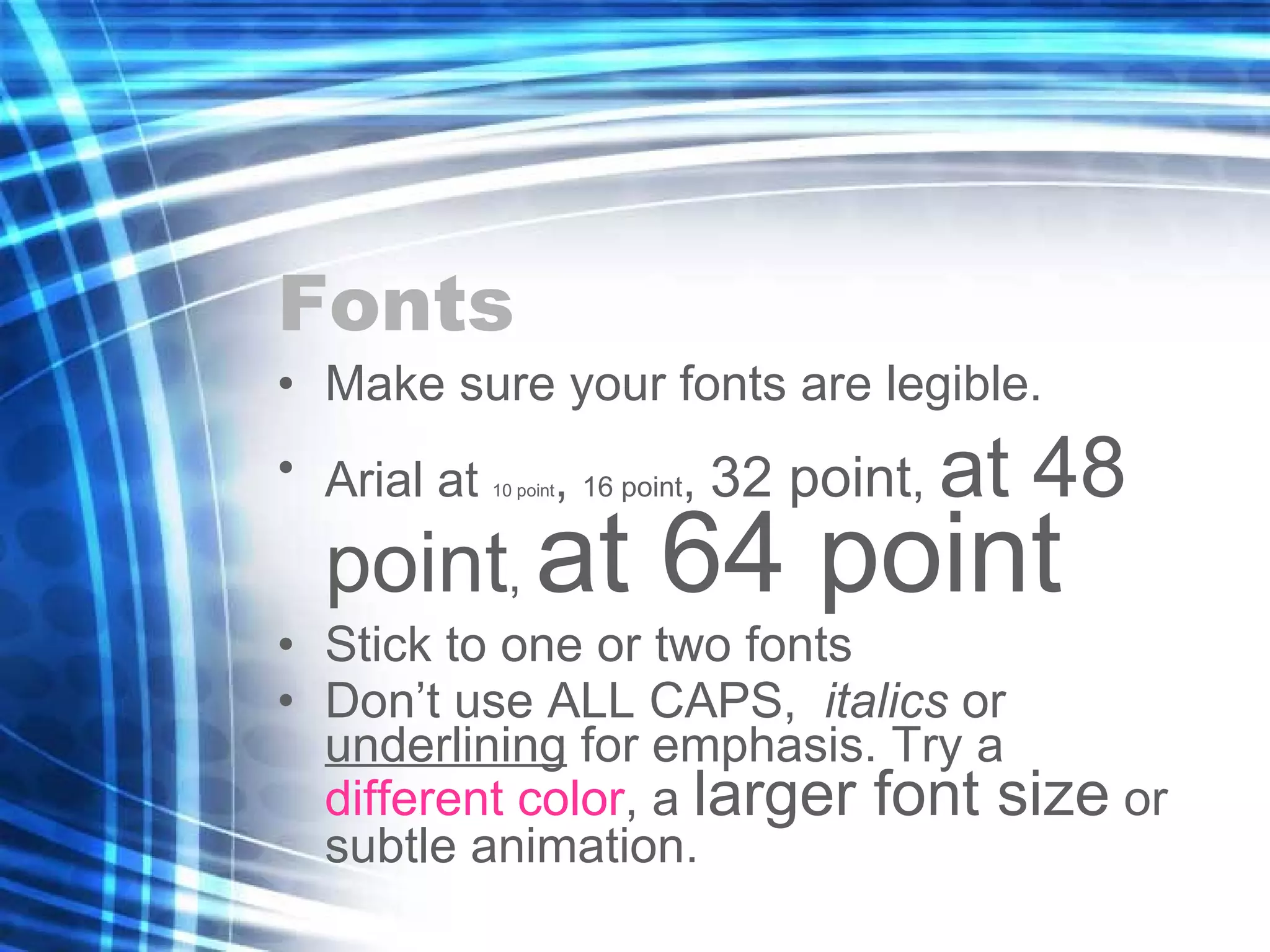
Fonts Make sure your fonts are legible. Arial at  10 point ,  16 point ,  32 point ,  at 48 point ,  at 64 point Stick to one or two fonts Don’t use ALL CAPS,  italics  or  underlining  for emphasis. Try a  different color , a  larger font size  or subtle animation.
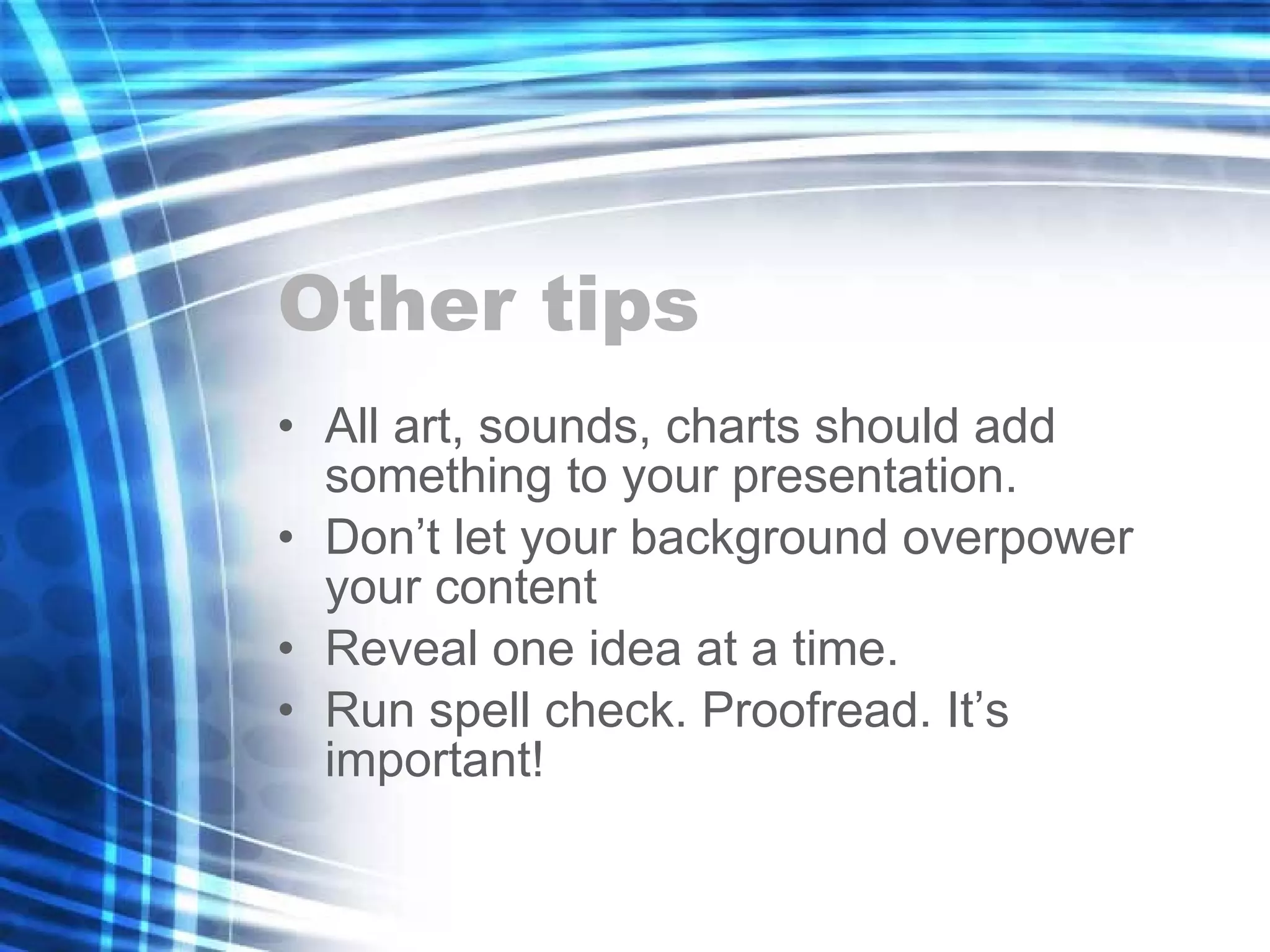
Other tips All art, sounds, charts should add something to your presentation.  Don’t let your background overpower your content Reveal one idea at a time.  Run spell check. Proofread. It’s important!
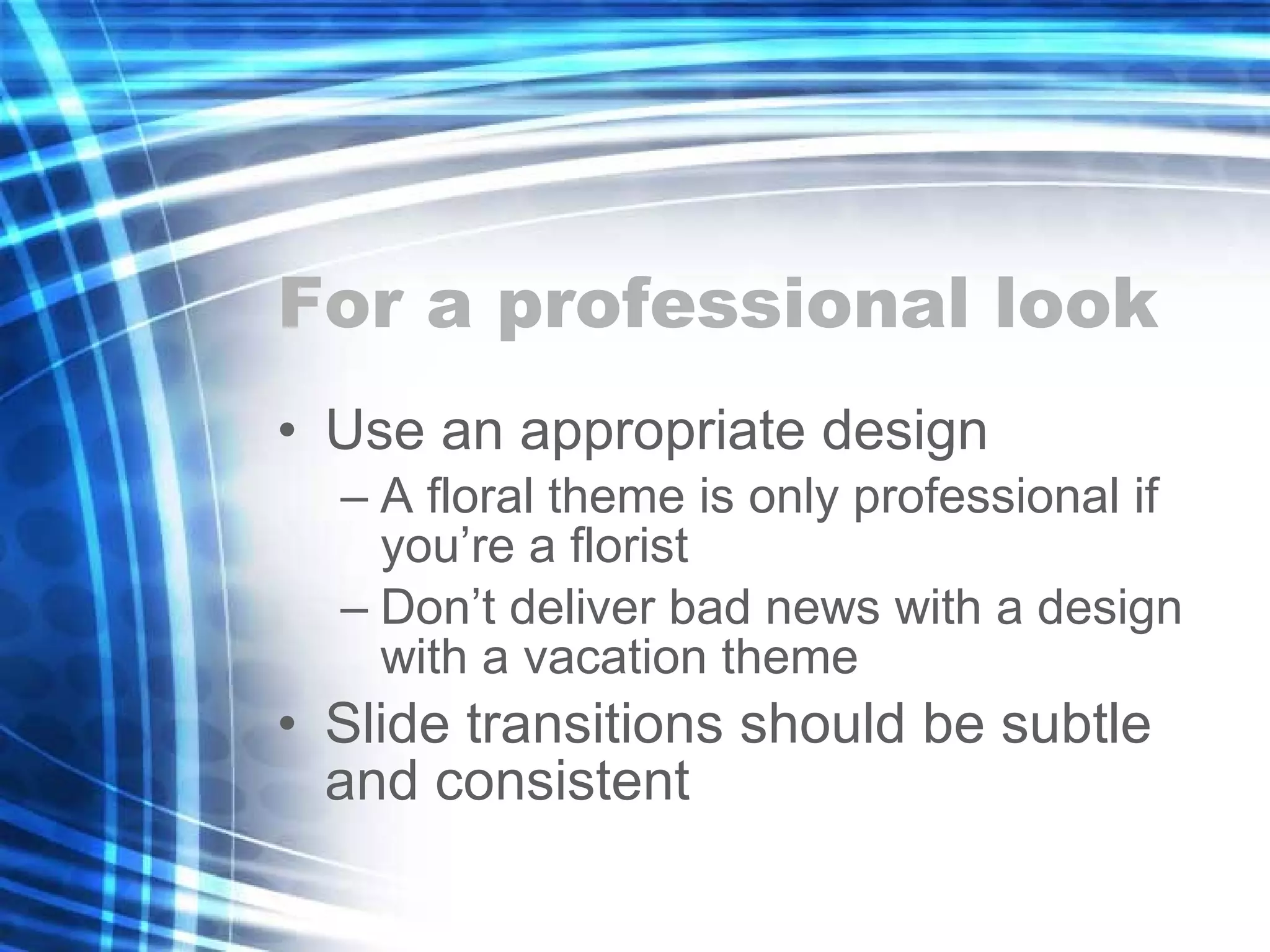
For a professional look Use an appropriate design A floral theme is only professional if you’re a florist Don’t deliver bad news with a design with a vacation theme Slide transitions should be subtle and consistent
Adding a graph
Adding an organizational chart
Animations
Narration
Making your presentation run smoother
Saving your file
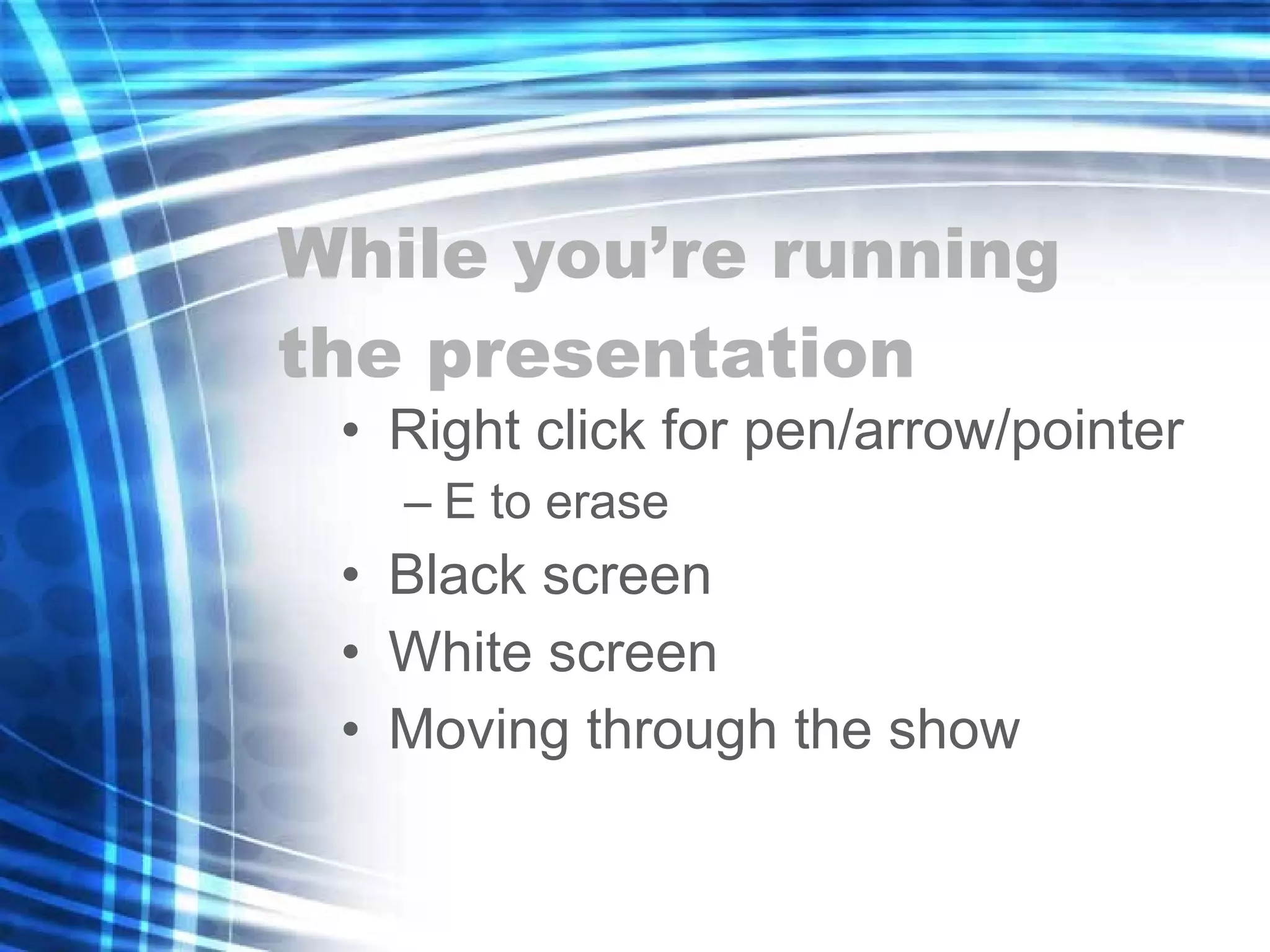
While you’re running the presentation Right click for pen/arrow/pointer E to erase Black screen White screen Moving through the show
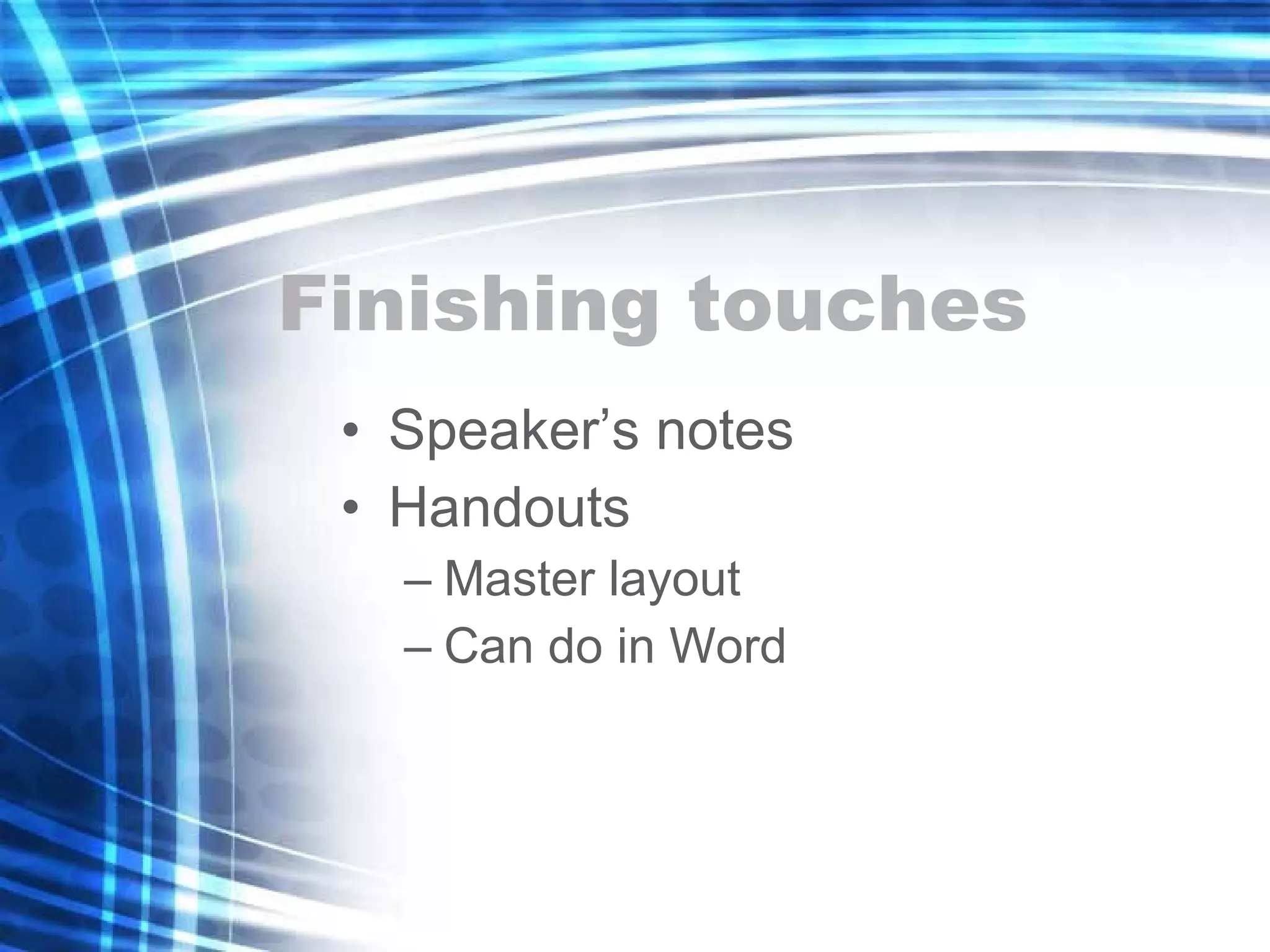
Finishing touches Speaker’s notes Handouts Master layout Can do in Word
Printing Maybe the hardest part If using a black and white printer, use print dialogue to print in black and white Can print with background in place, usually won’t want to
Final exercise What I’d do if I won the lottery
What I’d do if I won the lottery by my dog Tess
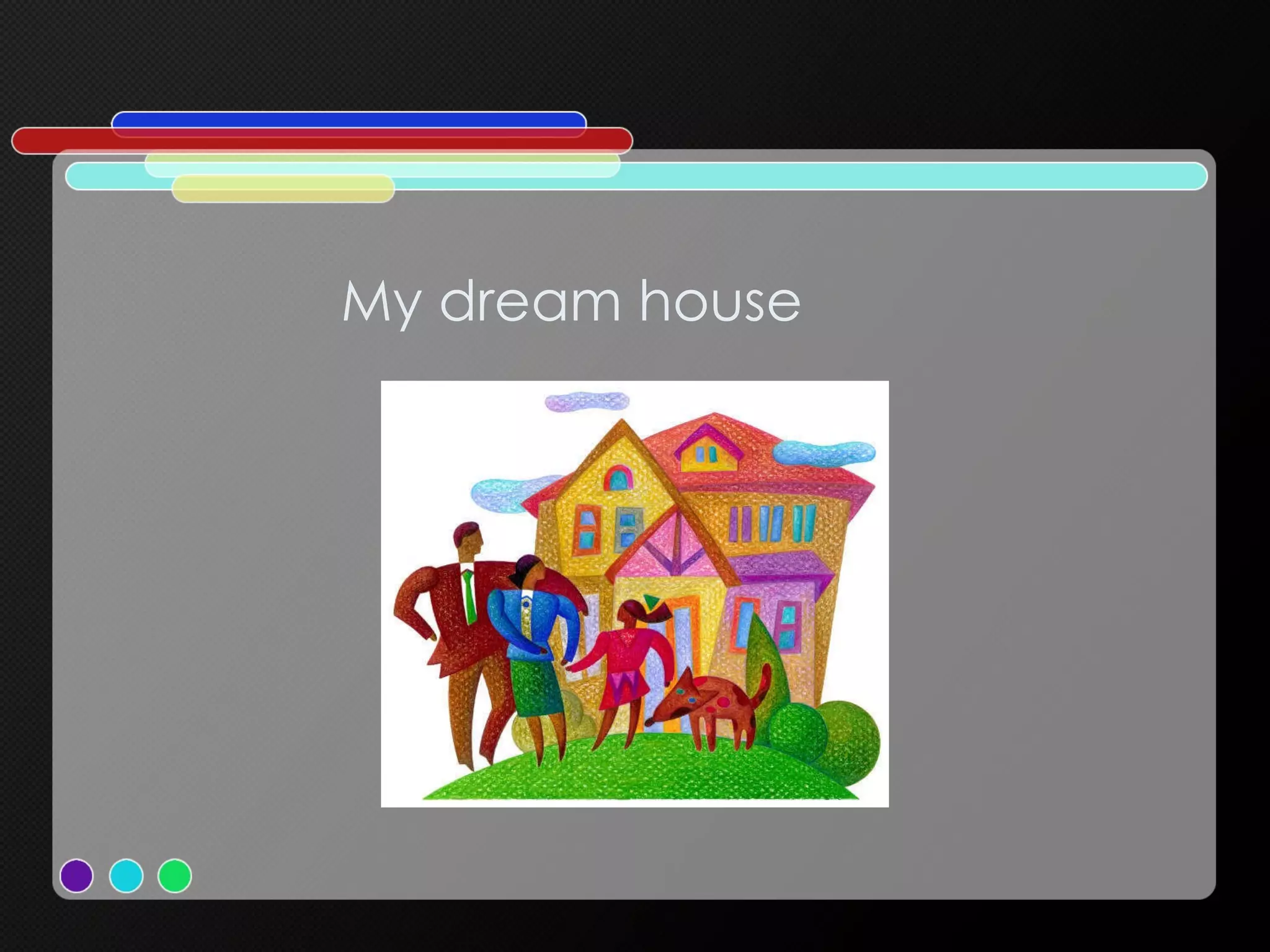
My dream house
Who I’d share the wealth with Mama Spike  No  cats Anyone who would buy me treats
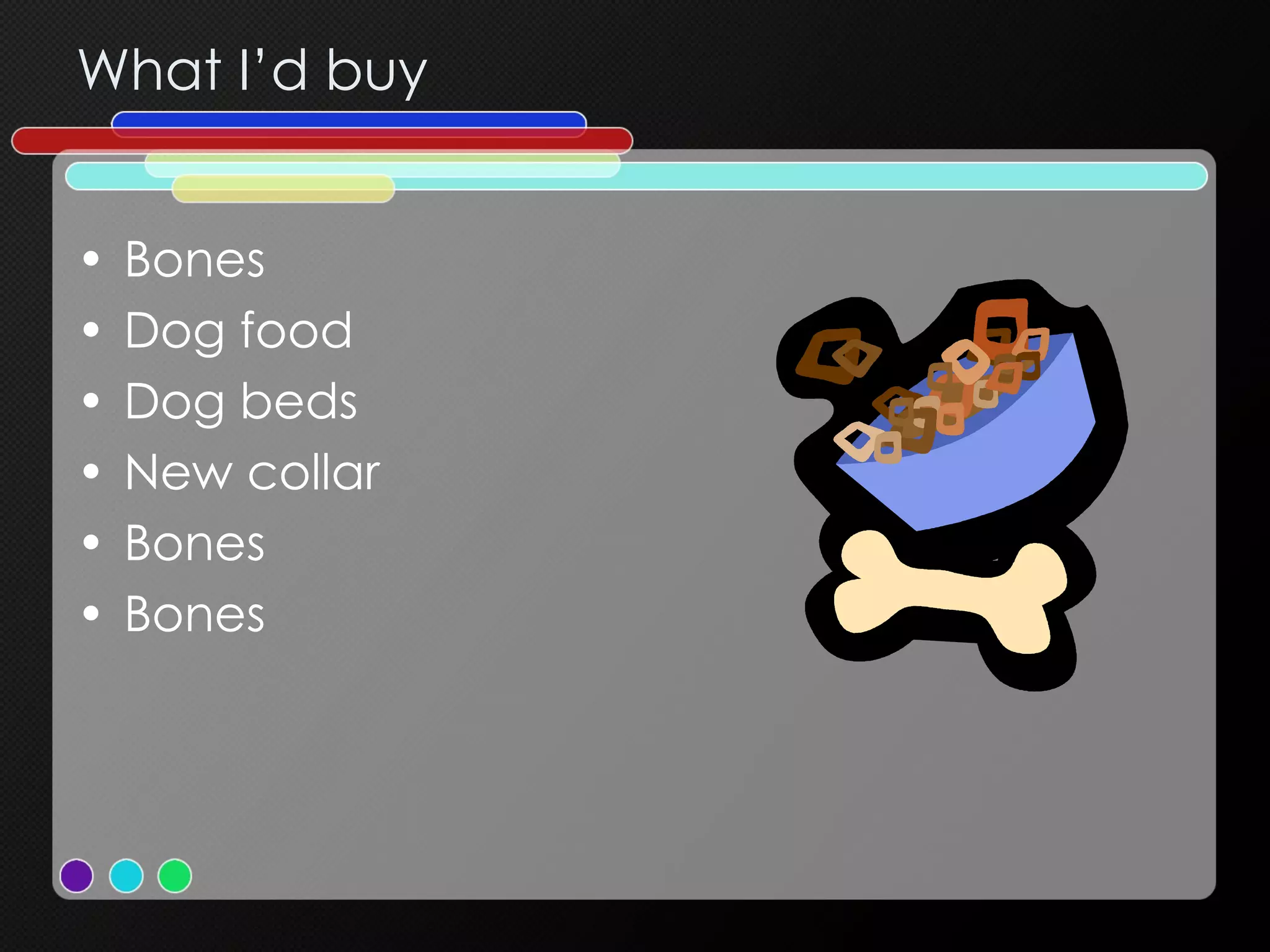
What I’d buy Bones Dog food Dog beds New collar Bones Bones
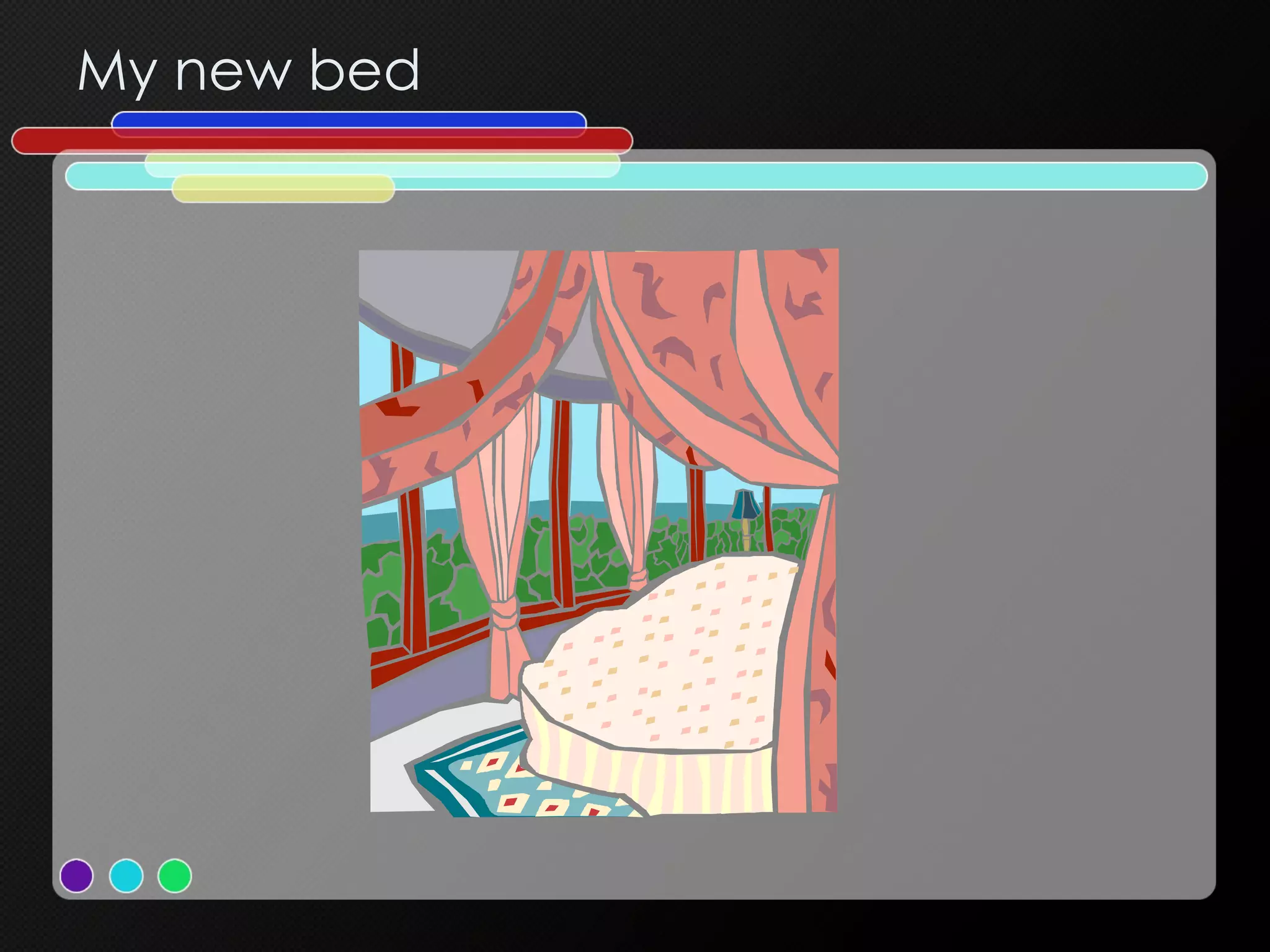
My new bed
Where I’d go The park The pet store Bojangle’s (yum) To work with Mama

Intermediate PowerPoint

  • 1.
  • 2.
    This is partII You should already be able to: Create a presentation based on a template Format and edit a presentation Work with clip art Add simple animation Save your work
  • 3.
    Using help Helpmenu Or click F1 Search for a topic Browse table of contents
  • 4.
    Working with clipart Already on some slide layouts If not, select Insert, Picture, Clip Art to launch Clip Art Gallery Search by keyword or browse Can look online Resizing clip art
  • 5.
    Is PowerPoint evil?Being able to do something doesn’t mean you should
  • 6.
    Background – BadAvoid backgrounds that are distracting or difficult to read from Always be consistent with the background that you use
  • 7.
    Color - BadUsing a font color that does not contrast with the background color is hard to read Using color for decoration is distracting and annoying . Using a different color for each point is unnecessary Using a different color for secondary points is also unnecessary T r y i n g t o b e c r e a t i v e c a n a l s o b e distracting
  • 8.
  • 9.
    Review of KeyObjectives & Critical Success Factors What makes nation unique Conceived in Liberty Men are equal Shared vision New birth of freedom Gov’t of/for/by the people
  • 10.
    Summary New nationCivil war Dedicate field Dedicated to unfinished work New birth of freedom Government not perish
  • 11.
    PowerPoint can begood Studies have shown that when we hear and see something at the same time, our recall is greatly increased. The slide is there as a jumping off point for your presentation, as a visual reinforcement of your message.
  • 12.
    If you ever read your slides to your audience, I will come after you with a wet noodle!
  • 13.
    For a goodpresentation No more than 3 or 4 bullets per slide No more than six words per bullet Phrases, not sentences
  • 14.
    Fonts Make sureyour fonts are legible. Arial at 10 point , 16 point , 32 point , at 48 point , at 64 point Stick to one or two fonts Don’t use ALL CAPS, italics or underlining for emphasis. Try a different color , a larger font size or subtle animation.
  • 15.
    Other tips Allart, sounds, charts should add something to your presentation. Don’t let your background overpower your content Reveal one idea at a time. Run spell check. Proofread. It’s important!
  • 16.
    For a professionallook Use an appropriate design A floral theme is only professional if you’re a florist Don’t deliver bad news with a design with a vacation theme Slide transitions should be subtle and consistent
  • 17.
  • 18.
  • 19.
  • 20.
  • 21.
  • 22.
  • 23.
    While you’re runningthe presentation Right click for pen/arrow/pointer E to erase Black screen White screen Moving through the show
  • 24.
    Finishing touches Speaker’snotes Handouts Master layout Can do in Word
  • 25.
    Printing Maybe thehardest part If using a black and white printer, use print dialogue to print in black and white Can print with background in place, usually won’t want to
  • 26.
    Final exercise WhatI’d do if I won the lottery
  • 27.
    What I’d doif I won the lottery by my dog Tess
  • 28.
  • 29.
    Who I’d sharethe wealth with Mama Spike No cats Anyone who would buy me treats
  • 30.
    What I’d buyBones Dog food Dog beds New collar Bones Bones
  • 31.
  • 32.
    Where I’d goThe park The pet store Bojangle’s (yum) To work with Mama

Editor's Notes

  • #2 These are some random notes so we can test this feature.
  • #3 These are some random notes so we can test this feature.
  • #4 These are some random notes so we can test this feature.
  • #5 These are some random notes so we can test this feature.
  • #6 These are some random notes so we can test this feature.