Integrating
Technology
Divya Nagpal
Magnet Coordinator
Christine Moore
Educational Technologist
Patrick Burke
Technology Coach
Get to know your partner
• Introduce yourself to the person
sitting to your right and share the
following-
• What technology integration means?
• What is not technology integration?
2
Agenda
• Defining integration
• Why integration?
• Tips for Successful
integration
• Web tools for
integration
• Checkpoint
• You try it! (the “make
and take” portion)
3
What is
Technology
Integration?
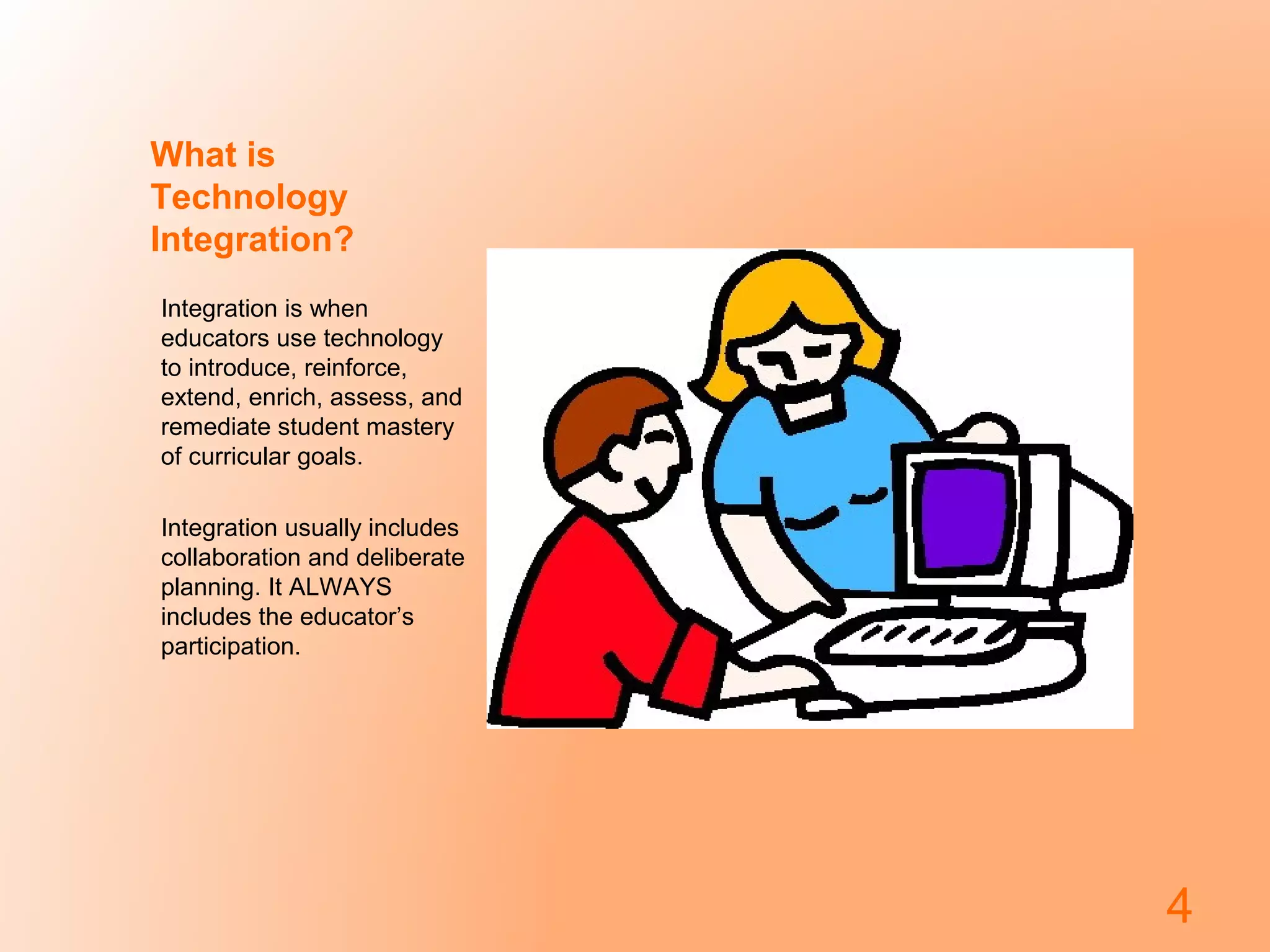
Integration is when
educators use technology
to introduce, reinforce,
extend, enrich, assess, and
remediate student mastery
of curricular goals.
Integration usually includes
collaboration and deliberate
planning. It ALWAYS
includes the educator’s
participation.
4
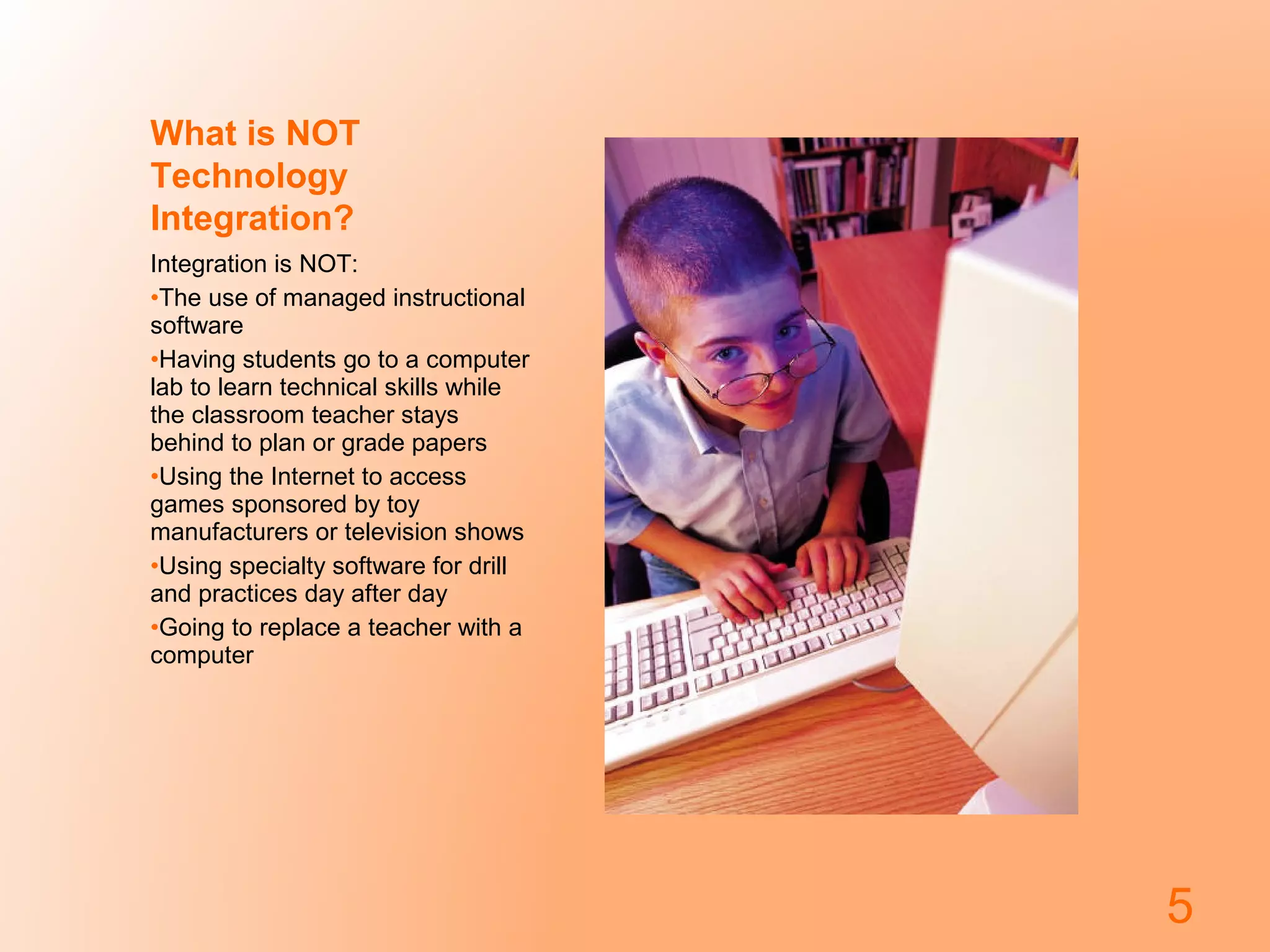
What is NOT
Technology
Integration?
Integration is NOT:
•The use of managed instructional
software
•Having students go to a computer
lab to learn technical skills while
the classroom teacher stays
behind to plan or grade papers
•Using the Internet to access
games sponsored by toy
manufacturers or television shows
•Using specialty software for drill
and practices day after day
•Going to replace a teacher with a
computer
5
Why Integrate Technology?
• Encourages skills
such as:
– complex thinking
– creative problem
solving
– Collaboration
• Students live in a
digital world; teach
them how to use
technology well and
wisely
6
Tips for successful
integration
• Don’t try to do everything at
once
• Pick one tool and try it,
make it yours
• Don’t expect to have all the
answers
• Let the kids teach you and
each other
• Embrace experimentation
• Have a back up plan –
problems do occur
• Have fun!
7
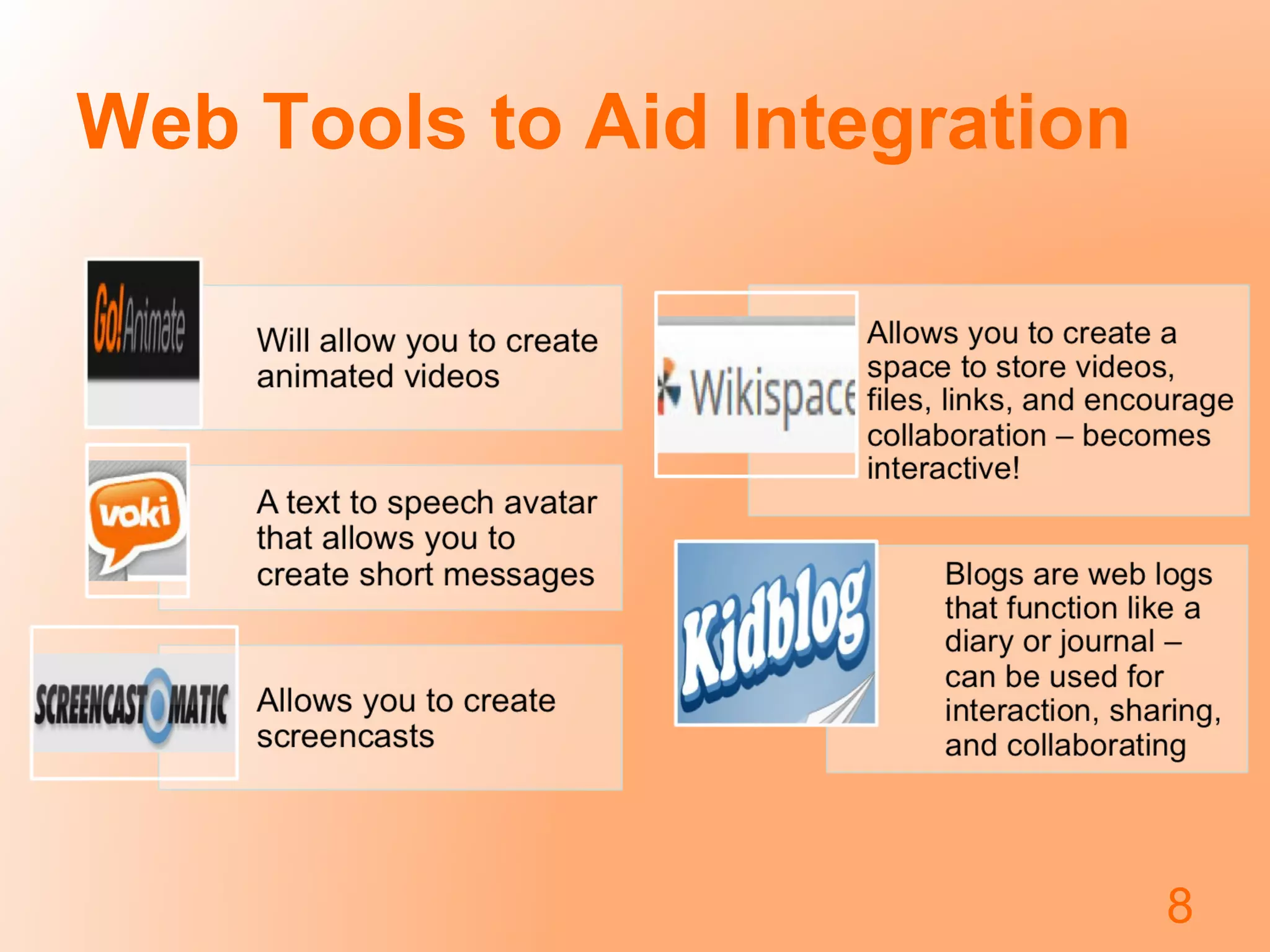
Web Tools to Aid Integration
8
Integration Help
• For the purpose of this session, we have created a wiki
• This PowerPoint and other resources are available on
the wiki for your use
• Feel free to interact with others in this wiki – ask
questions, share websites and ideas, troubleshoot
• In a moment, it will be your turn – you can create your
own wiki and/or begin building using any or all of the
tools mentioned here. This wiki is available for you if you
need assistance after this session. Feel free to contact
us if you have any questions later on! 
9
Checkpoint – questions or
discussion?
10
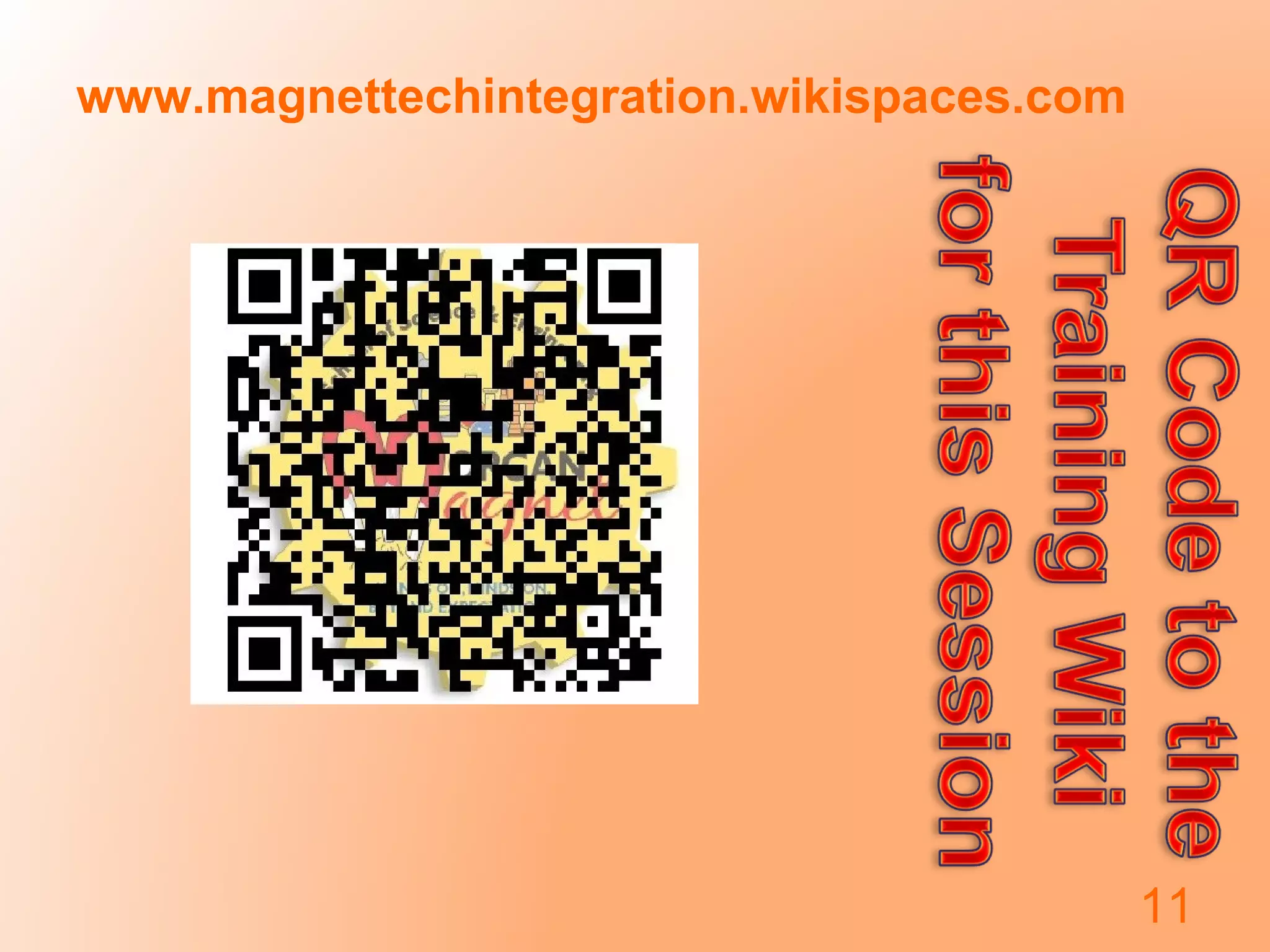
www.magnettechintegration.wikispaces.com
11

Integrating technology2[3]

  • 1.
    Integrating Technology Divya Nagpal Magnet Coordinator ChristineMoore Educational Technologist Patrick Burke Technology Coach
  • 2.
    Get to knowyour partner • Introduce yourself to the person sitting to your right and share the following- • What technology integration means? • What is not technology integration? 2
  • 3.
    Agenda • Defining integration •Why integration? • Tips for Successful integration • Web tools for integration • Checkpoint • You try it! (the “make and take” portion) 3
  • 4.
    What is Technology Integration? Integration iswhen educators use technology to introduce, reinforce, extend, enrich, assess, and remediate student mastery of curricular goals. Integration usually includes collaboration and deliberate planning. It ALWAYS includes the educator’s participation. 4
  • 5.
    What is NOT Technology Integration? Integrationis NOT: •The use of managed instructional software •Having students go to a computer lab to learn technical skills while the classroom teacher stays behind to plan or grade papers •Using the Internet to access games sponsored by toy manufacturers or television shows •Using specialty software for drill and practices day after day •Going to replace a teacher with a computer 5
  • 6.
    Why Integrate Technology? •Encourages skills such as: – complex thinking – creative problem solving – Collaboration • Students live in a digital world; teach them how to use technology well and wisely 6
  • 7.
    Tips for successful integration •Don’t try to do everything at once • Pick one tool and try it, make it yours • Don’t expect to have all the answers • Let the kids teach you and each other • Embrace experimentation • Have a back up plan – problems do occur • Have fun! 7
  • 8.
    Web Tools toAid Integration 8
  • 9.
    Integration Help • Forthe purpose of this session, we have created a wiki • This PowerPoint and other resources are available on the wiki for your use • Feel free to interact with others in this wiki – ask questions, share websites and ideas, troubleshoot • In a moment, it will be your turn – you can create your own wiki and/or begin building using any or all of the tools mentioned here. This wiki is available for you if you need assistance after this session. Feel free to contact us if you have any questions later on!  9
  • 10.
    Checkpoint – questionsor discussion? 10
  • 11.