INTEGRATING ICTS
1 to 1 roll out at OLSCC
Within just a year or two, every one of
our students will be a child born in the
21st Century.
None of their teachers will be.
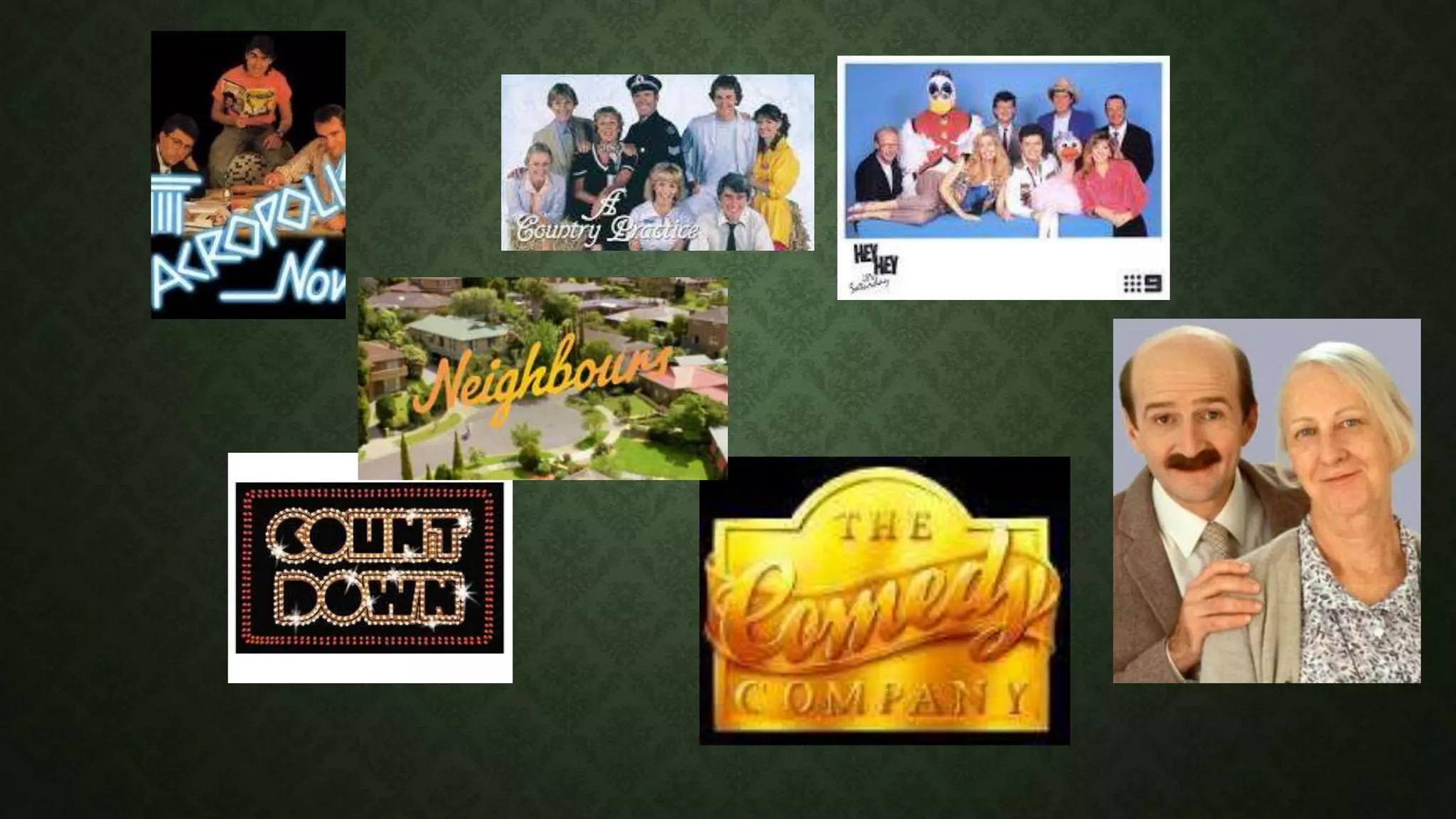
FREE TO AIR TV
• ABC
• ABC 2
(Kids)
• ABC 3
• ABC
News 24
• SBS
• SBS 2
• Food
Network
• NITV
• 7
• 7 two
• 7 mate
• 4 Me
• Racing.com
• Nine
• Gem
• Go
• Life
• extra
• 10
• One
• Eleven
• TVSN
• Aspire
• Imparja
• Channel 31
FUTURE TRENDS – BY 2020
• Surface computing
• Wearables and everywhere
• Web 3.0 (the internet of everything)
IN AN EDUCATION CONTEXT
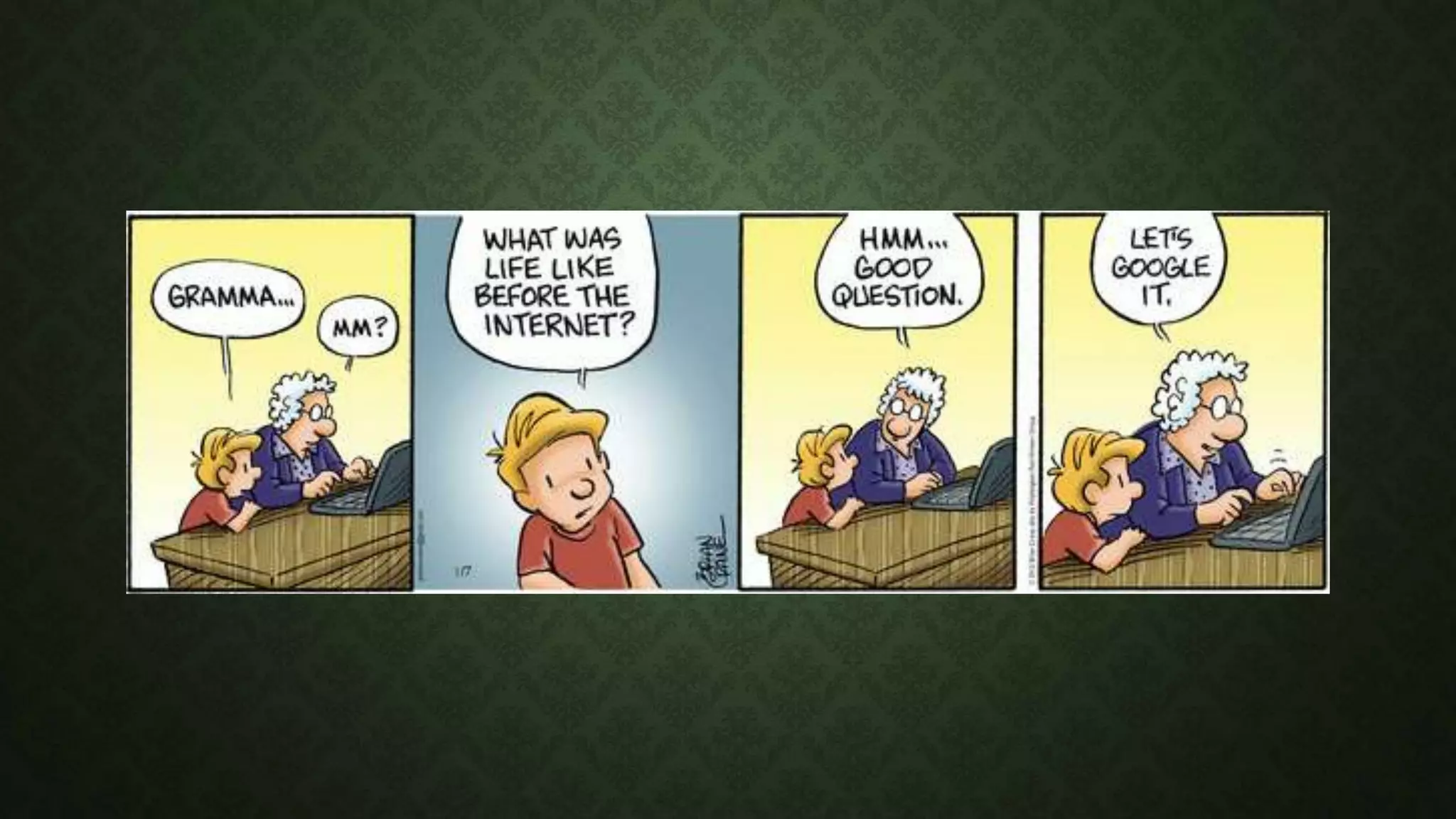
Most secondary students walk into the classroom with a
device in their pocket that has all the tools they need to learn
and complete their tasks, and offers access to the
accumulated knowledge of humankind.
And we tell them to turn that device off.
IN AN EDUCATION CONTEXT
Read Mal Lee’s article,
‘Digital Technology And Student Learning: the
Impact Of The Ecology – Part 1’
educationtechnologysolutions.com.au
IN AN EDUCATION CONTEXT
“There’s been a lot of discussion among policymakers and the media
recently about the pitfalls of using technology in the classroom. Many of
these conversations are worthwhile – it’s important to be skeptical
when spending scarce dollars for public education. The problem is that
this debate often centers around the wrong question: Does technology
belong in the classroom?
continues…
IN AN EDUCATION CONTEXT
If we keep asking this question, we won’t make any progress. We know
that technology belongs to the classroom. Have you ever asked whether
technology belongs in your workplace? Technology is a tool that helps us
develop and apply skills we all value – curiosity, problem-solving,
persistence, collaboration, information literacy.”
“Let’s Change the Conversation About Education (Technology) by Sara Schapiro and
Jason Tomassini
http://goo.gl/X3KoRh
IN AN EDUCATION CONTEXT
http://www.digitalpromise.org/districts/kettle-moraine-school-district
Student Production - "Old School vs. Today" by Kettle
Moraine School District
AT OLSCC
An audit
• what are you doing at school with your class?
• Consider apps, projects, connections, expectations…..
• What are you doing at home (or elsewhere)
• Consider apps, projects, connections, expectations…..
AT OLSCC
An audit
• What would you like to try with your class?
• What would you like to try personally?
1 TO 1 AT OLSCC
We aim to support and enhance teaching and learning through enabling students to:
• Access a wider range of information in a variety of formats
• Produce work more effectively and communicate information
with a wider range of tools
• Collaborate with other students and the teacher
• Create
• Connect with others
• Think critically
1 TO 1 AT OLSCC
• Information to parents, staff & students during
Term 1
• Ordering of devices in Term 2
• Roll out either Term 3 or Term 4
1 TO 1 AT OLSCC
Some questions to staff for consideration and response:
1. Start group:
1. Year 7 and Year 10 (working on a 3-year lifespan for devices)
2. Years 7, 8, 9 &10
3. All Years 7-12 (with variations on the purchase scheme for Yr 11 & 12 students)
4. Years 6, 7, 9, & 10
5. Some other arrangement
1 TO 1 AT OLSCC
Some questions for staff to consider and to respond to
2. A laptop or a 2-in-1 device (tablet/laptop) with a digital pen?
1 TO 1 AT OLSCC
Some questions for staff to consider and to respond to
3. Some schools require senior (Yrs 10-12) students to have devices
with higher specifications. Do we see that as something we would
look at, or would the better specifications be subject- related rather
than age-based?
1 TO 1 AT OLSCC
Some questions for staff to consider and to respond to
4. What support do you think you will need between now the 1 to 1
rollout?
Integrating icts

Integrating icts

  • 1.
    INTEGRATING ICTS 1 to1 roll out at OLSCC
  • 2.
    Within just ayear or two, every one of our students will be a child born in the 21st Century. None of their teachers will be.
  • 5.
    FREE TO AIRTV • ABC • ABC 2 (Kids) • ABC 3 • ABC News 24 • SBS • SBS 2 • Food Network • NITV • 7 • 7 two • 7 mate • 4 Me • Racing.com • Nine • Gem • Go • Life • extra • 10 • One • Eleven • TVSN • Aspire • Imparja • Channel 31
  • 7.
    FUTURE TRENDS –BY 2020 • Surface computing • Wearables and everywhere • Web 3.0 (the internet of everything)
  • 8.
    IN AN EDUCATIONCONTEXT Most secondary students walk into the classroom with a device in their pocket that has all the tools they need to learn and complete their tasks, and offers access to the accumulated knowledge of humankind. And we tell them to turn that device off.
  • 9.
    IN AN EDUCATIONCONTEXT Read Mal Lee’s article, ‘Digital Technology And Student Learning: the Impact Of The Ecology – Part 1’ educationtechnologysolutions.com.au
  • 10.
    IN AN EDUCATIONCONTEXT “There’s been a lot of discussion among policymakers and the media recently about the pitfalls of using technology in the classroom. Many of these conversations are worthwhile – it’s important to be skeptical when spending scarce dollars for public education. The problem is that this debate often centers around the wrong question: Does technology belong in the classroom? continues…
  • 11.
    IN AN EDUCATIONCONTEXT If we keep asking this question, we won’t make any progress. We know that technology belongs to the classroom. Have you ever asked whether technology belongs in your workplace? Technology is a tool that helps us develop and apply skills we all value – curiosity, problem-solving, persistence, collaboration, information literacy.” “Let’s Change the Conversation About Education (Technology) by Sara Schapiro and Jason Tomassini http://goo.gl/X3KoRh
  • 12.
    IN AN EDUCATIONCONTEXT http://www.digitalpromise.org/districts/kettle-moraine-school-district Student Production - "Old School vs. Today" by Kettle Moraine School District
  • 13.
    AT OLSCC An audit •what are you doing at school with your class? • Consider apps, projects, connections, expectations….. • What are you doing at home (or elsewhere) • Consider apps, projects, connections, expectations…..
  • 14.
    AT OLSCC An audit •What would you like to try with your class? • What would you like to try personally?
  • 15.
    1 TO 1AT OLSCC We aim to support and enhance teaching and learning through enabling students to: • Access a wider range of information in a variety of formats • Produce work more effectively and communicate information with a wider range of tools • Collaborate with other students and the teacher • Create • Connect with others • Think critically
  • 16.
    1 TO 1AT OLSCC • Information to parents, staff & students during Term 1 • Ordering of devices in Term 2 • Roll out either Term 3 or Term 4
  • 17.
    1 TO 1AT OLSCC Some questions to staff for consideration and response: 1. Start group: 1. Year 7 and Year 10 (working on a 3-year lifespan for devices) 2. Years 7, 8, 9 &10 3. All Years 7-12 (with variations on the purchase scheme for Yr 11 & 12 students) 4. Years 6, 7, 9, & 10 5. Some other arrangement
  • 18.
    1 TO 1AT OLSCC Some questions for staff to consider and to respond to 2. A laptop or a 2-in-1 device (tablet/laptop) with a digital pen?
  • 19.
    1 TO 1AT OLSCC Some questions for staff to consider and to respond to 3. Some schools require senior (Yrs 10-12) students to have devices with higher specifications. Do we see that as something we would look at, or would the better specifications be subject- related rather than age-based?
  • 20.
    1 TO 1AT OLSCC Some questions for staff to consider and to respond to 4. What support do you think you will need between now the 1 to 1 rollout?