Download to read offline
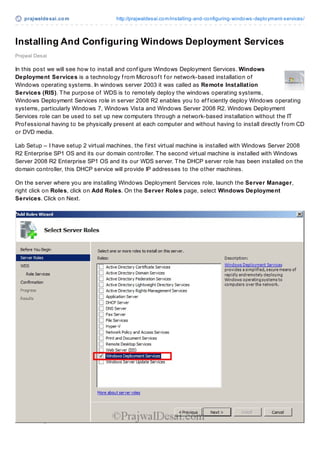
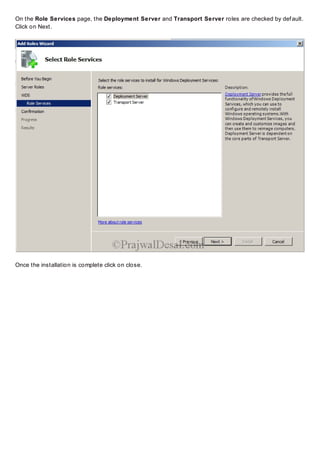
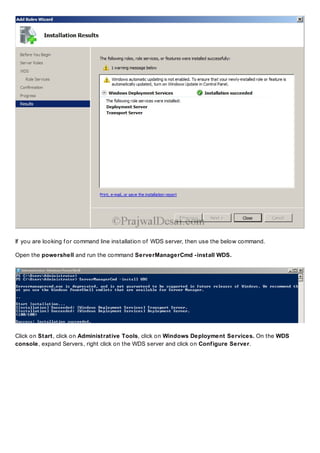
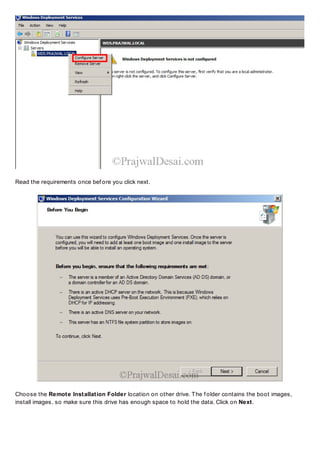
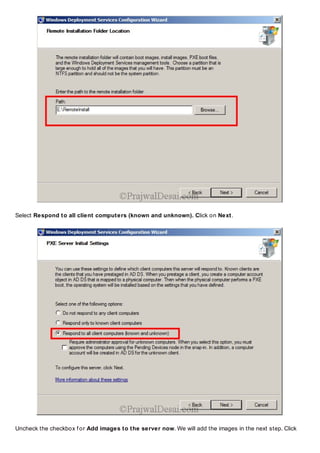
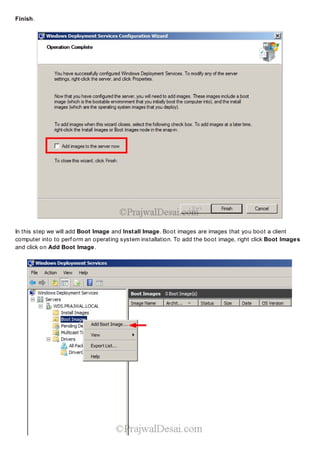
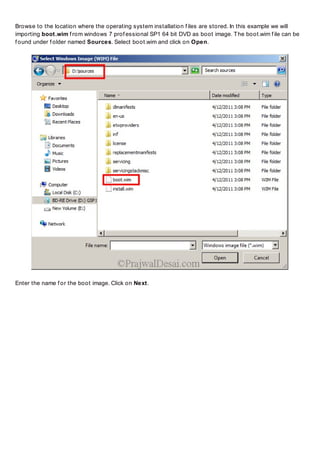


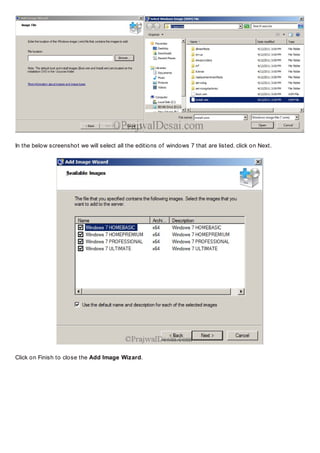
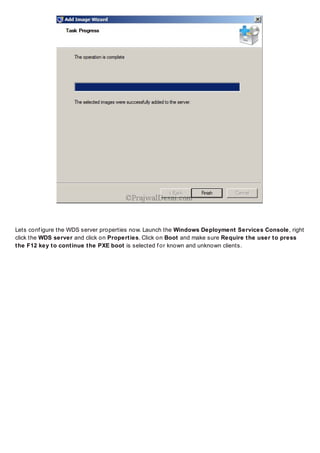

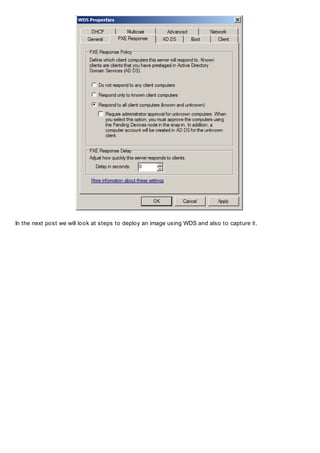

This document provides instructions for installing and configuring Windows Deployment Services (WDS) on a Windows Server 2008 R2 machine. It outlines setting up the server with the WDS role, adding boot and install images, and configuring the server properties. WDS allows administrators to remotely deploy Windows operating systems over the network without needing physical access to each client computer. The steps covered include installing WDS via the GUI or PowerShell, selecting the remote install folder, adding boot and install images from Windows 7 installation files, and configuring boot and PXE response settings.


