The Ins and Outs of
Event Apps
Steve Thomas
Chief Executive
Purple Vision
@stevethomas393
James Tennet
Events Manager
Resource Alliance
@jammy10net
• Technology – CRM, digital, web, data
• Digital – strategy, skills, tech, training
• CRM – Salesforce CRM Service Cloud, Marketing Cloud
• Database – Integra, Care, Raiser’s Edge, ThankQ,
• Data & Analytics – reporting, data, stakeholder journeys
About Purple Vision
Nonprofits of all sizes & focus InternationalProfessional,
Membership &
Regulatory
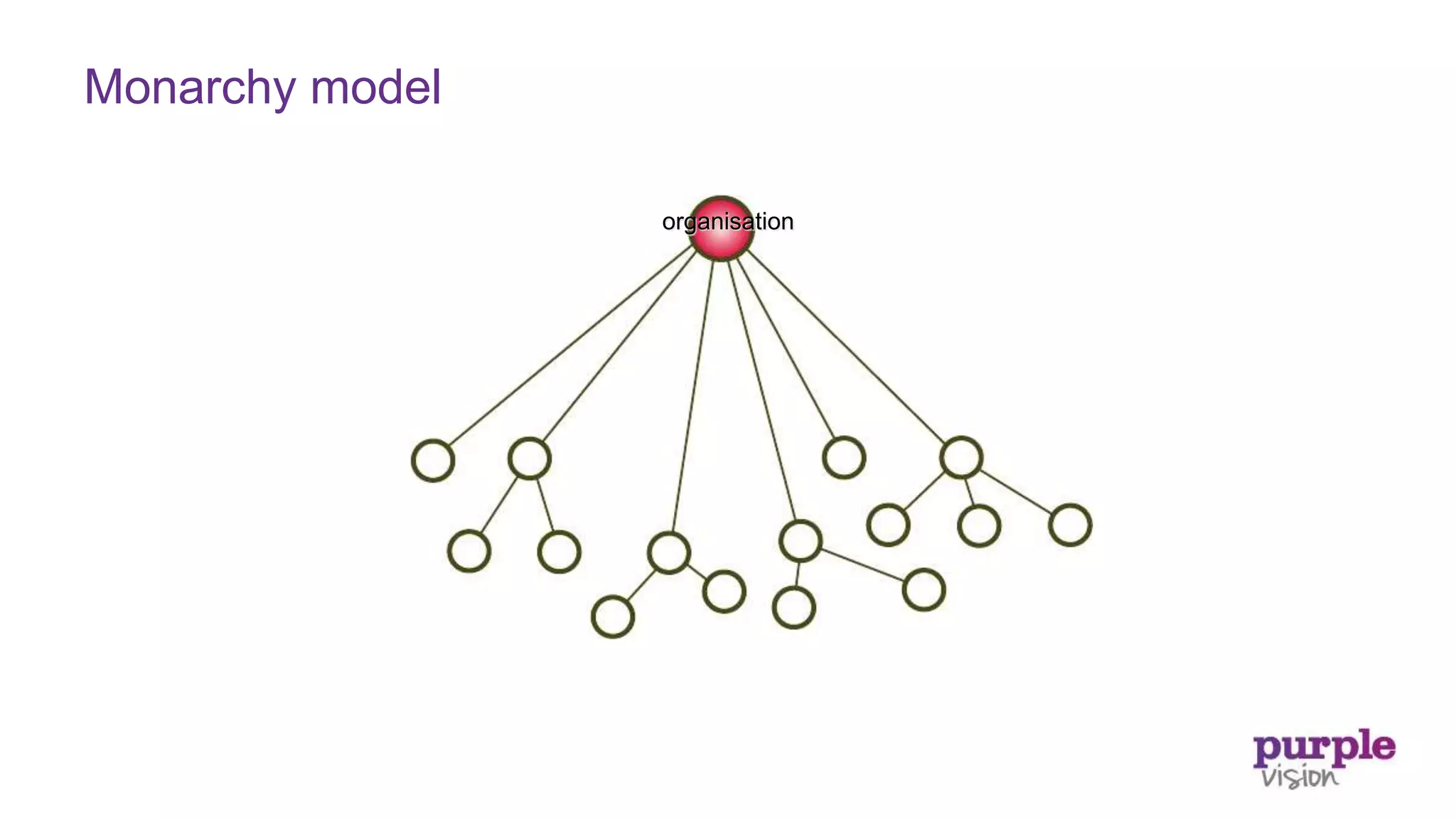
Monarchy model
organisation
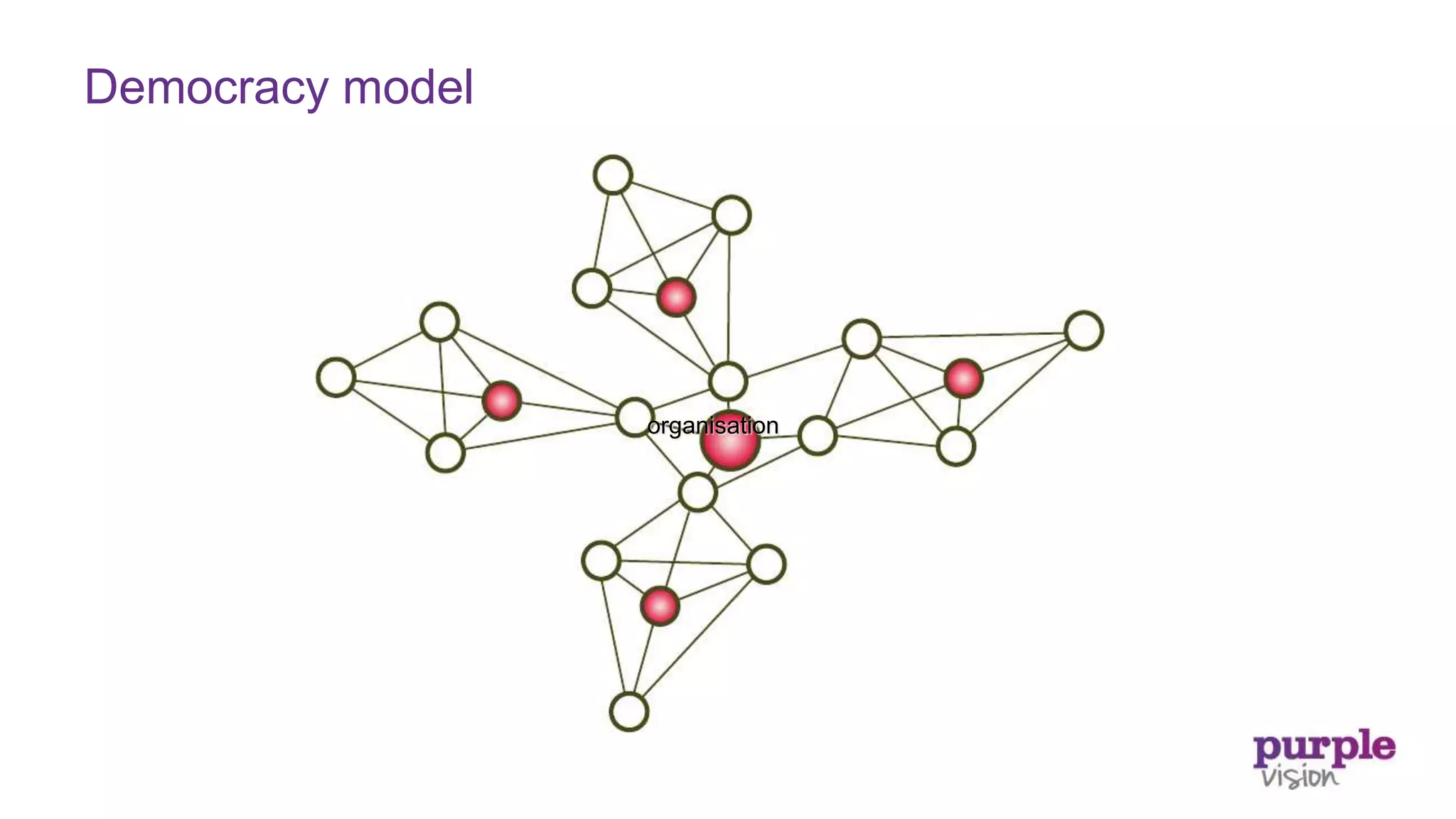
organisation
Democracy model
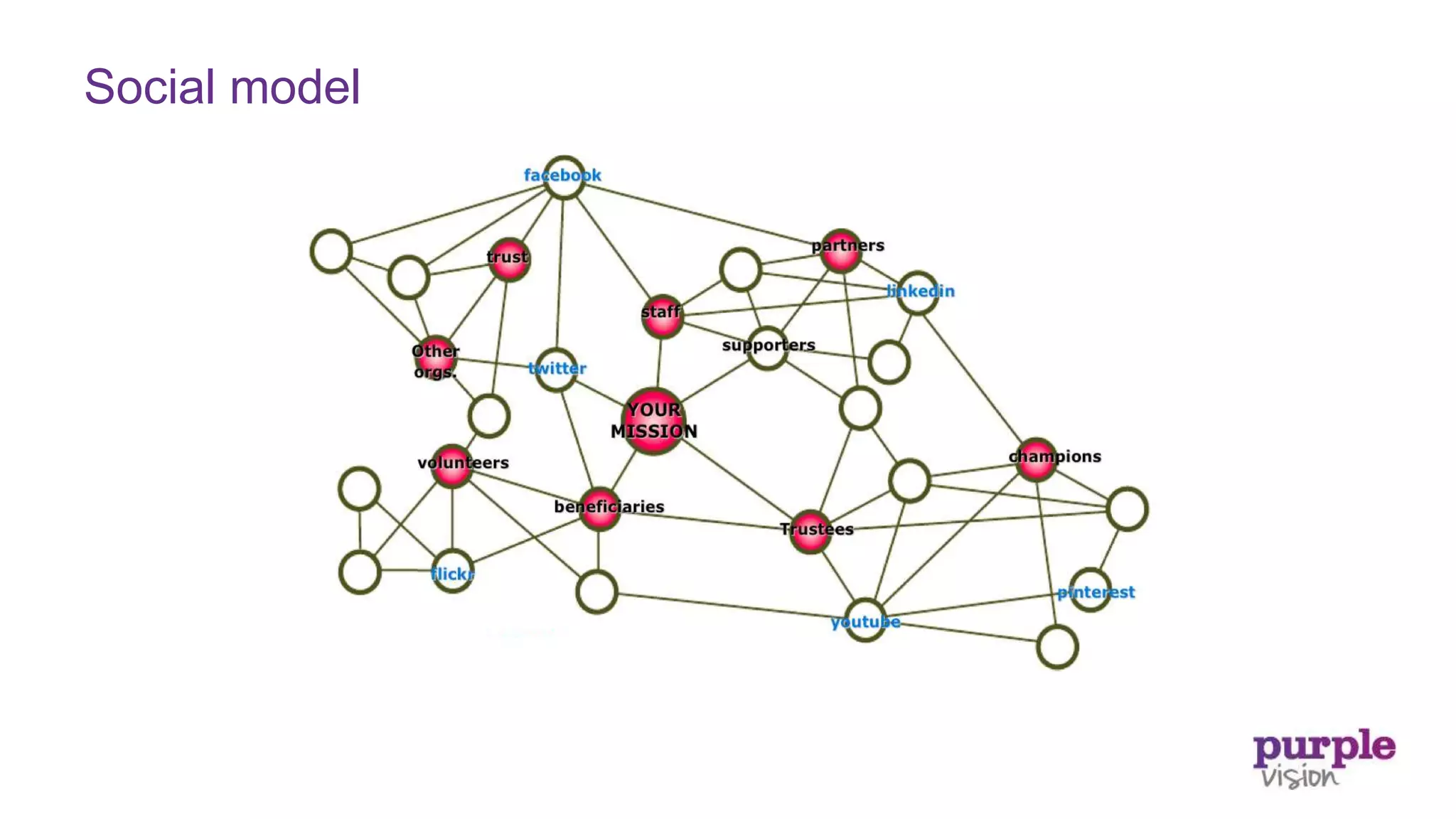
Social model
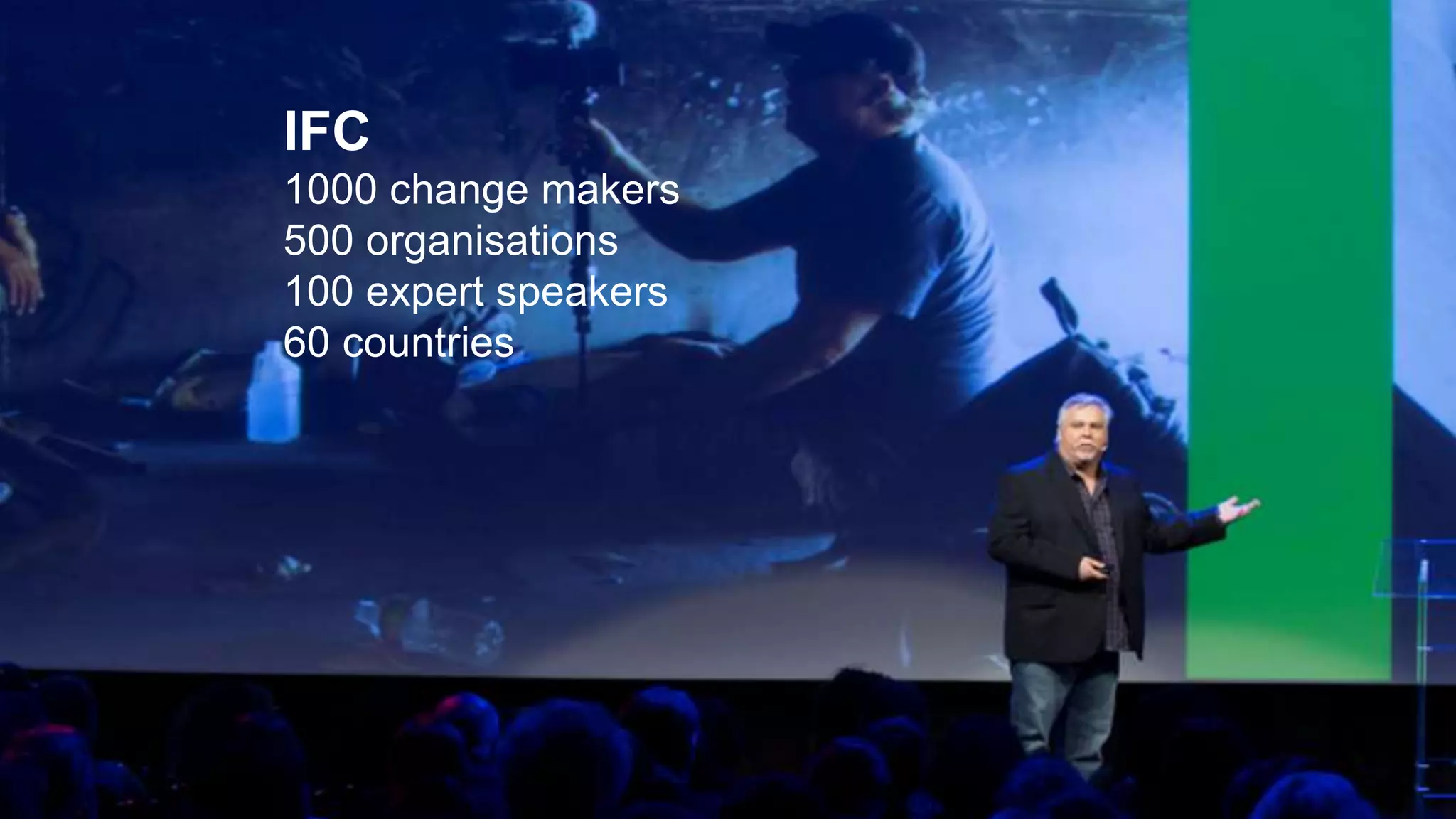
IFC
1000 change makers
500 organisations
100 expert speakers
60 countries
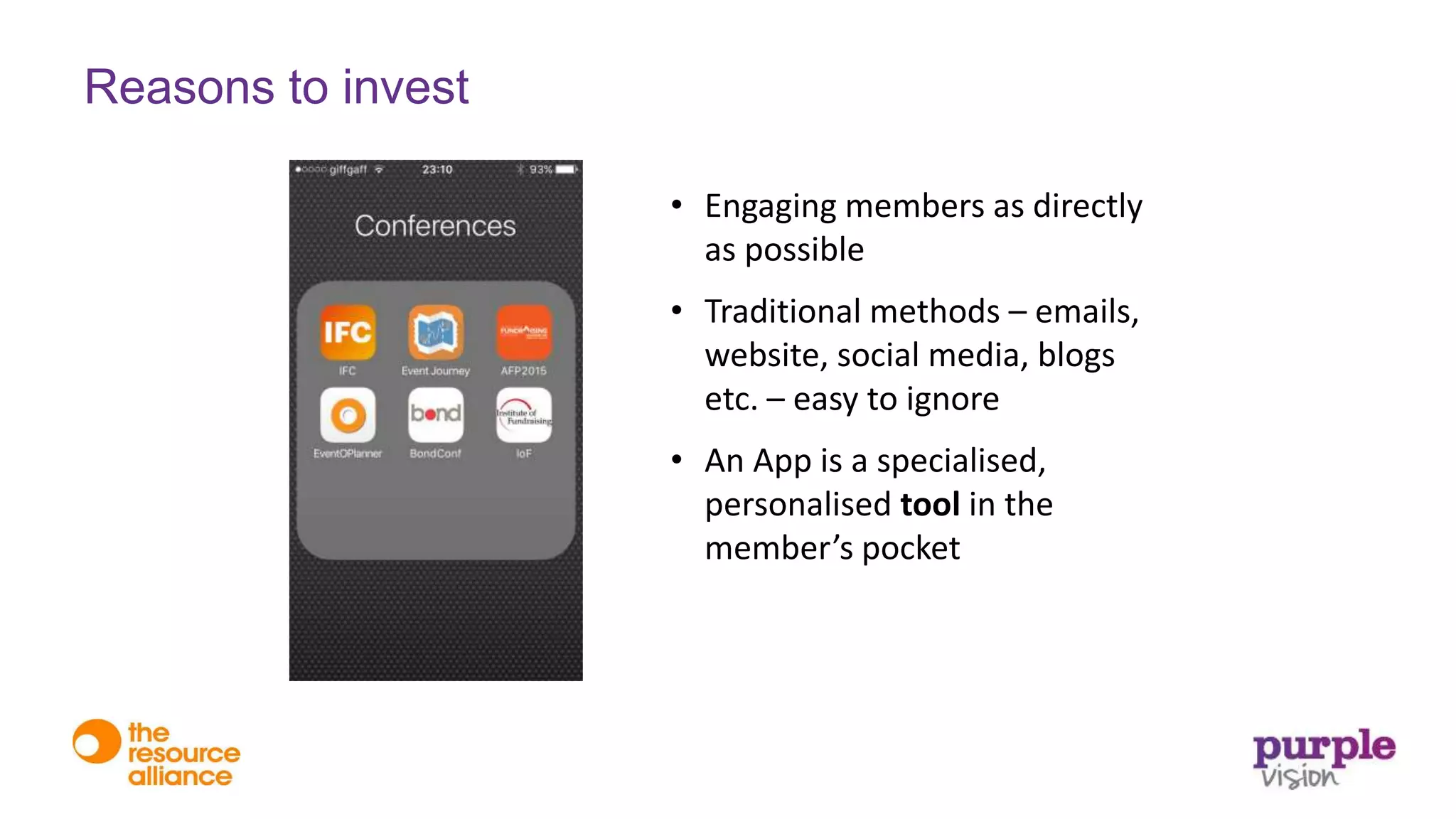
• Engaging members as directly
as possible
• Traditional methods – emails,
website, social media, blogs
etc. – easy to ignore
• An App is a specialised,
personalised tool in the
member’s pocket
Reasons to invest
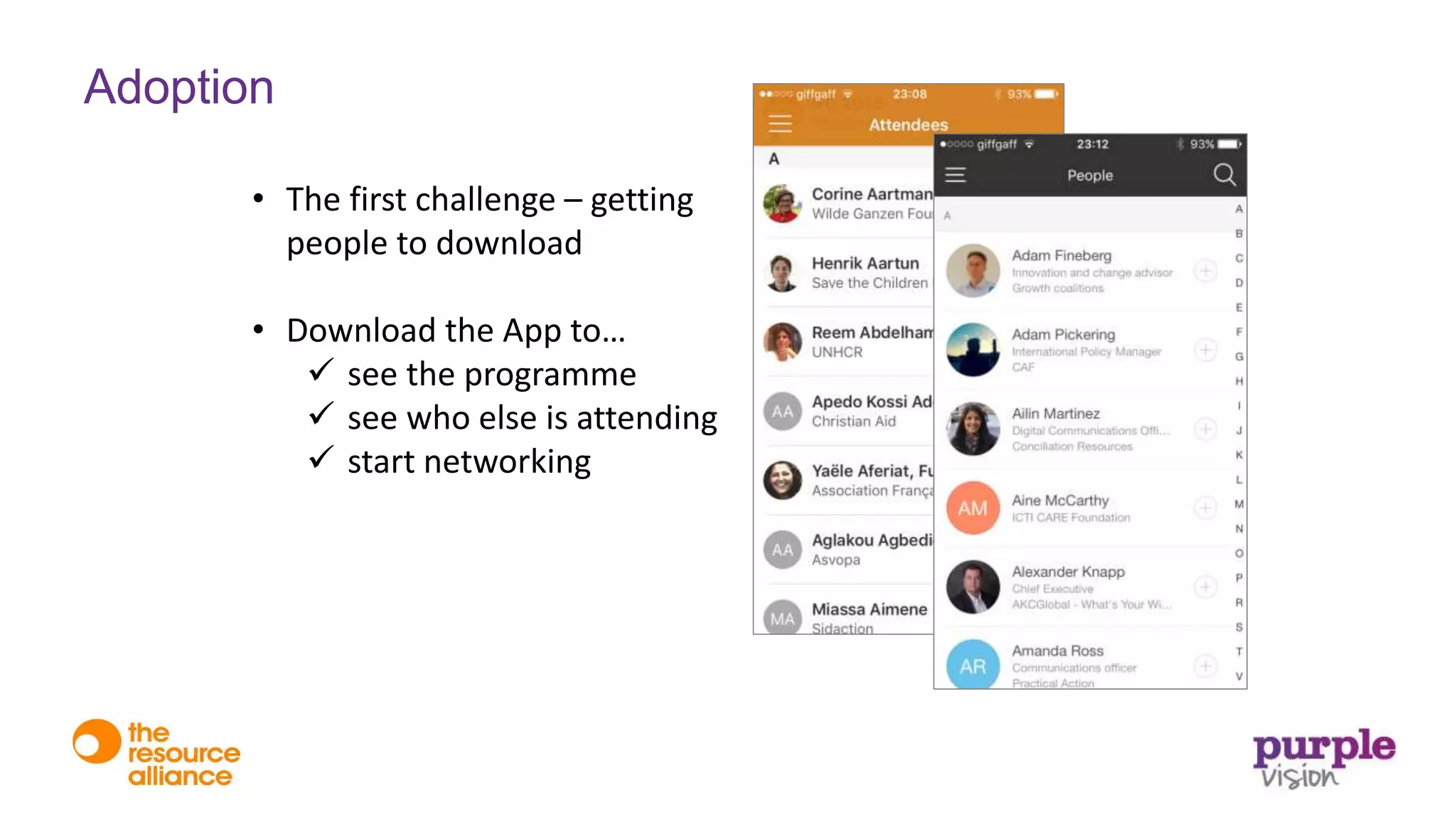
• The first challenge – getting
people to download
• Download the App to…
 see the programme
 see who else is attending
 start networking
Adoption
• The second challenge –
getting people to use
regularly
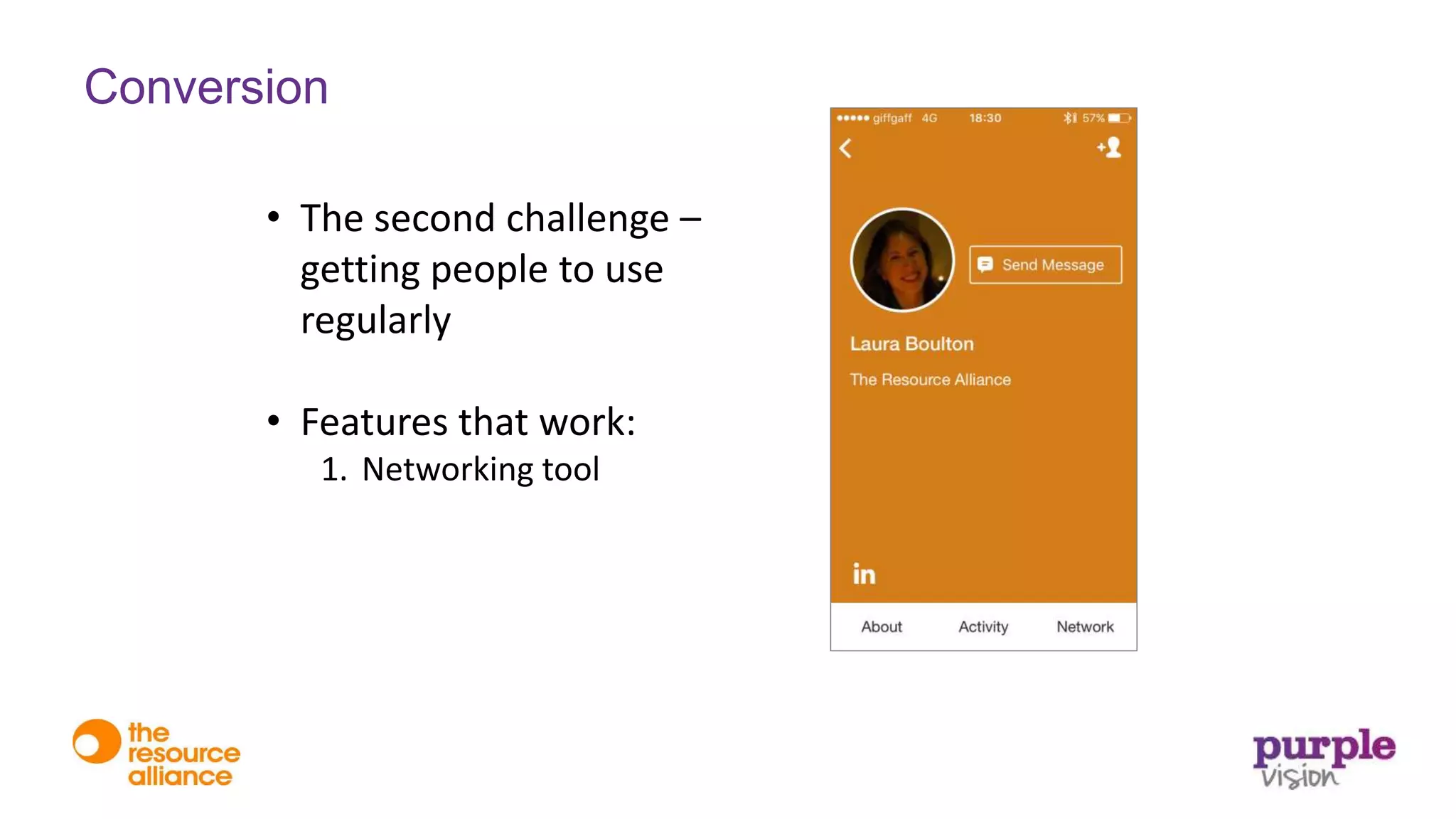
• Features that work:
1. Networking tool
Conversion
• The second challenge –
getting people to use
• Features that work:
1. Networking tool
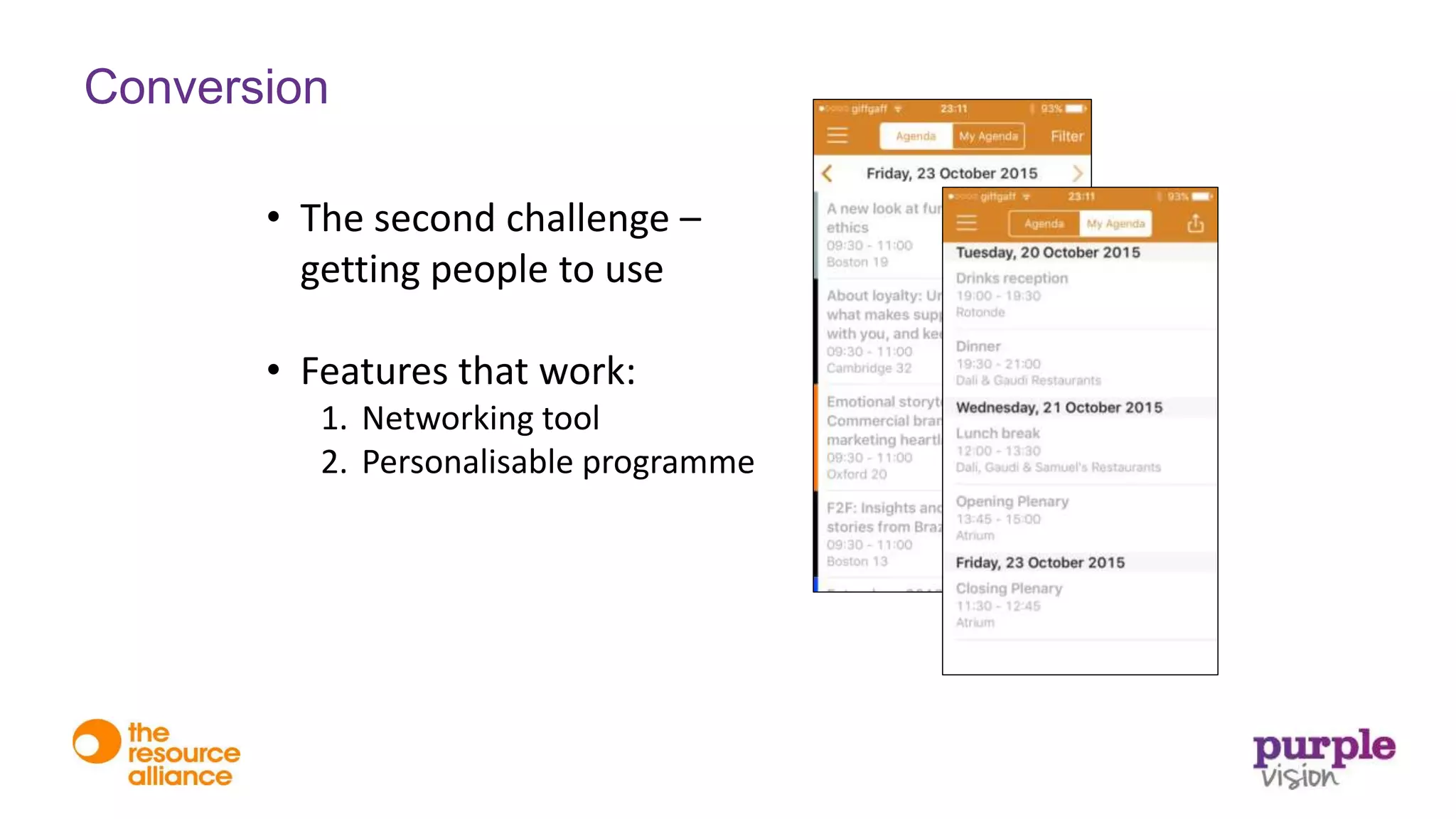
2. Personalisable programme
Conversion
• The second challenge –
getting people to use
• Features that work:
1. Networking tool
2. Personalisable programme
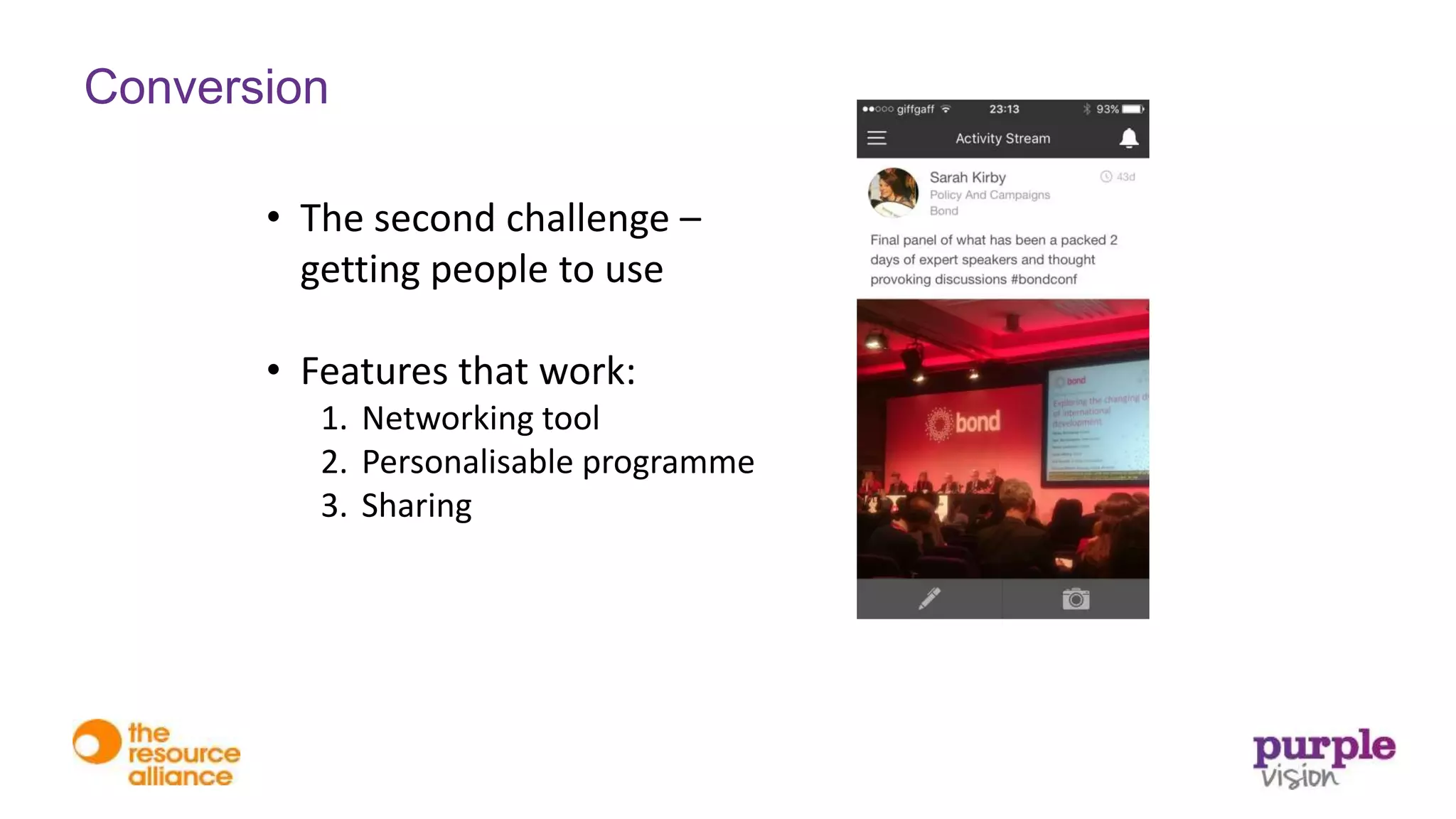
3. Sharing
Conversion
• The second challenge –
getting people to use
• Features that work:
1. Networking tool
2. Personalisable programme
3. Sharing
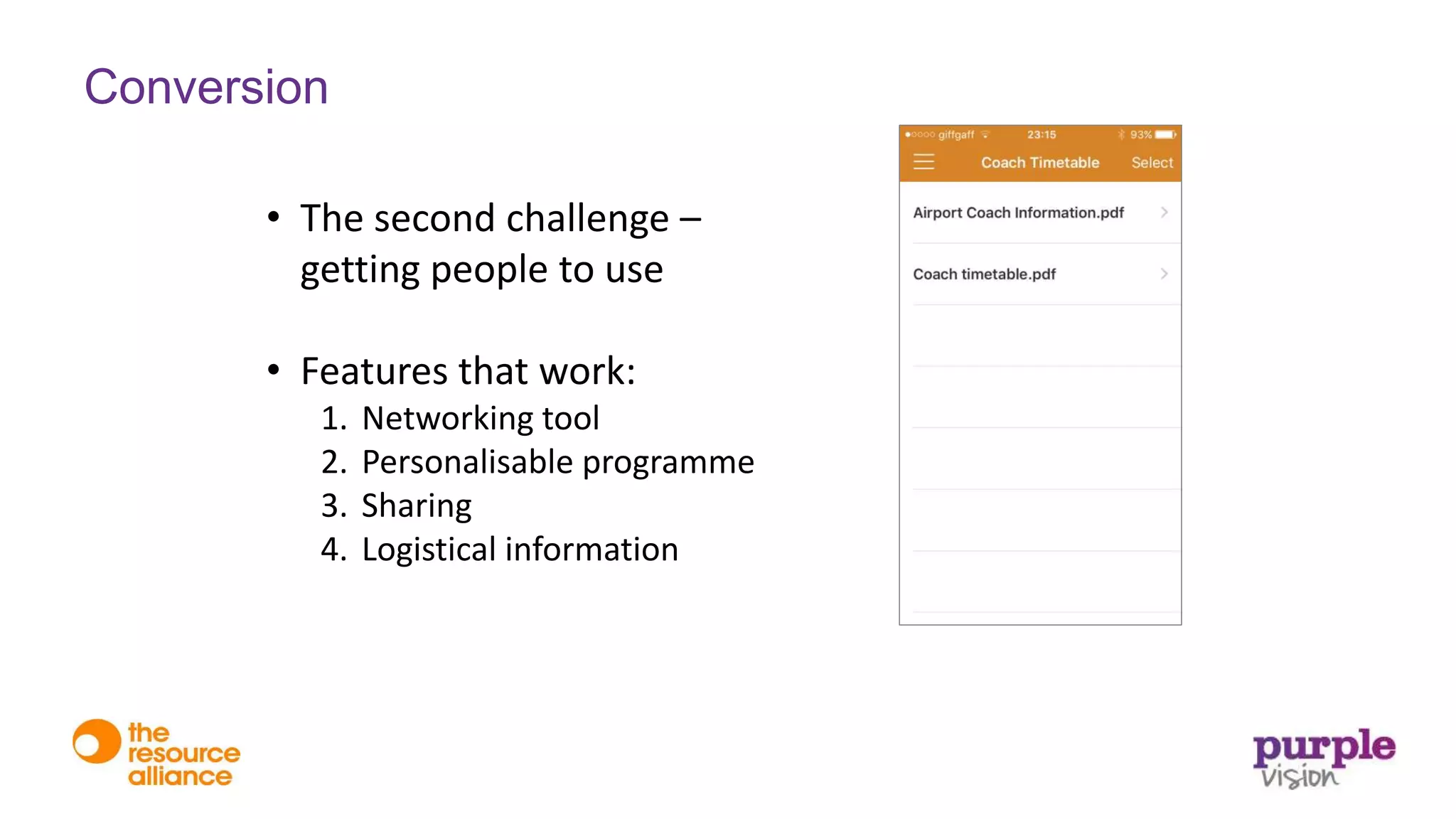
4. Logistical information
Conversion
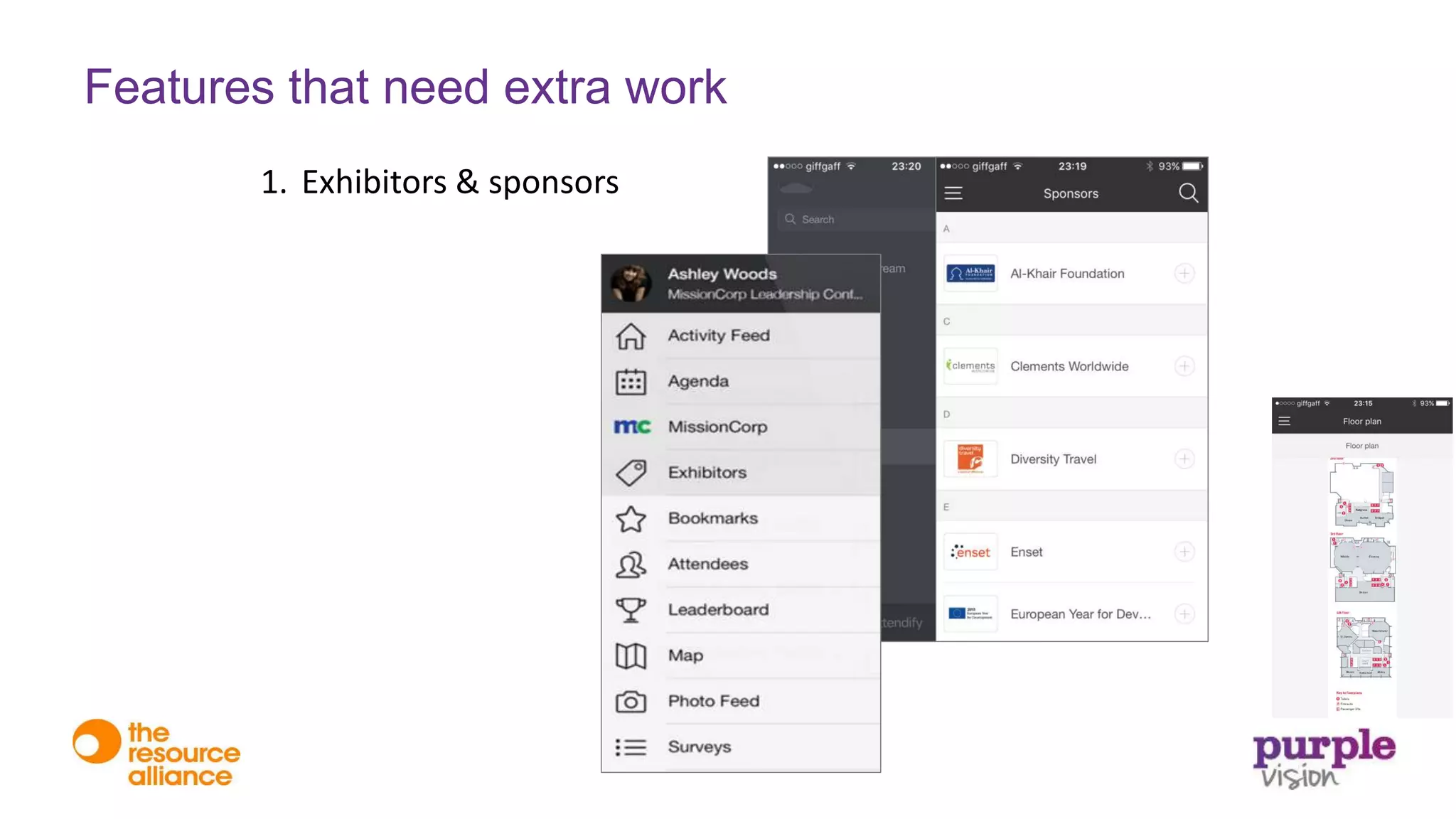
1. Exhibitors & sponsors
Features that need extra work
1. Exhibitors & sponsors
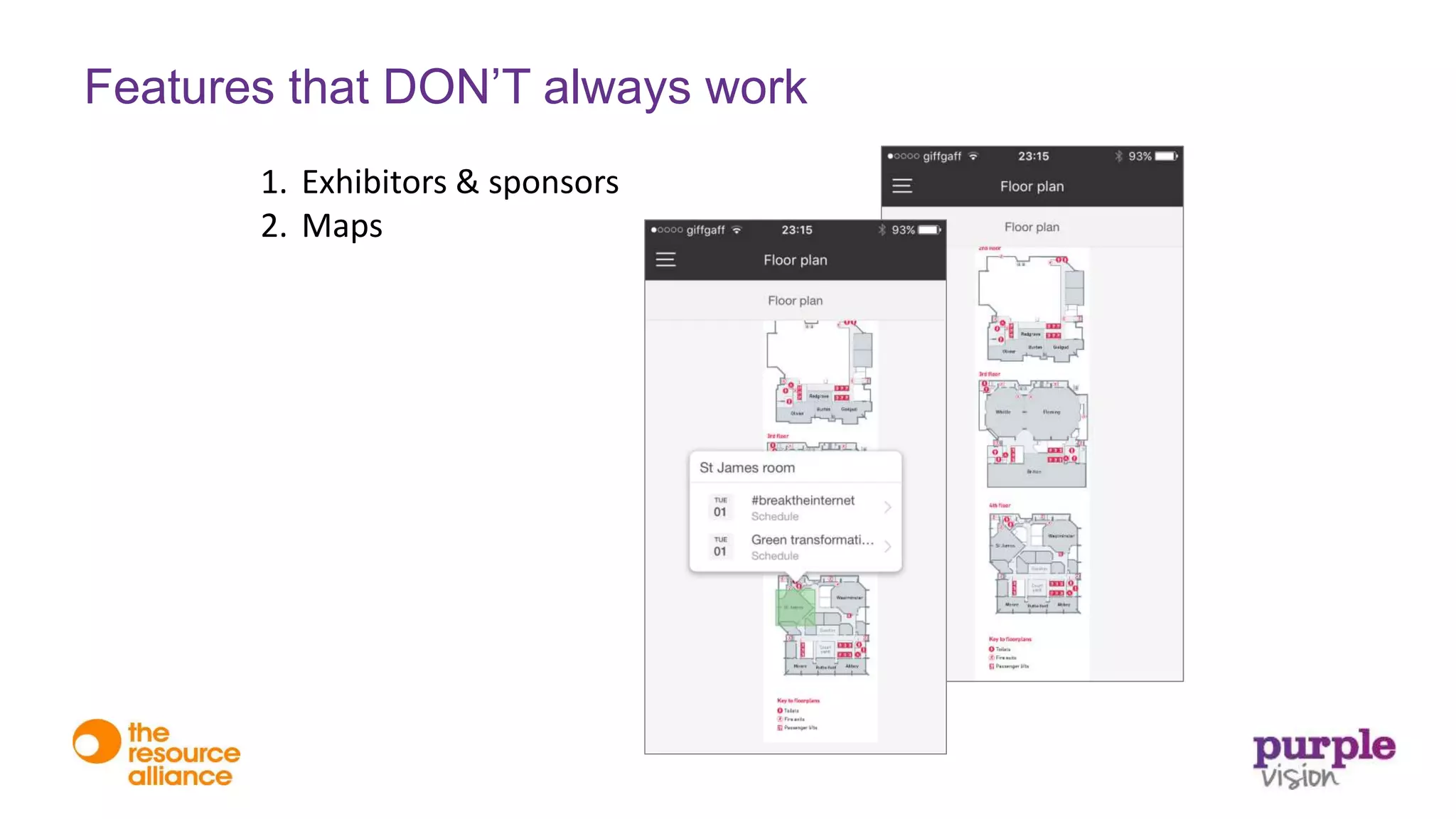
2. Maps
Features that DON’T always work
1. Exhibitors & sponsors
2. Maps
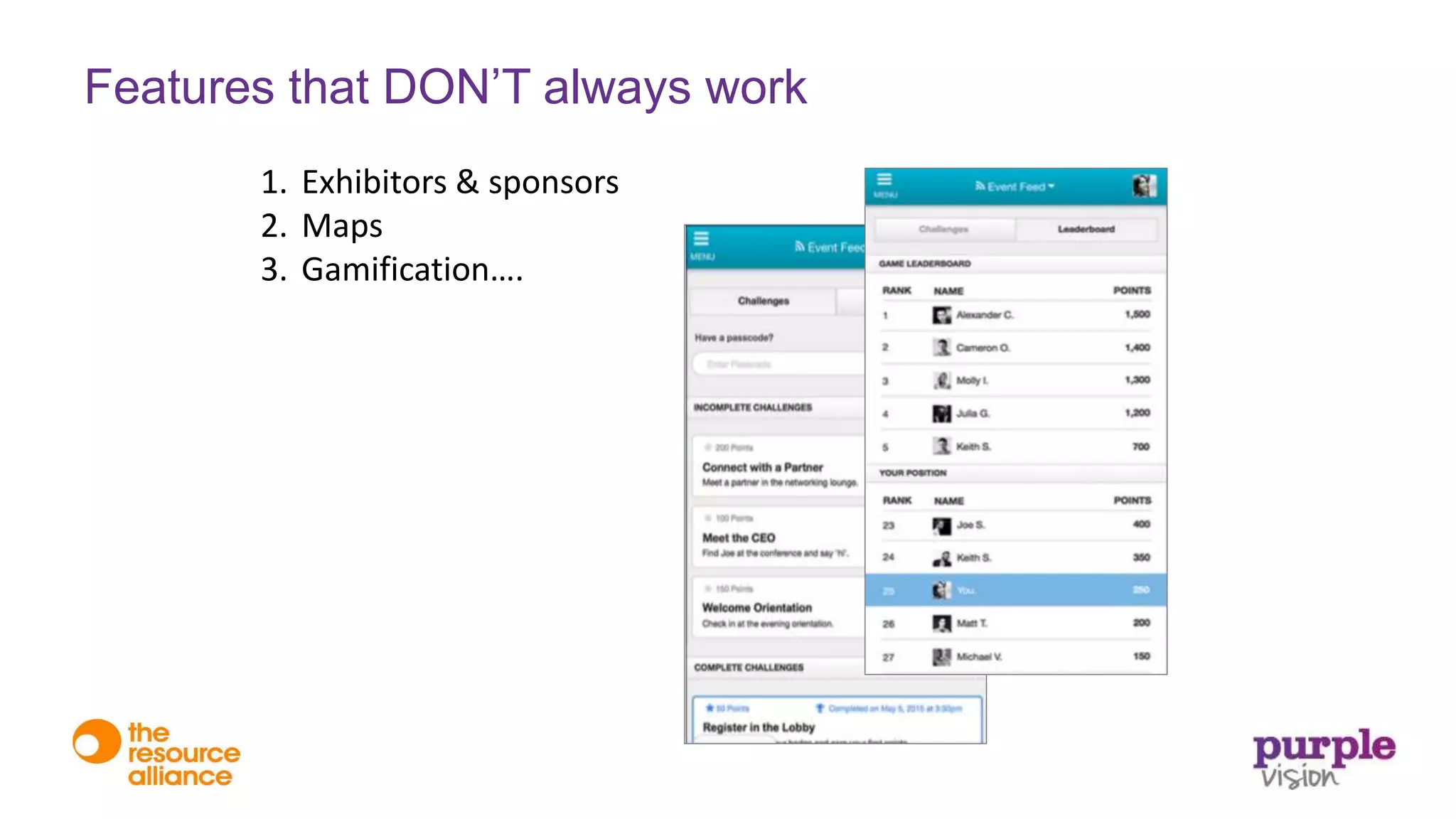
3. Gamification….
Features that DON’T always work
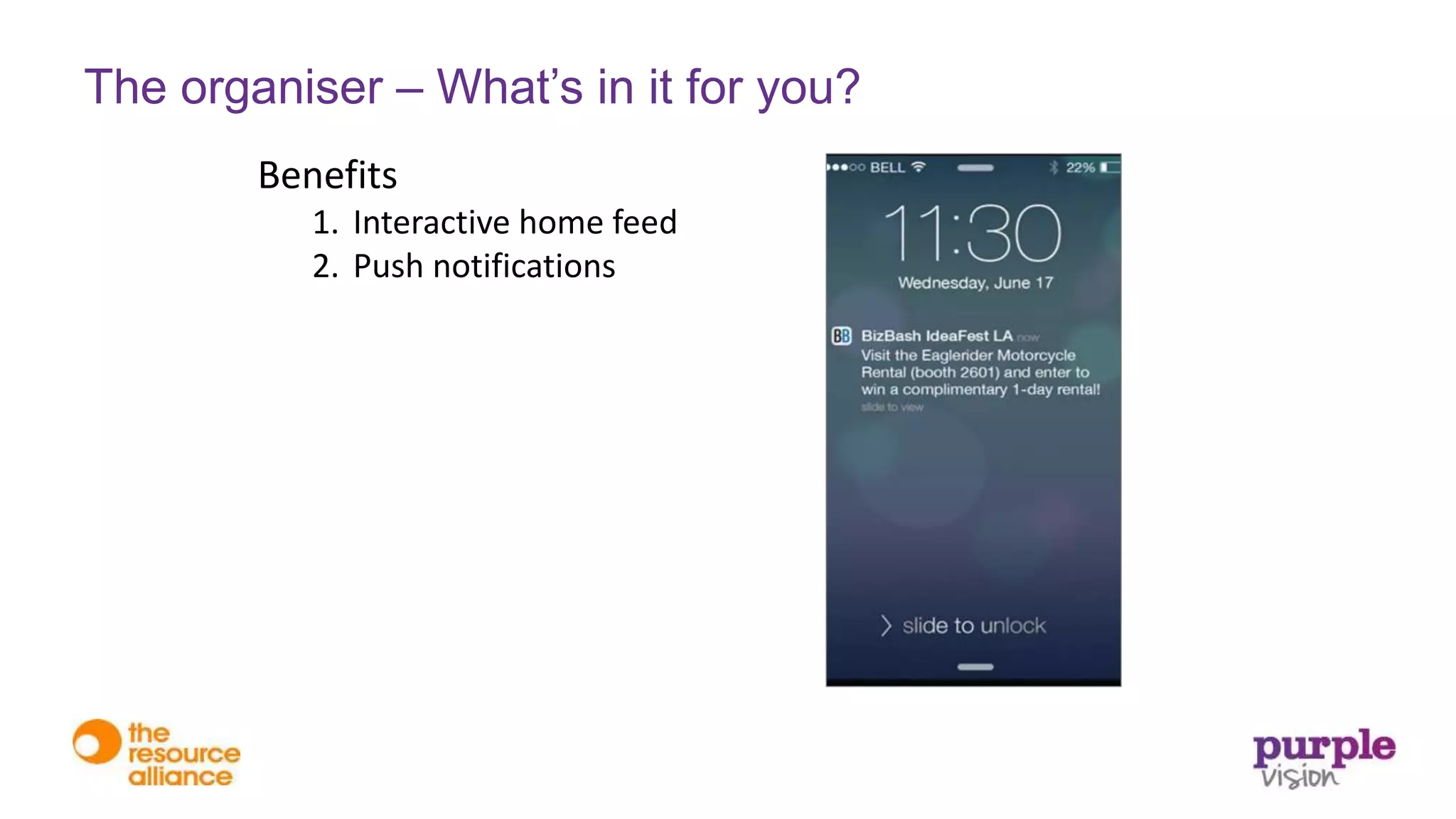
Benefits
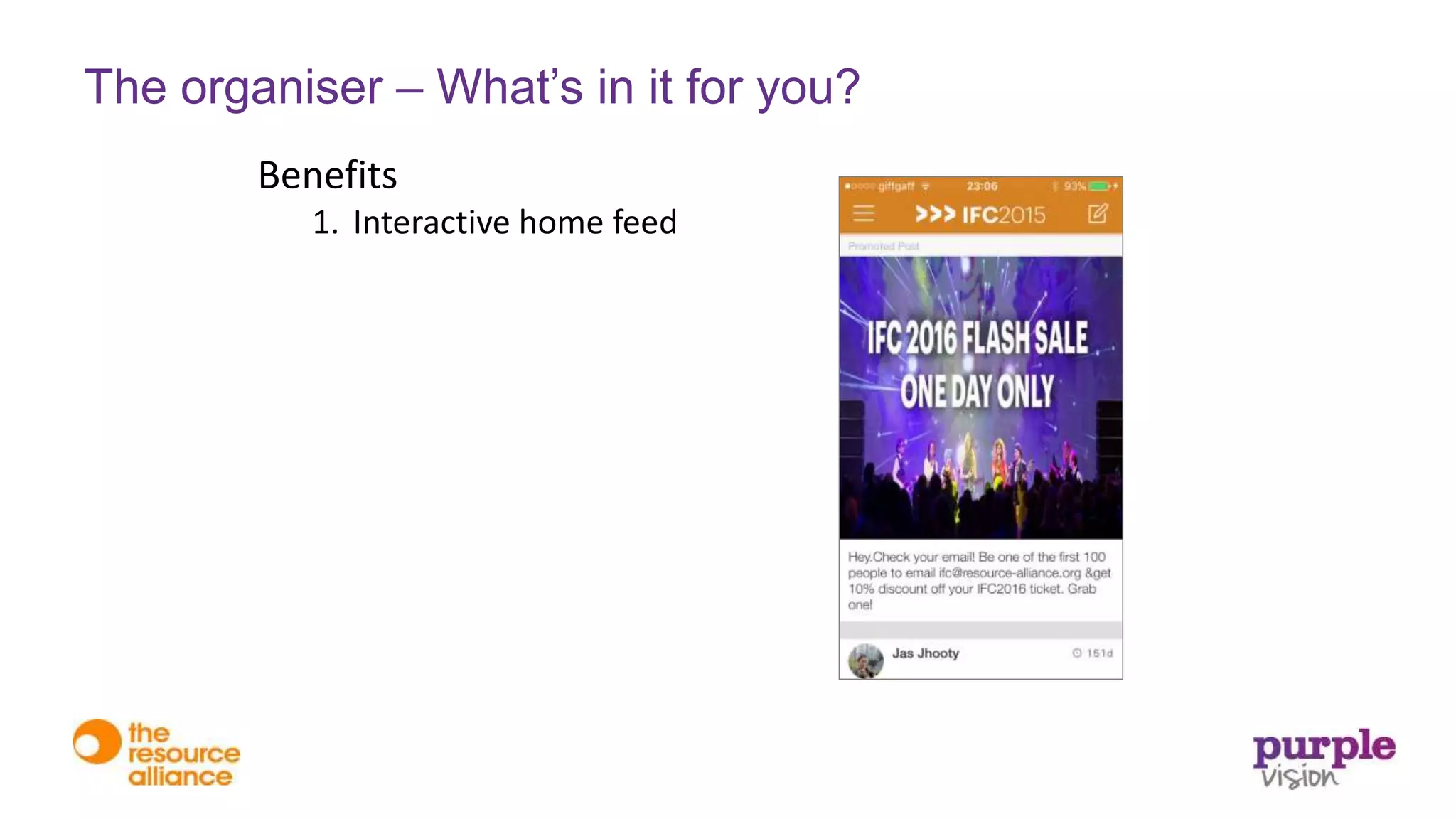
1. Interactive home feed
The organiser – What’s in it for you?
Benefits
1. Interactive home feed
2. Push notifications
The organiser – What’s in it for you?
Benefits
1. Interactive home feed
2. Push notifications
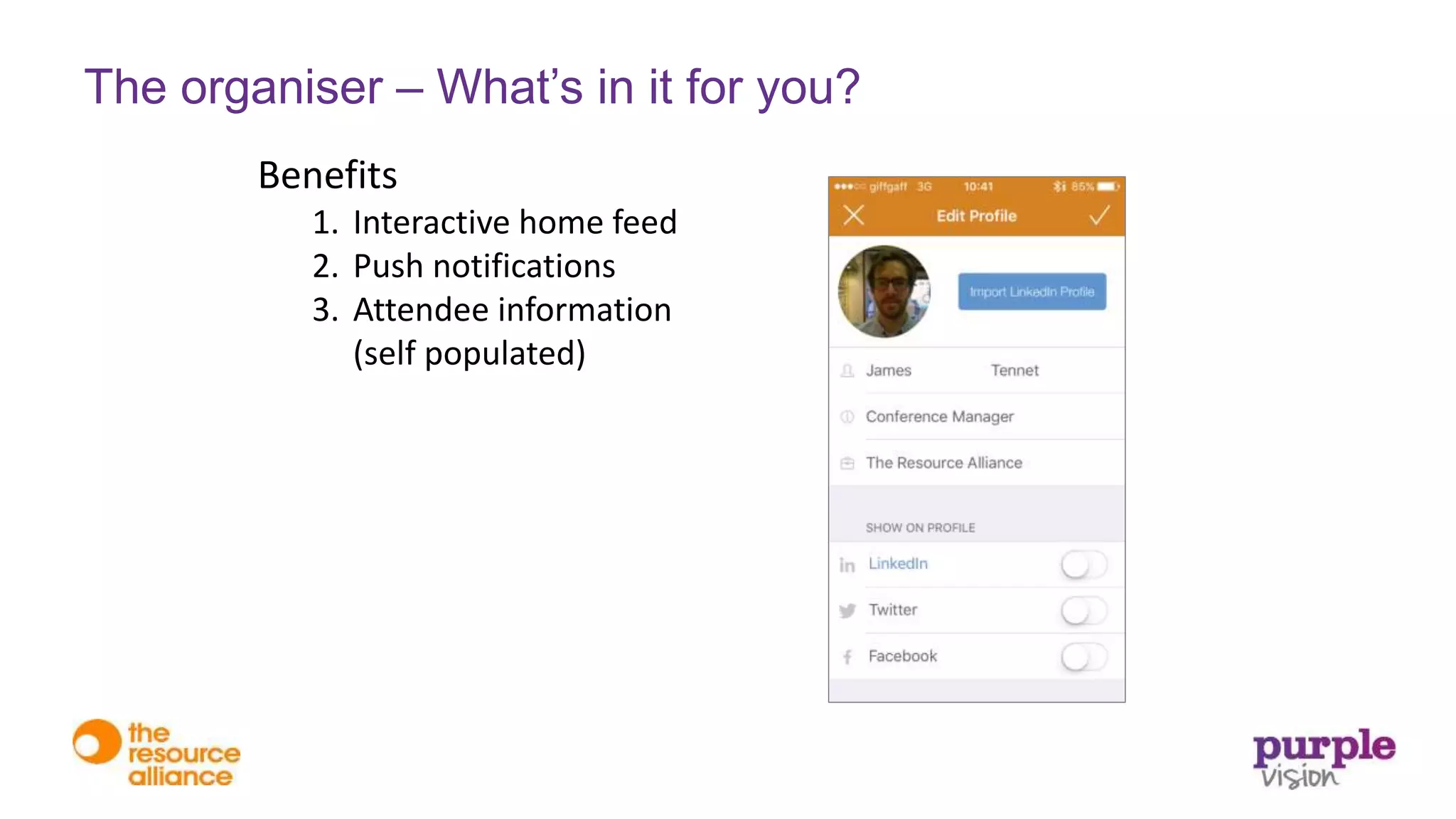
3. Attendee information
(self populated)
The organiser – What’s in it for you?
Benefits
1. Interactive home feed
2. Push notifications
3. Attendee information
(self populated)
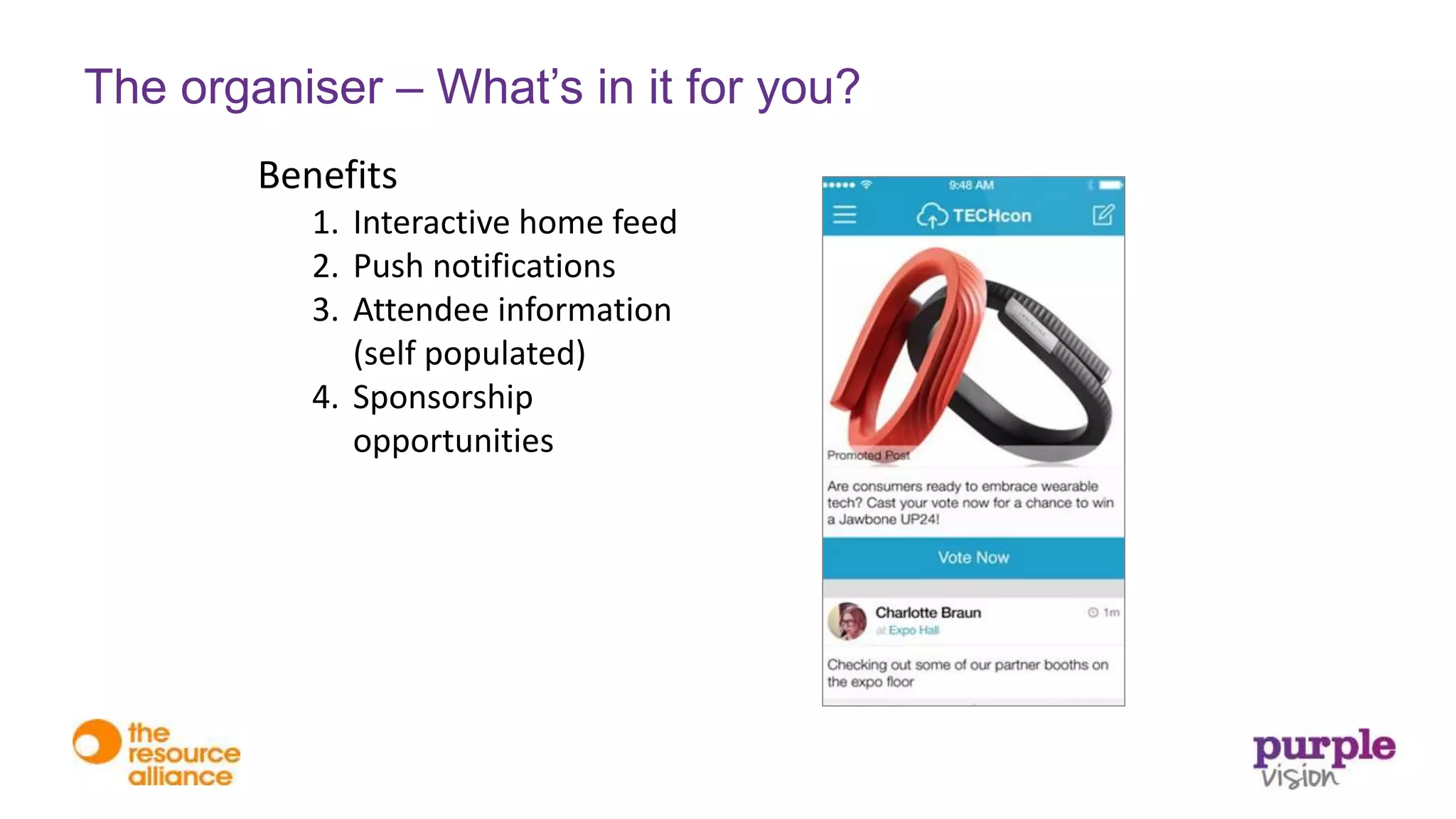
4. Sponsorship
opportunities
The organiser – What’s in it for you?
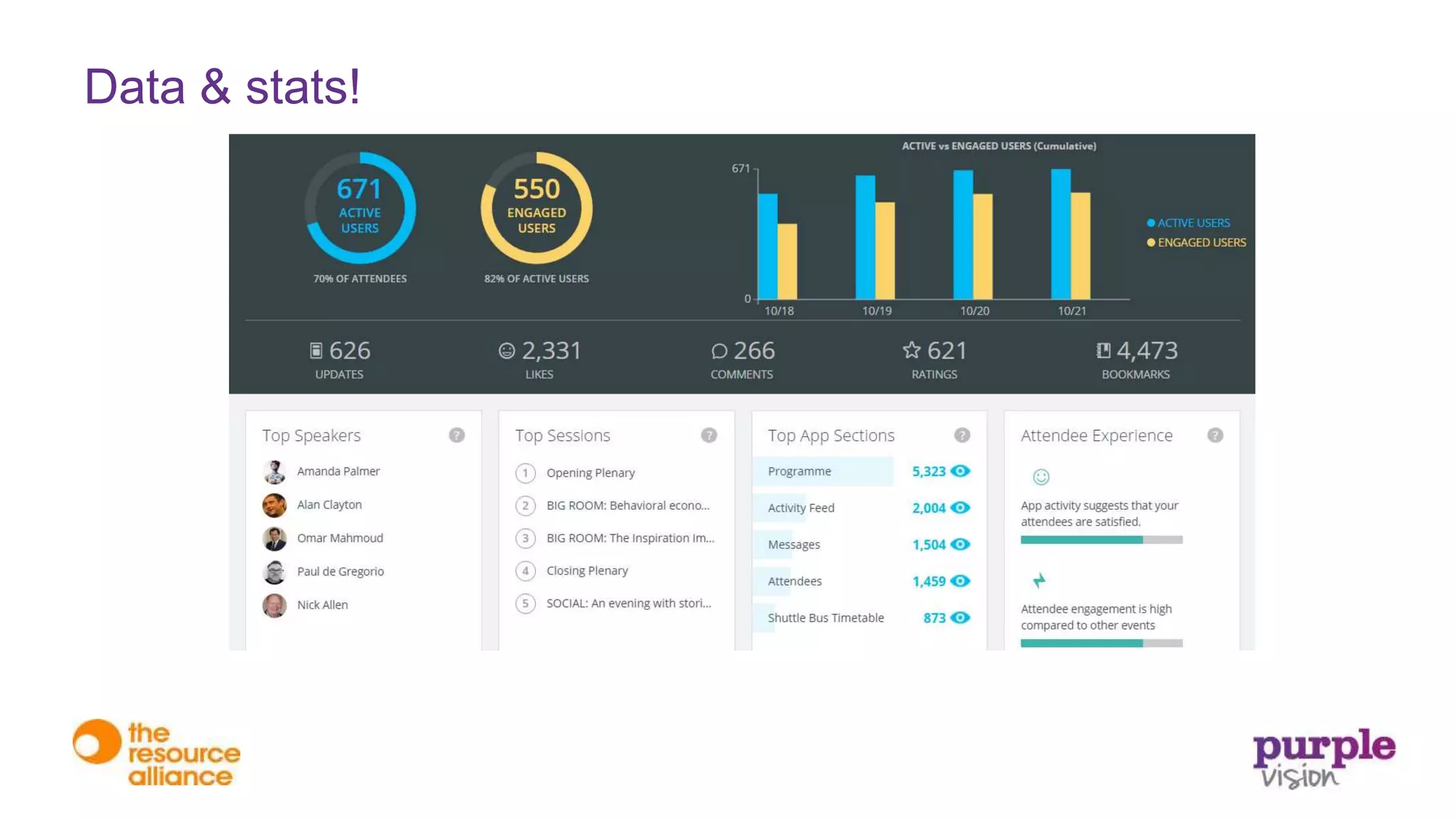
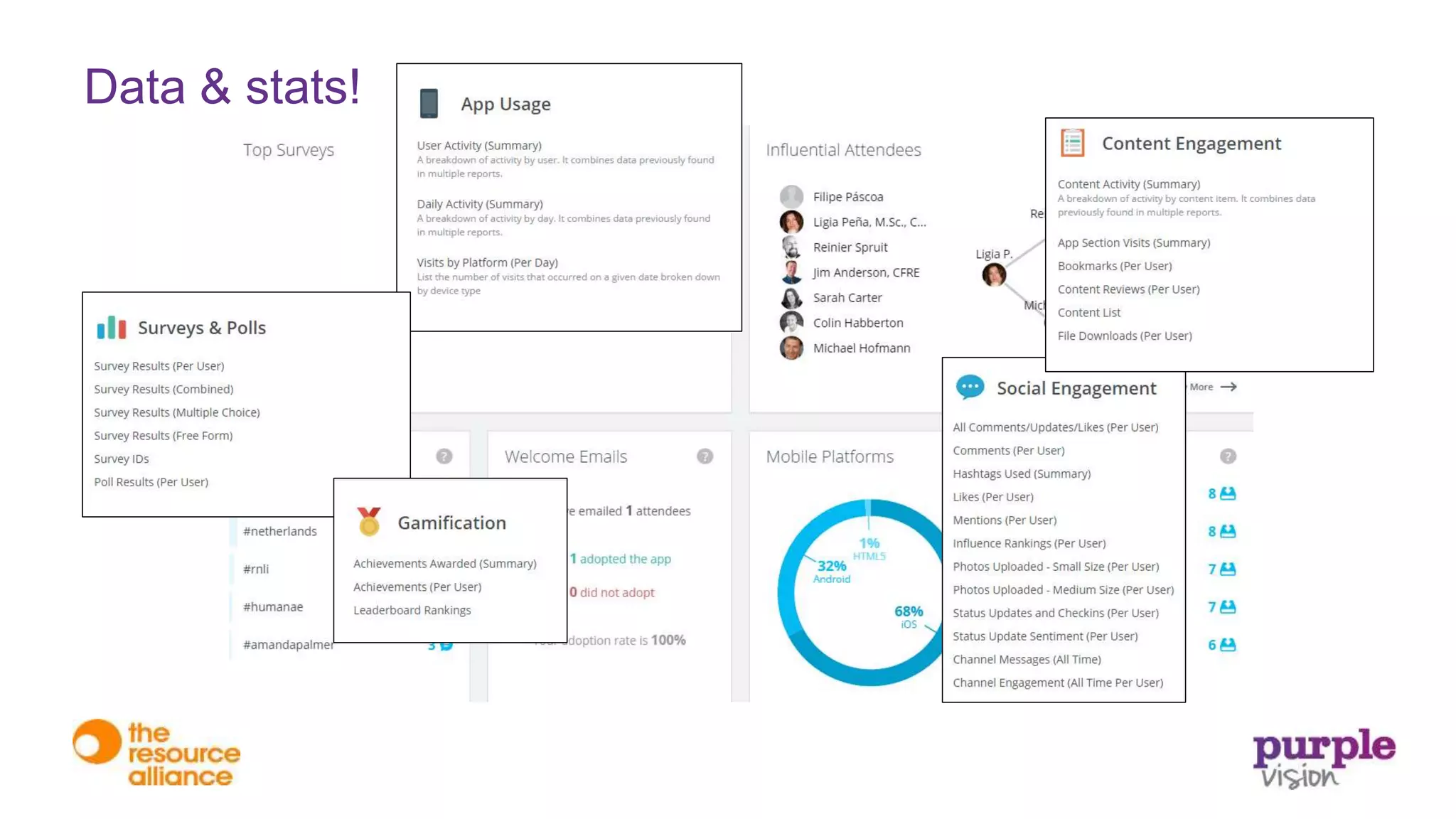
Data & stats!
Data & stats!
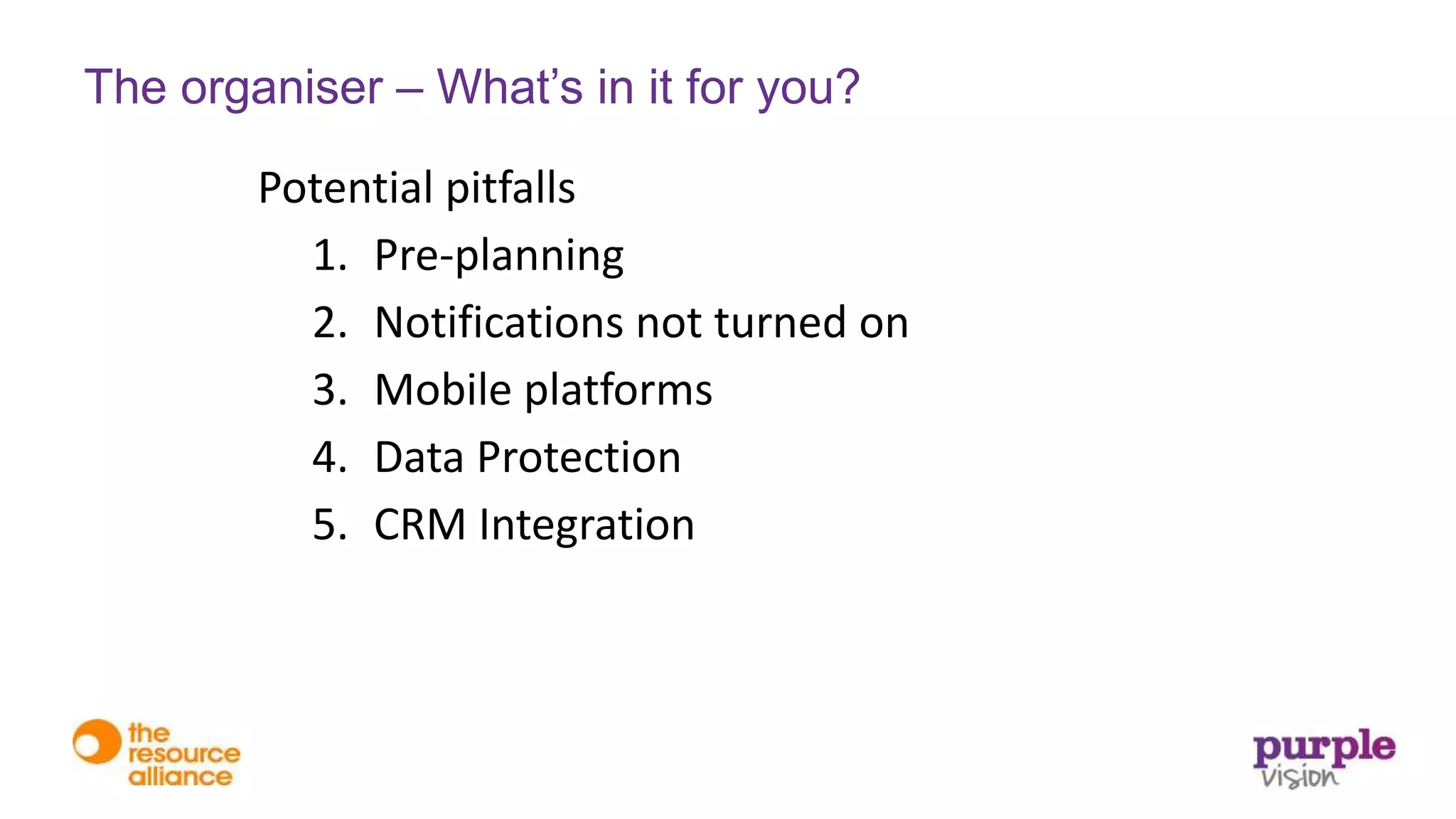
Potential pitfalls
1. Pre-planning
2. Notifications not turned on
3. Mobile platforms
4. Data Protection
5. CRM Integration
The organiser – What’s in it for you?
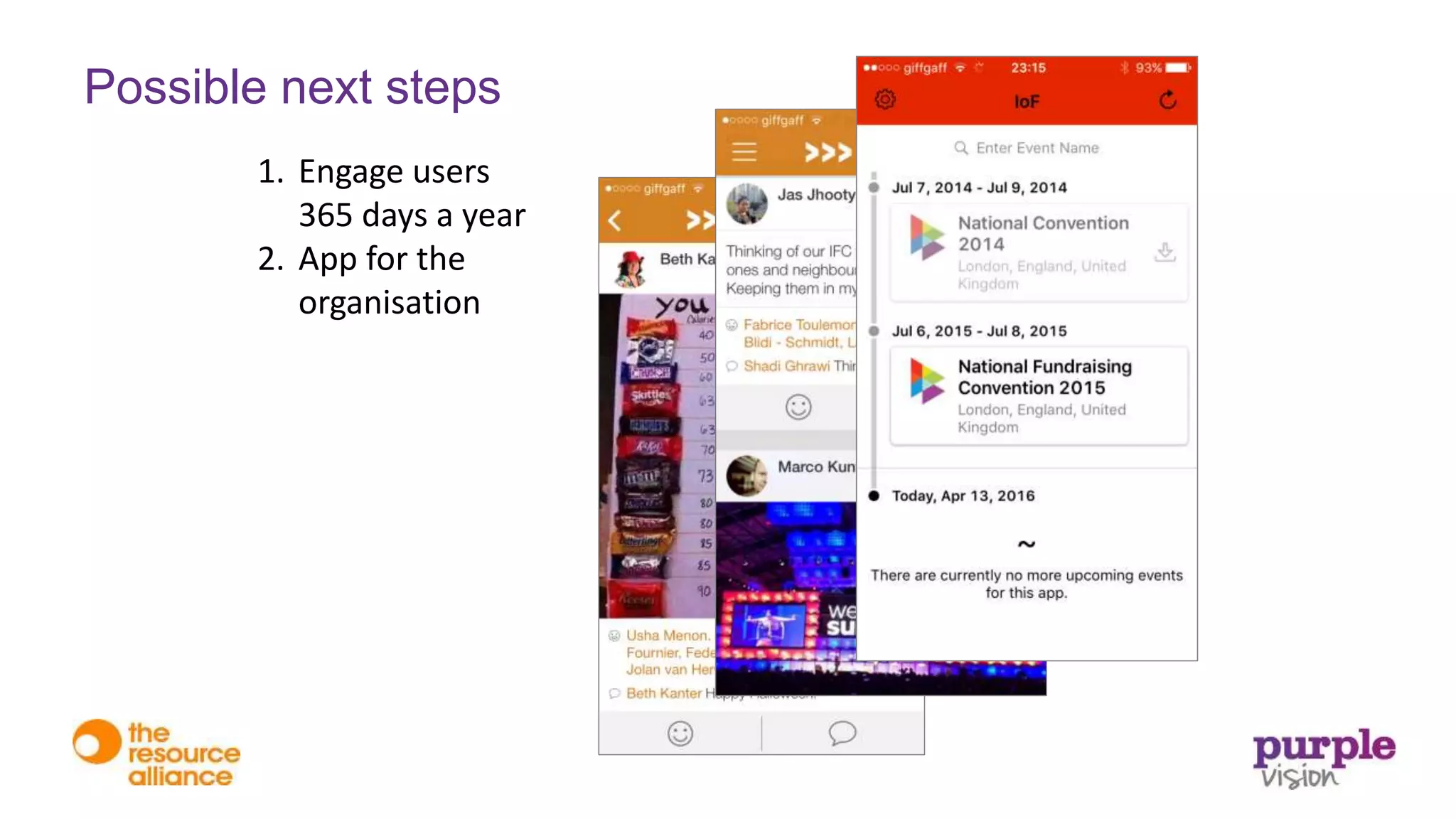
1. Engage users
365 days a year
2. App for the
organisation
Possible next steps
1. Reading
(e.g http://www.eventmanagerblog.com/)
2. Free demos / webinars etc
• http://appssential.com/products/event-journey
• https://eventresources.doubledutch.me
• http://www.crowdcompass.com/uk/resources/cms-app-walkthrough.shtml
• http://www.eventmobi.com/product/demo/
• https://www.quickmobile.com/contact/request-demo
3. Download other event’s Apps
4. Contact developers
Next steps for you?
Any questions?
Steve Thomas
Chief Executive
Purple Vision
@stevethomas393
steve.thomas@purple-vision.com
www.purple-vision.com
James Tennet
Events Manager
Resource Alliance
@jammy10net
james@resource-alliance.org
resource-alliance.org

Ins and Outs of Event Apps - Purple Vision & Resource Alliance

  • 2.
    The Ins andOuts of Event Apps Steve Thomas Chief Executive Purple Vision @stevethomas393 James Tennet Events Manager Resource Alliance @jammy10net
  • 3.
    • Technology –CRM, digital, web, data • Digital – strategy, skills, tech, training • CRM – Salesforce CRM Service Cloud, Marketing Cloud • Database – Integra, Care, Raiser’s Edge, ThankQ, • Data & Analytics – reporting, data, stakeholder journeys About Purple Vision
  • 4.
    Nonprofits of allsizes & focus InternationalProfessional, Membership & Regulatory
  • 9.
  • 10.
  • 11.
  • 13.
    IFC 1000 change makers 500organisations 100 expert speakers 60 countries
  • 14.
    • Engaging membersas directly as possible • Traditional methods – emails, website, social media, blogs etc. – easy to ignore • An App is a specialised, personalised tool in the member’s pocket Reasons to invest
  • 15.
    • The firstchallenge – getting people to download • Download the App to…  see the programme  see who else is attending  start networking Adoption
  • 16.
    • The secondchallenge – getting people to use regularly • Features that work: 1. Networking tool Conversion
  • 17.
    • The secondchallenge – getting people to use • Features that work: 1. Networking tool 2. Personalisable programme Conversion
  • 18.
    • The secondchallenge – getting people to use • Features that work: 1. Networking tool 2. Personalisable programme 3. Sharing Conversion
  • 19.
    • The secondchallenge – getting people to use • Features that work: 1. Networking tool 2. Personalisable programme 3. Sharing 4. Logistical information Conversion
  • 20.
    1. Exhibitors &sponsors Features that need extra work
  • 21.
    1. Exhibitors &sponsors 2. Maps Features that DON’T always work
  • 22.
    1. Exhibitors &sponsors 2. Maps 3. Gamification…. Features that DON’T always work
  • 23.
    Benefits 1. Interactive homefeed The organiser – What’s in it for you?
  • 24.
    Benefits 1. Interactive homefeed 2. Push notifications The organiser – What’s in it for you?
  • 25.
    Benefits 1. Interactive homefeed 2. Push notifications 3. Attendee information (self populated) The organiser – What’s in it for you?
  • 26.
    Benefits 1. Interactive homefeed 2. Push notifications 3. Attendee information (self populated) 4. Sponsorship opportunities The organiser – What’s in it for you?
  • 27.
  • 28.
  • 29.
    Potential pitfalls 1. Pre-planning 2.Notifications not turned on 3. Mobile platforms 4. Data Protection 5. CRM Integration The organiser – What’s in it for you?
  • 31.
    1. Engage users 365days a year 2. App for the organisation Possible next steps
  • 32.
    1. Reading (e.g http://www.eventmanagerblog.com/) 2.Free demos / webinars etc • http://appssential.com/products/event-journey • https://eventresources.doubledutch.me • http://www.crowdcompass.com/uk/resources/cms-app-walkthrough.shtml • http://www.eventmobi.com/product/demo/ • https://www.quickmobile.com/contact/request-demo 3. Download other event’s Apps 4. Contact developers Next steps for you?
  • 33.
    Any questions? Steve Thomas ChiefExecutive Purple Vision @stevethomas393 steve.thomas@purple-vision.com www.purple-vision.com James Tennet Events Manager Resource Alliance @jammy10net james@resource-alliance.org resource-alliance.org