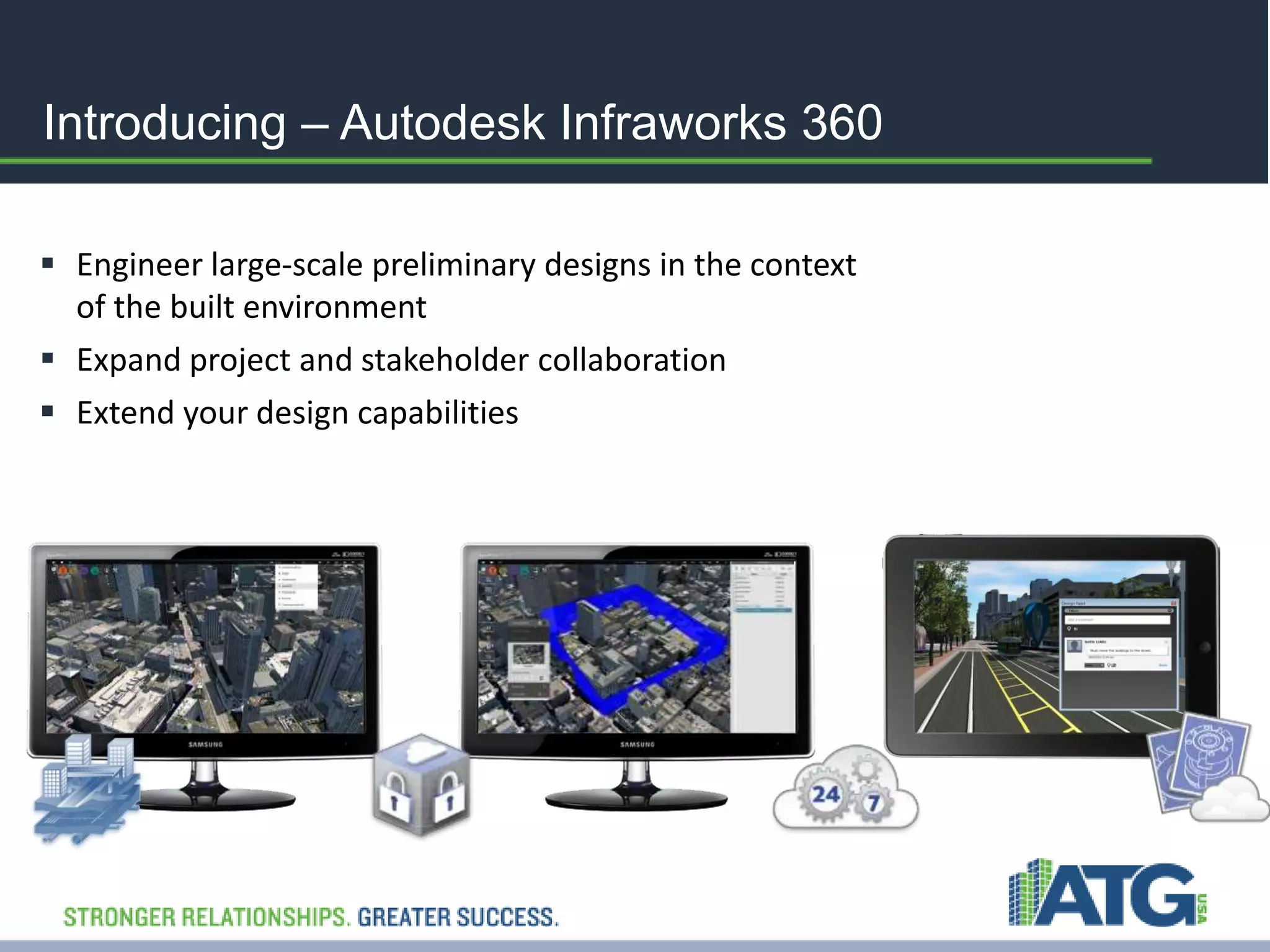
Introducing – Autodesk Infraworks 360 
 Engineer large-scale preliminary designs in the context 
of the built environment 
 Expand project and stakeholder collaboration 
 Extend your design capabilities
Today’s Business Challenges 
• Strong competition 
• Inefficient and fragmented workflows 
• Gaining commitment from stakeholders 
How do you overcome these 
challenges?
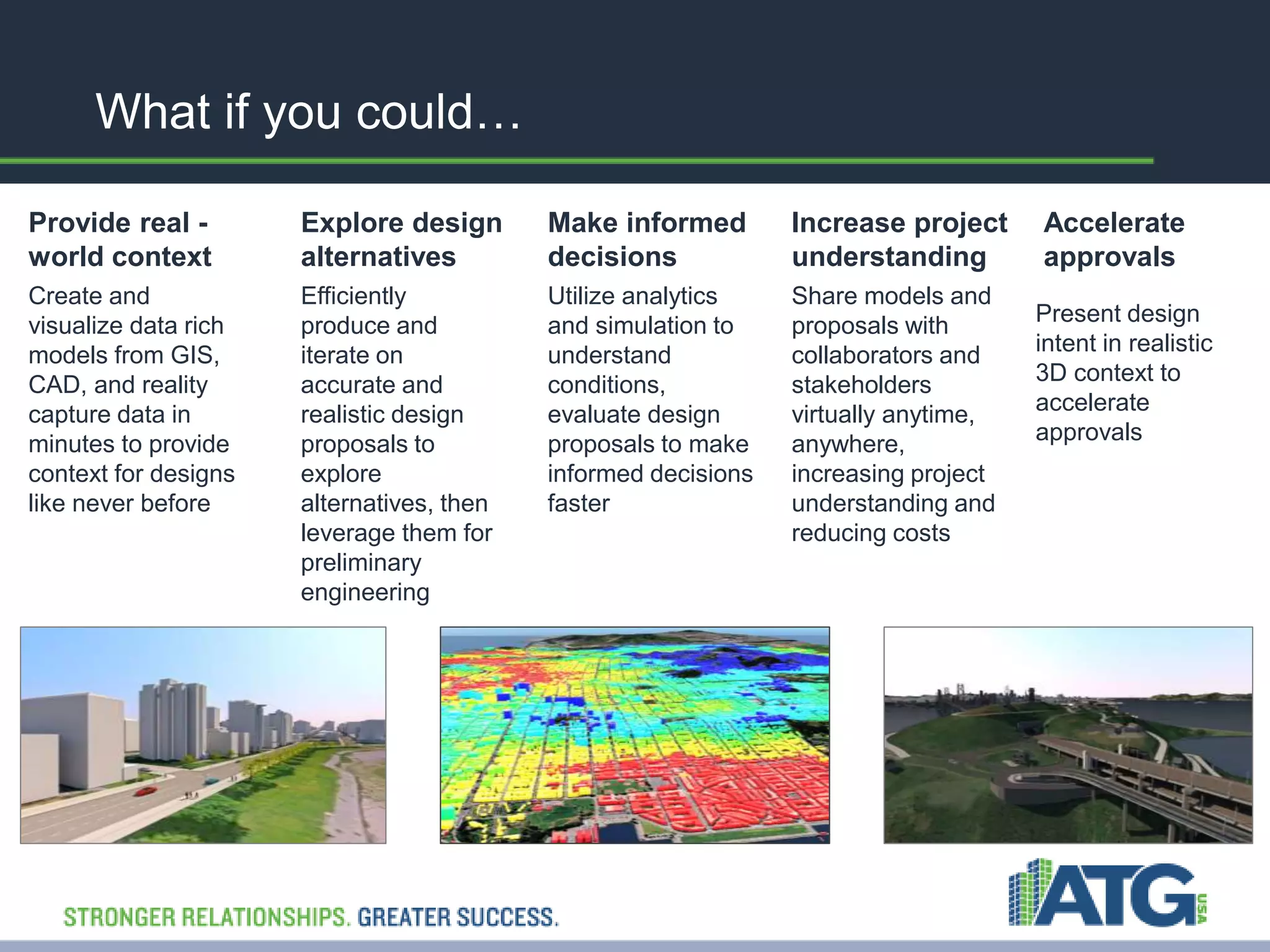
What if you could… 
Provide real - 
world context 
Create and 
visualize data rich 
models from GIS, 
CAD, and reality 
capture data in 
minutes to provide 
context for designs 
like never before 
Explore design 
alternatives 
Efficiently 
produce and 
iterate on 
accurate and 
realistic design 
proposals to 
explore 
alternatives, then 
leverage them for 
preliminary 
engineering 
Make informed 
decisions 
Utilize analytics 
and simulation to 
understand 
conditions, 
evaluate design 
proposals to make 
informed decisions 
faster 
Increase project 
understanding 
Share models and 
proposals with 
collaborators and 
stakeholders 
virtually anytime, 
anywhere, 
increasing project 
understanding and 
reducing costs 
Accelerate 
approvals 
Present design 
intent in realistic 
3D context to 
accelerate 
approvals
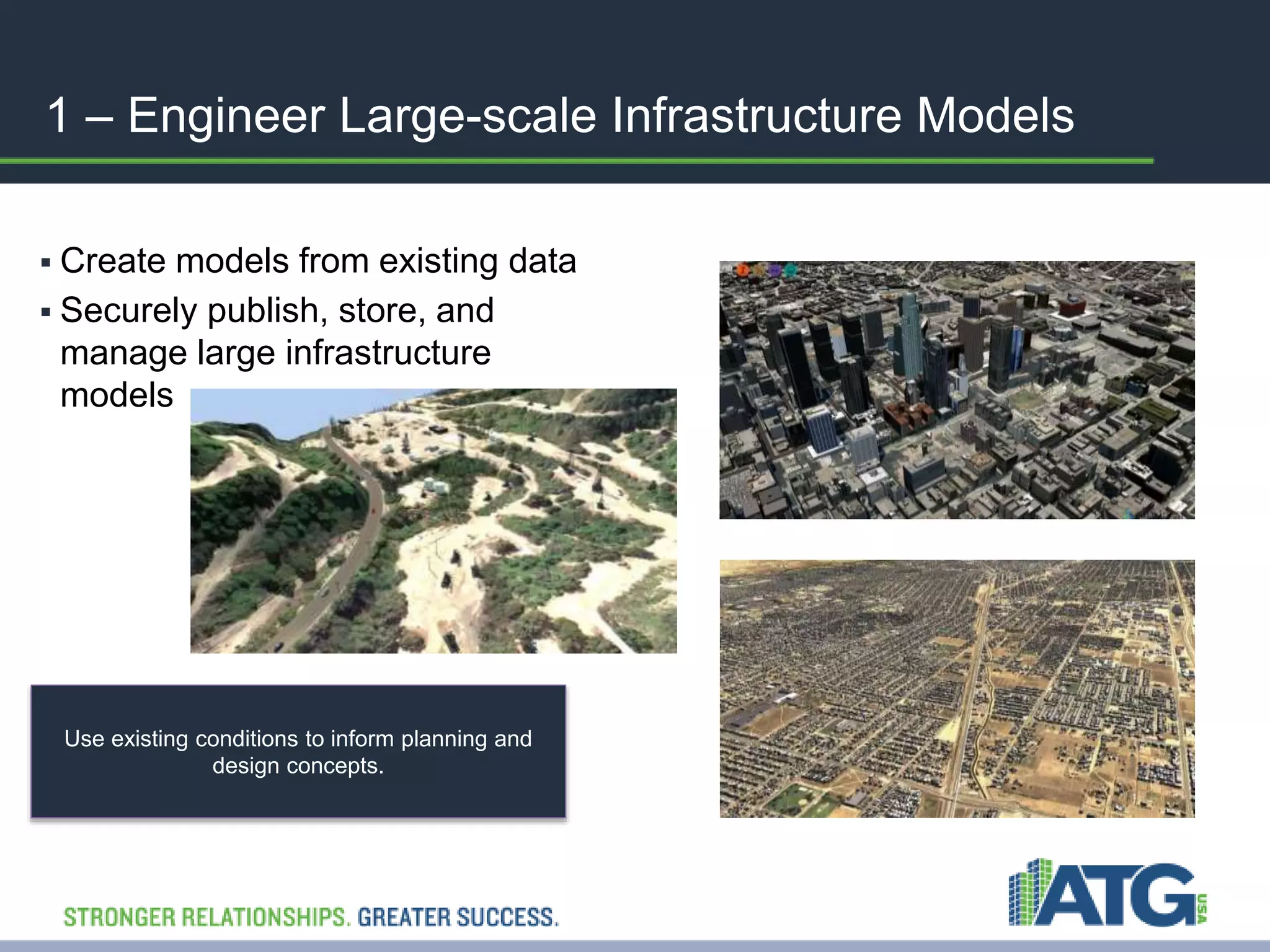
1 – Engineer Large-scale Infrastructure Models 
 Create models from existing data 
 Securely publish, store, and 
manage large infrastructure 
models 
Use existing conditions to inform planning and 
design concepts.
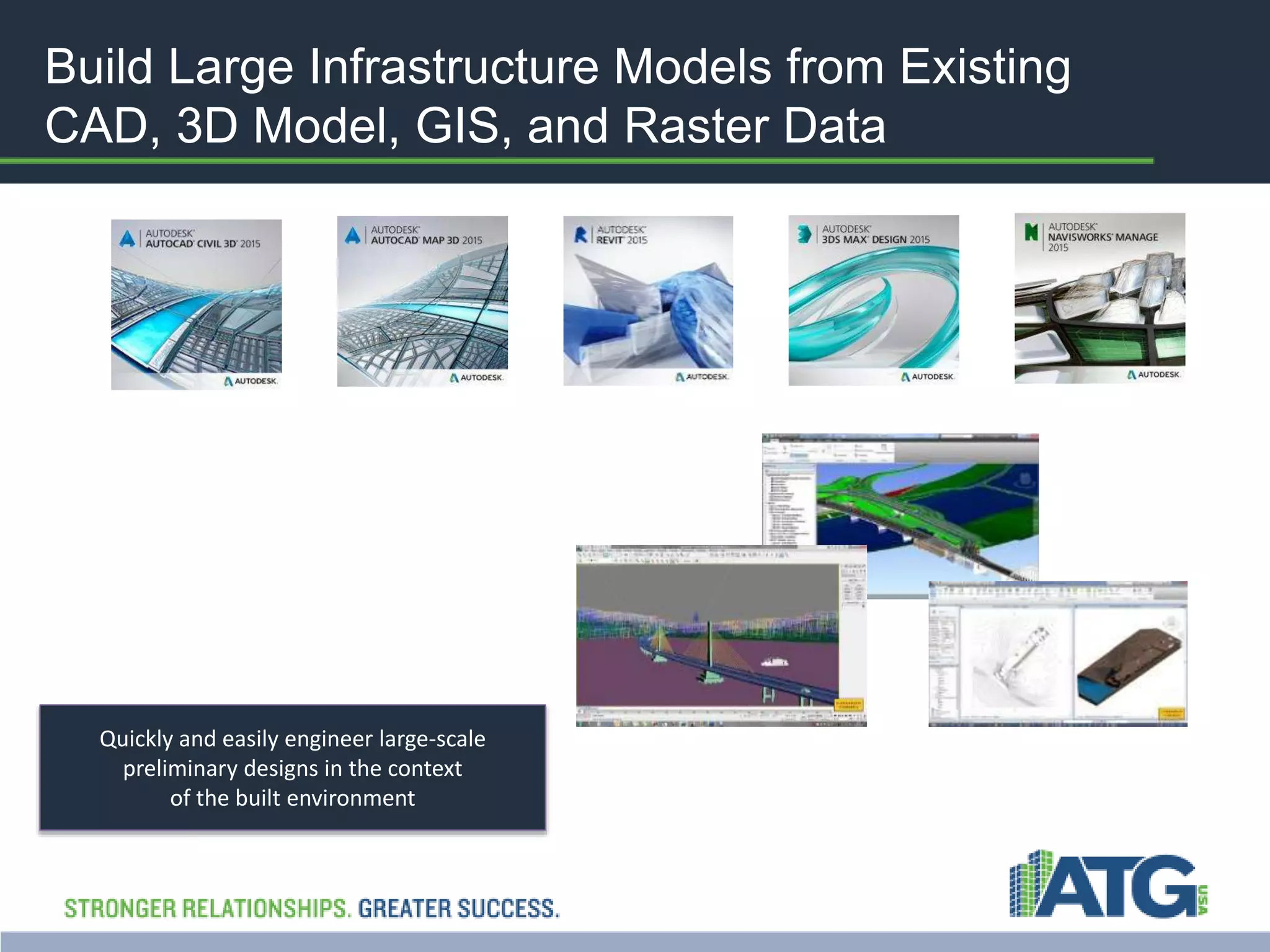
Build Large Infrastructure Models from Existing 
CAD, 3D Model, GIS, and Raster Data 
Quickly and easily engineer large-scale 
preliminary designs in the context 
of the built environment
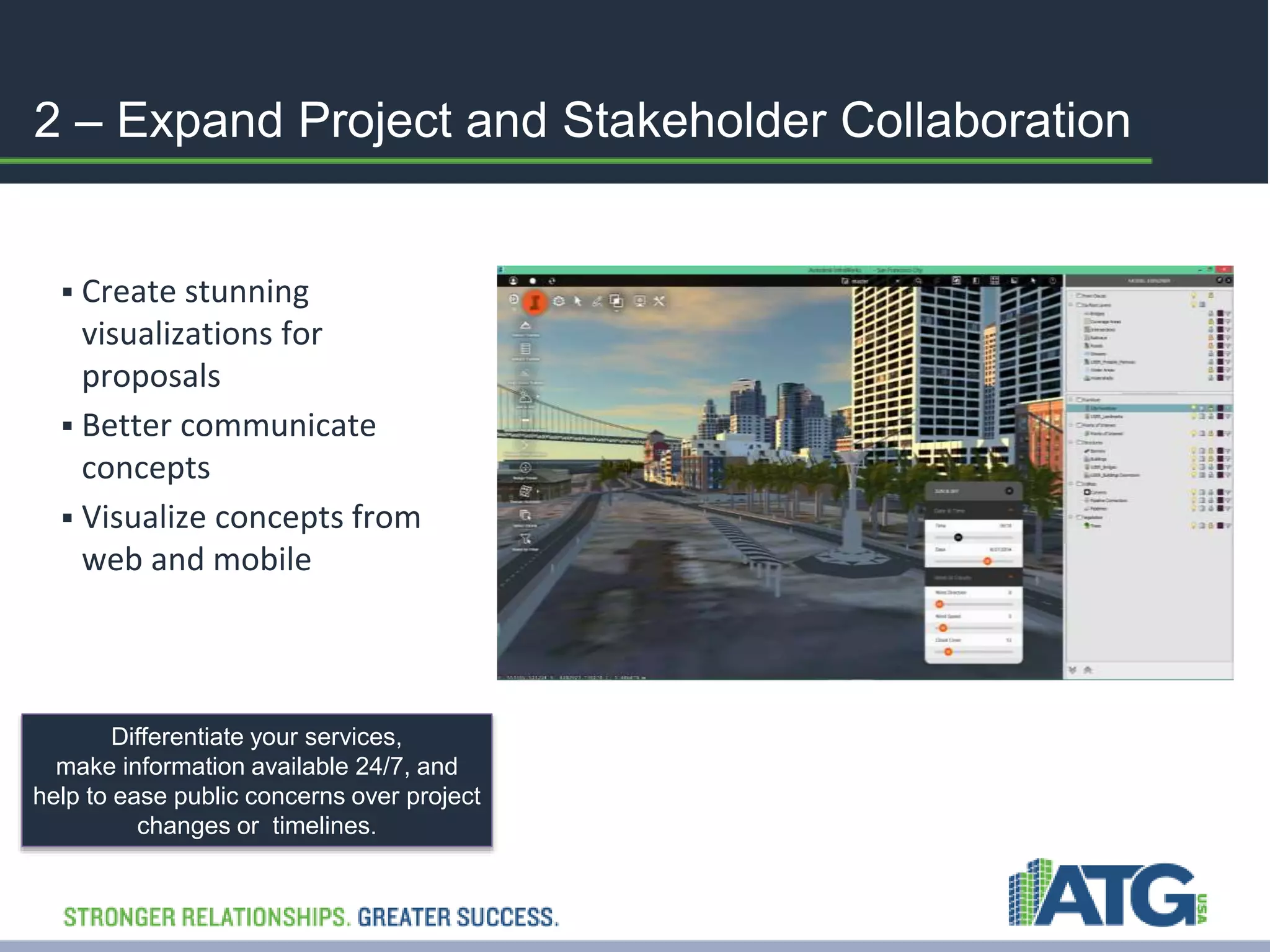
2 – Expand Project and Stakeholder Collaboration 
 Create stunning 
visualizations for 
proposals 
 Better communicate 
concepts 
 Visualize concepts from 
web and mobile 
Differentiate your services, 
make information available 24/7, and 
help to ease public concerns over project 
changes or timelines.
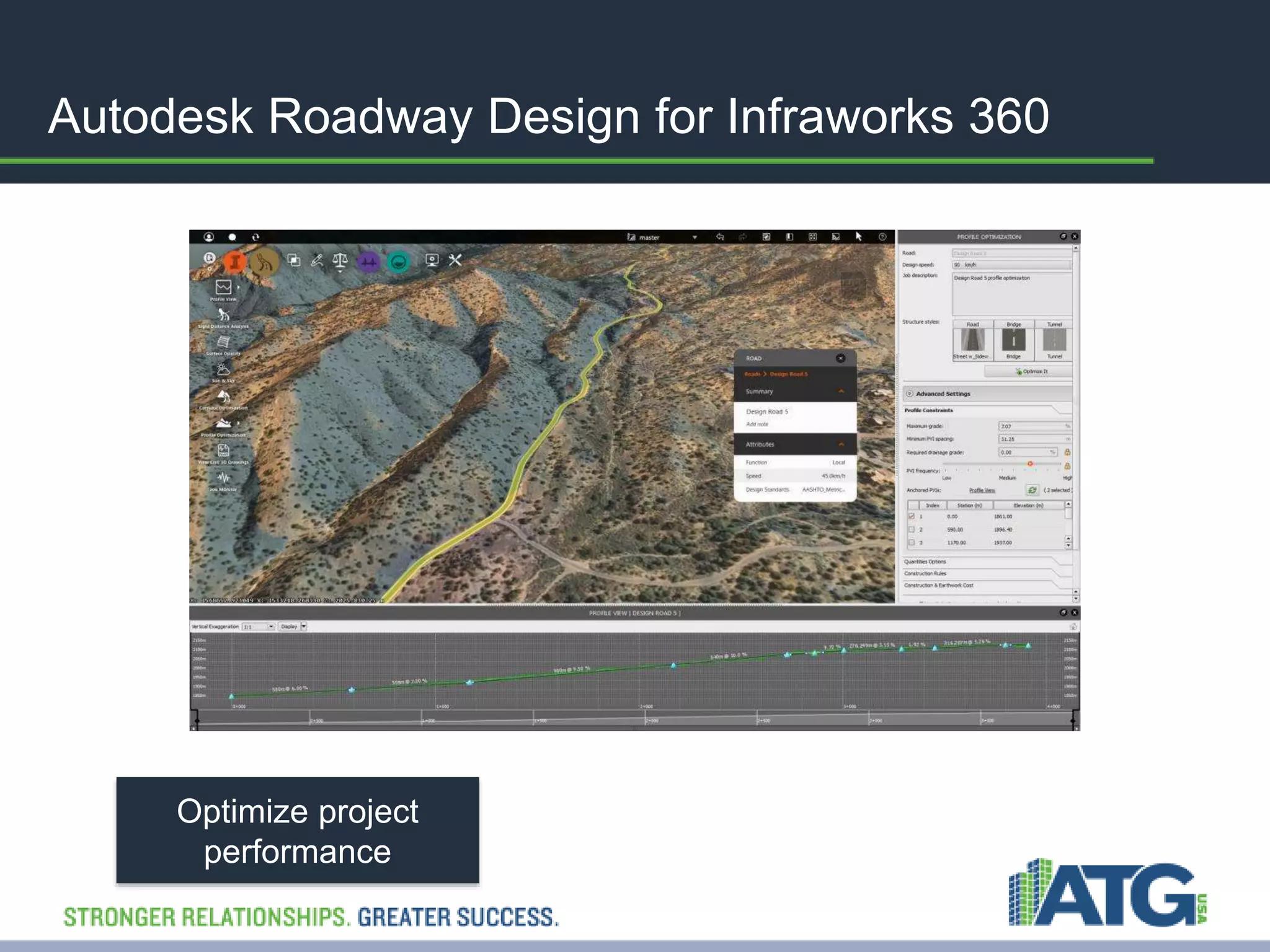
Autodesk Roadway Design for Infraworks 360 
Optimize project 
performance
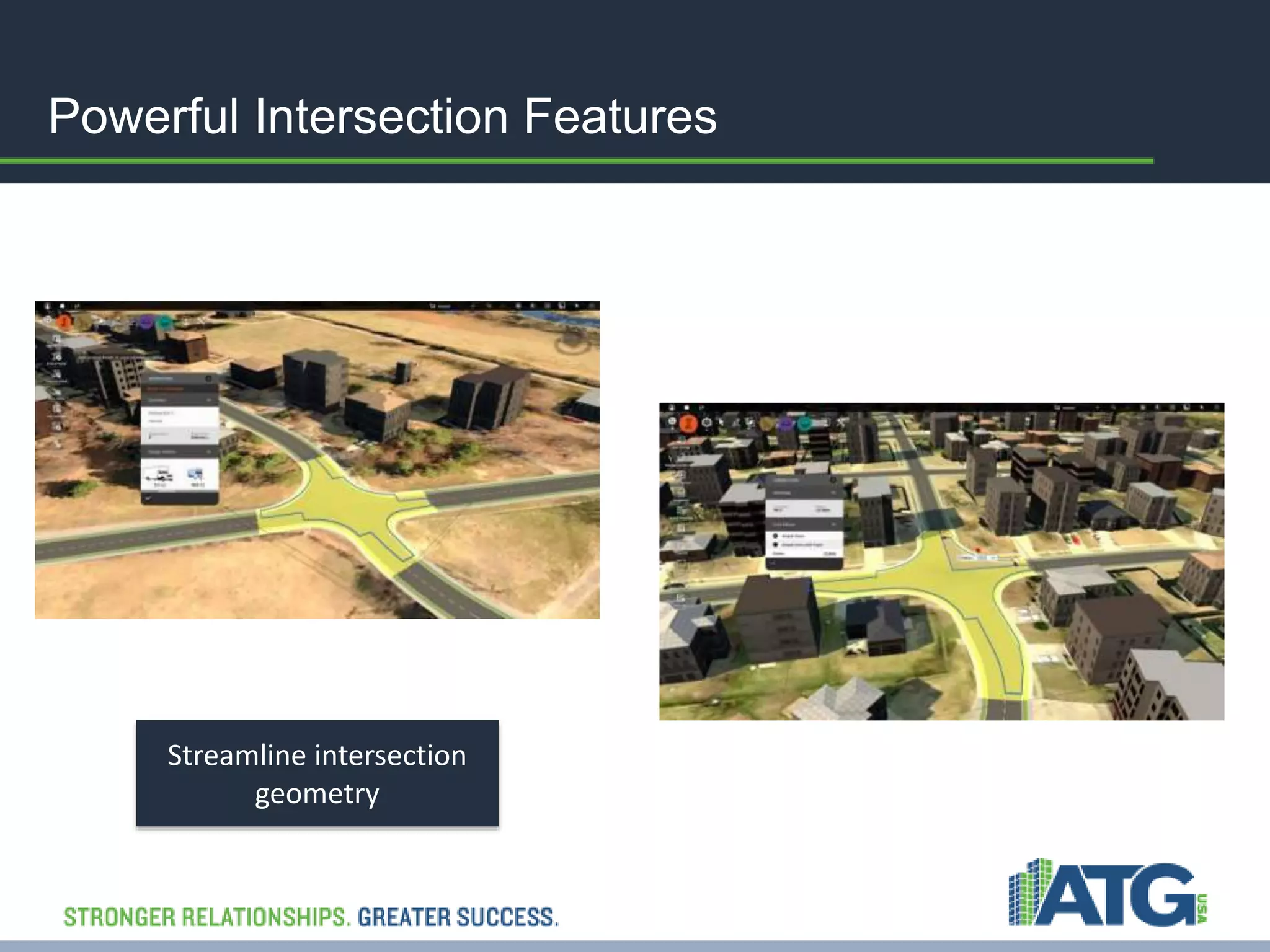
Powerful Intersection Features 
Streamline intersection 
geometry
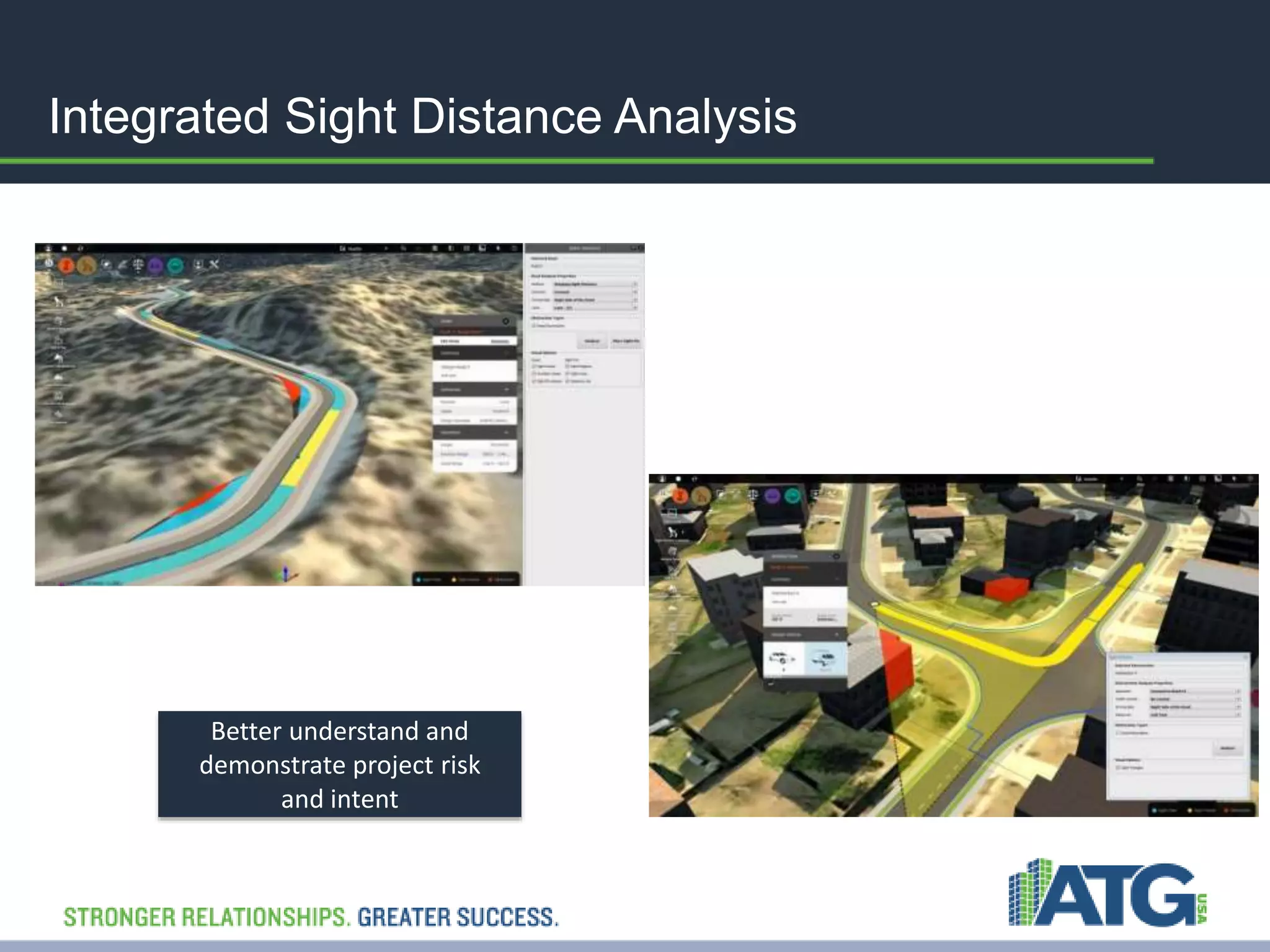
Integrated Sight Distance Analysis 
Better understand and 
demonstrate project risk 
and intent
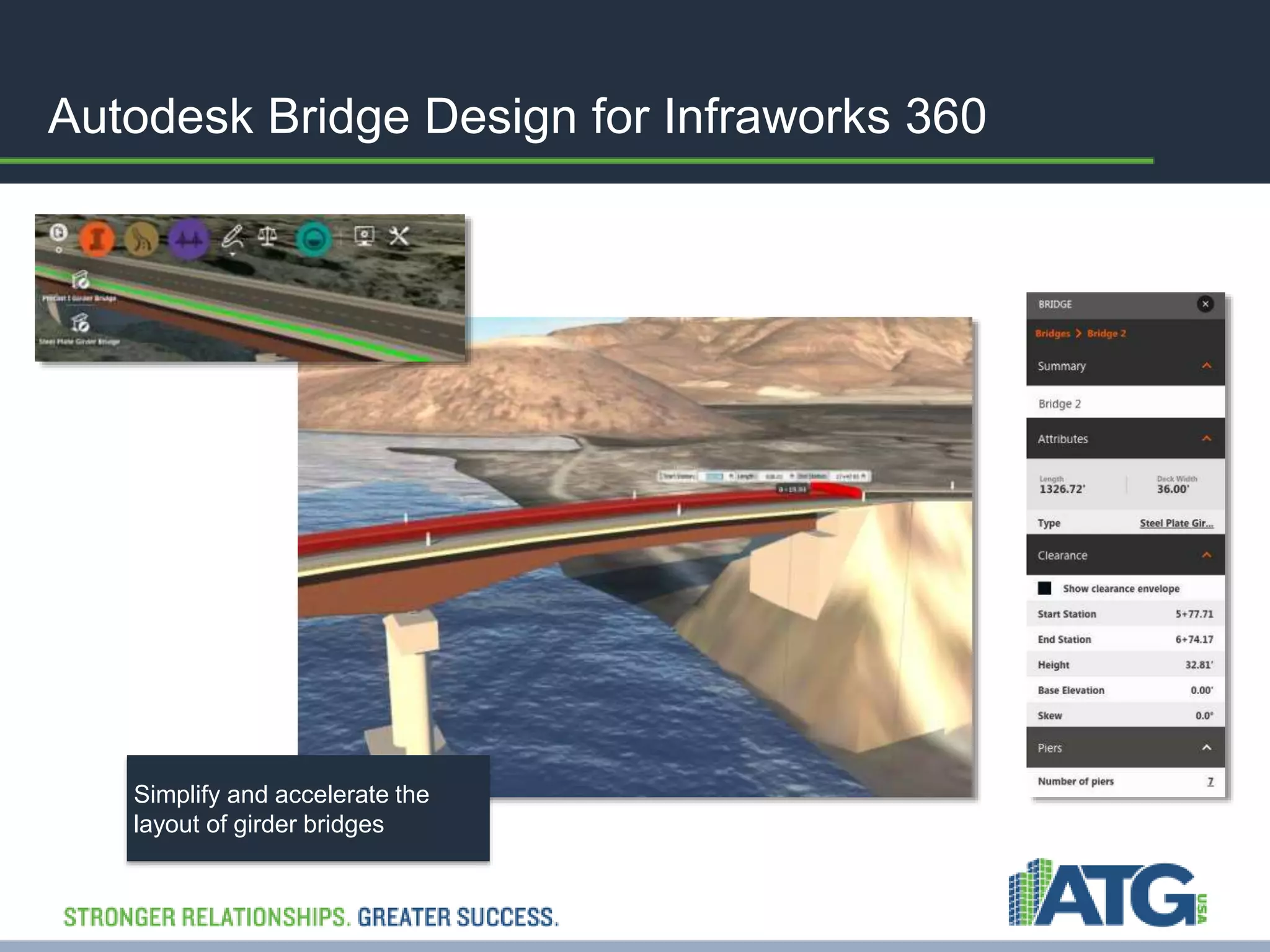
Autodesk Bridge Design for Infraworks 360 
Simplify and accelerate the 
layout of girder bridges
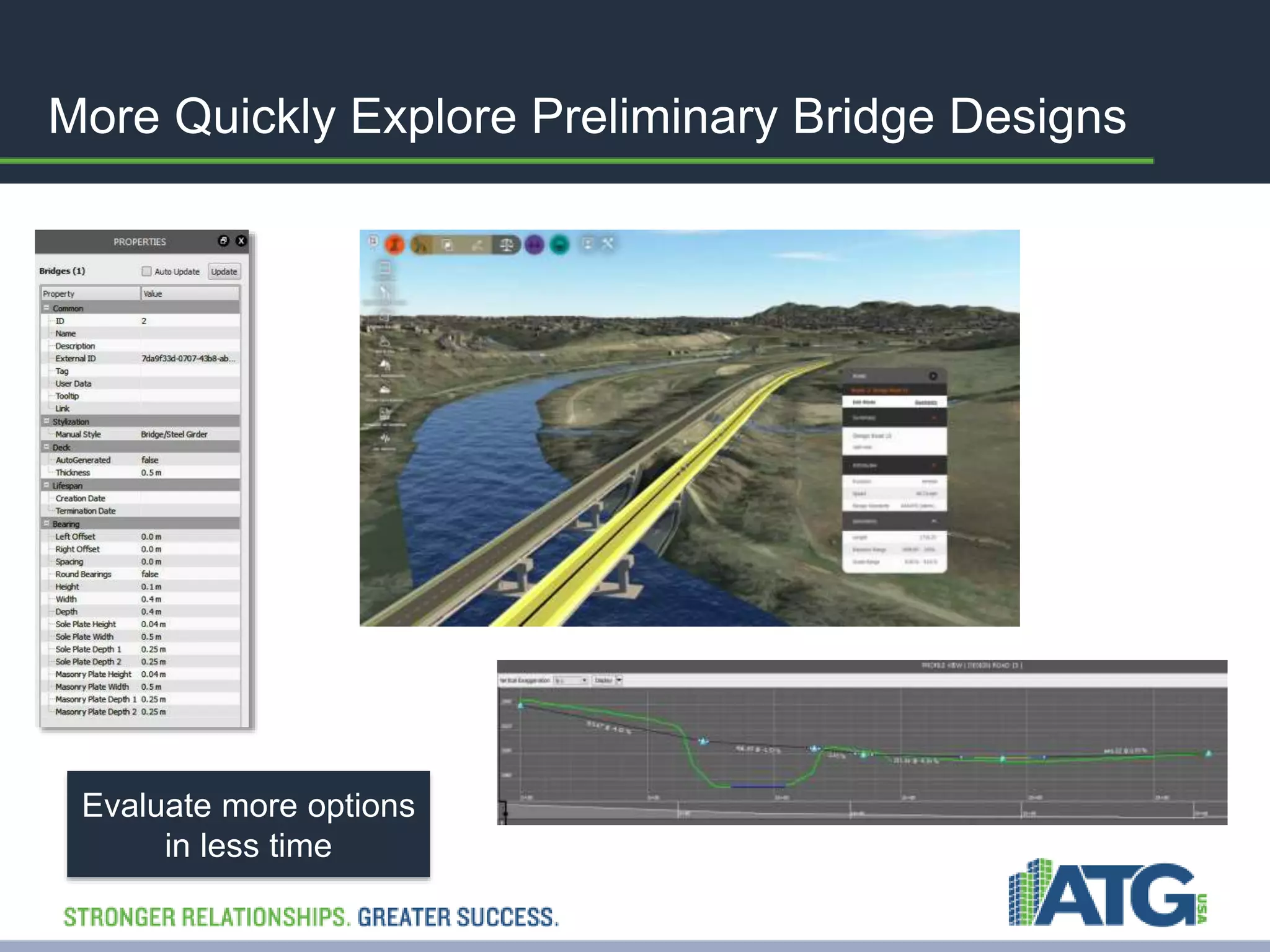
More Quickly Explore Preliminary Bridge Designs 
Evaluate more options 
in less time
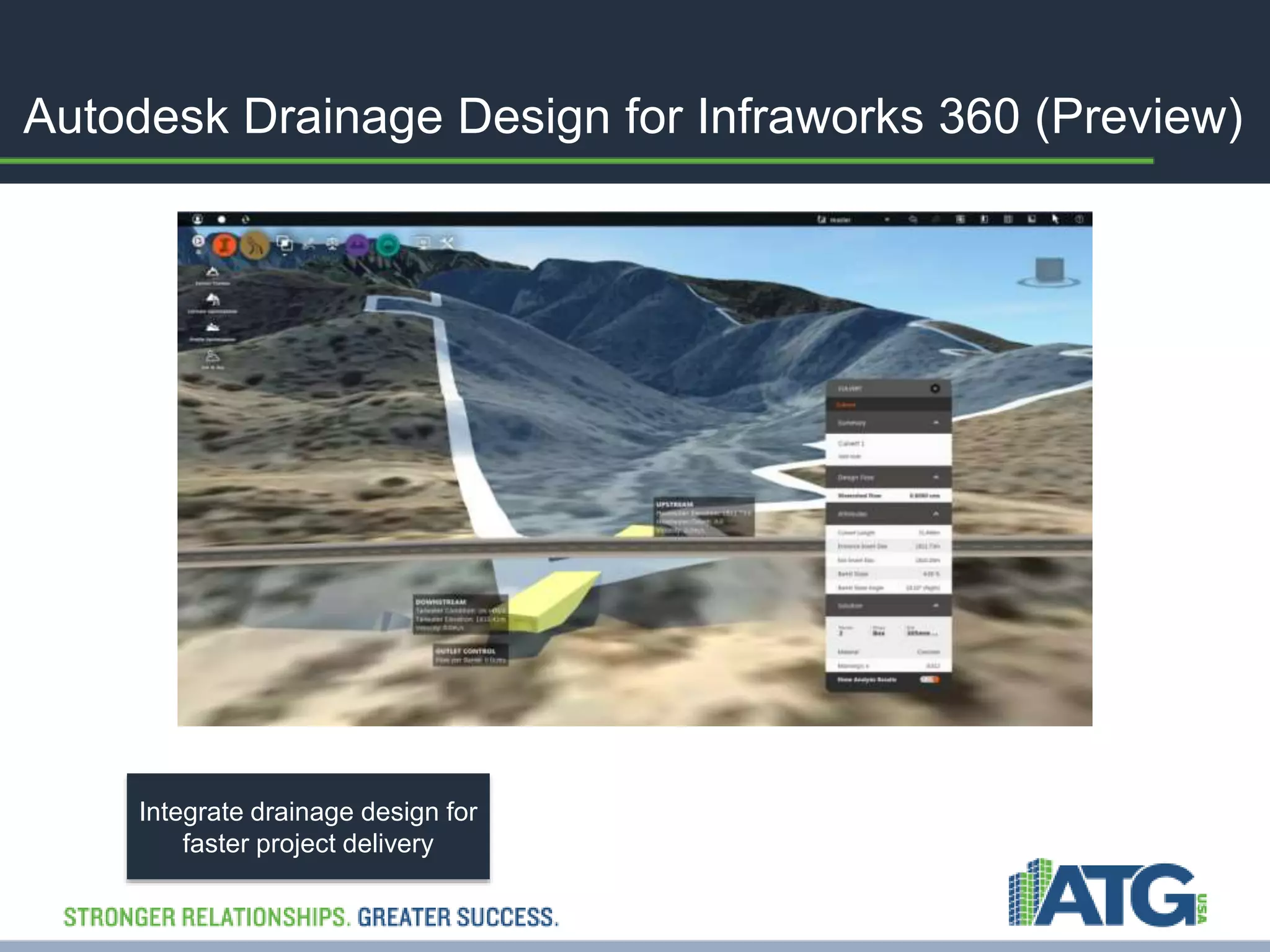
Autodesk Drainage Design for Infraworks 360 (Preview) 
Integrate drainage design for 
faster project delivery
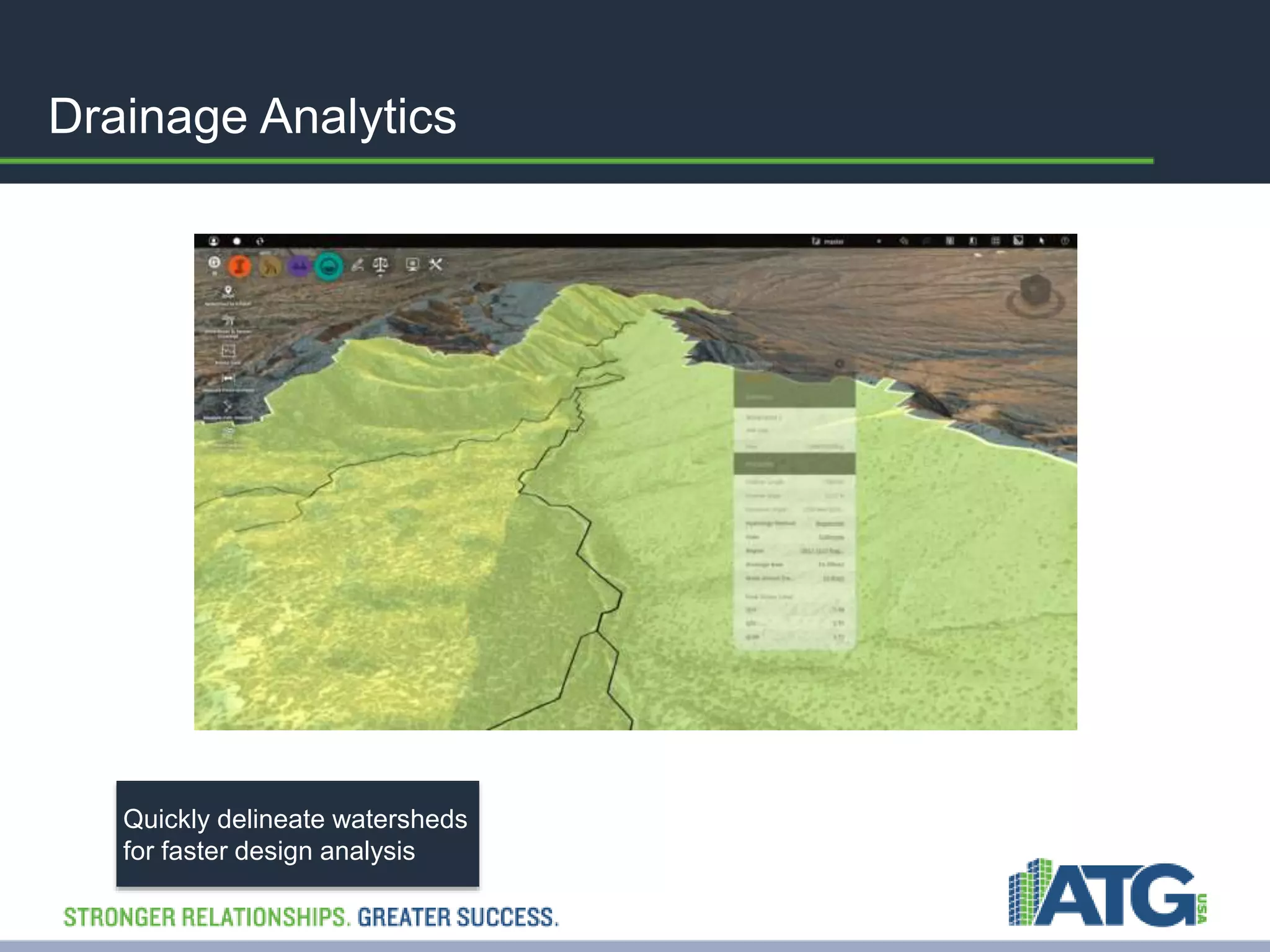
Drainage Analytics 
Quickly delineate watersheds 
for faster design analysis
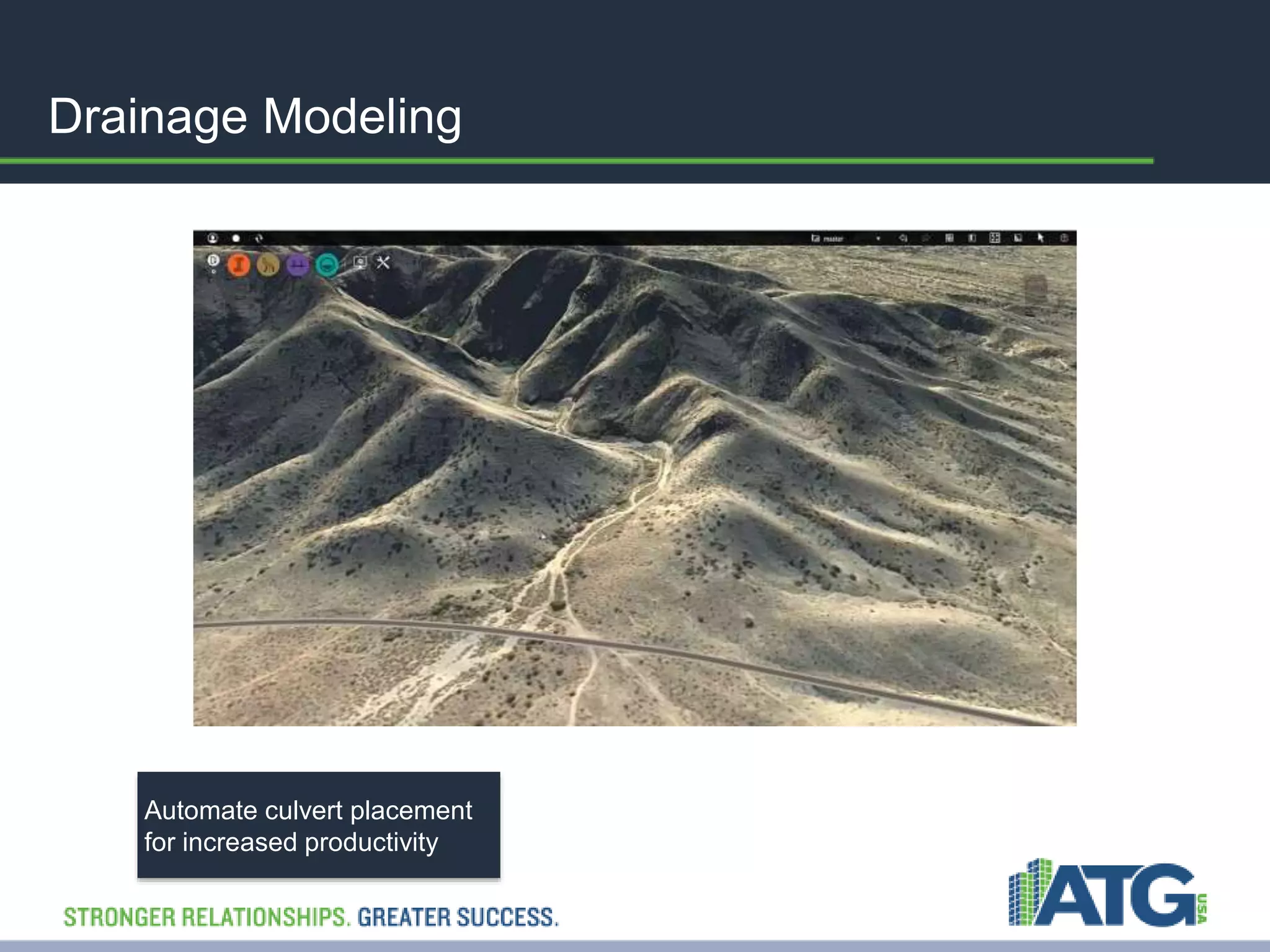
Drainage Modeling 
Automate culvert placement 
for increased productivity
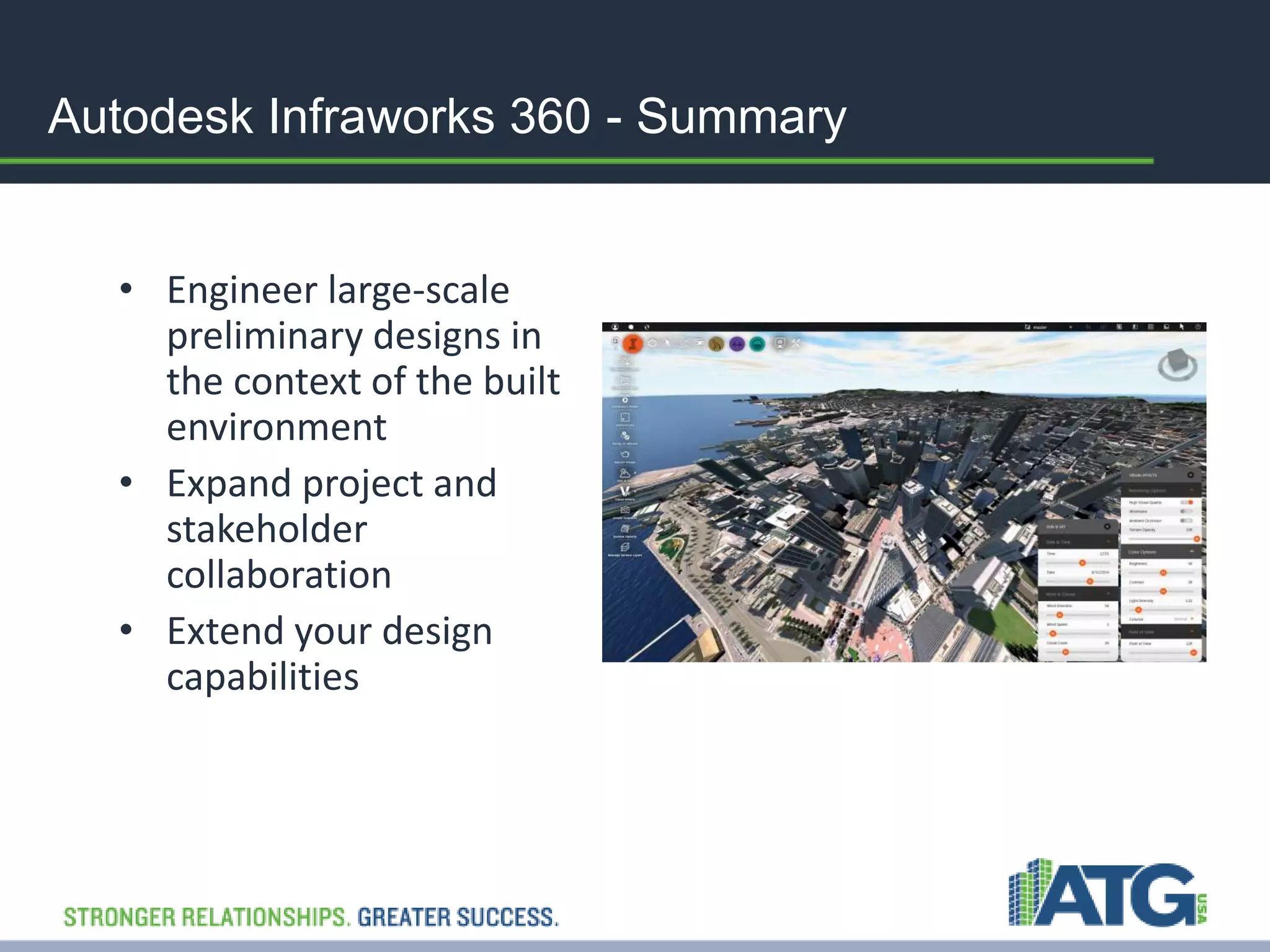
Autodesk Infraworks 360 - Summary 
• Engineer large-scale 
preliminary designs in 
the context of the built 
environment 
• Expand project and 
stakeholder 
collaboration 
• Extend your design 
capabilities
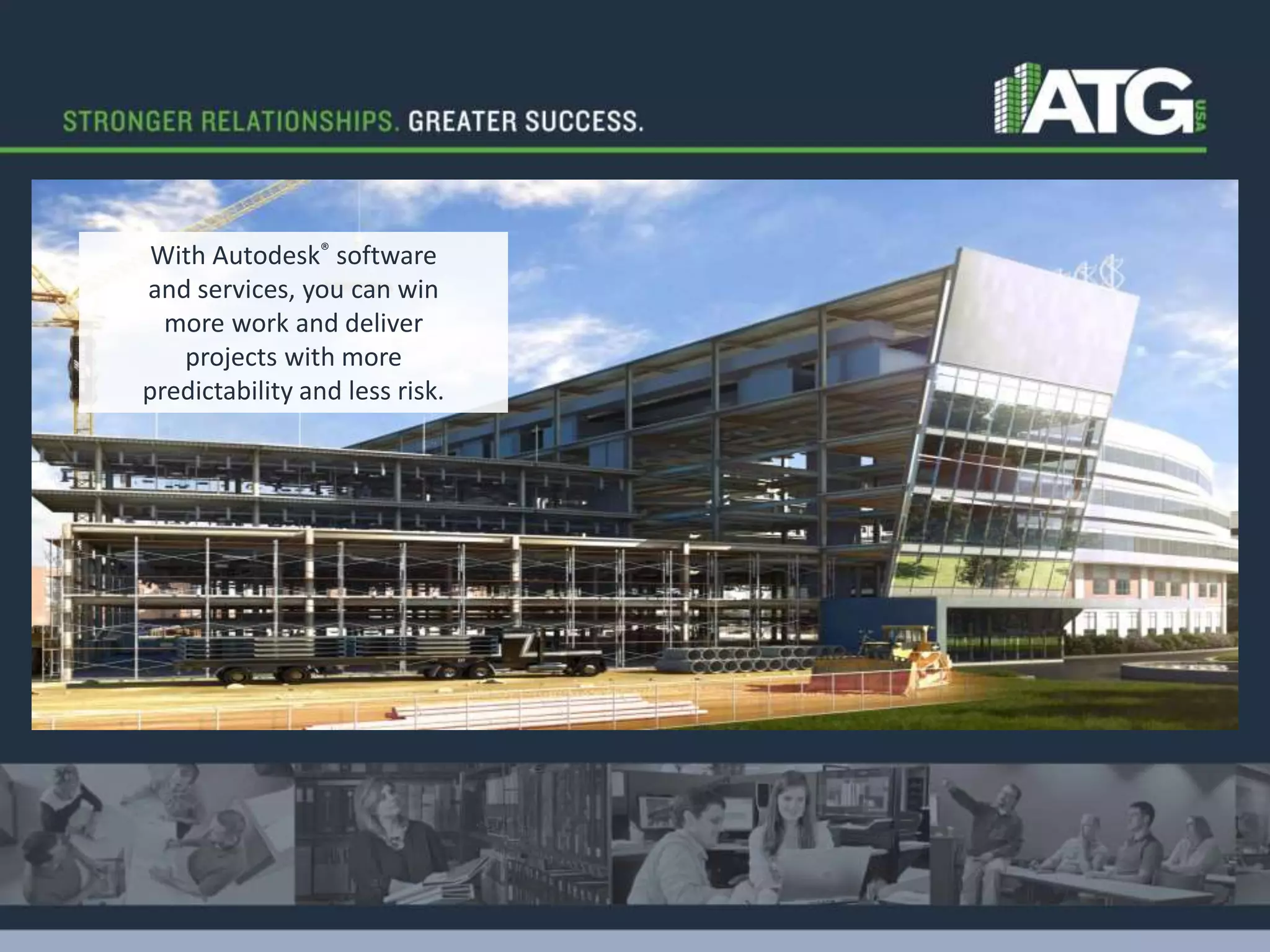
With Autodesk® software 
and services, you can win 
more work and deliver 
projects with more 
predictability and less risk.

Infraworks360 Overview

  • 1.
    Introducing – AutodeskInfraworks 360  Engineer large-scale preliminary designs in the context of the built environment  Expand project and stakeholder collaboration  Extend your design capabilities
  • 2.
    Today’s Business Challenges • Strong competition • Inefficient and fragmented workflows • Gaining commitment from stakeholders How do you overcome these challenges?
  • 3.
    What if youcould… Provide real - world context Create and visualize data rich models from GIS, CAD, and reality capture data in minutes to provide context for designs like never before Explore design alternatives Efficiently produce and iterate on accurate and realistic design proposals to explore alternatives, then leverage them for preliminary engineering Make informed decisions Utilize analytics and simulation to understand conditions, evaluate design proposals to make informed decisions faster Increase project understanding Share models and proposals with collaborators and stakeholders virtually anytime, anywhere, increasing project understanding and reducing costs Accelerate approvals Present design intent in realistic 3D context to accelerate approvals
  • 4.
    1 – EngineerLarge-scale Infrastructure Models  Create models from existing data  Securely publish, store, and manage large infrastructure models Use existing conditions to inform planning and design concepts.
  • 5.
    Build Large InfrastructureModels from Existing CAD, 3D Model, GIS, and Raster Data Quickly and easily engineer large-scale preliminary designs in the context of the built environment
  • 6.
    2 – ExpandProject and Stakeholder Collaboration  Create stunning visualizations for proposals  Better communicate concepts  Visualize concepts from web and mobile Differentiate your services, make information available 24/7, and help to ease public concerns over project changes or timelines.
  • 7.
    Autodesk Roadway Designfor Infraworks 360 Optimize project performance
  • 8.
    Powerful Intersection Features Streamline intersection geometry
  • 9.
    Integrated Sight DistanceAnalysis Better understand and demonstrate project risk and intent
  • 10.
    Autodesk Bridge Designfor Infraworks 360 Simplify and accelerate the layout of girder bridges
  • 11.
    More Quickly ExplorePreliminary Bridge Designs Evaluate more options in less time
  • 12.
    Autodesk Drainage Designfor Infraworks 360 (Preview) Integrate drainage design for faster project delivery
  • 13.
    Drainage Analytics Quicklydelineate watersheds for faster design analysis
  • 14.
    Drainage Modeling Automateculvert placement for increased productivity
  • 15.
    Autodesk Infraworks 360- Summary • Engineer large-scale preliminary designs in the context of the built environment • Expand project and stakeholder collaboration • Extend your design capabilities
  • 16.
    With Autodesk® software and services, you can win more work and deliver projects with more predictability and less risk.

Editor's Notes

  • #2 Autodesk® InfraWorks 360™ software expands Building information Modeling (BIM) workflows by enabling infrastructure and building professionals to go beyond basic model creation, sketching, and visualization to engineering, collaboration, and analysis. More quickly and easily engineer large-scale preliminary designs in the context of the built environment using a single model that can contain significant amounts of data from a wide range of sources. Advance and accelerate project development by creating and sharing scenarios and project proposals using a more secure, reliable cloud service that allows for additional viewing and editing across disciplines, offices, and stakeholders. Extend your design capabilities with the ability to access specialized tools for roadway, drainage, and bridge design.
  • #3 There are several business challenges we often hear about and they primarily focus on winning new business, and increasing efficiency and productivity. Here is what we have learned: In an economy where they are fewer projects and tighter budget constraints winning new business requires that you standout from your competition. How do you differentiate what you can offer your prospects and existing clients? Companies are concerned with the money they often lose as they try to capture new business. It can be expensive to create multiple alternatives for a new client and to demonstrate that you understand what the customer is asking for. And for the projects they are already working on businesses see inefficiencies throughout the lifecycle of the project that hurt their productivity. Whether it is time spent on finding and incorporating the data they need to build the model, or the costs of change orders- they see areas for improvement. Communicating with project team members, and external, often non-technical stakeholders presents its own set of challenges. When someone doesn’t understand the design intent a great deal of time is wasted getting to yes. Do these business challenges sound familiar to you? What are you trying to improve?
  • #4 What if you could solve those business challenges with the ability to: Create your models in the context of today’s environment. Quickly and easily explore multiple design alternatives to ensure you are making the right choice. Give your client options to choose from with the ability to re-use the chosen design in the preliminary engineering phase. Make smarter decisions about how your model will perform using analytics and simulations that don’t send your projects over budget. Share designs with internal and external stakeholders, even the non-technical ones, in easy to understand models that ultimately help accelerate the approval process. Your stakeholder would no longer have to ask how your design would look in real life, because you could show them.
  • #5 Preliminary design and engineering is an important, often forgotten, phase in the lifecycle of an infrastructure project and can benefit from BIM for Infrastructure workflows. Work completed between the planning and design phases is needed to confirm scope, budget, and schedule. Autodesk InfraWorks 360 provides added value to civil infrastructure projects in this phase. Create models from existing data: Using open-source Feature Data Object (FDO) technology, InfraWorks 360 supports spatial data from a variety of sources, including: ESRI® SHP files, Oracle, Microsoft SQL Server, PostGIS, PostgreSQL, SQLite, MySQL™, and ESRI® ArcSDE® managed databases 3D DGN, IFC, and Sketchup (SKP) InfraWorks 360 also supports importing data from a 3D laser scan and other reality capture files that have been converted to RCS format (Autodesk® ReCap software can be used to generate this file). Improved CityGML supports schema location, building asset mapping, and self-intersecting geometry. Finally, for some data sources, you can choose cloud or local import based on your preference or project requirements. Import data from other Autodesk technology (We will cover this in more detail on the next slide) You can create and manage large-scale models from existing data sources and more securely publish, store and manage them.
  • #6 Greatly improve your ability to incorporate detailed data from existing CAD, 3D model, GIS, CityGML, and raster data—again, allowing existing conditions to inform the design concepts. Incorporate detailed models from: Autodesk AutoCAD Civil 3D software and specifically LandXML and IMX formats, as well as numerous terrain and imagery file formats, including Mr.SID, ECW, and georeferenced TIFF files Autodesk AutoCAD Map 3D Autodesk Revit software products and Autodesk FBX file format is also supported; Revit .rvt files can be imported directly. Autodesk 3ds Max Design, and Autodesk Navisworks software products, among others.
  • #7 Let’s talk about the need to be able to communicate in new ways. On one hand, our clients have told us that to address the increasing complexity and to stay competitive they are putting a lot of time and effort into creating proposals—they need to win work in order to make money.   Once a project is won, growing project complexity is complicated by changing technology where social networks and crowdsourcing are commonplace. The growing social climate means customers need to be able to communicate to a broader audience—our customers are telling us that public involvement can result in an increase in project cost and can even shut down a project. And there are many ways that your stakeholders can get engaged now because they can visualize these concepts from web and mobile. Field teams can provide real-time comments to project teams to support decisions made in the office by accessing project proposals nearly anytime and anywhere. More quickly arrive at an effective solution with minimal debate because decisions are backed by information and field validation.
  • #8 Adding to the power of Autodesk InfraWorks 360, Autodesk Roadway Design for InfraWorks 360 helps civil engineering professionals working on transportation projects explore preliminary design options and optimize project performance by more efficiently and effectively engineering roadway geometry in the context of the existing environment. Roadway Design for InfraWorks 360 enables functionality that complements current planning and design workflows. Civil engineering teams can help streamline horizontal and vertical roadway geometry layout, including the design of intersections, using a powerful rules-based toolset. More effectively document and share design alternatives with project stakeholders via cloud services. Help accelerate the overall design process by importing the preferred alternative into Autodesk® AutoCAD® Civil 3D® 2015 software to continue detailed design work.
  • #9 Let’s continue to explore how Roadway Design for InfraWorks 360 enables you to engineer early design concepts in context. Tools in the software enable you to use standard design vehicles to define intersection geometry. This ability helps streamline intersection geometry layout with discipline-specific authoring tools that incorporate parametric controls, support engineering standards, and provide design validation rules. Flexible editing tools enable faster and easier design changes.
  • #10 Considerations for safety need to be made even at the earliest stages of project development. With Roadway Design for InfraWorks 360, you’re working with a more precise model of what truly exists at the project site, so you are able to better consider safety requirements early in project development by analyzing sight distances, including stopping sight, with a 3D model versus the traditional methods that consider only vertical profiles. Using the 3D model you’ll be able to help identify: Blind spots and sight distance failure zones Demonstrate desired and actual sight envelopes Identify causes for driver sight obstructions
  • #11 Adding to the power of Autodesk InfraWorks 360, Autodesk Bridge Design for InfraWorks 360 software helps you more effectively explore preliminary bridge design options as part of your overall roadway designs by modeling and visualizing realistic civil structures in the context of the surrounding proposed site. Bridge Design for InfraWorks 360 takes advantage of a robust, data-rich model and a rules-based workflow, helping to simplify, accelerate, and focus the layout of girder bridge design concepts, as well as helping to maintain consistent data and context between highway and bridge engineers. Let’s take a closer look.
  • #12 Bridge Design enables you to more quickly evaluate bridge design options using a parametric workflow. The advantage of the workflow is that while you focus on a few key inputs the software will update other areas of the bridge model in an intelligent manner. For example, by simply changing the number of lanes for the road, the number of girders and the pier layouts adjust automatically.  
  • #13 The Autodesk Drainage Design preview provides the drainage design tools you need for your transportation projects. Analyze watershed hydrology using USGS National Stream State regression equations. Now you can layout, size and design preliminary culverts directly in the InfraWorks 360 model.
  • #14 Delineate watersheds (using Watershed Analysis preview) Watershed Analysis for InfraWorks 360 cloud service (preview) delineates watersheds and streams across large terrain surfaces. The analysis examines the terrain model to find the watershed tributary to a single point location or to locate all of the watersheds that are tributary to a portion of a design road with runoff calculations and peak flow Q values. The resulting terrain analytics provide the crossing streams and the tributary watersheds for use in cross-drainage design. Culvert design and analysis calculations size and compute culvert hydraulics. Rules determine initial culvert solution. Designs are resized for culvert configuration changes.
  • #15 Drainage Modeling Automate culvert placement at linear waterway crossings using pre-determined rules. Drainage modeling is associated with road layout and locations are adjusted as roads change Assign a USGS National Stream State Regression equation and parameters to compute the runoff from the defined watershed Pipelines and connector data from InfraWorks 360 now goes with appropriate elevation, offset and size information into Civil 3D through IMX
  • #16 Autodesk InfraWorks 360 gives you the tools you need to engineer preliminary design in context---giving you the ability to see your design as it would perform in today’s existing environment. You can rapidly build models and then share parts of the model or all of the model using a secure cloud service that enables your extended project team and public stakeholders to access the model. And with InfraWorks 360 you have the platform to extend your design capabilities and access specialized tools for road, bridge, and drainage design projects.