Information Architecture
for Librarians
or
The top 10 things you can do
to improve your website
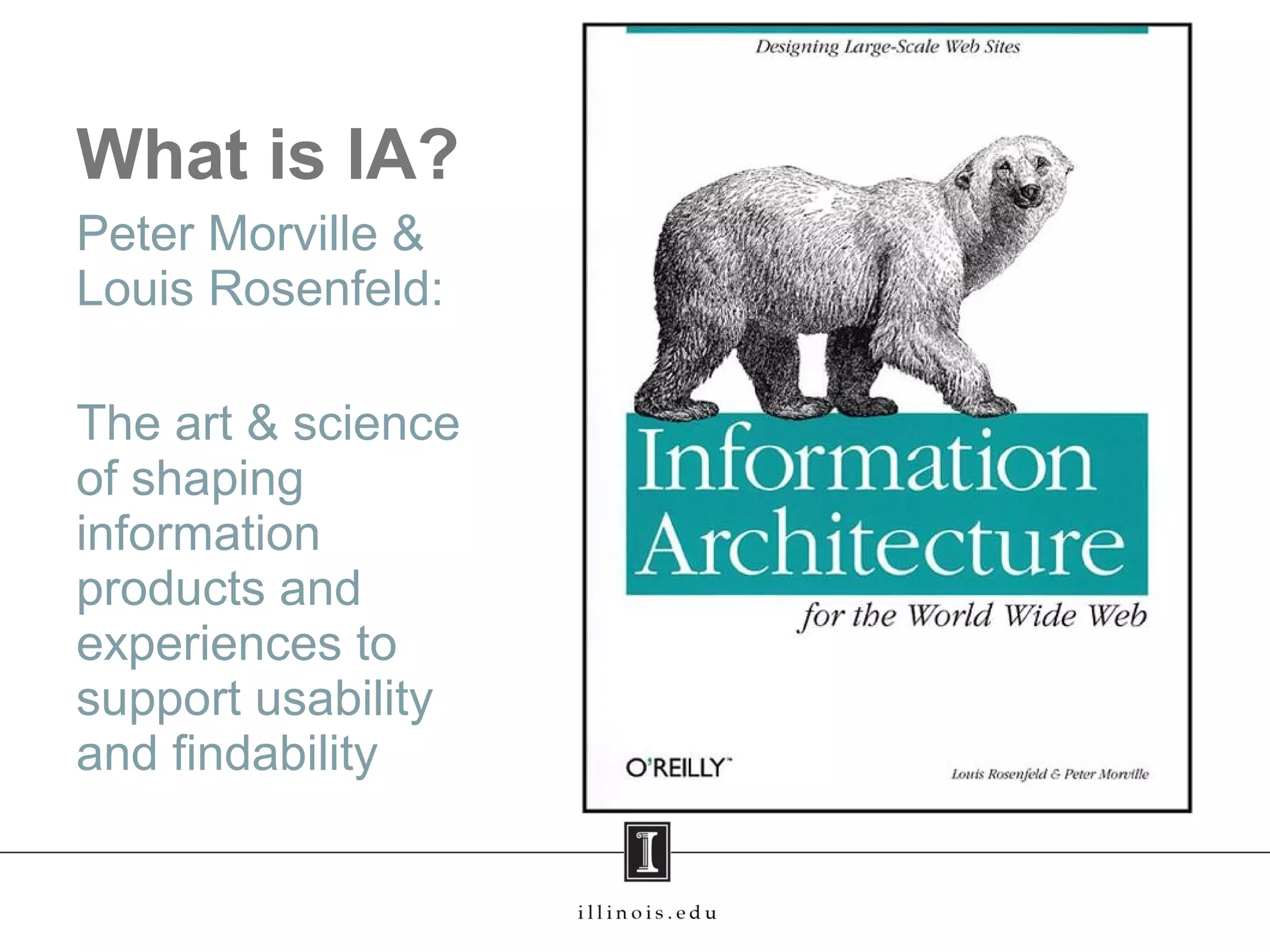
What is IA?
Peter Morville &
Louis Rosenfeld:
The art & science
of shaping
information
products and
experiences to
support usability
and findability
Why is it Important?
• You can’t have a site that that meets
the needs of all users without some
structure
• Keeps stuff organized, usable, and
findable
• Flexible and scalable
• Provides room for growth
Why Library Websites?
• We are the information people, but
most librarians don’t understand IA
• Many bad examples
• We don’t allow chaotic shelves (well,
we try...), so why not the same
emphasis on our websites?
Home Pages
• Identify the site, establish the brand
• Set the tone and personality of the
site
• Allows people to do something right
away
• Should reflect personality of the
library
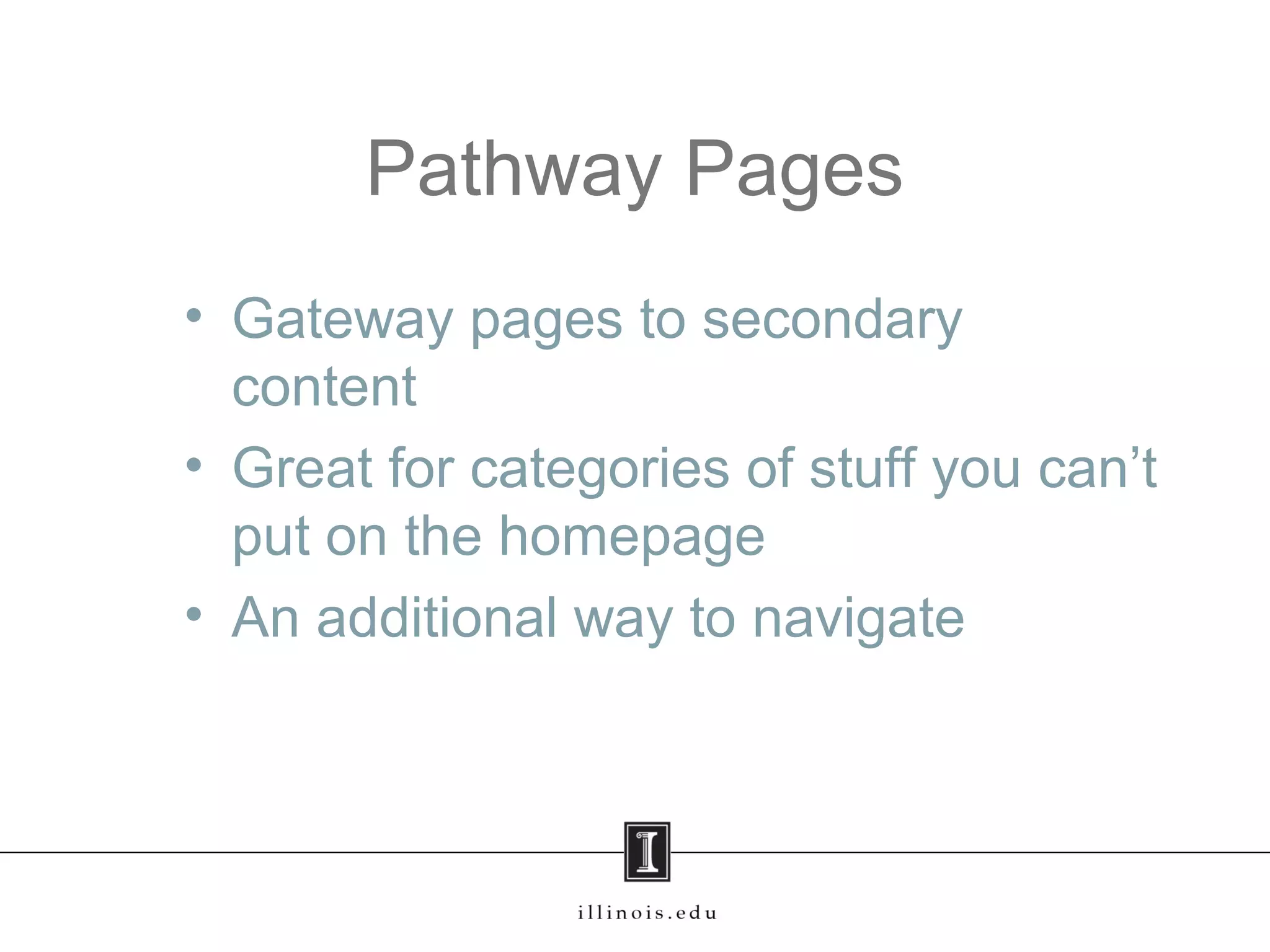
Pathway Pages
• Gateway pages to secondary
content
• Great for categories of stuff you can’t
put on the homepage
• An additional way to navigate
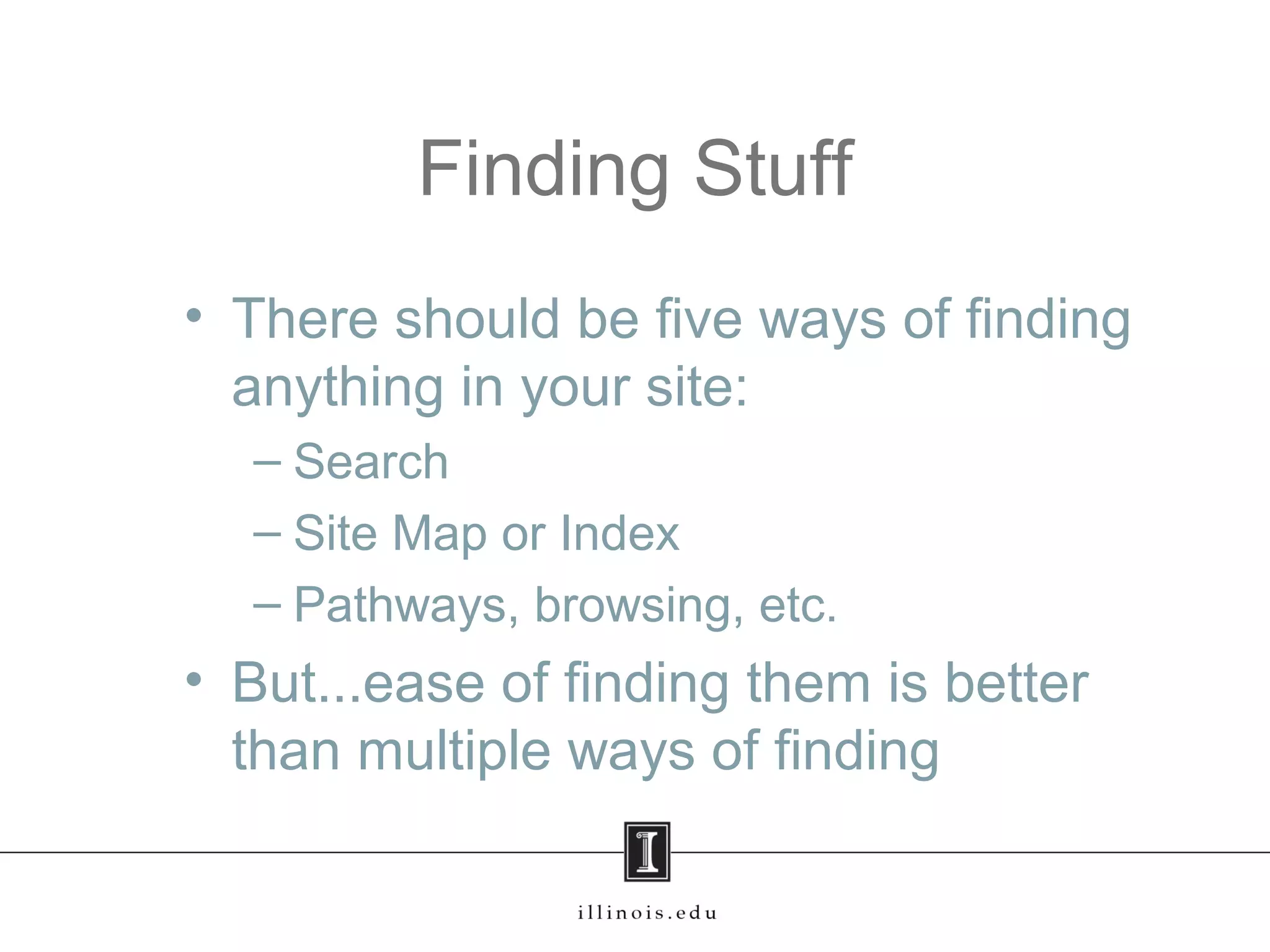
Finding Stuff
• There should be five ways of finding
anything in your site:
– Search
– Site Map or Index
– Pathways, browsing, etc.
• But...ease of finding them is better
than multiple ways of finding
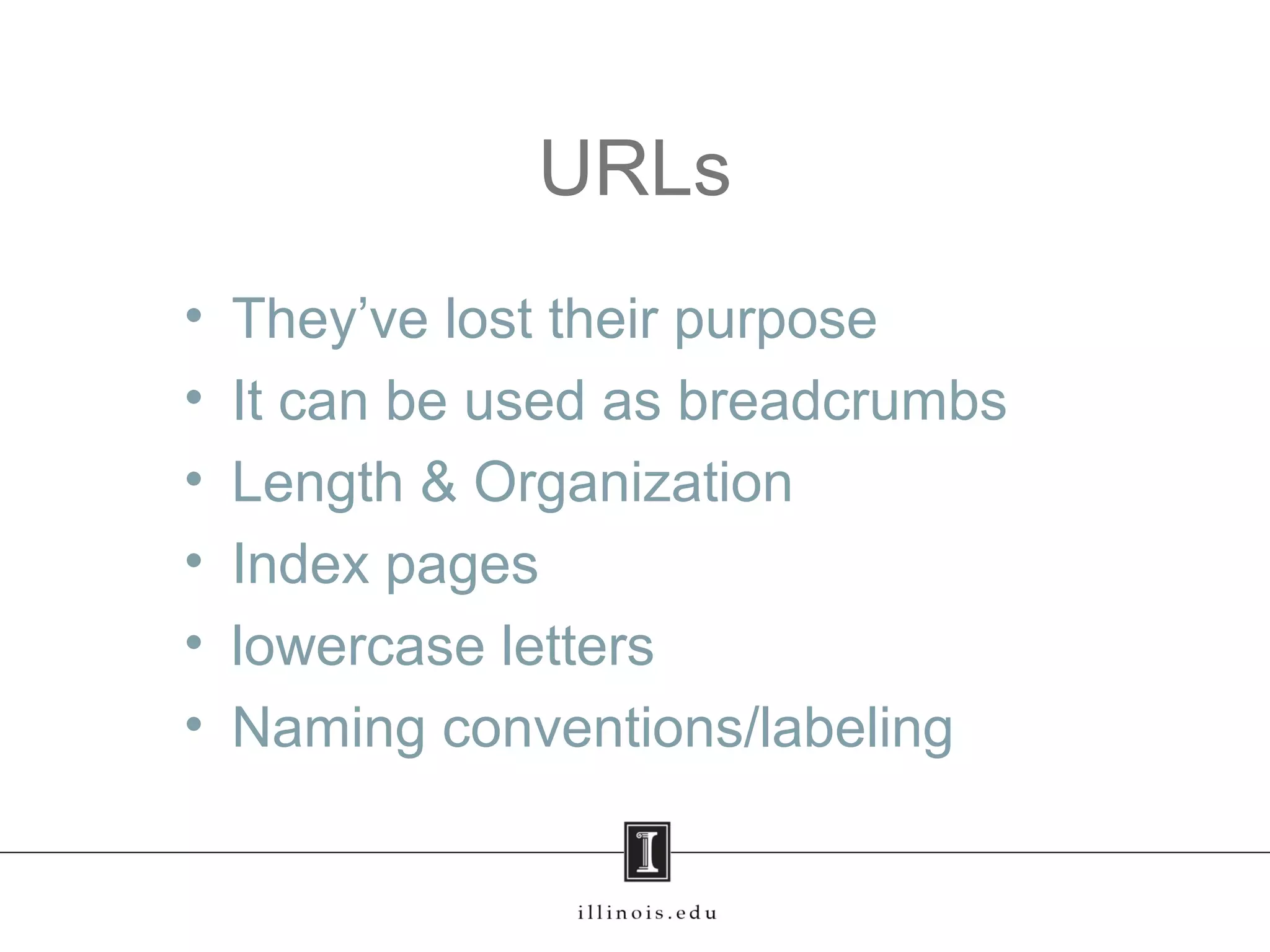
URLs
• They’ve lost their purpose
• It can be used as breadcrumbs
• Length & Organization
• Index pages
• lowercase letters
• Naming conventions/labeling
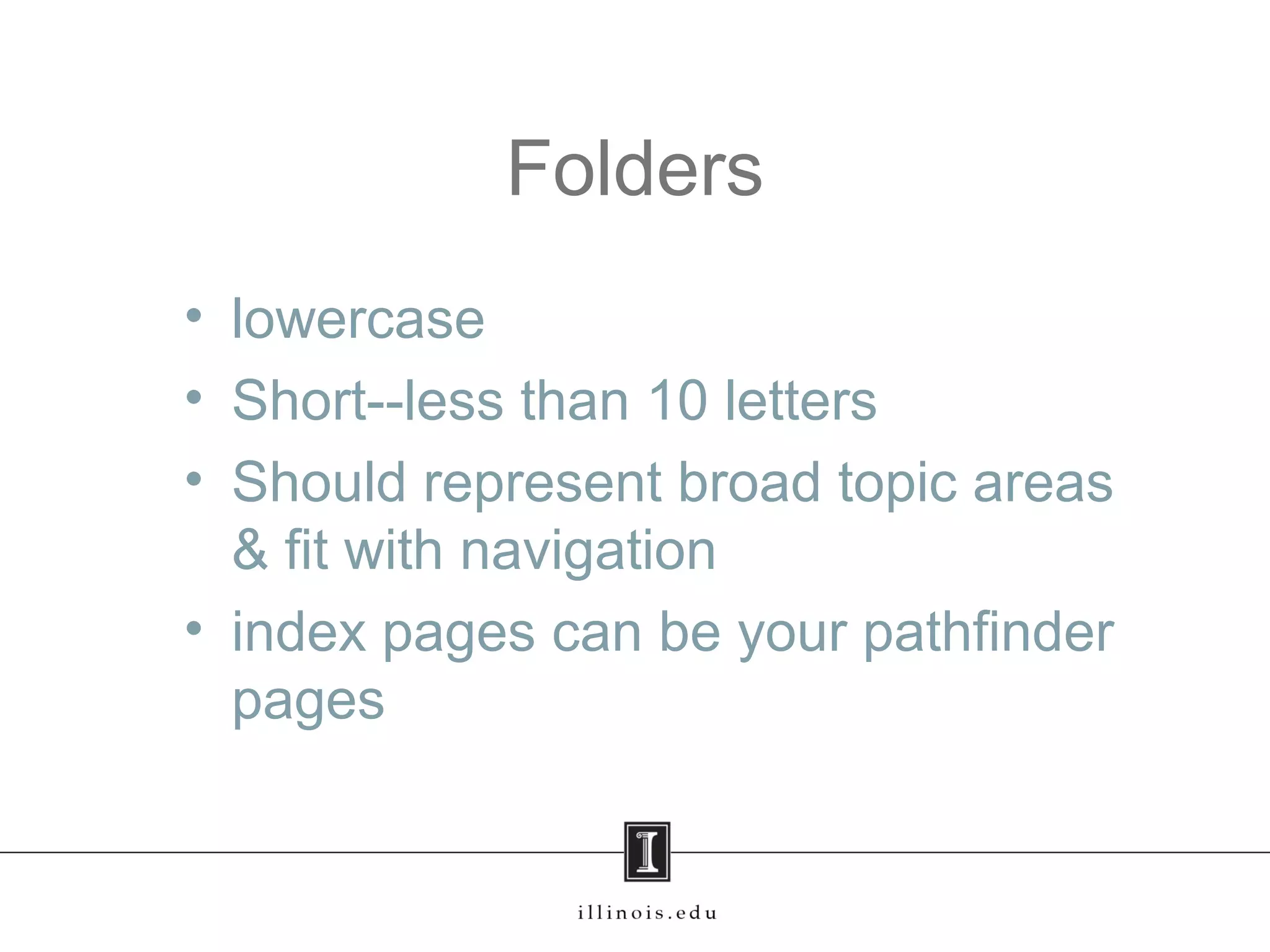
Folders
• lowercase
• Short--less than 10 letters
• Should represent broad topic areas
& fit with navigation
• index pages can be your pathfinder
pages
Scrolling
• So many answers
• Don’t scroll on homepage or
pathway pages
• Other pages, scrolling is OK but be
reasoned
Writing
• People read in an “F” pattern
• Break it up--blocks of text are boring
• Bullet points are best
• Active voice
• Don’t Rehash the same thing over
and over
Page Creep
• Don’t allow similar pages to be
written -- create one good page
instead
• Each page has a purpose
• Each page has a home
Tutorials, Guides, etc.
• Why do we have so many names?
• Pick one, or define them all
Accessibility
• Every page has a title field
• Each link meaningful and discrete
(no “click here”)
• All images have descriptions
• Bulleted lists are lists
• Tables only for tabled content
Conclusion
• IA is an art and a science
• There are no right answers
• Trust your instinct
• Take risks and trust your intuition
• It is just a website, no one is going to
die
Jenny Emanuel
emanuelj@illinois.edu
jennyemanuel.com

Information Architecture for Librarians or The top 10 things you can do to improve your website

  • 1.
    Information Architecture for Librarians or Thetop 10 things you can do to improve your website
  • 2.
    What is IA? PeterMorville & Louis Rosenfeld: The art & science of shaping information products and experiences to support usability and findability
  • 3.
    Why is itImportant? • You can’t have a site that that meets the needs of all users without some structure • Keeps stuff organized, usable, and findable • Flexible and scalable • Provides room for growth
  • 4.
    Why Library Websites? •We are the information people, but most librarians don’t understand IA • Many bad examples • We don’t allow chaotic shelves (well, we try...), so why not the same emphasis on our websites?
  • 5.
    Home Pages • Identifythe site, establish the brand • Set the tone and personality of the site • Allows people to do something right away • Should reflect personality of the library
  • 6.
    Pathway Pages • Gatewaypages to secondary content • Great for categories of stuff you can’t put on the homepage • An additional way to navigate
  • 7.
    Finding Stuff • Thereshould be five ways of finding anything in your site: – Search – Site Map or Index – Pathways, browsing, etc. • But...ease of finding them is better than multiple ways of finding
  • 8.
    URLs • They’ve losttheir purpose • It can be used as breadcrumbs • Length & Organization • Index pages • lowercase letters • Naming conventions/labeling
  • 9.
    Folders • lowercase • Short--lessthan 10 letters • Should represent broad topic areas & fit with navigation • index pages can be your pathfinder pages
  • 10.
    Scrolling • So manyanswers • Don’t scroll on homepage or pathway pages • Other pages, scrolling is OK but be reasoned
  • 11.
    Writing • People readin an “F” pattern • Break it up--blocks of text are boring • Bullet points are best • Active voice • Don’t Rehash the same thing over and over
  • 12.
    Page Creep • Don’tallow similar pages to be written -- create one good page instead • Each page has a purpose • Each page has a home
  • 13.
    Tutorials, Guides, etc. •Why do we have so many names? • Pick one, or define them all
  • 14.
    Accessibility • Every pagehas a title field • Each link meaningful and discrete (no “click here”) • All images have descriptions • Bulleted lists are lists • Tables only for tabled content
  • 15.
    Conclusion • IA isan art and a science • There are no right answers • Trust your instinct • Take risks and trust your intuition • It is just a website, no one is going to die
  • 16.