A Database For The Web
IndexedDB
IndexedDB 2
Who Am I
● @freaktechnik
– See also @MozillaCH
IndexedDB 3
What IndexedDB Is Not
● (Web)SQL
● Synchronous
● Cross-Origin
IndexedDB 4
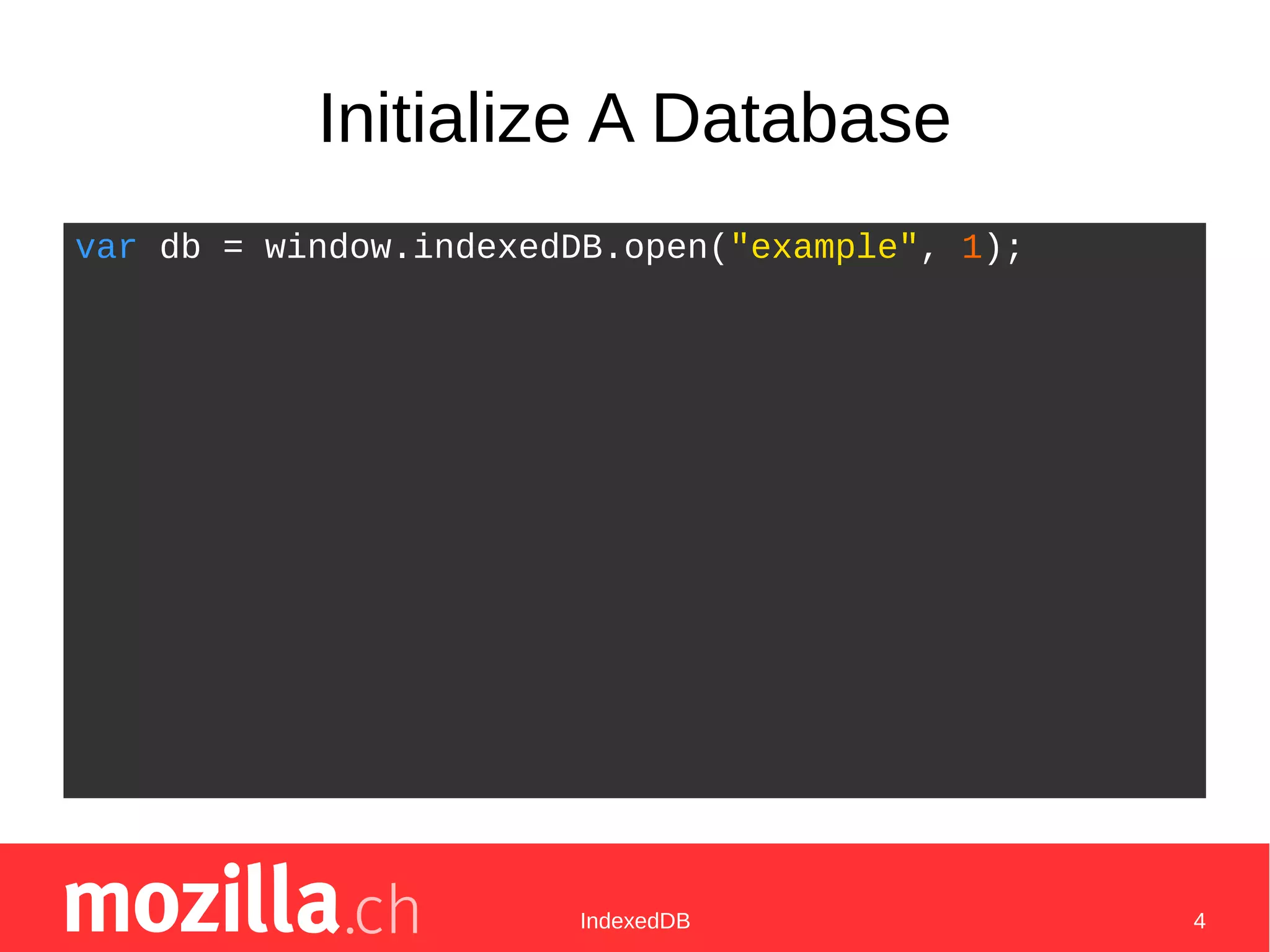
Initialize A Database
var db = window.indexedDB.open("example", 1);
IndexedDB 5
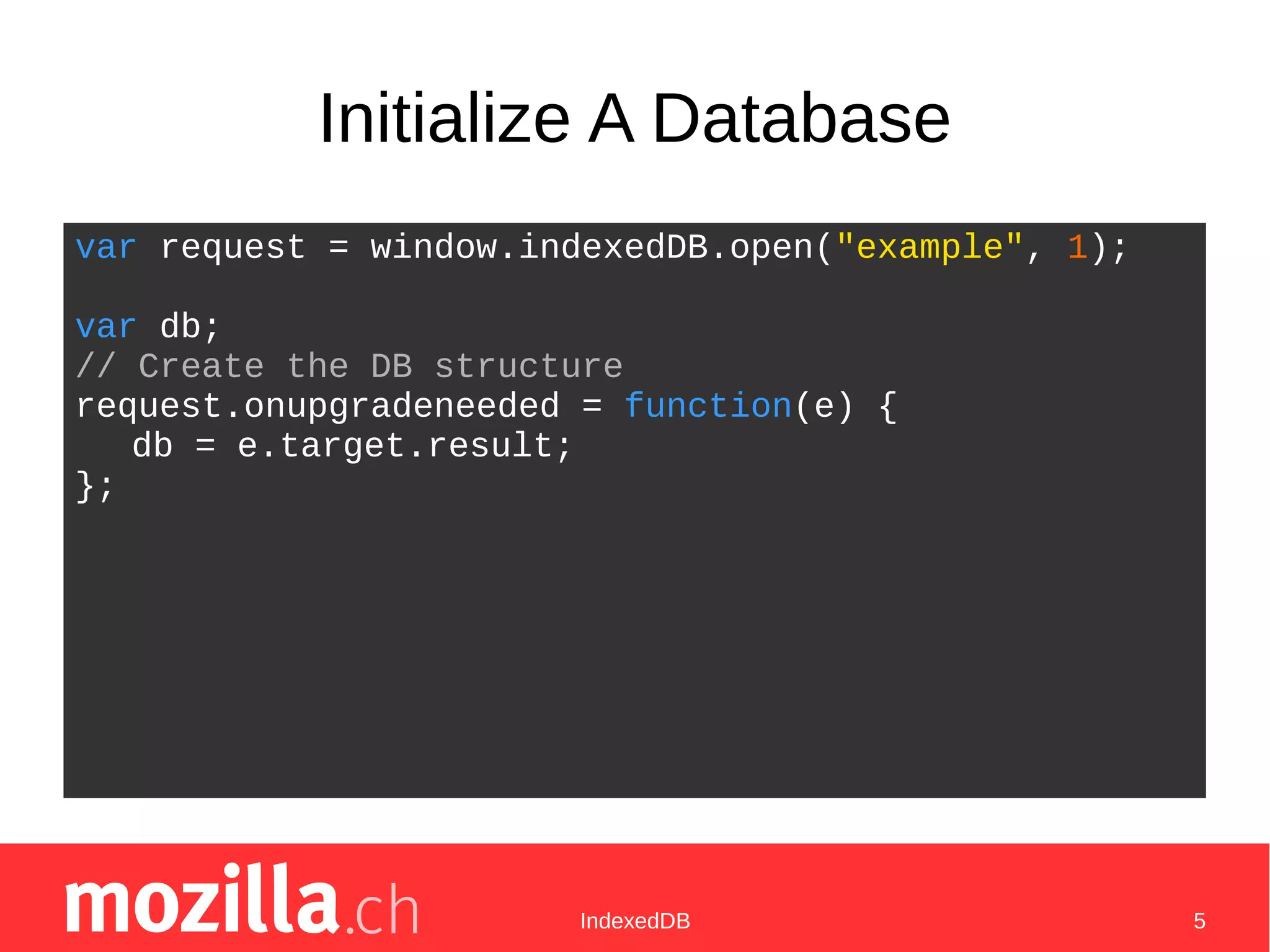
Initialize A Database
var request = window.indexedDB.open("example", 1);
var db;
// Create the DB structure
request.onupgradeneeded = function(e) {
db = e.target.result;
};
IndexedDB 6
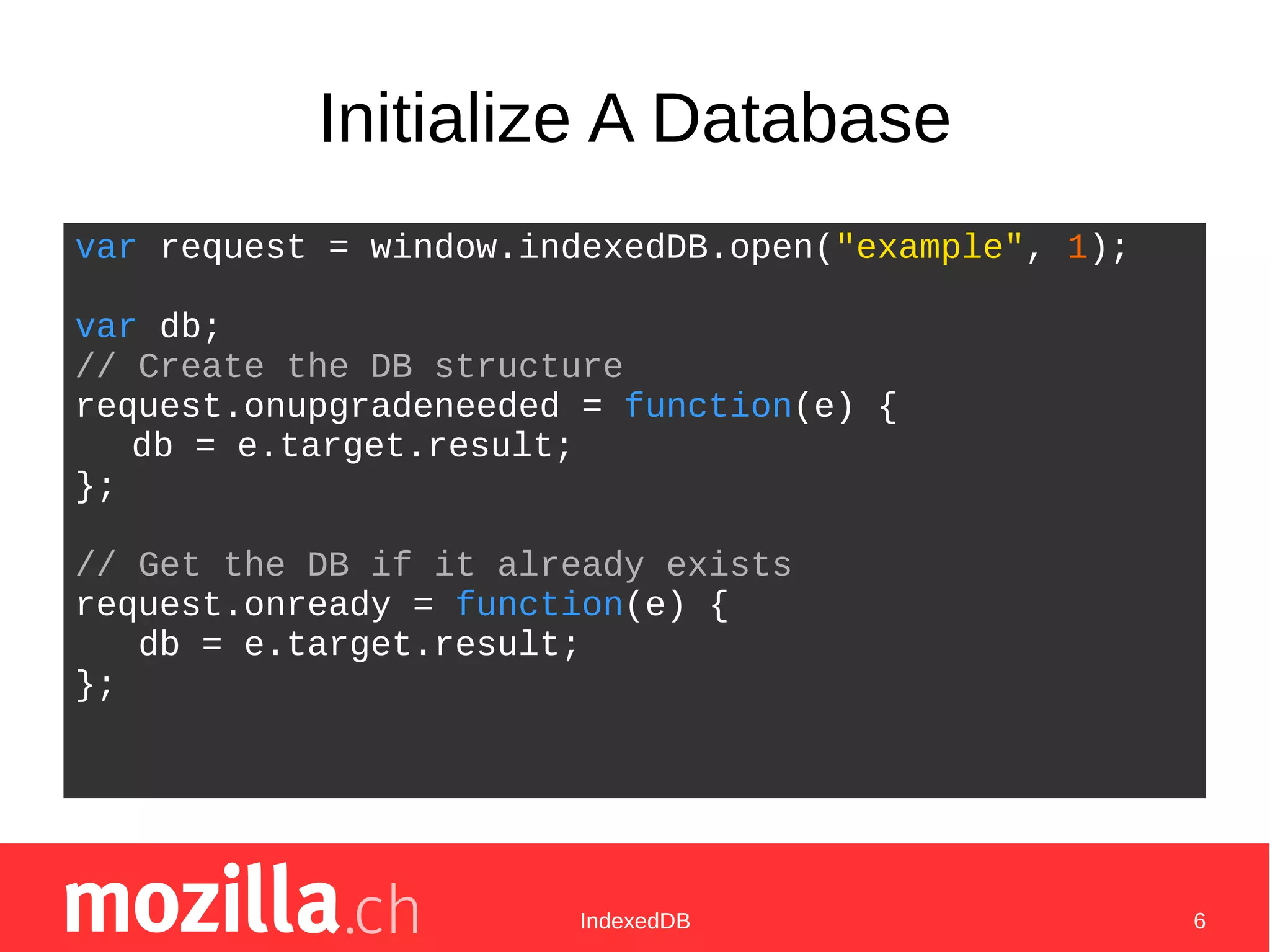
Initialize A Database
var request = window.indexedDB.open("example", 1);
var db;
// Create the DB structure
request.onupgradeneeded = function(e) {
db = e.target.result;
};
// Get the DB if it already exists
request.onready = function(e) {
db = e.target.result;
};
IndexedDB 7
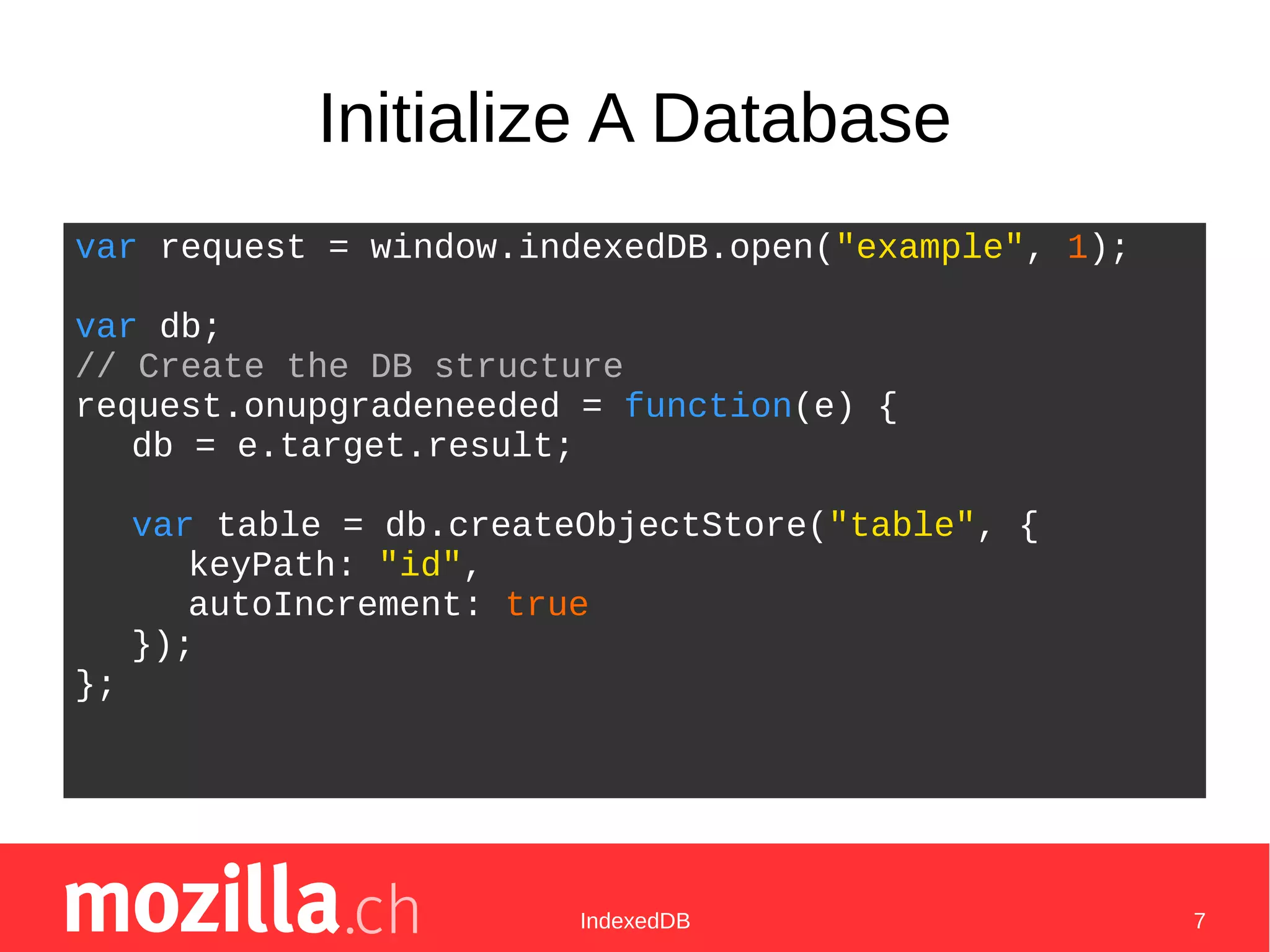
Initialize A Database
var request = window.indexedDB.open("example", 1);
var db;
// Create the DB structure
request.onupgradeneeded = function(e) {
db = e.target.result;
var table = db.createObjectStore("table", {
keyPath: "id",
autoIncrement: true
});
};
IndexedDB 8
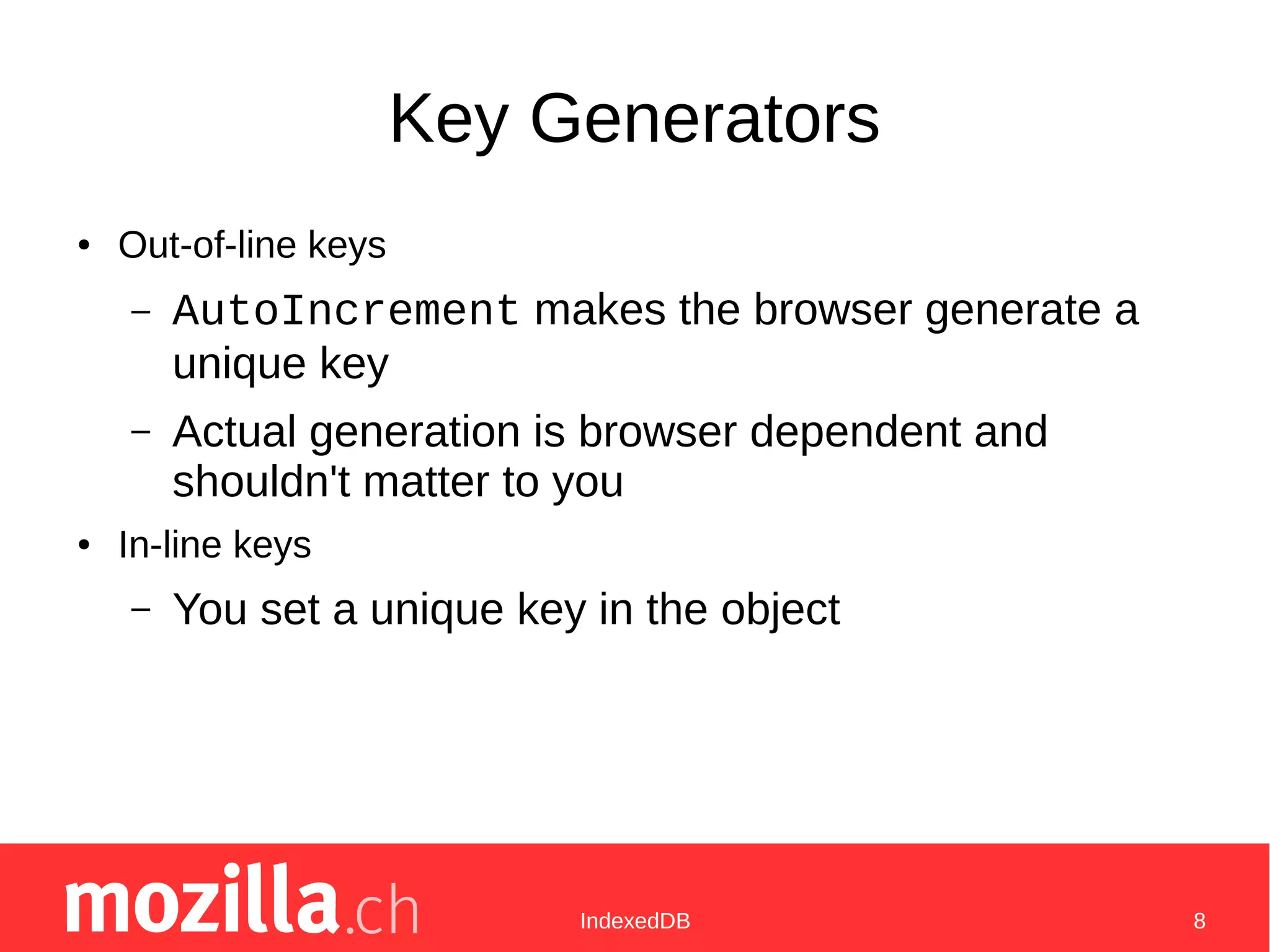
Key Generators
● Out-of-line keys
– AutoIncrement makes the browser generate a
unique key
– Actual generation is browser dependent and
shouldn't matter to you
● In-line keys
– You set a unique key in the object
IndexedDB 9
Initialize A Database
var request = window.indexedDB.open("example", 1);
var db;
// Create the DB structure
request.onupgradeneeded = function(e) {
db = e.target.result;
var table = db.createObjectStore("table", {
keyPath: "id",
autoIncrement: true
});
table.createIndex("anIndex", ["two", "keys"],
{ unique: true });
};
IndexedDB 10
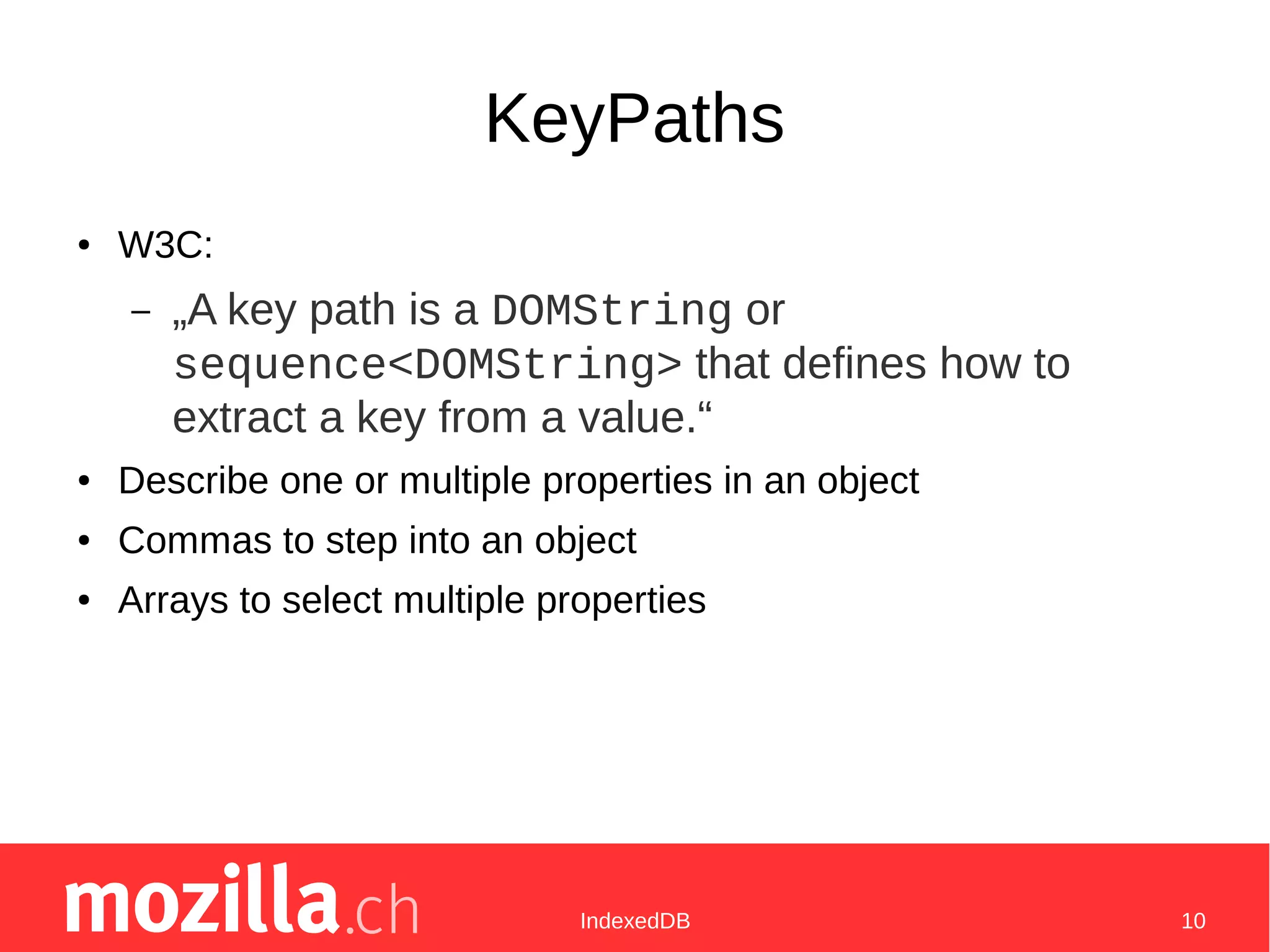
KeyPaths
● W3C:
– „A key path is a DOMString or
sequence<DOMString> that defines how to
extract a key from a value.“
● Describe one or multiple properties in an object
● Commas to step into an object
● Arrays to select multiple properties
IndexedDB 11
KeyPath Example
● "deeper,array,length" is 2
● [ "length", "name" ] is [ 3, "example object" ]
● [ "name", "deeper,array" ] is [ "example object",
[ 0, 1 ] ]
{
name: "example object",
length: 3,
deeper: { array: [ 0, 1 ] }
}
IndexedDB 12
Use A Database
var transaction = db.transaction(["table"],
"readwrite");
var objectStore = transaction.objectStore("table");
// Add some data to the object store
var request = objectStore.add({
"two": 2,
"keys": [ "some data"]
});
request.onsuccess = function(e) {
var id = request.result.id;
};
request.onerror = function(error) {
// error is a DOMError.
};
IndexedDB 13
Use A Database
var transaction = db.transaction(["table"],
"readwrite");
var objectStore = transaction.objectStore("table");
// Add an array of things to the db
array.forEach(function(data) {
objectStore.add(data);
});
transaction.oncomplete = function(e) {
// all the items have now been added.
};
IndexedDB 14
Use A Database
var transaction = db.transaction(["table"],
"readwrite");
var objectStore = transaction.objectStore("table");
// Add some data to the object store
var request = objectStore.put(obj);
var request = objectStore.delete(id);
var request = objectStore.clear();
var request = objectStore.get(id);
// You can optionally limit it on specific keys with
keyRange
var request = objectStore.count(keyRange);
// cursor & indexes: coming up next
var index = objectStore.index(indexName);
var request = objectStore.openCursor(...);
IndexedDB 15
Using Indexes
var transaction = db.transaction(["table"],
"readonly");
var objectStore = transaction.objectStore("table");
// let's use an index
var index = objectStore.index("anIndex");
// let's read something from the index
var request = index.get([ 2, "some data" ]);
request.oncomplete = function(e) {
callback(request.result);
};
IndexedDB 16
Iterating With Cursors
var transaction = db.transaction(["table"],
"readonly");
var objectStore = transaction.objectStore("table");
// Iterate over all elements
var keyRange = IDBKeyRange.bound(1, 5);
var request = objectStore.openCursor(keyRange,
"next");
request.onsuccess = function(e) {
var cursor = e.target.result;
if(cursor) {
doSomethingWith(cursor.value);
cursor.continue();
}
};
IndexedDB 17
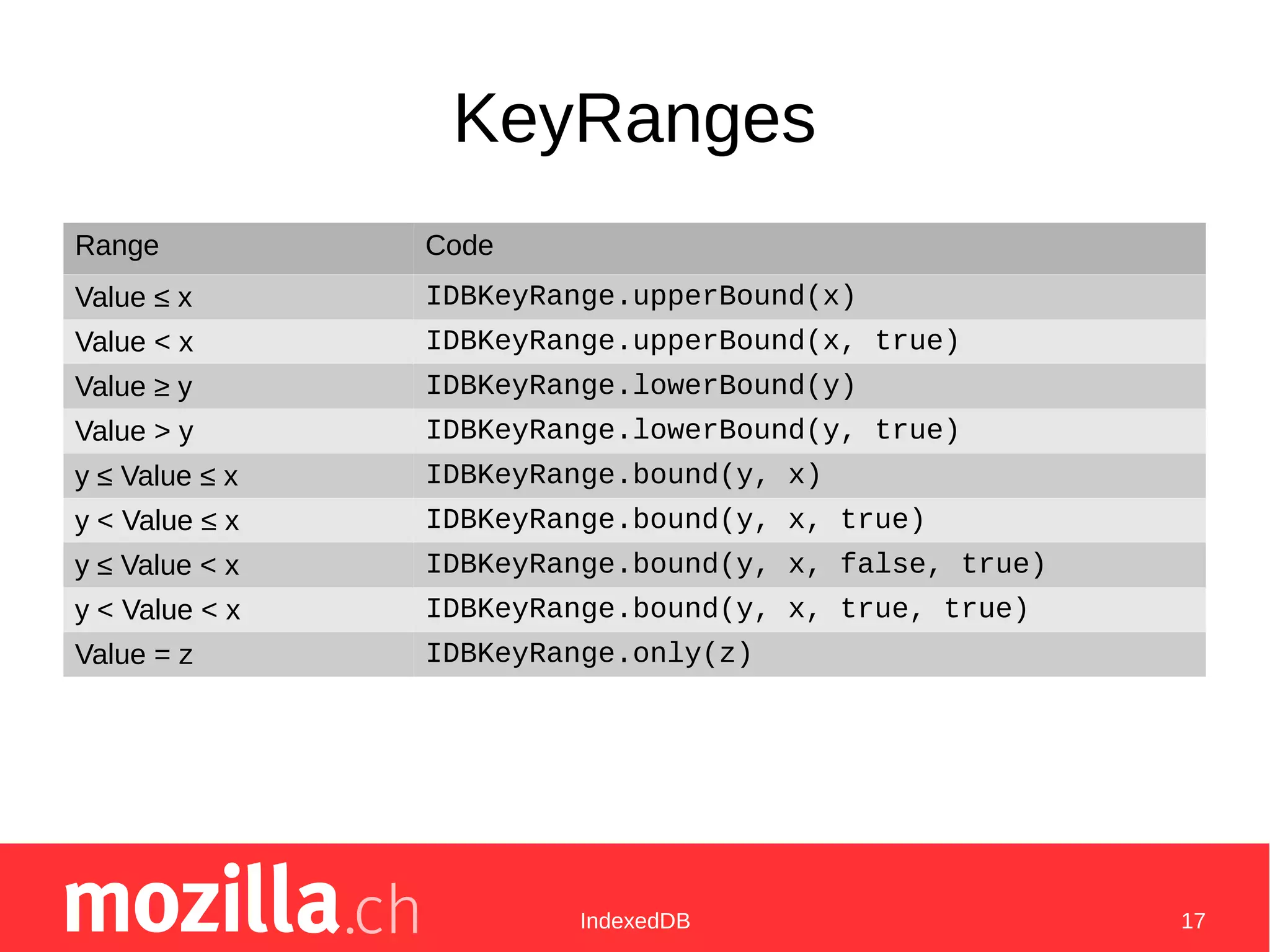
KeyRanges
Range Code
Value ≤ x IDBKeyRange.upperBound(x)
Value < x IDBKeyRange.upperBound(x, true)
Value ≥ y IDBKeyRange.lowerBound(y)
Value > y IDBKeyRange.lowerBound(y, true)
y ≤ Value ≤ x IDBKeyRange.bound(y, x)
y < Value ≤ x IDBKeyRange.bound(y, x, true)
y ≤ Value < x IDBKeyRange.bound(y, x, false, true)
y < Value < x IDBKeyRange.bound(y, x, true, true)
Value = z IDBKeyRange.only(z)
IndexedDB 18
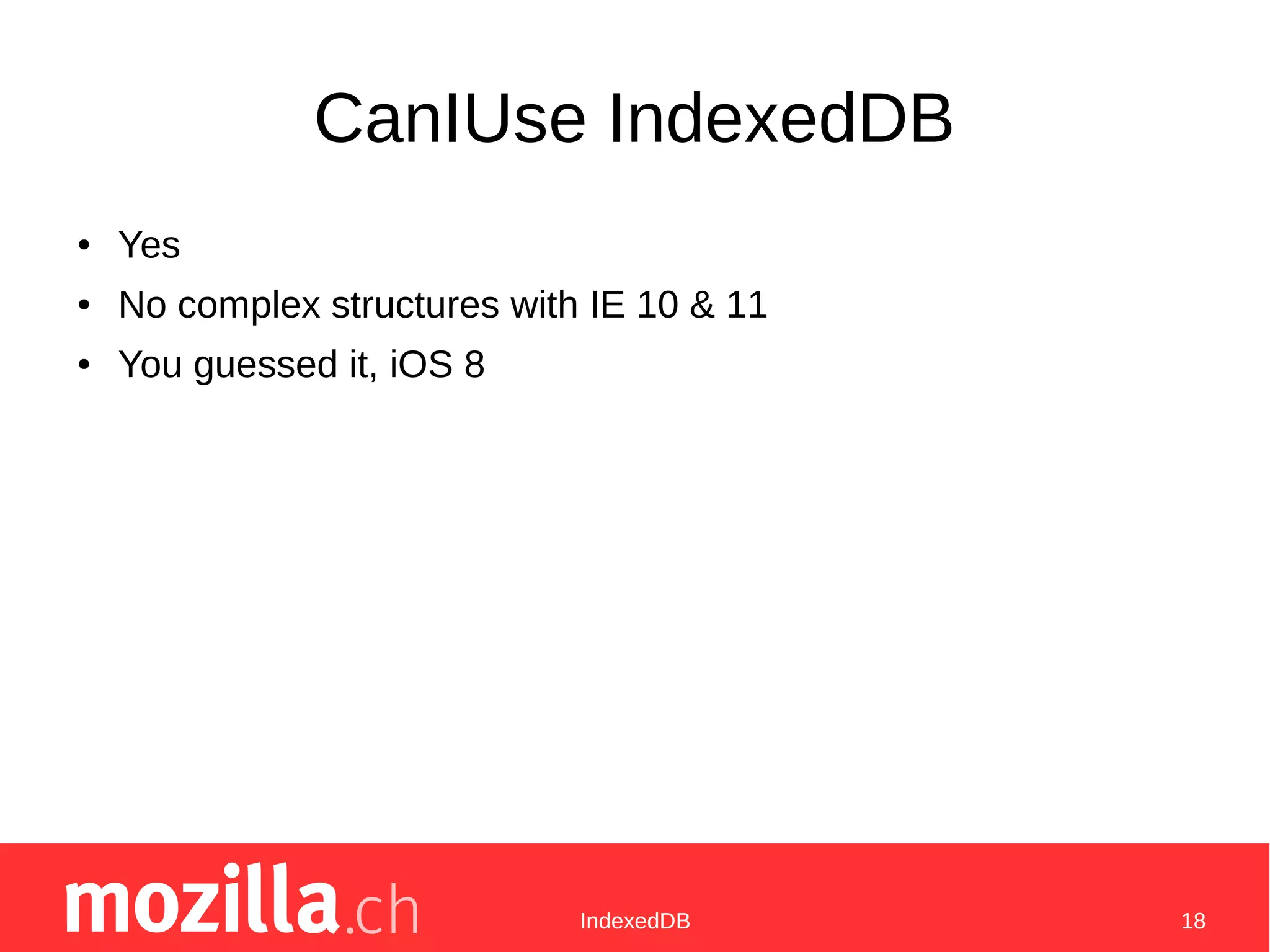
CanIUse IndexedDB
● Yes
● No complex structures with IE 10 & 11
● You guessed it, iOS 8
IndexedDB 19
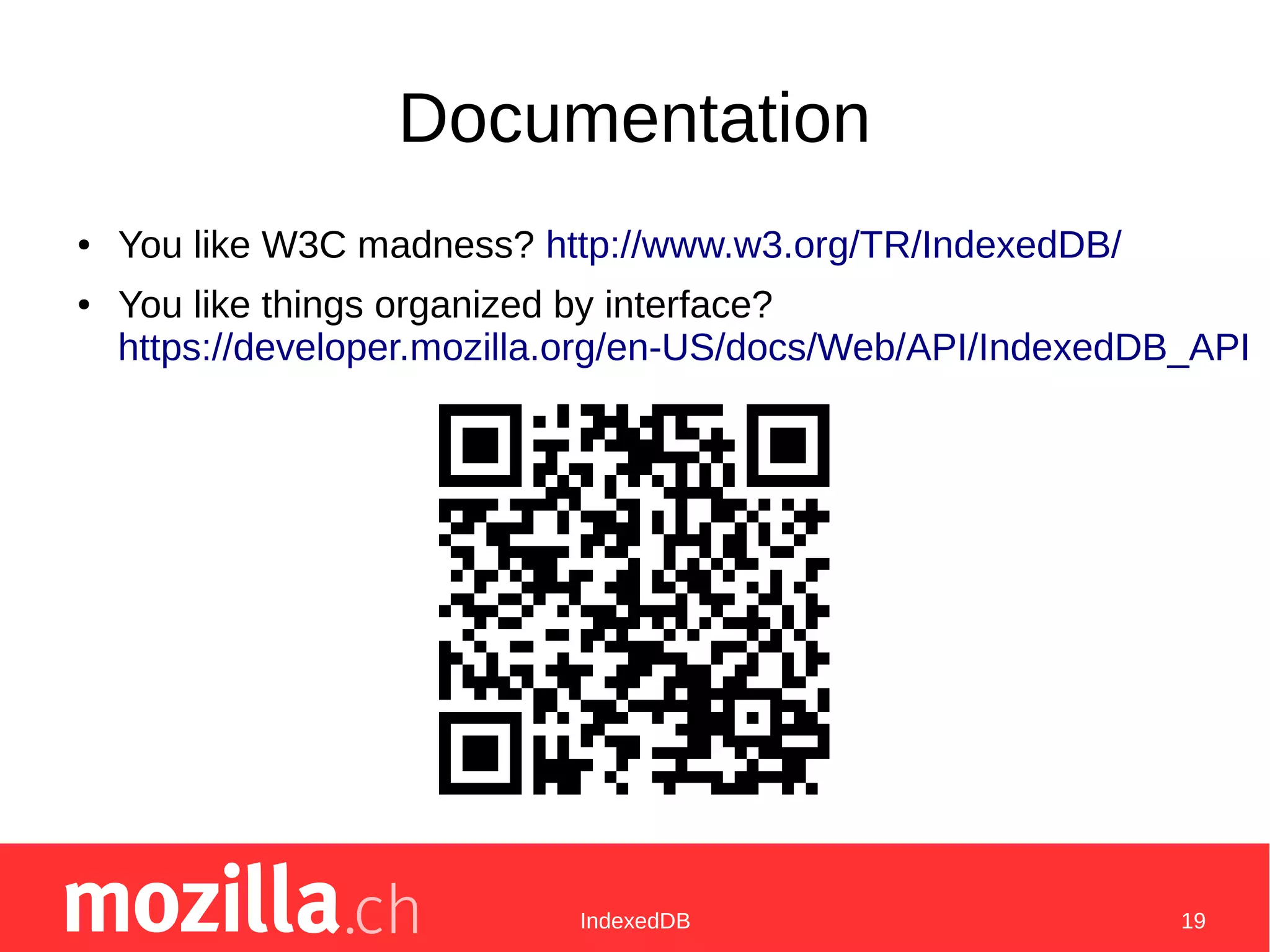
Documentation
● You like W3C madness? http://www.w3.org/TR/IndexedDB/
● You like things organized by interface?
https://developer.mozilla.org/en-US/docs/Web/API/IndexedDB_API
IndexedDB 20
Examples
● https://github.com/freaktechnik/justintv-stream-notifications/blob/mas
● https://github.com/freaktechnik/mines.js/blob/master/src/highscores.
● https://github.com/mdn/to-do-notifications/tree/gh-pages

Indexed db

  • 1.
    A Database ForThe Web IndexedDB
  • 2.
    IndexedDB 2 Who AmI ● @freaktechnik – See also @MozillaCH
  • 3.
    IndexedDB 3 What IndexedDBIs Not ● (Web)SQL ● Synchronous ● Cross-Origin
  • 4.
    IndexedDB 4 Initialize ADatabase var db = window.indexedDB.open("example", 1);
  • 5.
    IndexedDB 5 Initialize ADatabase var request = window.indexedDB.open("example", 1); var db; // Create the DB structure request.onupgradeneeded = function(e) { db = e.target.result; };
  • 6.
    IndexedDB 6 Initialize ADatabase var request = window.indexedDB.open("example", 1); var db; // Create the DB structure request.onupgradeneeded = function(e) { db = e.target.result; }; // Get the DB if it already exists request.onready = function(e) { db = e.target.result; };
  • 7.
    IndexedDB 7 Initialize ADatabase var request = window.indexedDB.open("example", 1); var db; // Create the DB structure request.onupgradeneeded = function(e) { db = e.target.result; var table = db.createObjectStore("table", { keyPath: "id", autoIncrement: true }); };
  • 8.
    IndexedDB 8 Key Generators ●Out-of-line keys – AutoIncrement makes the browser generate a unique key – Actual generation is browser dependent and shouldn't matter to you ● In-line keys – You set a unique key in the object
  • 9.
    IndexedDB 9 Initialize ADatabase var request = window.indexedDB.open("example", 1); var db; // Create the DB structure request.onupgradeneeded = function(e) { db = e.target.result; var table = db.createObjectStore("table", { keyPath: "id", autoIncrement: true }); table.createIndex("anIndex", ["two", "keys"], { unique: true }); };
  • 10.
    IndexedDB 10 KeyPaths ● W3C: –„A key path is a DOMString or sequence<DOMString> that defines how to extract a key from a value.“ ● Describe one or multiple properties in an object ● Commas to step into an object ● Arrays to select multiple properties
  • 11.
    IndexedDB 11 KeyPath Example ●"deeper,array,length" is 2 ● [ "length", "name" ] is [ 3, "example object" ] ● [ "name", "deeper,array" ] is [ "example object", [ 0, 1 ] ] { name: "example object", length: 3, deeper: { array: [ 0, 1 ] } }
  • 12.
    IndexedDB 12 Use ADatabase var transaction = db.transaction(["table"], "readwrite"); var objectStore = transaction.objectStore("table"); // Add some data to the object store var request = objectStore.add({ "two": 2, "keys": [ "some data"] }); request.onsuccess = function(e) { var id = request.result.id; }; request.onerror = function(error) { // error is a DOMError. };
  • 13.
    IndexedDB 13 Use ADatabase var transaction = db.transaction(["table"], "readwrite"); var objectStore = transaction.objectStore("table"); // Add an array of things to the db array.forEach(function(data) { objectStore.add(data); }); transaction.oncomplete = function(e) { // all the items have now been added. };
  • 14.
    IndexedDB 14 Use ADatabase var transaction = db.transaction(["table"], "readwrite"); var objectStore = transaction.objectStore("table"); // Add some data to the object store var request = objectStore.put(obj); var request = objectStore.delete(id); var request = objectStore.clear(); var request = objectStore.get(id); // You can optionally limit it on specific keys with keyRange var request = objectStore.count(keyRange); // cursor & indexes: coming up next var index = objectStore.index(indexName); var request = objectStore.openCursor(...);
  • 15.
    IndexedDB 15 Using Indexes vartransaction = db.transaction(["table"], "readonly"); var objectStore = transaction.objectStore("table"); // let's use an index var index = objectStore.index("anIndex"); // let's read something from the index var request = index.get([ 2, "some data" ]); request.oncomplete = function(e) { callback(request.result); };
  • 16.
    IndexedDB 16 Iterating WithCursors var transaction = db.transaction(["table"], "readonly"); var objectStore = transaction.objectStore("table"); // Iterate over all elements var keyRange = IDBKeyRange.bound(1, 5); var request = objectStore.openCursor(keyRange, "next"); request.onsuccess = function(e) { var cursor = e.target.result; if(cursor) { doSomethingWith(cursor.value); cursor.continue(); } };
  • 17.
    IndexedDB 17 KeyRanges Range Code Value≤ x IDBKeyRange.upperBound(x) Value < x IDBKeyRange.upperBound(x, true) Value ≥ y IDBKeyRange.lowerBound(y) Value > y IDBKeyRange.lowerBound(y, true) y ≤ Value ≤ x IDBKeyRange.bound(y, x) y < Value ≤ x IDBKeyRange.bound(y, x, true) y ≤ Value < x IDBKeyRange.bound(y, x, false, true) y < Value < x IDBKeyRange.bound(y, x, true, true) Value = z IDBKeyRange.only(z)
  • 18.
    IndexedDB 18 CanIUse IndexedDB ●Yes ● No complex structures with IE 10 & 11 ● You guessed it, iOS 8
  • 19.
    IndexedDB 19 Documentation ● Youlike W3C madness? http://www.w3.org/TR/IndexedDB/ ● You like things organized by interface? https://developer.mozilla.org/en-US/docs/Web/API/IndexedDB_API
  • 20.
    IndexedDB 20 Examples ● https://github.com/freaktechnik/justintv-stream-notifications/blob/mas ●https://github.com/freaktechnik/mines.js/blob/master/src/highscores. ● https://github.com/mdn/to-do-notifications/tree/gh-pages

Editor's Notes

  • #3 Ask questions right away Mention slide number for reference to relevant code snippets There&amp;apos;s also a mailinglist, linked on the twitter Will post link to these slides on meetup
  • #4 Service workers Clientside → backend syncing like wunderlist
  • #6 e.target == request e is a DOMEvent Onupgradeneeded is called on any version change (nothing to one in our case) Db has properties like version, and a close method, for example.
  • #7 Also onerror and onblocked (opening only)
  • #8 ObjectStores!!!11 RemoveObjectStore counterpart Only usable in onupgradeneeded
  • #10 Also removeIndex, ofc
  • #11 Source: http://w3c.github.io/IndexedDB/
  • #12 Some special object properties from builtin objects work, like length
  • #13 Transactions!!!11 Everything is DOM: DOMEvent, DOMError, DOMString etc. There0s also the „readonly“ and „versionchange“ modes.
  • #14 Oncomplete doesn&amp;apos;t guarantee flush to disk (well, should or something. Firefox has transaction flush thing) You can abort transactions before oncomplete is fired
  • #15 Put vs. add
  • #16 Just read mode now for the transaction
  • #17 Open a cursor on the main db to get it sorted by the main index, open it on an index to sort that by that index. Direction next means from lower to higher, prev is higher to lower, unique makes it only visit unique cursor values, if the cursor is not unique this skips items.
  • #18 Source: https://developer.mozilla.org/en-US/docs/Web/API/IDBKeyRange Undefined is ignored when sorting
  • #19 IE can&amp;apos;t handle non-string keyPaths and non-simple index values (like arrays or objects) Safari for iOS is just broken, and I don&amp;apos;t even care, since the initial implementation was also iOS 8 Sync APIs are deprecated, were for serviceWorkers...