WHO’S AFRAID OF
FRONT-END
DATABASES?
Gil Fink
sparXys CEO
Front-end Storage Problem
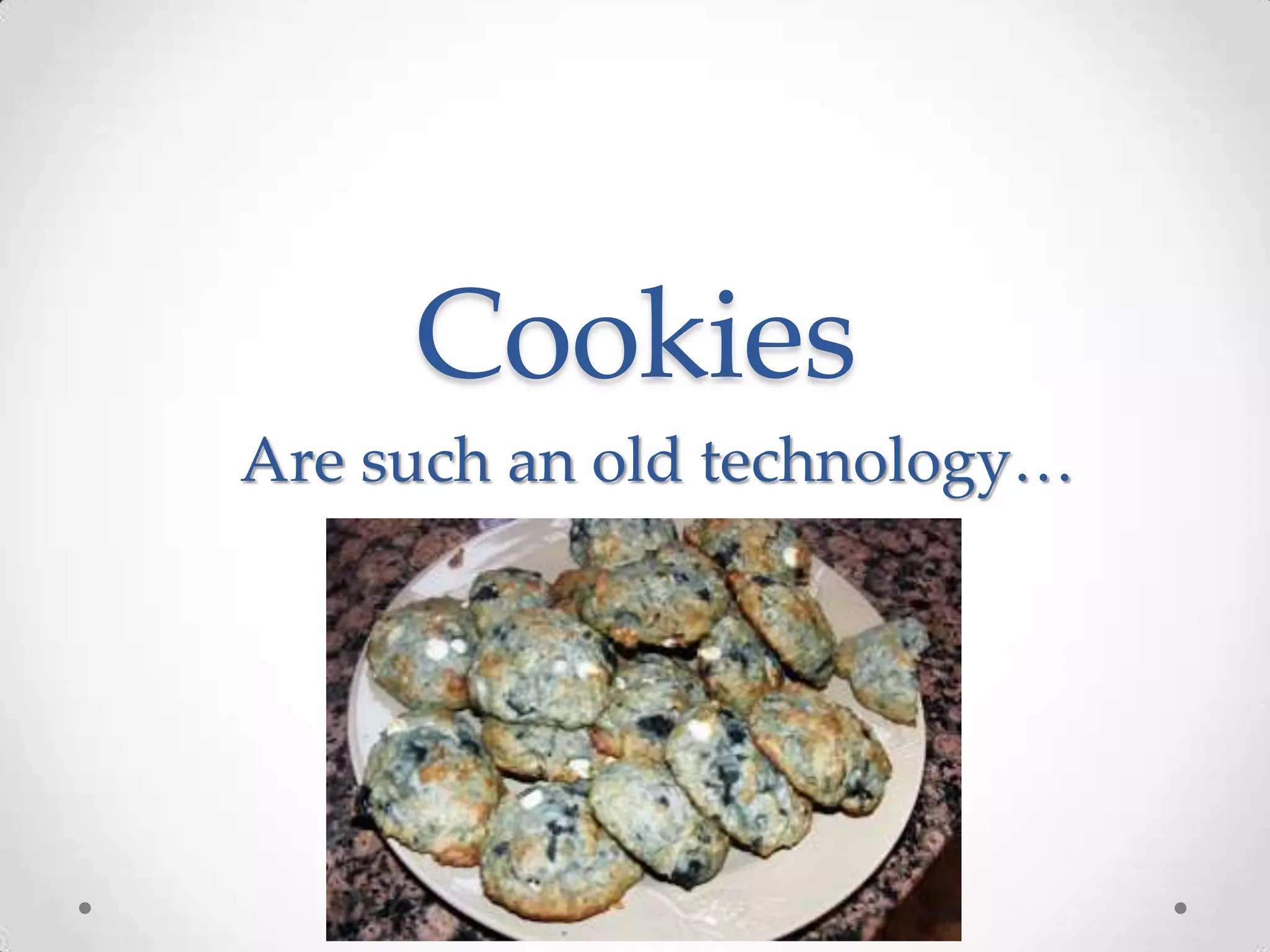
Cookies
Are such an old technology…
How localStorage feels like
About Me
• sparXys CEO and senior consultant
• ASP.NET/IIS Microsoft MVP in the last 7 years
• Pro Single Page Application Development (Apress)
co-author
• 4 Microsoft Official Courses (MOCs) co-author
• GDG Rashlatz and ng-conf Israel co-organizer
Agenda
• IndexedDB
• Libraries to the rescue
IndexedDB
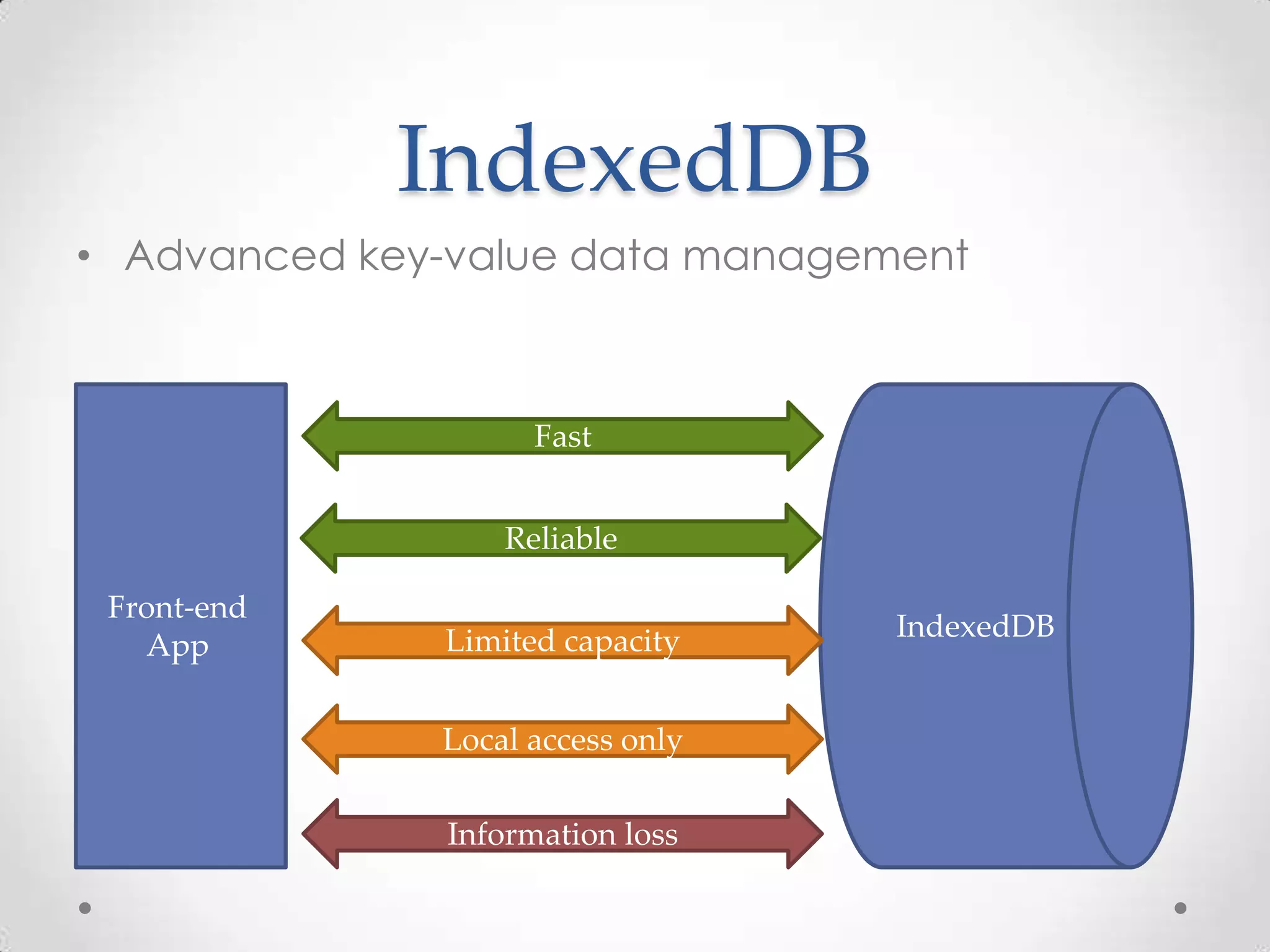
• Advanced key-value data management
IndexedDB
Front-end
App
Fast
Reliable
Limited capacity
Local access only
Information loss
IndexedDB
• Made of records holding simple values or
hierarchical objects
o Each record consists of a key and a corresponding value
• Enables
o Storage of large numbers of objects locally
o Fast insertion and extraction
• Satisfy some of the offline data requirements for
web applications
IndexedDB
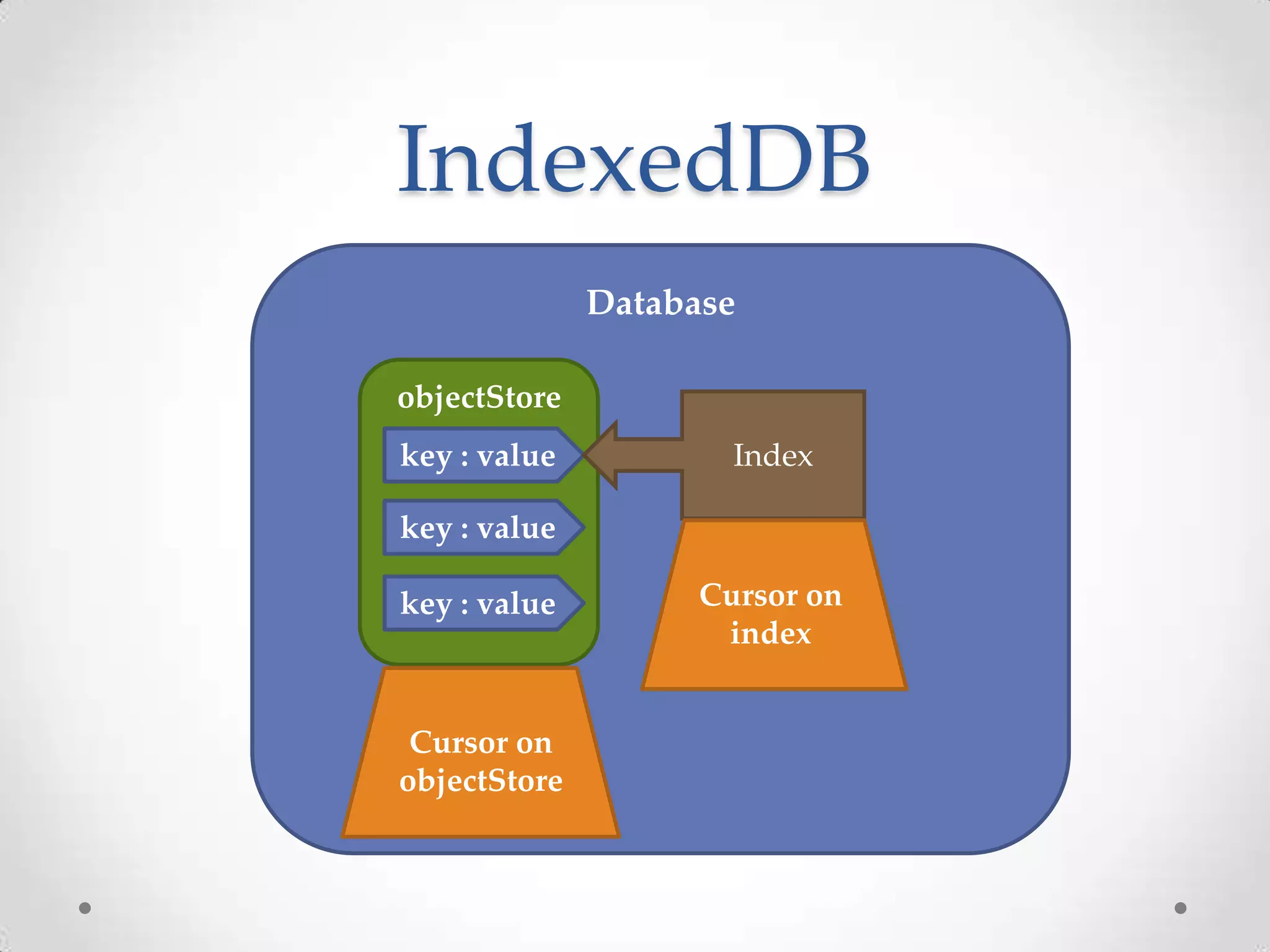
Database
objectStore
Cursor on
objectStore
key : value
key : value
key : value
Index
Cursor on
index
IndexedDB API
• Very massive API!
• API is asynchronous
o Synchronous APIs were removed by W3C
• Exposed through window.indexedDB object
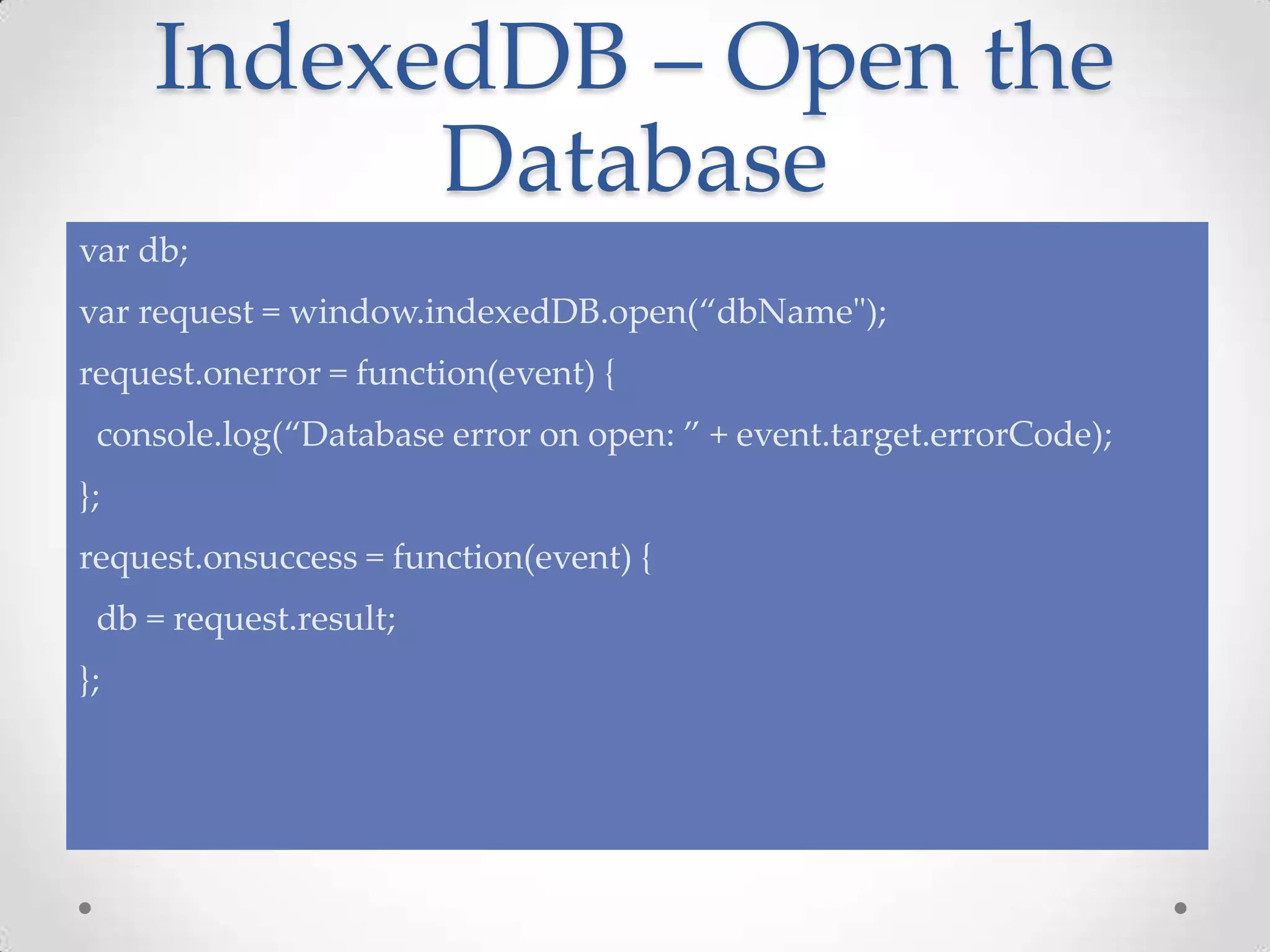
IndexedDB – Open the
Database
var db;
var request = window.indexedDB.open(“dbName");
request.onerror = function(event) {
console.log(“Database error on open: ” + event.target.errorCode);
};
request.onsuccess = function(event) {
db = request.result;
};
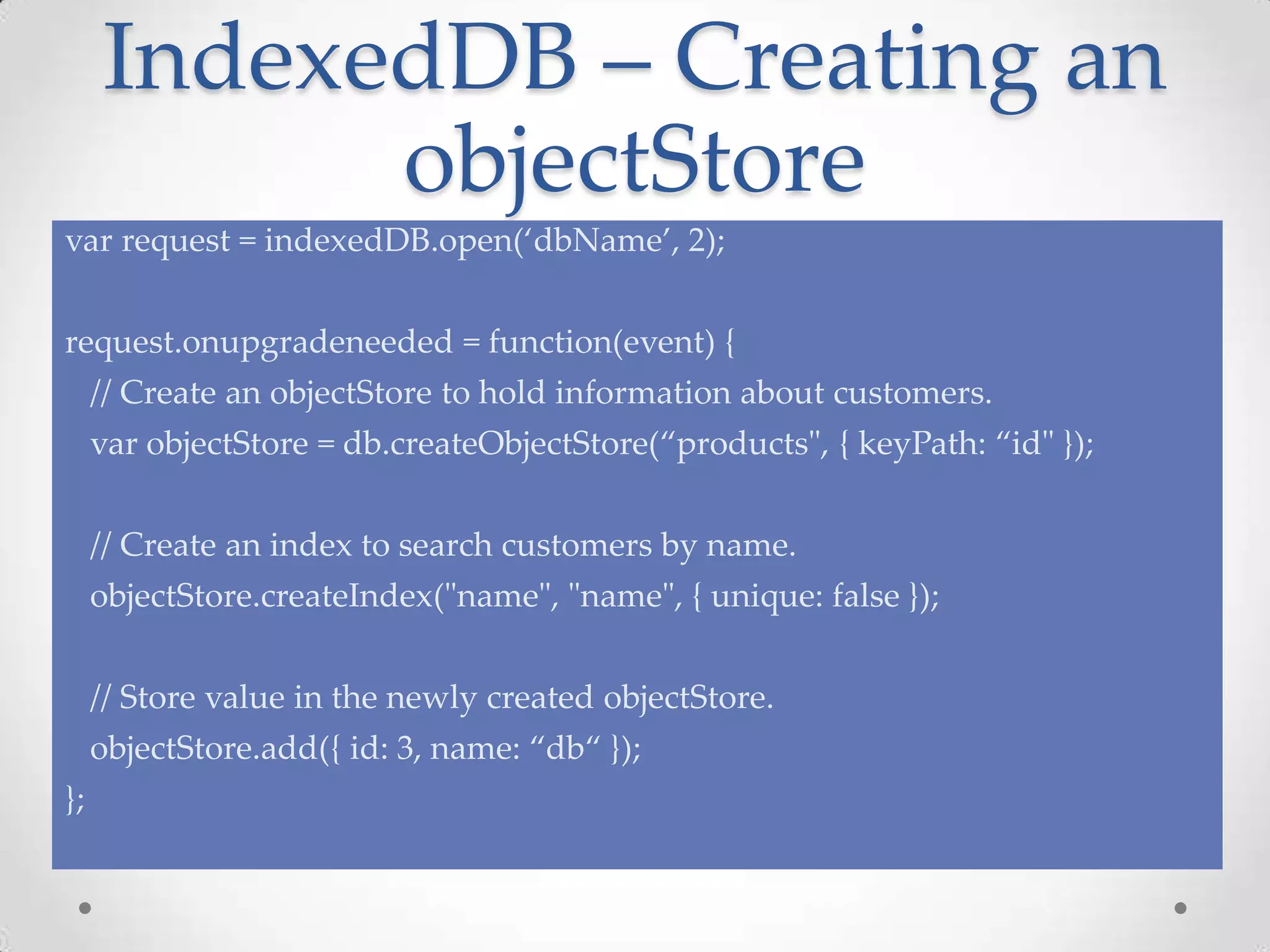
IndexedDB – Creating an
objectStore
var request = indexedDB.open(‘dbName’, 2);
request.onupgradeneeded = function(event) {
// Create an objectStore to hold information about customers.
var objectStore = db.createObjectStore(“products", { keyPath: “id" });
// Create an index to search customers by name.
objectStore.createIndex("name", "name", { unique: false });
// Store value in the newly created objectStore.
objectStore.add({ id: 3, name: “db“ });
};
IndexedDB – Creating a
Transaction
var transaction = db.transaction([“products"], IDBTransaction.READ_WRITE);
transaction.oncomplete = function(event) {
console.log(“Transaction completed”);
};
transaction.onerror = function(event) {
// handle transaction errors
};
// will add the object into the objectStore
var objectStore = transaction.objectStore(“products”);
var request = objectStore.add({ id: 7, name: “IndexedDB" });
request.onsuccess = function(event) {
// event.target.result == object.id
}
IndexedDB – Using a
Cursor
var transaction = db.transaction([“products”]);
var objectStore = transaction.objectStore(“products”);
var cursor = objectStore.openCursor();
cursor.onsuccess = function(event) {
var cursor = event.target.result;
if (cursor) {
console.log(“id:”+cursor.key+” has name:”+cursor.value.name);
cursor.continue();
}
else {
console.log(“No entries”);
}
};
IndexedDB – Working
with Indexes
var transaction = db.transaction([“products”]);
var objectStore = transaction.objectStore(“products”);
var index = objectStore.index(“name”);
var request = index.get(“IndexedDB");
request.onsuccess = function(event) {
console.log(“id: " + event.target.result.id);
};
IndexedDB
Demo
Problems?
• Verbose syntax
o Too much boilerplate
• No support for queries style SQL
• No full text search
• And more
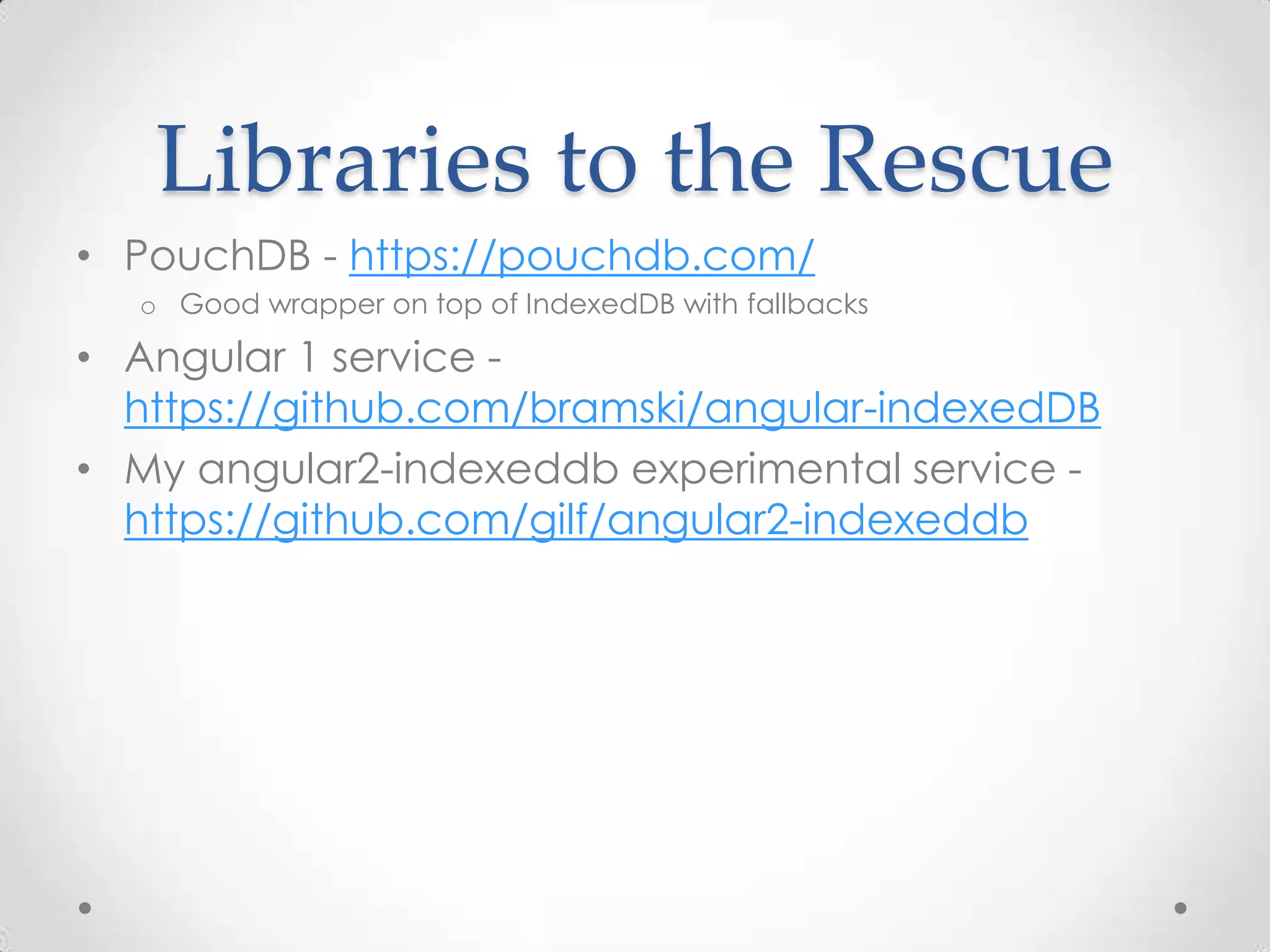
Libraries to the Rescue
• PouchDB - https://pouchdb.com/
o Good wrapper on top of IndexedDB with fallbacks
• Angular 1 service -
https://github.com/bramski/angular-indexedDB
• My angular2-indexeddb experimental service -
https://github.com/gilf/angular2-indexeddb
Questions?
Summary
• IndexedDB is a full blown database in your app
front-end
• It can help you to persist your data in the front-end
• IndexedDB is suitable for offline scenarios
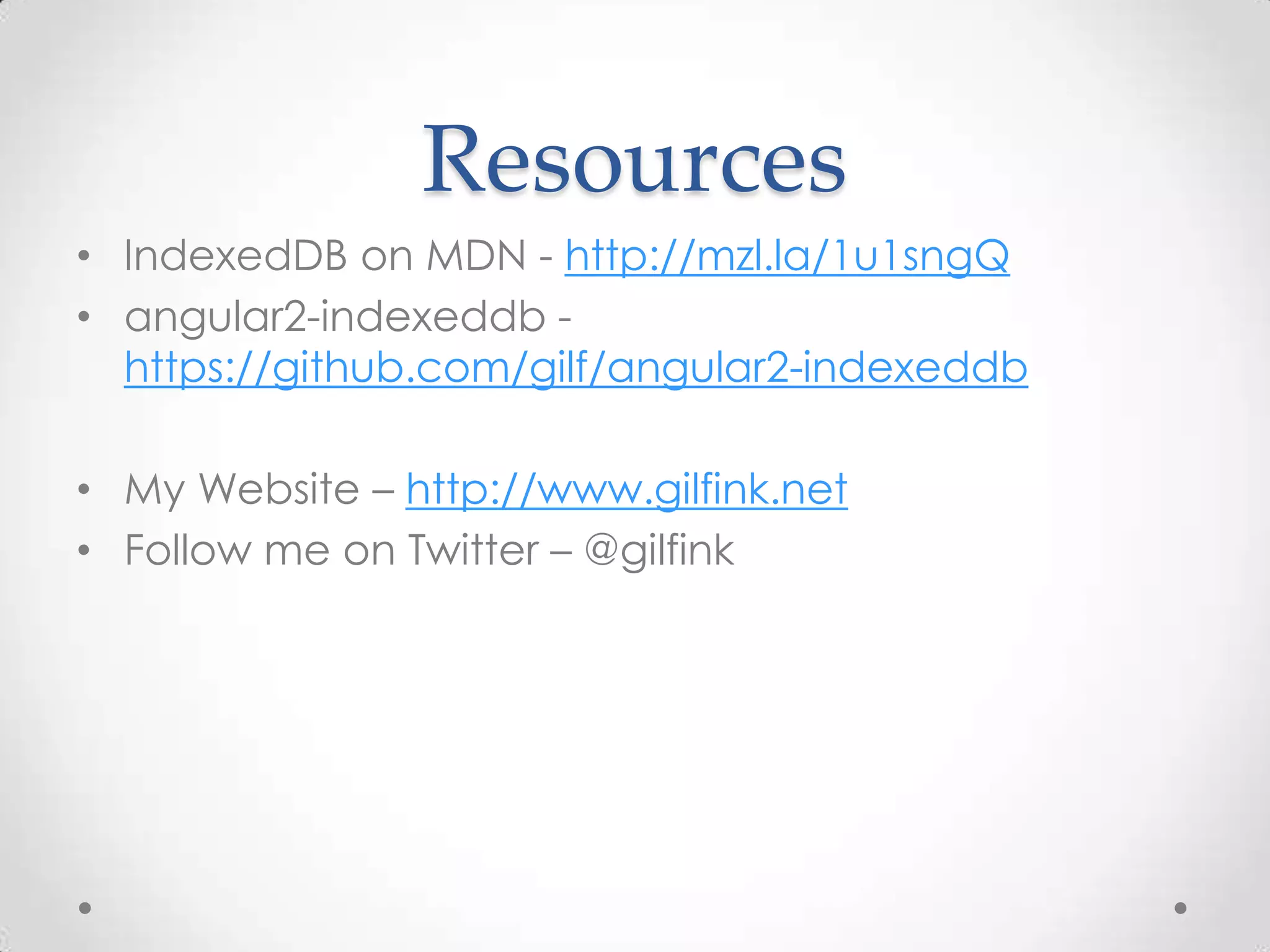
Resources
• IndexedDB on MDN - http://mzl.la/1u1sngQ
• angular2-indexeddb -
https://github.com/gilf/angular2-indexeddb
• My Website – http://www.gilfink.net
• Follow me on Twitter – @gilfink
Thank You!

Whos afraid of front end databases?

  • 1.
  • 2.
  • 3.
    Cookies Are such anold technology…
  • 4.
  • 6.
    About Me • sparXysCEO and senior consultant • ASP.NET/IIS Microsoft MVP in the last 7 years • Pro Single Page Application Development (Apress) co-author • 4 Microsoft Official Courses (MOCs) co-author • GDG Rashlatz and ng-conf Israel co-organizer
  • 7.
  • 8.
    IndexedDB • Advanced key-valuedata management IndexedDB Front-end App Fast Reliable Limited capacity Local access only Information loss
  • 9.
    IndexedDB • Made ofrecords holding simple values or hierarchical objects o Each record consists of a key and a corresponding value • Enables o Storage of large numbers of objects locally o Fast insertion and extraction • Satisfy some of the offline data requirements for web applications
  • 10.
    IndexedDB Database objectStore Cursor on objectStore key :value key : value key : value Index Cursor on index
  • 11.
    IndexedDB API • Verymassive API! • API is asynchronous o Synchronous APIs were removed by W3C • Exposed through window.indexedDB object
  • 13.
    IndexedDB – Openthe Database var db; var request = window.indexedDB.open(“dbName"); request.onerror = function(event) { console.log(“Database error on open: ” + event.target.errorCode); }; request.onsuccess = function(event) { db = request.result; };
  • 14.
    IndexedDB – Creatingan objectStore var request = indexedDB.open(‘dbName’, 2); request.onupgradeneeded = function(event) { // Create an objectStore to hold information about customers. var objectStore = db.createObjectStore(“products", { keyPath: “id" }); // Create an index to search customers by name. objectStore.createIndex("name", "name", { unique: false }); // Store value in the newly created objectStore. objectStore.add({ id: 3, name: “db“ }); };
  • 15.
    IndexedDB – Creatinga Transaction var transaction = db.transaction([“products"], IDBTransaction.READ_WRITE); transaction.oncomplete = function(event) { console.log(“Transaction completed”); }; transaction.onerror = function(event) { // handle transaction errors }; // will add the object into the objectStore var objectStore = transaction.objectStore(“products”); var request = objectStore.add({ id: 7, name: “IndexedDB" }); request.onsuccess = function(event) { // event.target.result == object.id }
  • 16.
    IndexedDB – Usinga Cursor var transaction = db.transaction([“products”]); var objectStore = transaction.objectStore(“products”); var cursor = objectStore.openCursor(); cursor.onsuccess = function(event) { var cursor = event.target.result; if (cursor) { console.log(“id:”+cursor.key+” has name:”+cursor.value.name); cursor.continue(); } else { console.log(“No entries”); } };
  • 17.
    IndexedDB – Working withIndexes var transaction = db.transaction([“products”]); var objectStore = transaction.objectStore(“products”); var index = objectStore.index(“name”); var request = index.get(“IndexedDB"); request.onsuccess = function(event) { console.log(“id: " + event.target.result.id); };
  • 18.
  • 19.
    Problems? • Verbose syntax oToo much boilerplate • No support for queries style SQL • No full text search • And more
  • 20.
    Libraries to theRescue • PouchDB - https://pouchdb.com/ o Good wrapper on top of IndexedDB with fallbacks • Angular 1 service - https://github.com/bramski/angular-indexedDB • My angular2-indexeddb experimental service - https://github.com/gilf/angular2-indexeddb
  • 21.
  • 22.
    Summary • IndexedDB isa full blown database in your app front-end • It can help you to persist your data in the front-end • IndexedDB is suitable for offline scenarios
  • 23.
    Resources • IndexedDB onMDN - http://mzl.la/1u1sngQ • angular2-indexeddb - https://github.com/gilf/angular2-indexeddb • My Website – http://www.gilfink.net • Follow me on Twitter – @gilfink
  • 24.