Download to read offline
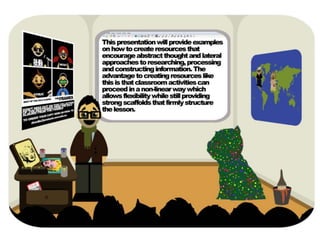
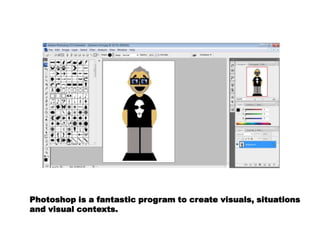
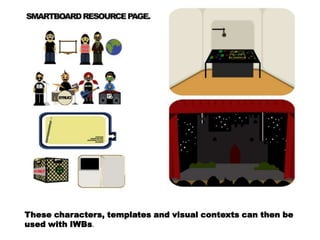
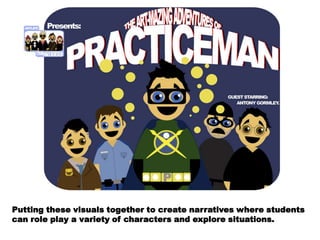
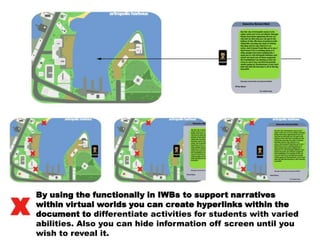
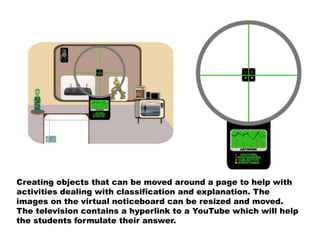
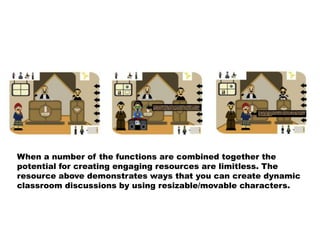
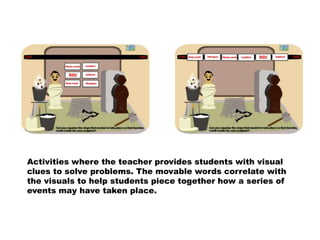
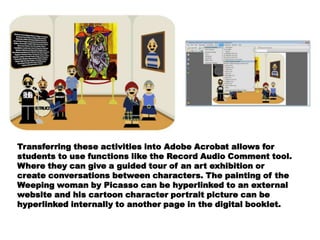
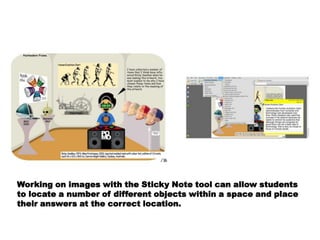
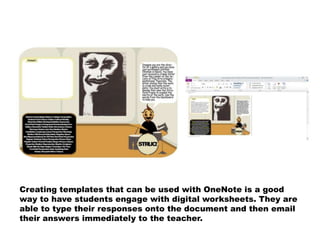

This document discusses using Photoshop and interactive whiteboards (IWBs) to create visual contexts and narratives that students can engage with. It describes how placing characters, templates, and visuals created in Photoshop into IWBs allows students to role play and explore different situations. Functions like hyperlinks can be used to differentiate activities for varied abilities and reveal information selectively. Objects on IWBs can also be moved around and resized to help with classification and explanation activities. Combining these functions allows for limitless engaging classroom resources, such as discussions using movable characters. The document suggests other activities using visual clues and movable words to solve problems or give guided tours in Acrobat using tools like audio comments. It also discusses


