HTML5 and the dawn of rich
 mobile web applications
         @ jamespearce
Part II

jQuery Mobile
Sencha Touch
jQuery Mobile
http://jquerymobile.com/
“A unified user interface
system that works seamlessly
   across all popular mobile
      device platforms”
Key features

      Built on jQuery
      Modular library
Markup-driven configuration
 Progressive enhancement
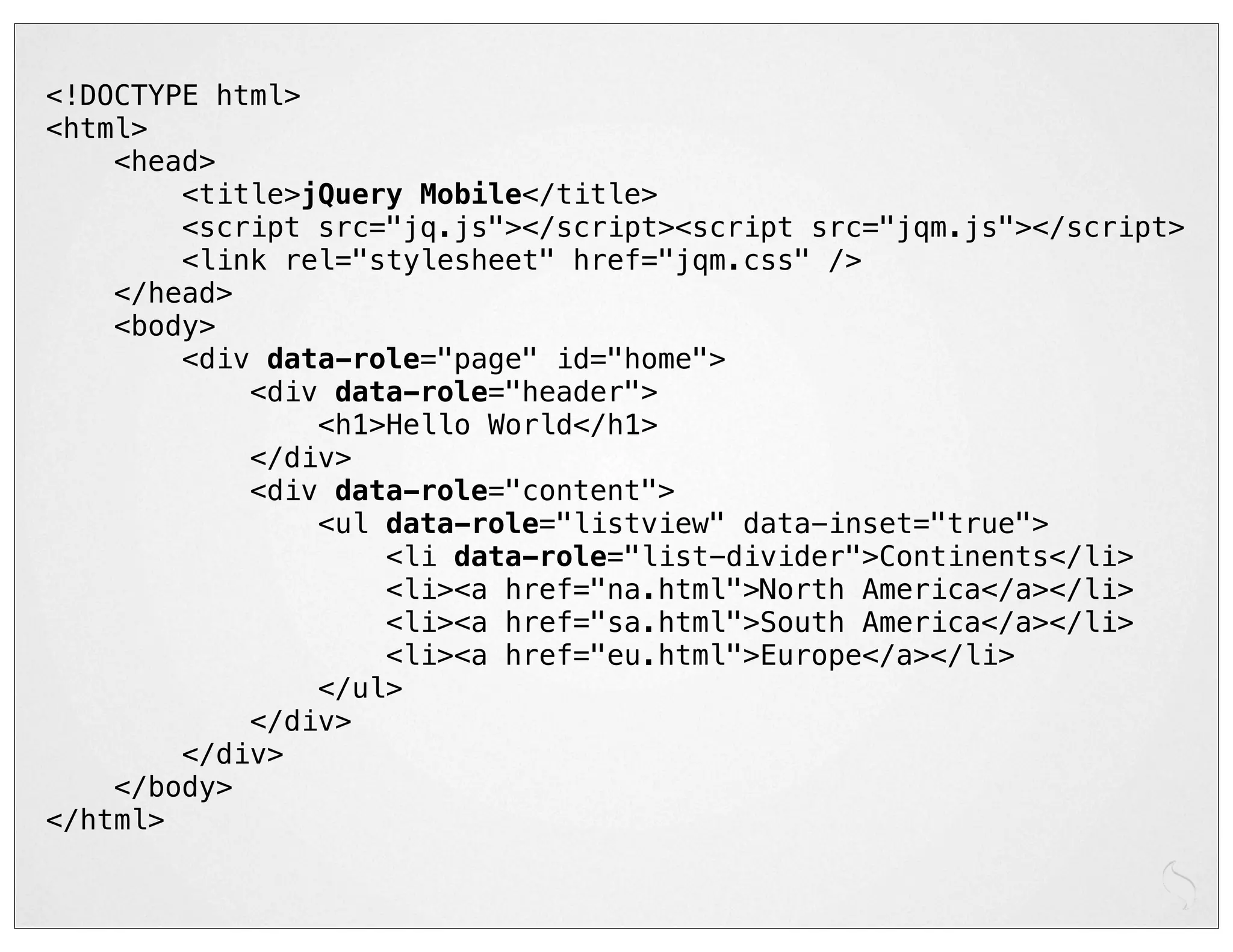
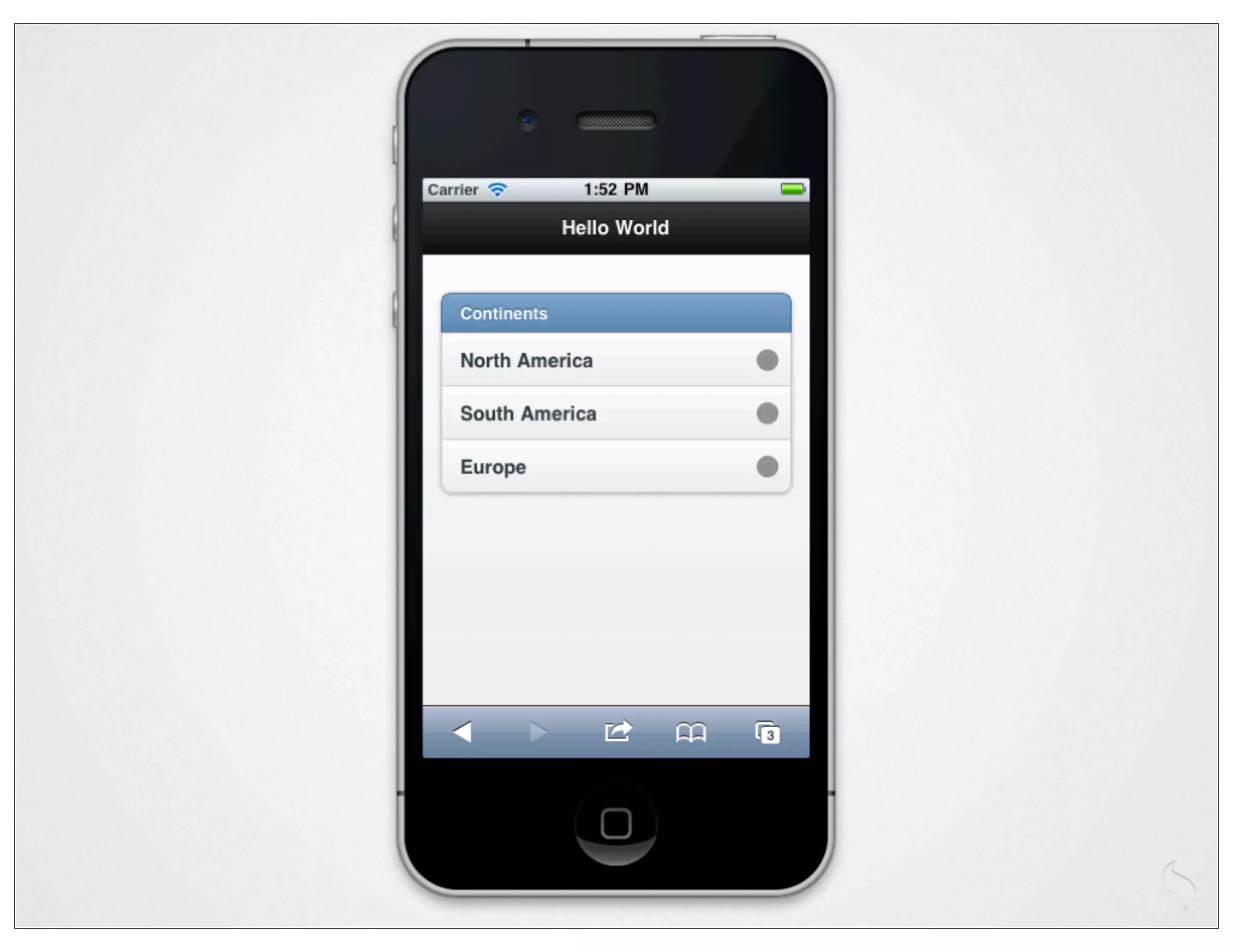
<!DOCTYPE html>
<html>
    <head>
        <title>jQuery Mobile</title>
        <script src="jq.js"></script><script src="jqm.js"></script>
        <link rel="stylesheet" href="jqm.css" />
    </head>
    <body>
        <div data-role="page" id="home">
            <div data-role="header">
                <h1>Hello World</h1>
            </div>
            <div data-role="content">
                <ul data-role="listview" data-inset="true">
                    <li data-role="list-divider">Continents</li>
                    <li><a href="na.html">North America</a></li>
                    <li><a href="sa.html">South America</a></li>
                    <li><a href="eu.html">Europe</a></li>
                </ul>
            </div>
        </div>
    </body>
</html>
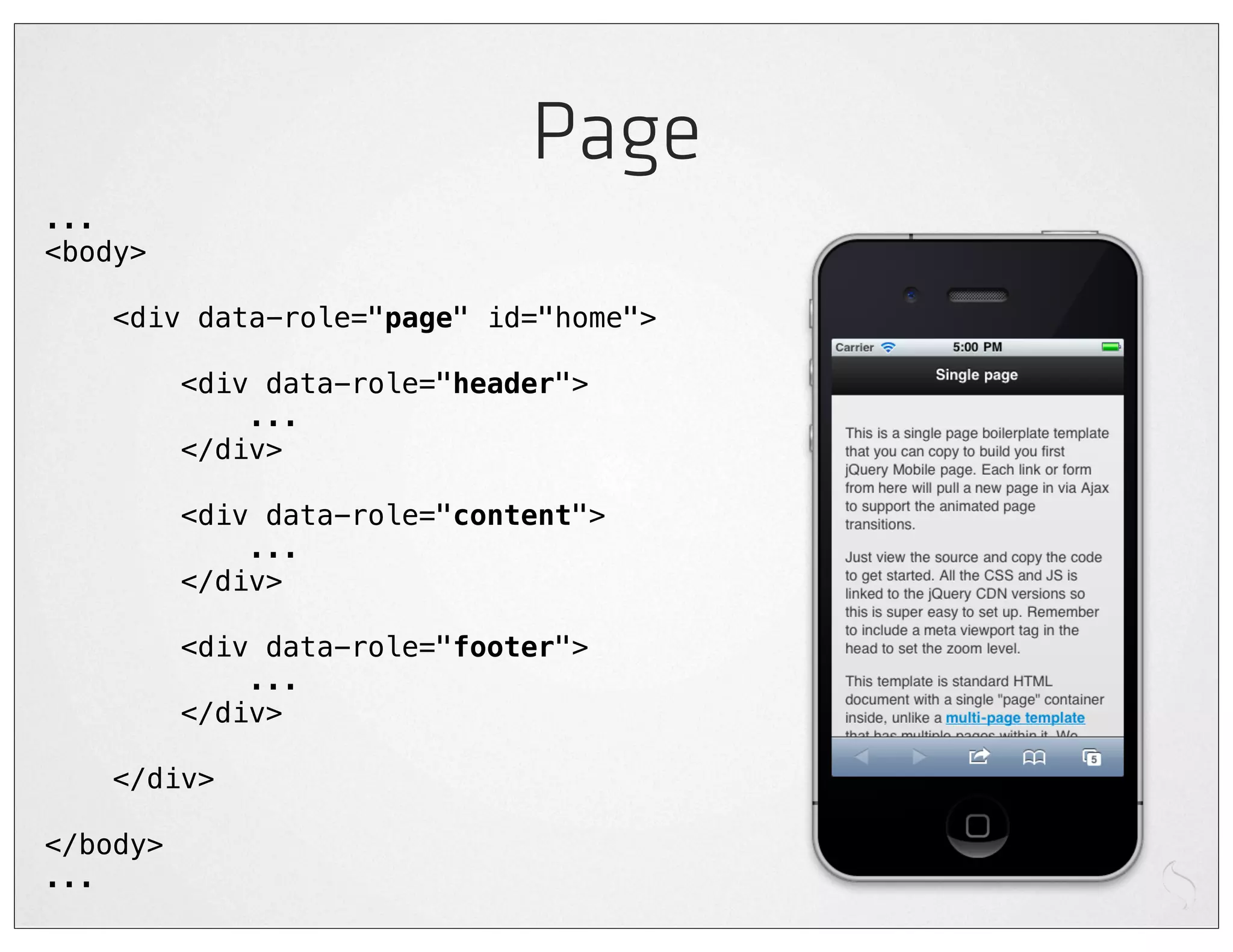
Page
...
<body>

    <div data-role="page" id="home">

          <div data-role="header">
              ...
          </div>

          <div data-role="content">
              ...
          </div>

          <div data-role="footer">
              ...
          </div>

    </div>

</body>
...
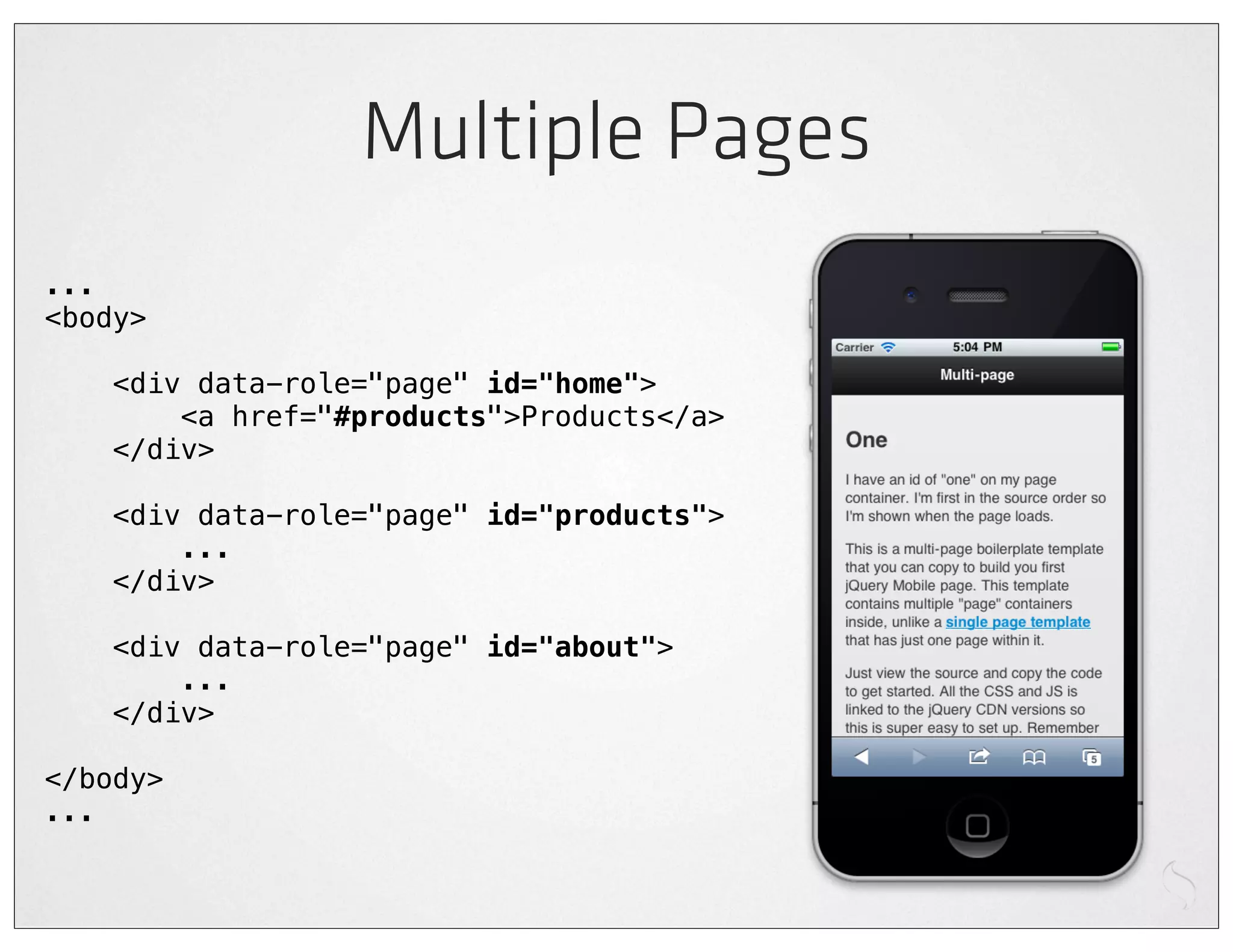
Multiple Pages
...
<body>

    <div data-role="page" id="home">
        <a href="#products">Products</a>
    </div>

    <div data-role="page" id="products">
        ...
    </div>

    <div data-role="page" id="about">
        ...
    </div>

</body>
...
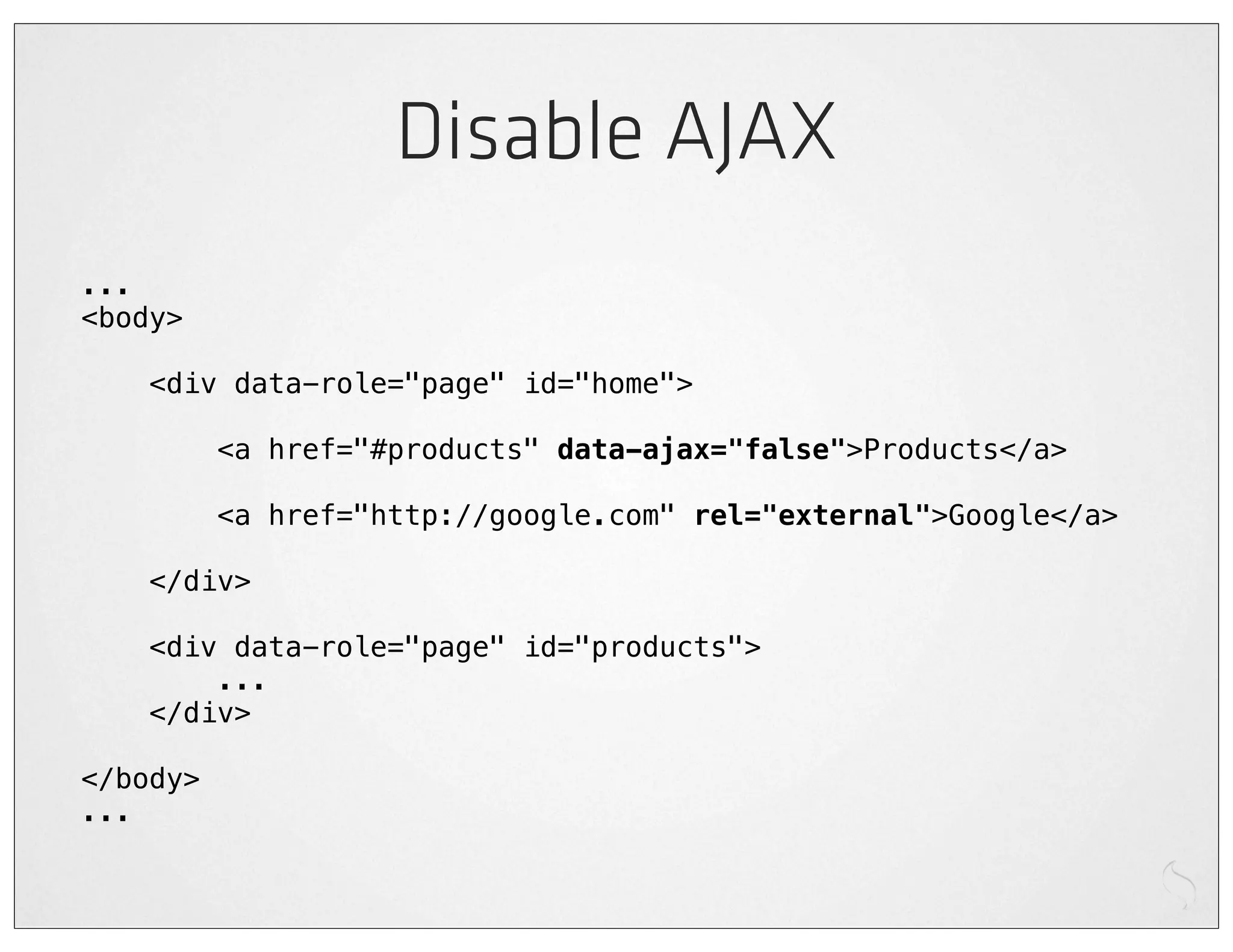
Disable AJAX
...
<body>

    <div data-role="page" id="home">

          <a href="#products" data-ajax="false">Products</a>

          <a href="http://google.com" rel="external">Google</a>

    </div>

    <div data-role="page" id="products">
        ...
    </div>

</body>
...
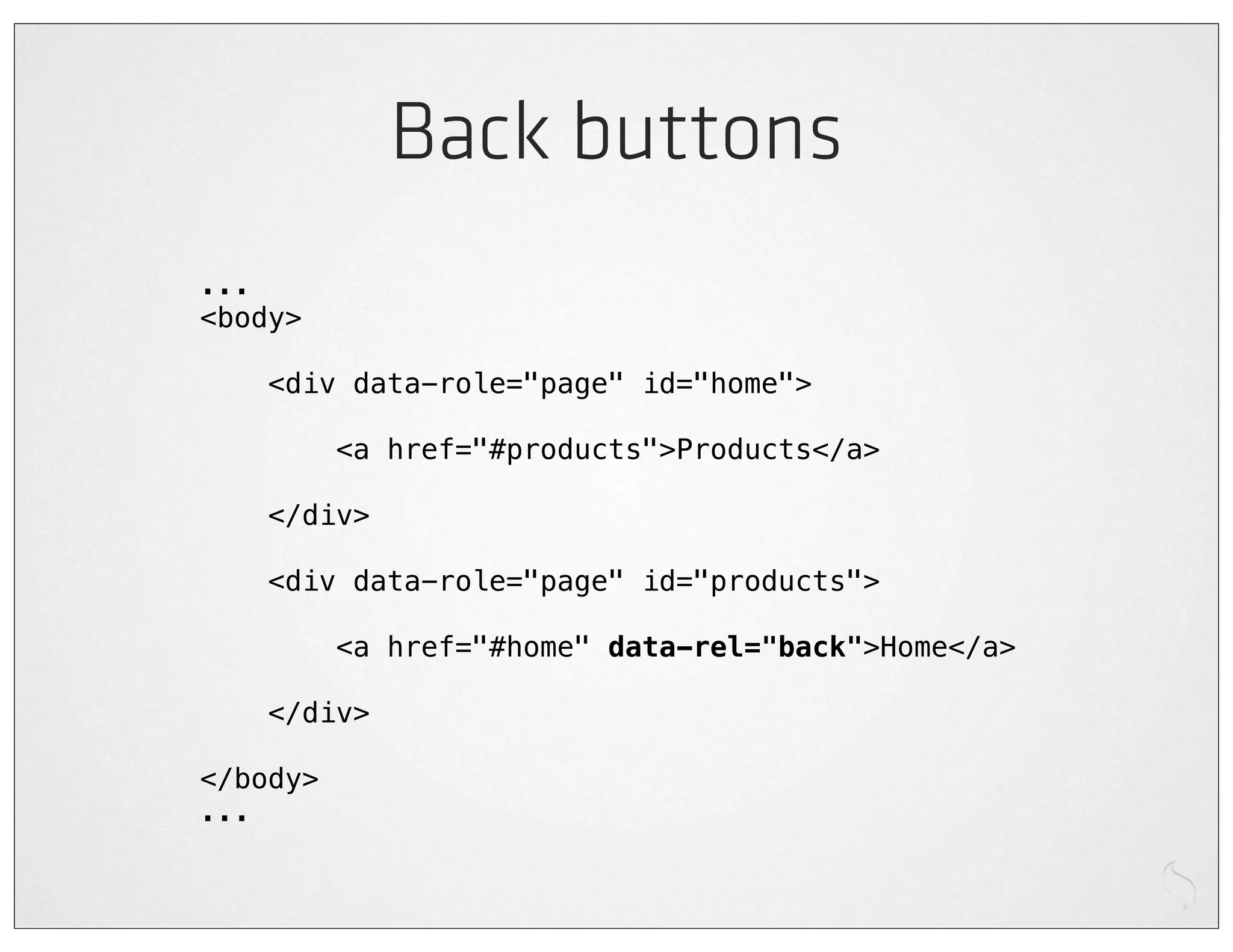
Back buttons
...
<body>

    <div data-role="page" id="home">

          <a href="#products">Products</a>

    </div>

    <div data-role="page" id="products">

          <a href="#home" data-rel="back">Home</a>

    </div>

</body>
...
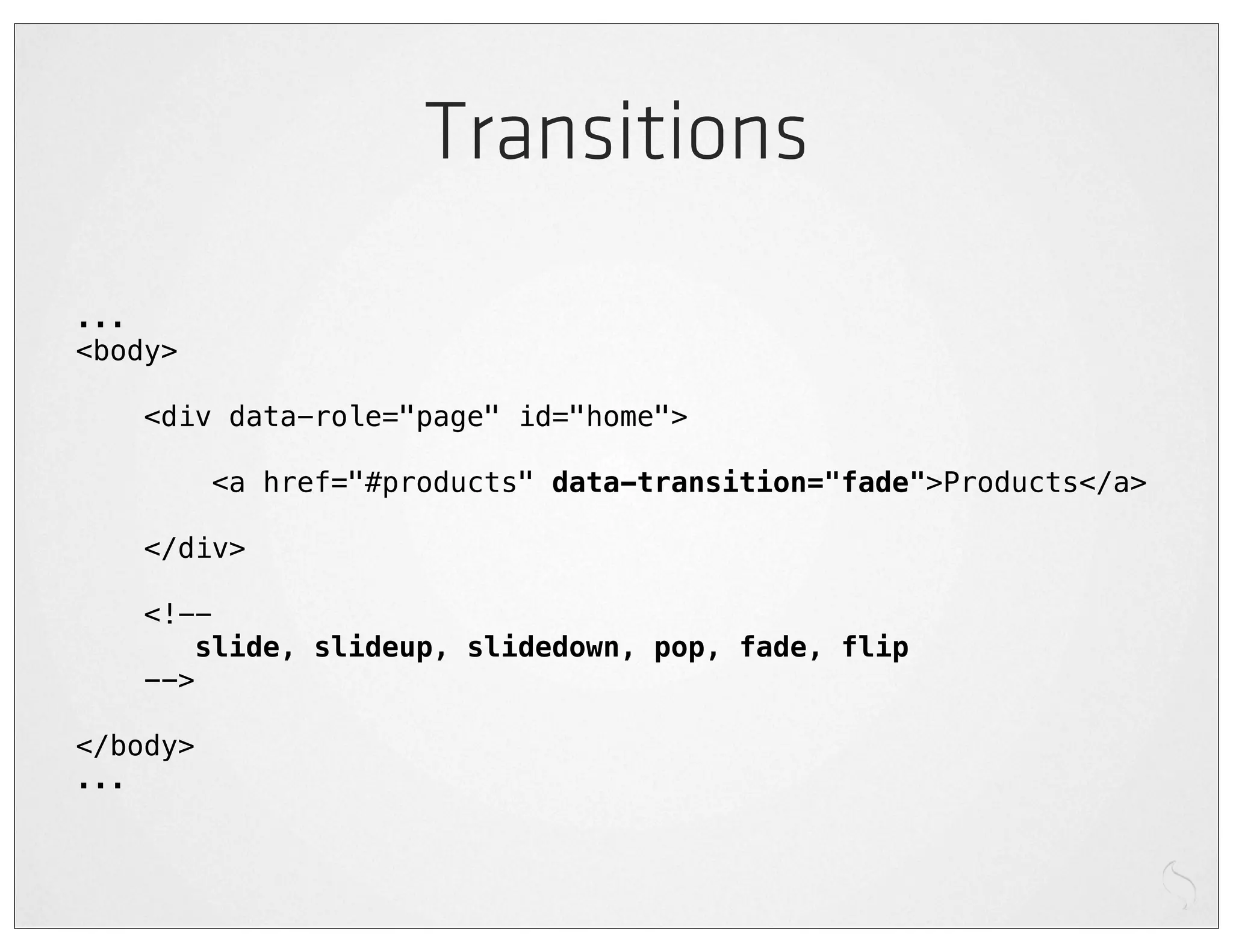
Transitions
...
<body>

    <div data-role="page" id="home">

          <a href="#products" data-transition="fade">Products</a>

    </div>

    <!--
       slide, slideup, slidedown, pop, fade, flip
    -->

</body>
...
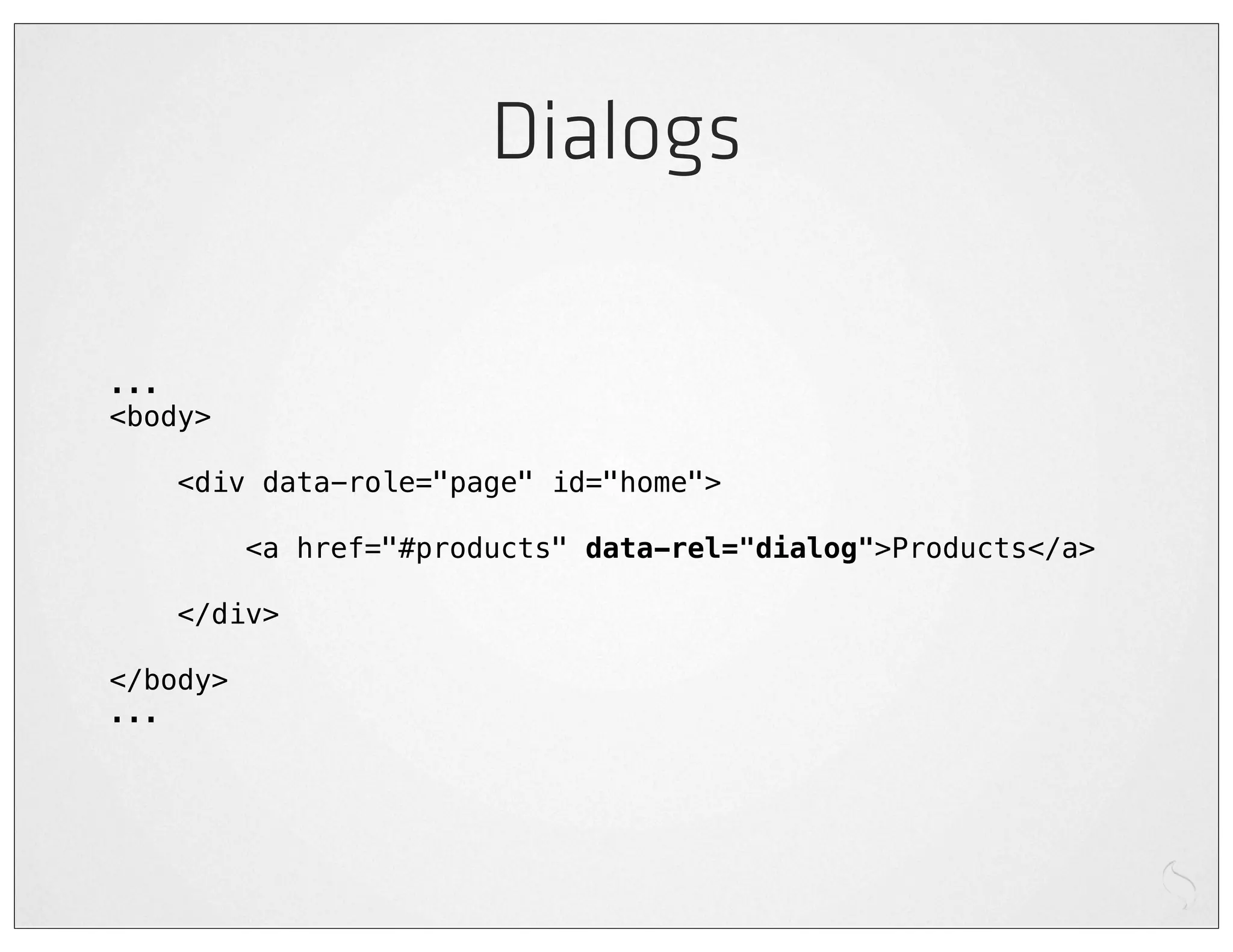
Dialogs

...
<body>

    <div data-role="page" id="home">

          <a href="#products" data-rel="dialog">Products</a>

    </div>

</body>
...
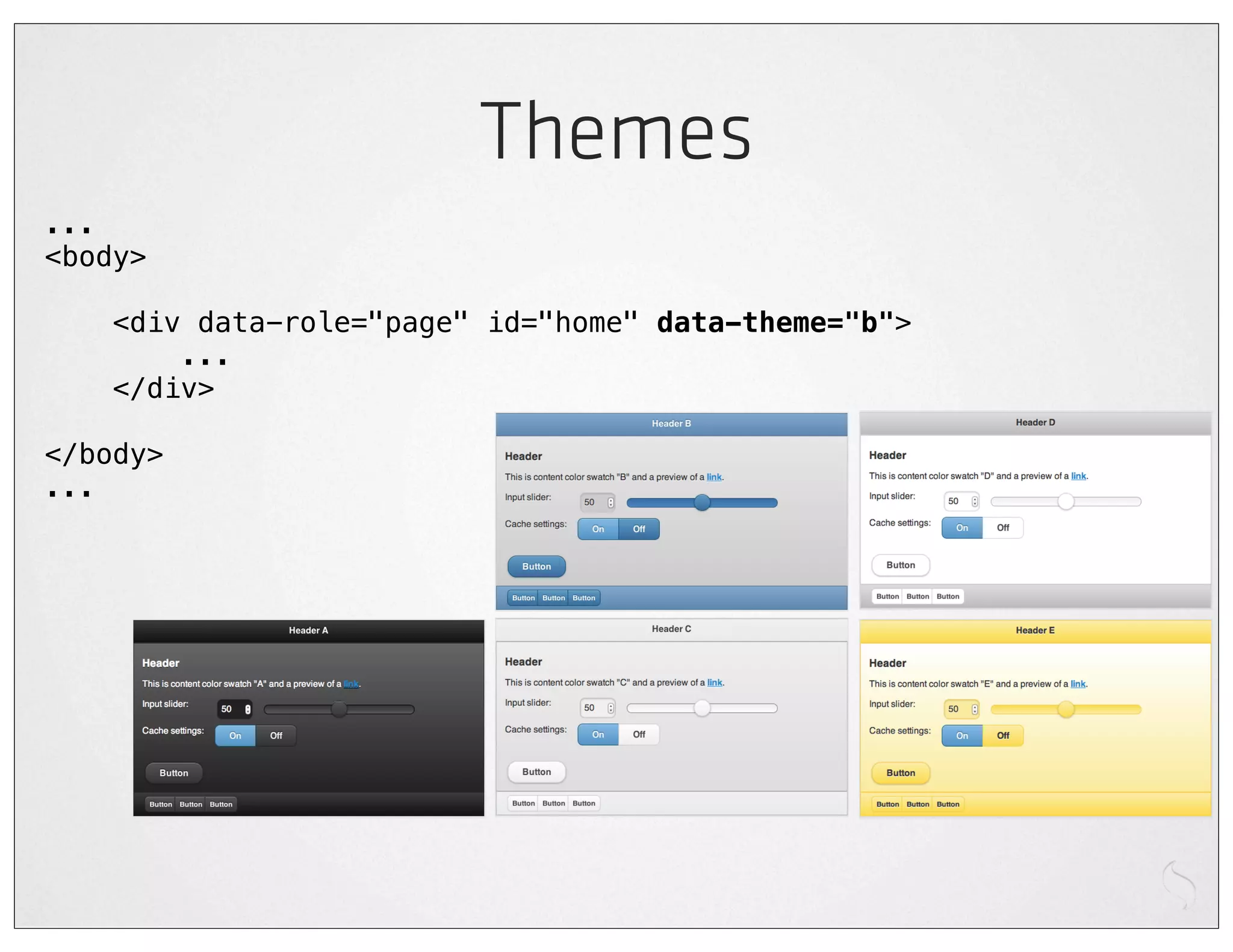
Themes
...
<body>

    <div data-role="page" id="home" data-theme="b">
        ...
    </div>

</body>
...
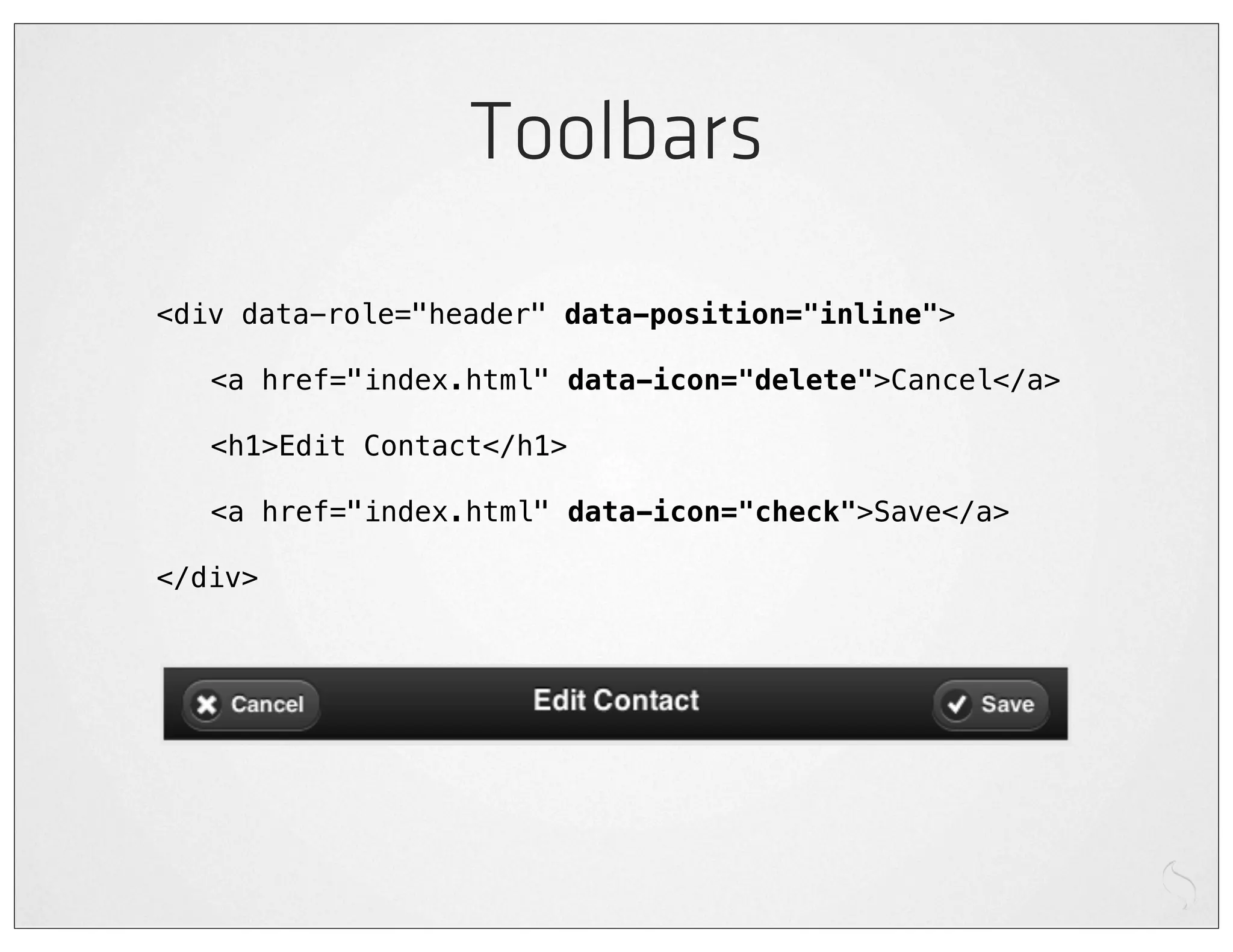
Toolbars
<div data-role="header" data-position="inline">

!   <a href="index.html" data-icon="delete">Cancel</a>

!   <h1>Edit Contact</h1>

!   <a href="index.html" data-icon="check">Save</a>

</div>
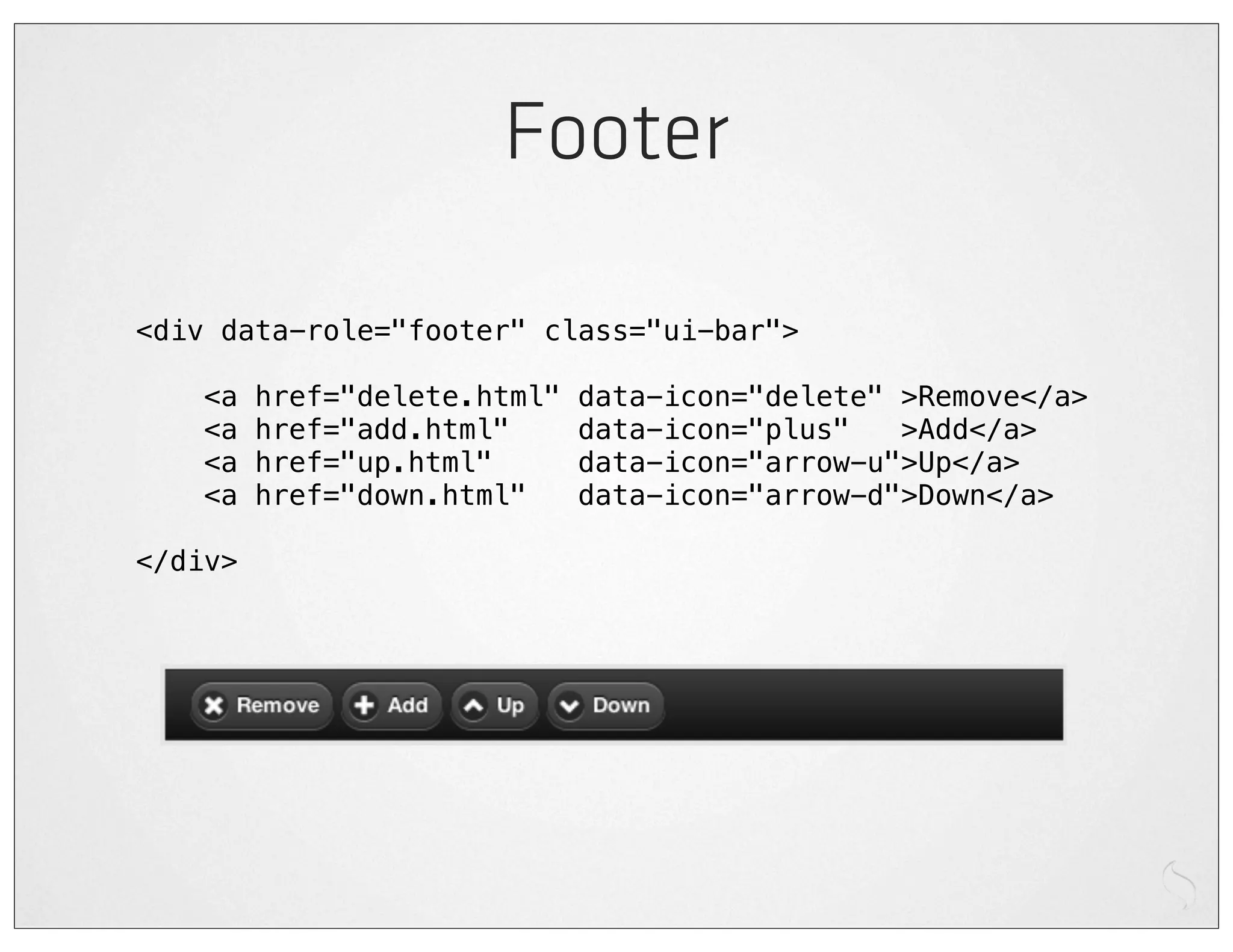
Footer

<div data-role="footer" class="ui-bar">

    <a   href="delete.html"   data-icon="delete" >Remove</a>
    <a   href="add.html"      data-icon="plus"   >Add</a>
    <a   href="up.html"       data-icon="arrow-u">Up</a>
    <a   href="down.html"     data-icon="arrow-d">Down</a>

</div>
Fixed footer


<div data-role="footer" data-position="fixed">
    ...
</div>
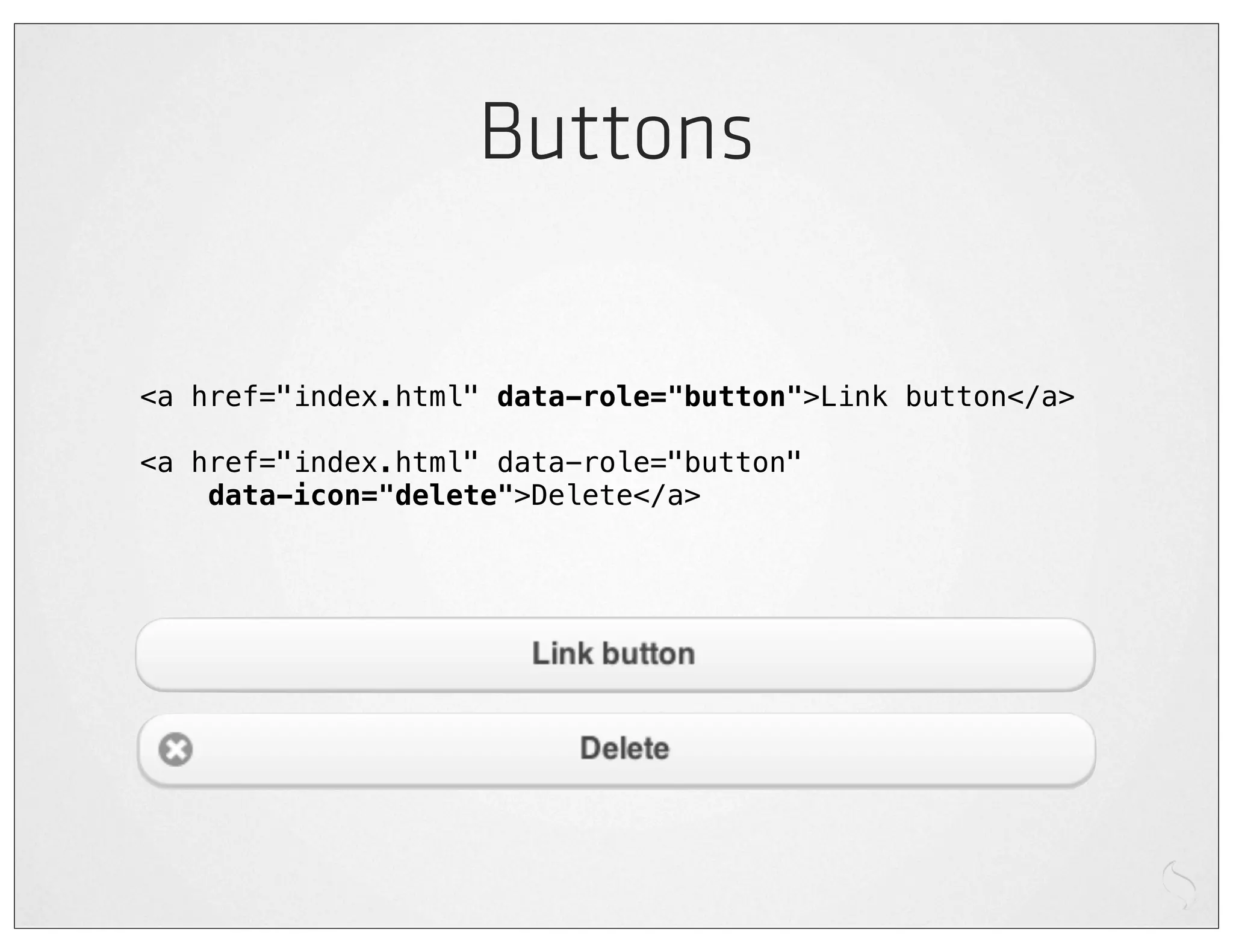
Buttons

<a href="index.html" data-role="button">Link button</a>

<a href="index.html" data-role="button"
    data-icon="delete">Delete</a>
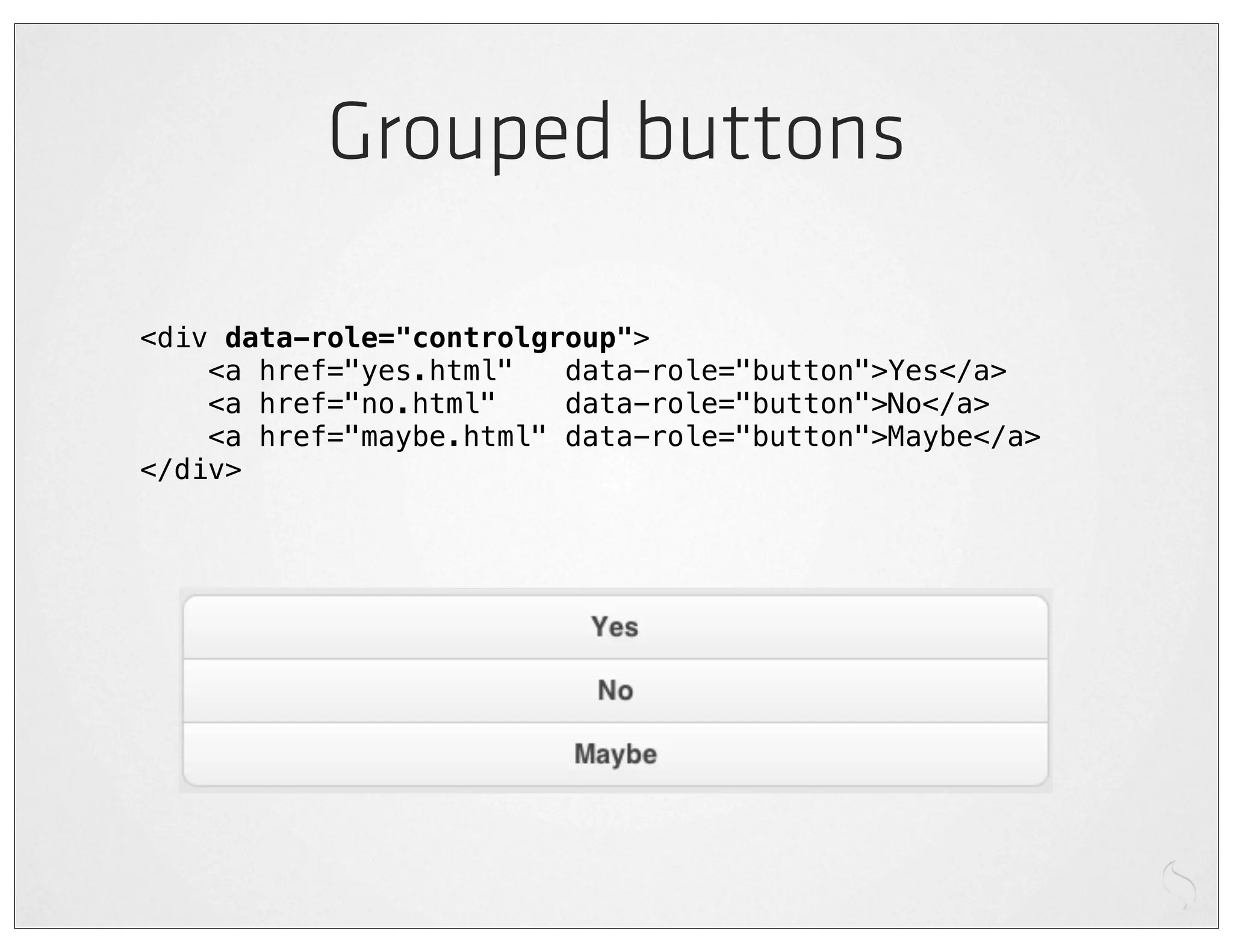
Grouped buttons

<div data-role="controlgroup">
    <a href="yes.html"   data-role="button">Yes</a>
    <a href="no.html"    data-role="button">No</a>
    <a href="maybe.html" data-role="button">Maybe</a>
</div>
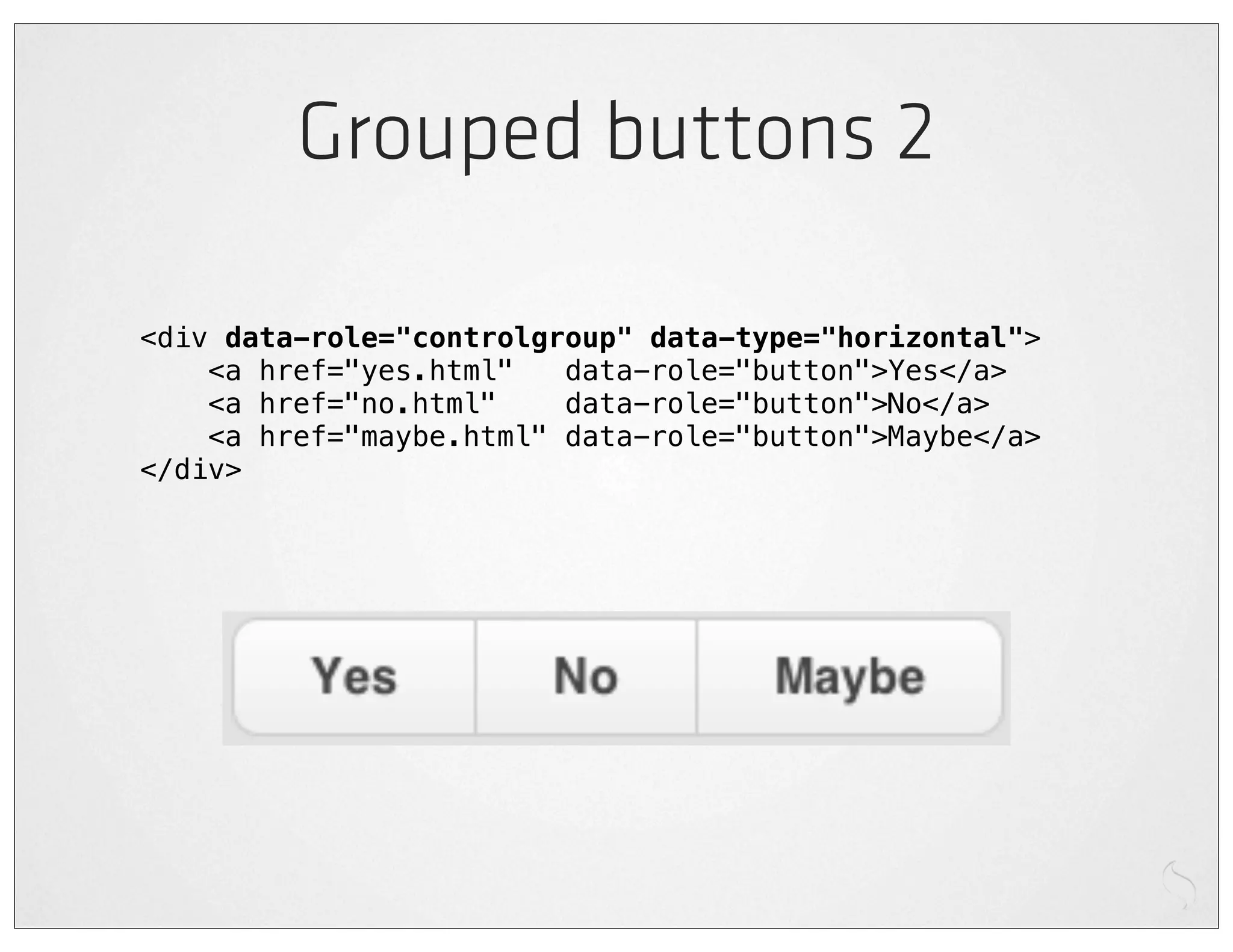
Grouped buttons 2

<div data-role="controlgroup" data-type="horizontal">
    <a href="yes.html"   data-role="button">Yes</a>
    <a href="no.html"    data-role="button">No</a>
    <a href="maybe.html" data-role="button">Maybe</a>
</div>
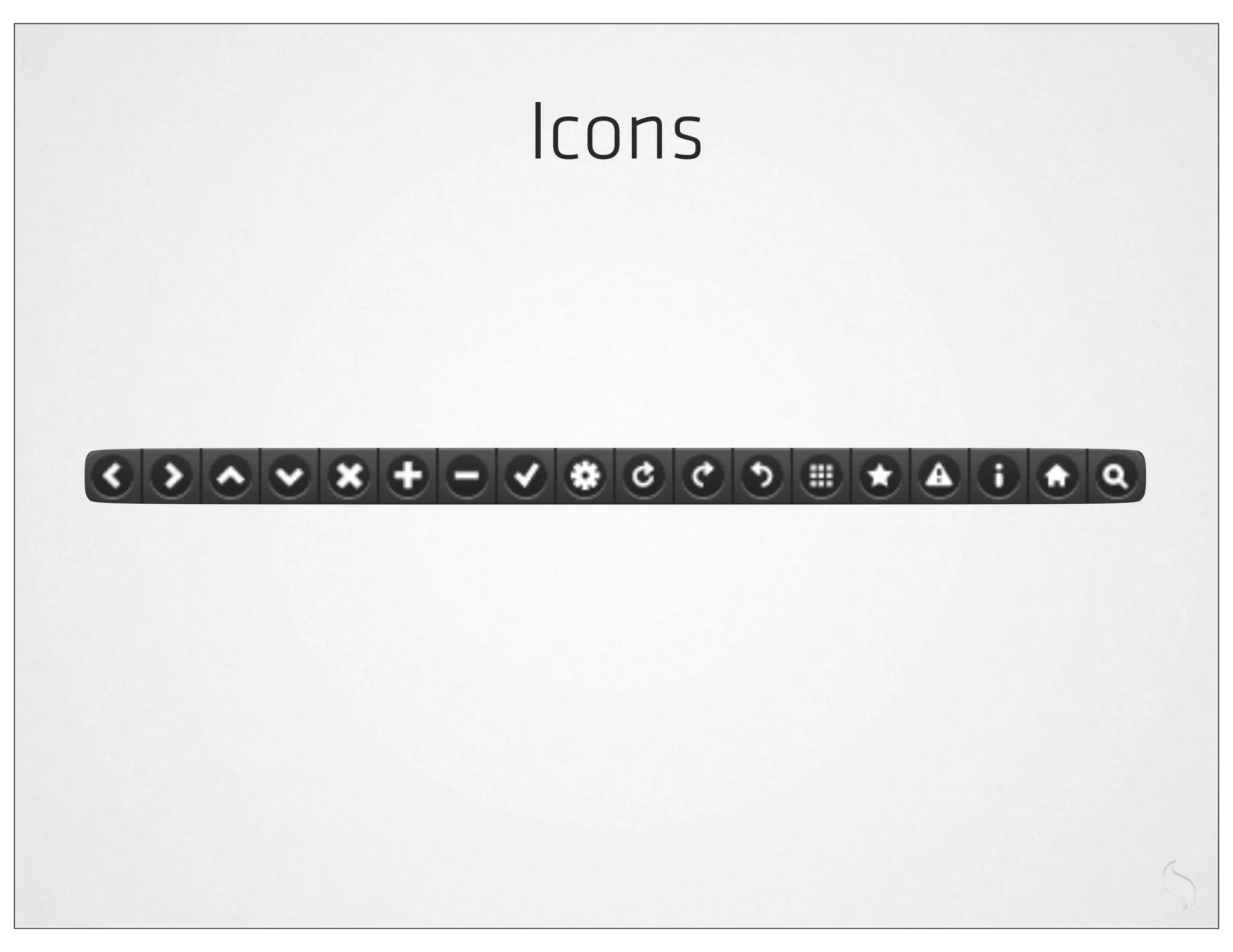
Icons
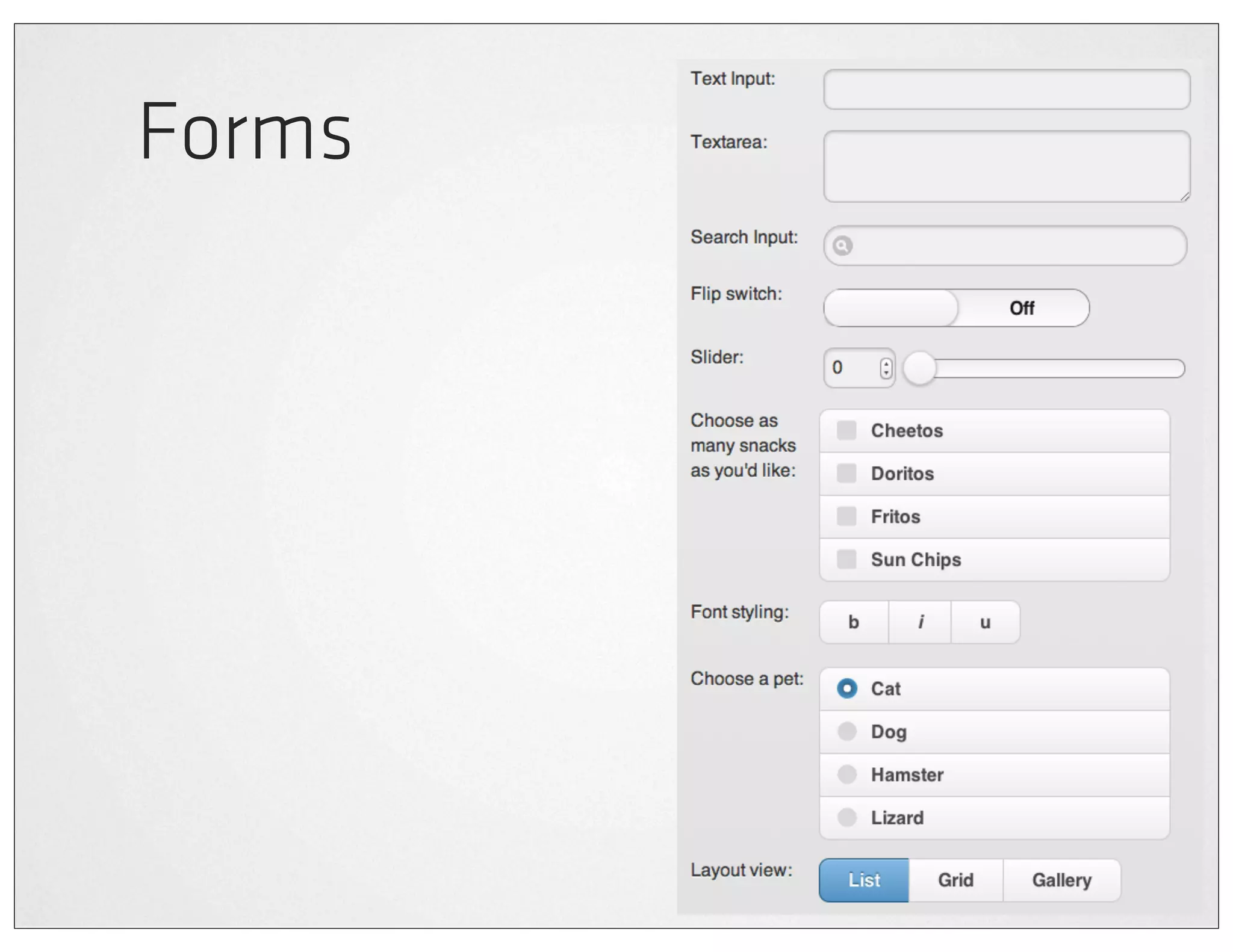
Forms
Lists

<ul data-role="listview">
!   <li><a href="acura.html">Acura</a></li>
!   <li><a href="audi.html">Audi</a></li>
!   <li><a href="bmw.html">BMW</a></li>
    ...
</ul>
jQuery Mobile Demo
Sencha Touch
A JavaScript framework
       for building
    rich mobile apps
  with web standards
http://sencha.com/touch
Components
Data access & MVC
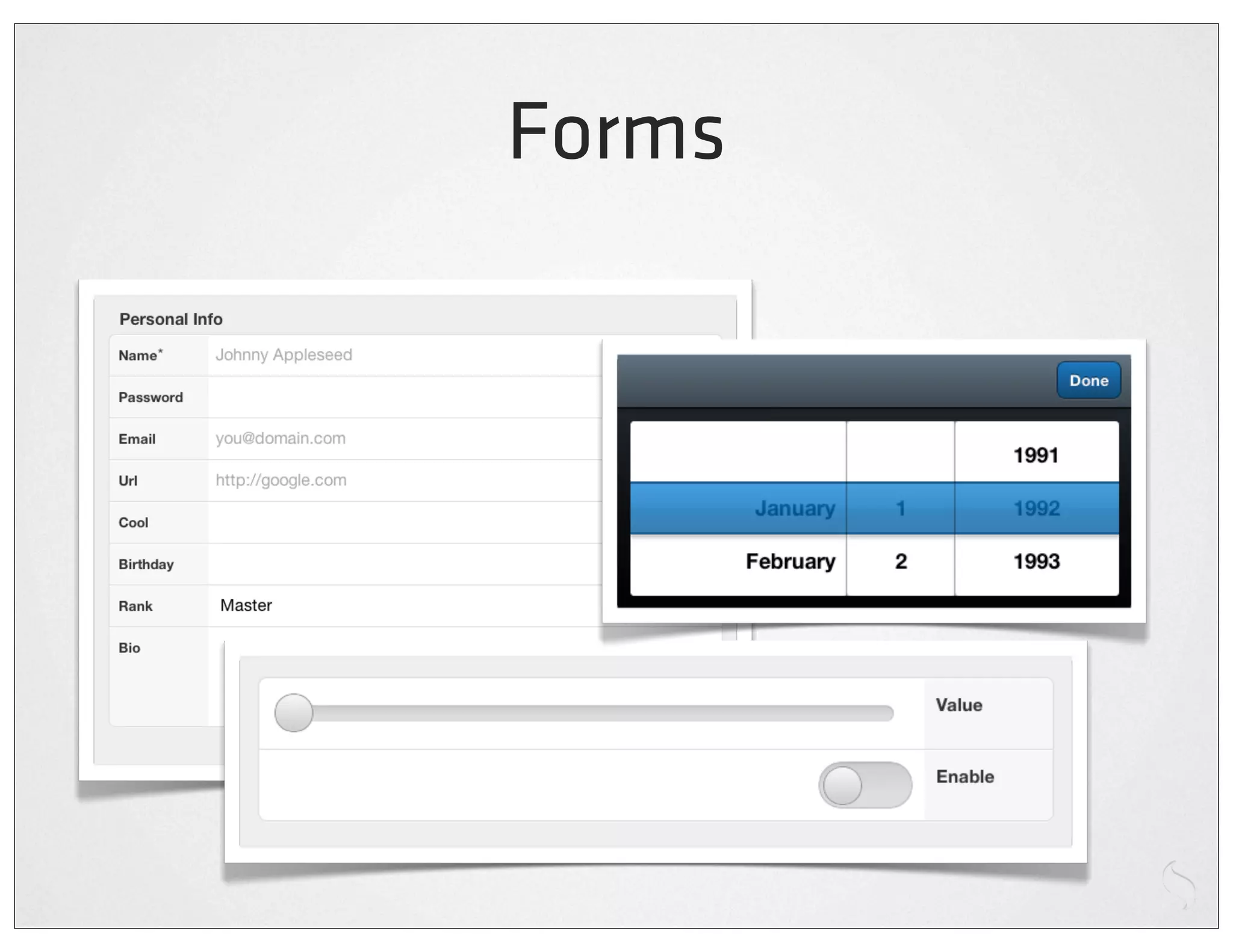
Forms
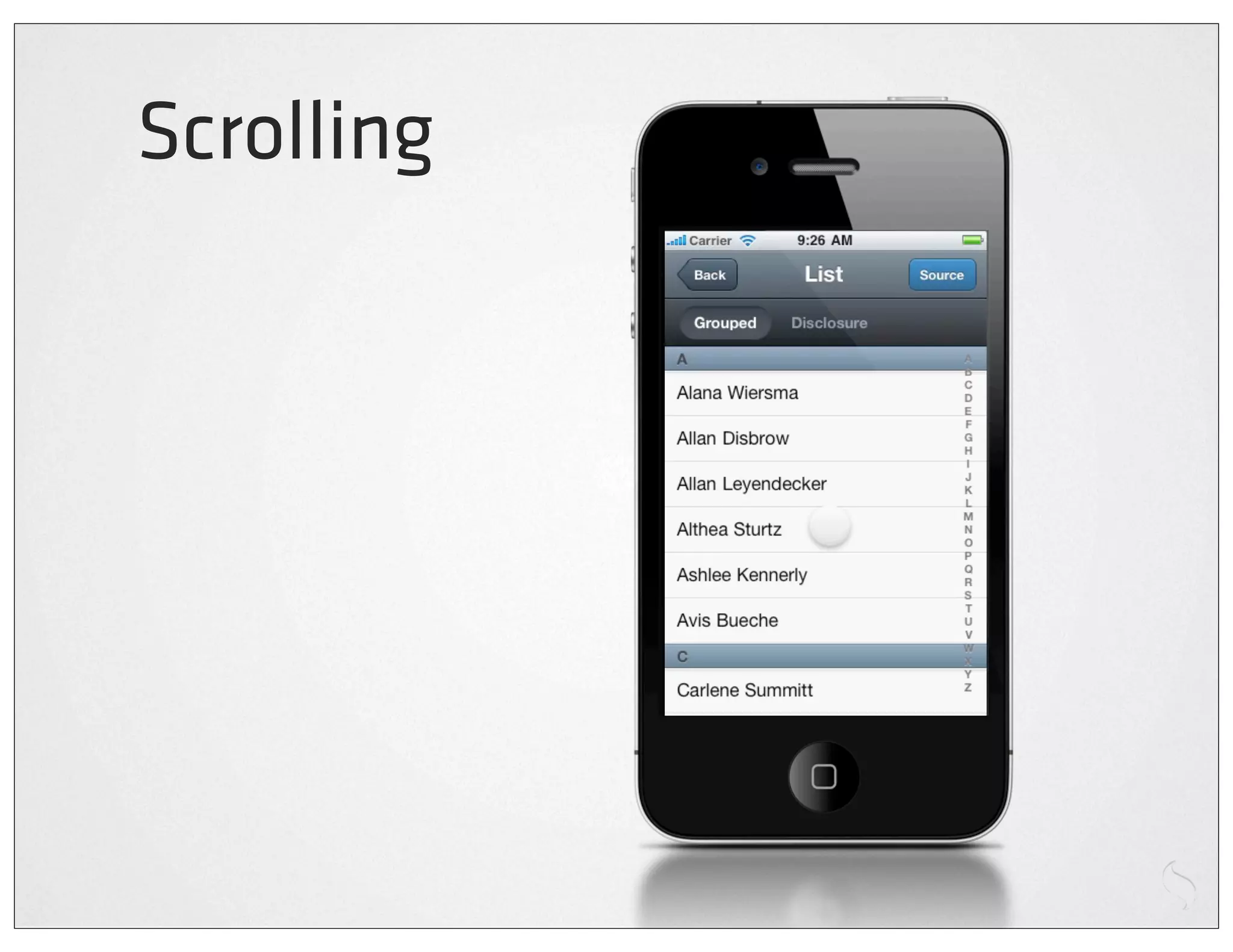
Scrolling
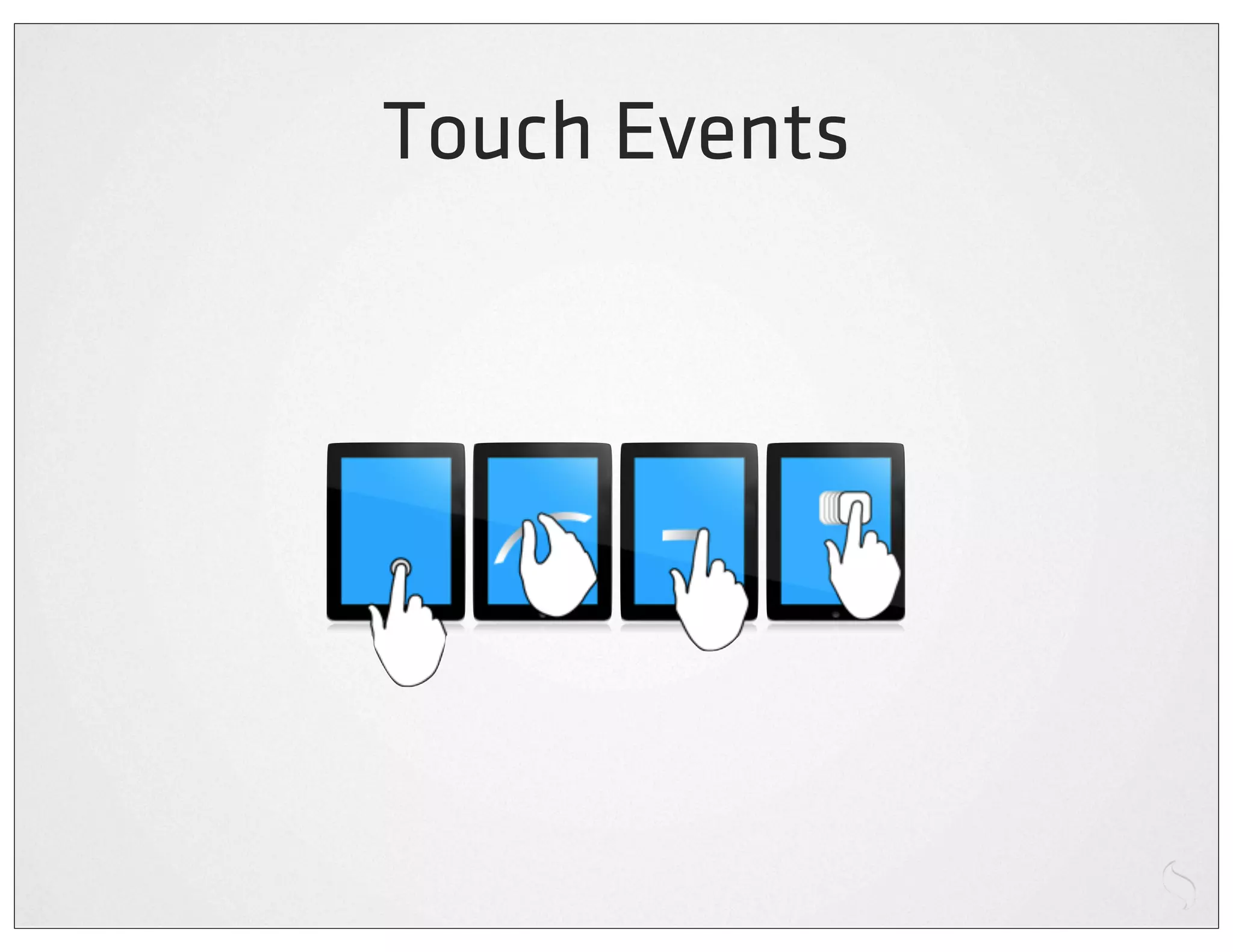
Touch Events
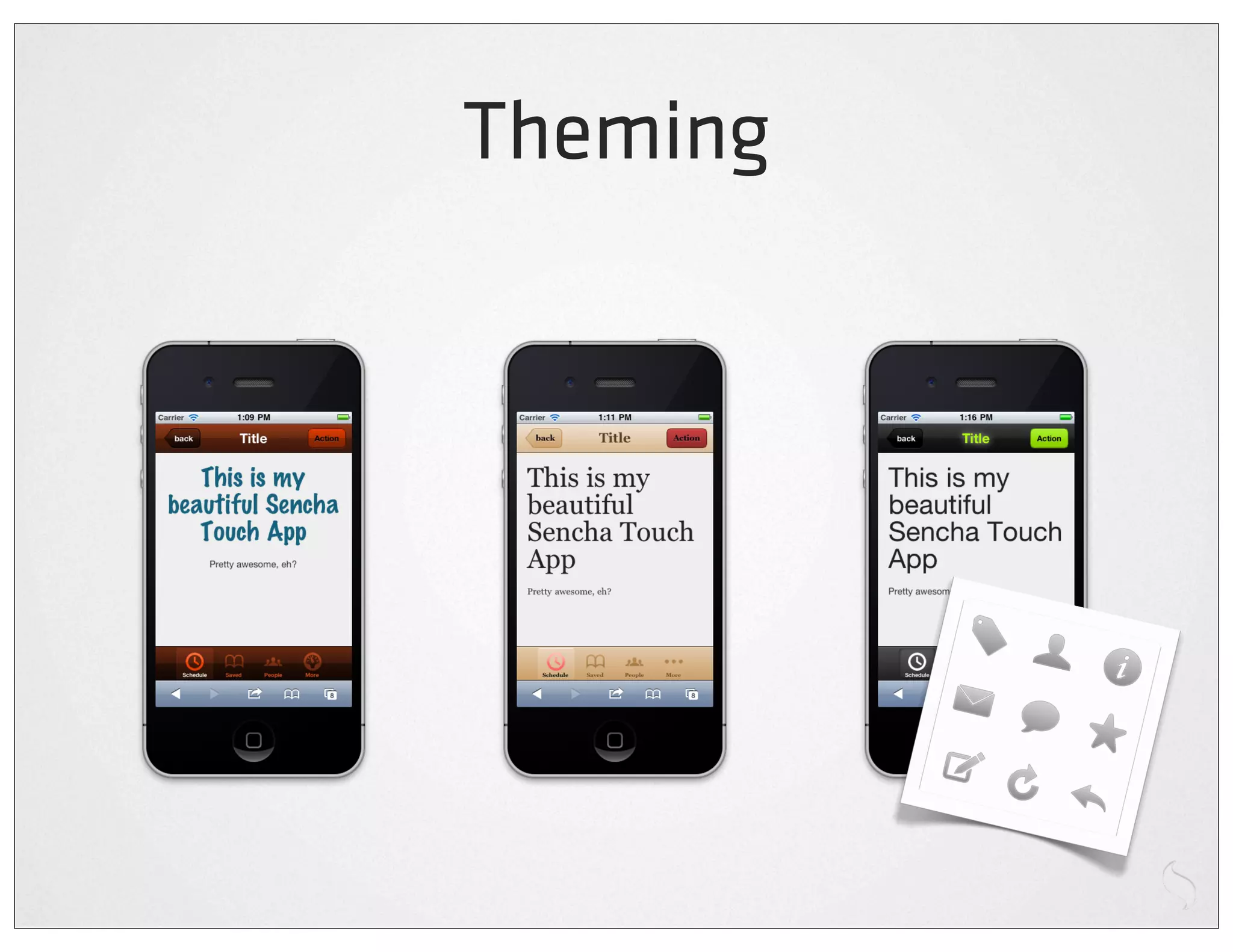
Theming
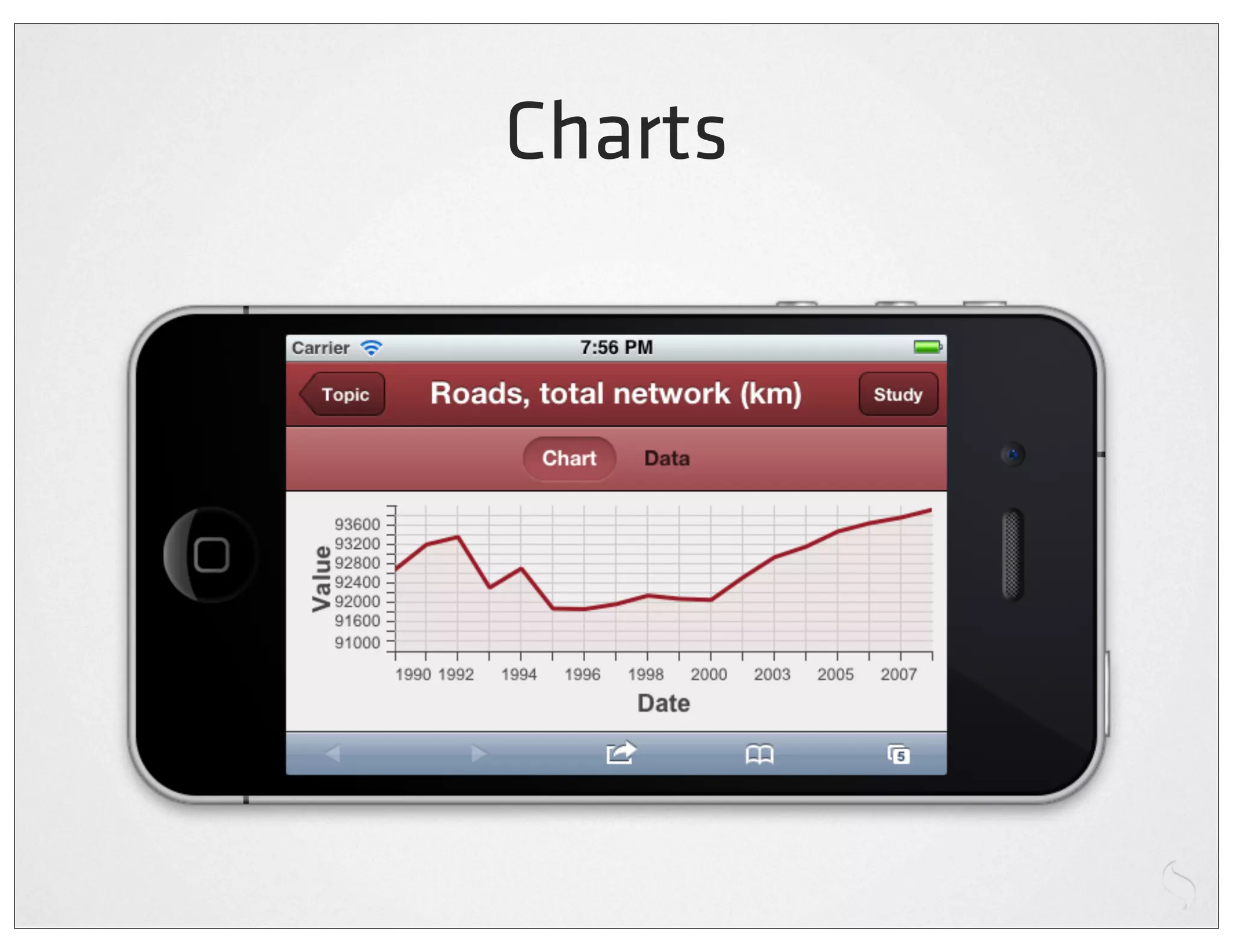
Charts
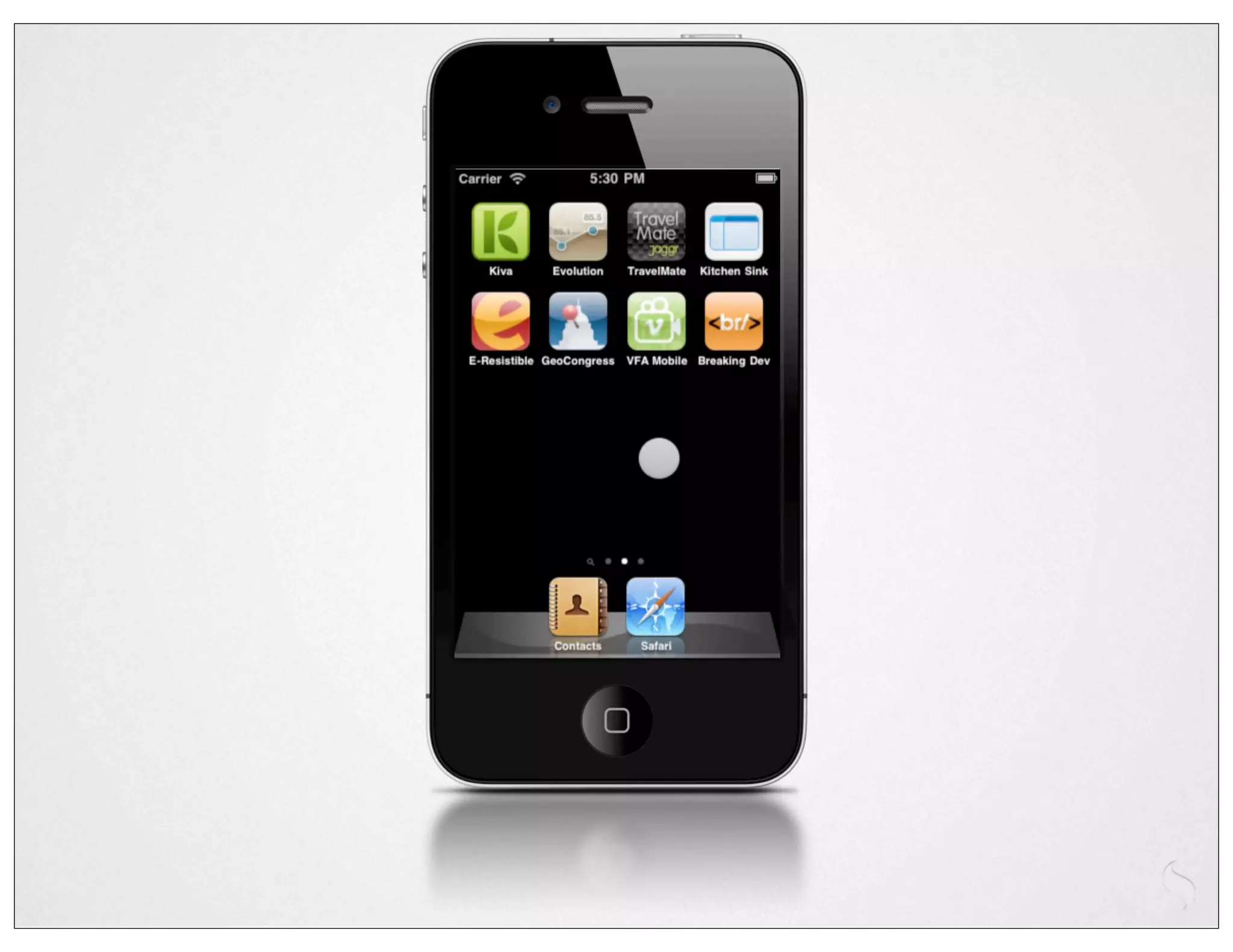
Kitchen Sink


http://sencha.com/x/5e
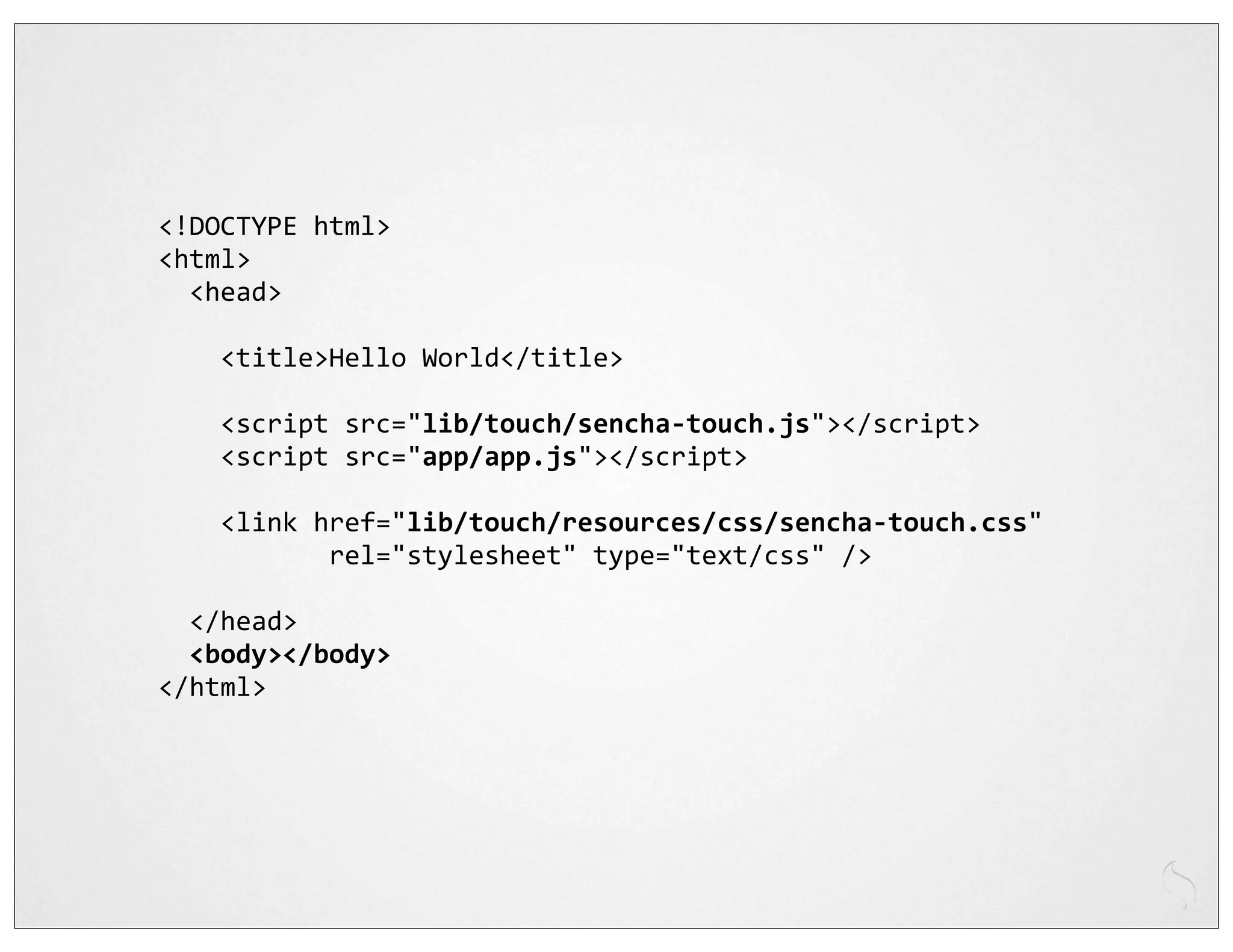
<!DOCTYPE	
  html>
<html>
	
  	
  <head>


  <title>Hello	
  World</title>


  <script	
  src="lib/touch/sencha-­‐touch.js"></script>


  <script	
  src="app/app.js"></script>


  <link	
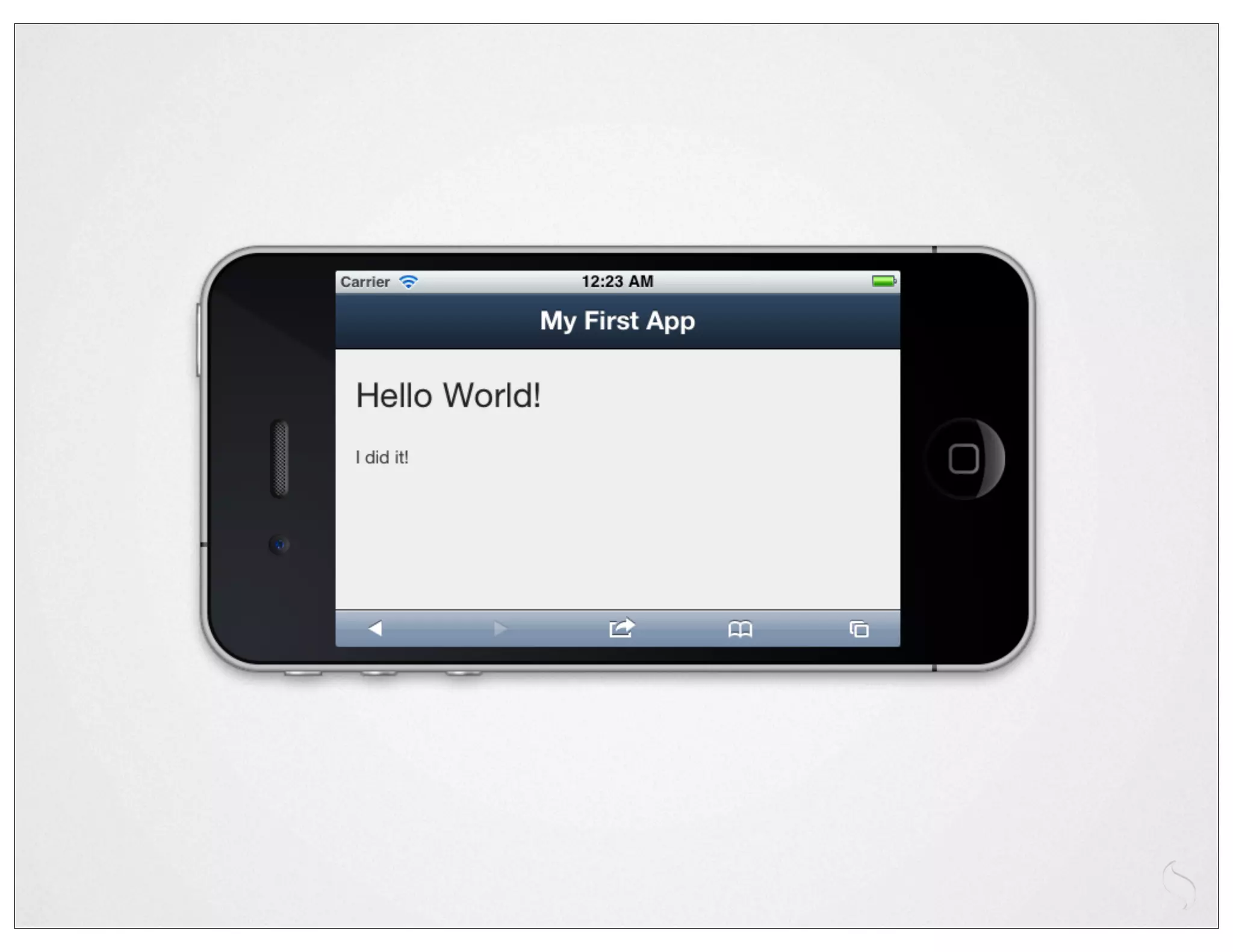
  href="lib/touch/resources/css/sencha-­‐touch.css"


  rel="stylesheet"	
  type="text/css"	
  />


  </head>
	
  	
  <body></body>
</html>
new	
  Ext.Application({


  launch:	
  function()	
  {


  new	
  Ext.Panel({


  fullscreen:	
  true,


  dockedItems:	
  [{xtype:'toolbar',	
  title:'My	
  First	
  App'}],


  layout:	
  'fit',


  styleHtmlContent:	
  true,


  html:	
  '<h2>Hello	
  World!</h2>I	
  did	
  it!'


  });


  }

});
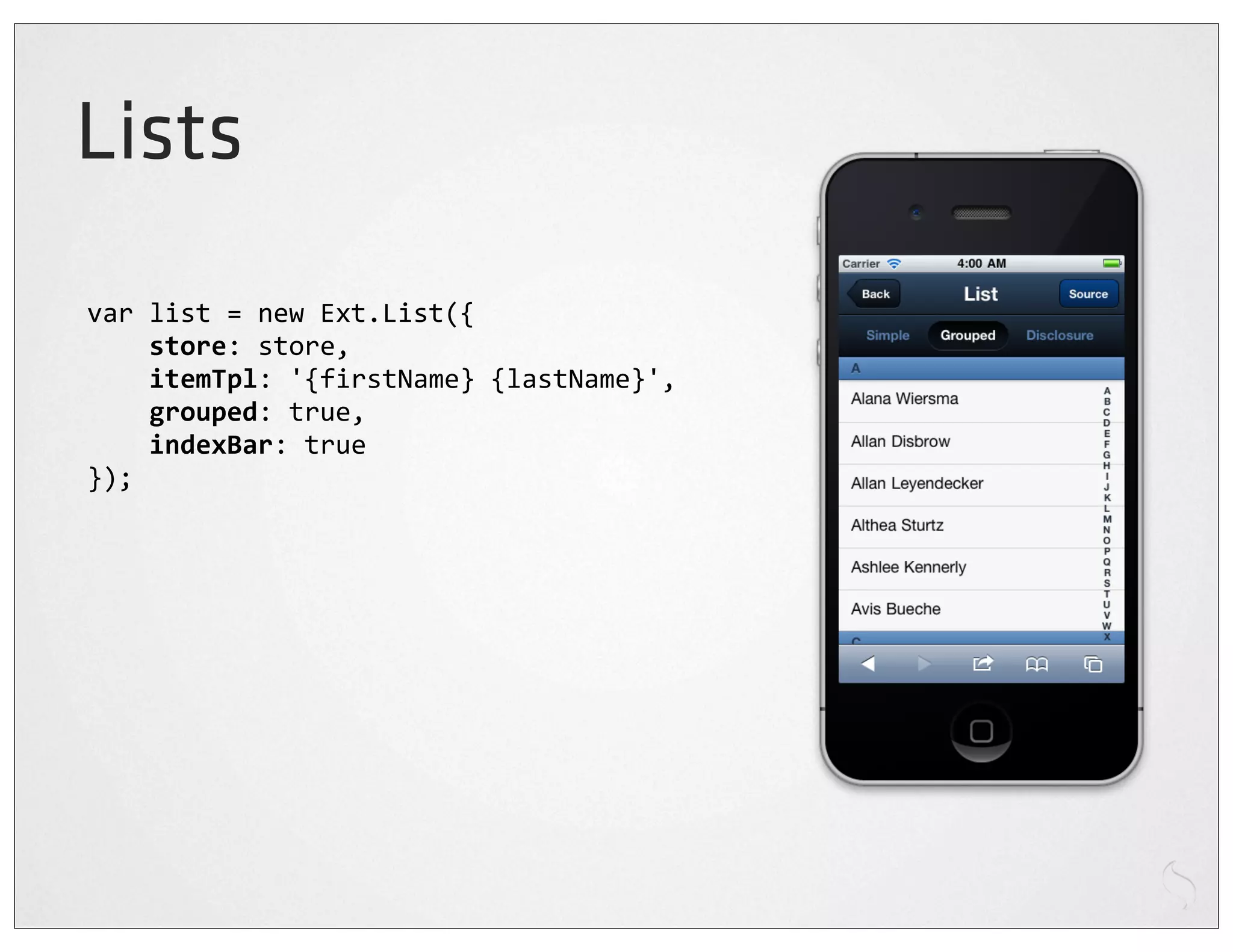
Lists
var	
  list	
  =	
  new	
  Ext.List({


  store:	
  store,


  itemTpl:	
  '{firstName}	
  {lastName}',


  grouped:	
  true,


  indexBar:	
  true
});
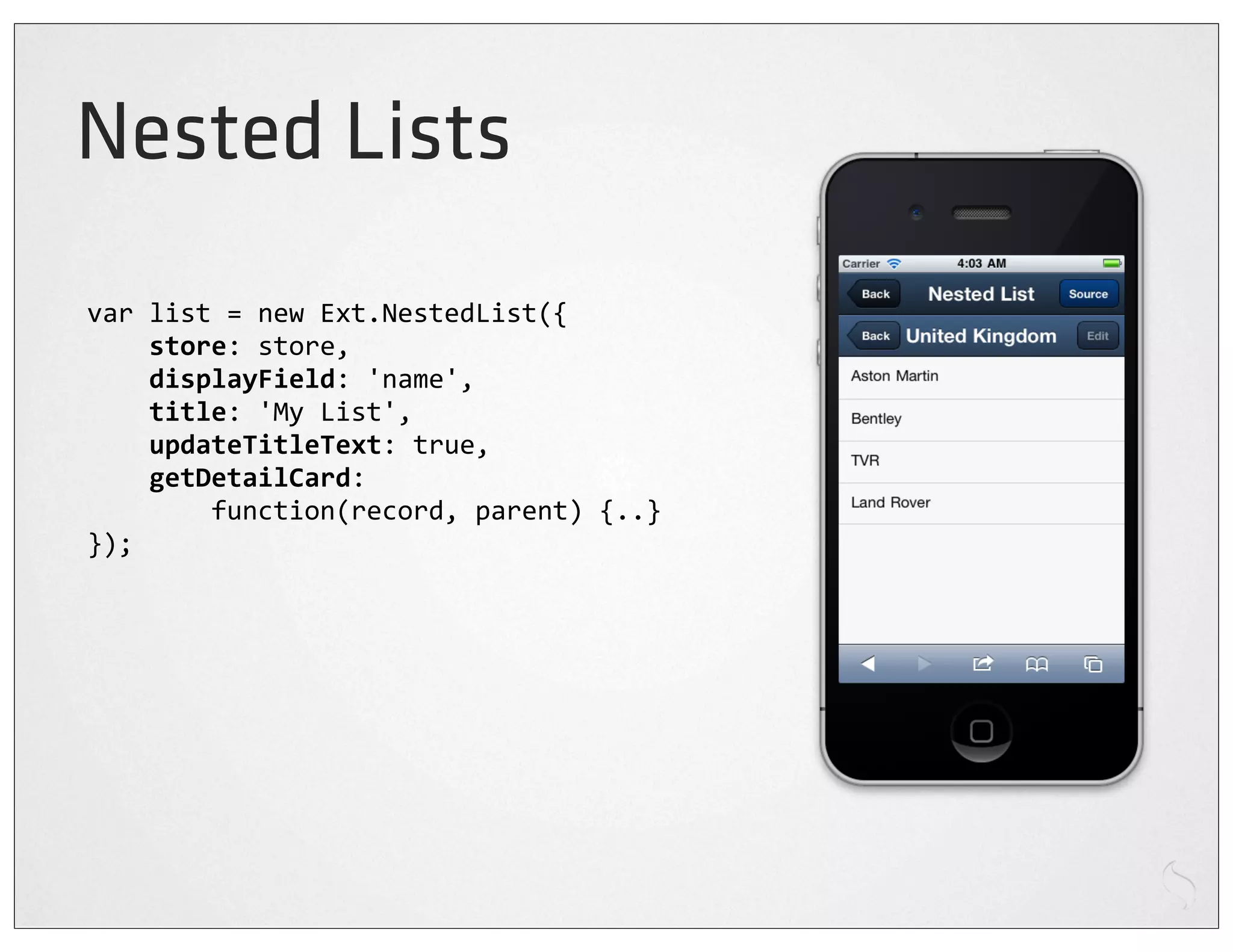
Nested Lists
var	
  list	
  =	
  new	
  Ext.NestedList({


  store:	
  store,


  displayField:	
  'name',


  title:	
  'My	
  List',


  updateTitleText:	
  true,


  getDetailCard:


  function(record,	
  parent)	
  {..}
});
Carousels
var	
  carousel	
  =	
  new	
  Ext.Carousel({


  direction:	
  'horizontal',


  indicator:	
  true,


  items:	
  [


  ..


  ]
});
Sheets
var	
  sheet	
  =	
  new	
  Ext.ActionSheet({


  items:	
  [


  {


  text:	
  'Delete	
  draft',


  ui:	
  'decline'


  },	
  {


  text:	
  'Save	
  draft'


  },	
  {


  text:	
  'Cancel',


  }


  ]
});

sheet.show();
Common patterns
      1
var	
  list	
  =	
  new	
  Ext.List({


  store:	
  store,


  itemTpl:	
  '{firstName}	
  {lastName}',


  grouped:	
  true,


  indexBar:	
  true
});


var	
  panel	
  =	
  new	
  Ext.Panel({


  fullscreen:	
  true,


  layout:	
  'fit',


  items:	
  [list]
});
Common patterns
      2
var	
  panel	
  =	
  new	
  Ext.Panel({


  fullscreen:	
  true,


  layout:	
  'fit',


  items:	
  [{


  xtype:	
  'list',


  store:	
  store,


  itemTpl:	
  '{firstName}	
  {lastName}',


  grouped:	
  true,


  indexBar:	
  true


  }]
});
Sencha Touch Demo
Closing thoughts
Embrace hybrid
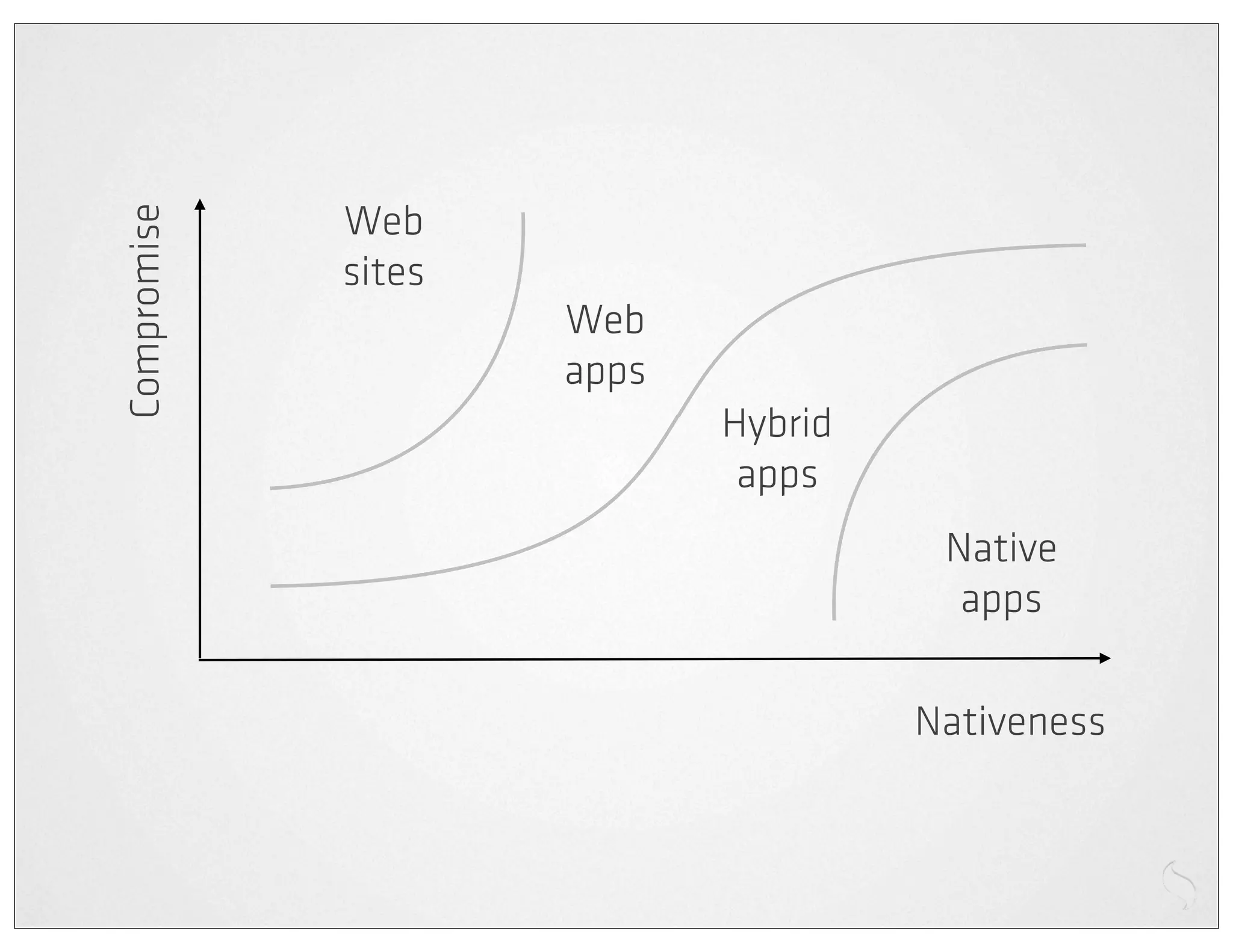
Web
Compromise

             sites
                     Web
                     apps
                            Hybrid
                             apps
                                      Native
                                       apps

                                     Nativeness
Embrace the device
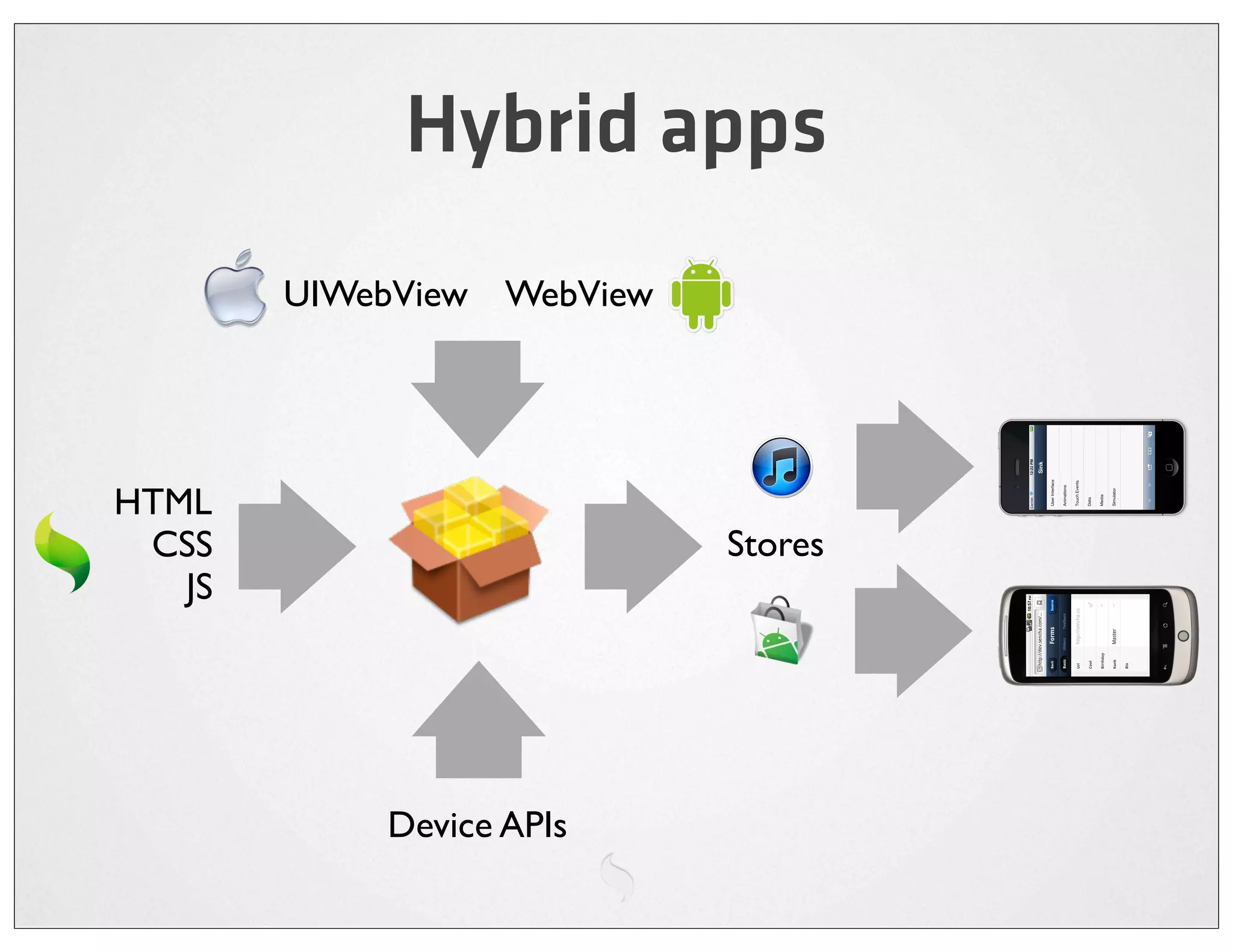
Hybrid apps
        UIWebView WebView


HTML
 CSS                        Stores
   JS


            Device APIs
e.g. PhoneGap

Accelerometer   File
Camera          Geolocation
Compass         Media
Contacts        Network
Device          Notification
Events          Storage
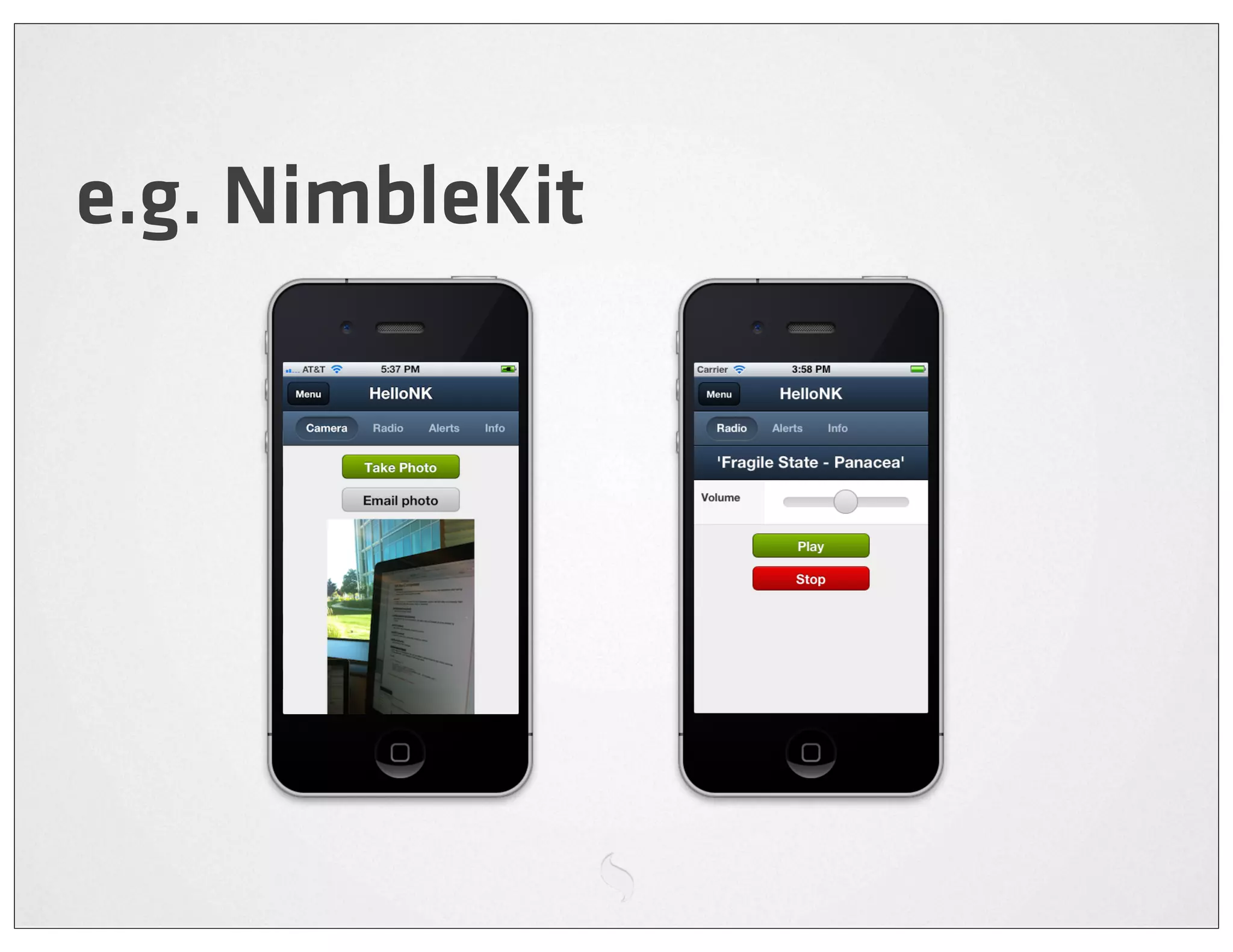
e.g. NimbleKit
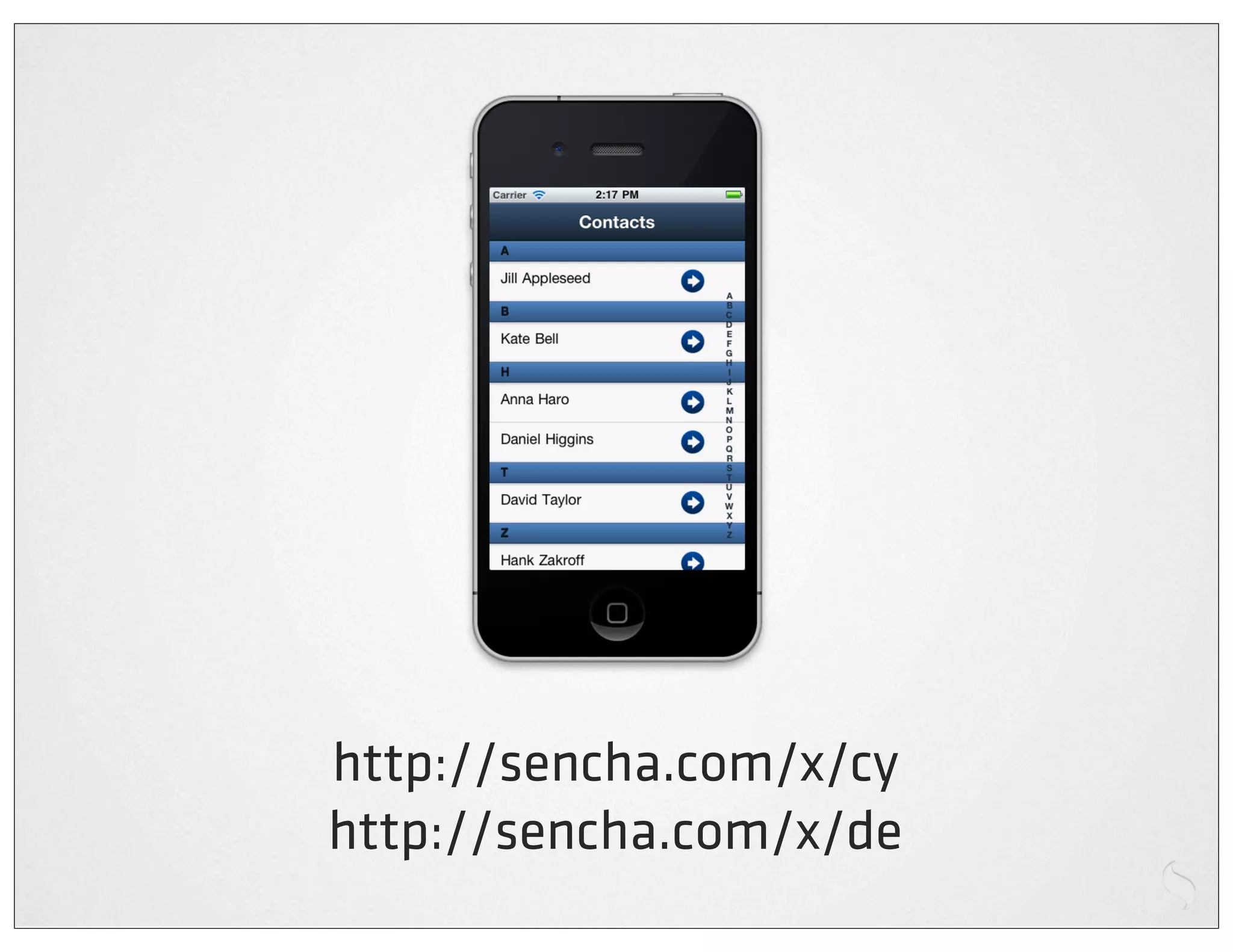
http://sencha.com/x/cy
http://sencha.com/x/de
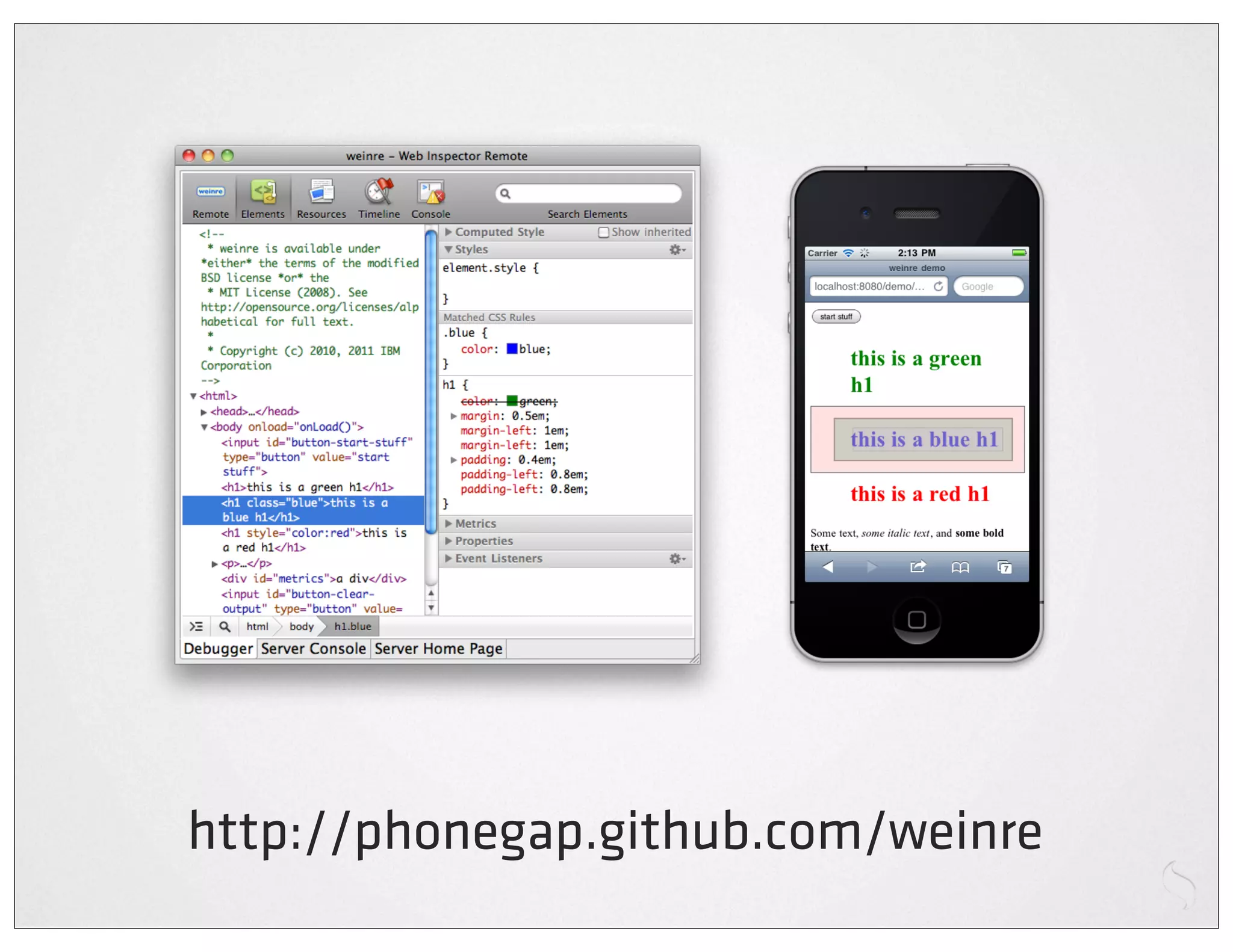
Embrace the tools
http://phonegap.github.com/weinre
Embrace responsiveness
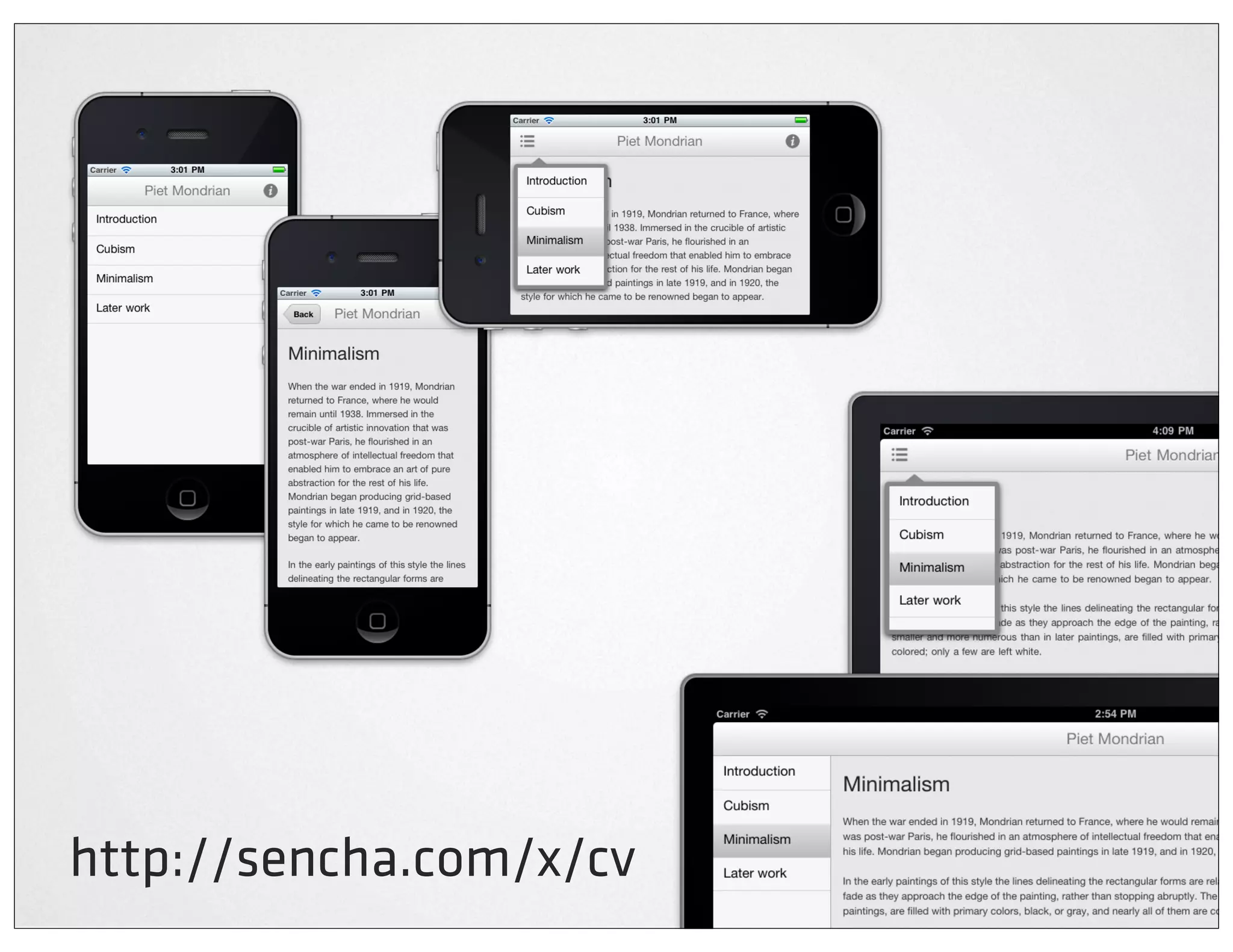
http://sencha.com/x/cv
Embrace o ine
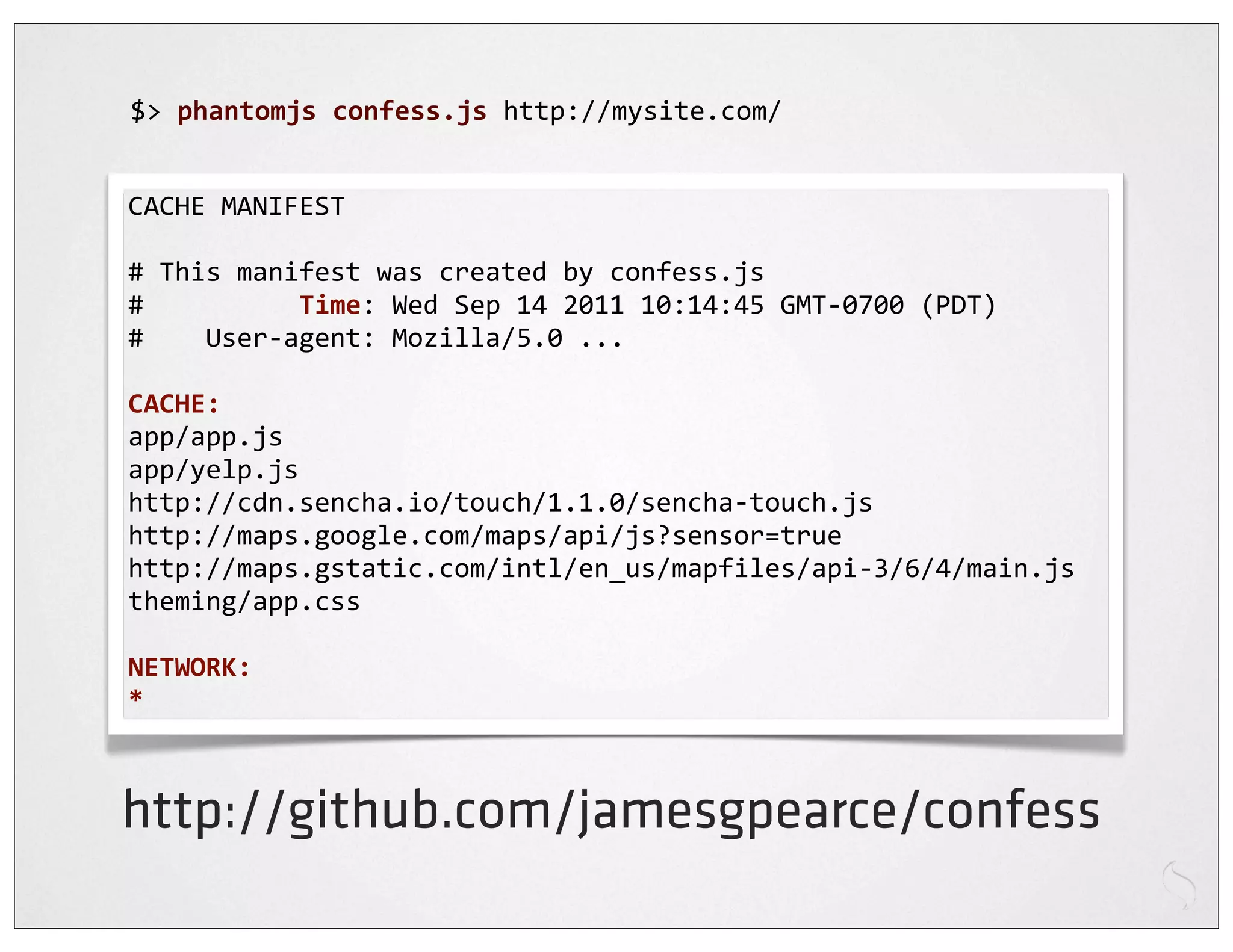
$>	
  phantomjs	
  confess.js	
  http://mysite.com/


CACHE	
  MANIFEST

#	
  This	
  manifest	
  was	
  created	
  by	
  confess.js
#	


  Time:	
  Wed	
  Sep	
  14	
  2011	
  10:14:45	
  GMT-­‐0700	
  (PDT)
#	


  User-­‐agent:	
  Mozilla/5.0	
  ...

CACHE:
app/app.js
app/yelp.js
http://cdn.sencha.io/touch/1.1.0/sencha-­‐touch.js
http://maps.google.com/maps/api/js?sensor=true
http://maps.gstatic.com/intl/en_us/mapfiles/api-­‐3/6/4/main.js
theming/app.css

NETWORK:
*


http://github.com/jamesgpearce/confess
Embrace mobile
built with

Apps vs web technology
James Pearce
@ jamespearce

HTML5 and the dawn of rich mobile web applications pt 2

  • 1.
    HTML5 and thedawn of rich mobile web applications @ jamespearce
  • 2.
  • 4.
  • 5.
  • 6.
    “A unified userinterface system that works seamlessly across all popular mobile device platforms”
  • 7.
    Key features Built on jQuery Modular library Markup-driven configuration Progressive enhancement
  • 9.
    <!DOCTYPE html> <html> <head> <title>jQuery Mobile</title> <script src="jq.js"></script><script src="jqm.js"></script> <link rel="stylesheet" href="jqm.css" /> </head> <body> <div data-role="page" id="home"> <div data-role="header"> <h1>Hello World</h1> </div> <div data-role="content"> <ul data-role="listview" data-inset="true"> <li data-role="list-divider">Continents</li> <li><a href="na.html">North America</a></li> <li><a href="sa.html">South America</a></li> <li><a href="eu.html">Europe</a></li> </ul> </div> </div> </body> </html>
  • 11.
    Page ... <body> <div data-role="page" id="home"> <div data-role="header"> ... </div> <div data-role="content"> ... </div> <div data-role="footer"> ... </div> </div> </body> ...
  • 12.
    Multiple Pages ... <body> <div data-role="page" id="home"> <a href="#products">Products</a> </div> <div data-role="page" id="products"> ... </div> <div data-role="page" id="about"> ... </div> </body> ...
  • 13.
    Disable AJAX ... <body> <div data-role="page" id="home"> <a href="#products" data-ajax="false">Products</a> <a href="http://google.com" rel="external">Google</a> </div> <div data-role="page" id="products"> ... </div> </body> ...
  • 14.
    Back buttons ... <body> <div data-role="page" id="home"> <a href="#products">Products</a> </div> <div data-role="page" id="products"> <a href="#home" data-rel="back">Home</a> </div> </body> ...
  • 15.
    Transitions ... <body> <div data-role="page" id="home"> <a href="#products" data-transition="fade">Products</a> </div> <!-- slide, slideup, slidedown, pop, fade, flip --> </body> ...
  • 16.
    Dialogs ... <body> <div data-role="page" id="home"> <a href="#products" data-rel="dialog">Products</a> </div> </body> ...
  • 17.
    Themes ... <body> <div data-role="page" id="home" data-theme="b"> ... </div> </body> ...
  • 18.
    Toolbars <div data-role="header" data-position="inline"> ! <a href="index.html" data-icon="delete">Cancel</a> ! <h1>Edit Contact</h1> ! <a href="index.html" data-icon="check">Save</a> </div>
  • 19.
    Footer <div data-role="footer" class="ui-bar"> <a href="delete.html" data-icon="delete" >Remove</a> <a href="add.html" data-icon="plus" >Add</a> <a href="up.html" data-icon="arrow-u">Up</a> <a href="down.html" data-icon="arrow-d">Down</a> </div>
  • 20.
    Fixed footer <div data-role="footer"data-position="fixed"> ... </div>
  • 21.
    Buttons <a href="index.html" data-role="button">Linkbutton</a> <a href="index.html" data-role="button" data-icon="delete">Delete</a>
  • 22.
    Grouped buttons <div data-role="controlgroup"> <a href="yes.html" data-role="button">Yes</a> <a href="no.html" data-role="button">No</a> <a href="maybe.html" data-role="button">Maybe</a> </div>
  • 23.
    Grouped buttons 2 <divdata-role="controlgroup" data-type="horizontal"> <a href="yes.html" data-role="button">Yes</a> <a href="no.html" data-role="button">No</a> <a href="maybe.html" data-role="button">Maybe</a> </div>
  • 24.
  • 25.
  • 26.
    Lists <ul data-role="listview"> ! <li><a href="acura.html">Acura</a></li> ! <li><a href="audi.html">Audi</a></li> ! <li><a href="bmw.html">BMW</a></li> ... </ul>
  • 27.
  • 28.
  • 29.
    A JavaScript framework for building rich mobile apps with web standards
  • 30.
  • 31.
  • 32.
  • 33.
  • 34.
  • 35.
  • 36.
  • 37.
  • 38.
  • 41.
    <!DOCTYPE  html> <html>    <head>            <title>Hello  World</title>        <script  src="lib/touch/sencha-­‐touch.js"></script>        <script  src="app/app.js"></script>                <link  href="lib/touch/resources/css/sencha-­‐touch.css"                      rel="stylesheet"  type="text/css"  />        </head>    <body></body> </html>
  • 42.
    new  Ext.Application({        launch:  function()  {                new  Ext.Panel({                        fullscreen:  true,                        dockedItems:  [{xtype:'toolbar',  title:'My  First  App'}],                        layout:  'fit',                        styleHtmlContent:  true,                        html:  '<h2>Hello  World!</h2>I  did  it!'                });        } });
  • 44.
    Lists var  list  =  new  Ext.List({        store:  store,        itemTpl:  '{firstName}  {lastName}',        grouped:  true,        indexBar:  true });
  • 45.
    Nested Lists var  list  =  new  Ext.NestedList({        store:  store,        displayField:  'name',        title:  'My  List',        updateTitleText:  true,        getDetailCard:                function(record,  parent)  {..} });
  • 46.
    Carousels var  carousel  =  new  Ext.Carousel({        direction:  'horizontal',        indicator:  true,        items:  [                ..        ] });
  • 47.
    Sheets var  sheet  =  new  Ext.ActionSheet({        items:  [                {                        text:  'Delete  draft',                        ui:  'decline'                },  {                        text:  'Save  draft'                },  {                        text:  'Cancel',                }        ] }); sheet.show();
  • 48.
    Common patterns 1 var  list  =  new  Ext.List({        store:  store,        itemTpl:  '{firstName}  {lastName}',        grouped:  true,        indexBar:  true }); var  panel  =  new  Ext.Panel({        fullscreen:  true,        layout:  'fit',        items:  [list] });
  • 49.
    Common patterns 2 var  panel  =  new  Ext.Panel({        fullscreen:  true,        layout:  'fit',        items:  [{                xtype:  'list',                store:  store,                itemTpl:  '{firstName}  {lastName}',                grouped:  true,                indexBar:  true        }] });
  • 50.
  • 51.
  • 52.
  • 53.
    Web Compromise sites Web apps Hybrid apps Native apps Nativeness
  • 54.
  • 55.
    Hybrid apps UIWebView WebView HTML CSS Stores JS Device APIs
  • 56.
    e.g. PhoneGap Accelerometer File Camera Geolocation Compass Media Contacts Network Device Notification Events Storage
  • 57.
  • 58.
  • 59.
  • 60.
  • 61.
  • 62.
  • 63.
  • 64.
    $>  phantomjs  confess.js  http://mysite.com/ CACHE  MANIFEST #  This  manifest  was  created  by  confess.js #                    Time:  Wed  Sep  14  2011  10:14:45  GMT-­‐0700  (PDT) #        User-­‐agent:  Mozilla/5.0  ... CACHE: app/app.js app/yelp.js http://cdn.sencha.io/touch/1.1.0/sencha-­‐touch.js http://maps.google.com/maps/api/js?sensor=true http://maps.gstatic.com/intl/en_us/mapfiles/api-­‐3/6/4/main.js theming/app.css NETWORK: * http://github.com/jamesgpearce/confess
  • 65.
  • 66.
    built with Apps vsweb technology
  • 67.