HTML BASIC
BY UTSSAV BAIDYA
HISTORY
• HTML was developed by Tim Berners Lee in 1990.He is also known as the father of the web.
HTML is also a International Standard (ISO) in 2000.HTML 5 is the latest version of HTML.
WHAT IS HTML?
• HTML is the main markup language for describing the structure of web pages.
HTML – Hyper Text Markup Language
It is the basic building block of World Wide Web.
HTML contains tables, lists, forms, images and presentational elements.
ADVANTAGES OF HTML
• 1. Easy to use
2. Flexible Format
3. No need to install
4. Light Weight
5. HTML is free
6. Supported by all web browsers
7. Most friendly search engine
FIRST HTML DOCUMENT
• Step 1 : Open Notepad (PC) Windows 8 or Later, Text Edit (Mac)
Step 2 : Write some HTML
Step 3 : Save the HTML page
Step 4 : View the HTML page in your browser
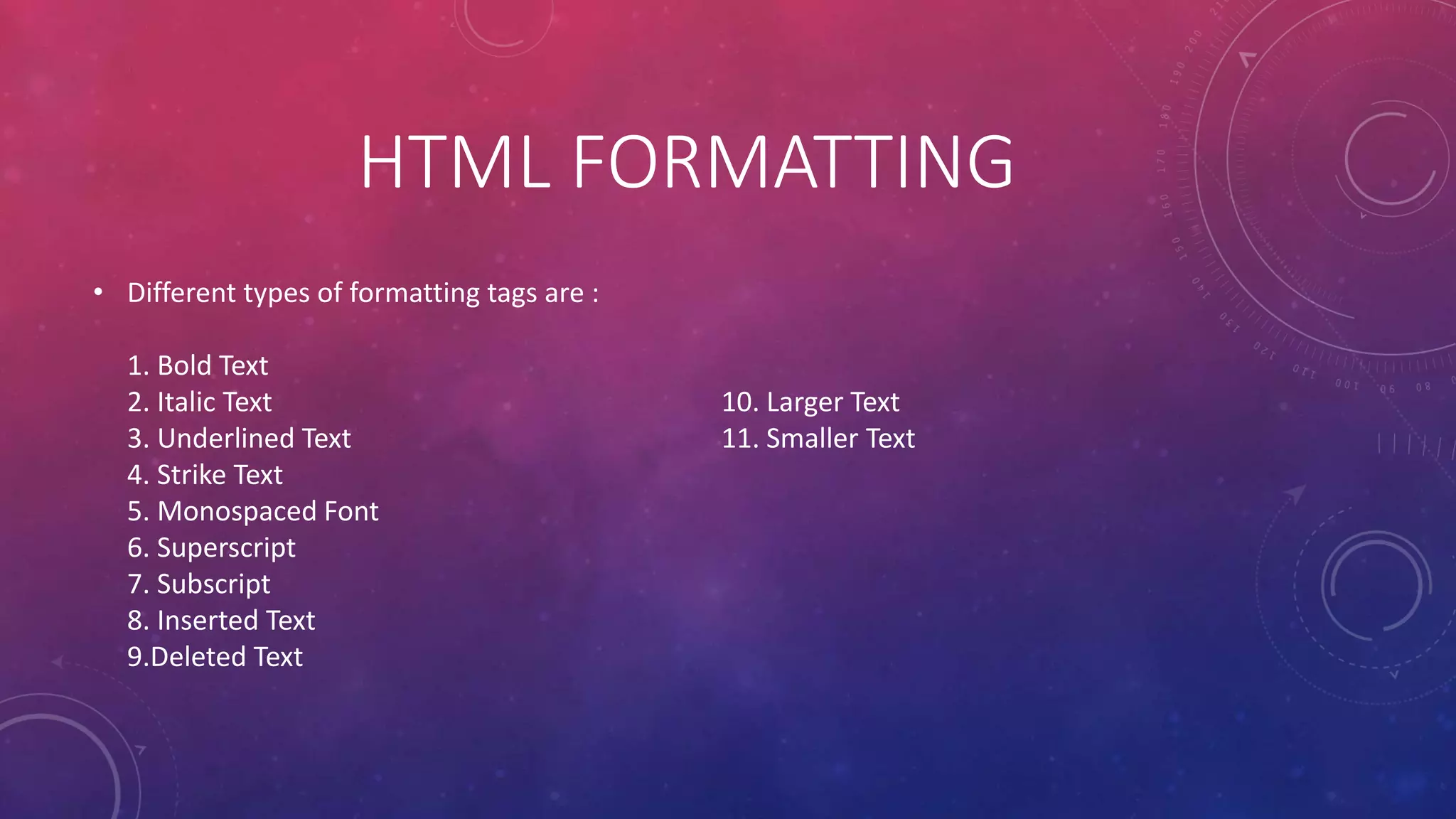
HTML FORMATTING
• Different types of formatting tags are :
1. Bold Text
2. Italic Text
3. Underlined Text
4. Strike Text
5. Monospaced Font
6. Superscript
7. Subscript
8. Inserted Text
9.Deleted Text
10. Larger Text
11. Smaller Text
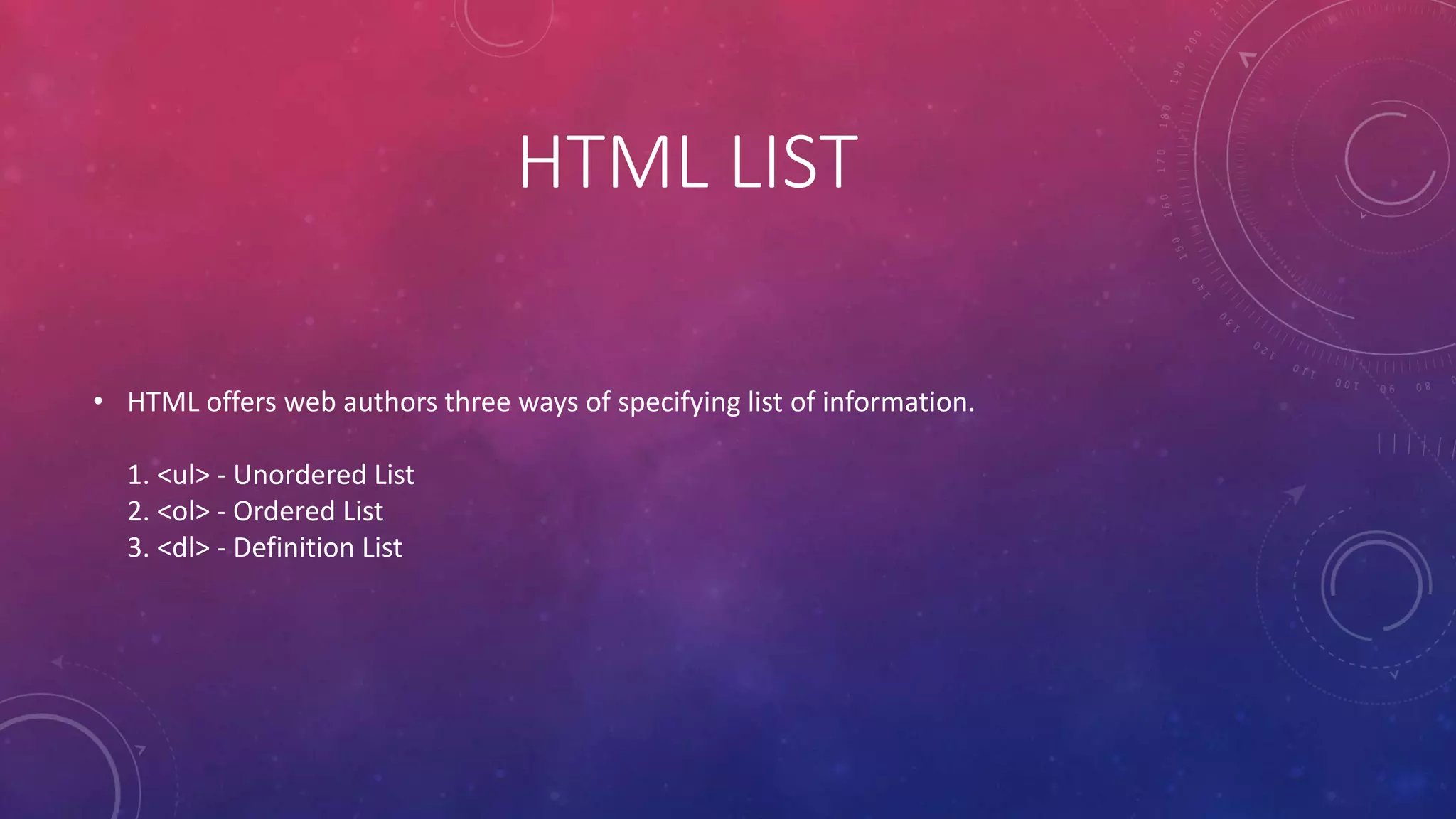
HTML LIST
• HTML offers web authors three ways of specifying list of information.
1. <ul> - Unordered List
2. <ol> - Ordered List
3. <dl> - Definition List
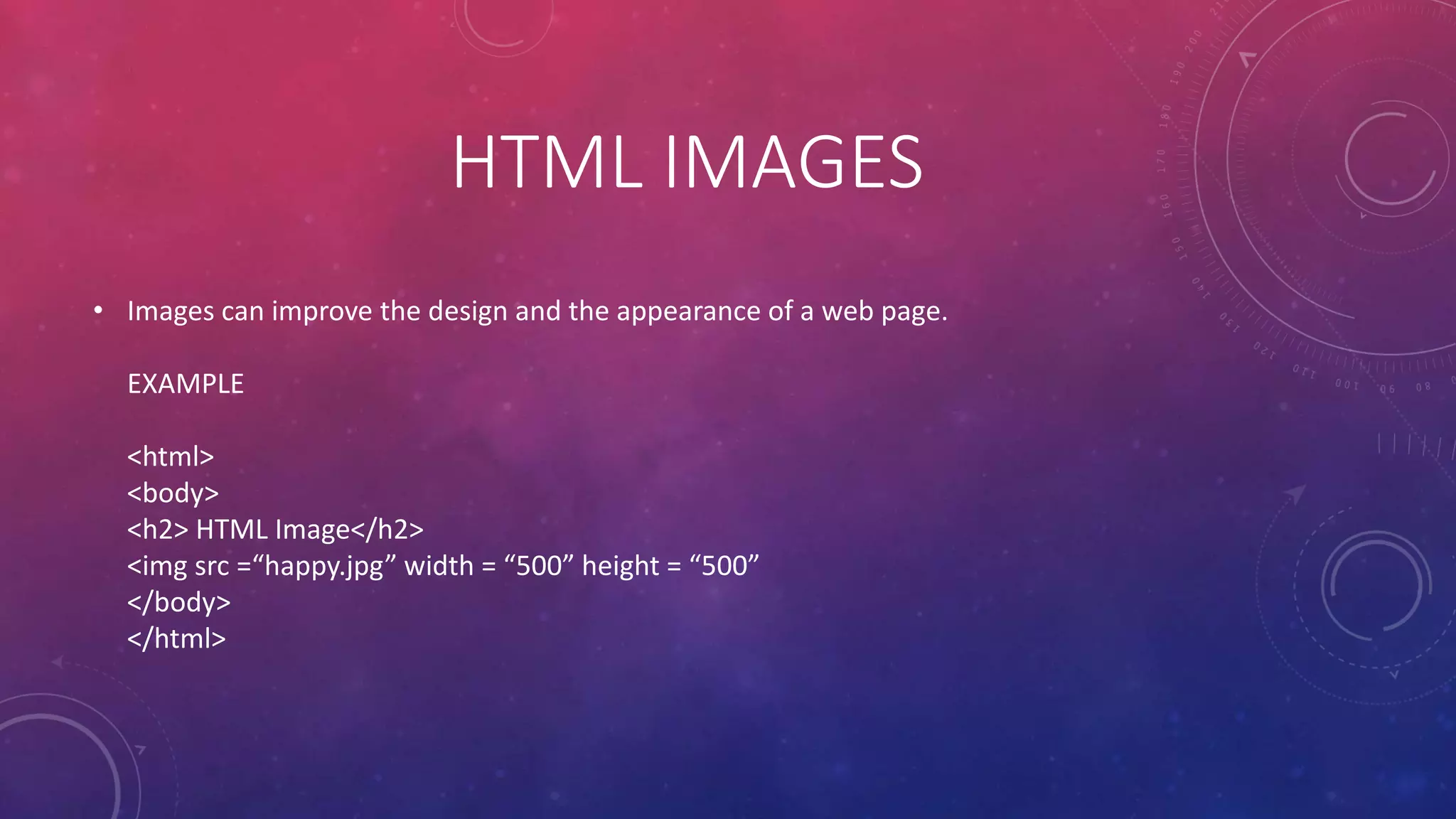
HTML IMAGES
• Images can improve the design and the appearance of a web page.
EXAMPLE
<html>
<body>
<h2> HTML Image</h2>
<img src =“happy.jpg” width = “500” height = “500”
</body>
</html>
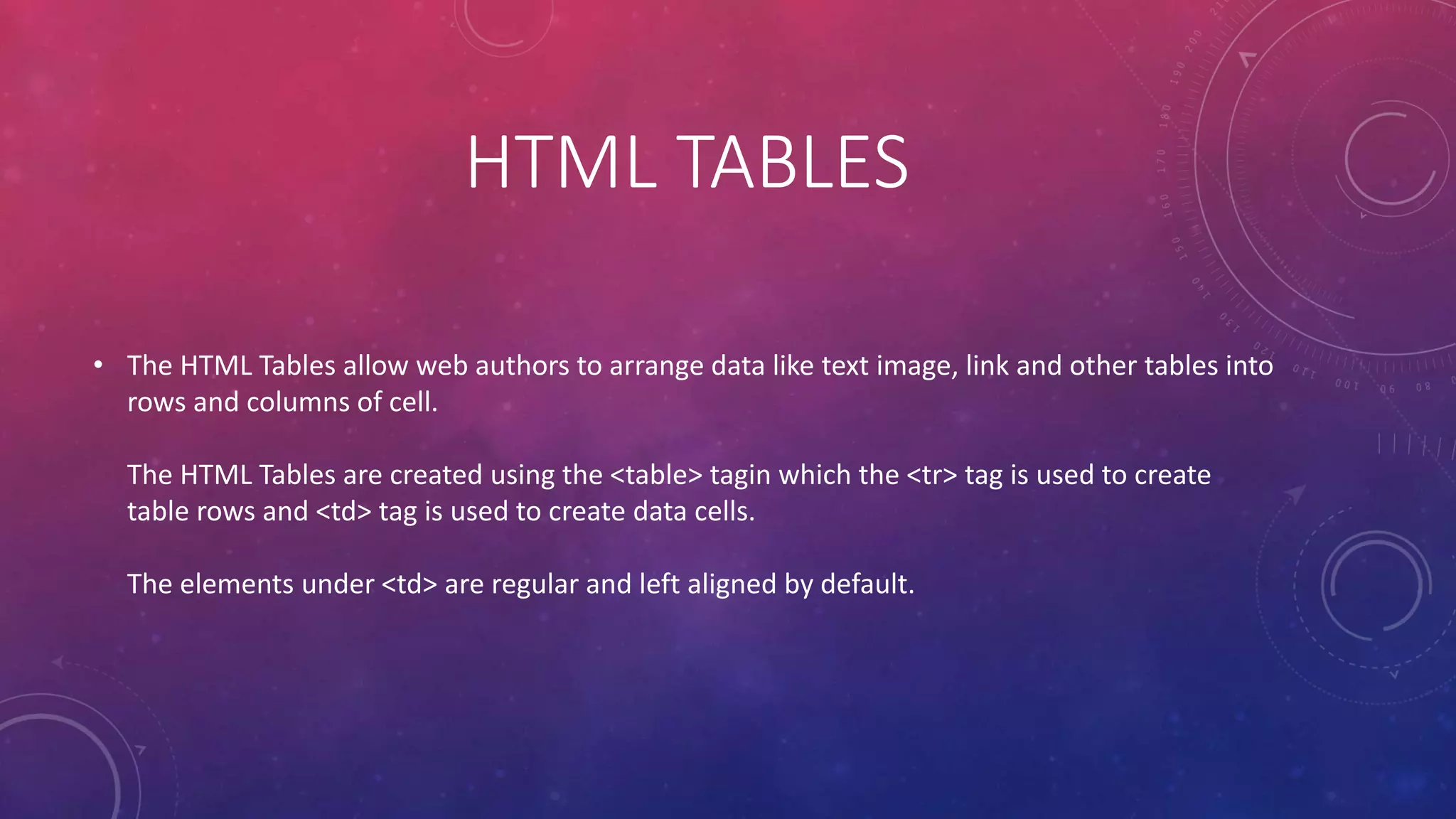
HTML TABLES
• The HTML Tables allow web authors to arrange data like text image, link and other tables into
rows and columns of cell.
The HTML Tables are created using the <table> tagin which the <tr> tag is used to create
table rows and <td> tag is used to create data cells.
The elements under <td> are regular and left aligned by default.
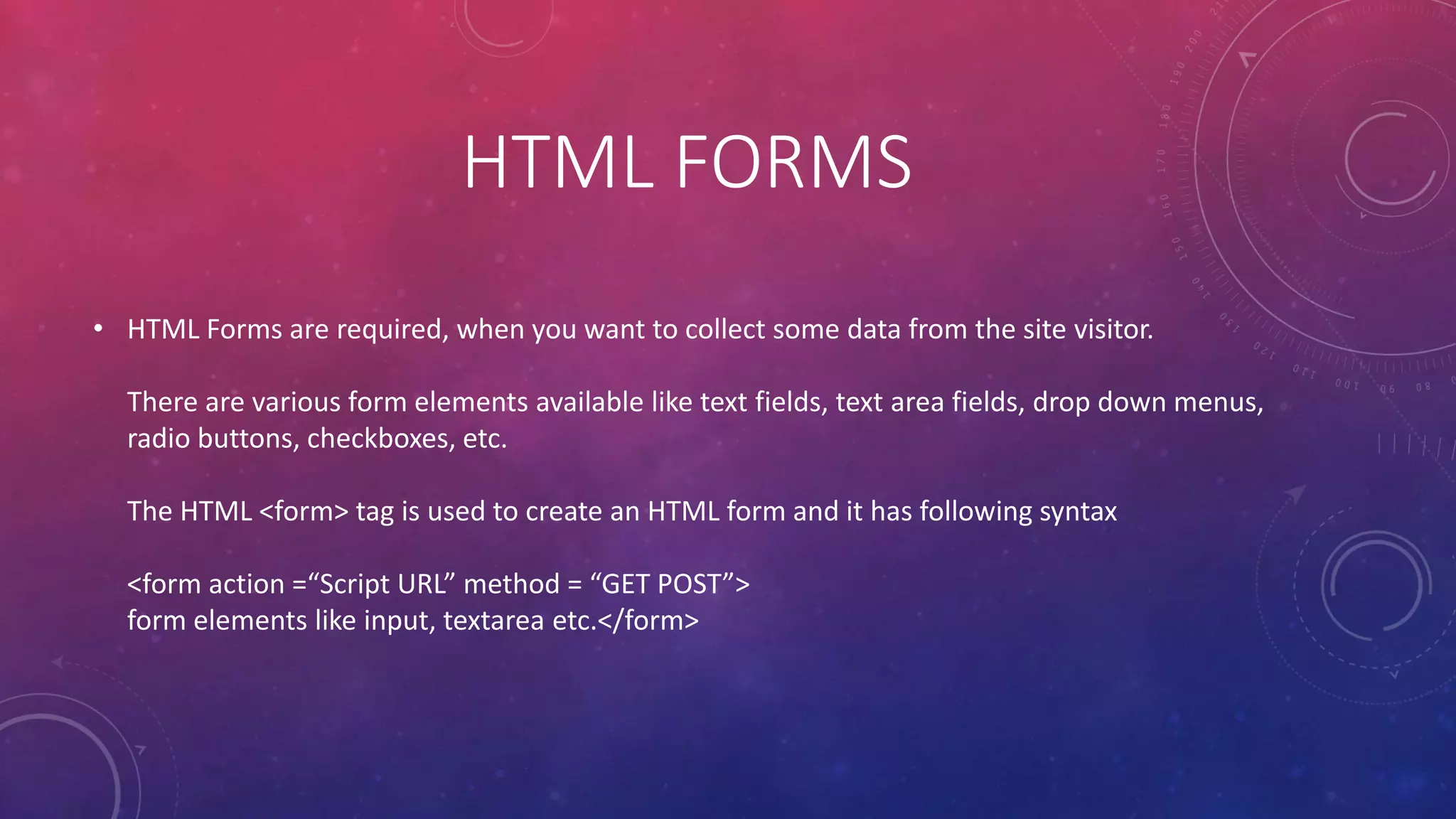
HTML FORMS
• HTML Forms are required, when you want to collect some data from the site visitor.
There are various form elements available like text fields, text area fields, drop down menus,
radio buttons, checkboxes, etc.
The HTML <form> tag is used to create an HTML form and it has following syntax
<form action =“Script URL” method = “GET POST”>
form elements like input, textarea etc.</form>
HTML FORM CONTROLS
• 1. Text Input Controls
2. Checkboxes Controls
3. Radio Box Controls
4. Select Box Controls
5. File Select Boxes
6. Hidden Controls
7. Clickable Buttons
8. Submit Button
9. Reset Button
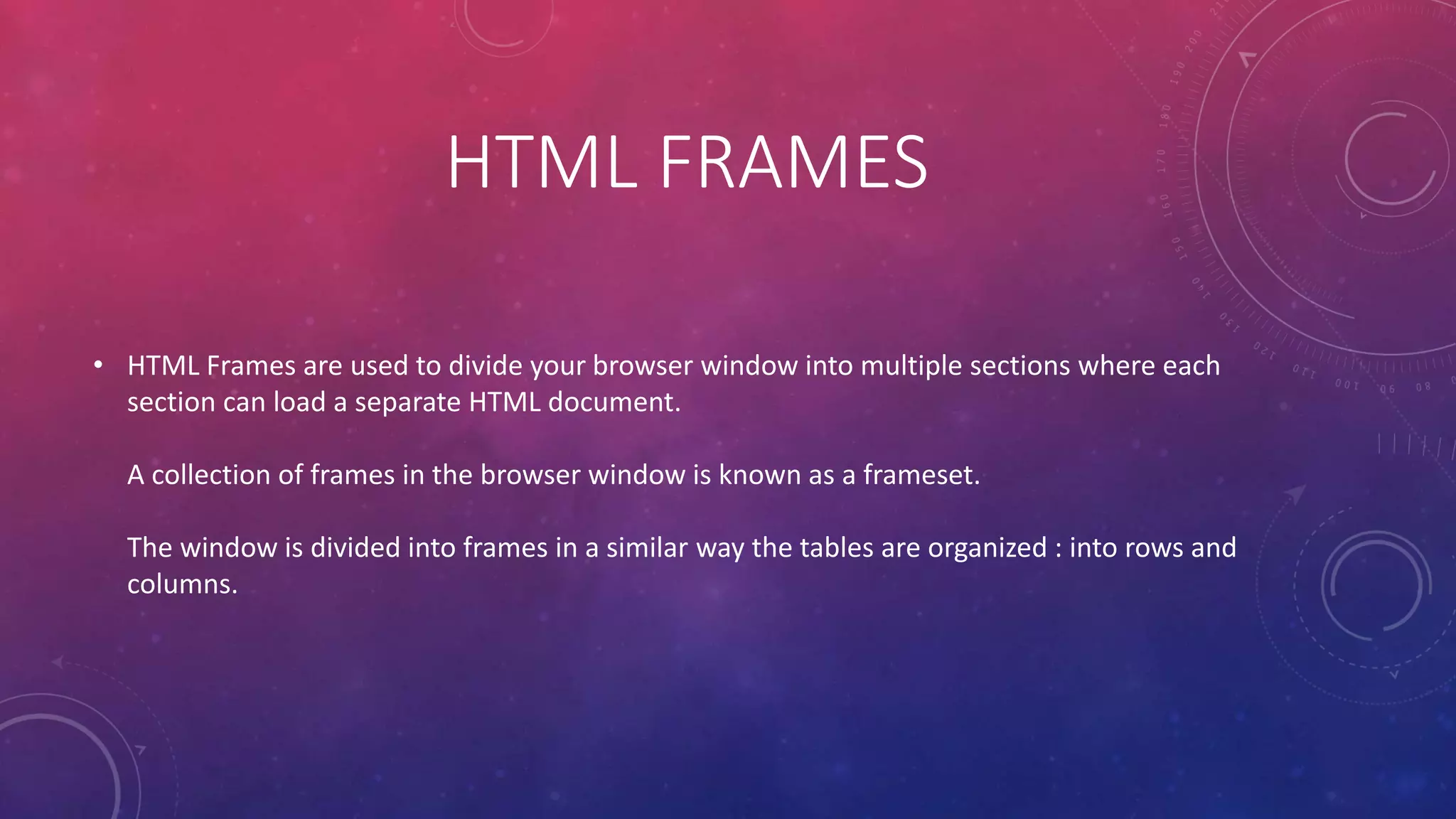
HTML FRAMES
• HTML Frames are used to divide your browser window into multiple sections where each
section can load a separate HTML document.
A collection of frames in the browser window is known as a frameset.
The window is divided into frames in a similar way the tables are organized : into rows and
columns.
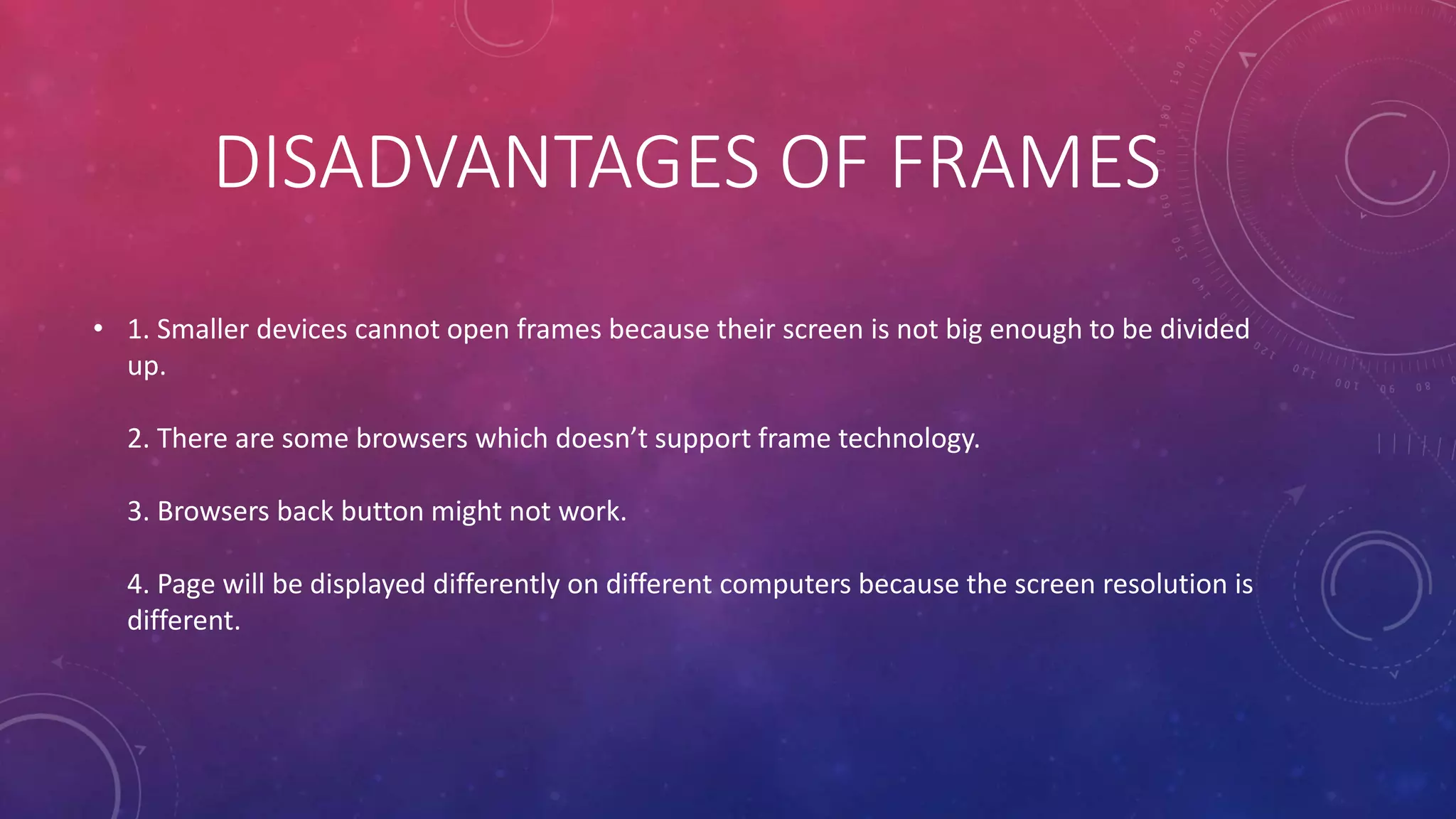
DISADVANTAGES OF FRAMES
• 1. Smaller devices cannot open frames because their screen is not big enough to be divided
up.
2. There are some browsers which doesn’t support frame technology.
3. Browsers back button might not work.
4. Page will be displayed differently on different computers because the screen resolution is
different.
CREATING FRAMES
• To use frames on a page we start with <frameset> tag instead of <body> tag.
The rows define horizontal frames and the cols define vertical frames.
THANK YOU
• Hope you liked it😀!

Html basic

  • 1.
  • 2.
    HISTORY • HTML wasdeveloped by Tim Berners Lee in 1990.He is also known as the father of the web. HTML is also a International Standard (ISO) in 2000.HTML 5 is the latest version of HTML.
  • 3.
    WHAT IS HTML? •HTML is the main markup language for describing the structure of web pages. HTML – Hyper Text Markup Language It is the basic building block of World Wide Web. HTML contains tables, lists, forms, images and presentational elements.
  • 4.
    ADVANTAGES OF HTML •1. Easy to use 2. Flexible Format 3. No need to install 4. Light Weight 5. HTML is free 6. Supported by all web browsers 7. Most friendly search engine
  • 5.
    FIRST HTML DOCUMENT •Step 1 : Open Notepad (PC) Windows 8 or Later, Text Edit (Mac) Step 2 : Write some HTML Step 3 : Save the HTML page Step 4 : View the HTML page in your browser
  • 6.
    HTML FORMATTING • Differenttypes of formatting tags are : 1. Bold Text 2. Italic Text 3. Underlined Text 4. Strike Text 5. Monospaced Font 6. Superscript 7. Subscript 8. Inserted Text 9.Deleted Text 10. Larger Text 11. Smaller Text
  • 7.
    HTML LIST • HTMLoffers web authors three ways of specifying list of information. 1. <ul> - Unordered List 2. <ol> - Ordered List 3. <dl> - Definition List
  • 8.
    HTML IMAGES • Imagescan improve the design and the appearance of a web page. EXAMPLE <html> <body> <h2> HTML Image</h2> <img src =“happy.jpg” width = “500” height = “500” </body> </html>
  • 9.
    HTML TABLES • TheHTML Tables allow web authors to arrange data like text image, link and other tables into rows and columns of cell. The HTML Tables are created using the <table> tagin which the <tr> tag is used to create table rows and <td> tag is used to create data cells. The elements under <td> are regular and left aligned by default.
  • 10.
    HTML FORMS • HTMLForms are required, when you want to collect some data from the site visitor. There are various form elements available like text fields, text area fields, drop down menus, radio buttons, checkboxes, etc. The HTML <form> tag is used to create an HTML form and it has following syntax <form action =“Script URL” method = “GET POST”> form elements like input, textarea etc.</form>
  • 11.
    HTML FORM CONTROLS •1. Text Input Controls 2. Checkboxes Controls 3. Radio Box Controls 4. Select Box Controls 5. File Select Boxes 6. Hidden Controls 7. Clickable Buttons 8. Submit Button 9. Reset Button
  • 12.
    HTML FRAMES • HTMLFrames are used to divide your browser window into multiple sections where each section can load a separate HTML document. A collection of frames in the browser window is known as a frameset. The window is divided into frames in a similar way the tables are organized : into rows and columns.
  • 13.
    DISADVANTAGES OF FRAMES •1. Smaller devices cannot open frames because their screen is not big enough to be divided up. 2. There are some browsers which doesn’t support frame technology. 3. Browsers back button might not work. 4. Page will be displayed differently on different computers because the screen resolution is different.
  • 14.
    CREATING FRAMES • Touse frames on a page we start with <frameset> tag instead of <body> tag. The rows define horizontal frames and the cols define vertical frames.
  • 15.
    THANK YOU • Hopeyou liked it😀!