How to use and set-
up INSTAGRAM
INSTAGRAM??
400,000,000
Whoa! That’s a big number, isn’t it interesting?
That’s the number of
Instagram active users
as of 2015
All over the world!
Yeah! Cool. Right??
What is INSTAGRAM??
It is an online mobile
photo sharing,
video sharing and social
networking service
“
It enable users to take
pictures and videos
and share them publicly or
privately on the app
You can also share to a
variety of other social
networking sites
Such as Facebook, Twitter,
Tumblr, and Flickr
You can also apply digital
filters to images
and videos has maximum
duration of 15 seconds.
Want big
impact?
Use images.
Let’s START 
Get your smart phone.
First, download the
application on
For ios for android
Search INSTAGRAM,
click download.
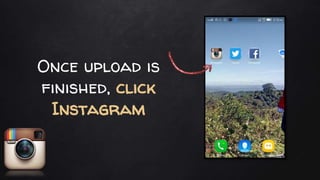
Once upload is
finished, click
Instagram
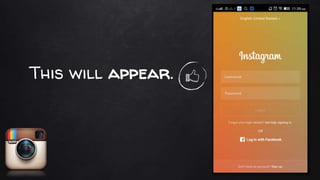
This will appear.
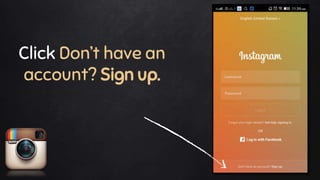
Click Don’t have an
account? Sign up.
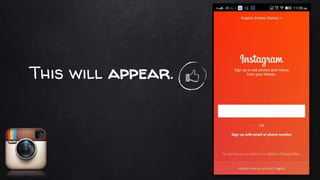
This will appear.
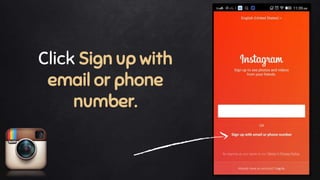
Click Sign up with
email or phone
number.
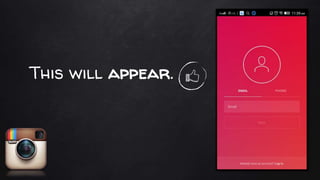
This will appear.
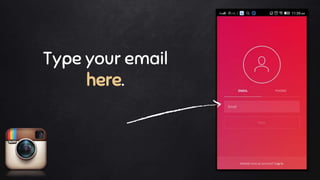
Type your email
here.
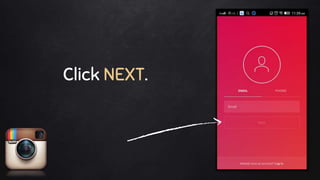
Click NEXT.
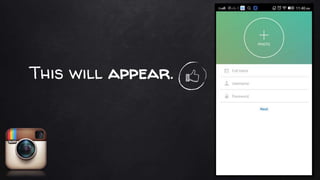
This will appear.
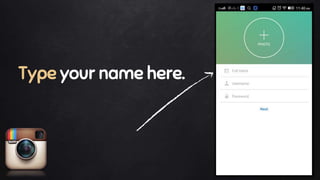
Type your name here.
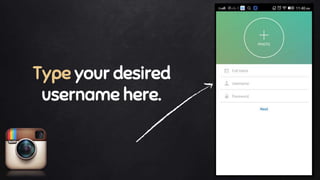
Type your desired
username here.
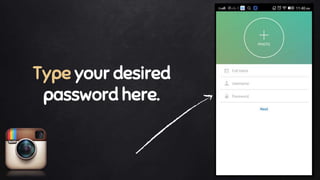
Type your desired
password here.
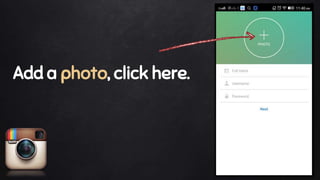
Add a photo, click here.
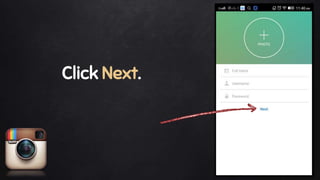
Click Next.
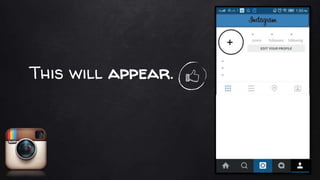
This will appear.
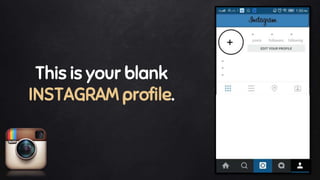
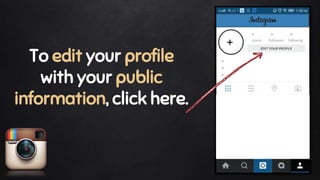
This is your blank
INSTAGRAM profile.
To edit your profile
with your public
information, click here.
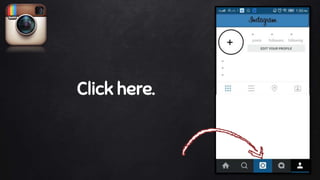
Now, let’s post your first picture.
Click here.
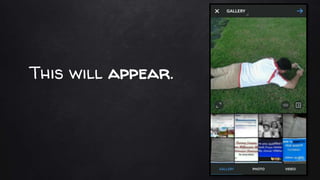
This will appear.
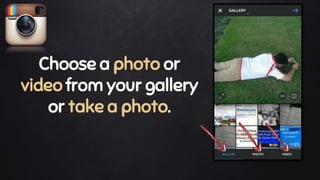
Choose a photo or
video from your gallery
or take a photo.
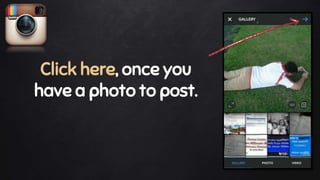
Click here, once you
have a photo to post.
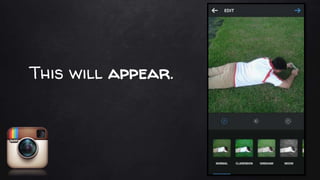
This will appear.
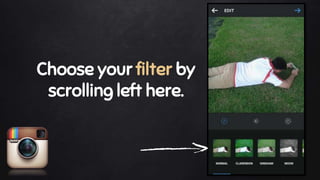
Choose your filter by
scrolling left here.
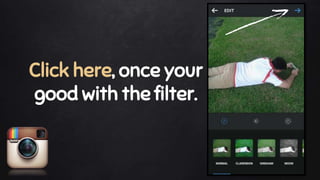
Click here, once your
good with the filter.
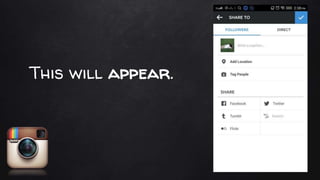
This will appear.
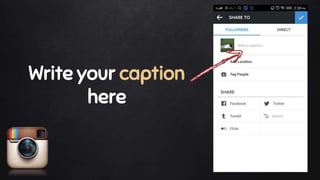
Write your caption
here
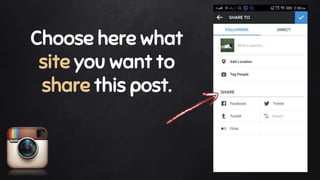
Choose here what
site you want to
share this post.
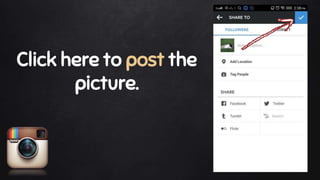
Click here to post the
picture.
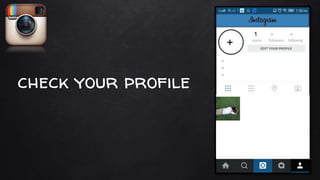
You now have posted your first picture.
check your profile
1
Congratulations!
You have successfully set up your
Instagram account.
thanks!
The end.
How to use and set up Instagram