
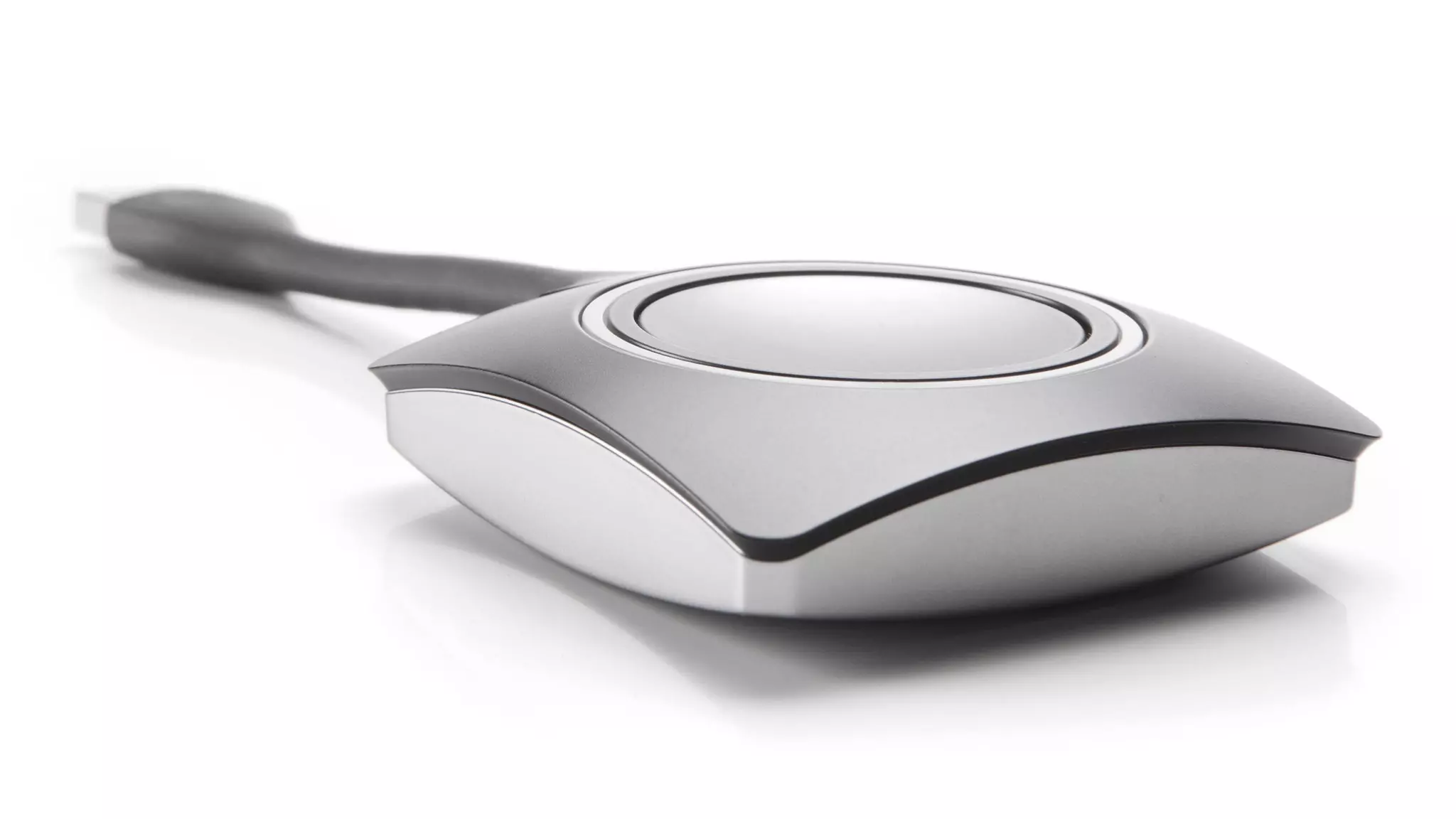


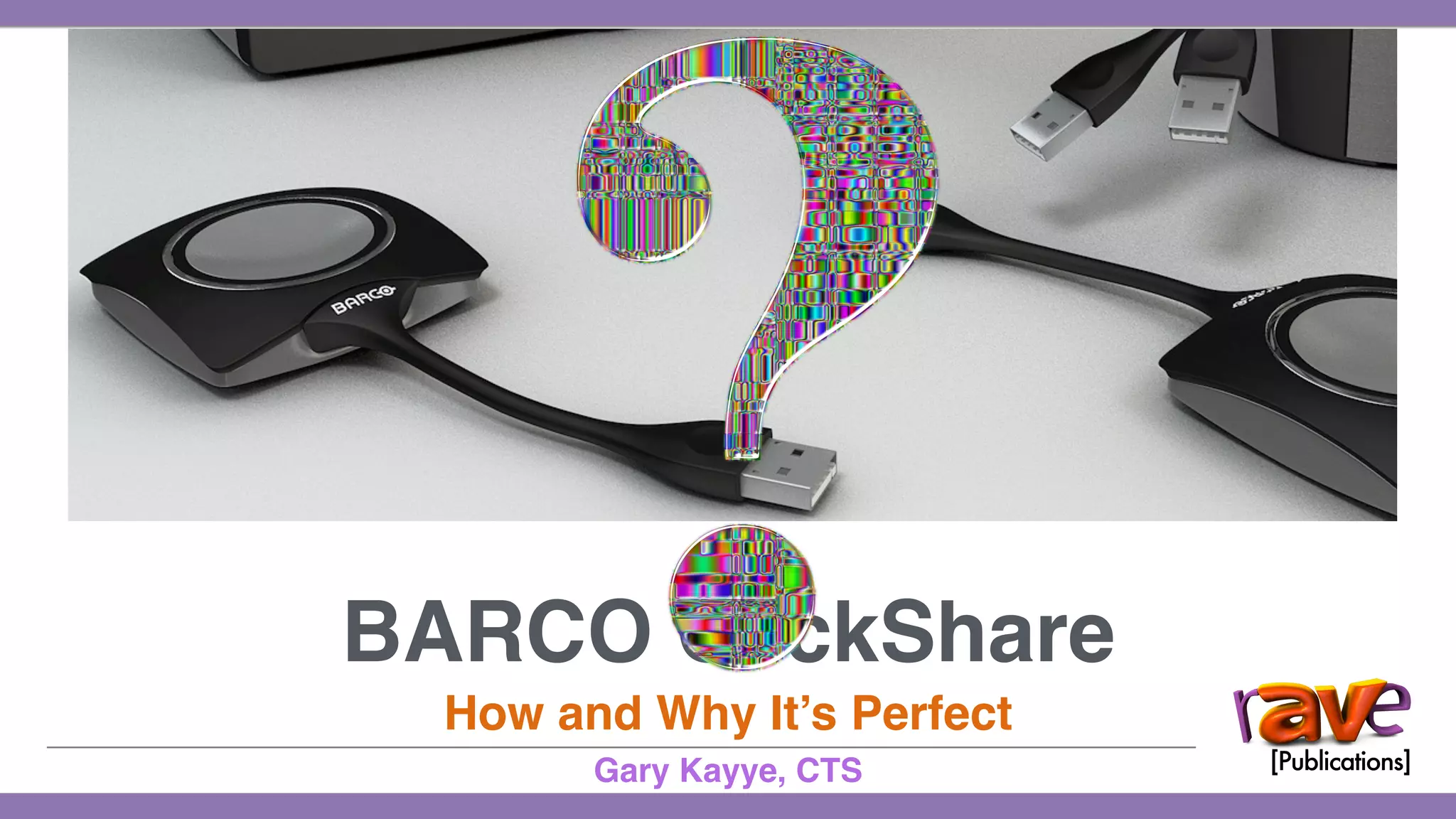
BARCO ClickShare
How and Why It’s Perfect
Gary Kayye, CTS
SIMPLICITY
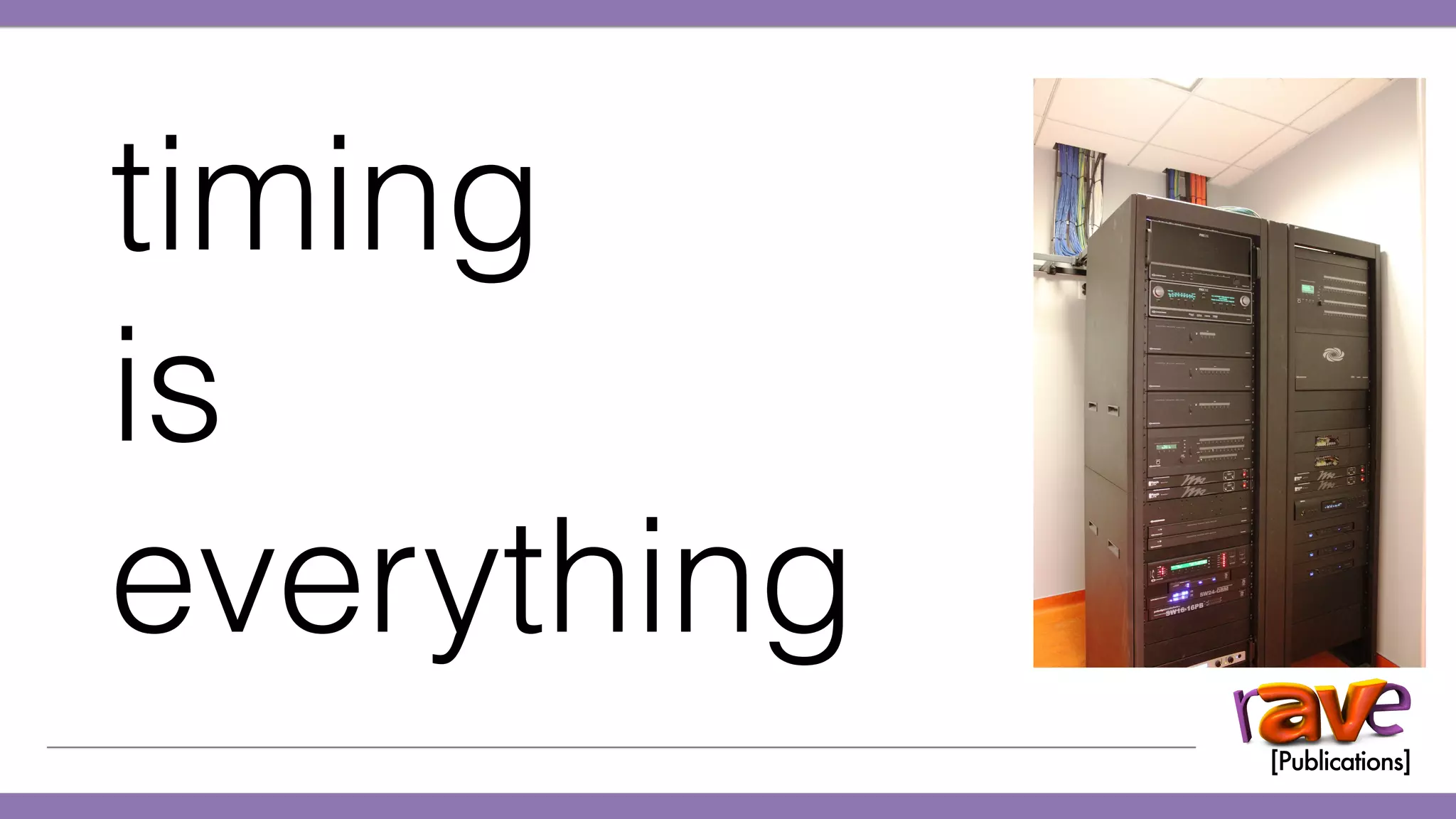
timing
is
everything
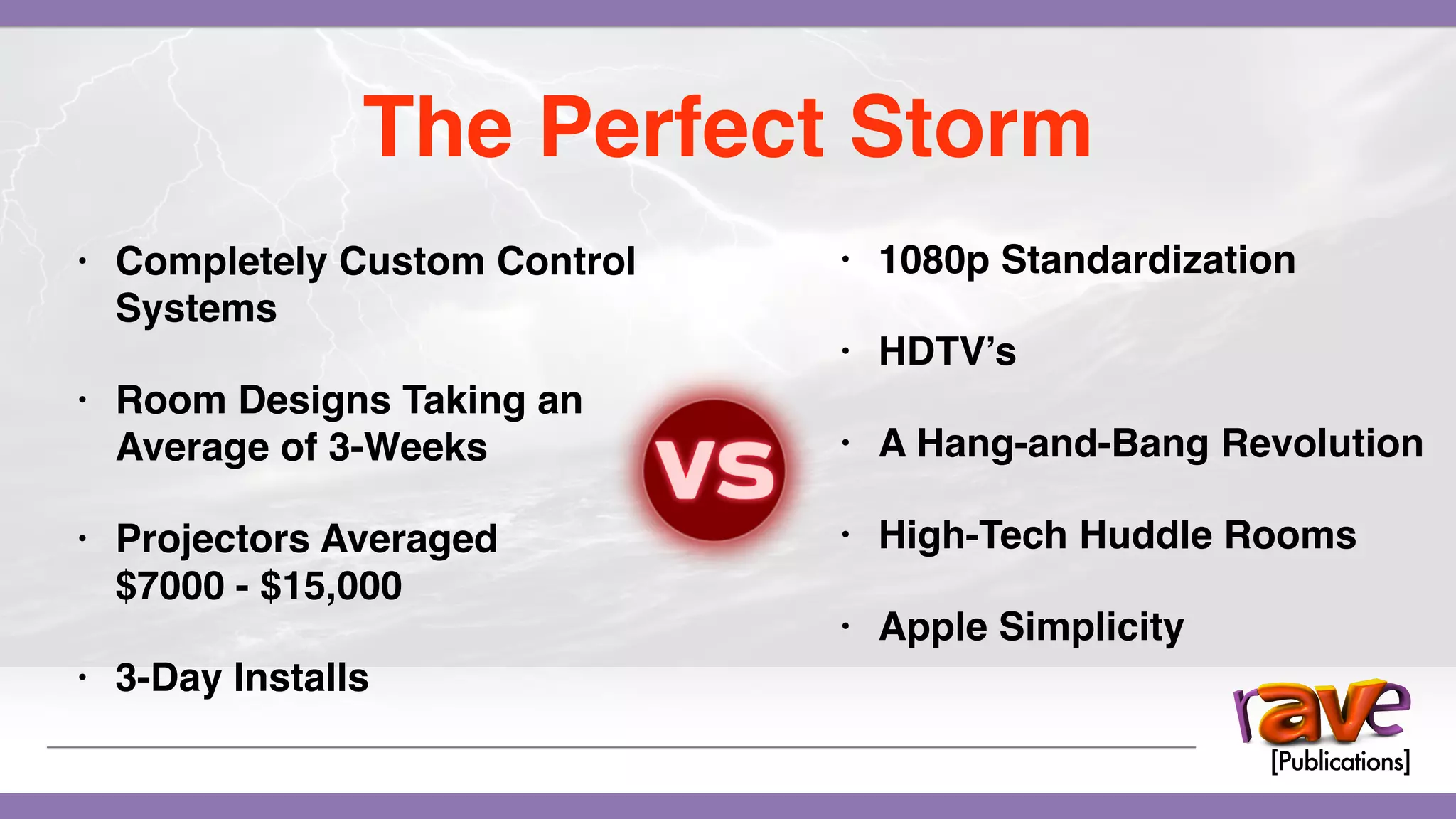
The Perfect Storm
• Completely Custom Control
Systems
• Room Designs Taking an
Average of 3-Weeks
• Projectors Averaged
$7000 - $15,000
• 3-Day Installs
The Perfect Storm
• Completely Custom Control
Systems
• Room Designs Taking an
Average of 3-Weeks
• Projectors Averaged
$7000 - $15,000
• 3-Day Installs
The Perfect Storm
• Completely Custom Control
Systems
• Room Designs Taking an
Average of 3-Weeks
• Projectors Averaged
$7000 - $15,000
• 3-Day Installs
The Perfect Storm
• 1080p Standardization
• HDTV’s
• A Hang-and-Bang Revolution
• High-Tech Huddle Rooms
• Apple Simplicity
2012
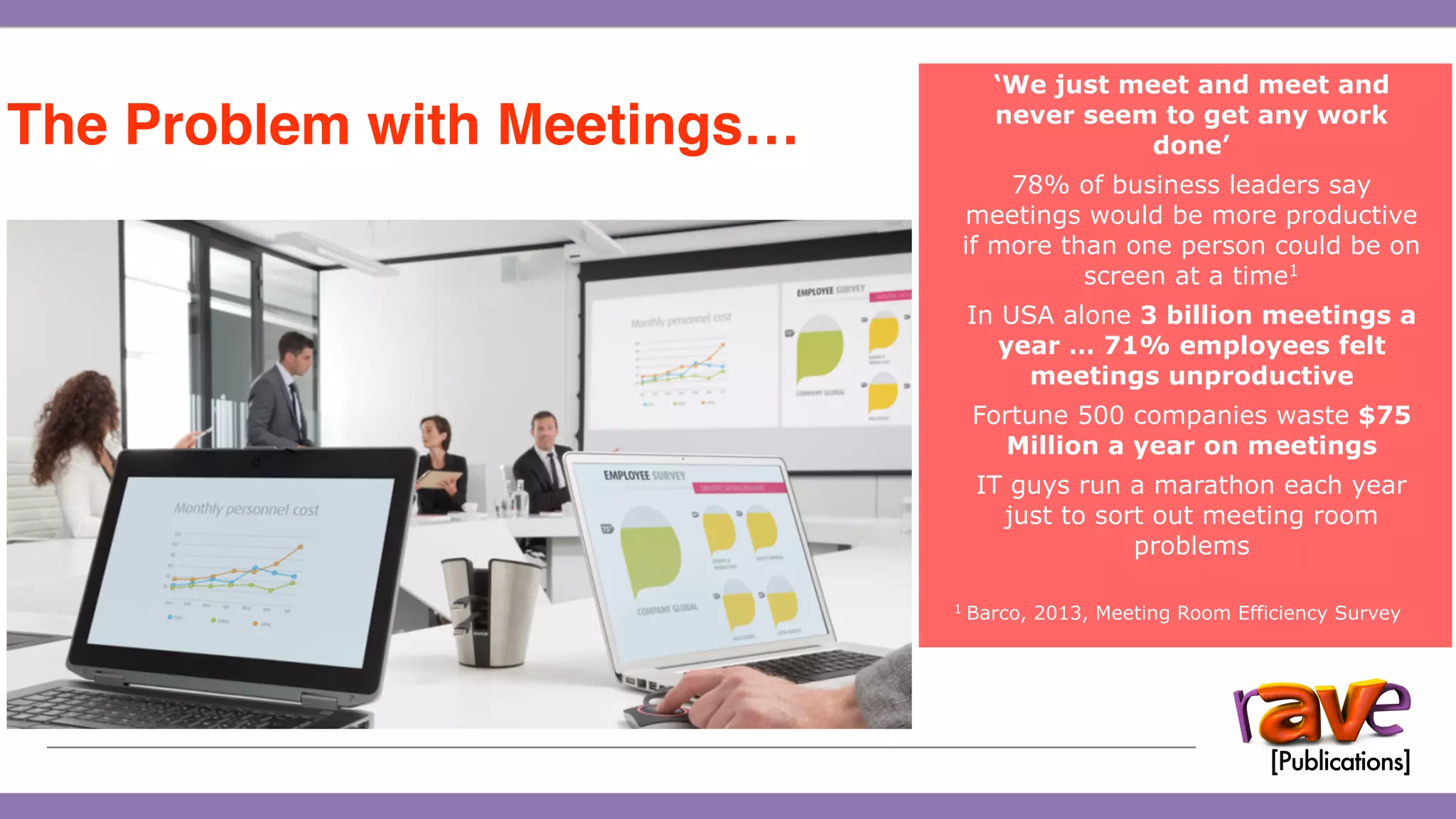
‘We just meet and meet and
never seem to get any work
done’
78% of business leaders say
meetings would be more productive
if more than one person could be on
screen at a time1
In USA alone 3 billion meetings a
year … 71% employees felt
meetings unproductive
Fortune 500 companies waste $75
Million a year on meetings
IT guys run a marathon each year
just to sort out meeting room
problems
1 Barco, 2013, Meeting Room Efficiency Survey
The Problem with Meetings…
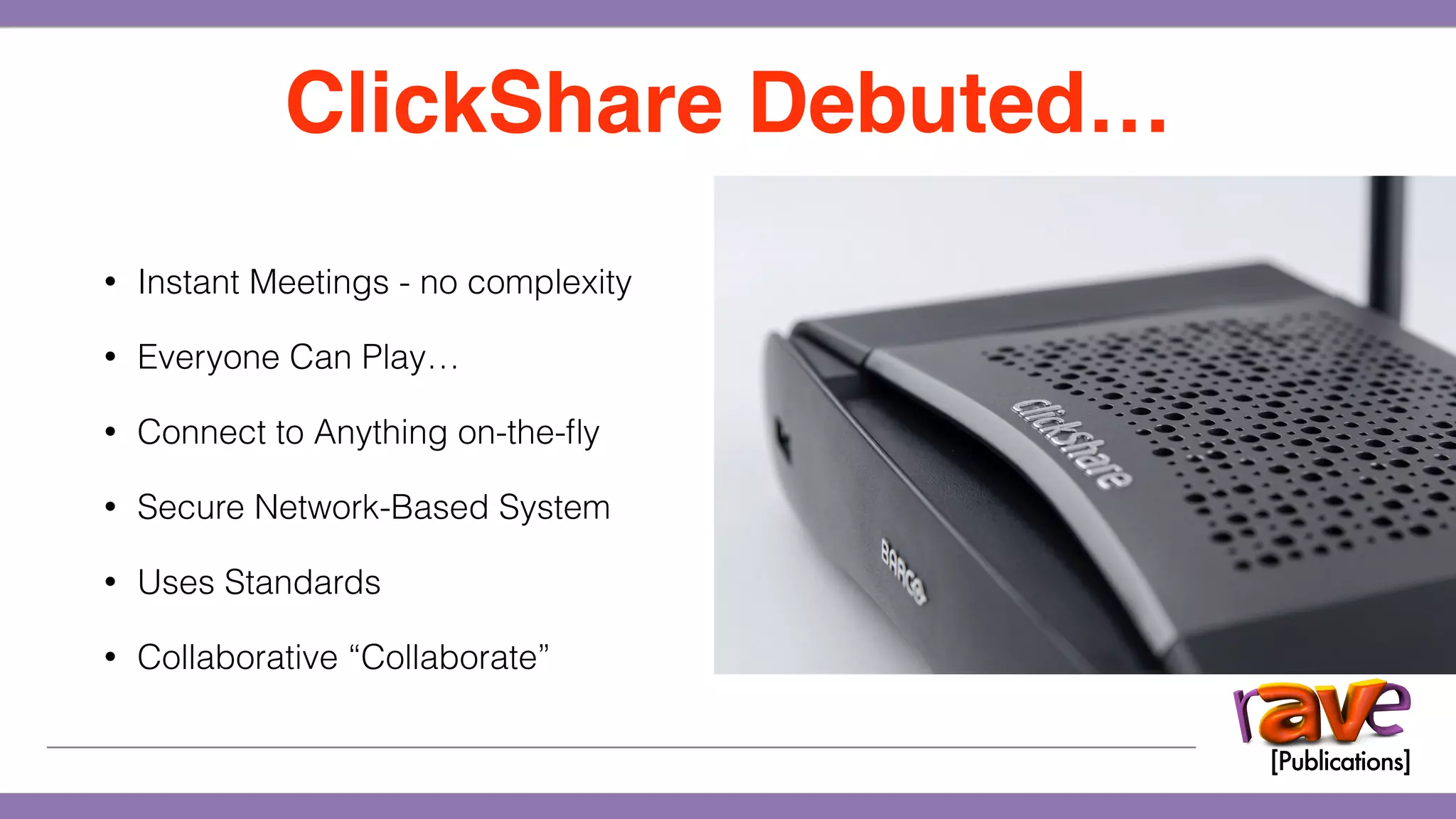
• Instant Meetings - no complexity
• Everyone Can Play…
• Connect to Anything on-the-fly
• Secure Network-Based System
• Uses Standards
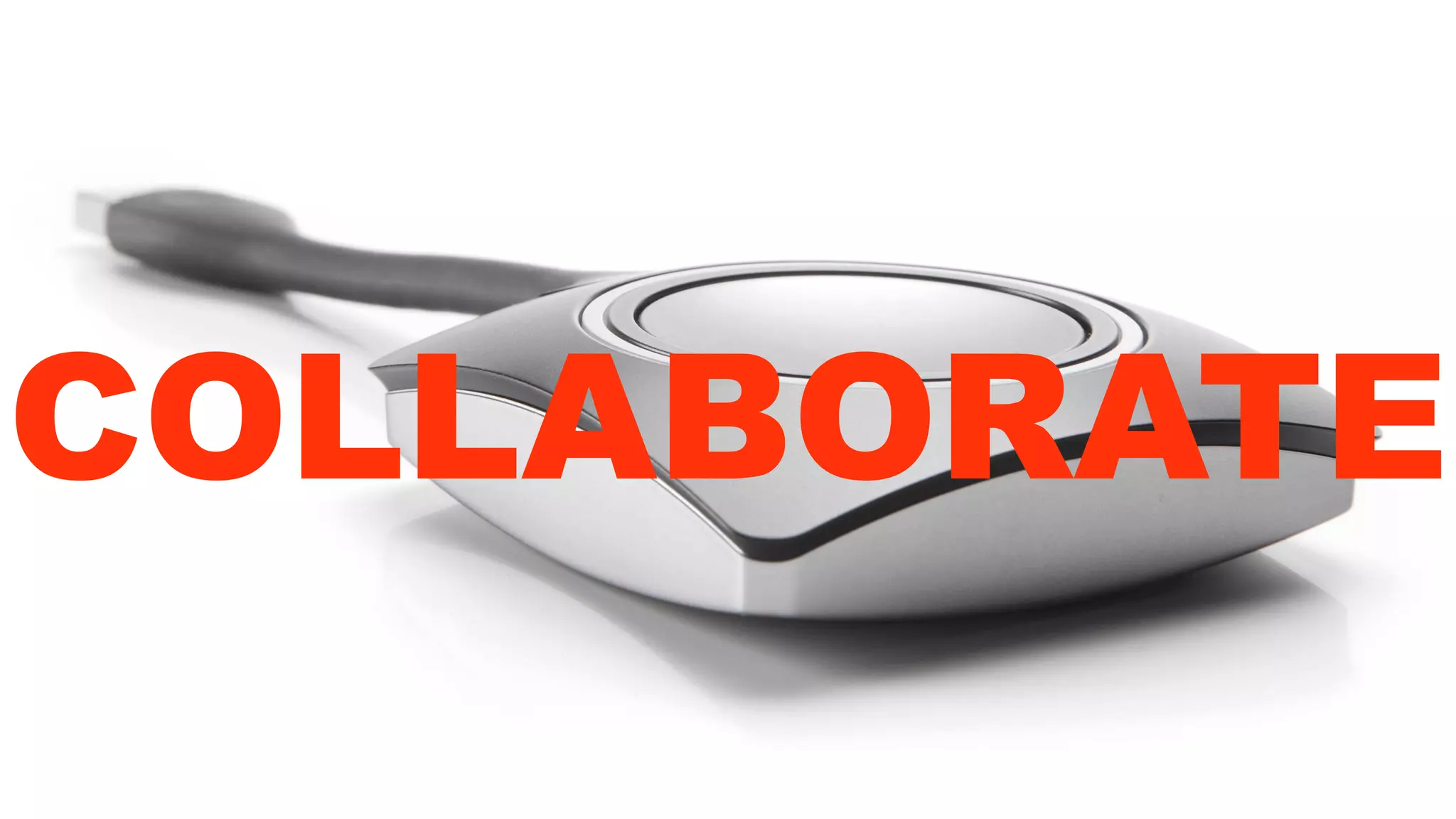
• Collaborative “Collaborate”
ClickShare Debuted…
COLLABORATE
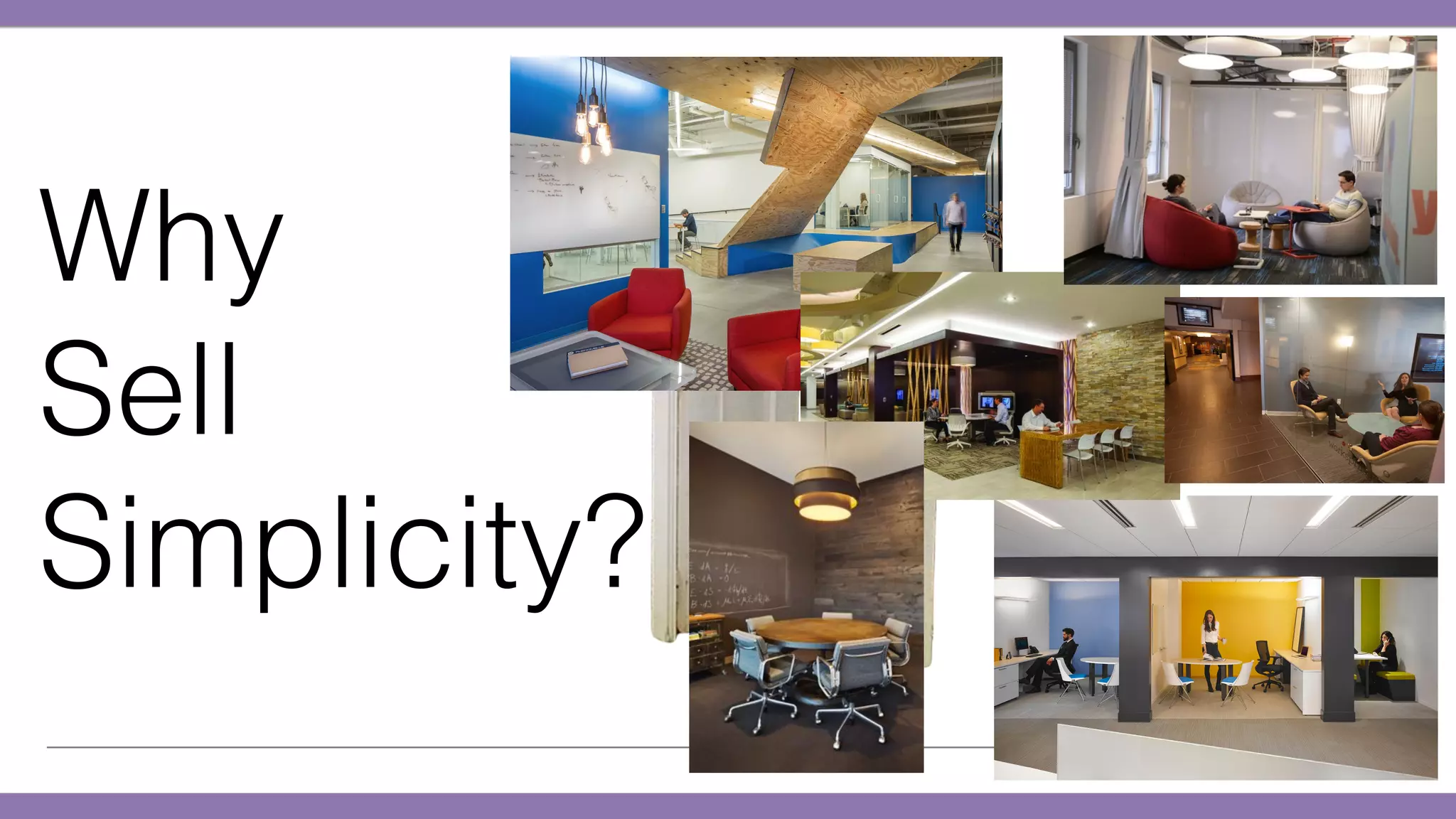
Why
Sell
Simplicity?
Why
Sell
Simplicity?
Why
Sell
Simplicity?
ClickShare CS-100 Introduction
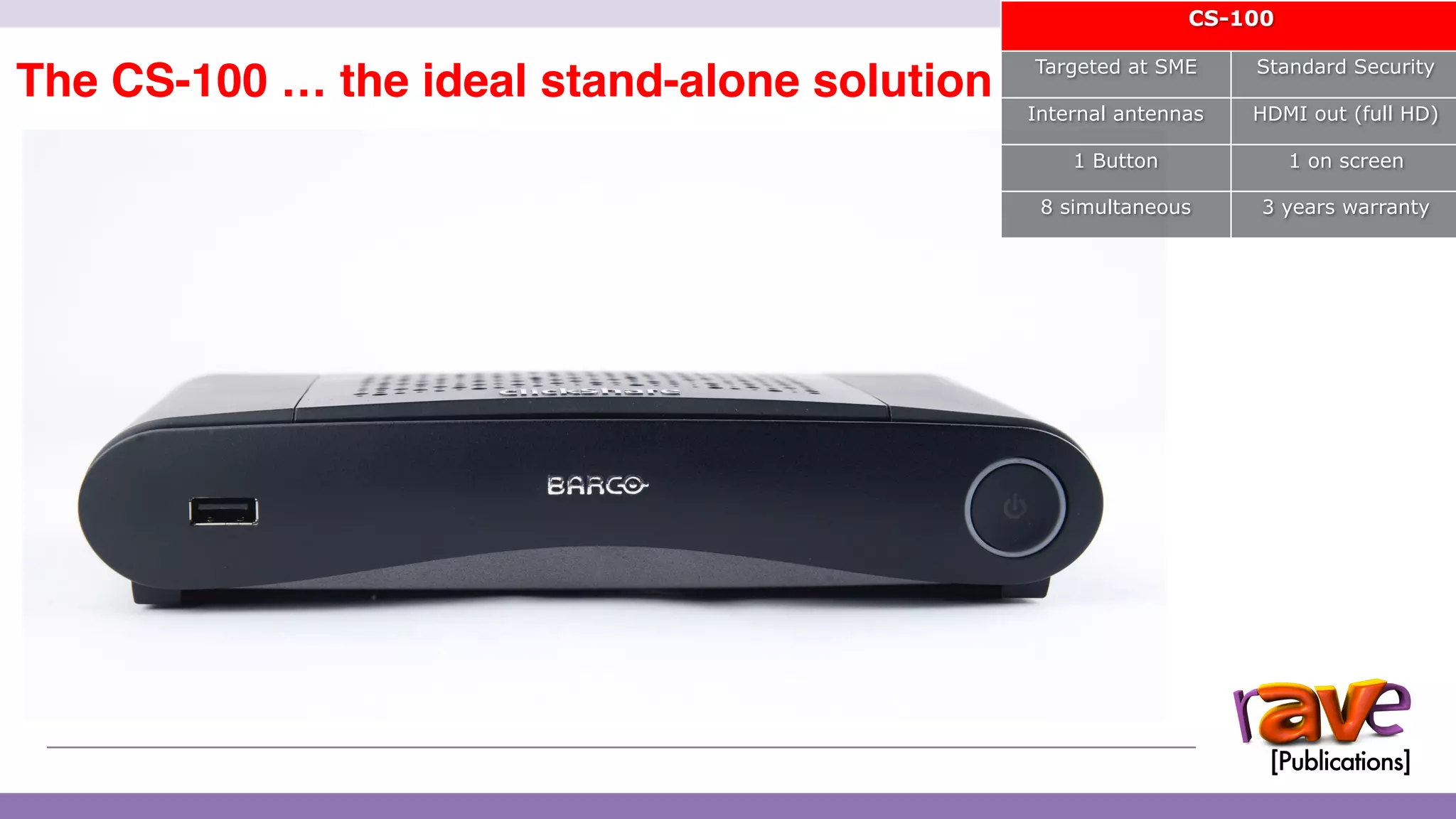
The CS-100 … the ideal stand-alone solution
CS-100
Targeted at SME Standard Security
Internal antennas HDMI out (full HD)
1 Button 1 on screen
8 simultaneous 3 years warranty
12
ClickShare CSE-200 Introduction
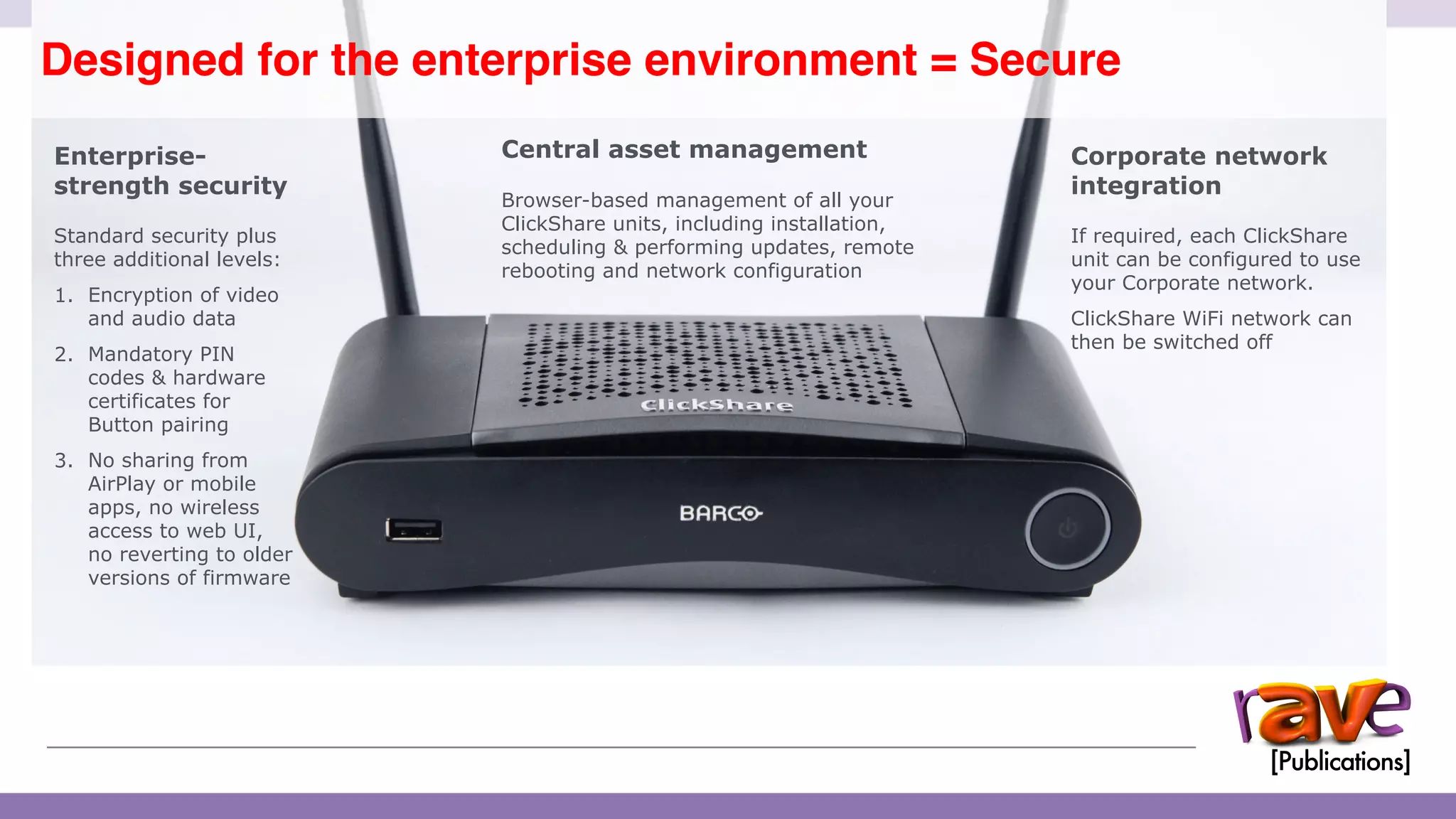
Designed for the enterprise environment = Secure
13
Enterprise-
strength security
Standard security plus
three additional levels:
1. Encryption of video
and audio data
2. Mandatory PIN
codes & hardware
certificates for
Button pairing
3. No sharing from
AirPlay or mobile
apps, no wireless
access to web UI,
no reverting to older
versions of firmware
Central asset management
Browser-based management of all your
ClickShare units, including installation,
scheduling & performing updates, remote
rebooting and network configuration
Corporate network
integration
If required, each ClickShare
unit can be configured to use
your Corporate network.
ClickShare WiFi network can
then be switched off
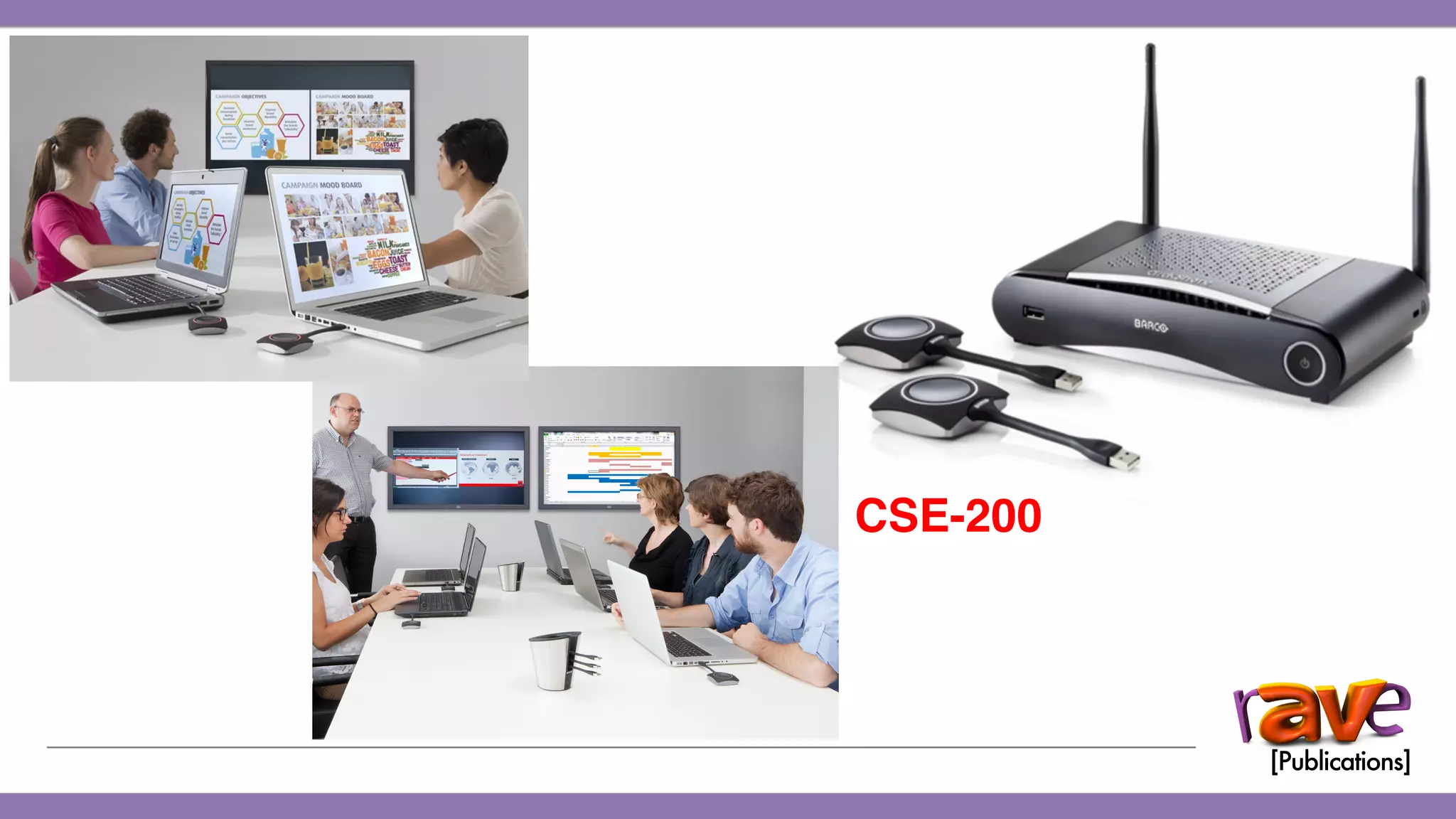
ClickShare CSE-200 Introduction
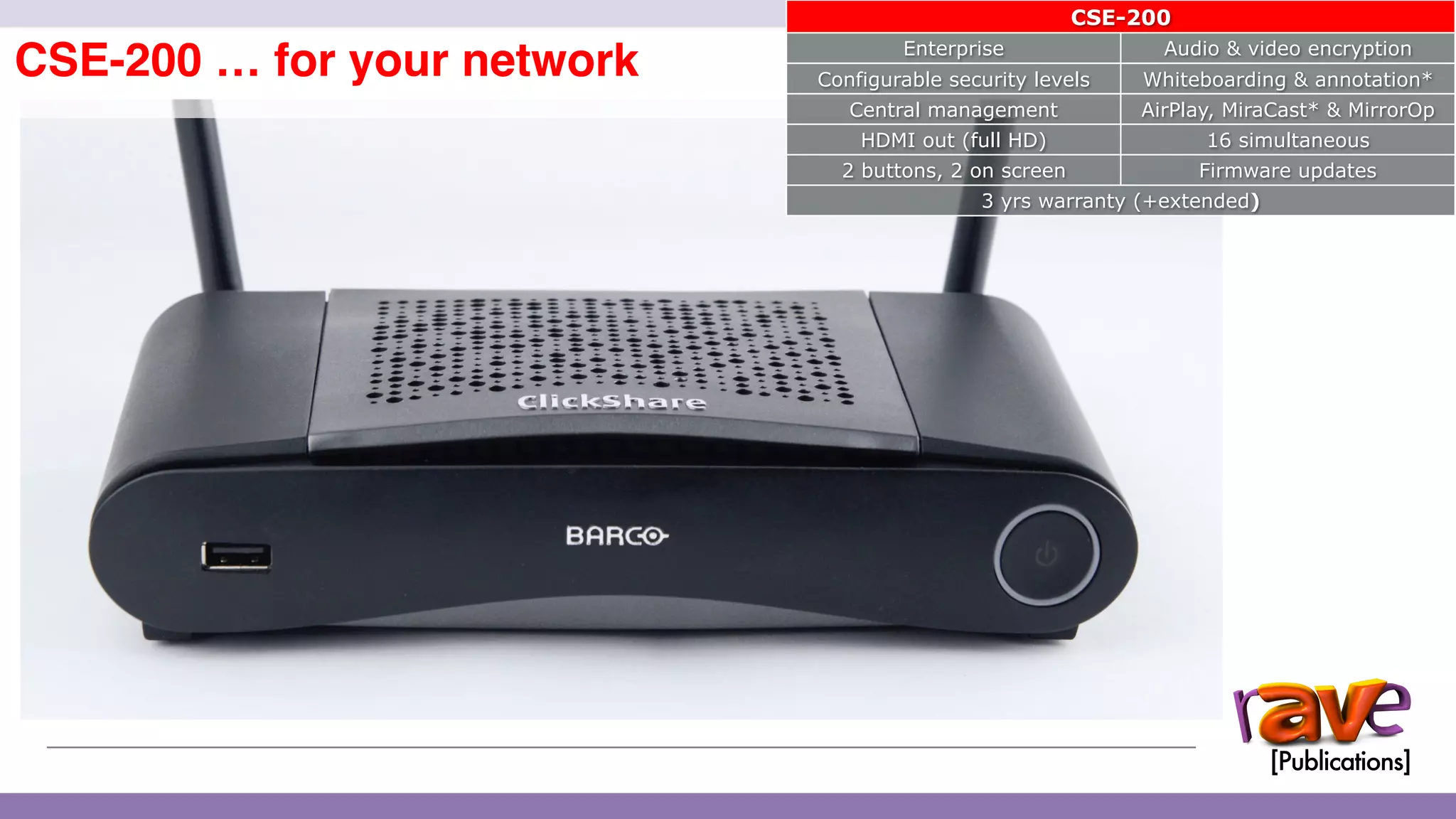
CSE-200 … for your network
14
CSE-200
Enterprise Audio & video encryption
Configurable security levels Whiteboarding & annotation*
Central management AirPlay, MiraCast* & MirrorOp
HDMI out (full HD) 16 simultaneous
2 buttons, 2 on screen Firmware updates
3 yrs warranty (+extended)
ClickShare CSE-200 Introduction
ClickShare for Enterprise (CSE) Security

15
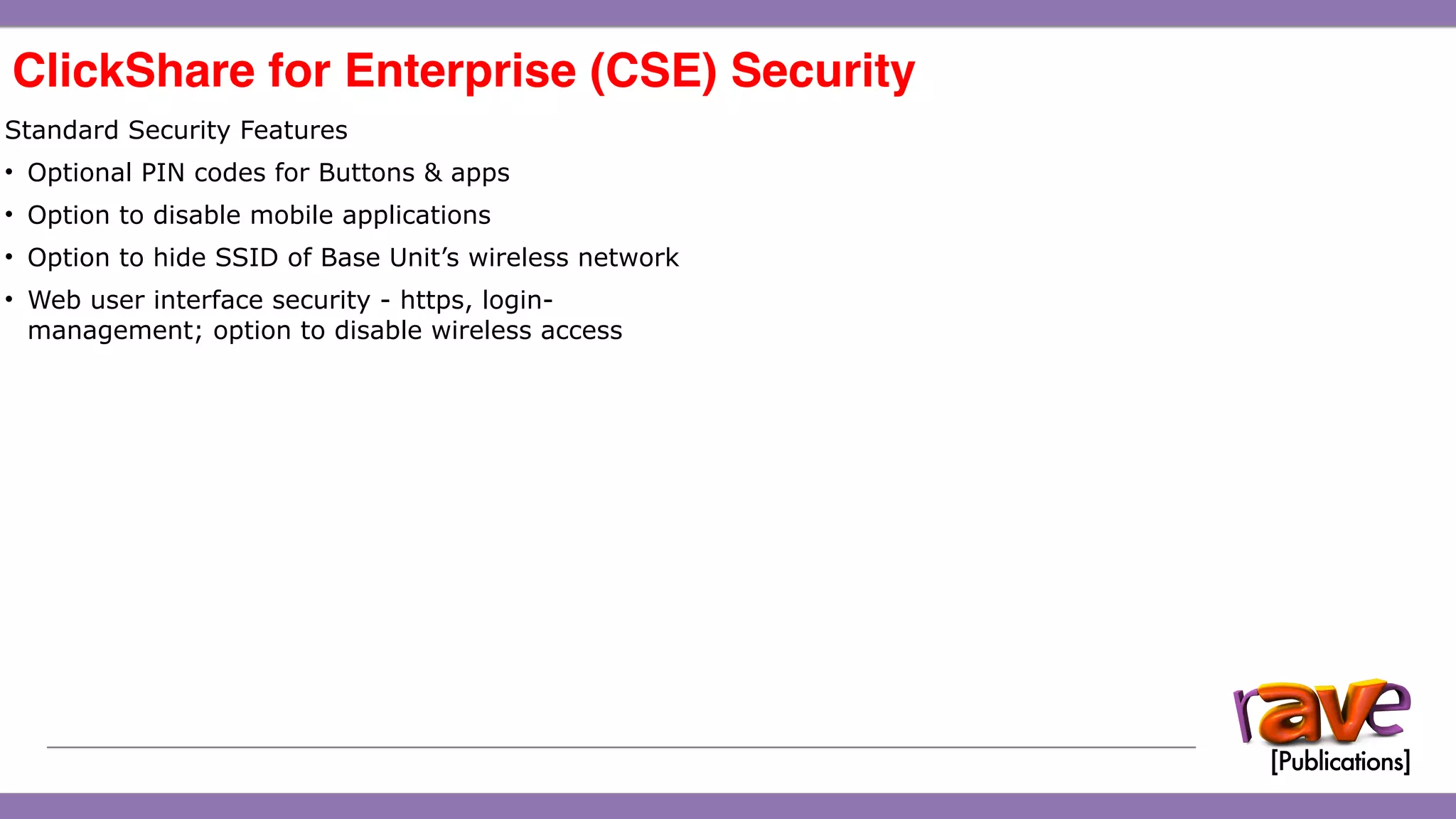
Standard Security Features
• Optional PIN codes for Buttons & apps
• Option to disable mobile applications
• Option to hide SSID of Base Unit’s wireless network
• Web user interface security - https, login-
management; option to disable wireless access
ClickShare CSE-200 Introduction
ClickShare for Enterprise (CSE) Security

15
Standard Security Features
• Optional PIN codes for Buttons & apps
• Option to disable mobile applications
• Option to hide SSID of Base Unit’s wireless network
• Web user interface security - https, login-
management; option to disable wireless access
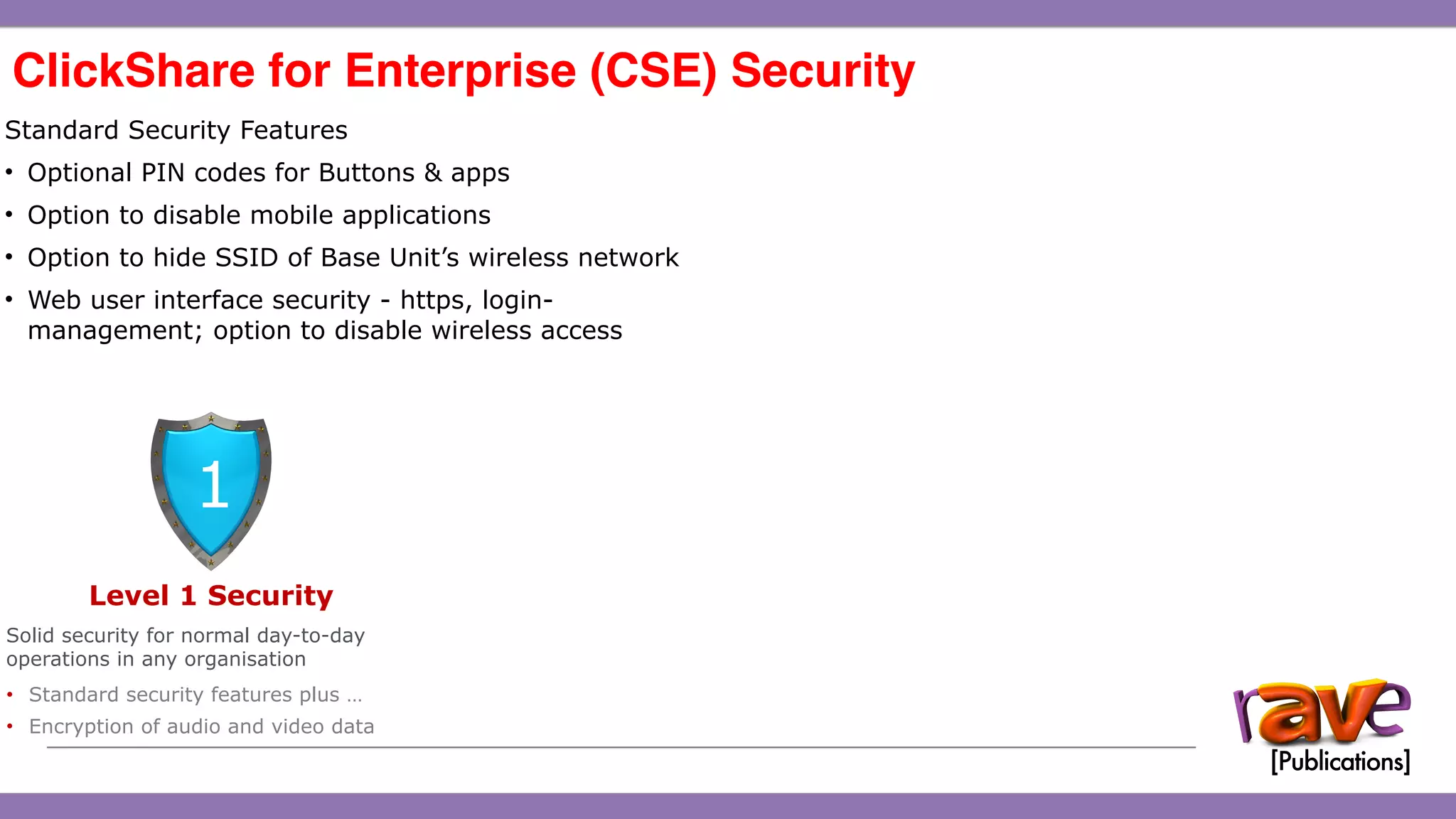
Level 1 Security
Solid security for normal day-to-day
operations in any organisation
• Standard security features plus …
• Encryption of audio and video data
1
ClickShare CSE-200 Introduction
ClickShare for Enterprise (CSE) Security

15
Standard Security Features
• Optional PIN codes for Buttons & apps
• Option to disable mobile applications
• Option to hide SSID of Base Unit’s wireless network
• Web user interface security - https, login-
management; option to disable wireless access
Level 1 Security
Solid security for normal day-to-day
operations in any organisation
• Standard security features plus …
• Encryption of audio and video data
1
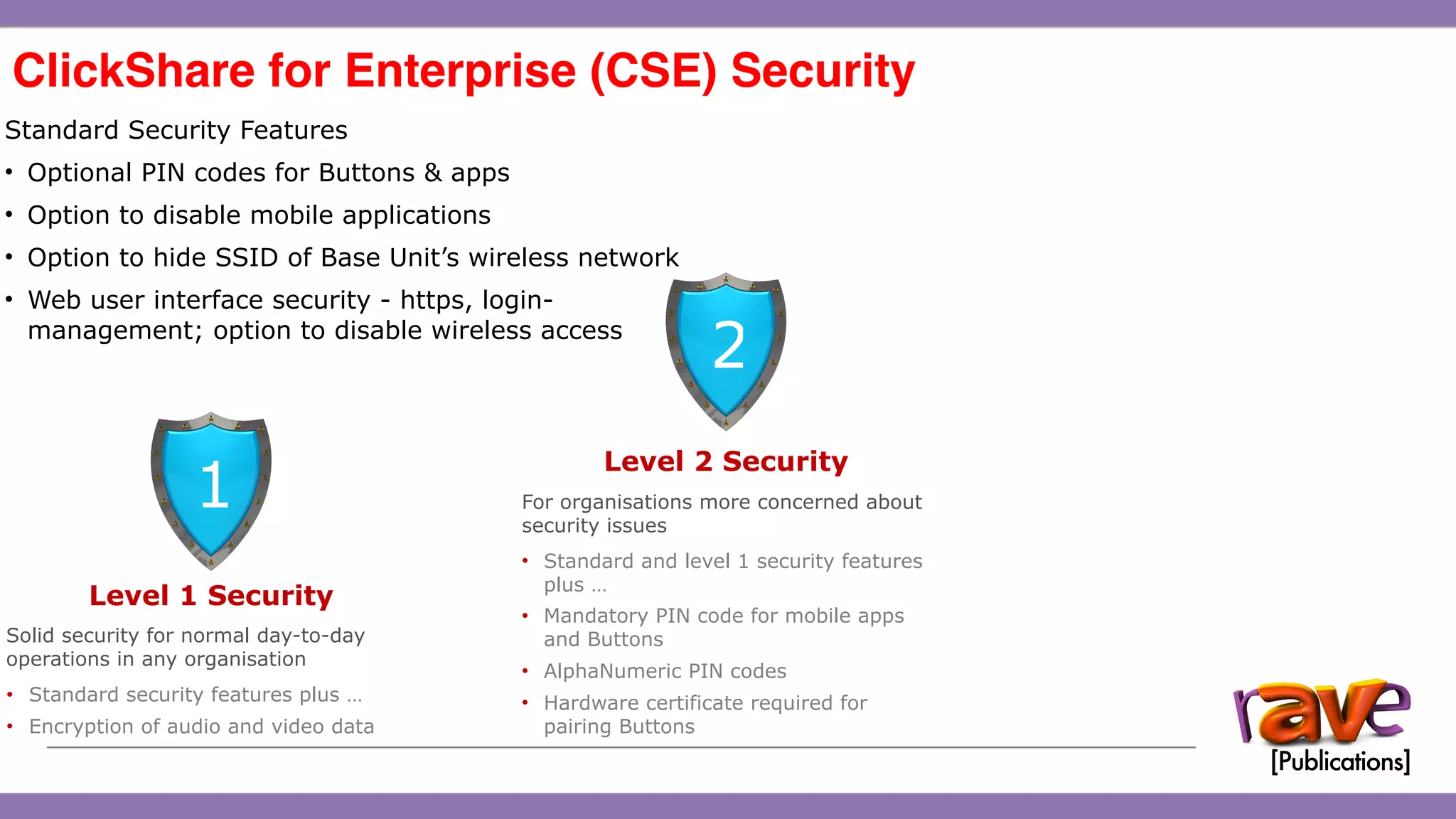
Level 2 Security
For organisations more concerned about
security issues
• Standard and level 1 security features
plus …
• Mandatory PIN code for mobile apps
and Buttons
• AlphaNumeric PIN codes
• Hardware certificate required for
pairing Buttons
2
ClickShare CSE-200 Introduction
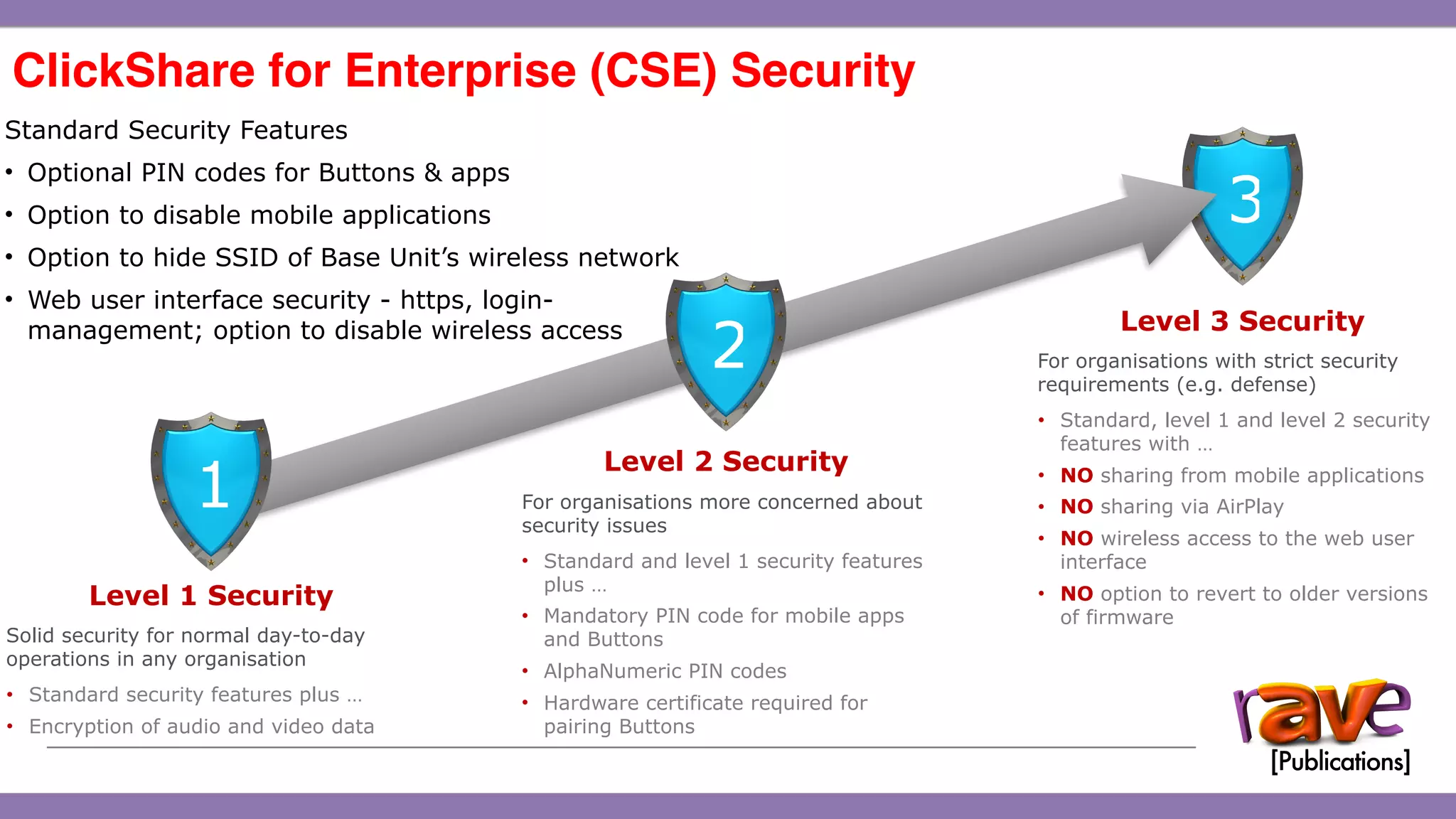
Level 3 Security
For organisations with strict security
requirements (e.g. defense)
• Standard, level 1 and level 2 security
features with …
• NO sharing from mobile applications
• NO sharing via AirPlay
• NO wireless access to the web user
interface
• NO option to revert to older versions
of firmware
3
ClickShare for Enterprise (CSE) Security

15
Standard Security Features
• Optional PIN codes for Buttons & apps
• Option to disable mobile applications
• Option to hide SSID of Base Unit’s wireless network
• Web user interface security - https, login-
management; option to disable wireless access
Level 1 Security
Solid security for normal day-to-day
operations in any organisation
• Standard security features plus …
• Encryption of audio and video data
1
Level 2 Security
For organisations more concerned about
security issues
• Standard and level 1 security features
plus …
• Mandatory PIN code for mobile apps
and Buttons
• AlphaNumeric PIN codes
• Hardware certificate required for
pairing Buttons
2
ClickShare CSE-200 Introduction
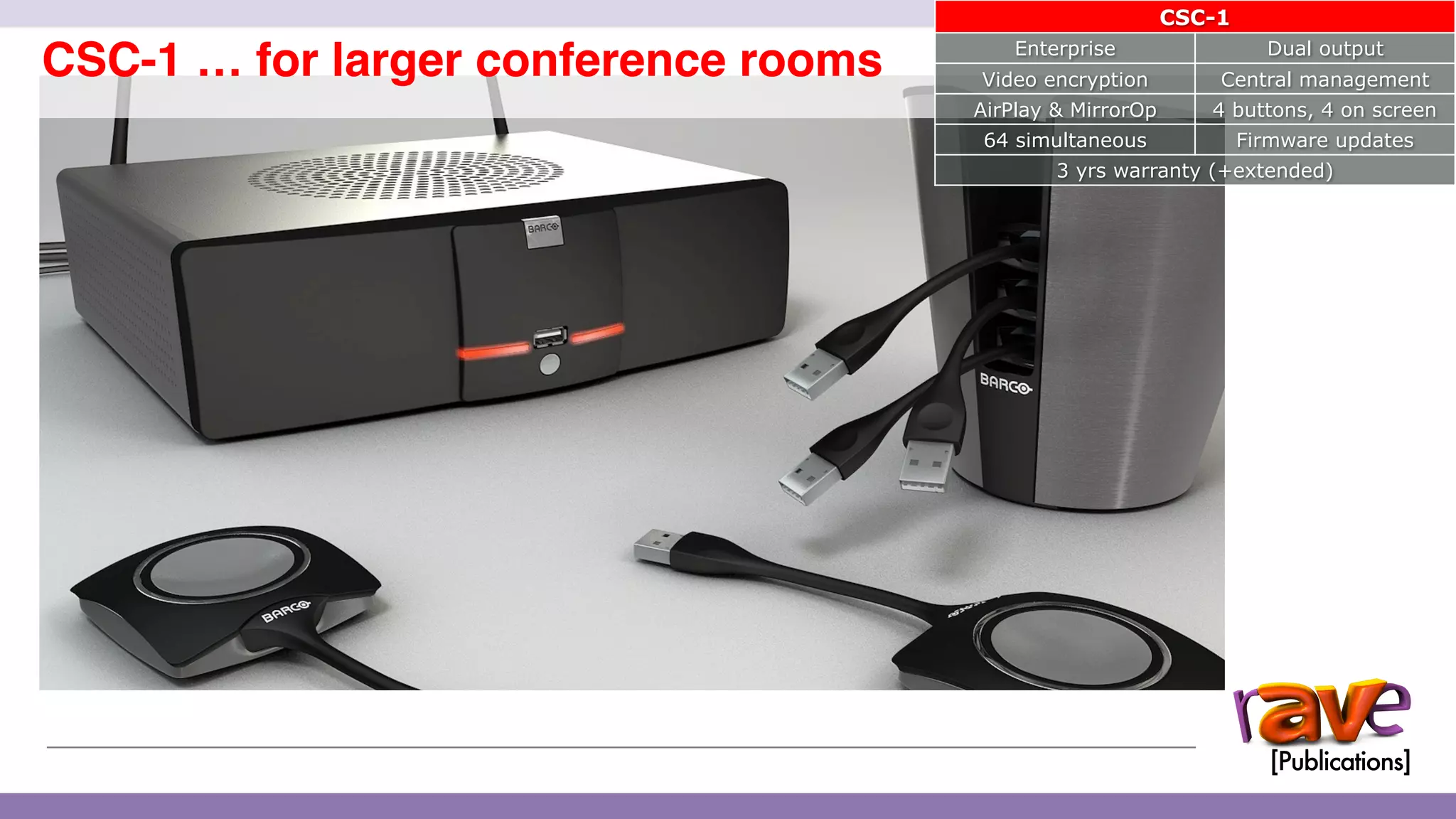
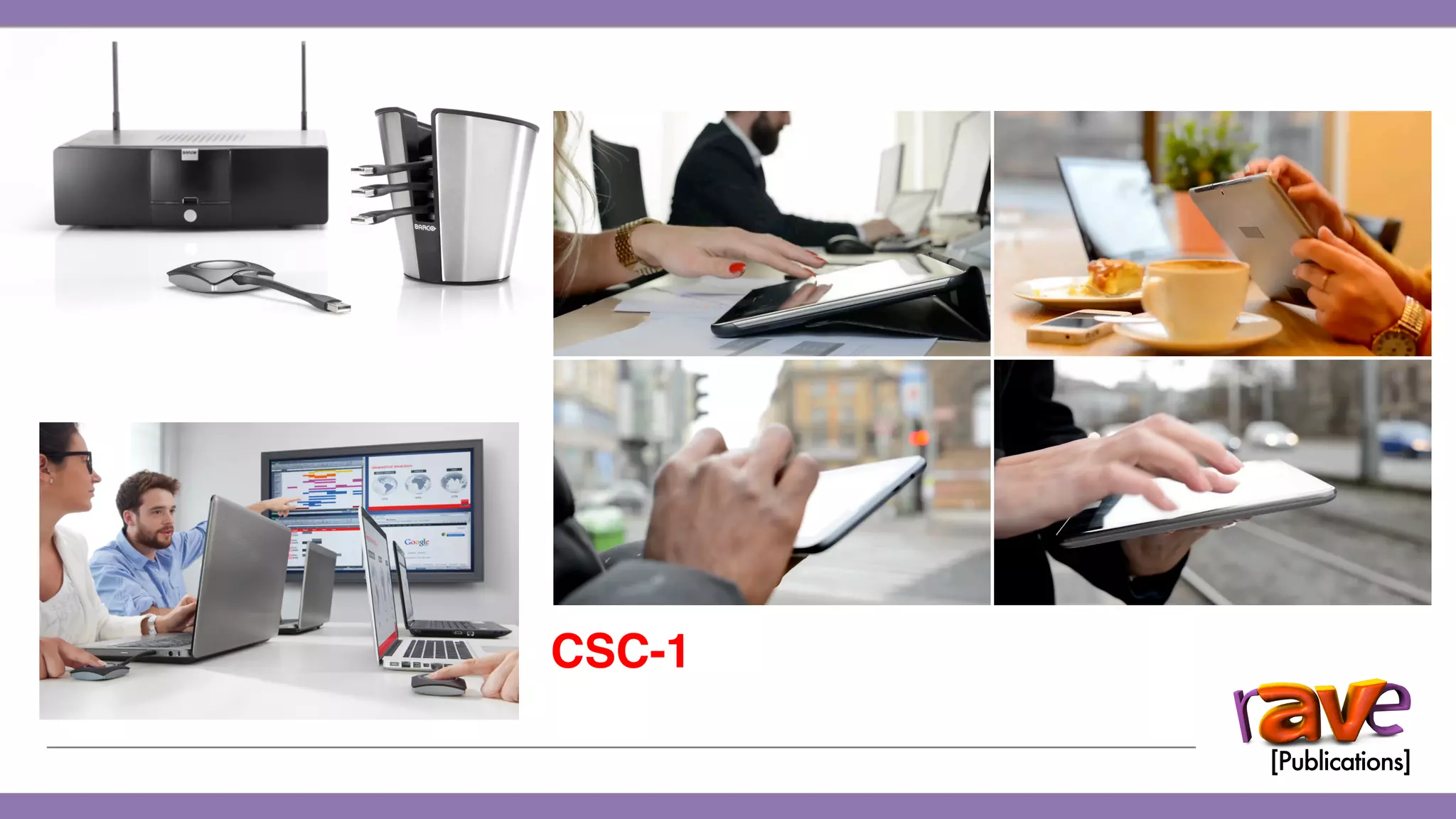
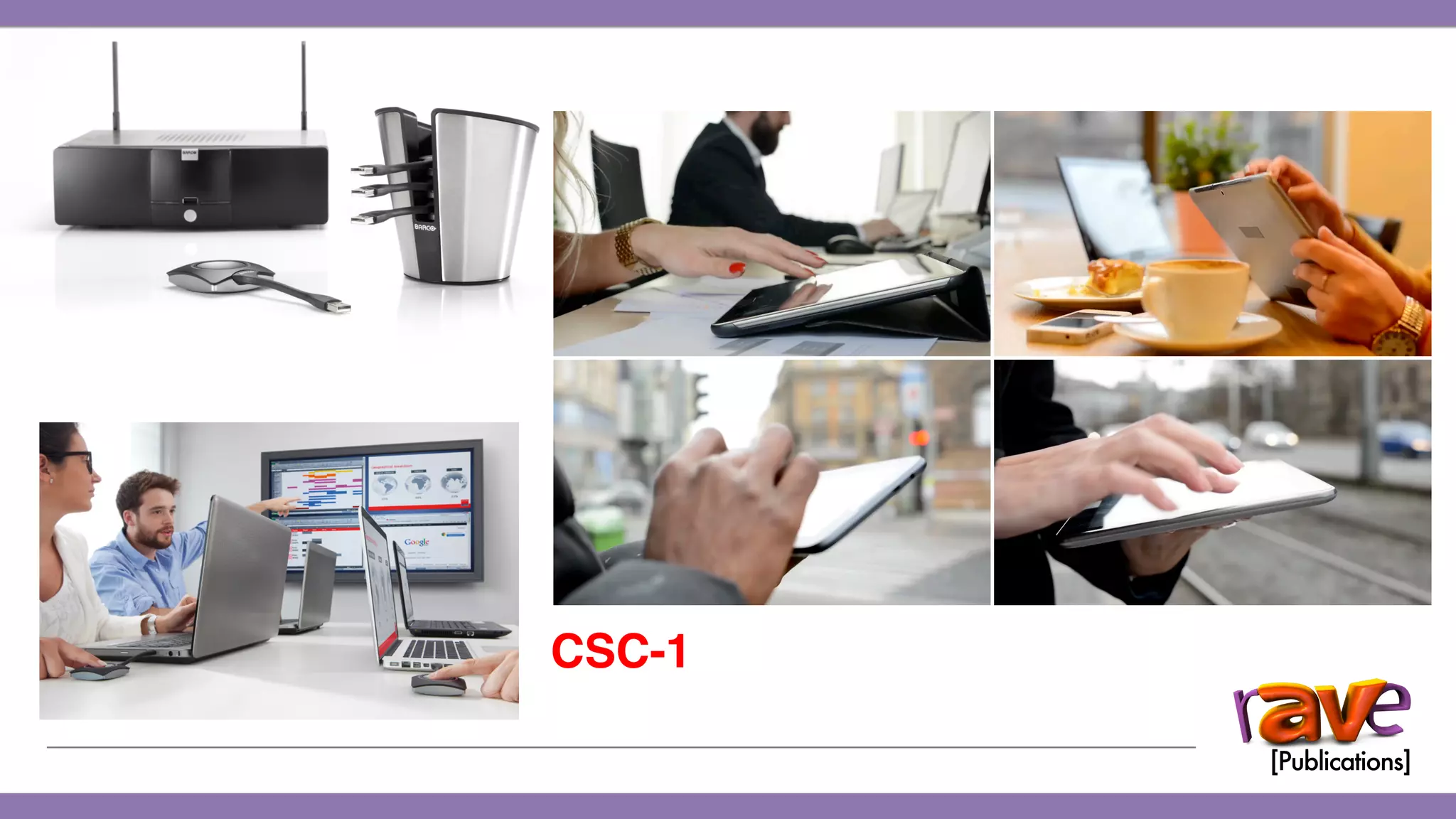
CSC-1 … for larger conference rooms
16
CSC-1
Enterprise Dual output
Video encryption Central management
AirPlay & MirrorOp 4 buttons, 4 on screen
64 simultaneous Firmware updates
3 yrs warranty (+extended)
ClickShare Large Enterprise Marketing Pack
ClickShare apps
Accessories
For devices without a USB port
ClickShare Button and tray packs
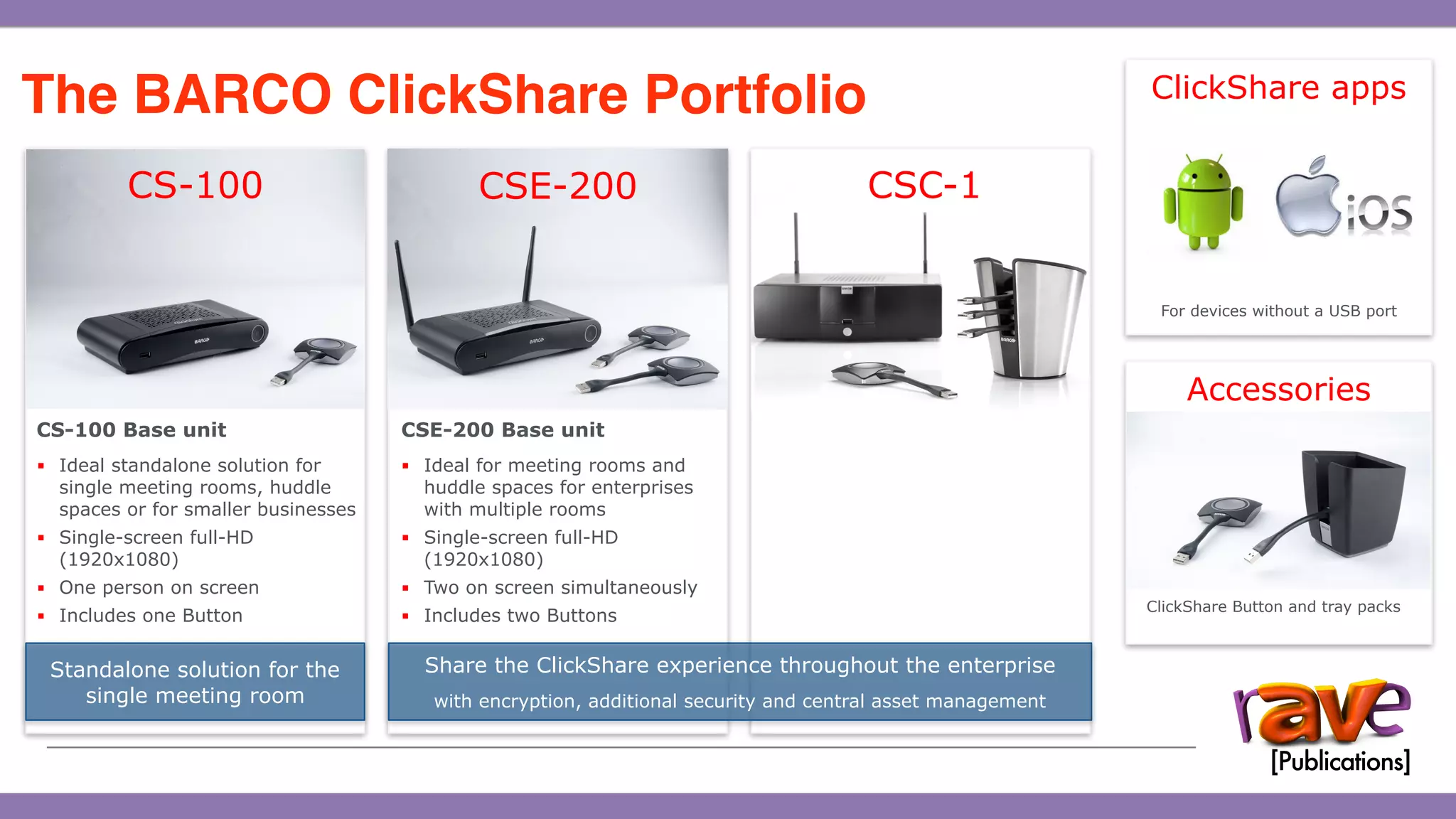
The BARCO ClickShare Portfolio

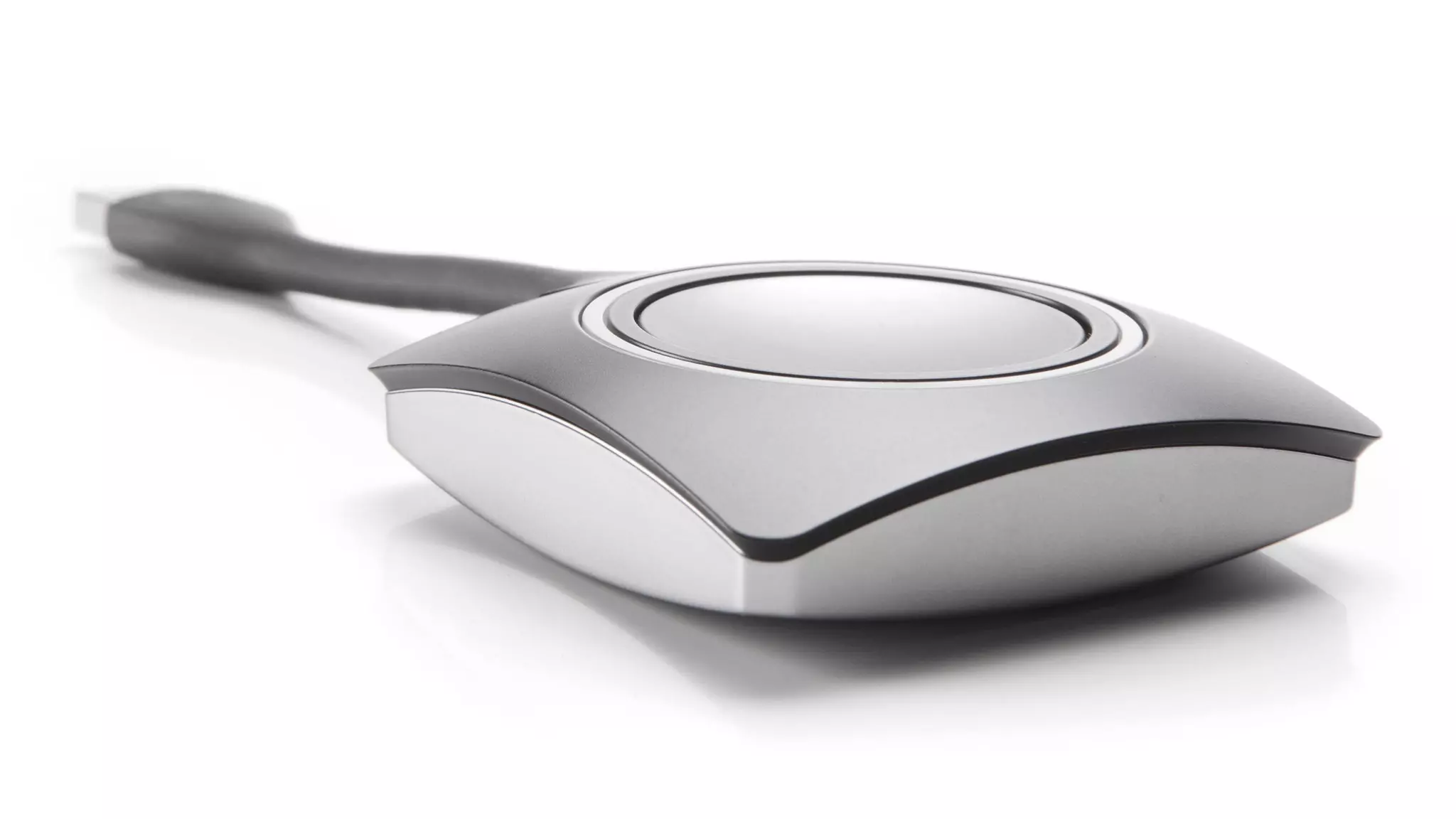
CSE-200 Base unit
▪ Ideal for meeting rooms and
huddle spaces for enterprises
with multiple rooms
▪ Single-screen full-HD
(1920x1080)
▪ Two on screen simultaneously
▪ Includes two Buttons
CS-100 Base unit
▪ Ideal standalone solution for
single meeting rooms, huddle
spaces or for smaller businesses
▪ Single-screen full-HD
(1920x1080)
▪ One person on screen
▪ Includes one Button
Standalone solution for the
single meeting room
Share the ClickShare experience throughout the enterprise
with encryption, additional security and central asset management
CS-100 CSE-200 CSC-1
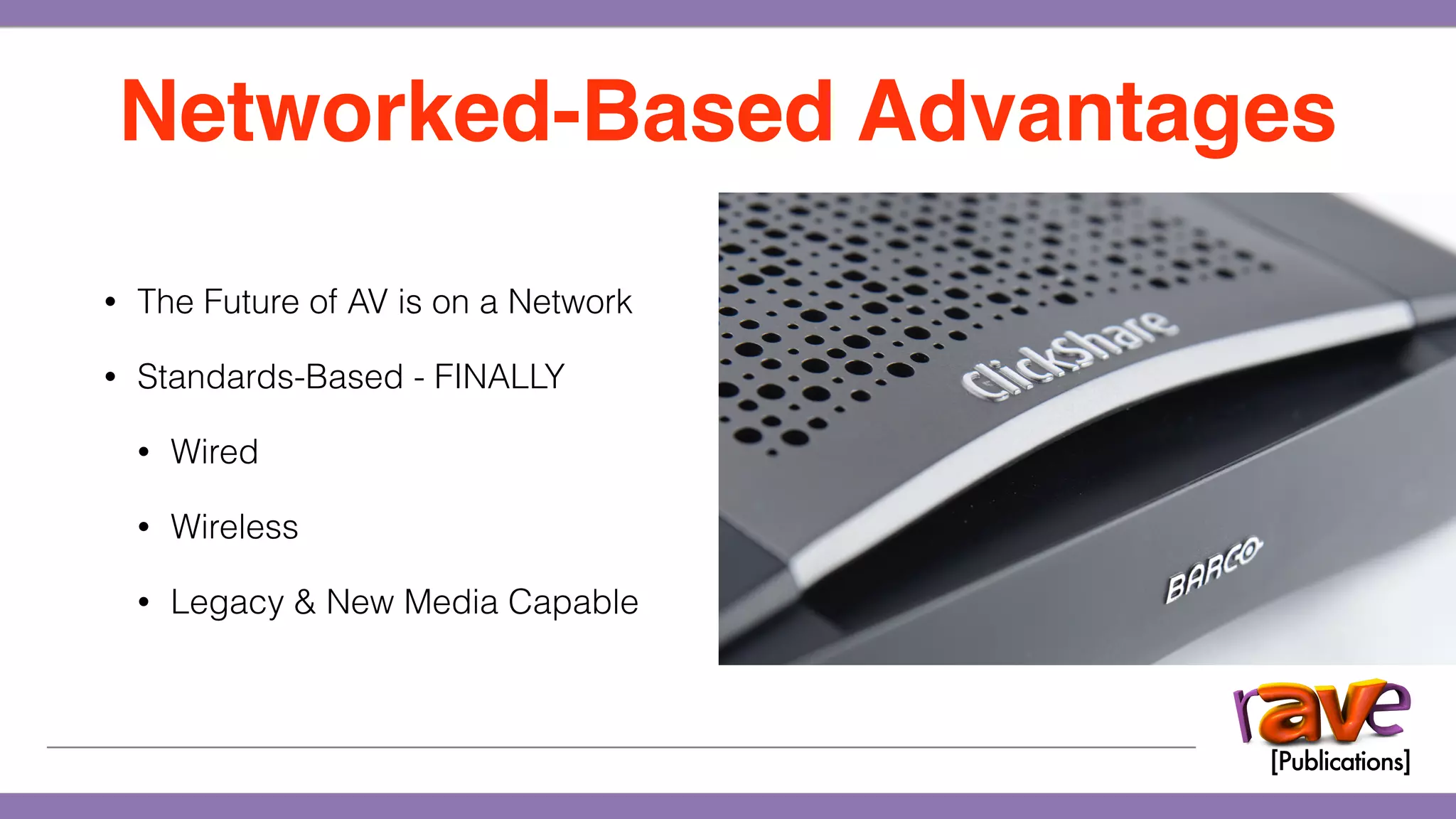
WHY NETWORK?
• The Future of AV is on a Network
• Standards-Based - FINALLY
• Wired
• Wireless
• Legacy & New Media Capable
Networked-Based Advantages
CS-100
CSE-200
FUTURE-READY
CSC-1
CSC-1
THE FUTURE?
BARCO ClickShare
How and Why It’s Perfect
Gary Kayye, CTS

How to Sell Collaboration with Barco ClickShare

  • 1.
    BARCO ClickShare How andWhy It’s Perfect Gary Kayye, CTS
  • 3.
  • 4.
  • 6.
  • 7.
    • Completely CustomControl Systems • Room Designs Taking an Average of 3-Weeks • Projectors Averaged $7000 - $15,000 • 3-Day Installs The Perfect Storm
  • 8.
    • Completely CustomControl Systems • Room Designs Taking an Average of 3-Weeks • Projectors Averaged $7000 - $15,000 • 3-Day Installs The Perfect Storm
  • 9.
    • Completely CustomControl Systems • Room Designs Taking an Average of 3-Weeks • Projectors Averaged $7000 - $15,000 • 3-Day Installs The Perfect Storm • 1080p Standardization • HDTV’s • A Hang-and-Bang Revolution • High-Tech Huddle Rooms • Apple Simplicity
  • 10.
  • 11.
    ‘We just meetand meet and never seem to get any work done’ 78% of business leaders say meetings would be more productive if more than one person could be on screen at a time1 In USA alone 3 billion meetings a year … 71% employees felt meetings unproductive Fortune 500 companies waste $75 Million a year on meetings IT guys run a marathon each year just to sort out meeting room problems 1 Barco, 2013, Meeting Room Efficiency Survey The Problem with Meetings…
  • 13.
    • Instant Meetings- no complexity • Everyone Can Play… • Connect to Anything on-the-fly • Secure Network-Based System • Uses Standards • Collaborative “Collaborate” ClickShare Debuted…
  • 15.
  • 16.
  • 17.
  • 18.
  • 19.
    ClickShare CS-100 Introduction TheCS-100 … the ideal stand-alone solution CS-100 Targeted at SME Standard Security Internal antennas HDMI out (full HD) 1 Button 1 on screen 8 simultaneous 3 years warranty 12
  • 20.
    ClickShare CSE-200 Introduction Designedfor the enterprise environment = Secure 13 Enterprise- strength security Standard security plus three additional levels: 1. Encryption of video and audio data 2. Mandatory PIN codes & hardware certificates for Button pairing 3. No sharing from AirPlay or mobile apps, no wireless access to web UI, no reverting to older versions of firmware Central asset management Browser-based management of all your ClickShare units, including installation, scheduling & performing updates, remote rebooting and network configuration Corporate network integration If required, each ClickShare unit can be configured to use your Corporate network. ClickShare WiFi network can then be switched off
  • 21.
    ClickShare CSE-200 Introduction CSE-200… for your network 14 CSE-200 Enterprise Audio & video encryption Configurable security levels Whiteboarding & annotation* Central management AirPlay, MiraCast* & MirrorOp HDMI out (full HD) 16 simultaneous 2 buttons, 2 on screen Firmware updates 3 yrs warranty (+extended)
  • 22.
    ClickShare CSE-200 Introduction ClickSharefor Enterprise (CSE) Security
 15 Standard Security Features • Optional PIN codes for Buttons & apps • Option to disable mobile applications • Option to hide SSID of Base Unit’s wireless network • Web user interface security - https, login- management; option to disable wireless access
  • 23.
    ClickShare CSE-200 Introduction ClickSharefor Enterprise (CSE) Security
 15 Standard Security Features • Optional PIN codes for Buttons & apps • Option to disable mobile applications • Option to hide SSID of Base Unit’s wireless network • Web user interface security - https, login- management; option to disable wireless access Level 1 Security Solid security for normal day-to-day operations in any organisation • Standard security features plus … • Encryption of audio and video data 1
  • 24.
    ClickShare CSE-200 Introduction ClickSharefor Enterprise (CSE) Security
 15 Standard Security Features • Optional PIN codes for Buttons & apps • Option to disable mobile applications • Option to hide SSID of Base Unit’s wireless network • Web user interface security - https, login- management; option to disable wireless access Level 1 Security Solid security for normal day-to-day operations in any organisation • Standard security features plus … • Encryption of audio and video data 1 Level 2 Security For organisations more concerned about security issues • Standard and level 1 security features plus … • Mandatory PIN code for mobile apps and Buttons • AlphaNumeric PIN codes • Hardware certificate required for pairing Buttons 2
  • 25.
    ClickShare CSE-200 Introduction Level3 Security For organisations with strict security requirements (e.g. defense) • Standard, level 1 and level 2 security features with … • NO sharing from mobile applications • NO sharing via AirPlay • NO wireless access to the web user interface • NO option to revert to older versions of firmware 3 ClickShare for Enterprise (CSE) Security
 15 Standard Security Features • Optional PIN codes for Buttons & apps • Option to disable mobile applications • Option to hide SSID of Base Unit’s wireless network • Web user interface security - https, login- management; option to disable wireless access Level 1 Security Solid security for normal day-to-day operations in any organisation • Standard security features plus … • Encryption of audio and video data 1 Level 2 Security For organisations more concerned about security issues • Standard and level 1 security features plus … • Mandatory PIN code for mobile apps and Buttons • AlphaNumeric PIN codes • Hardware certificate required for pairing Buttons 2
  • 26.
    ClickShare CSE-200 Introduction CSC-1… for larger conference rooms 16 CSC-1 Enterprise Dual output Video encryption Central management AirPlay & MirrorOp 4 buttons, 4 on screen 64 simultaneous Firmware updates 3 yrs warranty (+extended)
  • 27.
    ClickShare Large EnterpriseMarketing Pack ClickShare apps Accessories For devices without a USB port ClickShare Button and tray packs The BARCO ClickShare Portfolio
 CSE-200 Base unit ▪ Ideal for meeting rooms and huddle spaces for enterprises with multiple rooms ▪ Single-screen full-HD (1920x1080) ▪ Two on screen simultaneously ▪ Includes two Buttons CS-100 Base unit ▪ Ideal standalone solution for single meeting rooms, huddle spaces or for smaller businesses ▪ Single-screen full-HD (1920x1080) ▪ One person on screen ▪ Includes one Button Standalone solution for the single meeting room Share the ClickShare experience throughout the enterprise with encryption, additional security and central asset management CS-100 CSE-200 CSC-1
  • 29.
  • 30.
    • The Futureof AV is on a Network • Standards-Based - FINALLY • Wired • Wireless • Legacy & New Media Capable Networked-Based Advantages
  • 31.
  • 32.
  • 34.
  • 36.
  • 37.
  • 39.
  • 41.
    BARCO ClickShare How andWhy It’s Perfect Gary Kayye, CTS