How to Create an Amazing
User Experience
​Shane Jay Hayes
​Chief Information Officer
​Net Claims Now
​@shanejayhayes
​Jonathon Moody
​VP Operations
​Versature
​@jonathonmoody
​Safe harbor statement under the Private Securities Litigation Reform Act of 1995:
​This presentation may contain forward-looking statements that involve risks, uncertainties, and assumptions. If any such uncertainties materialize
or if any of the assumptions proves incorrect, the results of salesforce.com, inc. could differ materially from the results expressed or implied by the
forward-looking statements we make. All statements other than statements of historical fact could be deemed forward-looking, including any
projections of product or service availability, subscriber growth, earnings, revenues, or other financial items and any statements regarding
strategies or plans of management for future operations, statements of belief, any statements concerning new, planned, or upgraded services or
technology developments and customer contracts or use of our services.
​The risks and uncertainties referred to above include – but are not limited to – risks associated with developing and delivering new functionality
for our service, new products and services, our new business model, our past operating losses, possible fluctuations in our operating results and
rate of growth, interruptions or delays in our Web hosting, breach of our security measures, the outcome of any litigation, risks associated with
completed and any possible mergers and acquisitions, the immature market in which we operate, our relatively limited operating history, our ability
to expand, retain, and motivate our employees and manage our growth, new releases of our service and successful customer deployment, our
limited history reselling non-salesforce.com products, and utilization and selling to larger enterprise customers. Further information on potential
factors that could affect the financial results of salesforce.com, inc. is included in our annual report on Form 10-K for the most recent fiscal year
and in our quarterly report on Form 10-Q for the most recent fiscal quarter. These documents and others containing important disclosures are
available on the SEC Filings section of the Investor Information section of our Web site.
​Any unreleased services or features referenced in this or other presentations, press releases or public statements are not currently available and
may not be delivered on time or at all. Customers who purchase our services should make the purchase decisions based upon features that are
currently available. Salesforce.com, inc. assumes no obligation and does not intend to update these forward-looking statements.
Safe Harbor
Shane Jay Hayes
Chief Information Officer
Net Claims Now
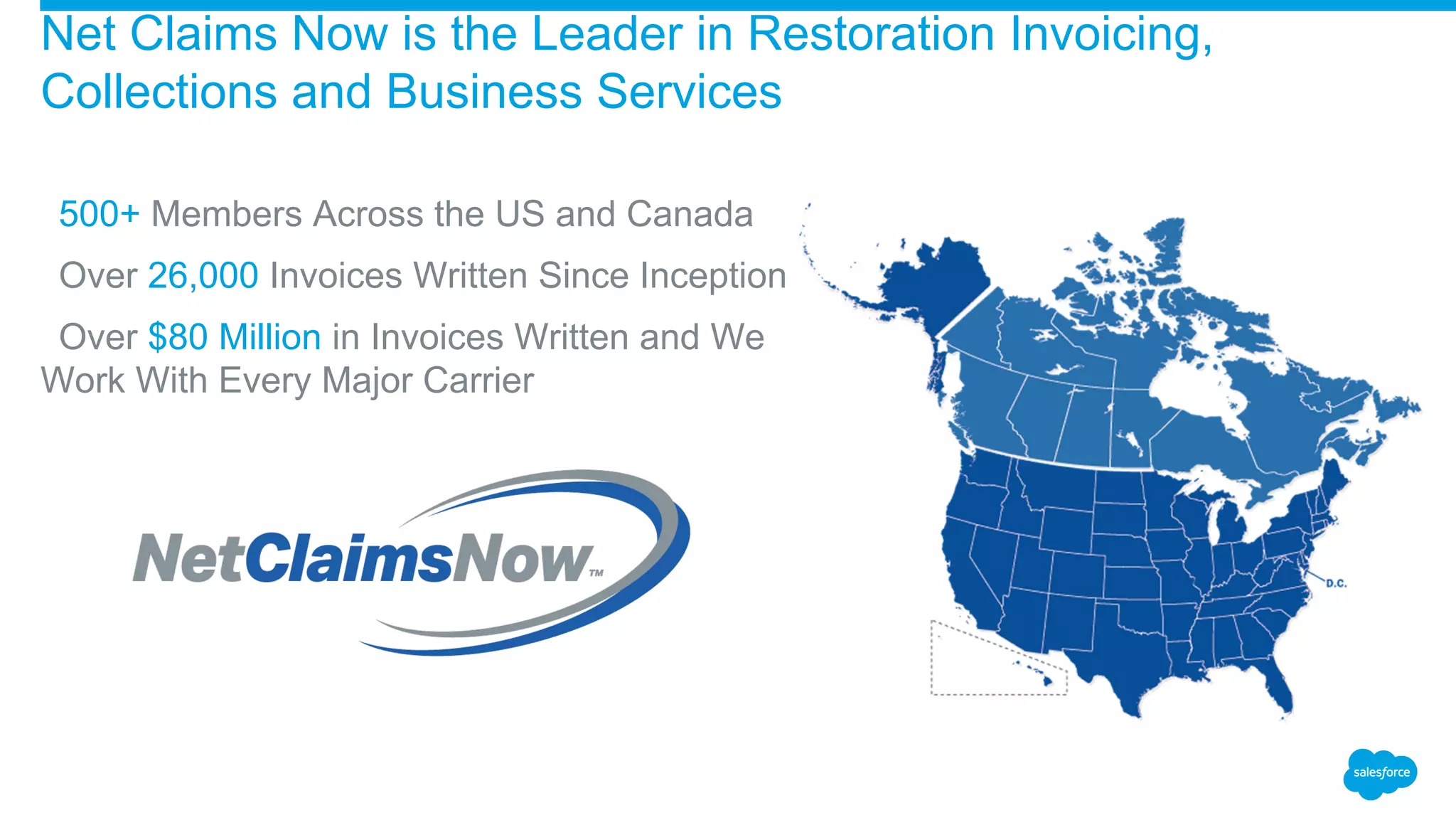
​500+ Members Across the US and Canada
​Over 26,000 Invoices Written Since Inception
​Over $80 Million in Invoices Written and We
Work With Every Major Carrier
Net Claims Now is the Leader in Restoration Invoicing,
Collections and Business Services
Audience Question
​How many of you have end users putting
information where you don’t want it?
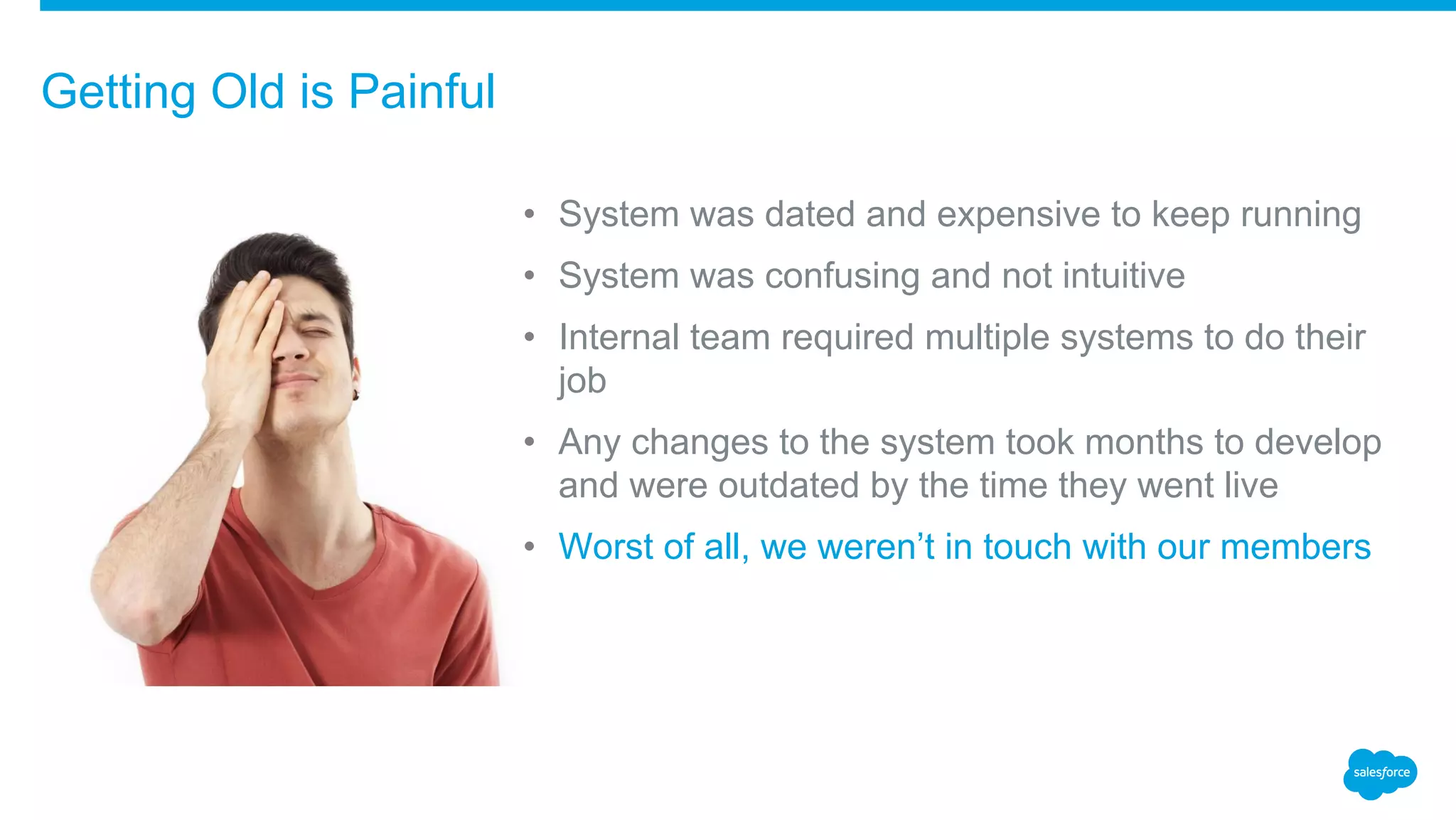
• System was dated and expensive to keep running
• System was confusing and not intuitive
• Internal team required multiple systems to do their
job
• Any changes to the system took months to develop
and were outdated by the time they went live
• Worst of all, we weren’t in touch with our members
Getting Old is Painful
• The User Experience that our members have with our system is frequently the only
interaction they will have with our company in a given time period.
• Our mission is to give our members more time, more money and more control over
their business so ensuring a premium User Experience is essential to meeting that
mission.
• Our member demographic is mostly blue collar SMB owners, they don’t generally
have the time or inclination to learn new systems so we needed a low learning
curve.
Our Members User Experience
• Our team is tasked with performing quickly and accurately and that can only be
done in an easy to use environment
• Providing an environment with constant communication and feedback helps us
ensure we meet the needs of our members.
Our Teams User Experience
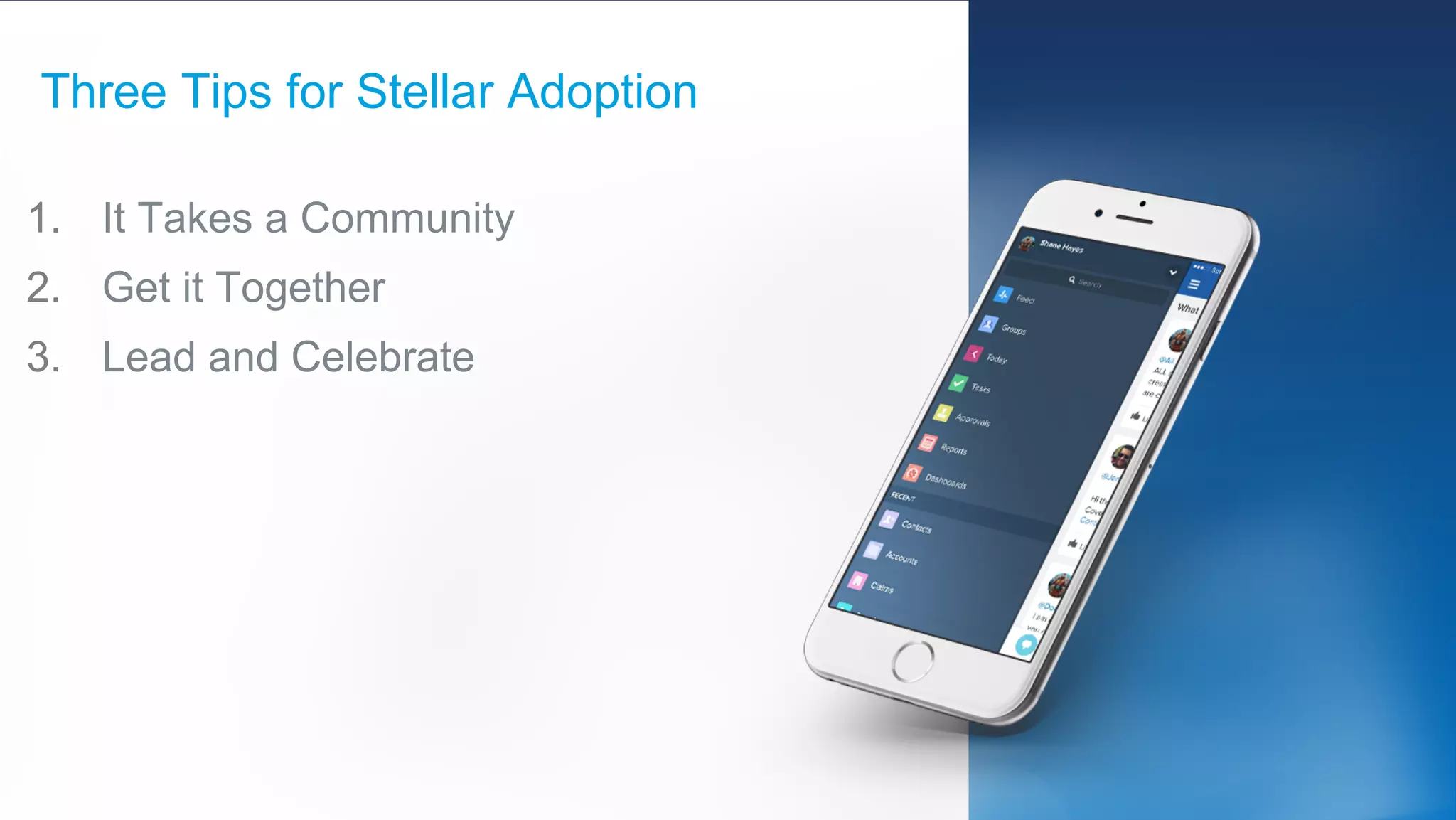
1. It Takes a Community
2. Get it Together
3. Lead and Celebrate
Three Tips for Stellar Adoption
• Engage your customers/clients and listen to their needs
• Actively listen to their concerns and try to identify solutions before your clients
ask for them
• Let your clients know that their voice is important and you are listening
• Communities allow you to turn your clients into brand ambassadors
Tip #1: It Takes a Community
​Combine all your services, portals and systems into one singular user experience
Tip #2: Get It Together
• Lead by example, get your managers
and executive team actively using
Chatter
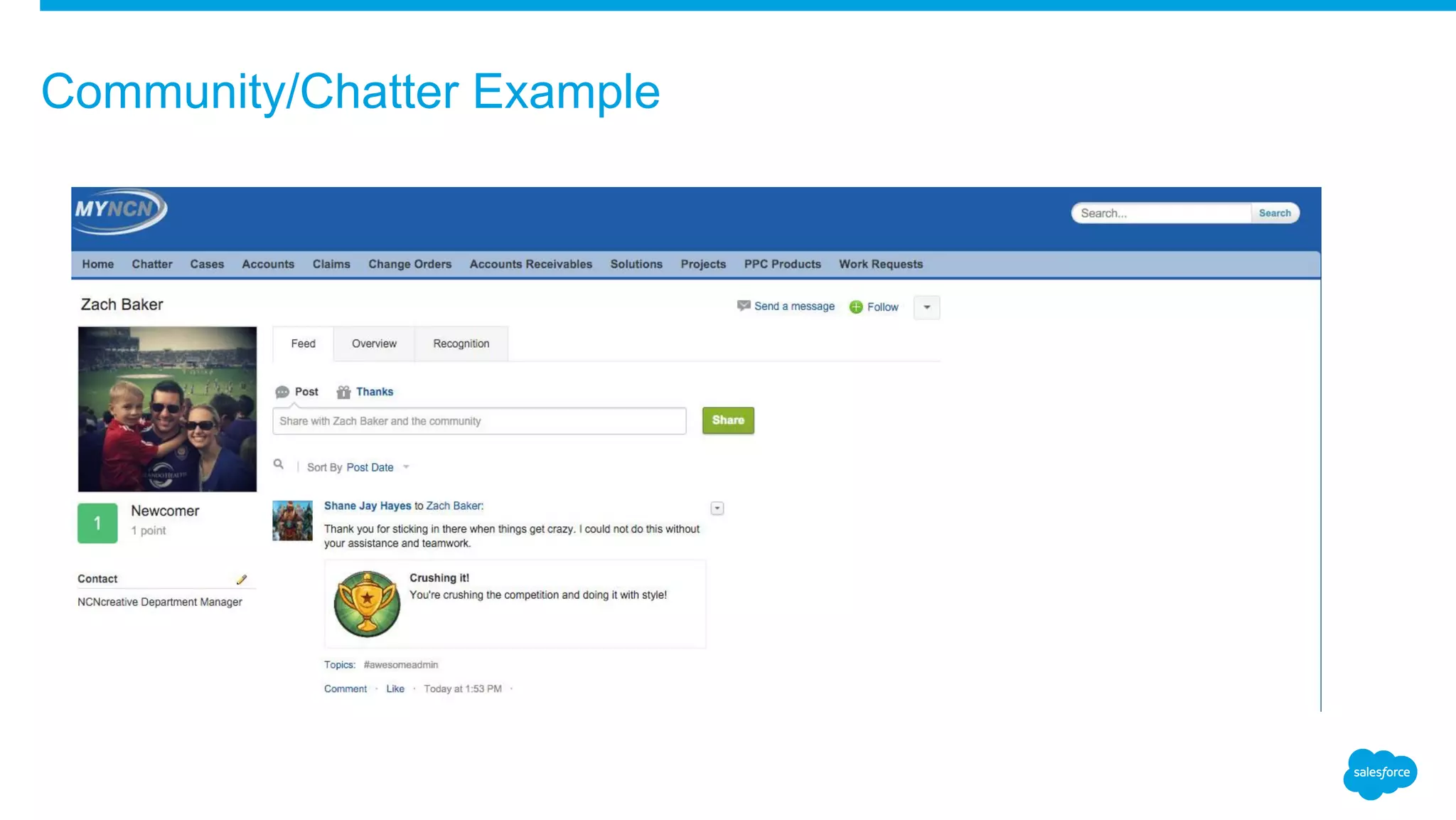
• Use Chatter and THANKS to publicly
congratulate team members and
recognize their hard work
• The more your team see management
use the system the quicker they will
adopt it
Tip #3: Lead and Celebrate
Community/Chatter Example
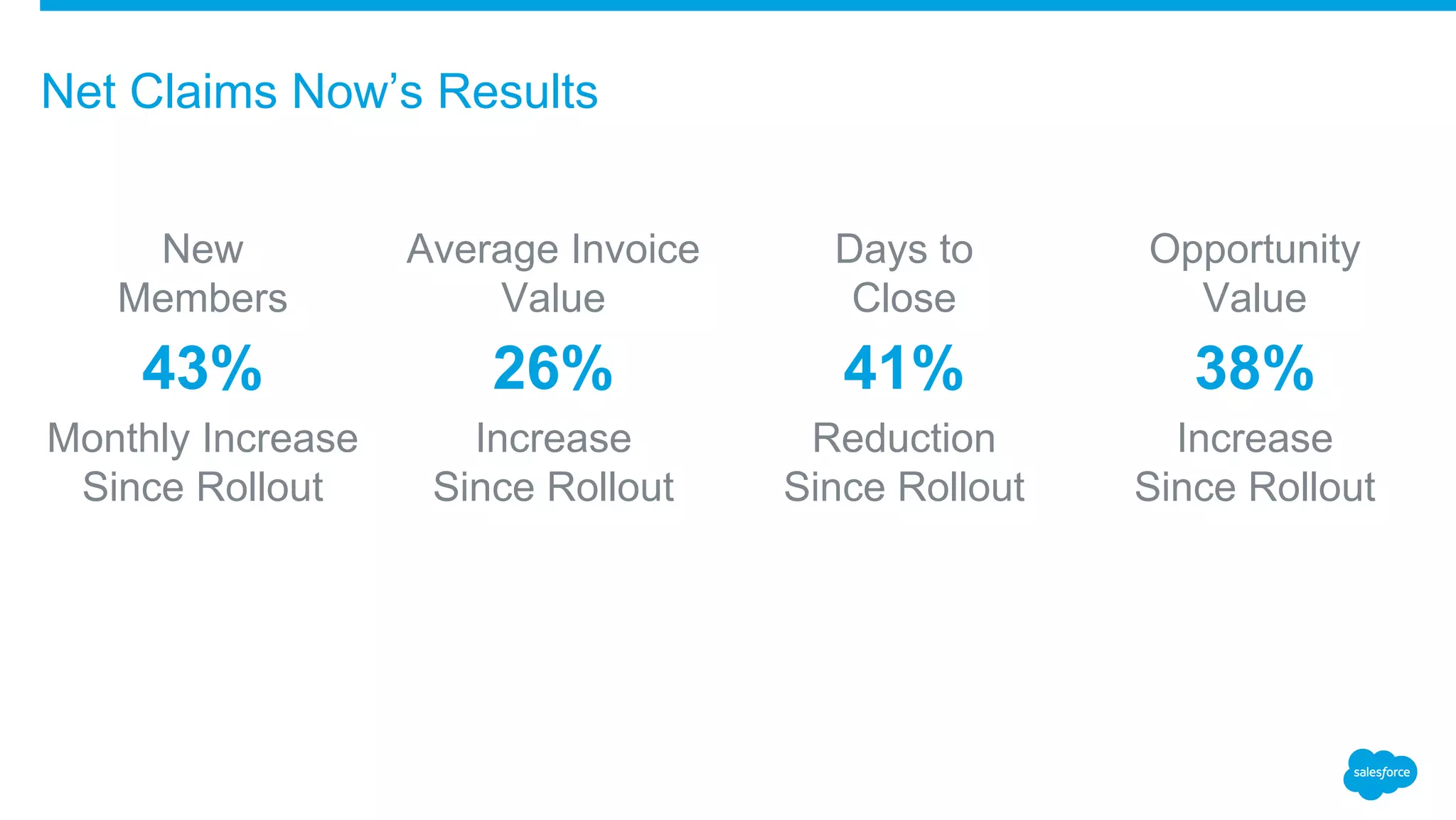
Net Claims Now’s Results
New
Members
43%
Monthly Increase
Since Rollout
Average Invoice
Value
26%
Increase
Since Rollout
Days to
Close
41%
Reduction
Since Rollout
Opportunity
Value
38%
Increase
Since Rollout
Jonathon Moody
VP Operations
Versature
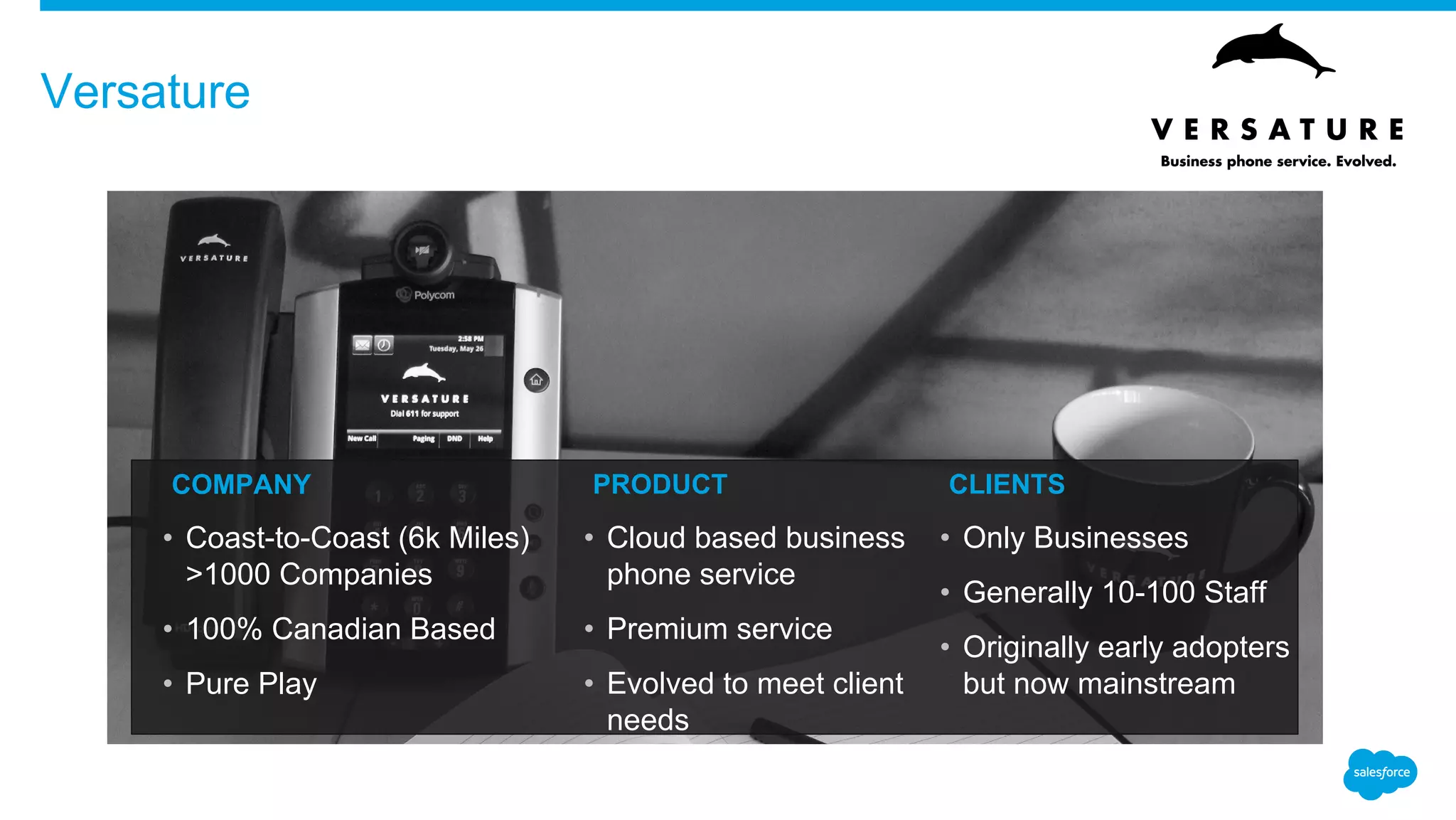
Versature
​COMPANY
• Coast-to-Coast (6k Miles)
>1000 Companies
• 100% Canadian Based
• Pure Play
​PRODUCT
• Cloud based business
phone service
• Premium service
• Evolved to meet client
needs
​CLIENTS
• Only Businesses
• Generally 10-100 Staff
• Originally early adopters
but now mainstream
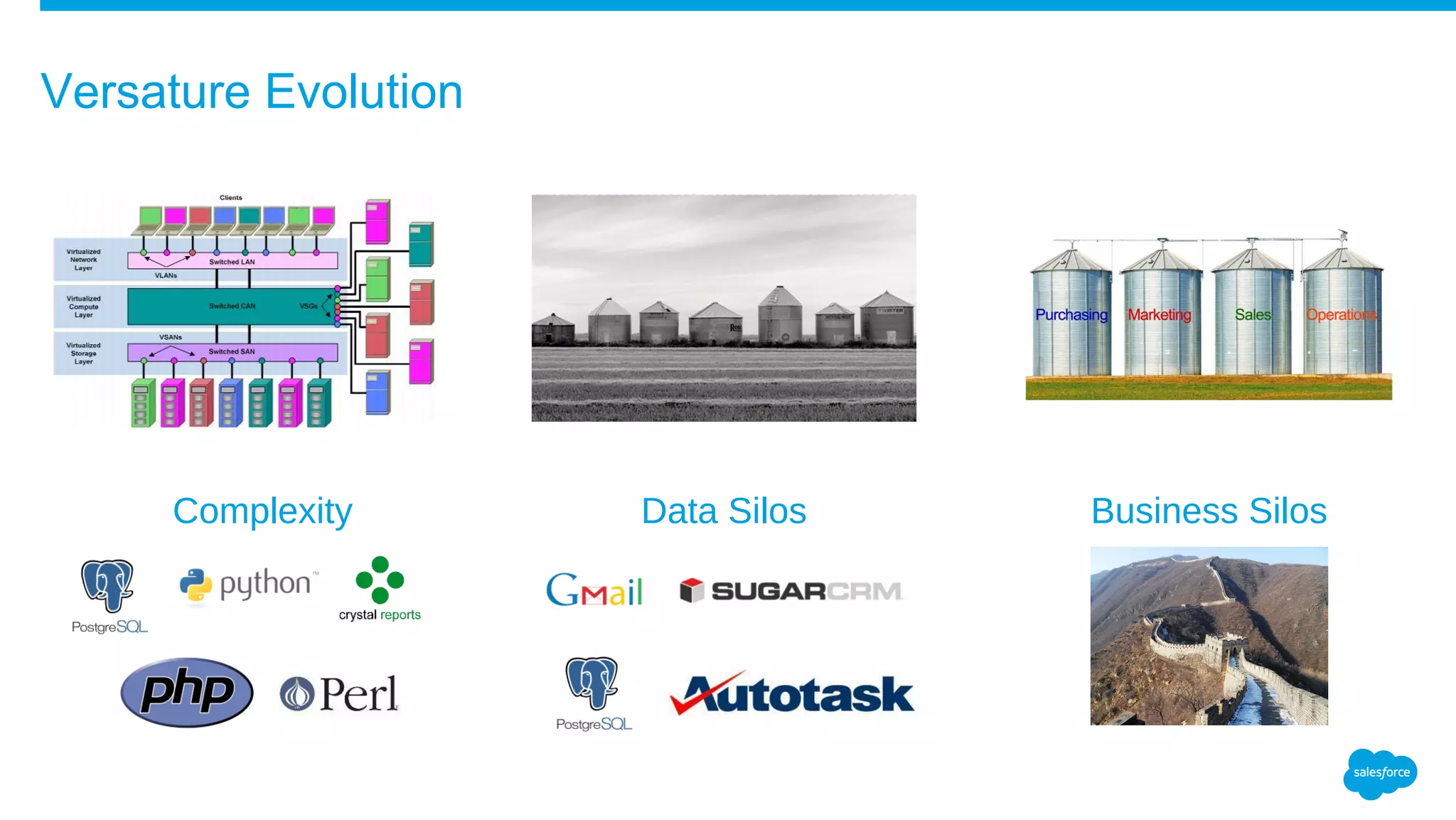
Business SilosComplexity Data Silos
Versature Evolution
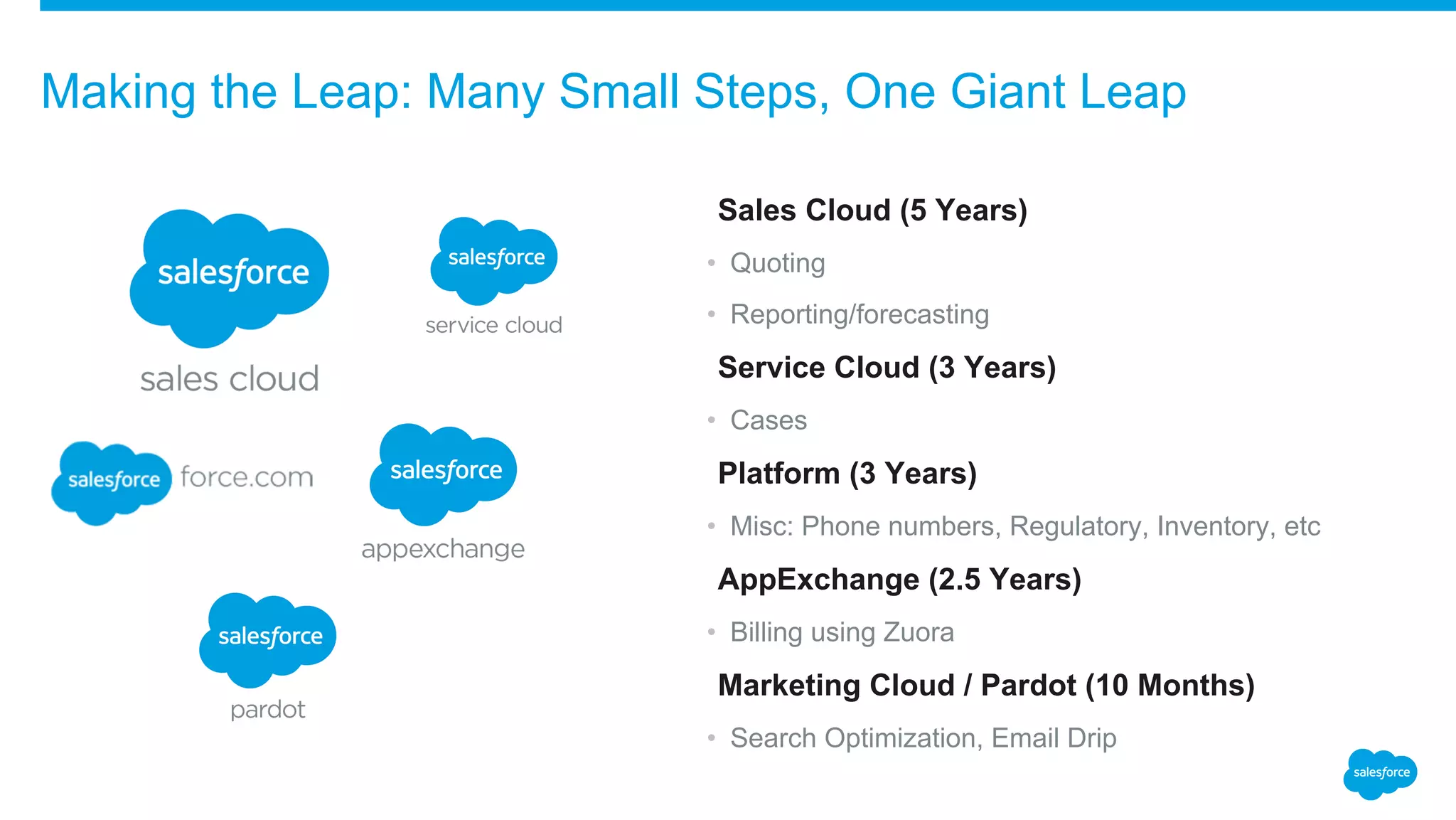
​Sales Cloud (5 Years)
• Quoting
• Reporting/forecasting
​Service Cloud (3 Years)
• Cases
​Platform (3 Years)
• Misc: Phone numbers, Regulatory, Inventory, etc
​AppExchange (2.5 Years)
• Billing using Zuora
​Marketing Cloud / Pardot (10 Months)
• Search Optimization, Email Drip
Making the Leap: Many Small Steps, One Giant Leap
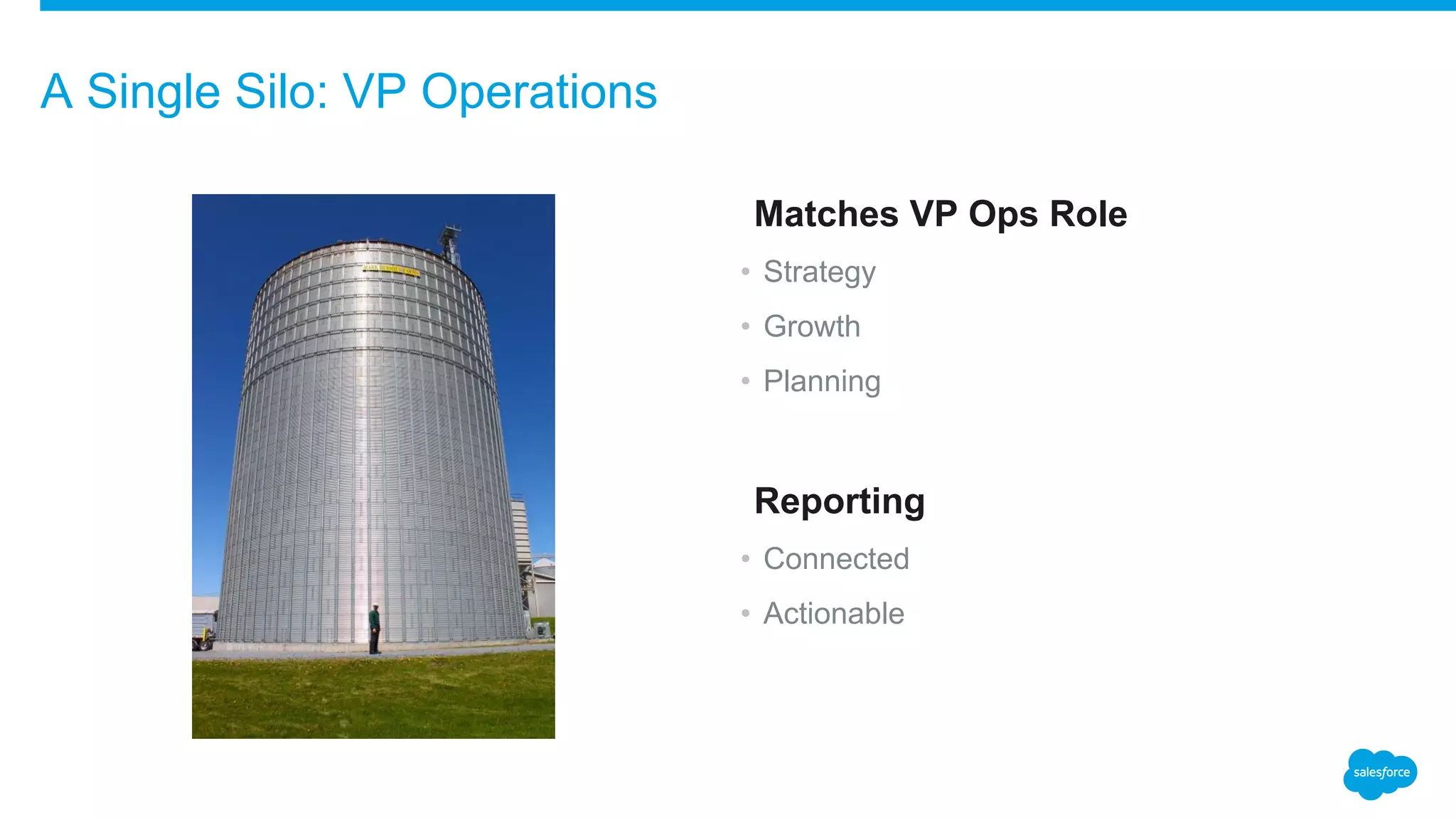
​Matches VP Ops Role
• Strategy
• Growth
• Planning
​Reporting
• Connected
• Actionable
A Single Silo: VP Operations
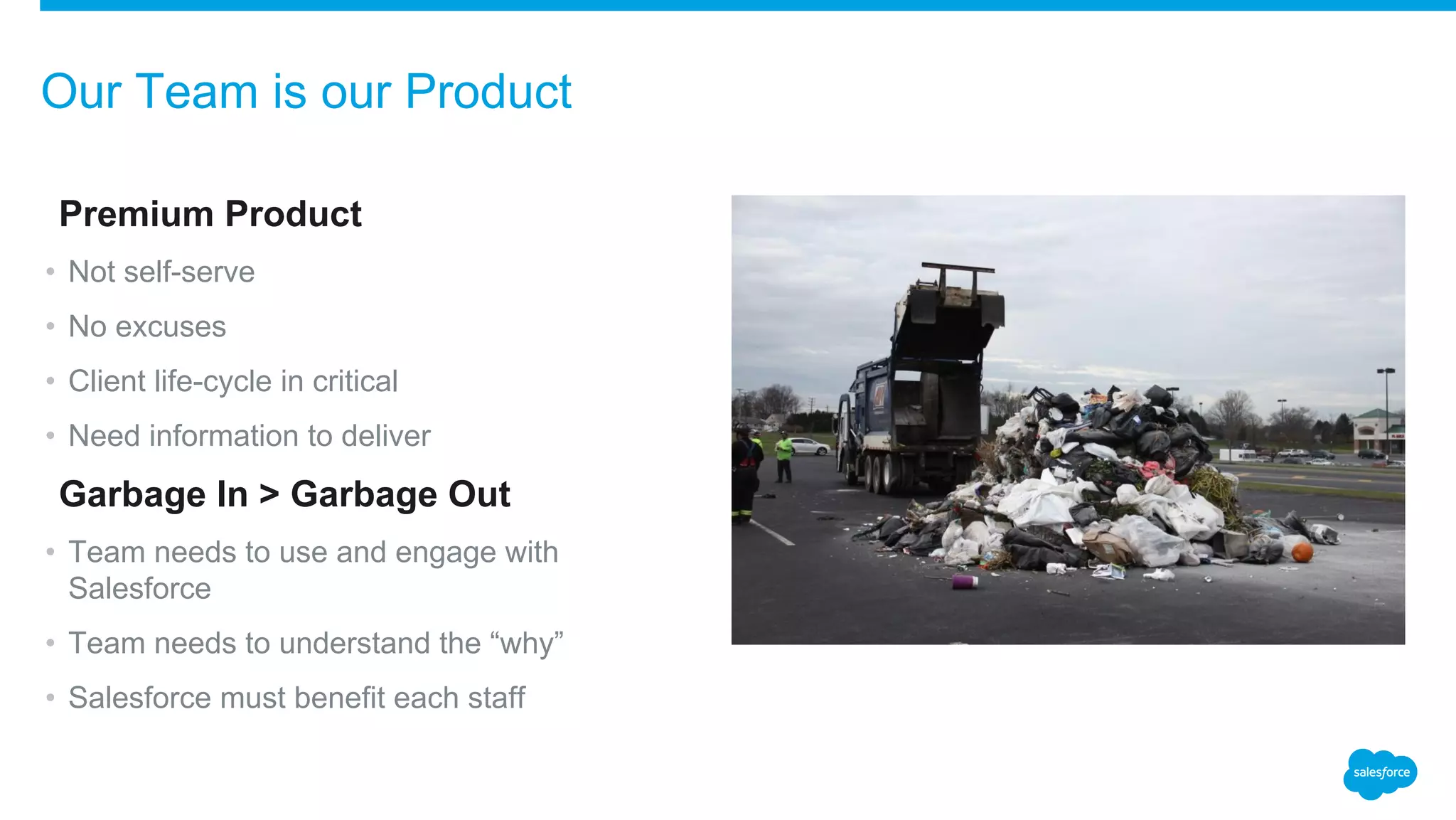
​Premium Product
• Not self-serve
• No excuses
• Client life-cycle in critical
• Need information to deliver
​Garbage In > Garbage Out
• Team needs to use and engage with
Salesforce
• Team needs to understand the “why”
• Salesforce must benefit each staff
Our Team is our Product
Versature’s 3 Tips to Create an Amazing User Experience
​#
1SINGLE
PLATFORM
​#
2RESPONSIVE
ADMINISTRATION
​#
3YOU ARE NOT
AN ISLAND
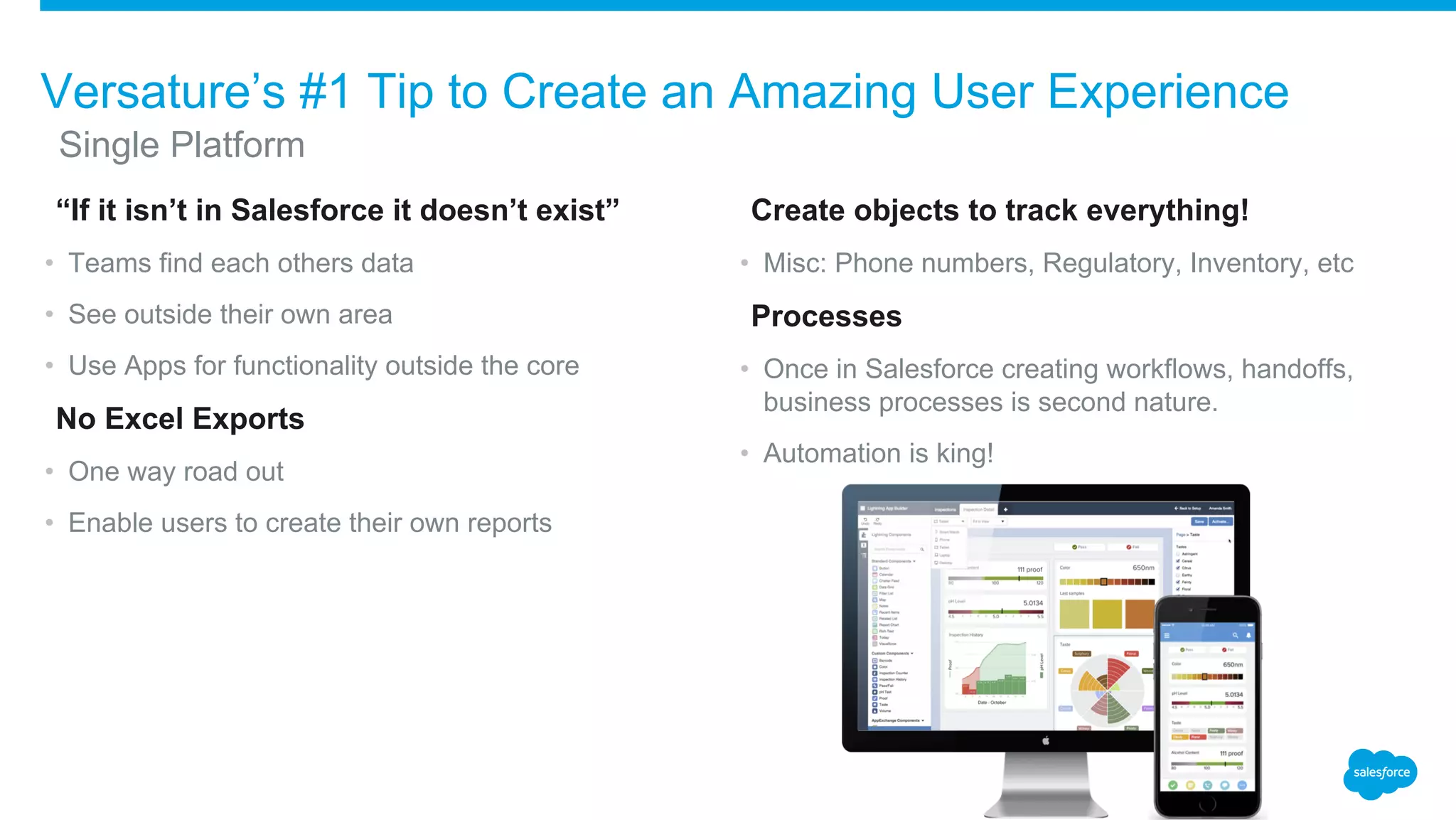
​“If it isn’t in Salesforce it doesn’t exist”
• Teams find each others data
• See outside their own area
• Use Apps for functionality outside the core
​No Excel Exports
• One way road out
• Enable users to create their own reports
​Create objects to track everything!
• Misc: Phone numbers, Regulatory, Inventory, etc
​Processes
• Once in Salesforce creating workflows, handoffs,
business processes is second nature.
• Automation is king!
Versature’s #1 Tip to Create an Amazing User Experience
​Single Platform
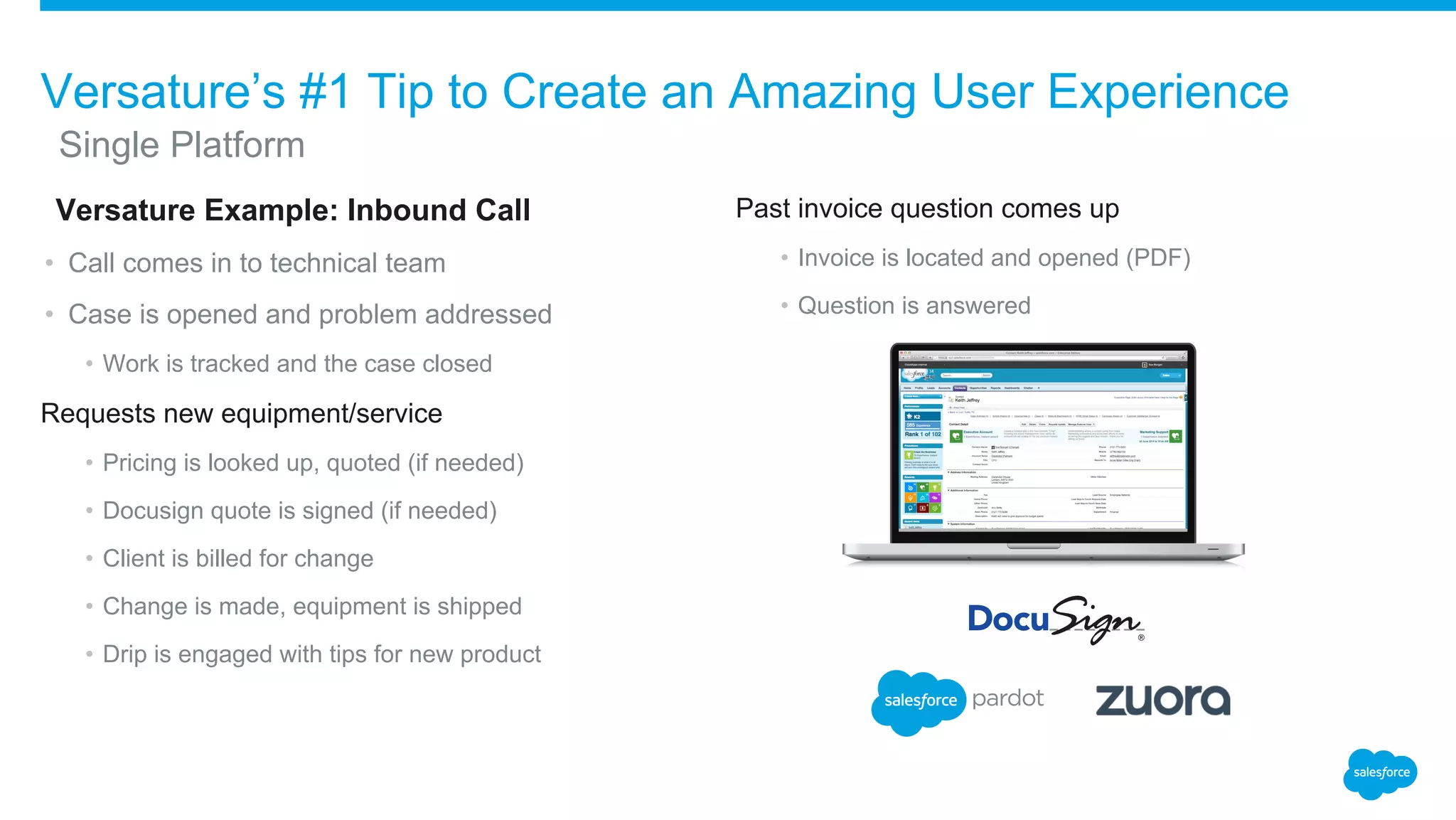
​Versature Example: Inbound Call
• Call comes in to technical team
• Case is opened and problem addressed
• Work is tracked and the case closed
Requests new equipment/service
• Pricing is looked up, quoted (if needed)
• Docusign quote is signed (if needed)
• Client is billed for change
• Change is made, equipment is shipped
• Drip is engaged with tips for new product
Past invoice question comes up
• Invoice is located and opened (PDF)
• Question is answered
Versature’s #1 Tip to Create an Amazing User Experience
​Single Platform
​Add fields, create new options in drop downs
• Good data comes from accurate options
• Accurate options from living systems
​Reward Feedback
• Quick changes will encourage usage and feedback
​Create objects to track everything!
• Misc: Phone numbers, Regulatory, Inventory, etc.
​Processes
• Once in Salesforce creating workflows, handoffs, business
processes is second nature
• Automation is king!
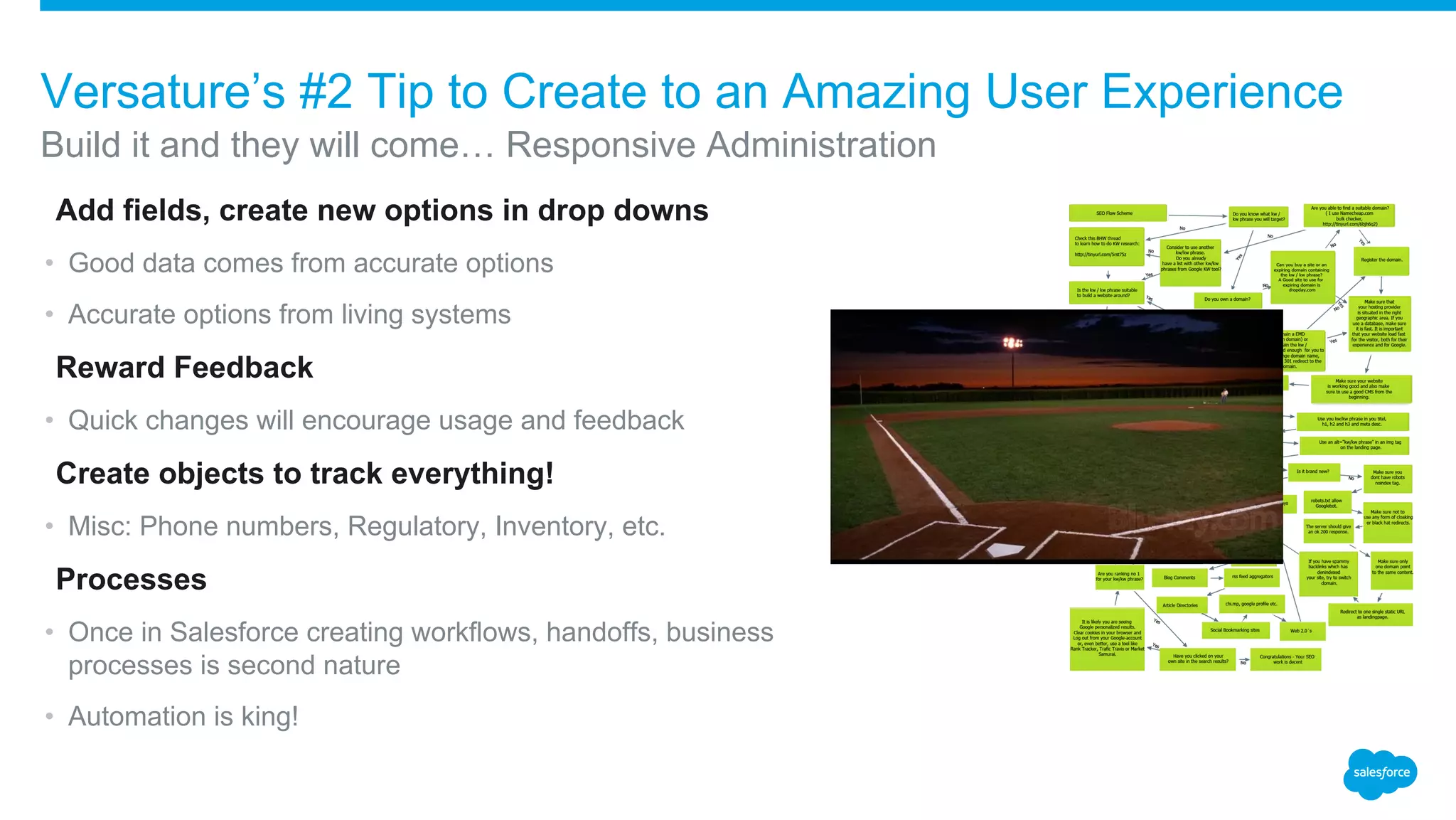
Build it and they will come… Responsive Administration
Versature’s #2 Tip to Create to an Amazing User Experience
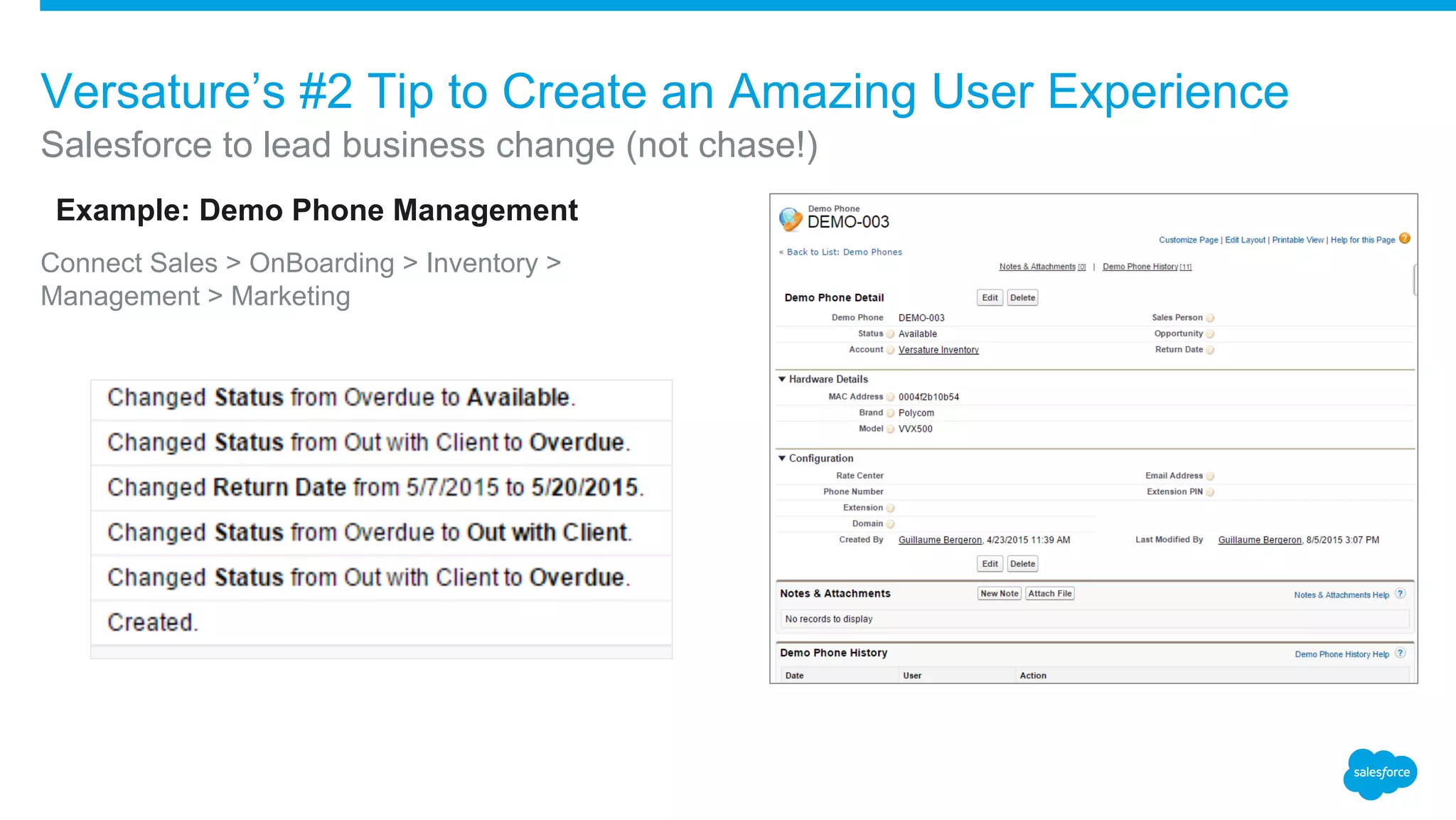
​Example: Demo Phone Management
Connect Sales > OnBoarding > Inventory >
Management > Marketing
Salesforce to lead business change (not chase!)
Versature’s #2 Tip to Create an Amazing User Experience
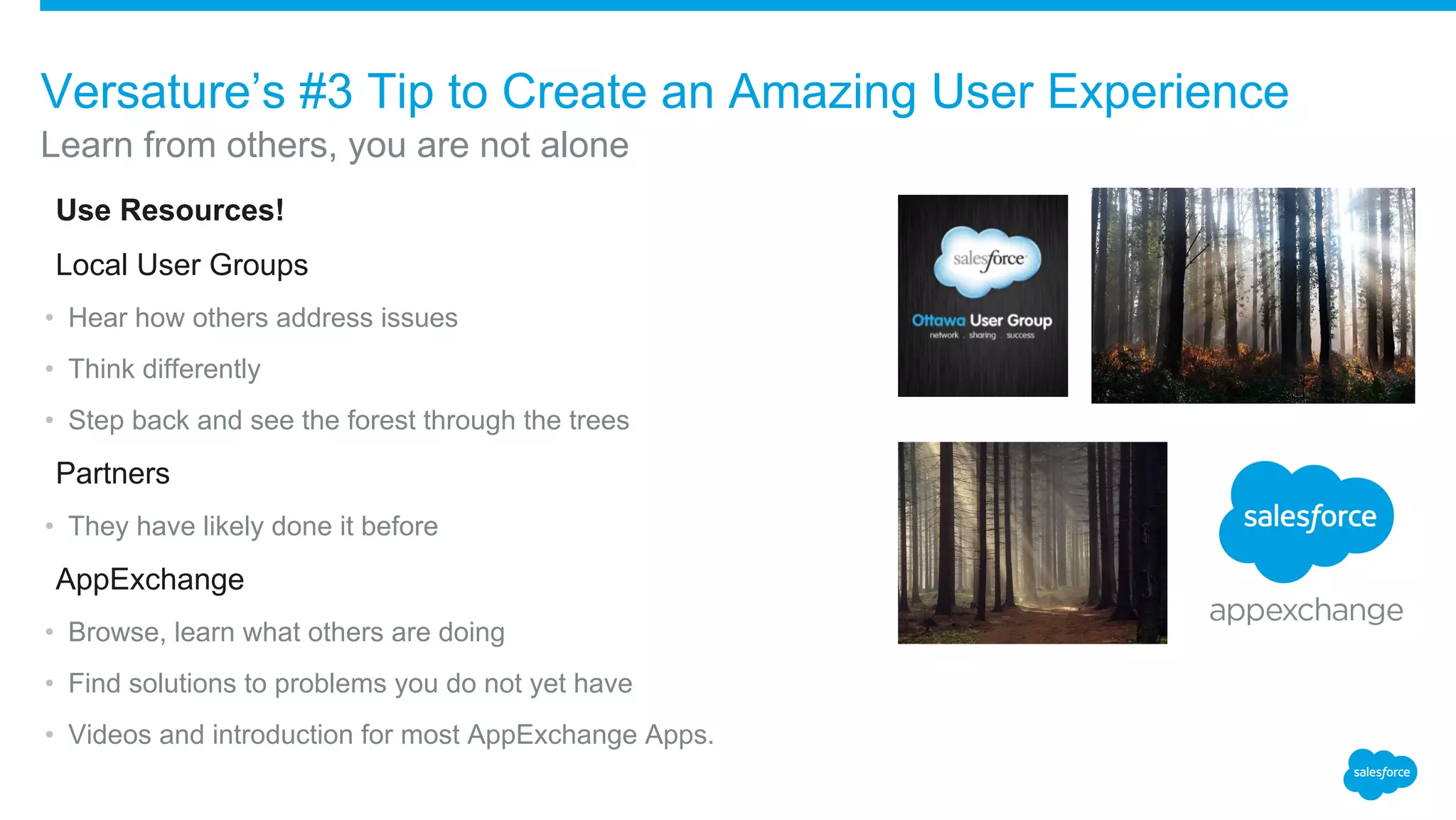
​Use Resources!
​Local User Groups
• Hear how others address issues
• Think differently
• Step back and see the forest through the trees
​Partners
• They have likely done it before
​AppExchange
• Browse, learn what others are doing
• Find solutions to problems you do not yet have
• Videos and introduction for most AppExchange Apps.
Learn from others, you are not alone
Versature’s #3 Tip to Create an Amazing User Experience
​Lessons Learned and Applied:
• Billing: Zuora
• Chatter: Swarms
• Surveys: Many
• Gamification: LevelEleven
• Esignatures: Docusign
• Popup Notifications: Riptide
• Document Generation: Conga
• Gmail Integration: Cirrus Insight
​They have all contributed to our experience, processes, look, feel, approach even when not a client.
Learn from others, you are not alone
Versature’s #3 Tip to Create an Amazing User Experience
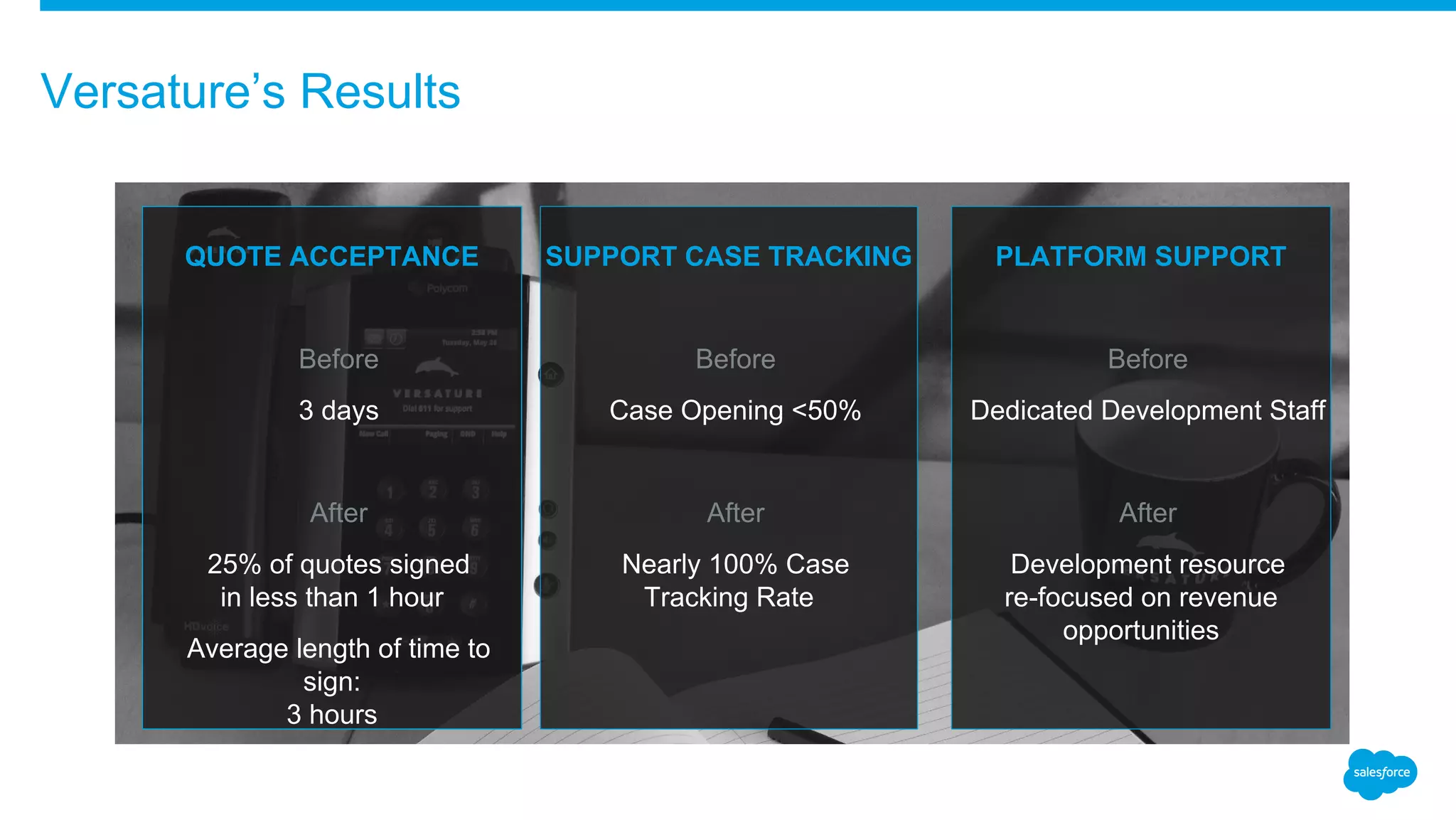
Versature’s Results
​
QUOTE ACCEPTANCE
​Before
​3 days
​After
​25% of quotes signed
in less than 1 hour
​Average length of time to
sign:
3 hours
​
SUPPORT CASE TRACKING
​Before
​Case Opening <50%
​After
​Nearly 100% Case
Tracking Rate
​
PLATFORM SUPPORT
​Before
​Dedicated Development Staff
​After
​Development resource
re-focused on revenue
opportunities
Thank you

How to Create an Amazing User Experience - Dreamforce '15

  • 1.
    How to Createan Amazing User Experience ​Shane Jay Hayes ​Chief Information Officer ​Net Claims Now ​@shanejayhayes ​Jonathon Moody ​VP Operations ​Versature ​@jonathonmoody
  • 2.
    ​Safe harbor statementunder the Private Securities Litigation Reform Act of 1995: ​This presentation may contain forward-looking statements that involve risks, uncertainties, and assumptions. If any such uncertainties materialize or if any of the assumptions proves incorrect, the results of salesforce.com, inc. could differ materially from the results expressed or implied by the forward-looking statements we make. All statements other than statements of historical fact could be deemed forward-looking, including any projections of product or service availability, subscriber growth, earnings, revenues, or other financial items and any statements regarding strategies or plans of management for future operations, statements of belief, any statements concerning new, planned, or upgraded services or technology developments and customer contracts or use of our services. ​The risks and uncertainties referred to above include – but are not limited to – risks associated with developing and delivering new functionality for our service, new products and services, our new business model, our past operating losses, possible fluctuations in our operating results and rate of growth, interruptions or delays in our Web hosting, breach of our security measures, the outcome of any litigation, risks associated with completed and any possible mergers and acquisitions, the immature market in which we operate, our relatively limited operating history, our ability to expand, retain, and motivate our employees and manage our growth, new releases of our service and successful customer deployment, our limited history reselling non-salesforce.com products, and utilization and selling to larger enterprise customers. Further information on potential factors that could affect the financial results of salesforce.com, inc. is included in our annual report on Form 10-K for the most recent fiscal year and in our quarterly report on Form 10-Q for the most recent fiscal quarter. These documents and others containing important disclosures are available on the SEC Filings section of the Investor Information section of our Web site. ​Any unreleased services or features referenced in this or other presentations, press releases or public statements are not currently available and may not be delivered on time or at all. Customers who purchase our services should make the purchase decisions based upon features that are currently available. Salesforce.com, inc. assumes no obligation and does not intend to update these forward-looking statements. Safe Harbor
  • 3.
    Shane Jay Hayes ChiefInformation Officer Net Claims Now
  • 4.
    ​500+ Members Acrossthe US and Canada ​Over 26,000 Invoices Written Since Inception ​Over $80 Million in Invoices Written and We Work With Every Major Carrier Net Claims Now is the Leader in Restoration Invoicing, Collections and Business Services
  • 5.
    Audience Question ​How manyof you have end users putting information where you don’t want it?
  • 6.
    • System wasdated and expensive to keep running • System was confusing and not intuitive • Internal team required multiple systems to do their job • Any changes to the system took months to develop and were outdated by the time they went live • Worst of all, we weren’t in touch with our members Getting Old is Painful
  • 7.
    • The UserExperience that our members have with our system is frequently the only interaction they will have with our company in a given time period. • Our mission is to give our members more time, more money and more control over their business so ensuring a premium User Experience is essential to meeting that mission. • Our member demographic is mostly blue collar SMB owners, they don’t generally have the time or inclination to learn new systems so we needed a low learning curve. Our Members User Experience
  • 8.
    • Our teamis tasked with performing quickly and accurately and that can only be done in an easy to use environment • Providing an environment with constant communication and feedback helps us ensure we meet the needs of our members. Our Teams User Experience
  • 9.
    1. It Takesa Community 2. Get it Together 3. Lead and Celebrate Three Tips for Stellar Adoption
  • 10.
    • Engage yourcustomers/clients and listen to their needs • Actively listen to their concerns and try to identify solutions before your clients ask for them • Let your clients know that their voice is important and you are listening • Communities allow you to turn your clients into brand ambassadors Tip #1: It Takes a Community
  • 11.
    ​Combine all yourservices, portals and systems into one singular user experience Tip #2: Get It Together
  • 12.
    • Lead byexample, get your managers and executive team actively using Chatter • Use Chatter and THANKS to publicly congratulate team members and recognize their hard work • The more your team see management use the system the quicker they will adopt it Tip #3: Lead and Celebrate
  • 13.
  • 14.
    Net Claims Now’sResults New Members 43% Monthly Increase Since Rollout Average Invoice Value 26% Increase Since Rollout Days to Close 41% Reduction Since Rollout Opportunity Value 38% Increase Since Rollout
  • 15.
  • 16.
    Versature ​COMPANY • Coast-to-Coast (6kMiles) >1000 Companies • 100% Canadian Based • Pure Play ​PRODUCT • Cloud based business phone service • Premium service • Evolved to meet client needs ​CLIENTS • Only Businesses • Generally 10-100 Staff • Originally early adopters but now mainstream
  • 17.
    Business SilosComplexity DataSilos Versature Evolution
  • 18.
    ​Sales Cloud (5Years) • Quoting • Reporting/forecasting ​Service Cloud (3 Years) • Cases ​Platform (3 Years) • Misc: Phone numbers, Regulatory, Inventory, etc ​AppExchange (2.5 Years) • Billing using Zuora ​Marketing Cloud / Pardot (10 Months) • Search Optimization, Email Drip Making the Leap: Many Small Steps, One Giant Leap
  • 19.
    ​Matches VP OpsRole • Strategy • Growth • Planning ​Reporting • Connected • Actionable A Single Silo: VP Operations
  • 20.
    ​Premium Product • Notself-serve • No excuses • Client life-cycle in critical • Need information to deliver ​Garbage In > Garbage Out • Team needs to use and engage with Salesforce • Team needs to understand the “why” • Salesforce must benefit each staff Our Team is our Product
  • 21.
    Versature’s 3 Tipsto Create an Amazing User Experience ​# 1SINGLE PLATFORM ​# 2RESPONSIVE ADMINISTRATION ​# 3YOU ARE NOT AN ISLAND
  • 22.
    ​“If it isn’tin Salesforce it doesn’t exist” • Teams find each others data • See outside their own area • Use Apps for functionality outside the core ​No Excel Exports • One way road out • Enable users to create their own reports ​Create objects to track everything! • Misc: Phone numbers, Regulatory, Inventory, etc ​Processes • Once in Salesforce creating workflows, handoffs, business processes is second nature. • Automation is king! Versature’s #1 Tip to Create an Amazing User Experience ​Single Platform
  • 23.
    ​Versature Example: InboundCall • Call comes in to technical team • Case is opened and problem addressed • Work is tracked and the case closed Requests new equipment/service • Pricing is looked up, quoted (if needed) • Docusign quote is signed (if needed) • Client is billed for change • Change is made, equipment is shipped • Drip is engaged with tips for new product Past invoice question comes up • Invoice is located and opened (PDF) • Question is answered Versature’s #1 Tip to Create an Amazing User Experience ​Single Platform
  • 24.
    ​Add fields, createnew options in drop downs • Good data comes from accurate options • Accurate options from living systems ​Reward Feedback • Quick changes will encourage usage and feedback ​Create objects to track everything! • Misc: Phone numbers, Regulatory, Inventory, etc. ​Processes • Once in Salesforce creating workflows, handoffs, business processes is second nature • Automation is king! Build it and they will come… Responsive Administration Versature’s #2 Tip to Create to an Amazing User Experience
  • 25.
    ​Example: Demo PhoneManagement Connect Sales > OnBoarding > Inventory > Management > Marketing Salesforce to lead business change (not chase!) Versature’s #2 Tip to Create an Amazing User Experience
  • 26.
    ​Use Resources! ​Local UserGroups • Hear how others address issues • Think differently • Step back and see the forest through the trees ​Partners • They have likely done it before ​AppExchange • Browse, learn what others are doing • Find solutions to problems you do not yet have • Videos and introduction for most AppExchange Apps. Learn from others, you are not alone Versature’s #3 Tip to Create an Amazing User Experience
  • 27.
    ​Lessons Learned andApplied: • Billing: Zuora • Chatter: Swarms • Surveys: Many • Gamification: LevelEleven • Esignatures: Docusign • Popup Notifications: Riptide • Document Generation: Conga • Gmail Integration: Cirrus Insight ​They have all contributed to our experience, processes, look, feel, approach even when not a client. Learn from others, you are not alone Versature’s #3 Tip to Create an Amazing User Experience
  • 28.
    Versature’s Results ​ QUOTE ACCEPTANCE ​Before ​3days ​After ​25% of quotes signed in less than 1 hour ​Average length of time to sign: 3 hours ​ SUPPORT CASE TRACKING ​Before ​Case Opening <50% ​After ​Nearly 100% Case Tracking Rate ​ PLATFORM SUPPORT ​Before ​Dedicated Development Staff ​After ​Development resource re-focused on revenue opportunities
  • 29.