Download to read offline
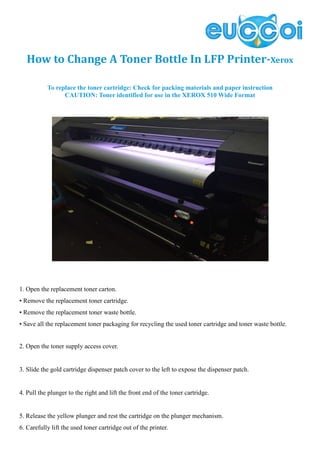

The document provides instructions for replacing the toner cartridge in an LFP printer: 1. Open the replacement toner carton and remove the new toner cartridge and waste bottle, recycling the used materials. 2. Open the toner supply access cover and slide the gold cartridge dispenser patch cover to expose the dispenser patch. 3. Carefully lift out the used toner cartridge and install the new one by lowering it into position and sliding the patch cover back to conceal it, then close the access cover.


