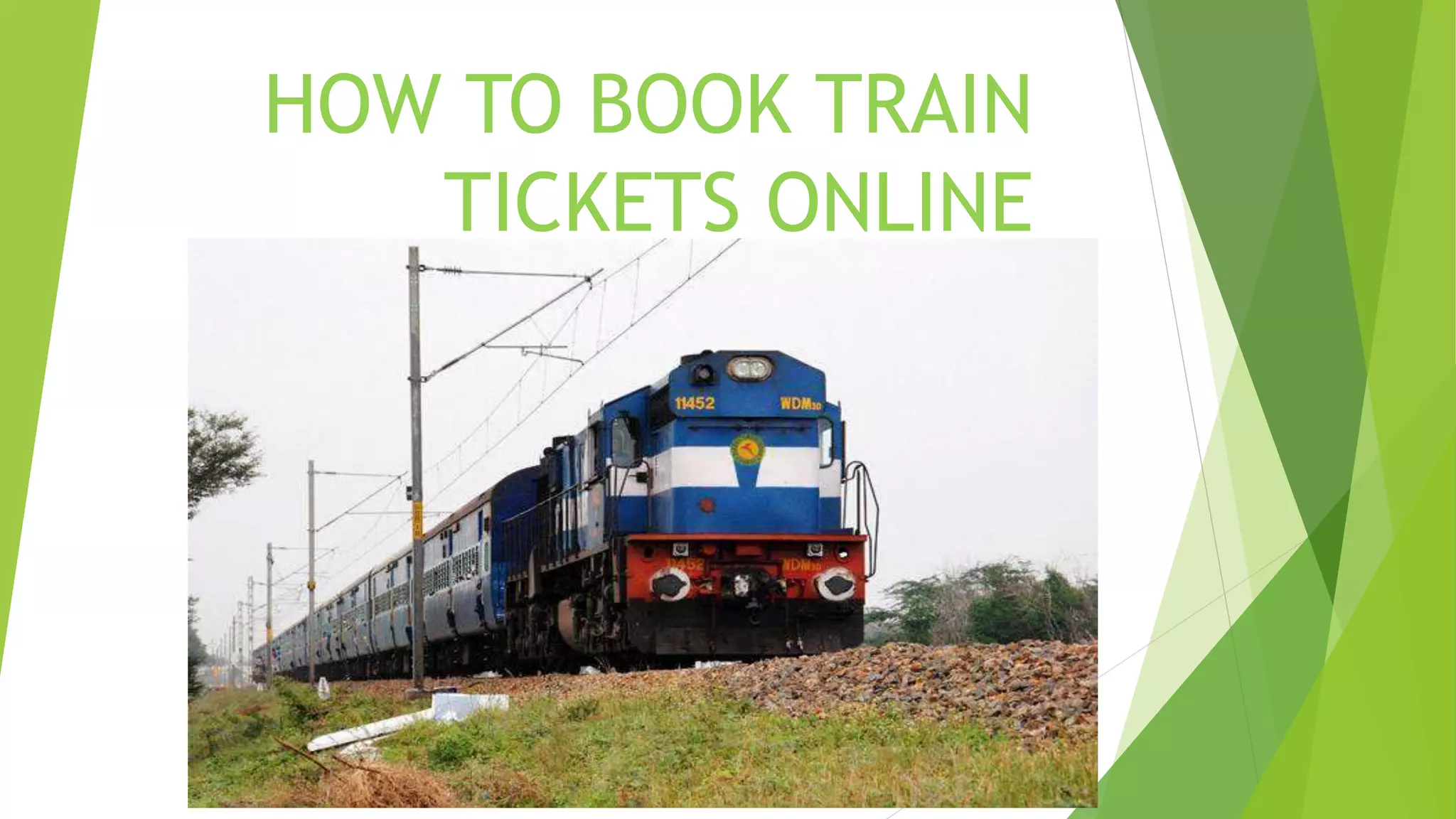
HOW TO BOOK TRAIN
TICKETS ONLINE
~ Increases security, speed and accuracy.
~ Results are received very quickly.
~ Train tickets can obtain or cancel a
reservation from anywhere.
~ It's easy to manage your calendar.
~ Customer can obtain or cancel a
reservation
from anywhere

 Simple Steps For Online
 Railway Ticket Booking
 Step 1: Visit the IRCTC e-ticketing website:
www.irctc. co.in.
 Step 2: Login to the IRCTC website by using user id,
password.
Step 3: You can either login with OTP facility or by
entering thecaptcha code. If opting the OTP facility, enter
the OneTime Password (OTP) sent on the registered mobile
number to log in.in
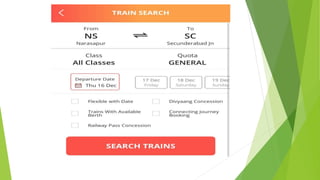
Step 4: Fill the railway stations between which you
wish to travel, ‘source station’ and ‘destination station’ on
the ‘Book YourTicket’ on the homepage of the IRCTC
website.
Step 5: Enter the date of journey and class of
travel.‘Book
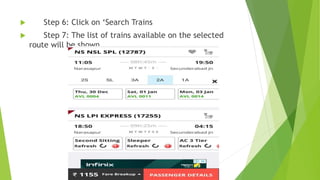
 Step 6: Click on ‘Search Trains
 Step 7: The list of trains available on the selected
route will be shown

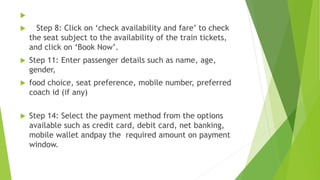
 Step 8: Click on ‘check availability and fare’ to check
the seat subject to the availability of the train tickets,
and click on ‘Book Now’.
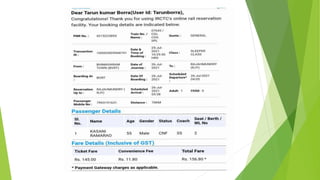
 Step 11: Enter passenger details such as name, age,
gender,
 food choice, seat preference, mobile number, preferred
coach id (if any)
 Step 14: Select the payment method from the options
available such as credit card, debit card, net banking,
mobile wallet andpay the required amount on payment
window.
THANK YOU
Thank you

how to booking train ticket online.pptx

  • 1.
    HOW TO BOOKTRAIN TICKETS ONLINE
  • 2.
    ~ Increases security,speed and accuracy. ~ Results are received very quickly. ~ Train tickets can obtain or cancel a reservation from anywhere. ~ It's easy to manage your calendar. ~ Customer can obtain or cancel a reservation from anywhere
  • 3.
      Simple StepsFor Online  Railway Ticket Booking  Step 1: Visit the IRCTC e-ticketing website: www.irctc. co.in.  Step 2: Login to the IRCTC website by using user id, password.
  • 4.
    Step 3: Youcan either login with OTP facility or by entering thecaptcha code. If opting the OTP facility, enter the OneTime Password (OTP) sent on the registered mobile number to log in.in Step 4: Fill the railway stations between which you wish to travel, ‘source station’ and ‘destination station’ on the ‘Book YourTicket’ on the homepage of the IRCTC website. Step 5: Enter the date of journey and class of travel.‘Book
  • 6.
     Step 6:Click on ‘Search Trains  Step 7: The list of trains available on the selected route will be shown
  • 7.
      Step 8:Click on ‘check availability and fare’ to check the seat subject to the availability of the train tickets, and click on ‘Book Now’.  Step 11: Enter passenger details such as name, age, gender,  food choice, seat preference, mobile number, preferred coach id (if any)  Step 14: Select the payment method from the options available such as credit card, debit card, net banking, mobile wallet andpay the required amount on payment window.
  • 9.